Map Download
This example demonstrates how to list the road maps available on the server for download, how to download a map while indicating the download progress, and how to display the download’s finished status.
How it works
This example demonstrates the following features:
- List road maps available on the server for download.
- Download a map while displaying download progress.
- Indicate when the download is finished.
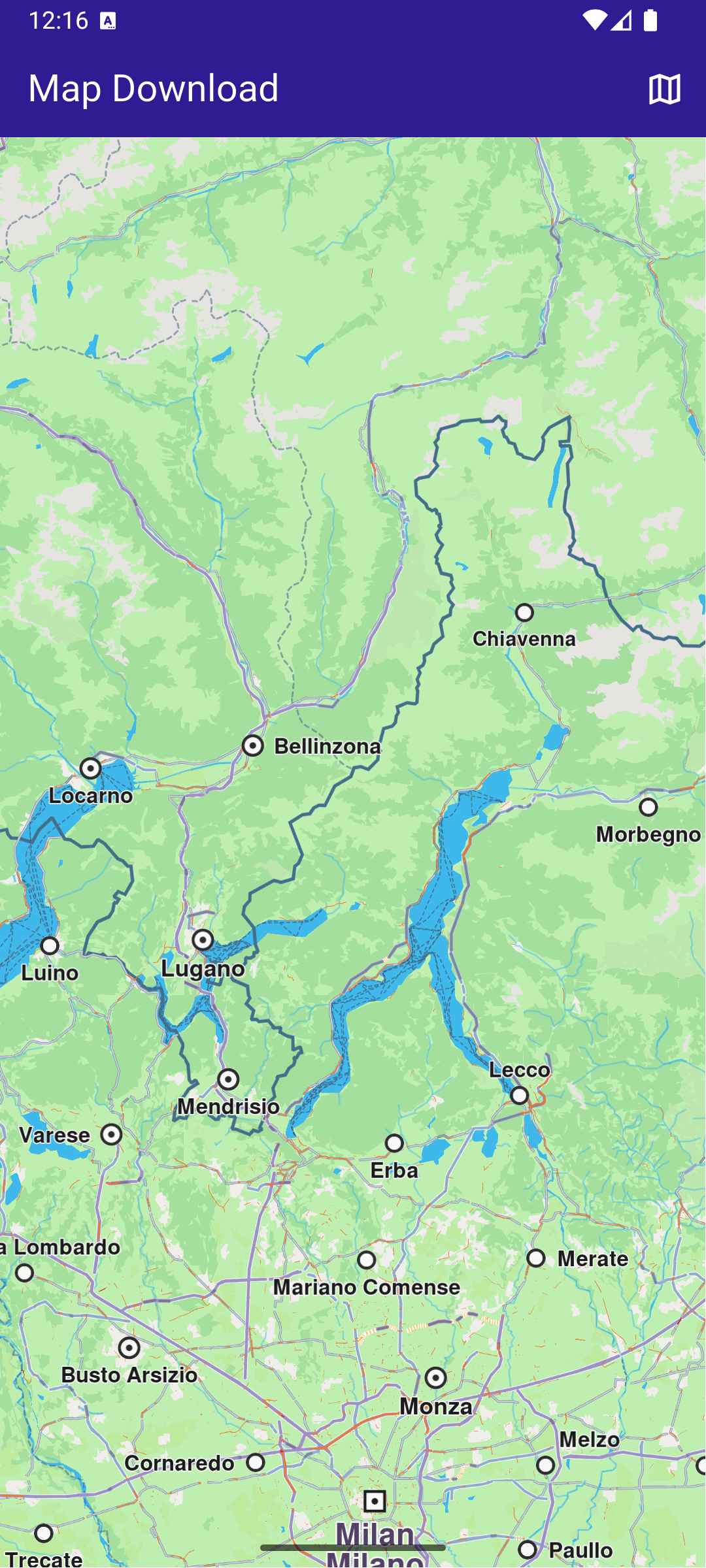
Initial map view
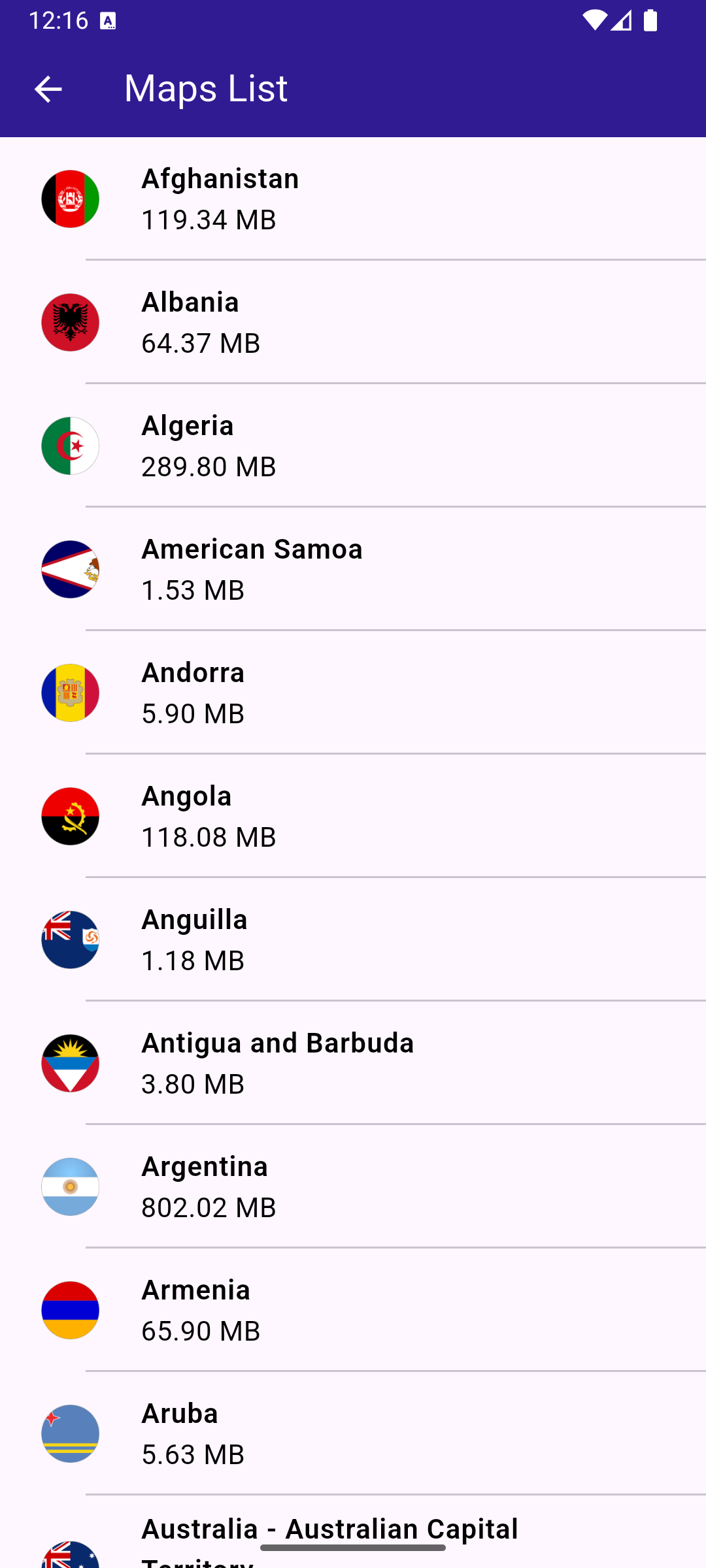
Downloadable Maps list
UI and Map Integration
This code defines the main app structure and how it handles the map’s initialization and the navigation to the map download page.
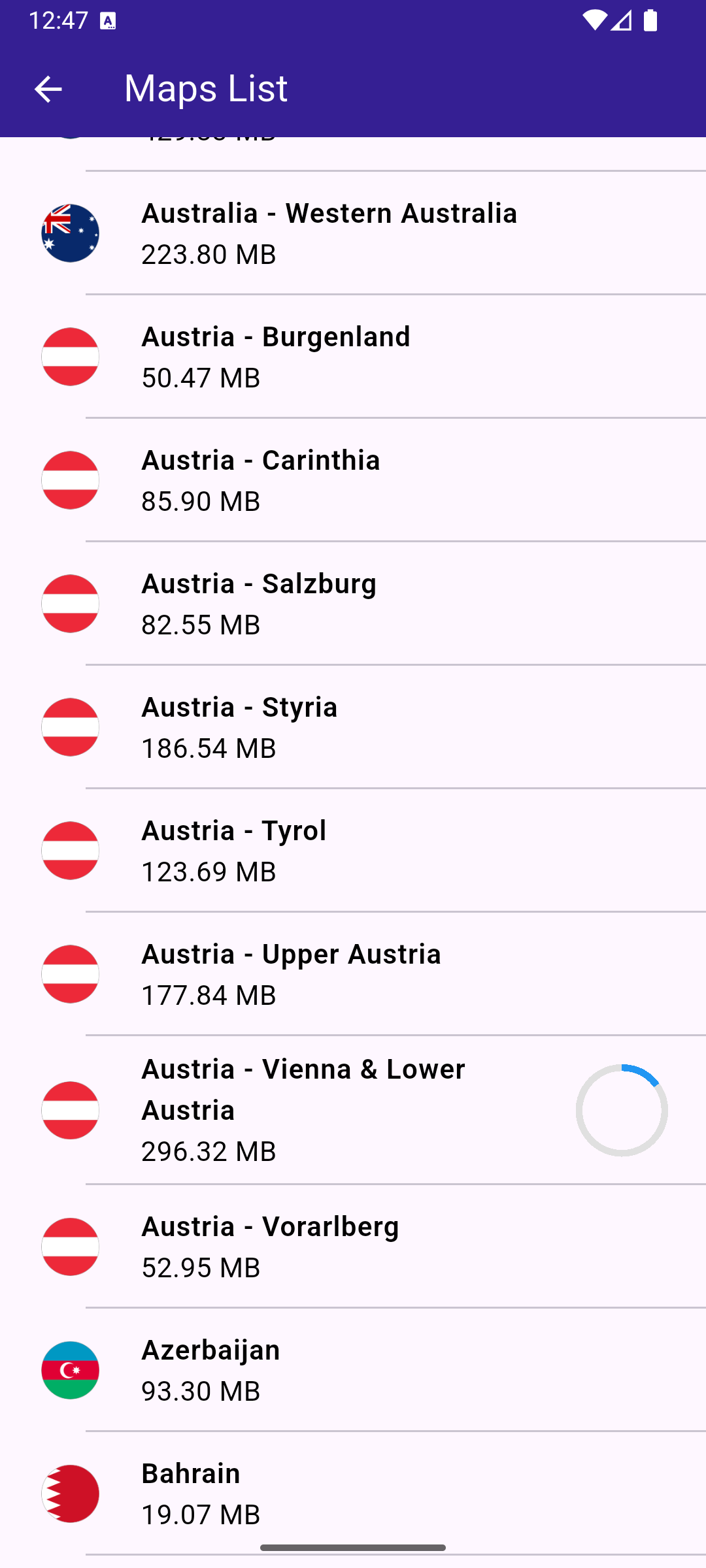
Map downloading
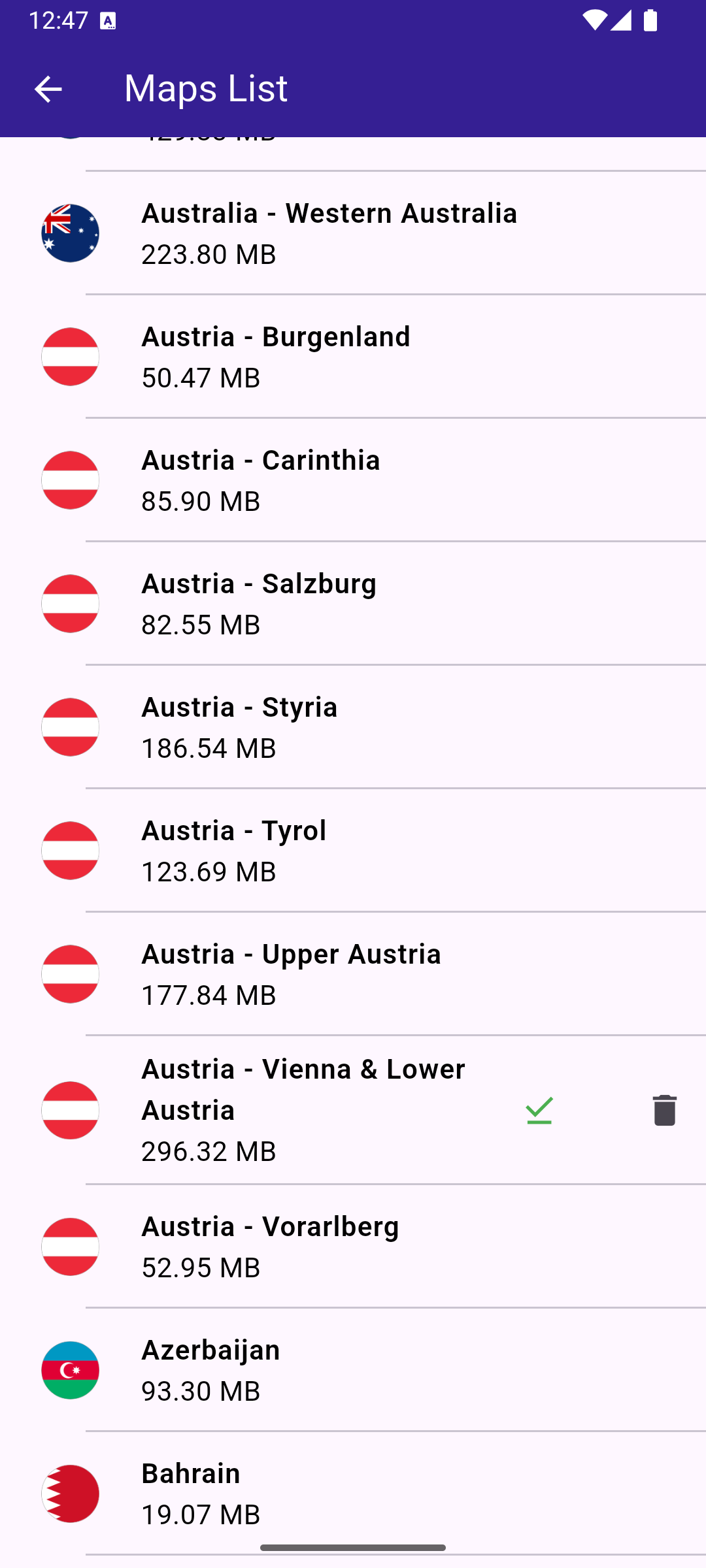
Downloaded map
Maps page
The MapsPage widget fetches the list of maps available for download and displays them in a scrollable list.
Map item
The MapsItem widget represents each map item in the list, allowing users to download or delete maps and see the download progress. The widget also allows pausing and resuming downloads.
Util functions
In the file utils.dart there are some helping functions and extensions for:
- getting the list of online maps
- pause and restart a download (a trick to re-wire the UI logic to the
ContentStoreItems) - Important to mention is that restarting the download is only made after the item is completely paused.