Speed Watcher
In this guide, you will learn how to monitor speed using an interactive map, calculate a route based on GPS data, and visualize navigation instructions.
How it works
This example demonstrates the following features:
- Compute a route between two points.
- Simulate navigation on route.
- Monitor speed while navigating.
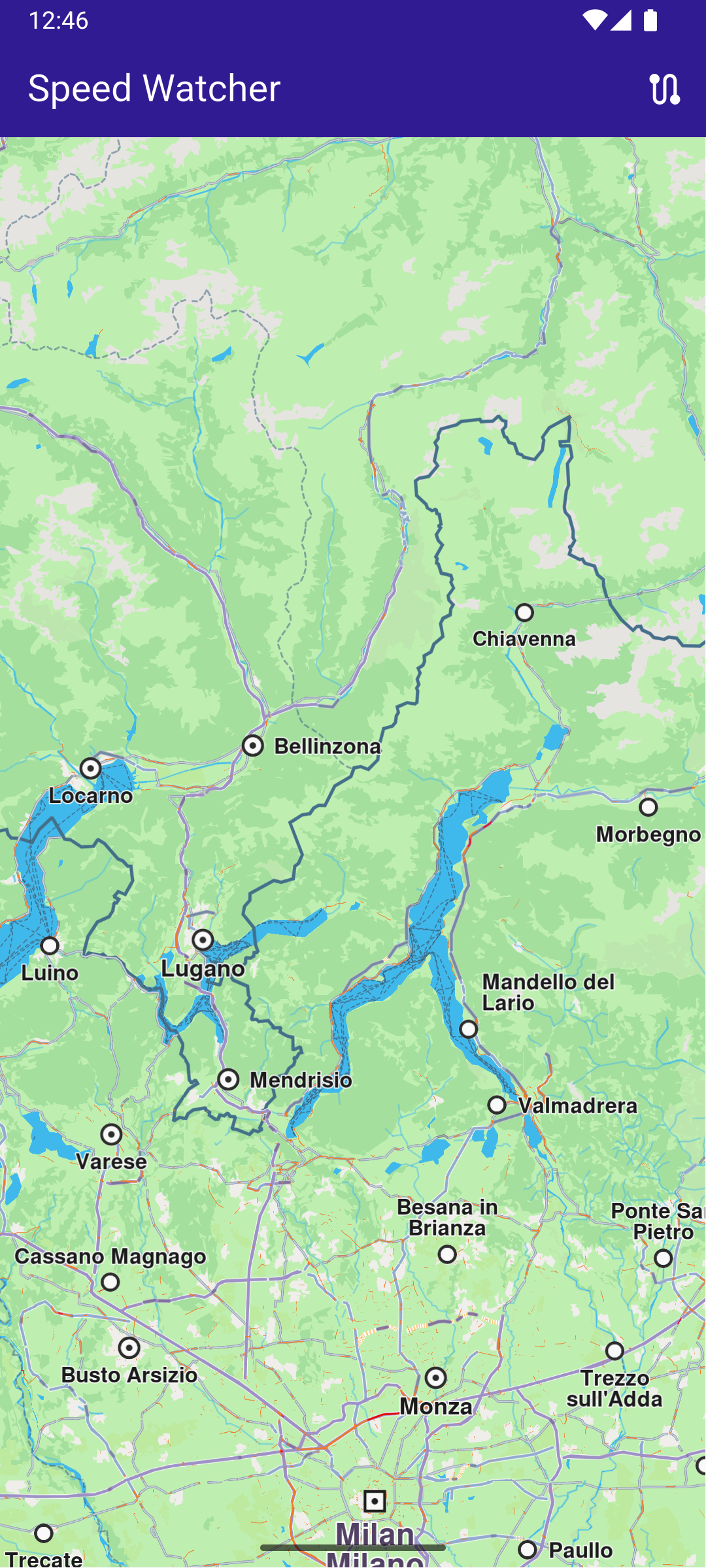
Initial map screen
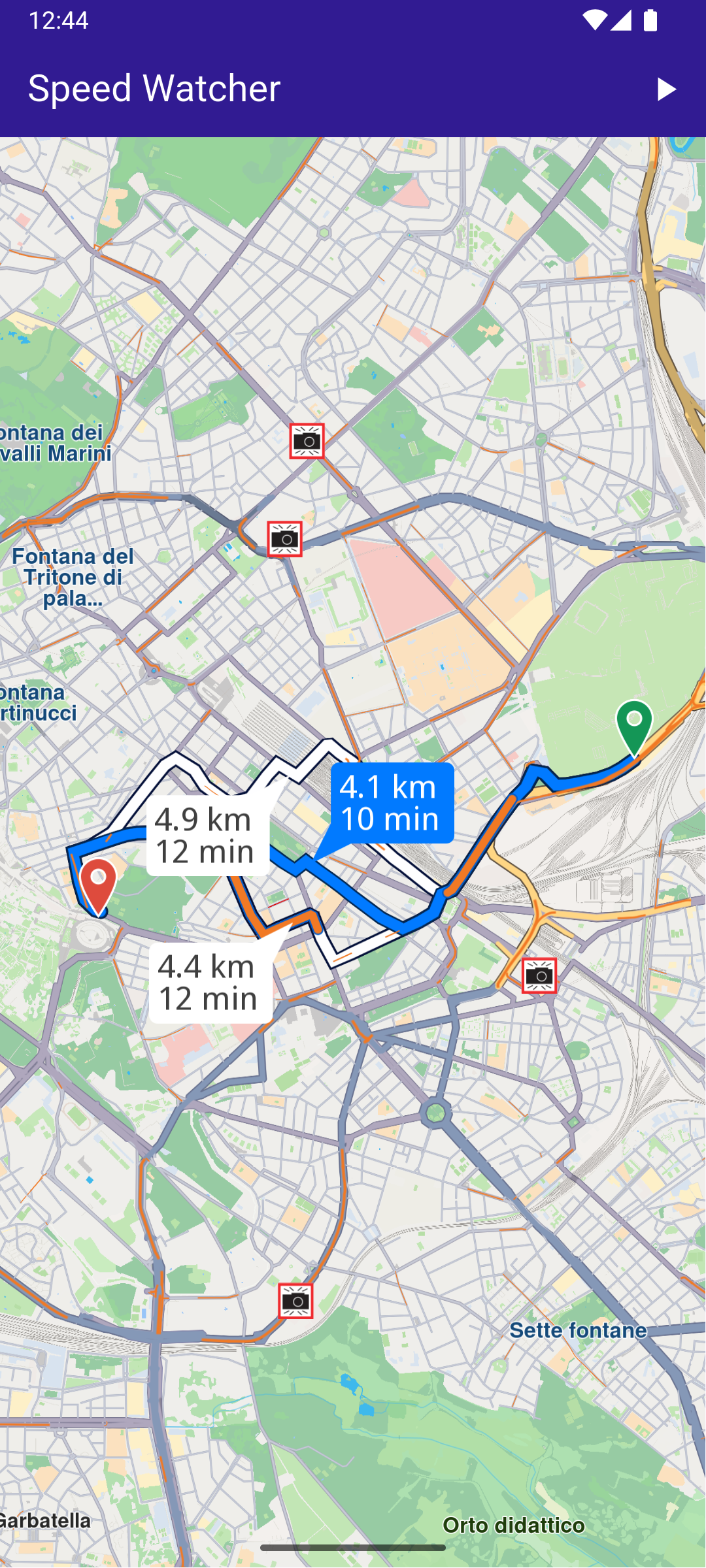
Computed route
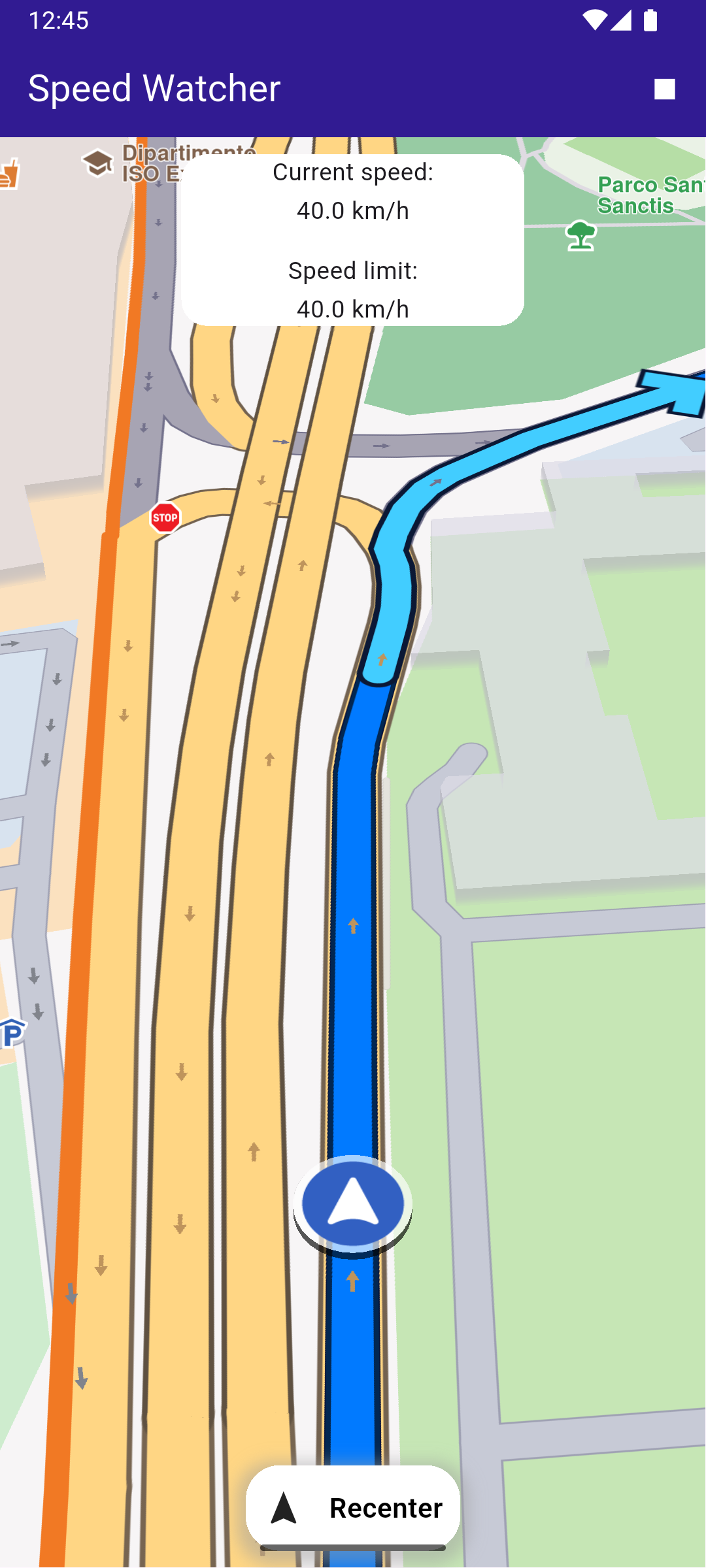
Speed watcher displayed while navigating
UI and Map Integration
main.dartView on Github
class MyApp extends StatelessWidget {
  const MyApp({super.key});

  @override
  Widget build(BuildContext context) {
    return const MaterialApp(
      debugShowCheckedModeBanner: false,
      title: 'Speed Watcher',
      home: MyHomePage(),
    );
  }
}

class MyHomePage extends StatefulWidget {
  const MyHomePage({super.key});

  @override
  State<MyHomePage> createState() => _MyHomePageState();
}

class _MyHomePageState extends State<MyHomePage> {
  late GemMapController _mapController;
  late NavigationInstruction currentInstruction;

  bool _areRoutesBuilt = false;
  bool _isSimulationActive = false;

  // We use the progress listener to cancel the route calculation.
  TaskHandler? _routingHandler;

  // We use the progress listener to cancel the navigation.
  TaskHandler? _navigationHandler;

  @override
  void dispose() {
    GemKit.release();
    super.dispose();
  }

  @override
  Widget build(BuildContext context) {
    return Scaffold(
      appBar: AppBar(
        title: const Text(
          "Speed Watcher",
          style: TextStyle(color: Colors.white),
        ),
        backgroundColor: Colors.deepPurple[900],
        actions: [
          if (!_isSimulationActive && _areRoutesBuilt)
            IconButton(
              onPressed: _startSimulation,
              icon: const Icon(Icons.play_arrow, color: Colors.white),
            ),
          if (_isSimulationActive)
            IconButton(
              onPressed: _stopSimulation,
              icon: const Icon(Icons.stop, color: Colors.white),
            ),
          if (!_areRoutesBuilt)
            IconButton(
              onPressed: () => _onBuildRouteButtonPressed(context),
              icon: const Icon(Icons.route, color: Colors.white),
            ),
        ],
      ),
      body: Stack(
        children: [
          GemMap(
            key: ValueKey("GemMap"),
            onMapCreated: _onMapCreated,
            appAuthorization: projectApiToken,
          ),
          if (_isSimulationActive)
            const Align(
              alignment: Alignment.topCenter,
              child: SpeedIndicator(),
            ),
          if (_isSimulationActive)
            Align(
              alignment: Alignment.bottomCenter,
              child: FollowPositionButton(
                onTap: () => _mapController.startFollowingPosition(),
              ),
            ),
        ],
      ),
      resizeToAvoidBottomInset: false,
    );
  }

  void _onMapCreated(GemMapController controller) {
    _mapController = controller;
  }
Custom Method for Building and Canceling the Route
Define a method for building the route based on the departure and destination landmarks.
main.dartView on Github
  void _onBuildRouteButtonPressed(BuildContext context) {
    // Define the departure.
    final departureLandmark = Landmark.withLatLng(
      latitude: 41.898499,
      longitude: 12.526655,
    );

    // Define the destination.
    final destinationLandmark = Landmark.withLatLng(
      latitude: 41.891037,
      longitude: 12.492692,
    );

    // Define the route preferences.
    final routePreferences = RoutePreferences();
    _showSnackBar(context, message: 'The route is calculating.');

    // Calling the calculateRoute SDK method.
    // (err, results) - is a callback function that gets called when the route computing is finished.
    // err is an error enum, results is a list of routes.
    _routingHandler = RoutingService.calculateRoute(
      [departureLandmark, destinationLandmark],
      routePreferences,
      (err, routes) async {
        // If the route calculation is finished, we don't have a progress listener anymore.
        _routingHandler = null;

        ScaffoldMessenger.of(context).clearSnackBars();

        // If there aren't any errors, we display the routes.
        if (err == GemError.success) {
          // Get the routes collection from map preferences.
          final routesMap = _mapController.preferences.routes;

          // Display the routes on map.
          for (final route in routes) {
            routesMap.add(
              route,
              route == routes.first,
              label: getMapLabel(route),
            );
          }

          // Center the camera on routes.
          _mapController.centerOnRoutes(routes: routes);
        }
        setState(() {
          _areRoutesBuilt = true;
        });
      },
    );
  }

  void _cancelRoute() {
    // Remove the routes from map.
    _mapController.preferences.routes.clear();

    if (_routingHandler != null) {
      // Cancel the navigation.
      RoutingService.cancelRoute(_routingHandler!);
      _routingHandler = null;
    }

    setState(() {
      _areRoutesBuilt = false;
    });
  }
Starting and stopping the Simulation
Define the method for starting and stopping the navigation simulation.
main.dartView on Github
  void _startSimulation() {
    final routes = _mapController.preferences.routes;

    if (routes.mainRoute == null) {
      _showSnackBar(context, message: "No main route available");
      return;
    }

    _navigationHandler = NavigationService.startSimulation(
      routes.mainRoute!,
      onNavigationInstruction: (instruction, events) {
        _isSimulationActive = true;

        setState(() => currentInstruction = instruction);
      },
      onDestinationReached: (landmark) {
        setState(() {
          _isSimulationActive = false;
          _cancelRoute();
        });
      },
      onError: (error) {
        setState(() {
          _isSimulationActive = false;
          _cancelRoute();
        });
      },
    );

    // Set the camera to follow position.
    _mapController.startFollowingPosition();
  }

  void _stopSimulation() {
    // Cancel the navigation.
    NavigationService.cancelNavigation(_navigationHandler);
    _navigationHandler = null;

    _cancelRoute();

    setState(() => _isSimulationActive = false);
  }
Speed Watcher
This is the code for displaying and getting current speed data.
speed_indicator.dartView on Github
class SpeedIndicator extends StatefulWidget {
  const SpeedIndicator({super.key});

  @override
  State<SpeedIndicator> createState() => _SpeedIndicatorState();
}

class _SpeedIndicatorState extends State<SpeedIndicator> {
  double _currentSpeed = 0;
  double _speedLimit = 0;

  @override
  void initState() {
    // Listen to the current position to detect the current speed and the speed limit.
    PositionService.addImprovedPositionListener((position) {
      if (mounted) {
        setState(() {
          _currentSpeed = position.speed;
          _speedLimit = position.speedLimit;
        });
      }
    });
    super.initState();
  }

  @override
  Widget build(BuildContext context) {
    return Container(
      height: 100,
      width: 200,
      margin: const EdgeInsets.only(top: 10),
      decoration: BoxDecoration(
        color: Colors.white,
        borderRadius: BorderRadius.circular(15),
      ),
      child: Column(
        mainAxisAlignment: MainAxisAlignment.spaceBetween,
        children: [
          const Text('Current speed:'),
          Text('${mpsToKmph(_currentSpeed)} km/h'),
          const SizedBox(height: 10),
          const Text('Speed limit:'),
          Text('${mpsToKmph(_speedLimit)} km/h'),
        ],
      ),
    );
Class for the Follow Position Button
Define a button that allows the user to recenter the map on their position.
main.dartView on Github
class FollowPositionButton extends StatelessWidget {
  const FollowPositionButton({super.key, required this.onTap});

  final VoidCallback onTap;

  @override
  Widget build(BuildContext context) {
    return InkWell(
      onTap: onTap,
      child: Container(
        height: 50,
        width: 125,
        margin: const EdgeInsets.only(bottom: 10),
        padding: const EdgeInsets.symmetric(horizontal: 10),
        decoration: BoxDecoration(
          color: Colors.white,
          borderRadius: const BorderRadius.all(Radius.circular(20)),
          boxShadow: [
            BoxShadow(
              color: Colors.grey.withValues(alpha: 0.5),
              spreadRadius: 5,
              blurRadius: 7,
              offset: const Offset(0, 3),
            ),
          ],
        ),
        child: const Row(
          mainAxisAlignment: MainAxisAlignment.spaceBetween,
          children: [
            Icon(Icons.navigation),
            Text(
              'Recenter',
              style: TextStyle(
                color: Colors.black,
                fontSize: 16,
                fontWeight: FontWeight.w600,
              ),
            ),
          ],
        ),
      ),
    );
  }
}