Voice download

Last updated: July 15, 2026 | 2 minutes read

In this guide, you will learn how to list the voice downloads available on the server, how to download a voice, and track the download progress.

How it works​

The example app demonstrates the following features:

  • Get a list of available voices
  • Download a voice
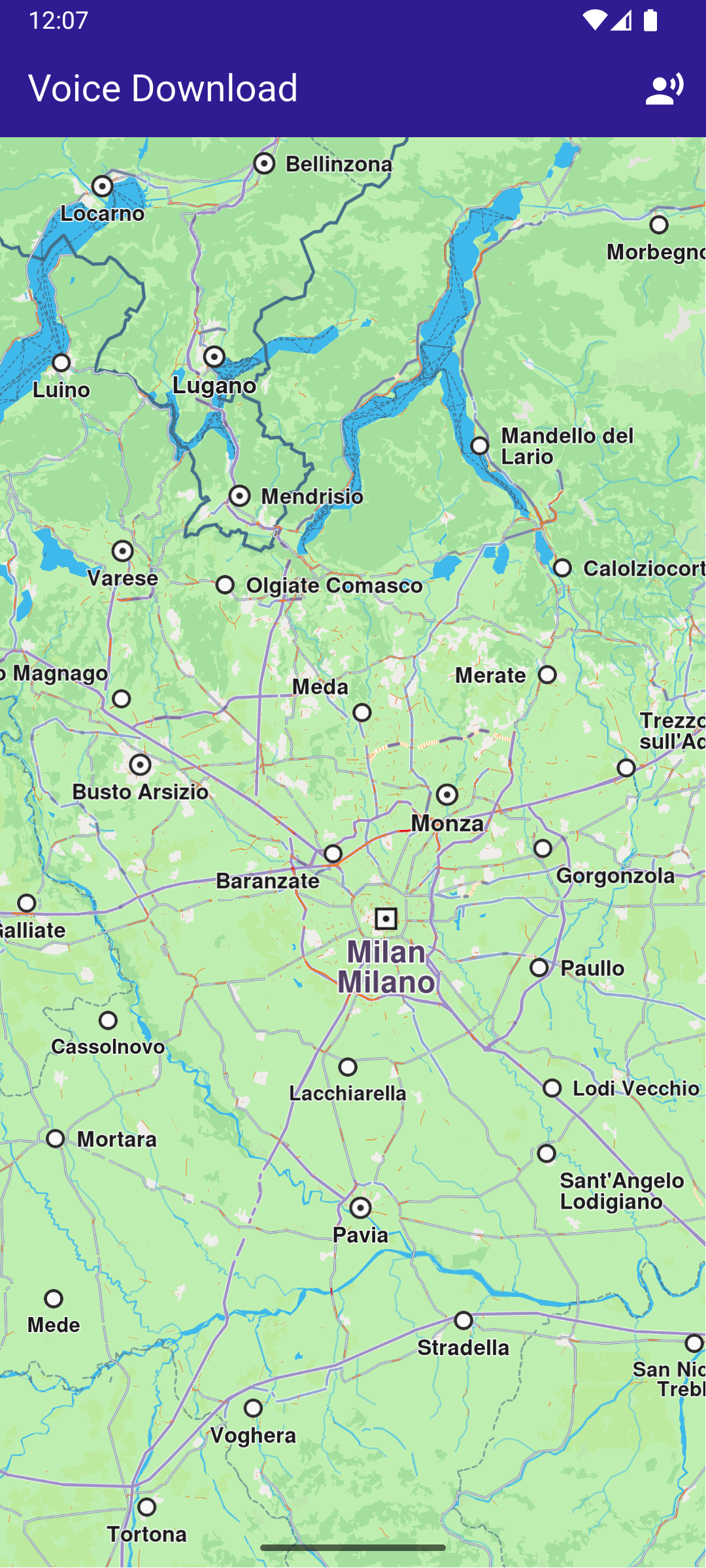
Initial map screen
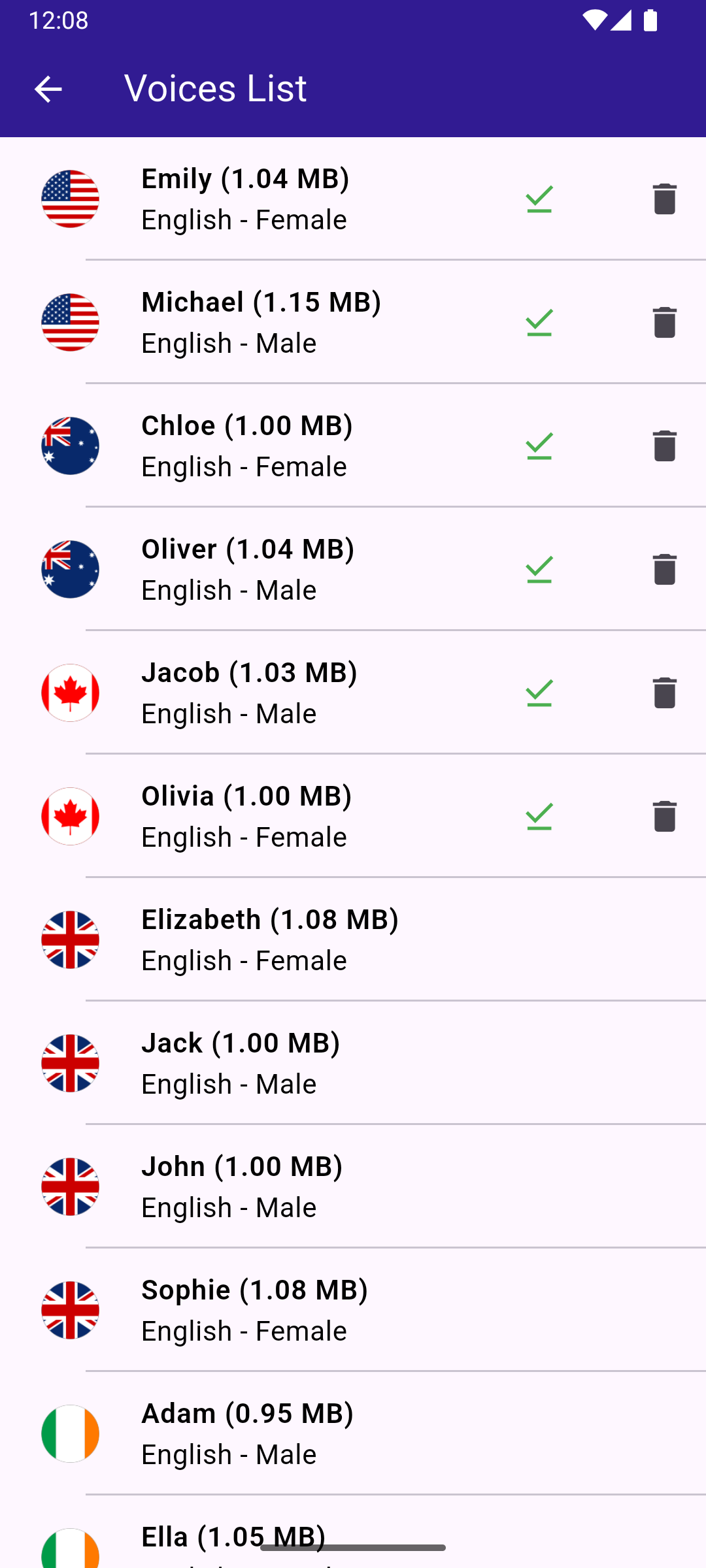
Downloaded multiple voices

Initialize the Map​

This callback function is called when the interactive map is initialized and ready to use. Allows mobile data usage for content downloads.


void _onMapCreated(GemMapController controller) async {
SdkSettings.setAllowOffboardServiceOnExtraChargedNetwork(
ServiceGroupType.contentService,
true,
);
}

A tap on the voice icon in the app bar calls this method to navigate to the voice download screen.


// Method to navigate to the Voices Page.
void _onVoicesButtonTap(BuildContext context) async {
Navigator.of(context).push(
MaterialPageRoute<dynamic>(builder: (context) => const VoicesPage()),
);
}

Retrieve List of Voices​

The list of voices available for download is obtained from the server using ContentStore.asyncGetStoreContentList(ContentType.voice).

voices_page.dartView on Github
Future<List<ContentStoreItem>> _getVoices() {
Completer<List<ContentStoreItem>> voicesList =
Completer<List<ContentStoreItem>>();
ContentStore.asyncGetStoreContentList(ContentType.humanVoice, (
err,
items,
isCached,
) {
if (err == GemError.success && items.isNotEmpty) {
voicesList.complete(items);
}
});
return voicesList.future;
}

Display Voices​

The voices are displayed in a list, and a CircularProgressIndicator is shown while the voices are being loaded.

voices_page.dartView on Github
body: FutureBuilder<List<ContentStoreItem>>(
future: _getVoices(),
builder: (context, snapshot) {
if (!snapshot.hasData || snapshot.data == null) {
return const Center(child: CircularProgressIndicator());
}
return Scrollbar(
child: ListView.separated(
padding: EdgeInsets.zero,
itemCount: snapshot.data!.length,
separatorBuilder: (context, index) =>
const Divider(indent: 50, height: 0),
itemBuilder: (context, index) {
final voice = snapshot.data!.elementAt(index);
return VoicesItem(voice: voice);
},
),
);
},

Download Voice​

This method initiates the voice download.

voices_item.dartView on Github

void _downloadVoice() {
// Download the voice.
widget.voice.asyncDownload(
_onVoiceDownloadFinished,
onProgress: _onVoiceDownloadProgressUpdated,
allowChargedNetworks: true,
);
}

Retrieve Country Flag​

This method retrieves the flag image for each voice.

voices_item.dartView on Github
Img? _getCountryImage(ContentStoreItem voice) {
final countryCodes = voice.countryCodes;
final countryImage = MapDetails.getCountryFlagImg(countryCodes[0]);
return countryImage;
}