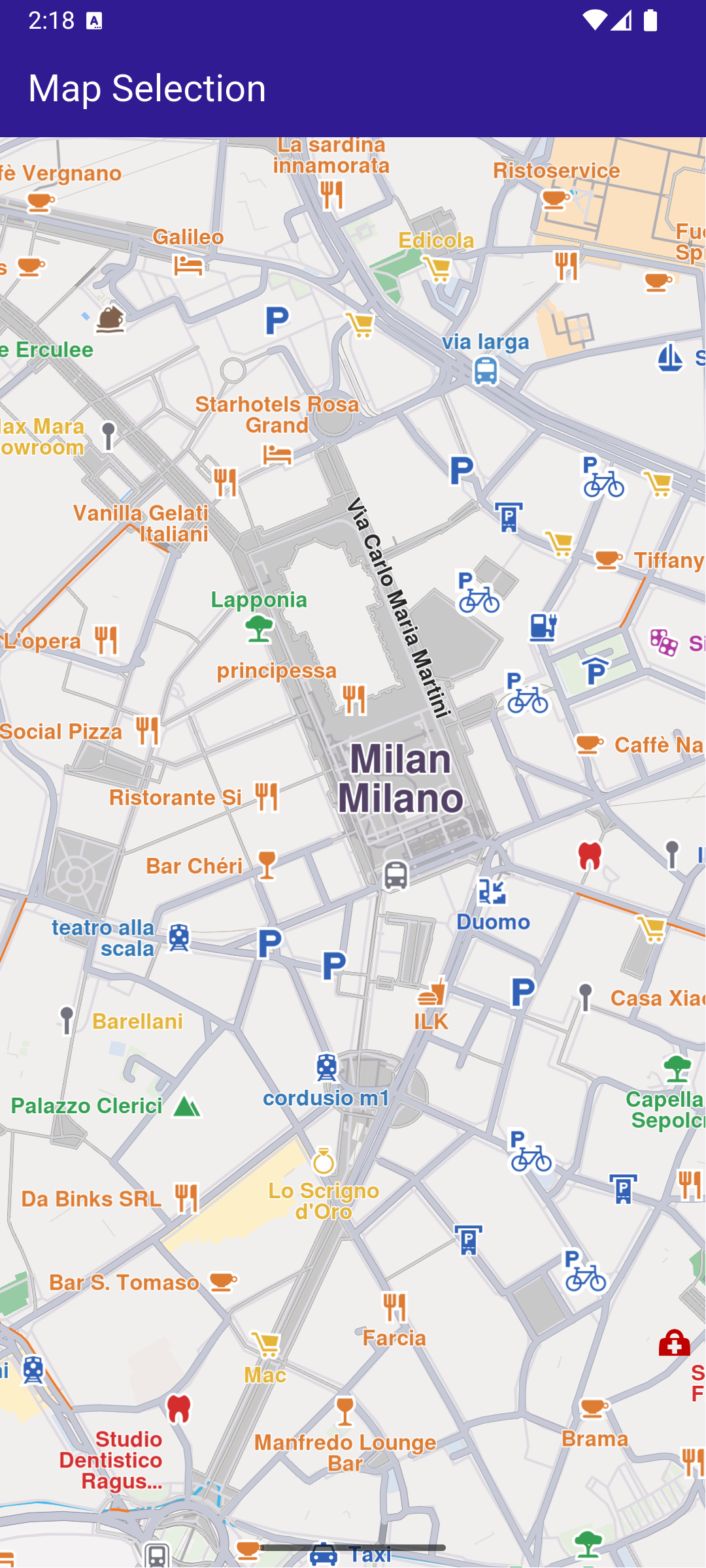
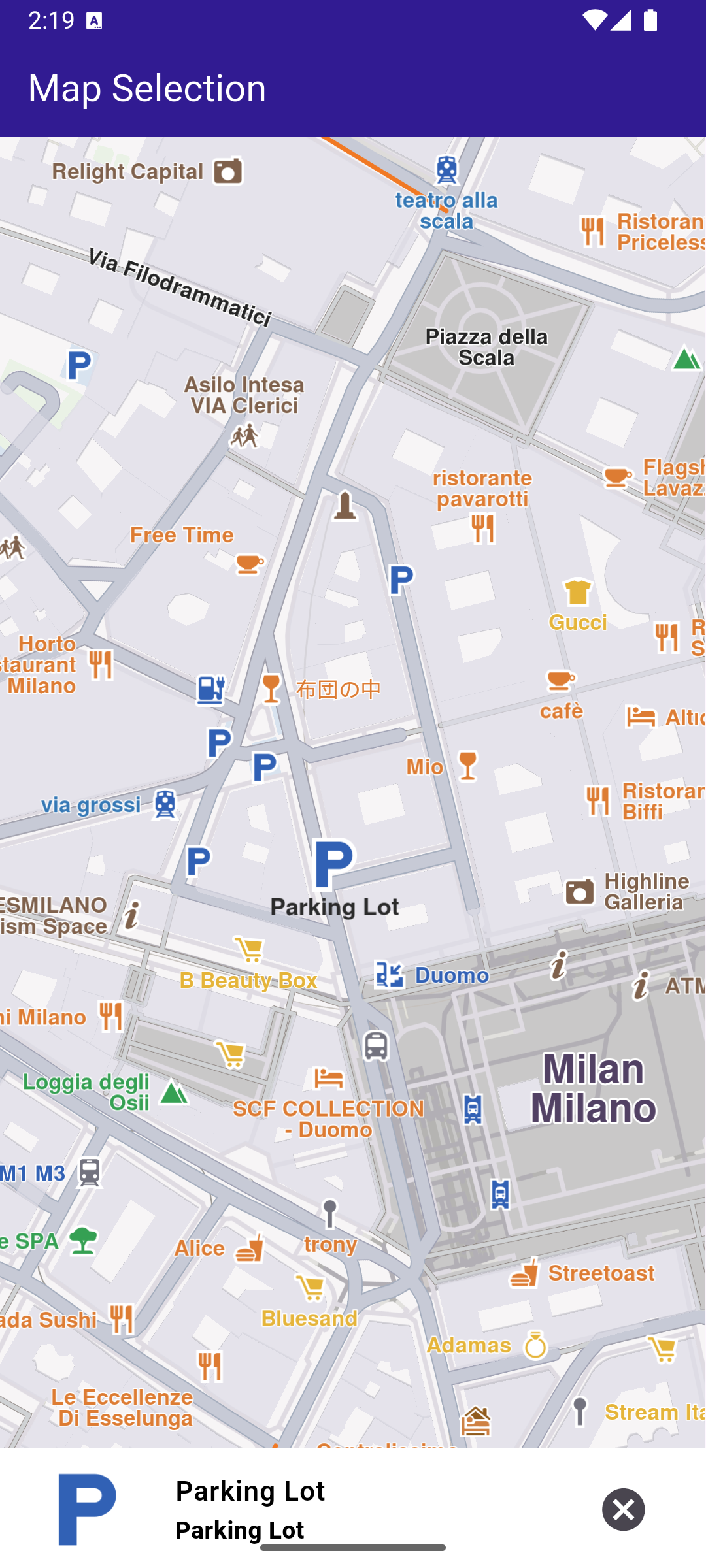
class MyApp extends StatelessWidget {
const MyApp({super.key});
@override
Widget build(BuildContext context) {
return const MaterialApp(
debugShowCheckedModeBanner: false,
title: 'Map Selection',
home: MyHomePage(),
);
}
}
class MyHomePage extends StatefulWidget {
const MyHomePage({super.key});
@override
State<MyHomePage> createState() => _MyHomePageState();
}
class _MyHomePageState extends State<MyHomePage> {
late GemMapController _mapController;
Landmark? _focusedLandmark;
@override
void dispose() {
GemKit.release();
super.dispose();
}
@override
Widget build(BuildContext context) {
return Scaffold(
appBar: AppBar(
backgroundColor: Colors.deepPurple[900],
title: const Text(
'Map Selection',
style: TextStyle(color: Colors.white),
),
),
body: Stack(
children: [
GemMap(
key: ValueKey("GemMap"),
onMapCreated: _onMapCreated,
appAuthorization: projectApiToken,
),
if (_focusedLandmark != null)
Align(
alignment: Alignment.bottomCenter,
child: LandmarkPanel(
onCancelTap: _onCancelLandmarkPanelTap,
landmark: _focusedLandmark!,
),
),
],
),
resizeToAvoidBottomInset: false,
);
}
Future<void> _onMapCreated(GemMapController controller) async {
_mapController = controller;
await _registerLandmarkTapCallback();
_mapController.centerOnCoordinates(
Coordinates(latitude: 45.46467971801758, longitude: 9.192851066589355),
zoomLevel: 70,
);
}
Future<void> _registerLandmarkTapCallback() async {
_mapController.registerOnTouch((pos) async {
await _mapController.setCursorScreenPosition(pos);
final landmarks = _mapController.cursorSelectionLandmarks();
await _mapController.resetMapSelection();
if (landmarks.isNotEmpty) {
_mapController.activateHighlight(landmarks);
setState(() {
_focusedLandmark = landmarks[0];
});
_mapController.centerOnCoordinates(
_focusedLandmark!.coordinates,
zoomLevel: 70,
);
}
});
}
void _onCancelLandmarkPanelTap() {
_mapController.deactivateAllHighlights();
setState(() {
_focusedLandmark = null;
});
}
}