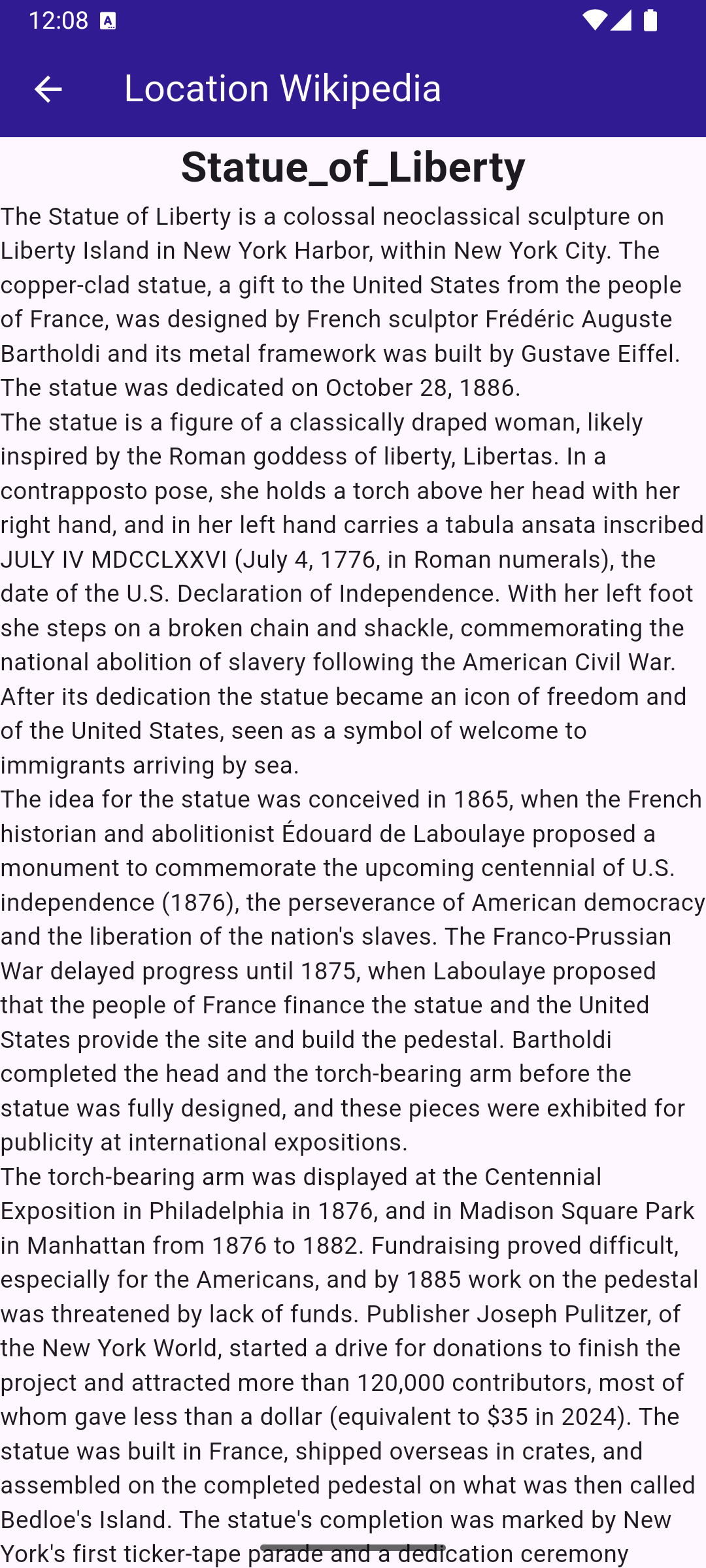
import 'dart:async';

import 'package:flutter/material.dart';
import 'package:magiclane_maps_flutter/core.dart';
import 'package:magiclane_maps_flutter/search.dart';

class LocationWikipediaPage extends StatefulWidget {
  const LocationWikipediaPage({super.key});

  @override
  State<LocationWikipediaPage> createState() => _LocationWikipediaPageState();
}

class _LocationWikipediaPageState extends State<LocationWikipediaPage> {
  @override
  void initState() {
    super.initState();
  }

  @override
  Widget build(BuildContext context) {
    return Scaffold(
      appBar: AppBar(
        automaticallyImplyLeading: true,
        foregroundColor: Colors.white,
        title: const Text(
          "Location Wikipedia",
          style: TextStyle(color: Colors.white),
        ),
        backgroundColor: Colors.deepPurple[900],
      ),
      body: FutureBuilder(
        future: _getLocationWikipedia(),
        builder: (context, snapshot) {
          if (!snapshot.hasData || snapshot.data == null) {
            return const Center(child: CircularProgressIndicator());
          }
          return Column(
            mainAxisSize: MainAxisSize.max,
            children: [
              Text(
                snapshot.data!.$1,
                style: TextStyle(
                  overflow: TextOverflow.fade,
                  fontSize: 25.0,
                  fontWeight: FontWeight.bold,
                ),
              ),
              Expanded(
                child: SingleChildScrollView(child: Text(snapshot.data!.$2)),
              ),
            ],
          );
        },
      ),
    );
  }

  Future<(String, String)> _getLocationWikipedia() async {
    final searchCompleter = Completer<List<Landmark>>();
    SearchService.search(
      "Statue of Liberty",
      Coordinates(latitude: 40.53859, longitude: -73.91619),
      (err, lmks) {
        searchCompleter.complete(lmks);
      },
    );

    final lmk = (await searchCompleter.future).first;

    if (!ExternalInfoService.hasWikiInfo(lmk)) {
      return (
        "Wikipedia info not available",
        "The landamrk does not have Wikipedia info",
      );
    }

    final completer = Completer<ExternalInfo?>();
    ExternalInfoService.requestWikiInfo(
      lmk,
      onComplete: (err, externalInfo) => completer.complete(externalInfo),
    );

    final externalInfo = await completer.future;

    if (externalInfo == null) {
      return ("Querry failed", "The request to Wikipedia failed");
    }

    final title = externalInfo.wikiPageTitle;
    final content = externalInfo.wikiPageDescription;

    return (title, content);
  }
}