Center Coordinates
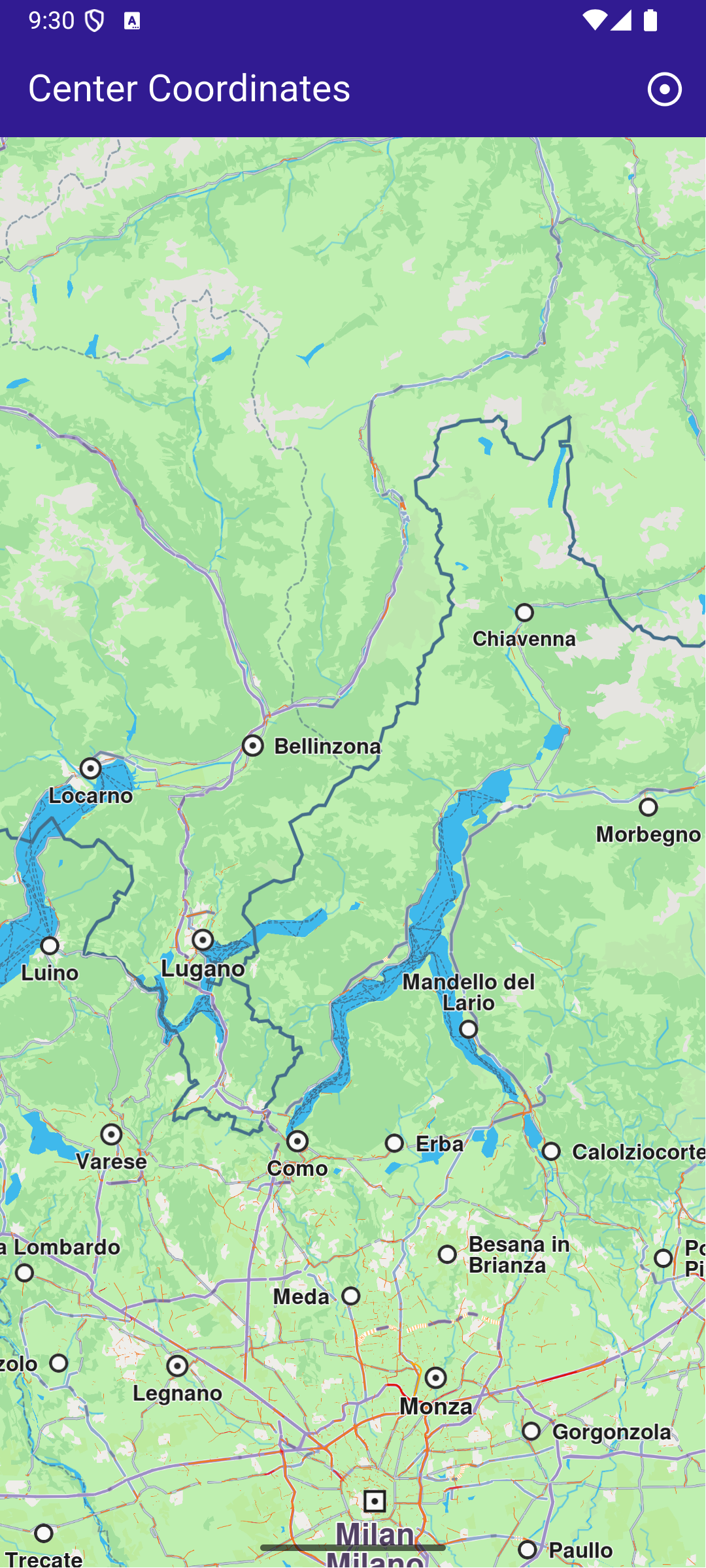
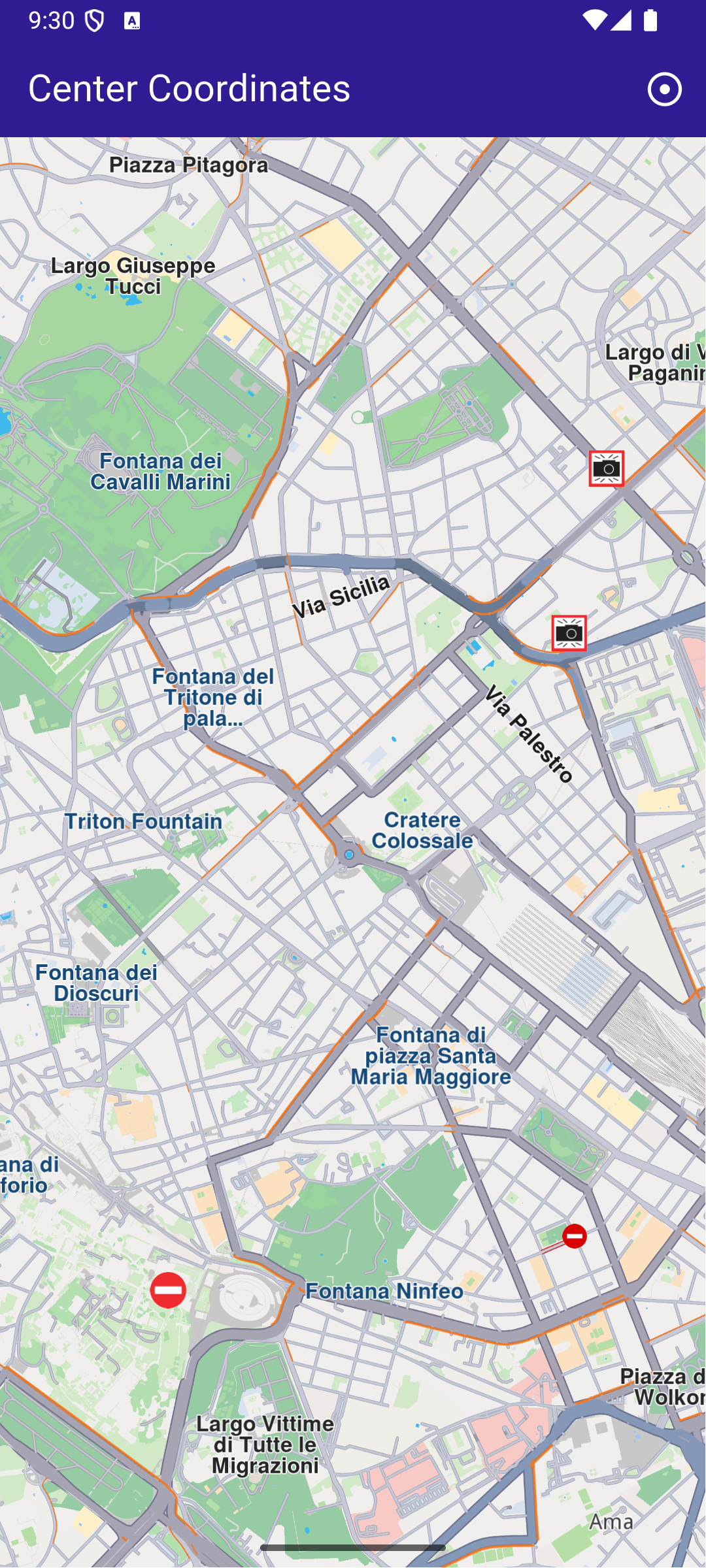
This example showcases how to build a Flutter app featuring an interactive map and how to center the camera on map WGS coordinates
How it works
The example app demonstrates the following features:
- Center the map on predefined coordinates.
- Optionally use an animation to smoothly transition the map view.
UI and Map Integration
main.dartView on Github
class MyApp extends StatelessWidget {
const MyApp({super.key});
Widget build(BuildContext context) {
return const MaterialApp(
debugShowCheckedModeBanner: false,
title: 'Center Coordinates',
home: MyHomePage(),
);
}
}
class MyHomePage extends StatefulWidget {
const MyHomePage({super.key});
State<MyHomePage> createState() => _MyHomePageState();
}
class _MyHomePageState extends State<MyHomePage> {
late GemMapController _mapController;
void dispose() {
GemKit.release();
super.dispose();
}
Widget build(BuildContext context) {
return Scaffold(
appBar: AppBar(
backgroundColor: Colors.deepPurple[900],
title: const Text(
'Center Coordinates',
style: TextStyle(color: Colors.white),
),
actions: [
IconButton(
onPressed: _onCenterCoordinatesButtonPressed,
icon: const Icon(Icons.adjust, color: Colors.white),
),
],
),
body: GemMap(
key: ValueKey("GemMap"),
onMapCreated: _onMapCreated,
appAuthorization: projectApiToken,
),
);
}
This code sets up the basic structure of the app, including the map and the app bar. It also provides a button in the app bar for centering the map on specific coordinates.
main.dartView on Github
  void _onCenterCoordinatesButtonPressed() {
    // Predefined coordinates for Rome, Italy.
    final targetCoordinates = Coordinates(
      latitude: 41.902782,
      longitude: 12.496366,
    );

    // Create an animation (optional).
    final animation = GemAnimation(type: AnimationType.linear);

    // Use the map controller to center on coordinates.
    _mapController.centerOnCoordinates(
      targetCoordinates,
      animation: animation,
      zoomLevel: 60,
    );
  }
This code handles centering the map on the predefined coordinates for Rome, Italy. The GemMapController is used to perform this action, and an optional animation is provided for a smooth transition.