GPX Route
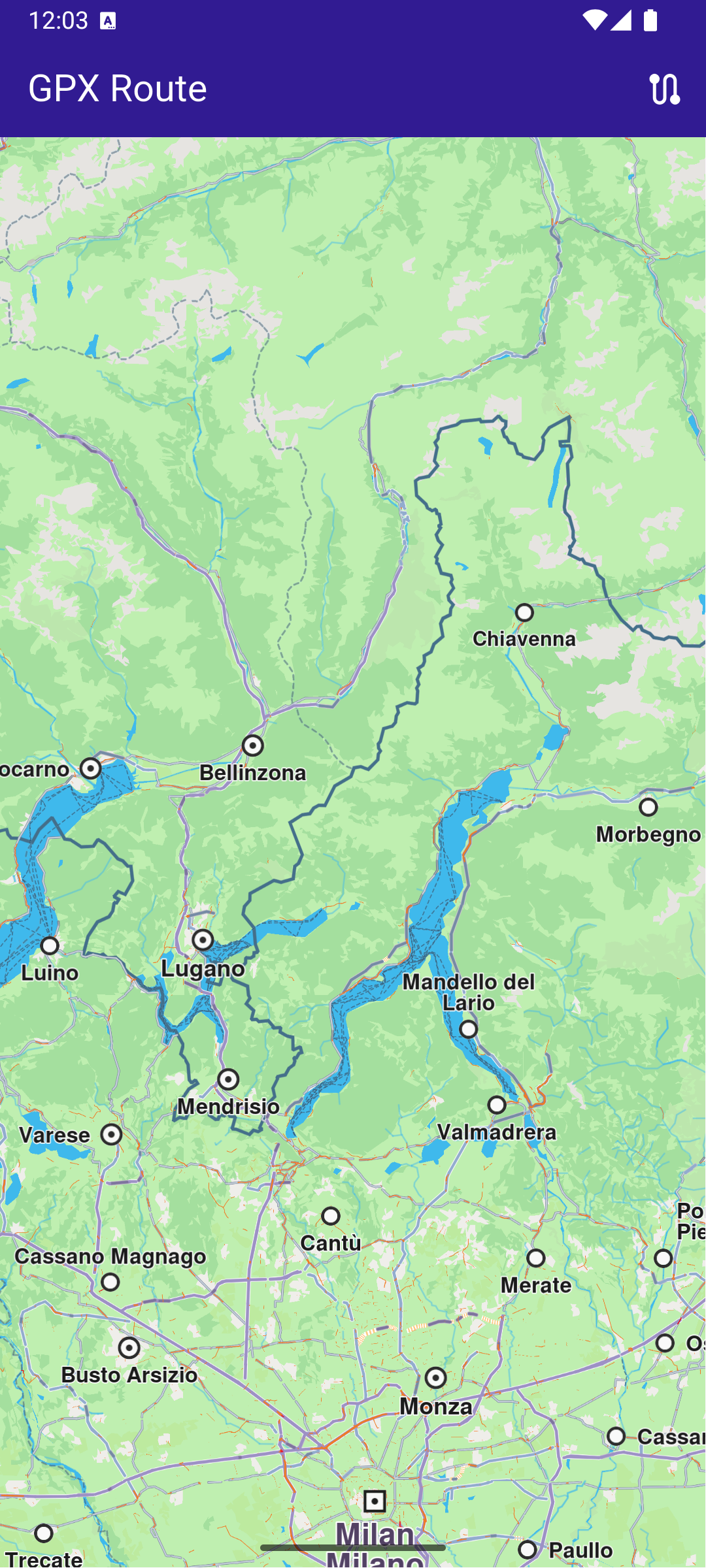
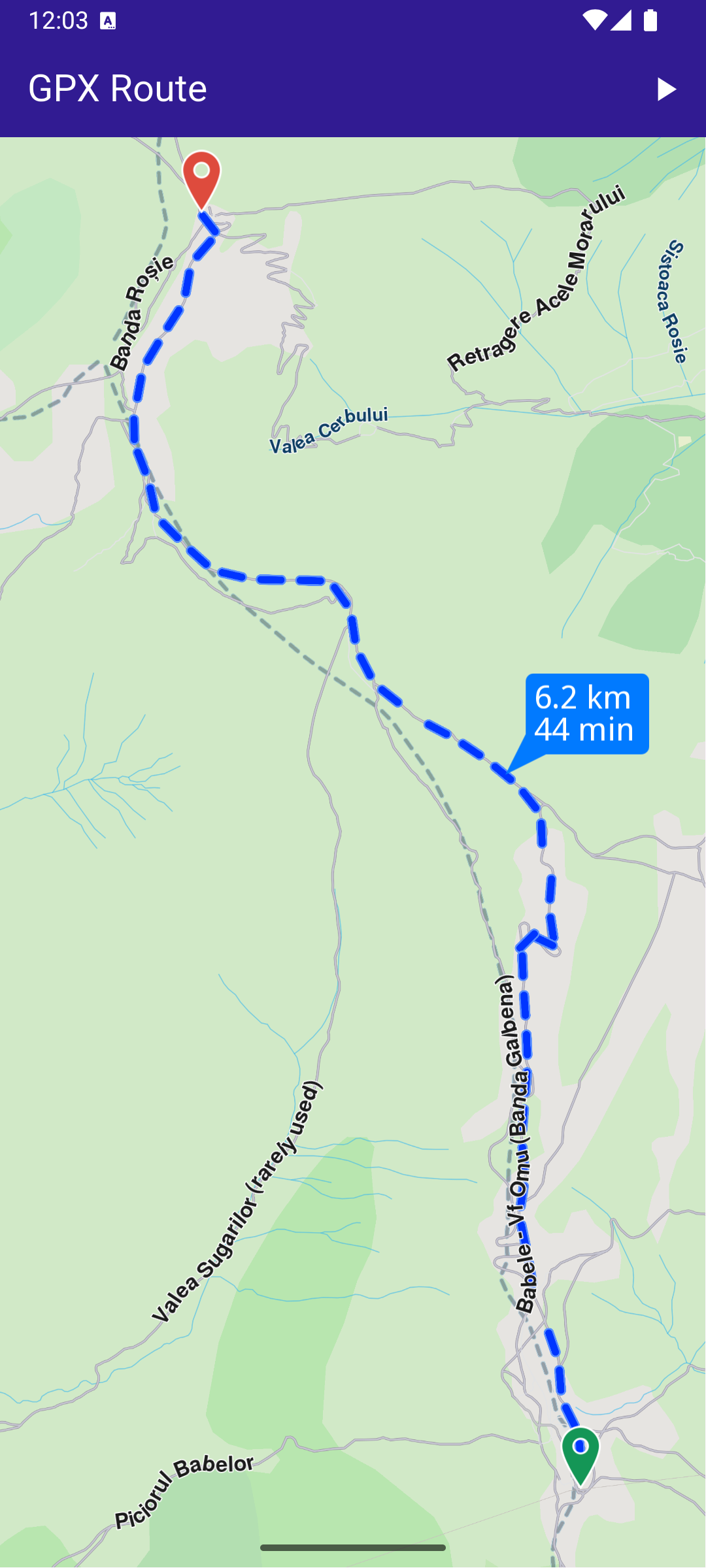
This example demonstrates how to calculate a route based on GPX data, render and center the route on an interactive map, and navigate along the route.
How it works
The example app demonstrates the following features:
- Import GPX data to calculate and display routes.
- Render the calculated route on the map and center the camera to fit the entire route.
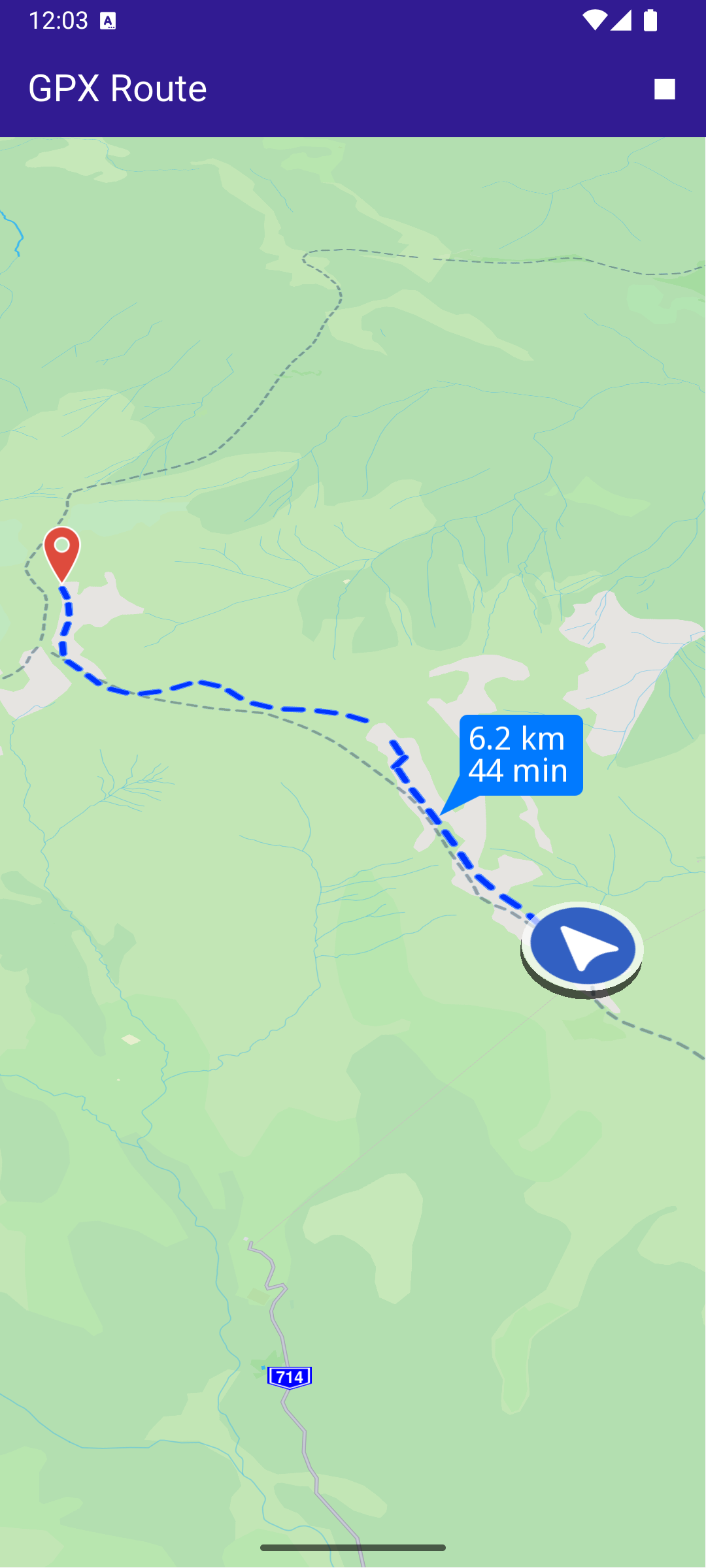
- Simulate navigation along the route.
- Display notifications and format route labels.
Saving Assets
Before running the app, ensure that you save the necessary files (gpx files) into the assets directory.
Update your pubspec.yaml file to include these assets:
flutter:
  assets:
    - assets/
UI and Map Integration
This code sets up the basic structure of the app, including the map and the app bar. It also provides buttons in the app bar for drawing, building, canceling, and clearing routes.
Copying the GPX File
This function copies the recorded_route.gpx file from the assets directory to the app’s documents directory:
The function ensures that the GPX file is available in the app’s documents directory, ready for use during runtime.
Importing GPX Data and Calculating Routes
This function reads GPX data from the file, calculates the routes, and displays them on the map:
When the “Calculate Route” button is pressed, this function reads the GPX file from the app’s documents directory and calculates a route based on the landmarks (waypoints) extracted from the GPX data. The routes are displayed on the map and the camera is centered to ensure all routes fit within the viewport.
Starting and Stopping the Simulation
The simulation can be started or stopped using the following functions:
The _startSimulation function initiates the navigation simulation along the main route, with the camera following the simulated position. The _stopSimulation function stops the simulation and clears the routes from the map.
Utility Functions
Utility functions are also included to display messages and format route labels:
The _showSnackBar method displays messages during route calculation.