Human voices

Last updated: July 15, 2026 | 4 minutes read

This example demonstrates the functionalities of the Maps SDK for Flutter, including route calculation, simulation of navigation, and voice instructions.

How it works​

This example integrates several components to simulate navigation with voice instructions. Here’s a breakdown of the key functionalities:

  • Calculate routes based on user-defined landmarks and route preferences.
  • Simulate navigation along a calculated route with real-time text-to-speech (TTS) instructions.
  • Display and center routes on the map, with the camera following the simulated position.
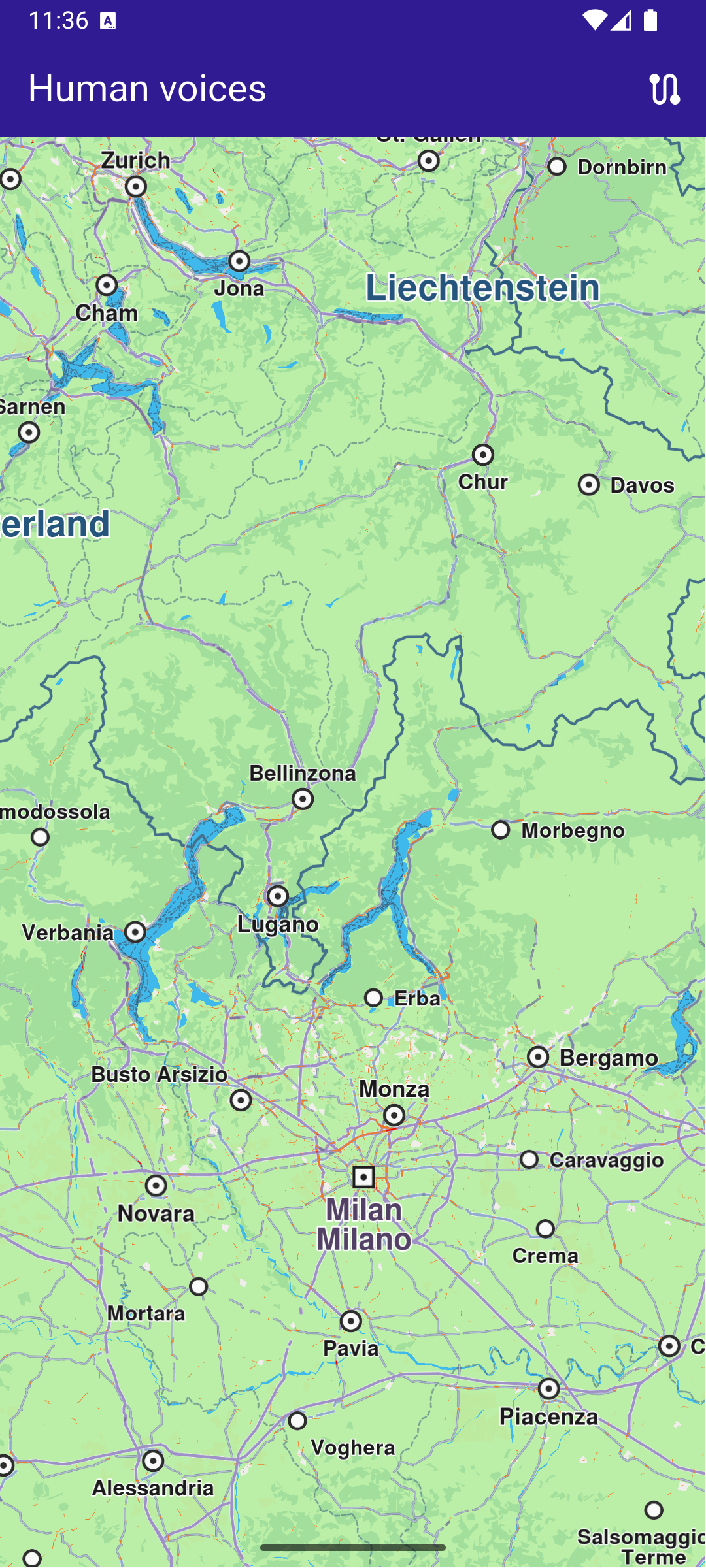
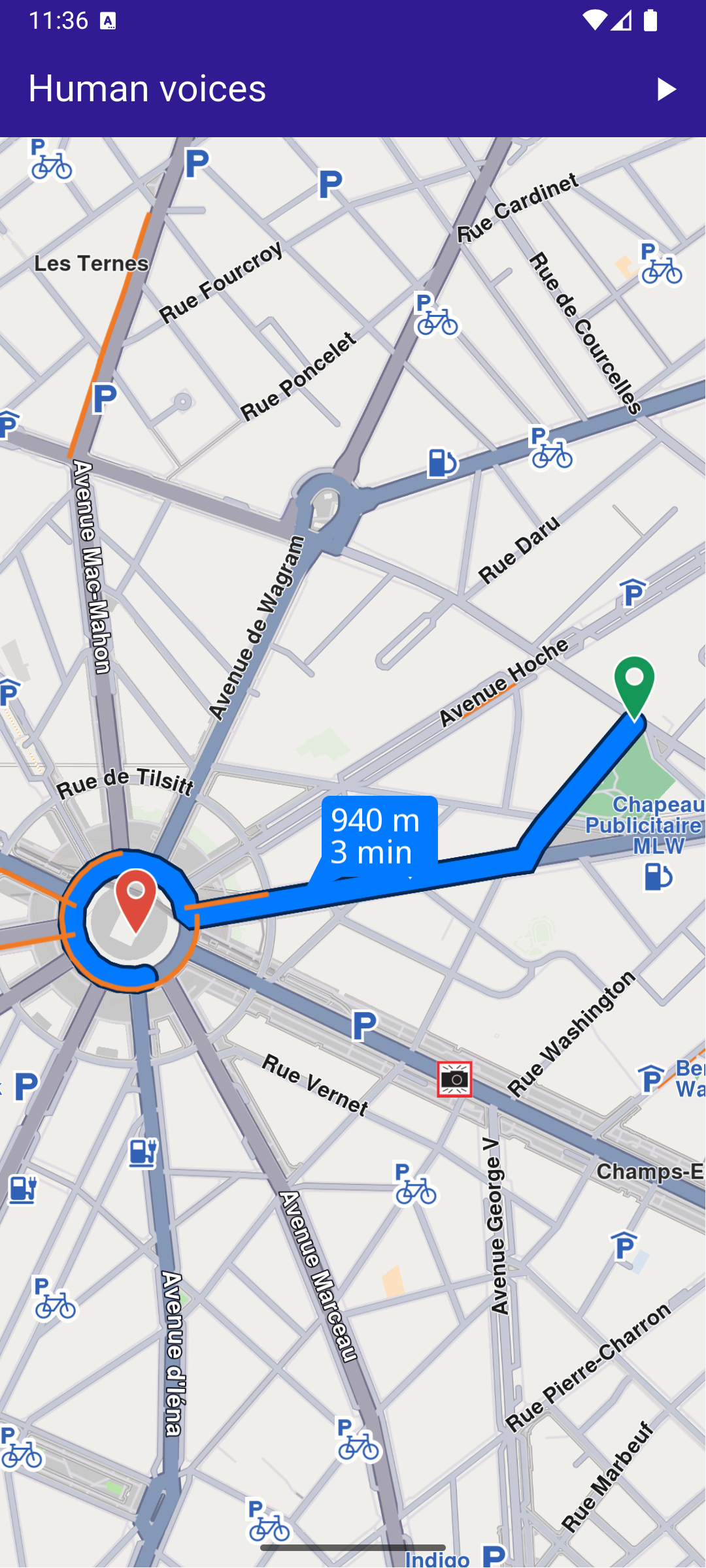
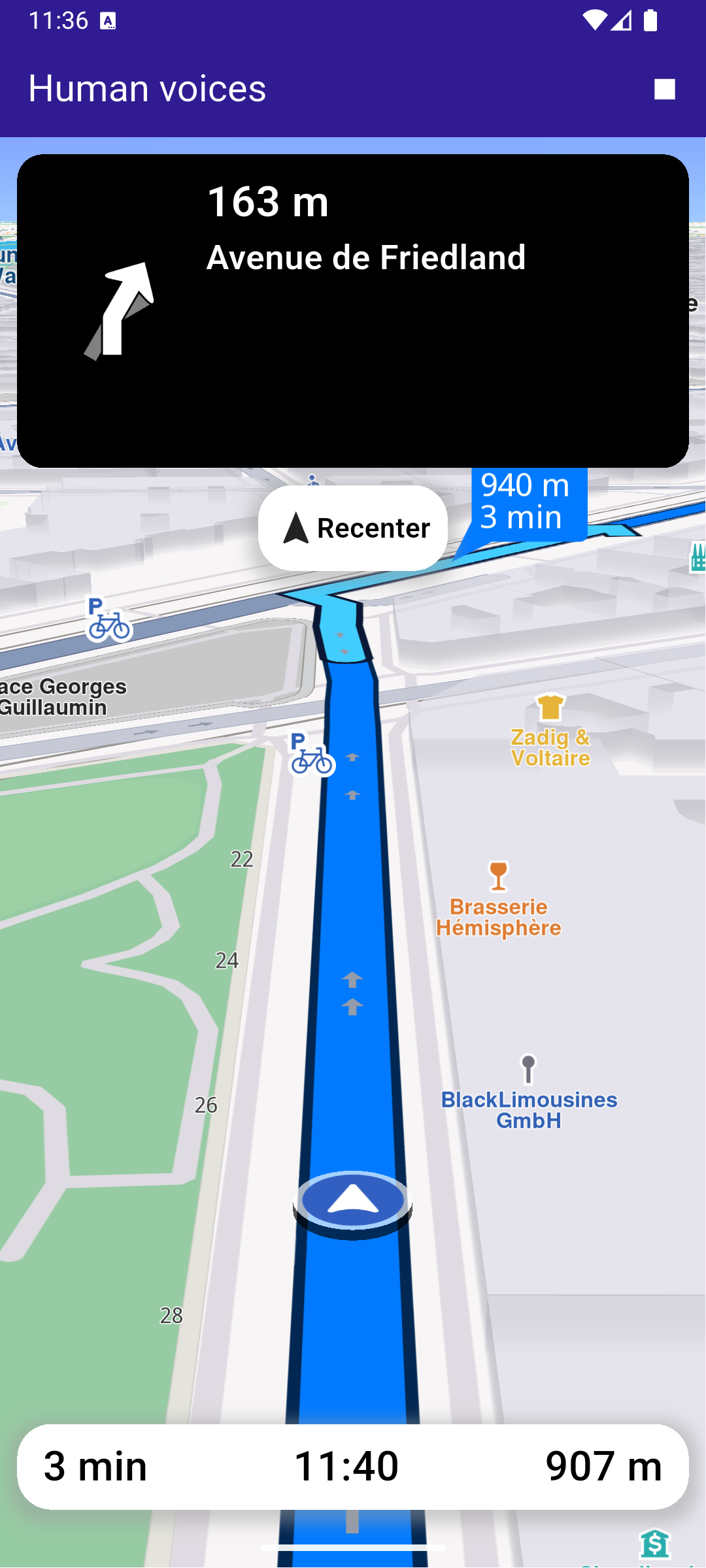
Initial map screen
Computed route
Started navigation simulation on route

Apply Human Voice​

Before the navigation has started, select an available human voice to play the instructions.

final voices = ContentStore.getLocalContentList(ContentType.humanVoice);

// Apply the first voice
SdkSettings.setVoiceByPath(voices.first.fileName);

Route Calculation​

The user can trigger route calculation, which involves defining landmarks and preferences, then using RoutingService.calculateRoute to compute the route.

void _onBuildRouteButtonPressed(BuildContext context) {
_showSnackBar(context, message: 'The route is calculating.');

// Define landmarks.
final departureLandmark = Landmark.withLatLng(
latitude: 48.87586,
longitude: 2.30311,
);
final intermediaryPointLandmark = Landmark.withLatLng(
latitude: 48.87422,
longitude: 2.29952,
);
final destinationLandmark = Landmark.withLatLng(
latitude: 48.87361,
longitude: 2.29513,
);

// Define the route preferences.
final routePreferences = RoutePreferences();

// Calling the calculateRoute SDK method.
// (err, results) - is a callback function that gets called when the route computing is finished.
// err is an error enum, results is a list of routes.
_routingHandler = RoutingService.calculateRoute(
[departureLandmark, intermediaryPointLandmark, destinationLandmark],
routePreferences,
(err, routes) {
// If the route calculation is finished, we don't have a progress listener anymore.
_routingHandler = null;
ScaffoldMessenger.of(context).clearSnackBars();

// If there aren't any errors, we display the routes.
if (err == GemError.success) {
// Get the routes collection from map preferences.
final routesMap = _mapController.preferences.routes;

// Display the routes on map.
for (final route in routes) {
routesMap.add(
route,
route == routes.first,
label: getMapLabel(route),
);
}

// Center the camera on routes.
_mapController.centerOnRoutes(routes: routes);

setState(() => _areRoutesBuilt = true);
}
},
);
}

Simulated Navigation​

Once the route is built, the user can start the navigation simulation. The simulation triggers instructions play using the included human voices.

void _startSimulation() {
final routes = _mapController.preferences.routes;

if (routes.mainRoute == null) {
_showSnackBar(context, message: "No main route available");
return;
}

_navigationHandler = NavigationService.startSimulation(
routes.mainRoute!,
onNavigationInstruction: (instruction, events) {
setState(() {
_isSimulationActive = true;
});
currentInstruction = instruction;
},
onError: (error) {
// If the navigation has ended or if and error occurred while navigating, remove routes.
setState(() {
_isSimulationActive = false;
_cancelRoute();
});

if (error != GemError.cancel) {
_stopSimulation();
}
return;
},
speedMultiplier: 20,
);

// Set auto play sound to true, so that the voice instructions will be played automatically
SoundPlayingService.canPlaySounds = true;

// Set the camera to follow position.
_mapController.startFollowingPosition();
}

The canPlaySounds flag controlls if the SDK should automatically play TTS instructions using the selected voice.

Top Navigation Instruction Panel​

top_navigation_panel.dartView on Github
class TopNavigationPanel extends StatelessWidget {
final NavigationInstruction instruction;

const TopNavigationPanel({super.key, required this.instruction});


Widget build(BuildContext context) {
return Container(
width: MediaQuery.of(context).size.width - 20,
height: MediaQuery.of(context).size.height * 0.2,
padding: const EdgeInsets.all(10),
decoration: BoxDecoration(
color: Colors.black,
borderRadius: BorderRadius.circular(15),
),
child: Row(
mainAxisAlignment: MainAxisAlignment.start,
children: [
Container(
padding: const EdgeInsets.all(20),
width: 100,
child:
instruction.nextTurnDetails != null &&
instruction.nextTurnDetails!.abstractGeometryImg.isValid
? Image.memory(
instruction.nextTurnDetails!.abstractGeometryImg
.getRenderableImageBytes(
size: Size(200, 200),
format: ImageFileFormat.png,
)!,
gaplessPlayback: true,
)
: const SizedBox(), // Empty widget
),
SizedBox(
width: MediaQuery.of(context).size.width - 150,
child: Column(
crossAxisAlignment: CrossAxisAlignment.start,
mainAxisAlignment: MainAxisAlignment.start,
children: [
Text(
getFormattedDistanceToNextTurn(instruction),
textAlign: TextAlign.left,
style: const TextStyle(
color: Colors.white,
fontSize: 25,
fontWeight: FontWeight.w600,
),
overflow: TextOverflow.ellipsis,
),
Text(
instruction.nextStreetName,
style: const TextStyle(
color: Colors.white,
fontSize: 20,
fontWeight: FontWeight.w600,
),
overflow: TextOverflow.ellipsis,
),
],
),
),
],
),
);
}
}