Display paths
Learn how to display paths on the map, customize their appearance, and manage the path collection.
Add paths to the map
Display Paths by adding them to the MapViewPathCollection. The MapViewPathCollection is an iterable collection with methods like size, add, remove, removeAt, getPathAt, and getPathByName.
mapController.preferences.paths.add(path);
Customize path appearance
The add method of MapViewPathCollection includes optional parameters for customizing path appearance, such as colorBorder, colorInner, szBorder, and szInner.
Center on a path
Center the map on a path using the GemMapController.centerOnArea() method with the path's area retrieved from the area getter.
mapController.preferences.paths.add(path);

mapController.centerOnArea(path.area);
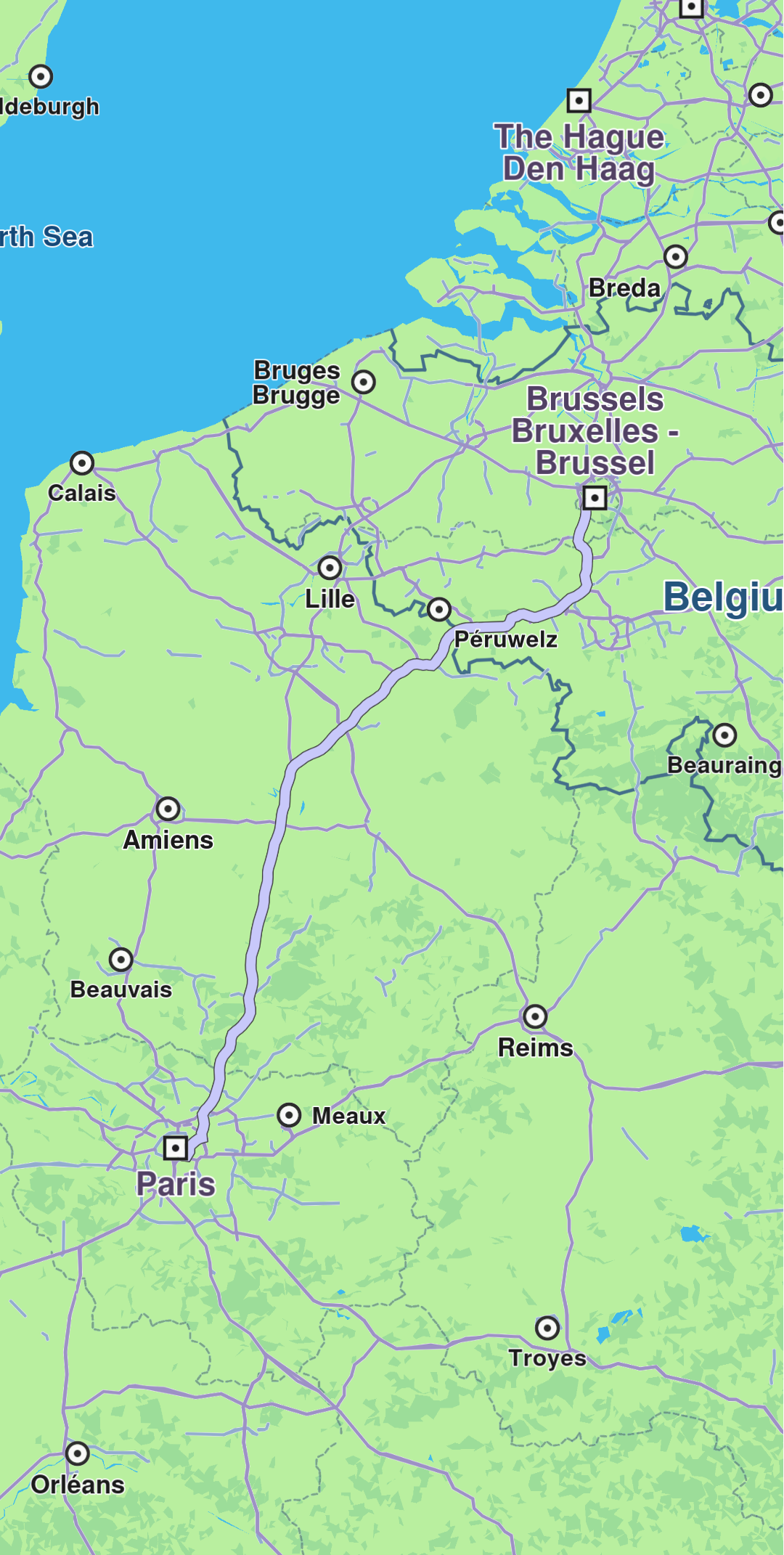
Path displayed
Remove paths
Remove all paths from the map using MapViewPathCollection.clear(). To remove specific paths, use MapViewPathCollection.remove(path) or MapViewPathCollection.removeAt(index).