Display paths
Paths can be displayed by adding them into MapViewPathCollection. The MapViewPathCollection is an iterable collection, having fields like size, add, remove, removeAt, getPathAt and getPathByName.
map.preferences.paths.add(path);
The add method of MapViewPathCollection includes optional parameters for customizing the appearance of paths on the map, such as colorBorder, colorInner, szBorder, and szInner. To center the map on a path, use the GemMap.centerOnArea() method with the path's area retrieved from the area getter.
map.preferences.paths.add(path);

map.centerOnArea(path.area);
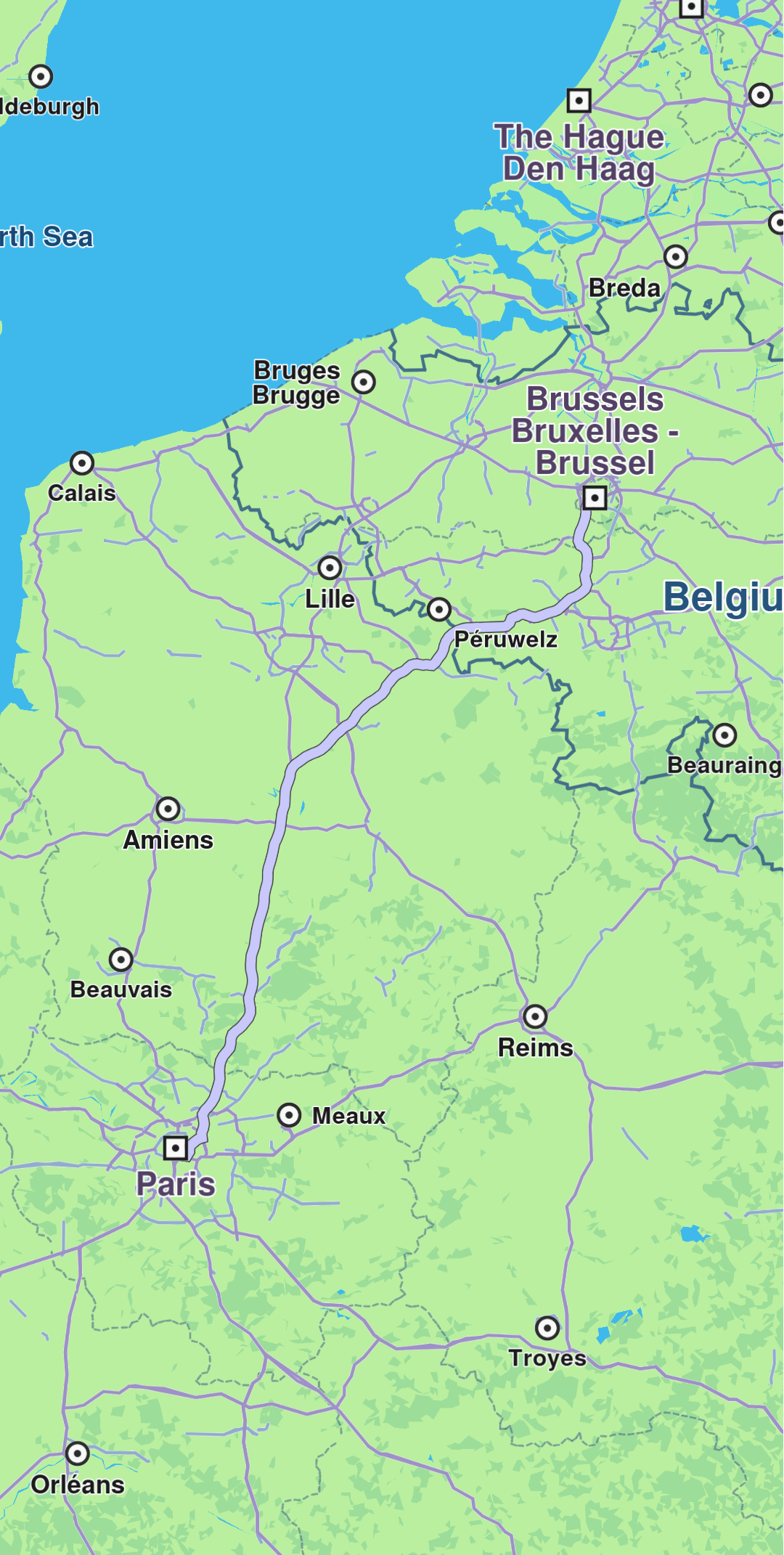
Path displayed
To remove all paths from GemMap use MapViewPathCollection.clear(). To remove selectively, use MapViewPathCollection.remove(path) or MapViewPathCollection.removeAt(index).