Display route instructions
Instructions are represented as arrows on the map and can be displayed by using GemMap.centerOnRouteInstruction(routeInstruction, options). To obtain a route's instructions, see the Route structure section. The following example iterates through all RouteInstruction objects of the first segment of a route and displays each one by centering on it:
async function previewRouteInstructions(route: Route) {
  for (const routeInstruction of route.segments[0].instructions) {
    map.centerOnRouteInstruction(routeInstruction, { zoomLevel: 75 });
    await new Promise((resolve) => setTimeout(resolve, 3000));
  }
}
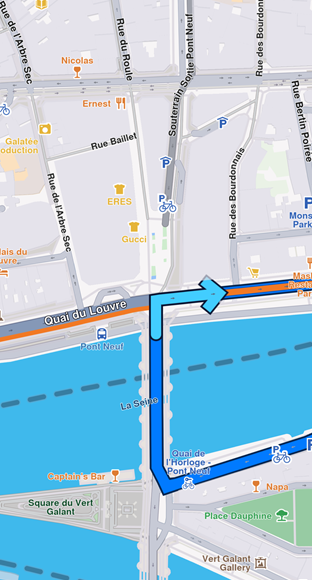
Turn right arrow instruction
In order to remove the instruction arrow from the map, use GemMap.clearRouteInstruction() method.
The route instruction arrow is automatically cleared when a new route instruction is centered on or when the route is cleared.