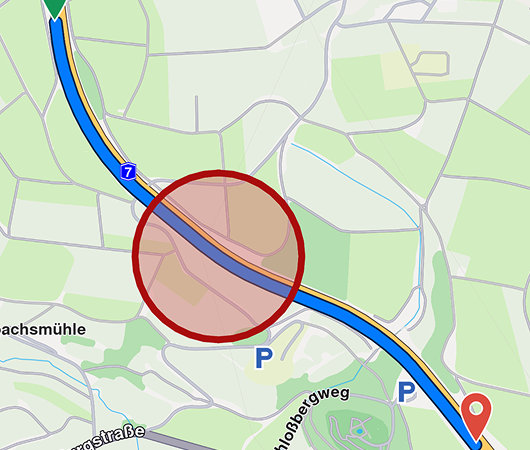
Routing & Navigation Examples
Explore interactive examples demonstrating routing and navigation features of the Maps SDK for TypeScript. Each example includes a live demo that you can interact with directly in your browser.
Getting Started
All examples follow a similar pattern:
- Initialize the SDK with your API token
- Create a map view in your HTML container
- Implement the feature using SDK methods
- Update the UI based on events and callbacks
Example Structure
Each example page includes:
- Live Demo: An interactive iframe where you can test the feature
- Code Snippets: Highlighted code blocks showing the implementation
- Explanation: Description of how the feature works
- Key Features: Summary of what you'll learn
Running Examples Locally
To run these examples in your own project:
# Install the SDK
npm install @magiclane/maps-sdk
Important: Before running any example, you need to add your API token:
- Open the
src/token.jsfile in the example folder - Replace the token placeholder with your actual token:
export const GEMKIT_TOKEN = "YOUR_API_TOKEN_HERE";
Then start your development server:
npm start
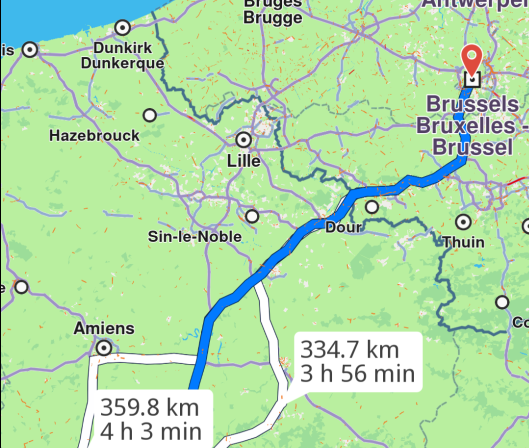
Calculate Route
Compute a route between two locations.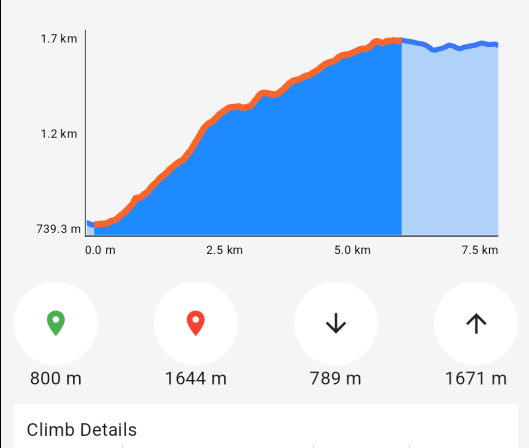
Route Profile
Display a detailed route profile.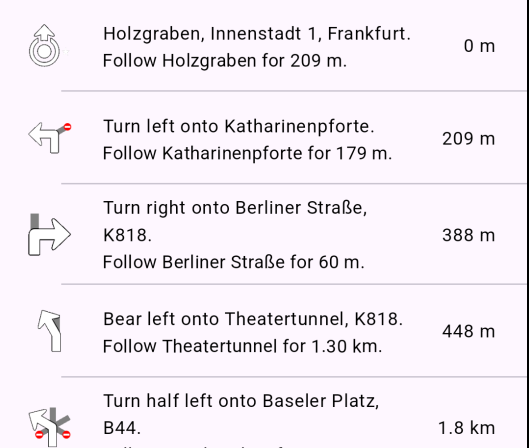
Route Instructions
Show detailed route instructions.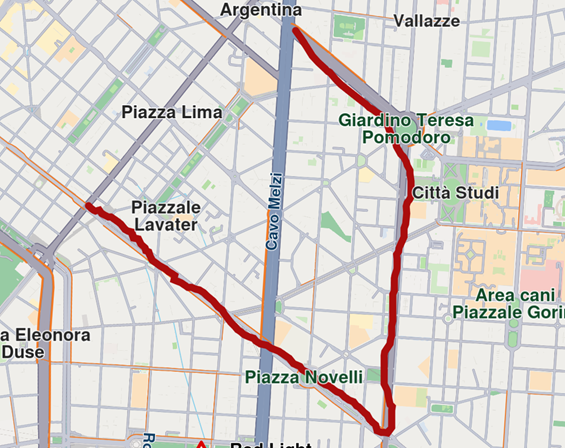
Finger Route
Draw waypoints with your finger to calculate a route.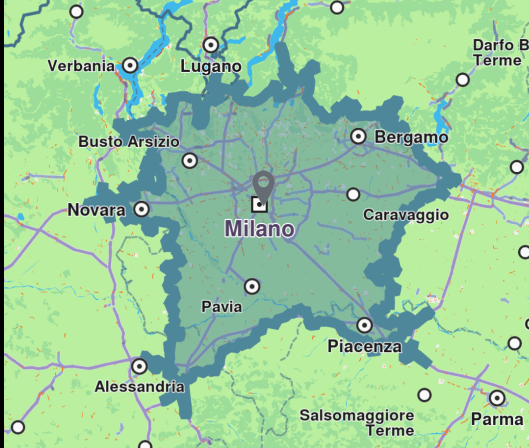
Range Finder
Calculate the route range from a point of interest.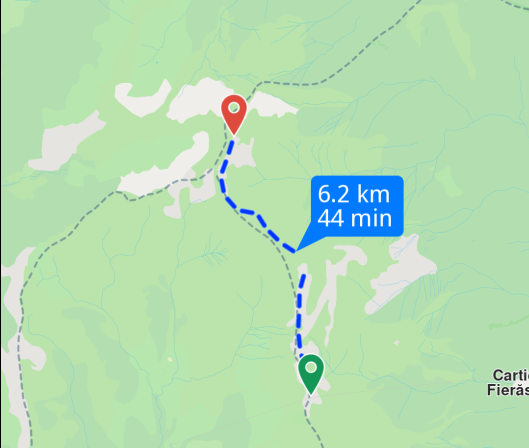
GPX Route
Generate a route based on GPX data.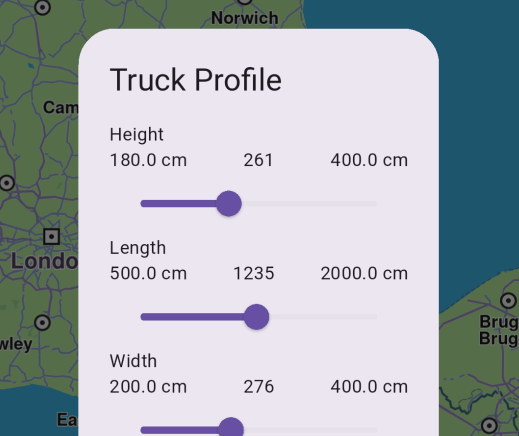
Truck Profile
Compute routes tailored for truck-specific requirements.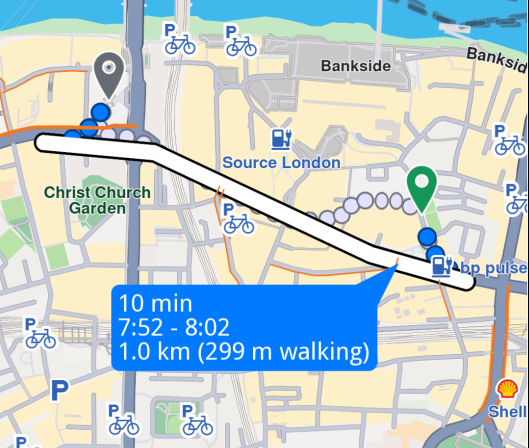
Public Transit
Plan routes using public transportation.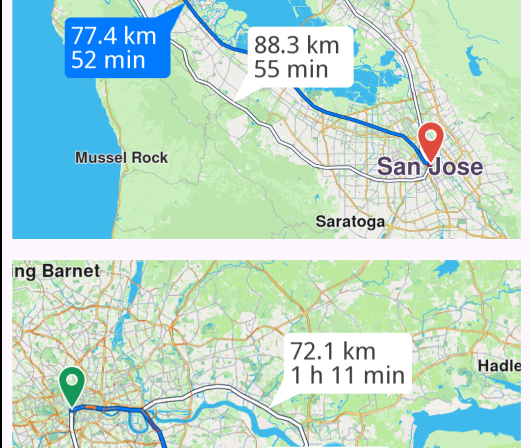
Multi Map Routing
Manage routes on two maps simultaneously.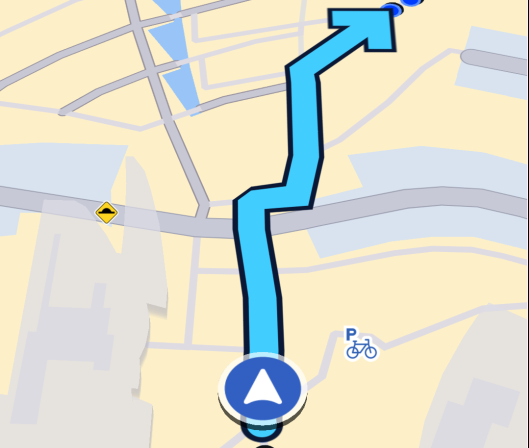
Navigate Route
Navigate along a computed route with real-time guidance.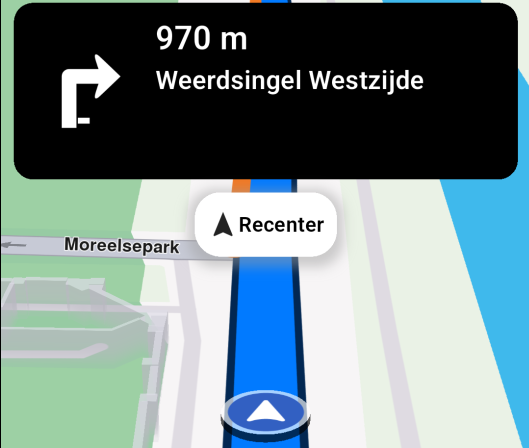
Simulate Navigation
Simulate navigation along a route.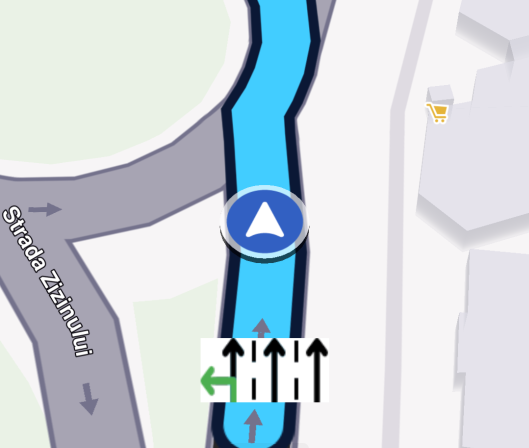
Lane Instructions
Navigate on route and display real-time lane instructions guidance.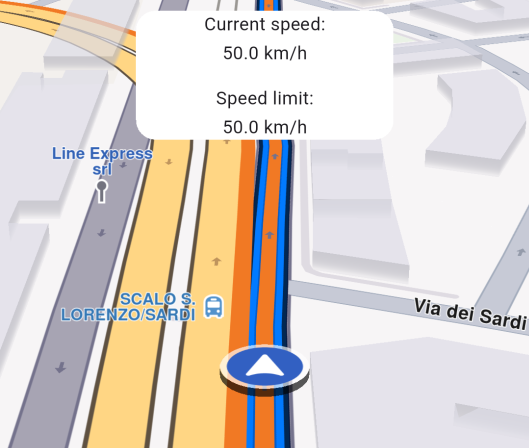
Speed Watcher
Monitor speed in real-time.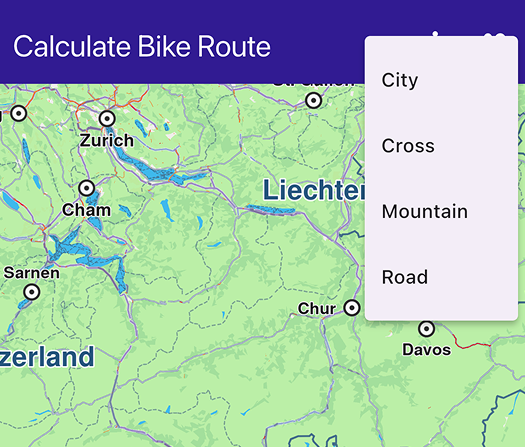
Calculate Bike Route
Calculate bike-specific routes.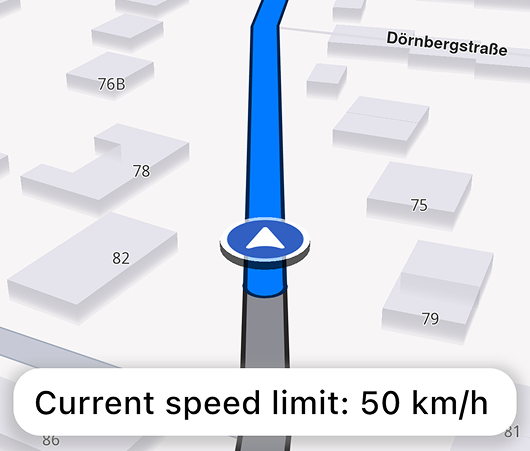
Speed Text-to-speech Warnings
Get notified on speed limit changes while navigating.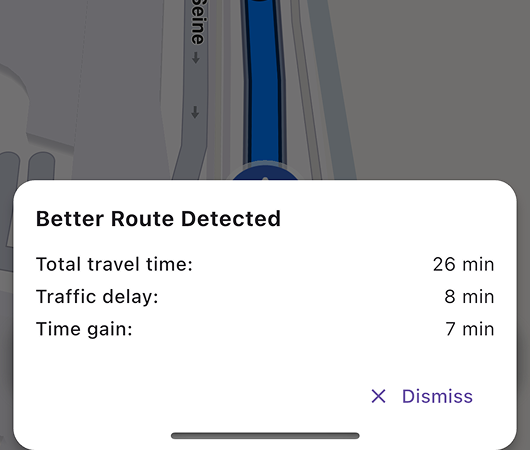
Better Route Notification
Get notified when a better route is detected while navigating.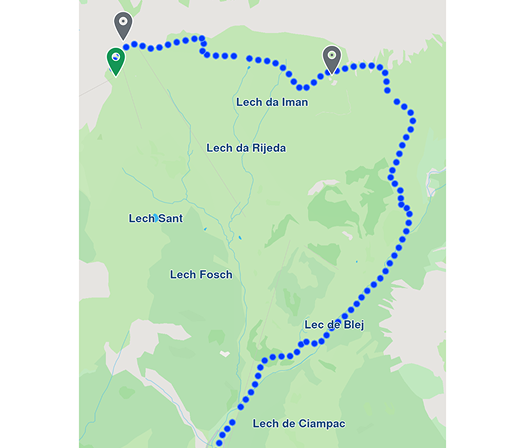
GPX Routing Thumbnail Image
Calculate a Path from a GPX file and capture a thumbnail image of the route displayed on the map.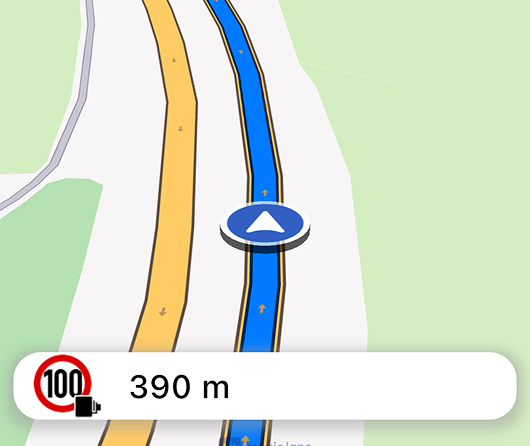
Route Alarms
Get notified when aproaching a map POI while navigating.