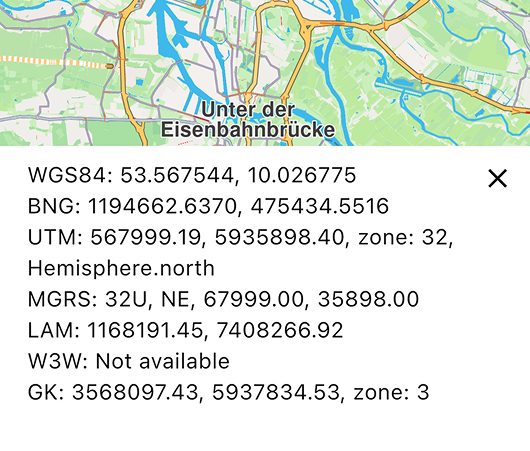
Maps & 3D Scene
These examples demonstrates how to work with interactive maps using the Maps SDK for TypeScript.
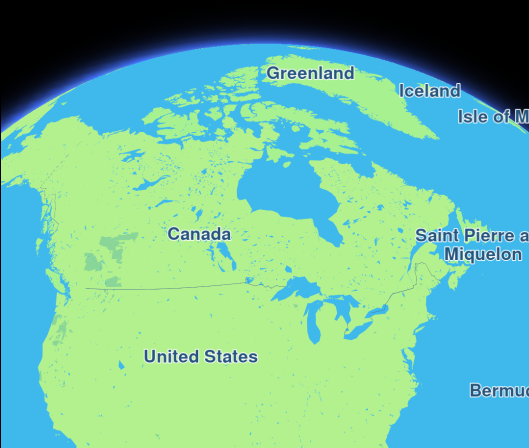
Hello Map
Display an interactive map.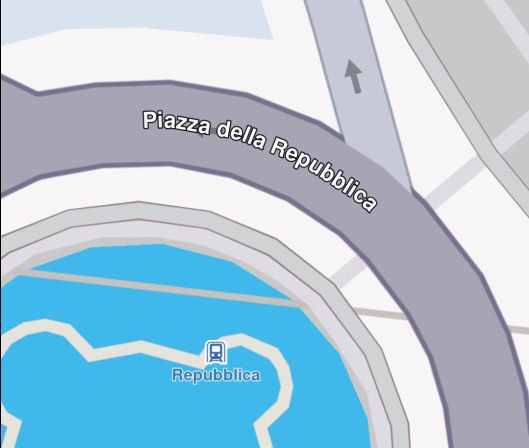
Center Coordinates
Center the map on specific coordinates.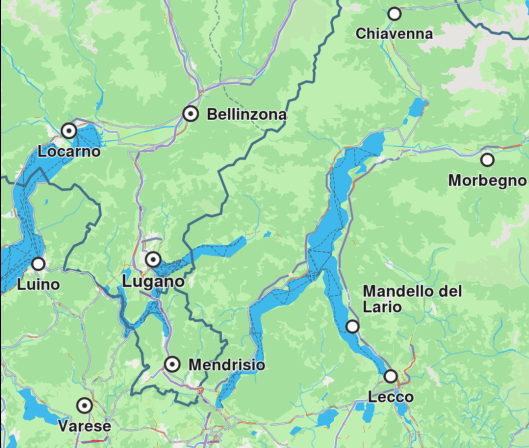
Map Gestures
Capture gestures data on a map.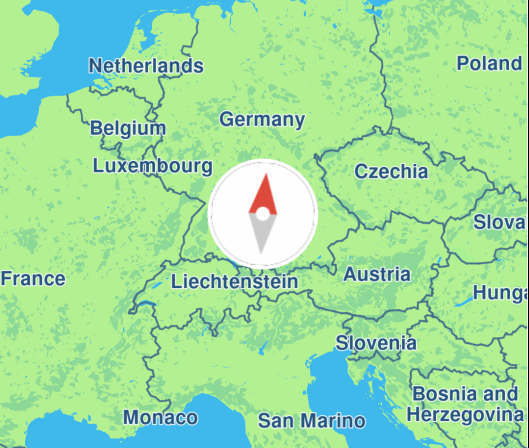
Map Compass
Render a compass icon that displays the heading rotation of the map.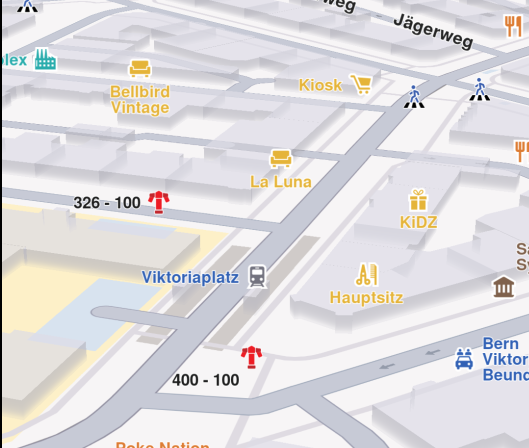
Map Perspective
Toggle between 2D and 3D map perspective.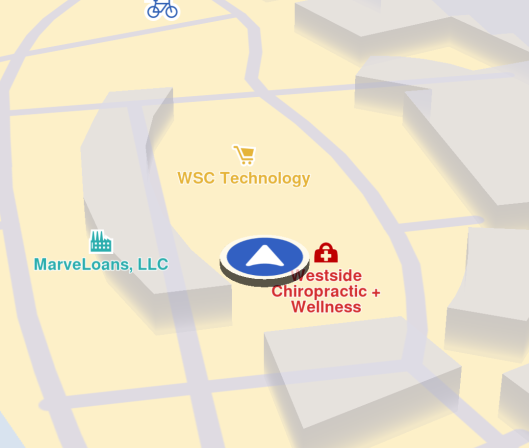
Follow Position
Follow the user's real-time location on a map.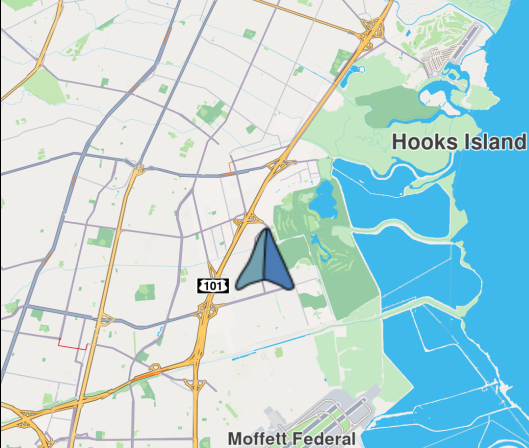
Custom Position Icon
Customize the position tracker icon.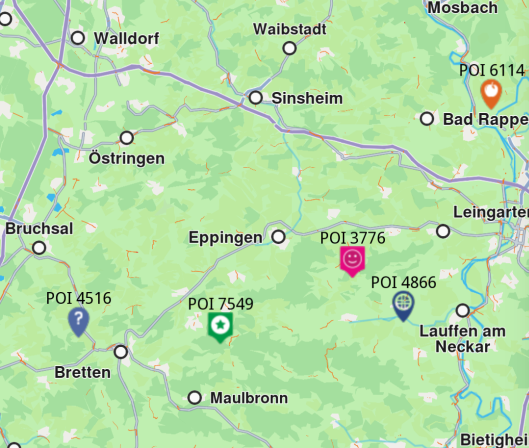
External Markers
Render custom markers using external rendering.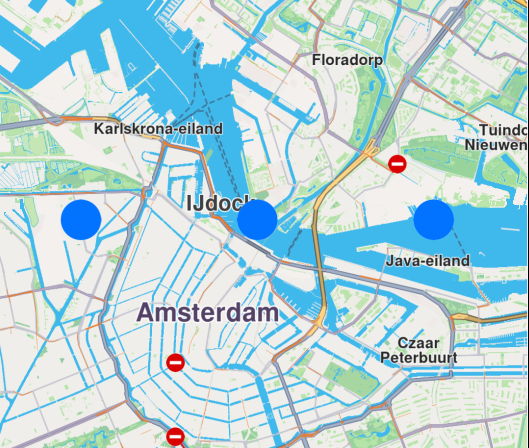
Draw Shapes on Map
Draw and display polylines, polygons and points.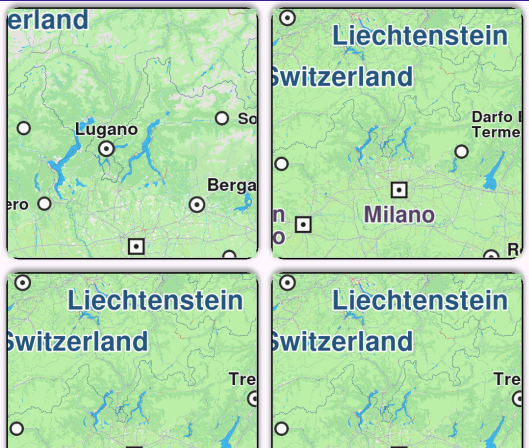
Multiview Map
Display multiple interactive maps in one viewport.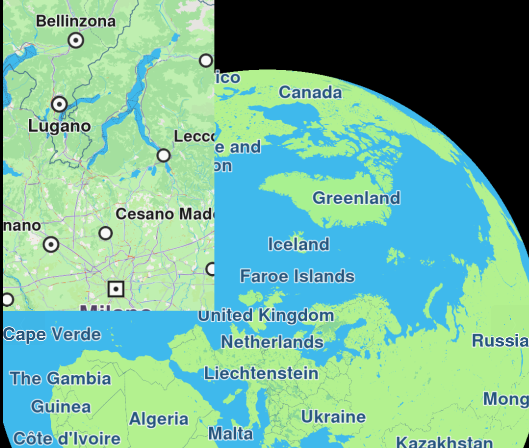
Overlapped Maps
Display two overlapped maps.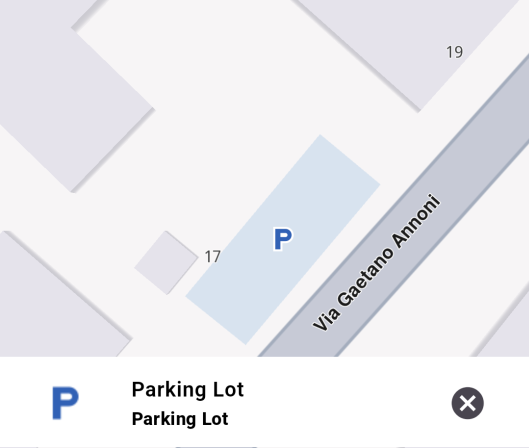
Map Selection
Explore POIs and select destination with ease.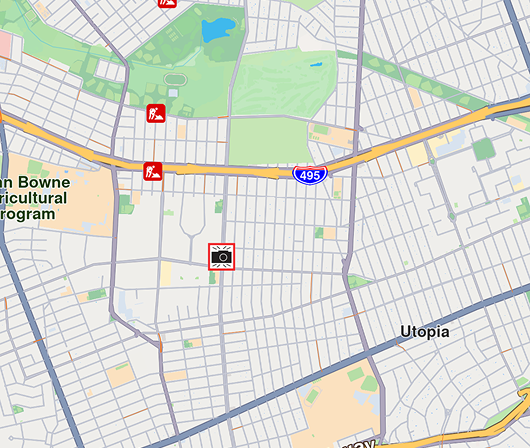
Center Area
Center map camera on a specific geographic area.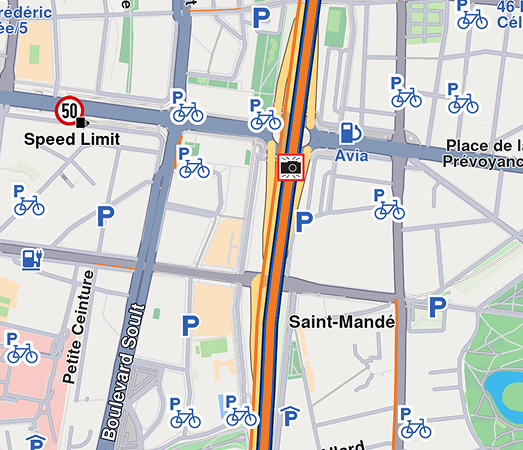
Center Traffic
Center map camera on a specific geographic area.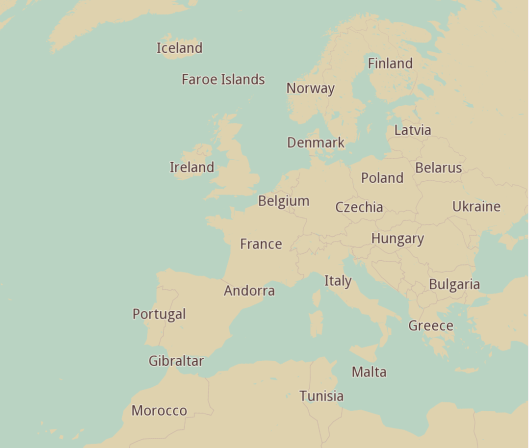
Assets Map Style
Display an interactive map with a custom style from assets.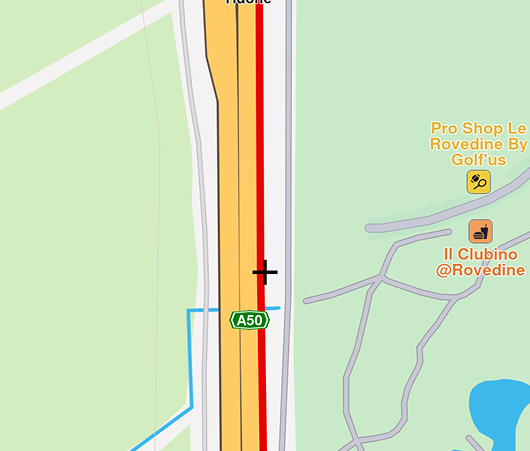
Draw Roadblock
Draw and upload a roadblock using coordinates.