Get started with maps
Learn how to display a map view and work with MapViewController, the core iOS map runtime controller.
Display a map
MapViewController is the UIKit map controller. In SwiftUI, use MapBase inside MapReader.
- UIKit
- SwiftUI
final class MapHostViewController: UIViewController, MapViewControllerDelegate {
    private var mapViewController: MapViewController?

    override func viewDidLoad() {
        super.viewDidLoad()

        let controller = MapViewController()
        controller.delegate = self
        controller.view.backgroundColor = .systemBackground
        mapViewController = controller

        addChild(controller)
        view.addSubview(controller.view)
        controller.didMove(toParent: self)

        controller.view.translatesAutoresizingMaskIntoConstraints = false
        NSLayoutConstraint.activate([
            controller.view.topAnchor.constraint(equalTo: view.topAnchor),
            controller.view.bottomAnchor.constraint(equalTo: view.bottomAnchor),
            controller.view.leadingAnchor.constraint(equalTo: view.leadingAnchor),
            controller.view.trailingAnchor.constraint(equalTo: view.trailingAnchor),
        ])
    }

    override func viewWillAppear(_ animated: Bool) {
        super.viewWillAppear(animated)
        mapViewController?.startRender()
    }

    override func viewWillDisappear(_ animated: Bool) {
        super.viewWillDisappear(animated)
        mapViewController?.stopRender()
    }

    deinit {
        mapViewController?.destroy()
    }

    func mapViewControllerReady(_ mapViewController: MapViewController) {
        // Map is ready for interaction
    }
}
import SwiftUI

struct MapHostView: View {

    @Environment(\.scenePhase) private var scenePhase

    @State private var isAppActive = true

    var body: some View {
        MapReader { proxy in
            MapBase()
                .mapRender(isAppActive)
                .ignoresSafeArea()
        }
        .onChange(of: scenePhase) { newPhase in
            switch newPhase {
            case .active:
                isAppActive = true
            case .background:
                isAppActive = false
            default:
                break
            }
        }
    }
}
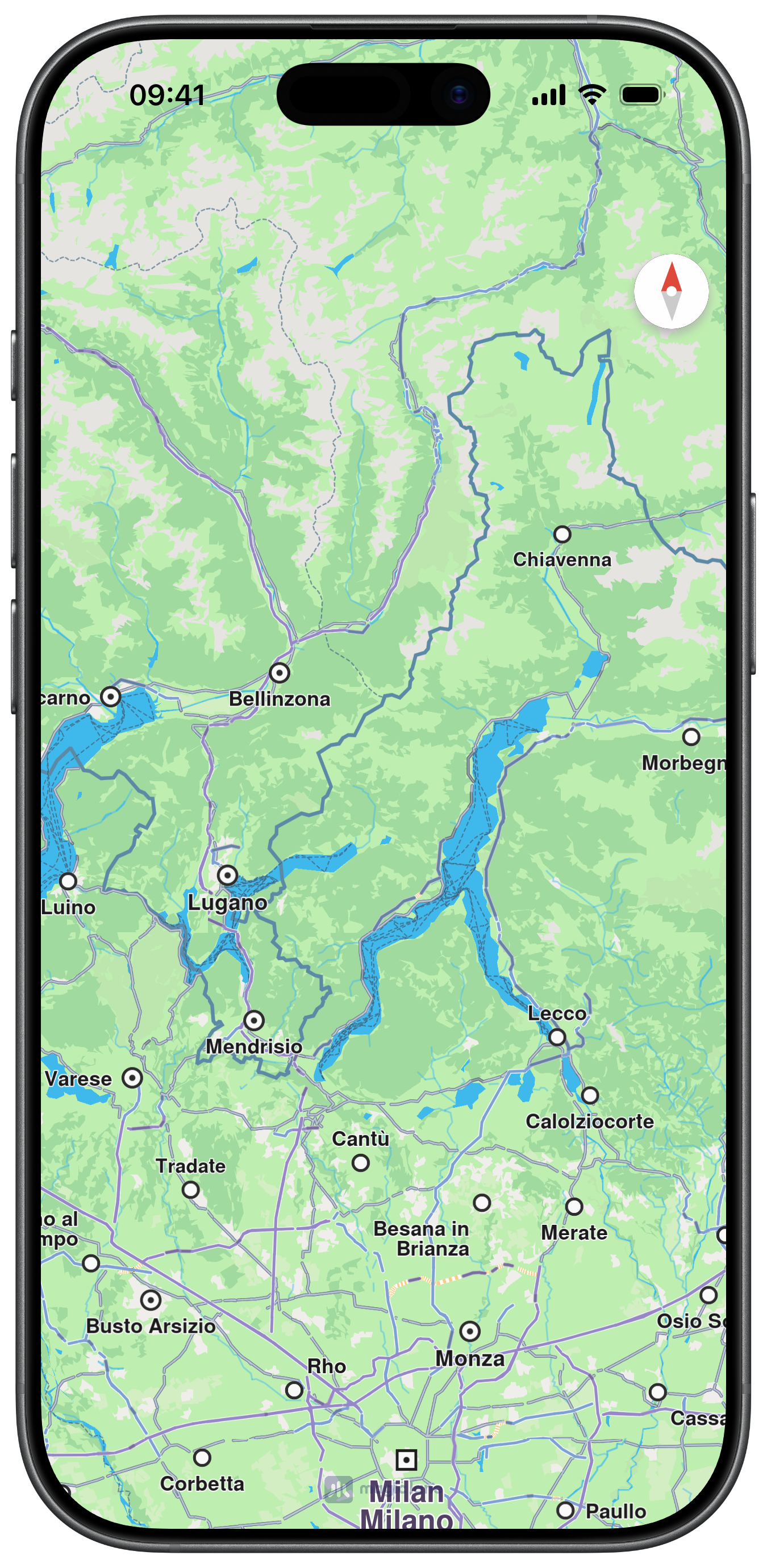
Default Map View
Use map preferences
Use getPreferences() for style, gestures, cursor, route rendering, landmark visibility, and other view-level settings.
- UIKit
- SwiftUI
guard let mapViewController,
      let preferences = mapViewController.getPreferences() else {
    return
}

preferences.enableCursor(true)
preferences.enableCursorRender(true)
mapViewController.setBuildingsVisibility(.visibilityHide)
MapReader { proxy in
    MapBase()
        .mapBuildings(.visibilityDefault)
        .mapTraffic(false)
        .onAppear {
            let preferences = proxy.mapViewController?.getPreferences()
            preferences?.enableCursor(true)
            preferences?.enableCursorRender(true)
        }
}
Tip
You can instantiate multiple MapViewController instances or multiple MapBase views in one app. Some SDK-level settings are still global (for example language and unit system), while map view preferences are per-controller.