Display routes
Learn how to display routes on the map, assign the main route, style route rendering, and manage route labels.
This page focuses on rendering already computed routes. For route calculation APIs, see the routing guides.
Add routes to the map
Add routes with methods called directly on MapViewController:
mapViewController.presentRoutes([mainRoute, alternativeRoute], withTraffic: nil, showSummary: true, animationDuration: 500)

// To set the main route explicitly:
mapViewController.setMainRoute(alternativeRoute)
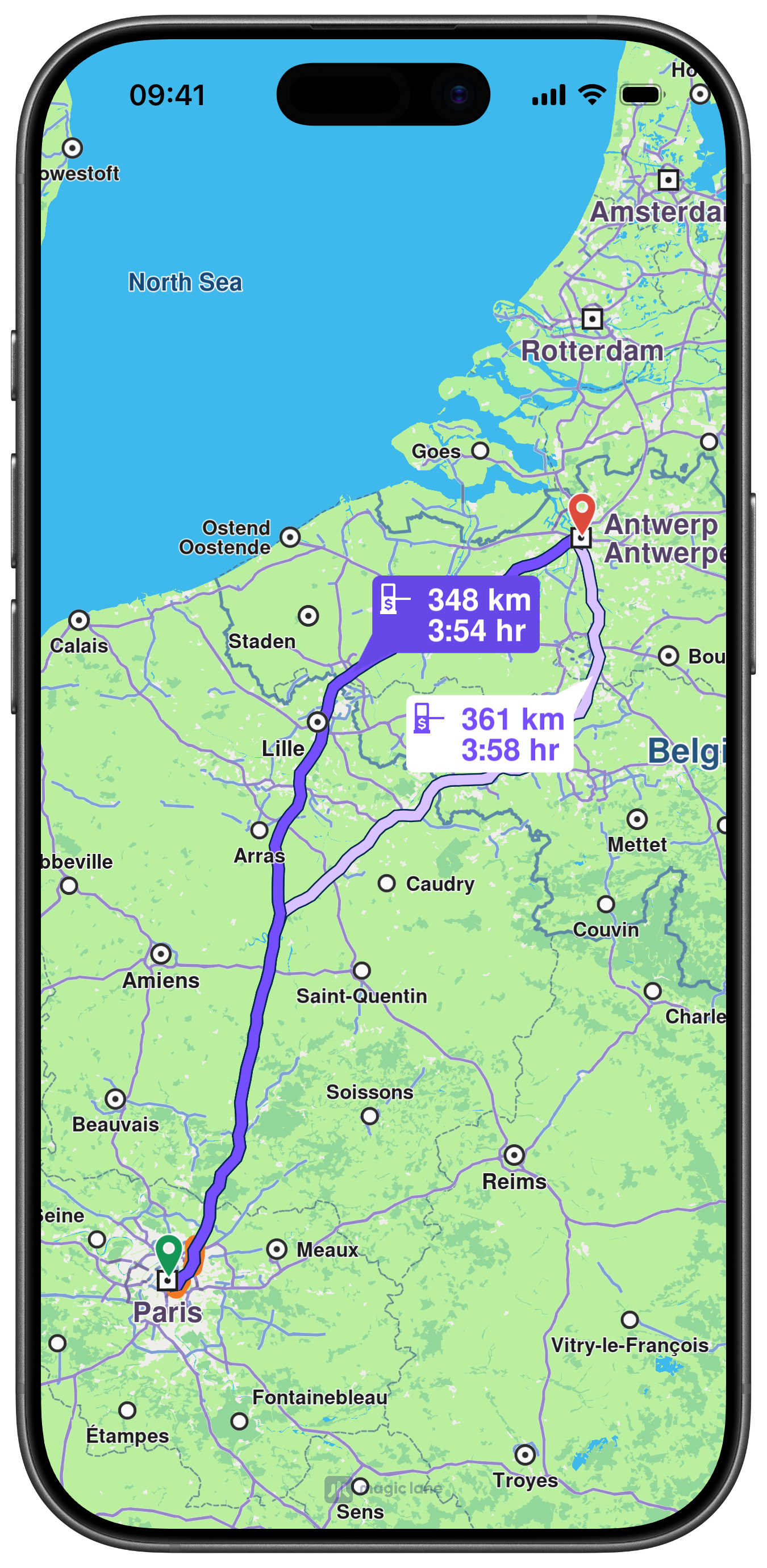
When presenting the routes through MapViewController, the first route will be set as the main route by default and the routes will be centered on.
Or add routes through MapViewPreferencesContext.
let preferences = mapViewController.getPreferences()

_ = preferences.addRoute(mainRoute, isMainRoute: true, label: "Fastest", images: nil)
_ = preferences.addRoute(alternativeRoute, isMainRoute: false, label: "Alternative", images: nil)

// To set the main route explicitly:
preferences.setMainRoute(alternativeRoute)
let currentMain = preferences.getMainRoute()
print("main route updated: \(currentMain != nil)")

mapViewController.center(onRoutes: [mainRoute, alternativeRoute], displayMode: .full, animationDuration: 500)
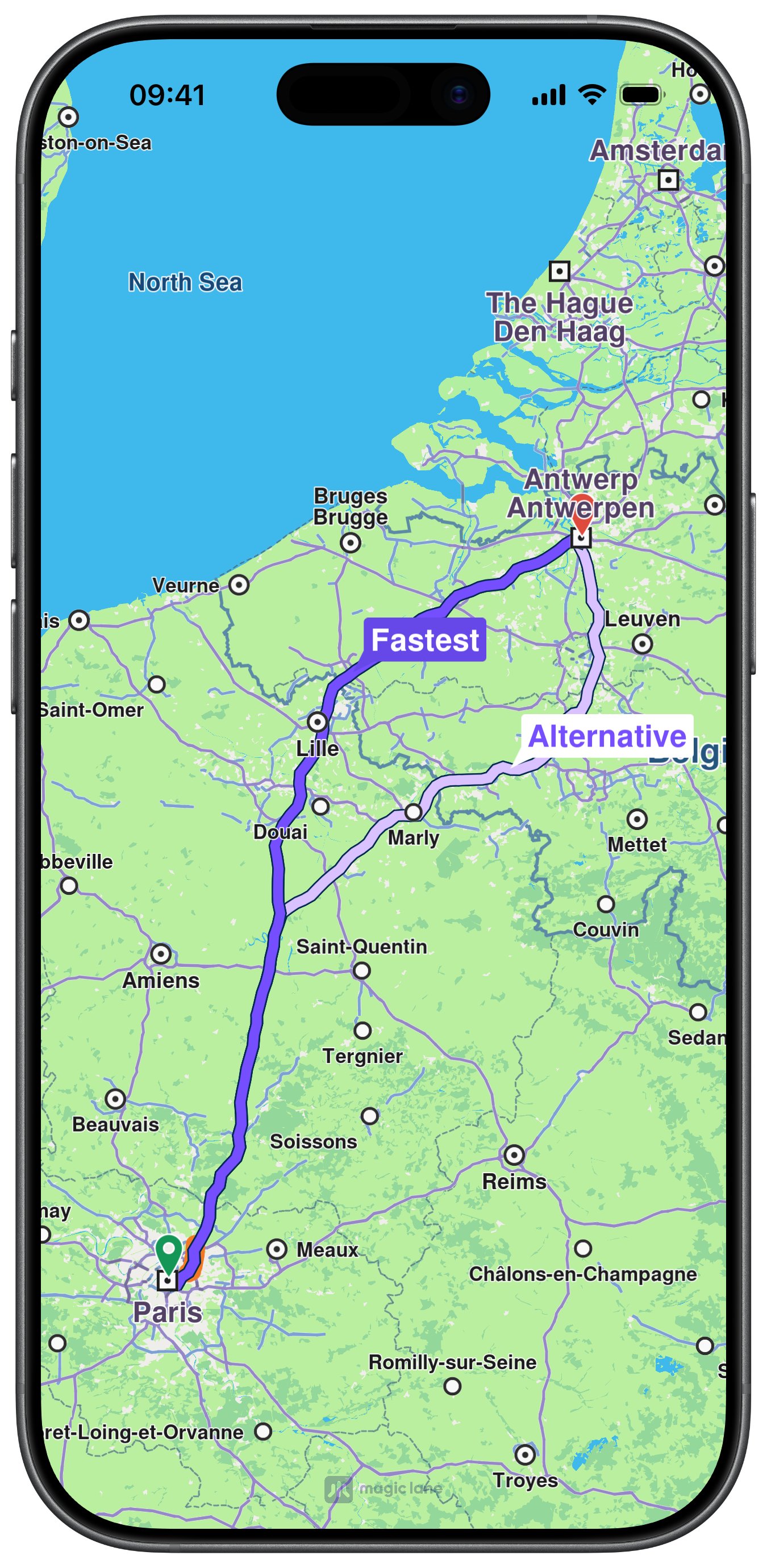
Only one route can be marked as main at a time.
Customize route appearance
Customize route rendering with MapViewRouteRenderSettings.
let preferences = mapViewController.getPreferences()
let settings = preferences.getRenderSettings(mainRoute)

settings.options = Int32(
    MapViewRouteRenderOption.main.rawValue |
    MapViewRouteRenderOption.showTraffic.rawValue
)
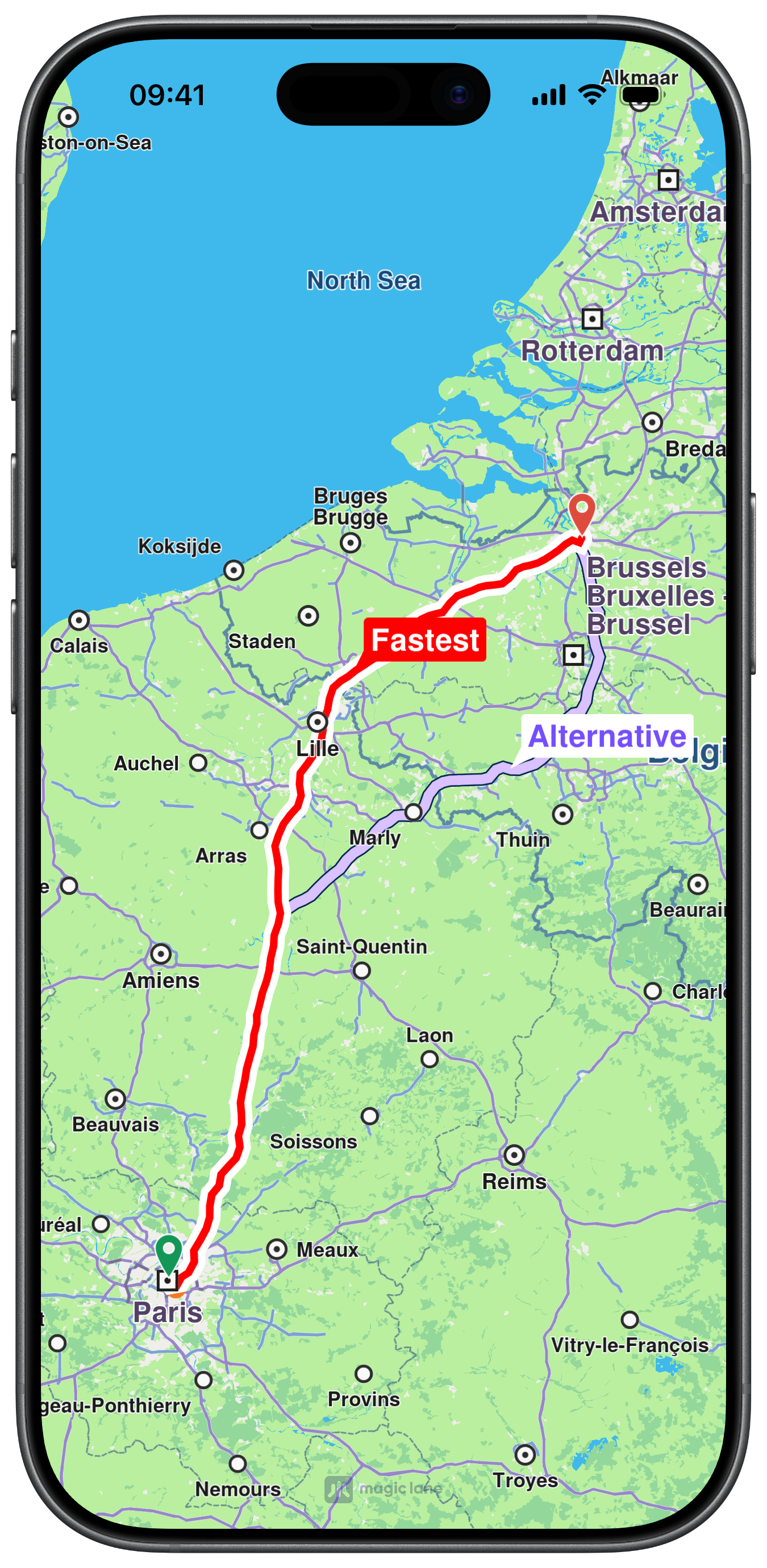
settings.contourInnerColor = .red
settings.contourOuterColor = .white
settings.contourInnerSize = 1.2
settings.contourOuterSize = 2.0

preferences.setRenderSettings(settings, route: mainRoute)
All route dimensional values in MapViewRouteRenderSettings are measured in millimeters.
Add and update route labels
let preferences = mapViewController.getPreferences()

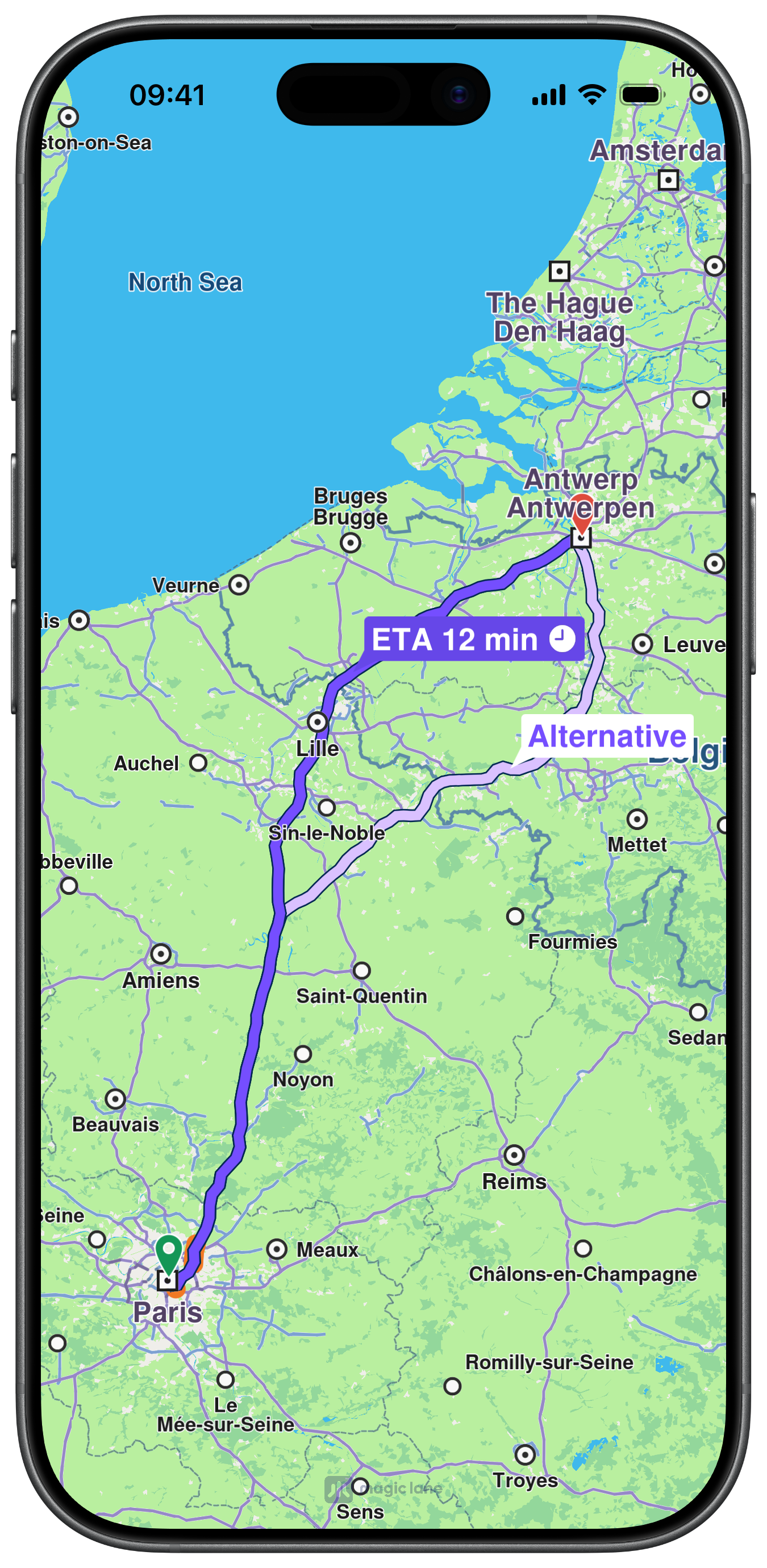
preferences.setRouteLabel(mainRoute, label: "ETA 12 min %%0%%")
preferences.setRouteImages(mainRoute, images: [UIImage(systemName: "clock.fill")!.withTintColor(.white)])

let label = preferences.getRouteLabel(mainRoute)
print("route label: \(label ?? "")")
Hide a label:
preferences.hideRouteLabel(mainRoute)
Check visible route interval
Retrieve the visible portion of a route - defined by its start and end distances in meters - using the getVisibleRouteInterval method from MapViewController:
let interval = mapViewController.getVisibleRouteInterval(mainRoute, rect: .zero)
if interval.count == 2 {
    let startMeters = interval[0].intValue
    let endMeters = interval[1].intValue
    print("visible route meters: \(startMeters)-\(endMeters)")
}
Remove routes
// Using MapViewController
mapViewController.removeRoutes([alternativeRoute])
mapViewController.removeAllRoutes()

// Using preferences
let preferences = mapViewController.getPreferences()

preferences.removeRoute(alternativeRoute)
preferences.clearRoutes()