Simulate Route
- UIKit
- SwiftUI
This example demonstrates how to use GEMKit in a UIKit application to calculate a route and simulate driving it at an accelerated speed with turn-by-turn voice guidance.
Check the full implementation on GitHub.
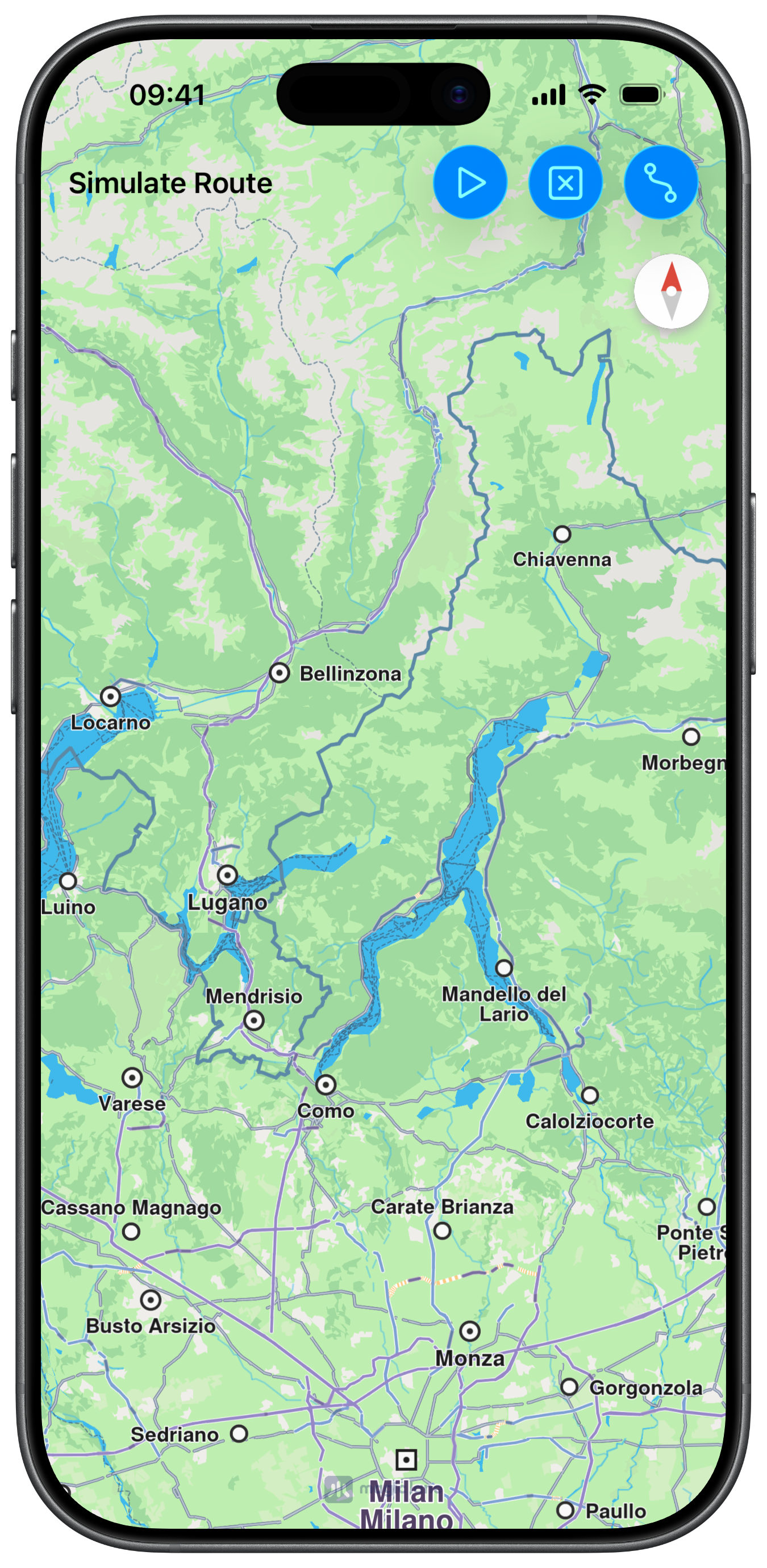
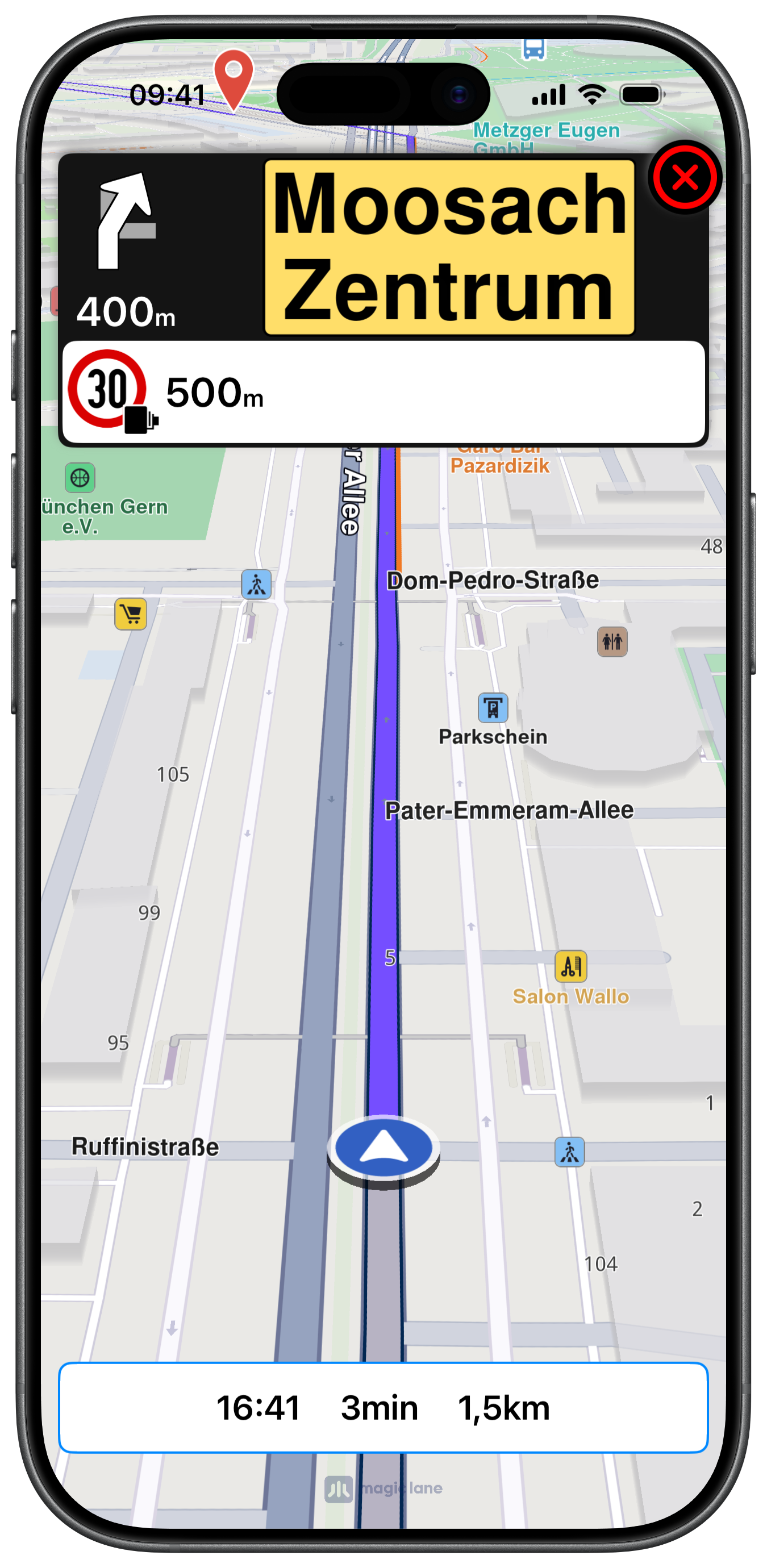
UI and Map Integration
The view controller embeds a MapViewController and sets up delegates for both map interaction and navigation event callbacks:
Calculating and Simulating the Route
Once waypoints are set, the route is calculated and the simulation starts, auto-following the simulated position at 2× speed:
Starting Simulation
After a route is presented, tapping the play button starts the simulation at 2× real speed:
Navigation Panel
The NavigationViewController used in this example is a full-featured turn-by-turn panel displaying turn images, distance, lane guidance, traffic events, signpost overlays, and safety alerts. Due to its size it is not reproduced here — check the full implementation on GitHub.
This example demonstrates how to use GEMKit in a SwiftUI application to calculate a route and simulate driving it at an accelerated speed with turn-by-turn voice guidance.
Check the full implementation on GitHub.
Map View and Navigation Panel
Navigation state is managed in SimulateRouteModel. The view switches between a route summary MapRoute and a live navigation MapRoute once simulation starts, and a NavigationPanelView overlay is shown during simulation:
Route Calculation and Starting Simulation
Route preferences and all contexts are initialised lazily in the model. Once a route is available startSimulation(_:) calls simulate(withRoute:speedMultiplier:) and a NavigationHandler closure receives all delegate callbacks:
The NavigationPanelView used in this example is a full-featured SwiftUI turn-by-turn panel displaying turn images, distance, lane guidance, traffic events, and safety alerts. Due to its size it is not reproduced here — check the full implementation on GitHub.