Route Instructions
- UIKit
- SwiftUI
This example demonstrates how to use GEMKit in a UIKit application to calculate a route and display a detailed list of turn-by-turn instructions alongside any traffic events along the path.
Check the full implementation on GitHub.
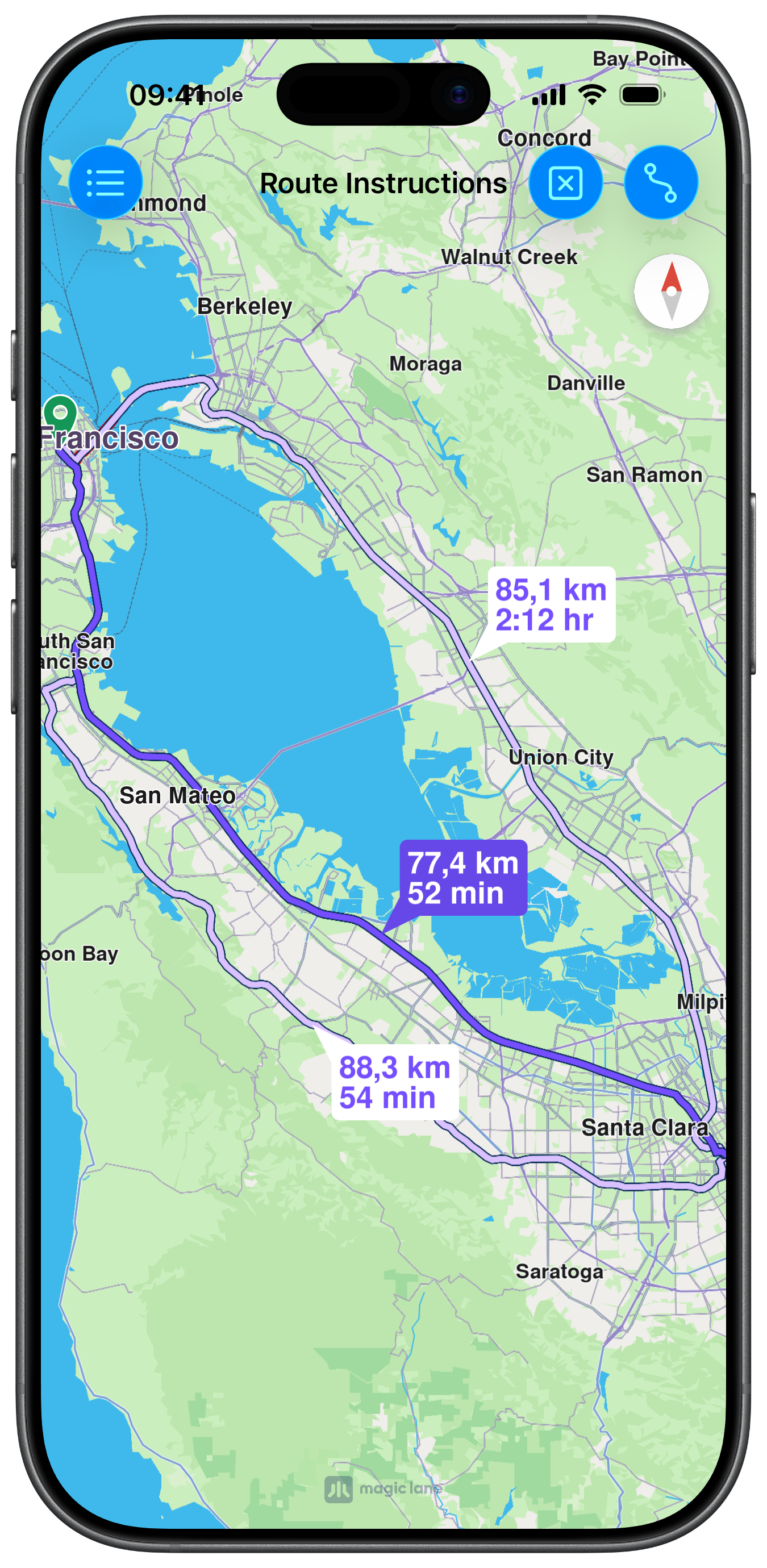
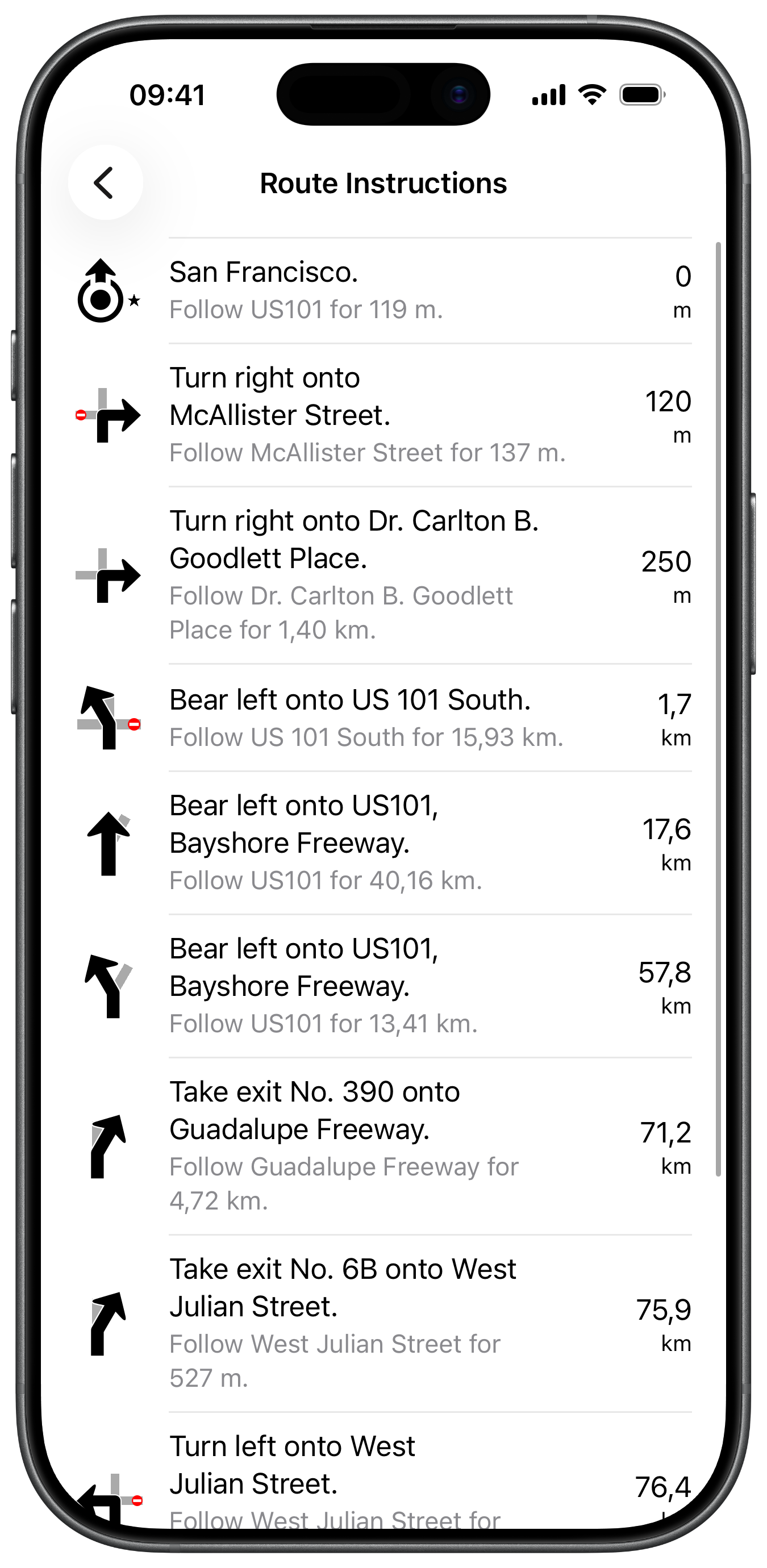
UI and Map Integration
The view controller calculates the route and stores the first result for the instructions view:
Calculating the Route
The route is calculated with standard car preferences. The first result is saved on mainRoute for later access by the instructions screen:
Showing Route Instructions
Tapping the list button pushes the RouteInstructionsViewController, which iterates over segments and their instructions to build a table, also incorporating any traffic events:
This example demonstrates how to use GEMKit in a SwiftUI application to calculate a route and display a detailed list of turn-by-turn instructions alongside any traffic events along the path.
Check the full implementation on GitHub.
Map View and Instructions Navigation
The map is displayed with a MapRoute declarative child. A toolbar button navigates to RouteInstructionsView once a route is available. When the user selects an instruction and pops back, the map centres on that instruction:
Calculating the Route
Route preferences and contexts are initialised lazily. The first result is stored in mainRoute to enable the instructions button and pass the route to RouteInstructionsView:
Building the Instruction List
RouteInstructionsView iterates over route segments and their instructions to build the list. Traffic events are also included and sorted by their distance position along the route. Tapping an item pops back and centres the map on that instruction or event: