No Map Just Routing
- UIKit
This example demonstrates how to use GEMKit in a UIKit application to calculate a route and run turn-by-turn guidance entirely without a map view, using only labels and a navigation panel overlay.
Check the full implementation on GitHub.
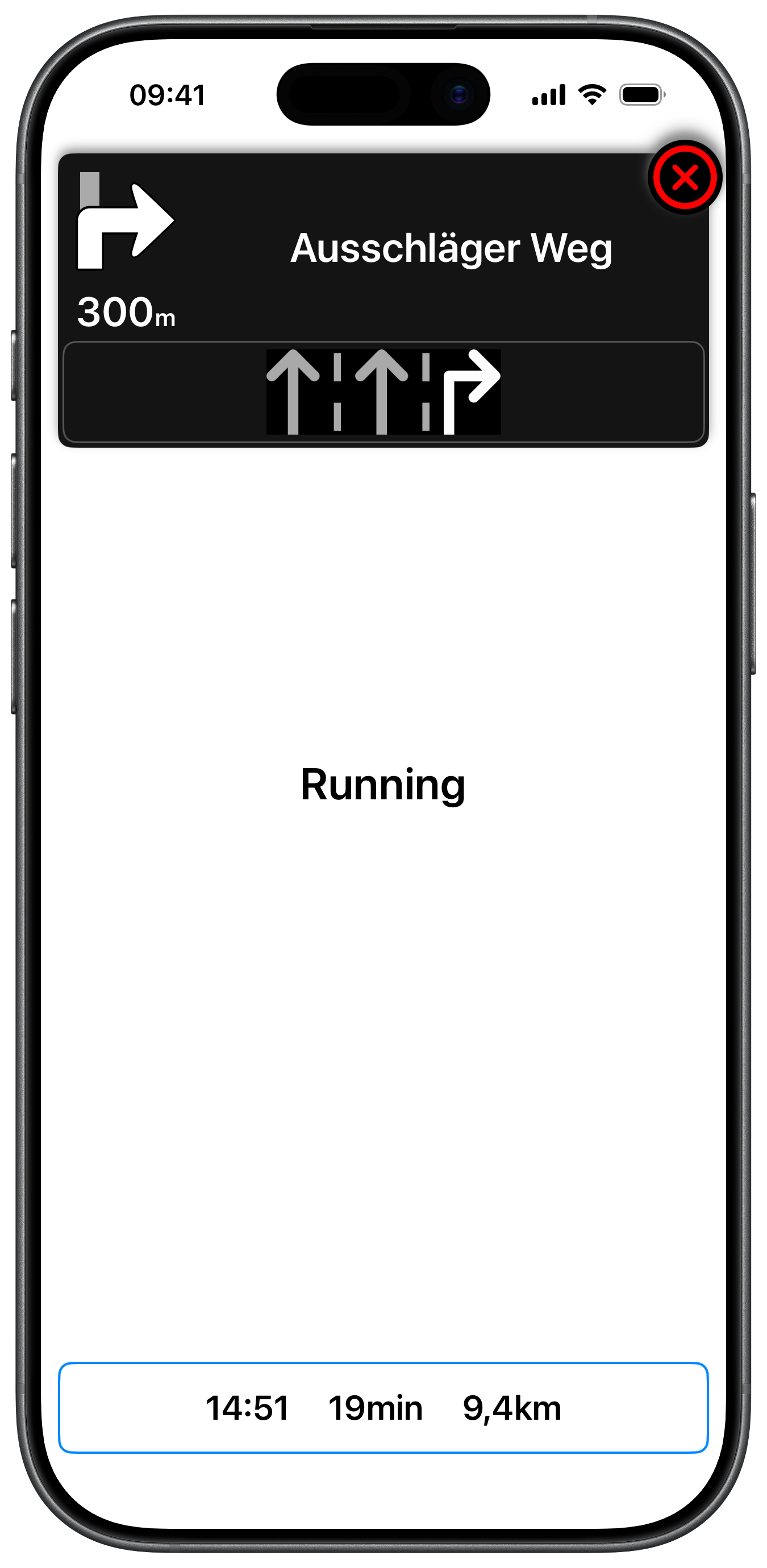
Routing Without a Map
There is no MapViewController in this example. The view displays only a status label and a times label. Route calculation status updates are delivered through the progress closure:
Calculating the Route and Displaying Status
Route status changes are shown directly in the statusLabel while the calculation is in progress:
Navigation Delegate Callbacks Without a Map
Since there is no map, all navigation feedback is driven through the delegate. Estimated arrival time, remaining travel time, and distance are displayed in a label, and the navigation panel is created lazily on the first update:
Navigation Panel
The NavigationViewController used in this example is a full-featured turn-by-turn panel displaying turn images, distance, lane guidance, traffic events, signpost overlays, and safety alerts. Due to its size it is not reproduced here — check the full implementation on GitHub.