Human Voices
- UIKit
This example demonstrates how to use GEMKit in a UIKit application to download and use human-recorded voice packages for turn-by-turn navigation guidance via HumanVoiceContext.
Check the full implementation on GitHub.
UI and Map Integration
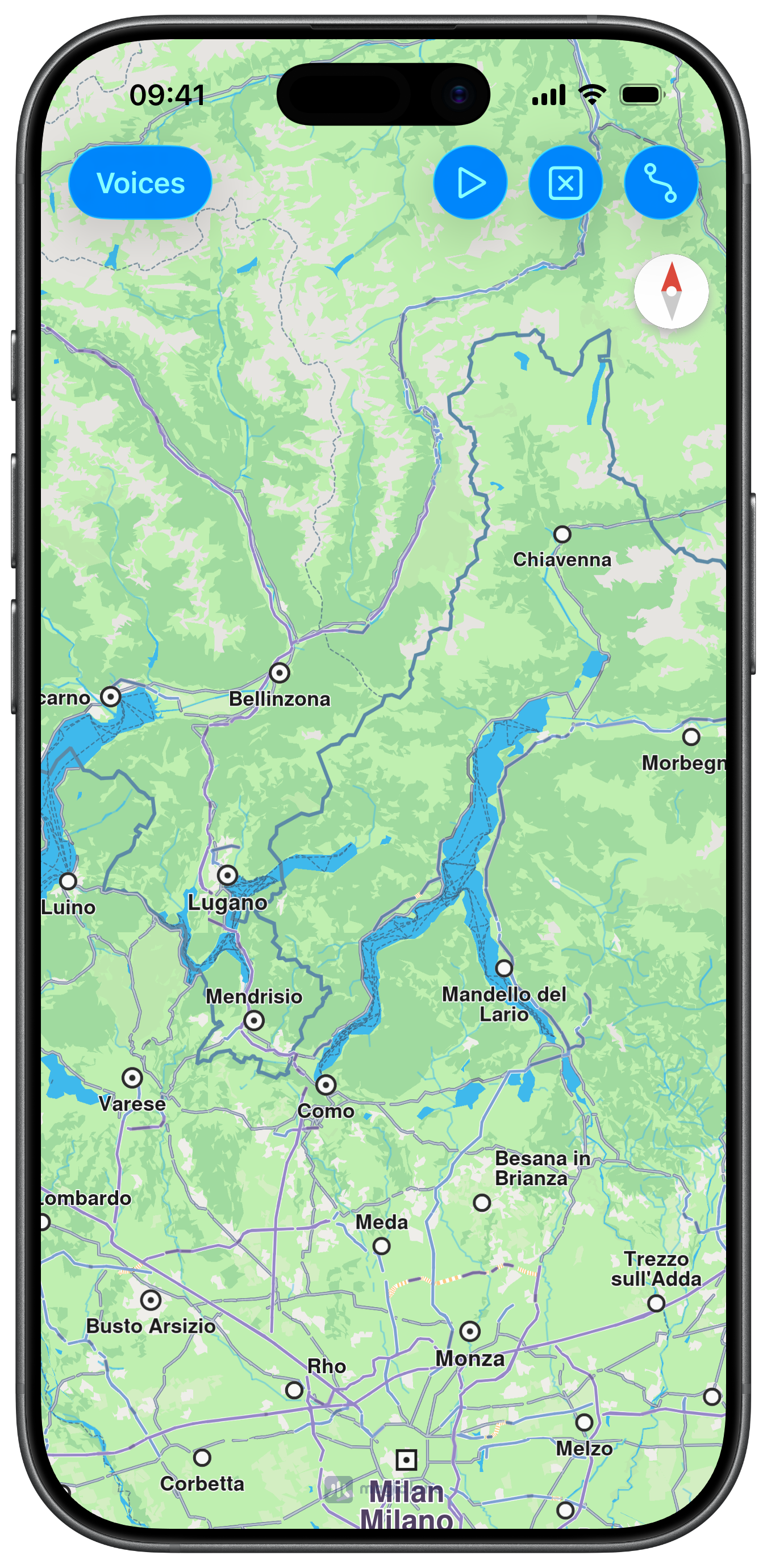
A dedicated Voices button navigates to a list screen for browsing and downloading voice packages. A SoundContext activates the selected voice before simulation:
Browsing and Downloading Voice Packages
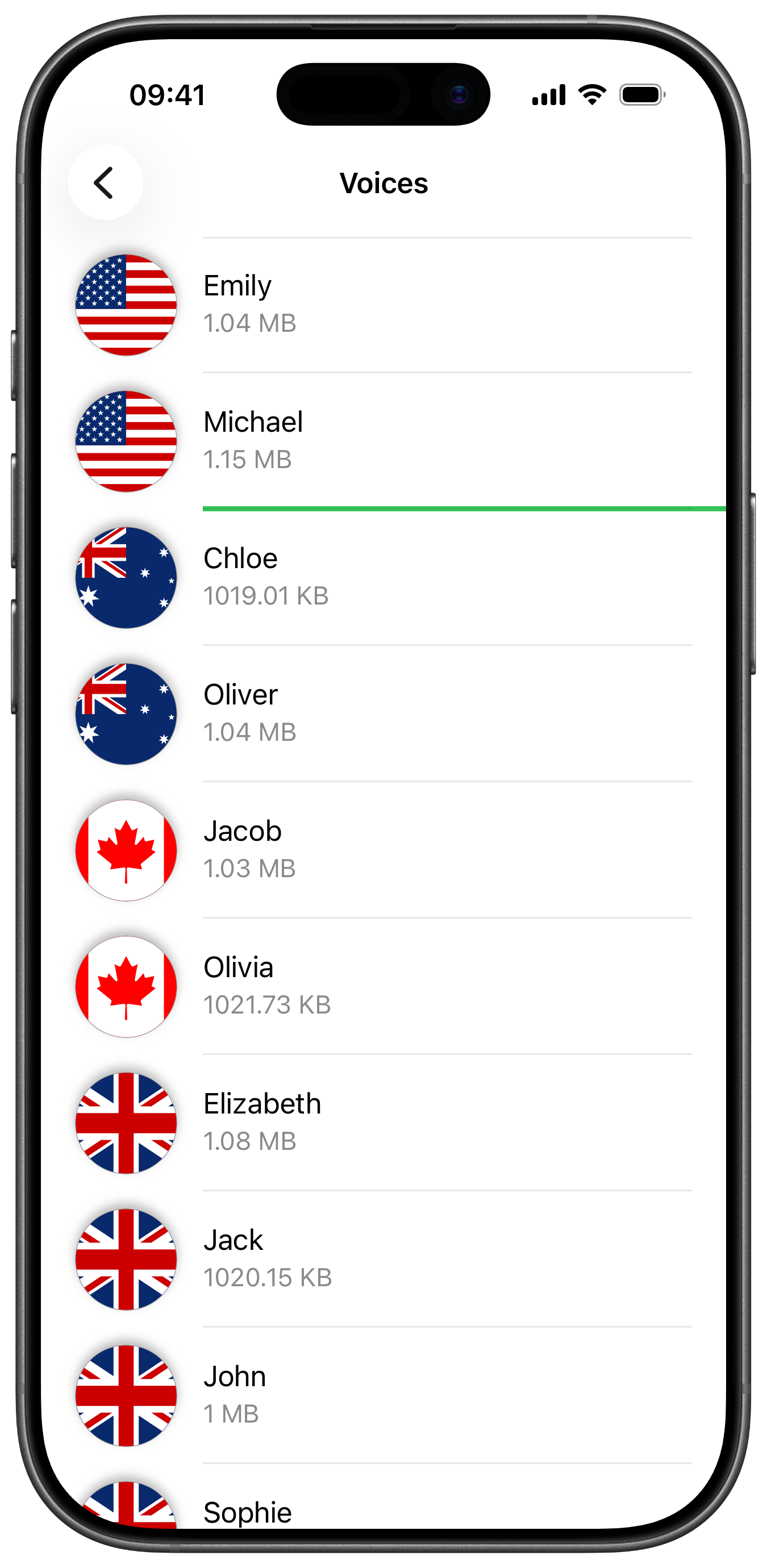
VoicesViewController uses HumanVoiceContext to fetch both the locally installed list and the online catalogue. Each row shows a country flag and download progress bar. Tapping a row starts or pauses the download:
Activating a Human Voice for Navigation
When a row with a completed download is tapped, the voice package identifier is passed to setUseHumanVoiceWithIdentifier(_:completionHandler:) on the root view controller's SoundContext, then the screen is dismissed: