
GPX Route

Last updated: April 7, 2026 | 3 minutes read

This example demonstrates how to use GEMKit in a UIKit application to load a .gpx file bundled with the app, calculate a route that follows the track, display it on the map, and simulate riding it.

Check the full implementation on GitHub.
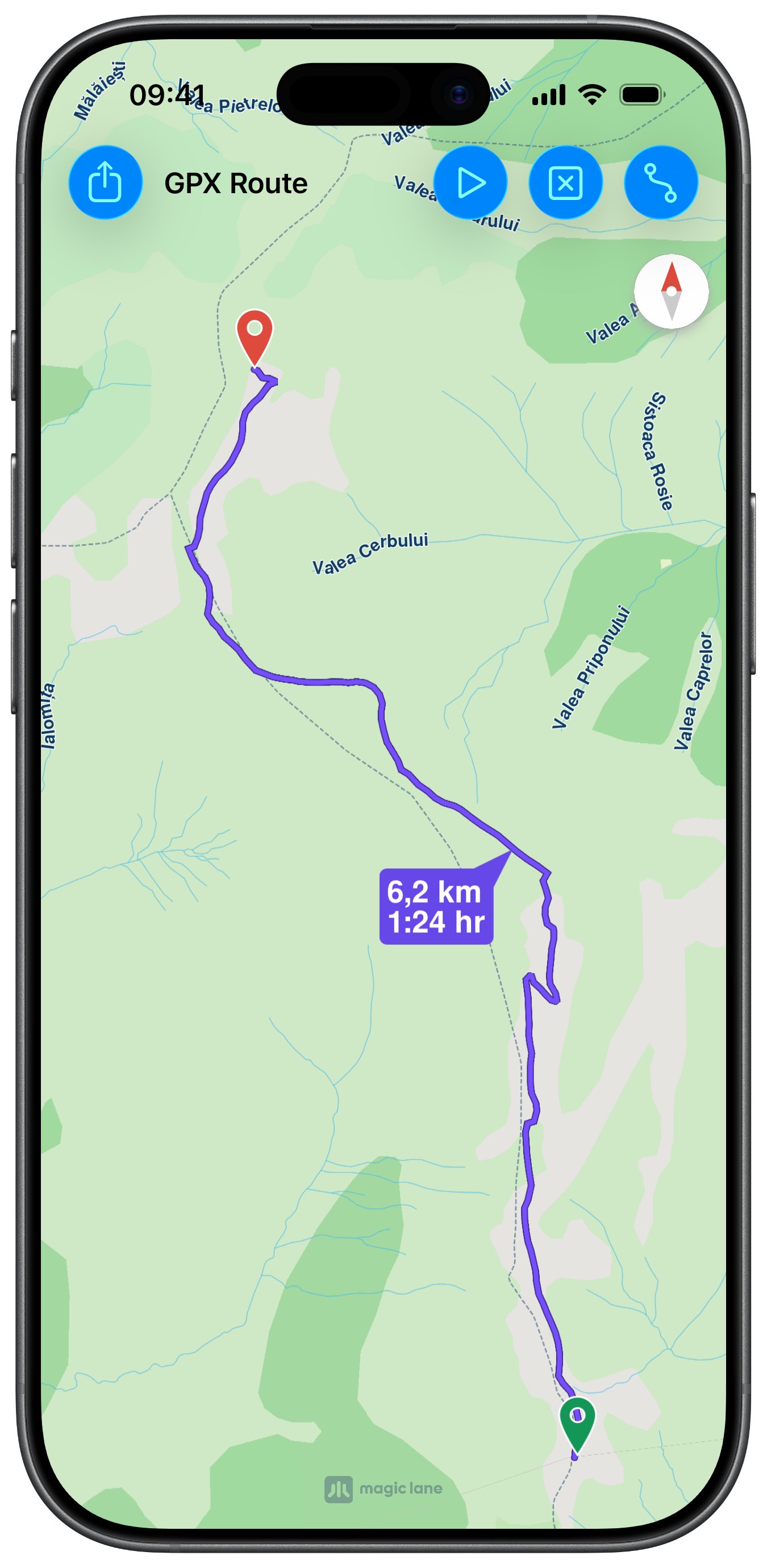
GPX Route Overview
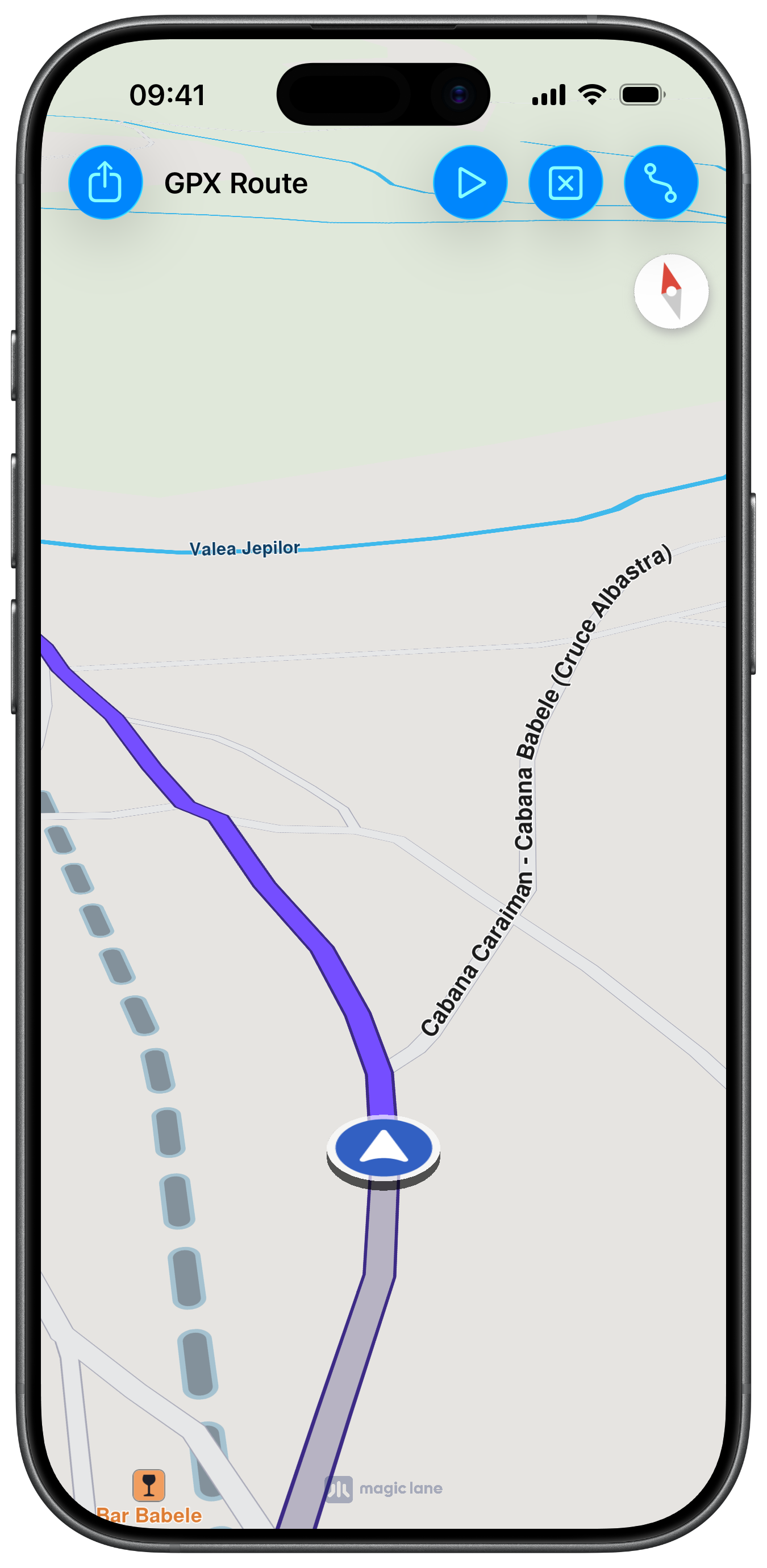
Routing
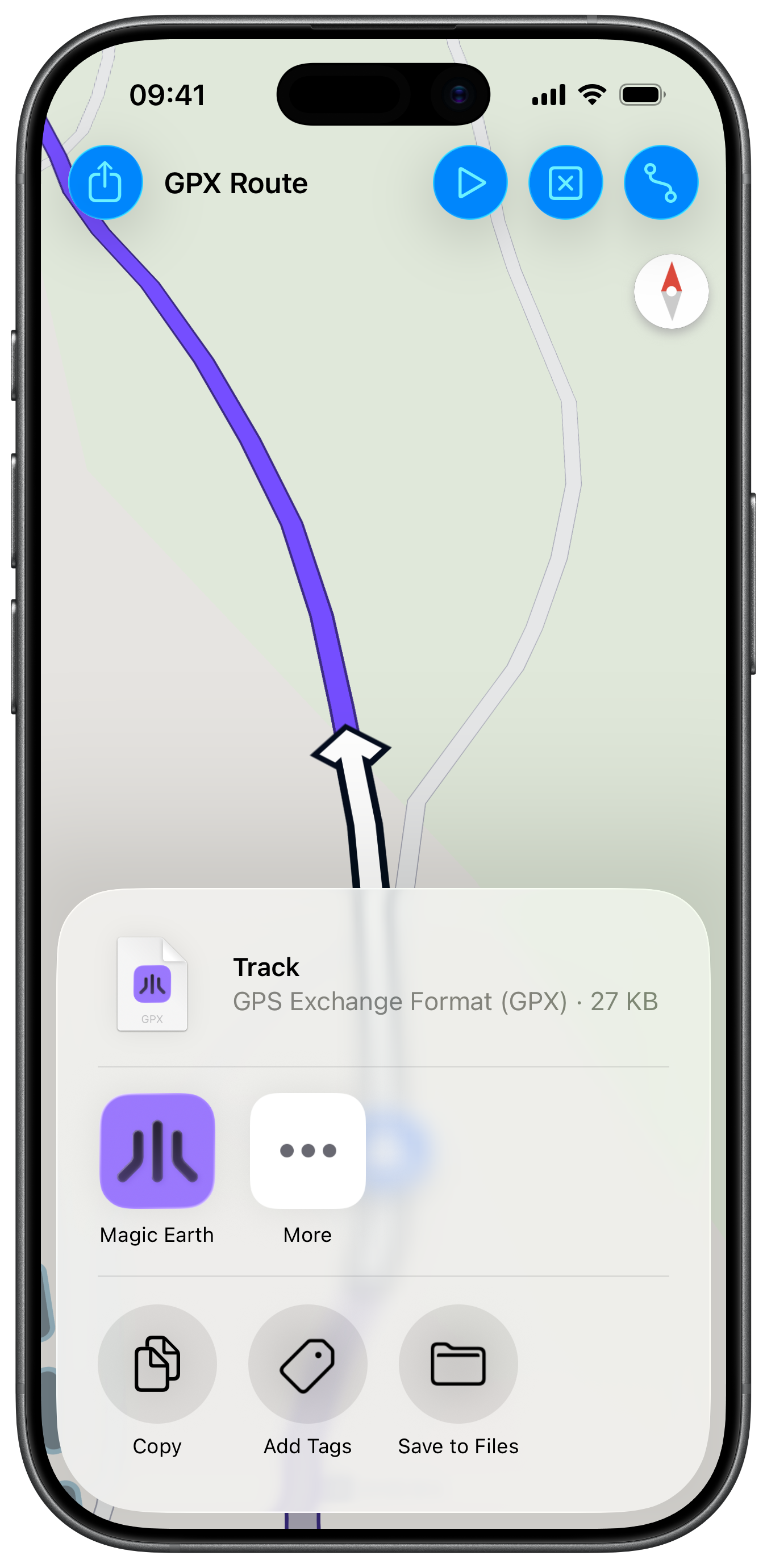
Sharing GPX file

UI and Map Integration

The view controller sets up a map and navigation context and implements the NavigationContextDelegate to receive simulation lifecycle callbacks:

ViewController.swiftView on GitHub
class ViewController: UIViewController, UISearchBarDelegate, NavigationContextDelegate {

var mapViewController: MapViewController?
var navigationContext: NavigationContext?
var mainRoute: RouteObject?

override func viewDidLoad() {
super.viewDidLoad()

self.title = "GPX Route"
self.navigationItem.largeTitleDisplayMode = .never

self.createMapView()
self.mapViewController!.startRender()
self.addRouteButton()
}

Loading GPX Data and Calculating the Route

The bundled .gpx file is loaded as Data and passed to calculateRoute(withStartWaypoints:buffer:endWaypoints:completionHandler:). Optional start and end waypoint arrays allow pinning the route to explicit landmarks:

ViewController.swiftView on GitHub
@objc func routeButtonAction(item: UIBarButtonItem) {

guard let fileURL = Bundle.main.url(forResource: "test", withExtension: "gpx") else { return }

guard let data = NSData.init(contentsOf: fileURL) as Data? else { return }

if self.navigationContext == nil {

let preferences = RoutePreferencesObject.init()
preferences.setTransportMode(.bicycle)
preferences.setAvoidUnpavedRoads(false)

self.navigationContext = NavigationContext.init(preferences: preferences)
self.navigationContext?.delegate = self
}

let startPoints: [LandmarkObject] = []
let endPoints: [LandmarkObject] = []

self.navigationContext?
.calculateRoute(
withStartWaypoints: startPoints, buffer: data, endWaypoints: endPoints,
completionHandler: { [weak self] (results: [RouteObject]) in

guard let strongSelf = self else { return }

if let route = results.first {

strongSelf.mainRoute = route

strongSelf.mapViewController?.setEdgeAreaInsets(strongSelf.areaEdge(margin: 70))

strongSelf.mapViewController?.presentRoutes(results, withTraffic: nil, showSummary: true, animationDuration: 1000)
}
})
}

Simulating Navigation Along the GPX Track

Once a route is calculated, the simulation begins at 2× speed and the map starts following the simulated position:

ViewController.swiftView on GitHub
@objc func startSimulation(item: UIBarButtonItem) {

guard self.mainRoute != nil else { return }

self.mapViewController!.removeAllRoutes()

self.navigationContext!
.simulate(withRoute: self.mainRoute!, speedMultiplier: 2) { [weak self] (success) in

guard let strongSelf = self else { return }

if success {

strongSelf.mapViewController!.showRoutes([strongSelf.mainRoute!], withTraffic: nil, showSummary: false)
}
}
}

func navigationContext(_ navigationContext: NavigationContext, navigationStartedForRoute route: RouteObject) {

if self.mapViewController!.isFollowingPosition() == false {

self.mapViewController!.startFollowingPosition(withAnimationDuration: 1600, zoomLevel: -1) { (success: Bool) in }
}
}