# GPX Route
Last updated:
October 18, 2026
\| 2 minutes read
* UIKit
This example demonstrates how to use **GEMKit** in a UIKit application to load a `.gpx` file bundled with the app, calculate a route that follows the track, display it on the map, and simulate riding it.
Check the full implementation on [GitHub](https://github.com/magiclane/magiclane-maps-sdk-examples-for-ios/tree/main/UIKit/RoutesAndNavigation/GpxRoute).
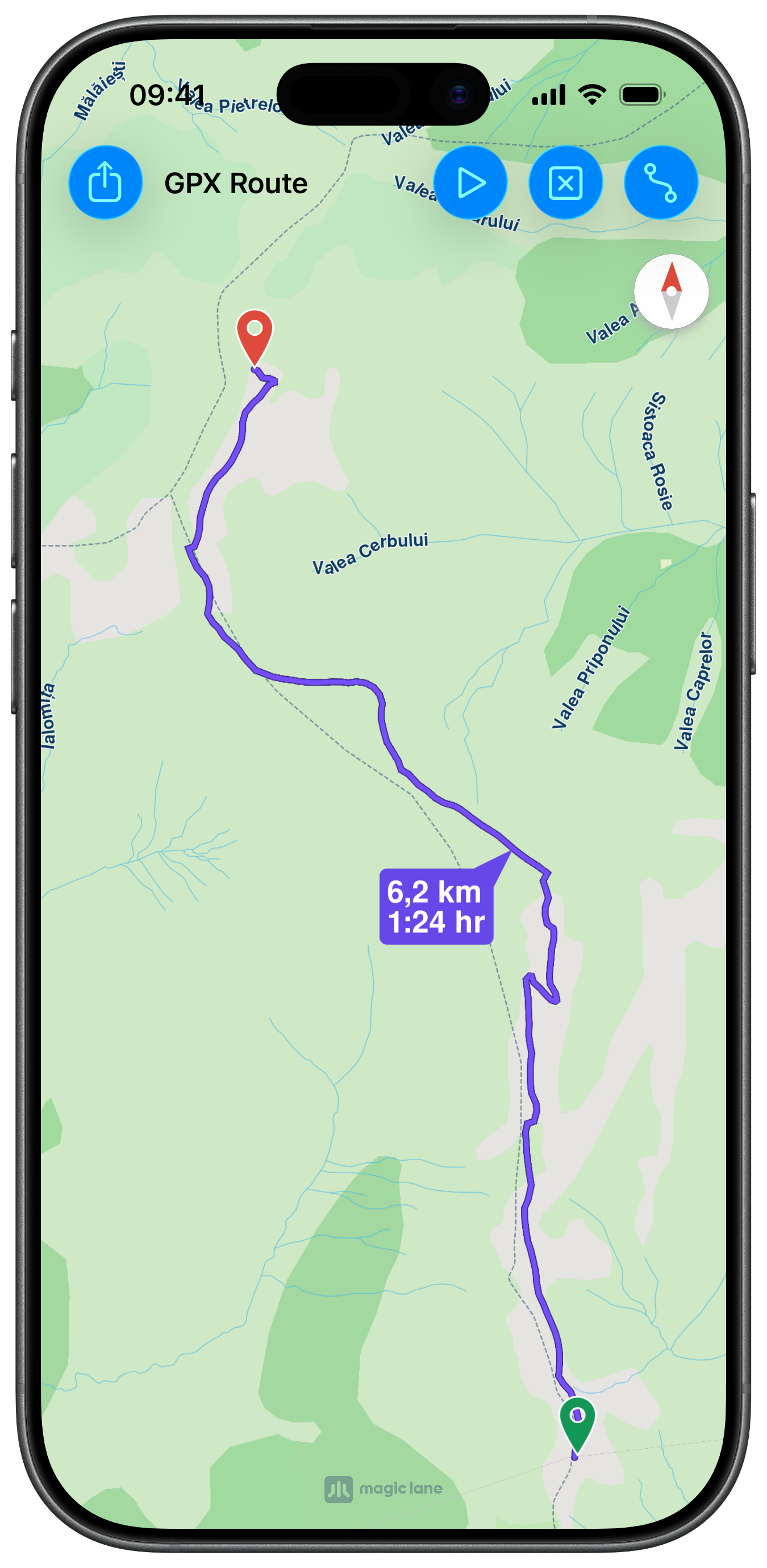
**GPX Route Overview**
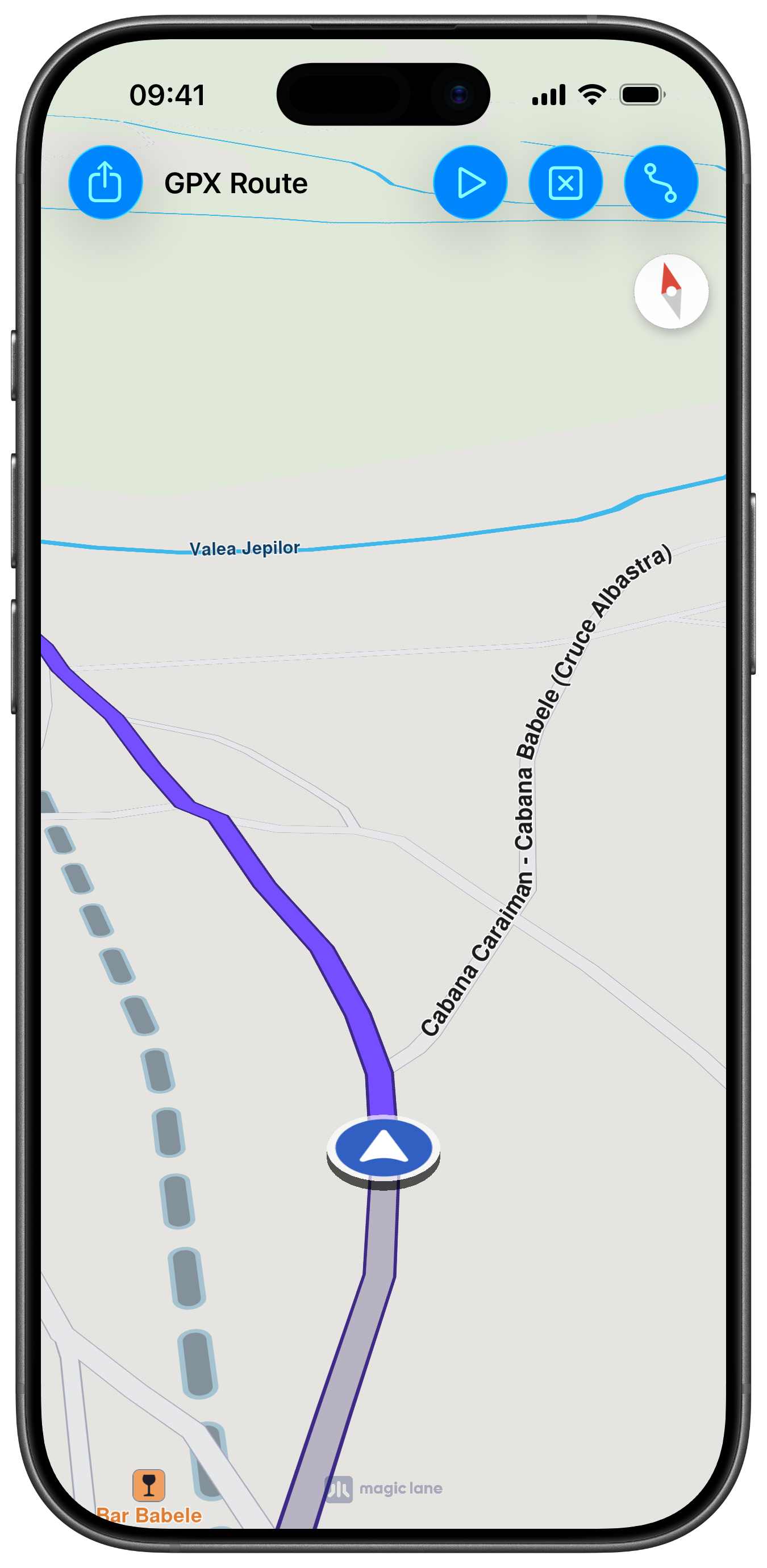
**Routing**
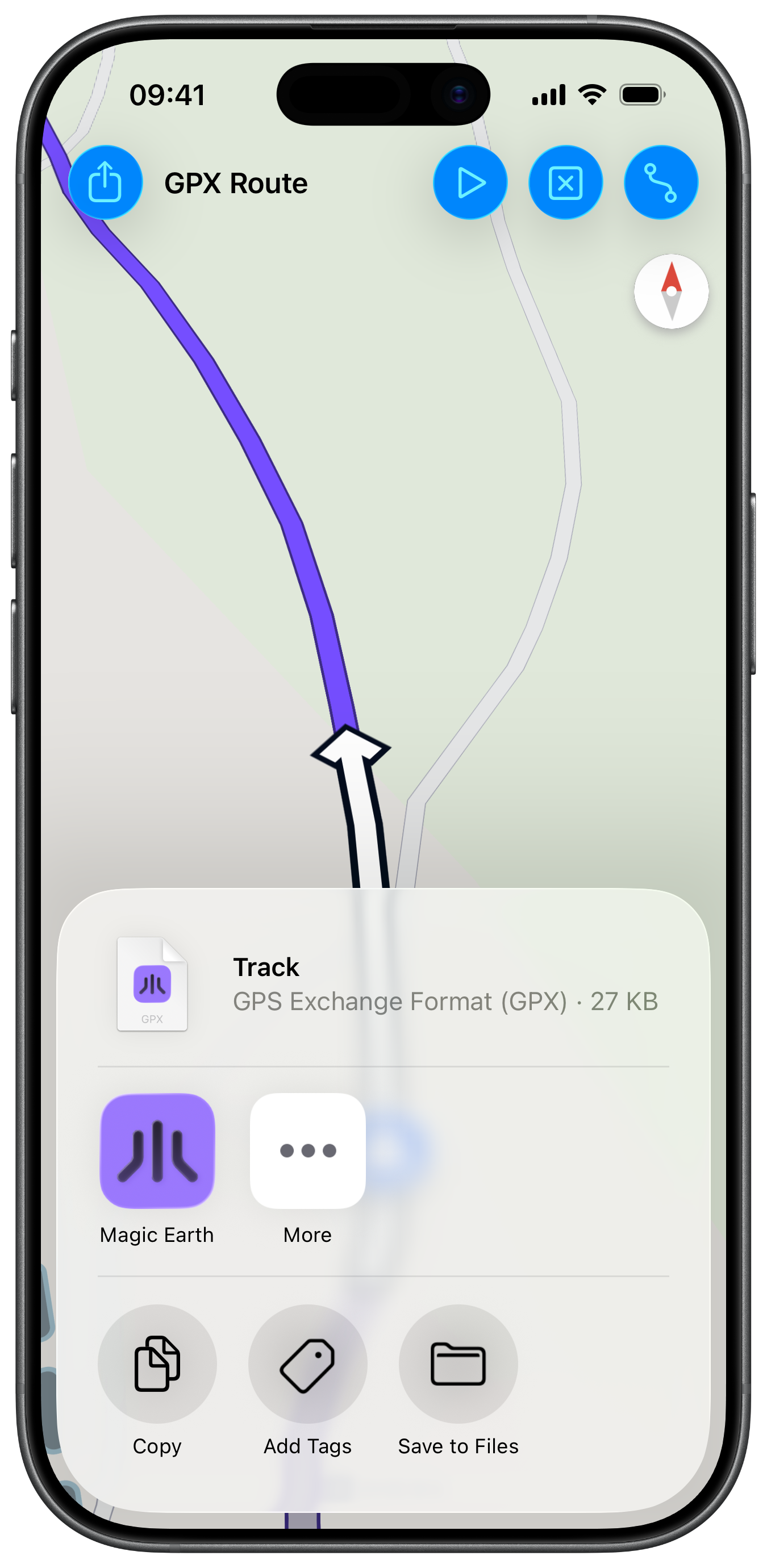
**Sharing GPX file**
### UI and Map Integration[](#ui-and-map-integration "Direct link to UI and Map Integration")
The view controller sets up a map and navigation context and implements the `NavigationContextDelegate` to receive simulation lifecycle callbacks:
ViewController.swift[View on GitHub](https://github.com/magiclane/magiclane-maps-sdk-examples-for-ios/tree/main/UIKit/RoutesAndNavigation/GpxRoute/GpxRoute/ViewController.swift)
```swift
class ViewController: UIViewController, UISearchBarDelegate, NavigationContextDelegate {
var mapViewController: MapViewController?
var navigationContext: NavigationContext?
var mainRoute: RouteObject?
override func viewDidLoad() {
super.viewDidLoad()
self.title = "GPX Route"
self.navigationItem.largeTitleDisplayMode = .never
self.createMapView()
self.mapViewController!.startRender()
self.addRouteButton()
}
```
### Loading GPX Data and Calculating the Route[](#loading-gpx-data-and-calculating-the-route "Direct link to Loading GPX Data and Calculating the Route")
The bundled `.gpx` file is loaded as `Data` and passed to `calculateRoute(withStartWaypoints:buffer:endWaypoints:completionHandler:)`. Optional start and end waypoint arrays allow pinning the route to explicit landmarks:
ViewController.swift[View on GitHub](https://github.com/magiclane/magiclane-maps-sdk-examples-for-ios/tree/main/UIKit/RoutesAndNavigation/GpxRoute/GpxRoute/ViewController.swift)
```swift
@objc func routeButtonAction(item: UIBarButtonItem) {
guard let fileURL = Bundle.main.url(forResource: "test", withExtension: "gpx") else { return }
guard let data = NSData.init(contentsOf: fileURL) as Data? else { return }
if self.navigationContext == nil {
let preferences = RoutePreferencesObject.init()
preferences.setTransportMode(.bicycle)
preferences.setAvoidUnpavedRoads(false)
self.navigationContext = NavigationContext.init(preferences: preferences)
self.navigationContext?.delegate = self
}
let startPoints: [LandmarkObject] = []
let endPoints: [LandmarkObject] = []
self.navigationContext?
.calculateRoute(
withStartWaypoints: startPoints, buffer: data, endWaypoints: endPoints,
completionHandler: { [weak self] (results: [RouteObject]) in
guard let strongSelf = self else { return }
if let route = results.first {
strongSelf.mainRoute = route
strongSelf.mapViewController?.setEdgeAreaInsets(strongSelf.areaEdge(margin: 70))
strongSelf.mapViewController?.presentRoutes(results, withTraffic: nil, showSummary: true, animationDuration: 1000)
}
})
}
```
### Simulating Navigation Along the GPX Track[](#simulating-navigation-along-the-gpx-track "Direct link to Simulating Navigation Along the GPX Track")
Once a route is calculated, the simulation begins at 2× speed and the map starts following the simulated position:
ViewController.swift[View on GitHub](https://github.com/magiclane/magiclane-maps-sdk-examples-for-ios/tree/main/UIKit/RoutesAndNavigation/GpxRoute/GpxRoute/ViewController.swift)
```swift
@objc func startSimulation(item: UIBarButtonItem) {
guard self.mainRoute != nil else { return }
self.mapViewController!.removeAllRoutes()
self.navigationContext!
.simulate(withRoute: self.mainRoute!, speedMultiplier: 2) { [weak self] (success) in
guard let strongSelf = self else { return }
if success {
strongSelf.mapViewController!.showRoutes([strongSelf.mainRoute!], withTraffic: nil, showSummary: false)
}
}
}
func navigationContext(_ navigationContext: NavigationContext, navigationStartedForRoute route: RouteObject) {
if self.mapViewController!.isFollowingPosition() == false {
self.mapViewController!.startFollowingPosition(withAnimationDuration: 1600, zoomLevel: -1) { (success: Bool) in }
}
}
```