Custom Turns ID
- UIKit
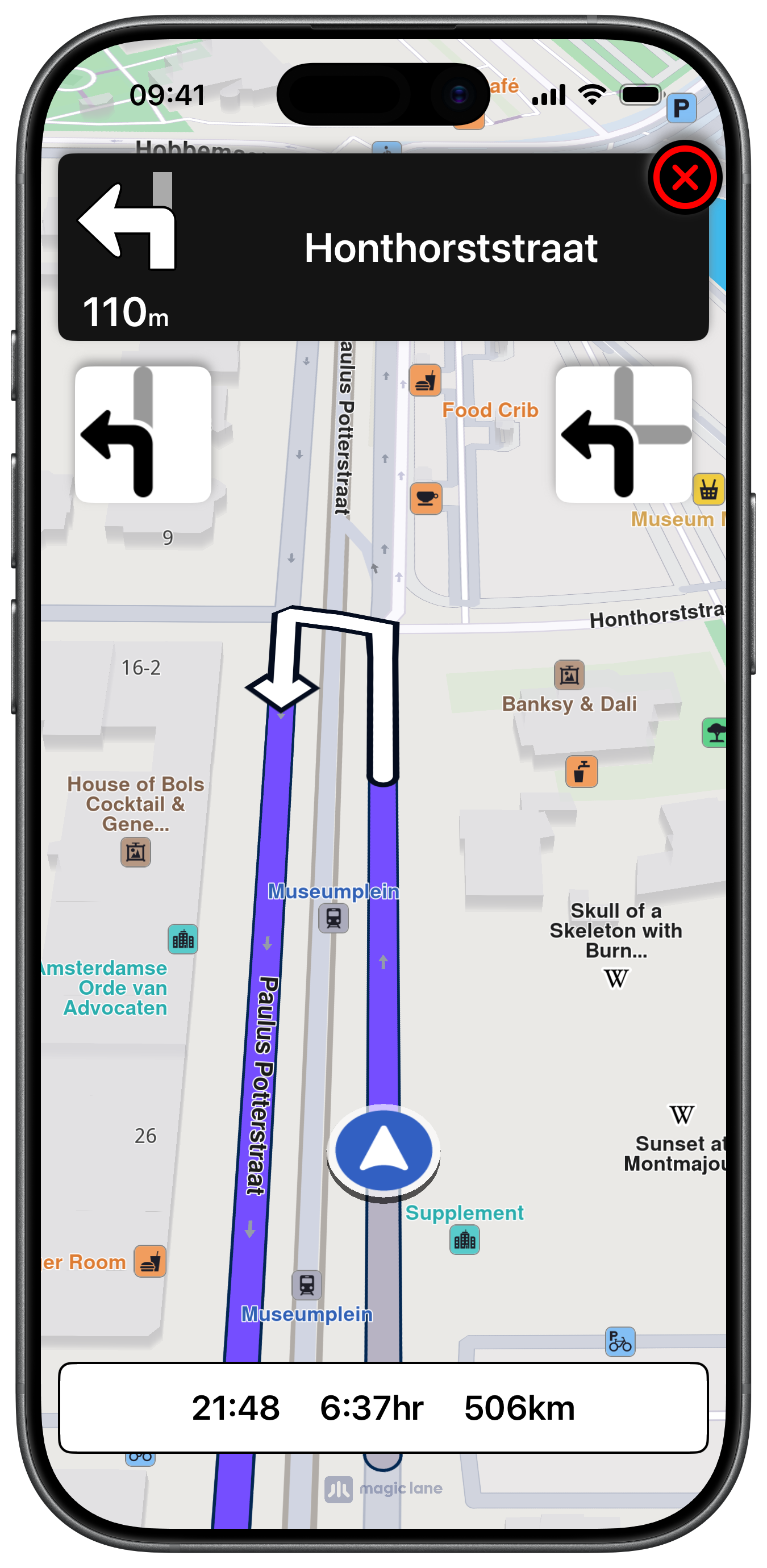
This example demonstrates how to use GEMKit in a UIKit application to replace the default SDK turn icons with custom images keyed by the numeric TurnId64 value of each upcoming manoeuvre.
Check the full implementation on GitHub.
UI and Map Integration
The view controller uses GEMSdkDelegate to gate the route button on connectivity and map availability. The camera focus point is moved down so the vehicle position appears centred in the lower portion of the screen during simulation:
Rendering Custom Turn Images by ID
During simulation, updateCustomTurnInformation retrieves the TurnId64 integer for both the next and next-next manoeuvres and loads a matching image from the app bundle:
The set of 64 turn icons are added as image assets to the app bundle with their names set to the corresponding integer value.
Navigation Panel
The NavigationViewController used in this example extends the standard turn-by-turn panel with two extra image views that display the custom turn ID icons. Due to its size it is not reproduced here — check the full implementation on GitHub.