# Search Category
Last updated:
October 18, 2026
\| 4 minutes read
* UIKit
This example demonstrates how to use **GEMKit** in a UIKit application to search for `Landmarks` in a specific category.
Check the full implementation on [GitHub](https://github.com/magiclane/magiclane-maps-sdk-examples-for-ios/tree/main/UIKit/Places/SearchCategory).
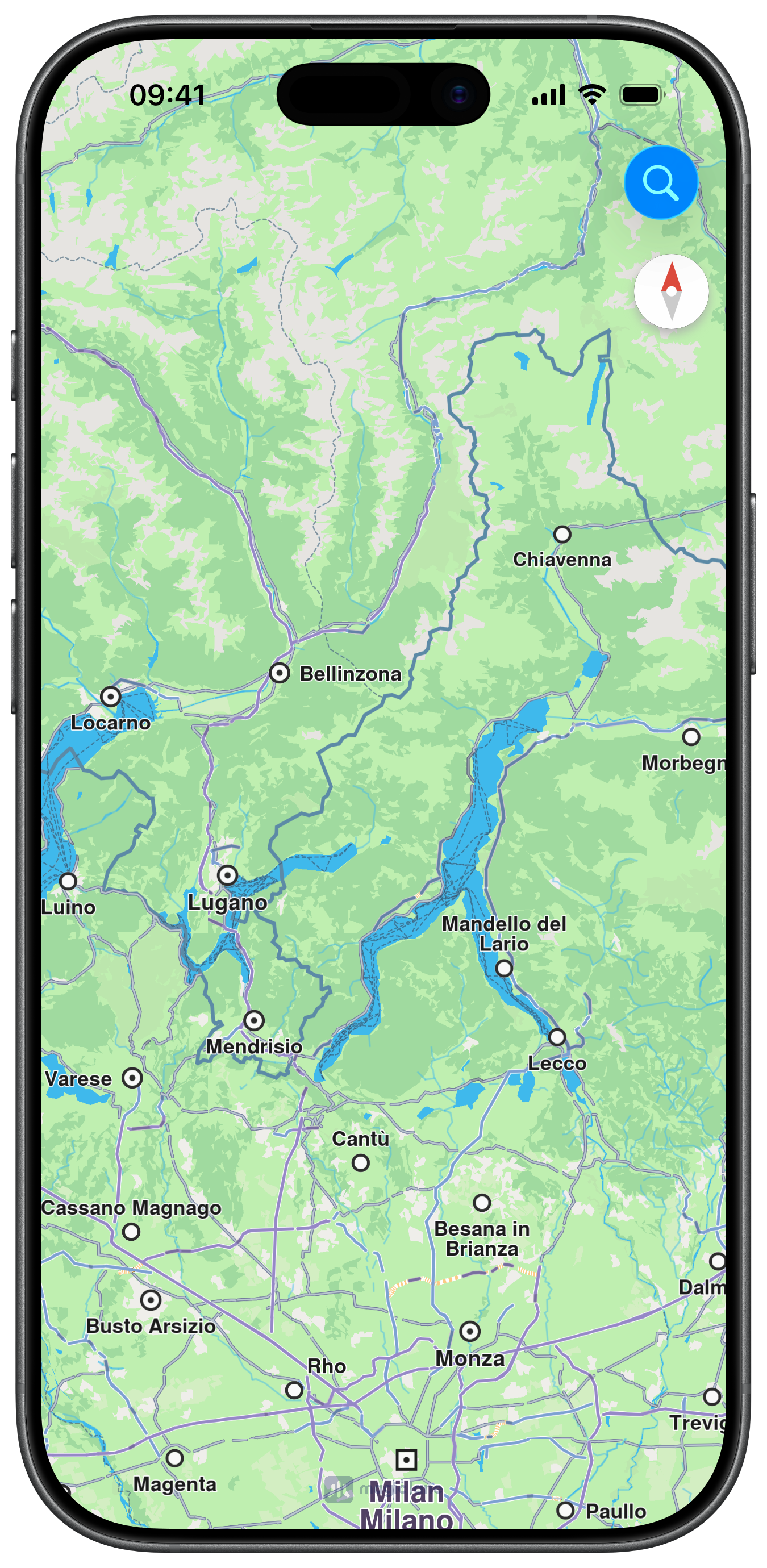
**Initial screen**
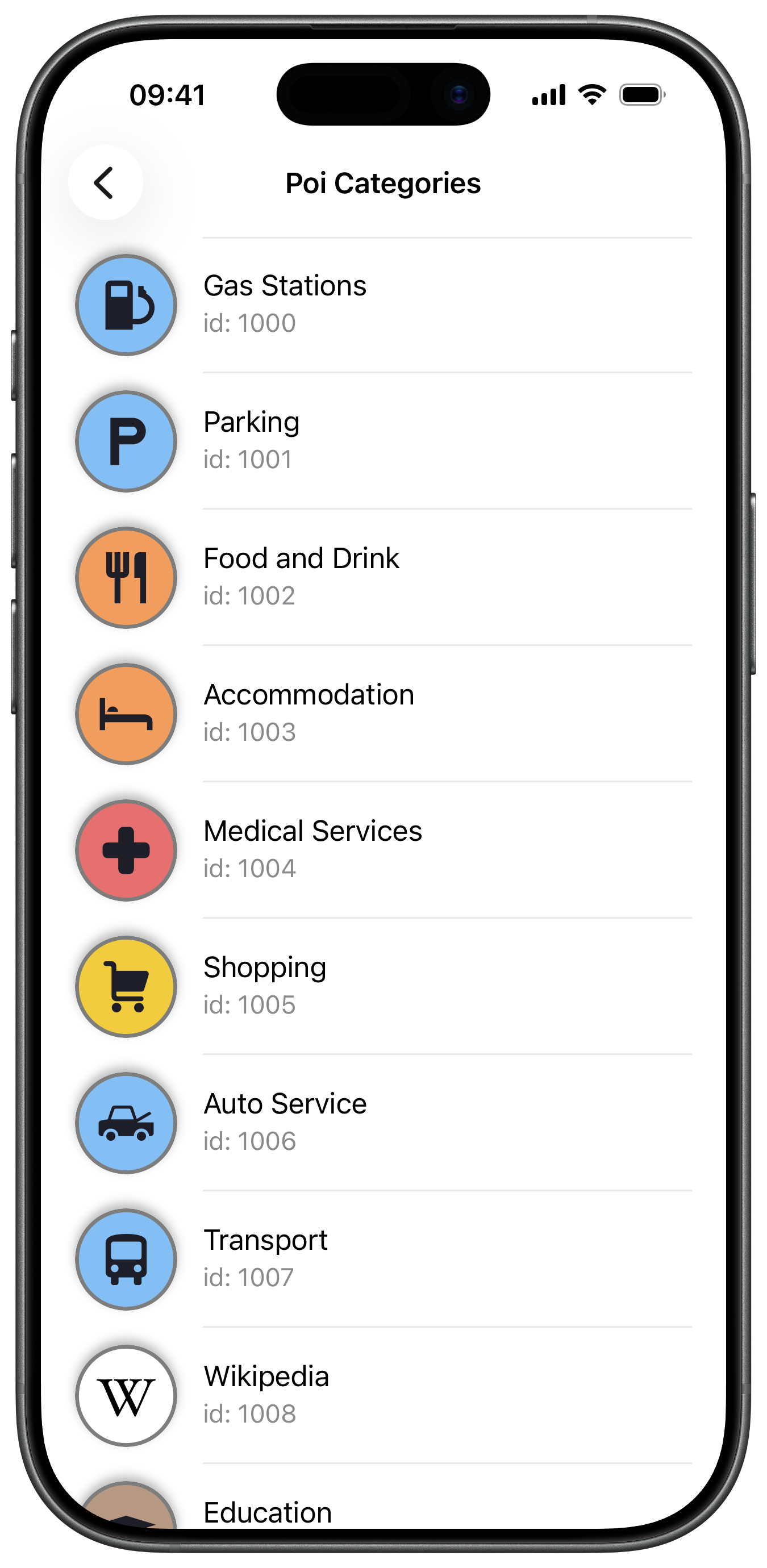
**Categories List**
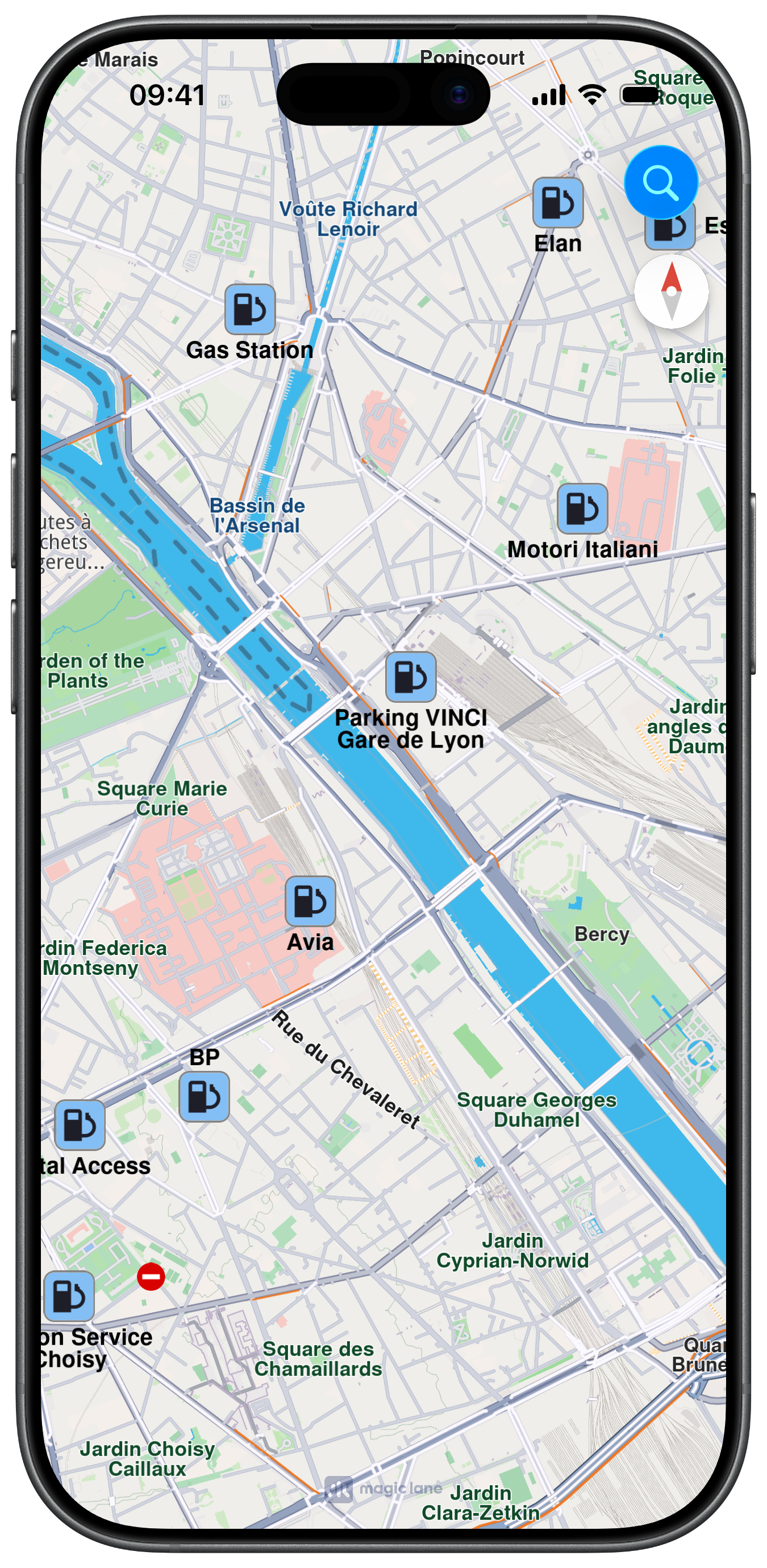
**Gas Station Category Search**
### Map Display and Search Button[](#map-display-and-search-button "Direct link to Map Display and Search Button")
The following code outlines the map view with a search button in the navigation bar. Tapping the search button will navigate to a list of categories:
ViewController.swift[View on GitHub](https://github.com/magiclane/magiclane-maps-sdk-examples-for-ios/tree/main/UIKit/Places/SearchCategory/SearchCategory/ViewController.swift)
```swift
class ViewController: UIViewController {
var mapViewController: MapViewController?
override func viewDidLoad() {
super.viewDidLoad()
// Do any additional setup after loading the view.
if let navigationController = self.navigationController {
let appearance = navigationController.navigationBar.standardAppearance
navigationController.navigationBar.scrollEdgeAppearance = appearance
}
self.createMapView()
self.mapViewController!.startRender()
self.addSearchButton()
}
// MARK: - Map View
func createMapView() {
self.mapViewController = MapViewController.init()
self.mapViewController!.view.backgroundColor = UIColor.systemBackground
self.addChild(self.mapViewController!)
self.view.addSubview(self.mapViewController!.view)
self.mapViewController!.didMove(toParent: self)
self.mapViewController?.view.translatesAutoresizingMaskIntoConstraints = false
NSLayoutConstraint.activate([
self.mapViewController!.view.topAnchor.constraint(equalTo: self.view.topAnchor),
self.mapViewController!.view.leadingAnchor.constraint(equalTo: self.view.leadingAnchor),
self.mapViewController!.view.bottomAnchor.constraint(equalTo: self.view.bottomAnchor),
self.mapViewController!.view.trailingAnchor.constraint(equalTo: self.view.trailingAnchor)
])
}
// MARK: - Search
func addSearchButton() {
let barButton = UIBarButtonItem.init(
image: UIImage.init(systemName: "magnifyingglass"), style: .done, target: self, action: #selector(searchButton(item:)))
self.navigationItem.rightBarButtonItems = [barButton]
}
@objc func searchButton(item: UIBarButtonItem) {
let poiListViewController = PoiCategoriesViewController.init()
self.navigationController?.pushViewController(poiListViewController, animated: true)
}
}
```
### Preparing Categories List and Performing Search[](#preparing-categories-list-and-performing-search "Direct link to Preparing Categories List and Performing Search")
The code for `PoiCategoriesViewController` prepares a list of categories and performs a search when a category is selected. The search results are then highlighted on the map:
PoiCategoriesViewController.swift[View on GitHub](https://github.com/magiclane/magiclane-maps-sdk-examples-for-ios/tree/main/UIKit/Places/SearchCategory/SearchCategory/PoiCategoriesViewController.swift)
```swift
class PoiCategoriesViewController: UITableViewController {
let searchContext = SearchContext.init()
let categoriesContext = GenericCategoriesContext.init()
var categoriesList: [LandmarkCategoryObject] = []
deinit {
NSLog("PoiCategoriesViewController: deinit")
}
// MARK: - Life Cycle
override func viewDidLoad() {
super.viewDidLoad()
self.title = "Poi Categories"
self.navigationItem.largeTitleDisplayMode = .never
self.view.backgroundColor = UIColor.systemBackground
self.searchContext.setMaxMatches(40)
self.searchContext.setSearchMapPOIs(true)
self.refreshList()
}
// MARK: - Refresh
func refreshList() {
self.categoriesList = self.categoriesContext.getCategories()
self.tableView.reloadData()
}
// MARK: - UITableViewData
override func numberOfSections(in tableView: UITableView) -> Int {
return 1
}
override func tableView(_ tableView: UITableView, numberOfRowsInSection section: Int) -> Int {
let rows = self.categoriesList.count
return rows
}
override func tableView(_ tableView: UITableView, cellForRowAt indexPath: IndexPath) -> UITableViewCell {
let identifier = "defaultCellId"
var cell = tableView.dequeueReusableCell(withIdentifier: identifier)
if cell == nil {
cell = UITableViewCell.init(style: .subtitle, reuseIdentifier: identifier)
cell!.textLabel!.numberOfLines = 0
cell!.detailTextLabel!.numberOfLines = 0
}
self.setupText(tableView: tableView, cell: cell!, indexPath: indexPath)
self.setupImage(tableView: tableView, cell: cell!, indexPath: indexPath)
return cell!
}
func setupText(tableView: UITableView, cell: UITableViewCell, indexPath: IndexPath) {
let category = self.categoriesList[indexPath.row]
let text = category.getName()
cell.textLabel?.text = text
let description = "id: " + String(category.getIdentifier())
cell.detailTextLabel?.text = description
}
func setupImage(tableView: UITableView, cell: UITableViewCell, indexPath: IndexPath) {
let scale = UIScreen.main.scale
let size = CGSize.init(width: 60.0 * scale, height: 60.0 * scale)
let category = self.categoriesList[indexPath.row]
if let image = category.getImage(size) {
cell.imageView?.image = image
cell.imageView?.layer.shadowOpacity = 0.8
cell.imageView?.layer.shadowColor = UIColor.lightGray.cgColor
} else {
cell.imageView?.image = nil
cell.imageView?.layer.shadowOpacity = 0
cell.imageView?.layer.shadowColor = nil
}
}
override func tableView(_ tableView: UITableView, titleForHeaderInSection section: Int) -> String? {
return nil
}
override func tableView(_ tableView: UITableView, estimatedHeightForRowAt indexPath: IndexPath) -> CGFloat {
return 80
}
override func tableView(_ tableView: UITableView, heightForRowAt indexPath: IndexPath) -> CGFloat {
return 80
}
override func tableView(_ tableView: UITableView, didSelectRowAt indexPath: IndexPath) {
tableView.deselectRow(at: indexPath, animated: true)
let category = self.categoriesList[indexPath.row]
let success = self.searchContext.setCategory(category)
guard success == true else {
return
}
if let viewController = self.navigationController?.viewControllers.first as? ViewController {
self.navigationController?.popViewController(animated: true)
if let mapViewController = viewController.mapViewController {
let location = CoordinatesObject.coordinates(withLatitude: 48.840827, longitude: 2.371899)
mapViewController.removeHighlights()
mapViewController.center(onCoordinates: location, zoomLevel: 60, animationDuration: 1200)
self.searchContext.searchAround(withLocation: location) { (results: [LandmarkObject]) in
let settings = HighlightRenderSettings.init()
mapViewController.presentHighlights(results, settings: settings)
}
}
}
}
}
```