Search on Map
- UIKit
This example demonstrates how to use GEMKit in a UIKit application to perform searches on the map, including searching for nearby landmarks and landmarks matching a specific query. Searching on the map chooses the center point as the location reference.
Check the full implementation on GitHub.
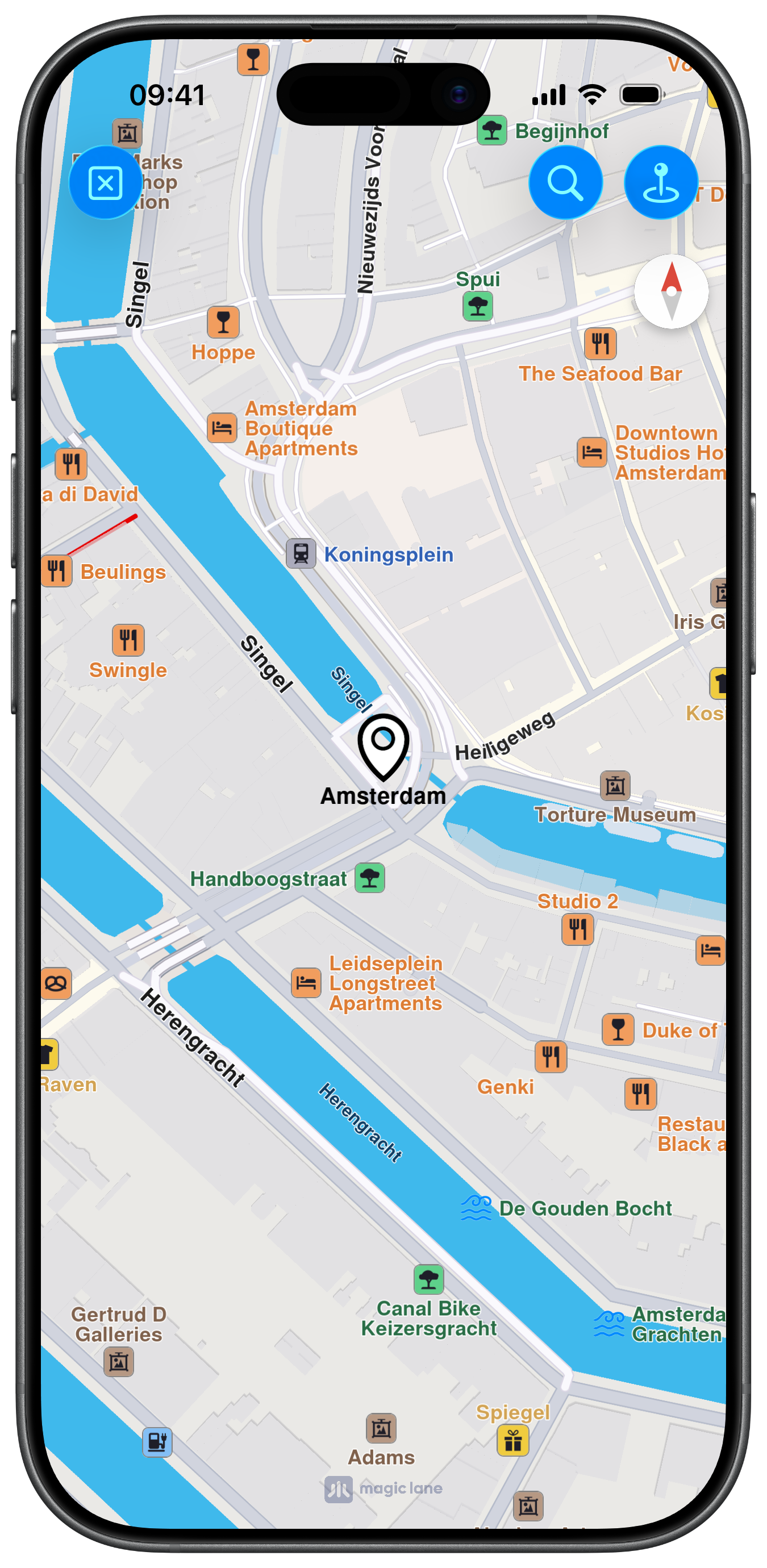
Search with Query
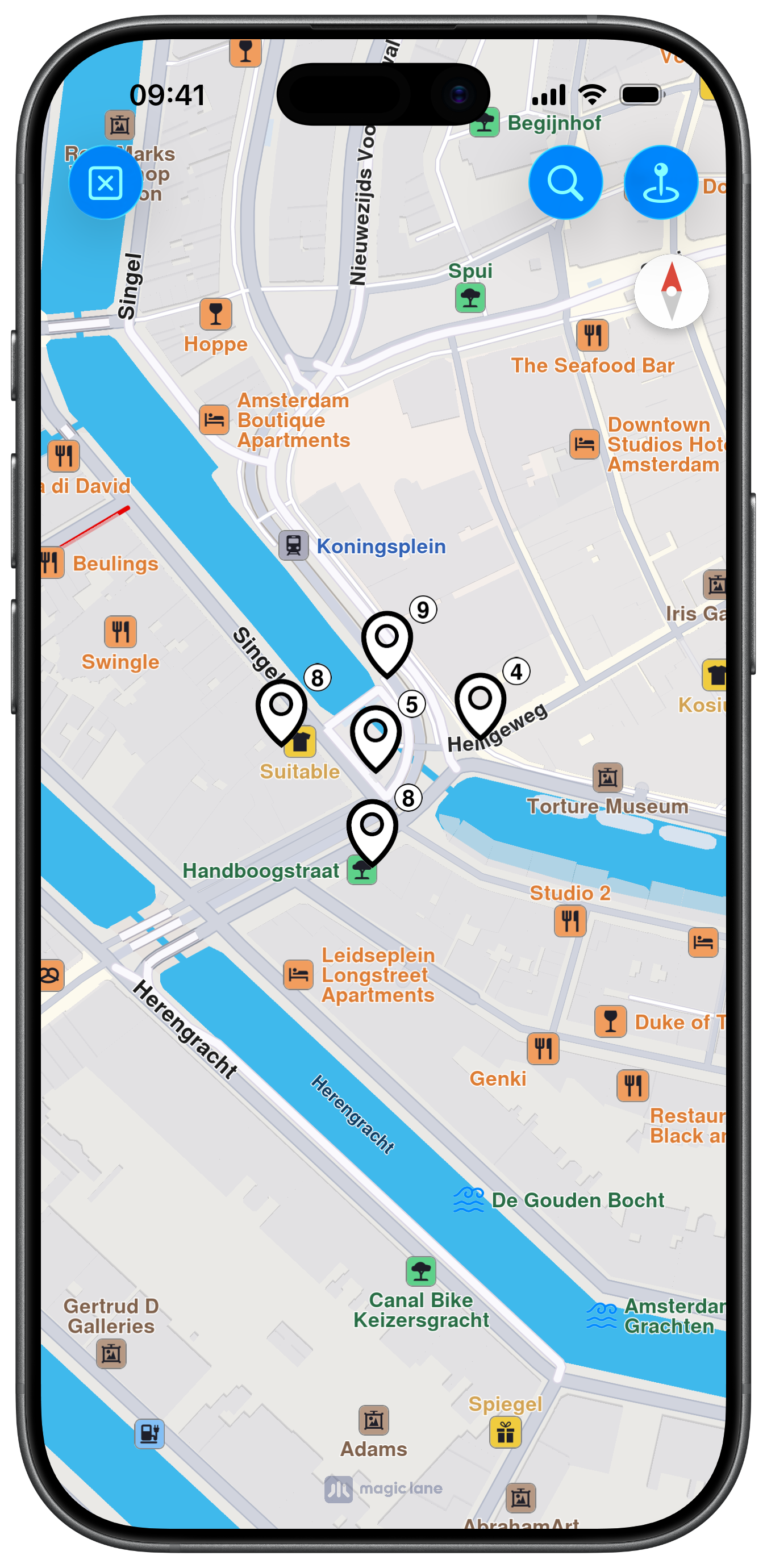
Search Around
Map Display and Search Buttons
The following code outlines the map view with search buttons in the navigation bar:
ViewController.swiftView on GitHub
class ViewController: UIViewController {

    var mapViewController: MapViewController?

    let defaultHighlightId: Int32 = 10

    override func viewDidLoad() {
        super.viewDidLoad()
        // Do any additional setup after loading the view.

        if let navigationController = self.navigationController {

            let appearance = navigationController.navigationBar.standardAppearance

            navigationController.navigationBar.scrollEdgeAppearance = appearance
        }

        self.createMapView()

        self.mapViewController!.startRender()

        self.addSearch()
    }

    override func viewDidAppear(_ animated: Bool) {

        super.viewDidAppear(animated)

        let location = CoordinatesObject.coordinates(withLatitude: 52.368447, longitude: 4.888229)

        self.mapViewController!.center(onCoordinates: location, zoomLevel: 70, animationDuration: 0)
    }

    // MARK: - Map View

    func createMapView() {

        self.mapViewController = MapViewController.init()
        self.mapViewController!.view.backgroundColor = UIColor.systemBackground

        self.addChild(self.mapViewController!)
        self.view.addSubview(self.mapViewController!.view)
        self.mapViewController!.didMove(toParent: self)

        self.mapViewController?.view.translatesAutoresizingMaskIntoConstraints = false
        NSLayoutConstraint.activate([
            self.mapViewController!.view.topAnchor.constraint(equalTo: self.view.topAnchor),
            self.mapViewController!.view.leadingAnchor.constraint(equalTo: self.view.leadingAnchor),
            self.mapViewController!.view.bottomAnchor.constraint(equalTo: self.view.bottomAnchor),
            self.mapViewController!.view.trailingAnchor.constraint(equalTo: self.view.trailingAnchor)
        ])
    }

    // MARK: - Search

    func addSearch() {

        let image1 = UIImage.init(systemName: "clear")
        let image2 = UIImage.init(systemName: "mappin.and.ellipse")
        let image3 = UIImage.init(systemName: "magnifyingglass")

        let barButton1 = UIBarButtonItem.init(image: image1, style: .done, target: self, action: #selector(cleanMap))
        let barButton2 = UIBarButtonItem.init(image: image2, style: .done, target: self, action: #selector(searchNearbyButton))
        let barButton3 = UIBarButtonItem.init(image: image3, style: .done, target: self, action: #selector(searchQueryButton))

        self.navigationItem.leftBarButtonItems = [barButton1]
        self.navigationItem.rightBarButtonItems = [barButton2, barButton3]
    }
Performing Search on Map
The code for performing two types of searches on the map, one for nearby landmarks and another for landmarks matching a specific query, as well as helper methods:
ViewController.swiftView on GitHub
    @objc func searchNearbyButton() {

        self.mapViewController!
            .searchAround { [weak self] (results: [LandmarkObject]) in

                guard let strongSelf = self else { return }

                strongSelf.mapViewController!.removeHighlights()

                let settings = HighlightRenderSettings.init()
                settings.options = Int32(HighlightOption.group.rawValue)
                settings.showPin = true
                settings.imageSize = 7

                strongSelf.mapViewController!.presentHighlights(results, settings: settings, highlightId: strongSelf.defaultHighlightId)

                strongSelf.centerOnHighlightArea()
            }
    }

    @objc func searchQueryButton() {

        self.mapViewController!
            .search(withQuery: "restaurant") { [weak self] (results: [LandmarkObject]) in

                guard let strongSelf = self else { return }

                guard let landmark = results.first else { return }

                strongSelf.mapViewController!.removeHighlights()

                let settings = HighlightRenderSettings.init()
                settings.options = Int32(HighlightOption.group.rawValue)
                settings.showPin = true
                settings.imageSize = 7

                strongSelf.mapViewController!.presentHighlights([landmark], settings: settings, highlightId: strongSelf.defaultHighlightId)

                strongSelf.centerOnHighlightArea()
            }
    }

    @objc func cleanMap(item: UIBarButtonItem) {

        self.mapViewController!.removeHighlights()
    }

    func centerOnHighlightArea() {
        let list = self.mapViewController!.getHighlight(self.defaultHighlightId)
        guard !list.isEmpty else { return }
        guard let area = self.mapViewController!.getHighlightArea(self.defaultHighlightId) else { return }

        self.mapViewController!.center(onArea: area, zoomLevel: 75, animationDuration: 1200)
    }
}