Search Along Route
- UIKit
- SwiftUI
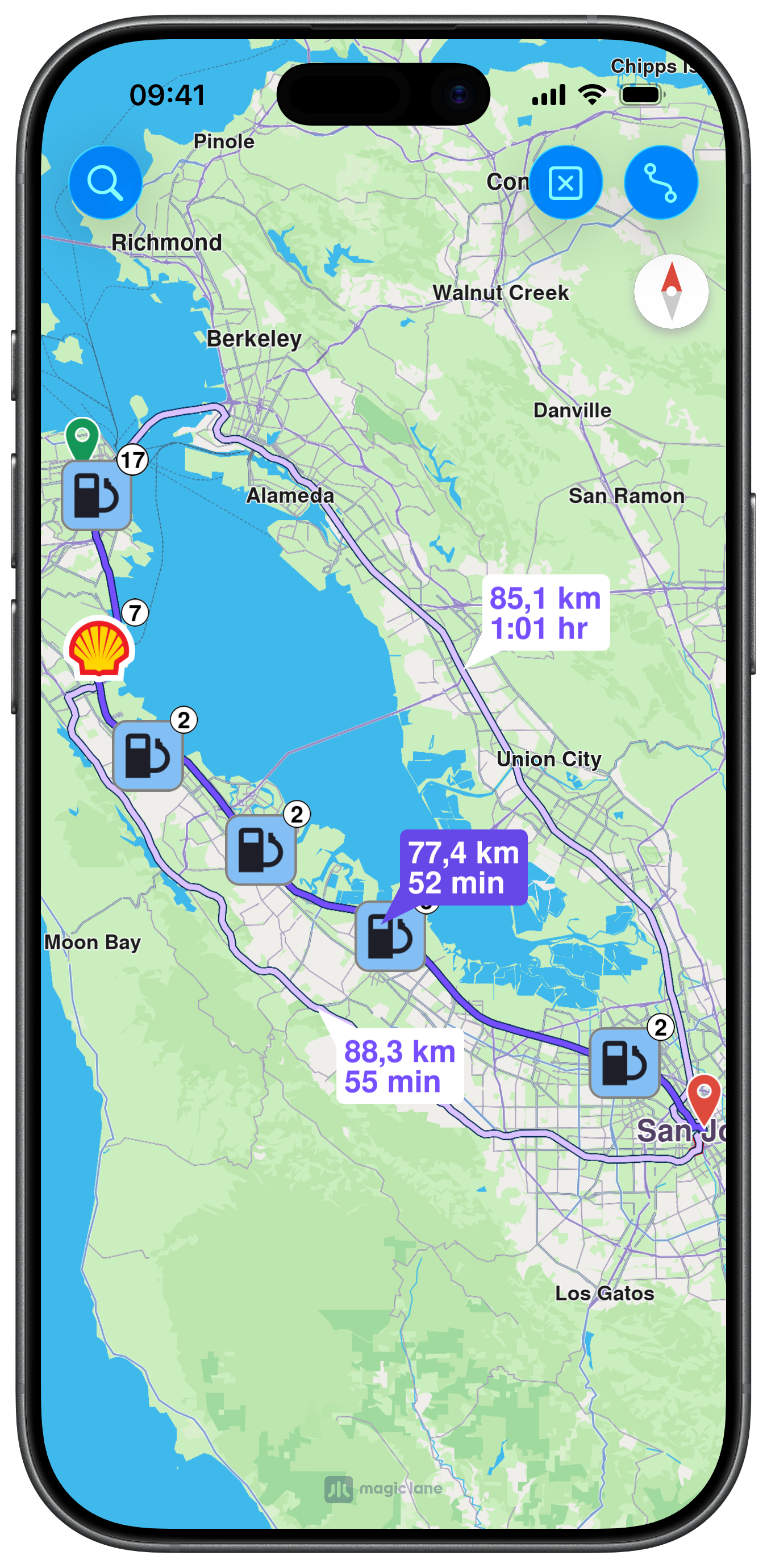
This example demonstrates how to use GEMKit in a UIKit application to calculate a car route, search for landmarks along it using SearchContext, and display the results as grouped Highlights on the map.
Check the full implementation on GitHub.
SearchContext settings and parameters showcased in the other examples, such as category and query, can also be applied in this scenario to further refine the search results.
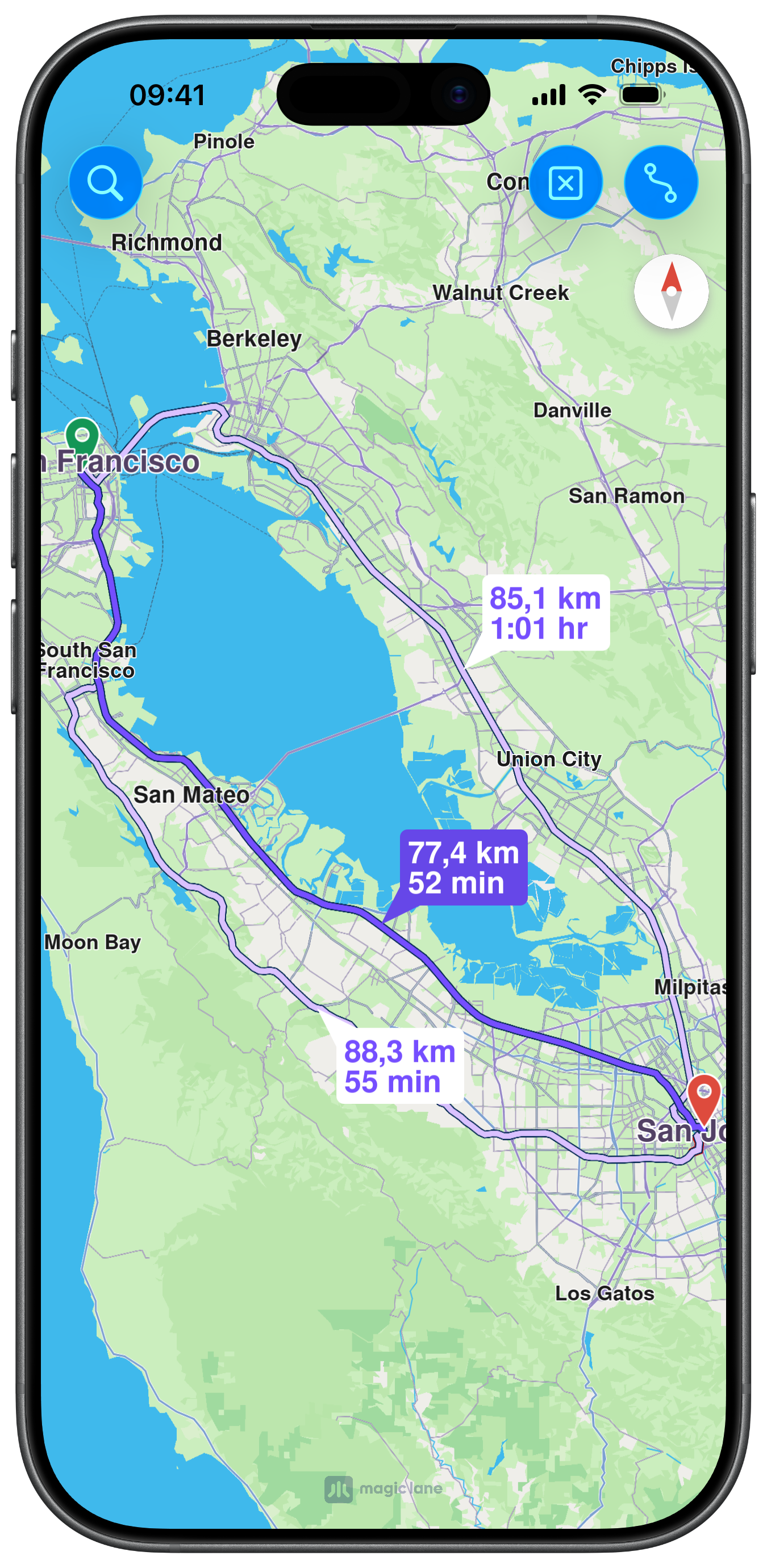
Map View and Route Display
MapViewController is embedded full-screen with edge insets to leave room for route summary bubbles. The delegate is set so route selection events can promote a route to main. Two navigation bar buttons trigger route calculation and clearing:
Calculating the Route
routeButtonAction lazily creates a NavigationContext with car preferences on first tap, then calls calculateRoute(withWaypoints:completionHandler:) with San Francisco and San Jose as waypoints. On completion, routes are presented on the map:
Searching Along the Route
searchButton lazily initialises a SearchContext with a maximum of 40 matches, then calls searchAlong(withRoute:query:) using the current main route. Results are rendered on the map as grouped highlights via presentHighlights(_:settings:highlightId:):
This example demonstrates how to use GEMKit in a SwiftUI application to calculate a car route, search for landmarks along it using SearchContext, and display the results as grouped Highlights on the map.
Check the full implementation on GitHub.
SearchContext settings and parameters showcased in the other examples, such as category and query, can also be applied in this scenario to further refine the search results.
Map View and Route Display
MapBase hosts a MapRoute for rendering calculated routes and a MapLandmark for search result highlights. The .didSelectRoutes modifier promotes a selected route to main with proxy.setMain(route:). Three toolbar buttons trigger route calculation, search, and clearing:
Calculating the Route
calculateRoute(_:) builds a NavigationContext with car preferences on first call, then calls calculateRoute(withWaypoints:) with San Francisco and San Jose as waypoints. The first result is set as the mainRoute:
Searching Along the Route
searchAlongRoute(_:) lazily initialises a SearchContext with a maximum of 40 matches, then calls searchAlong(withRoute:query:) using the selected main route. Results are stored in searchResultLandmarks and rendered automatically by the MapLandmark view: