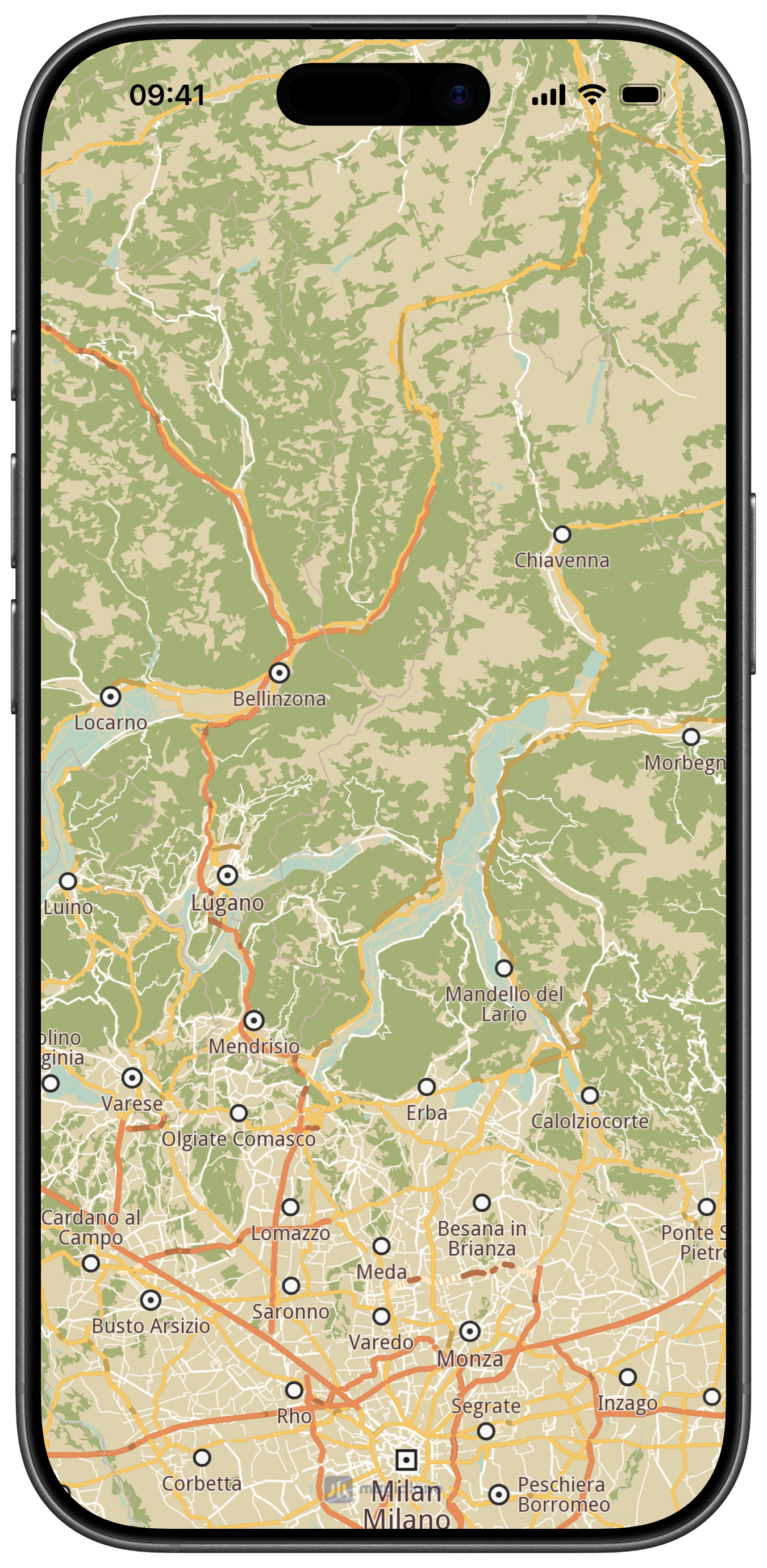
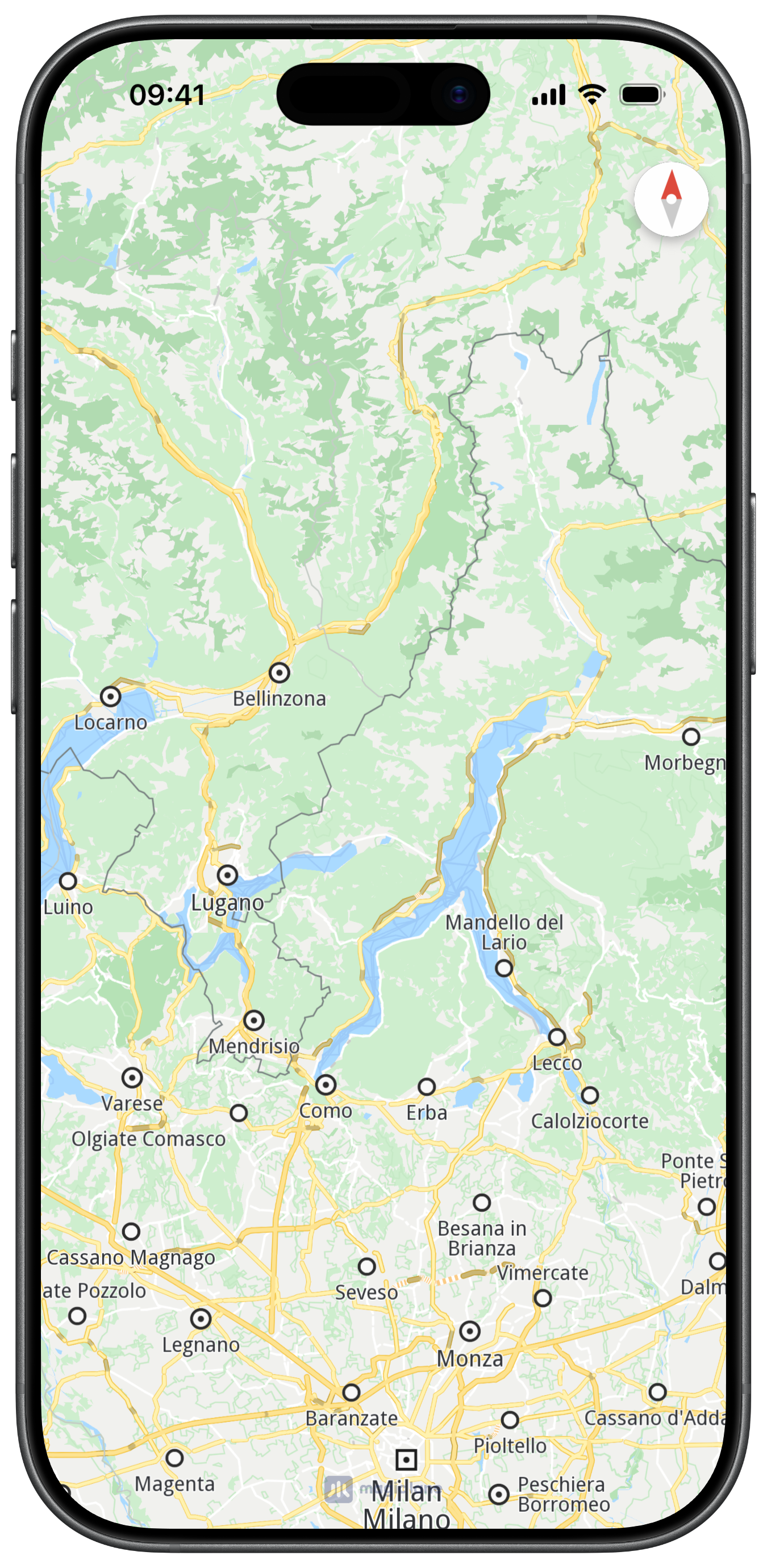
class ViewController: UIViewController {
var mapViewController: MapViewController?
override func viewDidLoad() {
super.viewDidLoad()
if let navigationController = self.navigationController {
let appearance = navigationController.navigationBar.standardAppearance
navigationController.navigationBar.scrollEdgeAppearance = appearance
}
self.createMapView()
self.mapViewController!.hideCompass()
self.setCustomStyle()
}
override func viewWillAppear(_ animated: Bool) {
super.viewWillAppear(animated)
self.mapViewController!.startRender()
}
func createMapView() {
self.mapViewController = MapViewController.init()
self.mapViewController!.view.backgroundColor = UIColor.systemBackground
self.addChild(self.mapViewController!)
self.view.addSubview(self.mapViewController!.view)
self.mapViewController!.didMove(toParent: self)
self.mapViewController?.view.translatesAutoresizingMaskIntoConstraints = false
NSLayoutConstraint.activate([
self.mapViewController!.view.topAnchor.constraint(equalTo: self.view.topAnchor, constant: 0),
self.mapViewController!.view.leadingAnchor.constraint(equalTo: self.view.leadingAnchor, constant: 0),
self.mapViewController!.view.bottomAnchor.constraint(equalTo: self.view.bottomAnchor, constant: -0),
self.mapViewController!.view.trailingAnchor.constraint(equalTo: self.view.trailingAnchor, constant: -0)
])
}
func setCustomStyle() {
if let url = Bundle.main.url(forResource: "Basic1Oldtime", withExtension: "style") {
if let data = NSData.init(contentsOf: url) as Data? {
self.mapViewController!.applyStyle(withStyleBuffer: data, smoothTransition: false)
}
}
}
}