Map Style Following Theme
- UIKit
- SwiftUI
This example demonstrates how to use GEMKit in a UIKit application to apply a map style that follows the device theme (light/dark mode).
Check the full implementation on GitHub.
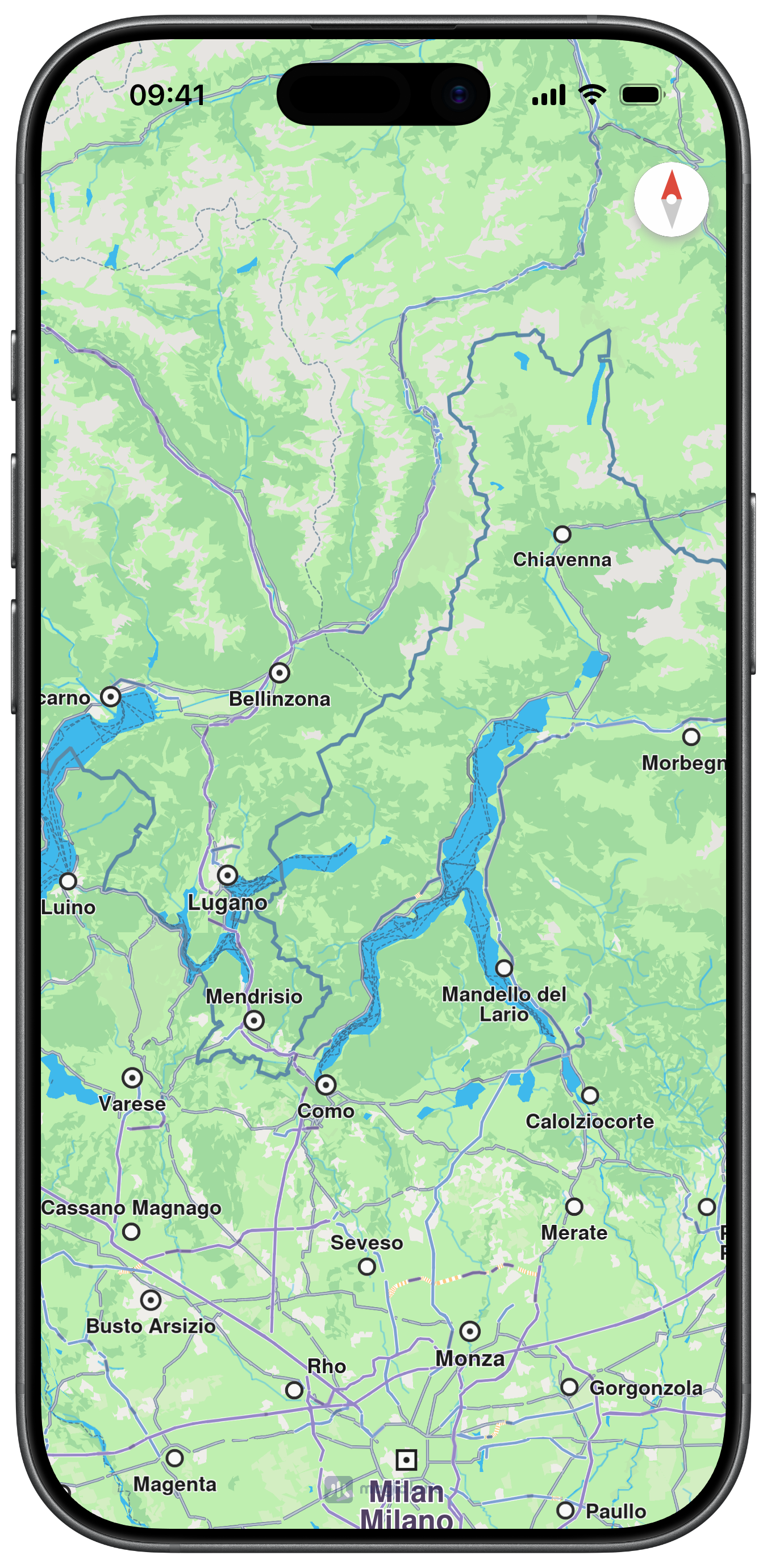
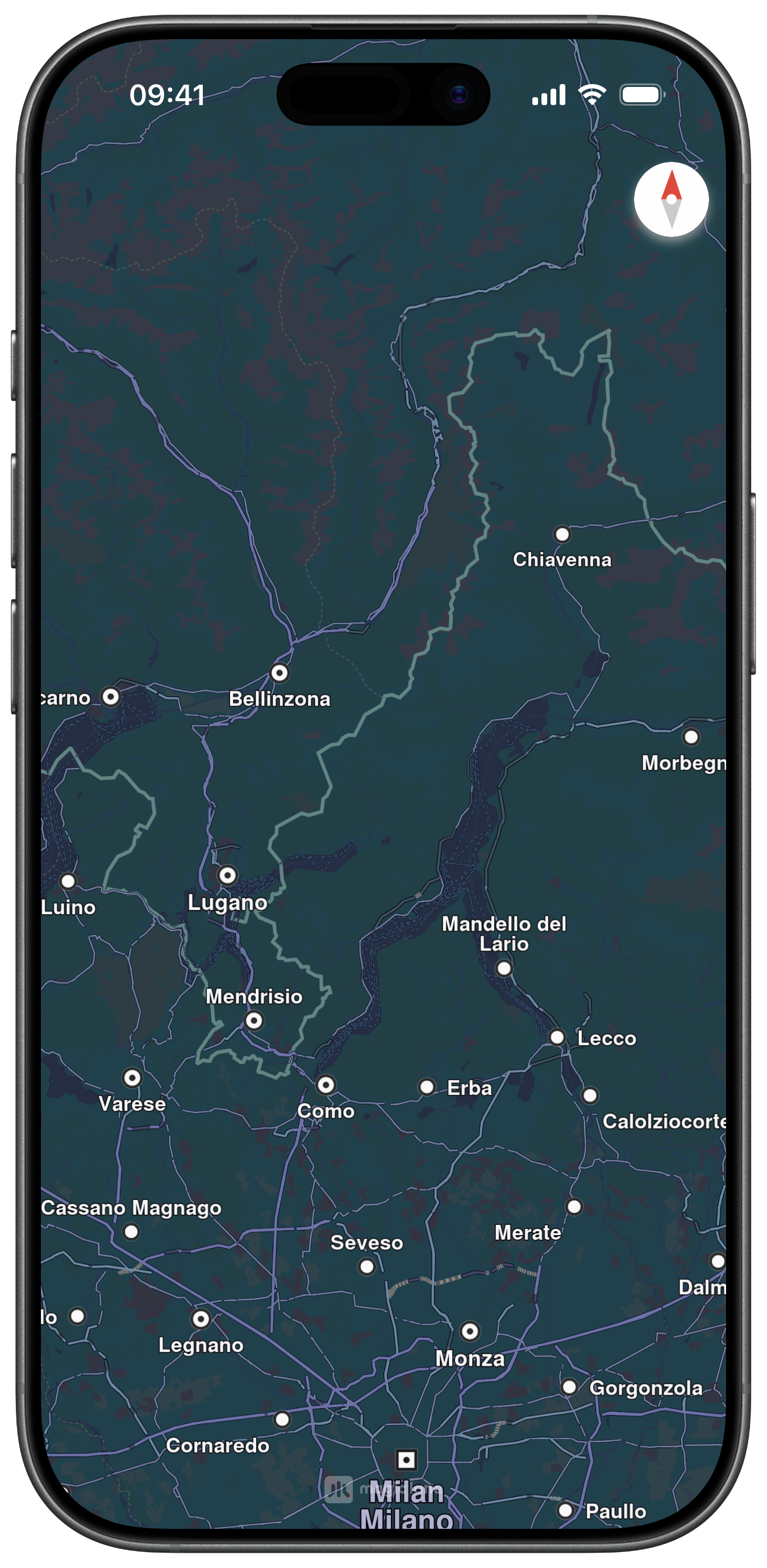
Applying the Style on Load and Theme Change
applyStyleForCurrentTheme() reads traitCollection.userInterfaceStyle to choose between MapStyleIdentifiers.day and .night, then applies it via applyStyle(withStyleIdentifier:smoothTransition:). It is called once in viewDidLoad and again in traitCollectionDidChange(_:) whenever the system appearance changes:
This example demonstrates how to use GEMKit in a SwiftUI application to apply a map style that follows the device theme (light/dark mode).
Check the full implementation on GitHub.
Map Display and Style Following OS Theme
@Environment(\.colorScheme) observes the current system appearance. The .mapStyle() modifier is called with the result of getStyleFollowingOS(), which returns MapStyleIdentifiers.night in dark mode and .day in light mode. SwiftUI automatically re-evaluates the view whenever colorScheme changes, so the map style updates in real time: