Map Render
- UIKit
- SwiftUI
This example demonstrates how to use GEMKit in a UIKit application to handle the map rendering based on the view controller's lifecycle.
Check the full implementation on GitHub.
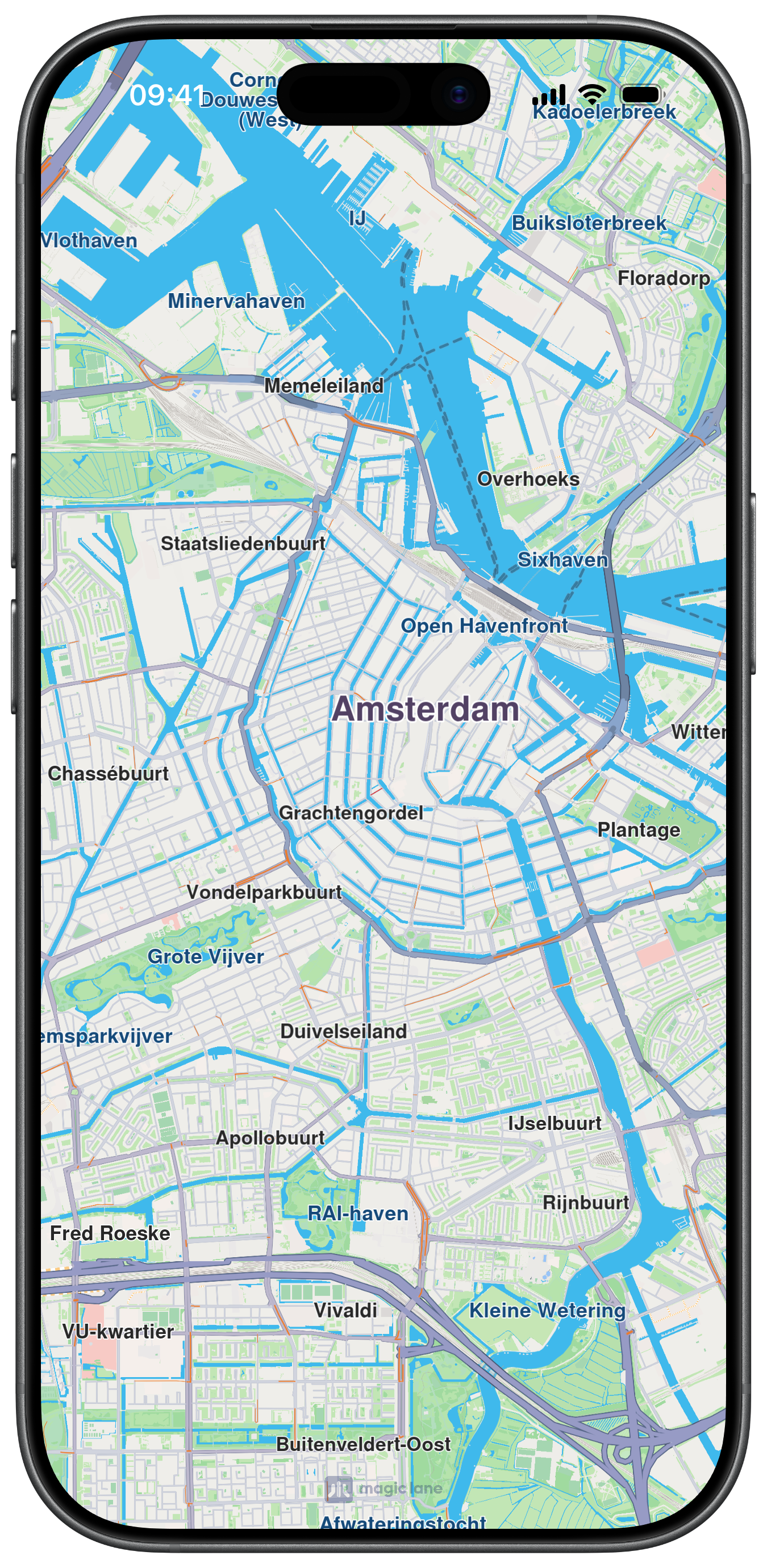
Map View Creation
MapViewController is embedded as a child and pinned to all edges. The compass is hidden immediately after creation:
Render Lifecycle
startRender() and stopRender() are called in the view controller's appearance callbacks to tie rendering to the screen visibility. The deinit calls destroy() to cleanly release the map resources:
This example demonstrates how to use GEMKit in a SwiftUI application to handle the map rendering based on the app's lifecycle.
Check the full implementation on GitHub.
Map Display and Rendering
The following code outlines the main view, which displays the map and manages the rendering state based on the current scene phase:
This is the most basic example of controlling map rendering. Rendering can be toggled on and off at any time based on your app's specific needs, such as pausing rendering when the map is not fully visible or when UI smoothness is a priority, like with animations.