# Map Render
Last updated:
October 18, 2026
\| 2 minutes read
* UIKit
* SwiftUI
This example demonstrates how to use **GEMKit** in a UIKit application to handle the map rendering based on the view controller's lifecycle.
Check the full implementation on [GitHub](https://github.com/magiclane/magiclane-maps-sdk-examples-for-ios/tree/main/UIKit/3DScene/MapRender).
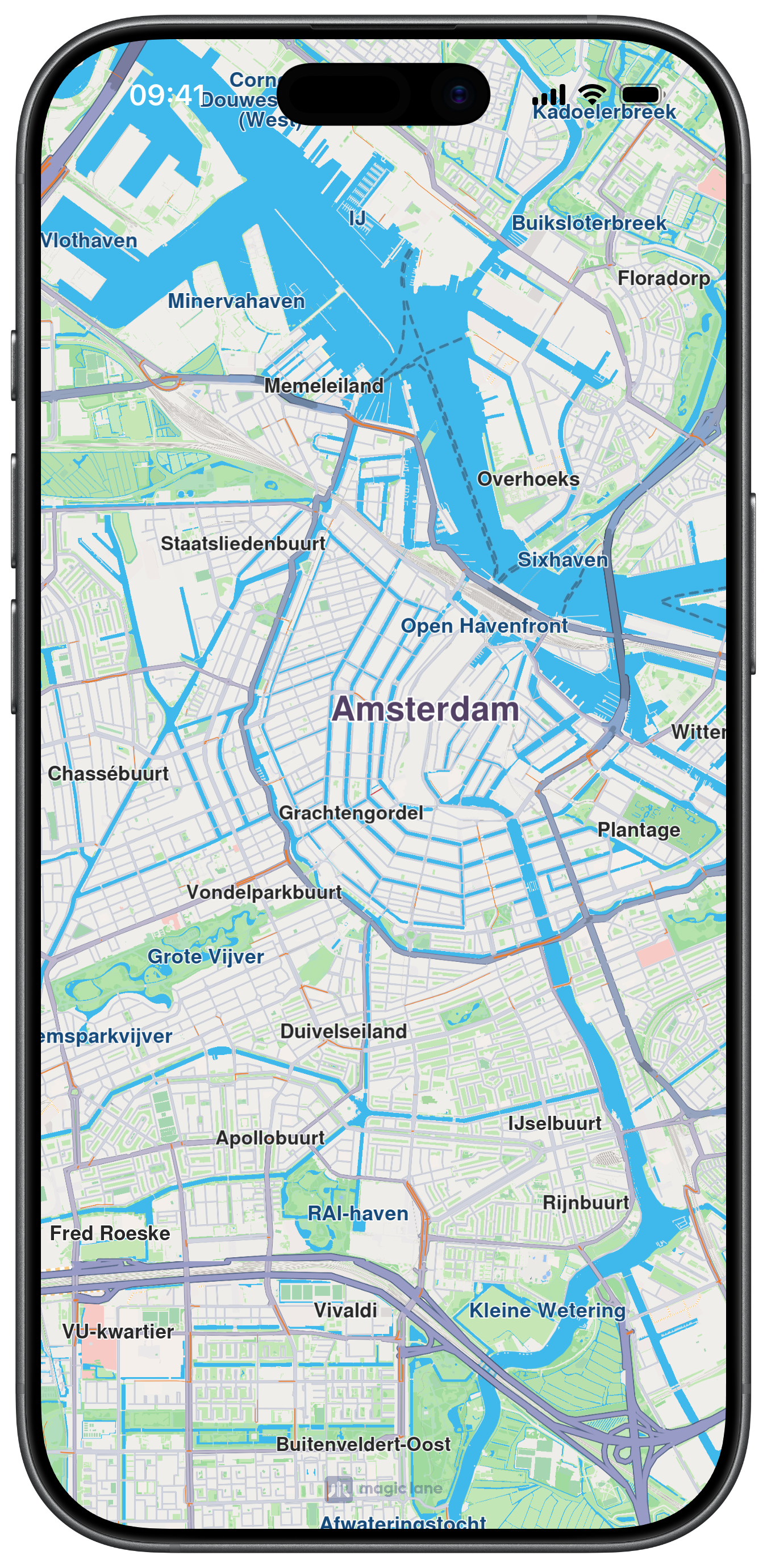
**MapViewController View**
### Map View Creation[](#map-view-creation "Direct link to Map View Creation")
`MapViewController` is embedded as a child and pinned to all edges. The compass is hidden immediately after creation:
ViewController.swift[View on GitHub](https://github.com/magiclane/magiclane-maps-sdk-examples-for-ios/tree/main/UIKit/3DScene/MapRender/MapRender/ViewController.swift)
```swift
func createMapView() {
self.mapViewController = MapViewController.init()
self.mapViewController!.view.backgroundColor = UIColor.systemBackground
self.addChild(self.mapViewController!)
self.view.addSubview(self.mapViewController!.view)
self.mapViewController!.didMove(toParent: self)
self.mapViewController!.hideCompass()
self.mapViewController!.view.translatesAutoresizingMaskIntoConstraints = false
NSLayoutConstraint.activate([
self.mapViewController!.view.topAnchor.constraint(equalTo: self.view.topAnchor),
self.mapViewController!.view.leadingAnchor.constraint(equalTo: self.view.leadingAnchor),
self.mapViewController!.view.bottomAnchor.constraint(equalTo: self.view.bottomAnchor),
self.mapViewController!.view.trailingAnchor.constraint(equalTo: self.view.trailingAnchor)
])
}
```
### Render Lifecycle[](#render-lifecycle "Direct link to Render Lifecycle")
`startRender()` and `stopRender()` are called in the view controller's appearance callbacks to tie rendering to the screen visibility. The `deinit` calls `destroy()` to cleanly release the map resources:
ViewController.swift[View on GitHub](https://github.com/magiclane/magiclane-maps-sdk-examples-for-ios/tree/main/UIKit/3DScene/MapRender/MapRender/ViewController.swift)
```swift
deinit {
if let controller = mapViewController {
controller.destroy()
}
}
override func viewWillAppear(_ animated: Bool) {
super.viewWillAppear(animated)
self.mapViewController!.startRender()
}
override func viewWillDisappear(_ animated: Bool) {
super.viewWillDisappear(animated)
self.mapViewController!.stopRender()
}
```
This example demonstrates how to use **GEMKit** in a SwiftUI application to handle the map rendering based on the app's lifecycle.
Check the full implementation on [GitHub](https://github.com/magiclane/magiclane-maps-sdk-examples-for-ios/tree/main/SwiftUI/3DScene/MapRender).

**MapBase View**
### Map Display and Rendering[](#map-display-and-rendering "Direct link to Map Display and Rendering")
The following code outlines the main view, which displays the map and manages the rendering state based on the current scene phase:
ContentView\.swift[View on GitHub](https://github.com/magiclane/magiclane-maps-sdk-examples-for-ios/tree/main/SwiftUI/3DScene/MapRender/MapRender/ContentView.swift)
```swift
struct ContentView: View {
@Environment(\.scenePhase) private var scenePhase
@State private var isAppActive = true
var body: some View {
MapReader { proxy in
MapBase(initialPosition: .amsterdam, initialZoomLevel: 54)
.mapCompass(false)
.mapRender(isAppActive)
}
.ignoresSafeArea()
.onChange(of: scenePhase) { newPhase in
switch newPhase {
case .active:
isAppActive = true
case .background:
isAppActive = false
default:
break
}
}
}
}
```
info
This is the most basic example of controlling map rendering. Rendering can be toggled on and off at any time based on your app's specific needs, such as pausing rendering when the map is not fully visible or when UI smoothness is a priority, like with animations.