Map Perspective
- UIKit
This example demonstrates how to use GEMKit in a UIKit application to follow the position on the map after requesting location permission.
Check the full implementation on GitHub.
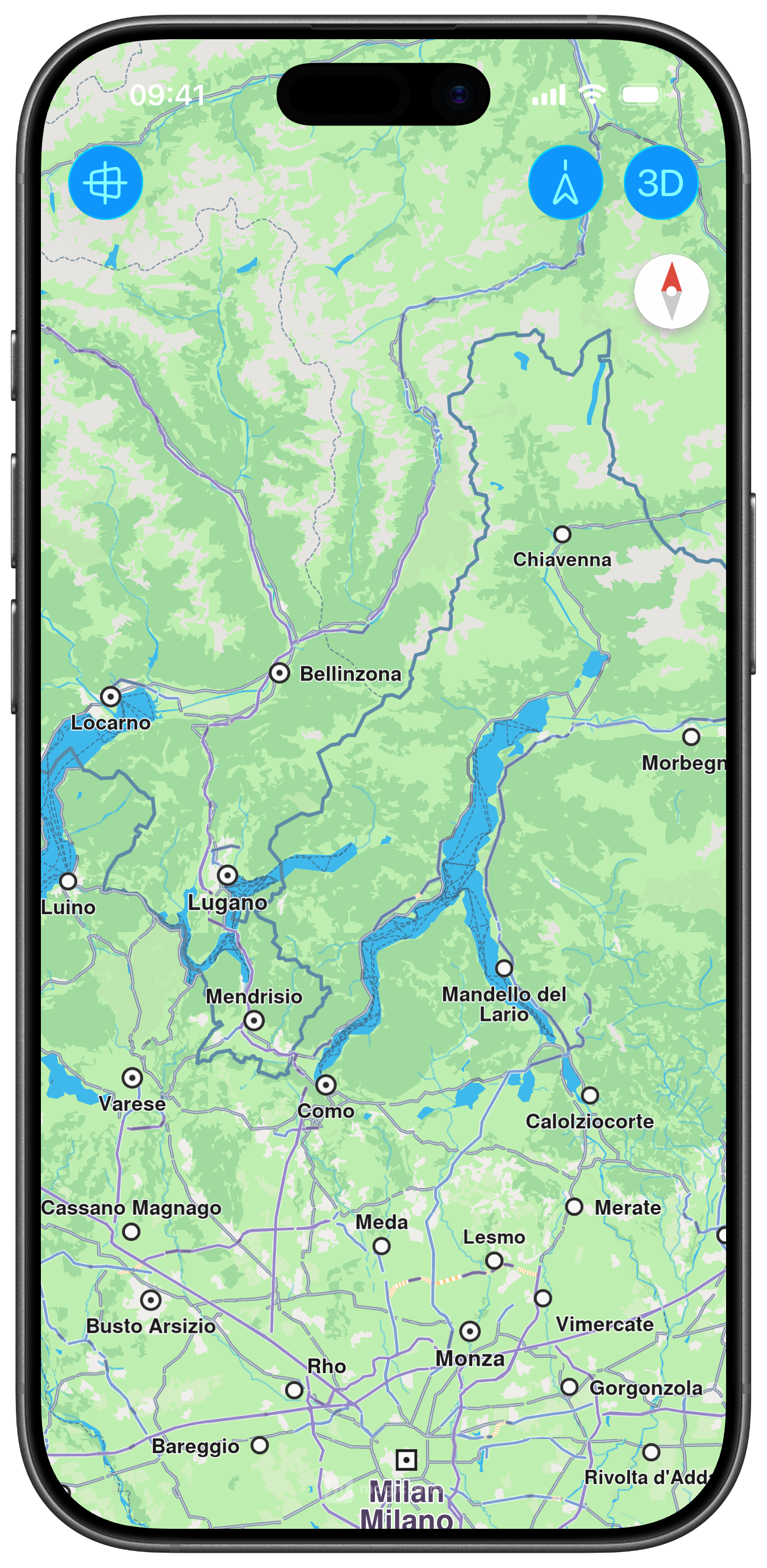
Initial 2D Perspective
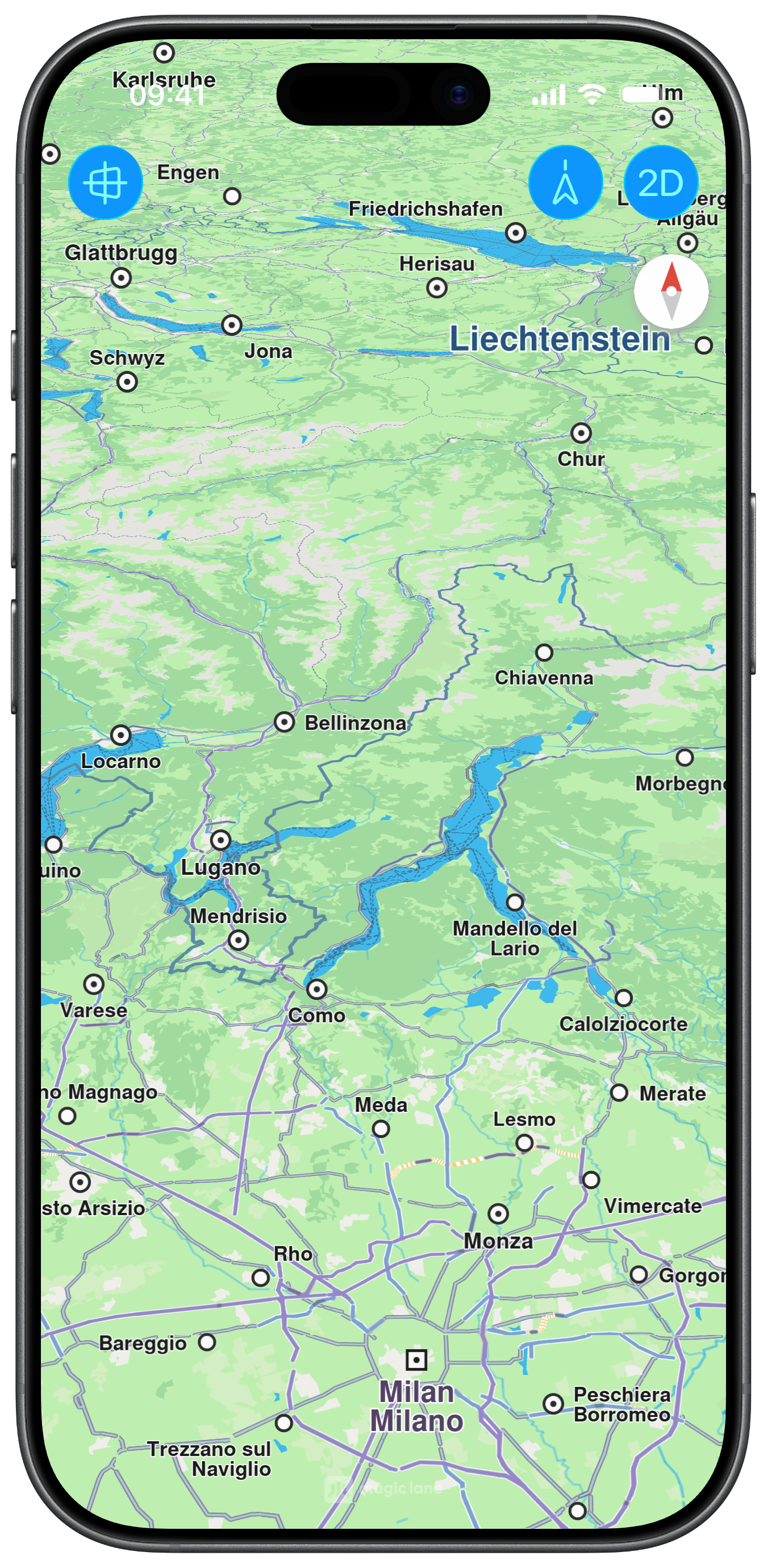
3D Perspective
Map Display and Perspective Control
The following code outlines the main view, which displays the map and the action buttons to change the map perspective, align it north up, and toggle perspective gestures:
ViewController.swiftView on GitHub
class ViewController: UIViewController {

    var mapViewController: MapViewController?

    override func viewDidLoad() {
        super.viewDidLoad()
        // Do any additional setup after loading the view.

        if let navigationController = self.navigationController {

            let appearance = navigationController.navigationBar.standardAppearance

            navigationController.navigationBar.scrollEdgeAppearance = appearance
        }

        self.createMapView()

        self.mapViewController!.startRender()

        self.addMapPerspective()
    }

    // MARK: - Map View

    func createMapView() {

        self.mapViewController = MapViewController.init()
        self.mapViewController!.view.backgroundColor = UIColor.systemBackground

        self.addChild(self.mapViewController!)
        self.view.addSubview(self.mapViewController!.view)
        self.mapViewController!.didMove(toParent: self)

        self.mapViewController?.view.translatesAutoresizingMaskIntoConstraints = false
        NSLayoutConstraint.activate([
            self.mapViewController!.view.topAnchor.constraint(equalTo: self.view.topAnchor),
            self.mapViewController!.view.bottomAnchor.constraint(equalTo: self.view.bottomAnchor),
            self.mapViewController!.view.leadingAnchor.constraint(equalTo: self.view.leadingAnchor),
            self.mapViewController!.view.trailingAnchor.constraint(equalTo: self.view.trailingAnchor),
        ])
    }

    // MARK: - Perspective

    func addMapPerspective() {

        let barButton = UIBarButtonItem.init(
            image: UIImage.init(systemName: "view.3d"), style: .done, target: self, action: #selector(changeMapPerspective))

        let barButton2 = UIBarButtonItem.init(
            image: UIImage.init(systemName: "location.north.line"), style: .done, target: self, action: #selector(mapAlighNorthUp))

        let barButton3 = UIBarButtonItem.init(
            image: UIImage.init(systemName: "perspective"), style: .done, target: self, action: #selector(togglePerspectiveGesture))

        self.navigationItem.rightBarButtonItems = [barButton, barButton2]
        self.navigationItem.leftBarButtonItems = [barButton3]
    }

    @objc func changeMapPerspective(item: UIBarButtonItem) {

        guard let mapViewController = self.mapViewController else { return }

        if mapViewController.getPerspective() == .view2D {

            item.image = UIImage.init(systemName: "view.2d")

            mapViewController.setPerspective(.view3D, animationDuration: 1000) { success in }

        } else {

            item.image = UIImage.init(systemName: "view.3d")

            self.mapViewController!.setPerspective(.view2D, animationDuration: 1000) { success in }
        }
    }

    @objc func mapAlighNorthUp() {

        self.mapViewController!.alignNorthUp(withAnimationDuration: 1000) { success in }
    }

    @objc func togglePerspectiveGesture() {

        guard let preferences = self.mapViewController?.getPreferences() else { return }

        let state = preferences.isTouchGestureEnabled(.onShove)

        // Single gesture
        preferences.enableTouchGesture(.onShove, enable: !state)

        // Multiple gestures
        // let gestures = (MapViewTouchGestures.onShove.rawValue | MapViewTouchGestures.onRotate.rawValue | MapViewTouchGestures.onPinch.rawValue | MapViewTouchGestures.onPinchSwipe.rawValue)
        // preferences.enableTouchGestures(gestures, enable: !state)
    }
}