class ViewController: UIViewController {
var mapViewController: MapViewController?
override func viewDidLoad() {
super.viewDidLoad()
if let navigationController = self.navigationController {
let appearance = navigationController.navigationBar.standardAppearance
navigationController.navigationBar.scrollEdgeAppearance = appearance
}
self.createMapView()
self.mapViewController!.startRender()
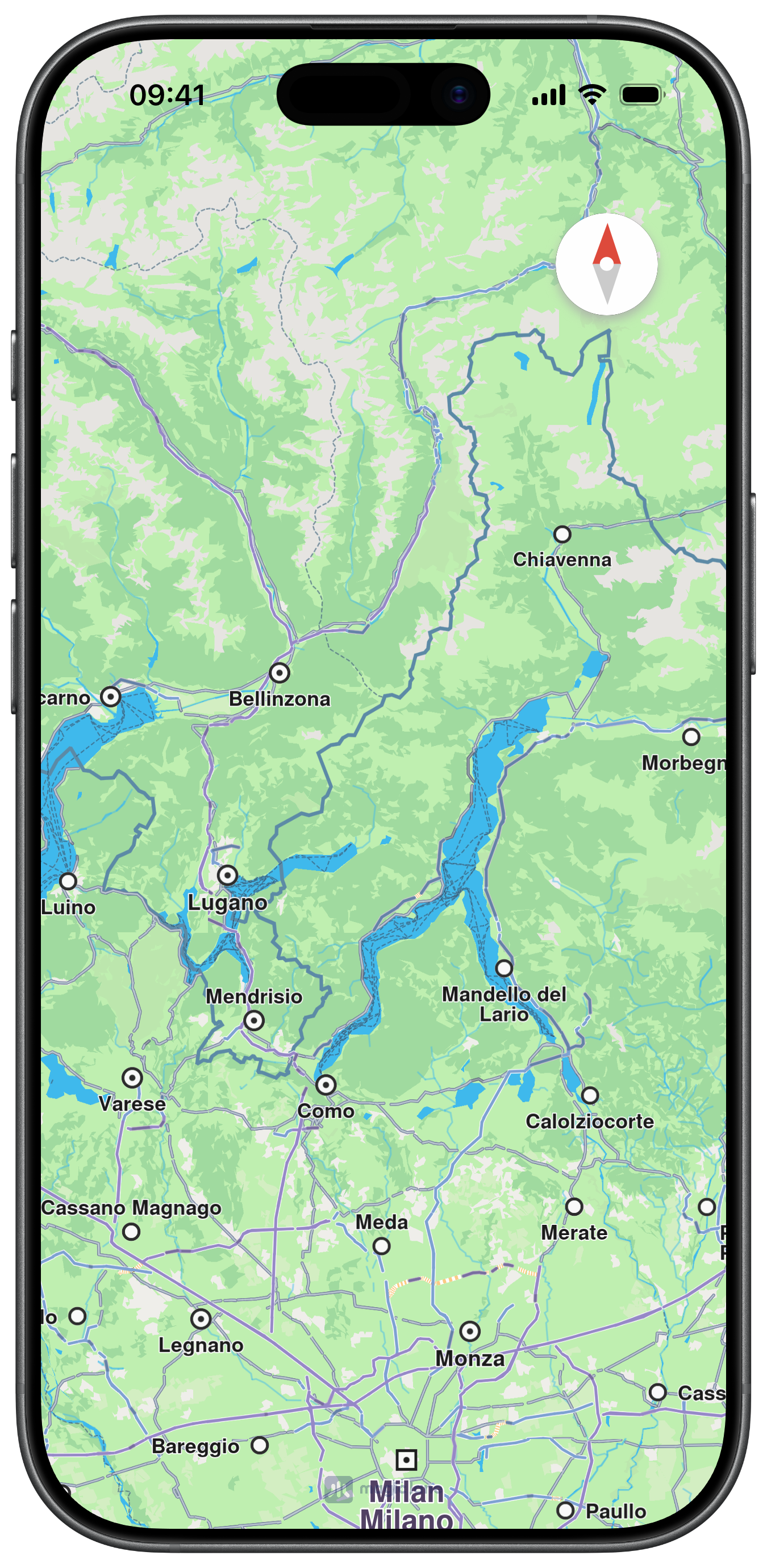
self.mapViewController!.showCompass()
self.mapViewController!.setCompassFollowUserInterfaceStyle(true)
self.setCompassTapHandler()
self.changeCompassSize()
self.changeCompassInsets()
}
func createMapView() {
self.mapViewController = MapViewController.init()
self.mapViewController!.view.backgroundColor = UIColor.systemBackground
self.addChild(self.mapViewController!)
self.view.addSubview(self.mapViewController!.view)
self.mapViewController!.didMove(toParent: self)
self.mapViewController?.view.translatesAutoresizingMaskIntoConstraints = false
NSLayoutConstraint.activate([
self.mapViewController!.view.topAnchor.constraint(equalTo: self.view.topAnchor),
self.mapViewController!.view.bottomAnchor.constraint(equalTo: self.view.bottomAnchor),
self.mapViewController!.view.leadingAnchor.constraint(equalTo: self.view.leadingAnchor),
self.mapViewController!.view.trailingAnchor.constraint(equalTo: self.view.trailingAnchor),
])
}
func setCompassTapHandler() {
self.mapViewController!.setTapCompassCompletionHandler({ mode in
print("tap compass")
})
}
func changeCompassSize() {
self.mapViewController!.setCompassSize(60.0)
}
func changeCompassInsets() {
self.mapViewController!.setCompassInsets(UIEdgeInsets(top: 40, left: 0, bottom: 0, right: 40))
}
func changeCompassConstraints() {
let compassImageView = self.mapViewController!.getCompassImageView()
NSLayoutConstraint.deactivate(self.mapViewController!.getCompassLayoutConstraints())
NSLayoutConstraint.activate([
compassImageView.topAnchor.constraint(equalTo: self.view.safeAreaLayoutGuide.topAnchor, constant: 50),
compassImageView.leadingAnchor.constraint(equalTo: self.view.safeAreaLayoutGuide.leadingAnchor, constant: 20)
])
}
}