Following Position
- UIKit
This example demonstrates how to use GEMKit in a UIKit application to follow the position on the map after requesting location permission.
Check the full implementation on GitHub.
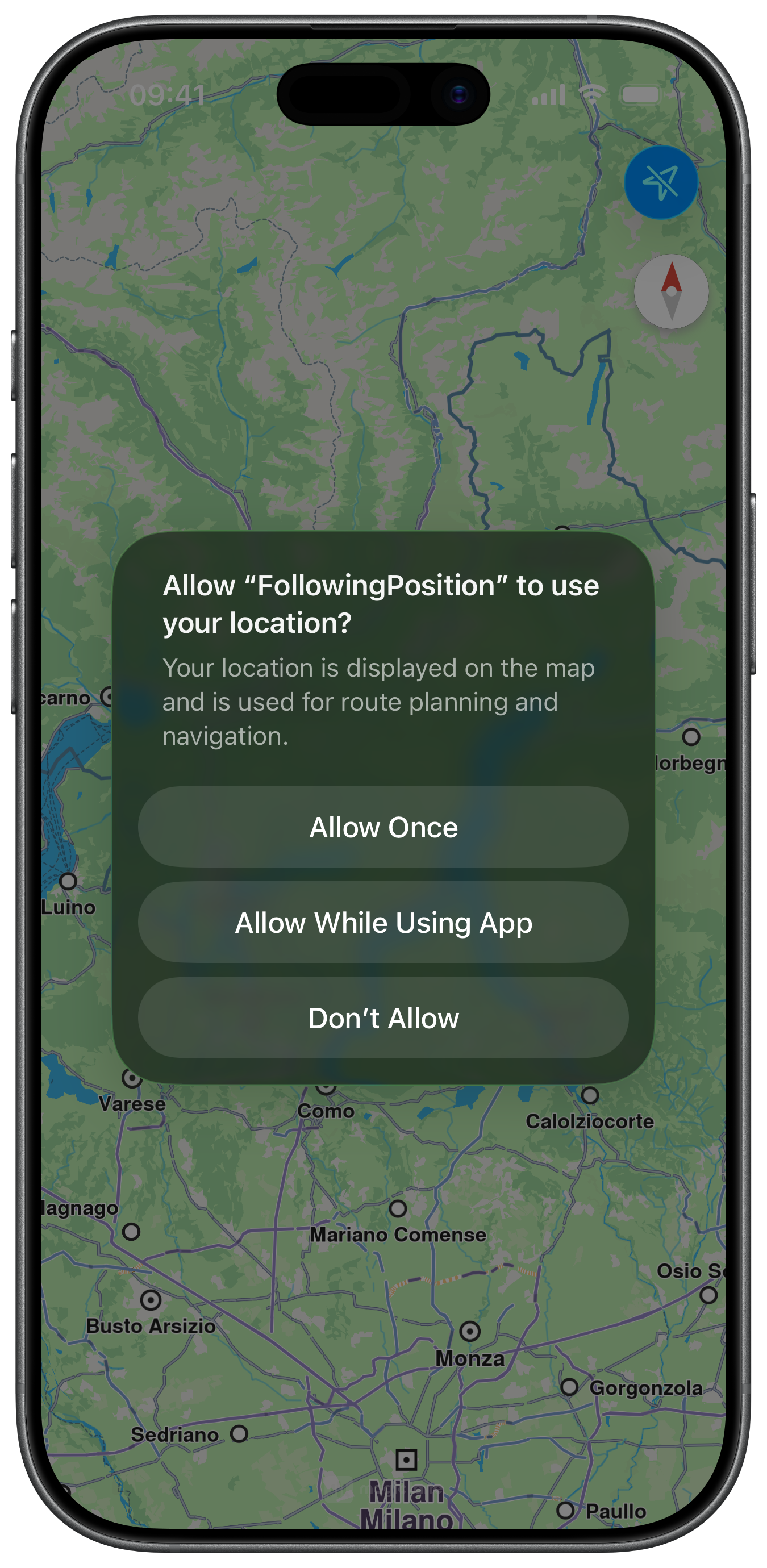
Location Authorization
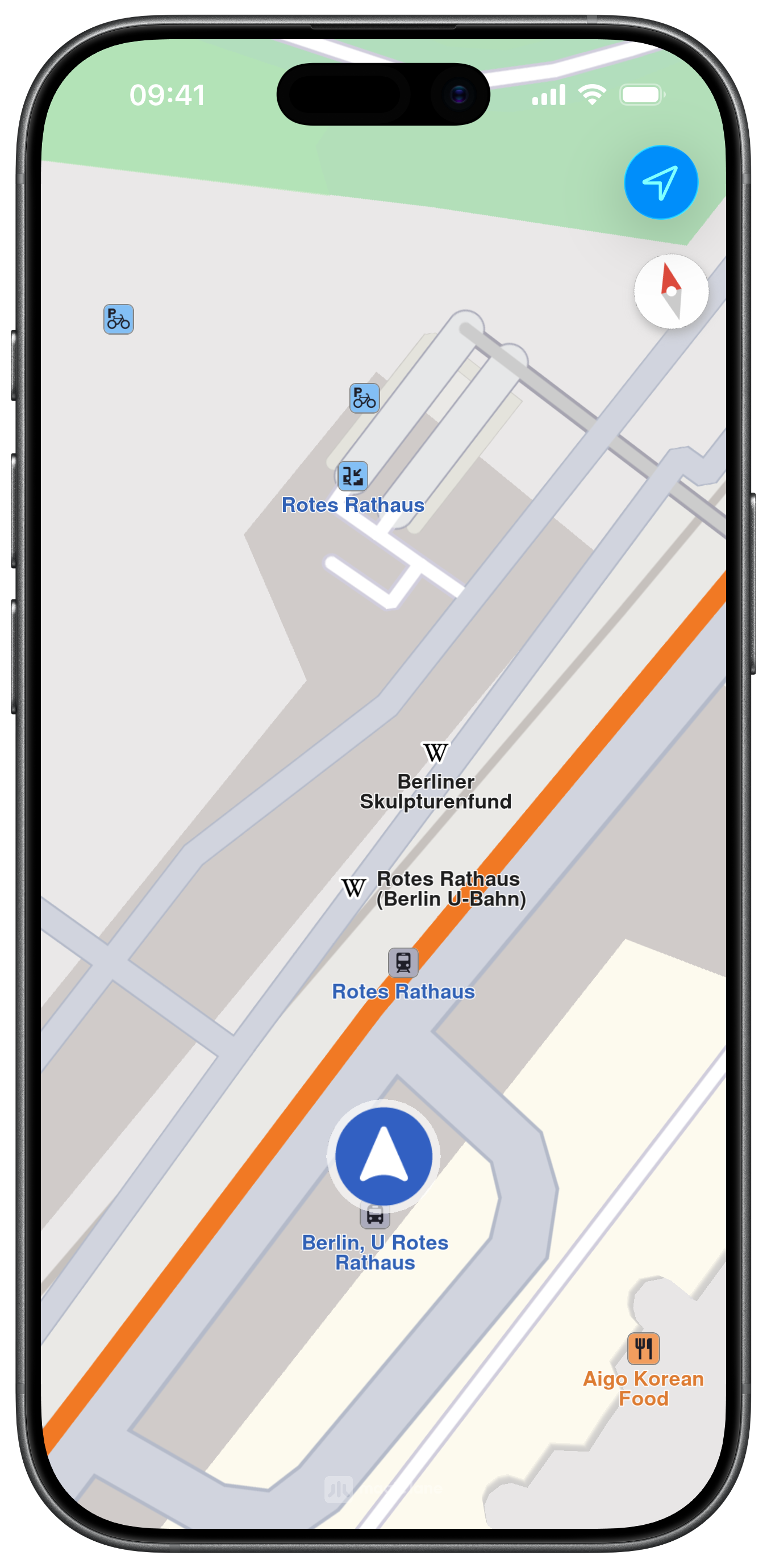
Following Position
Map Display and Following Position
The following code outlines the main view, which displays the map and the action button to follow the user's position after requesting location permission:
ViewController.swiftView on GitHub
class ViewController: UIViewController, CLLocationManagerDelegate {

    var mapViewController: MapViewController?

    var locationManager: CLLocationManager?

    var positionContext: PositionContext?

    var dataSource: DataSourceContext?

    override func viewDidLoad() {
        super.viewDidLoad()
        // Do any additional setup after loading the view.

        if let navigationController = self.navigationController {

            let appearance = navigationController.navigationBar.standardAppearance

            navigationController.navigationBar.scrollEdgeAppearance = appearance
        }

        let configuration = DataSourceConfigurationObject.init()
        configuration.setPositionActivity(.automotive)
        configuration.setPositionAccuracy(.whenMoving)
        configuration.setPositionDistanceFilter(0)

        self.dataSource = DataSourceContext.init()
        self.dataSource!.setConfiguration(configuration, for: .position)

        self.positionContext = PositionContext.init(context: self.dataSource!)

        self.createMapView()

        self.mapViewController!.startRender()

        self.addLocationButton()
    }

    // MARK: - Map View

    func createMapView() {

        self.mapViewController = MapViewController.init()
        self.mapViewController!.view.backgroundColor = UIColor.systemBackground

        self.addChild(self.mapViewController!)
        self.view.addSubview(self.mapViewController!.view)
        self.mapViewController!.didMove(toParent: self)

        self.mapViewController?.view.translatesAutoresizingMaskIntoConstraints = false
        NSLayoutConstraint.activate([
            self.mapViewController!.view.topAnchor.constraint(equalTo: self.view.topAnchor),
            self.mapViewController!.view.bottomAnchor.constraint(equalTo: self.view.bottomAnchor),
            self.mapViewController!.view.leadingAnchor.constraint(equalTo: self.view.leadingAnchor),
            self.mapViewController!.view.trailingAnchor.constraint(equalTo: self.view.trailingAnchor),
        ])
    }

    // MARK: - Location

    func addLocationButton() {

        if self.locationManager == nil {

            self.locationManager = CLLocationManager.init()
            self.locationManager!.delegate = self
        }

        if self.isLocationAvailable() {

            if let context = self.dataSource {

                if context.isStopped() == false {

                    context.start()
                }
            }
        }

        var image = UIImage.init(systemName: "location")

        if self.isLocationAvailable() == false {

            image = UIImage.init(systemName: "location.slash")
        }

        let barButton = UIBarButtonItem.init(image: image, style: .done, target: self, action: #selector(startFollowLocation))
        self.navigationItem.rightBarButtonItem = barButton
    }

    @objc func startFollowLocation() {

        if self.isLocationAvailable() == false {

            self.requestLocationPermission()

        } else {

            self.mapViewController!.startFollowingPosition(withAnimationDuration: 1000, zoomLevel: -1, viewAngle: 0) { success in }
        }
    }

    func isLocationAvailable() -> Bool {

        return (self.locationManager!.authorizationStatus == .authorizedWhenInUse)
    }

    func requestLocationPermission() {

        if self.locationManager!.authorizationStatus == .notDetermined {

            self.locationManager!.requestWhenInUseAuthorization()
        }
    }

    func locationManagerDidChangeAuthorization(_ manager: CLLocationManager) {

        self.addLocationButton()
    }
}