# Following Position
Last updated:
October 18, 2026
\| 2 minutes read
* UIKit
This example demonstrates how to use **GEMKit** in a UIKit application to follow the position on the map after requesting location permission.
Check the full implementation on [GitHub](https://github.com/magiclane/magiclane-maps-sdk-examples-for-ios/tree/main/UIKit/3DScene/FollowingPosition).
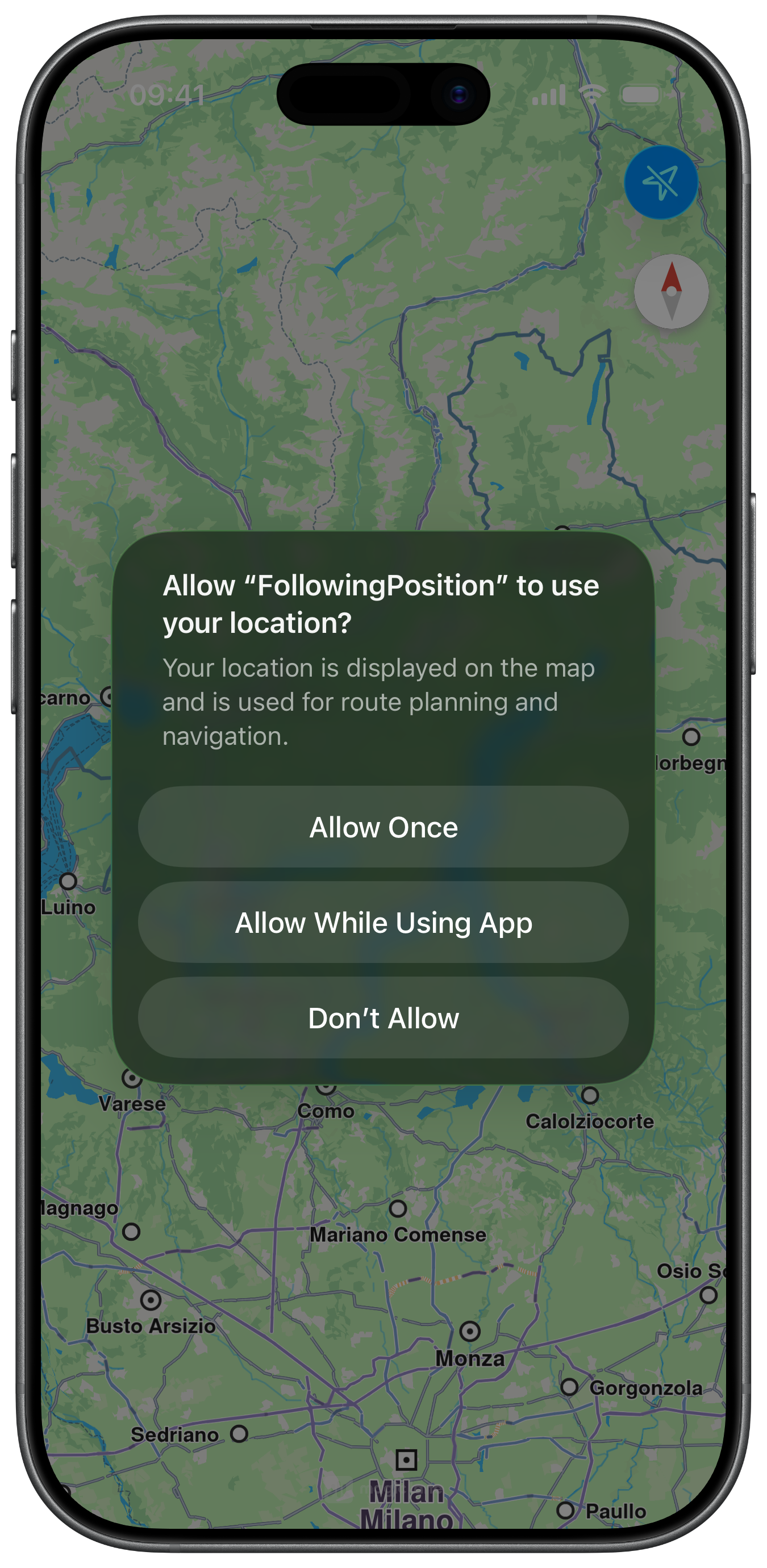
**Location Authorization**
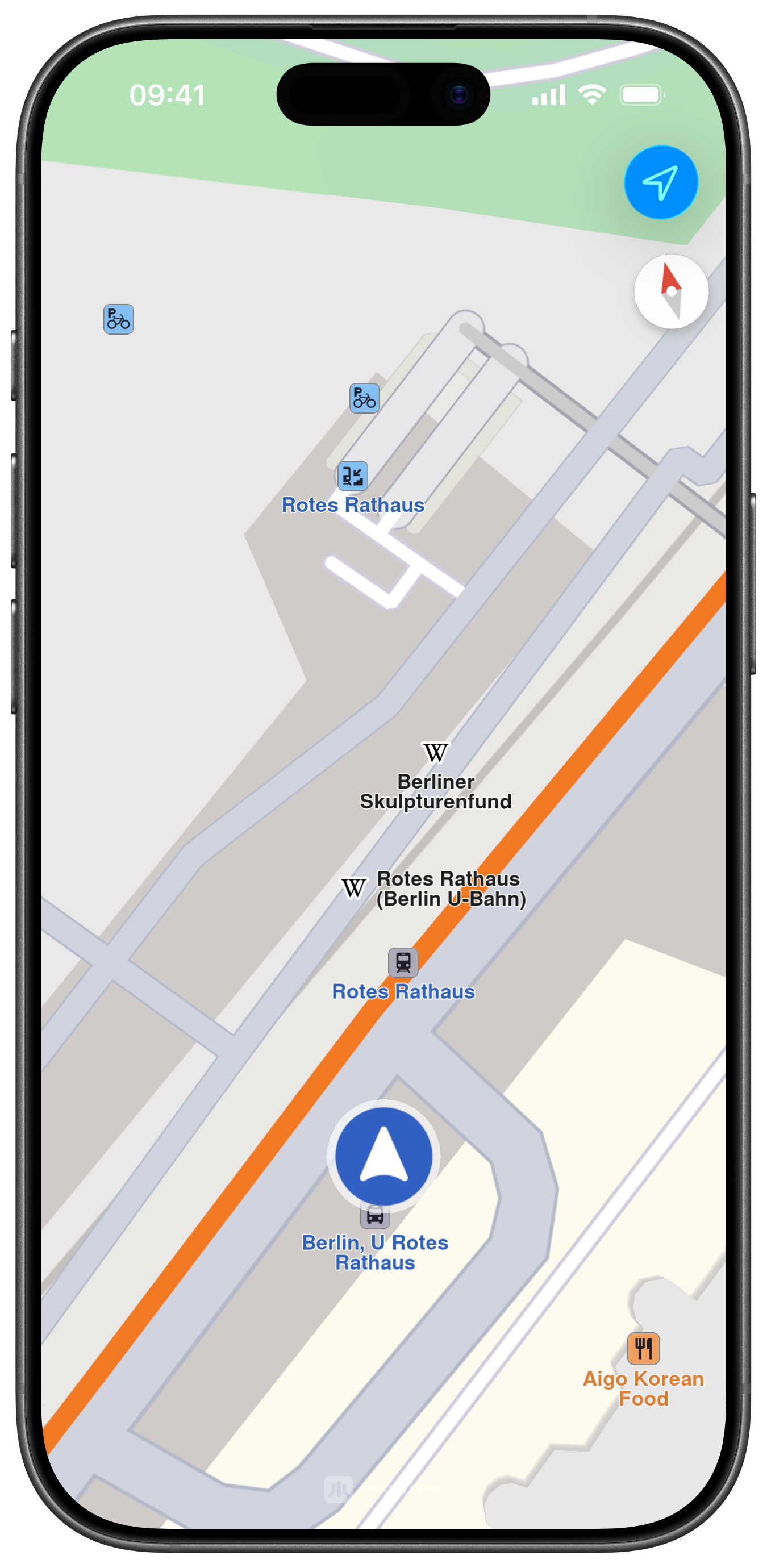
**Following Position**
### Map Display and Following Position[](#map-display-and-following-position "Direct link to Map Display and Following Position")
The following code outlines the main view, which displays the map and the action button to follow the user's position after requesting location permission:
ViewController.swift[View on GitHub](https://github.com/magiclane/magiclane-maps-sdk-examples-for-ios/tree/main/UIKit/3DScene/FollowingPosition/FollowingPosition/ViewController.swift)
```swift
class ViewController: UIViewController, CLLocationManagerDelegate {
var mapViewController: MapViewController?
var locationManager: CLLocationManager?
var positionContext: PositionContext?
var dataSource: DataSourceContext?
override func viewDidLoad() {
super.viewDidLoad()
// Do any additional setup after loading the view.
if let navigationController = self.navigationController {
let appearance = navigationController.navigationBar.standardAppearance
navigationController.navigationBar.scrollEdgeAppearance = appearance
}
let configuration = DataSourceConfigurationObject.init()
configuration.setPositionActivity(.automotive)
configuration.setPositionAccuracy(.whenMoving)
configuration.setPositionDistanceFilter(0)
self.dataSource = DataSourceContext.init()
self.dataSource!.setConfiguration(configuration, for: .position)
self.positionContext = PositionContext.init(context: self.dataSource!)
self.createMapView()
self.mapViewController!.startRender()
self.addLocationButton()
}
// MARK: - Map View
func createMapView() {
self.mapViewController = MapViewController.init()
self.mapViewController!.view.backgroundColor = UIColor.systemBackground
self.addChild(self.mapViewController!)
self.view.addSubview(self.mapViewController!.view)
self.mapViewController!.didMove(toParent: self)
self.mapViewController?.view.translatesAutoresizingMaskIntoConstraints = false
NSLayoutConstraint.activate([
self.mapViewController!.view.topAnchor.constraint(equalTo: self.view.topAnchor),
self.mapViewController!.view.bottomAnchor.constraint(equalTo: self.view.bottomAnchor),
self.mapViewController!.view.leadingAnchor.constraint(equalTo: self.view.leadingAnchor),
self.mapViewController!.view.trailingAnchor.constraint(equalTo: self.view.trailingAnchor),
])
}
// MARK: - Location
func addLocationButton() {
if self.locationManager == nil {
self.locationManager = CLLocationManager.init()
self.locationManager!.delegate = self
}
if self.isLocationAvailable() {
if let context = self.dataSource {
if context.isStopped() == false {
context.start()
}
}
}
var image = UIImage.init(systemName: "location")
if self.isLocationAvailable() == false {
image = UIImage.init(systemName: "location.slash")
}
let barButton = UIBarButtonItem.init(image: image, style: .done, target: self, action: #selector(startFollowLocation))
self.navigationItem.rightBarButtonItem = barButton
}
@objc func startFollowLocation() {
if self.isLocationAvailable() == false {
self.requestLocationPermission()
} else {
self.mapViewController!.startFollowingPosition(withAnimationDuration: 1000, zoomLevel: -1, viewAngle: 0) { success in }
}
}
func isLocationAvailable() -> Bool {
return (self.locationManager!.authorizationStatus == .authorizedWhenInUse)
}
func requestLocationPermission() {
if self.locationManager!.authorizationStatus == .notDetermined {
self.locationManager!.requestWhenInUseAuthorization()
}
}
func locationManagerDidChangeAuthorization(_ manager: CLLocationManager) {
self.addLocationButton()
}
}
```