Center Map
- UIKit
- SwiftUI
This example demonstrates how to use GEMKit in a UIKit application to programmatically center the map on a specific coordinate.
Check the full implementation on GitHub.
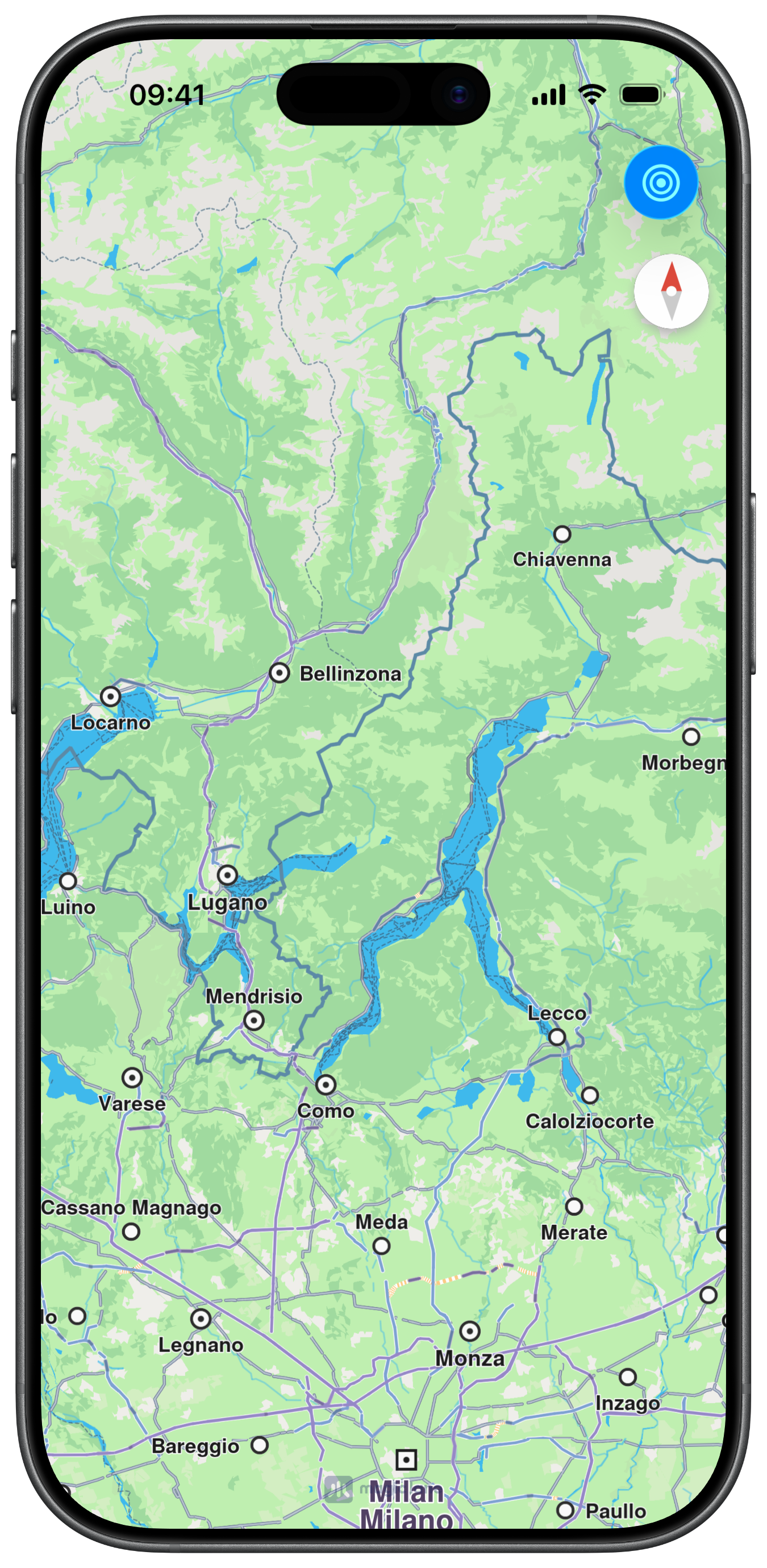
Initial Map View
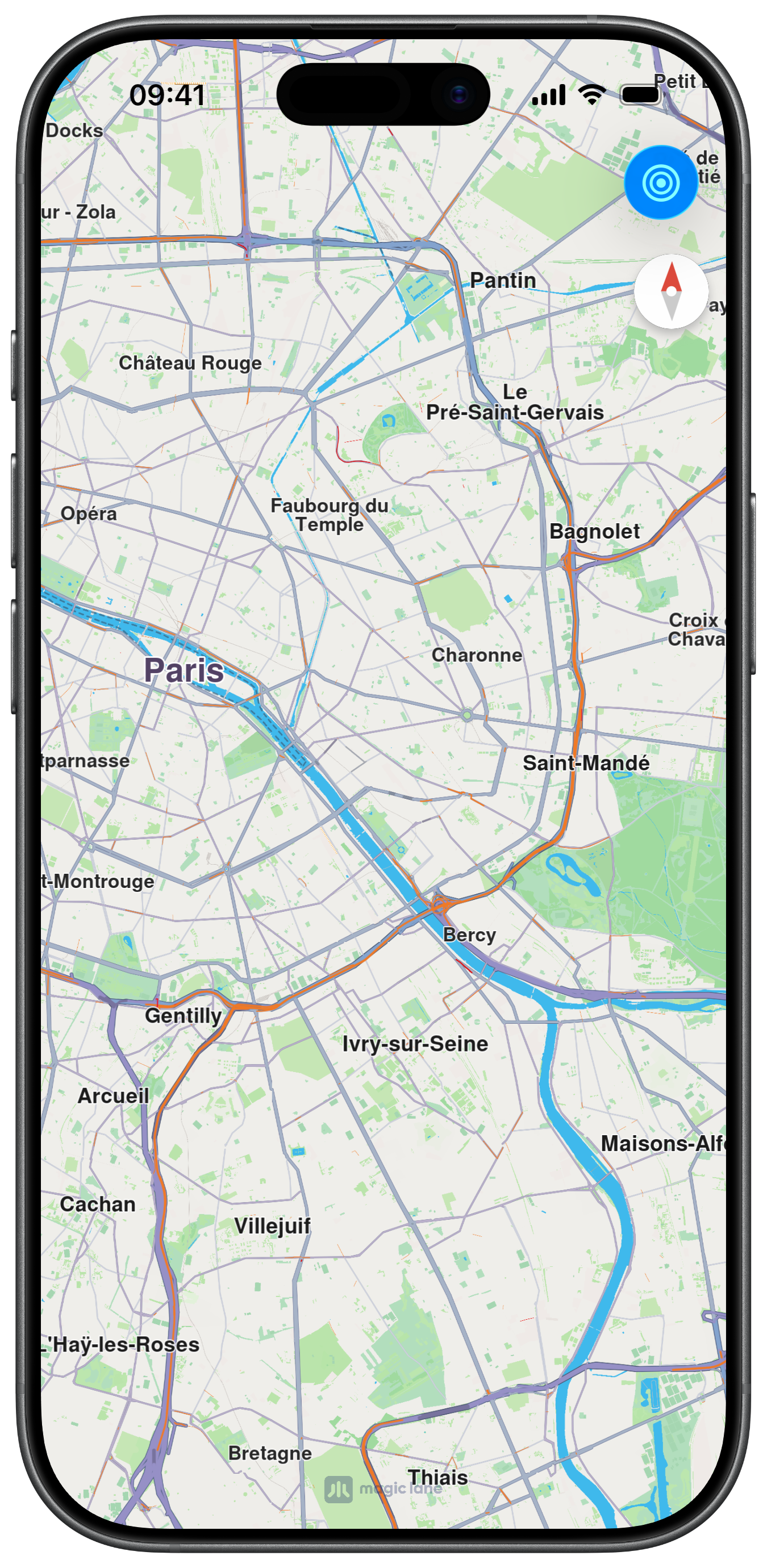
Map View after centering
Map View Creation
MapViewController is embedded as a child view controller and pinned to all edges of the parent view:
Centering the Map
Tapping the navigation bar button calls center(onCoordinates:zoomLevel:animationDuration:) to animate the camera to Paris:
This example demonstrates how to use GEMKit in a SwiftUI application to programmatically center the map on a specific coordinate.
Check the full implementation on GitHub.
Initial Map View
Map View after centering
Centering the Map
MapReader exposes a proxy that provides access to the map's camera control. Tapping the toolbar button calls proxy.centerOn(coordinates:zoomLevel:duration:) to animate the camera to Paris: