# Center Map
Last updated:
October 18, 2026
\| 2 minutes read
* UIKit
* SwiftUI
This example demonstrates how to use **GEMKit** in a UIKit application to programmatically center the map on a specific coordinate.
Check the full implementation on [GitHub](https://github.com/magiclane/magiclane-maps-sdk-examples-for-ios/tree/main/UIKit/3DScene/CenterMap).
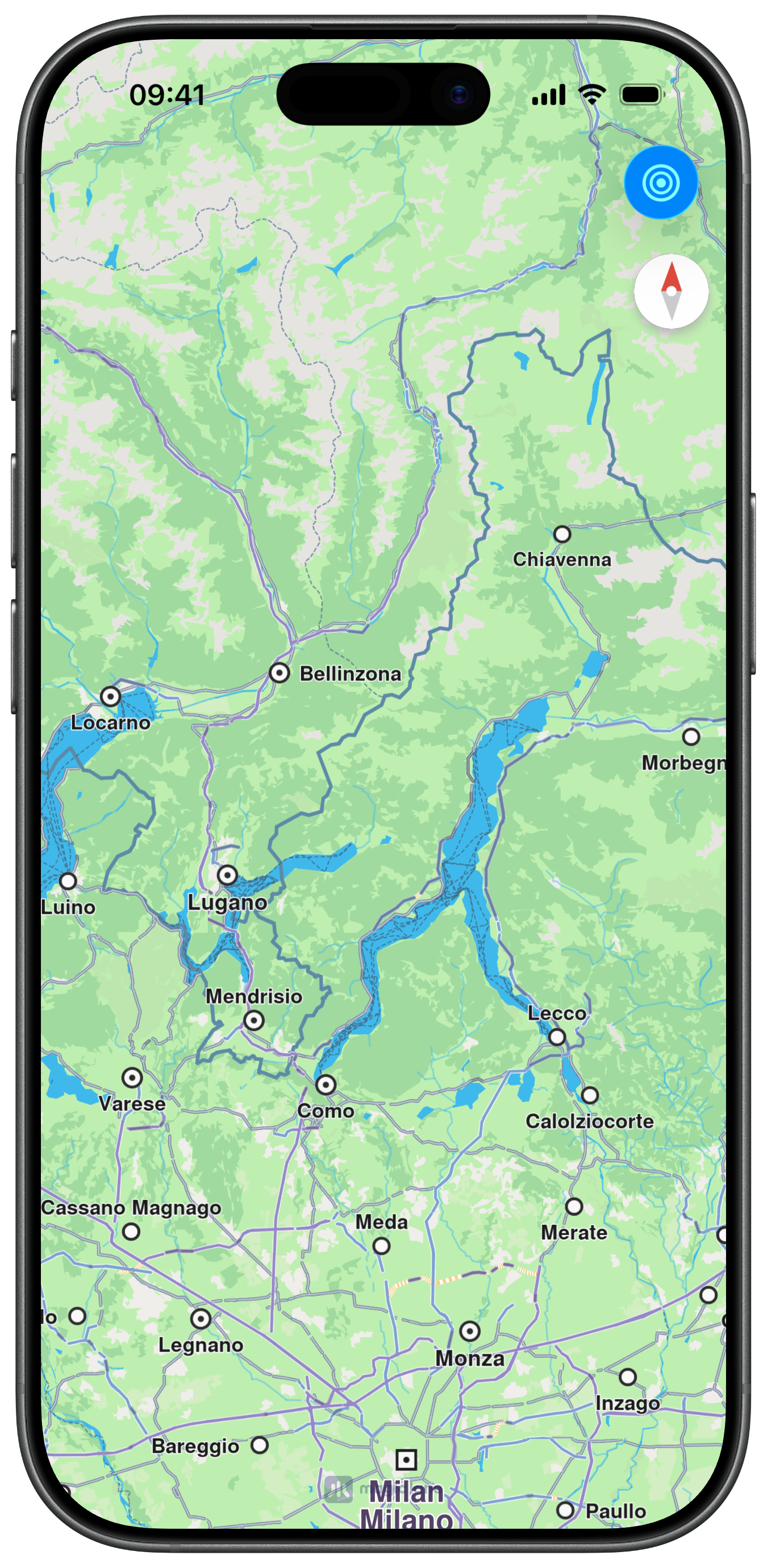
**Initial Map View**
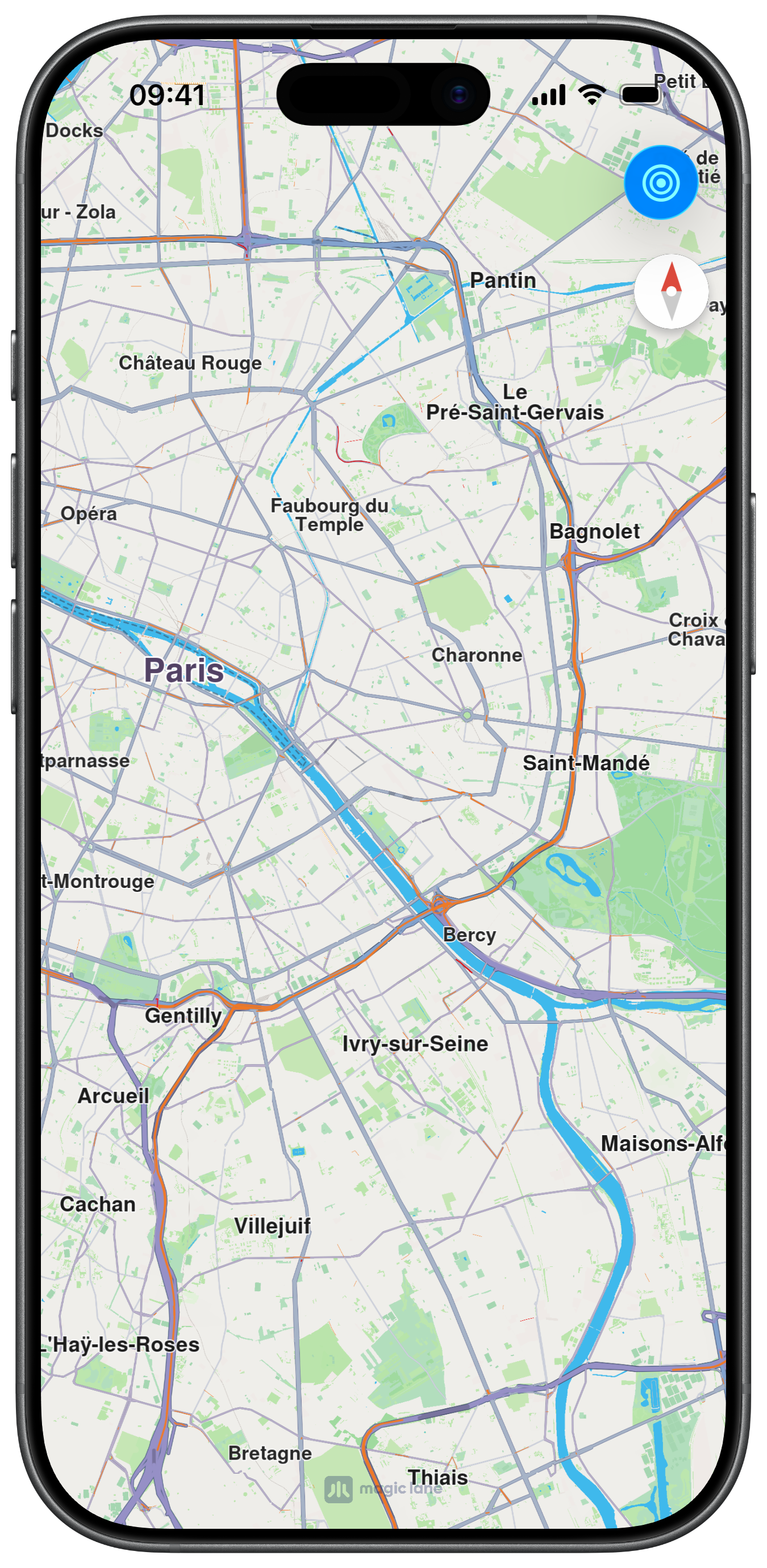
**Map View after centering**
### Map View Creation[](#map-view-creation "Direct link to Map View Creation")
`MapViewController` is embedded as a child view controller and pinned to all edges of the parent view:
ViewController.swift[View on GitHub](https://github.com/magiclane/magiclane-maps-sdk-examples-for-ios/tree/main/UIKit/3DScene/CenterMap/CenterMap/ViewController.swift)
```swift
func createMapView() {
self.mapViewController = MapViewController.init()
self.mapViewController!.view.backgroundColor = UIColor.systemBackground
self.addChild(self.mapViewController!)
self.view.addSubview(self.mapViewController!.view)
self.mapViewController!.didMove(toParent: self)
self.mapViewController?.view.translatesAutoresizingMaskIntoConstraints = false
NSLayoutConstraint.activate([
self.mapViewController!.view.topAnchor.constraint(equalTo: self.view.topAnchor),
self.mapViewController!.view.bottomAnchor.constraint(equalTo: self.view.bottomAnchor),
self.mapViewController!.view.leadingAnchor.constraint(equalTo: self.view.leadingAnchor),
self.mapViewController!.view.trailingAnchor.constraint(equalTo: self.view.trailingAnchor),
])
}
```
### Centering the Map[](#centering-the-map "Direct link to Centering the Map")
Tapping the navigation bar button calls `center(onCoordinates:zoomLevel:animationDuration:)` to animate the camera to Paris:
ViewController.swift[View on GitHub](https://github.com/magiclane/magiclane-maps-sdk-examples-for-ios/tree/main/UIKit/3DScene/CenterMap/CenterMap/ViewController.swift)
```swift
func addCenterMapButton() {
let image = UIImage.init(systemName: "target")
let barButton = UIBarButtonItem.init(image: image, style: .done, target: self, action: #selector(centerMapAction(_:)))
self.navigationItem.rightBarButtonItem = barButton
}
@objc func centerMapAction(_ barButton: UIBarButtonItem) {
let location = CoordinatesObject.coordinates(withLatitude: 48.840827, longitude: 2.381899)
self.mapViewController!.center(onCoordinates: location, zoomLevel: 50, animationDuration: 1000)
}
```
This example demonstrates how to use **GEMKit** in a SwiftUI application to programmatically center the map on a specific coordinate.
Check the full implementation on [GitHub](https://github.com/magiclane/magiclane-maps-sdk-examples-for-ios/tree/main/SwiftUI/3DScene/CenterMap).

**Initial Map View**

**Map View after centering**
### Centering the Map[](#centering-the-map-1 "Direct link to Centering the Map")
`MapReader` exposes a `proxy` that provides access to the map's camera control. Tapping the toolbar button calls `proxy.centerOn(coordinates:zoomLevel:duration:)` to animate the camera to Paris:
ContentView\.swift[View on GitHub](https://github.com/magiclane/magiclane-maps-sdk-examples-for-ios/tree/main/SwiftUI/3DScene/CenterMap/CenterMap/ContentView.swift)
```swift
struct ContentView: View {
let location = CoordinatesObject.coordinates(
withLatitude: 48.840827,
longitude: 2.381899)
var body: some View {
MapReader { proxy in
MapBase()
.toolbar {
ToolbarItem(placement: .navigationBarTrailing) {
Button("", systemImage: "target") {
proxy.centerOn(coordinates: location, zoomLevel: 50, duration: 1000)
}
.buttonStyle(.borderedProminent)
}
}
}
.ignoresSafeArea()
}
}
```