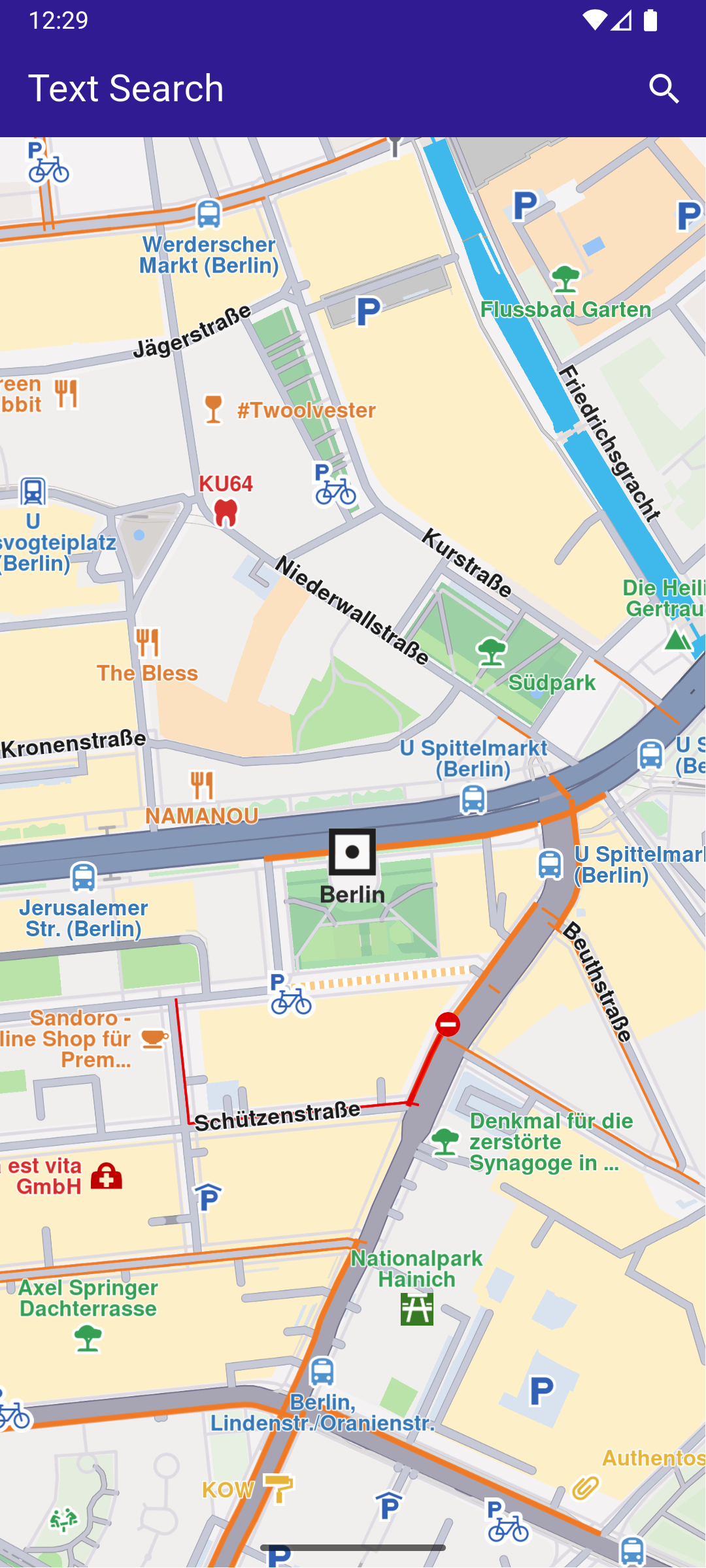
# Magic Lane - Maps SDK for Flutter documentation ## Docs ### Add Markers |

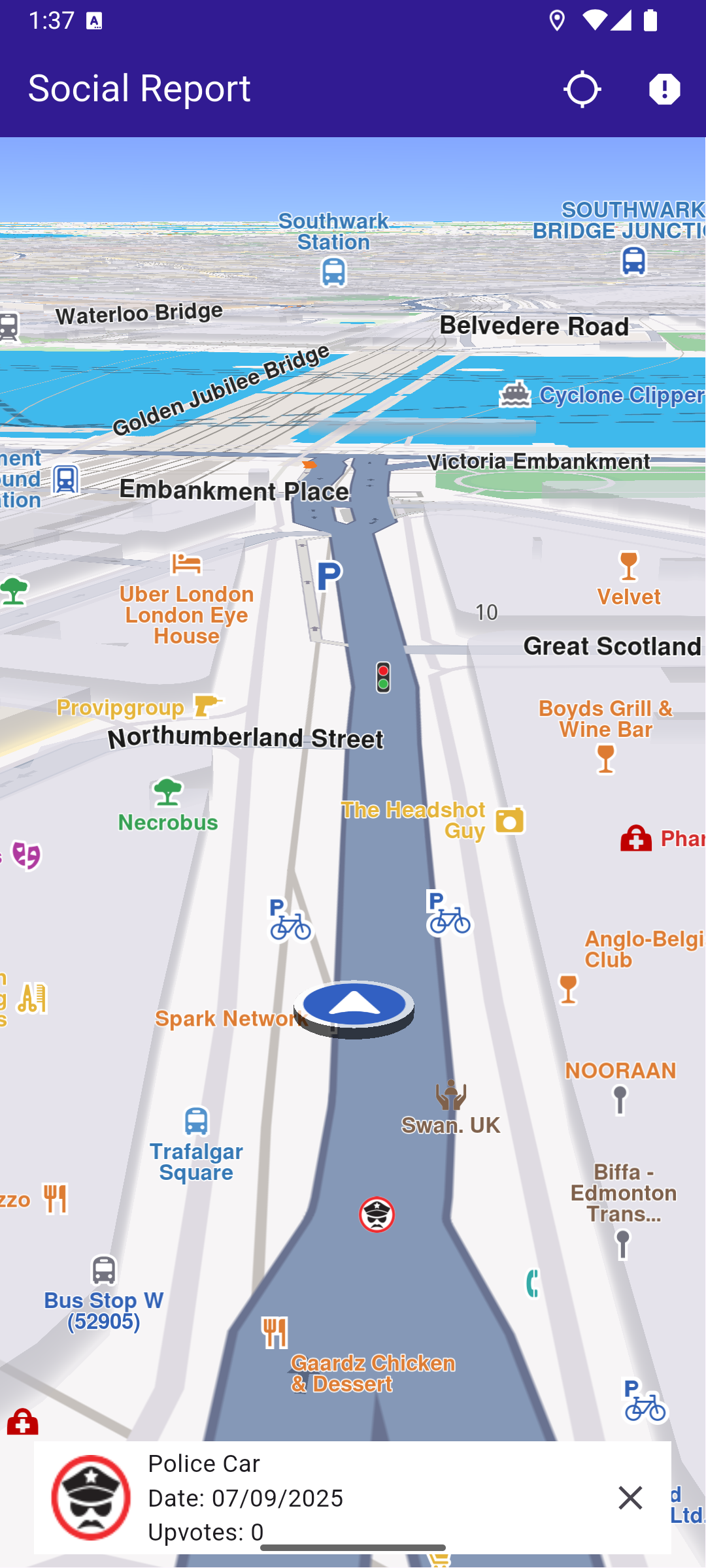
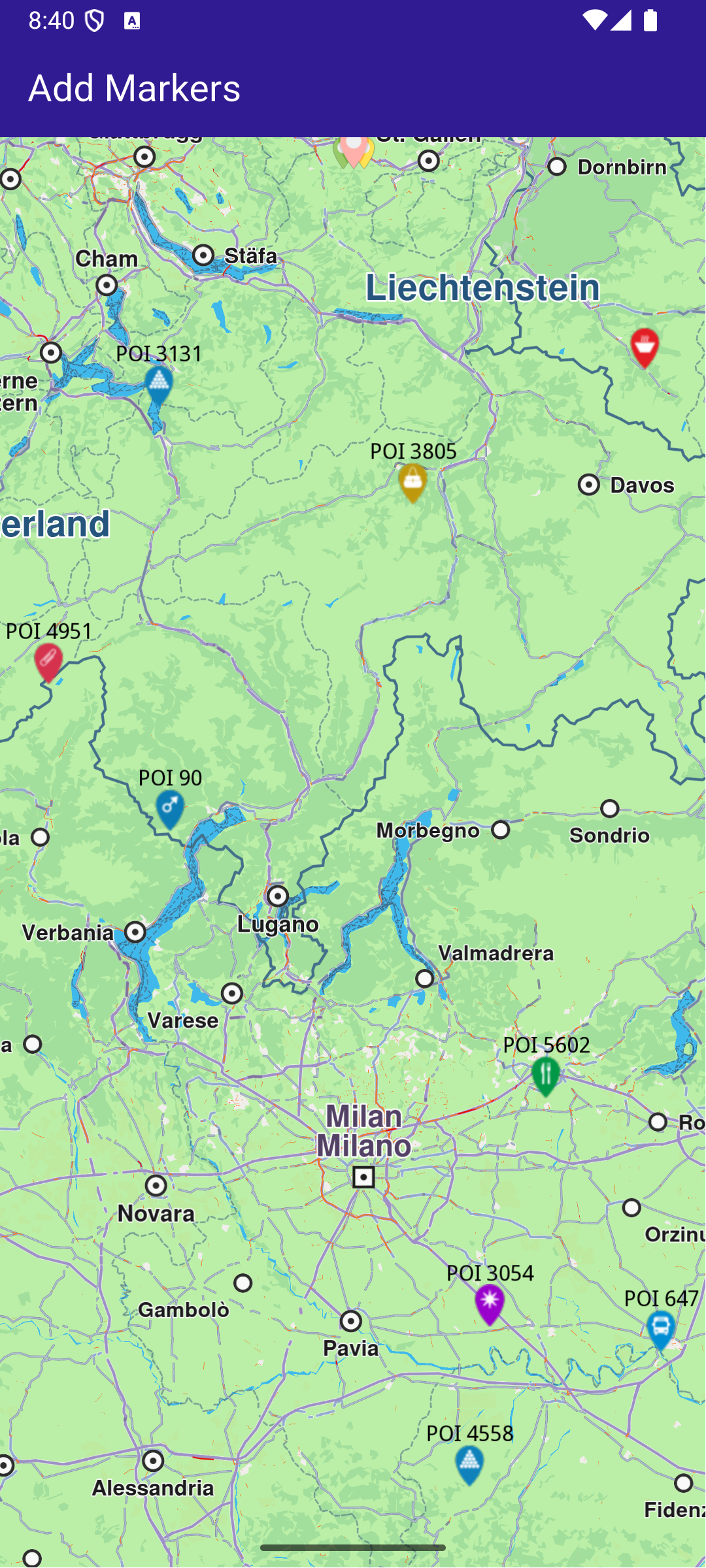
This example demonstrates how to create a Flutter app that displays a large number of markers on a map using Maps SDK for Flutter. #### Saving Assets[​](#saving-assets "Direct link to Saving Assets") Before running the app, ensure that you save the necessary files (marker icons) into the assets directory. Update your pubspec.yaml file to include these assets: ```yaml flutter: assets: - assets/ ``` #### How it works[​](#how-it-works "Direct link to How it works") The example app demonstrates the following features: * Display a large number of markers on the map. ![](/docs/flutter/assets/images/example_flutter_add_markers1-5f6209c90c2a93f5fd888b42d07dfcf7.png) **GemMap widget** ##### UI and Map Integration[​](#ui-and-map-integration "Direct link to UI and Map Integration") This code sets up the basic structure of the app, including the map and the app bar, and initializes the map when it is created. main.dart[](add_markers/lib/main.dart?ref_type=heads#L20) ```dart class MyApp extends StatelessWidget { const MyApp({super.key}); @override Widget build(BuildContext context) { return const MaterialApp( debugShowCheckedModeBanner: false, title: 'Add Markers', home: MyHomePage(), ); } } class MyHomePage extends StatefulWidget { const MyHomePage({super.key}); @override State createState() => _MyHomePageState(); } class _MyHomePageState extends State { late GemMapController _mapController; @override void dispose() { GemKit.release(); super.dispose(); } @override Widget build(BuildContext context) { return Scaffold( appBar: AppBar( backgroundColor: Colors.deepPurple[900], title: const Text('Add Markers', style: TextStyle(color: Colors.white)), ), body: GemMap( key: ValueKey("GemMap"), onMapCreated: _onMapCreated, appAuthorization: projectApiToken, ), ); } // The callback for when map is ready to use. Future _onMapCreated(GemMapController controller) async { // Save controller for further usage. _mapController = controller; await addMarkers(); } ``` ##### Adding and displaying Markers[​](#adding-and-displaying-markers "Direct link to Adding and displaying Markers") This code creates and adds a large number of markers to the map, generating random coordinates across Europe for demonstration purposes. It loads PNG images from assets to be used as marker icons. main.dart[](add_markers/lib/main.dart?ref_type=heads#L72) ```dart Future addMarkers() async { final listPngs = await loadPngs(); final ByteData imageData = await rootBundle.load('assets/pois/GroupIcon.png'); final Uint8List imageBytes = imageData.buffer.asUint8List(); Random random = Random(); double minLat = 35.0; // Southernmost point of Europe double maxLat = 71.0; // Northernmost point of Europe double minLon = -10.0; // Westernmost point of Europe double maxLon = 40.0; // Easternmost point of Europe List markers = []; // Generate random coordinates for markers. for (int i = 0; i < 8000; ++i) { double randomLat = minLat + random.nextDouble() * (maxLat - minLat); double randomLon = minLon + random.nextDouble() * (maxLon - minLon); final marker = MarkerJson( coords: [Coordinates(latitude: randomLat, longitude: randomLon)], name: "POI $i", ); // Choose a random POI icon for the marker and set the label size. final renderSettings = MarkerRenderSettings( image: GemImage( image: listPngs[random.nextInt(listPngs.length)], format: ImageFileFormat.png, ), labelTextSize: 2.0, ); // Create a MarkerWithRenderSettings object. final markerWithRenderSettings = MarkerWithRenderSettings( marker, renderSettings, ); // Add the marker to the list of markers. markers.add(markerWithRenderSettings); } // Create the settings for the collections. final settings = MarkerCollectionRenderSettings(); // Set the label size. settings.labelGroupTextSize = 2; // The zoom level at which the markers will be grouped together. settings.pointsGroupingZoomLevel = 35; // Set the image of the collection. settings.image = GemImage(image: imageBytes, format: ImageFileFormat.png); // To delete the list you can use this method: _mapController.preferences.markers.clear(); // Add the markers and the settings on the map. _mapController.preferences.markers.addList( list: markers, settings: settings, name: "Markers", ); } Future> loadPngs() async { List pngs = []; for (int i = 83; i < 183; ++i) { try { final ByteData imageData = await rootBundle.load('assets/pois/poi$i.png'); final Uint8List png = imageData.buffer.asUint8List(); pngs.add(png); } catch (e) { throw ("Error loading png $i"); } } return pngs; } ``` --- ### Advanced Follow Position |
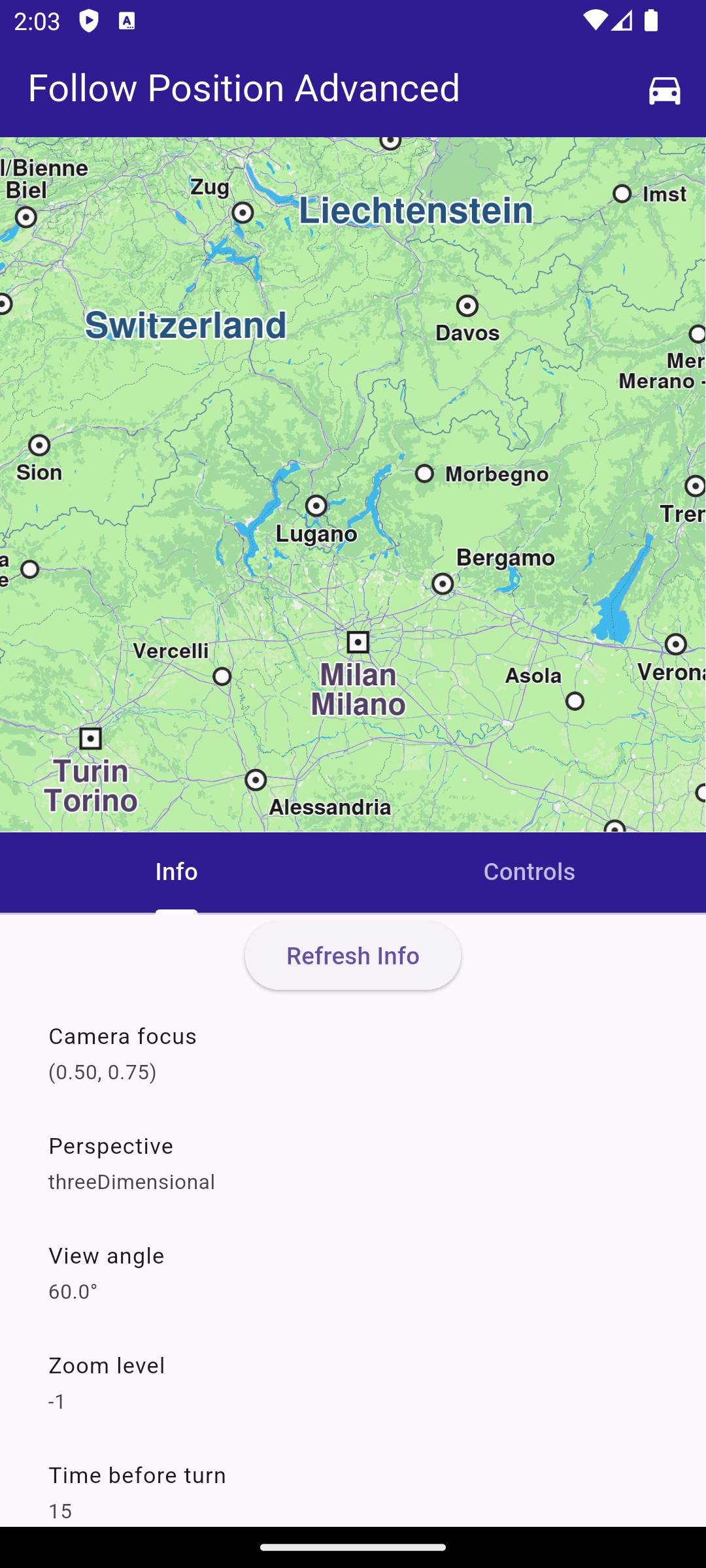
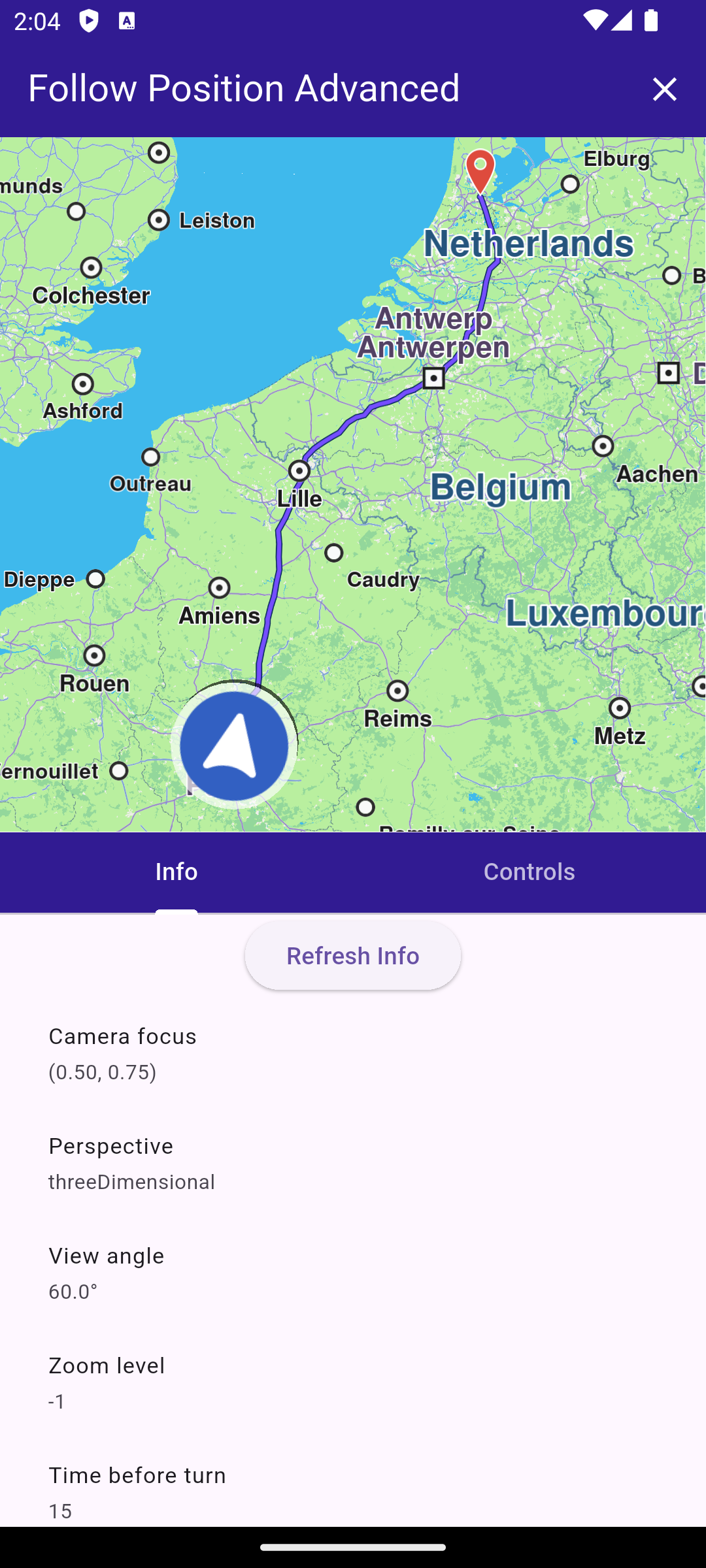
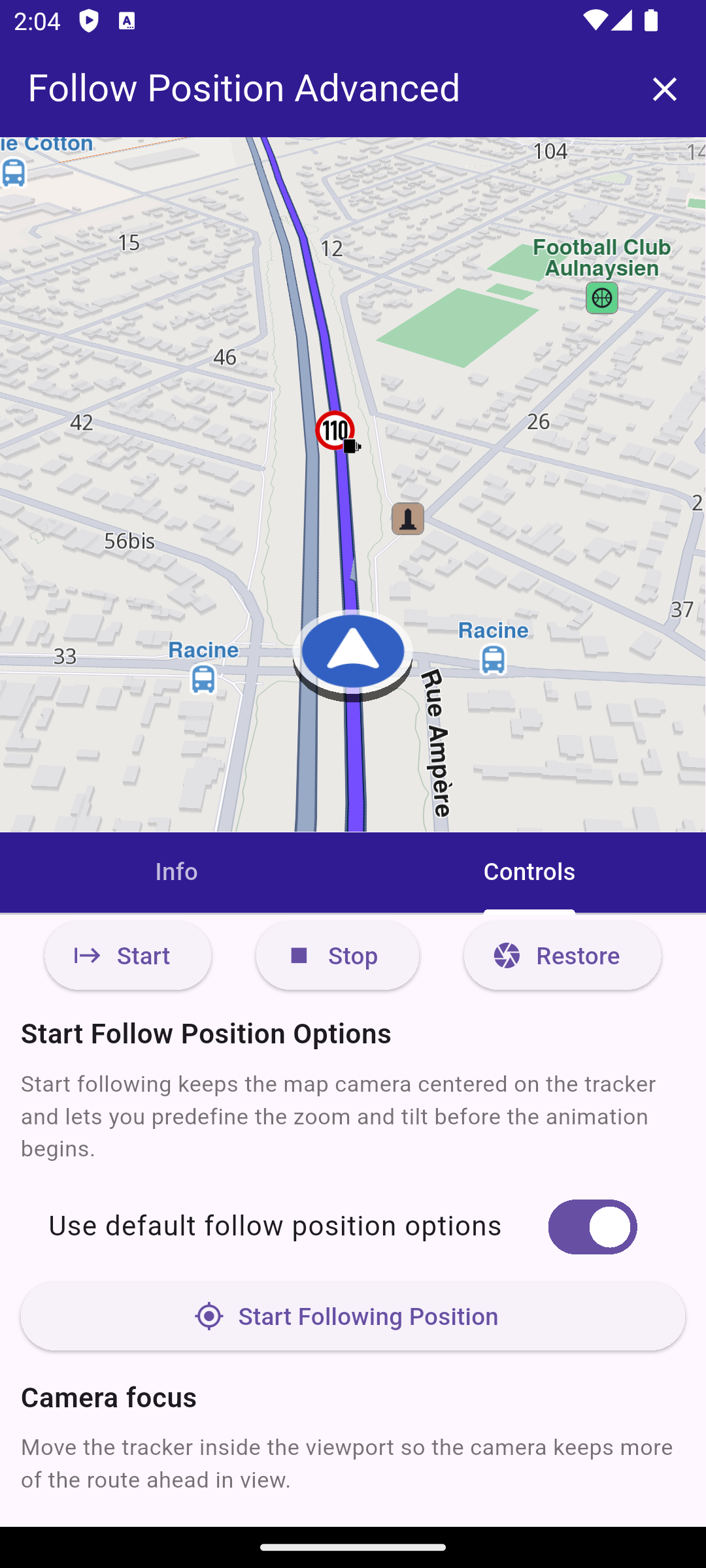
This example demonstrates how to create a Flutter app that showcases advanced options for follow position functionality. #### How it works[​](#how-it-works "Direct link to How it works") The example app demonstrates the following features: * Calculate a route and simulate movement along it. * Follow the simulated position on the map with customizable options. * Get information about the current follow position state. ![](/docs/flutter/assets/images/example_flutter_advanced_follow_position1-ad142d001cd5b5dae32037adad981b68.png) **Initial map view with no route and opened information screen** ![](/docs/flutter/assets/images/example_flutter_advanced_follow_position2-6d79435fdb3e6abe1b8f87f0844f105b.png) **Information screen with calculated route** ![](/docs/flutter/assets/images/example_flutter_advanced_follow_position3-06242d957cb4a76a464acdfcc47be73a.png) **Controls following the simulated position** ##### UI and Map Integration[​](#ui-and-map-integration "Direct link to UI and Map Integration") main.dart[](follow_position_advanced/lib/main.dart?ref_type=heads#L16) ```dart void main() async { WidgetsFlutterBinding.ensureInitialized(); await GemKit.initialize(appAuthorization: projectApiToken); runApp(const MyApp()); } class MyApp extends StatelessWidget { const MyApp({super.key}); @override Widget build(BuildContext context) { return const MaterialApp(title: 'Follow Position Advanced', debugShowCheckedModeBanner: false, home: MyHomePage()); } } class MyHomePage extends StatefulWidget { const MyHomePage({super.key}); @override State createState() => _MyHomePageState(); } class _MyHomePageState extends State { final FollowPositionController _controller = FollowPositionController(); TaskHandler? _routingTask; TaskHandler? _simulationTask; bool _hasMapRoute = false; GemMapController? _mapController; @override void dispose() { _controller.dispose(); GemKit.release(); super.dispose(); } @override Widget build(BuildContext context) { return AnimatedBuilder( animation: _controller, builder: (context, _) { return LayoutBuilder( builder: (context, constraints) { final bool isLandscape = constraints.maxWidth > constraints.maxHeight; final double sidePanelWidth = min(360, constraints.maxWidth * 0.5); final Widget bodyContent = isLandscape ? _buildLandscapeLayout(sidePanelWidth) : _buildPortraitLayout(); return Scaffold( appBar: AppBar( backgroundColor: Colors.deepPurple[900], title: const Text('Follow Position Advanced', style: TextStyle(color: Colors.white)), actions: [ if (!_hasMapRoute && _routingTask == null && _simulationTask == null) IconButton( icon: const Icon(Icons.directions_car, color: Colors.white), onPressed: _calculateAndNavigate, ), if (_hasMapRoute) IconButton( icon: const Icon(Icons.clear, color: Colors.white), onPressed: _hasMapRoute ? _cancelRoutingAndNavigation : null, ), ], ), body: Column(children: [Expanded(child: bodyContent)]), ); }, ); }, ); } void _onMapCreated(GemMapController controller) async { _mapController = controller; _controller.attachMapController(controller); await _controller.refreshInfo(); } Widget _buildLandscapeLayout(double sidePanelWidth) { return Row( children: [ Expanded( child: GemMap(key: const ValueKey('GemMap'), onMapCreated: _onMapCreated, appAuthorization: projectApiToken), ), SizedBox(width: sidePanelWidth, child: _buildPanelTabs()), ], ); } Widget _buildPortraitLayout() { return SafeArea( child: Column( crossAxisAlignment: CrossAxisAlignment.stretch, children: [ Expanded( child: GemMap( key: const ValueKey('GemMap'), onMapCreated: _onMapCreated, appAuthorization: projectApiToken, ), ), Expanded(child: _buildPanelTabs()), ], ), ); } Widget _buildPanelTabs() { return DefaultTabController( length: 2, child: Column( crossAxisAlignment: CrossAxisAlignment.stretch, children: [ Material( color: Colors.deepPurple[900], child: TabBar( tabs: const [ Tab(text: 'Info'), Tab(text: 'Controls'), ], indicatorColor: Colors.white, labelColor: Colors.white, unselectedLabelColor: Colors.white70, ), ), Expanded( child: TabBarView( children: [ FollowPositionInfoPanel(controller: _controller), FollowPositionControlsPanel(controller: _controller), ], ), ), ], ), ); } } ``` This code sets up the main application UI, including an app bar and a body that contains a map and a panel with tabs for information and controls related to follow position functionality. ##### Navigate on Simulated Route[​](#navigate-on-simulated-route "Direct link to Navigate on Simulated Route") main.dart[](follow_position_advanced/lib/main.dart?ref_type=heads#L154) ```dart void _cancelRoutingAndNavigation() { if (_routingTask != null) { RoutingService.cancelRoute(_routingTask!); _routingTask = null; } if (_simulationTask != null) { NavigationService.cancelNavigation(_simulationTask!); _simulationTask = null; } _mapController?.preferences.routes.clear(); setState(() { _hasMapRoute = false; }); } Future _calculateAndNavigate() async { if (_routingTask != null || _simulationTask != null) { return; } final departure = Landmark.withCoordinates(Coordinates(latitude: 48.85682, longitude: 2.34375)); // Paris final destination = Landmark.withCoordinates(Coordinates(latitude: 52.370216, longitude: 4.895168)); // Amsterdam final prefs = RoutePreferences(transportMode: RouteTransportMode.car, routeType: RouteType.fastest); setState(() { _routingTask = RoutingService.calculateRoute([departure, destination], prefs, (err, routes) { _routingTask = null; if (err == GemError.success && routes.isNotEmpty) { final route = routes.first; _mapController?.preferences.routes.add(route, true); _mapController?.centerOnArea(route.geographicArea); setState(() { _hasMapRoute = true; }); _simulationTask = NavigationService.startSimulation( route, onNavigationInstruction: (instruction, events) {}, onDestinationReached: (landmark) {}, onError: (err) { ScaffoldMessenger.of(context).showSnackBar(SnackBar(content: Text('Simulation error: $err'))); }, speedMultiplier: 2, ); if (_simulationTask != null) { _mapController?.startFollowingPosition(); } } else { ScaffoldMessenger.of(context).showSnackBar(SnackBar(content: Text('Routing error: $err'))); } }); }); } ``` ##### Follow Position Controller[​](#follow-position-controller "Direct link to Follow Position Controller") follow\_position\_controller.dart[](follow_position_advanced/lib/follow_position_controller.dart?ref_type=heads#L11) ```dart class FollowPositionInfo { FollowPositionInfo({ required this.cameraFocus, required this.perspective, required this.timeBeforeTurnPresentation, required this.touchHandlerExitAllow, required this.touchHandlerModifyPersistent, required this.touchHandlerModifyHorizontalAngleLimits, required this.touchHandlerModifyVerticalAngleLimits, required this.touchHandlerModifyDistanceLimits, required this.viewAngle, required this.zoomLevel, required this.accuracyCircleVisibility, required this.isTrackObjectFollowingMapRotation, required this.mapRotationMode, required this.mapRotationAngle, required this.isFollowingPosition, required this.isFollowingPositionTouchHandlerModified, required this.isDefaultFollowingPosition, required this.isCameraMoving, required this.accuracyCircleColor, required this.positionTrackerScale, }); final Point cameraFocus; final MapViewPerspective perspective; final int timeBeforeTurnPresentation; final bool touchHandlerExitAllow; final bool touchHandlerModifyPersistent; final (double, double) touchHandlerModifyHorizontalAngleLimits; final (double, double) touchHandlerModifyVerticalAngleLimits; final (double, double) touchHandlerModifyDistanceLimits; final double viewAngle; final int zoomLevel; final bool accuracyCircleVisibility; final bool isTrackObjectFollowingMapRotation; final FollowPositionMapRotationMode mapRotationMode; final double mapRotationAngle; final bool isFollowingPosition; final bool isFollowingPositionTouchHandlerModified; final bool isDefaultFollowingPosition; final bool isCameraMoving; final Color accuracyCircleColor; final double positionTrackerScale; static FollowPositionInfo empty() { return FollowPositionInfo( cameraFocus: const Point(0.5, 0.5), perspective: MapViewPerspective.twoDimensional, timeBeforeTurnPresentation: -1, touchHandlerExitAllow: true, touchHandlerModifyPersistent: false, touchHandlerModifyHorizontalAngleLimits: (0, 0), touchHandlerModifyVerticalAngleLimits: (0, 0), touchHandlerModifyDistanceLimits: (50, 100), viewAngle: 0, zoomLevel: -1, accuracyCircleVisibility: false, isTrackObjectFollowingMapRotation: true, mapRotationMode: FollowPositionMapRotationMode.positionHeading, mapRotationAngle: 0, isFollowingPosition: false, isFollowingPositionTouchHandlerModified: false, isDefaultFollowingPosition: false, isCameraMoving: false, accuracyCircleColor: Colors.blue, positionTrackerScale: 1, ); } } class FollowPositionController extends ChangeNotifier { GemMapController? _mapController; FollowPositionInfo _info = FollowPositionInfo.empty(); FollowPositionInfo get info => _info; double cameraFocusX = 0.5; double cameraFocusY = 0.5; MapViewPerspective perspective = MapViewPerspective.twoDimensional; bool animatePerspective = true; double viewAngle = 45; bool animateViewAngle = true; bool autoZoom = false; int zoomLevel = 50; int zoomDuration = 0; FollowPositionMapRotationMode mapRotationMode = FollowPositionMapRotationMode.positionHeading; double mapAngle = 0; bool objectFollowMap = true; bool touchHandlerExitAllow = true; bool touchHandlerModifyPersistent = false; RangeValues horizontalAngleLimits = const RangeValues(0, 0); RangeValues verticalAngleLimits = const RangeValues(0, 0); RangeValues distanceLimits = const RangeValues(50, 200); bool distanceMaxUnlimited = true; bool useDefaultTurnPresentationTime = true; double turnPresentationSeconds = 5; bool useDefaultStartFollowPosition = true; int startZoomLevel = 40; double startViewAngle = 45; double positionTrackerScale = 1; void updateValues(VoidCallback updates) { updates(); notifyListeners(); } void attachMapController(GemMapController controller) { _mapController = controller; notifyListeners(); } Future refreshInfo() async { if (_mapController == null) { _info = FollowPositionInfo.empty(); notifyListeners(); return; } final prefs = _mapController!.preferences.followPositionPreferences; final (rotationMode, rotationAngle) = prefs.mapRotationMode; final MapSceneObject tracker = MapSceneObject.getDefPositionTracker(); debugPrint('[FollowPositionController] calling all getters to refresh info'); _info = FollowPositionInfo( cameraFocus: prefs.cameraFocus, perspective: prefs.perspective, timeBeforeTurnPresentation: prefs.timeBeforeTurnPresentation, touchHandlerExitAllow: prefs.touchHandlerExitAllow, touchHandlerModifyPersistent: prefs.touchHandlerModifyPersistent, touchHandlerModifyHorizontalAngleLimits: prefs.touchHandlerModifyHorizontalAngleLimits, touchHandlerModifyVerticalAngleLimits: prefs.touchHandlerModifyVerticalAngleLimits, touchHandlerModifyDistanceLimits: prefs.touchHandlerModifyDistanceLimits, viewAngle: prefs.viewAngle, zoomLevel: prefs.zoomLevel, accuracyCircleVisibility: prefs.accuracyCircleVisibility, isTrackObjectFollowingMapRotation: prefs.isTrackObjectFollowingMapRotation, mapRotationMode: rotationMode, mapRotationAngle: rotationAngle, isFollowingPosition: _mapController!.isFollowingPosition, isFollowingPositionTouchHandlerModified: _mapController!.isFollowingPositionTouchHandlerModified, isDefaultFollowingPosition: _mapController!.isDefaultFollowingPosition, isCameraMoving: _mapController!.isCameraMoving, accuracyCircleColor: MapSceneObject.defPositionTrackerAccuracyCircleColor, positionTrackerScale: tracker.scale, ); notifyListeners(); } Future startFollowingPosition() async { if (_mapController == null) { return; } final animation = GemAnimation(type: AnimationType.linear); final zoomLevel = useDefaultStartFollowPosition ? -1 : startZoomLevel; final viewAngle = useDefaultStartFollowPosition ? null : startViewAngle; debugPrint( '[FollowPositionController] startFollowingPosition with zoomLevel=$zoomLevel and viewAngle=$viewAngle animation: type=${animation.type} duration=${animation.duration}', ); _mapController!.startFollowingPosition(animation: animation, zoomLevel: zoomLevel, viewAngle: viewAngle); await refreshInfo(); } void stopFollowingPosition({bool restoreCameraMode = false}) { if (_mapController == null) { return; } debugPrint('[FollowPositionController] stopFollowingPosition'); _mapController!.stopFollowingPosition(restoreCameraMode: restoreCameraMode); refreshInfo(); } void restoreFollowingPosition() { if (_mapController == null) { return; } debugPrint('[FollowPositionController] restoreFollowingPosition'); _mapController!.restoreFollowingPosition(animation: GemAnimation(type: AnimationType.linear, duration: 600)); refreshInfo(); } void applyCameraFocus() { if (_mapController == null) { return; } final prefs = _mapController!.preferences.followPositionPreferences; debugPrint( '[FollowPositionController] applyCameraFocus: cameraFocus=(${cameraFocusX.toStringAsFixed(3)}, ${cameraFocusY.toStringAsFixed(3)})', ); prefs.setCameraFocus(Point(cameraFocusX, cameraFocusY)); refreshInfo(); } void applyPerspective() { if (_mapController == null) { return; } final prefs = _mapController!.preferences.followPositionPreferences; final animation = animatePerspective ? GemAnimation(type: AnimationType.linear, duration: 350) : null; debugPrint( '[FollowPositionController] applyPerspective: perspective=$perspective animate=$animatePerspective animationDuration=${animation?.duration}', ); prefs.setPerspective(perspective, animation: animation); refreshInfo(); } void applyViewAngle() { if (_mapController == null) { return; } final prefs = _mapController!.preferences.followPositionPreferences; debugPrint('[FollowPositionController] applyViewAngle: viewAngle=$viewAngle animate=$animateViewAngle'); prefs.setViewAngle(viewAngle, animated: animateViewAngle); refreshInfo(); } void applyZoomLevel() { if (_mapController == null) { return; } final prefs = _mapController!.preferences.followPositionPreferences; debugPrint( '[FollowPositionController] applyZoomLevel: zoomLevel=${autoZoom ? -1 : zoomLevel} autoZoom=$autoZoom duration=$zoomDuration', ); prefs.setZoomLevel(autoZoom ? -1 : zoomLevel, duration: zoomDuration); refreshInfo(); } void applyMapRotationMode() { if (_mapController == null) { return; } final prefs = _mapController!.preferences.followPositionPreferences; debugPrint( '[FollowPositionController] applyMapRotationMode: mapRotationMode=$mapRotationMode mapAngle=$mapAngle objectFollowMap=$objectFollowMap', ); prefs.setMapRotationMode(mapRotationMode, mapAngle: mapAngle, objectFollowMap: objectFollowMap); refreshInfo(); } void applyTurnPresentationTime() { if (_mapController == null) { return; } final prefs = _mapController!.preferences.followPositionPreferences; final value = useDefaultTurnPresentationTime ? -1 : turnPresentationSeconds.round(); debugPrint( '[FollowPositionController] applyTurnPresentationTime: value=$value useDefault=$useDefaultTurnPresentationTime', ); prefs.timeBeforeTurnPresentation = value; refreshInfo(); } void applyTouchHandlerExitAllow() { if (_mapController == null) { return; } final prefs = _mapController!.preferences.followPositionPreferences; debugPrint('[FollowPositionController] applyTouchHandlerExitAllow: touchHandlerExitAllow=$touchHandlerExitAllow'); prefs.touchHandlerExitAllow = touchHandlerExitAllow; refreshInfo(); } void applyTouchHandlerModifyPersistent() { if (_mapController == null) { return; } final prefs = _mapController!.preferences.followPositionPreferences; debugPrint( '[FollowPositionController] applyTouchHandlerModifyPersistent: touchHandlerModifyPersistent=$touchHandlerModifyPersistent', ); prefs.touchHandlerModifyPersistent = touchHandlerModifyPersistent; refreshInfo(); } void applyHorizontalAngleLimits() { if (_mapController == null) { return; } final prefs = _mapController!.preferences.followPositionPreferences; debugPrint( '[FollowPositionController] applyHorizontalAngleLimits: start=${horizontalAngleLimits.start} end=${horizontalAngleLimits.end}', ); prefs.touchHandlerModifyHorizontalAngleLimits = (horizontalAngleLimits.start, horizontalAngleLimits.end); refreshInfo(); } void applyVerticalAngleLimits() { if (_mapController == null) { return; } final prefs = _mapController!.preferences.followPositionPreferences; debugPrint( '[FollowPositionController] applyVerticalAngleLimits: start=${verticalAngleLimits.start} end=${verticalAngleLimits.end}', ); prefs.touchHandlerModifyVerticalAngleLimits = (verticalAngleLimits.start, verticalAngleLimits.end); refreshInfo(); } void applyDistanceLimits() { if (_mapController == null) { return; } final prefs = _mapController!.preferences.followPositionPreferences; final maxDistance = distanceLimits.end; debugPrint( '[FollowPositionController] applyDistanceLimits: start=${distanceLimits.start} end=$maxDistance distanceMaxUnlimited=$distanceMaxUnlimited', ); prefs.touchHandlerModifyDistanceLimits = (distanceLimits.start, maxDistance); refreshInfo(); } void applyPositionTrackerScale() { final tracker = MapSceneObject.getDefPositionTracker(); tracker.scale = positionTrackerScale; refreshInfo(); } } ``` This code defines a controller class that manages the follow position settings and state. It provides methods to update and apply various follow position preferences, as well as to start and stop following the device's position. ##### Controls Panel[​](#controls-panel "Direct link to Controls Panel") follow\_position\_controls\_panel.dart[](follow_position_advanced/lib/follow_position_controls_panel.dart?ref_type=heads#L10) ```dart class FollowPositionControlsPanel extends StatelessWidget { const FollowPositionControlsPanel({super.key, required this.controller}); final FollowPositionController controller; @override Widget build(BuildContext context) { return ListenableBuilder( listenable: controller, builder: (context, _) { return Column( children: [ Row( mainAxisAlignment: MainAxisAlignment.spaceEvenly, children: [ _actionButton(icon: Icons.start, label: 'Start', onPressed: controller.startFollowingPosition), _actionButton(icon: Icons.stop, label: 'Stop', onPressed: controller.stopFollowingPosition), _actionButton(icon: Icons.camera, label: 'Restore', onPressed: controller.restoreFollowingPosition), ], ), Expanded( child: ListView( padding: const EdgeInsets.all(12), children: [ _sectionHeader('Start Follow Position Options'), _sectionDescription( 'Start following keeps the map camera centered on the tracker and lets you predefine the zoom and tilt before the animation begins.', ), SwitchListTile( title: const Text('Use default follow position options'), value: controller.useDefaultStartFollowPosition, onChanged: (value) => controller.updateValues(() { controller.useDefaultStartFollowPosition = value; }), ), if (!controller.useDefaultStartFollowPosition) _sliderTile( label: 'Zoom level', value: controller.startZoomLevel.toDouble(), min: 0, max: 100, onChanged: (value) => controller.updateValues(() { controller.startZoomLevel = value.round(); }), valueLabel: controller.startZoomLevel.toString(), ), if (!controller.useDefaultStartFollowPosition) _sliderTile( label: 'View angle', value: controller.startViewAngle, min: 0, max: 90, onChanged: (value) => controller.updateValues(() { controller.startViewAngle = value; }), valueLabel: '${controller.startViewAngle.toStringAsFixed(0)}°', ), _actionButton( label: 'Start Following Position', icon: Icons.my_location, onPressed: controller.startFollowingPosition, ), const SizedBox(height: 12), _sectionHeader('Camera focus'), _sectionDescription( 'Move the tracker inside the viewport so the camera keeps more of the route ahead in view.', ), _sliderTile( label: 'Focus X', value: controller.cameraFocusX, min: 0, max: 1, onChanged: (value) => controller.updateValues(() { controller.cameraFocusX = value; }), valueLabel: controller.cameraFocusX.toStringAsFixed(2), ), _sliderTile( label: 'Focus Y', value: controller.cameraFocusY, min: 0, max: 1, onChanged: (value) => controller.updateValues(() { controller.cameraFocusY = value; }), valueLabel: controller.cameraFocusY.toStringAsFixed(2), ), _applyButton('Apply focus', controller.applyCameraFocus), const SizedBox(height: 12), _sectionHeader('Perspective'), _sectionDescription('Swap between 2D bird-eye or 3D perspective views to change.'), DropdownButton( value: controller.perspective, isExpanded: true, items: MapViewPerspective.values .map((value) => DropdownMenuItem(value: value, child: Text(value.name))) .toList(), onChanged: (value) => controller.updateValues(() { if (value != null) { controller.perspective = value; } }), ), SwitchListTile( title: const Text('Animate perspective'), value: controller.animatePerspective, onChanged: (value) => controller.updateValues(() { controller.animatePerspective = value; }), ), _applyButton('Apply perspective', controller.applyPerspective), const SizedBox(height: 12), _sectionHeader('View angle'), _sectionDescription( 'Tilt the camera from top-down to angled to show more horizon when following a route.', ), _sliderTile( label: 'View angle', value: controller.viewAngle, min: 0, max: 90, onChanged: (value) => controller.updateValues(() { controller.viewAngle = value; }), valueLabel: '${controller.viewAngle.toStringAsFixed(0)}°', ), SwitchListTile( title: const Text('Animate view angle'), value: controller.animateViewAngle, onChanged: (value) => controller.updateValues(() { controller.animateViewAngle = value; }), ), _applyButton('Apply view angle', controller.applyViewAngle), const SizedBox(height: 12), _sectionHeader('Zoom'), _sectionDescription('Control the follow camera zoom level.'), SwitchListTile( title: const Text('Auto zoom'), value: controller.autoZoom, onChanged: (value) => controller.updateValues(() { controller.autoZoom = value; }), ), if (!controller.autoZoom) _sliderTile( label: 'Zoom level', value: controller.zoomLevel.toDouble(), min: 0, max: 100, onChanged: (value) => controller.updateValues(() { controller.zoomLevel = value.round(); }), valueLabel: controller.zoomLevel.toString(), ), _sliderTile( label: 'Zoom animation (ms)', value: controller.zoomDuration.toDouble(), min: 0, max: 2000, onChanged: (value) => controller.updateValues(() { controller.zoomDuration = value.round(); }), valueLabel: controller.zoomDuration.toString(), ), _applyButton('Apply zoom', controller.applyZoomLevel), const SizedBox(height: 12), _sectionHeader('Map rotation'), _sectionDescription( 'Choose whether the map rotates with your heading, the compass, or stays fixed at a custom angle.', ), DropdownButton( value: controller.mapRotationMode, isExpanded: true, items: FollowPositionMapRotationMode.values .map((value) => DropdownMenuItem(value: value, child: Text(value.name))) .toList(), onChanged: (value) => controller.updateValues(() { if (value != null) { controller.mapRotationMode = value; } }), ), if (controller.mapRotationMode == FollowPositionMapRotationMode.fixed) _sliderTile( label: 'Fixed map angle', value: controller.mapAngle, min: 0, max: 360, onChanged: (value) => controller.updateValues(() { controller.mapAngle = value; }), valueLabel: '${controller.mapAngle.toStringAsFixed(0)}°', ), SwitchListTile( title: const Text('Tracker follows map rotation'), value: controller.objectFollowMap, onChanged: (value) => controller.updateValues(() { controller.objectFollowMap = value; }), ), _applyButton('Apply rotation', controller.applyMapRotationMode), const SizedBox(height: 12), _sectionHeader('Touch handler'), _sectionDescription( 'Decide if touch gestures kick you out of follow mode and how much pan/tilt/distance adjustments persist.', ), SwitchListTile( title: const Text('Allow exit by touch'), value: controller.touchHandlerExitAllow, onChanged: (value) => controller.updateValues(() { controller.touchHandlerExitAllow = value; }), ), _applyButton('Apply touch exit', controller.applyTouchHandlerExitAllow), SwitchListTile( title: const Text('Persist touch adjustments'), value: controller.touchHandlerModifyPersistent, onChanged: (value) => controller.updateValues(() { controller.touchHandlerModifyPersistent = value; }), ), _applyButton('Apply persistence', controller.applyTouchHandlerModifyPersistent), _rangeSliderTile( label: 'Horizontal angle limits', values: controller.horizontalAngleLimits, min: 0, max: 180, onChanged: (values) => controller.updateValues(() { controller.horizontalAngleLimits = values; }), ), _applyButton('Apply horizontal limits', controller.applyHorizontalAngleLimits), _rangeSliderTile( label: 'Vertical angle limits', values: controller.verticalAngleLimits, min: 0, max: 90, onChanged: (values) => controller.updateValues(() { controller.verticalAngleLimits = values; }), ), _applyButton('Apply vertical limits', controller.applyVerticalAngleLimits), SwitchListTile( title: const Text('Unlimited distance max'), value: controller.distanceMaxUnlimited, onChanged: (value) => controller.updateValues(() { controller.distanceMaxUnlimited = value; }), ), _rangeSliderTile( label: 'Distance limits (m)', values: controller.distanceLimits, min: 0, max: 1000, onChanged: (values) => controller.updateValues(() { controller.distanceLimits = values; }), ), _applyButton('Apply distance limits', controller.applyDistanceLimits), const SizedBox(height: 12), _sectionHeader('Turn presentation'), _sectionDescription( 'Sets how many seconds before an upcoming turn the map camera should start presenting the turn animation.', ), SwitchListTile( title: const Text('Use SDK default'), value: controller.useDefaultTurnPresentationTime, onChanged: (value) => controller.updateValues(() { controller.useDefaultTurnPresentationTime = value; }), ), if (!controller.useDefaultTurnPresentationTime) _sliderTile( label: 'Seconds before turn', value: controller.turnPresentationSeconds, min: 0, max: 30, onChanged: (value) => controller.updateValues(() { controller.turnPresentationSeconds = value; }), valueLabel: '${controller.turnPresentationSeconds.toStringAsFixed(0)} s', ), _applyButton('Apply turn time', controller.applyTurnPresentationTime), const SizedBox(height: 12), _sectionHeader('Position tracker'), _sectionDescription('Scale the tracker icon, independent of map zoom level.'), _sliderTile( label: 'Tracker scale', value: controller.positionTrackerScale, min: 0.2, max: 2, onChanged: (value) => controller.updateValues(() { controller.positionTrackerScale = value; }), valueLabel: controller.positionTrackerScale.toStringAsFixed(2), ), _applyButton('Apply tracker scale', controller.applyPositionTrackerScale), ], ), ), ], ); }, ); } Widget _sectionHeader(String text) { return Padding( padding: const EdgeInsets.only(bottom: 8), child: Text(text, style: const TextStyle(fontSize: 16, fontWeight: FontWeight.w600)), ); } Widget _sectionDescription(String text) { return Padding( padding: const EdgeInsets.only(bottom: 8), child: Text(text, style: const TextStyle(fontSize: 13, color: Colors.black54)), ); } Widget _sliderTile({ required String label, required double value, required double min, required double max, required ValueChanged? onChanged, required String valueLabel, }) { return Padding( padding: const EdgeInsets.all(16.0), child: Column( crossAxisAlignment: CrossAxisAlignment.start, children: [ Text('$label: $valueLabel'), Slider(value: value.clamp(min, max), min: min, max: max, onChanged: onChanged), ], ), ); } Widget _rangeSliderTile({ required String label, required RangeValues values, required double min, required double max, required ValueChanged? onChanged, }) { return Padding( padding: const EdgeInsets.symmetric(horizontal: 16.0), child: Column( crossAxisAlignment: CrossAxisAlignment.start, children: [ Text('$label: ${values.start.toStringAsFixed(1)} → ${values.end.toStringAsFixed(1)}'), RangeSlider( values: RangeValues(values.start.clamp(min, max), values.end.clamp(min, max)), min: min, max: max, onChanged: onChanged, ), ], ), ); } Widget _applyButton(String label, VoidCallback onPressed) { return Padding( padding: const EdgeInsets.symmetric(horizontal: 16.0), child: Align( alignment: Alignment.centerLeft, child: ElevatedButton(onPressed: onPressed, child: Text(label)), ), ); } Widget _actionButton({String? label, required IconData icon, required VoidCallback? onPressed}) { if (label == null) { return ElevatedButton(onPressed: onPressed, child: Icon(icon)); } else { return ElevatedButton.icon(onPressed: onPressed, icon: Icon(icon), label: Text(label)); } } } ``` This code defines a controls panel widget that provides a user interface for adjusting various follow position settings. It includes buttons to start, stop, and restore following position, as well as sliders, switches, and dropdowns for modifying preferences. ##### Info Panel[​](#info-panel "Direct link to Info Panel") follow\_position\_info\_panel.dart[](follow_position_advanced/lib/follow_position_info_panel.dart?ref_type=heads#L9) ```dart class FollowPositionInfoPanel extends StatelessWidget { const FollowPositionInfoPanel({super.key, required this.controller}); final FollowPositionController controller; @override Widget build(BuildContext context) { final info = controller.info; return Column( children: [ ElevatedButton(onPressed: () => controller.refreshInfo(), child: const Text('Refresh Info')), Expanded( child: ListView( padding: const EdgeInsets.symmetric(horizontal: 12), children: [ _infoTile( 'Camera focus', '(${info.cameraFocus.x.toStringAsFixed(2)}, ${info.cameraFocus.y.toStringAsFixed(2)})', ), _infoTile('Perspective', info.perspective.name), _infoTile('View angle', '${info.viewAngle.toStringAsFixed(1)}°'), _infoTile('Zoom level', info.zoomLevel.toString()), _infoTile('Time before turn', info.timeBeforeTurnPresentation.toString()), const Divider(), _infoTile('Map rotation mode', info.mapRotationMode.name), _infoTile('Map rotation angle', '${info.mapRotationAngle.toStringAsFixed(1)}°'), _infoTile('Tracker follows map', info.isTrackObjectFollowingMapRotation.toString()), const Divider(), _infoTile('Accuracy circle visible', info.accuracyCircleVisibility.toString()), _infoTile('Accuracy circle color', info.accuracyCircleColor.toString()), _infoTile('Tracker scale', info.positionTrackerScale.toStringAsFixed(2)), const Divider(), _infoTile('Touch exit allow', info.touchHandlerExitAllow.toString()), _infoTile('Touch modify persistent', info.touchHandlerModifyPersistent.toString()), _infoTile('Horizontal angle limits', _formatRange(info.touchHandlerModifyHorizontalAngleLimits)), _infoTile('Vertical angle limits', _formatRange(info.touchHandlerModifyVerticalAngleLimits)), _infoTile('Distance limits', _formatRange(info.touchHandlerModifyDistanceLimits, unit: 'm')), const Divider(), _infoTile('Is following position', info.isFollowingPosition.toString()), _infoTile('Is default follow', info.isDefaultFollowingPosition.toString()), _infoTile('Touch modified follow', info.isFollowingPositionTouchHandlerModified.toString()), _infoTile('Is camera moving', info.isCameraMoving.toString()), const Divider(), ], ), ), ], ); } Widget _infoTile(String label, String value) { return ListTile(dense: true, title: Text(label), subtitle: Text(value)); } String _formatRange((double, double) range, {String unit = '°'}) { final start = range.$1.toStringAsFixed(1); final end = range.$2.isInfinite ? '∞' : range.$2.toStringAsFixed(1); return '$start $unit → $end $unit'; } } ``` This code defines an info panel widget that displays the current follow position settings and state. It includes a button to refresh the information and presents various properties in a list format. --- ### Assets Map Styles |
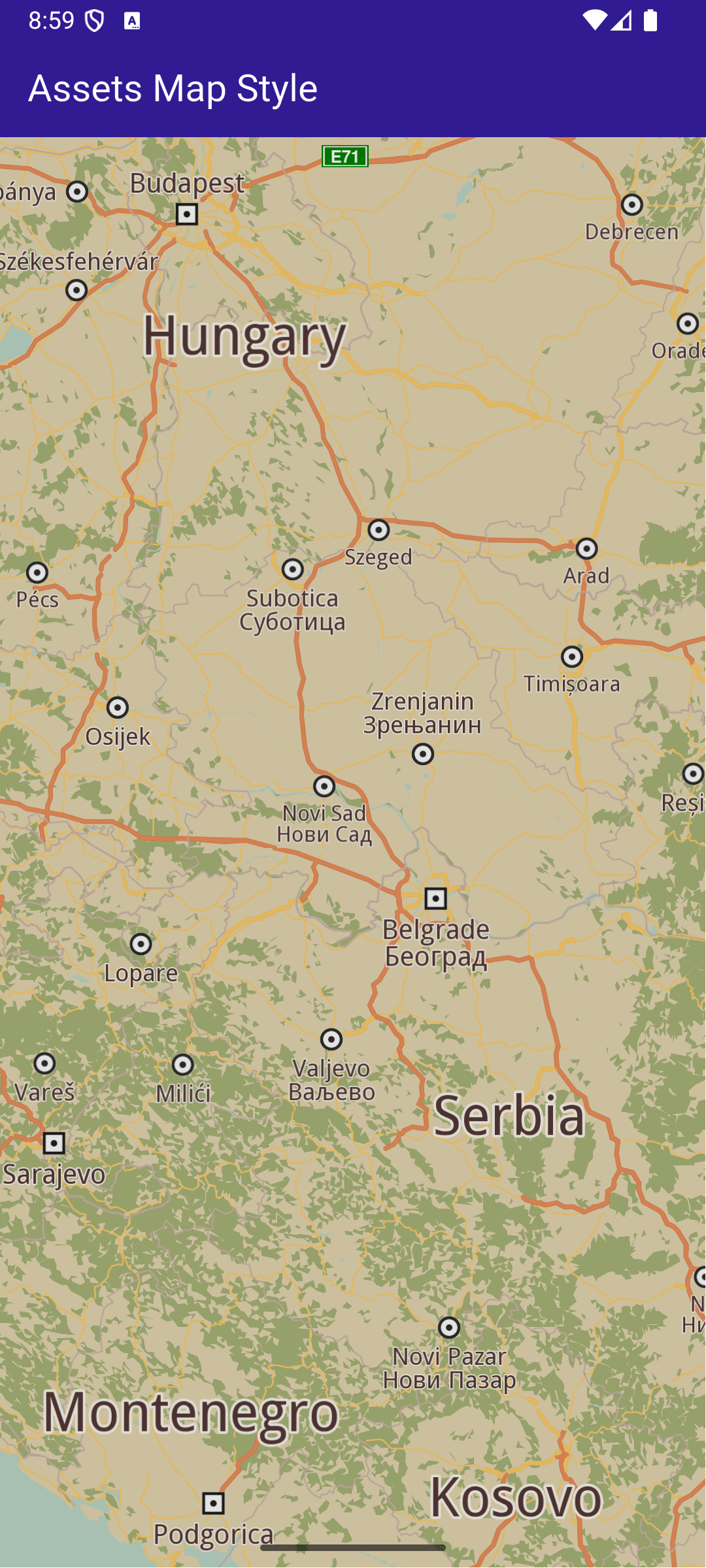
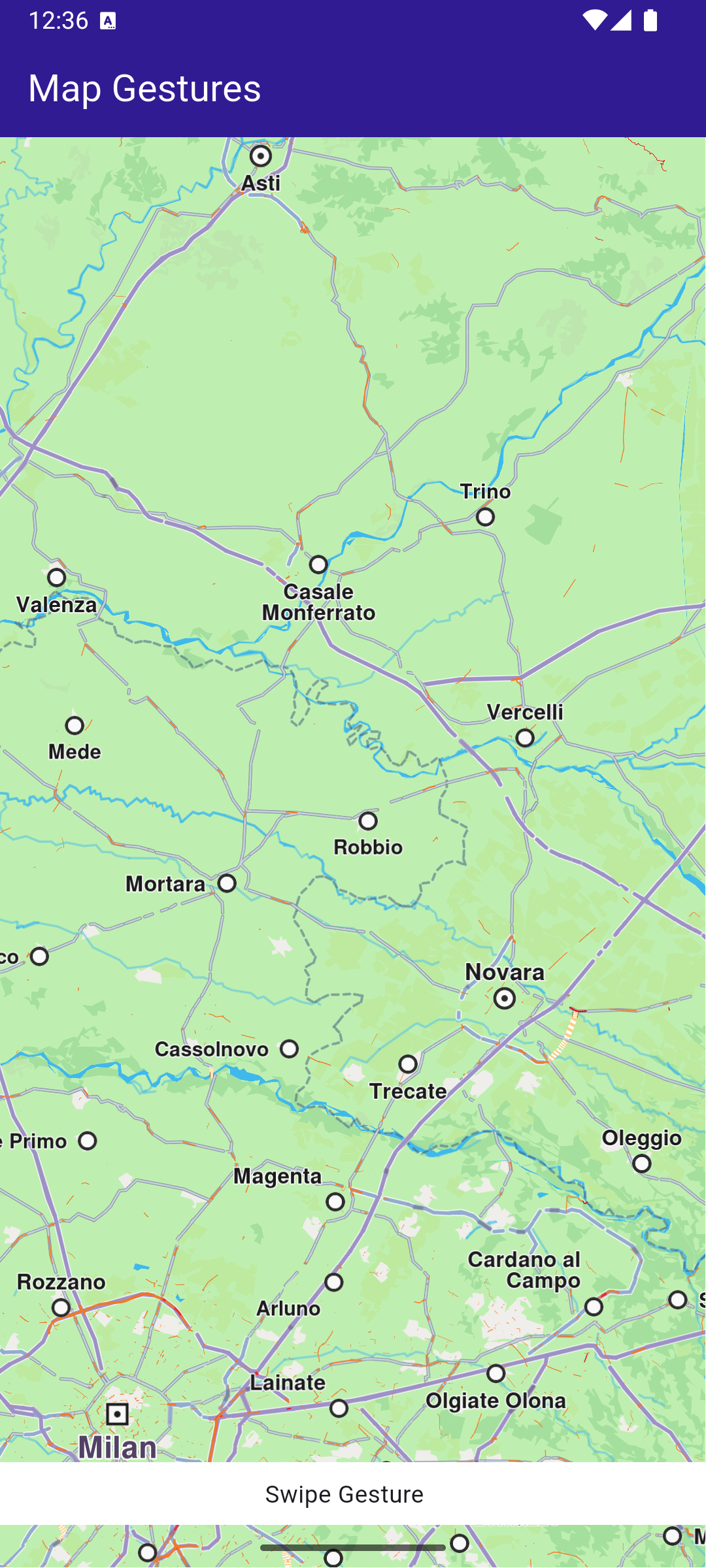
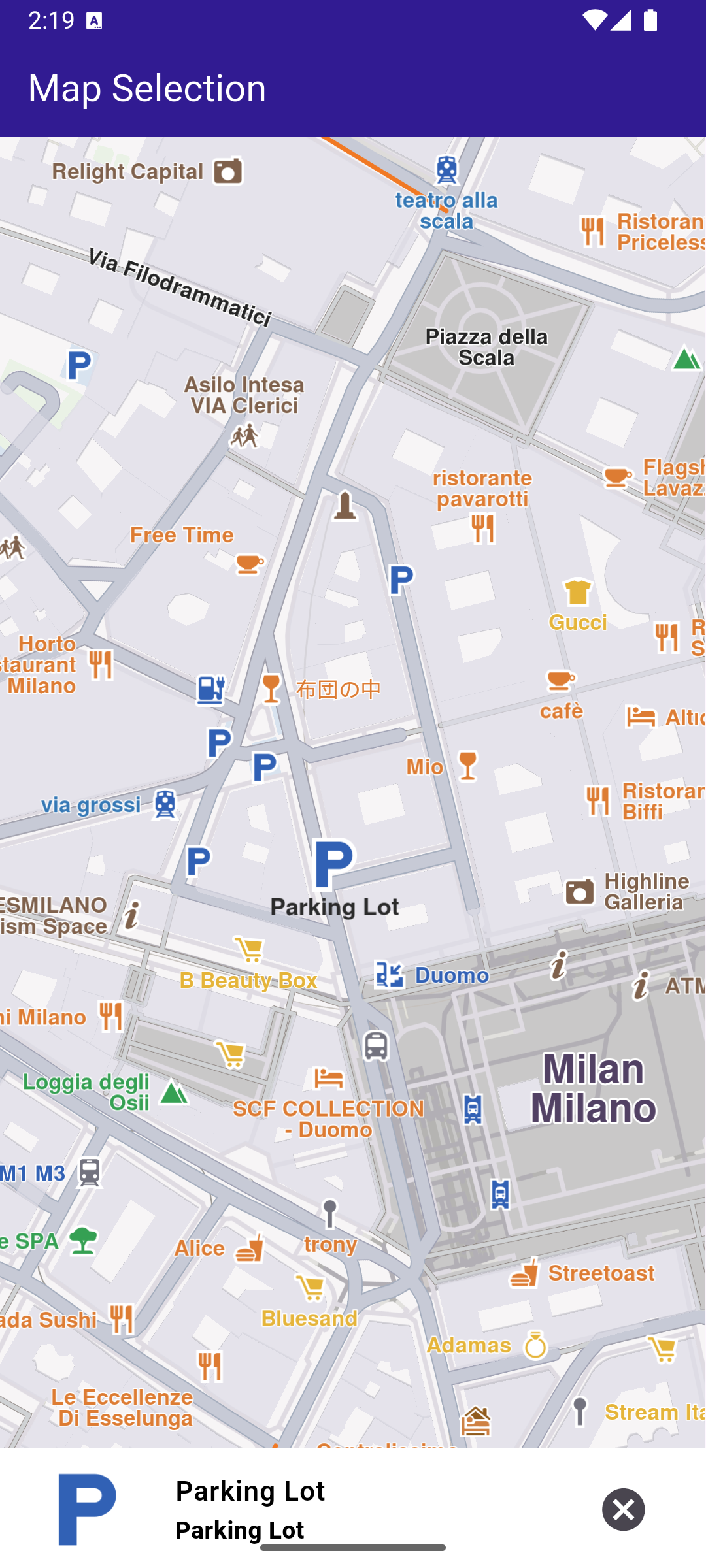
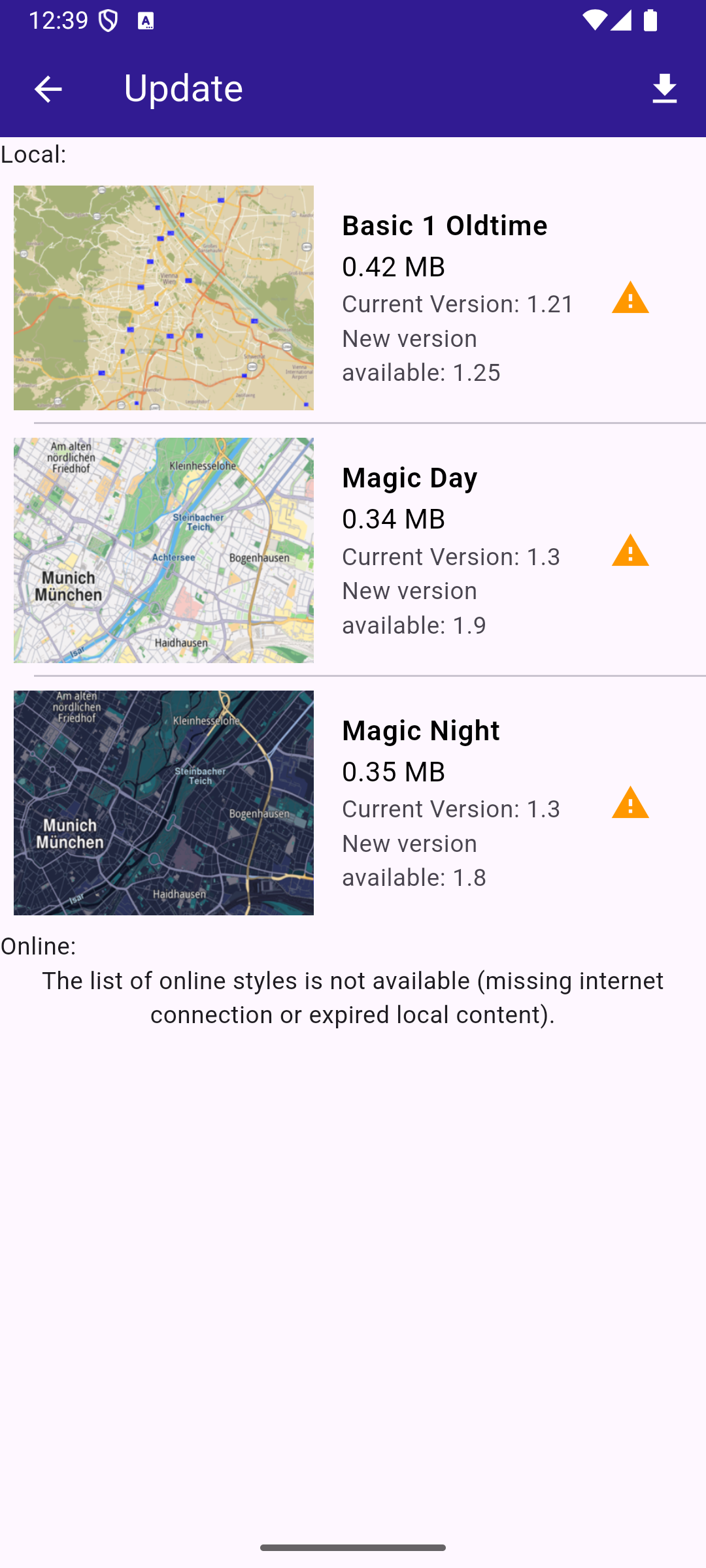
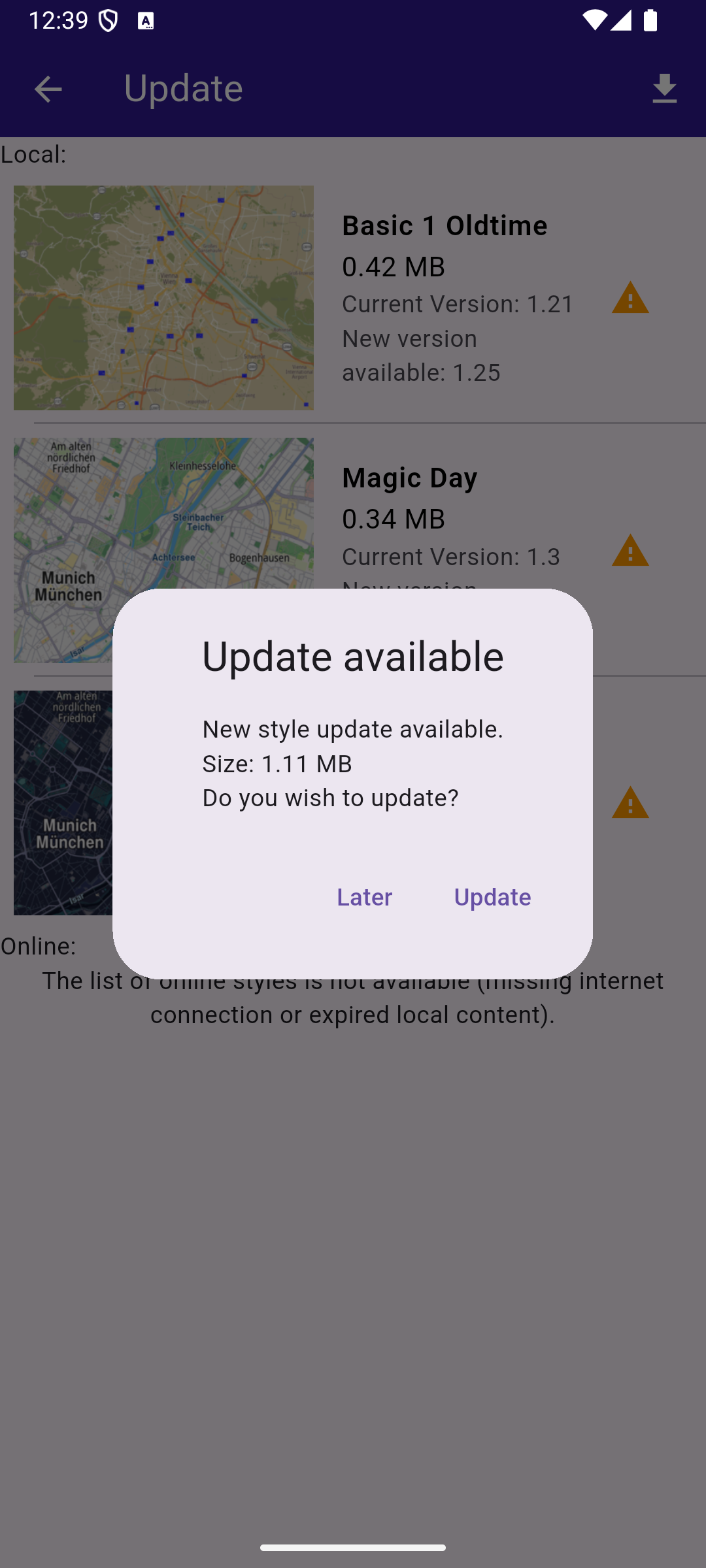
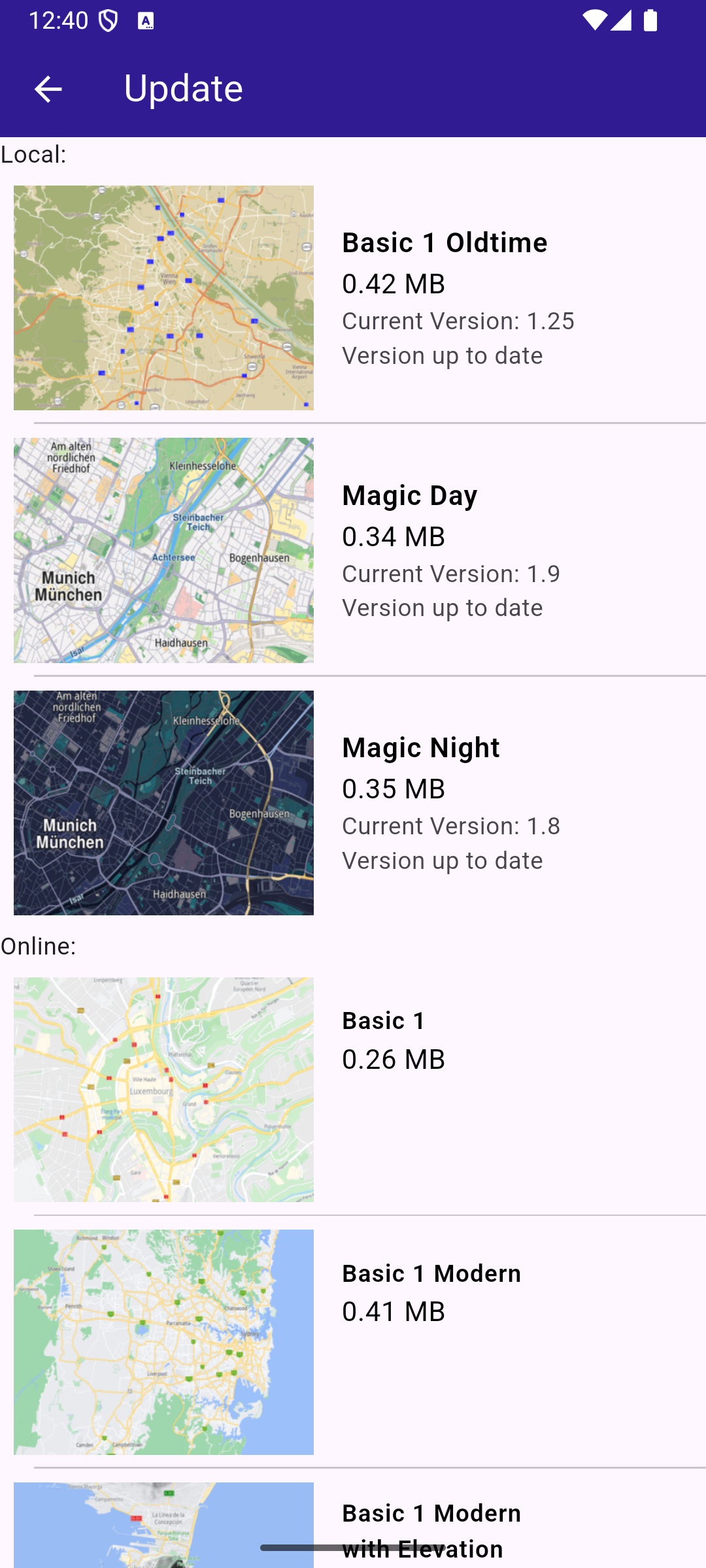
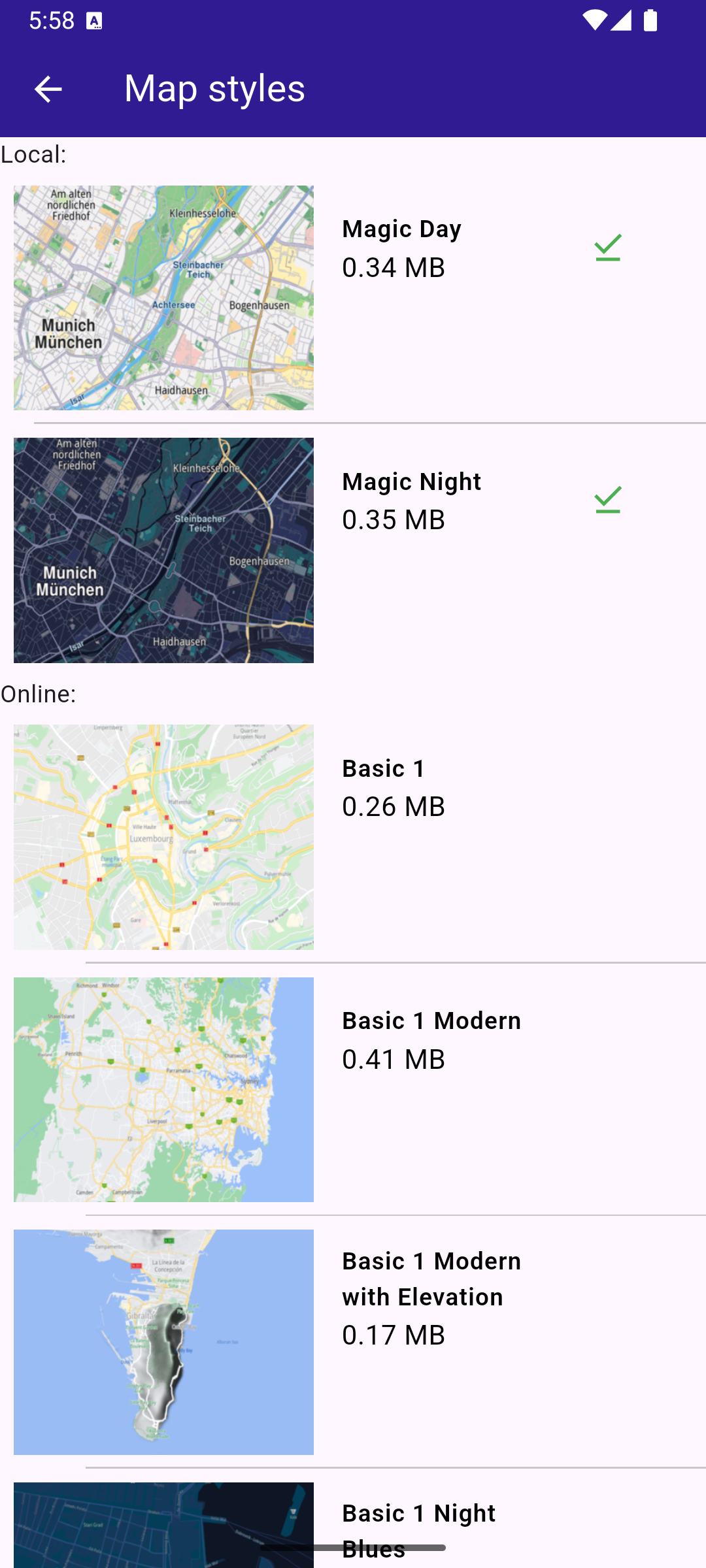
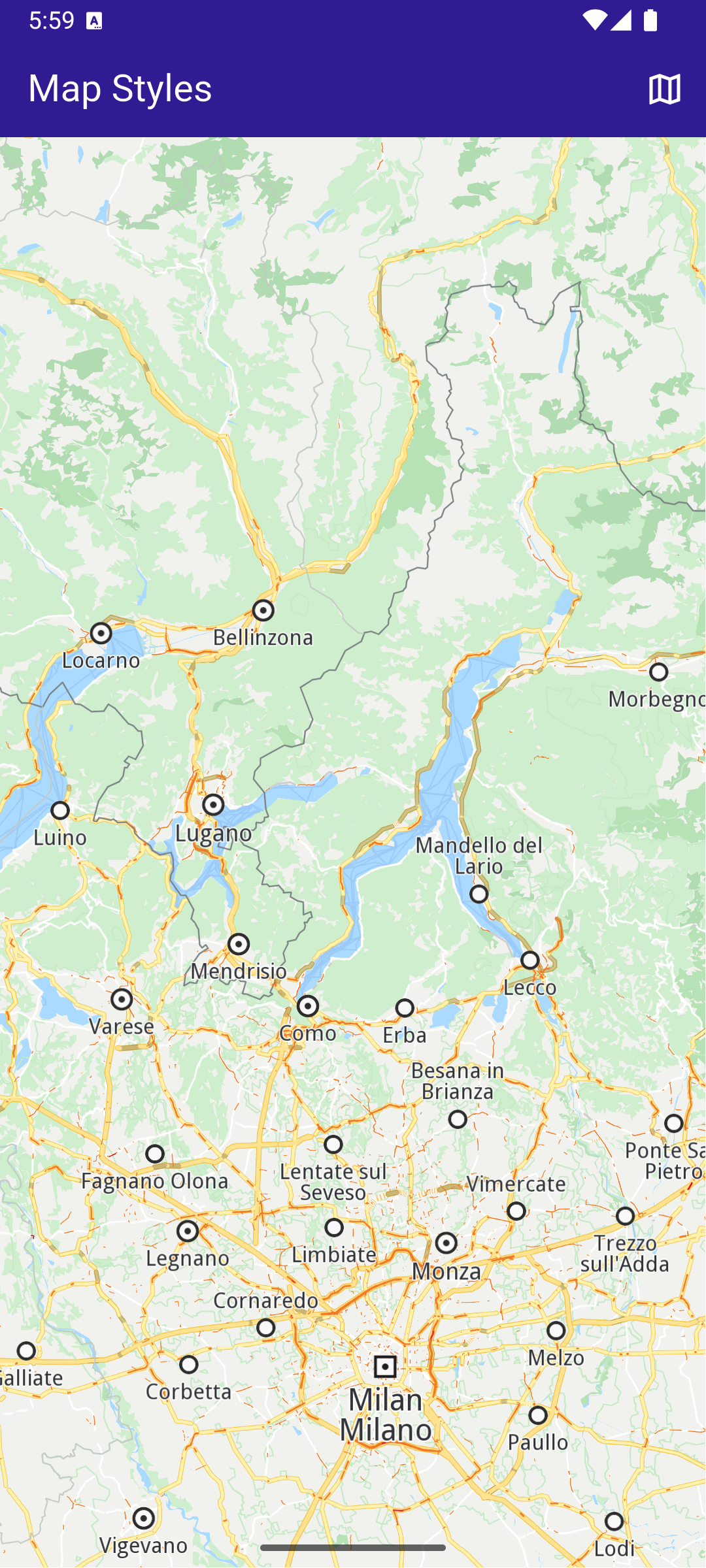
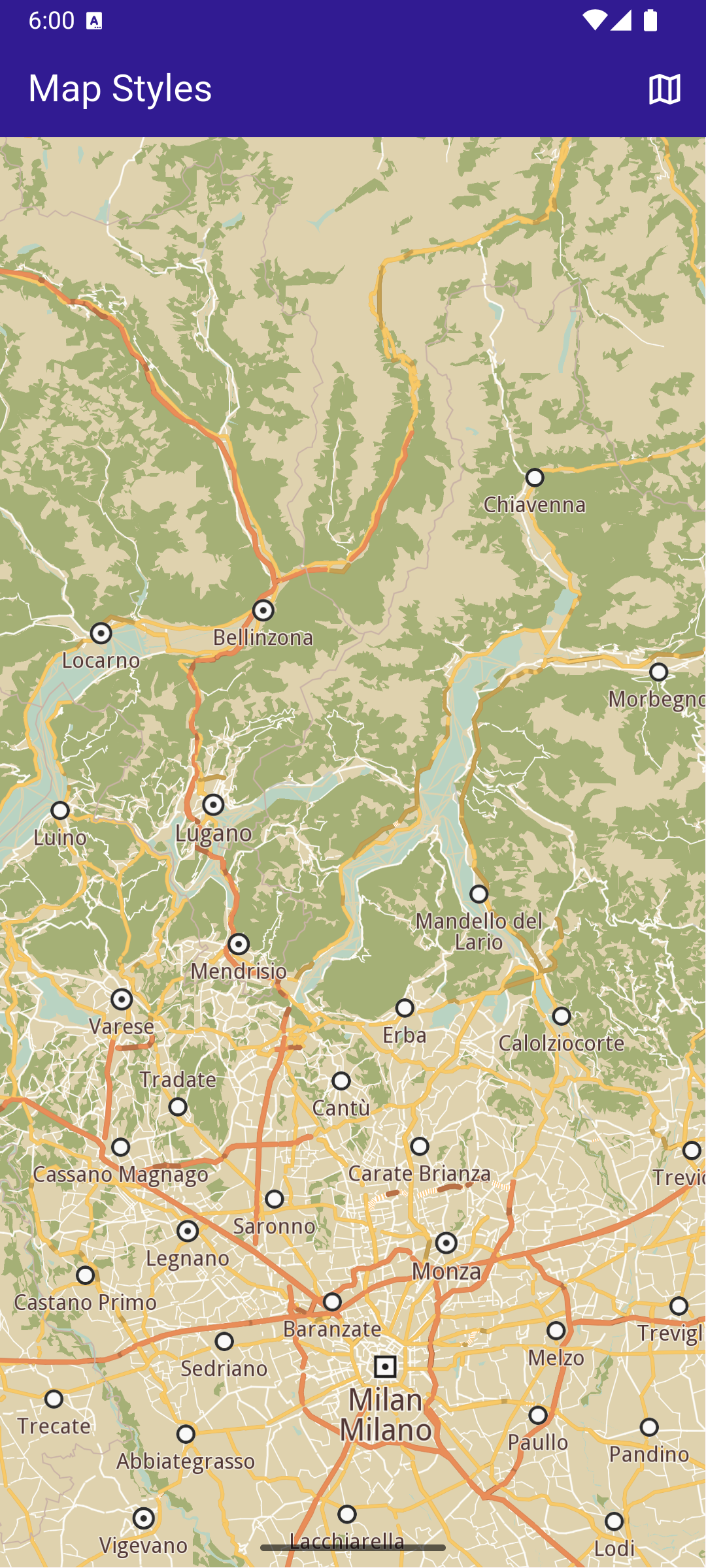
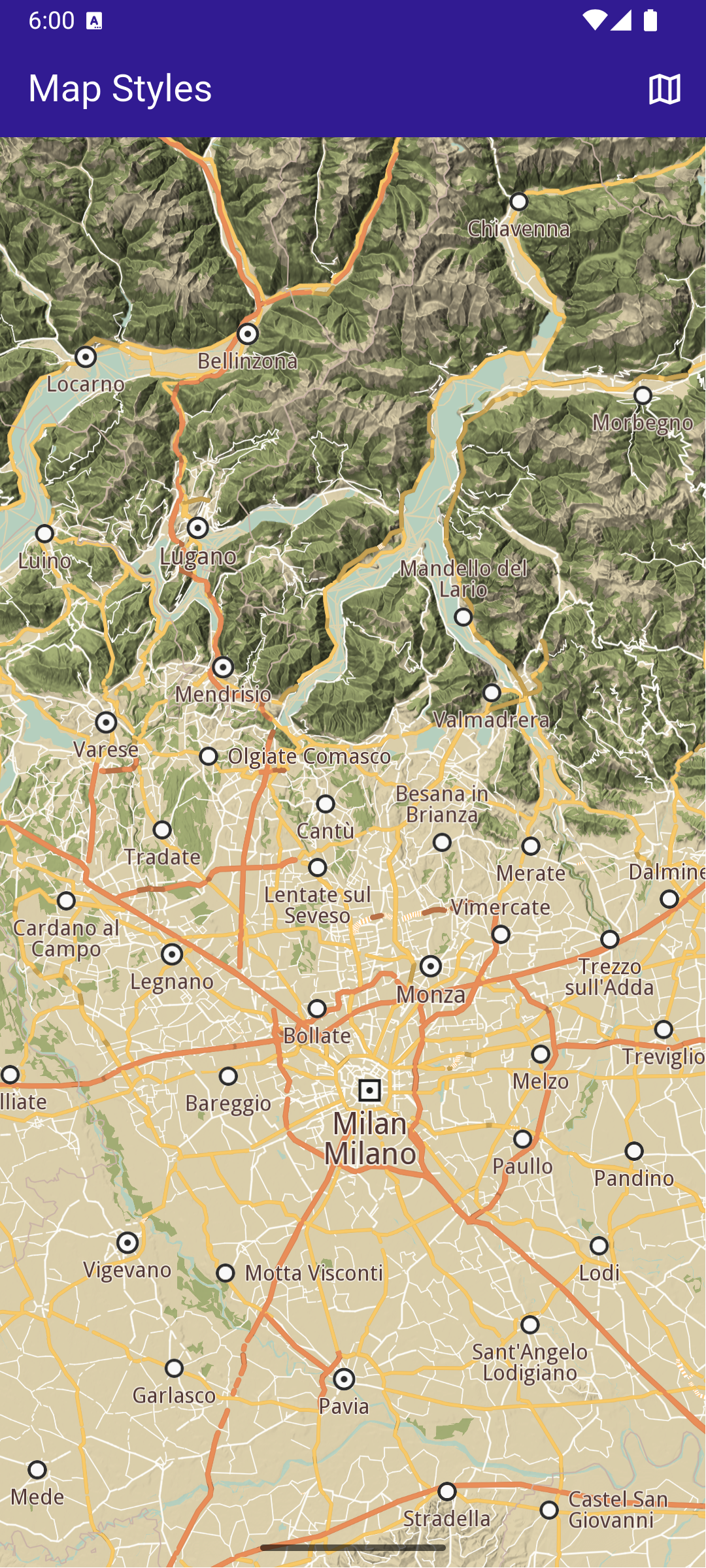
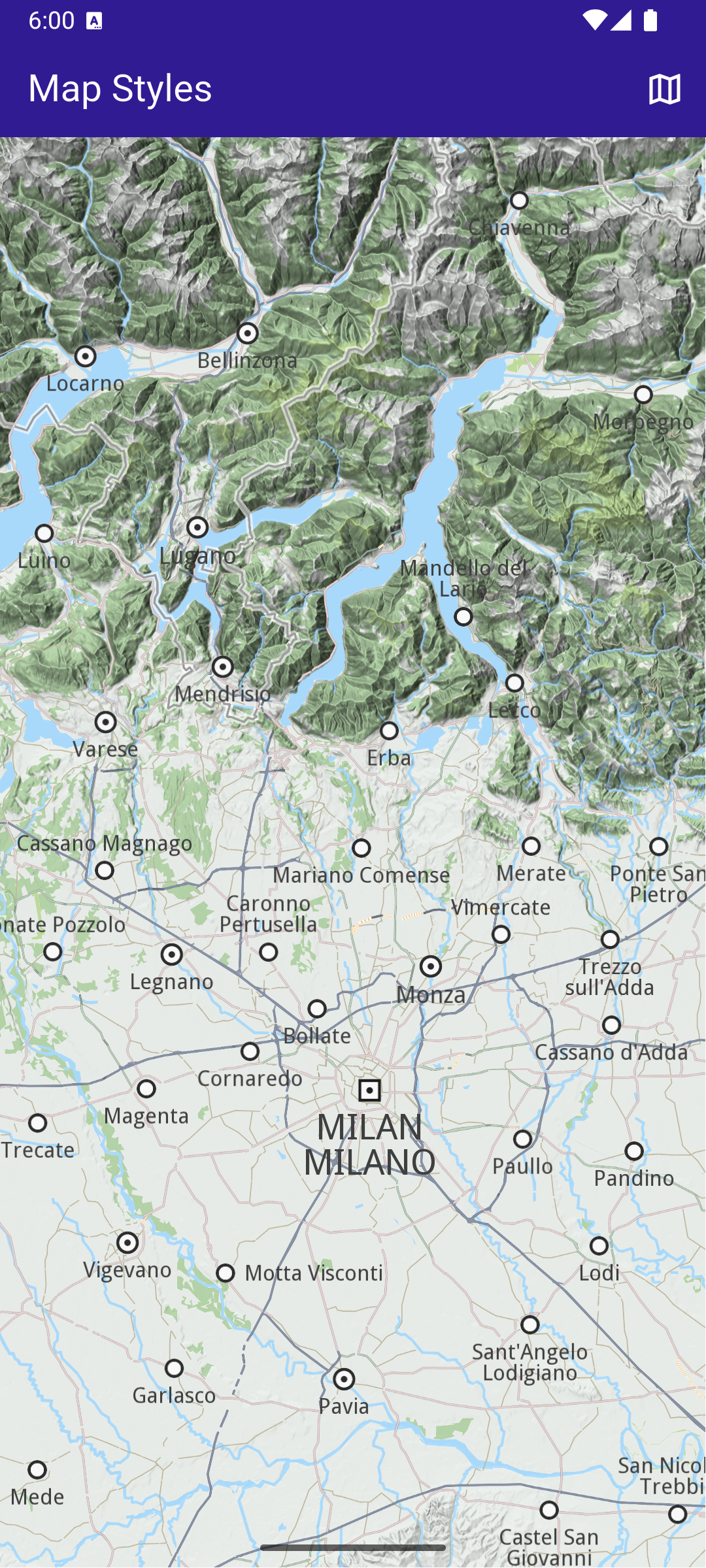
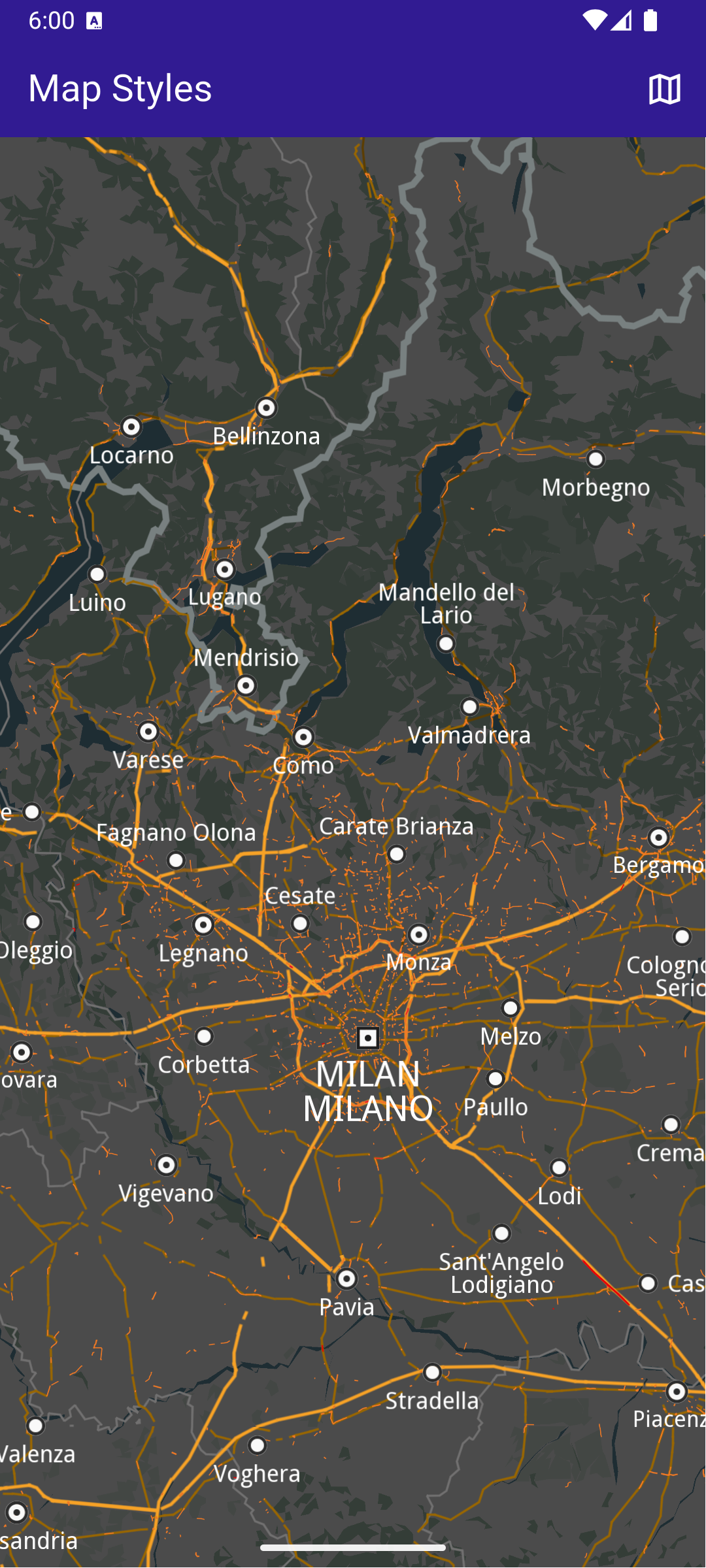
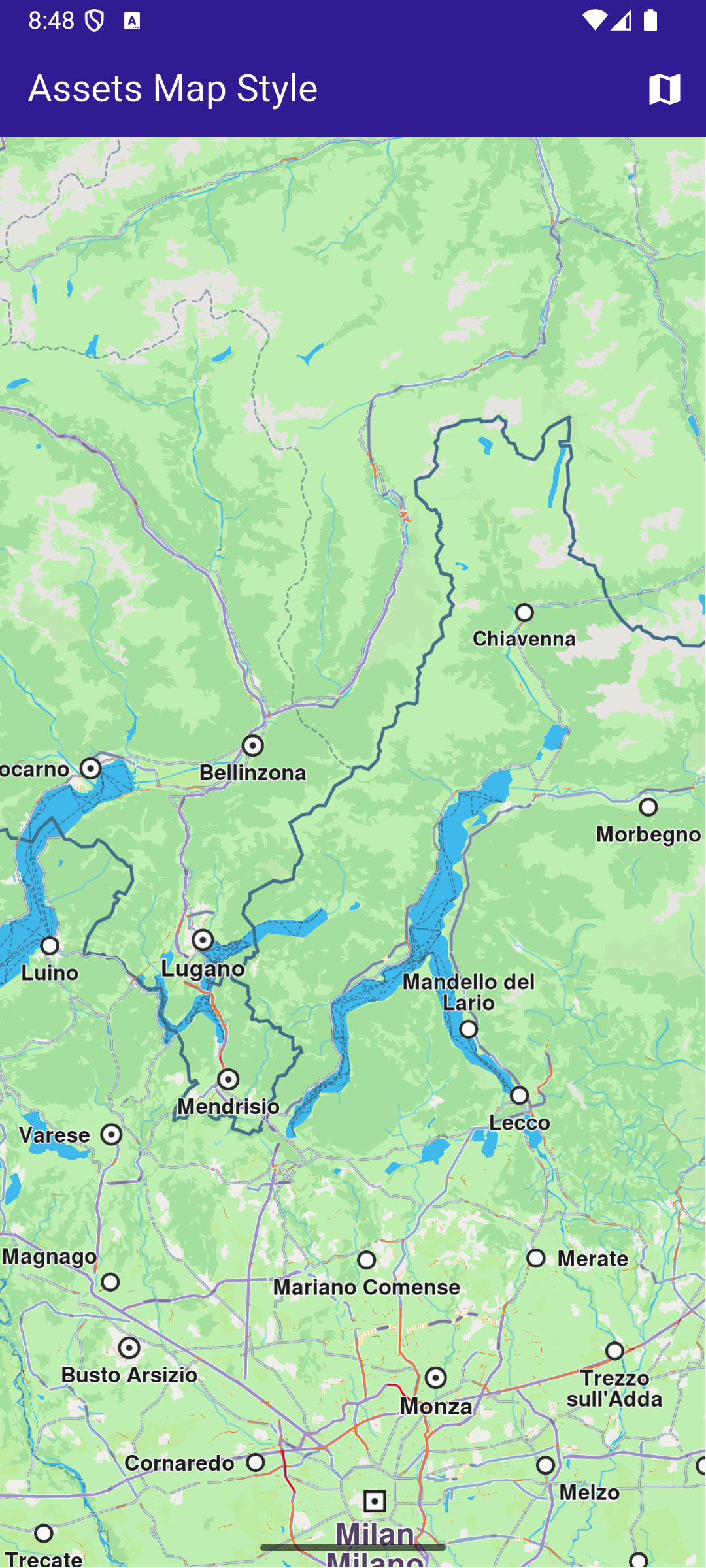
This example showcases how to build a Flutter app featuring an interactive map with a custom style, seamlessly imported from the assets folder, using the Maps SDK for Flutter. #### How it works[​](#how-it-works "Direct link to How it works") The example app demonstrates the following features: * Display a map. * Loading and applying map styles from the app assets folder. ![](/docs/flutter/assets/images/example_flutter_assets_map_style1-ef1f344d2bc3154f8c10ca711dca88e3.png) **Initial map style** ![](/docs/flutter/assets/images/example_flutter_assets_map_style2-f1045402cb24c43e1acf4bbfd510f790.png) **Applied map style** ##### Add style to project[​](#add-style-to-project "Direct link to Add style to project") In the root directory of your project, create a new folder named assets. Specify the path to the assets folder in the pubspec.yaml file. Modify the file as follows: ```yaml flutter: uses-material-design: true assets: - assets/ ``` Place a `.style` file inside the assets directory. ##### UI and Map Integration[​](#ui-and-map-integration "Direct link to UI and Map Integration") The following code builds an UI with a `GemMap` widget and an app bar with a set map style button. main.dart[](assets_map_style/lib/main.dart?ref_type=heads#L32) ```dart class MyHomePage extends StatefulWidget { const MyHomePage({super.key}); @override State createState() => _MyHomePageState(); } class _MyHomePageState extends State { // GemMapController object used to interact with the map late GemMapController _mapController; bool _isStyleLoaded = false; @override void dispose() { GemKit.release(); super.dispose(); } @override Widget build(BuildContext context) { return Scaffold( appBar: AppBar( backgroundColor: Colors.deepPurple[900], title: const Text( 'Assets Map Style', style: TextStyle(color: Colors.white), ), actions: [ if (!_isStyleLoaded) IconButton( onPressed: () => _applyStyle(), icon: Icon(Icons.map, color: Colors.white), ), ], ), body: GemMap( key: ValueKey("GemMap"), onMapCreated: _onMapCreated, appAuthorization: projectApiToken, ), ); } void _onMapCreated(GemMapController controller) async { ``` This code sets up the main screen with a map and a button that triggers the \_applyStyle method to load a custom style file. ##### Loading and Applying Map Styles[​](#loading-and-applying-map-styles "Direct link to Loading and Applying Map Styles") This code loads the .style file as bytes, applies it to the map with a smooth transition, and centers the map on specified coordinates. main.dart[](assets_map_style/lib/main.dart?ref_type=heads#L81) ```dart Future _applyStyle() async { _showSnackBar(context, message: "The map style is loading."); await Future.delayed(Duration(milliseconds: 250)); final styleData = await _loadStyle(); _mapController.preferences.setMapStyleByBuffer( styleData, smoothTransition: true, ); setState(() { _isStyleLoaded = true; }); if (mounted) { ScaffoldMessenger.of(context).hideCurrentSnackBar(); } _mapController.centerOnCoordinates( Coordinates(latitude: 45, longitude: 20), zoomLevel: 25, ); } ``` ##### Loading the Style File[​](#loading-the-style-file "Direct link to Loading the Style File") This method reads the .style file from assets and returns the data as Uint8List bytes. main.dart[](assets_map_style/lib/main.dart?ref_type=heads#L108) ```dart Future _loadStyle() async { // Load style into memory final data = await rootBundle.load('assets/Basic_1_Oldtime-1_21_656.style'); ``` --- ### Center Area |
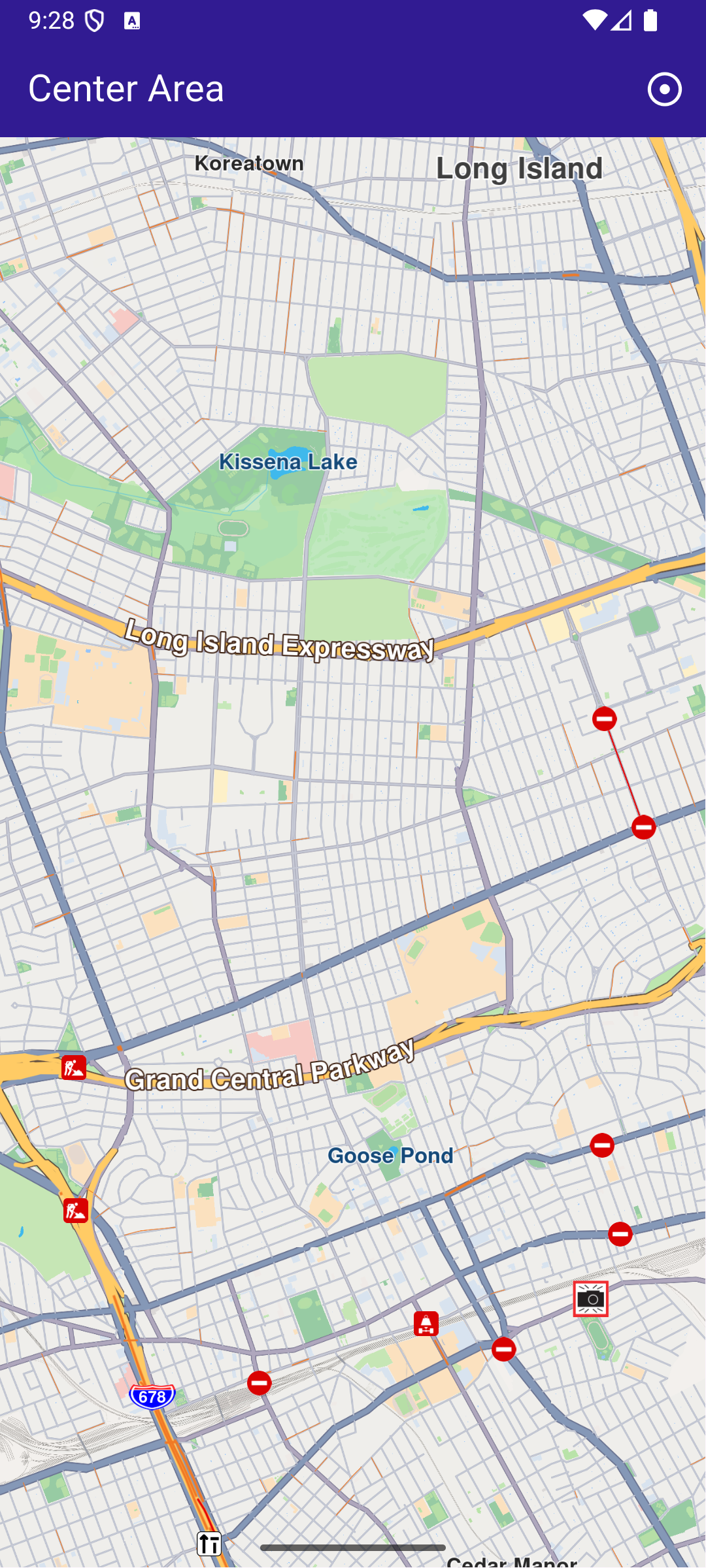
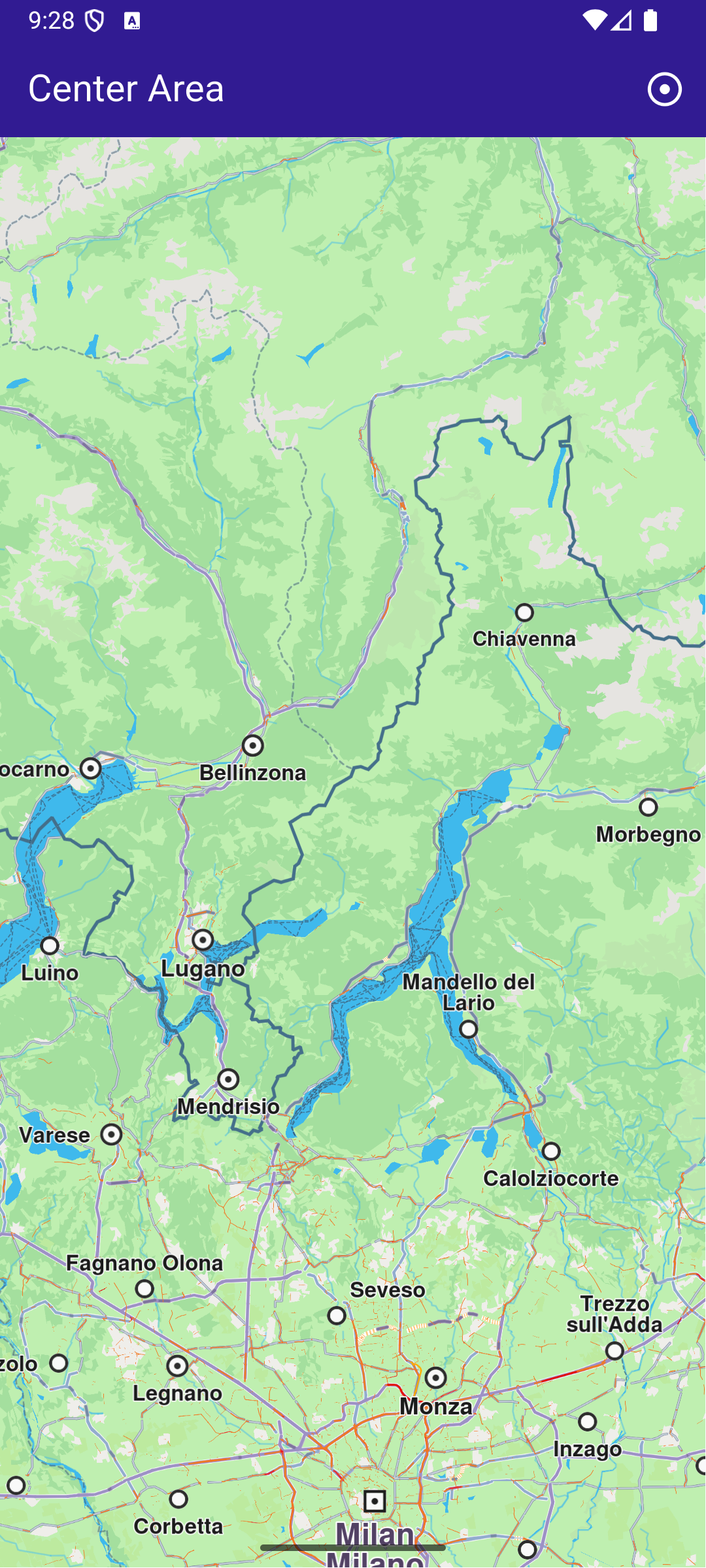
This example showcases how to build a Flutter app featuring an interactive map and how to center the camera on a `RectangleGeographicArea`, using the Maps SDK for Flutter. #### How it works[​](#how-it-works "Direct link to How it works") The example app demonstrates the following features: * Display an interactive map. * Center the camera on a geographic area. ![](/docs/flutter/assets/images/example_flutter_center_area1-c45e98b50463eb82ca0b03ce1d1ba27e.png) **Initial screen** ![](/docs/flutter/assets/images/example_flutter_center_area2-161d509e27a61dbb45bbd397a3956c7d.png) **Map camera centered on Queens, NY** ##### UI and Map Integration[​](#ui-and-map-integration "Direct link to UI and Map Integration") The following code builds a UI with an interactive `GemMap` widget and an app bar with a button in order to execute the center operation. main.dart[](center_area/lib/main.dart?ref_type=heads#L10) ```dart const projectApiToken = String.fromEnvironment('GEM_TOKEN'); void main() { runApp(const MyApp()); } class MyApp extends StatelessWidget { const MyApp({super.key}); @override Widget build(BuildContext context) { return const MaterialApp( debugShowCheckedModeBanner: false, title: 'Center Area', home: MyHomePage(), ); } } class MyHomePage extends StatefulWidget { const MyHomePage({super.key}); @override State createState() => _MyHomePageState(); } class _MyHomePageState extends State { late GemMapController _mapController; @override void dispose() { GemKit.release(); super.dispose(); } @override Widget build(BuildContext context) { return Scaffold( appBar: AppBar( backgroundColor: Colors.deepPurple[900], title: const Text('Center Area', style: TextStyle(color: Colors.white)), actions: [ IconButton( onPressed: _onCenterCoordinatesButtonPressed, icon: const Icon(Icons.adjust, color: Colors.white), ), ], ), body: GemMap( key: ValueKey("GemMap"), onMapCreated: _onMapCreated, appAuthorization: projectApiToken, ), ); } // The callback for when map is ready to use. void _onMapCreated(GemMapController controller) async { // Save controller for further usage. _mapController = controller; } void _onCenterCoordinatesButtonPressed() { // Predefined area for Queens, New York. final area = RectangleGeographicArea( topLeft: Coordinates( latitude: 40.73254497605159, longitude: -73.82536953324063, ), bottomRight: Coordinates( latitude: 40.723227048410024, longitude: -73.77693793474619, ), ); // Create an animation (optional). final animation = GemAnimation(type: AnimationType.linear); // Use the map controller to center on coordinates. _mapController.centerOnArea(area, animation: animation); } } ``` --- ### Center Coordinates |
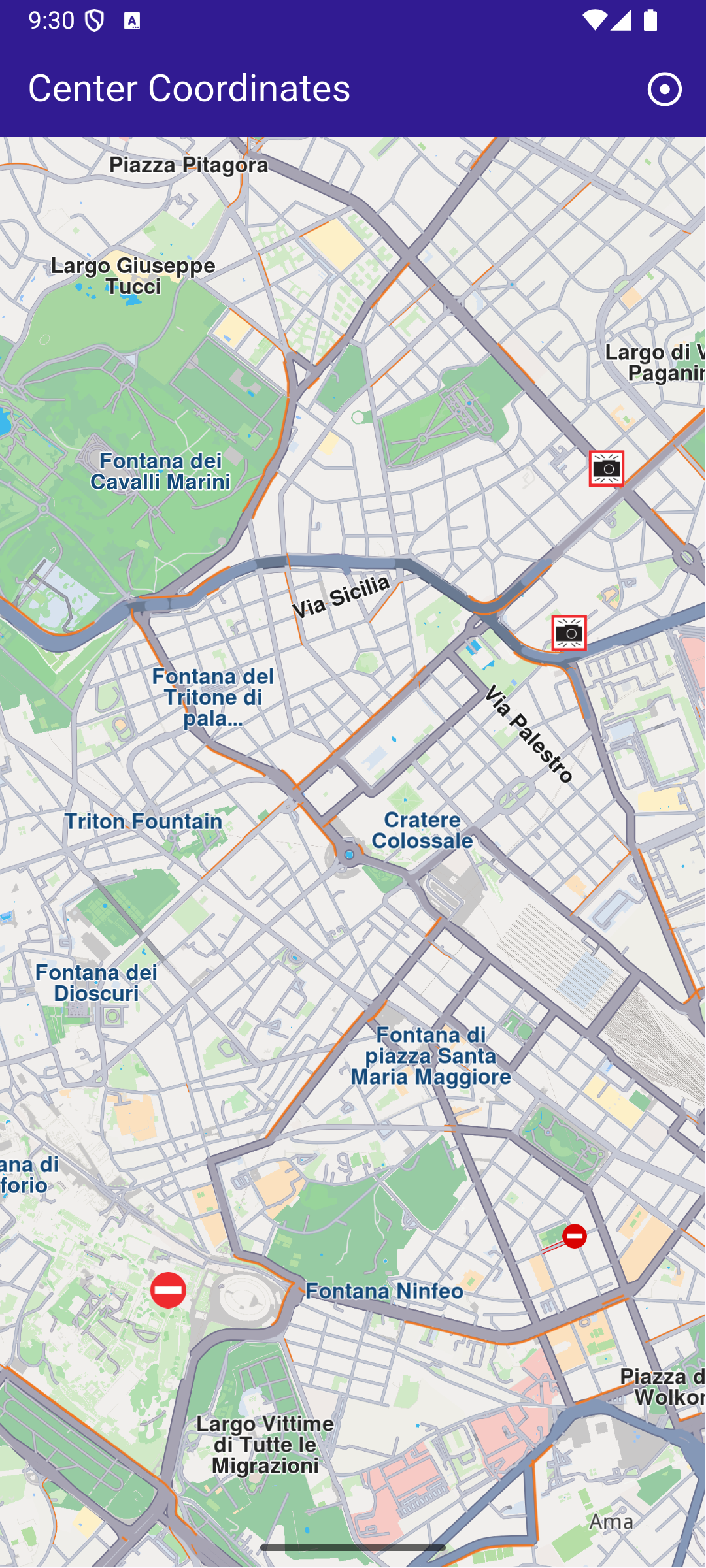
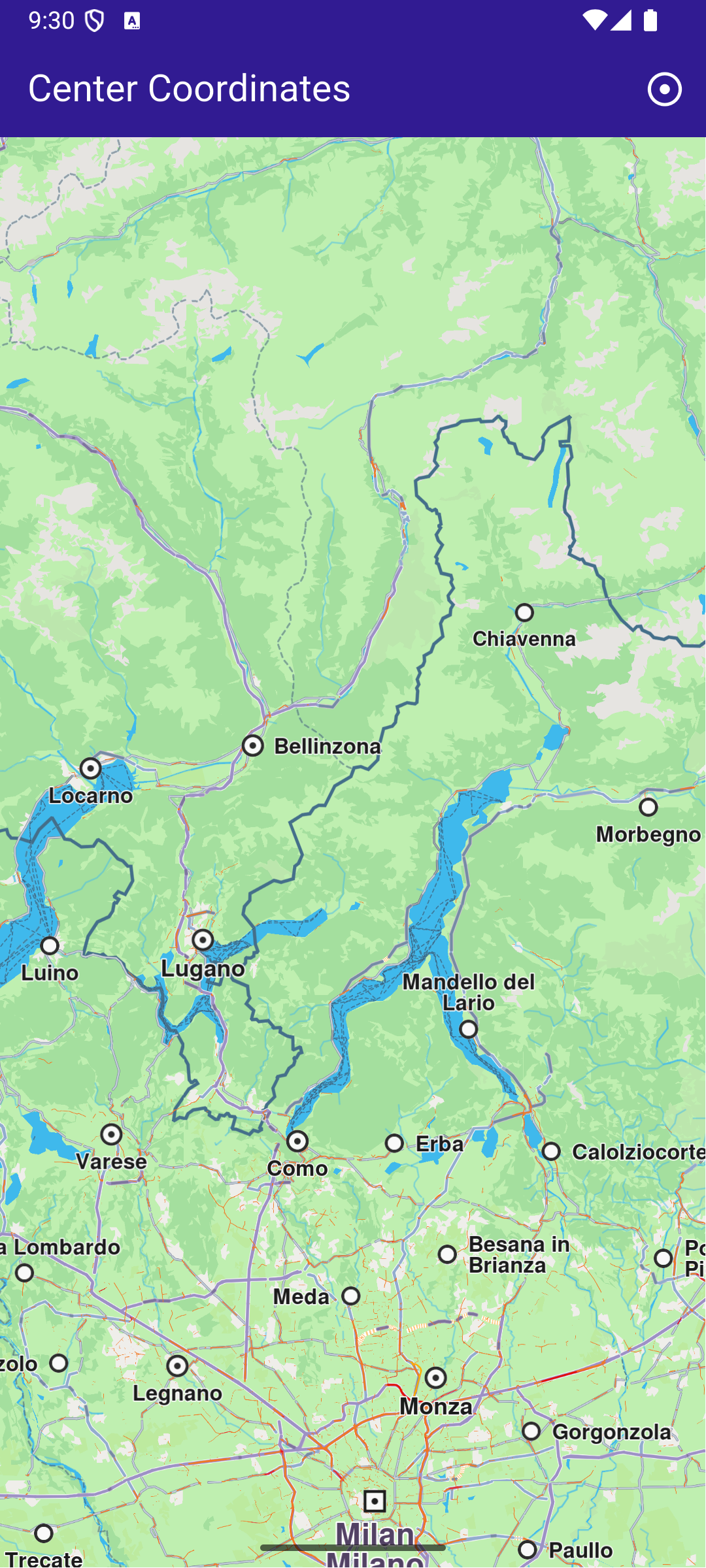
This example showcases how to build a Flutter app featuring an interactive map and how to center the camera on map WGS coordinates #### How it works[​](#how-it-works "Direct link to How it works") The example app demonstrates the following features: * Center the map on predefined coordinates. * Optionally use an animation to smoothly transition the map view. ![](/docs/flutter/assets/images/example_flutter_center_coordinates1-7797f580a24c9a8316112155f12ca336.png) **Initial map view** ![](/docs/flutter/assets/images/example_flutter_center_coordinates2-23a5f1e7484b9e73499433077ddfc18e.png) **Map view after centering on coordinates** ##### UI and Map Integration[​](#ui-and-map-integration "Direct link to UI and Map Integration") main.dart[](center_coordinates/lib/main.dart?ref_type=heads#L16) ```dart class MyApp extends StatelessWidget { const MyApp({super.key}); @override Widget build(BuildContext context) { return const MaterialApp( debugShowCheckedModeBanner: false, title: 'Center Coordinates', home: MyHomePage(), ); } } class MyHomePage extends StatefulWidget { const MyHomePage({super.key}); @override State createState() => _MyHomePageState(); } class _MyHomePageState extends State { late GemMapController _mapController; @override void dispose() { GemKit.release(); super.dispose(); } @override Widget build(BuildContext context) { return Scaffold( appBar: AppBar( backgroundColor: Colors.deepPurple[900], title: const Text('Center Coordinates', style: TextStyle(color: Colors.white)), actions: [ IconButton( onPressed: _onCenterCoordinatesButtonPressed, icon: const Icon( Icons.adjust, color: Colors.white, )) ], ), body: GemMap( key: ValueKey("GemMap"), onMapCreated: _onMapCreated, appAuthorization: projectApiToken, ), ); } ``` This code sets up the basic structure of the app, including the map and the app bar. It also provides a button in the app bar for centering the map on specific coordinates. main.dart[](center_coordinates/lib/main.dart?ref_type=heads#L75) ```dart void _onCenterCoordinatesButtonPressed() { // Predefined coordinates for Rome, Italy. final targetCoordinates = Coordinates( latitude: 41.902782, longitude: 12.496366, ); // Create an animation (optional). final animation = GemAnimation(type: AnimationType.linear); // Use the map controller to center on coordinates. _mapController.centerOnCoordinates( targetCoordinates, animation: animation, zoomLevel: 60, ); } ``` This code handles centering the map on the predefined coordinates for Rome, Italy. The GemMapController is used to perform this action, and an optional animation is provided for a smooth transition. --- ### Center Traffic |
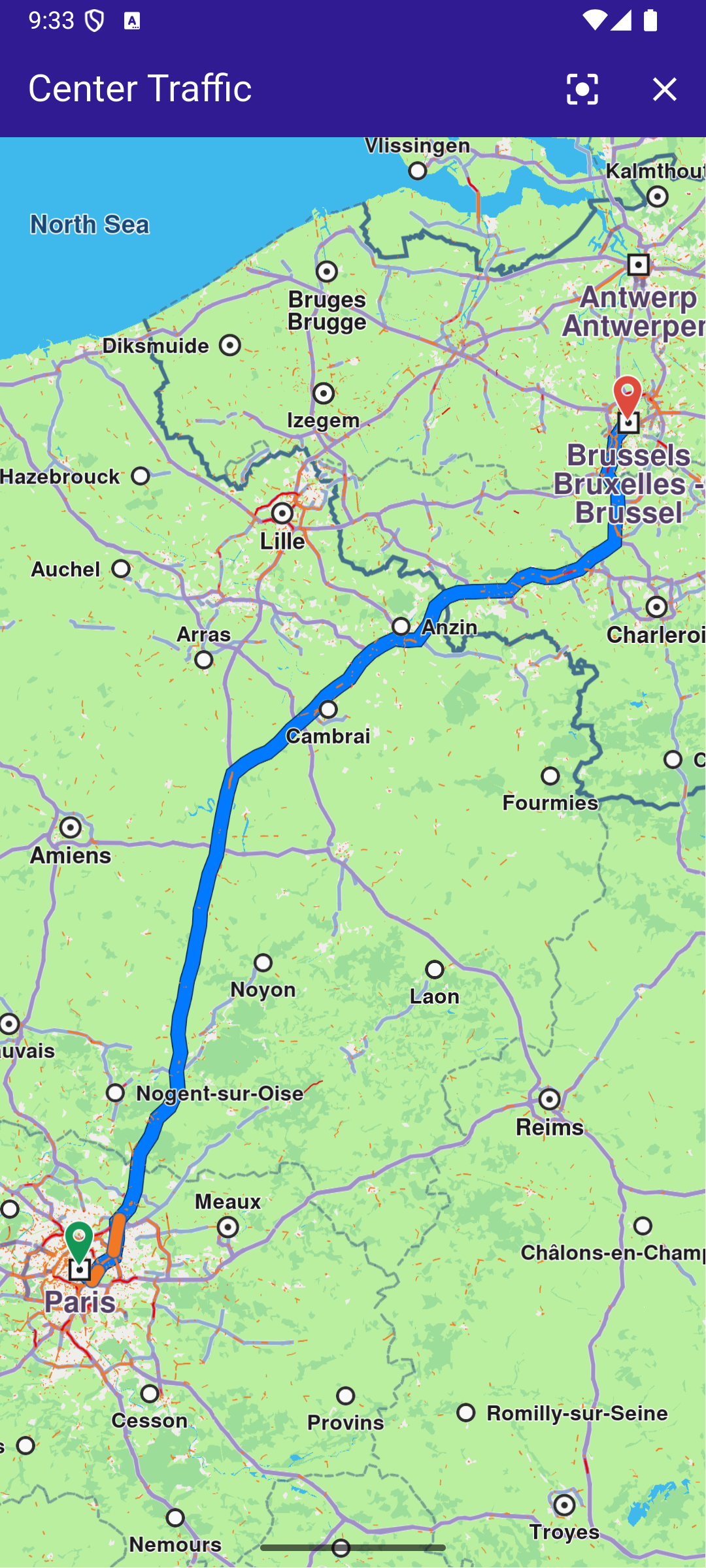
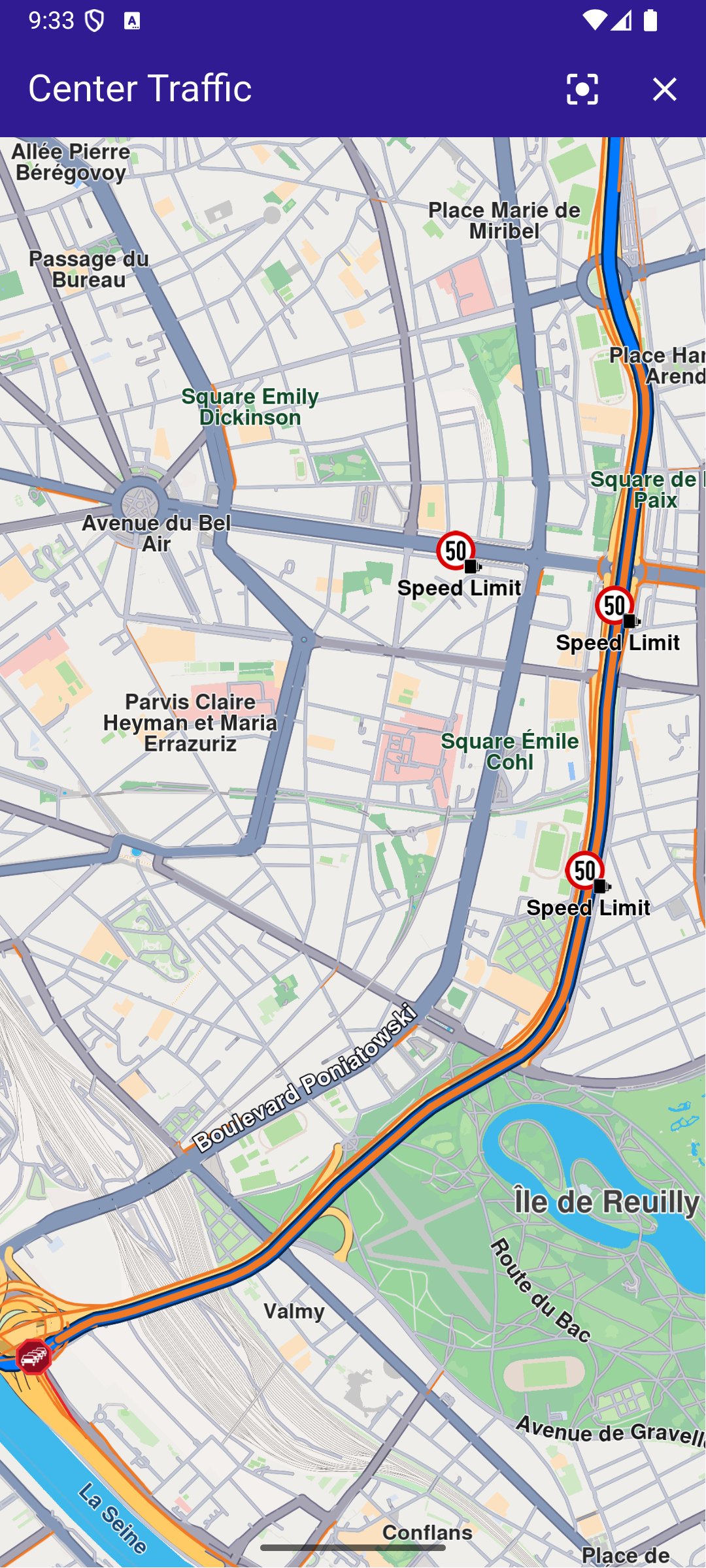
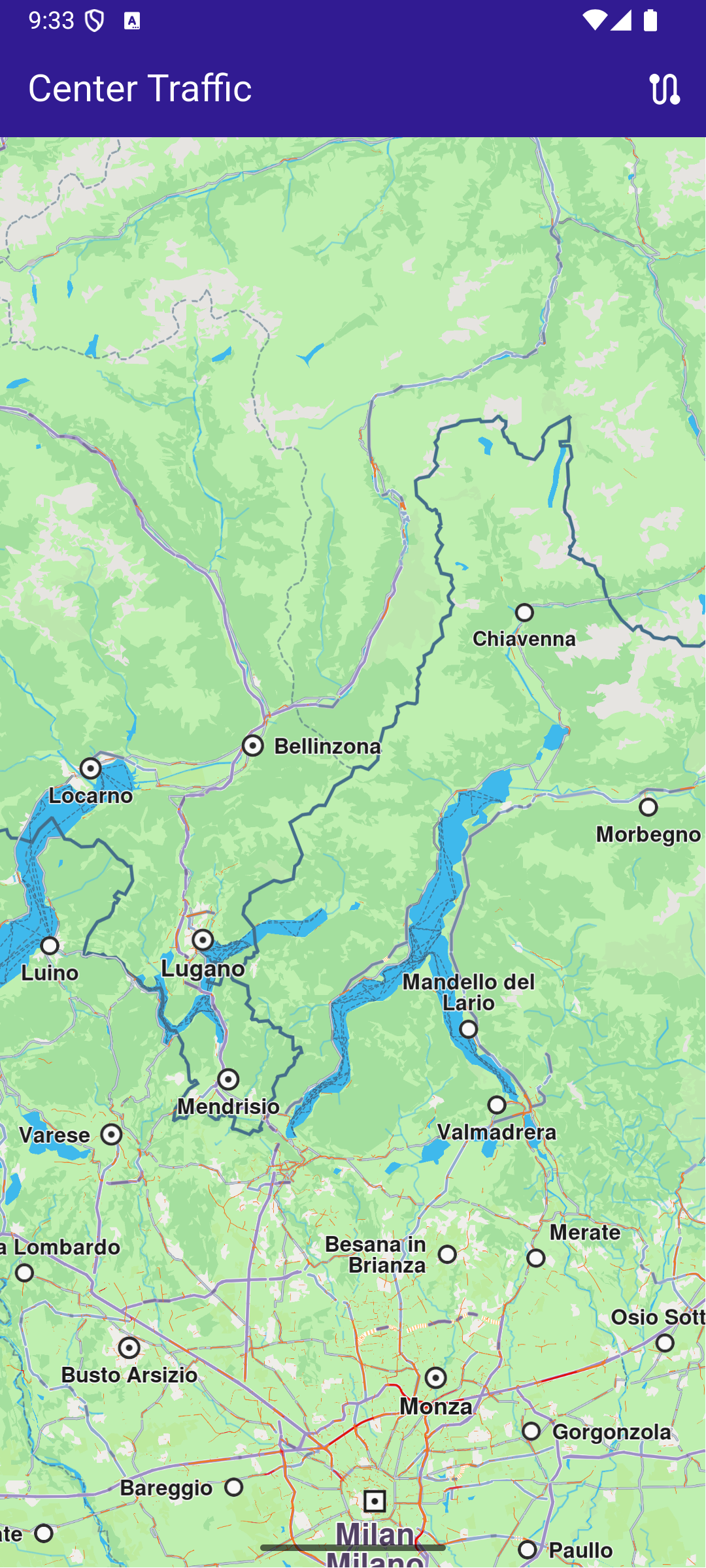
This example showcases how to build a Flutter app featuring an interactive map and how to center the camera on a route area with traffic, using the Maps SDK for Flutter. #### How it works[​](#how-it-works "Direct link to How it works") The example app demonstrates the following features: * Display an interactive map. * Calculate a route. * Center on a traffic segment. ![](/docs/flutter/assets/images/example_flutter_center_traffic1-bf9cc971c225d7e91903f68f0710ddb3.png) **Initial screen** ![](/docs/flutter/assets/images/example_flutter_center_traffic2-e56138e05b05dfc0b192e58fcc42e41d.png) **Route calculated** ![](/docs/flutter/assets/images/example_flutter_center_traffic3-e63a70c561a85dbae481016e2d31b316.png) **Map camera centered traffic** ##### UI and Map Integration[​](#ui-and-map-integration "Direct link to UI and Map Integration") The following code builds a UI with an interactive `GemMap` widget and an AppBar with buttons for computing a route, centering on traffic, and clearing the presented route. main.dart[](center_traffic/lib/main.dart?ref_type=heads#L10) ```dart const projectApiToken = String.fromEnvironment('GEM_TOKEN'); void main() { runApp(const MyApp()); } class MyApp extends StatelessWidget { const MyApp({super.key}); @override Widget build(BuildContext context) { return const MaterialApp( debugShowCheckedModeBanner: false, title: 'Center Traffic', home: MyHomePage(), ); } } class MyHomePage extends StatefulWidget { const MyHomePage({super.key}); @override State createState() => _MyHomePageState(); } class _MyHomePageState extends State { late GemMapController _mapController; // We use the handler to cancel the route calculation. TaskHandler? _routingHandler; Route? _route; @override void dispose() { GemKit.release(); super.dispose(); } @override Widget build(BuildContext context) { return Scaffold( appBar: AppBar( backgroundColor: Colors.deepPurple[900], title: const Text( 'Center Traffic', style: TextStyle(color: Colors.white), ), actions: [ // Routes are not built. if (_routingHandler == null && _route == null) IconButton( onPressed: () => _onBuildRouteButtonPressed(context), icon: const Icon(Icons.route, color: Colors.white), ), // Routes calculating is in progress. if (_routingHandler != null) IconButton( onPressed: () => _onCancelRouteButtonPressed(), icon: const Icon(Icons.stop, color: Colors.white), ), // Routes calculating is finished. if (_route != null) IconButton( onPressed: () => _centerOnTraffic(_route!), icon: const Icon(Icons.center_focus_strong, color: Colors.white), ), if (_route != null) IconButton( onPressed: () => _onClearRoutesButtonPressed(), icon: const Icon(Icons.clear, color: Colors.white), ), ], ), body: GemMap( key: ValueKey("GemMap"), onMapCreated: _onMapCreated, appAuthorization: projectApiToken, ), ); } // The callback for when map is ready to use. Future _onMapCreated(GemMapController controller) async { // Save controller for further usage. _mapController = controller; } void _onBuildRouteButtonPressed(BuildContext context) { // Define the departure. final departureLandmark = Landmark.withLatLng( latitude: 48.85682, longitude: 2.34375, ); // Define the destination. final destinationLandmark = Landmark.withLatLng( latitude: 50.84644, longitude: 4.34587, ); // Define the route preferences. final routePreferences = RoutePreferences(); _showSnackBar(context, message: "The route is being calculated."); // Calling the calculateRoute SDK method. // (err, results) - is a callback function that gets called when the route computing is finished. // err is an error enum, results is a list of routes. _routingHandler = RoutingService.calculateRoute( [departureLandmark, destinationLandmark], routePreferences, (err, routes) { // If the route calculation is finished, we don't have a progress listener anymore. _routingHandler = null; ScaffoldMessenger.of(context).clearSnackBars(); // If there aren't any errors, we display the routes. if (err == GemError.success) { // Get the routes collection from map preferences. final routesMap = _mapController.preferences.routes; // Display the routes on map. routesMap.add(routes.first, true); // Center the camera on routes. _mapController.centerOnRoute(routes.first); setState(() { _route = routes.first; }); } }, ); setState(() {}); } void _centerOnTraffic(Route route) { // Get the traffic events from the route. final trafficEvents = route.trafficEvents; if (trafficEvents.isEmpty) { _showSnackBar(context, message: "No traffic events found."); return; } final trafficEvent = trafficEvents.first; _mapController.centerOnRouteTrafficEvent(trafficEvent, zoomLevel: 70); } void _onClearRoutesButtonPressed() { // Remove the routes from map. _mapController.preferences.routes.clear(); // Remove the highlights from map. _mapController.deactivateAllHighlights(); setState(() { _route = null; }); } void _onCancelRouteButtonPressed() { // If we have a progress listener we cancel the route calculation. if (_routingHandler != null) { RoutingService.cancelRoute(_routingHandler!); setState(() { _routingHandler = null; }); } } // Show a snackbar indicating that the route calculation is in progress. void _showSnackBar( BuildContext context, { required String message, Duration duration = const Duration(hours: 1), }) { final snackBar = SnackBar(content: Text(message), duration: duration); ScaffoldMessenger.of(context).showSnackBar(snackBar); } } ``` --- ### Custom Position Icon |
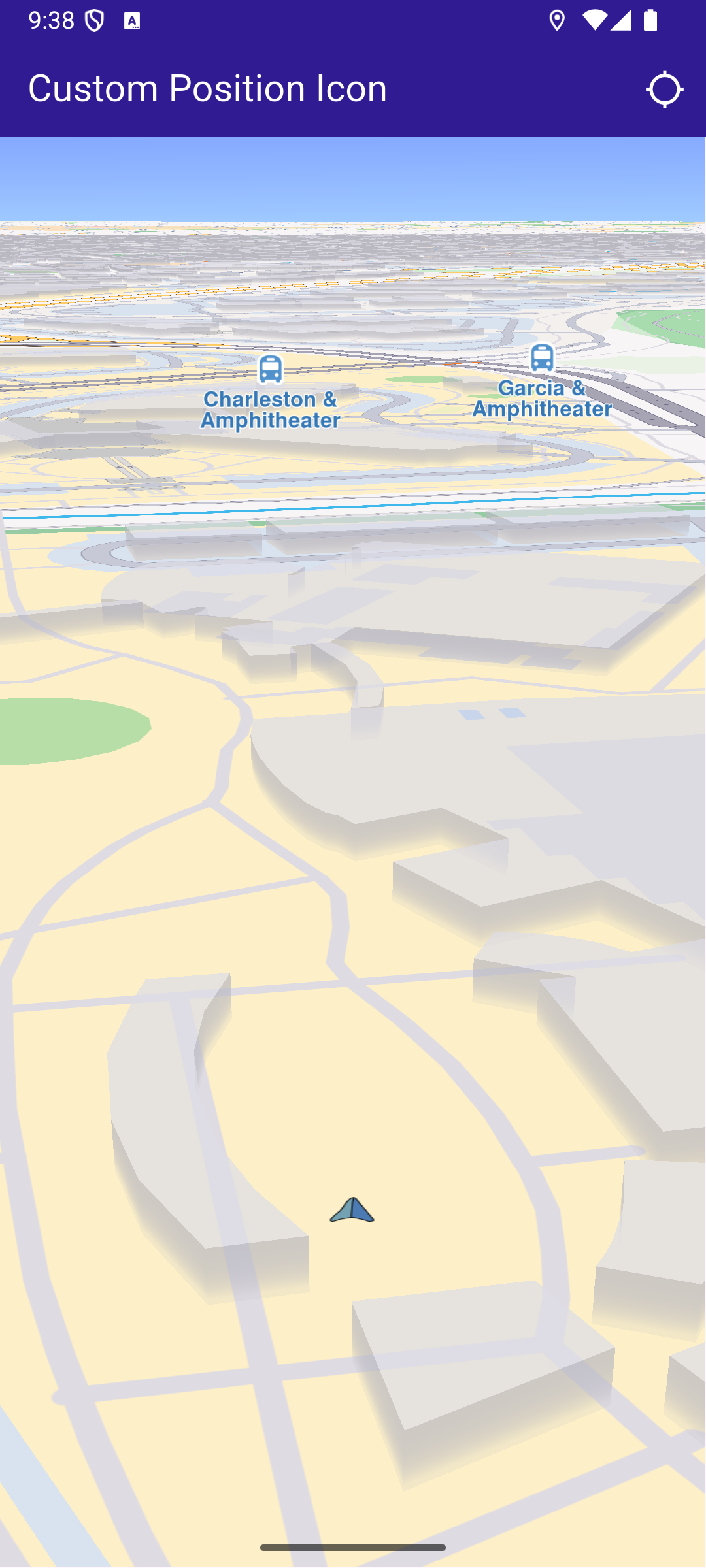
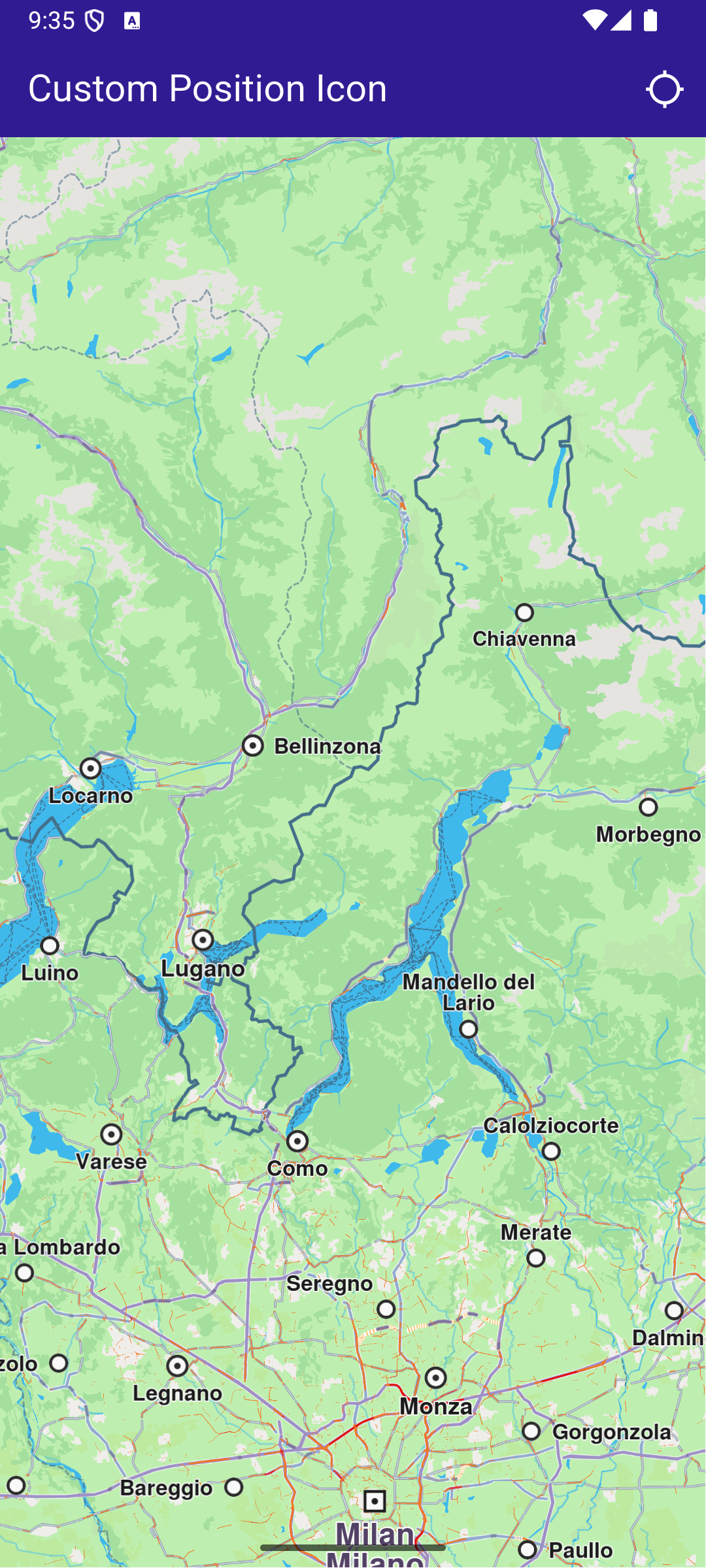
This example presents how to create an app that displays a custom icon for the position tracker on a map using Maps SDK for Flutter. #### How it works[​](#how-it-works "Direct link to How it works") The example app demonstrates the following features: * Display a custom icon for the position tracker on the map. * Handle user interaction to start following the current position. ![](/docs/flutter/assets/images/example_flutter_custom_position_icon1-1fc0f0707435a5d97bfb59efe089326e.png) **Initial screen** ![](/docs/flutter/assets/images/example_flutter_custom_position_icon2-0d1598a549804173c0ccb783c8e03de8.png) **Custom position tracker icon** ##### Importing Assets[​](#importing-assets "Direct link to Importing Assets") Before running the app, ensure that you save the necessary files (such as the custom icon or 3D object) into the assets directory. For example: * Save your custom icon image (e.g., navArrow.png ) in the assets folder. Update your pubspec.yaml file to include these assets: ```yaml flutter: assets: - assets/ ``` ##### UI and Map Integration[​](#ui-and-map-integration "Direct link to UI and Map Integration") main.dart[](custom_position_icon/lib/main.dart?ref_type=heads#L19) ```dart class MyApp extends StatelessWidget { const MyApp({super.key}); @override Widget build(BuildContext context) { return const MaterialApp( title: 'Custom Position Icon', debugShowCheckedModeBanner: false, home: MyHomePage(), ); } } class MyHomePage extends StatefulWidget { const MyHomePage({super.key}); @override State createState() => _MyHomePageState(); } class _MyHomePageState extends State { late GemMapController _mapController; PermissionStatus _locationPermissionStatus = PermissionStatus.denied; bool _hasLiveDataSource = false; @override void dispose() { GemKit.release(); super.dispose(); } @override Widget build(BuildContext context) { return Scaffold( appBar: AppBar( backgroundColor: Colors.deepPurple[900], title: const Text('Custom Position Icon', style: TextStyle(color: Colors.white)), actions: [ IconButton( onPressed: _onFollowPositionButtonPressed, icon: const Icon( Icons.location_searching_sharp, color: Colors.white, ), ), ], ), body: GemMap( key: ValueKey("GemMap"), onMapCreated: _onMapCreated, appAuthorization: projectApiToken, ), ); } ``` This code defines the main UI elements, including the map and an app bar with a button to follow the current position. ##### Map Creation and Custom Position Tracker Icon[​](#map-creation-and-custom-position-tracker-icon "Direct link to Map Creation and Custom Position Tracker Icon") This method initializes the map controller, loads a custom icon for the position tracker from the assets, and applies it with a specified scale. main.dart[](custom_position_icon/lib/main.dart?ref_type=heads#L78) ```dart // The callback for when map is ready to use. void _onMapCreated(GemMapController controller) async { // Save controller for further usage. _mapController = controller; // You can upload a custom icon for the position tracker, it can also be a 3D object as "quad.glb" file in the assets, or use a texture. //final bytes = await loadAsUint8List('assets/quad.glb'); final bytes = await loadAsUint8List('assets/navArrow.png'); setPositionTrackerImage(bytes, scale: 0.5); } ``` ##### Handling Position Tracking[​](#handling-position-tracking "Direct link to Handling Position Tracking") This method handles user interaction to request location permissions, sets the live data source, and starts following the current position on the map. main.dart[](custom_position_icon/lib/main.dart?ref_type=heads#L89) ```dart void _onFollowPositionButtonPressed() async { if (kIsWeb) { // On web platform permission are handled differently than other platforms. // The SDK handles the request of permission for location. final locationPermssionWeb = await PositionService.requestLocationPermission(); if (locationPermssionWeb == true) { _locationPermissionStatus = PermissionStatus.granted; } else { _locationPermissionStatus = PermissionStatus.denied; } } else { // For Android & iOS platforms, permission_handler package is used to ask for permissions. _locationPermissionStatus = await Permission.locationWhenInUse.request(); } if (_locationPermissionStatus == PermissionStatus.granted) { // After the permission was granted, we can set the live data source (in most cases the GPS). // The data source should be set only once, otherwise we'll get -5 error. if (!_hasLiveDataSource) { PositionService.setLiveDataSource(); _hasLiveDataSource = true; } // Optionally, we can set an animation final animation = GemAnimation(type: AnimationType.linear); // Calling the start following position SDK method. _mapController.startFollowingPosition(animation: animation); setState(() {}); } } ``` ##### Utility Functions[​](#utility-functions "Direct link to Utility Functions") The setPositionTrackerImage method is crucial as it allows you to customize the position tracker icon with any image or 3D object. Ensure the image is correctly loaded from assets and properly scaled to fit your application’s design. main.dart[](custom_position_icon/lib/main.dart?ref_type=heads#L123) ```dart // Helper function to load an asset as byte array. Future loadAsUint8List(String filename) async { final fileData = await rootBundle.load(filename); return fileData.buffer.asUint8List(); } // Method that sets the custom icon for the position tracker. void setPositionTrackerImage(Uint8List imageData, {double scale = 1.0}) { try { MapSceneObject.customizeDefPositionTracker(imageData, SceneObjectFileFormat.tex); final positionTracker = MapSceneObject.getDefPositionTracker(); positionTracker.scale = scale; } catch (e) { throw (e.toString()); } } ``` Required Permissions To ensure this example functions correctly, the necessary permissions must be added to the project's Android and iOS configuration files: * Android * iOS Add the following code to the `android/app/src/main/AndroidManifest.xml` file, within the `` block: ``` ``` This example uses the [Permission Handler](https://pub.dev/packages/permission_handler) package. Be sure to follow the [setup guide](https://pub.dev/packages/permission_handler#setup). Add the following to `ios/Runner/Info.plist` inside the ``: ``` NSLocationWhenInUseUsageDescription Location is needed for map localization and navigation ``` This example uses the [Permission Handler](https://pub.dev/packages/permission_handler) package. Follow the [official setup instructions](https://pub.dev/packages/permission_handler#setup). Add this to your `ios/Podfile`: ``` post_install do |installer| installer.pods_project.targets.each do |target| flutter_additional_ios_build_settings(target) target.build_configurations.each do |config| config.build_settings['GCC_PREPROCESSOR_DEFINITIONS'] ||= [ '$(inherited)', 'PERMISSION_LOCATION=1', ] end end end ``` --- ### Draw Roadblock |
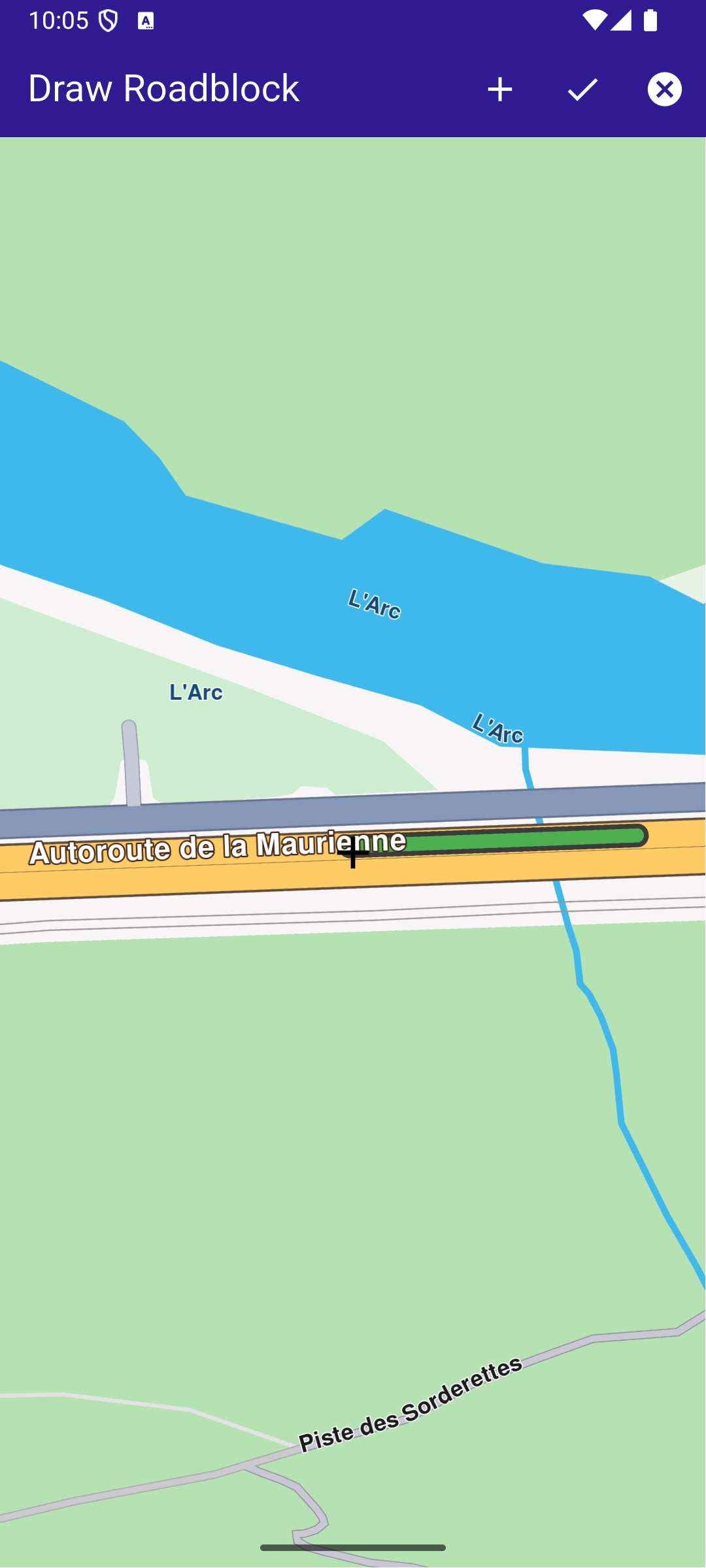
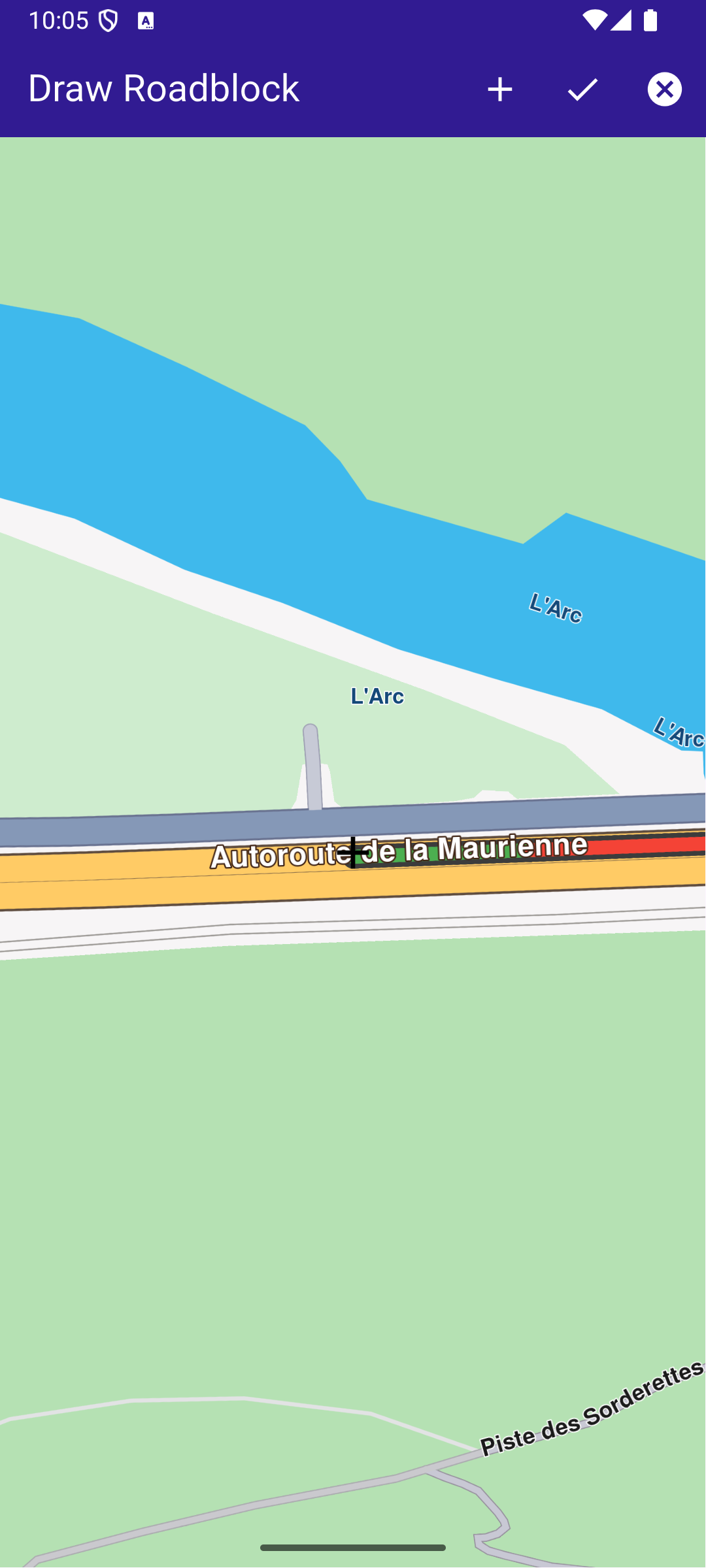
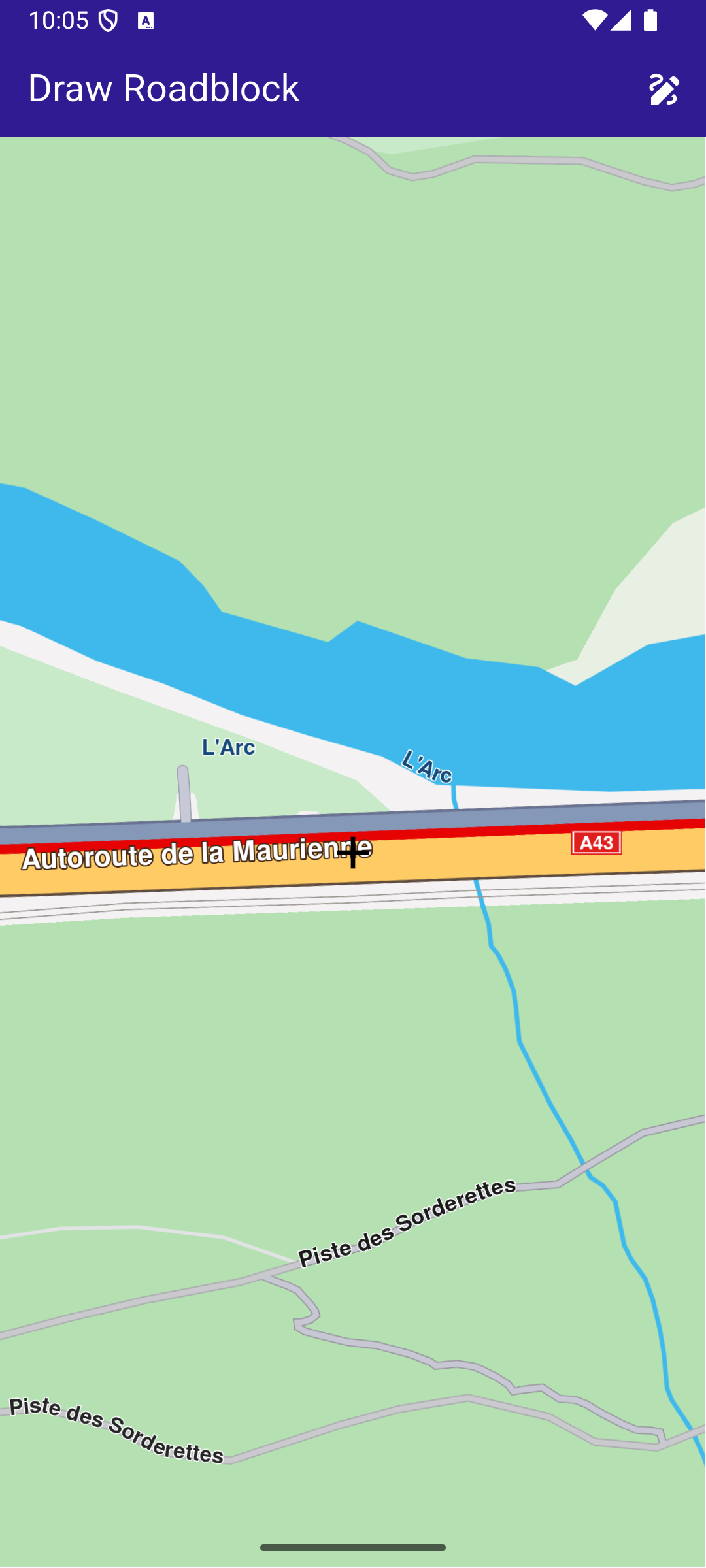
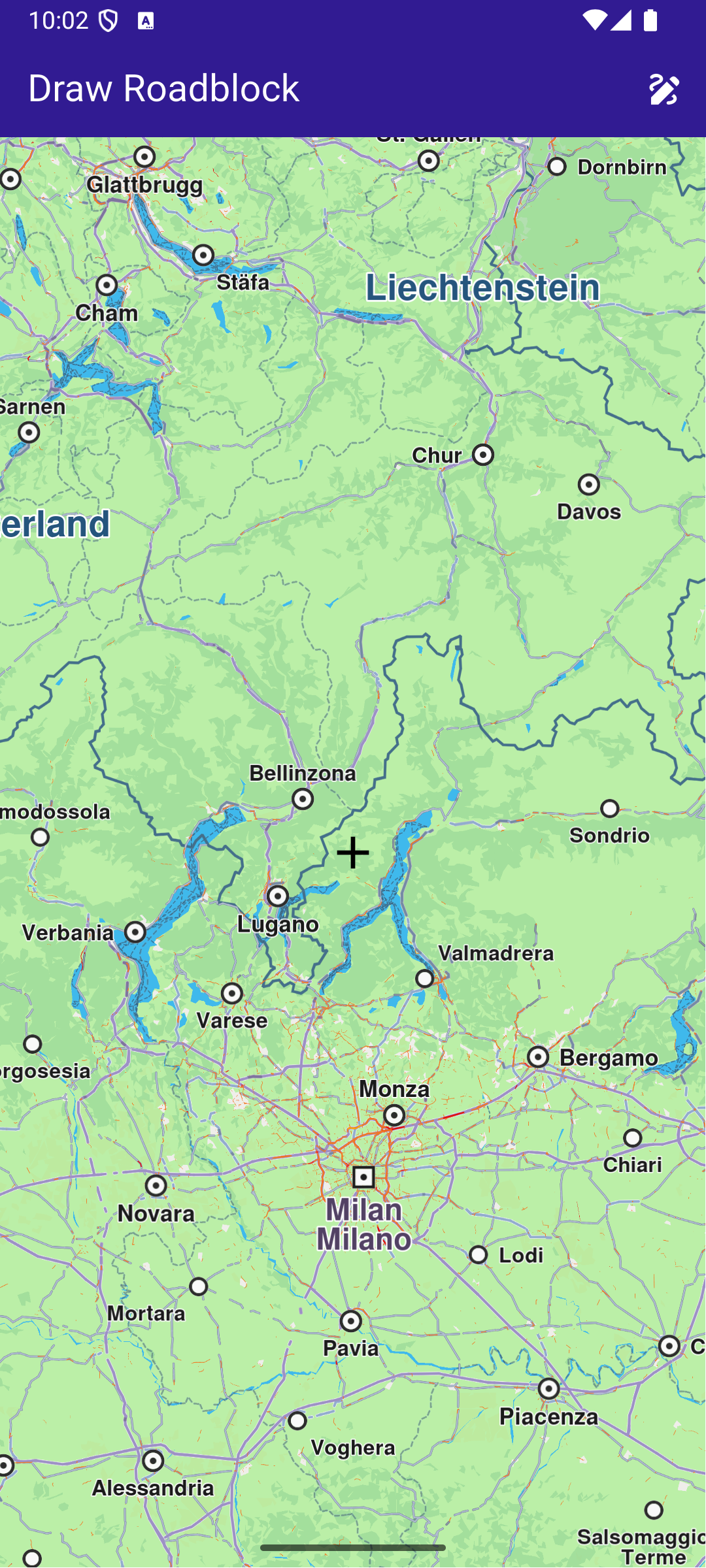
This example showcases how to build a Flutter app featuring an interactive map. Users can draw paths on map, whose coordinates can be used to confirm a roadblock. #### How it works[​](#how-it-works "Direct link to How it works") The example app includes the following features: * Display a map. * Draw a roadblock in one or multiple steps. * Display preview paths on map. * Confirm a persistent Roadblock based on the drawn path. ![](/docs/flutter/assets/images/example_flutter_draw_road_block1-db63e3d62b4c8890e8a0458e704dfed6.png) **Initial map screen** ![](/docs/flutter/assets/images/example_flutter_draw_road_block2-e9fed8b3f6ada7746b438a85a85532dc.png) **Started drawing preview path**
![](/docs/flutter/assets/images/example_flutter_draw_road_block3-f377a8dae64297be99182f4fa1fdc1a9.png) **Confirmed previous path (in red)** ![](/docs/flutter/assets/images/example_flutter_draw_road_block4-b68ab5d23ff40eb0d4524e1a1183f7e4.png) **Confirmed roadblock on map** ##### UI and Map Integration[​](#ui-and-map-integration "Direct link to UI and Map Integration") The code below builds a user interface featuring an interactive GemMap and an app bar with action buttons to start drawing mode, confirm the drawn path, cancel drawing, and confirm a roadblock. main.dart[](draw_roadblock/lib/main.dart?ref_type=heads#L13) ```dart const projectApiToken = String.fromEnvironment('GEM_TOKEN'); void main() async { runApp(const MyApp()); } class MyApp extends StatelessWidget { const MyApp({super.key}); @override Widget build(BuildContext context) { return const MaterialApp( debugShowCheckedModeBanner: false, title: 'Draw Roadblock', home: MyHomePage(), ); } } class MyHomePage extends StatefulWidget { const MyHomePage({super.key}); @override State createState() => _MyHomePageState(); } class _MyHomePageState extends State { late GemMapController _mapController; // The coordinate where the preview currently ends (acts as a cursor for preview path) UserRoadblockPathPreviewCoordinate? previewCursor; // List of permanent coordinates (user confirmed) List permanentCoords = []; // List of preview (temporary) coordinates List previewCoordsList = []; // Draw mode bool drawMode = false; /// Debouncer in order to calculate preview only after movement is stopped Timer? _debounce; @override void initState() { super.initState(); } @override void dispose() { GemKit.release(); super.dispose(); } @override Widget build(BuildContext context) { return Scaffold( appBar: AppBar( automaticallyImplyLeading: true, foregroundColor: Colors.white, title: const Text( "Draw Roadblock", style: TextStyle(color: Colors.white), ), backgroundColor: Colors.deepPurple[900], actions: [ // Add temporary coordinates to permanent if (drawMode) IconButton( icon: Icon(Icons.add), onPressed: () { permanentCoords = [...permanentCoords, ...previewCoordsList]; previewCoordsList = []; _redrawPath(); }, ), // Draw mode activate button if (!drawMode) IconButton( icon: Icon(Icons.draw), onPressed: () { setState(() { drawMode = true; permanentCoords = []; previewCursor = null; previewCoordsList = []; }); _handlePreviewPathUpdate(allowRecursive: false); }, ), // Add roadblock by permanent coordinates and reset the draw mode and coordinates lists if (drawMode) IconButton( icon: Icon(Icons.check), onPressed: () { final roadblockResult = TrafficService.addPersistentRoadblockByCoordinates( coords: permanentCoords, startTime: DateTime.now(), expireTime: DateTime.now().add(const Duration(days: 1)), transportMode: RouteTransportMode.car, id: DateTime.now().toIso8601String(), // Unique identifier ); setState(() { drawMode = false; permanentCoords = []; previewCursor = null; previewCoordsList = []; }); // In case of error, show snackbar if (roadblockResult.$2 != GemError.success) { ScaffoldMessenger.of(context).showSnackBar( SnackBar( content: Text( 'Error ${roadblockResult.$2} when adding roadblock.', ), backgroundColor: Colors.red, duration: Duration(seconds: 3), ), ); } // Reset the coordinates permanentCoords = []; previewCoordsList = []; _redrawPath(); }, ), // Cancel draw mode if (drawMode) IconButton( icon: Icon(Icons.cancel), onPressed: () { setState(() { drawMode = false; permanentCoords = []; previewCoordsList = []; }); permanentCoords = []; previewCoordsList = []; previewCursor = null; _redrawPath(); }, ), ], ), body: Stack( children: [ GemMap( appAuthorization: projectApiToken, onMapCreated: _onMapCreated, ), // Mark the center of the viewport const Center( child: Icon( Icons.add, size: 32, color: Colors.black, ), ), ], ), ); } /// Called when the map is created. Registers the move callback for draw mode. void _onMapCreated(GemMapController controller) async { _mapController = controller; _mapController.registerOnMove((_, __) { if (!drawMode) return; _debounce?.cancel(); _debounce = Timer(const Duration(milliseconds: 100), () { _handlePreviewPathUpdate(allowRecursive: true); }); }); } /// Handles updating the preview path when the map moves. void _handlePreviewPathUpdate({required bool allowRecursive}) { final centerScreen = Point( _mapController.viewport.width ~/ 2, _mapController.viewport.height ~/ 2, ); final centerCoord = _mapController.transformScreenToWgs(centerScreen); // On first call, initialize permanentCoords with the center coordinate if (permanentCoords.isEmpty) { permanentCoords.add(centerCoord); } // If previewCursor is null, set it and return if (previewCursor == null) { previewCursor = UserRoadblockPathPreviewCoordinate.fromCoordinates(centerCoord); return; } // Compute route coordinates from previous coordinates to new coordinates final (from, to, error) = TrafficService.getPersistentRoadblockPathPreview( from: previewCursor!, to: centerCoord, transportMode: RouteTransportMode.car, ); if (error != GemError.success) { _resetPreviewPathOnError(allowRecursive); return; } _updatePreviewPath(from, to); } /// Resets the preview path and optionally retries if an error occurs. void _resetPreviewPathOnError(bool allowRecursive) { previewCoordsList = []; previewCursor = UserRoadblockPathPreviewCoordinate.fromCoordinates(permanentCoords.last); _redrawPath(); if (allowRecursive) { _handlePreviewPathUpdate(allowRecursive: false); } } /// Updates the preview path and redraws the map. void _updatePreviewPath(List from, UserRoadblockPathPreviewCoordinate to) { previewCoordsList = [...previewCoordsList, ...from]; previewCursor = to; _redrawPath(); } /// Redraws the permanent and preview paths on the map. void _redrawPath() { final previewPath = Path.fromCoordinates(previewCoordsList); final permanentPath = Path.fromCoordinates(permanentCoords); _mapController.preferences.paths.clear(); _mapController.preferences.paths.add(previewPath, colorInner: Colors.green); _mapController.preferences.paths.add(permanentPath, colorInner: Colors.red); } } ``` --- ### Draw Shapes on Map |

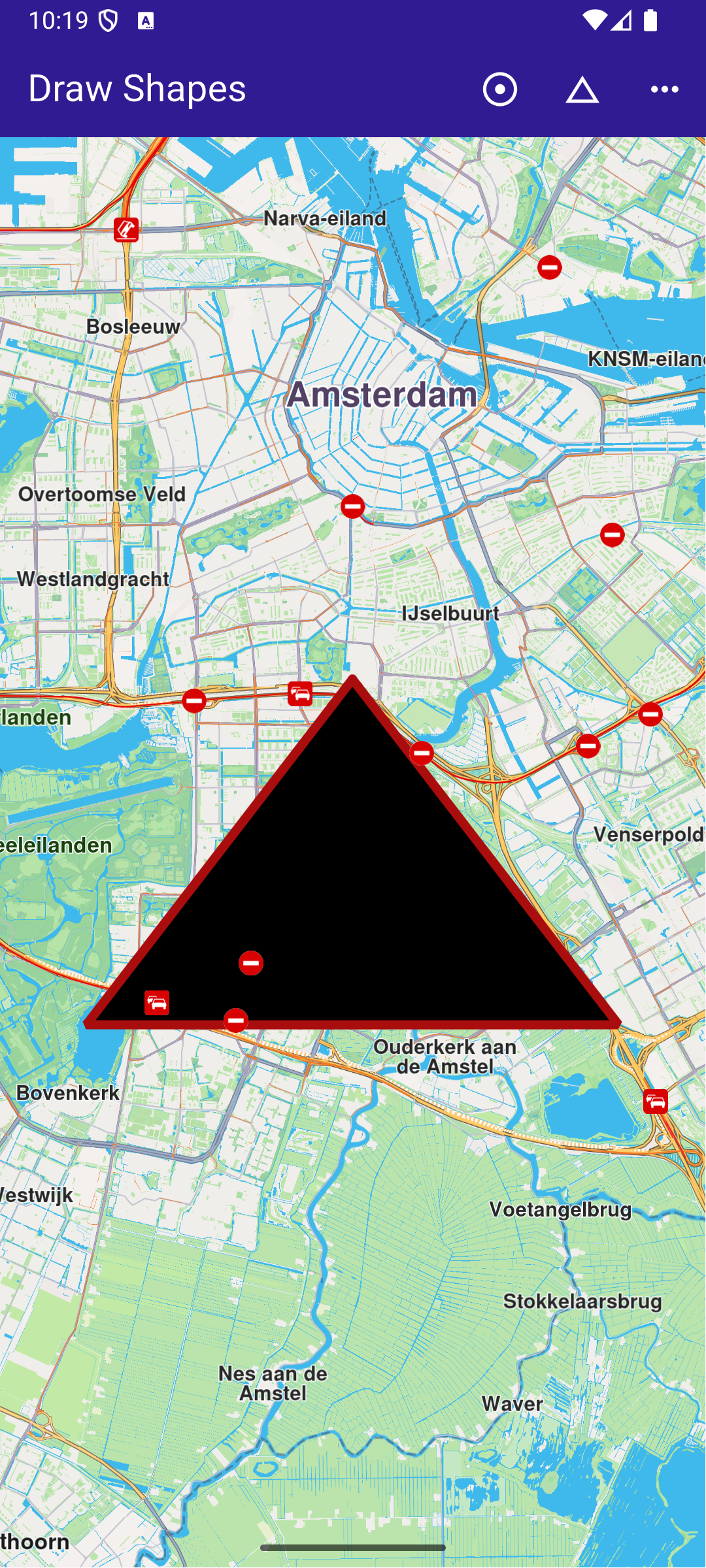
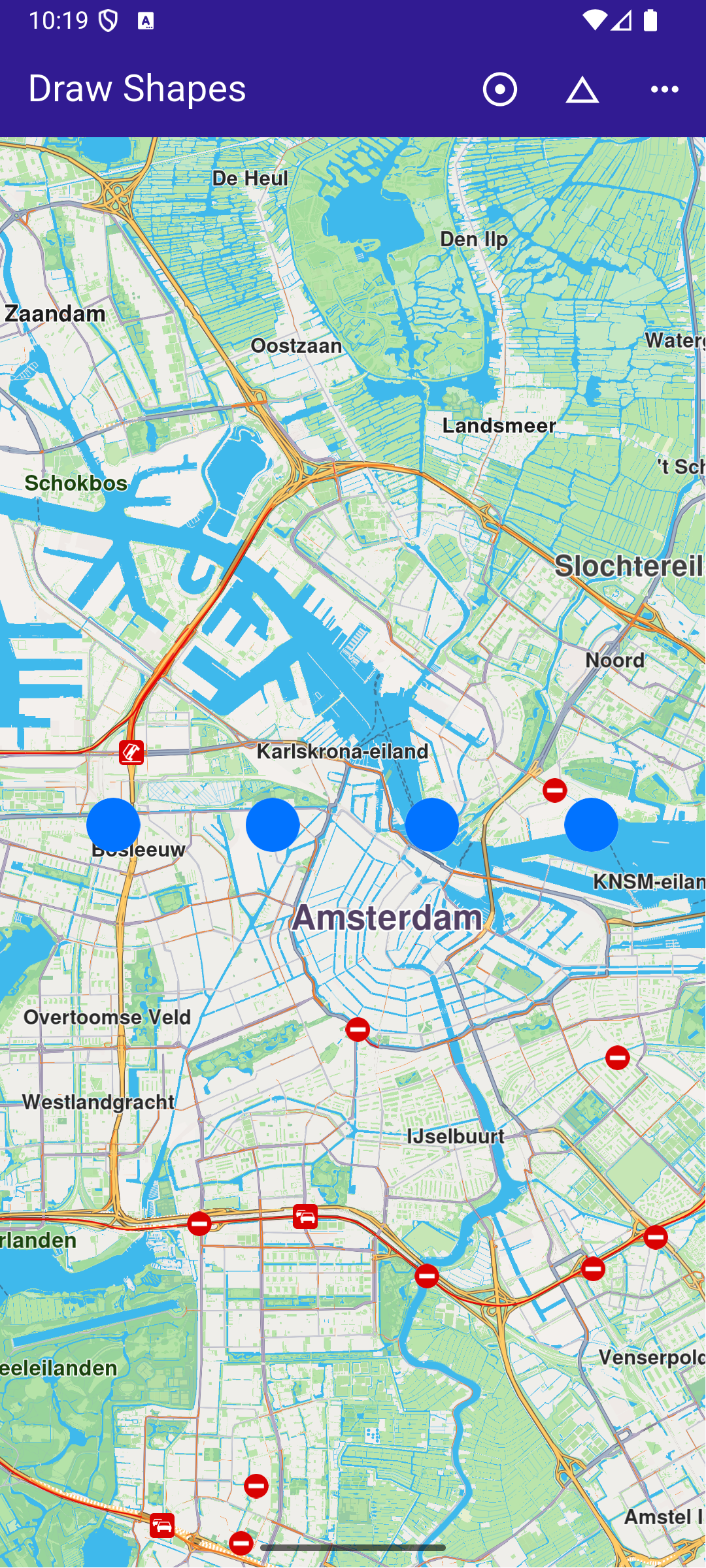
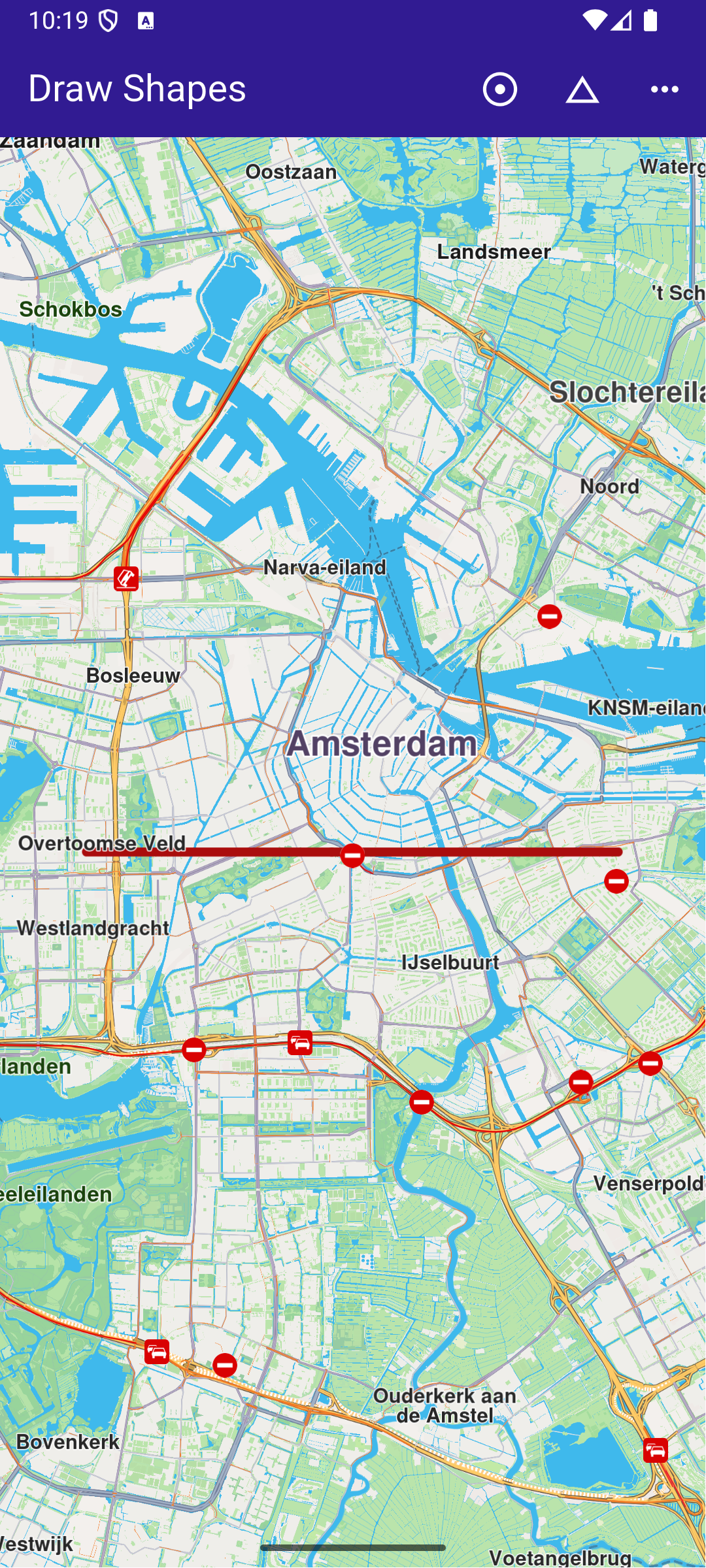
This example presents how to create a Flutter app that draws and displays shapes like polylines, polygons, and points on a map using Maps SDK for Flutter. #### How it works[​](#how-it-works "Direct link to How it works") The example app demonstrates the following features: * Draw and display polylines, polygons, and points on the map. * Handle user interaction through app bar buttons. ![](/docs/flutter/assets/images/example_flutter_draw_shapes2-8f489bcbfc6b54d9a46bd521d9d31e61.png) **Polygon drawing** ![](/docs/flutter/assets/images/example_flutter_draw_shapes3-e2c4b42851b74d21371e0068f311ad6a.png) **Polyline drawing** ![](/docs/flutter/assets/images/example_flutter_draw_shapes4-b43ef4c03125e82e5d0e9783c9680efc.png) **Points drawing** ##### UI and Map Integration[​](#ui-and-map-integration "Direct link to UI and Map Integration") This code defines the main UI elements, including the map and an app bar with buttons to draw polylines, polygons, and points on the map. main.dart[](draw_shapes/lib/main.dart?ref_type=heads#L16) ```dart class MyApp extends StatelessWidget { const MyApp({super.key}); @override Widget build(BuildContext context) { return const MaterialApp( debugShowCheckedModeBanner: false, title: 'Draw Shapes', home: MyHomePage(), ); } } class MyHomePage extends StatefulWidget { const MyHomePage({super.key}); @override State createState() => _MyHomePageState(); } class _MyHomePageState extends State { late GemMapController _mapController; @override void dispose() { GemKit.release(); super.dispose(); } @override Widget build(BuildContext context) { return Scaffold( appBar: AppBar( backgroundColor: Colors.deepPurple[900], title: const Text('Draw Shapes', style: TextStyle(color: Colors.white)), actions: [ IconButton( onPressed: _onPolylineButtonPressed, icon: const Icon( Icons.adjust, color: Colors.white, )), IconButton( onPressed: _onPolygonButtonPressed, icon: const Icon( Icons.change_history, color: Colors.white, )), IconButton( onPressed: _onPointsButtonPressed, icon: const Icon( Icons.more_horiz, color: Colors.white, )) ], ), body: GemMap( key: ValueKey("GemMap"), onMapCreated: _onMapCreated, appAuthorization: projectApiToken, ), ); } ``` ##### Drawing and Displaying Shapes[​](#drawing-and-displaying-shapes "Direct link to Drawing and Displaying Shapes") This code snippet defines the methods to draw and display different shapes (polyline, polygon, points) on the map. Each method creates a MarkerCollection , adds markers with specific coordinates, and displays them on the map. main.dart[](draw_shapes/lib/main.dart?ref_type=heads#L74) ```dart // The callback for when map is ready to use. void _onMapCreated(GemMapController controller) async { // Save controller for further usage. _mapController = controller; } // Method to draw and center on a polyline void _onPolylineButtonPressed() { // Create a marker collection final markerCollection = MarkerCollection( markerType: MarkerType.polyline, name: 'Polyline marker collection'); // Set coordinates of marker final marker = Marker(); marker.setCoordinates([ Coordinates(latitude: 52.360495, longitude: 4.936882), Coordinates(latitude: 52.360495, longitude: 4.836882), ]); markerCollection.add(marker); _showMarkerCollectionOnMap(markerCollection); } // Method to draw and center on a polygon void _onPolygonButtonPressed() { // Create a marker collection final markerCollection = MarkerCollection( markerType: MarkerType.polygon, name: 'Polygon marker collection'); // Set coordinates of marker final marker = Marker(); marker.setCoordinates([ Coordinates(latitude: 52.340234, longitude: 4.886882), Coordinates(latitude: 52.300495, longitude: 4.936882), Coordinates(latitude: 52.300495, longitude: 4.836882), ]); markerCollection.add(marker); _showMarkerCollectionOnMap(markerCollection); } // Method to draw and center on points void _onPointsButtonPressed() { // Create a marker collection final markerCollection = MarkerCollection( markerType: MarkerType.point, name: 'Points marker collection'); // Set coordinates of marker final marker = Marker(); marker.setCoordinates([ Coordinates(latitude: 52.380495, longitude: 4.930882), Coordinates(latitude: 52.380495, longitude: 4.900882), Coordinates(latitude: 52.380495, longitude: 4.870882), Coordinates(latitude: 52.380495, longitude: 4.840882), ]); markerCollection.add(marker); _showMarkerCollectionOnMap(markerCollection); } ``` ##### Utility Functions[​](#utility-functions "Direct link to Utility Functions") This utility method clears any previous markers on the map, then displays the new MarkerCollection and centers the map on the area containing the markers. main.dart[](draw_shapes/lib/main.dart?ref_type=heads#L140) ```dart Future _showMarkerCollectionOnMap( MarkerCollection markerCollection, ) async { final settings = MarkerCollectionRenderSettings(); // Clear previous markers from the map await _mapController.preferences.markers.clear(); // Show the current marker on map and center on it _mapController.preferences.markers.add( markerCollection, settings: settings, ); _mapController.centerOnArea(markerCollection.area, zoomLevel: 50); } ``` --- ### Follow Position |
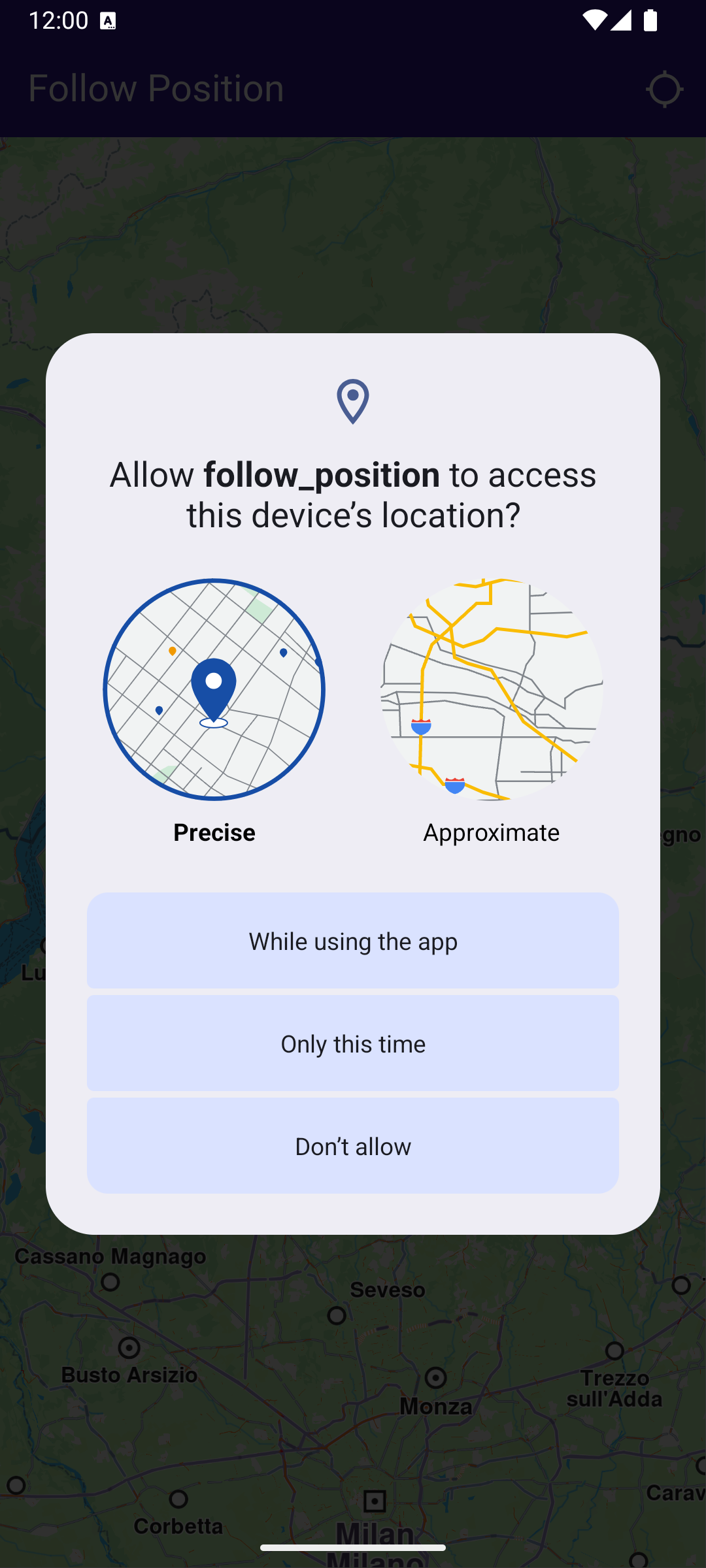
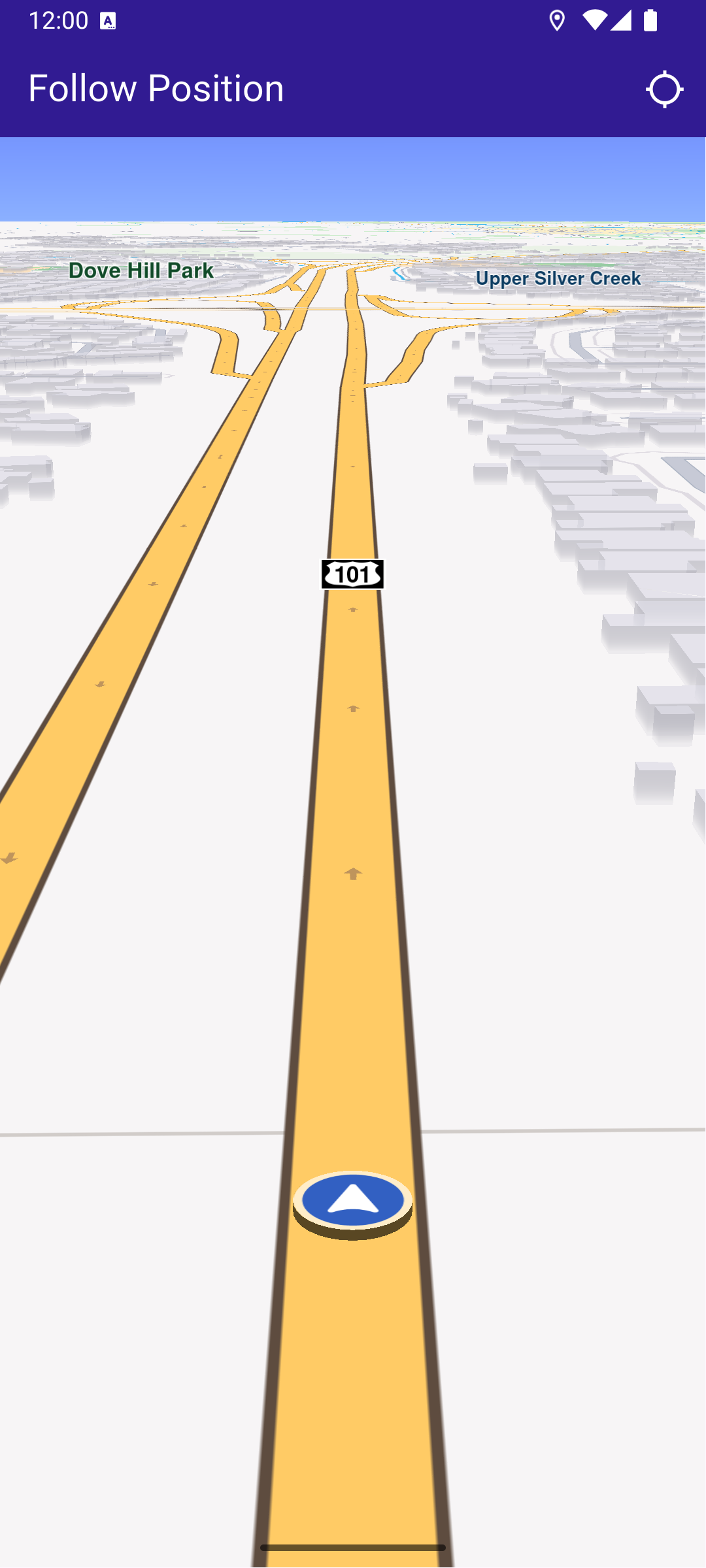
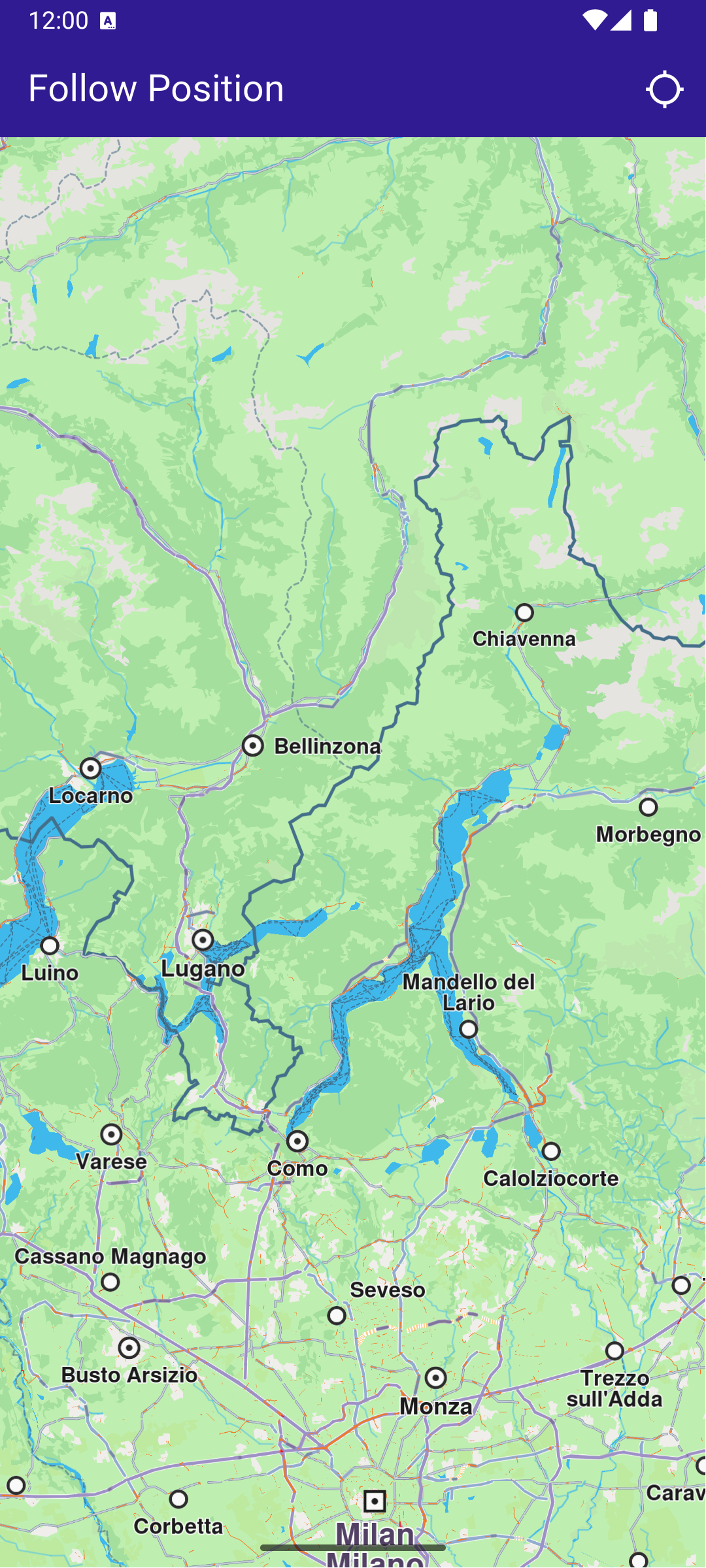
This example demonstrates how to create a Flutter app that follows the device’s location on a map using Maps SDK for Flutter, with an option to request location permissions if necessary. #### How it works[​](#how-it-works "Direct link to How it works") The example app demonstrates the following features: * Requesting location permissions on Android and iOS, with automatic handling on web platforms. * Setting the live data source for the map (typically the device’s GPS). * Following the device’s location on the map with optional animation. ![](/docs/flutter/assets/images/example_flutter_follow_position1-c4704e9c8d35e90f7ae9d050aa130fb8.png) **Initial map view** ![](/docs/flutter/assets/images/example_flutter_follow_position2-5e6b88f283346a7032125c6e12ccbd3b.png) **Location permission dialog** ![](/docs/flutter/assets/images/example_flutter_follow_position3-ad6909a27a50838cc161ca533eb1fa2c.png) **Camera following current position** ##### UI and Map Integration[​](#ui-and-map-integration "Direct link to UI and Map Integration") main.dart[](follow_position/lib/main.dart?ref_type=heads#L18) ```dart class MyApp extends StatelessWidget { const MyApp({super.key}); @override Widget build(BuildContext context) { return const MaterialApp( debugShowCheckedModeBanner: false, title: 'Follow Position', home: MyHomePage(), ); } } class MyHomePage extends StatefulWidget { const MyHomePage({super.key}); @override State createState() => _MyHomePageState(); } class _MyHomePageState extends State { late GemMapController _mapController; PermissionStatus _locationPermissionStatus = PermissionStatus.denied; bool _hasLiveDataSource = false; @override void dispose() { GemKit.release(); super.dispose(); } @override Widget build(BuildContext context) { return Scaffold( appBar: AppBar( backgroundColor: Colors.deepPurple[900], title: const Text('Follow Position', style: TextStyle(color: Colors.white)), actions: [ IconButton( onPressed: _onFollowPositionButtonPressed, icon: const Icon(Icons.location_searching_sharp, color: Colors.white), ), ], ), body: GemMap( key: ValueKey("GemMap"), onMapCreated: _onMapCreated, appAuthorization: projectApiToken, ), ); } ``` This code sets up the app’s user interface, including a map and a button to follow the device’s position. ##### Handling Location Permissions and Following Position[​](#handling-location-permissions-and-following-position "Direct link to Handling Location Permissions and Following Position") main.dart[](follow_position/lib/main.dart?ref_type=heads#L77) ```dart // The callback for when map is ready to use. void _onMapCreated(GemMapController controller) async { // Save controller for further usage. _mapController = controller; } void _onFollowPositionButtonPressed() async { if (kIsWeb) { // On web platform permission are handled differently than other platforms. // The SDK handles the request of permission for location. final locationPermssionWeb = await PositionService.requestLocationPermission(); if (locationPermssionWeb == true) { _locationPermissionStatus = PermissionStatus.granted; } else { _locationPermissionStatus = PermissionStatus.denied; } } else { // For Android & iOS platforms, permission_handler package is used to ask for permissions. _locationPermissionStatus = await Permission.locationWhenInUse.request(); } if (_locationPermissionStatus == PermissionStatus.granted) { // After the permission was granted, we can set the live data source (in most cases the GPS). // The data source should be set only once, otherwise we'll get -5 error. if (!_hasLiveDataSource) { PositionService.setLiveDataSource(); _hasLiveDataSource = true; } // Optionally, we can set an animation final animation = GemAnimation(type: AnimationType.linear); // Calling the start following position SDK method. _mapController.startFollowingPosition(animation: animation); setState(() {}); } } } ``` This code handles the process of requesting location permissions, setting the GPS as the live data source, and starting the map’s follow position mode. ##### Displaying Position Information[​](#displaying-position-information "Direct link to Displaying Position Information") When the “Follow Position” button is pressed, the \_onFollowPositionButtonPressed() callback is triggered. It requests location permission if it hasn’t been granted already, and sets the location data source to the device’s GPS sensor. Once the permission is granted and the data source is set, the map will follow the device’s location, centering the camera on the current position. The follow position feature is disabled if the user interacts with the map, such as by panning, until the button is pressed again. Required Permissions To ensure this example functions correctly, the necessary permissions must be added to the project's Android and iOS configuration files: * Android * iOS Add the following code to the `android/app/src/main/AndroidManifest.xml` file, within the `` block: ``` ``` This example uses the [Permission Handler](https://pub.dev/packages/permission_handler) package. Be sure to follow the [setup guide](https://pub.dev/packages/permission_handler#setup). Add the following to `ios/Runner/Info.plist` inside the ``: ``` NSLocationWhenInUseUsageDescription Location is needed for map localization and navigation ``` This example uses the [Permission Handler](https://pub.dev/packages/permission_handler) package. Follow the [official setup instructions](https://pub.dev/packages/permission_handler#setup). Add this to your `ios/Podfile`: ``` post_install do |installer| installer.pods_project.targets.each do |target| flutter_additional_ios_build_settings(target) target.build_configurations.each do |config| config.build_settings['GCC_PREPROCESSOR_DEFINITIONS'] ||= [ '$(inherited)', 'PERMISSION_LOCATION=1', ] end end end ``` --- ### Hello Map |
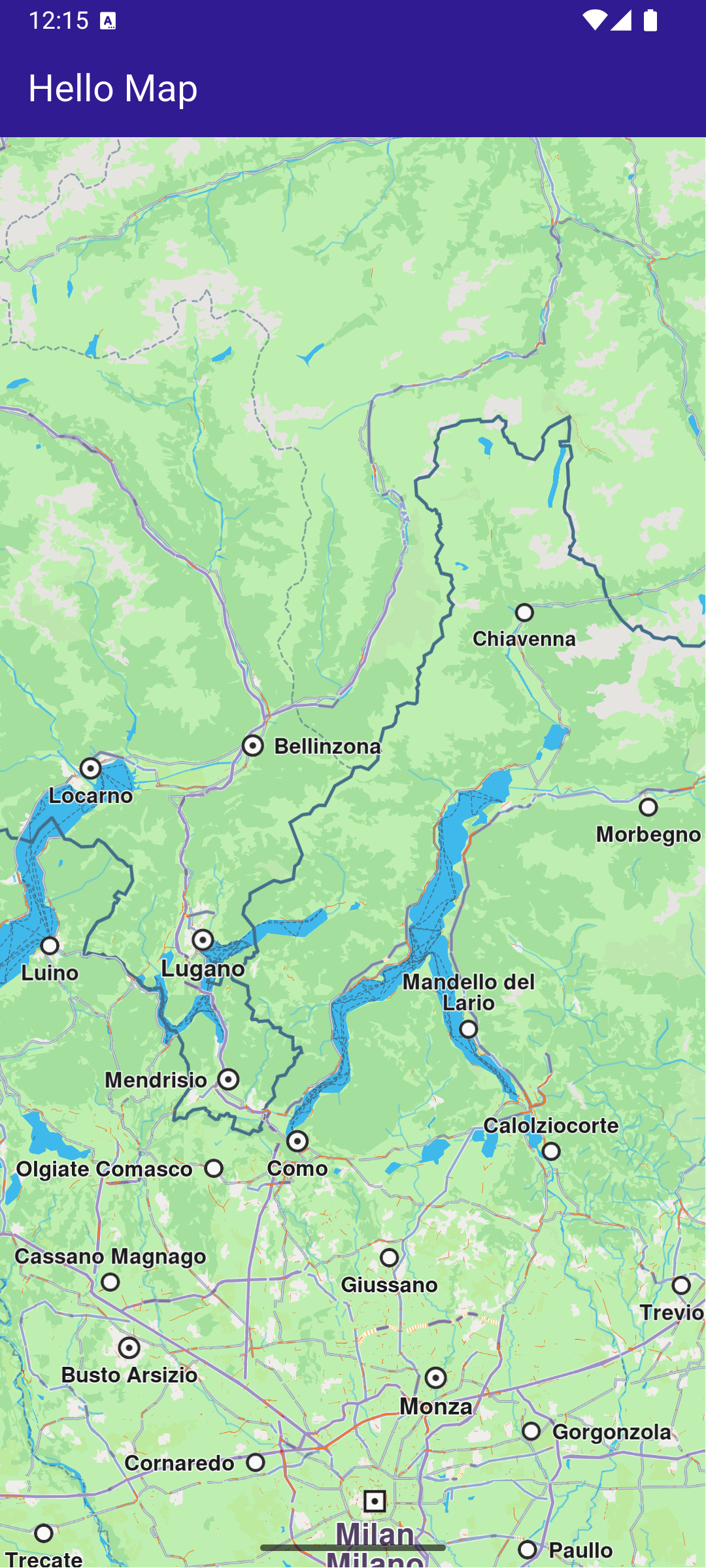
This example demonstrates how to create a Flutter app that displays an interactive map using Maps SDK for Flutter. #### How it works[​](#how-it-works "Direct link to How it works") The example app demonstrates the following feature: * Display a map. ![](/docs/flutter/assets/images/example_flutter_hello_map1-0bdc063e95eda1f11b1b11279cb63e9a.png) **GemMap widget** ##### Map Display and Cleanup[​](#map-display-and-cleanup "Direct link to Map Display and Cleanup") The following code outlines the main page widget, which displays the map and handles resource clean-up: main.dart[](hello_map/lib/main.dart?ref_type=heads#L29) ```dart class MyHomePage extends StatefulWidget { const MyHomePage({super.key}); @override State createState() => _MyHomePageState(); } class _MyHomePageState extends State { @override void dispose() { GemKit.release(); super.dispose(); } @override Widget build(BuildContext context) { return Scaffold( appBar: AppBar( backgroundColor: Colors.deepPurple[900], title: const Text('Hello Map', style: TextStyle(color: Colors.white)), ), body: const GemMap( key: ValueKey("GemMap"), appAuthorization: projectApiToken, ), ); } } ``` ##### Explanation of key components[​](#explanation-of-key-components "Direct link to Explanation of key components") * The `MyHomePage` widget contains the scaffold that houses the map. * The `dispose` method ensures that resources are released when the widget is destroyed. * The `GemMap` widget is used to display the interactive map in the body of the scaffold. --- ### Map Compass |
This example demonstrates how to render a compass icon that displays the heading rotation of an interactive map. The compass indicates the direction where 0 degrees is north, 90 degrees is east, 180 degrees is south, and 270 degrees is west. You will also learn how to rotate the map back to its default north-up orientation. #### How it works[​](#how-it-works "Direct link to How it works") The example app demonstrates the following features: * Display a map and sync a compass to its rotation. * Align north up the map. ![](/docs/flutter/assets/images/example_flutter_map_compass1-9aa898d4aec59ac7848043385066293c.png) **Initial map rotation angle, north pointing up** ![](/docs/flutter/assets/images/example_flutter_map_compass2-36d62c362a2736c5b14bb1e97d4876a8.png) **Map rotation angle changed, north pointing differently** ##### Map and UI components display[​](#map-and-ui-components-display "Direct link to Map and UI components display") main.dart[](map_compass/lib/main.dart?ref_type=heads#L38) ```dart class _MyHomePageState extends State { late GemMapController mapController; double compassAngle = 0; Uint8List? compassImage; @override void dispose() { GemKit.release(); super.dispose(); } @override Widget build(BuildContext context) { return Scaffold( appBar: AppBar( backgroundColor: Colors.deepPurple[900], title: const Text("Map Compass", style: TextStyle(color: Colors.white)), ), body: Stack( children: [ GemMap( key: ValueKey("GemMap"), onMapCreated: _onMapCreated, appAuthorization: projectApiToken, ), if (compassImage != null) Positioned( right: 12, top: 12, child: InkWell( // Align the map north to up. onTap: () => mapController.alignNorthUp(), child: Transform.rotate( angle: -compassAngle * (3.141592653589793 / 180), child: Container( padding: const EdgeInsets.all(3), decoration: const BoxDecoration( shape: BoxShape.circle, color: Colors.white, ), child: SizedBox( width: 40, height: 40, child: Image.memory( compassImage!, gaplessPlayback: true, ), ), ), ), ), ), ], ), ); } // The callback for when map is ready to use. void _onMapCreated(GemMapController controller) { mapController = controller; // Register the map angle update callback. mapController.registerOnMapAngleUpdate( (angle) => setState(() => compassAngle = angle), ); setState(() { compassImage = _compassImage(); }); } Uint8List? _compassImage() { // We will use the SDK image for compass but any widget can be used to represent the compass. final image = SdkSettings.getImageById( id: EngineMisc.compassEnableSensorOFF.id, size: const Size(100, 100), ); return image; } } ``` This callback function is triggered when the interactive map is initialized and ready for use. The map angle update callback is registered to ensure that the compass icon reflects the map’s current heading. When the map’s heading angle changes (e.g., due to rotation), the compassAngle variable is updated, causing the compass widget to rotate accordingly. Tapping on the compass icon calls mapController.alignNorthUp() , which reorients the map so that 0 degrees (north) is at the top of the screen. --- ### Map Download |
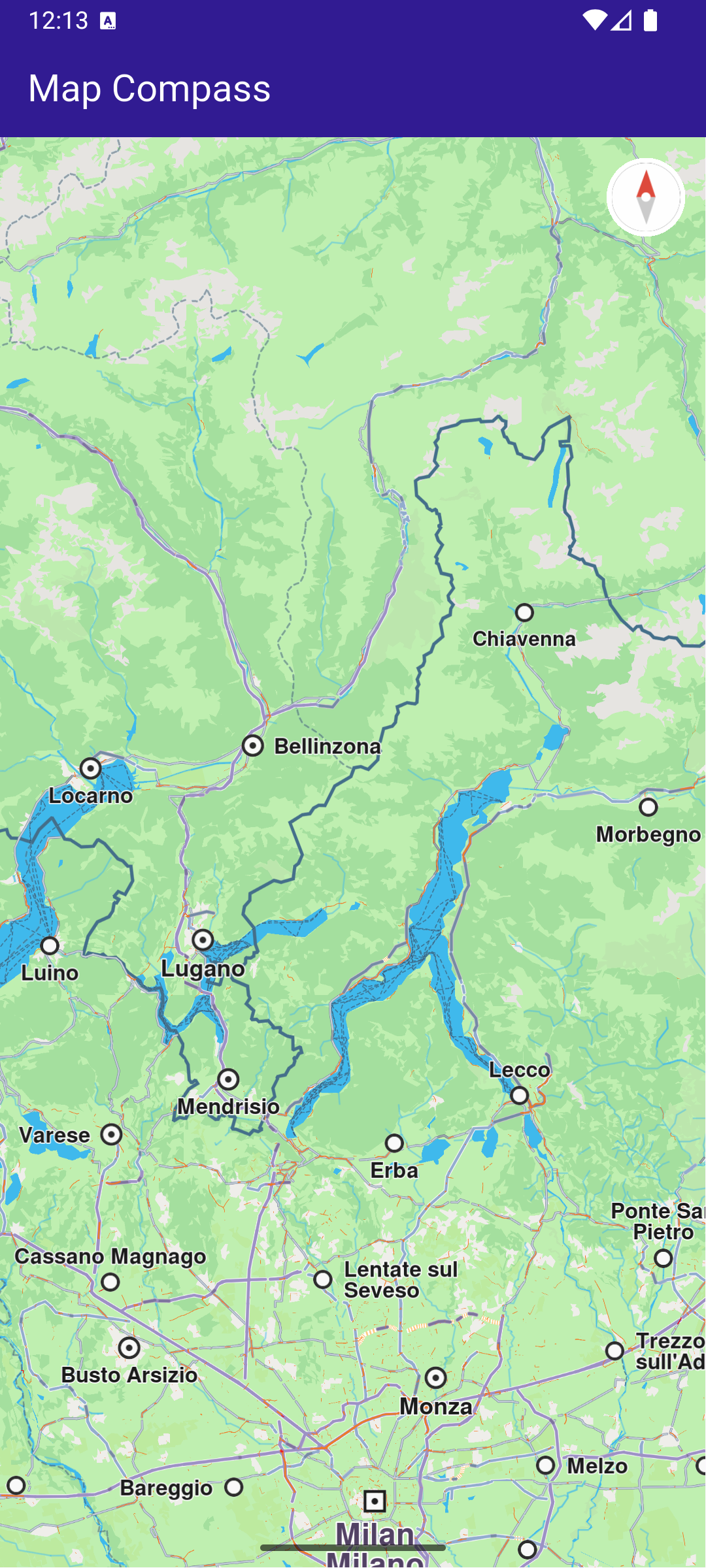
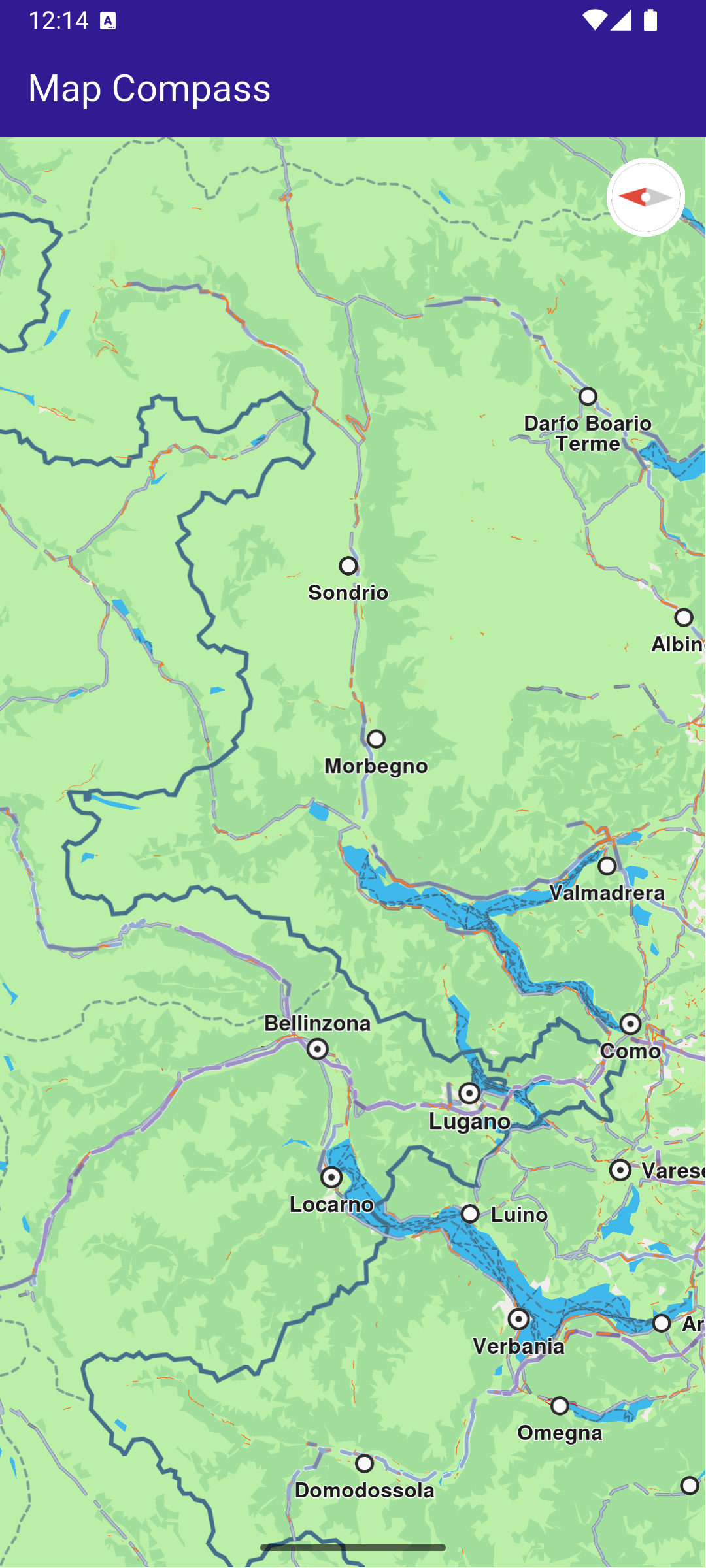
This example demonstrates how to list the road maps available on the server for download, how to download a map while indicating the download progress, and how to display the download’s finished status. #### How it works[​](#how-it-works "Direct link to How it works") This example demonstrates the following features: * List road maps available on the server for download. * Download a map while displaying download progress. * Indicate when the download is finished. ![](/docs/flutter/assets/images/example_flutter_map_download1-1618bdeefe1a65f036a68cac134905dc.png) **Initial map view** ![](/docs/flutter/assets/images/example_flutter_map_download2-d1e6b120ac4782a362866bd43250cf1a.png) **Downloadable Maps list** ##### UI and Map Integration[​](#ui-and-map-integration "Direct link to UI and Map Integration") This code defines the main app structure and how it handles the map’s initialization and the navigation to the map download page. main.dart[](map_download/lib/main.dart?ref_type=heads#L31) ```dart class MyHomePage extends StatefulWidget { const MyHomePage({super.key}); @override State createState() => _MyHomePageState(); } class _MyHomePageState extends State { @override void dispose() { GemKit.release(); super.dispose(); } @override Widget build(BuildContext context) { return Scaffold( appBar: AppBar( backgroundColor: Colors.deepPurple[900], title: const Text( 'Map Download', style: TextStyle(color: Colors.white), ), actions: [ IconButton( onPressed: () => _onMapButtonTap(context), icon: const Icon( Icons.map_outlined, color: Colors.white, ), ), ], ), body: GemMap( key: ValueKey("GemMap"), onMapCreated: _onMapCreated, appAuthorization: projectApiToken, ), ); } void _onMapCreated(GemMapController controller) async { SdkSettings.setAllowOffboardServiceOnExtraChargedNetwork( ServiceGroupType.contentService, true); } void _onMapButtonTap(BuildContext context) async { Navigator.of(context).push(MaterialPageRoute( builder: (context) => const MapsPage(), )); } } ``` ![](/docs/flutter/assets/images/example_flutter_map_download3-3e315bd33ce82dcf2a3be868f1b9e42b.png) **Map downloading** ![](/docs/flutter/assets/images/example_flutter_map_download4-b364a601783562a2dd5590b8de3e9fa4.png) **Downloaded map** ##### Maps page[​](#maps-page "Direct link to Maps page") The MapsPage widget fetches the list of maps available for download and displays them in a scrollable list. maps\_page.dart[](map_download/lib/maps_page.dart?ref_type=heads#L13) ```dart class MapsPage extends StatefulWidget { const MapsPage({super.key}); @override State createState() => _MapsPageState(); } class _MapsPageState extends State { final mapsList = []; @override Widget build(BuildContext context) { return Scaffold( appBar: AppBar( automaticallyImplyLeading: true, foregroundColor: Colors.white, title: const Text("Maps List", style: TextStyle(color: Colors.white)), backgroundColor: Colors.deepPurple[900], ), body: FutureBuilder>( future: getMaps(), builder: (context, snapshot) { if (!snapshot.hasData || snapshot.data == null) { return const Center(child: CircularProgressIndicator()); } return Scrollbar( child: ListView.separated( padding: EdgeInsets.zero, itemCount: snapshot.data!.length, separatorBuilder: (context, index) => const Divider(indent: 50, height: 0), itemBuilder: (context, index) { final mapItem = snapshot.data!.elementAt(index); return MapsItem(mapItem: mapItem); }, ), ); }, ), ); } } ``` ##### Map item[​](#map-item "Direct link to Map item") The MapsItem widget represents each map item in the list, allowing users to download or delete maps and see the download progress. The widget also allows pausing and resuming downloads. maps\_item.dart[](map_download/lib/maps_item.dart?ref_type=heads#L13) ```dart class MapsItem extends StatefulWidget { final ContentStoreItem mapItem; const MapsItem({super.key, required this.mapItem}); @override State createState() => _MapsItemState(); } class _MapsItemState extends State { ContentStoreItem get mapItem => widget.mapItem; @override void initState() { super.initState(); mapItem.setProgressListener(_onMapDownloadFinished, _onMapDownloadProgressUpdated); } @override Widget build(BuildContext context) { return Row( children: [ Expanded( child: ListTile( onTap: _onTileTap, leading: Container( padding: const EdgeInsets.all(8), width: 50, child: getImage(mapItem) != null ? Image.memory(getImage(mapItem)!) : SizedBox(), ), title: Text( mapItem.name, style: const TextStyle(color: Colors.black, fontSize: 16, fontWeight: FontWeight.w600), ), subtitle: Text( "${(mapItem.totalSize / (1024.0 * 1024.0)).toStringAsFixed(2)} MB", style: const TextStyle(color: Colors.black, fontSize: 16), ), trailing: SizedBox.square( dimension: 50, child: Builder( builder: (context) { if (mapItem.isCompleted) { return const Icon(Icons.download_done, color: Colors.green); } else if (getIsDownloadingOrWaiting(mapItem)) { return SizedBox( height: 10, child: CircularProgressIndicator( value: mapItem.downloadProgress / 100.0, color: Colors.blue, backgroundColor: Colors.grey.shade300, ), ); } else if (mapItem.status == ContentStoreItemStatus.paused) { return const Icon(Icons.pause); } return const SizedBox.shrink(); }, ), ), ), ), if (mapItem.isCompleted) IconButton( onPressed: () { if (mapItem.deleteContent() == GemError.success) { setState(() {}); } }, padding: EdgeInsets.zero, icon: const Icon(Icons.delete), ), ], ); } void _onTileTap() { if (!mapItem.isCompleted) { if (getIsDownloadingOrWaiting(mapItem)) { _pauseDownload(); } else { _downloadMap(); } } } void _downloadMap() { // Download the map. mapItem.asyncDownload( _onMapDownloadFinished, onProgress: _onMapDownloadProgressUpdated, allowChargedNetworks: true, ); } void _pauseDownload() { // Pause the download. mapItem.pauseDownload(); setState(() {}); } void _onMapDownloadProgressUpdated(int progress) { if (mounted) { setState(() {}); } } void _onMapDownloadFinished(GemError err) { // If there is no error, we change the state if (mounted && err == GemError.success) { setState(() {}); } } } ``` ##### Util functions[​](#util-functions "Direct link to Util functions") In the file `utils.dart` there are some helping functions and extensions for: * getting the list of online maps * pause and restart a download (a trick to re-wire the UI logic to the `ContentStoreItem`s) - Important to mention is that restarting the download is only made after the item is completely paused. utils.dart[](map_download/lib/utils.dart?ref_type=heads#L16) ```dart bool getIsDownloadingOrWaiting(ContentStoreItem contentItem) => [ ContentStoreItemStatus.downloadQueued, ContentStoreItemStatus.downloadRunning, ContentStoreItemStatus.downloadWaitingNetwork, ContentStoreItemStatus.downloadWaitingFreeNetwork, ContentStoreItemStatus.downloadWaitingNetwork, ].contains(contentItem.status); // Method that returns the image of the country associated with the road map item Uint8List? getImage(ContentStoreItem contentItem) { Img? img = MapDetails.getCountryFlagImg(contentItem.countryCodes[0]); if (img == null) return null; if (!img.isValid) return null; return img.getRenderableImageBytes(size: Size(100, 100)); } // Method to load the maps Future> getMaps() async { final mapsListCompleter = Completer>(); ContentStore.asyncGetStoreContentList(ContentType.roadMap, (err, items, isCached) { if (err == GemError.success) { mapsListCompleter.complete(items); } else { mapsListCompleter.complete([]); } }); return mapsListCompleter.future; } ``` --- ### Map Gestures |
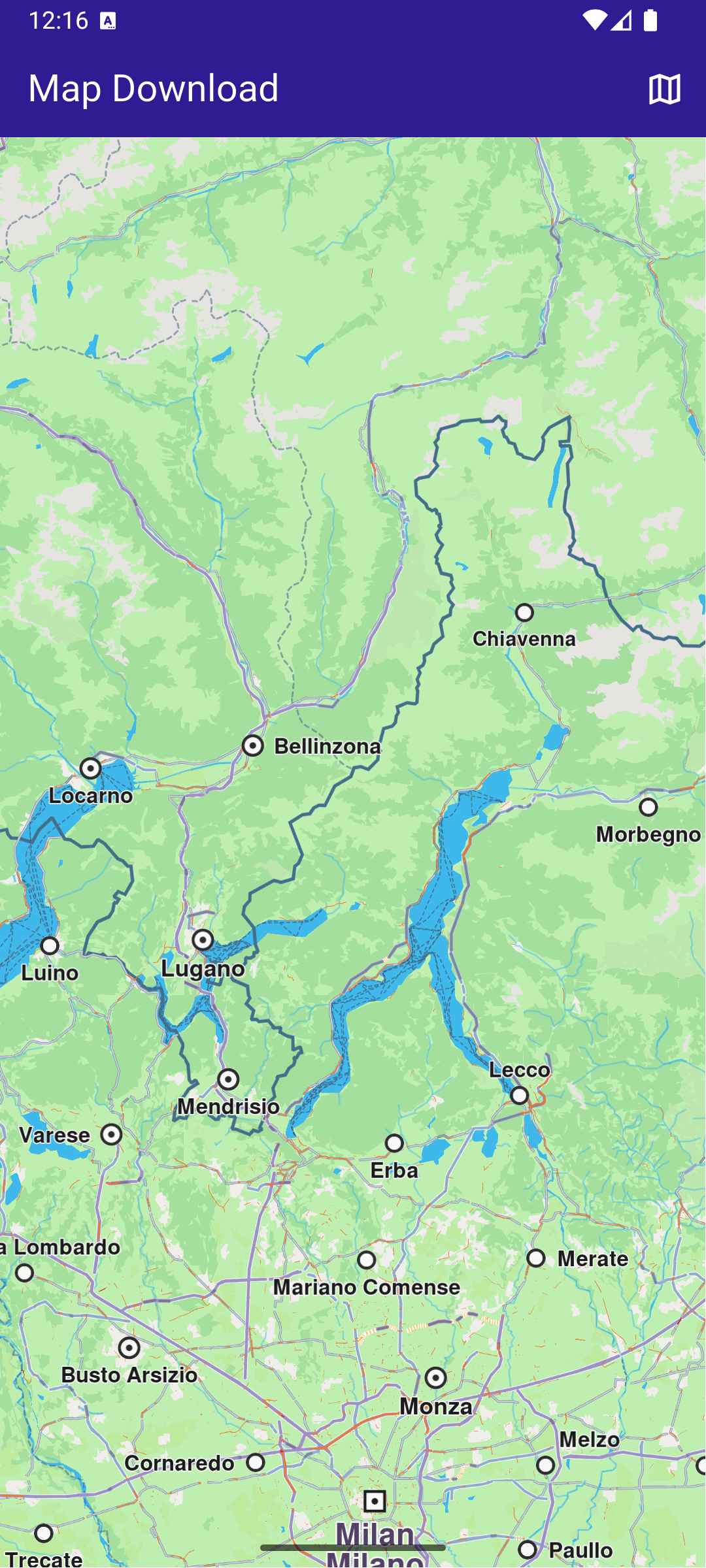
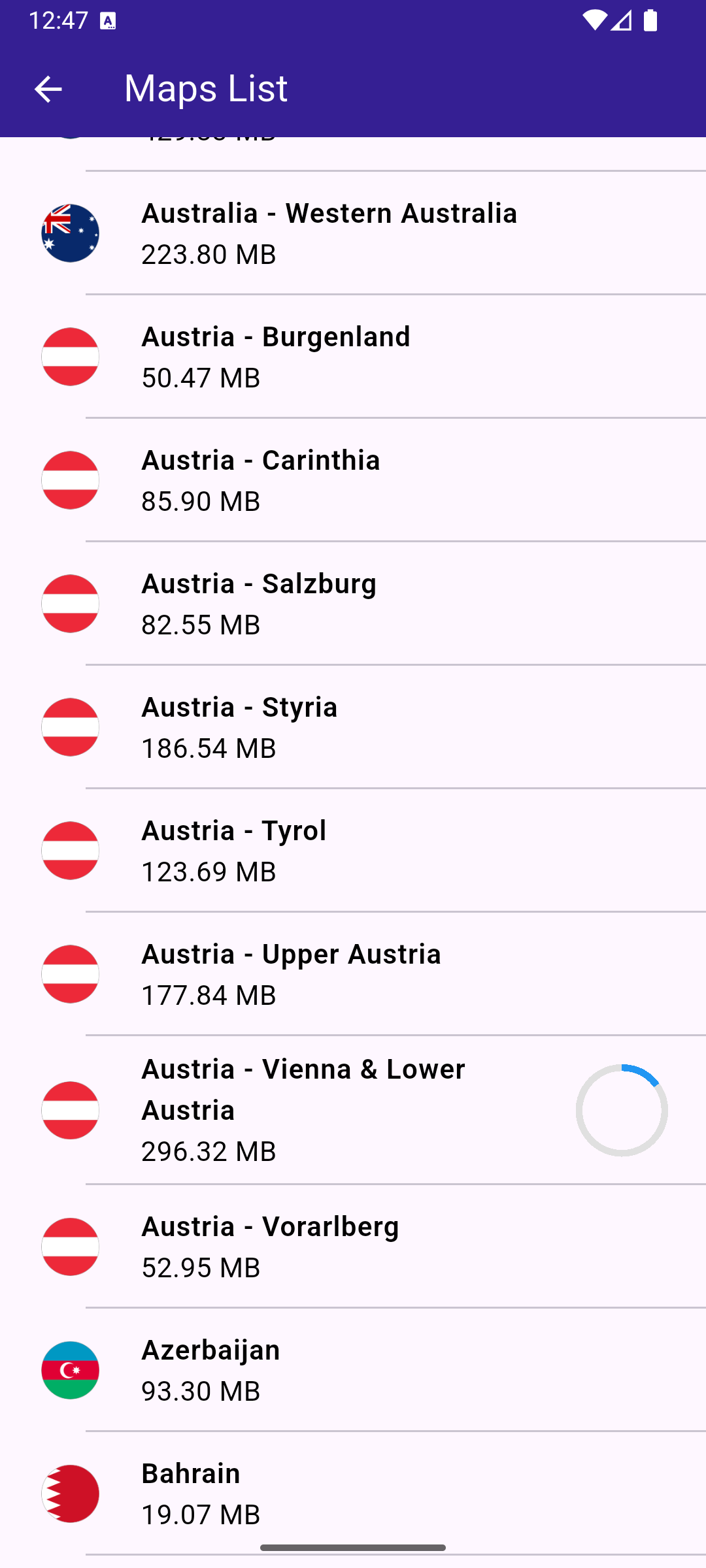
This example demonstrates how to create a Flutter app that enables map gesture interactions using Maps SDK for Flutter. Users can interact with the map using gestures such as touch, move, angle change, and long press. #### How it works[​](#how-it-works "Direct link to How it works") The example app demonstrates the following features: * Main App Setup : The main app initializes GemKit and displays a map. * Map Gesture Handlers : Various gesture callbacks are registered on the map to track user interactions, including touch, movement, angle changes, and long presses. ![](/docs/flutter/assets/images/example_flutter_map_gestures1-78dc7fd79c5091b2d763b87a55296f8a.png) **Pan gesture** ![](/docs/flutter/assets/images/example_flutter_map_gestures3-350b0ab6c6a1eddfdfbe5a46ea8228d0.png) **Pinch gesture** ![](/docs/flutter/assets/images/example_flutter_map_gestures4-38cf3bd7d22ce5de6a80ec5de98d21b1.png) **Swipe gesture** ##### UI and Map Integration[​](#ui-and-map-integration "Direct link to UI and Map Integration") main.dart[](map_gestures/lib/main.dart?ref_type=heads#L19) ```dart class MyApp extends StatelessWidget { const MyApp({super.key}); @override Widget build(BuildContext context) { return const MaterialApp( debugShowCheckedModeBanner: false, title: 'Map Gestures', home: MyHomePage(), ); } } class MyHomePage extends StatefulWidget { const MyHomePage({super.key}); @override State createState() => _MyHomePageState(); } ``` ##### Map Gesture interactions[​](#map-gesture-interactions "Direct link to Map Gesture interactions") main.dart[](map_gestures/lib/main.dart?ref_type=heads#L39) ```dart class _MyHomePageState extends State { // GemMapController object used to interact with the map late GemMapController _mapController; String? _mapGesture; @override void dispose() { GemKit.release(); super.dispose(); } @override Widget build(BuildContext context) { return Scaffold( appBar: AppBar( backgroundColor: Colors.deepPurple[900], title: const Text( 'Map Gestures', style: TextStyle(color: Colors.white), ), actions: [], ), body: Stack( children: [ GemMap( key: ValueKey("GemMap"), onMapCreated: _onMapCreated, appAuthorization: projectApiToken, ), if (_mapGesture != null) Positioned( bottom: MediaQuery.of(context).padding.bottom + 1, child: GesturePanel(gesture: _mapGesture!), ), ], ), ); } void _onMapCreated(GemMapController controller) async { _mapController = controller; _mapController.registerOnMapAngleUpdate((angle) { setState(() { _mapGesture = 'Rotate gesture'; }); print("Gesture: onMapAngleUpdate $angle"); }); _mapController.registerOnTouch((point) { setState(() { _mapGesture = 'Touch Gesture'; }); print("Gesture: onTouch $point"); }); _mapController.registerOnMove((point1, point2) { setState(() { _mapGesture = 'Pan Gesture'; }); print( 'Gesture: onMove from (${point1.x} ${point1.y}) to (${point2.x} ${point2.y})', ); }); _mapController.registerOnLongPress((point) { setState(() { _mapGesture = 'Long Press Gesture'; }); print('Gesture: onLongPress $point'); }); _mapController.registerOnDoubleTouch((point) { setState(() { _mapGesture = 'Double Touch Gesture'; }); print('Gesture: onDoubleTouch $point'); }); _mapController.registerOnPinch(( point1, point2, point3, point4, point5, ) { setState(() { _mapGesture = 'Pinch Gesture'; }); print( 'Gesture: onPinch from (${point1.x} ${point1.y}) to (${point2.x} ${point2.y})', ); }); _mapController.registerOnShove((degrees, point1, point2, point3) { setState(() { _mapGesture = 'Shove Gesture'; }); print( 'Gesture: onShove with $degrees angle from (${point1.x} ${point1.y}) to (${point2.x} ${point2.y})', ); }); _mapController.registerOnSwipe((distX, distY, speedMMPerSec) { setState(() { _mapGesture = 'Swipe Gesture'; }); print( 'Gesture: onSwipe with $distX distance in X and $distY distance in Y at $speedMMPerSec mm/s', ); }); _mapController.registerOnPinchSwipe((point, zoomSpeed, rotateSpeed) { setState(() { _mapGesture = 'Pinch Swipe Gesture'; }); print( 'Gesture: onPinchSwipe with zoom speed $zoomSpeed and rotate speed $rotateSpeed', ); }); _mapController.registerOnTwoTouches((point) { setState(() { _mapGesture = 'Two Touches Gesture'; }); print('Gesture: onTwoTouches $point'); }); _mapController.registerOnTouchPinch((point1, point2, point3, point4) { setState(() { _mapGesture = 'Touch Pinch Gesture'; }); print( 'Gesture: onTouchPinch from (${point1.x} ${point1.y}) to (${point2.x} ${point2.y})', ); }); } void showSnackbar(String message) { final snackBar = SnackBar( content: Text(message), duration: const Duration(seconds: 3), ); ScaffoldMessenger.of(context).showSnackBar(snackBar); } } ``` This code sets up the main screen with a map and registers gesture handlers to print updates to the console based on user interactions. ![](/docs/flutter/assets/images/example_flutter_map_gestures2-52f0c0f9f835f0d5513495c60200759d.png) **Updates coming from registered callbacks** --- ### Map Perspective |
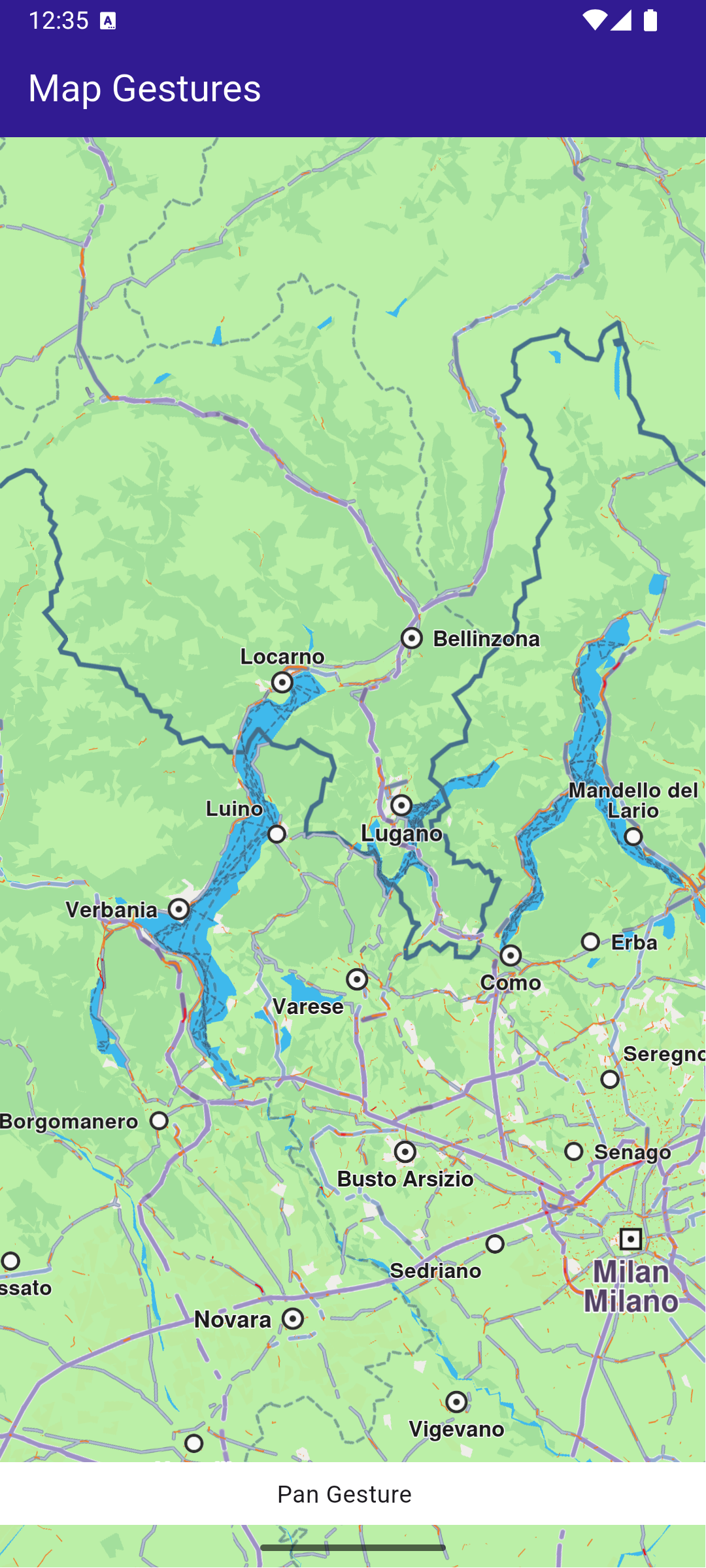
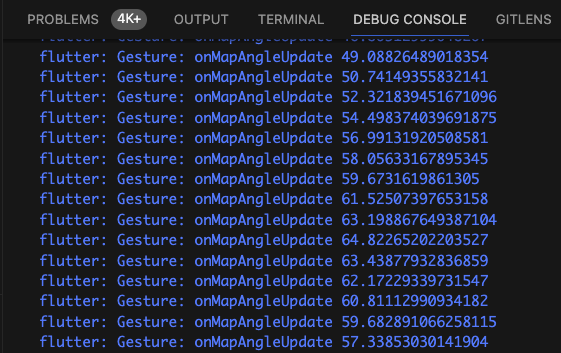
This example demonstrates how to toggle the map view angle between 2D (vertical look-down at the map) and 3D (perspective, tilted map, looking toward the horizon). #### How it works[​](#how-it-works "Direct link to How it works") This example demonstrates the following features: * Toggle between 2D (vertical) and 3D (perspective) map views. * Adjust the map tilt angle dynamically based on the selected mode. * Interact with the map’s settings through GemMapController. ![](/docs/flutter/assets/images/example_flutter_map_perspective2-b3b5c8a1c1938822ddca77bf1add19f7.png) **Displaying a map with a tilt angle of 30 degrees** ![](/docs/flutter/assets/images/example_flutter_map_perspective1-3a86e248dd7eb2125e3820d3afc5c235.png) **Displaying a map with a tilt angle of 90 degrees** ##### UI and Map Integration[​](#ui-and-map-integration "Direct link to UI and Map Integration") main.dart[](map_perspective/lib/main.dart?ref_type=heads#L19) ```dart class MyApp extends StatelessWidget { const MyApp({super.key}); @override Widget build(BuildContext context) { return const MaterialApp( debugShowCheckedModeBanner: false, title: 'Map Perspective', home: MyHomePage(), ); } } class MyHomePage extends StatefulWidget { const MyHomePage({super.key}); @override State createState() => _MyHomePageState(); } class _MyHomePageState extends State { // Map preferences are used to change map perspective late MapViewPreferences _mapPreferences; late bool _isInPerspectiveView = false; // Tilt angle for perspective view final double _3dViewAngle = 30; // Tilt angle for orthogonal/vertical view final double _2dViewAngle = 90; @override void dispose() { GemKit.release(); super.dispose(); } @override Widget build(BuildContext context) { return Scaffold( appBar: AppBar( backgroundColor: Colors.deepPurple[900], title: const Text( 'Perspective Map', style: TextStyle(color: Colors.white), ), actions: [ IconButton( onPressed: _onChangePersectiveButtonPressed, icon: Icon( _isInPerspectiveView ? CupertinoIcons.view_2d : CupertinoIcons.view_3d, color: Colors.white, ), ), ], ), body: GemMap( key: ValueKey("GemMap"), onMapCreated: _onMapCreated, appAuthorization: projectApiToken, ), ); } // The callback for when map is ready to use void _onMapCreated(GemMapController controller) async { _mapPreferences = controller.preferences; } void _onChangePersectiveButtonPressed() async { setState(() => _isInPerspectiveView = !_isInPerspectiveView); // Based on view type, set the view angle if (_isInPerspectiveView) { _mapPreferences.buildingsVisibility = BuildingsVisibility.threeDimensional; _mapPreferences.tiltAngle = _3dViewAngle; } else { _mapPreferences.buildingsVisibility = BuildingsVisibility.twoDimensional; _mapPreferences.tiltAngle = _2dViewAngle; } } } ``` The map view angle is set using \_mapPreferences.tiltAngle , where the map preferences are obtained from the GemMapController controller that is passed into the \_onMapCreated() callback, which is called when the interactive map is initialized and ready to use. The map view angle is set to 90 degrees (looking vertically downward at the map) for 2D mode. The map view angle is set to 30 degrees (looking 30 degrees downward from the horizon) for 3D mode. ![](/docs/flutter/assets/images/example_flutter_map_perspective3-1581d518ac7d640098e45f1056273fc6.png) **Displaying a map with a two-dimensional perspective** ![](/docs/flutter/assets/images/example_flutter_map_perspective4-00fca841172cfe4fde4d5f1594f48c29.png) **Displaying a map with a three-dimensional perspective** --- ### Map Selection |
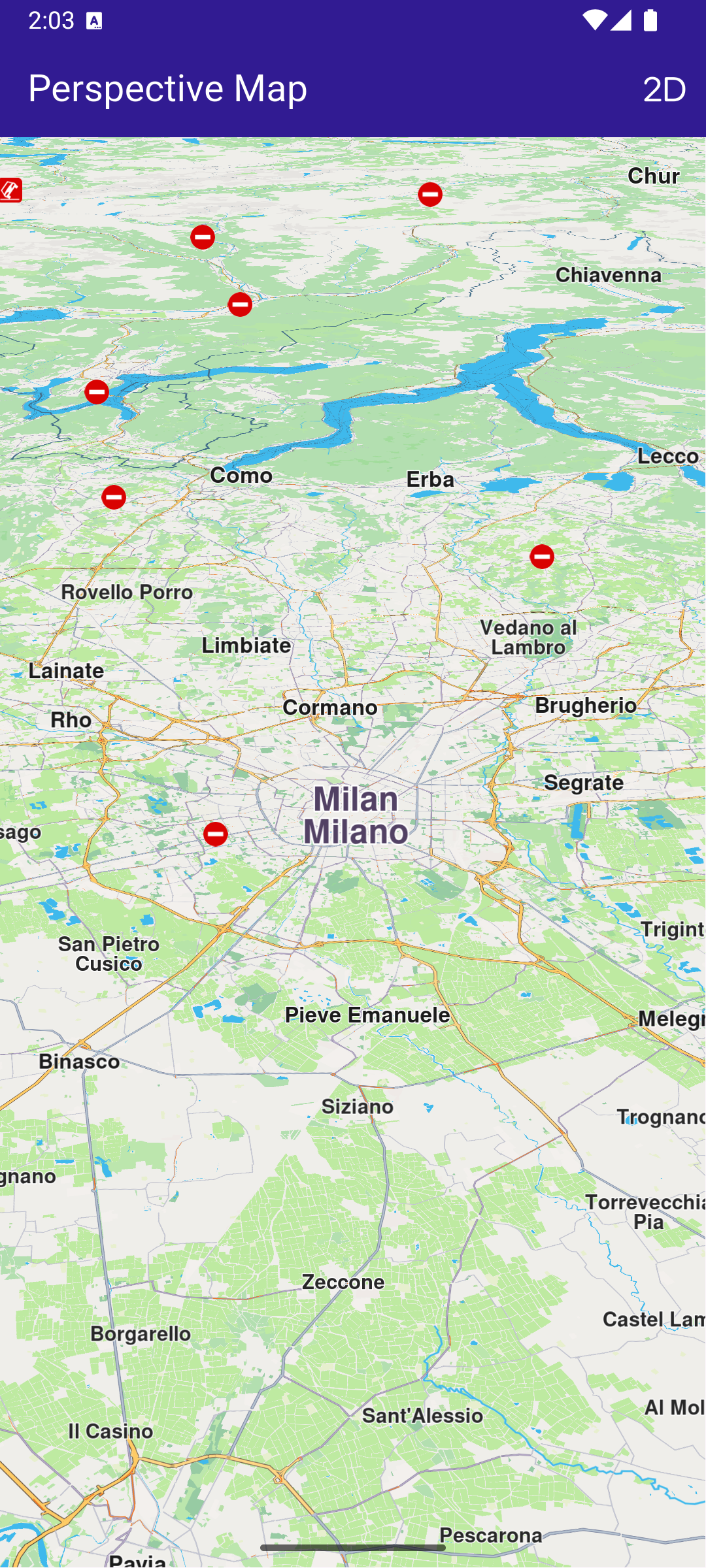
This example demonstrates how to explore various points of interest (POIs) and select destinations with ease. #### How it works[​](#how-it-works "Direct link to How it works") This example demonstrates the following features: * Explore and select Points of Interest (POIs) on the map. * Highlight and display detailed information about selected landmarks. * Dynamically interact with map features through user taps. ![](/docs/flutter/assets/images/example_flutter_map_selection1-e1d26bb5ae4598c61c7e1b51cf80cf50.png) **Map displaying multiple POIs** ![](/docs/flutter/assets/images/example_flutter_map_selection2-9353ec7e2e6916735a77363c2026c2f2.png) **Selected Parking Garage POI** ##### UI and Map Integration[​](#ui-and-map-integration "Direct link to UI and Map Integration") The selection is highlighted when it is tapped. The taps are listened to by \_registerLandmarkTapCallback , which is called in the \_onMapCreated() callback, executed when the interactive map is initialized and ready for use. main.dart[](map_selection/lib/main.dart?ref_type=heads#L18) ```dart class MyApp extends StatelessWidget { const MyApp({super.key}); @override Widget build(BuildContext context) { return const MaterialApp( debugShowCheckedModeBanner: false, title: 'Map Selection', home: MyHomePage(), ); } } class MyHomePage extends StatefulWidget { const MyHomePage({super.key}); @override State createState() => _MyHomePageState(); } class _MyHomePageState extends State { late GemMapController _mapController; Landmark? _focusedLandmark; @override void dispose() { GemKit.release(); super.dispose(); } @override Widget build(BuildContext context) { return Scaffold( appBar: AppBar( backgroundColor: Colors.deepPurple[900], title: const Text('Map Selection', style: TextStyle(color: Colors.white)), ), body: Stack(children: [ GemMap( key: ValueKey("GemMap"), onMapCreated: _onMapCreated, appAuthorization: projectApiToken, ), if (_focusedLandmark != null) Align( alignment: Alignment.bottomCenter, child: LandmarkPanel( onCancelTap: _onCancelLandmarkPanelTap, landmark: _focusedLandmark!, )) ]), resizeToAvoidBottomInset: false, ); } // The callback for when map is ready to use. void _onMapCreated(GemMapController controller) { // Save controller for further usage. _mapController = controller; // Listen for map landmark selection events. _registerLandmarkTapCallback(); } void _registerLandmarkTapCallback() { _mapController.registerOnTouch((pos) async { // Select the object at the tap position. _mapController.setCursorScreenPosition(pos); // Get the selected landmarks. final landmarks = _mapController.cursorSelectionLandmarks(); // Check if there is a selected Landmark. if (landmarks.isNotEmpty) { // Highlight the selected landmark. _mapController.activateHighlight(landmarks); setState(() { _focusedLandmark = landmarks[0]; }); // Use the map controller to center on coordinates. _mapController.centerOnCoordinates(landmarks[0].coordinates); } }); } void _onCancelLandmarkPanelTap() { // Remove landmark highlights from the map. _mapController.deactivateAllHighlights(); setState(() { _focusedLandmark = null; }); } } ``` --- ### Map Style Update |
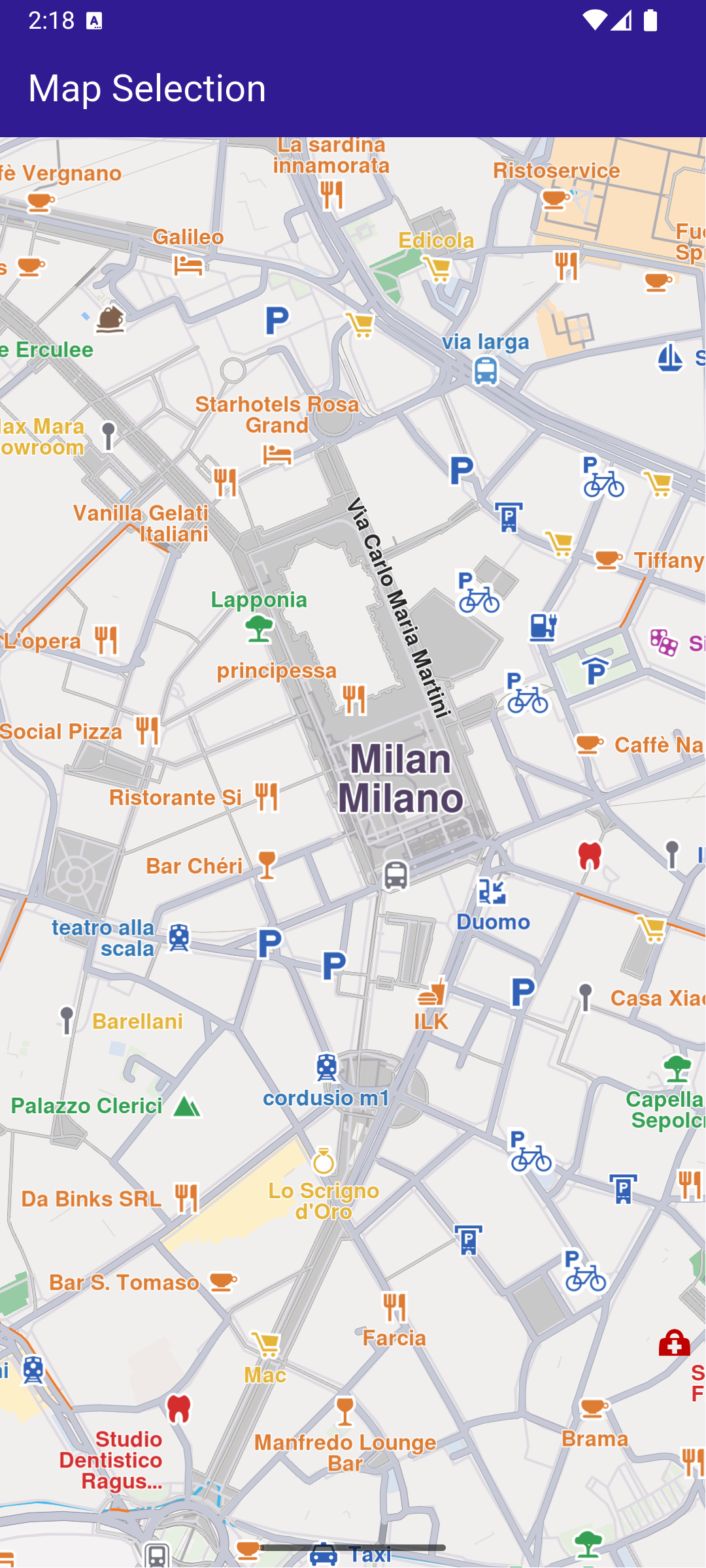
This example showcases how to build a Flutter app featuring an interactive map and how to center the camera on a route area with traffic, using the Maps SDK for Flutter. #### Saving Assets[​](#saving-assets "Direct link to Saving Assets") Before running the app, ensure that you save the necessary file (Oldtime style) into the assets directory. Update your pubspec.yaml file to include these assets: ```yaml flutter: assets: - assets/ ``` #### How it works[​](#how-it-works "Direct link to How it works") The example app demonstrates the following features: * Display an interactive map. * View online and offline map styles. * Update old local styles. * Download new styles. * Set a map style. ![](/docs/flutter/assets/images/example_flutter_map_styles_update1-536aed8b86cb14cc8d4ee7fcf5d9d126.png) **Initial map view** ![](/docs/flutter/assets/images/example_flutter_map_styles_update2-2071f6027c074e38fce02dad456b3b40.png) **Outdated local map styles** ![](/docs/flutter/assets/images/example_flutter_map_styles_update3-84919251c07ec04b34aafb028b9fd77d.png) **Update local styles dialog** ![](/docs/flutter/assets/images/example_flutter_map_styles_update4-0af9fc8570d7b91cab21f5f53a69bb4e.png) **Up-to-date styles** ##### UI and Map Integration[​](#ui-and-map-integration "Direct link to UI and Map Integration") The following code builds a UI with a `GemMap` and a map styles page. The user can update local styles or download other ones. main.dart[](map_style_update/lib/main.dart?ref_type=heads#L18) ```dart void main() { // Ensuring that all Flutter bindings are initialized WidgetsFlutterBinding.ensureInitialized(); final autoUpdate = AutoUpdateSettings( isAutoUpdateForRoadMapEnabled: true, isAutoUpdateForViewStyleHighResEnabled: false, isAutoUpdateForViewStyleLowResEnabled: false, isAutoUpdateForResourcesEnabled: false, ); GemKit.initialize( appAuthorization: projectApiToken, autoUpdateSettings: autoUpdate, ); runApp(const MyApp()); } class MyApp extends StatelessWidget { const MyApp({super.key}); @override Widget build(BuildContext context) { return const MaterialApp( debugShowCheckedModeBanner: false, title: 'Map Styles Update', home: MyHomePage(), ); } } class MyHomePage extends StatefulWidget { const MyHomePage({super.key}); @override State createState() => _MyHomePageState(); } class _MyHomePageState extends State { // GemMapController object used to interact with the map late GemMapController _mapController; late StylesProvider stylesProvider; @override void initState() { super.initState(); stylesProvider = StylesProvider.instance; } @override void dispose() { GemKit.release(); super.dispose(); } @override Widget build(BuildContext context) { return Scaffold( appBar: AppBar( backgroundColor: Colors.deepPurple[900], title: const Text( 'Map Styles Update', style: TextStyle(color: Colors.white), ), actions: [ IconButton( onPressed: () => _onMapButtonTap(context), icon: const Icon(Icons.map_outlined, color: Colors.white), ), ], ), body: GemMap(key: ValueKey("GemMap"), onMapCreated: _onMapCreated), ); } void _onMapCreated(GemMapController controller) async { _mapController = controller; } Future _onMapButtonTap(BuildContext context) async { // Initialize the styles provider await stylesProvider.init(); final result = await Navigator.push( // ignore: use_build_context_synchronously context, MaterialPageRoute( builder: (context) => StylesPage(stylesProvider: stylesProvider), ), ); if (result != null) { // Handle the returned data // Wait for the map refresh to complete await Future.delayed(Duration(milliseconds: 800)); // Set selected map style _mapController.preferences.setMapStyle(result); } } } ``` ##### Map Styles Page[​](#map-styles-page "Direct link to Map Styles Page") The code that displays the list of styles is in the `styles_page.dart` file. You can see both online and offline items and to start/cancel the update styles process. styles\_page.dart[](map_style_update/lib/styles_page.dart?ref_type=heads#L16) ```dart class StylesPage extends StatefulWidget { final StylesProvider stylesProvider; const StylesPage({super.key, required this.stylesProvider}); @override State createState() => _MapStylesUpdatePageState(); } class _MapStylesUpdatePageState extends State { final stylesList = []; StylesProvider stylesProvider = StylesProvider.instance; int? updateProgress; @override Widget build(BuildContext context) { final offlineStyles = StylesProvider.getOfflineStyles(); return Scaffold( appBar: AppBar( automaticallyImplyLeading: true, backgroundColor: Colors.deepPurple[900], foregroundColor: Colors.white, title: Row( children: [ const Text("Update", style: TextStyle(color: Colors.white)), const SizedBox(width: 10), if (updateProgress != null) Expanded(child: ProgressBar(value: updateProgress!)), const SizedBox(width: 10), ], ), actions: [ if (stylesProvider.canUpdateStyles) updateProgress != null ? GestureDetector( onTap: () { stylesProvider.cancelUpdateStyles(); }, child: const Text("Cancel"), ) : IconButton( onPressed: () { showUpdateDialog(); }, icon: const Icon(Icons.download), ), ], ), body: FutureBuilder?>( future: StylesProvider.getOnlineStyles(), builder: (context, snapshot) { return CustomScrollView( slivers: [ const SliverToBoxAdapter(child: Text("Local: ")), SliverList.separated( separatorBuilder: (context, index) => const Divider(indent: 20, height: 0), itemCount: offlineStyles.length, itemBuilder: (context, index) { final styleItem = offlineStyles.elementAt(index); return Padding( padding: const EdgeInsets.all(8.0), child: OfflineItem( styleItem: styleItem, onItemStatusChanged: () { if (mounted) setState(() {}); }, ), ); }, ), const SliverToBoxAdapter(child: Text("Online: ")), if (snapshot.connectionState == ConnectionState.waiting) const SliverToBoxAdapter(child: Center(child: CircularProgressIndicator())) else if (snapshot.data == null || snapshot.data!.isEmpty) const SliverToBoxAdapter( child: Center( child: Text( 'The list of online styles is not available (missing internet connection or expired local content).', textAlign: TextAlign.center, ), ), ) else SliverList.separated( itemCount: snapshot.data!.length, separatorBuilder: (context, index) => const Divider(indent: 20, height: 0), itemBuilder: (context, index) { final styleItem = snapshot.data!.elementAt(index); return Padding( padding: const EdgeInsets.all(8.0), child: OnlineItem( styleItem: styleItem, onItemStatusChanged: () { if (mounted) setState(() {}); }, ), ); }, ), ], ); }, ), ); } void showUpdateDialog() { showDialog( context: context, builder: (context) { return CustomDialog( title: "Update available", content: "New style update available.\nSize: ${(StylesProvider.computeUpdateSize() / (1024.0 * 1024.0)).toStringAsFixed(2)} MB\nDo you wish to update?", positiveButtonText: "Update", negativeButtonText: "Later", onPositivePressed: () { final statusId = stylesProvider.updateStyles( onContentUpdaterStatusChanged: onUpdateStatusChanged, onContentUpdaterProgressChanged: onUpdateProgressChanged, ); if (statusId != GemError.success) { _showMessage("Error updating $statusId"); } }, onNegativePressed: () { Navigator.pop(context); }, ); }, ); } void _showMessage(String message) => ScaffoldMessenger.of(context).showSnackBar(SnackBar(content: Text(message))); void onUpdateProgressChanged(int? value) { if (mounted) { setState(() { updateProgress = value; }); } } void onUpdateStatusChanged(ContentUpdaterStatus status) { if (mounted && isReady(status)) { showDialog( context: context, builder: (context) { return CustomDialog( title: "Update finished", content: "The update is done.", positiveButtonText: "Ok", negativeButtonText: "", // No negative button for this dialog onPositivePressed: () { //Navigator.pop(context); }, onNegativePressed: () { // You can leave this empty or add additional behavior if needed }, ); }, ); } } } class ProgressBar extends StatelessWidget { final int value; const ProgressBar({super.key, required this.value}); @override Widget build(BuildContext context) { return Column( children: [ Text("$value%", style: TextStyle(fontSize: 12.0)), LinearProgressIndicator(value: value.toDouble() * 0.01, color: Colors.white, backgroundColor: Colors.grey), ], ); } } ``` ##### Offline and Online Style Items[​](#offline-and-online-style-items "Direct link to Offline and Online Style Items") offline\_item.dart[](map_style_update/lib/offline_item.dart?ref_type=heads#L13) ```dart class OfflineItem extends StatefulWidget { final ContentStoreItem styleItem; final void Function() onItemStatusChanged; const OfflineItem({super.key, required this.styleItem, required this.onItemStatusChanged}); @override State createState() => _OfflineItemState(); } class _OfflineItemState extends State { late Version _clientVersion; late Version _updateVersion; @override Widget build(BuildContext context) { final styleItem = widget.styleItem; bool isOld = styleItem.isUpdatable; _clientVersion = styleItem.clientVersion; _updateVersion = styleItem.updateVersion; return InkWell( onTap: () => _onStyleTap(), child: Row( children: [ Image.memory(getStyleImage(styleItem, Size(400, 300))!, width: 175, gaplessPlayback: true), Expanded( child: ListTile( title: Text( styleItem.name, style: const TextStyle(color: Colors.black, fontSize: 16, fontWeight: FontWeight.w600), ), subtitle: Column( crossAxisAlignment: CrossAxisAlignment.start, children: [ Text( "${(styleItem.totalSize / (1024.0 * 1024.0)).toStringAsFixed(2)} MB", style: const TextStyle(color: Colors.black, fontSize: 16), ), Text("Current Version: ${getString(_clientVersion)}"), if (_updateVersion.major != 0 && _updateVersion.minor != 0) Text("New version available: ${getString(_updateVersion)}") else const Text("Version up to date"), ], ), trailing: (isOld) ? const Icon(Icons.warning, color: Colors.orange) : null, ), ), ], ), ); } // Method that downloads the current style void _onStyleTap() { final item = widget.styleItem; if (item.isUpdatable) return; if (item.isCompleted) { Navigator.of(context).pop(item); return; } if (getIsDownloadingOrWaiting(item)) { // Pause the download. item.pauseDownload(); setState(() {}); } else { // Download the style. _startStyleDownload(item); } } void _onStyleDownloadProgressUpdated(int progress) { if (mounted) { setState(() { print('Progress: $progress'); }); } } void _onStyleDownloadFinished(GemError err) { widget.onItemStatusChanged(); // If success, update state if (err == GemError.success && mounted) { setState(() {}); } } void _startStyleDownload(ContentStoreItem styleItem) { // Download style styleItem.asyncDownload( _onStyleDownloadFinished, onProgress: _onStyleDownloadProgressUpdated, allowChargedNetworks: true, ); } } ``` online\_item.dart[](map_style_update/lib/online_item.dart?ref_type=heads#L13) ```dart class OnlineItem extends StatefulWidget { final ContentStoreItem styleItem; final void Function() onItemStatusChanged; const OnlineItem({super.key, required this.styleItem, required this.onItemStatusChanged}); @override State createState() => _OnlineItemState(); } class _OnlineItemState extends State { int _downloadProgress = 0; @override void initState() { super.initState(); final styleItem = widget.styleItem; _downloadProgress = styleItem.downloadProgress; // If the style is downloading pause and start downloading again // so the progress indicator updates value from callback if (getIsDownloadingOrWaiting(styleItem)) { final errCode = styleItem.pauseDownload(); if (errCode == GemError.success) { Future.delayed(Duration(seconds: 1), () { _startStyleDownload(styleItem); }); } else { print("Download pause for item ${styleItem.id} failed with code $errCode"); } } } @override Widget build(BuildContext context) { final styleItem = widget.styleItem; return InkWell( onTap: () => _onStyleTap(), child: Row( crossAxisAlignment: CrossAxisAlignment.start, children: [ Image.memory(getStyleImage(styleItem, Size(400, 300))!, width: 175, gaplessPlayback: true), Expanded( child: ListTile( title: Text( maxLines: 5, styleItem.name, overflow: TextOverflow.ellipsis, style: const TextStyle(color: Colors.black, fontSize: 14, fontWeight: FontWeight.w600), ), subtitle: Text( "${(styleItem.totalSize / (1024.0 * 1024.0)).toStringAsFixed(2)} MB", style: const TextStyle(color: Colors.black, fontSize: 16), ), trailing: SizedBox.square( dimension: 50, child: Builder( builder: (context) { if (styleItem.isCompleted) { return const Icon(Icons.download_done, color: Colors.green); } else if (getIsDownloadingOrWaiting(styleItem)) { return SizedBox( height: 10, child: CircularProgressIndicator( value: _downloadProgress.toDouble() / 100, color: Colors.blue, backgroundColor: Colors.grey.shade300, ), ); } else if (styleItem.status == ContentStoreItemStatus.paused) { return const Icon(Icons.pause); } return const SizedBox.shrink(); }, ), ), ), ), ], ), ); } // Method that downloads the current style Future _onStyleTap() async { final item = widget.styleItem; if (item.isCompleted) { Navigator.of(context).pop(item); } if (getIsDownloadingOrWaiting(item)) { // Pause the download. item.pauseDownload(); setState(() {}); } else { // Download the style. _startStyleDownload(item); } } void _onStyleDownloadProgressUpdated(int progress) { if (mounted) { setState(() { _downloadProgress = progress; print('Progress: $progress'); }); } } void _onStyleDownloadFinished(GemError err) { widget.onItemStatusChanged(); // If success, update state if (err == GemError.success && mounted) { setState(() {}); } } void _startStyleDownload(ContentStoreItem styleItem) { // Download style styleItem.asyncDownload( _onStyleDownloadFinished, onProgress: _onStyleDownloadProgressUpdated, allowChargedNetworks: true, ); } } ``` ##### Styles Provider class[​](#styles-provider-class "Direct link to Styles Provider class") styles\_provider.dart[](map_style_update/lib/styles_provider.dart?ref_type=heads#L18) ```dart // Singleton class for persisting update related state and logic between instances of StylesPage class StylesProvider { CurrentStylesStatus _currentStylesStatus = CurrentStylesStatus.unknown; ContentUpdater? _contentUpdater; void Function(int?)? _onContentUpdaterProgressChanged; StylesProvider._privateConstructor(); static final StylesProvider instance = StylesProvider._privateConstructor(); Future init() { final completer = Completer(); SdkSettings.setAllowInternetConnection(true); // Keep track of the new styles status SdkSettings.offBoardListener.registerOnWorldwideRoadMapSupportStatus((status) async { print("StylesProvider: Styles status updated: $status"); }); SdkSettings.offBoardListener.registerOnAvailableContentUpdate((type, status) { if (type == ContentType.viewStyleHighRes || type == ContentType.viewStyleLowRes) { _currentStylesStatus = CurrentStylesStatus.fromStatus(status); } if (!completer.isCompleted) { completer.complete(); } }); // Force trying the style update process // The user will be notified via onAvailableContentUpdateCallback final code = ContentStore.checkForUpdate(ContentType.viewStyleHighRes); print("StylesProvider: checkForUpdate resolved with code $code"); return completer.future; } CurrentStylesStatus get stylesStatus => _currentStylesStatus; bool get isUpToDate => _currentStylesStatus == CurrentStylesStatus.upToDate; bool get canUpdateStyles => _currentStylesStatus == CurrentStylesStatus.expiredData || _currentStylesStatus == CurrentStylesStatus.oldData; GemError updateStyles({ void Function(ContentUpdaterStatus)? onContentUpdaterStatusChanged, void Function(int?)? onContentUpdaterProgressChanged, }) { if (_contentUpdater != null) return GemError.inUse; final result = ContentStore.createContentUpdater(ContentType.viewStyleHighRes); // If successfully created a new content updater // or one already exists if (result.$2 == GemError.success || result.$2 == GemError.exist) { _contentUpdater = result.$1; _onContentUpdaterProgressChanged = onContentUpdaterProgressChanged; _onContentUpdaterProgressChanged?.call(0); // Call the update method _contentUpdater!.update( true, onStatusUpdated: (status) { print("StylesProvider: onNotifyStatusChanged with code $status"); // fully ready - for all old styles the new styles are downloaded // partially ready - only a part of the new styles were downloaded because of memory constraints if (isReady(status)) { // newer styles are downloaded and everything is set to // - delete old styles and keep the new ones // - update style version to the new version final err = _contentUpdater!.apply(); print("StylesProvider: apply resolved with code ${err.code}"); if (err == GemError.success) { _currentStylesStatus = CurrentStylesStatus.upToDate; } _onContentUpdaterProgressChanged?.call(null); _onContentUpdaterProgressChanged = null; _contentUpdater = null; } onContentUpdaterStatusChanged?.call(status); }, onProgressUpdated: (progress) { _onContentUpdaterProgressChanged?.call(progress); print('Progress: $progress'); }, onComplete: (error) { if (error == GemError.success) { print('StylesProvider: Successful update'); } else { print('StylesProvider: Update finished with error $error'); } }, ); } else { print("StylesProvider: There was an error creating the content updater: ${result.$2}"); } return result.$2; } void cancelUpdateStyles() { _contentUpdater?.cancel(); _onContentUpdaterProgressChanged?.call(null); _onContentUpdaterProgressChanged = null; _contentUpdater = null; } // Method to load the online styles list static Future> getOnlineStyles() async { final stylesListCompleter = Completer>(); ContentStore.asyncGetStoreContentList(ContentType.viewStyleHighRes, (err, items, isCached) { if (err == GemError.success && items.isNotEmpty) { stylesListCompleter.complete(items); } else { stylesListCompleter.complete([]); } }); return stylesListCompleter.future; } // Method to load the downloaded styles list static List getOfflineStyles() { final localStyles = ContentStore.getLocalContentList(ContentType.viewStyleHighRes); final result = []; for (final style in localStyles) { if (style.status == ContentStoreItemStatus.completed) { result.add(style); } } return result; } // Method to compute update size (sum of all style sizes) static int computeUpdateSize() { final localStyles = ContentStore.getLocalContentList(ContentType.viewStyleHighRes); int sum = 0; for (final localStyle in localStyles) { if (localStyle.isUpdatable && localStyle.status == ContentStoreItemStatus.completed) { sum += localStyle.updateSize; } } return sum; } } enum CurrentStylesStatus { expiredData, // more than one version behind oldData, // one version behind upToDate, // updated unknown; // not received any notification yet static CurrentStylesStatus fromStatus(ContentStoreStatus status) { switch (status) { case ContentStoreStatus.expiredData: return CurrentStylesStatus.expiredData; case ContentStoreStatus.oldData: return CurrentStylesStatus.oldData; case ContentStoreStatus.upToDate: return CurrentStylesStatus.upToDate; } } } String getString(Version version) => '${version.major}.${version.minor}'; // Map style image preview Uint8List? getStyleImage(ContentStoreItem contentItem, Size? size) => contentItem.imgPreview.getRenderableImageBytes(size: size, format: ImageFileFormat.png); bool getIsDownloadingOrWaiting(ContentStoreItem contentItem) => [ ContentStoreItemStatus.downloadQueued, ContentStoreItemStatus.downloadRunning, ContentStoreItemStatus.downloadWaitingNetwork, ContentStoreItemStatus.downloadWaitingFreeNetwork, ContentStoreItemStatus.downloadWaitingNetwork, ].contains(contentItem.status); bool isReady(ContentUpdaterStatus updaterStatus) => updaterStatus == ContentUpdaterStatus.partiallyReady || updaterStatus == ContentUpdaterStatus.fullyReady; Future loadOldStyles(AssetBundle assetBundle) async { const style = 'Basic_1_Oldtime-1_21_656.style'; final dirPath = await _getDirPath(); final resFilePath = path.joinAll([dirPath.path, "Data", "SceneRes"]); await _deleteAssets(resFilePath, RegExp(r'Basic_1_Oldtime.+\.style')); await _loadAsset(assetBundle, style, resFilePath); } Future _loadAsset(AssetBundle assetBundle, String assetName, String destinationDirectoryPath) async { final destinationFilePath = path.join(destinationDirectoryPath, assetName); File file = File(destinationFilePath); if (await file.exists()) { return false; } await file.create(); final asset = await assetBundle.load('assets/$assetName'); final buffer = asset.buffer; await file.writeAsBytes(buffer.asUint8List(asset.offsetInBytes, asset.lengthInBytes), flush: true); print('INFO: Copied asset $destinationFilePath.'); return true; } Future _getDirPath() async { if (Platform.isAndroid) { return (await getExternalStorageDirectory())!; } else if (Platform.isIOS) { return await getApplicationDocumentsDirectory(); } else { throw Exception('Platform not supported'); } } Future _deleteAssets(String directoryPath, RegExp pattern) async { final directory = Directory(directoryPath); if (!directory.existsSync()) { print('WARNING: Directory $directoryPath not found.'); } for (final file in directory.listSync()) { final filename = path.basename(file.path); if (pattern.hasMatch(filename)) { try { print('INFO DELETE ASSETS: deleting file ${file.path}'); file.deleteSync(); } catch (e) { print('WARNING: Deleting file ${file.path} failed. Reason:\n${e.toString()}.'); } } } } ``` --- ### Map Styles |
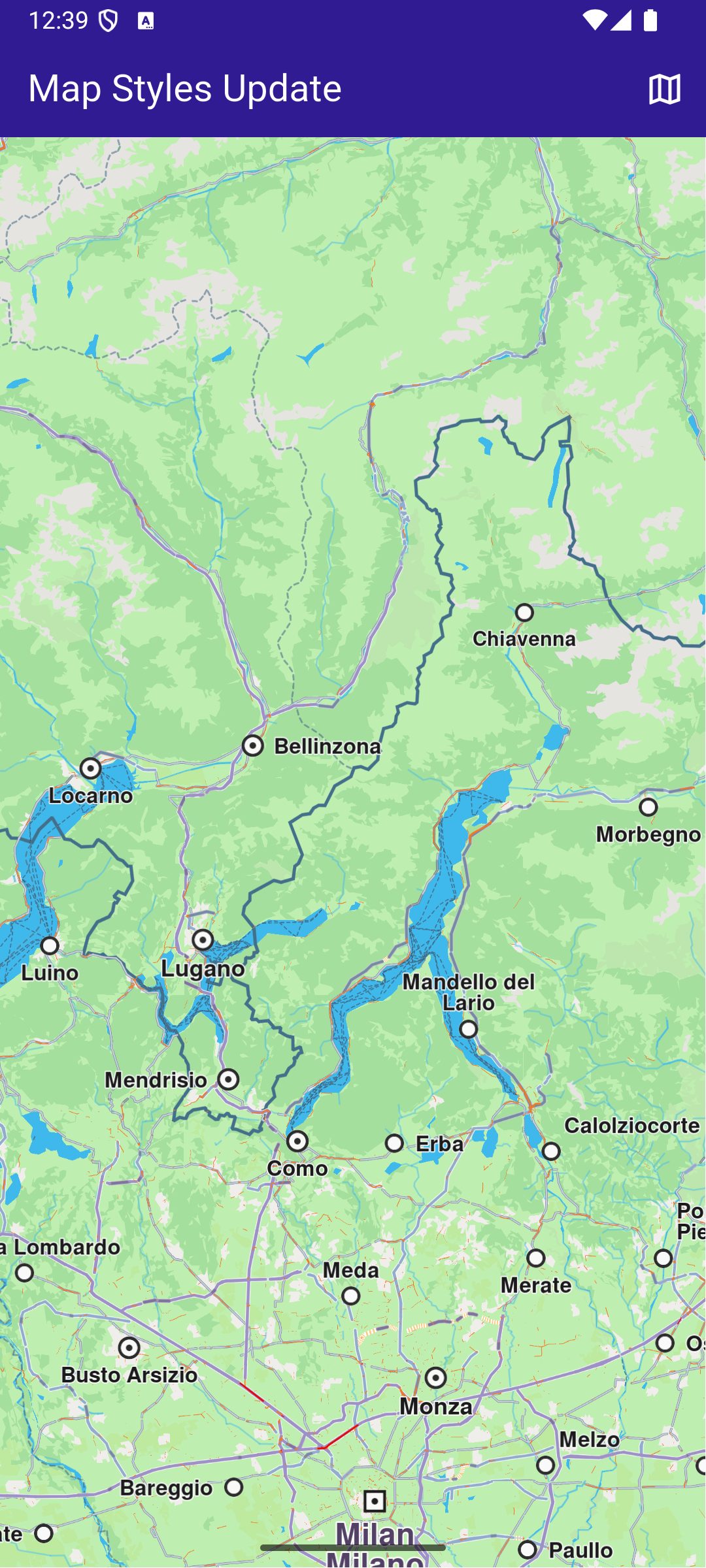
This example demonstrates how to create a Flutter app that displays an interactive map with a non-default style using Maps SDK for Flutter. #### How it works[​](#how-it-works "Direct link to How it works") This example demonstrates the following features: * Display and manage various map styles dynamically. * Provide smooth transitions between styles while ensuring a seamless user experience. * Download online map styles. ![](/docs/flutter/assets/images/example_flutter_map_styles1-40fa1c4fd3daeb77be4d1fcabc96f3f0.png) **Initial map view** ![](/docs/flutter/assets/images/example_flutter_map_styles2-d43188d43f9ce1c8125084e97be9edaf.png) **Map styles page** ![](/docs/flutter/assets/images/example_flutter_map_styles3-ca086904b5272fb5e3e6c8989c2f9871.png) **Applied map style** ##### Build the main application[​](#build-the-main-application "Direct link to Build the main application") Define the main application widget, `MyApp` . main.dart[](map_styles/lib/main.dart?ref_type=heads#L17) ```dart void main() { runApp(const MyApp()); } class MyApp extends StatelessWidget { const MyApp({super.key}); @override Widget build(BuildContext context) { return const MaterialApp( debugShowCheckedModeBanner: false, title: 'Map Styles', home: MyHomePage(), ); } } class MyHomePage extends StatefulWidget { const MyHomePage({super.key}); @override State createState() => _MyHomePageState(); } class _MyHomePageState extends State { // GemMapController object used to interact with the map late GemMapController _mapController; @override void dispose() { GemKit.release(); super.dispose(); } @override Widget build(BuildContext context) { return Scaffold( appBar: AppBar( backgroundColor: Colors.deepPurple[900], title: const Text('Map Styles', style: TextStyle(color: Colors.white)), actions: [ IconButton( onPressed: () async => await _onMapButtonTap(context), icon: const Icon(Icons.map_outlined, color: Colors.white), ), ], ), body: GemMap( key: ValueKey("GemMap"), onMapCreated: _onMapCreated, appAuthorization: projectApiToken, ), ); } void _onMapCreated(GemMapController controller) async { _mapController = controller; SdkSettings.setAllowOffboardServiceOnExtraChargedNetwork( ServiceGroupType.contentService, true, ); _mapController.registerOnSetMapStyle((styleId, stylePath, viaApi) { print("Style updated!"); }); } Future _onMapButtonTap(BuildContext context) async { final result = await Navigator.push( context, MaterialPageRoute( builder: (context) => MapStylesPage(), ), ); if (result != null) { // Handle the returned data // Wait for the map refresh to complete await Future.delayed(Duration(milliseconds: 500)); // Set selected map style _mapController.preferences.setMapStyle(result); } } } ``` ##### Map Styles Page[​](#map-styles-page "Direct link to Map Styles Page") map\_styles\_page.dart[](map_styles/lib/map_styles_page.dart?ref_type=heads#L13) ```dart class MapStylesPage extends StatefulWidget { const MapStylesPage({super.key}); @override State createState() => _MapStylesPageState(); } class _MapStylesPageState extends State { final stylesList = []; StylesProvider stylesProvider = StylesProvider.instance; @override Widget build(BuildContext context) { final offlineStyles = StylesProvider.getOfflineStyles(); return Scaffold( appBar: AppBar( automaticallyImplyLeading: true, backgroundColor: Colors.deepPurple[900], foregroundColor: Colors.white, title: Text("Map styles"), ), body: FutureBuilder?>( future: StylesProvider.getOnlineStyles(), builder: (context, snapshot) { return CustomScrollView( slivers: [ const SliverToBoxAdapter(child: Text("Local: ")), SliverList.separated( separatorBuilder: (context, index) => const Divider(indent: 20, height: 0), itemCount: offlineStyles.length, itemBuilder: (context, index) { final styleItem = offlineStyles.elementAt(index); return Padding( padding: const EdgeInsets.all(8.0), child: OnlineItem( styleItem: styleItem, onItemStatusChanged: () { if (mounted) setState(() {}); }, ), ); }, ), const SliverToBoxAdapter(child: Text("Online: ")), if (snapshot.connectionState == ConnectionState.waiting) const SliverToBoxAdapter(child: Center(child: CircularProgressIndicator())) else if (snapshot.data == null || snapshot.data!.isEmpty) const SliverToBoxAdapter( child: Center( child: Text( 'The list of online styles is not available (missing internet connection or expired local content).', textAlign: TextAlign.center, ), ), ) else SliverList.separated( itemCount: snapshot.data!.length, separatorBuilder: (context, index) => const Divider(indent: 50, height: 0), itemBuilder: (context, index) { final styleItem = snapshot.data!.elementAt(index); return Padding( padding: const EdgeInsets.all(8.0), child: OnlineItem( styleItem: styleItem, onItemStatusChanged: () { if (mounted) setState(() {}); }, ), ); }, ), ], ); }, ), ); } } class OnlineItem extends StatefulWidget { final ContentStoreItem styleItem; final void Function() onItemStatusChanged; const OnlineItem({super.key, required this.styleItem, required this.onItemStatusChanged}); @override State createState() => _OnlineItemState(); } class _OnlineItemState extends State { int _downloadProgress = 0; @override void initState() { super.initState(); final styleItem = widget.styleItem; _downloadProgress = styleItem.downloadProgress; // If the style is downloading pause and start downloading again // so the progress indicator updates value from callback if (getIsDownloadingOrWaiting(styleItem)) { final errCode = styleItem.pauseDownload(); if (errCode == GemError.success) { Future.delayed(Duration(seconds: 1), () { _startStyleDownload(styleItem); }); } else { print("Download pause for item ${styleItem.id} failed with code $errCode"); } } } @override Widget build(BuildContext context) { final styleItem = widget.styleItem; return InkWell( onTap: () => _onStyleTap(), child: Row( crossAxisAlignment: CrossAxisAlignment.start, children: [ Image.memory(getStyleImage(styleItem, Size(400, 300))!, width: 175, gaplessPlayback: true), Expanded( child: ListTile( title: Text( maxLines: 5, styleItem.name, overflow: TextOverflow.ellipsis, style: const TextStyle(color: Colors.black, fontSize: 14, fontWeight: FontWeight.w600), ), subtitle: Text( "${(styleItem.totalSize / (1024.0 * 1024.0)).toStringAsFixed(2)} MB", style: const TextStyle(color: Colors.black, fontSize: 16), ), trailing: SizedBox.square( dimension: 50, child: Builder( builder: (context) { if (styleItem.isCompleted) { return const Icon(Icons.download_done, color: Colors.green); } else if (getIsDownloadingOrWaiting(styleItem)) { return SizedBox( height: 10, child: CircularProgressIndicator( value: _downloadProgress.toDouble() / 100, color: Colors.blue, backgroundColor: Colors.grey.shade300, ), ); } else if (styleItem.status == ContentStoreItemStatus.paused) { return const Icon(Icons.pause); } return const SizedBox.shrink(); }, ), ), ), ), ], ), ); } // Method that downloads the current map Future _onStyleTap() async { final item = widget.styleItem; if (item.isCompleted) { Navigator.of(context).pop(item); } if (getIsDownloadingOrWaiting(item)) { // Pause the download. item.pauseDownload(); setState(() {}); } else { // Download the map. _startStyleDownload(item); } } void _onStyleDownloadProgressUpdated(int progress) { if (mounted) { setState(() { _downloadProgress = progress; print('Progress: $progress'); }); } } void _onStyleDownloadFinished(GemError err) { widget.onItemStatusChanged(); // If success, update state if (err == GemError.success && mounted) { setState(() {}); } } void _startStyleDownload(ContentStoreItem styleItem) { // Download style styleItem.asyncDownload( _onStyleDownloadFinished, onProgress: _onStyleDownloadProgressUpdated, allowChargedNetworks: true, ); } } ``` ##### Map Styles Provider[​](#map-styles-provider "Direct link to Map Styles Provider") styles\_provider.dart[](map_styles/lib/styles_provider.dart?ref_type=heads#L15) ```dart class StylesProvider { StylesProvider._privateConstructor(); static final StylesProvider instance = StylesProvider._privateConstructor(); // Method to load the local-available styles static List getOfflineStyles() { final localMaps = ContentStore.getLocalContentList(ContentType.viewStyleHighRes); final result = []; for (final map in localMaps) { if (map.status == ContentStoreItemStatus.completed) { result.add(map); } } return result; } // Method to load the available styles static Future> getOnlineStyles() { final completer = Completer>(); ContentStore.asyncGetStoreContentList(ContentType.viewStyleHighRes, (err, items, isCached) { if (err != GemError.success) { print("Error while getting styles: ${err.name}"); return; } completer.complete(items); }); return completer.future; } } Uint8List? getStyleImage(ContentStoreItem contentItem, Size? size) => contentItem.imgPreview.getRenderableImageBytes(size: size, format: ImageFileFormat.png); bool getIsDownloadingOrWaiting(ContentStoreItem contentItem) => [ ContentStoreItemStatus.downloadQueued, ContentStoreItemStatus.downloadRunning, ContentStoreItemStatus.downloadWaitingNetwork, ContentStoreItemStatus.downloadWaitingFreeNetwork, ContentStoreItemStatus.downloadWaitingNetwork, ].contains(contentItem.status); ``` ![](/docs/flutter/assets/images/example_flutter_map_styles4-1b069ee20cce52eb7e25aa748139f3c5.png) ![](/docs/flutter/assets/images/example_flutter_map_styles5-770dd3536d38763384792b67f8070294.png) ![](/docs/flutter/assets/images/example_flutter_map_styles6-d0b8b397170c15bb608325d3f47cbc00.png) ![](/docs/flutter/assets/images/example_flutter_map_styles7-5887b15a58ee8b97d3a9abac27c3b652.png) ![](/docs/flutter/assets/images/example_flutter_map_styles8-fb17165c4a6d1d497606e572b8d9ded4.png) --- ### Map Update |
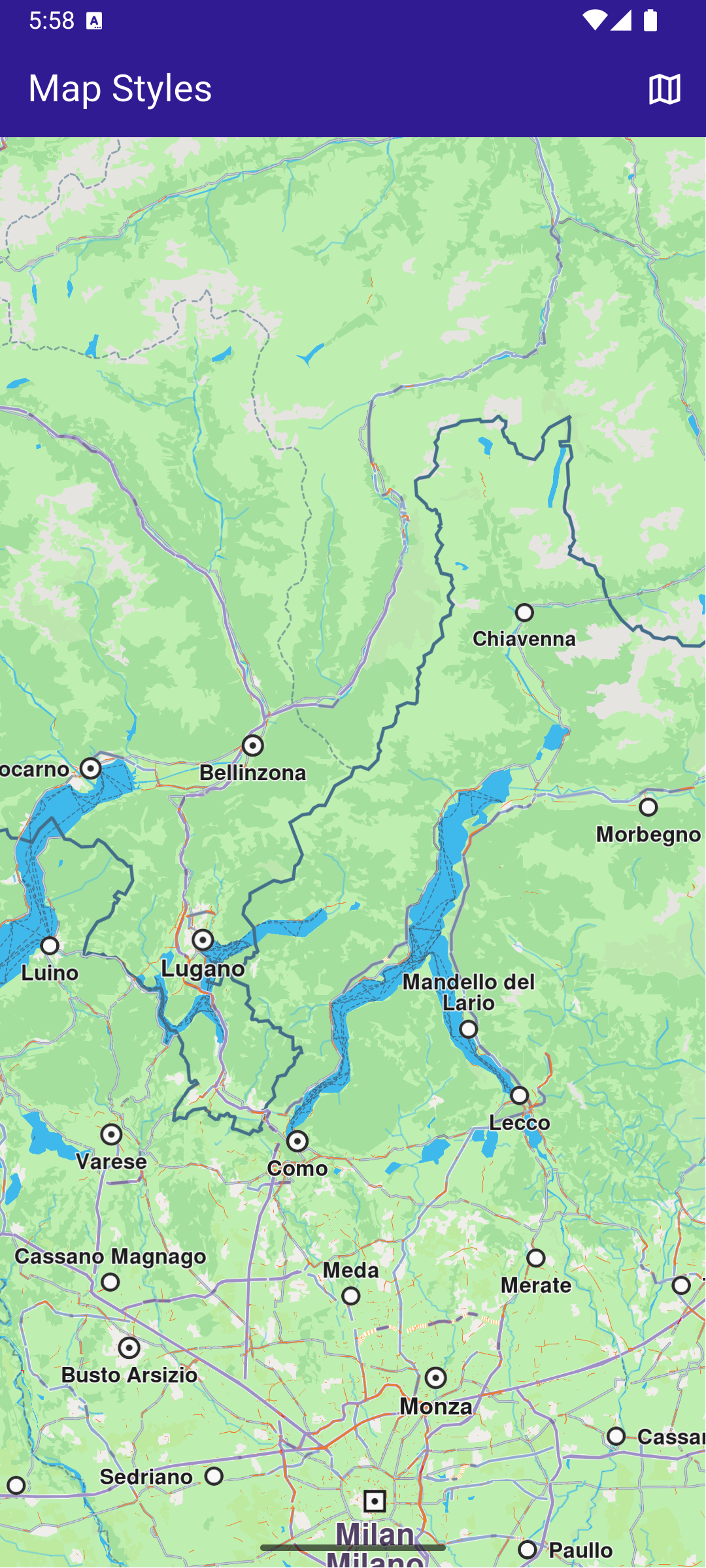
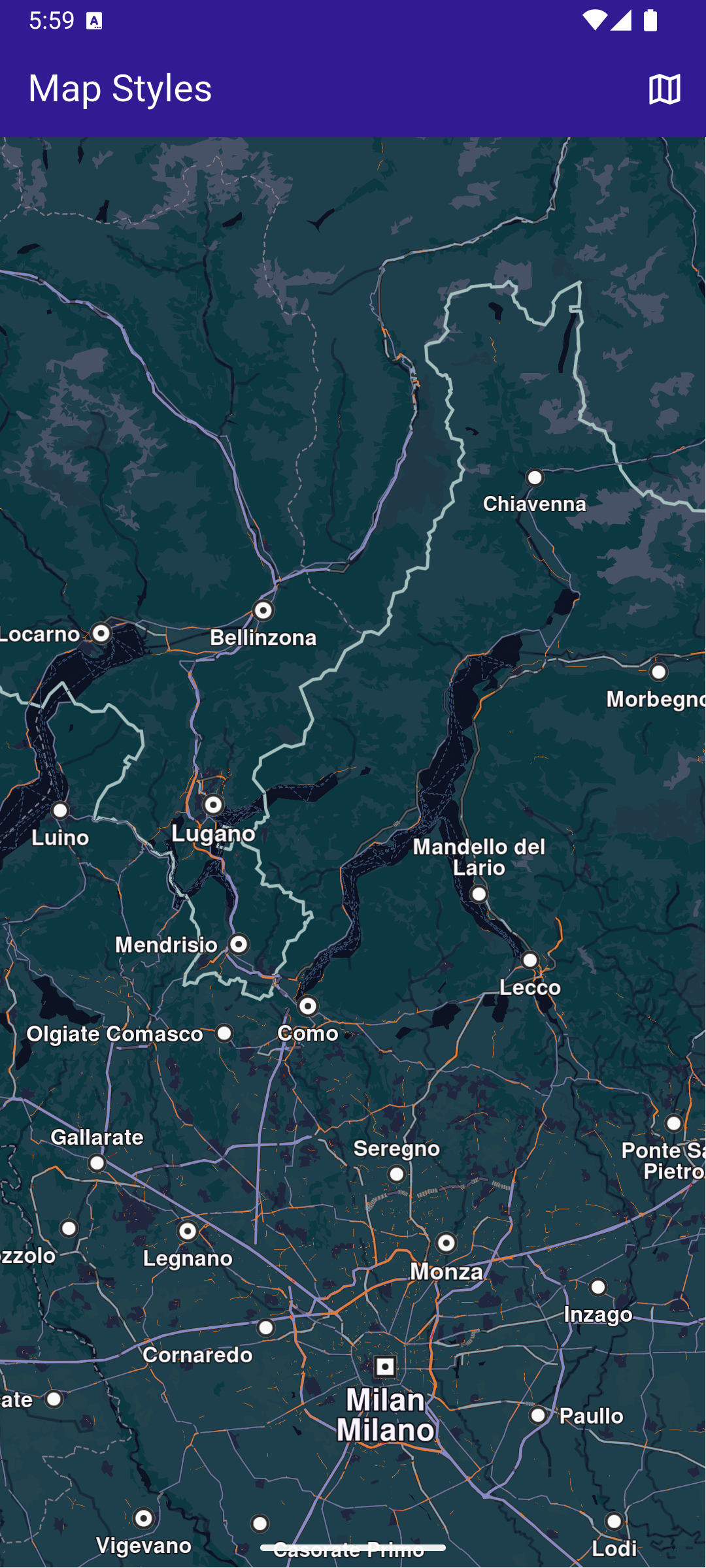
In this guide, you will learn how to download and apply updates to maps. The assets directory includes a world map file and a map for Andorra that are used in this example. #### Saving Assets[​](#saving-assets "Direct link to Saving Assets") Before running the app, ensure that you save the necessary files (world map file and Andorra map) into the assets directory. Update your pubspec.yaml file to include these assets: ```yaml flutter: assets: - assets/ ``` #### How it Works[​](#how-it-works "Direct link to How it Works") This example demonstrates the following features: * Replace the default map with an older version from the app’s assets to simulate a map update (*this is a hack and you shouldn't do it yourself* - is used here only for demonstration purposes). * Apply the necessary logic to update the map to the latest version. * Manage and integrate map update functionality seamlessly within the app’s UI. ![](/docs/flutter/assets/images/example_flutter_map_update1-972072e3eff5eee87d720533f687e31b.png) **Initial map view without any data** ![](/docs/flutter/assets/images/example_flutter_map_update2-f89fdaacb623377d2e9cbd64c524ab56.png) **Maps list, outdated Androrra map** ![](/docs/flutter/assets/images/example_flutter_map_update3-fd2d5a4f2904e86152be0778f7fe6f93.png) **Map update dialog** ![](/docs/flutter/assets/images/example_flutter_map_update4-63b0f597d9af4439868f1c1ab3ca8cec.png) **Up to date Andorra map** ##### Handle the map update logic[​](#handle-the-map-update-logic "Direct link to Handle the map update logic") The handling of map update logic is made in the `maps_provider.dart` file. maps\_provider.dart[](map_update/lib/maps_provider.dart?ref_type=heads#L20) ```dart // Singleton class for persisting update related state and logic between instances of MapsPage class MapsProvider { CurrentMapsStatus _currentMapsStatus = CurrentMapsStatus.unknown; ContentUpdater? _contentUpdater; void Function(int?)? _onContentUpdaterProgressChanged; MapsProvider._privateConstructor(); static final MapsProvider instance = MapsProvider._privateConstructor(); Future init() async { // Keep track of the new maps status SdkSettings.offBoardListener.registerOnWorldwideRoadMapSupportStatus((status) async { print("MapsProvider: Maps status updated: $status"); _currentMapsStatus = CurrentMapsStatus.fromStatus(status); }); // Force trying the map update process // The user will be notified via onWorldwideRoadMapSupportStatusCallback final code = ContentStore.checkForUpdate(ContentType.roadMap); print("MapsProvider: checkForUpdate resolved with code $code"); } CurrentMapsStatus get mapsStatus => _currentMapsStatus; bool get isUpToDate => _currentMapsStatus == CurrentMapsStatus.upToDate; bool get canUpdateMaps => _currentMapsStatus == CurrentMapsStatus.expiredData || _currentMapsStatus == CurrentMapsStatus.oldData; GemError updateMaps({ void Function(ContentUpdaterStatus)? onContentUpdaterStatusChanged, void Function(int?)? onContentUpdaterProgressChanged, }) { if (_contentUpdater != null) return GemError.inUse; final result = ContentStore.createContentUpdater(ContentType.roadMap); // If successfully created a new content updater // or one already exists if (result.$2 == GemError.success || result.$2 == GemError.exist) { _contentUpdater = result.$1; _onContentUpdaterProgressChanged = onContentUpdaterProgressChanged; // Call the update method _contentUpdater!.update( true, onStatusUpdated: (status) { print("MapsProvider: onNotifyStatusChanged with code $status"); // fully ready - for all old maps the new maps are downloaded // partially ready - only a part of the new maps were downloaded because of memory constraints if (isReady(status)) { // newer maps are downloaded and everything is set to // - delete old maps and keep the new ones // - update map version to the new version final err = _contentUpdater!.apply(); print("MapsProvider: apply resolved with code ${err.code}"); if (err == GemError.success) { _currentMapsStatus = CurrentMapsStatus.upToDate; } _onContentUpdaterProgressChanged?.call(null); _onContentUpdaterProgressChanged = null; _contentUpdater = null; } onContentUpdaterStatusChanged?.call(status); }, onProgressUpdated: (progress) { _onContentUpdaterProgressChanged?.call(progress); print('Progress: $progress'); }, onComplete: (error) { if (error == GemError.success) { print('MapsProvider: Successful uupdate'); } else { print('MapsProvider: Update finished with error $error'); } }, ); } else { print("MapsProvider: There was an erorr creating the content updater: ${result.$2}"); } return result.$2; } void cancelUpdateMaps() { _contentUpdater?.cancel(); _onContentUpdaterProgressChanged?.call(null); _onContentUpdaterProgressChanged = null; _contentUpdater = null; } // Method to load the online map list static Future> getOnlineMaps() async { final mapsListCompleter = Completer>(); ContentStore.asyncGetStoreContentList(ContentType.roadMap, (err, items, isCached) { if (err == GemError.success && items.isNotEmpty) { mapsListCompleter.complete(items); } else { mapsListCompleter.complete([]); } }); return mapsListCompleter.future; } // Method to load the downloaded map list static List getOfflineMaps() { final localMaps = ContentStore.getLocalContentList(ContentType.roadMap); final result = []; for (final map in localMaps) { if (map.status == ContentStoreItemStatus.completed) { result.add(map); } } return result; } // Method to compute update size (sum of all maps sizes) static int computeUpdateSize() { final localMaps = ContentStore.getLocalContentList(ContentType.roadMap); int sum = 0; for (final localMap in localMaps) { if (localMap.isUpdatable && localMap.status == ContentStoreItemStatus.completed) { sum += localMap.updateSize; } } return sum; } } Future loadOldMaps(AssetBundle assetBundle) async { const cmap = 'AndorraOSM_2021Q1.cmap'; const worldMap = 'WM_7_406.map'; final dirPath = await _getDirPath(); final resFilePath = path.joinAll([dirPath.path, "Data", "Res"]); final mapsFilePath = path.joinAll([dirPath.path, "Data", "Maps"]); await _deleteAssets(resFilePath, RegExp(r'WM_\d_\d+\.map')); await _deleteAssets(mapsFilePath, RegExp(r'.+\.cmap')); await _loadAsset(assetBundle, cmap, mapsFilePath); await _loadAsset(assetBundle, worldMap, resFilePath); } Future _loadAsset(AssetBundle assetBundle, String assetName, String destinationDirectoryPath) async { final destinationFilePath = path.join(destinationDirectoryPath, assetName); File file = File(destinationFilePath); if (await file.exists()) { return false; } await file.create(); final asset = await assetBundle.load('assets/$assetName'); final buffer = asset.buffer; await file.writeAsBytes(buffer.asUint8List(asset.offsetInBytes, asset.lengthInBytes), flush: true); print('INFO: Copied asset $destinationFilePath.'); return true; } Future _getDirPath() async { if (Platform.isAndroid) { return (await getExternalStorageDirectory())!; } else if (Platform.isIOS) { return await getApplicationDocumentsDirectory(); } else { throw Exception('Platform not supported'); } } Future _deleteAssets(String directoryPath, RegExp pattern) async { final directory = Directory(directoryPath); if (!directory.existsSync()) { print('WARNING: Directory $directoryPath not found.'); } for (final file in directory.listSync()) { final filename = path.basename(file.path); if (pattern.hasMatch(filename)) { try { //print('INFO DELETE ASSETS: deleting file ${file.path}'); file.deleteSync(); } catch (e) { print('WARNING: Deleting file ${file.path} failed. Reason:\n${e.toString()}.'); } } } } enum CurrentMapsStatus { expiredData, // more than one version behind oldData, // one version behind maps upToDate, // updated maps unknown; // not received any notification yet static CurrentMapsStatus fromStatus(ContentStoreStatus status) { switch (status) { case ContentStoreStatus.expiredData: return CurrentMapsStatus.expiredData; case ContentStoreStatus.oldData: return CurrentMapsStatus.oldData; case ContentStoreStatus.upToDate: return CurrentMapsStatus.upToDate; } } } String getString(Version version) => '${version.major}.${version.minor}'; // Method that returns the image of the country associated with the road map item Uint8List? getImage(ContentStoreItem contentItem) { Img? img = MapDetails.getCountryFlagImg(contentItem.countryCodes[0]); if (img == null) return null; if (!img.isValid) return null; return img.getRenderableImageBytes(size: Size(100, 100)); } bool getIsDownloadingOrWaiting(ContentStoreItem contentItem) => [ ContentStoreItemStatus.downloadQueued, ContentStoreItemStatus.downloadRunning, ContentStoreItemStatus.downloadWaitingNetwork, ContentStoreItemStatus.downloadWaitingFreeNetwork, ContentStoreItemStatus.downloadWaitingNetwork, ].contains(contentItem.status); bool isReady(ContentUpdaterStatus status) => status == ContentUpdaterStatus.partiallyReady || status == ContentUpdaterStatus.fullyReady; ``` This file contains the `MapsProvider` class and a few helpful methods and extensions. The methods of the `MapsProvider` class do the following: | Method | Explanation | | ------------------- | ----------------------------------------------------------------------------------------------------------------------------------------------------------------- | | init() | - initiates the connection and listens to status updates
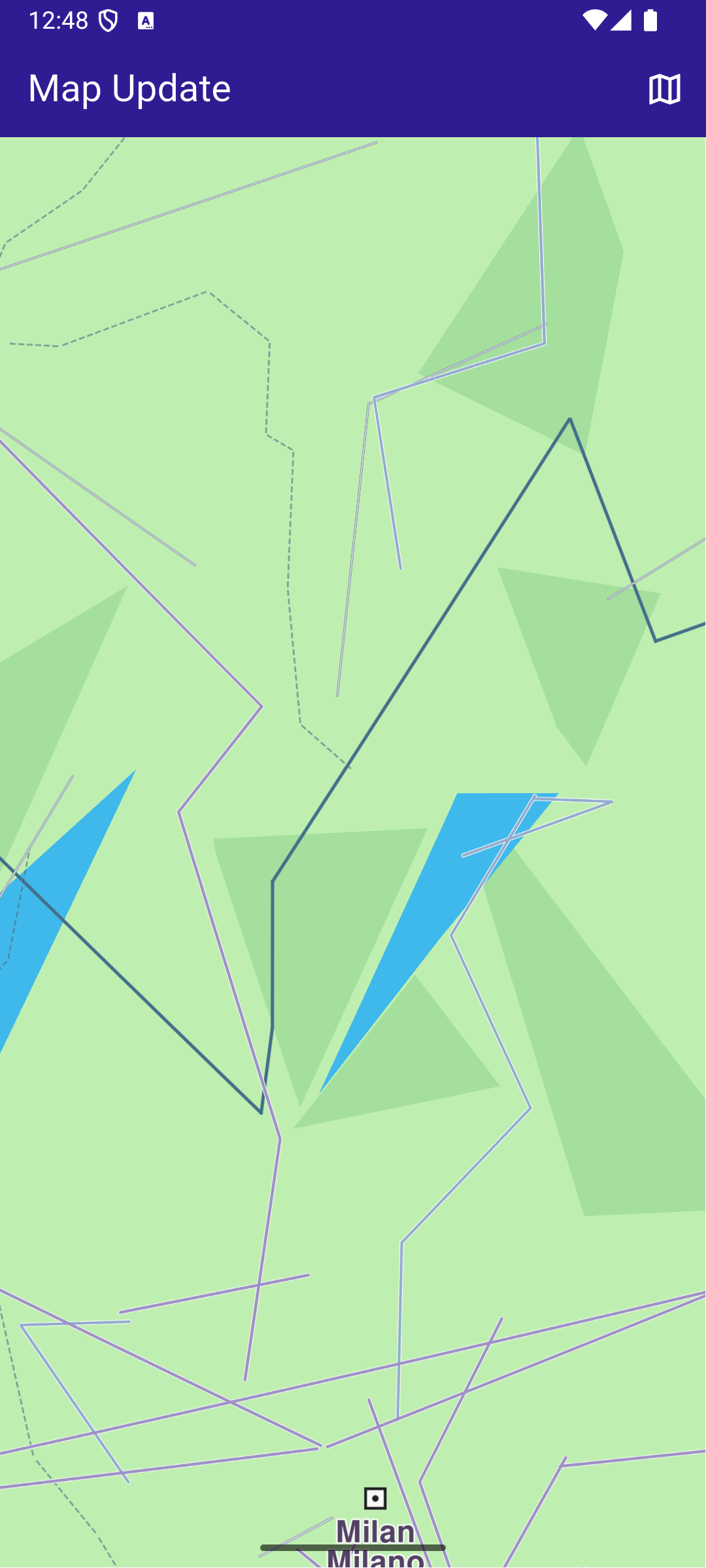
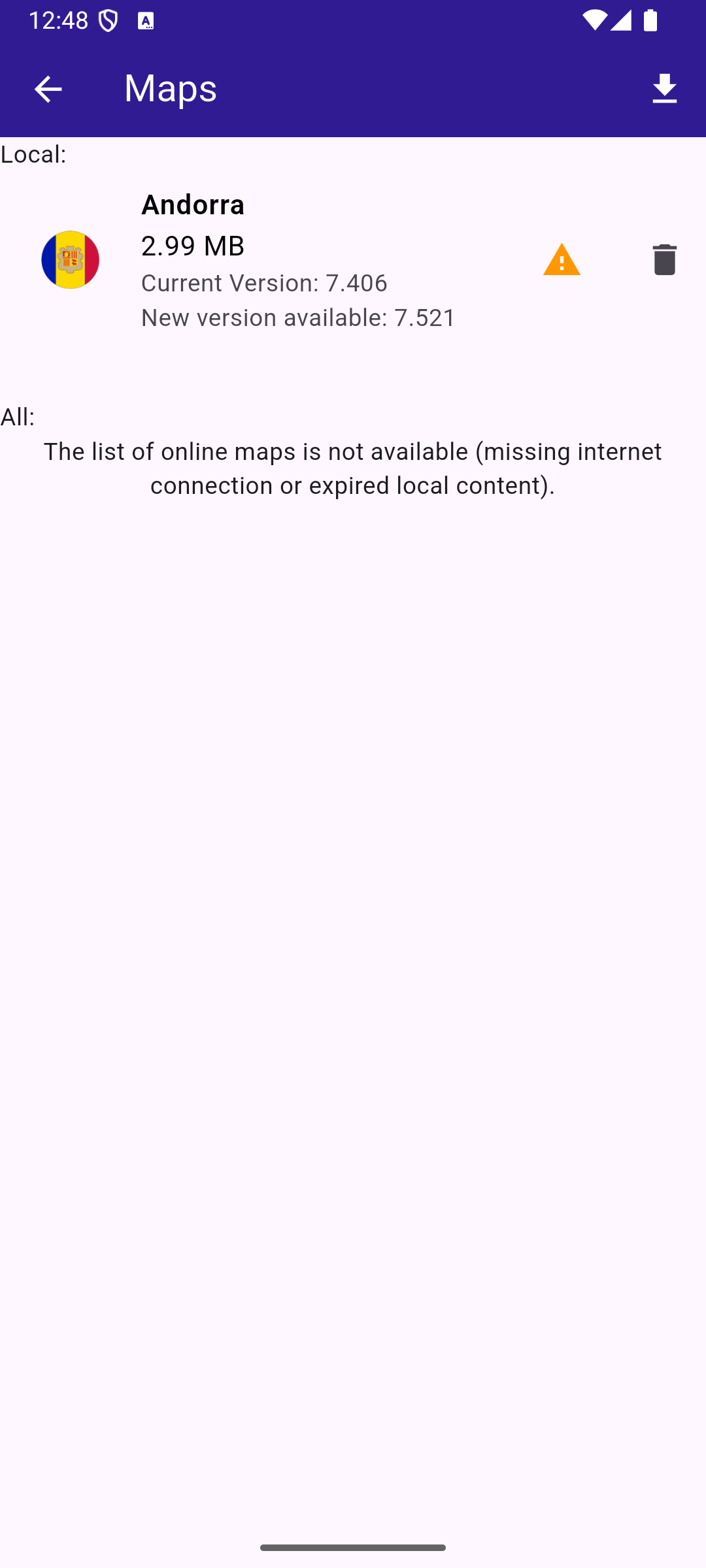
- forces checking for updates, when we have an answer you can get the map status | | ContentStoreStatus | - unknown - no answer from the server yet
- expired - 2 or more map versions behind
- oldData - previous version
- upToDate - newest map available | | updateMaps() | Method that initiates the map update. It has callbacks that notify about progress. | | cancelUpdateMaps() | Method that cancels the map update. | | getOnlineMaps() | Method returning the online maps. | | getOfflineMaps() | Method returning the offline maps on the device. | | computeUpdateSize() | Method returning what would be the size of an update (sum of sizes for offline maps) | There are also some helping enums, extensions and useful methods that allow working with assets. ##### The main page with the map[​](#the-main-page-with-the-map "Direct link to The main page with the map") In the `main.dart` file we have the code that displays the map and allows you to tap the button that shows you the maps. main.dart[](map_update/lib/main.dart?ref_type=heads#L18) ```dart void main() async { WidgetsFlutterBinding.ensureInitialized(); // A init is required to create the assets directory structure where the // road map files are located. The SDK needs to be released before copying // the old map files into the assets directory. await GemKit.initialize(appAuthorization: projectApiToken); await GemKit.release(); // Simulate old maps // delete all maps, all resources and get some old ones // AS A USER YOU NEVER DO THAT await loadOldMaps(rootBundle); final autoUpdate = AutoUpdateSettings( isAutoUpdateForRoadMapEnabled: false, isAutoUpdateForViewStyleHighResEnabled: false, isAutoUpdateForViewStyleLowResEnabled: false, isAutoUpdateForHumanVoiceEnabled: false, // default isAutoUpdateForComputerVoiceEnabled: false, // default isAutoUpdateForCarModelEnabled: false, // default isAutoUpdateForResourcesEnabled: false, ); await GemKit.initialize(appAuthorization: projectApiToken, autoUpdateSettings: autoUpdate); await MapsProvider.instance.init(); runApp(const MyApp()); } class MyApp extends StatelessWidget { const MyApp({super.key}); @override Widget build(BuildContext context) { return const MaterialApp(debugShowCheckedModeBanner: false, title: 'Map Update', home: MyHomePage()); } } class MyHomePage extends StatefulWidget { const MyHomePage({super.key}); @override State createState() => _MyHomePageState(); } class _MyHomePageState extends State { GemMapController? mapController; void onMapCreated(GemMapController controller) async { mapController = controller; } @override void dispose() { GemKit.release(); super.dispose(); } @override Widget build(BuildContext context) { return Scaffold( appBar: AppBar( backgroundColor: Colors.deepPurple[900], title: const Text('Map Update', style: TextStyle(color: Colors.white)), actions: [ IconButton( onPressed: () => _onMapButtonTap(context), icon: const Icon(Icons.map_outlined, color: Colors.white), ), ], ), body: GemMap(key: ValueKey("GemMap"), onMapCreated: onMapCreated, appAuthorization: projectApiToken), // body: Container(), ); } // Method to navigate to the Maps Page. void _onMapButtonTap(BuildContext context) async { if (mapController != null) { Navigator.of(context).push(MaterialPageRoute(builder: (context) => MapsPage())); } } } ``` ##### Displaying the list of maps[​](#displaying-the-list-of-maps "Direct link to Displaying the list of maps") The code that displays the list of maps is in the `maps_page.dart` file. You can see both online and offline maps and to start/cancel the update maps process. maps\_page.dart[](map_update/lib/maps_page.dart?ref_type=heads#L18) ```dart class MapsPage extends StatefulWidget { const MapsPage({super.key}); @override State createState() => _MapsPageState(); } class _MapsPageState extends State { final mapsList = []; MapsProvider mapsProvider = MapsProvider.instance; int? updateProgress; @override Widget build(BuildContext context) { final localMaps = MapsProvider.getOfflineMaps(); return Scaffold( appBar: AppBar( automaticallyImplyLeading: true, foregroundColor: Colors.white, title: Row( children: [ const Text("Maps", style: TextStyle(color: Colors.white)), const SizedBox(width: 10), if (updateProgress != null) Expanded(child: ProgressBar(value: updateProgress!)), const SizedBox(width: 10), ], ), actions: [ if (mapsProvider.canUpdateMaps) updateProgress != null ? GestureDetector( onTap: () { mapsProvider.cancelUpdateMaps(); }, child: const Text("Cancel Update"), ) : IconButton( onPressed: () { showUpdateDialog(); }, icon: const Icon(Icons.download), ), ], backgroundColor: Colors.deepPurple[900], ), body: FutureBuilder?>( future: MapsProvider.getOnlineMaps(), builder: (context, snapshot) { //The CustomScrollView is required in order to render the online map list items lazily return CustomScrollView( slivers: [ const SliverToBoxAdapter(child: Text("Local: ")), SliverList.separated( separatorBuilder: (context, index) => const Divider(indent: 50, height: 0), itemCount: localMaps.length, itemBuilder: (context, index) { final mapItem = localMaps.elementAt(index); return OfflineItem( mapItem: mapItem, deleteMap: (map) { if (map.deleteContent() == GemError.success) { setState(() {}); } }, ); }, ), const SliverToBoxAdapter(child: SizedBox(height: 30)), const SliverToBoxAdapter(child: Text("All: ")), if (snapshot.connectionState == ConnectionState.waiting) const SliverToBoxAdapter(child: Center(child: CircularProgressIndicator())) else if (snapshot.data == null || snapshot.data!.isEmpty) const SliverToBoxAdapter( child: Center( child: Text( 'The list of online maps is not available (missing internet connection or expired local content).', textAlign: TextAlign.center, ), ), ) else SliverList.separated( itemCount: snapshot.data!.length, separatorBuilder: (context, index) => const Divider(indent: 50, height: 0), itemBuilder: (context, index) { final mapItem = snapshot.data!.elementAt(index); return OnlineItem( mapItem: mapItem, onItemStatusChanged: () { if (mounted) setState(() {}); }, ); }, ), ], ); }, ), ); } void showUpdateDialog() { showDialog( context: context, builder: (context) { return CustomDialog( title: "Update available", content: "New world map available.\nSize: ${(MapsProvider.computeUpdateSize() / (1024.0 * 1024.0)).toStringAsFixed(2)} MB\nDo you wish to update?", positiveButtonText: "Update", negativeButtonText: "Later", onPositivePressed: () { final statusId = mapsProvider.updateMaps( onContentUpdaterStatusChanged: onUpdateStatusChanged, onContentUpdaterProgressChanged: onUpdateProgressChanged, ); if (statusId != GemError.success) { _showMessage("Error updating $statusId"); } }, onNegativePressed: () { Navigator.pop(context); }, ); }, ); } void _showMessage(String message) => ScaffoldMessenger.of(context).showSnackBar(SnackBar(content: Text(message))); void onUpdateProgressChanged(int? value) { if (mounted) { setState(() { updateProgress = value; }); } } void onUpdateStatusChanged(ContentUpdaterStatus status) { if (mounted && isReady(status)) { showDialog( context: context, builder: (context) { return CustomDialog( title: "Update finished", content: "The update is done.", positiveButtonText: "Ok", negativeButtonText: "", // No negative button for this dialog onPositivePressed: () { //Navigator.pop(context); }, onNegativePressed: () { // You can leave this empty or add additional behavior if needed }, ); }, ); } } } class ProgressBar extends StatelessWidget { final int value; const ProgressBar({super.key, required this.value}); @override Widget build(BuildContext context) { return Column( children: [ Text("$value%"), LinearProgressIndicator(value: value.toDouble() * 0.01, color: Colors.white, backgroundColor: Colors.grey), ], ); } } ``` ##### Displaying each online item[​](#displaying-each-online-item "Direct link to Displaying each online item") The code that displays each item is the following: offline\_item.dart[](map_update/lib/offline_item.dart?ref_type=heads#L13) ```dart class OfflineItem extends StatefulWidget { final ContentStoreItem mapItem; final void Function(ContentStoreItem) deleteMap; const OfflineItem({super.key, required this.mapItem, required this.deleteMap}); @override State createState() => _OfflineItemState(); } class _OfflineItemState extends State { late Version _clientVersion; late Version _updateVersion; @override Widget build(BuildContext context) { final mapItem = widget.mapItem; bool isOld = mapItem.isUpdatable; _clientVersion = mapItem.clientVersion; _updateVersion = mapItem.updateVersion; return Row( children: [ Expanded( child: ListTile( leading: Container( padding: const EdgeInsets.all(8), width: 50, child: getImage(mapItem) != null ? Image.memory(getImage(mapItem)!) : SizedBox(), ), title: Text( mapItem.name, style: const TextStyle(color: Colors.black, fontSize: 16, fontWeight: FontWeight.w600), ), subtitle: Column( crossAxisAlignment: CrossAxisAlignment.start, children: [ Text( "${(mapItem.totalSize / (1024.0 * 1024.0)).toStringAsFixed(2)} MB", style: const TextStyle(color: Colors.black, fontSize: 16), ), Text("Current Version: ${getString(_clientVersion)}"), if (_updateVersion.major != 0 && _updateVersion.minor != 0) Text("New version available: ${getString(_updateVersion)}") else const Text("Version up to date"), ], ), trailing: (isOld) ? const Icon(Icons.warning, color: Colors.orange) : null, ), ), IconButton( onPressed: () => widget.deleteMap(mapItem), padding: EdgeInsets.zero, icon: const Icon(Icons.delete), ), ], ); } } ``` offline\_item.dart[](map_update/lib/offline_item.dart?ref_type=heads#L13) ```dart class OfflineItem extends StatefulWidget { final ContentStoreItem mapItem; final void Function(ContentStoreItem) deleteMap; const OfflineItem({ super.key, required this.mapItem, required this.deleteMap, }); @override State createState() => _OfflineItemState(); } class _OfflineItemState extends State { late Version _clientVersion; late Version _updateVersion; @override Widget build(BuildContext context) { final mapItem = widget.mapItem; bool isOld = mapItem.isUpdatable; _clientVersion = mapItem.clientVersion; _updateVersion = mapItem.updateVersion; return Row( children: [ Expanded( child: ListTile( leading: Container( padding: const EdgeInsets.all(8), width: 50, child: getImage(mapItem) != null ? Image.memory(getImage(mapItem)!) : SizedBox(), ), title: Text( mapItem.name, style: const TextStyle( color: Colors.black, fontSize: 16, fontWeight: FontWeight.w600, ), ), subtitle: Column( crossAxisAlignment: CrossAxisAlignment.start, children: [ Text( "${(mapItem.totalSize / (1024.0 * 1024.0)).toStringAsFixed(2)} MB", style: const TextStyle(color: Colors.black, fontSize: 16), ), Text("Current Version: ${getString(_clientVersion)}"), if (_updateVersion.major != 0 && _updateVersion.minor != 0) Text("New version available: ${getString(_updateVersion)}") else const Text("Version up to date"), ], ), trailing: (isOld) ? const Icon(Icons.warning, color: Colors.orange) : null, ), ), IconButton( onPressed: () => widget.deleteMap(mapItem), padding: EdgeInsets.zero, icon: const Icon(Icons.delete), ), ], ); } } ``` --- ### Multiview Map |

In this guide, you will learn how to display multiple interactive maps in one viewport. #### How it works[​](#how-it-works "Direct link to How it works") This example demonstrates the following features: * Display multiple map views in a grid layout, each independently interactive with features like panning and zooming. ![](/docs/flutter/assets/images/example_flutter_multiview_map1-07592b37f63bd692f7b37a9696a423f3.png) **Initial empty viewport** ![](/docs/flutter/assets/images/example_flutter_multiview_map4-c2b44604d0c96ecbde6e9371474170eb.png) **Four different interactive maps** ##### Creating the Grid of Maps[​](#creating-the-grid-of-maps "Direct link to Creating the Grid of Maps") A GridView is used to create a grid with a maximum of 2 map views per row. Each map view is created by GemMap() and enclosed in a Container as a grid element. main.dart[](multiview_map/lib/main.dart?ref_type=heads#L71) ```dart // Arrange MapViews in a grid with fixed number on elements on row body: GridView.builder( physics: const NeverScrollableScrollPhysics(), gridDelegate: const SliverGridDelegateWithFixedCrossAxisCount( crossAxisCount: 2, ), itemCount: _mapViewsCount, itemBuilder: (context, index) { return Container( clipBehavior: Clip.hardEdge, decoration: BoxDecoration( border: Border.all(color: Colors.black, width: 1), borderRadius: BorderRadius.circular(10), boxShadow: const [ BoxShadow( color: Colors.grey, offset: Offset(0, -2), spreadRadius: 1, blurRadius: 2, ), ], ), margin: const EdgeInsets.all(5), child: const GemMap( key: ValueKey("GemMap"), appAuthorization: projectApiToken, ), ); }, ), ``` ##### Managing the Number of Map Views[​](#managing-the-number-of-map-views "Direct link to Managing the Number of Map Views") The number of interactive map views (initially zero) to display is stored in \_mapViewsCount and can be increased or decreased interactively by the user using the functions shown above. Each map is a separate view and can be panned/zoomed independently of the others. main.dart[](multiview_map/lib/main.dart?ref_type=heads#L105) ```dart void _addViewButtonPressed() => setState(() { if (_mapViewsCount < 4) { _mapViewsCount += 1; } }); void _removeViewButtonPressed() => setState(() { if (_mapViewsCount > 0) { _mapViewsCount -= 1; } }); ``` --- ### Overlapped Maps |
This example demonstrates how to create a Flutter application that utilizes the Maps SDK for Flutter to display overlapped maps. The application initializes the GemKit SDK and renders two maps on top of each other, showcasing the ability to layer map views. #### How it works[​](#how-it-works "Direct link to How it works") * Main App Setup : Sets up the app’s home screen with two maps overlapped. ![](/docs/flutter/assets/images/example_flutter_overlapped_maps1-7cc197ab4b1cc28d68bcf378ae3a45a9.png) **Two overlapped GemMap widgets** ##### UI and Map Integration[​](#ui-and-map-integration "Direct link to UI and Map Integration") The main application consists of a simple user interface that displays two maps stacked on top of each other. The user can see both maps simultaneously, allowing for comparison or overlaying of different data. This code sets up the main application UI, including an app bar and a body that contains a stack of maps. main.dart[](overlapped_maps/lib/main.dart?ref_type=heads#L16) ```dart class MyApp extends StatelessWidget { const MyApp({super.key}); @override Widget build(BuildContext context) { return const MaterialApp( debugShowCheckedModeBanner: false, title: 'Overlapped Maps', home: MyHomePage(), ); } } class MyHomePage extends StatefulWidget { const MyHomePage({super.key}); @override State createState() => _MyHomePageState(); } class _MyHomePageState extends State { @override void dispose() { GemKit.release(); super.dispose(); } @override Widget build(BuildContext context) { return Scaffold( appBar: AppBar( backgroundColor: Colors.deepPurple[900], title: const Text('Overlapped Maps', style: TextStyle(color: Colors.white)), ), // Stack maps body: Stack(children: [ const GemMap( key: ValueKey("GemMap"), appAuthorization: projectApiToken, ), SizedBox( height: MediaQuery.of(context).size.height * 0.4, width: MediaQuery.of(context).size.width * 0.4, child: const GemMap(appAuthorization: projectApiToken), ), ]), ); } } ``` --- ### Projections |
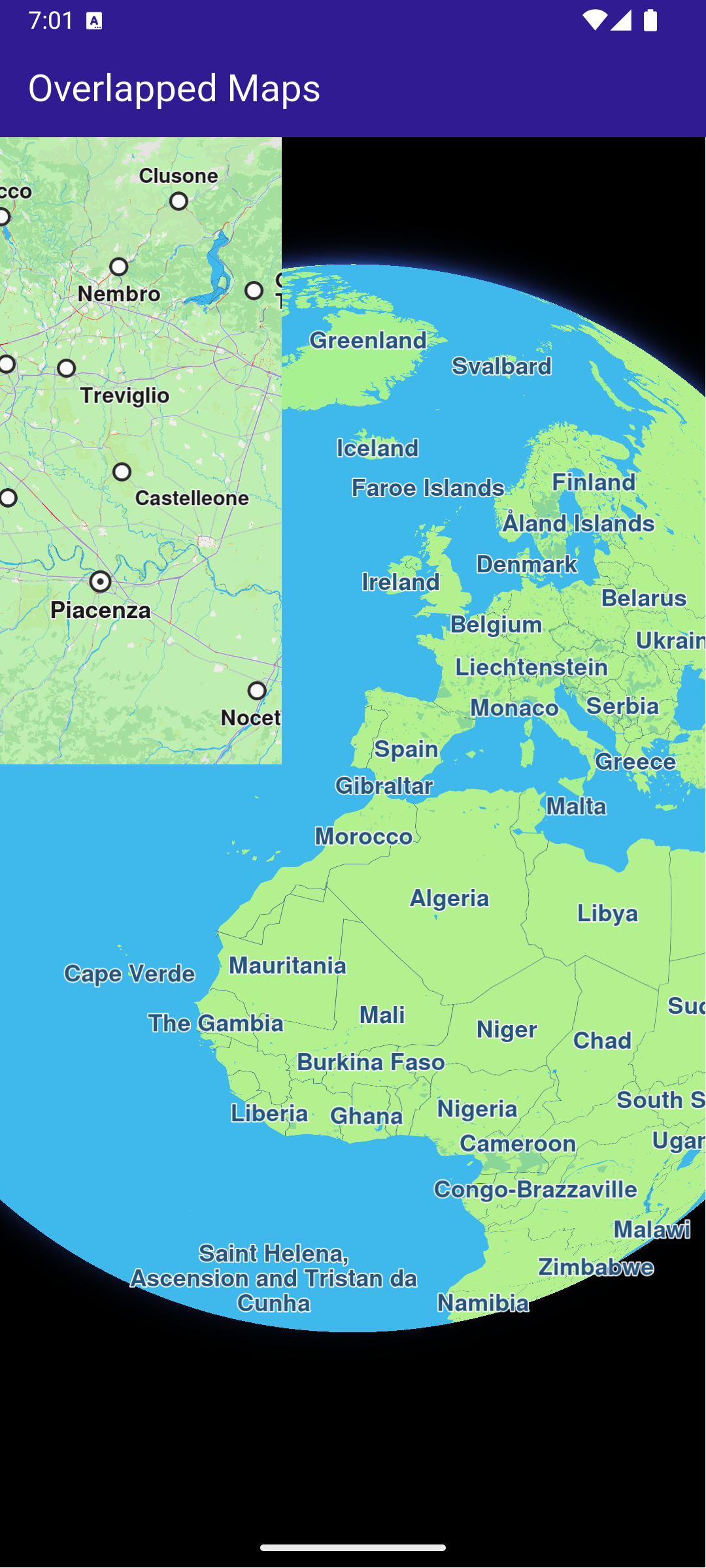
This example showcases how to build a Flutter app featuring an interactive map. Users can select a point on map and see its coordinates in different projections systems. #### How it works[​](#how-it-works "Direct link to How it works") The example app includes the following features: * Display a map. * Select a point on the map. * Display the coordinates of the selected point in different projection systems. ![](/docs/flutter/assets/images/example_flutter_projections1-b7f0b10f7cfcd30aa92f3d4a8a9a0894.png) **Initial map screen** ![](/docs/flutter/assets/images/example_flutter_projections2-6e27f2c09d14eba6ef524c742d34889a.png) **Selected point coordinates** ##### UI and Map Integration[​](#ui-and-map-integration "Direct link to UI and Map Integration") The code below builds a user interface featuring an interactive `GemMap` which can be tapped to select a point. When a point is selected, the coordinates are displayed in different projection systems. main.dart[](projections/lib/main.dart?ref_type=heads#L19) ```dart class MyApp extends StatelessWidget { const MyApp({super.key}); @override Widget build(BuildContext context) { return const MaterialApp( title: 'Projections', debugShowCheckedModeBanner: false, home: MyHomePage(), ); } } class MyHomePage extends StatefulWidget { const MyHomePage({super.key}); @override State createState() => _MyHomePageState(); } class _MyHomePageState extends State { late GemMapController _mapController; WGS84Projection? _wgsProjection; MGRSProjection? _mgrsProjection; UTMProjection? _utmProjection; LAMProjection? _lamProjection; W3WProjection? _w3wProjection; GKProjection? _gkProjection; BNGProjection? _bngProjection; @override void dispose() { GemKit.release(); super.dispose(); } @override Widget build(BuildContext context) { return Scaffold( appBar: AppBar( backgroundColor: Colors.deepPurple[900], title: const Text( 'Projections', style: TextStyle(color: Colors.white), ), ), body: Stack( alignment: AlignmentDirectional.bottomStart, children: [ GemMap( key: ValueKey("GemMap"), onMapCreated: _onMapCreated, appAuthorization: projectApiToken, ), if (_wgsProjection != null) ProjectionsPanel( wgsProjection: _wgsProjection, mgrsProjection: _mgrsProjection, utmProjection: _utmProjection, lamProjection: _lamProjection, w3wProjection: _w3wProjection, gkProjection: _gkProjection, bngProjection: _bngProjection, onClose: () { setState(() { _wgsProjection = null; _mgrsProjection = null; _utmProjection = null; _lamProjection = null; _w3wProjection = null; _gkProjection = null; _bngProjection = null; }); }, ), ], ), ); } // The callback for when map is ready to use. void _onMapCreated(GemMapController controller) async { // Save controller for further usage. _mapController = controller; _mapController.centerOnCoordinates( Coordinates(latitude: 45.472358, longitude: 9.184945), zoomLevel: 80, ); // Enable cursor to render on screen _mapController.preferences.enableCursor = true; _mapController.preferences.enableCursorRender = true; // Register touch callback to set cursor to tapped position _mapController.registerOnTouch((point) async { // Transform the screen point to Coordinates final coords = _mapController.transformScreenToWgs(point); // Update cursor position on the map _mapController.setCursorScreenPosition(point); // Build WGS84 projection from Coordinates final wgsProjection = WGS84Projection(coords); final utmProjection = await convertProjection(wgsProjection, ProjectionType.utm) as UTMProjection?; final mgrsProjection = await convertProjection(wgsProjection, ProjectionType.mgrs) as MGRSProjection?; final lamProjection = await convertProjection(wgsProjection, ProjectionType.lam) as LAMProjection?; final w3wProjection = await convertProjection(wgsProjection, ProjectionType.w3w) as W3WProjection?; final gkProjection = await convertProjection(wgsProjection, ProjectionType.gk) as GKProjection?; final bngProjection = await convertProjection(wgsProjection, ProjectionType.bng) as BNGProjection?; setState(() { _wgsProjection = wgsProjection; _utmProjection = utmProjection; _mgrsProjection = mgrsProjection; _lamProjection = lamProjection; _w3wProjection = w3wProjection; _gkProjection = gkProjection; _bngProjection = bngProjection; }); }); } Future convertProjection(Projection projection, ProjectionType type) async { final completer = Completer(); ProjectionService.convert( from: projection, toType: type, onComplete: (err, convertedProjection) { if (err != GemError.success) { completer.complete(null); } else { completer.complete(convertedProjection); } }); return await completer.future; } } ``` ##### Projections Panel[​](#projections-panel "Direct link to Projections Panel") The `ProjectionsPanel` widget displays the coordinates in different projection systems. It is shown when a point is selected on the map. projections\_panel.dart[](projections/lib/projections_panel.dart?ref_type=heads#L9) ```dart class ProjectionsPanel extends StatelessWidget { final WGS84Projection? wgsProjection; final MGRSProjection? mgrsProjection; final UTMProjection? utmProjection; final LAMProjection? lamProjection; final W3WProjection? w3wProjection; final GKProjection? gkProjection; final BNGProjection? bngProjection; final VoidCallback onClose; const ProjectionsPanel( {super.key, this.wgsProjection, this.mgrsProjection, this.utmProjection, this.lamProjection, this.w3wProjection, this.gkProjection, this.bngProjection, required this.onClose}); @override Widget build(BuildContext context) { return Stack( children: [ Container( color: Colors.white, width: MediaQuery.of(context).size.width, child: Padding( padding: const EdgeInsets.only(bottom: 50.0, left: 20.0, right: 20.0, top: 10), child: Column( mainAxisSize: MainAxisSize.min, crossAxisAlignment: CrossAxisAlignment.start, children: [ Text( 'WGS84: ${wgsProjection!.coordinates!.latitude.toStringAsFixed(6)}, ${wgsProjection!.coordinates!.longitude.toStringAsFixed(6)}', style: const TextStyle(color: Colors.black, fontSize: 16), ), (bngProjection != null) ? Text( 'BNG: ${bngProjection!.easting.toStringAsFixed(4)}, ${bngProjection!.northing.toStringAsFixed(4)}', style: const TextStyle(color: Colors.black, fontSize: 16), ) : const Text( 'BNG: Not available', style: TextStyle(color: Colors.black, fontSize: 16), ), (utmProjection != null) ? Text( 'UTM: ${utmProjection!.x.toStringAsFixed(2)}, ${utmProjection!.y.toStringAsFixed(2)}, zone: ${utmProjection!.zone}, ${utmProjection!.hemisphere}', style: const TextStyle(color: Colors.black, fontSize: 16), ) : const Text( 'UTM: Not available', style: TextStyle(color: Colors.black, fontSize: 16), ), (mgrsProjection != null) ? Text( 'MGRS: ${mgrsProjection!.zone}, ${mgrsProjection!.letters}, ${mgrsProjection!.easting.toStringAsFixed(2)}, ${mgrsProjection!.northing.toStringAsFixed(2)}', style: const TextStyle(color: Colors.black, fontSize: 16), ) : const Text( 'MGRS: Not available', style: TextStyle(color: Colors.black, fontSize: 16), ), (lamProjection != null) ? Text( 'LAM: ${lamProjection!.x.toStringAsFixed(2)}, ${lamProjection!.y.toStringAsFixed(2)}', style: const TextStyle(color: Colors.black, fontSize: 16), ) : const Text( 'LAM: Not available', style: TextStyle(color: Colors.black, fontSize: 16), ), (w3wProjection != null) ? Text( 'W3W: ${w3wProjection!.words}', style: const TextStyle(color: Colors.black, fontSize: 16), ) : const Text( 'W3W: Not available', style: TextStyle(color: Colors.black, fontSize: 16), ), (gkProjection != null) ? Text( 'GK: ${gkProjection!.easting.toStringAsFixed(2)}, ${gkProjection!.northing.toStringAsFixed(2)}, zone: ${gkProjection!.zone}', style: const TextStyle(color: Colors.black, fontSize: 16), ) : const Text( 'GK: Not available', style: TextStyle(color: Colors.black, fontSize: 16), ), ], ), ), ), Positioned( top: 0, right: 0, child: IconButton( icon: const Icon(Icons.close, color: Colors.black), onPressed: onClose, ), ), ], ); } } ``` --- ### Public Transit Stop Schedule |
This example showcases how to build a Flutter app featuring an interactive map. Users can select public transport points of interest (POIs) to access detailed information, including departure times, route names, and the status of transport vehicles, such as whether they have departed. #### How it works[​](#how-it-works "Direct link to How it works") The example app includes the following features: * Display a map. * Select public transport stations from the map. * Display public transport trip information. * Show departure times for each public transport trip. ![](/docs/flutter/assets/images/example_flutter_public_transit_stop_schedule1-14a97cc52afdf79f54f4fa9f92d4cfcb.png) **Public Transport POI** ![](/docs/flutter/assets/images/example_flutter_public_transit_stop_schedule2-b330f96ed6f9a184ee81de932627952c.png) **Public Transport Routes** ![](/docs/flutter/assets/images/example_flutter_public_transit_stop_schedule3-c23a744851049a797e7260eb5aa92002.png) **Departure Times** ##### UI and Map Integration[​](#ui-and-map-integration "Direct link to UI and Map Integration") The following code creates a user interface with an interactive `GemMap` and an app bar. main.dart[](public_transit_stop_schedule/lib/main.dart?ref_type=heads#L12) ```dart const projectApiToken = String.fromEnvironment('GEM_TOKEN'); void main() { runApp(const MyApp()); } class MyApp extends StatelessWidget { const MyApp({super.key}); @override Widget build(BuildContext context) { return const MaterialApp( debugShowCheckedModeBanner: false, title: 'Public Transit Stops', home: MyHomePage(), ); } } class MyHomePage extends StatefulWidget { const MyHomePage({super.key}); @override State createState() => _MyHomePageState(); } class _MyHomePageState extends State { late GemMapController _mapController; PTStopInfo? _selectedPTStop; Coordinates? _selectedPTStopCoords; @override void dispose() { GemKit.release(); super.dispose(); } @override Widget build(BuildContext context) { return Scaffold( appBar: AppBar( backgroundColor: Colors.deepPurple[900], title: const Text('Public Transit Stops', style: TextStyle(color: Colors.white)), ), body: Stack( children: [ GemMap( key: ValueKey("GemMap"), appAuthorization: projectApiToken, onMapCreated: (controller) => _onMapCreated(controller), ), if (_selectedPTStop != null) Positioned( bottom: 0, left: 0, right: 0, child: SizedBox( height: MediaQuery.of(context).size.height * 0.6, child: FutureBuilder( future: getLocalTime(_selectedPTStopCoords!), builder: (context, snapshot) { if (snapshot.connectionState == ConnectionState.waiting) return Container(); return PublicTransitStopPanel( ptStopInfo: _selectedPTStop!, localTime: snapshot.data!, onCloseTap: () => setState( () { _selectedPTStop = null; _selectedPTStopCoords = null; }, ), ); }), ), ) ], ), ); } void _onMapCreated(GemMapController controller) async { // Save controller for further usage. _mapController = controller; _mapController.registerOnLongPress((pos) async { // Update the cursor screen position await _mapController.setCursorScreenPosition(pos); // Get the public transit overlay items at that position final items = _mapController.cursorSelectionOverlayItemsByType(CommonOverlayId.publicTransport); final coords = _mapController.transformScreenToWgs(pos); for (final OverlayItem item in items) { // Get the stop information final ptStopInfo = await item.getPTStopInfo(); if (ptStopInfo != null) { setState(() { _selectedPTStop = ptStopInfo; _selectedPTStopCoords = coords; }); } } }); } } ``` ##### Public Transport Stop Panel[​](#public-transport-stop-panel "Direct link to Public Transport Stop Panel") public\_transit\_stop\_panel.dart[](public_transit_stop_schedule/lib/public_transit_stop_panel.dart?ref_type=heads#L13) ```dart class PublicTransitStopPanel extends StatefulWidget { final PTStopInfo ptStopInfo; final DateTime localTime; final VoidCallback onCloseTap; const PublicTransitStopPanel({ super.key, required this.ptStopInfo, required this.localTime, required this.onCloseTap, }); @override State createState() => _PublicTransitStopPanelState(); } class _PublicTransitStopPanelState extends State { PTTrip? _selectedTrip; @override Widget build(BuildContext context) { return Column( children: [ Container( width: double.infinity, color: Colors.white, child: Row( mainAxisAlignment: MainAxisAlignment.spaceBetween, children: [ if (_selectedTrip != null) IconButton( icon: const Icon(Icons.arrow_back), onPressed: () => setState(() => _selectedTrip = null), ) else const SizedBox(width: 48), Text( _selectedTrip == null ? 'Select a Trip' : 'Stops for ${_selectedTrip!.route.routeShortName}', ), IconButton( icon: const Icon(Icons.close), onPressed: widget.onCloseTap, ), ], ), ), // Body: either list of trips or list of stops Expanded( child: Container( color: Colors.white, child: _selectedTrip == null ? ListView.separated( itemCount: widget.ptStopInfo.trips.length, itemBuilder: (context, index) { final trip = widget.ptStopInfo.trips[index]; return Padding( padding: const EdgeInsets.all(8.0), child: PTLineListItem( localCurrentTime: widget.localTime, ptTrip: trip, onTap: () { setState(() { _selectedTrip = trip; }); }, ), ); }, separatorBuilder: (_, __) => const Divider( height: 1, thickness: 1, indent: 16, endIndent: 16, ), ) : StopsPanel( stopTimes: _selectedTrip!.stopTimes, localTime: widget.localTime, onCloseTap: widget.onCloseTap, ), ), ), ], ); } } class PTLineListItem extends StatelessWidget { final PTTrip ptTrip; final DateTime localCurrentTime; final VoidCallback onTap; const PTLineListItem({super.key, required this.ptTrip, required this.localCurrentTime, required this.onTap}); @override Widget build(BuildContext context) { return InkWell( onTap: onTap, child: Row( mainAxisAlignment: MainAxisAlignment.spaceBetween, children: [ Row( children: [ Icon(getTransportIcon(ptTrip.route.routeType)), SizedBox(width: 7.0), Column( crossAxisAlignment: CrossAxisAlignment.start, children: [ Container( padding: EdgeInsets.symmetric(vertical: 4.0, horizontal: 15.0), decoration: BoxDecoration( color: ptTrip.route.routeColor, borderRadius: BorderRadius.circular(14.0), // adjust radius as you like ), child: Text( ptTrip.route.routeShortName ?? "None", style: TextStyle(color: ptTrip.route.routeTextColor, fontWeight: FontWeight.w500), ), ), Text( ptTrip.route.heading ?? ptTrip.route.routeLongName ?? "Nan", maxLines: 1, overflow: TextOverflow.ellipsis, ), Text( ptTrip.departureTime != null ? 'Scheduled • ${DateFormat('H:mm').format(ptTrip.departureTime!)}' : 'Scheduled • ', ), ], ), ], ), Text(calculateTimeDifference(localCurrentTime, ptTrip)) ], ), ); } } ``` ##### Departure Times Panel[​](#departure-times-panel "Direct link to Departure Times Panel") departure\_times\_panel.dart[](public_transit_stop_schedule/lib/departure_times_panel.dart?ref_type=heads#L11) ```dart class DepartureTimesPanel extends StatelessWidget { final List stopTimes; final DateTime localTime; final VoidCallback onCloseTap; const DepartureTimesPanel({super.key, required this.stopTimes, required this.localTime, required this.onCloseTap}); @override Widget build(BuildContext context) { return Column( children: [ // the scrollable list with dividers Expanded( child: Container( color: Colors.white, child: ListView.separated( itemCount: stopTimes.length, itemBuilder: (context, index) => Padding( padding: const EdgeInsets.all(8.0), child: DepartureTimesListItem( stop: stopTimes[index], localCurrentTime: localTime, ), ), separatorBuilder: (context, index) => const Divider( height: 1, thickness: 1, indent: 16, // optional: inset the divider from the left endIndent: 16, // optional: inset the divider from the right ), ), ), ), ], ); } } class DepartureTimesListItem extends StatelessWidget { final PTStopTime stop; final DateTime localCurrentTime; const DepartureTimesListItem({super.key, required this.stop, required this.localCurrentTime}); @override Widget build(BuildContext context) { return Row( mainAxisAlignment: MainAxisAlignment.spaceBetween, children: [ Expanded( child: Column( crossAxisAlignment: CrossAxisAlignment.start, children: [ Text( stop.stopName, maxLines: 1, overflow: TextOverflow.ellipsis, ), if (stop.departureTime != null) Text(stop.departureTime!.isAfter(localCurrentTime) ? "Scheduled" : "Departed"), ], ), ), SizedBox(width: 8), Text( stop.departureTime != null ? DateFormat('H:mm').format(stop.departureTime!) : '-', ), ], ); } } ``` ##### Utility Functions[​](#utility-functions "Direct link to Utility Functions") utils.dart[](public_transit_stop_schedule/lib/utils.dart?ref_type=heads#L12) ```dart // Retrieves the local time for the region corresponding to the given coordinates. Future getLocalTime(Coordinates referenceCoords) async { final completer = Completer(); TimezoneService.getTimezoneInfoFromCoordinates( coords: referenceCoords, time: DateTime.now(), onComplete: (error, result) { if (error == GemError.success) completer.complete(result); }, ); final timezoneResult = await completer.future; return timezoneResult.localTime; } IconData getTransportIcon(PTRouteType type) { switch (type) { case PTRouteType.bus: return Icons.directions_bus; case PTRouteType.underground: return Icons.directions_subway; case PTRouteType.railway: return Icons.directions_railway; case PTRouteType.tram: return Icons.directions_bus_filled; case PTRouteType.waterTransport: return Icons.directions_boat; case PTRouteType.misc: return Icons.miscellaneous_services; } } // Computes how many minutes remain until the PTTrip’s scheduled departure. String calculateTimeDifference(DateTime localCurrentTime, PTTrip ptTrip) { return ptTrip.departureTime != null ? '${ptTrip.departureTime!.difference(localCurrentTime).inMinutes} min' ``` --- ### SDK Automatic Activation |
This example shows how to perform automatic activation of the SDK based on the provided token. Activations are used to authorize the use of the SDK on a device. Each device will have its own activation record based on the same application token. The role of activations are to track the number of devices for special licensing scenarios. #### How it works[​](#how-it-works "Direct link to How it works") The example app includes the following features: * Display a page for entering a custom token. * Automatic activation of the SDK using the provided token. * Display the map upon successful activation and see the activation status. ![](/docs/flutter/assets/images/example_flutter_sdk_auto_activation1-ed2f58d36ec561929baec8e9b9b2823b.png) **Initial screen for activation** ![](/docs/flutter/assets/images/example_flutter_sdk_auto_activation2-b46e9c78dc3dbcf6151ac2589aa6a128.png) **Popup with activation status** ##### UI and Map Integration[​](#ui-and-map-integration "Direct link to UI and Map Integration") main.dart[](sdk_auto_activation/lib/main.dart?ref_type=heads#L31) ```dart class MyHomePage extends StatefulWidget { const MyHomePage({super.key}); @override State createState() => _MyHomePageState(); } class _MyHomePageState extends State { @override void initState() { super.initState(); _loadStoredToken(); } Future _loadStoredToken() async { final prefs = await SharedPreferences.getInstance(); final token = prefs.getString('activation_token'); if (token != null) { await GemKit.initialize(appAuthorization: token); setState(() { _isActivated = true; _isLoadingPreferences = false; }); } else { setState(() { _isLoadingPreferences = false; }); } } @override void dispose() { GemKit.release(); super.dispose(); } bool _isLoadingPreferences = true; bool _isActivated = false; @override Widget build(BuildContext context) { return Scaffold( appBar: AppBar( backgroundColor: Colors.deepPurple[900], title: const Text('Auto Activation Example', style: TextStyle(color: Colors.white)), actions: [ IconButton( icon: const Icon(Icons.info, color: Colors.white), onPressed: () async { if (!_isActivated) { showDialog( context: context, builder: (context) => const AlertDialog(content: Text('No activations found.')), ); } else { final activations = ActivationService.getActivationsForProduct(ProductID.core); showDialog( context: context, builder: (context) => AlertDialog( content: SizedBox( width: 600, height: 400, child: Builder( builder: (context) { if (activations.isEmpty) { return const Text('No activations found.'); } return ListView( shrinkWrap: true, children: [ Text( "Keep this information private. It contains sensitive information about your activations.", style: TextStyle(color: Colors.red[700]), textAlign: TextAlign.center, ), ...activations.map((activation) { return ListTile( title: const Text('Activation'), subtitle: Column( mainAxisSize: MainAxisSize.min, crossAxisAlignment: CrossAxisAlignment.start, children: [ SelectableText('ID: ${activation.id}'), SelectableText('App token: ${activation.appToken}'), SelectableText('Device Fingerprint: ${activation.deviceFingerprint}'), SelectableText('Status: ${activation.status.name}'), SelectableText('Expires: ${activation.expiry}'), SelectableText('License Key: ${activation.licenseKey}'), ], ), ); }), const Divider(), Padding( padding: const EdgeInsets.all(16.0), child: SelectableText("Token set in SdkSettings: ${SdkSettings.appAuthorization}"), ), ], ); }, ), ), ), ); } }, ), ], ), body: Builder( builder: (context) { if (_isActivated) return const GemMap(); if (_isLoadingPreferences) return const LoadingPreferencesWidget(); return ActivationRequiredScreen( onSilentActivation: (token) async { final prefs = await SharedPreferences.getInstance(); await prefs.setString('activation_token', token); await GemKit.initialize(appAuthorization: token); if (!mounted) return; setState(() { _isActivated = true; }); }, ); }, ), ); } } ``` The working of the `MyHomePage` widget is as follows: * When the app launches it checks for a saved activation token on your device. * If a token exists, the app initializes the SDK automatically and opens the map for you. * If no token is found, you see a simple token entry screen where you paste or type your token and tap Set Token. * Tapping Set Token saves the token, initializes the SDK, and then shows the map. * Use the top-right info button to view your current activations and the stored token (keep this information private). ##### Token Entry Screen[​](#token-entry-screen "Direct link to Token Entry Screen") main.dart[](sdk_auto_activation/lib/main.dart?ref_type=heads#L192) ```dart class ActivationRequiredScreen extends StatefulWidget { const ActivationRequiredScreen({super.key, required this.onSilentActivation}); final void Function(String token) onSilentActivation; @override State createState() => _ActivationRequiredScreenState(); } class _ActivationRequiredScreenState extends State { final TextEditingController _controller = TextEditingController(); @override void initState() { super.initState(); _controller.text = projectApiToken; } @override Widget build(BuildContext context) { return Center( child: Column( mainAxisAlignment: MainAxisAlignment.center, crossAxisAlignment: CrossAxisAlignment.center, children: [ TextField( controller: _controller, decoration: InputDecoration(border: OutlineInputBorder(), labelText: 'Enter Online Access Token'), ), ElevatedButton( onPressed: () async { final token = _controller.text.trim(); widget.onSilentActivation(token); }, child: const Text('Set Token'), ), ], ), ); } } ``` The `ActivationRequiredScreen` widget provides a simple UI for entering the token. When the user presses the "Set Token" button, the `onSilentActivation` callback is invoked with the entered token. --- ### Send Debug Info |
This example showcases how to build a Flutter app featuring an interactive map and how to share debug information as a .txt file, using the Maps SDK for Flutter. #### How it works[​](#how-it-works "Direct link to How it works") The example app demonstrates the following features: * Display an interactive map. * Share debug logs. ![](/docs/flutter/assets/images/example_flutter_send_debug_info1-1cb50ec73c2abb2f078121fad2595f63.png) **Initial map screen** ![](/docs/flutter/assets/images/example_flutter_send_debug_info2-b83f7ccdb4a3099d2069091f2a24cb06.png) **Share menu open with .txt file** ##### UI and Map Integration[​](#ui-and-map-integration "Direct link to UI and Map Integration") The following code builds a UI with an interactive `GemMap` and a share button. main.dart[](send_debug_info/lib/main.dart?ref_type=heads#L16) ```dart const projectApiToken = String.fromEnvironment('GEM_TOKEN'); void main() async { // Turn on logging Debug.logCallObjectMethod = false; Debug.logCreateObject = true; Debug.logLevel = GemLoggingLevel.all; Debug.logListenerMethod = true; runApp(const MyApp()); } class MyApp extends StatelessWidget { const MyApp({super.key}); @override Widget build(BuildContext context) { return const MaterialApp( debugShowCheckedModeBanner: false, title: 'Send Debug Info', home: MyHomePage(), ); } } class MyHomePage extends StatefulWidget { const MyHomePage({super.key}); @override State createState() => _MyHomePageState(); } class _MyHomePageState extends State { @override void dispose() { GemKit.release(); super.dispose(); } @override Widget build(BuildContext context) { return Scaffold( appBar: AppBar( backgroundColor: Colors.deepPurple[900], title: const Text( 'Send Debug Info', style: TextStyle(color: Colors.white), ), actions: [ IconButton( onPressed: _shareLogs, icon: const Icon(Icons.share, color: Colors.white), ), ], ), body: GemMap( key: ValueKey("GemMap"), appAuthorization: projectApiToken, onMapCreated: (ctrl) async { await Debug.setSdkDumpLevel(GemDumpSdkLevel.verbose); // Redirect Dart SDK logs to the SDK dump log file final dartSdkLogger = Logger('GemSdkLogger'); dartSdkLogger.onRecord.listen((record) { Debug.log(level: GemDumpSdkLevel.verbose, message: '${record.time} ${record.message}'); }); }, ), ); } Future _shareLogs() async { // Get the path to the SDK log dump file final logPath = await Debug.getSdkLogDumpPath(); await SharePlus.instance.share(ShareParams(files: [XFile(logPath)])); } } ``` --- ### Social Report |
This example demonstrates how to create a Flutter app with an interactive map that allows users to upload and view social events, using the Maps SDK for Flutter. #### How it works[​](#how-it-works "Direct link to How it works") The example app includes the following features: * Display an interactive map. * Upload a social report. * Select and view existing social reports directly from the map. ![](/docs/flutter/assets/images/example_flutter_social_report1-55406103c964ab18a7cef5e6757e3289.png) **Initial map view** ![](/docs/flutter/assets/images/example_flutter_social_report2-ade226cd9b29097e9ae02b3639037503.png) **Uploaded report** ![](/docs/flutter/assets/images/example_flutter_social_report3-e859a69a11076c280ae6cb60e09e9c22.png) **Selected social report** ##### UI and Map Integration[​](#ui-and-map-integration "Direct link to UI and Map Integration") The following code creates a user interface with an interactive `GemMap` and an app bar. The app bar includes two buttons: one for acquiring the user's current position and another for uploading a police report at the current location. main.dart[](social_report/lib/main.dart?ref_type=heads#L13) ```dart const projectApiToken = String.fromEnvironment('GEM_TOKEN'); void main() { runApp(const MyApp()); } class MyApp extends StatelessWidget { const MyApp({super.key}); @override Widget build(BuildContext context) { return const MaterialApp( title: 'Social Report', debugShowCheckedModeBanner: false, home: MyHomePage(), ); } } class MyHomePage extends StatefulWidget { const MyHomePage({super.key}); @override State createState() => _MyHomePageState(); } class _MyHomePageState extends State { late GemMapController _mapController; PermissionStatus _locationPermissionStatus = PermissionStatus.denied; bool _hasLiveDataSource = false; // Current selected overlay item OverlayItem? _selectedItem; @override void dispose() { GemKit.release(); super.dispose(); } @override Widget build(BuildContext context) { return Scaffold( appBar: AppBar( backgroundColor: Colors.deepPurple[900], title: const Text( 'Social Report', style: TextStyle(color: Colors.white), ), actions: [ IconButton( onPressed: _onFollowPositionButtonPressed, icon: const Icon( Icons.location_searching_sharp, color: Colors.white, ), ), if (_hasLiveDataSource) IconButton( onPressed: _onPrepareReportingButtonPressed, icon: Icon( Icons.report, color: Colors.white, )) ], ), body: Stack(children: [ GemMap( key: ValueKey("GemMap"), onMapCreated: _onMapCreated, appAuthorization: projectApiToken, ), if (_selectedItem != null) Padding( padding: const EdgeInsets.all(8.0), child: Align( alignment: Alignment.bottomCenter, child: SocialEventPanel( overlayItem: _selectedItem!, onClose: () { setState(() { _selectedItem = null; }); }, ), ), ) ]), ); } // The callback for when map is ready to use. void _onMapCreated(GemMapController controller) async { // Save controller for further usage. _mapController = controller; // Register callback for touch events and updated cursor position _mapController.registerOnTouch((point) { _mapController.setCursorScreenPosition(point); }); // Get selected overlay items under cursor _mapController.registerOnCursorSelectionUpdatedOverlayItems((items) { if (items.isEmpty) return; final selectedItem = items.first; // Update selected item setState(() { _selectedItem = selectedItem; }); }); } void _onFollowPositionButtonPressed() async { if (kIsWeb) { // On web platform permission are handled differently than other platforms. // The SDK handles the request of permission for location. final locationPermssionWeb = await PositionService.requestLocationPermission(); if (locationPermssionWeb == true) { _locationPermissionStatus = PermissionStatus.granted; } else { _locationPermissionStatus = PermissionStatus.denied; } } else { // For Android & iOS platforms, permission_handler package is used to ask for permissions. _locationPermissionStatus = await Permission.locationWhenInUse.request(); } if (_locationPermissionStatus == PermissionStatus.granted) { // After the permission was granted, we can set the live data source (in most cases the GPS). // The data source should be set only once, otherwise we'll get -5 error. if (!_hasLiveDataSource) { PositionService.setLiveDataSource(); _hasLiveDataSource = true; } // Optionally, we can set an animation final animation = GemAnimation(type: AnimationType.linear); // Calling the start following position SDK method. _mapController.startFollowingPosition(animation: animation); setState(() {}); } } void _onPrepareReportingButtonPressed() async { // Get current position quality final improvedPos = PositionService.improvedPosition; final posQuality = improvedPos!.fixQuality; if (posQuality == PositionQuality.invalid || posQuality == PositionQuality.inertial) { _showSnackBar( context, message: "There is no accurate position at the moment.", duration: Duration(seconds: 3), ); return; } // Get the reporting id (uses current position). Requires accurate position, may return GemError.notFound when in buildings/tunnels etc. int idReport = SocialOverlay.prepareReporting(); // Get the subcategory id SocialReportsOverlayInfo info = SocialOverlay.reportsOverlayInfo; List categs = info.getSocialReportsCategories(); SocialReportsOverlayCategory cat = categs.first; List subcats = cat.overlaySubcategories; SocialReportsOverlayCategory subCategory = subcats.first; // Report SocialOverlay.report( prepareId: idReport, categId: subCategory.uid, onComplete: (error) { _showSnackBar( context, message: "Added report error: $error.", duration: Duration(seconds: 3), ); }, ); } // Show a snackbar indicating that the route calculation is in progress. void _showSnackBar( BuildContext context, { required String message, Duration duration = const Duration(hours: 1), }) { final snackBar = SnackBar(content: Text(message), duration: duration); ScaffoldMessenger.of(context).showSnackBar(snackBar); } } ``` ##### Social Event Panel[​](#social-event-panel "Direct link to Social Event Panel") The following code demonstrates how to retrieve details from an `OverlayItem` that represents a social event. social\_event\_panel.dart[](social_report/lib/social_event_panel.dart?ref_type=heads#L9) ```dart import 'package:intl/intl.dart'; class SocialEventPanel extends StatelessWidget { final OverlayItem overlayItem; final VoidCallback onClose; const SocialEventPanel({super.key, required this.overlayItem, required this.onClose}); @override Widget build(BuildContext context) { final overlayImg = overlayItem.img; return Container( width: MediaQuery.of(context).size.width - 40, color: Colors.white, child: Column( mainAxisSize: MainAxisSize.min, children: [ Row( mainAxisAlignment: MainAxisAlignment.spaceBetween, children: [ Row( children: [ Padding( padding: const EdgeInsets.all(8.0), child: overlayImg.isValid ? Image.memory( overlayImg.getRenderableImageBytes(size: Size(50, 50), format: ImageFileFormat.png)!, ) : const SizedBox()), Column( crossAxisAlignment: CrossAxisAlignment.start, children: [ Text(overlayItem.name), Text( "Date: ${formatTimestamp(overlayItem.previewDataJson["parameters"]["create_stamp_utc"] as String)}"), Text("Upvotes: ${overlayItem.previewDataJson["parameters"]["score"]}"), ], ), ], ), IconButton(onPressed: onClose, icon: Icon(Icons.close)), ], ), ], ), ); } String formatTimestamp(String timestampStr) { final timestamp = int.tryParse(timestampStr); if (timestamp == null) return "Invalid date"; final date = DateTime.fromMillisecondsSinceEpoch(timestamp * 1000); return DateFormat('MM/dd/yyyy').format(date); } } ``` Required Permissions To ensure this example functions correctly, the necessary permissions must be added to the project's Android and iOS configuration files: * Android * iOS Add the following code to the `android/app/src/main/AndroidManifest.xml` file, within the `` block: ``` ``` This example uses the [Permission Handler](https://pub.dev/packages/permission_handler) package. Be sure to follow the [setup guide](https://pub.dev/packages/permission_handler#setup). Add the following to `ios/Runner/Info.plist` inside the ``: ``` NSLocationWhenInUseUsageDescription Location is needed for map localization and navigation ``` This example uses the [Permission Handler](https://pub.dev/packages/permission_handler) package. Follow the [official setup instructions](https://pub.dev/packages/permission_handler#setup). Add this to your `ios/Podfile`: ``` post_install do |installer| installer.pods_project.targets.each do |target| flutter_additional_ios_build_settings(target) target.build_configurations.each do |config| config.build_settings['GCC_PREPROCESSOR_DEFINITIONS'] ||= [ '$(inherited)', 'PERMISSION_LOCATION=1', ] end end end ``` --- ### Address Search |
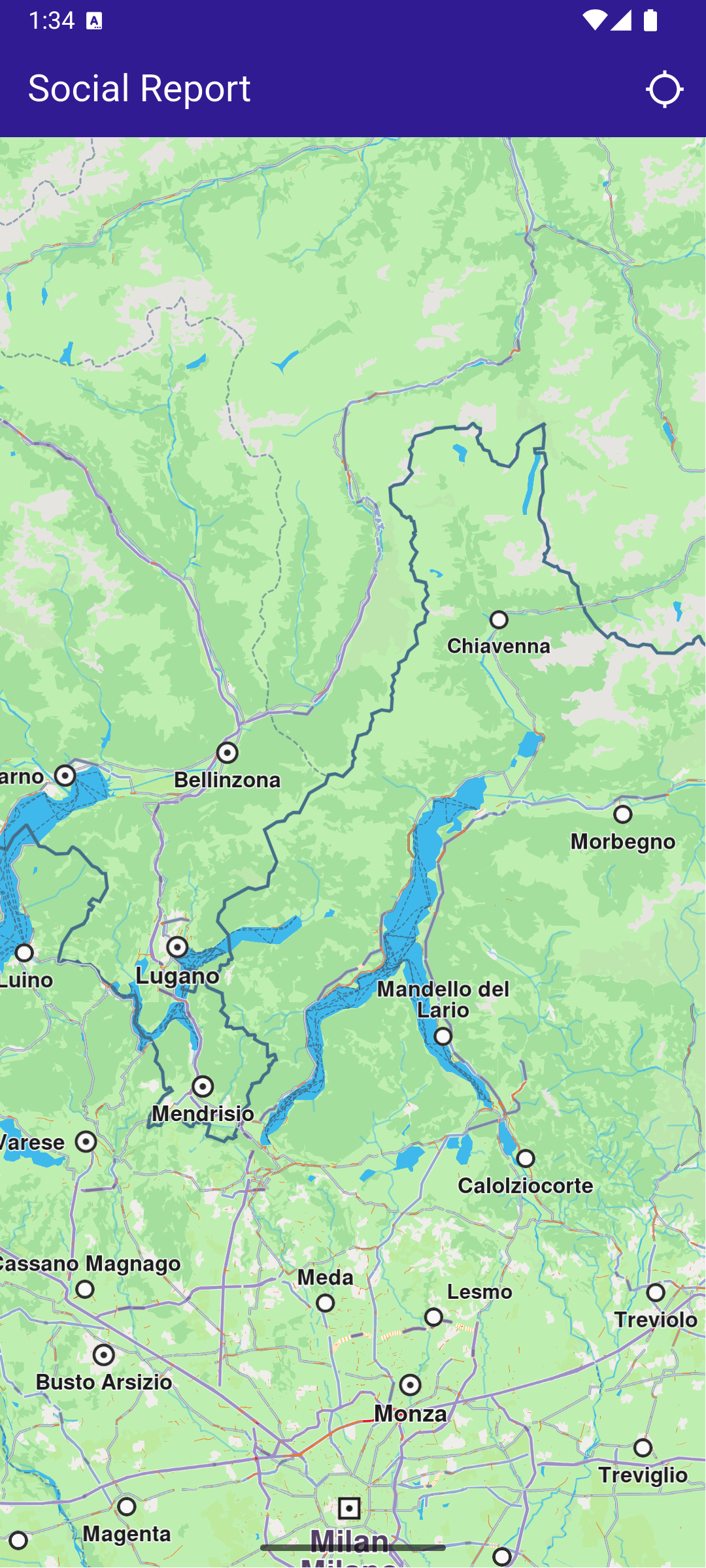
This example demonstrates how to create a Flutter app that performs address searches and displays the results on a map using Maps SDK for Flutter. #### How it works[​](#how-it-works "Direct link to How it works") The example app demonstrates the following features: * Search for a specific address by country, city, street, and house number. * Highlight and center the map on the searched address. ![](/docs/flutter/assets/images/example_flutter_address_search1-933c856b763f2306b6286cedbfe002ab.png) **Initial map view** ![](/docs/flutter/assets/images/example_flutter_address_search2-4b88048ea18f415c32015b8a6ebeb20b.png) **Search Button Tapped** ##### UI and Map Integration[​](#ui-and-map-integration "Direct link to UI and Map Integration") This code sets up the basic structure of the app, including the map and the app bar. It also provides a search button in the app bar for initiating the address search. main.dart[](address_search/lib/main.dart?ref_type=heads#L20) ```dart class MyApp extends StatelessWidget { const MyApp({super.key}); @override Widget build(BuildContext context) { return const MaterialApp( debugShowCheckedModeBanner: false, title: 'Address Search', home: MyHomePage(), ); } } class MyHomePage extends StatefulWidget { const MyHomePage({super.key}); @override State createState() => _MyHomePageState(); } class _MyHomePageState extends State { late GemMapController _mapController; @override void dispose() { GemKit.release(); super.dispose(); } @override Widget build(BuildContext context) { return Scaffold( appBar: AppBar( backgroundColor: Colors.deepPurple[900], title: const Text('Address Search', style: TextStyle(color: Colors.white)), actions: [ IconButton( onPressed: () => _onSearchButtonPressed(context).then( (value) => ScaffoldMessenger.of(context).clearSnackBars()), icon: const Icon( Icons.search, color: Colors.white, )) ], ), body: GemMap( key: ValueKey("GemMap"), onMapCreated: _onMapCreated, appAuthorization: projectApiToken, ), ); } void _onMapCreated(GemMapController controller) { _mapController = controller; } ``` ##### Address Search and Map Interaction[​](#address-search-and-map-interaction "Direct link to Address Search and Map Interaction") This code enables the app to search for addresses by different levels of detail (country, city, street, house number) and highlights the searched location on the map. The map is centered on the found address, with an optional animation. main.dart[](address_search/lib/main.dart?ref_type=heads#L85) ```dart Future _onSearchButtonPressed(BuildContext context) async { _showSnackBar(context, message: "Search is in progress."); // Predefined landmark for Spain. final countryLandmark = GuidedAddressSearchService.getCountryLevelItem('ESP'); print('Country: ${countryLandmark.name}'); // Use the address search to get a landmark for a city in Spain (e.g., Barcelona). final cityLandmark = await _searchAddress( landmark: countryLandmark, detailLevel: AddressDetailLevel.city, text: 'Barcelona'); if (cityLandmark == null) return; print('City: ${cityLandmark.name}'); // Use the address search to get a predefined street's landmark in the city (e.g., Carrer de Mallorca). final streetLandmark = await _searchAddress( landmark: cityLandmark, detailLevel: AddressDetailLevel.street, text: 'Carrer de Mallorca'); if (streetLandmark == null) return; print('Street: ${streetLandmark.name}'); // Use the address search to get a predefined house number's landmark on the street (e.g., House Number 401). final houseNumberLandmark = await _searchAddress( landmark: streetLandmark, detailLevel: AddressDetailLevel.houseNumber, text: '401'); if (houseNumberLandmark == null) return; print('House number: ${houseNumberLandmark.name}'); // Center the map on the final result. _presentLandmark(houseNumberLandmark); } void _presentLandmark(Landmark landmark) { // Highlight the landmark on the map. _mapController.activateHighlight([landmark]); // Create an animation (optional). final animation = GemAnimation(type: AnimationType.linear); // Use the map controller to center on coordinates. _mapController.centerOnCoordinates(landmark.coordinates, animation: animation); } // Address search method. Future _searchAddress({ required Landmark landmark, required AddressDetailLevel detailLevel, required String text, }) async { final completer = Completer(); // Calling the address search SDK method. // (err, results) - is a callback function that gets called when the search is finished. // err is an error enum, results is a list of landmarks. GuidedAddressSearchService.search(text, landmark, detailLevel, ( err, results, ) { // If there is an error, the method will return a null list. if (err != GemError.success && err != GemError.reducedResult || results.isEmpty) { completer.complete(null); return; } completer.complete(results.first); }); return completer.future; } // Show a snackbar indicating that the search is in progress. void _showSnackBar(BuildContext context, {required String message, Duration duration = const Duration(hours: 1)}) { final snackBar = SnackBar( content: Text(message), duration: duration, ); ScaffoldMessenger.of(context).showSnackBar(snackBar); } ``` --- ### Create Custom Overlay |
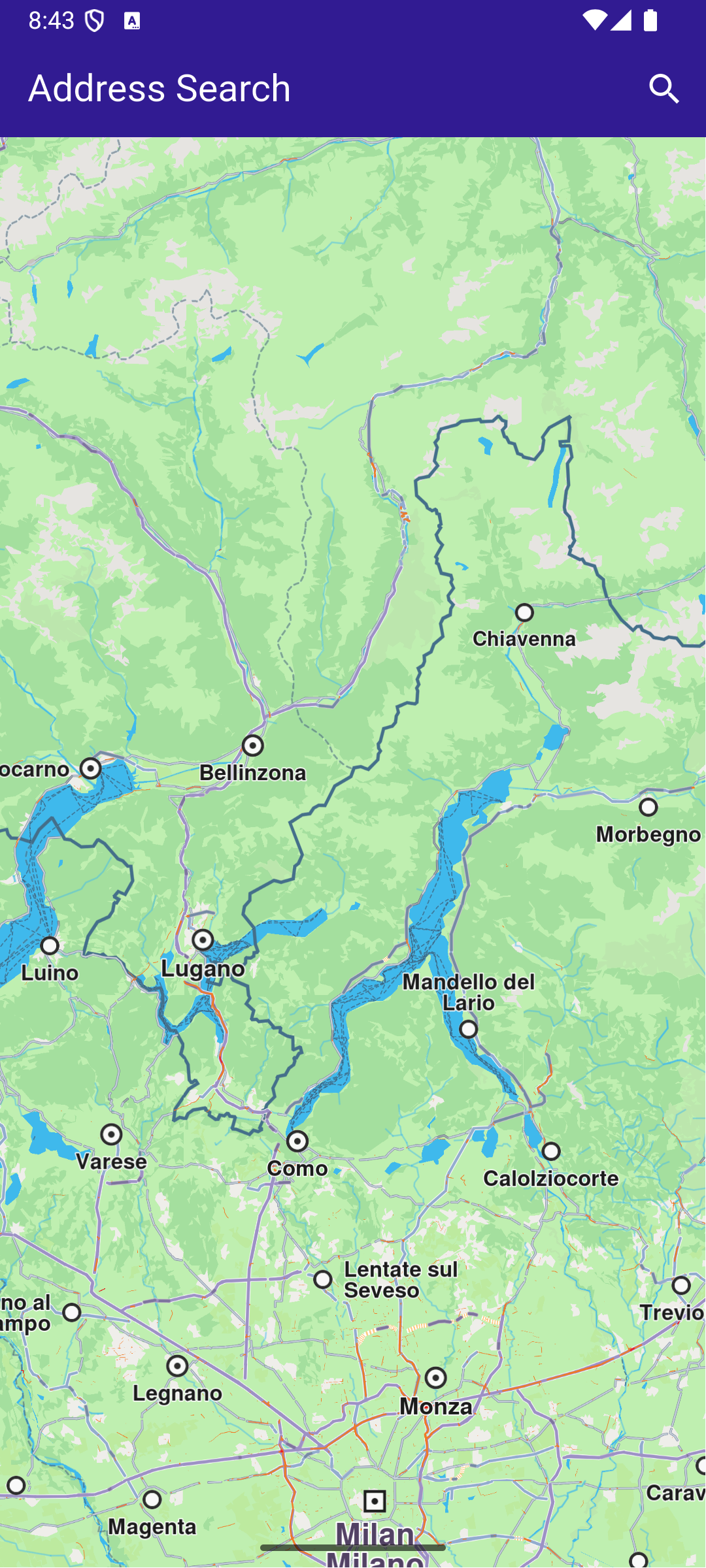
In this guide, you will learn how to add a dataset based on a GeoJSON file and link the dataset to a style. The style is then applied to a map. The dataset is available as an overlay, with the individual points presented as `OverlayItem`. #### How it works[​](#how-it-works "Direct link to How it works") * Import the dataset and create the style in Magic Lane Console. * Apply the style containing the dataset to a map. * Interact with the map to see the overlay items. #### Import the Dataset[​](#import-the-dataset "Direct link to Import the Dataset") We will need a GeoJSON file containing custom POI information. You can use the [GP Surgeries in York](https://data.yorkopendata.org/dataset/5490d87f-aacf-4f4e-9607-06a33a09b78b) or any other GeoJSON containing points data. Download the GeoJSON file. For this example, a Magic Lane account is mandatory. [Login](https://developer.magiclane.com/api/login) into your Magic Lane account or [register](https://developer.magiclane.com/api/register) a new account. Enter the [Datasets](https://developer.magiclane.com/api/datasets) tab from the Magic Lane Console and click the **Upload** button from the top right corner. ![](/docs/flutter/assets/images/example_flutter_create_custom_overlay1-388827cfc18420be739421f52e73c3db.png) **Datasets page** Drag and drop the downloaded GeoJSON file into the upload area or select the file manually. Click the **Upload** button to finish. The dataset should now be visible in the list. At the moment, there are no option to automatically update the dataset. #### Create a Map Style[​](#create-a-map-style "Direct link to Create a Map Style") Enter the [Styles](https://developer.magiclane.com/api/styles) tab from the Magic Lane Console and click the **New Style** button from the top right corner. Alternatively, you can use an existing style as a base by clicking the **Upload** button and selecting a style file. ![](/docs/flutter/assets/images/example_flutter_create_custom_overlay2-b1029e8cf4de12109617278ab7d73755.png) **Styles page** Select a template and a variation. Select **Create New Style** from the bottom side. ![](/docs/flutter/assets/images/example_flutter_create_custom_overlay3-2dbd751ac09130e03bed0068a95843b1.png) **Style template and variation** Under the **Available Layers** section, expand the **Custom** group and select the dataset you just uploaded. The dataset should now be visible on the map in the relevant geographic region (the city of York, UK). ![](/docs/flutter/assets/images/example_flutter_create_custom_overlay4-93e4595de00d4d2e5f7e8564330a0af6.png) **Dataset is under Available Layers** tip If the privacy switch is set to *Private*, the dataset will only be available in apps activated with a token created by you which have the associated style applied. If the privacy switch is set to *Public*, the dataset will be available in all apps activated where the associated style is applied, regardless of the token used. Drag and drop the dataset from the *Available Layers* section to the *Selected Layers* section. The dataset is now linked to the style. The points should be visible on the map as pinpoints icons. ![](/docs/flutter/assets/images/example_flutter_create_custom_overlay5-28851040b2d4dfcec0a00ac8b4c70a18.png) **Dataset is under Selected Layers** warning The dataset needs to be dragged under the **Selected Layers** section to be visible on the map on the exported style. ##### Style the overlay items[​](#style-the-overlay-items "Direct link to Style the overlay items") ###### Render Type[​](#render-type "Direct link to Render Type") The Render Type tab controlls if the data should be rendered as symbols, groups of symbols, lines of shapes, depending on the geometry. ###### Zoom Range[​](#zoom-range "Direct link to Zoom Range") The Zoom Range specifies the minimum and maximum zoom levels at which the layer is visible. A higher value means the camera is closer to the ground. ###### Text[​](#text "Direct link to Text") The Text tab allows you to specify the text for each point and customize its appearance. A propery from the GeoJSON can be used as the text. For example, if the GeoJSON feature has a property called `name`, you can use it as the text by entering `|name|` in the *Text Field*. As the provided GeoJSON file has the following feature structure, we will use `|Group_|` as the value for the *Text Field* to display the name of the GP surgery: ```json { "type": "Feature", "properties": { "OBJECTID": 1, "Group_": "Old School Medical Practice", "Address_1": "Old School Medical Practice", "Address_2": "Horseman Lane", "Town": "York", "Postcode": "YO23 3UA", "opening_ho": "8am - 6pm", "Saturday": "Closed", "Sunday": "Closed", "Ward": "00FFxx1" }, "geometry": { "type": "Point", "coordinates": [ -1.142303573355, 53.91565528443143, 0 ] } } ``` The result can be seen in the image above. ###### Icon[​](#icon "Direct link to Icon") The Icon tab allows you to select the icon for the points. You can use one of the available icons. There are also options to change the size of the icon. tip On the right side of top status bar there is a *Images* button that allows you to upload custom icons to be used within the style, including for the OverlayItem icon. ###### Position[​](#position "Direct link to Position") The Position tab allows you to specify the position of the text relative to the icon, the rotation angle and offsets. ###### Placement[​](#placement "Direct link to Placement") The Placement tab controlls options such as overlap, padding and other settings. #### Download the style[​](#download-the-style "Direct link to Download the style") Go back to the [Styles](https://developer.magiclane.com/api/styles) page. On the right side of the style you just created, click the menu button and select **Download Style**. ![](/docs/flutter/assets/images/example_flutter_create_custom_overlay6-bc678d766383a0b0fe84746af3d37f29.png) **List of styles** Rename the file to `style_with_data.style` and save it to the `assets` folder of the example. #### Set token and overlay uid[​](#set-token-and-overlay-uid "Direct link to Set token and overlay uid") warning The `projectApiToken` you provide to the `GemMap` widget **must be created by the same account** that owns both the dataset and the style. If the token is generated from a different account, the dataset will remain inaccessible (since it is private). Be sure to update the constants `projectApiToken` and `overlayUid` in the `main.dart` file of the example with the correct values. tip You can find the `overlayUid` of your custom dataset by following these steps: 1. Open the [Styles page](https://developer.magiclane.com/api/styles). 2. Locate the relevant style and click the menu button from the right side. 3. Choose **Edit style JSON**. 4. In the JSON file, navigate to: `map_scheme_section > map_schemes > 0 > definitions > layer > [layer number depending on the layer order] > sourcedata_id` 5. The value of `sourcedata_id` is your `overlayUid`. ![](/docs/flutter/assets/images/example_flutter_create_custom_overlay7-15c45678d7180c1921568968a644d24f.png) **List of styles** Do not modify the JSON file, as it may cause issues. ##### UI and Map Integration[​](#ui-and-map-integration "Direct link to UI and Map Integration") The main app shows a map, applies the custom style and enables searching only in the overlay. By updating the `SearchPreferences` to include only the overlay, all subsequent searches will be scoped to these objects, improving search accuracy. main.dart[](create_custom_overlay/lib/main.dart?ref_type=heads#L6) ```dart import 'dart:async'; import 'dart:io'; import 'package:flutter/services.dart'; import 'package:magiclane_maps_flutter/core.dart'; import 'package:magiclane_maps_flutter/map.dart'; import 'package:flutter/material.dart' hide Route; import 'package:magiclane_maps_flutter/search.dart'; import 'package:create_custom_overlay/overlay_item_panel.dart'; import 'package:create_custom_overlay/search_page.dart'; const projectApiToken = String.fromEnvironment('GEM_TOKEN'); const overlayUid = 0; // <-- Replace with your overlay UID void main() { print(pid); runApp(const MyApp()); } class MyApp extends StatelessWidget { const MyApp({super.key}); @override Widget build(BuildContext context) { return const MaterialApp(debugShowCheckedModeBanner: false, title: 'Create custom overlay', home: MyHomePage()); } } class MyHomePage extends StatefulWidget { const MyHomePage({super.key}); @override State createState() => _MyHomePageState(); } class _MyHomePageState extends State { late GemMapController _mapController; OverlayItem? _focusedOverlayItem; late SearchPreferences preferences; bool isMapApplied = false; @override void dispose() { GemKit.release(); super.dispose(); } @override Widget build(BuildContext context) { return Scaffold( appBar: AppBar( backgroundColor: Colors.deepPurple[900], title: const Text("Create custom overlay", style: TextStyle(color: Colors.white)), actions: [ IconButton( onPressed: applyStyle, icon: const Icon(Icons.publish, color: Colors.white), ), if (isMapApplied) IconButton( onPressed: () => _onSearchButtonPressed(context, preferences), icon: const Icon(Icons.search, color: Colors.white), ), ], ), body: Stack( children: [ GemMap(key: ValueKey("GemMap"), onMapCreated: _onMapCreated, appAuthorization: projectApiToken), if (_focusedOverlayItem != null) Positioned( bottom: 30, child: OverlayItemPanel(onCancelTap: _onCancelOverlayItemPanelTap, overlayItem: _focusedOverlayItem!), ), ], ), resizeToAvoidBottomInset: false, ); } void _onMapCreated(GemMapController controller) { _mapController = controller; _registerLandmarkTapCallback(); } void applyStyle() async { // Import asset style data // The style containing custom overlay items from York should be added by the user in the assets folder of the project. final assetStyleData = await rootBundle.load('assets/style_with_data.style'); final assetStyleBytes = assetStyleData.buffer.asUint8List(); // Apply the style to the map _mapController.preferences.setMapStyleByBuffer(assetStyleBytes); // Center to the York region containing custom overlay items from the imported style RectangleGeographicArea yorkArea = RectangleGeographicArea( topLeft: Coordinates(latitude: 54.0001, longitude: -1.1678), bottomRight: Coordinates(latitude: 53.9130, longitude: -1.0015), ); _mapController.centerOnArea(yorkArea); // Add the overlay to the search preferences preferences = SearchPreferences(); // Make sure the overlays are loaded await _awaitOverlaysReady(); // Add the overlay to the search preferences preferences.overlays.add(overlayUid); // If no results from the map POIs should be returned then searchMapPOIs should be set to false preferences.searchMapPOIs = false; // If no results from the addresses should be returned then searchAddresses should be set to false preferences.searchAddresses = false; setState(() { isMapApplied = true; }); } Future _awaitOverlaysReady() async { Completer completer = Completer(); OverlayService.getAvailableOverlays( onCompleteDownload: (GemError error) { if (error != GemError.success) { print("Error while getting overlays: $error"); } completer.complete(); }, ); await completer.future; } Future _registerLandmarkTapCallback() async { _mapController.registerOnTouch((pos) async { // Select the object at the tap position. await _mapController.setCursorScreenPosition(pos); // Get the selected overlay items. final overlayItems = _mapController.cursorSelectionOverlayItems(); // Reset the cursor position back to middle of the screen await _mapController.resetMapSelection(); // Check if there is a selected OverlayItem. if (overlayItems.isNotEmpty) { _highlightOverlayItems(overlayItems); return; } }); } void _highlightOverlayItems(List overlayItems) { final settings = HighlightRenderSettings( options: {HighlightOptions.showLandmark, HighlightOptions.showContour, HighlightOptions.overlap}, ); // Highlight the overlay item on the map. _mapController.activateHighlightOverlayItems(overlayItems, renderSettings: settings); final overlay = overlayItems[0]; setState(() { _focusedOverlayItem = overlay; }); // Wait for a short duration before centering the map, otherwise the map tile // will not be valid and OverlayItem previewData will be incorrect Future.delayed(Duration(milliseconds: 500), () { _mapController.centerOnCoordinates(overlay.coordinates); }); } void _onCancelOverlayItemPanelTap() { _mapController.deactivateAllHighlights(); setState(() { _focusedOverlayItem = null; }); } // Custom method for navigating to search screen void _onSearchButtonPressed(BuildContext context, SearchPreferences preferences) async { // Navigating to search screen. The result will be the selected search result(OverlayItem) final result = await Navigator.of(context).push( MaterialPageRoute( builder: (context) => SearchPage(coordinates: Coordinates.fromLatLong(53.9617, -1.0779), preferences: preferences), ), ); if (result is OverlayItem) { _mapController.centerOnCoordinates(result.coordinates, zoomLevel: 70); } } } ``` ![](/docs/flutter/assets/images/example_flutter_create_custom_overlay8-0fbb42b47645acdb16ae95a6a3e2ceb5.png) **Initial map view** ![](/docs/flutter/assets/images/example_flutter_create_custom_overlay9-e6d6976a0b3a1fcf80be073b7e4aa958.png) **Map with style containing dataset** ##### Overlay Item Panel[​](#overlay-item-panel "Direct link to Overlay Item Panel") The overlay item panel is responsible for presenting detailed information about the currently selected item.
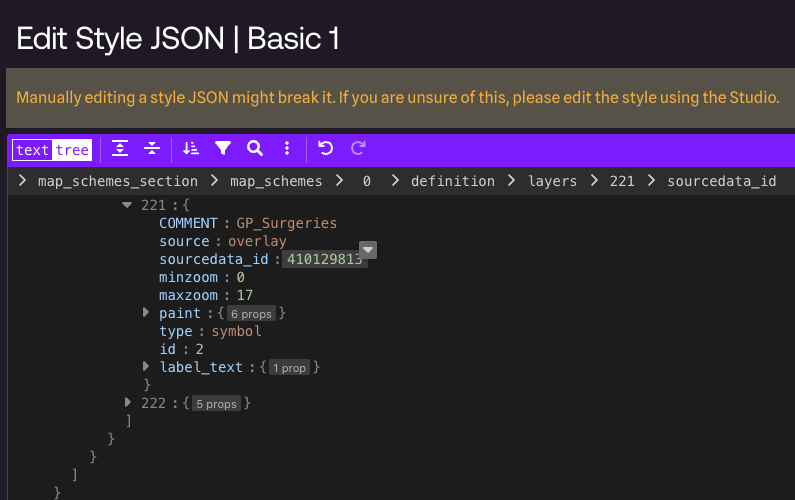
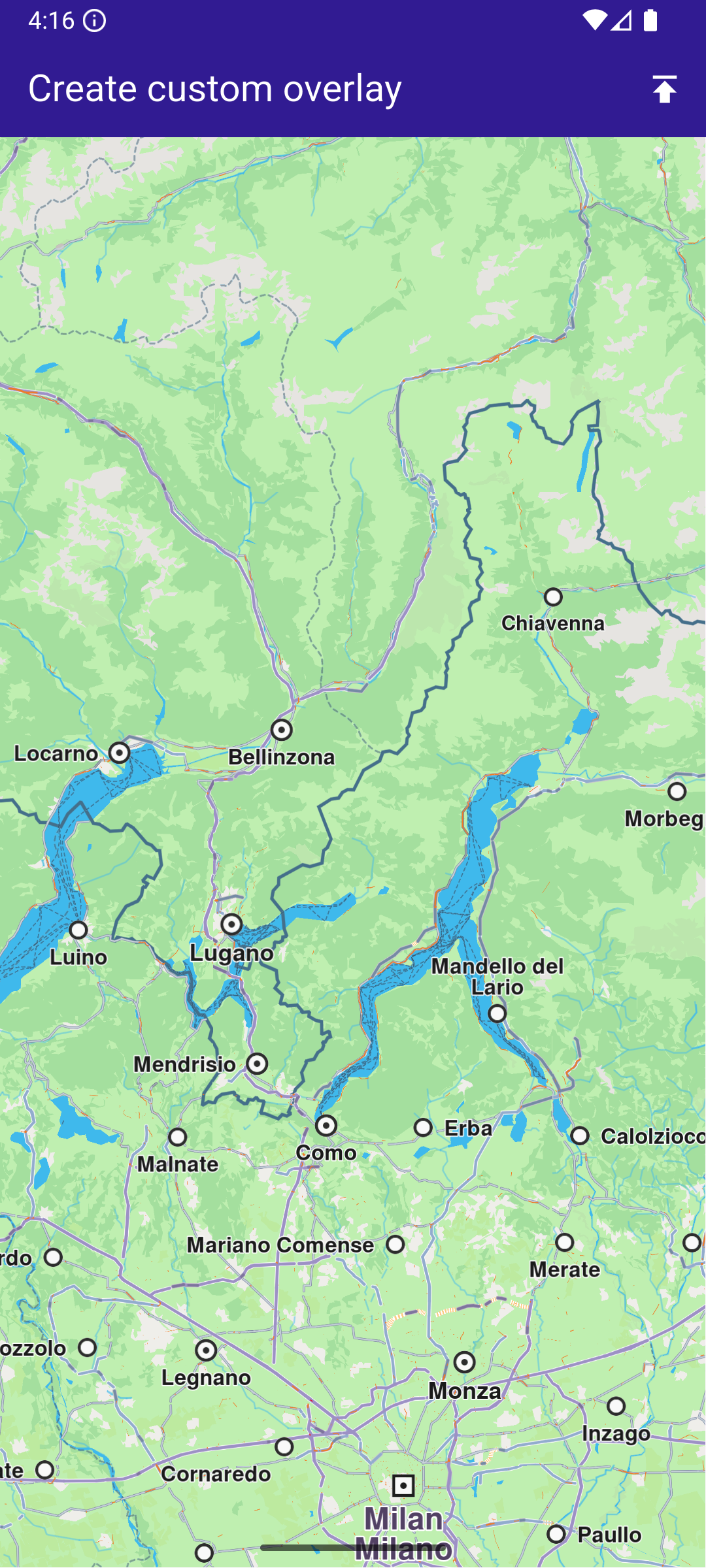
It retrieves and displays key attributes such as name, previewData, image, and geographic coordinates, and provides controls for closing the panel or taking actions related to the selected item. overlay\_item\_panel.dart[](create_custom_overlay/lib/overlay_item_panel.dart?ref_type=heads#L6) ```dart import 'package:flutter/material.dart'; import 'package:magiclane_maps_flutter/map.dart'; class OverlayItemPanel extends StatelessWidget { final VoidCallback onCancelTap; final OverlayItem overlayItem; const OverlayItemPanel({super.key, required this.onCancelTap, required this.overlayItem}); @override Widget build(BuildContext context) { return Container( width: MediaQuery.of(context).size.width - 20, padding: const EdgeInsets.symmetric(horizontal: 5), margin: const EdgeInsets.symmetric(horizontal: 10), decoration: BoxDecoration(color: Colors.white, borderRadius: BorderRadius.circular(15)), child: Row( children: [ Container( padding: const EdgeInsets.symmetric(horizontal: 10), child: overlayItem.img.isValid ? Image.memory(overlayItem.img.getRenderableImageBytes(size: Size(50, 50))!) : SizedBox(), ), Row( mainAxisAlignment: MainAxisAlignment.spaceBetween, children: [ SizedBox( width: MediaQuery.of(context).size.width - 150, child: Row( children: [ SizedBox( width: MediaQuery.of(context).size.width - 150, child: Column( mainAxisAlignment: MainAxisAlignment.center, crossAxisAlignment: CrossAxisAlignment.start, children: [ Text( overlayItem.name, maxLines: 2, overflow: TextOverflow.ellipsis, style: const TextStyle(color: Colors.black, fontSize: 16, fontWeight: FontWeight.w600), ), const SizedBox(height: 5), // Show data in key-value pair structure SingleChildScrollView( scrollDirection: Axis.horizontal, child: Text( overlayItem.previewDataParameterList.map((kv) => '${kv.key}: ${kv.value}').join(', '), overflow: TextOverflow.ellipsis, style: const TextStyle(color: Colors.black, fontSize: 14, fontWeight: FontWeight.w800), ), ), const SizedBox(height: 5), Text( '${overlayItem.coordinates.latitude.toString()}, ${overlayItem.coordinates.longitude.toString()}', maxLines: 2, overflow: TextOverflow.visible, style: const TextStyle(color: Colors.black, fontSize: 14, fontWeight: FontWeight.w400), ), ], ), ), ], ), ), SizedBox( width: 50, child: Column( mainAxisAlignment: MainAxisAlignment.start, children: [ Align( alignment: Alignment.topRight, child: IconButton( padding: EdgeInsets.zero, onPressed: onCancelTap, icon: const Icon(Icons.cancel, color: Colors.red, size: 30), ), ), ], ), ), ], ), ], ), ); } } ``` ##### Search Page[​](#search-page "Direct link to Search Page") The search page component handles querying landmarks using `SearchService`.
It applies the `SearchPreferences` configured in the main app, ensuring that search results are limited to the custom overlay.
Search results are presented in a scrollable list, and selecting a result returns it to the calling screen for highlighting and map centering. search\_page.dart[](create_custom_overlay/lib/search_page.dart?ref_type=heads#L6) ```dart import 'package:magiclane_maps_flutter/core.dart'; import 'package:magiclane_maps_flutter/map.dart'; import 'package:magiclane_maps_flutter/search.dart'; import 'package:flutter/material.dart'; import 'dart:async'; class SearchPage extends StatefulWidget { final Coordinates coordinates; final SearchPreferences preferences; const SearchPage({ super.key, required this.coordinates, required this.preferences, }); @override State createState() => _SearchPageState(); } class _SearchPageState extends State { List overlayItems = []; @override Widget build(BuildContext context) { return Scaffold( appBar: AppBar( automaticallyImplyLeading: true, title: const Text( "Search Overlay Items", style: TextStyle(color: Colors.white), ), backgroundColor: Colors.deepPurple[900], foregroundColor: Colors.white, ), body: Column( children: [ Padding( padding: const EdgeInsets.all(8.0), child: TextField( onSubmitted: (value) => _onSearchSubmitted(value), cursorColor: Colors.deepPurple[900], decoration: const InputDecoration( hintText: 'Hint: York', hintStyle: TextStyle(color: Colors.black), focusedBorder: UnderlineInputBorder( borderSide: BorderSide(color: Colors.deepPurple, width: 2.0), ), ), ), ), Expanded( child: ListView.separated( padding: EdgeInsets.zero, itemCount: overlayItems.length, controller: ScrollController(), separatorBuilder: (context, index) => const Divider(indent: 50, height: 0), itemBuilder: (context, index) { final lmk = overlayItems.elementAt(index); return SearchResultItem(overlayItem: lmk); }, ), ), ], ), ); } void _onSearchSubmitted(String text) { search(text, widget.coordinates, preferences: widget.preferences); } // Search method. Text and coordinates parameters are mandatory, preferences are optional. Future search( String text, Coordinates coordinates, { SearchPreferences? preferences, }) async { Completer> completer = Completer>(); // Calling the search method from the sdk. // (err, results) - is a callback function that calls when the computing is done. // err is an error code, results is a list of landmarks SearchService.search(text, coordinates, preferences: preferences, ( err, results, ) async { // If there is an error or there aren't any results, the method will return an empty list. if (err != GemError.success) { completer.complete([]); return; } // Convert Landmarks to OverlayItems final overlayItems = results.map((lmk) => lmk.overlayItem).where((item) => item != null).cast().toList(); if (!completer.isCompleted) completer.complete(overlayItems); }); final result = await completer.future; setState(() { overlayItems = result; }); } } // Class for the search results. class SearchResultItem extends StatefulWidget { final OverlayItem overlayItem; const SearchResultItem({super.key, required this.overlayItem}); @override State createState() => _SearchResultItemState(); } class _SearchResultItemState extends State { @override Widget build(BuildContext context) { return ListTile( onTap: () => Navigator.of(context).pop(widget.overlayItem), leading: Container( padding: const EdgeInsets.all(8), child: widget.overlayItem.img.isValid ? Image.memory( widget.overlayItem.img.getRenderableImageBytes( size: Size(50, 50), )!, ) : SizedBox(), ), title: Text( widget.overlayItem.name, overflow: TextOverflow.fade, style: const TextStyle( color: Colors.black, fontSize: 14, fontWeight: FontWeight.w400, ), maxLines: 2, ), ); } } ``` ![](/docs/flutter/assets/images/example_flutter_create_custom_overlay10-27a9a6e6d291e539393f5ad4c7976e6a.png) **Selected overlay item with panel** ![](/docs/flutter/assets/images/example_flutter_create_custom_overlay11-266fa0bd560915b3669fbe1641346ef6.png) **Search page with results** --- ### Display Cursor Street Name |
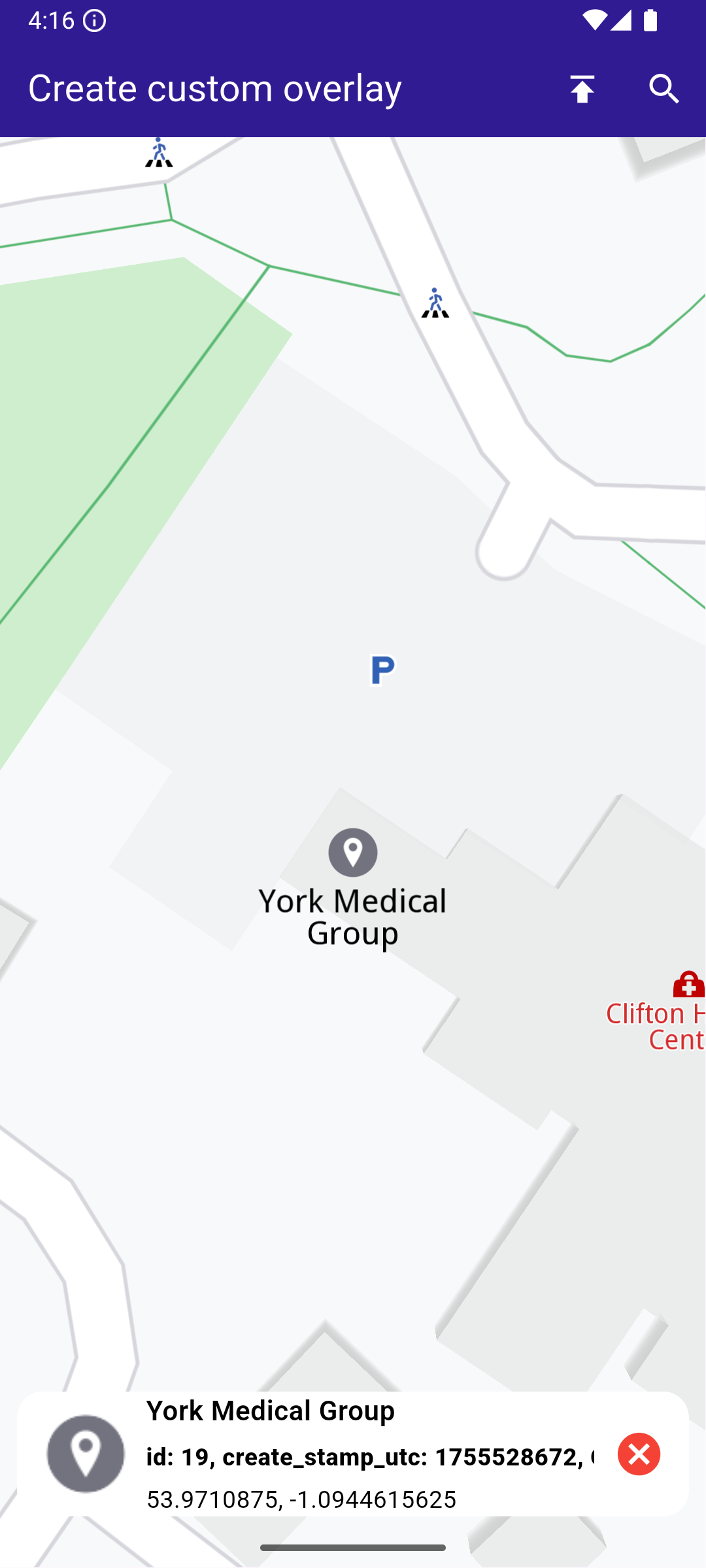
This example demonstrates how to create a Flutter app that displays the name of the street at the cursor position using Maps SDK for Flutter. When the user taps on the map, the app retrieves and displays the street name at that location. #### How it works[​](#how-it-works "Direct link to How it works") * Main App Setup : Initializes the Maps SDK and sets up the app’s home screen with a map. * Displaying Street Name : The map detects touch input, centers on the selected coordinates, and displays the street name at the tapped location in a bottom-centered container. ![](/docs/flutter/assets/images/example_flutter_display_cursor_street_name1-beb5e603e4534bd41f6763371b3826df.png) **Initial map view** ![](/docs/flutter/assets/images/example_flutter_display_cursor_street_name2-a97f9575747c131003d39f50b1066bd3.png) **Tapped on street** ##### UI and Map Integration[​](#ui-and-map-integration "Direct link to UI and Map Integration") The map screen includes an AppBar and displays a container at the bottom showing the street name upon tapping a location on the map. The container at the bottom displays the street name when it is available. main.dart[](display_cursor_street_name/lib/main.dart?ref_type=heads#L29) ```dart class MyHomePage extends StatefulWidget { const MyHomePage({super.key}); @override State createState() => _MyHomePageState(); } class _MyHomePageState extends State { late GemMapController _mapController; String _currentStreetName = ""; @override void dispose() { GemKit.release(); super.dispose(); } @override Widget build(BuildContext context) { return Scaffold( appBar: AppBar( backgroundColor: Colors.deepPurple[900], title: const Text( 'Display Cursor Street Name', style: TextStyle(color: Colors.white), ), ), body: Stack( alignment: AlignmentDirectional.bottomCenter, children: [ GemMap( key: ValueKey("GemMap"), onMapCreated: _onMapCreated, appAuthorization: projectApiToken, ), if (_currentStreetName != "") Padding( padding: const EdgeInsets.symmetric(vertical: 25.0), child: Container( color: Colors.white, child: Padding( padding: const EdgeInsets.all(8.0), child: Text(_currentStreetName), ), ), ), ], ), ); } ``` ##### Handling Cursor Position and Retrieving Street Name[​](#handling-cursor-position-and-retrieving-street-name "Direct link to Handling Cursor Position and Retrieving Street Name") This code sets the cursor to follow the tapped location and retrieves the street name. This code initializes the map controller, sets the cursor to follow the user’s taps, and retrieves the street name, which is then displayed in the UI. main.dart[](display_cursor_street_name/lib/main.dart?ref_type=heads#L81) ```dart void _onMapCreated(GemMapController controller) async { _mapController = controller; _mapController.centerOnCoordinates( Coordinates(latitude: 45.472358, longitude: 9.184945)); _mapController.preferences.enableCursor = true; _mapController.preferences.enableCursorRender = true; // Register touch callback to set cursor to tapped position _mapController.registerOnTouch((point) async { await _mapController.setCursorScreenPosition(point); final streets = _mapController.cursorSelectionStreets(); setState(() { _currentStreetName = streets.isEmpty ? "Unnamed street" : streets.first.name; }); }); } ``` --- ### Import Custom Landmarks |
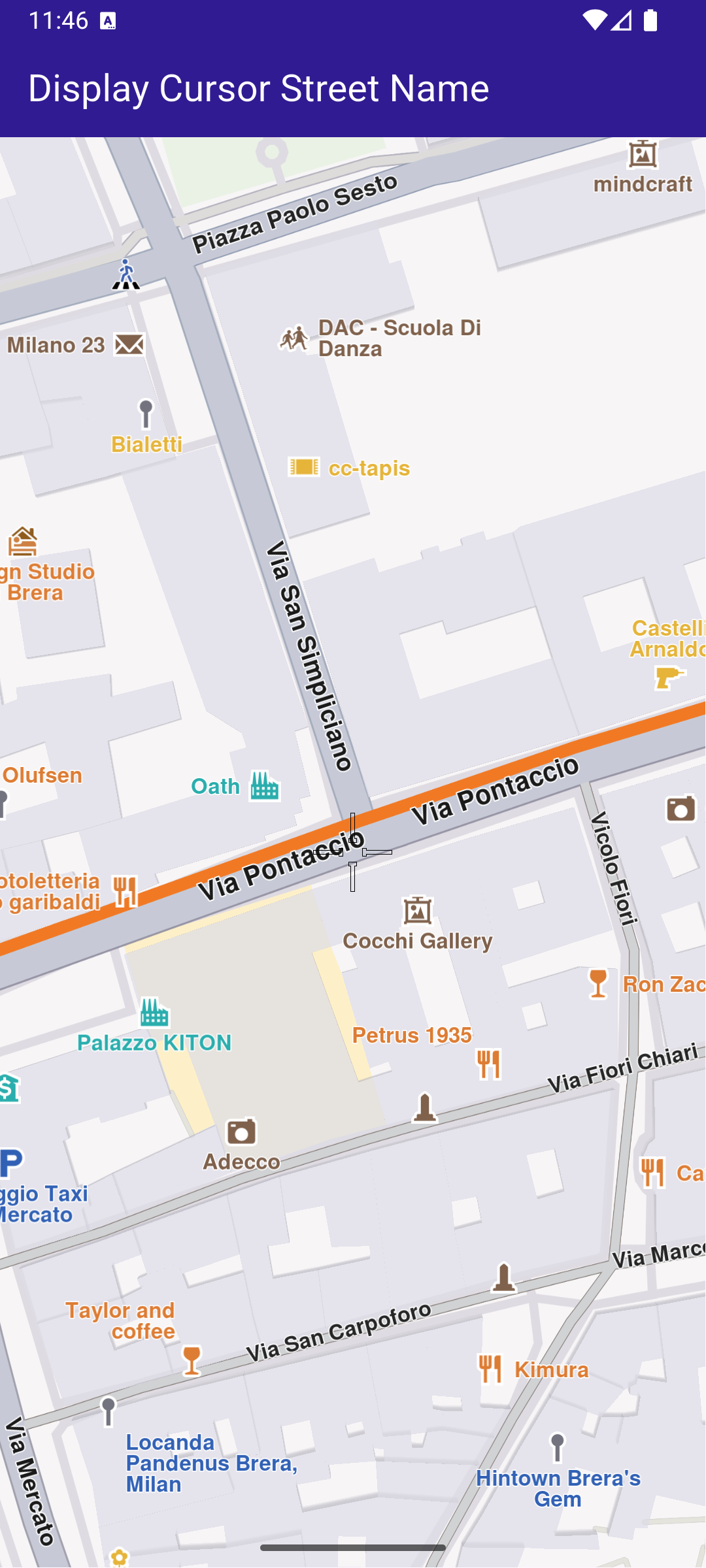
In this guide, you will learn how to display a map, import a **LandmarkStore** from a **KML** file, render custom landmarks on the map, **search within those custom landmarks**, and **tap** to view details. #### How it works[​](#how-it-works "Direct link to How it works") This example demonstrates the following key features: * Display a map. * Import a `LandmarkStore` from a KML file. * Display the custom Landmarks on the map. * Search on custom Landmarks. * Tap and get info about the custom Landmarks. This workflow involves initializing a map view, loading landmarks from an external KML file, and adding them to a dedicated `LandmarkStore`.
Once imported, these landmarks become available for rendering on the map, for targeted searches, and for interaction through user input such as taps or selections. ![](/docs/flutter/assets/images/example_flutter_import_custom_landmarks1-dad81423691b041b3d63d5ed6f271fad.png) **Initial map view** ![](/docs/flutter/assets/images/example_flutter_import_custom_landmarks2-0ebf0d7d0f82c431e49d5c315c871a1b.png) **KML imported - custom POIs visible**
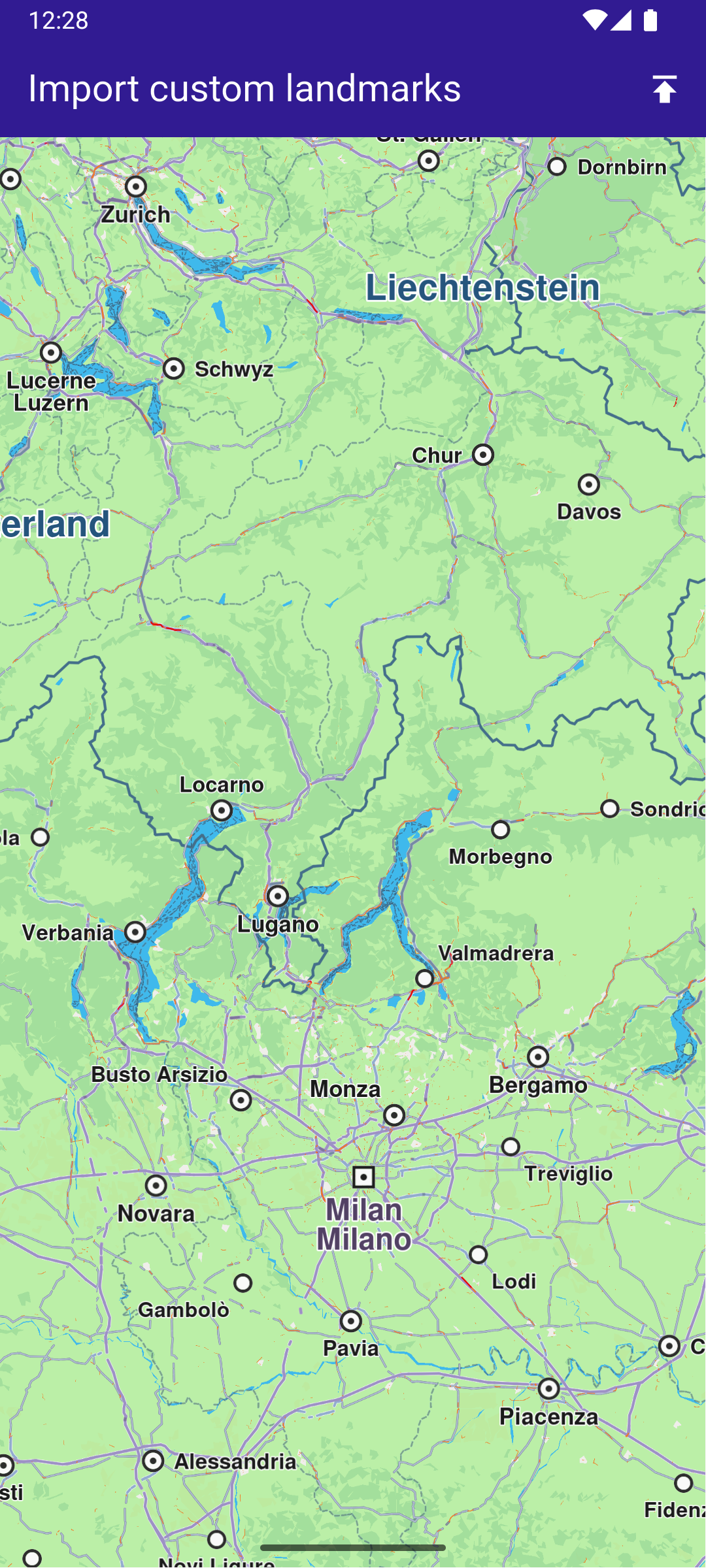
##### UI and Map Integration[​](#ui-and-map-integration "Direct link to UI and Map Integration") The main app shows a map, imports landmarks from a KML file into a `LandmarkStore`, adds that store to map preferences, and enables searching only in the imported store. When the KML file is imported, the data is parsed and stored in a `LandmarkStore` object.
The `LandmarkStore` is then registered in the map controller’s preferences so the map engine can display the new landmarks.
By updating the `SearchPreferences` to include only this store, all subsequent searches will be scoped to these imported landmarks, improving search accuracy and performance. main.dart[](import_custom_landmarks/lib/main.dart?ref_type=heads#L20) ```dart void main() { runApp(const MyApp()); } class MyApp extends StatelessWidget { const MyApp({super.key}); @override Widget build(BuildContext context) { return const MaterialApp( debugShowCheckedModeBanner: false, title: 'Import custom landmarks', home: MyHomePage(), ); } } class MyHomePage extends StatefulWidget { const MyHomePage({super.key}); @override State createState() => _MyHomePageState(); } class _MyHomePageState extends State { late GemMapController _mapController; Landmark? _focusedLandmark; late SearchPreferences preferences; bool isStoreCreated = false; @override void dispose() { GemKit.release(); super.dispose(); } @override Widget build(BuildContext context) { return Scaffold( appBar: AppBar( backgroundColor: Colors.deepPurple[900], title: const Text( "Import custom landmarks", style: TextStyle(color: Colors.white), ), actions: [ IconButton( onPressed: addLandmarkStore, icon: const Icon(Icons.publish, color: Colors.white), ), if (isStoreCreated) IconButton( onPressed: () => _onSearchButtonPressed(context, preferences), icon: const Icon(Icons.search, color: Colors.white), ), ], ), body: Stack( children: [ GemMap( key: ValueKey("GemMap"), onMapCreated: _onMapCreated, appAuthorization: projectApiToken, ), if (_focusedLandmark != null) Positioned( bottom: 30, child: LandmarkPanel( onCancelTap: _onCancelLandmarkPanelTap, landmark: _focusedLandmark!, ), ), ], ), resizeToAvoidBottomInset: false, ); } void _onMapCreated(GemMapController controller) { _mapController = controller; _registerLandmarkTapCallback(); } Future _importLandmarks() async { final completer = Completer(); final file = await assetToUint8List('assets/airports_europe.kml'); final store = LandmarkStoreService.createLandmarkStore('archies_europe'); //Ensure the store is empty before importing store.removeAllLandmarks(); final img = await assetToUint8List('assets/KMLCategory.png'); store.importLandmarksWithDataBuffer( buffer: file, format: LandmarkFileFormat.kml, image: Img(img), onComplete: (err) { if (err != GemError.success) { completer.complete(false); } else { completer.complete(true); } }, categoryId: -1, ); final res = await completer.future; if (res) { return store.id; } else { LandmarkStoreService.removeLandmarkStore(store.id); throw "Error importing landmarks"; } } void addLandmarkStore() async { final id = await _importLandmarks(); final store = LandmarkStoreService.getLandmarkStoreById(id!); _mapController.preferences.lmks.add(store!); _mapController.centerOnCoordinates( Coordinates(latitude: 53.70762, longitude: -1.61112), screenPosition: Point( _mapController.viewport.width ~/ 2, _mapController.viewport.height ~/ 2, ), zoomLevel: 25, ); // Add the store to the search preferences preferences = SearchPreferences(); preferences.landmarks.add(store); // If no results from the map POIs should be returned then searchMapPOIs should be set to false preferences.searchMapPOIs = false; // If no results from the addresses should be returned then searchAddresses should be set to false preferences.searchAddresses = false; setState(() { isStoreCreated = true; }); } Future _registerLandmarkTapCallback() async { _mapController.registerOnTouch((pos) async { // Select the object at the tap position. await _mapController.setCursorScreenPosition(pos); // Get the selected landmarks. final landmarks = _mapController.cursorSelectionLandmarks(); // Reset the cursor position back to middle of the screen await _mapController.resetMapSelection(); // Check if there is a selected Landmark. if (landmarks.isNotEmpty) { _highlightLandmark(landmarks); return; } // Get the selected streets. final streets = _mapController.cursorSelectionStreets(); // Check if there is a selected street. if (streets.isNotEmpty) { _highlightLandmark(streets); return; } final coordinates = _mapController.transformScreenToWgs( Point(pos.x, pos.y), ); // If no landmark was found, we create one. final lmk = Landmark.withCoordinates(coordinates); lmk.name = '${coordinates.latitude} ${coordinates.longitude}'; lmk.setImageFromIcon(GemIcon.searchResultsPin); _highlightLandmark([lmk]); }); } void _highlightLandmark(List landmarks) { final settings = HighlightRenderSettings( options: { HighlightOptions.showLandmark, HighlightOptions.showContour, HighlightOptions.overlap, }, ); // Highlight the landmark on the map. _mapController.activateHighlight(landmarks, renderSettings: settings); final lmk = landmarks[0]; setState(() { _focusedLandmark = lmk; }); _mapController.centerOnCoordinates( lmk.coordinates, screenPosition: Point( _mapController.viewport.width ~/ 2, _mapController.viewport.height ~/ 2, ), zoomLevel: 50, ); } void _onCancelLandmarkPanelTap() { _mapController.deactivateAllHighlights(); setState(() { _focusedLandmark = null; }); } // Custom method for navigating to search screen void _onSearchButtonPressed( BuildContext context, SearchPreferences preferences, ) async { // Navigating to search screen. The result will be the selected search result(Landmark) final result = await Navigator.of(context).push( MaterialPageRoute( builder: (context) => SearchPage( coordinates: Coordinates(latitude: 53.70762, longitude: -1.61112), preferences: preferences, ), ), ); if (result is Landmark) { // Activating the highlight _mapController.activateHighlight([ result, ], renderSettings: HighlightRenderSettings()); // Centering the map on the desired coordinates _mapController.centerOnCoordinates(result.coordinates, zoomLevel: 70); } } Future assetToUint8List(String assetPath) async { final byteData = await rootBundle.load(assetPath); return byteData.buffer.asUint8List(); } } ``` ![](/docs/flutter/assets/images/example_flutter_import_custom_landmarks3-ab68c0e7460899a1807f737eb8be610b.png) **Landmark details panel** ![](/docs/flutter/assets/images/example_flutter_import_custom_landmarks4-c78d45c42970dfdaf20fa1a1269415aa.png) **Searching within custom landmarks** ##### LandmarkPanel[​](#landmarkpanel "Direct link to LandmarkPanel") The landmark panel is responsible for presenting detailed information about the currently selected landmark.
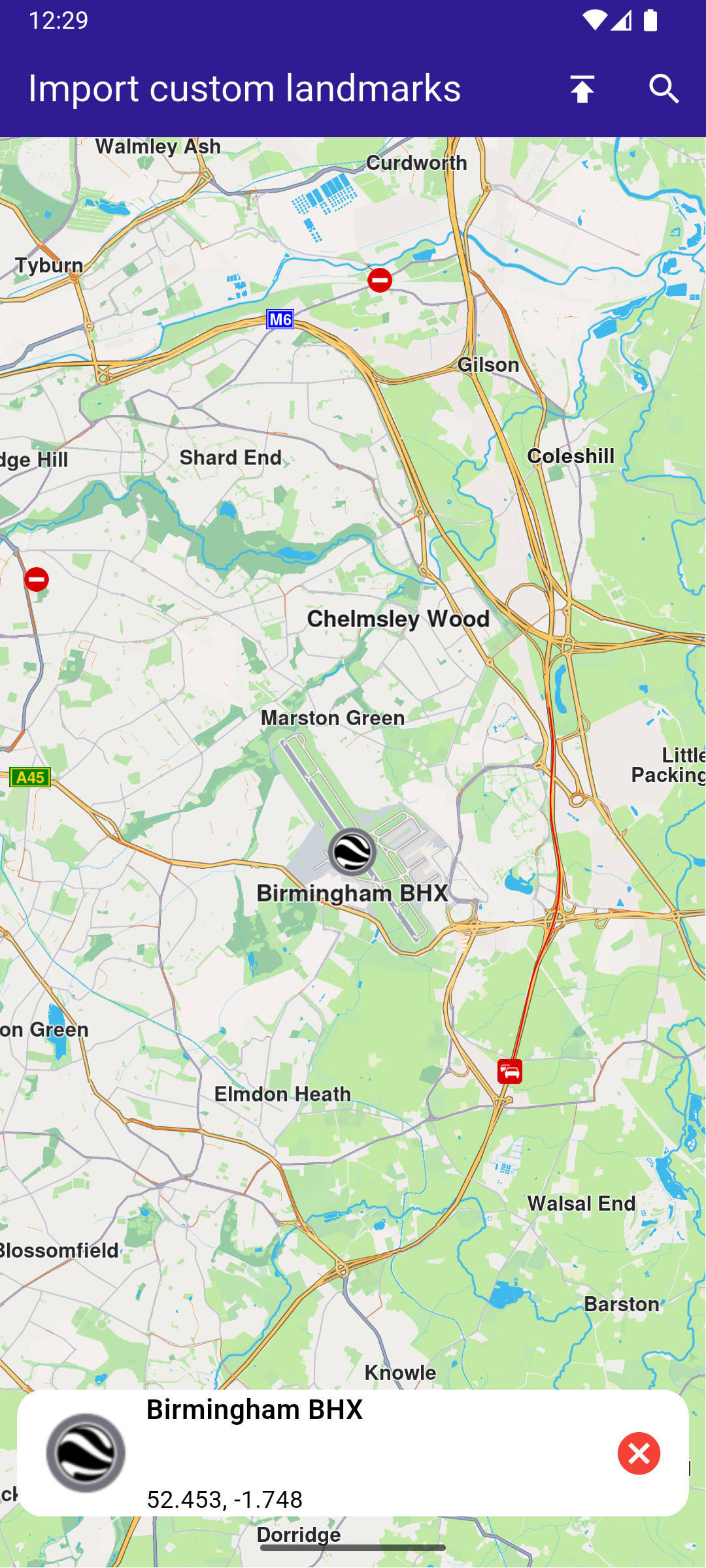
It retrieves and displays key attributes such as name, category, image, and geographic coordinates, and provides controls for closing the panel or taking actions related to the selected landmark. landmark\_panel.dart[](import_custom_landmarks/lib/landmark_panel.dart?ref_type=heads#L10) ```dart class LandmarkPanel extends StatelessWidget { final VoidCallback onCancelTap; final Landmark landmark; const LandmarkPanel({ super.key, required this.onCancelTap, required this.landmark, }); @override Widget build(BuildContext context) { return Container( width: MediaQuery.of(context).size.width - 20, padding: const EdgeInsets.symmetric(horizontal: 5), margin: const EdgeInsets.symmetric(horizontal: 10), decoration: BoxDecoration( color: Colors.white, borderRadius: BorderRadius.circular(15), ), child: Row( children: [ Container( padding: const EdgeInsets.symmetric(horizontal: 10), child: landmark.img.isValid ? Image.memory( landmark.img.getRenderableImageBytes(size: Size(50, 50))!, ) : SizedBox(), ), Row( mainAxisAlignment: MainAxisAlignment.spaceBetween, children: [ SizedBox( width: MediaQuery.of(context).size.width - 150, child: Row( children: [ SizedBox( width: MediaQuery.of(context).size.width - 150, child: Column( mainAxisAlignment: MainAxisAlignment.center, crossAxisAlignment: CrossAxisAlignment.start, children: [ Text( landmark.name, maxLines: 2, overflow: TextOverflow.ellipsis, style: const TextStyle( color: Colors.black, fontSize: 16, fontWeight: FontWeight.w600, ), ), const SizedBox(height: 5), Text( landmark.categories.isNotEmpty ? landmark.categories.first.name : '', maxLines: 2, overflow: TextOverflow.ellipsis, style: const TextStyle( color: Colors.black, fontSize: 14, fontWeight: FontWeight.w800, ), ), const SizedBox(height: 5), Text( '${landmark.coordinates.latitude.toString()}, ${landmark.coordinates.longitude.toString()}', maxLines: 2, overflow: TextOverflow.visible, style: const TextStyle( color: Colors.black, fontSize: 14, fontWeight: FontWeight.w400, ), ), ], ), ), ], ), ), SizedBox( width: 50, child: Column( mainAxisAlignment: MainAxisAlignment.start, children: [ Align( alignment: Alignment.topRight, child: IconButton( padding: EdgeInsets.zero, onPressed: onCancelTap, icon: const Icon( Icons.cancel, color: Colors.red, size: 30, ), ), ), ], ), ), ], ), ], ), ); } } ``` ##### Search Page[​](#search-page "Direct link to Search Page") The search page component handles querying landmarks using `SearchService`.
It applies the `SearchPreferences` configured in the main app, ensuring that search results are limited to the imported `LandmarkStore`.
Search results are presented in a scrollable list, and selecting a result returns it to the calling screen for highlighting and map centering. search\_page.dart[](import_custom_landmarks/lib/search_page.dart?ref_type=heads#L13) ```dart class SearchPage extends StatefulWidget { final Coordinates coordinates; final SearchPreferences preferences; const SearchPage({ super.key, required this.coordinates, required this.preferences, }); @override State createState() => _SearchPageState(); } class _SearchPageState extends State { List landmarks = []; @override Widget build(BuildContext context) { return Scaffold( appBar: AppBar( automaticallyImplyLeading: true, title: const Text( "Search Landmarks", style: TextStyle(color: Colors.white), ), backgroundColor: Colors.deepPurple[900], foregroundColor: Colors.white, ), body: Column( children: [ Padding( padding: const EdgeInsets.all(8.0), child: TextField( onSubmitted: (value) => _onSearchSubmitted(value), cursorColor: Colors.deepPurple[900], decoration: const InputDecoration( hintText: 'Hint: London', hintStyle: TextStyle(color: Colors.black), focusedBorder: UnderlineInputBorder( borderSide: BorderSide(color: Colors.deepPurple, width: 2.0), ), ), ), ), Expanded( child: ListView.separated( padding: EdgeInsets.zero, itemCount: landmarks.length, controller: ScrollController(), separatorBuilder: (context, index) => const Divider(indent: 50, height: 0), itemBuilder: (context, index) { final lmk = landmarks.elementAt(index); return SearchResultItem(landmark: lmk); }, ), ), ], ), ); } void _onSearchSubmitted(String text) { search(text, widget.coordinates, preferences: widget.preferences); } // Search method. Text and coordinates parameters are mandatory, preferences are optional. Future search( String text, Coordinates coordinates, { SearchPreferences? preferences, }) async { Completer> completer = Completer>(); // Calling the search method from the sdk. // (err, results) - is a callback function that calls when the computing is done. // err is an error code, results is a list of landmarks SearchService.search(text, coordinates, preferences: preferences, ( err, results, ) async { // If there is an error or there aren't any results, the method will return an empty list. if (err != GemError.success) { completer.complete([]); return; } if (!completer.isCompleted) completer.complete(results); }); final result = await completer.future; setState(() { landmarks = result; }); } } // Class for the search results. class SearchResultItem extends StatefulWidget { final Landmark landmark; const SearchResultItem({super.key, required this.landmark}); @override State createState() => _SearchResultItemState(); } class _SearchResultItemState extends State { @override Widget build(BuildContext context) { return ListTile( onTap: () => Navigator.of(context).pop(widget.landmark), leading: Container( padding: const EdgeInsets.all(8), child: widget.landmark.img.isValid ? Image.memory( widget.landmark.img.getRenderableImageBytes( size: Size(50, 50), )!, ) : SizedBox(), ), title: Text( widget.landmark.name, overflow: TextOverflow.fade, style: const TextStyle( color: Colors.black, fontSize: 14, fontWeight: FontWeight.w400, ), maxLines: 2, ), subtitle: Text( '${getFormattedDistance(widget.landmark)} ${getAddress(widget.landmark)}', overflow: TextOverflow.ellipsis, style: const TextStyle( color: Colors.black, fontSize: 14, fontWeight: FontWeight.w400, ), ), ); } } String getAddress(Landmark landmark) { final addressInfo = landmark.address; final street = addressInfo.getField(AddressField.streetName); final city = addressInfo.getField(AddressField.city); final country = addressInfo.getField(AddressField.country); return " ${street ?? ""} ${city ?? ""} ${country ?? ""}"; } String getFormattedDistance(Landmark landmark) { String formattedDistance = ''; double distance = (landmark.extraInfo.getByKey(PredefinedExtraInfoKey.gmSearchResultDistance) / 1000) as double; formattedDistance = "${distance.toStringAsFixed(0)}km"; return formattedDistance; } ``` --- ### Location Wikipedia |

This example demonstrates how to create a Flutter app that displays a map and retrieves Wikipedia information about selected locations using Maps SDK for Flutter. Users can explore geographic data on a map and search for relevant Wikipedia content. #### How it works[​](#how-it-works "Direct link to How it works") * Main App Setup : The main app initializes GemKit and sets up the primary map screen. * Wikipedia Integration : The app enables location-based Wikipedia searches, displaying title and content of selected landmarks. ![](/docs/flutter/assets/images/example_flutter_location_wikipedia1-df5626c181e189ebba84be456bc2dc47.png) **Wikipedia information retrieved for the Statue of Liberty** ##### UI and Map Integration[​](#ui-and-map-integration "Direct link to UI and Map Integration") The following code sets up the main screen with a map and a search button for location-based Wikipedia information. main.dart[](location_wikipedia/lib/main.dart?ref_type=heads#L17) ```dart class MyApp extends StatelessWidget { const MyApp({super.key}); @override Widget build(BuildContext context) { return const MaterialApp( debugShowCheckedModeBanner: false, title: 'Location Wikipedia', home: MyHomePage(), ); } } class MyHomePage extends StatefulWidget { const MyHomePage({super.key}); @override State createState() => _MyHomePageState(); } class _MyHomePageState extends State { @override void dispose() { GemKit.release(); super.dispose(); } @override Widget build(BuildContext context) { return Scaffold( appBar: AppBar( backgroundColor: Colors.deepPurple[900], title: const Text('Location Wikipedia', style: TextStyle(color: Colors.white)), actions: [ IconButton( onPressed: () => _onLocationWikipediaTap(context), icon: Icon(Icons.search, color: Colors.white), ) ], ), body: const GemMap( key: ValueKey("GemMap"), appAuthorization: projectApiToken, ), ); } void _onLocationWikipediaTap(BuildContext context) { Navigator.of(context).push(MaterialPageRoute( builder: (context) => const LocationWikipediaPage(), )); } } ``` ##### Wikipedia Data Display[​](#wikipedia-data-display "Direct link to Wikipedia Data Display") The following code manages the Wikipedia data retrieval and display for the selected location. location\_wikipedia\_page.dart[](location_wikipedia/lib/location_wikipedia_page.dart?ref_type=heads#L6) ```dart import 'dart:async'; import 'package:flutter/material.dart'; import 'package:magiclane_maps_flutter/core.dart'; import 'package:magiclane_maps_flutter/search.dart'; class LocationWikipediaPage extends StatefulWidget { const LocationWikipediaPage({super.key}); @override State createState() => _LocationWikipediaPageState(); } class _LocationWikipediaPageState extends State { @override void initState() { super.initState(); } @override Widget build(BuildContext context) { return Scaffold( appBar: AppBar( automaticallyImplyLeading: true, foregroundColor: Colors.white, title: const Text( "Location Wikipedia", style: TextStyle(color: Colors.white), ), backgroundColor: Colors.deepPurple[900], ), body: FutureBuilder( future: _getLocationWikipedia(), builder: (context, snapshot) { if (!snapshot.hasData || snapshot.data == null) { return const Center(child: CircularProgressIndicator()); } return Column( mainAxisSize: MainAxisSize.max, children: [ Text( snapshot.data!.$1, style: TextStyle( overflow: TextOverflow.fade, fontSize: 25.0, fontWeight: FontWeight.bold, ), ), Expanded( child: SingleChildScrollView(child: Text(snapshot.data!.$2)), ), ], ); }, ), ); } Future<(String, String)> _getLocationWikipedia() async { final searchCompleter = Completer>(); SearchService.search( "Statue of Liberty", Coordinates(latitude: 40.53859, longitude: -73.91619), (err, lmks) { searchCompleter.complete(lmks); }, ); final lmk = (await searchCompleter.future).first; if (!ExternalInfoService.hasWikiInfo(lmk)) { return ("Wikipedia info not available", "The landamrk does not have Wikipedia info"); } final completer = Completer(); ExternalInfoService.requestWikiInfo( lmk, onComplete: (err, externalInfo) => completer.complete(externalInfo), ); final externalInfo = await completer.future; if (externalInfo == null) { return ("Querry failed", "The request to Wikipedia failed"); } final title = externalInfo.wikiPageTitle; final content = externalInfo.wikiPageDescription; return (title, content); } } ``` --- ### Save favorites |
In this guide, you will learn how to integrate map functionality and save landmarks to a favorites collection. #### How it works[​](#how-it-works "Direct link to How it works") This example demonstrates the following key features: * Allows users to save and remove landmarks from their list of favorites. * Interacts with a map where users can tap on landmarks, check if they are favorites, and toggle them. ![](/docs/flutter/assets/images/example_flutter_save_favorites1-9415aa8c51ab286b73a91b1b447cc034.png) **Initial map view** ![](/docs/flutter/assets/images/example_flutter_save_favorites2-c886d25815320be316599477195a3360.png) **Selected POI**
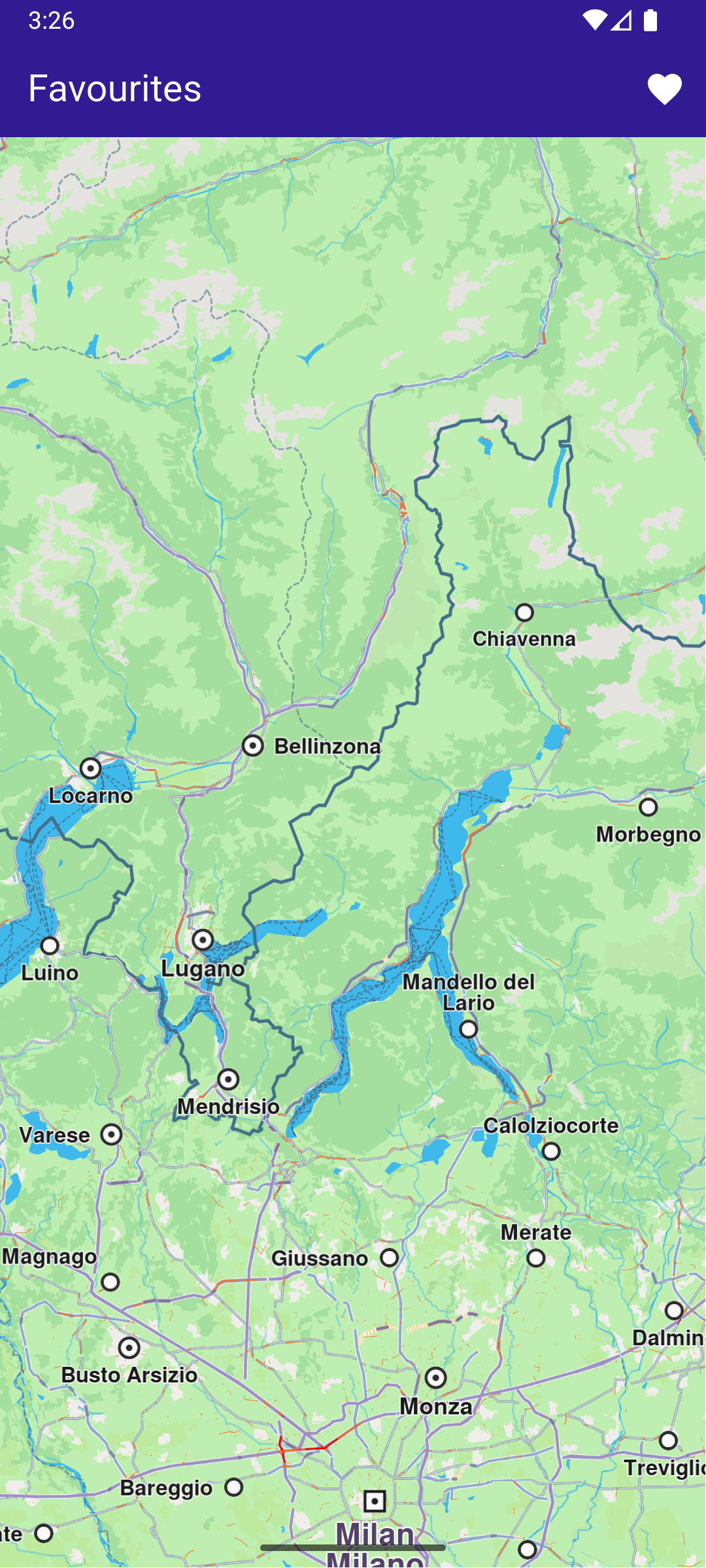
![](/docs/flutter/assets/images/example_flutter_save_favorites3-f3cd9a35ccf8e69f94c3c4b68b109476.png) **Saved POI to favorites** ![](/docs/flutter/assets/images/example_flutter_save_favorites4-7b065c7fd16f4df5315f55cb0300549e.png) **Favorites list page** ##### UI and Map Integration[​](#ui-and-map-integration "Direct link to UI and Map Integration") Define the main application widget, MyApp. Create the stateful widget, `MyHomePage`, which will handle the map and favorite locations functionality. Within `_MyHomePageState`, define the necessary state variables and methods to manage favorites. main.dart[](save_favorites/lib/main.dart?ref_type=heads#L34) ```dart class MyHomePage extends StatefulWidget { const MyHomePage({super.key}); @override State createState() => _MyHomePageState(); } class _MyHomePageState extends State { late GemMapController _mapController; Landmark? _focusedLandmark; // LandmarkStore object to save Landmarks. late LandmarkStore? _favoritesStore; bool _isLandmarkFavorite = false; final favoritesStoreName = 'Favorites'; @override void dispose() { GemKit.release(); super.dispose(); } @override Widget build(BuildContext context) { return Scaffold( appBar: AppBar( backgroundColor: Colors.deepPurple[900], title: const Text('Favourites', style: TextStyle(color: Colors.white)), actions: [ IconButton( onPressed: () => _onFavouritesButtonPressed(context), icon: const Icon(Icons.favorite, color: Colors.white), ), ], ), body: Stack( children: [ GemMap( key: ValueKey("GemMap"), onMapCreated: _onMapCreated, appAuthorization: projectApiToken, ), if (_focusedLandmark != null) Positioned( bottom: 30, child: LandmarkPanel( onCancelTap: _onCancelLandmarkPanelTap, onFavoritesTap: _onFavoritesLandmarkPanelTap, isFavoriteLandmark: _isLandmarkFavorite, landmark: _focusedLandmark!, ), ), ], ), resizeToAvoidBottomInset: false, ); } // The callback for when map is ready to use. Future _onMapCreated(GemMapController controller) async { // Save controller for further usage. _mapController = controller; // Retrieves the LandmarkStore with the given name. _favoritesStore = LandmarkStoreService.getLandmarkStoreByName( favoritesStoreName, ); // If there is no LandmarkStore with this name, then create it. _favoritesStore ??= LandmarkStoreService.createLandmarkStore( favoritesStoreName, ); // Listen for map landmark selection events. await _registerLandmarkTapCallback(); } ``` ##### Define Landmark Selection and Management[​](#define-landmark-selection-and-management "Direct link to Define Landmark Selection and Management") Implement methods to manage landmark selection and favorites. main.dart[](save_favorites/lib/main.dart?ref_type=heads#L116) ```dart Future _registerLandmarkTapCallback() async { _mapController.registerOnTouch((pos) async { // Select the object at the tap position. await _mapController.setCursorScreenPosition(pos); // Get the selected landmarks. final landmarks = _mapController.cursorSelectionLandmarks(); // Check if there is a selected Landmark. if (landmarks.isNotEmpty) { _highlightLandmark(landmarks); return; } // Get the selected streets. final streets = _mapController.cursorSelectionStreets(); // Check if there is a selected street. if (streets.isNotEmpty) { _highlightLandmark(streets); return; } final coordinates = _mapController.transformScreenToWgs( Point(pos.x, pos.y), ); // If no landmark was found, we create one. final lmk = Landmark.withCoordinates(coordinates); lmk.name = '${coordinates.latitude} ${coordinates.longitude}'; lmk.setImageFromIcon(GemIcon.searchResultsPin); _highlightLandmark([lmk]); }); } void _highlightLandmark(List landmarks) { final settings = HighlightRenderSettings( options: { HighlightOptions.showLandmark, HighlightOptions.showContour, HighlightOptions.overlap, }, ); // Highlight the landmark on the map. _mapController.activateHighlight(landmarks, renderSettings: settings); final lmk = landmarks[0]; setState(() { _focusedLandmark = lmk; }); _mapController.centerOnCoordinates( lmk.coordinates, screenPosition: Point( _mapController.viewport.width ~/ 2, _mapController.viewport.height ~/ 2, ), zoomLevel: 70, ); _checkIfFavourite(); } // Method to navigate to the Favourites Page. void _onFavouritesButtonPressed(BuildContext context) async { // Fetch landmarks from the store final favoritesList = _favoritesStore!.getLandmarks(); // Navigating to favorites screen then the result will be the selected item in the list. final result = await Navigator.of(context).push( MaterialPageRoute( builder: (context) => FavoritesPage(landmarkList: favoritesList), ), ); if (result is Landmark) { // Highlight the landmark on the map. _mapController.activateHighlight([ result, ], renderSettings: HighlightRenderSettings()); // Centering the camera on landmark's coordinates. _mapController.centerOnCoordinates(result.coordinates); setState(() { _focusedLandmark = result; }); _checkIfFavourite(); } } void _onCancelLandmarkPanelTap() { // Remove landmark highlights from the map. _mapController.deactivateAllHighlights(); setState(() { _focusedLandmark = null; _isLandmarkFavorite = false; }); } void _onFavoritesLandmarkPanelTap() { _checkIfFavourite(); if (_isLandmarkFavorite) { // Remove the landmark to the store. _favoritesStore!.removeLandmark(_focusedLandmark!); } else { // Add the landmark to the store. _favoritesStore!.addLandmark(_focusedLandmark!); } setState(() { _isLandmarkFavorite = !_isLandmarkFavorite; }); } // Utility method to check if the highlighted landmark is favourite. void _checkIfFavourite() { final focusedLandmarkCoords = _focusedLandmark!.coordinates; final favourites = _favoritesStore!.getLandmarks(); for (final lmk in favourites) { late Coordinates coords; coords = lmk.coordinates; if (focusedLandmarkCoords.latitude == coords.latitude && focusedLandmarkCoords.longitude == coords.longitude) { setState(() { _isLandmarkFavorite = true; }); return; } } setState(() { _isLandmarkFavorite = false; }); } ``` ##### Favorites Page[​](#favorites-page "Direct link to Favorites Page") favorites\_page.dart[](save_favorites/lib/favorites_page.dart?ref_type=heads#L6) ```dart import 'package:magiclane_maps_flutter/core.dart'; import 'package:flutter/material.dart'; class FavoritesPage extends StatefulWidget { final List landmarkList; const FavoritesPage({super.key, required this.landmarkList}); @override State createState() => _FavoritesPageState(); } class _FavoritesPageState extends State { @override Widget build(BuildContext context) { return Scaffold( appBar: AppBar( foregroundColor: Colors.white, automaticallyImplyLeading: true, title: const Text("Favorites list"), backgroundColor: Colors.deepPurple[900], ), body: ListView.separated( padding: EdgeInsets.zero, itemCount: widget.landmarkList.length, separatorBuilder: (context, index) => const Divider(indent: 50, height: 0), itemBuilder: (context, index) { final lmk = widget.landmarkList.elementAt(index); return FavoritesItem(landmark: lmk); }, ), ); } } // Class for favorites landmark. class FavoritesItem extends StatefulWidget { final Landmark landmark; const FavoritesItem({super.key, required this.landmark}); @override State createState() => _FavoritesItemState(); } class _FavoritesItemState extends State { @override Widget build(BuildContext context) { return ListTile( onTap: () => Navigator.of(context).pop(widget.landmark), leading: Container( padding: const EdgeInsets.all(8), child: widget.landmark.img.isValid ? Image.memory(widget.landmark.img.getRenderableImageBytes(size: Size(50, 50))!) : SizedBox(), ), title: Text( widget.landmark.name, overflow: TextOverflow.fade, style: const TextStyle( color: Colors.black, fontSize: 14, fontWeight: FontWeight.w400, ), maxLines: 2, ), subtitle: Text( '${widget.landmark.coordinates.latitude.toString()}, ${widget.landmark.coordinates.longitude.toString()}', overflow: TextOverflow.fade, style: const TextStyle( color: Colors.black, fontSize: 14, fontWeight: FontWeight.w400, ), maxLines: 2, ), ); } } ``` ##### Landmark Panel[​](#landmark-panel "Direct link to Landmark Panel") landmark\_panel.dart[](save_favorites/lib/landmark_panel.dart?ref_type=heads#L10) ```dart class LandmarkPanel extends StatelessWidget { final VoidCallback onCancelTap; final VoidCallback onFavoritesTap; final bool isFavoriteLandmark; final Landmark landmark; const LandmarkPanel({ super.key, required this.onCancelTap, required this.onFavoritesTap, required this.isFavoriteLandmark, required this.landmark, }); @override Widget build(BuildContext context) { return Container( width: MediaQuery.of(context).size.width - 20, padding: const EdgeInsets.symmetric(horizontal: 5), margin: const EdgeInsets.symmetric(horizontal: 10), decoration: BoxDecoration( color: Colors.white, borderRadius: BorderRadius.circular(15), ), child: Row( children: [ Container( padding: const EdgeInsets.symmetric(horizontal: 10), child: landmark.img.isValid ? Image.memory(landmark.img.getRenderableImageBytes(size: Size(50, 50))!) : SizedBox(), ), Row( mainAxisAlignment: MainAxisAlignment.spaceBetween, children: [ SizedBox( width: MediaQuery.of(context).size.width - 150, child: Row( children: [ SizedBox( width: MediaQuery.of(context).size.width - 150, child: Column( mainAxisAlignment: MainAxisAlignment.center, crossAxisAlignment: CrossAxisAlignment.start, children: [ Text( landmark.name, maxLines: 2, overflow: TextOverflow.ellipsis, style: const TextStyle( color: Colors.black, fontSize: 16, fontWeight: FontWeight.w600, ), ), const SizedBox(height: 5), Text( landmark.categories.isNotEmpty ? landmark.categories.first.name : '', maxLines: 2, overflow: TextOverflow.ellipsis, style: const TextStyle( color: Colors.black, fontSize: 14, fontWeight: FontWeight.w800, ), ), const SizedBox(height: 5), Text( '${landmark.coordinates.latitude.toString()}, ${landmark.coordinates.longitude.toString()}', maxLines: 2, overflow: TextOverflow.visible, style: const TextStyle( color: Colors.black, fontSize: 14, fontWeight: FontWeight.w400, ), ), ], ), ), ], ), ), SizedBox( width: 50, child: Column( mainAxisAlignment: MainAxisAlignment.start, children: [ Align( alignment: Alignment.topRight, child: IconButton( padding: EdgeInsets.zero, onPressed: onCancelTap, icon: const Icon( Icons.cancel, color: Colors.red, size: 30, ), ), ), IconButton( padding: EdgeInsets.zero, onPressed: onFavoritesTap, icon: Icon( isFavoriteLandmark ? Icons.favorite : Icons.favorite_outline, color: Colors.red, size: 40, ), ), ], ), ), ], ), ], ), ); } } ``` --- ### Search Along Route |

In this guide, you will learn how to calculate a route, simulate navigation, and search for landmarks along the route. #### How it works[​](#how-it-works "Direct link to How it works") This example demonstrates the following key features: * Calculates a route between two landmarks and displays it on a map. * Simulates navigation along the route, allowing you to start and stop navigation. * Provides a feature to search for landmarks along the calculated route and displays the results. ![](/docs/flutter/assets/images/example_flutter_search_along_route1-e8a8b6c310c9a063a8b1d827086bb239.png) **Initial map view** ![](/docs/flutter/assets/images/example_flutter_search_along_route1-e8a8b6c310c9a063a8b1d827086bb239.png) **Map with computed route** ![](/docs/flutter/assets/images/example_flutter_search_along_route1-e8a8b6c310c9a063a8b1d827086bb239.png) **Navigating on route, search button available** ##### UI and Map Integration[​](#ui-and-map-integration "Direct link to UI and Map Integration") main.dart[](search_along_route/lib/main.dart?ref_type=heads#L18) ```dart class MyApp extends StatelessWidget { const MyApp({super.key}); @override Widget build(BuildContext context) { return const MaterialApp(debugShowCheckedModeBanner: false, title: 'Search Along Route', home: MyHomePage()); } } class MyHomePage extends StatefulWidget { const MyHomePage({super.key}); @override State createState() => _MyHomePageState(); } class _MyHomePageState extends State { late GemMapController _mapController; bool _isSimulationActive = false; bool _areRoutesBuilt = false; // We use the handler to cancel the route calculation. TaskHandler? _routingHandler; // We use the handler to cancel the navigation. TaskHandler? _navigationHandler; @override void dispose() { GemKit.release(); super.dispose(); } @override Widget build(BuildContext context) { return Scaffold( appBar: AppBar( backgroundColor: Colors.deepPurple[900], title: const Text("Search Along Route", style: TextStyle(color: Colors.white)), leading: Row( children: [ if (_areRoutesBuilt) IconButton( onPressed: _searchAlongRoute, icon: const Icon(Icons.search, color: Colors.white), ), ], ), actions: [ if (!_isSimulationActive && _areRoutesBuilt) IconButton( onPressed: _startSimulation, icon: const Icon(Icons.play_arrow, color: Colors.white), ), if (_isSimulationActive) IconButton( onPressed: _stopSimulation, icon: const Icon(Icons.stop, color: Colors.white), ), if (!_areRoutesBuilt) IconButton( onPressed: () => _onBuildRouteButtonPressed(), icon: const Icon(Icons.route, color: Colors.white), ), ], ), body: GemMap(key: ValueKey("GemMap"), onMapCreated: _onMapCreated, appAuthorization: projectApiToken), ); } ``` ##### Route calculation[​](#route-calculation "Direct link to Route calculation") This section shows how to calculate a route between two landmarks and display it on the map. main.dart[](search_along_route/lib/main.dart?ref_type=heads#L104) ```dart // Compute & show route. Future _onBuildRouteButtonPressed() async { // Define the departure. final departureLandmark = Landmark.withLatLng(latitude: 37.77903, longitude: -122.41991); // Define the destination. final destinationLandmark = Landmark.withLatLng(latitude: 37.33619, longitude: -121.89058); // Define the route preferences. final routePreferences = RoutePreferences(); _showSnackBar(context, message: 'The route is calculating.'); _routingHandler = RoutingService.calculateRoute([departureLandmark, destinationLandmark], routePreferences, ( err, routes, ) async { // If the route calculation is finished, we don't have a progress listener anymore. _routingHandler = null; ScaffoldMessenger.of(context).clearSnackBars(); // If there aren't any errors, we display the routes. if (err == GemError.success) { // Get the routes collection from map preferences. final routesMap = _mapController.preferences.routes; // Display the routes on map. for (final route in routes) { routesMap.add(route, route == routes.first, label: getMapLabel(route)); } _mapController.centerOnRoute(routes.first); } setState(() { _areRoutesBuilt = true; }); }); } ``` ##### Navigation Simulation[​](#navigation-simulation "Direct link to Navigation Simulation") This section demonstrates how to start and stop a simulated navigation along the calculated route. main.dart[](search_along_route/lib/main.dart?ref_type=heads#L155) ```dart // Start simulated navigation. void _startSimulation() { if (_isSimulationActive) return; if (!_areRoutesBuilt) return; _mapController.preferences.routes.clearAllButMainRoute(); final routes = _mapController.preferences.routes; if (routes.mainRoute == null) { _showSnackBar(context, message: "No main route available"); return; } _navigationHandler = NavigationService.startSimulation( routes.mainRoute!, onNavigationInstruction: (instruction, events) { setState(() { _isSimulationActive = true; }); }, onError: (error) { // If the navigation has ended or if and error occurred while navigating, remove routes. setState(() { _isSimulationActive = false; _cancelRoute(); }); if (error != GemError.cancel) { _stopSimulation(); } return; }, ); // Set the camera to follow position. _mapController.startFollowingPosition(); setState(() { _isSimulationActive = true; }); } void _cancelRoute() { // Remove the routes from map. _mapController.preferences.routes.clear(); if (_routingHandler != null) { // Cancel the navigation. RoutingService.cancelRoute(_routingHandler!); _routingHandler = null; } setState(() { _areRoutesBuilt = false; }); } // Stop simulated navigation. void _stopSimulation() { // Cancel the navigation. NavigationService.cancelNavigation(_navigationHandler); _navigationHandler = null; _cancelRoute(); setState(() { _isSimulationActive = false; _areRoutesBuilt = false; }); } ``` ##### Search Along Route[​](#search-along-route-1 "Direct link to Search Along Route") The following code shows how to search for landmarks along the calculated route. The search results are printed to the console. main.dart[](search_along_route/lib/main.dart?ref_type=heads#L226) ```dart // Search along route. void _searchAlongRoute() { if (!_areRoutesBuilt) return; final routes = _mapController.preferences.routes; if (routes.mainRoute == null) { _showSnackBar(context, message: "No main route available"); return; } // Calling the search along route SDK method. // (err, results) - is a callback function that gets called when the search is finished. // err is an error enum, results is a list of landmarks. SearchService.searchAlongRoute(routes.mainRoute!, (err, results) { if (err != GemError.success) { print("SearchAlongRoute - no results found"); return; } print("SearchAlongRoute - ${results.length} results:"); for (final Landmark landmark in results) { final landmarkName = landmark.name; print("SearchAlongRoute: $landmarkName"); } }); } ``` tip The result of the search operation is written in the console. ##### Utility Functions[​](#utility-functions "Direct link to Utility Functions") Utility functions are defined to show messages and format route labels. main.dart[](search_along_route/lib/main.dart?ref_type=heads#L258) ```dart // Method to show message in case calculate route is not finished void _showSnackBar(BuildContext context, {required String message, Duration duration = const Duration(hours: 1)}) { final snackBar = SnackBar(content: Text(message), duration: duration); ScaffoldMessenger.of(context).showSnackBar(snackBar); } } String getMapLabel(Route route) { return '${convertDistance(route.getTimeDistance().totalDistanceM)} \n${convertDuration(route.getTimeDistance().totalTimeS)}'; } // Utility function to convert the meters distance into a suitable format. String convertDistance(int meters) { if (meters >= 1000) { double kilometers = meters / 1000; return '${kilometers.toStringAsFixed(1)} km'; } else { return '${meters.toString()} m'; } } // Utility function to convert the seconds duration into a suitable format. String convertDuration(int seconds) { int hours = seconds ~/ 3600; // Number of whole hours int minutes = (seconds % 3600) ~/ 60; // Number of whole minutes String hoursText = (hours > 0) ? '$hours h ' : ''; // Hours text String minutesText = '$minutes min'; // Minutes text return hoursText + minutesText; } ``` --- ### Search Category |
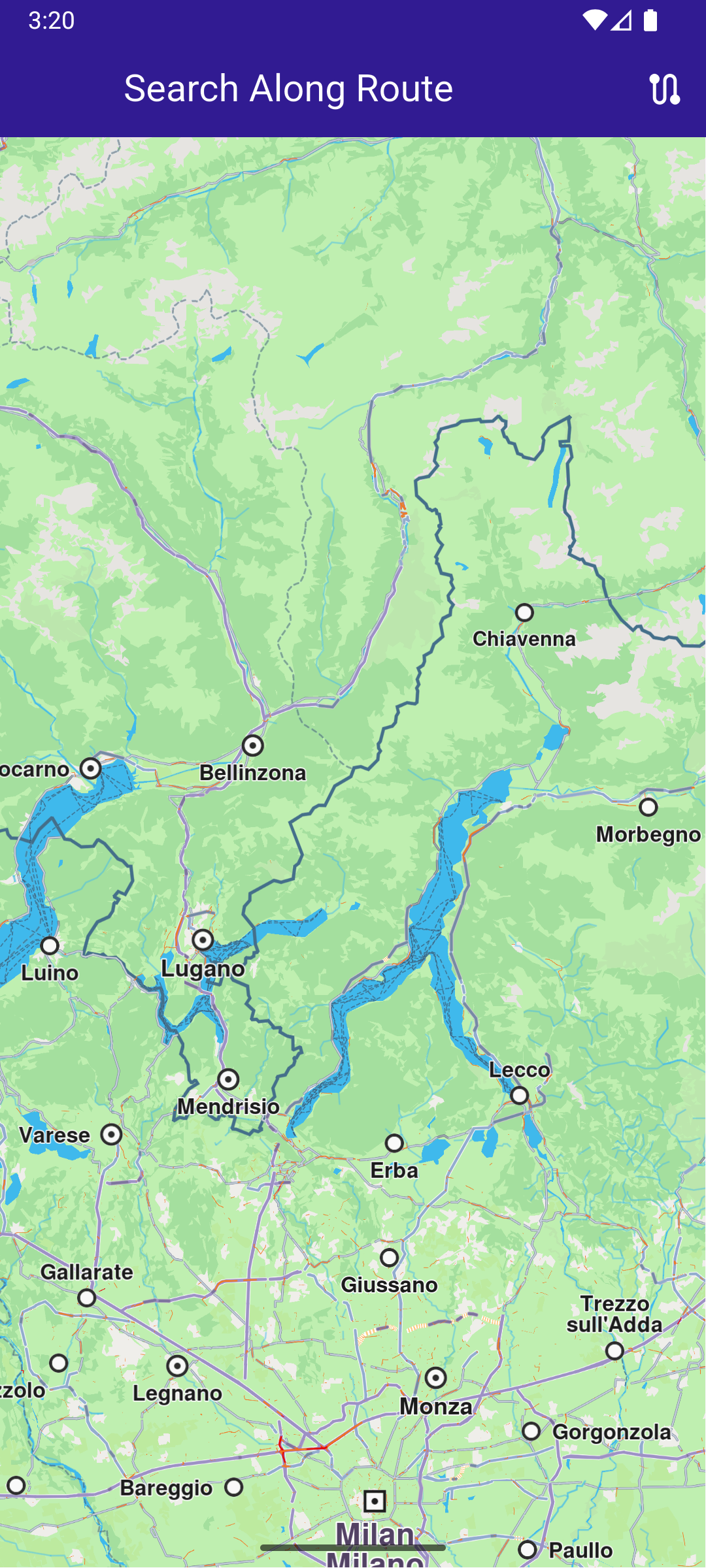
In this guide, you will learn how to integrate map functionality and perform searches for landmarks. #### How it works[​](#how-it-works "Direct link to How it works") This example demonstrates the following key features: * Search for landmarks based on specific categories. * Filter landmarks displayed on map by categories, making searches more targeted. ![](/docs/flutter/assets/images/example_flutter_search_category1-d8e4db680fd94f2e75518abd6e8c0005.png) **Initial map view** ![](/docs/flutter/assets/images/example_flutter_search_category2-851158c336b094bd980afa0221953028.png) **Search Category Page**
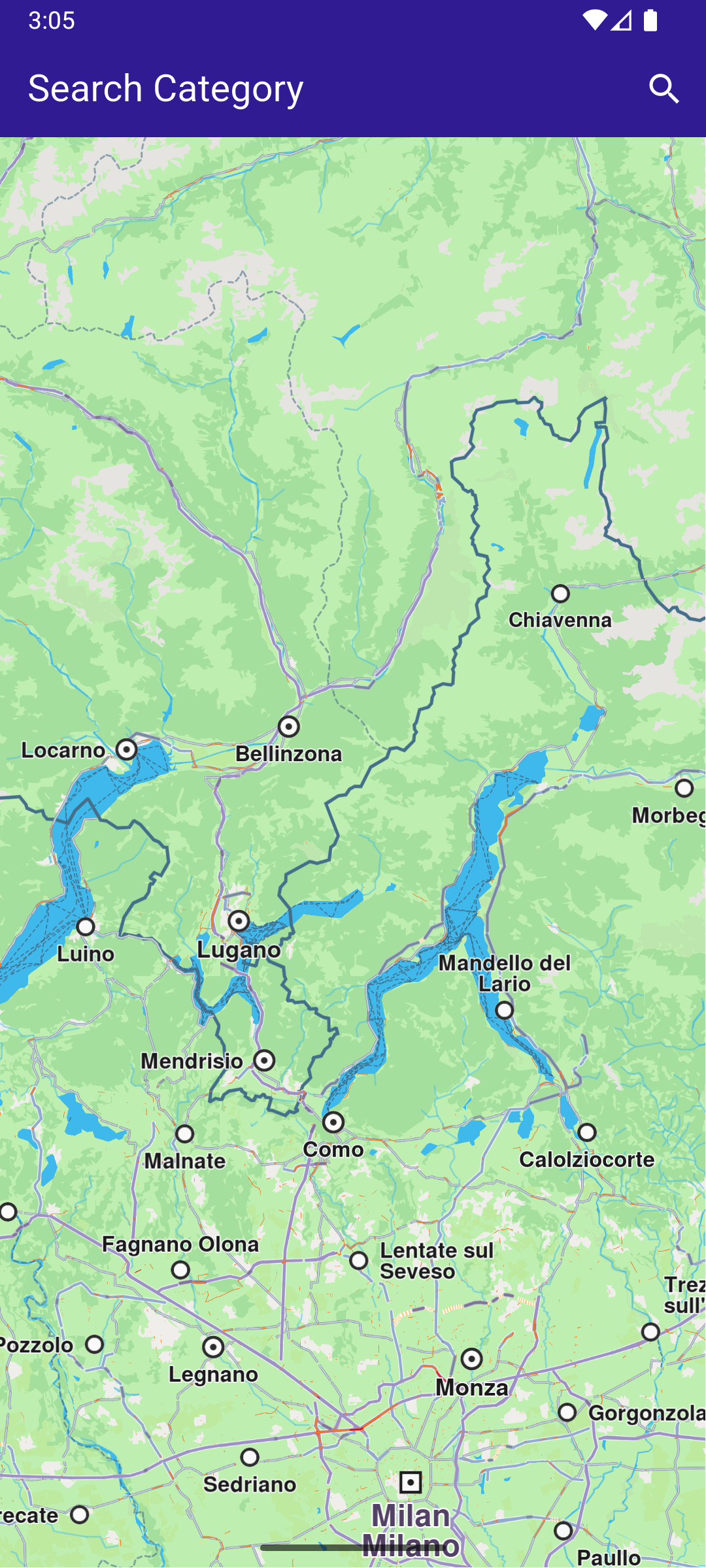
![](/docs/flutter/assets/images/example_flutter_search_category3-5ac252beb1423871b039812b00ba2212.png) **Selected category for searching** ![](/docs/flutter/assets/images/example_flutter_search_category4-5eaefee58a902576b8effe5c446c4b2f.png) **Found landmarks by their category** ##### UI and Map Integration[​](#ui-and-map-integration "Direct link to UI and Map Integration") main.dart[](search_category/lib/main.dart?ref_type=heads#L16) ```dart void main() async { runApp(const MyApp()); } class MyApp extends StatelessWidget { const MyApp({super.key}); @override Widget build(BuildContext context) { return const MaterialApp( debugShowCheckedModeBanner: false, title: 'Search Category', home: MyHomePage(), ); } } class MyHomePage extends StatefulWidget { const MyHomePage({super.key}); @override State createState() => _MyHomePageState(); } class _MyHomePageState extends State { late GemMapController _mapController; @override void dispose() { GemKit.release(); super.dispose(); } @override Widget build(BuildContext context) { return Scaffold( appBar: AppBar( backgroundColor: Colors.deepPurple[900], title: const Text( "Search Category", style: TextStyle(color: Colors.white), ), actions: [ IconButton( onPressed: () => _onSearchButtonPressed(context), icon: const Icon(Icons.search, color: Colors.white), ), ], ), body: GemMap( key: ValueKey("GemMap"), onMapCreated: _onMapCreated, appAuthorization: projectApiToken, ), ); } void _onMapCreated(GemMapController controller) { _mapController = controller; } // Custom method for navigating to search screen void _onSearchButtonPressed(BuildContext context) async { // Taking the coordinates at the center of the screen as reference coordinates for search. final x = MediaQuery.of(context).size.width / 2; final y = MediaQuery.of(context).size.height / 2; final mapCoords = _mapController.transformScreenToWgs( Point(x.toInt(), y.toInt()), ); // Navigating to search screen. The result will be the selected search result(Landmark) final result = await Navigator.of(context).push( MaterialPageRoute( builder: (context) => SearchPage(controller: _mapController, coordinates: mapCoords), ), ); if (result is Landmark) { // Activating the highlight _mapController.activateHighlight([ result, ], renderSettings: HighlightRenderSettings()); // Centering the map on the desired coordinates _mapController.centerOnCoordinates(result.coordinates, zoomLevel: 70); } } } ``` ##### Define Search Functionality[​](#define-search-functionality "Direct link to Define Search Functionality") Implement the SearchPage widget that allows users to search for landmarks. search\_page.dart[](search_category/lib/search_page.dart?ref_type=heads#L17) ```dart class SearchPage extends StatefulWidget { final GemMapController controller; final Coordinates coordinates; // Method to get all the generic categories final categories = GenericCategories.categories; SearchPage({super.key, required this.controller, required this.coordinates}); @override State createState() => _SearchPageState(); } class _SearchPageState extends State { final TextEditingController _textController = TextEditingController(); List landmarks = []; List selectedCategories = []; @override Widget build(BuildContext context) { return Scaffold( appBar: AppBar( leading: IconButton(onPressed: _onLeadingPressed, icon: const Icon(CupertinoIcons.arrow_left)), title: const Text("Search Category"), backgroundColor: Colors.deepPurple[900], foregroundColor: Colors.white, actions: [ if (landmarks.isEmpty) IconButton(onPressed: () => _onSubmitted(_textController.text), icon: const Icon(Icons.search)), ], ), body: Column( children: [ if (landmarks.isEmpty) Padding( padding: const EdgeInsets.all(8.0), child: TextField( controller: _textController, cursorColor: Colors.deepPurple[900], decoration: const InputDecoration( hintText: 'Enter text', hintStyle: TextStyle(color: Colors.black), focusedBorder: UnderlineInputBorder(borderSide: BorderSide(color: Colors.deepPurple, width: 2.0)), ), ), ), if (landmarks.isEmpty) Expanded( child: ListView.separated( padding: EdgeInsets.zero, itemCount: widget.categories.length, controller: ScrollController(), separatorBuilder: (context, index) => const Divider(indent: 50, height: 0), itemBuilder: (context, index) { return CategoryItem( onTap: () => _onCategoryTap(index), category: widget.categories[index], categoryIcon: widget.categories[index].img, ); }, ), ), if (landmarks.isNotEmpty) Expanded( child: ListView.separated( padding: EdgeInsets.zero, itemCount: landmarks.length, controller: ScrollController(), separatorBuilder: (context, index) => const Divider(indent: 50, height: 0), itemBuilder: (context, index) { final lmk = landmarks.elementAt(index); return SearchResultItem(landmark: lmk); }, ), ), const SizedBox(height: 5), ], ), ); } int? _isCategorySelected(LandmarkCategory category) { for (int index = 0; index < selectedCategories.length; index++) { if (category.id == selectedCategories[index].id) { return index; } } return null; } void _onSubmitted(String text) { // Setting the preferences so the results are only from the selected categories SearchPreferences preferences = SearchPreferences( maxMatches: 40, allowFuzzyResults: false, searchMapPOIs: true, searchAddresses: false, ); // Adding in search preferences the selected categories for (final category in selectedCategories) { preferences.landmarks.addStoreCategoryId(category.landmarkStoreId, category.id); } search(text, widget.coordinates, preferences); } late Completer> completer; // Search method Future search(String text, Coordinates coordinates, SearchPreferences preferences) async { completer = Completer>(); // Calling the search around position SDK method. // (err, results) - is a callback function that calls when the computing is done. // err is an error code, results is a list of landmarks SearchService.searchAroundPosition(coordinates, preferences: preferences, textFilter: text, (err, results) async { // If there is an error or there aren't any results, the method will return an empty list. if (err != GemError.success) { completer.complete([]); return; } if (!completer.isCompleted) completer.complete(results); }); final result = await completer.future; setState(() { landmarks = result; }); } void _onLeadingPressed() { if (landmarks.isNotEmpty) { landmarks.clear(); _textController.clear(); selectedCategories.clear(); setState(() {}); return; } Navigator.pop(context); } void _onCategoryTap(int index) { int? categoryIndex = _isCategorySelected(widget.categories[index]); if (categoryIndex != null) { selectedCategories.removeAt(categoryIndex); } else { selectedCategories.add(widget.categories[index]); } } } // Class for the categories. class CategoryItem extends StatefulWidget { final LandmarkCategory category; final Img categoryIcon; final VoidCallback onTap; const CategoryItem({super.key, required this.category, required this.onTap, required this.categoryIcon}); @override State createState() => _CategoryItemState(); } class _CategoryItemState extends State { bool _isSelected = false; @override Widget build(BuildContext context) { return ListTile( onTap: () { widget.onTap(); setState(() { _isSelected = !_isSelected; }); }, leading: Container( padding: const EdgeInsets.all(8), child: widget.categoryIcon.isValid ? Image.memory(widget.categoryIcon.getRenderableImageBytes(size: Size(50, 50))!, gaplessPlayback: true) : SizedBox(), ), title: Text( widget.category.name, style: const TextStyle(color: Colors.black, fontSize: 16, fontWeight: FontWeight.w600), ), trailing: (_isSelected) ? const SizedBox(width: 50, child: Icon(Icons.check, color: Colors.grey)) : null, ); } } // Class for the search results. class SearchResultItem extends StatefulWidget { final Landmark landmark; const SearchResultItem({super.key, required this.landmark}); @override State createState() => _SearchResultItemState(); } class _SearchResultItemState extends State { @override Widget build(BuildContext context) { return ListTile( onTap: () => Navigator.of(context).pop(widget.landmark), leading: Container( padding: const EdgeInsets.all(8), child: widget.landmark.img.isValid ? Image.memory(widget.landmark.img.getRenderableImageBytes(size: Size(50, 50))!) : SizedBox(), ), title: Text( widget.landmark.name, overflow: TextOverflow.fade, style: const TextStyle(color: Colors.black, fontSize: 14, fontWeight: FontWeight.w400), maxLines: 2, ), subtitle: Text( "${getFormattedDistance(widget.landmark)} ${getAddress(widget.landmark)}", overflow: TextOverflow.ellipsis, style: const TextStyle(color: Colors.black, fontSize: 14, fontWeight: FontWeight.w400), ), ); } } String getAddress(Landmark landmark) { final addressInfo = landmark.address; final street = addressInfo.getField(AddressField.streetName); final city = addressInfo.getField(AddressField.city); final country = addressInfo.getField(AddressField.country); if (street == null && city == null && country == null) { return 'Address not available'; } return " ${street ?? ""} ${city ?? ""} ${country ?? ""}"; } String getFormattedDistance(Landmark landmark) { String formattedDistance = ''; double distance = (landmark.extraInfo.getByKey(PredefinedExtraInfoKey.gmSearchResultDistance) / 1000) as double; formattedDistance = "${distance.toStringAsFixed(0)}km"; return formattedDistance; } ``` --- ### Search Location |

In this guide, you will learn how to integrate map functionality and perform searches for landmarks using the Maps SDK for Flutter. #### How it works[​](#how-it-works "Direct link to How it works") This example demonstrates the following features: * Search for landmarks around a specific location using latitude and longitude coordinates. ![](/docs/flutter/assets/images/example_flutter_search_location1-4bfaedea9f33720cfcb58da0ac7fead2.png) **Initial map view** ![](/docs/flutter/assets/images/example_flutter_search_location2-8ce19ad49fea8d08a6edac4cdd5f396f.png) **Text search page** ##### Define state variables and methods[​](#define-state-variables-and-methods "Direct link to Define state variables and methods") Within \_MyHomePageState , define the necessary state variables and methods to manage the map and perform searches. main.dart[](search_location/lib/main.dart?ref_type=heads#L16) ```dart void main() { runApp(const MyApp()); } class MyApp extends StatelessWidget { const MyApp({super.key}); @override Widget build(BuildContext context) { return const MaterialApp( debugShowCheckedModeBanner: false, title: 'Search Location', home: MyHomePage(), ); } } class MyHomePage extends StatefulWidget { const MyHomePage({super.key}); @override State createState() => _MyHomePageState(); } class _MyHomePageState extends State { late GemMapController _mapController; void _onMapCreated(GemMapController controller) { _mapController = controller; } @override void dispose() { GemKit.release(); super.dispose(); } @override Widget build(BuildContext context) { return Scaffold( appBar: AppBar( backgroundColor: Colors.deepPurple[900], title: const Text( "Search Location", style: TextStyle(color: Colors.white), ), actions: [ IconButton( onPressed: () => _onSearchButtonPressed(context), icon: const Icon(Icons.search, color: Colors.white), ), ], ), body: GemMap( key: ValueKey("GemMap"), onMapCreated: _onMapCreated, appAuthorization: projectApiToken, ), ); } // Custom method for navigating to search screen void _onSearchButtonPressed(BuildContext context) async { // Taking the coordinates at the center of the screen as reference coordinates for search. final x = MediaQuery.of(context).size.width / 2; final y = MediaQuery.of(context).size.height / 2; final mapCoords = _mapController.transformScreenToWgs( Point(x.toInt(), y.toInt()), ); // Navigating to search screen. The result will be the selected search result(Landmark) final result = await Navigator.of(context).push( MaterialPageRoute( builder: (context) => SearchPage(coordinates: mapCoords), ), ); if (result is Landmark) { // Activating the highlight _mapController.activateHighlight([ result, ], renderSettings: HighlightRenderSettings()); // Centering the map on the desired coordinates _mapController.centerOnCoordinates(result.coordinates, zoomLevel: 70); } } } ``` ##### Define Search Functionality[​](#define-search-functionality "Direct link to Define Search Functionality") Implement the SearchPage widget that allows users to search for landmarks. search\_page.dart[](search_location/lib/search_page.dart?ref_type=heads#L15) ```dart class SearchPage extends StatefulWidget { final Coordinates coordinates; const SearchPage({super.key, required this.coordinates}); @override State createState() => _SearchPageState(); } class _SearchPageState extends State { List landmarks = []; final TextEditingController _tecLatitude = TextEditingController(); final TextEditingController _tecLongitude = TextEditingController(); @override void initState() { super.initState(); //Set initial coordinates the center of the map _tecLatitude.text = widget.coordinates.latitude.toString(); _tecLongitude.text = widget.coordinates.longitude.toString(); } @override Widget build(BuildContext context) { return Scaffold( appBar: AppBar( automaticallyImplyLeading: true, title: const Text("Search Location"), backgroundColor: Colors.deepPurple[900], foregroundColor: Colors.white, ), body: Column( children: [ Padding( padding: const EdgeInsets.all(8.0), child: TextField( controller: _tecLatitude, cursorColor: Colors.deepPurple[900], decoration: const InputDecoration( hintText: 'Latitude', hintStyle: TextStyle(color: Colors.black), focusedBorder: UnderlineInputBorder(borderSide: BorderSide(color: Colors.deepPurple, width: 2.0)), ), ), ), Padding( padding: const EdgeInsets.all(8.0), child: TextField( controller: _tecLongitude, cursorColor: Colors.deepPurple[900], decoration: const InputDecoration( hintText: 'Longitude', hintStyle: TextStyle(color: Colors.black), focusedBorder: UnderlineInputBorder(borderSide: BorderSide(color: Colors.deepPurple, width: 2.0)), ), ), ), ElevatedButton(onPressed: _onSearchSubmitted, child: const Text("Search")), Expanded( child: ListView.separated( padding: EdgeInsets.zero, itemCount: landmarks.length, controller: ScrollController(), separatorBuilder: (context, index) => const Divider(indent: 50, height: 0), itemBuilder: (context, index) { final lmk = landmarks.elementAt(index); return SearchResultItem(landmark: lmk); }, ), ), ], ), ); } void _onSearchSubmitted() { final latitude = double.tryParse(_tecLatitude.text); final longitude = double.tryParse(_tecLongitude.text); if (latitude == null || longitude == null) { print("Invalid values for the reference coordinate."); return; } Coordinates coords = Coordinates(latitude: latitude, longitude: longitude); SearchPreferences preferences = SearchPreferences(maxMatches: 40, allowFuzzyResults: true); search(coords, preferences: preferences); } late Completer> completer; // Search method. Coordinates are mandatory, preferences are optional. Future search(Coordinates coordinates, {SearchPreferences? preferences}) async { completer = Completer>(); // Calling the search around position SDK method. // (err, results) - is a callback function that calls when the computing is done. // err is an error code, results is a list of landmarks SearchService.searchAroundPosition(coordinates, preferences: preferences, (err, results) async { // If there is an error or there aren't any results, the method will return an empty list. if (err != GemError.success) { completer.complete([]); return; } if (!completer.isCompleted) completer.complete(results); }); final result = await completer.future; setState(() { landmarks = result; }); } } // Class for the search results. class SearchResultItem extends StatefulWidget { final Landmark landmark; const SearchResultItem({super.key, required this.landmark}); @override State createState() => _SearchResultItemState(); } class _SearchResultItemState extends State { @override Widget build(BuildContext context) { return ListTile( onTap: () => Navigator.of(context).pop(widget.landmark), leading: Container( padding: const EdgeInsets.all(8), child: widget.landmark.img.isValid ? Image.memory(widget.landmark.img.getRenderableImageBytes(size: Size(50, 50))!) : SizedBox(), ), title: Text( widget.landmark.name, overflow: TextOverflow.fade, style: const TextStyle(color: Colors.black, fontSize: 14, fontWeight: FontWeight.w400), maxLines: 2, ), subtitle: Text( getFormattedDistance(widget.landmark) + getAddress(widget.landmark), overflow: TextOverflow.ellipsis, style: const TextStyle(color: Colors.black, fontSize: 14, fontWeight: FontWeight.w400), ), ); } } String getAddress(Landmark landmark) { final addressInfo = landmark.address; final street = addressInfo.getField(AddressField.streetName); final city = addressInfo.getField(AddressField.city); final country = addressInfo.getField(AddressField.country); if (street == null && city == null && country == null) { return 'Address not available'; } return " ${street ?? ""} ${city ?? ""} ${country ?? ""}"; } String getFormattedDistance(Landmark landmark) { String formattedDistance = ''; double distance = (landmark.extraInfo.getByKey(PredefinedExtraInfoKey.gmSearchResultDistance) / 1000) as double; formattedDistance = "${distance.toStringAsFixed(0)}km"; return formattedDistance; } ``` --- ### Text Search |
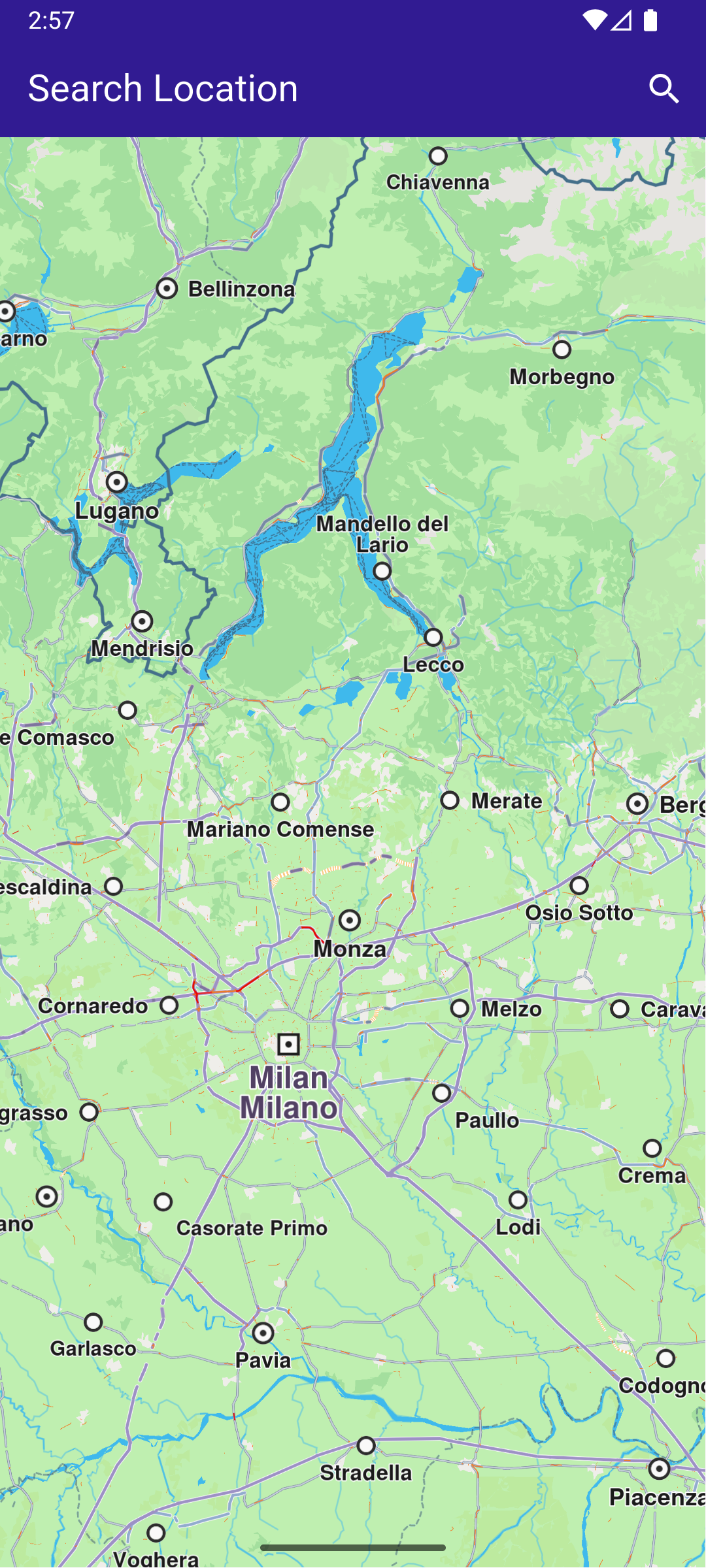
In this guide you will learn how to do a text search and select a result to be displayed on an interactive map. #### How it works[​](#how-it-works "Direct link to How it works") This example demonstrates the following features: * Search for landmarks using a text input, with results being displayed on an interactive map. ![](/docs/flutter/assets/images/example_flutter_text_search1-411af11551f0387d2335388d671604c2.png) **Initial map view** ![](/docs/flutter/assets/images/example_flutter_text_search2-73d4d53dfe481b857e44e2d70d7d3c68.png) **Text search page**
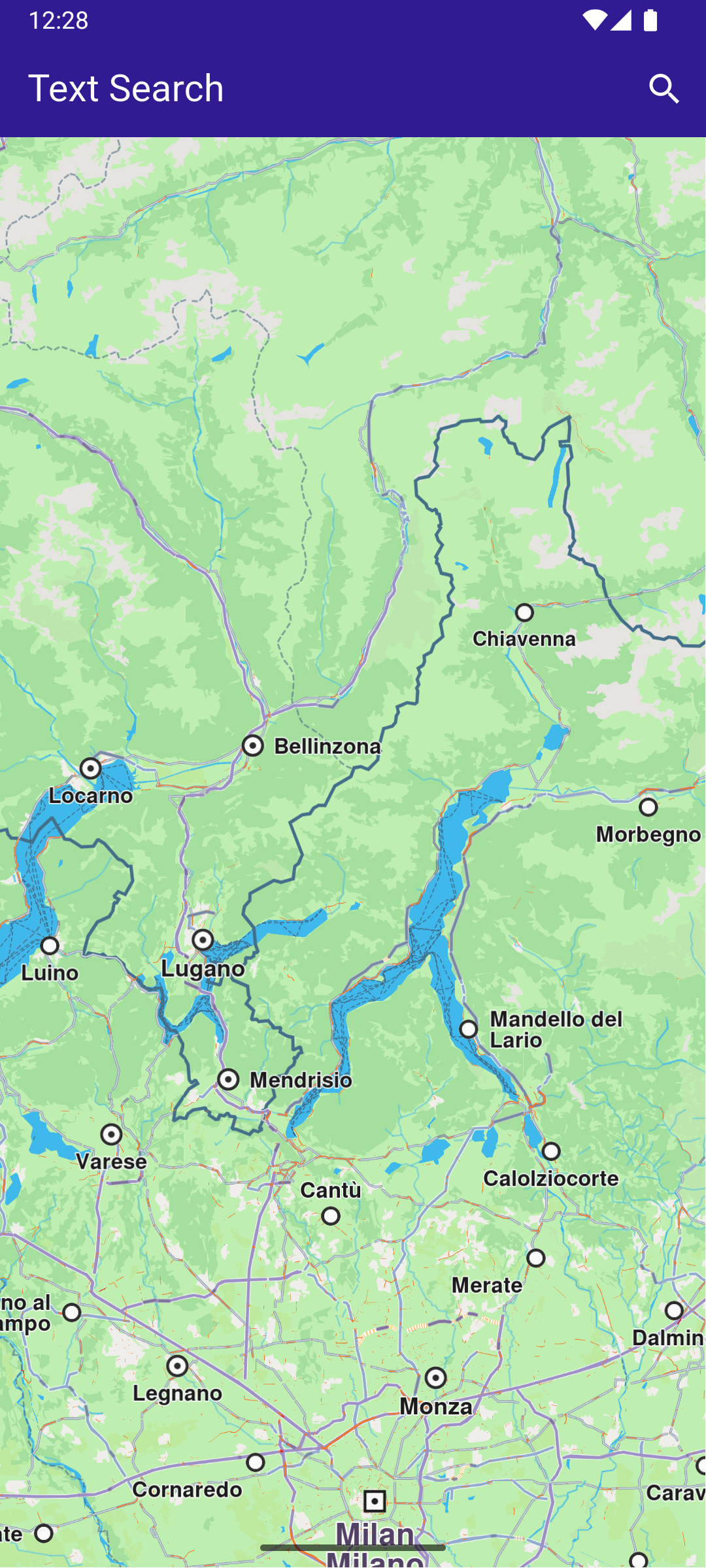
![](/docs/flutter/assets/images/example_flutter_text_search3-3aaa289a779cafb3140290d4b9efe93a.png) **Text search page with results** ![](/docs/flutter/assets/images/example_flutter_text_search4-c34a0ca30a5c790c73a7a63169c9ee2c.png) **Camera centered on picked result** ##### Handling Search Button tap[​](#handling-search-button-tap "Direct link to Handling Search Button tap") This is the method to navigate to the search screen, defined in the SearchPage() widget, in search\_page.dart main.dart[](text_search/lib/main.dart?ref_type=heads#L74) ```dart // Custom method for navigating to search screen void _onSearchButtonPressed(BuildContext context) async { // Taking the coordinates at the center of the screen as reference coordinates for search. final x = MediaQuery.of(context).size.width / 2; final y = MediaQuery.of(context).size.height / 2; final mapCoords = _mapController.transformScreenToWgs( Point(x.toInt(), y.toInt()), ); // Navigating to search screen. The result will be the selected search result(Landmark) final result = await Navigator.of(context).push( MaterialPageRoute( builder: (context) => SearchPage(coordinates: mapCoords), ), ); if (result is Landmark) { // Retrieves the LandmarkStore with the given name. var historyStore = LandmarkStoreService.getLandmarkStoreByName("History"); // If there is no LandmarkStore with this name, then create it. historyStore ??= LandmarkStoreService.createLandmarkStore("History"); // Add the landmark to the store. historyStore.addLandmark(result); // Activating the highlight _mapController.activateHighlight([ result, ], renderSettings: HighlightRenderSettings()); // Centering the map on the desired coordinates _mapController.centerOnCoordinates(result.coordinates, zoomLevel: 70); } } ``` As text is typed in the text field by the user, the \_onSearchSubmitted() function is called, which creates a preferences instance and then the search() function is called. The coordinates of the current location displayed on the map widget.coordinates are used for comparison, to compute the distance to the positions of the search results. search\_page.dart[](text_search/lib/search_page.dart?ref_type=heads#L67) ```dart void _onSearchSubmitted(String text) { SearchPreferences preferences = SearchPreferences(maxMatches: 40, allowFuzzyResults: true); search(text, widget.coordinates, preferences: preferences); } ``` The search() function calls the SearchService.search() , obtains a list of landmarks in results , which are then displayed as a text list. Tapping on a result causes the map to be centered on the position of that search result. This is done in the method that calls SearchPage() above. The result landmark tapped by the user is selected: main.dart[](text_search/lib/main.dart?ref_type=heads#L100) ```dart // Activating the highlight _mapController.activateHighlight([ result, ], renderSettings: HighlightRenderSettings()); ``` Then the map is centered on the coordinates of that result landmark: main.dart[](text_search/lib/main.dart?ref_type=heads#L105) ```dart // Centering the map on the desired coordinates _mapController.centerOnCoordinates(result.coordinates, zoomLevel: 70); ``` search\_page.dart[](text_search/lib/search_page.dart?ref_type=heads#L76) ```dart // Search method. Text and coordinates parameters are mandatory, preferences are optional. Future search(String text, Coordinates coordinates, {SearchPreferences? preferences}) async { Completer> completer = Completer>(); // Calling the search method from the sdk. // (err, results) - is a callback function that calls when the computing is done. // err is an error code, results is a list of landmarks SearchService.search(text, coordinates, preferences: preferences, (err, results) async { // If there is an error or there aren't any results, the method will return an empty list. if (err != GemError.success) { completer.complete([]); return; } if (!completer.isCompleted) completer.complete(results); }); final result = await completer.future; setState(() { landmarks = result; }); } ``` ##### Search Result Item[​](#search-result-item "Direct link to Search Result Item") search\_page.dart[](text_search/lib/search_page.dart?ref_type=heads#L109) ```dart class SearchResultItem extends StatefulWidget { final Landmark landmark; const SearchResultItem({super.key, required this.landmark}); @override State createState() => _SearchResultItemState(); } class _SearchResultItemState extends State { @override Widget build(BuildContext context) { return ListTile( onTap: () => Navigator.of(context).pop(widget.landmark), leading: Container( padding: const EdgeInsets.all(8), child: widget.landmark.img.isValid ? Image.memory(widget.landmark.img.getRenderableImageBytes(size: Size(50, 50))!) : SizedBox(), ), title: Text( widget.landmark.name, overflow: TextOverflow.fade, style: const TextStyle(color: Colors.black, fontSize: 14, fontWeight: FontWeight.w400), maxLines: 2, ), subtitle: Text( '${getFormattedDistance(widget.landmark)} ${getAddress(widget.landmark)}', overflow: TextOverflow.ellipsis, style: const TextStyle(color: Colors.black, fontSize: 14, fontWeight: FontWeight.w400), ), ); } } ``` --- ### Weather Forecast |

This example demonstrates how to create a Flutter application that utilizes the Maps SDK for Flutter to display a weather forecast on a map. The application initializes the Maps SDK for Flutter and provides a user interface to show current, hourly, and daily weather forecasts. #### How it works[​](#how-it-works "Direct link to How it works") * Main App Setup : The main app initializes GemKit and displays a map. * Weather Forecast Page : Users can navigate through current, hourly and daily forecasts for a specific location. ![](/docs/flutter/assets/images/example_flutter_weather_forecast1-49f29fa66a0d3b0b67802d935ffb0df2.png) **Initial map view** ![](/docs/flutter/assets/images/example_flutter_weather_forecast2-5f26b98dcbe7f8363f48e44056617f90.png) **Current Weather Forecast** ##### UI and Map Integration[​](#ui-and-map-integration "Direct link to UI and Map Integration") The main application consists of a simple user interface that displays a map along with a weather forecast option. The user can tap on the weather icon in the app bar to navigate to a detailed weather forecast page. main.dart[](weather_forecast/lib/main.dart?ref_type=heads#L17) ```dart class MyApp extends StatelessWidget { const MyApp({super.key}); @override Widget build(BuildContext context) { return const MaterialApp( debugShowCheckedModeBanner: false, title: 'Weather Forecast', home: MyHomePage(), ); } } class MyHomePage extends StatefulWidget { const MyHomePage({super.key}); @override State createState() => _MyHomePageState(); } class _MyHomePageState extends State { @override void dispose() { GemKit.release(); super.dispose(); } @override Widget build(BuildContext context) { return Scaffold( appBar: AppBar( backgroundColor: Colors.deepPurple[900], title: const Text('Weather Forecast', style: TextStyle(color: Colors.white)), actions: [ IconButton( onPressed: () => _onWeatherForecastTap(context), icon: Icon( Icons.sunny, color: Colors.white, ), ), ], ), body: GemMap(appAuthorization: projectApiToken), ); } void _onWeatherForecastTap(BuildContext context) { Navigator.of(context).push(MaterialPageRoute( builder: (context) => WeatherForecastPage(), )); } } ``` ##### Weather Forecast Page[​](#weather-forecast-page "Direct link to Weather Forecast Page") The WeatherForecastPage displays the weather forecast options, allowing users to switch between current, hourly, and daily forecasts. This code implements the WeatherForecastPage , which manages the state of the currently selected weather tab and displays the appropriate forecast information. weather\_forecast\_page.dart[](weather_forecast/lib/weather_forecast_page.dart?ref_type=heads#L17) ```dart class WeatherForecastPage extends StatefulWidget { const WeatherForecastPage({super.key}); @override State createState() => _WeatherForecastPageState(); } class _WeatherForecastPageState extends State { // Variable to track the selected weather tab, defaulting to 'now' WeatherTab _weatherTab = WeatherTab.now; @override Widget build(BuildContext context) { return Scaffold( appBar: AppBar( automaticallyImplyLeading: true, foregroundColor: Colors.white, title: const Text( "Weather Forecast", style: TextStyle(color: Colors.white), ), backgroundColor: Colors.deepPurple[900], ), body: Padding( padding: const EdgeInsets.all(15.0), child: Column( children: [ // Tab buttons for 'Now', 'Hourly', and 'Daily' forecasts SizedBox( height: 40.0, child: Row( children: [ Expanded( child: InkWell( child: Center(child: Text("Now")), onTap: () => setState(() { _weatherTab = WeatherTab.now; }), ), ), Expanded( child: InkWell( child: Center(child: Text("Hourly")), onTap: () => setState(() { _weatherTab = WeatherTab.hourly; }), ), ), Expanded( child: InkWell( child: Center(child: Text("Daily")), onTap: () => setState(() { _weatherTab = WeatherTab.daily; }), ), ), ], ), ), // Display the selected forecast page Expanded( child: Builder( builder: (context) { if (_weatherTab == WeatherTab.now) { return FutureBuilder( future: _getCurrentForecast(), builder: (context, snapshot) { if (snapshot.connectionState == ConnectionState.waiting) { return Center(child: CircularProgressIndicator()); } if (!snapshot.hasData) { return Center( child: Text("Error loading current forecast."), ); } return ForecastNowPage( condition: snapshot.data!, landmarkName: "Paris", ); }, ); } else if (_weatherTab == WeatherTab.hourly) { return FutureBuilder( future: _getHourlyForecast(), builder: (context, snapshot) { if (snapshot.connectionState == ConnectionState.waiting) { return Center(child: CircularProgressIndicator()); } if (!snapshot.hasData) { return Center( child: Text("Error loading hourly forecast."), ); } return ForecastHourlyPage( locationForecasts: snapshot.data!, ); }, ); } else if (_weatherTab == WeatherTab.daily) { return FutureBuilder( future: _getDailyForecast(), builder: (context, snapshot) { if (snapshot.connectionState == ConnectionState.waiting) { return Center(child: CircularProgressIndicator()); } if (!snapshot.hasData) { return Center( child: Text("Error loading daily forecast."), ); } return ForecastDailyPage( locationForecasts: snapshot.data!, ); }, ); } return Container(); }, ), ), ], ), ), ); } ``` ##### Getting Current, Hourly and Daily Forecasts[​](#getting-current-hourly-and-daily-forecasts "Direct link to Getting Current, Hourly and Daily Forecasts") The following methods retrieve hourly and daily forecasts. These methods use the WeatherService to fetch current, hourly and daily weather data for a specified location. weather\_forecast\_page.dart[](weather_forecast/lib/weather_forecast_page.dart?ref_type=heads#L151) ```dart Future _getCurrentForecast() async { final locationCoordinates = Coordinates( latitude: 48.864716, longitude: 2.349014, ); final weatherCurrentCompleter = Completer?>(); WeatherService.getCurrent( coords: [locationCoordinates], onComplete: (err, result) async { weatherCurrentCompleter.complete(result); }, ); final currentForecast = await weatherCurrentCompleter.future; return currentForecast!.first; } Future> _getHourlyForecast() async { final locationCoordinates = Coordinates( latitude: 48.864716, longitude: 2.349014, ); final weatherHourlyCompleter = Completer?>(); WeatherService.getHourlyForecast( hours: 24, coords: [locationCoordinates], onComplete: (err, result) async { weatherHourlyCompleter.complete(result); }, ); final currentForecast = await weatherHourlyCompleter.future; return currentForecast!; } Future> _getDailyForecast() async { final locationCoordinates = Coordinates( latitude: 48.864716, longitude: 2.349014, ); final weatherDailyCompleter = Completer?>(); WeatherService.getDailyForecast( days: 10, coords: [locationCoordinates], onComplete: (err, result) async { weatherDailyCompleter.complete(result); }, ); final currentForecast = await weatherDailyCompleter.future; return currentForecast!; } ``` ##### Hourly Forecast Page and Item[​](#hourly-forecast-page-and-item "Direct link to Hourly Forecast Page and Item") The ForecastHourlyPage displays the hourly weather forecasts. Below is the implementation of this page. This code defines the ForecastHourlyPage , which presents a list of hourly weather forecasts for the user. forecast\_hourly\_page.dart[](weather_forecast/lib/forecast_hourly_page.dart?ref_type=heads#L10) ```dart class ForecastHourlyPage extends StatelessWidget { final List locationForecasts; const ForecastHourlyPage({super.key, required this.locationForecasts}); @override Widget build(BuildContext context) { return SizedBox( height: MediaQuery.of(context).size.height * 0.8, child: Column( children: [ Expanded( child: ListView.builder( itemCount: locationForecasts.first.forecast.length, itemBuilder: (context, index) { return WeatherForecastHourlyItem( condition: locationForecasts.first.forecast[index], ); }, ), ), ], ), ); } } class WeatherForecastHourlyItem extends StatelessWidget { /// The weather conditions for a specific hour. final Conditions condition; const WeatherForecastHourlyItem({super.key, required this.condition}); @override Widget build(BuildContext context) { // Extracting the image and temperature information from the condition. final conditionImage = condition.img; final tempHigh = condition.params .where((element) => element.type == "Temperature") .first; return Padding( padding: const EdgeInsets.all(8.0), child: Row( mainAxisAlignment: MainAxisAlignment.spaceBetween, children: [ Column( crossAxisAlignment: CrossAxisAlignment.start, children: [ Text(condition.getFormattedHour()), Text(condition.getFormattedDate()), ], ), conditionImage.isValid ? Image.memory(conditionImage.getRenderableImageBytes()!) : SizedBox(), Text("${tempHigh.value} ${tempHigh.unit}"), ], ), ); } } ``` ![](/docs/flutter/assets/images/example_flutter_weather_forecast3-4ee0ce11f27a51510c34b8a40bb0d1c9.png) **Hourly Weather Forecast** #### Daily Forecast Page and Item[​](#daily-forecast-page-and-item "Direct link to Daily Forecast Page and Item") The ForecastDailyPage displays the daily weather forecasts. Below is the implementation of this page. This code defines the ForecastDailyPage , which presents a list of daily weather forecasts for the user. forecast\_daily\_page.dart[](weather_forecast/lib/forecast_daily_page.dart?ref_type=heads#L10) ```dart class ForecastDailyPage extends StatelessWidget { final List locationForecasts; const ForecastDailyPage({super.key, required this.locationForecasts}); @override Widget build(BuildContext context) { return SizedBox( height: MediaQuery.of(context).size.height * 0.8, child: Column( children: [ Expanded( child: ListView.builder( itemCount: locationForecasts.first.forecast.length, itemBuilder: (context, index) { return WeatherForecastDailyItem( condition: locationForecasts.first.forecast[index], ); }, ), ), ], ), ); } } class WeatherForecastDailyItem extends StatelessWidget { /// The weather conditions for a specific day. final Conditions condition; const WeatherForecastDailyItem({super.key, required this.condition}); @override Widget build(BuildContext context) { final conditionImage = condition.img; return Padding( padding: const EdgeInsets.all(8.0), child: Row( mainAxisAlignment: MainAxisAlignment.spaceBetween, children: [ Column( crossAxisAlignment: CrossAxisAlignment.start, children: [ Text(_getWeekdayString(condition.stamp.weekday)), Text(condition.getFormattedDate()), ], ), conditionImage.isValid ? Image.memory(conditionImage.getRenderableImageBytes()!) : SizedBox(), Row(children: [Text(condition.getFormattedTemperature())]), ], ), ); } // Converts a weekday index into a string representation. String _getWeekdayString(int weekday) { const weekdays = [ 'Monday', 'Tuesday', 'Wednesday', 'Thursday', 'Friday', 'Saturday', 'Sunday', ]; return weekdays[weekday - 1]; } } ``` ![](/docs/flutter/assets/images/example_flutter_weather_forecast4-501280a7fcbdf9e7c22a4170516b2392.png) **Daily Weather Forecast** #### Forecast Now Page[​](#forecast-now-page "Direct link to Forecast Now Page") forecast\_now\_page.dart[](weather_forecast/lib/forecast_now_page.dart?ref_type=heads#L10) ```dart class ForecastNowPage extends StatelessWidget { /// Holds the weather condition and forecast data. final LocationForecast condition; /// The name of the landmark or location for which the weather forecast is displayed. final String landmarkName; const ForecastNowPage({ super.key, required this.condition, required this.landmarkName, }); @override Widget build(BuildContext context) { return Column( mainAxisSize: MainAxisSize.min, children: [ Column( mainAxisSize: MainAxisSize.min, children: [ SizedBox( child: condition.forecast.first.img.isValid ? Image.memory(condition.forecast.first.img.getRenderableImageBytes()!) : SizedBox(), ), Text(condition.forecast.first.description), ], ), Column( mainAxisSize: MainAxisSize.min, children: [ ListView( shrinkWrap: true, children: [ Column( children: [ Text(landmarkName, style: TextStyle(fontSize: 20.0)), Text("Updated at ${condition.getFormattedHour()}"), ], ), for (final param in condition.forecast.first.params) Padding( padding: const EdgeInsets.all(8.0), child: Row( mainAxisAlignment: MainAxisAlignment.spaceBetween, children: [ Text(param.name), Row( children: [ Text( param.type == "Sunrise" || param.type == "Sunset" ? param.getFormattedHour() : param.value.toString(), ), Text(param.unit), ], ), ], ), ), ], ), ], ), ], ); } } ``` --- ### What Is Nearby |

This example demonstrates how to create a Flutter app that shows nearby landmarks based on the user’s current position using the Maps SDK for Flutter. #### How it works[​](#how-it-works "Direct link to How it works") This example app demonstrates the following features: * Obtain location permissions and show a map centered on the user’s location. * Display nearby landmarks as a list. * Allow navigation to a detail page displaying information about nearby landmarks. ![](/docs/flutter/assets/images/example_flutter_what_is_nearby1-cd30d5c511efcd0552354580da11c8d0.png) **Current position available** ![](/docs/flutter/assets/images/example_flutter_what_is_nearby2-930728ead45e7f85c45eb6e8b7f3e4ae.png) **Nearby locations** ##### Map Display and Permissions[​](#map-display-and-permissions "Direct link to Map Display and Permissions") The map is displayed and initialized within the MyHomePage widget, which also handles location permissions for Android and iOS. This widget handles the UI, setting up the map and app bar, and uses permission\_handler for requesting location permissions. main.dart[](what_is_nearby/lib/main.dart?ref_type=heads#L32) ```dart class MyHomePage extends StatefulWidget { const MyHomePage({super.key}); @override State createState() => _MyHomePageState(); } class _MyHomePageState extends State { late GemMapController _mapController; PermissionStatus _locationPermissionStatus = PermissionStatus.denied; bool _hasLiveDataSource = false; @override void dispose() { GemKit.release(); super.dispose(); } @override Widget build(BuildContext context) { return Scaffold( appBar: AppBar( backgroundColor: Colors.deepPurple[900], title: const Text('What\'s Nearby', style: TextStyle(color: Colors.white)), actions: [ IconButton( onPressed: () => _onWhatIsNearbyButtonPressed(context), icon: const Icon(Icons.question_mark, color: Colors.white), ), ], ), body: GemMap( key: ValueKey("GemMap"), onMapCreated: _onMapCreated, appAuthorization: projectApiToken, ), ); } // The callback for when map is ready to use. void _onMapCreated(GemMapController controller) async { // Save controller for further usage. _mapController = controller; if (kIsWeb) { // On web platform permission are handled differently than other platforms. // The SDK handles the request of permission for location. final locationPermssionWeb = await PositionService.requestLocationPermission(); if (locationPermssionWeb == true) { _locationPermissionStatus = PermissionStatus.granted; } else { _locationPermissionStatus = PermissionStatus.denied; } } else { // For Android & iOS platforms, permission_handler package is used to ask for permissions. _locationPermissionStatus = await Permission.locationWhenInUse.request(); } if (_locationPermissionStatus == PermissionStatus.granted) { // After the permission was granted, we can set the live data source (in most cases the GPS). // The data source should be set only once, otherwise we'll get -5 error. if (!_hasLiveDataSource) { PositionService.setLiveDataSource(); _hasLiveDataSource = true; } // Optionally, we can set an animation final animation = GemAnimation(type: AnimationType.linear); // Calling the start following position SDK method. _mapController.startFollowingPosition(animation: animation); } } ``` ##### Fetching Nearby Locations[​](#fetching-nearby-locations "Direct link to Fetching Nearby Locations") The WhatIsNearbyPage widget displays a list of nearby landmarks based on the user’s current position. This code searches for nearby landmarks, displaying the results in a ListView. what\_is\_nearby\_page.dart[](what_is_nearby/lib/what_is_nearby_page.dart?ref_type=heads#L12) ```dart class WhatIsNearbyPage extends StatefulWidget { final Coordinates position; const WhatIsNearbyPage({super.key, required this.position}); @override State createState() => _WhatIsNearbyPageState(); } class _WhatIsNearbyPageState extends State { @override Widget build(BuildContext context) { return Scaffold( appBar: AppBar( automaticallyImplyLeading: true, foregroundColor: Colors.white, title: const Text( "What's Nearby", style: TextStyle(color: Colors.white), ), backgroundColor: Colors.deepPurple[900], ), body: FutureBuilder( future: _getNearbyLocations(), builder: (context, snapshot) { if (!snapshot.hasData || snapshot.data == null) { return const Center(child: CircularProgressIndicator()); } return ListView.separated( itemBuilder: (contex, index) { return NearbyItem( landmark: snapshot.data!.elementAt(index), currentPosition: widget.position, ); }, separatorBuilder: (context, index) => const Divider(indent: 0, height: 0), itemCount: snapshot.data!.length, ); }, ), ); } Future?> _getNearbyLocations() async { // Add all categories to SearchPreferences final preferences = SearchPreferences(searchAddresses: false); final genericCategories = GenericCategories.categories; for (final category in genericCategories) { preferences.landmarks.addStoreCategoryId( category.landmarkStoreId, category.id, ); } final completer = Completer?>(); // Perform search around position with current position and all categories SearchService.searchAroundPosition( preferences: preferences, widget.position, (err, result) { completer.complete(result); }, ); return completer.future; } } ``` ##### Displaying Landmark Information[​](#displaying-landmark-information "Direct link to Displaying Landmark Information") Each nearby landmark is displayed in a list tile showing the name and distance from the current position. This component formats and displays the name and distance of each landmark. what\_is\_nearby\_page.dart[](what_is_nearby/lib/what_is_nearby_page.dart?ref_type=heads#L78) ```dart class NearbyItem extends StatefulWidget { final Landmark landmark; final Coordinates currentPosition; const NearbyItem({ super.key, required this.landmark, required this.currentPosition, }); @override State createState() => _NearbyItemState(); } class _NearbyItemState extends State { @override Widget build(BuildContext context) { return ListTile( title: Text( widget.landmark.categories.first.name, overflow: TextOverflow.fade, style: const TextStyle( color: Colors.black, fontSize: 14, fontWeight: FontWeight.w400, ), maxLines: 2, ), leading: widget.landmark.img.isValid ? Image.memory(widget.landmark.img.getRenderableImageBytes(size: Size(128, 128))!) : SizedBox(), trailing: Text( _convertDistance( widget.landmark.coordinates.distance(widget.currentPosition).toInt(), ), overflow: TextOverflow.fade, style: const TextStyle( color: Colors.black, fontSize: 14, fontWeight: FontWeight.w400, ), ), ); } String _convertDistance(int meters) { if (meters >= 1000) { double kilometers = meters / 1000; return '${kilometers.toStringAsFixed(1)} km'; } else { return '${meters.toString()} m'; } } } ``` --- ### What Is Nearby Category |

This example demonstrates how to create a Flutter app that shows nearby landmarks based on the user’s current position using the Maps SDK for Flutter. #### How it works[​](#how-it-works "Direct link to How it works") This example app demonstrates the following features: * Display a `GemMap`. * Get current position. * Perform a search for nearby landmarks (gas stations category). * Display search results. ![](/docs/flutter/assets/images/example_flutter_what_is_nearby_category1-f16e34408e4a5cf3d7bae67a4b4b1528.png) **Current position available** ![](/docs/flutter/assets/images/example_flutter_what_is_nearby_category2-d8466de4c7ace34de14116ec668ce21f.png) **Nearby gas stations** ##### UI and Map Integration[​](#ui-and-map-integration "Direct link to UI and Map Integration") The following code builds an UI with an interactive `GemMap`, an app bar with a button for navigating to search results page. main.dart[](what_is_nearby_category/lib/main.dart?ref_type=heads#L14) ```dart const projectApiToken = String.fromEnvironment('GEM_TOKEN'); void main() { runApp(const MyApp()); } class MyApp extends StatelessWidget { const MyApp({super.key}); @override Widget build(BuildContext context) { return const MaterialApp( title: 'What\'s Nearby Category', debugShowCheckedModeBanner: false, home: MyHomePage(), ); } } class MyHomePage extends StatefulWidget { const MyHomePage({super.key}); @override State createState() => _MyHomePageState(); } class _MyHomePageState extends State { late GemMapController _mapController; PermissionStatus _locationPermissionStatus = PermissionStatus.denied; bool _hasLiveDataSource = false; @override void dispose() { GemKit.release(); super.dispose(); } @override Widget build(BuildContext context) { return Scaffold( appBar: AppBar( backgroundColor: Colors.deepPurple[900], title: const Text( 'What\'s Nearby Category', style: TextStyle(color: Colors.white), ), actions: [ IconButton( onPressed: () => _onWhatIsNearbyButtonPressed(context), icon: const Icon(Icons.question_mark, color: Colors.white), ), ], ), body: GemMap( key: ValueKey("GemMap"), onMapCreated: _onMapCreated, appAuthorization: projectApiToken, ), ); } // The callback for when map is ready to use. void _onMapCreated(GemMapController controller) async { // Save controller for further usage. _mapController = controller; if (kIsWeb) { // On web platform permission are handled differently than other platforms. // The SDK handles the request of permission for location. final locationPermissionWeb = await PositionService.requestLocationPermission(); if (locationPermissionWeb == true) { _locationPermissionStatus = PermissionStatus.granted; } else { _locationPermissionStatus = PermissionStatus.denied; } } else { // For Android & iOS platforms, permission_handler package is used to ask for permissions. _locationPermissionStatus = await Permission.locationWhenInUse.request(); } if (_locationPermissionStatus == PermissionStatus.granted) { // After the permission was granted, we can set the live data source (in most cases the GPS). // The data source should be set only once, otherwise we'll get -5 error. if (!_hasLiveDataSource) { PositionService.setLiveDataSource(); _hasLiveDataSource = true; } // Optionally, we can set an animation final animation = GemAnimation(type: AnimationType.linear); // Calling the start following position SDK method. _mapController.startFollowingPosition(animation: animation); } } void _onWhatIsNearbyButtonPressed(BuildContext context) { // Get the current position with no altitude final currentPosition = PositionService.position; if (currentPosition == null) { ScaffoldMessenger.of(context).showSnackBar( const SnackBar(content: Text('No position currently available')), ); return; } final currentPositionNoAltitude = Coordinates( latitude: currentPosition.latitude, longitude: currentPosition.longitude, altitude: 0.0, ); // Pass the current position Navigator.of(context).push( MaterialPageRoute( builder: (context) => WhatIsNearbyCategoryPage(position: currentPositionNoAltitude), ), ); } } ``` ##### Search Results Page[​](#search-results-page "Direct link to Search Results Page") what\_is\_nearby\_category\_page.dart[](what_is_nearby_category/lib/what_is_nearby_category_page.dart?ref_type=heads#L12) ```dart class WhatIsNearbyCategoryPage extends StatefulWidget { final Coordinates position; const WhatIsNearbyCategoryPage({super.key, required this.position}); @override State createState() => _WhatIsNearbyCategoryPageState(); } class _WhatIsNearbyCategoryPageState extends State { @override Widget build(BuildContext context) { return Scaffold( appBar: AppBar( automaticallyImplyLeading: true, foregroundColor: Colors.white, title: const Text( "What's Nearby Category", style: TextStyle(color: Colors.white), ), backgroundColor: Colors.deepPurple[900], ), body: FutureBuilder( future: _getNearbyLocations(), builder: (context, snapshot) { if (!snapshot.hasData || snapshot.data == null) { return const Center(child: CircularProgressIndicator()); } return ListView.separated( itemBuilder: (context, index) { return NearbyItem( landmark: snapshot.data!.elementAt(index), currentPosition: widget.position, ); }, separatorBuilder: (context, index) => const Divider(indent: 0, height: 0), itemCount: snapshot.data!.length, ); }, ), ); } Future?> _getNearbyLocations() async { // Add the gas stations category to SearchPreferences final preferences = SearchPreferences(searchAddresses: false); final genericCategories = GenericCategories.categories; final gasStationCategory = genericCategories.firstWhere( (category) => category.name == 'Gas Stations', ); preferences.landmarks.addStoreCategoryId( gasStationCategory.landmarkStoreId, gasStationCategory.id, ); final completer = Completer?>(); // Perform search around position with current position and preferences set with gas stations category SearchService.searchAroundPosition( preferences: preferences, widget.position, (err, result) { completer.complete(result); }, ); return completer.future; } } class NearbyItem extends StatefulWidget { final Landmark landmark; final Coordinates currentPosition; const NearbyItem({ super.key, required this.landmark, required this.currentPosition, }); @override State createState() => _NearbyItemState(); } class _NearbyItemState extends State { @override Widget build(BuildContext context) { return ListTile( title: Text( widget.landmark.name, overflow: TextOverflow.fade, style: const TextStyle( color: Colors.black, fontSize: 14, fontWeight: FontWeight.w400, ), maxLines: 2, ), leading: widget.landmark.img.isValid ? Image.memory( widget.landmark.img.getRenderableImageBytes( size: Size(128, 128), )!, ) : SizedBox(), trailing: Text( _convertDistance( widget.landmark.coordinates.distance(widget.currentPosition).toInt(), ), overflow: TextOverflow.fade, style: const TextStyle( color: Colors.black, fontSize: 14, fontWeight: FontWeight.w400, ), ), ); } String _convertDistance(int meters) { if (meters >= 1000) { double kilometers = meters / 1000; return '${kilometers.toStringAsFixed(1)} km'; } else { return '${meters.toString()} m'; } } } ``` --- ### Areas alarms |

This example demonstrates how to build a Flutter app using the Maps SDK which notifies the user when he enters or exits a geographic area. It can be used with any type of area that implements the `GeographicArea` interface. #### How it works[​](#how-it-works "Direct link to How it works") The example app highlights the following features: * Display a map with a round polygon marker. * Calculate route. * Display route. * Start simulation. * Alarm service usage with area monitoring. ![](/docs/flutter/assets/images/example_flutter_areas_alarms2-f26a2207e6f9f5d271590288b4ffa0b0.png) **Area displayed on map** ![](/docs/flutter/assets/images/example_flutter_areas_alarms3-534738b415e7a08e24e02f0538b2a18d.png) **Enterned monitored area** ![](/docs/flutter/assets/images/example_flutter_areas_alarms4-71970400851a4029a00795dc95036e31.png) **Exited monitored area** ##### UI and Map Integration[​](#ui-and-map-integration "Direct link to UI and Map Integration") The following code builds the UI with a `GemMap` widget and an app bar that includes buttons for calculating and simulating navigation on route as well as canceling the navigation. Once the position tracker enters or exits the `CircleGeographicArea` a bottom notification panel will be displayed. main.dart[](areas_alarms/lib/main.dart?ref_type=heads#L13) ```dart const projectApiToken = String.fromEnvironment('GEM_TOKEN'); void main() { runApp(const MyApp()); } class MyApp extends StatelessWidget { const MyApp({super.key}); @override Widget build(BuildContext context) { return const MaterialApp( debugShowCheckedModeBanner: false, title: 'Areas Alarms', home: MyHomePage(), ); } } class MyHomePage extends StatefulWidget { const MyHomePage({super.key}); @override State createState() => _MyHomePageState(); } class _MyHomePageState extends State { late GemMapController _mapController; bool _areRoutesBuilt = false; bool _isSimulationActive = false; // We use the progress listener to cancel the route calculation. TaskHandler? _routingHandler; TaskHandler? _navigationHandler; AlarmService? _alarmService; AlarmListener? _alarmListener; String? _areaNotification; @override void dispose() { GemKit.release(); super.dispose(); } @override Widget build(BuildContext context) { return Scaffold( appBar: AppBar( title: const Text( "Areas Alarms", style: TextStyle(color: Colors.white), ), backgroundColor: Colors.deepPurple[900], actions: [ if (!_isSimulationActive && _areRoutesBuilt) IconButton( onPressed: _startSimulation, icon: const Icon(Icons.play_arrow, color: Colors.white), ), if (_isSimulationActive) IconButton( onPressed: _stopSimulation, icon: const Icon(Icons.stop, color: Colors.white), ), if (!_areRoutesBuilt) IconButton( onPressed: () => _onBuildRouteButtonPressed(context), icon: const Icon(Icons.route, color: Colors.white), ), ], ), body: Stack( children: [ GemMap( key: ValueKey("GemMap"), onMapCreated: _onMapCreated, appAuthorization: projectApiToken, ), if (_areaNotification != null) Positioned( bottom: MediaQuery.of(context).padding.bottom + 10, left: 0, child: BottomAlarmPanel(alarmNotification: _areaNotification), ), ], ), resizeToAvoidBottomInset: false, ); } void _onMapCreated(GemMapController controller) { _mapController = controller; // Draw area on map final marker = Marker(); final circleAreaCoords = generateCircleCoordinates(Coordinates(latitude: 50.92396, longitude: 9.54976), 200); for (final coord in circleAreaCoords) { marker.add(coord); } final markerCollection = MarkerCollection(markerType: MarkerType.polygon, name: "Circle"); markerCollection.add(marker); _mapController.preferences.markers.add(markerCollection, settings: MarkerCollectionRenderSettings(polygonFillColor: const Color.fromARGB(111, 210, 104, 102))); } // Custom method for calling calculate route and displaying the results. void _onBuildRouteButtonPressed(BuildContext context) { // Define the departure. final departureLandmark = Landmark.withLatLng( latitude: 50.92899490001731, longitude: 9.544136681645025, ); // Define the destination. final destinationLandmark = Landmark.withLatLng( latitude: 50.919902402432946, longitude: 9.55855522546262, ); // Define the route preferences. final routePreferences = RoutePreferences(); _showSnackBar(context, message: 'The route is calculating.'); // Calling the calculateRoute SDK method. // (err, results) - is a callback function that gets called when the route computing is finished. // err is an error enum, results is a list of routes. _routingHandler = RoutingService.calculateRoute( [departureLandmark, destinationLandmark], routePreferences, (err, routes) async { // If the route calculation is finished, we don't have a progress listener anymore. _routingHandler = null; ScaffoldMessenger.of(context).clearSnackBars(); // If there aren't any errors, we display the routes. if (err == GemError.success) { // Get the routes collection from map preferences. final routesMap = _mapController.preferences.routes; // Display the routes on map. for (final route in routes) { routesMap.add(route, route == routes.first); } // Center the camera on routes. _mapController.centerOnRoutes(routes: routes); } setState(() { _areRoutesBuilt = true; }); }, ); } // Method for starting the simulation and following the position, void _startSimulation() { final routes = _mapController.preferences.routes; _mapController.preferences.routes.clearAllButMainRoute(); if (routes.mainRoute == null) { _showSnackBar(context, message: "No main route available"); return; } // Registering callback for area corssing _alarmListener = AlarmListener( onBoundaryCrossed: (enteredAreas, exitedAreas) { if (enteredAreas.isNotEmpty) { setState(() { _areaNotification = "Entered area: ${enteredAreas.first}"; }); } else { setState(() { _areaNotification = "Exited area: ${exitedAreas.first}"; }); } }, ); // Set the alarms service with the listener _alarmService = AlarmService(_alarmListener!); _alarmService!.monitorArea( CircleGeographicArea(radius: 200, centerCoordinates: Coordinates(latitude: 50.92396, longitude: 9.54976)), id: "Test area"); _navigationHandler = NavigationService.startSimulation( routes.mainRoute!, onNavigationInstruction: (instruction, events) { setState(() { _isSimulationActive = true; }); }, onDestinationReached: (landmark) { _stopSimulation(); _cancelRoute(); }, onError: (error) { // If the navigation has ended or if and error occurred while navigating, remove routes and reset alarm notification. setState(() { _isSimulationActive = false; _areaNotification = null; _cancelRoute(); }); if (error != GemError.cancel) { _stopSimulation(); } return; }, ); // Set the camera to follow position. _mapController.startFollowingPosition(); } // Method for removing the routes from display, void _cancelRoute() { // Remove the routes from map. _mapController.preferences.routes.clear(); if (_routingHandler != null) { // Cancel the navigation. RoutingService.cancelRoute(_routingHandler!); _routingHandler = null; } setState(() { _areRoutesBuilt = false; }); } // Method to stop the simulation and remove the displayed routes, void _stopSimulation() { // Cancel the navigation. NavigationService.cancelNavigation(_navigationHandler!); _navigationHandler = null; _areaNotification = null; _cancelRoute(); setState(() => _isSimulationActive = false); } } ``` ##### Bottom Alarm Panel[​](#bottom-alarm-panel "Direct link to Bottom Alarm Panel") bottom\_alarm\_panel.dart[](areas_alarms/lib/bottom_alarm_panel.dart?ref_type=heads#L8) ```dart class BottomAlarmPanel extends StatelessWidget { final String? alarmNotification; const BottomAlarmPanel({ super.key, required this.alarmNotification, }); @override @override Widget build(BuildContext context) { return Container( decoration: BoxDecoration( color: Colors.white, borderRadius: const BorderRadius.all(Radius.circular(20)), boxShadow: [ BoxShadow( color: Colors.grey.withValues(alpha: 0.5), spreadRadius: 5, blurRadius: 7, offset: const Offset(0, 3), ), ], ), width: MediaQuery.of(context).size.width - 20, height: 50, margin: const EdgeInsets.symmetric(horizontal: 10), padding: const EdgeInsets.symmetric(horizontal: 15), child: Center( child: Text( alarmNotification!, style: const TextStyle( color: Colors.black, fontSize: 24, fontWeight: FontWeight.w500, ), )), ); } } ``` ##### Utility Functions[​](#utility-functions "Direct link to Utility Functions") main.dart[](areas_alarms/lib/main.dart?ref_type=heads#L282) ```dart // Method to show message in case calculate route is not finished, void _showSnackBar( BuildContext context, { required String message, Duration duration = const Duration(hours: 1), }) { final snackBar = SnackBar(content: Text(message), duration: duration); ScaffoldMessenger.of(context).showSnackBar(snackBar); } // Method for generating coordinates in a circle shape List generateCircleCoordinates( Coordinates center, double radiusMeters, { int numberOfPoints = 36, }) { const earthRadius = 6371000; // in meters final centerLatRad = center.latitude * pi / 180; final centerLonRad = center.longitude * pi / 180; final coordinates = []; for (var i = 0; i < numberOfPoints; i++) { final angle = 2 * pi * i / numberOfPoints; final deltaLat = (radiusMeters / earthRadius) * cos(angle); final deltaLon = (radiusMeters / (earthRadius * cos(centerLatRad))) * sin(angle); final pointLat = (centerLatRad + deltaLat) * 180 / pi; final pointLon = (centerLonRad + deltaLon) * 180 / pi; coordinates.add(Coordinates(latitude: pointLat, longitude: pointLon)); } return coordinates; } ``` --- ### Background Recorder with Foreground Service (Android only) |

This example demonstrates how to build a Flutter app using the Maps SDK to record a user’s track while running in the **background**.
The app integrates with the **Android foreground service** and **notifications API** to keep recording active even when the app is not visible. #### How it works[​](#how-it-works "Direct link to How it works") The example app highlights the following features: * Requesting **location** and **notification** permissions. * Initializing a **foreground service** to enable background location updates. * Recording a track and saving it to device storage. * Displaying the recorded track and duration on the map. ![](/docs/flutter/assets/images/example_flutter_recorder_1-31378054350ed0a93564a592ca1599ab.png) **Initial map** ![](/docs/flutter/assets/images/example_flutter_recorder_3-c84f11394c1d94da0cefc9c3f2e74b02.png) **Recording in background** ![](/docs/flutter/assets/images/example_flutter_recorder_2-0df9b412fdced232724cdcf83b981abf.png) **Recorded track on map** ##### UI and Map Integration[​](#ui-and-map-integration "Direct link to UI and Map Integration") The following code builds the UI with a `GemMap` widget and app bar controls for recording and following the user’s position. main.dart[](recorder_in_background/lib/main.dart?ref_type=heads#L35) ```dart class MyHomePage extends StatefulWidget { const MyHomePage({super.key}); @override State createState() => _MyHomePageState(); } class _MyHomePageState extends State { late GemMapController _mapController; late Recorder _recorder; PermissionStatus _locationPermissionStatus = PermissionStatus.denied; PermissionStatus _notificationPermissionStatus = PermissionStatus.denied; bool _hasLiveDataSource = false; bool _isInitialized = false; bool _isRecording = false; bool _isRecorder = false; @override Widget build(BuildContext context) { return Scaffold( appBar: AppBar( backgroundColor: Colors.deepPurple[900], title: const Text('Background Location', style: TextStyle(color: Colors.white)), actions: [ if (_hasLiveDataSource && _isRecording == false) IconButton( onPressed: _startRecording, icon: Icon(Icons.radio_button_on, color: Colors.white), ), if (_isRecording) IconButton( onPressed: _onStopRecordingButtonPressed, icon: Icon(Icons.stop_circle, color: Colors.white), ), IconButton( onPressed: _onFollowPositionButtonPressed, icon: const Icon(Icons.location_searching_sharp, color: Colors.white), ), ], ), body: Stack( children: [ GemMap( key: ValueKey("GemMap"), onMapCreated: (controller) => _onMapCreated(controller), appAuthorization: projectApiToken, ), ], ), ); } ``` ##### Foreground Service Setup[​](#foreground-service-setup "Direct link to Foreground Service Setup") The AndroidForegroundService class wraps the flutter\_background\_service and flutter\_local\_notifications plugins. It initializes the notification channel, requests permissions, and manages the lifecycle of the foreground service. foreground\_service.dart[](recorder_in_background/lib/foreground_service.dart?ref_type=heads#L19) ```dart @pragma('vm:entry-point') class AndroidForegroundService { static final service = FlutterBackgroundService(); static final notificationsPlugin = FlutterLocalNotificationsPlugin(); static final notificationId = 888; static Future initialize(bool isForegroundMode) async { const initSettings = InitializationSettings( android: AndroidInitializationSettings('@mipmap/ic_launcher'), ); await notificationsPlugin.initialize(initSettings); channel = AndroidNotificationChannel( notificationId.toString(), 'MY FOREGROUND SERVICE', description: 'Used for background location.', importance: Importance.low, ); // Request notification permission hasGrantedNotificationsPermission = await notificationsPlugin.resolvePlatformSpecificImplementation< AndroidFlutterLocalNotificationsPlugin>() ?.requestNotificationsPermission() ?? false; if (!hasGrantedNotificationsPermission) return; await notificationsPlugin .resolvePlatformSpecificImplementation< AndroidFlutterLocalNotificationsPlugin>() ?.createNotificationChannel(channel); await service.configure( androidConfiguration: AndroidConfiguration( onStart: onStart, autoStart: false, isForegroundMode: isForegroundMode, notificationChannelId: notificationId.toString(), foregroundServiceNotificationId: notificationId, initialNotificationTitle: 'Background location', initialNotificationContent: 'Background location is active', foregroundServiceTypes: [AndroidForegroundType.location], ), iosConfiguration: IosConfiguration(), ); } static Future start() async => await service.startService(); static Future stop() async => service.invoke("stopService"); } ``` ##### Requesting Permissions[​](#requesting-permissions "Direct link to Requesting Permissions") The app requests both notification and background location permissions before enabling recording and the foreground service. main.dart[](recorder_in_background/lib/main.dart?ref_type=heads#L107) ```dart Future _onFollowPositionButtonPressed() async { // Request notification permission if (_notificationPermissionStatus != PermissionStatus.granted) { _notificationPermissionStatus = await Permission.notification.request(); } // Request location permissions final whenInUseStatus = await Permission.locationWhenInUse.request(); if (whenInUseStatus == PermissionStatus.granted) { _locationPermissionStatus = await Permission.locationAlways.request(); } else { _locationPermissionStatus = whenInUseStatus; } if (_locationPermissionStatus == PermissionStatus.granted) { if (!_hasLiveDataSource) { PositionService.instance.setLiveDataSource(); _hasLiveDataSource = true; } final animation = GemAnimation(type: AnimationType.linear); _mapController.startFollowingPosition(animation: animation); setState(() {}); } } ``` ##### Starting and Stopping Recording[​](#starting-and-stopping-recording "Direct link to Starting and Stopping Recording") Recording only starts after the foreground service is initialized. When stopped, the service is shut down and the recorded track is presented. main.dart[](recorder_in_background/lib/main.dart?ref_type=heads#L180) ```dart Future _startRecording() async { if (!_isInitialized) { await _initializeForegroundService(); } AndroidForegroundService.start(); if (!_isRecorder) { await _createRecorder(); } await _recorder.startRecording(); // Reset map state _mapController.preferences.paths.clear(); _mapController.deactivateAllHighlights(); setState(() => _isRecording = true); } Future _onStopRecordingButtonPressed() async { final endErr = await _recorder.stopRecording(); if (endErr == GemError.success) { await _presentRecordedRoute(); } else { ScaffoldMessenger.of(context).showSnackBar( SnackBar(content: Text('Recording failed: $endErr')), ); } AndroidForegroundService.stop(); setState(() => _isRecording = false); } ``` ##### Presenting the Recorded Track[​](#presenting-the-recorded-track "Direct link to Presenting the Recorded Track") When recording is complete, the last session is loaded from disk and displayed on the map. main.dart[](recorder_in_background/lib/main.dart?ref_type=heads#L225) ```dart Future _presentRecordedRoute() async { final logsDir = await getDirectoryPath("Tracks"); final bookmarks = RecorderBookmarks.create(logsDir); final logList = bookmarks?.getLogsList(); LogMetadata? meta = bookmarks!.getLogMetadata(logList!.last); if (meta == null) return; final recorderCoordinates = meta.preciseRoute; final duration = convertDuration(meta.durationMillis); final path = Path.fromCoordinates(recorderCoordinates); final beginLandmark = Landmark.withCoordinates(recorderCoordinates.first); final endLandmark = Landmark.withCoordinates(recorderCoordinates.last); beginLandmark.setImageFromIcon(GemIcon.waypointStart); endLandmark.setImageFromIcon(GemIcon.waypointFinish); _mapController.activateHighlight([beginLandmark, endLandmark], renderSettings: HighlightRenderSettings( options: {HighlightOptions.showLandmark}, ), highlightId: 1); _mapController.preferences.paths.add(path); _mapController.centerOnAreaRect(path.area, viewRc: RectType( x: _mapController.viewport.width ~/ 3, y: _mapController.viewport.height ~/ 3, width: _mapController.viewport.width ~/ 3, height: _mapController.viewport.height ~/ 3, )); ScaffoldMessenger.of(context).showSnackBar( SnackBar(content: Text('Duration: $duration')), ); } ``` ##### Utility Functions[​](#utility-functions "Direct link to Utility Functions") utils.dart[](recorder_in_background/lib/utils.dart?ref_type=heads#L11) ```dart Future getDirectoryPath(String dirName) async { final docDirectory = Platform.isAndroid ? await path_provider.getExternalStorageDirectory() : await path_provider.getApplicationDocumentsDirectory(); final absPath = docDirectory!.path; return path.joinAll([absPath, "Data", dirName]); } String convertDuration(int milliseconds) { int totalSeconds = milliseconds ~/ 1000; int hours = totalSeconds ~/ 3600; int minutes = (totalSeconds % 3600) ~/ 60; int seconds = totalSeconds % 60; String hoursText = (hours > 0) ? '$hours h ' : ''; String minutesText = (minutes > 0) ? '$minutes min ' : ''; String secondsText = (hours == 0 && minutes == 0) ? '$seconds sec' : ''; return (hoursText + minutesText + secondsText).trim(); } ``` Required Permissions To ensure this example functions correctly, the necessary permissions must be added to the project's Android and iOS configuration files: * Android Add the following code to the `android/app/src/main/AndroidManifest.xml` file, within the `` block: ``` ``` This example uses the [Permission Handler](https://pub.dev/packages/permission_handler) package. Be sure to follow the [setup guide](https://pub.dev/packages/permission_handler#setup). --- ### Better Route Notification |

This guide will teach you how to get notified when a better route is detected during navigation. #### How it works[​](#how-it-works "Direct link to How it works") The example app demonstrates the following key features: * Rendering an interactive map. * Calculating routes with enhanced detection for better alternatives. * Simulating navigation along a predefined route. * Providing detailed insights on newly identified routes. ![](/docs/flutter/assets/images/example_flutter_better_route_notification2-6beb39bab143e8d1dedbbfb909a7a3bd.png) **Three Routes Displayed** ![](/docs/flutter/assets/images/example_flutter_better_route_notification3-e66865a0b4641404008738b0bf96cb89.png) **Navigation Started on Longer Route** ![](/docs/flutter/assets/images/example_flutter_better_route_notification4-df3d8e0611f95e2c69071b53796237e6.png) **Better Route Detected** warning The example functionality is highly dependent on current traffic conditions. If the time difference between the selected route and the others is no greater than 5 minutes, the notification will not appear. See the [Better Route Detection](/docs/flutter/guides/navigation/better-route-detection.md) documentation. ##### UI and Map Integration[​](#ui-and-map-integration "Direct link to UI and Map Integration") The following code demonstrates how to create a user interface with a `GemMap` widget and an app bar. The app bar includes buttons for calculating a route and initiating simulated navigation along the longer route. When a better route is identified, a notification panel will appear at the bottom of the screen, awaiting dismissal. main.dart[](better_route_notification/lib/main.dart?ref_type=heads#L17) ```dart const projectApiToken = String.fromEnvironment("GEM_TOKEN"); void main() { runApp(const MyApp()); } class MyApp extends StatelessWidget { const MyApp({super.key}); @override Widget build(BuildContext context) { return const MaterialApp( debugShowCheckedModeBanner: false, title: 'Better Route Notification', home: MyHomePage(), ); } } class MyHomePage extends StatefulWidget { const MyHomePage({super.key}); @override State createState() => _MyHomePageState(); } class _MyHomePageState extends State { late GemMapController _mapController; late NavigationInstruction currentInstruction; bool _areRoutesBuilt = false; bool _isSimulationActive = false; // We use the progress listener to cancel the route calculation. TaskHandler? _routingHandler; // We use the progress listener to cancel the navigation. TaskHandler? _navigationHandler; @override void dispose() { GemKit.release(); super.dispose(); } @override Widget build(BuildContext context) { return Scaffold( appBar: AppBar( title: const Text( "Better Route Notification", style: TextStyle(color: Colors.white), ), backgroundColor: Colors.deepPurple[900], actions: [ if (!_isSimulationActive && _areRoutesBuilt) IconButton( onPressed: _startSimulation, icon: const Icon(Icons.play_arrow, color: Colors.white), ), if (_isSimulationActive) IconButton( onPressed: _stopSimulation, icon: const Icon(Icons.stop, color: Colors.white), ), if (!_areRoutesBuilt) IconButton( onPressed: () => _onBuildRouteButtonPressed(context), icon: const Icon(Icons.route, color: Colors.white), ), ], ), body: Stack( children: [ GemMap( key: ValueKey("GemMap"), onMapCreated: _onMapCreated, appAuthorization: projectApiToken, ), if (_isSimulationActive) Positioned( top: 10, left: 10, child: Column( spacing: 10, children: [ TopNavigationPanel(instruction: currentInstruction), FollowPositionButton( onTap: () => _mapController.startFollowingPosition(), ), ], ), ), if (_isSimulationActive) Positioned( bottom: MediaQuery.of(context).padding.bottom + 10, left: 0, child: BottomNavigationPanel( remainingDistance: getFormattedRemainingDistance( currentInstruction, ), eta: getFormattedETA(currentInstruction), remainingDuration: getFormattedRemainingDuration( currentInstruction, ), ), ), ], ), resizeToAvoidBottomInset: false, ); } void _onMapCreated(GemMapController controller) { _mapController = controller; } // Custom method for calling calculate route and displaying the results. void _onBuildRouteButtonPressed(BuildContext context) { // Define the departure. final departureLandmark = Landmark.withLatLng( latitude: 48.79743778098061, longitude: 2.4029037044571875, ); // Define the destination. final destinationLandmark = Landmark.withLatLng( latitude: 48.904767018940184, longitude: 2.3223936076132086, ); // Define the route preferences. final routePreferences = RoutePreferences( routeType: RouteType.fastest, avoidTraffic: TrafficAvoidance.all, transportMode: RouteTransportMode.car, ); _showSnackBar(context, message: 'The route is calculating.'); // Calling the calculateRoute SDK method. // (err, results) - is a callback function that gets called when the route computing is finished. // err is an error enum, results is a list of routes. _routingHandler = RoutingService.calculateRoute( [departureLandmark, destinationLandmark], routePreferences, (err, routes) async { // If the route calculation is finished, we don't have a progress listener anymore. _routingHandler = null; ScaffoldMessenger.of(context).clearSnackBars(); // If there aren't any errors, we display the routes. if (err == GemError.success) { // Get the routes collection from map preferences. final routesMap = _mapController.preferences.routes; // Display the routes on map. for (final route in routes) { routesMap.add( route, route == routes.first, label: getMapLabel(route), ); } // Center the camera on routes. _mapController.centerOnRoutes(routes: routes); } setState(() { _areRoutesBuilt = true; }); }, ); } // Method for starting the simulation and following the position, void _startSimulation() { final routes = _mapController.preferences.routes; routes.mainRoute = routes.at(1); if (routes.mainRoute == null) { _showSnackBar(context, message: "No main route available"); return; } _navigationHandler = NavigationService.startSimulation( routes.mainRoute!, onNavigationInstruction: (instruction, events) { setState(() { _isSimulationActive = true; }); currentInstruction = instruction; }, onBetterRouteDetected: (route, travelTime, delay, timeGain) { // Display notification when a better route is detected. showModalBottomSheet( context: context, isScrollControlled: true, backgroundColor: Colors.transparent, builder: (_) => BetterRoutePanel( travelTime: Duration(seconds: travelTime), delay: Duration(seconds: delay), timeGain: Duration(seconds: timeGain), onDismiss: () => Navigator.of(context).pop(), ), ); }, onBetterRouteInvalidated: () { print("The previously found better route is no longer valid"); }, onBetterRouteRejected: (reason) { print("The check for better route failed with reason: $reason"); }, onError: (error) { // If the navigation has ended or if and error occurred while navigating, remove routes. setState(() { _isSimulationActive = false; _cancelRoute(); }); if (error != GemError.cancel) { _stopSimulation(); } return; }, ); // Clear route alternatives from map. _mapController.preferences.routes.clearAllButMainRoute(); // Set the camera to follow position. _mapController.startFollowingPosition(); } // Method for removing the routes from display, void _cancelRoute() { // Remove the routes from map. _mapController.preferences.routes.clear(); if (_routingHandler != null) { // Cancel the navigation. RoutingService.cancelRoute(_routingHandler!); _routingHandler = null; } setState(() { _areRoutesBuilt = false; }); } // Method to stop the simulation and remove the displayed routes, void _stopSimulation() { // Cancel the navigation. NavigationService.cancelNavigation(_navigationHandler); _navigationHandler = null; _cancelRoute(); setState(() => _isSimulationActive = false); } // Method to show message in case calculate route is not finished, void _showSnackBar( BuildContext context, { required String message, Duration duration = const Duration(hours: 1), }) { final snackBar = SnackBar(content: Text(message), duration: duration); ScaffoldMessenger.of(context).showSnackBar(snackBar); } } class FollowPositionButton extends StatelessWidget { const FollowPositionButton({super.key, required this.onTap}); final VoidCallback onTap; @override Widget build(BuildContext context) { return InkWell( onTap: onTap, child: Container( height: 50, padding: const EdgeInsets.symmetric(horizontal: 10), decoration: BoxDecoration( color: Colors.white, borderRadius: const BorderRadius.all(Radius.circular(20)), boxShadow: [ BoxShadow( color: Colors.grey.withValues(alpha: 0.5), spreadRadius: 5, blurRadius: 7, offset: const Offset(0, 3), ), ], ), child: const Row( mainAxisAlignment: MainAxisAlignment.spaceBetween, children: [ Icon(Icons.navigation), Text( 'Recenter', style: TextStyle( color: Colors.black, fontSize: 16, fontWeight: FontWeight.w600, ), ), ], ), ), ); } } ``` ##### Better Route Panel[​](#better-route-panel "Direct link to Better Route Panel") better\_route\_panel.dart[](better_route_notification/lib/better_route_panel.dart?ref_type=heads#L8) ```dart class BetterRoutePanel extends StatelessWidget { final Duration travelTime; final Duration delay; final Duration timeGain; final VoidCallback onDismiss; const BetterRoutePanel({ super.key, required this.travelTime, required this.delay, required this.timeGain, required this.onDismiss, }); @override Widget build(BuildContext context) { return Material( elevation: 6, borderRadius: const BorderRadius.vertical( top: Radius.circular(16), bottom: Radius.circular(16), ), child: Container( width: MediaQuery.of(context).size.width - 20, padding: const EdgeInsets.all(16), decoration: const BoxDecoration( color: Colors.white, borderRadius: BorderRadius.vertical( top: Radius.circular(16), bottom: Radius.circular(16), ), ), child: Column( mainAxisSize: MainAxisSize.min, crossAxisAlignment: CrossAxisAlignment.start, children: [ Text( 'Better Route Detected', style: Theme.of( context, ).textTheme.titleMedium?.copyWith(fontWeight: FontWeight.bold), ), const SizedBox(height: 12), // Inline info row: Total travel time Row( mainAxisAlignment: MainAxisAlignment.spaceBetween, children: [ const Text( 'Total travel time:', style: TextStyle(fontWeight: FontWeight.w500), ), Text('${travelTime.inMinutes} min'), ], ), const SizedBox(height: 4), // Inline info row: Traffic delay Row( mainAxisAlignment: MainAxisAlignment.spaceBetween, children: [ const Text( 'Traffic delay:', style: TextStyle(fontWeight: FontWeight.w500), ), Text('${delay.inMinutes} min'), ], ), const SizedBox(height: 4), // Inline info row: Time gain Row( mainAxisAlignment: MainAxisAlignment.spaceBetween, children: [ const Text( 'Time gain:', style: TextStyle(fontWeight: FontWeight.w500), ), Text('${timeGain.inMinutes} min'), ], ), const SizedBox(height: 16), Align( alignment: Alignment.centerRight, child: TextButton.icon( onPressed: onDismiss, icon: const Icon(Icons.close), label: const Text('Dismiss'), ), ), ], ), ), ); } } ``` ##### Top Navigation Panel[​](#top-navigation-panel "Direct link to Top Navigation Panel") top\_navigation\_panel.dart[](better_route_notification/lib/top_navigation_panel.dart?ref_type=heads#L12) ```dart class TopNavigationPanel extends StatelessWidget { final NavigationInstruction instruction; const TopNavigationPanel({super.key, required this.instruction}); @override Widget build(BuildContext context) { return Container( width: MediaQuery.of(context).size.width - 20, height: MediaQuery.of(context).size.height * 0.2, padding: const EdgeInsets.all(10), decoration: BoxDecoration( color: Colors.black, borderRadius: BorderRadius.circular(15), ), child: Row( mainAxisAlignment: MainAxisAlignment.start, children: [ Container( padding: const EdgeInsets.all(20), width: 100, child: instruction.nextTurnDetails != null && instruction.nextTurnDetails!.abstractGeometryImg.isValid ? Image.memory( instruction.nextTurnDetails!.abstractGeometryImg .getRenderableImageBytes( size: Size(200, 200), format: ImageFileFormat.png, )!, gaplessPlayback: true, ) : const SizedBox(), // Empty widget ), SizedBox( width: MediaQuery.of(context).size.width - 150, child: Column( crossAxisAlignment: CrossAxisAlignment.start, mainAxisAlignment: MainAxisAlignment.start, children: [ Text( getFormattedDistanceToNextTurn(instruction), textAlign: TextAlign.left, style: const TextStyle( color: Colors.white, fontSize: 25, fontWeight: FontWeight.w600, ), overflow: TextOverflow.ellipsis, ), Text( instruction.nextStreetName, style: const TextStyle( color: Colors.white, fontSize: 20, fontWeight: FontWeight.w600, ), overflow: TextOverflow.ellipsis, ), ], ), ), ], ), ); } } ``` ##### Bottom Navigation Panel[​](#bottom-navigation-panel "Direct link to Bottom Navigation Panel") bottom\_navigation\_panel.dart[](better_route_notification/lib/bottom_navigation_panel.dart?ref_type=heads#L8) ```dart class BottomNavigationPanel extends StatelessWidget { final String remainingDuration; final String remainingDistance; final String eta; const BottomNavigationPanel({ super.key, required this.remainingDuration, required this.remainingDistance, required this.eta, }); @override Widget build(BuildContext context) { return Container( decoration: BoxDecoration( color: Colors.white, borderRadius: const BorderRadius.all(Radius.circular(20)), boxShadow: [ BoxShadow( color: Colors.grey.withValues(alpha: 0.5), spreadRadius: 5, blurRadius: 7, offset: const Offset(0, 3), ), ], ), width: MediaQuery.of(context).size.width - 20, height: 50, margin: const EdgeInsets.symmetric(horizontal: 10), padding: const EdgeInsets.symmetric(horizontal: 15), child: Row( mainAxisAlignment: MainAxisAlignment.spaceBetween, children: [ Text( remainingDuration, style: const TextStyle( color: Colors.black, fontSize: 24, fontWeight: FontWeight.w500, ), ), Text( eta, style: const TextStyle( color: Colors.black, fontSize: 24, fontWeight: FontWeight.w500, ), ), Text( remainingDistance, style: const TextStyle( color: Colors.black, fontSize: 24, fontWeight: FontWeight.w500, ), ), ], ), ); } } ``` ##### Utility Functions[​](#utility-functions "Direct link to Utility Functions") utils.dart[](better_route_notification/lib/utils.dart?ref_type=heads#L14) ```dart // Utility function to convert the meters distance into a suitable format String convertDistance(int meters) { if (meters >= 1000) { double kilometers = meters / 1000; return '${kilometers.toStringAsFixed(1)} km'; } else { return '${meters.toString()} m'; } } // Utility function to convert the seconds duration into a suitable format String convertDuration(int seconds) { int hours = seconds ~/ 3600; int minutes = (seconds % 3600) ~/ 60; int remainingSeconds = seconds % 60; String hoursText = (hours > 0) ? '$hours h ' : ''; String minutesText = (minutes > 0) ? '$minutes min ' : ''; String secondsText = (hours == 0 && minutes == 0) ? '$remainingSeconds sec' : ''; return (hoursText + minutesText + secondsText).trim(); } // Utility function to add the given additional time to current time String getCurrentTime({ int additionalHours = 0, int additionalMinutes = 0, int additionalSeconds = 0, }) { var now = DateTime.now(); var updatedTime = now.add( Duration( hours: additionalHours, minutes: additionalMinutes, seconds: additionalSeconds, ), ); var formatter = DateFormat('HH:mm'); return formatter.format(updatedTime); } // Utility function to convert a raw image in byte data Future imageToUint8List(Image? image) async { if (image == null) return null; final byteData = await image.toByteData(format: ImageByteFormat.png); return byteData!.buffer.asUint8List(); } String getMapLabel(Route route) { return '${convertDistance(route.getTimeDistance().totalDistanceM)} \n${convertDuration(route.getTimeDistance().totalTimeS)}'; } String getFormattedDistanceToNextTurn(NavigationInstruction navInstruction) { final totalDistanceToTurn = navInstruction.timeDistanceToNextTurn.unrestrictedDistanceM + navInstruction.timeDistanceToNextTurn.restrictedDistanceM; return convertDistance(totalDistanceToTurn); } String getFormattedDurationToNextTurn(NavigationInstruction navInstruction) { final totalDurationToTurn = navInstruction.timeDistanceToNextTurn.unrestrictedTimeS + navInstruction.timeDistanceToNextTurn.restrictedTimeS; return convertDuration(totalDurationToTurn); } String getFormattedRemainingDistance(NavigationInstruction navInstruction) { final remainingDistance = navInstruction.remainingTravelTimeDistance.unrestrictedDistanceM + navInstruction.remainingTravelTimeDistance.restrictedDistanceM; return convertDistance(remainingDistance); } String getFormattedRemainingDuration(NavigationInstruction navInstruction) { final remainingDuration = navInstruction.remainingTravelTimeDistance.unrestrictedTimeS + navInstruction.remainingTravelTimeDistance.restrictedTimeS; return convertDuration(remainingDuration); } String getFormattedETA(NavigationInstruction navInstruction) { final remainingDuration = navInstruction.remainingTravelTimeDistance.unrestrictedTimeS + navInstruction.remainingTravelTimeDistance.restrictedTimeS; return getCurrentTime(additionalSeconds: remainingDuration); } ``` --- ### Calculate Bike Route |

This example demonstrates how to build a Flutter app using the Maps SDK to calculate a bike-specific route. #### How it works[​](#how-it-works "Direct link to How it works") The example app highlights the following features: * Initializing a map. * Selecting a bike type. * Calculating a route tailored for a specific bike route. ![](/docs/flutter/assets/images/example_flutter_calculate_bike_route1-e7798d9963a907d73bc4099a3326d3ba.png) **Initial screen** ![](/docs/flutter/assets/images/example_flutter_calculate_bike_route2-d1c99336fc24de9ac725cc957d87ac78.png) **Bike type selection** ![](/docs/flutter/assets/images/example_flutter_calculate_bike_route3-6c7a0972733a68ec80ef18f23da08327.png) **Route optimized for the selected bike type** ##### UI and Map Integration[​](#ui-and-map-integration "Direct link to UI and Map Integration") The following code builds the UI with a `GemMap` widget and an app bar that includes buttons for selecting desired bike type and calculating a route. main.dart[](calculate_bike_route/lib/main.dart?ref_type=heads#L263) ```dart enum EBikeType { city, cross, mountain, road } class MyHomePage extends StatefulWidget { const MyHomePage({super.key}); @override State createState() => _MyHomePageState(); } class _MyHomePageState extends State { late GemMapController _mapController; // We use the handler to cancel the route calculation. TaskHandler? _routingHandler; List? _routes; BikeProfile? selectedBikeType; @override void dispose() { GemKit.release(); super.dispose(); } @override Widget build(BuildContext context) { return Scaffold( appBar: AppBar( backgroundColor: Colors.deepPurple[900], title: const Text('Calculate Bike Route', style: TextStyle(color: Colors.white)), actions: [ // Select the bike profile. IconButton( onPressed: () => _showPopupMenu(context), icon: const Icon(Icons.directions_bike, color: Colors.white), ), // Routes are not built. if (_routingHandler == null && _routes == null) IconButton( onPressed: () => _onBuildRouteButtonPressed(context), icon: const Icon(Icons.route, color: Colors.white), ), // Routes calculating is in progress. if (_routingHandler != null) IconButton( onPressed: () => _onCancelRouteButtonPressed(), icon: const Icon(Icons.stop, color: Colors.white), ), // Routes calculating is finished. if (_routes != null) IconButton( onPressed: () => _onClearRoutesButtonPressed(), icon: const Icon(Icons.clear, color: Colors.white), ), ], ), body: GemMap(key: ValueKey("GemMap"), onMapCreated: _onMapCreated, appAuthorization: projectApiToken), ); } // The callback for when map is ready to use. Future _onMapCreated(GemMapController controller) async { // Save controller for further usage. _mapController = controller; // Register route tap gesture callback. await _registerRouteTapCallback(); } void _onBuildRouteButtonPressed(BuildContext context) { // Define the departure. final departureLandmark = Landmark.withLatLng(latitude: 52.36239785, longitude: 4.89891628); // Define the destination. final destinationLandmark = Landmark.withLatLng(latitude: 52.3769534, longitude: 4.898427); // Define the route preferences with selected bike type. final routePreferences = RoutePreferences( bikeProfile: BikeProfileElectricBikeProfile(profile: selectedBikeType ?? BikeProfile.city), ); _showSnackBar(context, message: "The route is being calculated."); // Calling the calculateRoute SDK method. // (err, results) - is a callback function that gets called when the route computing is finished. // err is an error enum, results is a list of routes. _routingHandler = RoutingService.calculateRoute([departureLandmark, destinationLandmark], routePreferences, ( err, routes, ) { // If the route calculation is finished, we don't have a progress listener anymore. _routingHandler = null; ScaffoldMessenger.of(context).clearSnackBars(); // If there aren't any errors, we display the routes. if (err == GemError.success) { // Get the routes collection from map preferences. final routesMap = _mapController.preferences.routes; // Display the routes on map. for (final route in routes) { routesMap.add(route, route == routes.first, label: getMapLabel(route)); } // Center the camera on routes. _mapController.centerOnRoutes(routes: routes); setState(() { _routes = routes; }); } }); setState(() {}); } void _onClearRoutesButtonPressed() { // Remove the routes from map. _mapController.preferences.routes.clear(); setState(() { _routes = null; }); } void _onCancelRouteButtonPressed() { // If we have a progress listener we cancel the route calculation. if (_routingHandler != null) { RoutingService.cancelRoute(_routingHandler!); setState(() { _routingHandler = null; }); } } // In order to be able to select an alternative route, we have to register the route tap gesture callback. Future _registerRouteTapCallback() async { // Register the generic map touch gesture. _mapController.registerOnTouch((pos) async { // Select the map objects at gives position. await _mapController.setCursorScreenPosition(pos); // Get the selected routes. final routes = _mapController.cursorSelectionRoutes(); // If there is a route at position, we select it as the main one on the map. if (routes.isNotEmpty) { _mapController.preferences.routes.mainRoute = routes[0]; } }); } void _showPopupMenu(BuildContext context) async { final BikeProfile? result = await showMenu( context: context, position: const RelativeRect.fromLTRB(100, 80, 0, 0), // Adjust menu position items: [ const PopupMenuItem(value: BikeProfile.city, child: Text("City")), const PopupMenuItem(value: BikeProfile.cross, child: Text("Cross")), const PopupMenuItem(value: BikeProfile.mountain, child: Text("Mountain")), const PopupMenuItem(value: BikeProfile.road, child: Text("Road")), ], ); if (result != null) { setState(() { selectedBikeType = result; }); } } // Show a snackbar indicating that the route calculation is in progress. void _showSnackBar(BuildContext context, {required String message, Duration duration = const Duration(hours: 1)}) { final snackBar = SnackBar(content: Text(message), duration: duration); ScaffoldMessenger.of(context).showSnackBar(snackBar); } } ``` ##### Utility Functions[​](#utility-functions "Direct link to Utility Functions") main.dart[](calculate_bike_route/lib/main.dart?ref_type=heads#L238) ```dart String getMapLabel(Route route) { return '${convertDistance(route.getTimeDistance().totalDistanceM)} \n${convertDuration(route.getTimeDistance().totalTimeS)}'; } // Utility function to convert the meters distance into a suitable format. String convertDistance(int meters) { if (meters >= 1000) { double kilometers = meters / 1000; return '${kilometers.toStringAsFixed(1)} km'; } else { return '${meters.toString()} m'; } } // Utility function to convert the seconds duration into a suitable format. String convertDuration(int seconds) { int hours = seconds ~/ 3600; // Number of whole hours int minutes = (seconds % 3600) ~/ 60; // Number of whole minutes String hoursText = (hours > 0) ? '$hours h ' : ''; // Hours text String minutesText = '$minutes min'; // Minutes text return hoursText + minutesText; } ``` --- ### Calculate Route |

This example demonstrates how to create a Flutter app that calculates a route between two locations and displays it on a map using Maps SDK for Flutter. #### How it works[​](#how-it-works "Direct link to How it works") The example app demonstrates the following features: * Calculate a route between two landmarks. * Display the route on a map and allow user interaction with the route. * Provide options to cancel route calculation or clear the routes from the map. ![](/docs/flutter/assets/images/example_flutter_calculate_route1-344eb525b84c765504cfb30ee9cb04e9.png) **Initial map view** ![](/docs/flutter/assets/images/example_flutter_calculate_route2-be01bd9014b1553cbf432257e7904d0c.png) **Route presented** ##### UI and Map Integration[​](#ui-and-map-integration "Direct link to UI and Map Integration") This code sets up the basic structure of the app, including the map and the app bar. It also provides buttons in the app bar for building, canceling, and clearing routes. main.dart[](calculate_route/lib/main.dart?ref_type=heads#L10) ```dart const projectApiToken = String.fromEnvironment('GEM_TOKEN'); void main() { runApp(const MyApp()); } class MyApp extends StatelessWidget { const MyApp({super.key}); @override Widget build(BuildContext context) { return const MaterialApp(debugShowCheckedModeBanner: false, title: 'Calculate Route', home: MyHomePage()); } } class MyHomePage extends StatefulWidget { const MyHomePage({super.key}); @override State createState() => _MyHomePageState(); } class _MyHomePageState extends State { late GemMapController _mapController; // We use the handler to cancel the route calculation. TaskHandler? _routingHandler; List? _routes; @override void dispose() { GemKit.release(); super.dispose(); } @override Widget build(BuildContext context) { return Scaffold( appBar: AppBar( backgroundColor: Colors.deepPurple[900], title: const Text('Calculate Route', style: TextStyle(color: Colors.white)), actions: [ // Routes are not built. if (_routingHandler == null && _routes == null) IconButton( onPressed: () => _onBuildRouteButtonPressed(context), icon: const Icon(Icons.route, color: Colors.white), ), // Routes calculating is in progress. if (_routingHandler != null) IconButton( onPressed: () => _onCancelRouteButtonPressed(), icon: const Icon(Icons.stop, color: Colors.white), ), // Routes calculating is finished. if (_routes != null) IconButton( onPressed: () => _onClearRoutesButtonPressed(), icon: const Icon(Icons.clear, color: Colors.white), ), ], ), body: GemMap(key: ValueKey("GemMap"), onMapCreated: _onMapCreated, appAuthorization: projectApiToken), ); } ``` ##### Route Calculation and Map Interaction[​](#route-calculation-and-map-interaction "Direct link to Route Calculation and Map Interaction") This code handles the calculation of routes between two landmarks, displays the routes on the map, and provides options to cancel or clear the routes. The map is centered on the calculated routes, and a label showing the distance and duration is displayed. main.dart[](calculate_route/lib/main.dart?ref_type=heads#L87) ```dart // The callback for when map is ready to use. Future _onMapCreated(GemMapController controller) async { // Save controller for further usage. _mapController = controller; // Register route tap gesture callback. await _registerRouteTapCallback(); } void _onBuildRouteButtonPressed(BuildContext context) { // Define the departure. final departureLandmark = Landmark.withLatLng(latitude: 48.85682, longitude: 2.34375); // Define the destination. final destinationLandmark = Landmark.withLatLng(latitude: 50.84644, longitude: 4.34587); // Define the route preferences. final routePreferences = RoutePreferences(); _showSnackBar(context, message: "The route is being calculated."); // Calling the calculateRoute SDK method. // (err, results) - is a callback function that gets called when the route computing is finished. // err is an error enum, results is a list of routes. _routingHandler = RoutingService.calculateRoute( [departureLandmark, destinationLandmark], routePreferences, (err, routes) { // If the route calculation is finished, we don't have a progress listener anymore. _routingHandler = null; ScaffoldMessenger.of(context).clearSnackBars(); // If there aren't any errors, we display the routes. if (err == GemError.success) { // Get the routes collection from map preferences. final routesMap = _mapController.preferences.routes; // Display the routes on map. for (final route in routes) { routesMap.add( route, route == routes.first, label: getMapLabel(route), ); } // Center the camera on routes. _mapController.centerOnRoutes(routes: routes); setState(() { _routes = routes; }); } }); setState(() {}); } void _onClearRoutesButtonPressed() { // Remove the routes from map. _mapController.preferences.routes.clear(); setState(() { _routes = null; }); } void _onCancelRouteButtonPressed() { // If we have a progress listener we cancel the route calculation. if (_routingHandler != null) { RoutingService.cancelRoute(_routingHandler!); setState(() { _routingHandler = null; }); } } ``` ##### Route Selection[​](#route-selection "Direct link to Route Selection") This code enables the user to select a specific route on the map by tapping on it. The selected route becomes the main route displayed. main.dart[](calculate_route/lib/main.dart?ref_type=heads#L172) ```dart // In order to be able to select an alternative route, we have to register the route tap gesture callback. Future _registerRouteTapCallback() async { // Register the generic map touch gesture. _mapController.registerOnTouch((pos) async { // Select the map objects at gives position. await _mapController.setCursorScreenPosition(pos); // Get the selected routes. final routes = _mapController.cursorSelectionRoutes(); // If there is a route at position, we select it as the main one on the map. if (routes.isNotEmpty) { _mapController.preferences.routes.mainRoute = routes[0]; } }); } ``` ##### Displaying Route Information[​](#displaying-route-information "Direct link to Displaying Route Information") main.dart[](calculate_route/lib/main.dart?ref_type=heads#L193) ```dart // Show a snackbar indicating that the route calculation is in progress. void _showSnackBar(BuildContext context, {required String message, Duration duration = const Duration(hours: 1)}) { final snackBar = SnackBar(content: Text(message), duration: duration); ScaffoldMessenger.of(context).showSnackBar(snackBar); } } String getMapLabel(Route route) { return '${convertDistance(route.getTimeDistance().totalDistanceM)} \n${convertDuration(route.getTimeDistance().totalTimeS)}'; } // Utility function to convert the meters distance into a suitable format. String convertDistance(int meters) { if (meters >= 1000) { double kilometers = meters / 1000; return '${kilometers.toStringAsFixed(1)} km'; } else { return '${meters.toString()} m'; } } // Utility function to convert the seconds duration into a suitable format. String convertDuration(int seconds) { int hours = seconds ~/ 3600; // Number of whole hours int minutes = (seconds % 3600) ~/ 60; // Number of whole minutes String hoursText = (hours > 0) ? '$hours h ' : ''; // Hours text String minutesText = '$minutes min'; // Minutes text return hoursText + minutesText; } ``` --- ### Camera Feed |

This example demonstrates how to build a Flutter app using the Maps SDK to display a live camera feed (while recording) and overlay it on the map. #### How it works[​](#how-it-works "Direct link to How it works") The example app highlights the following features: * Initializing the GemKit SDK. * Requesting and handling camera, microphone, and location permissions. * Starting and stopping video recording with the device’s camera. * Streaming the live camera frames to a `GemCameraPlayer` widget. * Overlaying the camera preview on top of the map. * Properly disposing of resources when recording stops or the app is closed. ![](/docs/flutter/assets/images/example_flutter_camera_feed1-78a0e07c9fcee41155da19e6f494833a.png) **Initial map view** ![](/docs/flutter/assets/images/example_flutter_camera_feed2-910506f5128686a7c4839ab1e88a78e6.png) **Recording in progress + camera feed** ##### UI and Map Integration[​](#ui-and-map-integration "Direct link to UI and Map Integration") The following code builds the UI with a `GemMap` widget and an app bar that includes buttons for starting/stopping recording and streaming the camera feed. main.dart[](camera_feed/lib/main.dart?ref_type=heads#L20) ```dart class MyApp extends StatelessWidget { const MyApp({super.key}); @override Widget build(BuildContext context) { return const MaterialApp( debugShowCheckedModeBanner: false, title: 'Camera Feed', home: MyHomePage(), ); } } class MyHomePage extends StatefulWidget { const MyHomePage({super.key}); @override State createState() => _MyHomePageState(); } class _MyHomePageState extends State { Recorder? _recorder; DataSource? _ds; GemCameraPlayerController? _cameraPlayerController; @override void initState() { super.initState(); } @override void dispose() { GemKit.release(); super.dispose(); } void _watchPlayerStatus() { _cameraPlayerController?.addListener(() { if (_cameraPlayerController!.status == GemCameraPlayerStatus.playing) { setState(() {}); } }); } @override Widget build(BuildContext context) { return Scaffold( appBar: AppBar( backgroundColor: Colors.deepPurple[900], title: const Text('Camera Feed', style: TextStyle(color: Colors.white)), actions: [ IconButton( icon: const Icon(Icons.play_arrow, color: Colors.white), onPressed: _startRecordingAndFeed, ), IconButton( icon: const Icon(Icons.stop, color: Colors.white), onPressed: _stopRecordingAndFeed, ), ], ), body: Stack( children: [ GemMap( key: const ValueKey("GemMap"), onMapCreated: _onMapCreated, appAuthorization: projectApiToken, ), _buildCameraOverlay(), ], ), ); } } ``` ##### Requesting Location Permission[​](#requesting-location-permission "Direct link to Requesting Location Permission") Before streaming or recording, the app requests camera, microphone, and location permissions: main.dart[](camera_feed/lib/main.dart?ref_type=heads#L170) ```dart void _onMapCreated(GemMapController controller) async { await [ Permission.camera, Permission.microphone, Permission.locationWhenInUse, ].request(); } ``` ##### Starting Recording and Camera Feed[​](#starting-recording-and-camera-feed "Direct link to Starting Recording and Camera Feed") Tapping the Play button initializes the live data source, starts recording, and sets up the `GemCameraPlayerController` to stream frames: main.dart[](camera_feed/lib/main.dart?ref_type=heads#L77) ```dart onPressed: () async { if (_cameraPlayerController == null) { _ds = DataSource.createLiveDataSource()!; _ds!.start(); _recorder = Recorder.create(RecorderConfiguration( logsDir: await getDirectoryPath('Tracks'), dataSource: _ds!, videoQuality: Resolution.hd720p, recordedTypes: [DataType.position, DataType.camera], transportMode: RecordingTransportMode.car, )); await _recorder!.startRecording(); _cameraPlayerController = GemCameraPlayerController(dataSource: _ds!); _watchPlayerStatus(); setState(() {}); } }, ``` ##### Stopping Recording and Disposing Resources[​](#stopping-recording-and-disposing-resources "Direct link to Stopping Recording and Disposing Resources") Tapping the Stop button stops the recorder, disposes the player, and stops the data source: main.dart[](camera_feed/lib/main.dart?ref_type=heads#L107) ```dart onPressed: () async { await _recorder!.stopRecording(); _cameraPlayerController?.dispose(); _ds?.stop(); _cameraPlayerController = null; _ds = null; setState(() {}); }, ``` ##### Stopping Recording and Disposing Resources[​](#stopping-recording-and-disposing-resources-1 "Direct link to Stopping Recording and Disposing Resources") A small, resizable preview of the camera feed is overlaid in the top-left corner using `GemCameraPlayer`: main.dart[](camera_feed/lib/main.dart?ref_type=heads#L126) ```dart Positioned( top: 10, left: 10, child: SafeArea( top: true, left: true, child: Builder( builder: (context) { final controller = _cameraPlayerController; if (controller == null || controller.isDisposed || controller.status != GemCameraPlayerStatus.playing || controller.size == null) { return const SizedBox( width: 150, height: 150, child: Center(child: CircularProgressIndicator()), ); } return SizedBox( width: 200, child: AspectRatio( aspectRatio: controller.size!.$1.toDouble() / controller.size!.$2.toDouble(), child: GemCameraPlayer( controller: controller, fit: BoxFit.cover, ), ), ); }, ), ), ) ``` ##### Utility Functions[​](#utility-functions "Direct link to Utility Functions") The `getDirectoryPath` function retrieves the root directory path for the app and returns the desired directory path inside the "Data" folder. utils.dart[](record_nmea/lib/utils.dart?ref_type=heads#L8) ```dart import 'package:path_provider/path_provider.dart' as path_provider; import 'package:path/path.dart' as path; import 'dart:io'; Future getDirectoryPath(String dirName) async { final docDirectory = Platform.isAndroid ? await path_provider.getExternalStorageDirectory() : await path_provider.getApplicationDocumentsDirectory(); String absPath = docDirectory!.path; final expectedPath = path.joinAll([absPath, "Data", dirName]); return expectedPath; } ``` Required Permissions To ensure this example functions correctly, the necessary permissions must be added to the project's Android and iOS configuration files: * Android * iOS Add the following code to the `android/app/src/main/AndroidManifest.xml` file, within the `` block: ``` ``` This example uses the [Permission Handler](https://pub.dev/packages/permission_handler) package. Be sure to follow the [setup guide](https://pub.dev/packages/permission_handler#setup). Add the following to `ios/Runner/Info.plist` inside the ``: ``` NSLocationWhenInUseUsageDescription Location is needed for map localization and navigation NSCameraUsageDescription Camera access is needed for video recording NSMicrophoneUsageDescription We need microphone access to record audio. ``` This example uses the [Permission Handler](https://pub.dev/packages/permission_handler) package. Follow the [official setup instructions](https://pub.dev/packages/permission_handler#setup). Add this to your `ios/Podfile`: ``` post_install do |installer| installer.pods_project.targets.each do |target| flutter_additional_ios_build_settings(target) target.build_configurations.each do |config| config.build_settings['GCC_PREPROCESSOR_DEFINITIONS'] ||= [ '$(inherited)', 'PERMISSION_LOCATION=1', 'PERMISSION_CAMERA=1', 'PERMISSION_MICROPHONE=1' ] end end end ``` --- ### Datasource Listeners |

This example demonstrates how to register a listener **all GemKit sensors** on a live `DataSource`. The UI provides buttons to trigger permission requests and attach the listeners. #### How it works[​](#how-it-works "Direct link to How it works") * Requests **location**, **camera**, and other **sensors** permissions with `permission_handler` package. * Creates a live `DataSource` and registers a **single** `DataSourceListener` for every `DataType`. * Safely casts each incoming `SenseData` and prints structured logs. ![](/docs/flutter/assets/images/example_flutter_datasource_listeners1-e5b79eede96ddd0dd479ce54451f71f6.png) **Initial map screen** ![](/docs/flutter/assets/images/example_flutter_datasource_listeners2-72bb9c9afe074217cd992c28b330d52a.png) **Device Sensors Data Page** ##### Main App[​](#main-app "Direct link to Main App") main.dart[](data_source_listeners/lib/main.dart?ref_type=heads#L9) ```dart import 'package:datasource_listeners/device_sensors_data.dart'; import 'package:magiclane_maps_flutter/core.dart'; import 'package:magiclane_maps_flutter/map.dart'; import 'package:flutter/material.dart' hide Animation, Route, Orientation; import 'package:permission_handler/permission_handler.dart'; const projectApiToken = String.fromEnvironment('GEM_TOKEN'); void main() { runApp(const MyApp()); } class MyApp extends StatelessWidget { const MyApp({super.key}); @override Widget build(BuildContext context) { return const MaterialApp(debugShowCheckedModeBanner: false, title: 'Datasource Listeners', home: MyHomePage()); } } class MyHomePage extends StatefulWidget { const MyHomePage({super.key}); @override State createState() => _MyHomePageState(); } class _MyHomePageState extends State { bool hasGrantedPermissions = false; @override void dispose() { GemKit.release(); super.dispose(); } @override Widget build(BuildContext context) { return Scaffold( appBar: AppBar( title: const Text("Datasource Listeners", style: TextStyle(color: Colors.white)), backgroundColor: Colors.deepPurple[900], actions: [ IconButton( onPressed: () async { await _requestPermissions(); // ignore: use_build_context_synchronously Navigator.push(context, MaterialPageRoute(builder: (context) => const DeviceSensorsDataPage())); }, icon: const Icon(Icons.article_outlined, color: Colors.white), ), ], ), body: GemMap(key: ValueKey("GemMap"), appAuthorization: projectApiToken), resizeToAvoidBottomInset: false, ); } Future _requestPermissions() async { final permissions = [ Permission.location, Permission.locationAlways, Permission.locationWhenInUse, Permission.sensors, Permission.camera, ]; for (final permission in permissions) { final status = await permission.status; if (status.isDenied || status.isPermanentlyDenied) { await permission.request(); } } } } ``` ##### Device Sensors Data Page[​](#device-sensors-data-page "Direct link to Device Sensors Data Page") device\_sensors\_data.dart[](data_source_listeners/lib/device_sensors_data.dart?ref_type=heads#L6) ```dart import 'package:flutter/material.dart'; import 'package:magiclane_maps_flutter/sense.dart' as sense; import 'package:magiclane_maps_flutter/position.dart' as position; /// Device sensors UI class DeviceSensorsDataPage extends StatefulWidget { const DeviceSensorsDataPage({super.key}); @override State createState() => _DeviceSensorsDataPageState(); } class _DeviceSensorsDataPageState extends State { sense.DataType? _selectedType; final Map _latest = {}; sense.DataSource? _dataSource; sense.DataSourceListener? _listener; @override void initState() { super.initState(); _initDataSourceAndListeners(); } @override Widget build(BuildContext context) { return Scaffold( appBar: AppBar( foregroundColor: Colors.white, backgroundColor: Colors.deepPurple[900], title: const Text('Device Sensors Data', style: TextStyle(color: Colors.white)), elevation: 0, ), body: Column( crossAxisAlignment: CrossAxisAlignment.start, children: [ _buildButtonsRow(), const Divider(height: 1), Expanded( child: Padding( padding: const EdgeInsets.all(12.0), child: SingleChildScrollView( child: Text(_displayFor(_selectedType), style: const TextStyle(fontSize: 16)), ), ), ), ], ), ); } Future _initDataSourceAndListeners() async { _dataSource = sense.DataSource.createLiveDataSource(); if (_dataSource == null) { // Live data not available. return; } _listener = sense.DataSourceListener( onNewData: (sense.SenseData data) { if (!mounted) return; setState(() { _latest[data.type] = data; }); }, ); for (final t in sense.DataType.values) { if (t == sense.DataType.unknown) continue; _dataSource!.addListener(listener: _listener!, dataType: t); } _dataSource!.start(); } @override void dispose() { try { if (_listener != null) { for (final t in sense.DataType.values) { if (t == sense.DataType.unknown) continue; _dataSource?.removeListener(listener: _listener!, dataType: t); } } _listener?.dispose(); _dataSource?.dispose(); } catch (_) { // ignore errors during cleanup } super.dispose(); } Widget _buildButtonsRow() { final types = sense.DataType.values .where((t) => t != sense.DataType.unknown && t != sense.DataType.gyroscope) .toList(); return SingleChildScrollView( scrollDirection: Axis.horizontal, padding: const EdgeInsets.all(8), child: Row( children: types.map((t) { final selected = t == _selectedType; return Padding( padding: const EdgeInsets.symmetric(horizontal: 6), child: ChoiceChip( label: Text(t.toString().split('.').last), selected: selected, onSelected: (_) => setState(() => _selectedType = t), ), ); }).toList(), ), ); } String _displayFor(sense.DataType? type) { if (type == null) return 'No type selected.'; final data = _latest[type]; if (data == null) return 'No data received yet for ${type.toString().split('.').last}.'; switch (type) { case sense.DataType.acceleration: final d = data as sense.Acceleration; return 'Acceleration x=${d.x} y=${d.y} z=${d.z} ${d.unit}'; case sense.DataType.attitude: final d = data as sense.Attitude; return 'Attitude roll=${d.roll} pitch=${d.pitch} yaw=${d.yaw}'; case sense.DataType.battery: final d = data as sense.Battery; return 'Battery level=${d.level}% state=${d.state}'; case sense.DataType.camera: final d = data as sense.Camera; final cfg = d.cameraConfiguration; return 'Camera ${cfg.frameWidth}x${cfg.frameHeight}@${cfg.frameRate}fps'; case sense.DataType.compass: final d = data as sense.Compass; return 'Heading=${d.heading}° acc=${d.accuracy}'; case sense.DataType.magneticField: final d = data as sense.MagneticField; return 'Mag x=${d.x} y=${d.y} z=${d.z} µT'; case sense.DataType.orientation: final d = data as sense.Orientation; return 'Orientation=${d.orientation} face=${d.face}'; case sense.DataType.position: final d = data as position.GemPosition; return 'Pos ${d.latitude.toStringAsFixed(6)}, ${d.longitude.toStringAsFixed(6)} alt=${d.altitude}m'; case sense.DataType.improvedPosition: final d = data as position.GemImprovedPosition; final roadMods = d.roadModifiers.isEmpty ? 'none' : d.roadModifiers.map((m) => m.toString().split('.').last).join(','); final addr = () { try { return d.address.format(); } catch (_) { return ''; } }(); final sb = StringBuffer(); sb.writeln('Position: ${d.latitude.toStringAsFixed(6)}, ${d.longitude.toStringAsFixed(6)}'); sb.writeln('Altitude: ${d.altitude} m'); sb.writeln('Provider: ${d.provider.toString().split('.').last}'); final speedLine = StringBuffer('Speed: ${d.speed.toStringAsFixed(2)} m/s'); if (d.hasSpeedAccuracy) speedLine.write(' ±${d.speedAccuracy.toStringAsFixed(2)} m/s'); sb.writeln(speedLine.toString()); final courseLine = StringBuffer('Course: ${d.course.toStringAsFixed(1)}°'); if (d.hasCourseAccuracy) courseLine.write(' ±${d.courseAccuracy.toStringAsFixed(1)}°'); sb.writeln(courseLine.toString()); sb.writeln('Fix quality: ${d.fixQuality.toString().split('.').last}'); sb.writeln('Horizontal accuracy: ${d.accuracyH.toStringAsFixed(1)} m'); sb.writeln('Vertical accuracy: ${d.accuracyV.toStringAsFixed(1)} m'); sb.writeln('Road modifiers: $roadMods'); sb.writeln('Speed limit: ${d.speedLimit.toStringAsFixed(2)} m/s'); sb.writeln('Road localization: ${d.hasRoadLocalization}'); sb.writeln('Terrain data available: ${d.hasTerrainData}'); sb.writeln('Terrain altitude: ${d.terrainAltitude.toStringAsFixed(1)} m'); sb.writeln('Terrain slope: ${d.terrainSlope.toStringAsFixed(1)}°'); if (addr.isNotEmpty) sb.writeln('Address: $addr'); return sb.toString().trim(); case sense.DataType.rotationRate || sense.DataType.gyroscope: final d = data as sense.RotationRate; return 'RotationRate x=${d.x} y=${d.y} z=${d.z}'; case sense.DataType.temperature: final d = data as sense.Temperature; return 'Temp=${d.temperature}°C level=${d.level}'; case sense.DataType.notification: return 'Notification at ${data.acquisitionTime.toUtc()}'; case sense.DataType.mountInformation: final d = data as sense.MountInformation; return 'Mounted=${d.isMountedForCameraUse} portrait=${d.isPortraitMode}'; case sense.DataType.heartRate: final d = data as sense.HeartRate; return 'HR=${d.heartRate} bpm'; case sense.DataType.nmeaChunk: final d = data as sense.NmeaChunk; return 'NMEA: ${d.nmeaChunk}'; default: return 'Unknown'; } } } ``` ##### Permissions[​](#permissions "Direct link to Permissions") This sample requests Location (When In Use + Always), Camera, and Body Sensors. Required Permissions To ensure this example functions correctly, the necessary permissions must be added to the project's Android and iOS configuration files: * Android * iOS Add the following code to the `android/app/src/main/AndroidManifest.xml` file, within the `` block: ``` ``` This example uses the [Permission Handler](https://pub.dev/packages/permission_handler) package. Be sure to follow the [setup guide](https://pub.dev/packages/permission_handler#setup). Add the following to `ios/Runner/Info.plist` inside the ``: ``` NSLocationWhenInUseUsageDescription Location is needed for map localization and navigation NSLocationAlwaysAndWhenInUseUsageDescription Location is needed for map localization and navigation UIBackgroundModes location NSCameraUsageDescription Camera access is needed for video recording NSMicrophoneUsageDescription We need microphone access to record audio. NSMotionUsageDescription We use motion sensors to read acceleration, rotation, and orientation. ``` This example uses the [Permission Handler](https://pub.dev/packages/permission_handler) package. Follow the [official setup instructions](https://pub.dev/packages/permission_handler#setup). Add this to your `ios/Podfile`: ``` post_install do |installer| installer.pods_project.targets.each do |target| flutter_additional_ios_build_settings(target) target.build_configurations.each do |config| config.build_settings['GCC_PREPROCESSOR_DEFINITIONS'] ||= [ '$(inherited)', 'PERMISSION_LOCATION=1', 'PERMISSION_CAMERA=1', 'PERMISSION_MICROPHONE=1' ] end end end ``` --- ### Driver Behaviour |

This guide will teach you how to start analyzing driver behaviour using Maps SDK for Flutter. #### How it works[​](#how-it-works "Direct link to How it works") The example app demonstrates the following key features: * Initializing a map. * Configuring the map to use live data from the device's GPS. * Starting and stopping a driver behaviour analysis. * Viewing recorded driver behaviour sessions. ![](/docs/flutter/assets/images/example_flutter_driver_behaviour2-4daa584223185685a500ff7a72e0d3cc.png) **Started recording** ![](/docs/flutter/assets/images/example_flutter_driver_behaviour3-fc6eb35e18a9148d01ebf26066b30e71.png) **Finished recording** ![](/docs/flutter/assets/images/example_flutter_driver_behaviour4-ea7fd0f6dd41fe8675dd5293788f24c1.png) **Behaviour analysis page** ##### UI and Map Integration[​](#ui-and-map-integration "Direct link to UI and Map Integration") The following code demonstrates how to build a user interface featuring a `GemMap` widget and an app bar. The app bar includes buttons for starting and stopping recordings, as well as following the user's position. After successfully completing a recording, a `View Analysis` button appears at the bottom of the screen. Clicking this button navigates the user to the `AnalysesPage`. main.dart[](driver_behaviour/lib/main.dart?ref_type=heads#L13) ```dart const projectApiToken = String.fromEnvironment('GEM_TOKEN'); void main() { runApp(const MyApp()); } class MyApp extends StatelessWidget { const MyApp({super.key}); @override Widget build(BuildContext context) { return const MaterialApp( debugShowCheckedModeBanner: false, title: 'Driver Behaviour', home: MyHomePage(), ); } } class MyHomePage extends StatefulWidget { const MyHomePage({super.key}); @override State createState() => _MyHomePageState(); } class _MyHomePageState extends State { late GemMapController _mapController; late DriverBehaviour _driverBehaviour; DriverBehaviourAnalysis? _recordedAnalysis; PermissionStatus _locationPermissionStatus = PermissionStatus.denied; bool _hasLiveDataSource = false; bool _isAnalizing = false; @override void dispose() { GemKit.release(); super.dispose(); } @override Widget build(BuildContext context) { return Scaffold( appBar: AppBar( backgroundColor: Colors.deepPurple[900], title: const Text('Driver Behaviour', style: TextStyle(color: Colors.white)), actions: [ if (_hasLiveDataSource && _isAnalizing == false) IconButton( onPressed: _onRecordButtonPressed, icon: Icon(Icons.radio_button_on, color: Colors.white), ), if (_isAnalizing) IconButton( onPressed: _onStopRecordingButtonPressed, icon: Icon(Icons.stop_circle, color: Colors.white), ), IconButton( onPressed: _onFollowPositionButtonPressed, icon: const Icon( Icons.location_searching_sharp, color: Colors.white, ), ), ], ), body: Stack( children: [ GemMap( key: ValueKey("GemMap"), onMapCreated: (controller) => _onMapCreated(controller), appAuthorization: projectApiToken, ), if (_recordedAnalysis != null) Positioned( bottom: 10.0, left: 0.0, right: 0.0, child: ElevatedButton( onPressed: () { final analyses = _driverBehaviour.allDriverBehaviourAnalyses; Navigator.of(context).push(MaterialPageRoute(builder: (context) { return AnalysesPage(behaviourAnalyses: analyses); })); }, child: Text("View Analysis"))) ], ), ); } // The callback for when map is ready to use. void _onMapCreated(GemMapController controller) async { // Save controller for further usage. _mapController = controller; } Future _onFollowPositionButtonPressed() async { if (kIsWeb) { // On web platform permission are handled differently than other platforms. // The SDK handles the request of permission for location. final locationPermssionWeb = await PositionService.requestLocationPermission(); if (locationPermssionWeb == true) { _locationPermissionStatus = PermissionStatus.granted; } else { _locationPermissionStatus = PermissionStatus.denied; } } else { // For Android & iOS platforms, permission_handler package is used to ask for permissions. _locationPermissionStatus = await Permission.locationWhenInUse.request(); } if (_locationPermissionStatus == PermissionStatus.granted) { // After the permission was granted, we can set the live data source (in most cases the GPS). // The data source should be set only once, otherwise we'll get -5 error. if (!_hasLiveDataSource) { PositionService.setLiveDataSource(); _hasLiveDataSource = true; } // Optionally, we can set an animation final animation = GemAnimation(type: AnimationType.linear); // Calling the start following position SDK method. _mapController.startFollowingPosition(animation: animation); setState(() {}); } } void _onRecordButtonPressed() { final liveDataSource = DataSource.createLiveDataSource(); if (liveDataSource == null) { ScaffoldMessenger.of(context).showSnackBar( SnackBar( content: Text('Creating a data source failed.'), duration: Duration(seconds: 5), ), ); return; } final driverBehaviour = DriverBehaviour(dataSource: liveDataSource, useMapMatch: true); setState(() { _isAnalizing = true; _driverBehaviour = driverBehaviour; }); final err = _driverBehaviour.startAnalysis(); if (!err) { ScaffoldMessenger.of(context).showSnackBar( SnackBar( content: Text('Starting analysis failed.'), duration: Duration(seconds: 5), ), ); } } void _onStopRecordingButtonPressed() { final analysis = _driverBehaviour.stopAnalysis(); setState(() { _isAnalizing = false; _recordedAnalysis = analysis; }); } } ``` ##### Analyses Page[​](#analyses-page "Direct link to Analyses Page") analyses\_page.dart[](driver_behaviour/lib/analyses_page.dart?ref_type=heads#L6) ```dart import 'package:flutter/material.dart'; import 'package:magiclane_maps_flutter/driver_behaviour.dart'; import 'package:intl/intl.dart'; import 'package:driver_behaviour/utils.dart'; class AnalysesPage extends StatelessWidget { final List behaviourAnalyses; const AnalysesPage({super.key, required this.behaviourAnalyses}); @override Widget build(BuildContext context) { final fmt = DateFormat.yMMMd().add_jm(); return Scaffold( appBar: AppBar( title: const Text('Analyses', style: TextStyle(color: Colors.white)), backgroundColor: Colors.deepPurple[900], foregroundColor: Colors.white, ), body: behaviourAnalyses.isEmpty ? const Center(child: Text('No analyses recorded')) : ListView.builder( itemCount: behaviourAnalyses.length, itemBuilder: (_, i) { final a = behaviourAnalyses[i]; if (!a.isValid) { return const ListTile(title: Text('Invalid analysis')); } final start = DateTime.fromMillisecondsSinceEpoch(a.startTime).toLocal(); final end = DateTime.fromMillisecondsSinceEpoch(a.finishTime).toLocal(); final dur = end.difference(start); // Build a list of simple Text rows final rows = [ _buildRow('Start', fmt.format(start)), _buildRow('End', fmt.format(end)), _buildRow('Duration', formatDuration(dur)), _buildRow('Distance (km)', a.kilometersDriven.toStringAsFixed(2)), _buildRow('Driving Time (min)', a.minutesDriven.toStringAsFixed(1)), _buildRow('Total Elapsed (min)', a.minutesTotalElapsed.toStringAsFixed(1)), _buildRow('Speeding (min)', a.minutesSpeeding.toStringAsFixed(1)), _buildRow('Risk Mean Speed (%)', formatPercent(a.riskRelatedToMeanSpeed)), _buildRow('Risk Speed Var (%)', formatPercent(a.riskRelatedToSpeedVariation)), const SizedBox(height: 8), const Text('Events:', style: TextStyle(fontWeight: FontWeight.bold)), _buildRow('Harsh Accel', a.numberOfHarshAccelerationEvents.toString()), _buildRow('Harsh Braking', a.numberOfHarshBrakingEvents.toString()), _buildRow('Cornering', a.numberOfCorneringEvents.toString()), _buildRow('Swerving', a.numberOfSwervingEvents.toString()), _buildRow('Ignored Stops', a.numberOfIgnoredStopSigns.toString()), _buildRow('Stop Signs', a.numberOfEncounteredStopSigns.toString()), ]; return ExpansionTile( title: Text('Trip ${i + 1}'), subtitle: Text(fmt.format(start)), childrenPadding: const EdgeInsets.symmetric(horizontal: 16, vertical: 8), children: rows, ); }, ), ); } Widget _buildRow(String label, String value) { return Padding( padding: const EdgeInsets.symmetric(vertical: 2), child: Row( mainAxisAlignment: MainAxisAlignment.spaceBetween, children: [ Text(label), Text(value), ], ), ); } } ``` ##### Utility Functions[​](#utility-functions "Direct link to Utility Functions") utils.dart[](driver_behaviour/lib/utils.dart?ref_type=heads#L6) ```dart String formatDuration(Duration d) { final hours = d.inHours; final minutes = d.inMinutes % 60; final seconds = d.inSeconds % 60; return [if (hours > 0) '${hours}h', if (minutes > 0) '${minutes}m', '${seconds}s'].join(' '); } String formatPercent(double value) => '${value.toStringAsFixed(1)}%'; ``` Required Permissions To ensure this example functions correctly, the necessary permissions must be added to the project's Android and iOS configuration files: * Android * iOS Add the following code to the `android/app/src/main/AndroidManifest.xml` file, within the `` block: ``` ``` This example uses the [Permission Handler](https://pub.dev/packages/permission_handler) package. Be sure to follow the [setup guide](https://pub.dev/packages/permission_handler#setup). Add the following to `ios/Runner/Info.plist` inside the ``: ``` NSLocationWhenInUseUsageDescription Location is needed for map localization and navigation ``` This example uses the [Permission Handler](https://pub.dev/packages/permission_handler) package. Follow the [official setup instructions](https://pub.dev/packages/permission_handler#setup). Add this to your `ios/Podfile`: ``` post_install do |installer| installer.pods_project.targets.each do |target| flutter_additional_ios_build_settings(target) target.build_configurations.each do |config| config.build_settings['GCC_PREPROCESSOR_DEFINITIONS'] ||= [ '$(inherited)', 'PERMISSION_LOCATION=1', ] end end end ``` --- ### External Position Source Navigation |

This example demonstrates how to create a Flutter app that utilizes external position sources for navigation on a map using Maps SDK for Flutter. The app allows users to navigate to a predefined destination while following the route on the map. #### How it works[​](#how-it-works "Direct link to How it works") The example app demonstrates the following features: * Initialize a map. * Navigation using external position sources. * Allows route building and starts navigation with real-time position updates. ![](/docs/flutter/assets/images/example_flutter_external_position_source_navigation1-f31188bb837740df2cacd9cd07b82388.png) **Initial map screen** ![](/docs/flutter/assets/images/example_flutter_external_position_source_navigation2-648b185ea13dbb5982343ca7bfcc9e7b.png) **Computed route** ![](/docs/flutter/assets/images/example_flutter_external_position_source_navigation3-a91feaa5714a534270384d0a5a9e698a.png) **Navigating on route based on external positions** ##### UI and Navigation Integration[​](#ui-and-navigation-integration "Direct link to UI and Navigation Integration") This code sets up the user interface, including a map and navigation buttons. main.dart[](external_position_source_navigation/lib/main.dart?ref_type=heads#L24) ```dart class MyApp extends StatelessWidget { const MyApp({super.key}); @override Widget build(BuildContext context) { return const MaterialApp( debugShowCheckedModeBanner: false, title: 'External Position Source Navigation', home: MyHomePage(), ); } } class MyHomePage extends StatefulWidget { const MyHomePage({super.key}); @override State createState() => _MyHomePageState(); } class _MyHomePageState extends State { late GemMapController _mapController; late NavigationInstruction currentInstruction; late DataSource _dataSource; bool _areRoutesBuilt = false; bool _isNavigationActive = false; bool _hasDataSource = false; TaskHandler? _routingHandler; TaskHandler? _navigationHandler; @override void dispose() { GemKit.release(); super.dispose(); } @override Widget build(BuildContext context) { return Scaffold( appBar: AppBar( title: const Text( "ExternalPositionNavigation", style: TextStyle(color: Colors.white), ), backgroundColor: Colors.deepPurple[900], actions: [ if (!_isNavigationActive && _areRoutesBuilt) IconButton( onPressed: () => _startNavigation(), icon: const Icon(Icons.play_arrow, color: Colors.white), ), if (_isNavigationActive) IconButton( onPressed: _stopNavigation, icon: const Icon(Icons.stop, color: Colors.white), ), if (!_areRoutesBuilt && _hasDataSource) IconButton( onPressed: () => _onBuildRouteButtonPressed(context), icon: const Icon(Icons.route, color: Colors.white), ), if (!_isNavigationActive) IconButton( onPressed: _onFollowPositionButtonPressed, icon: const Icon( Icons.location_searching_sharp, color: Colors.white, ), ), ], ), body: Stack( children: [ GemMap( key: ValueKey("GemMap"), onMapCreated: _onMapCreated, appAuthorization: projectApiToken, ), if (_isNavigationActive) Positioned( top: 10, left: 10, child: Column( children: [ BottomNavigationPanel(instruction: currentInstruction), const SizedBox(height: 10), FollowPositionButton( onTap: () => _mapController.startFollowingPosition(), ), ], ), ), if (_isNavigationActive) Positioned( bottom: MediaQuery.of(context).padding.bottom + 10, left: 0, child: BottomNavigationPanel( remainingDistance: currentInstruction.getFormattedRemainingDistance(), remainingDuration: currentInstruction.getFormattedRemainingDuration(), eta: currentInstruction.getFormattedETA(), ), ), ], ), resizeToAvoidBottomInset: false, ); } } ``` ##### Handling Navigation and External Position Data[​](#handling-navigation-and-external-position-data "Direct link to Handling Navigation and External Position Data") This code handles building the route from a departure point to a destination, notifying the user when the calculation is in progress. main.dart[](external_position_source_navigation/lib/main.dart?ref_type=heads#L151) ```dart void _onBuildRouteButtonPressed(BuildContext context) { final departureLandmark = Landmark.withLatLng(latitude: 34.915646, longitude: -110.147933); final destinationLandmark = Landmark.withLatLng(latitude: 34.933105, longitude: -110.131363); final routePreferences = RoutePreferences(); _showSnackBar(context, message: 'The route is calculating.'); _routingHandler = RoutingService.calculateRoute( [departureLandmark, destinationLandmark], routePreferences, (err, routes) { _routingHandler = null; ScaffoldMessenger.of(context).clearSnackBars(); if (err == GemError.routeTooLong) { print('The destination is too far from your current location. Change the coordinates of the destination.'); return; } if (err == GemError.success) { final routesMap = _mapController.preferences.routes; for (final route in routes!) { routesMap.add(route, route == routes.first, label: route.getMapLabel()); } _mapController.centerOnRoutes(routes: routes); setState(() { _areRoutesBuilt = true; }); } }); } ``` ##### Starting Navigation[​](#starting-navigation "Direct link to Starting Navigation") This method starts the navigation and sets the map to follow the user’s position. main.dart[](external_position_source_navigation/lib/main.dart?ref_type=heads#L211) ```dart Future _startNavigation() async { final routes = _mapController.preferences.routes; if (routes.mainRoute == null) { _showSnackBar(context, message: "Route is not available"); return; } _navigationHandler = NavigationService.startNavigation( routes.mainRoute!, onNavigationInstruction: (instruction, events) { setState(() { _isNavigationActive = true; }); currentInstruction = instruction; }, onError: (error) { PositionService.removeDataSource(); _dataSource.stop(); setState(() { _isNavigationActive = false; _cancelRoute(); }); if (error != GemError.cancel) { _stopNavigation(); } return; }, onDestinationReached: (landmark) { PositionService.removeDataSource(); _dataSource.stop(); setState(() { _isNavigationActive = false; _cancelRoute(); }); _stopNavigation(); return; }, ); // Set the camera to follow position. _mapController.startFollowingPosition(); ``` ##### Pushing External Position Data[​](#pushing-external-position-data "Direct link to Pushing External Position Data") This code manages the position data, updating the user’s location along the route at regular intervals. main.dart[](external_position_source_navigation/lib/main.dart?ref_type=heads#L259) ```dart Future _pushExternalPosition() async { final route = _mapController.preferences.routes.mainRoute; final distance = route.getTimeDistance().totalDistanceM; Coordinates prevCoordinates = route.getCoordinateOnRoute(0); for (int currentDistance = 1; currentDistance <= distance; currentDistance += 1) { if (!_hasDataSource) return; if (currentDistance == distance) { _stopNavigation(); return; } final currentCoordinates = route.getCoordinateOnRoute(currentDistance); await Future.delayed(Duration(milliseconds: 25)); _dataSource.pushData( SenseDataFactory.producePosition( acquisitionTime: DateTime.now().toUtc().millisecondsSinceEpoch, latitude: currentCoordinates.latitude, longitude: currentCoordinates.longitude, altitude: 0, heading: _getHeading(prevCoordinates, currentCoordinates), speed: 0, ), ); prevCoordinates = currentCoordinates; } } ``` ##### Top Navigation Instruction Panel[​](#top-navigation-instruction-panel "Direct link to Top Navigation Instruction Panel") top\_navigation\_panel.dart[](external_position_source_navigation/lib/top_navigation_panel.dart?ref_type=heads#L13) ```dart class TopNavigationPanel extends StatelessWidget { final NavigationInstruction instruction; const TopNavigationPanel({super.key, required this.instruction}); @override Widget build(BuildContext context) { return Container( width: MediaQuery.of(context).size.width - 20, height: MediaQuery.of(context).size.height * 0.2, padding: const EdgeInsets.all(10), decoration: BoxDecoration( color: Colors.black, borderRadius: BorderRadius.circular(15), ), child: Row( mainAxisAlignment: MainAxisAlignment.start, children: [ Container( padding: const EdgeInsets.all(20), width: 100, child: instruction.nextTurnDetails != null && instruction.nextTurnDetails!.abstractGeometryImg.isValid ? Image.memory( instruction.nextTurnDetails!.abstractGeometryImg .getRenderableImageBytes( size: Size(200, 200), format: ImageFileFormat.png, )!, gaplessPlayback: true, ) : const SizedBox(), // Empty widget ), SizedBox( width: MediaQuery.of(context).size.width - 150, child: Column( crossAxisAlignment: CrossAxisAlignment.start, mainAxisAlignment: MainAxisAlignment.start, children: [ Text( getFormattedDistanceToNextTurn(instruction), textAlign: TextAlign.left, style: const TextStyle( color: Colors.white, fontSize: 25, fontWeight: FontWeight.w600, ), overflow: TextOverflow.ellipsis, ), Text( instruction.nextStreetName, style: const TextStyle( color: Colors.white, fontSize: 20, fontWeight: FontWeight.w600, ), overflow: TextOverflow.ellipsis, ), ], ), ), ], ), ); } } ``` --- ### Finger Route |

This example demonstrates how to create a Flutter app that allows users to draw a route on a map using their finger, calculates the route based on the drawn waypoints, and displays it using the Maps SDK for Flutter. #### How it works[​](#how-it-works "Direct link to How it works") The example app demonstrates the following features: * Allow users to draw a route on the map with their finger. * Calculate a route based on the drawn waypoints. * Display the route on a map and provide options to cancel or clear the routes. ![](/docs/flutter/assets/images/example_flutter_finger_route1-2f0c293c0fc4ae60a7c850ad01b5c938.png) **Initial map view** ![](/docs/flutter/assets/images/example_flutter_finger_route2-3bb8f91a05068032763cbd233416966c.png) **Finger-drawn route** ![](/docs/flutter/assets/images/example_flutter_finger_route3-cf1dc1653ef6fdf45406b1204862faec.png) **Calculated route based on drawing** ##### UI and Map Integration[​](#ui-and-map-integration "Direct link to UI and Map Integration") This code sets up the basic structure of the app, including the map and the app bar. It also provides buttons in the app bar for drawing, building, canceling, and clearing routes. main.dart[](finger_route/lib/main.dart?ref_type=heads#L13) ```dart void main() { runApp(const MyApp()); } class MyApp extends StatelessWidget { const MyApp({super.key}); @override Widget build(BuildContext context) { return const MaterialApp(debugShowCheckedModeBanner: false, title: 'Finger Route', home: MyHomePage()); } } class MyHomePage extends StatefulWidget { const MyHomePage({super.key}); @override State createState() => _MyHomePageState(); } class _MyHomePageState extends State { late GemMapController _mapController; // We use the handler to cancel the route calculation. TaskHandler? _routingHandler; bool _areRoutesBuilt = false; bool _isInDrawingMode = false; @override void dispose() { GemKit.release(); super.dispose(); } @override Widget build(BuildContext context) { return Scaffold( appBar: AppBar( backgroundColor: Colors.deepPurple[900], title: const Text('Finger Route', style: TextStyle(color: Colors.white)), actions: [ if (_routingHandler == null && _areRoutesBuilt == false && _isInDrawingMode == false) IconButton( onPressed: () => _onDrawPressed(), icon: const Icon(CupertinoIcons.hand_draw, color: Colors.white), ), // Routes are not built. if (_routingHandler == null && _areRoutesBuilt == false && _isInDrawingMode == true) IconButton( onPressed: () => _onBuildRouteButtonPressed(context), icon: const Icon(Icons.done, color: Colors.white), ), // Routes calculating is in progress. if (_routingHandler != null) IconButton( onPressed: () => _onCancelRouteButtonPressed(), icon: const Icon(Icons.stop, color: Colors.white), ), // Routes calculating is finished. if (_areRoutesBuilt == true) IconButton( onPressed: () => _onClearRoutesButtonPressed(), icon: const Icon(Icons.clear, color: Colors.white), ), ], ), body: GemMap(key: ValueKey("GemMap"), onMapCreated: _onMapCreated, appAuthorization: projectApiToken), ); } ``` ##### Drawing and Route Calculation[​](#drawing-and-route-calculation "Direct link to Drawing and Route Calculation") This code handles drawing waypoints on the map, calculating the route based on those waypoints, and provides options to cancel or clear the routes. The map is centered on the calculated routes, and a label showing the distance and duration is displayed. main.dart[](finger_route/lib/main.dart?ref_type=heads#L99) ```dart // The callback for when map is ready to use. void _onMapCreated(GemMapController controller) { // Save controller for further usage. _mapController = controller; } void _onDrawPressed() { _mapController.enableDrawMarkersMode(); setState(() { _isInDrawingMode = true; }); } void _onBuildRouteButtonPressed(BuildContext context) { final waypoints = _mapController.disableDrawMarkersMode(); // Define the route preferences. final routePreferences = RoutePreferences(accurateTrackMatch: false, ignoreRestrictionsOverTrack: true); _showSnackBar(context, message: "The route is being calculated."); // Calling the calculateRoute SDK method. // (err, results) - is a callback function that gets called when the route computing is finished. // err is an error enum, results is a list of routes. _routingHandler = RoutingService.calculateRoute(waypoints, routePreferences, (err, routes) { // If the route calculation is finished, we don't have a progress listener anymore. setState(() { _routingHandler = null; _isInDrawingMode = false; }); ScaffoldMessenger.of(context).clearSnackBars(); // If there aren't any errors, we display the routes. if (err == GemError.success) { // Get the routes collection from map preferences. final routesMap = _mapController.preferences.routes; // Display the routes on map. for (final route in routes) { routesMap.add(route, route == routes.first, label: getMapLabel(route)); } // Center the camera on routes. _mapController.centerOnRoutes(routes: routes); setState(() { _areRoutesBuilt = true; }); } }); setState(() {}); } void _onClearRoutesButtonPressed() { // Remove the routes from map. _mapController.preferences.routes.clear(); setState(() { _areRoutesBuilt = false; }); } void _onCancelRouteButtonPressed() { // If we have a progress listener we cancel the route calculation. if (_routingHandler != null) { RoutingService.cancelRoute(_routingHandler!); setState(() { _routingHandler = null; }); } } // Show a snackbar indicating that the route calculation is in progress. void _showSnackBar(BuildContext context, {required String message, Duration duration = const Duration(hours: 1)}) { final snackBar = SnackBar(content: Text(message), duration: duration); ScaffoldMessenger.of(context).showSnackBar(snackBar); } ``` ##### Displaying Route Information[​](#displaying-route-information "Direct link to Displaying Route Information") main.dart[](finger_route/lib/main.dart?ref_type=heads#L196) ```dart String getMapLabel(Route route) { return '${convertDistance(route.getTimeDistance().totalDistanceM)} \n${convertDuration(route.getTimeDistance().totalTimeS)}'; } // Utility function to convert the meters distance into a suitable format. String convertDistance(int meters) { if (meters >= 1000) { double kilometers = meters / 1000; return '${kilometers.toStringAsFixed(1)} km'; } else { return '${meters.toString()} m'; } } // Utility function to convert the seconds duration into a suitable format. String convertDuration(int seconds) { int hours = seconds ~/ 3600; // Number of whole hours int minutes = (seconds % 3600) ~/ 60; // Number of whole minutes String hoursText = (hours > 0) ? '$hours h ' : ''; // Hours text String minutesText = '$minutes min'; // Minutes text return hoursText + minutesText; } ``` --- ### GPX Route |

This example demonstrates how to calculate a route based on GPX data, render and center the route on an interactive map, and navigate along the route. #### How it works[​](#how-it-works "Direct link to How it works") The example app demonstrates the following features: * Import GPX data to calculate and display routes. * Render the calculated route on the map and center the camera to fit the entire route. * Simulate navigation along the route. * Display notifications and format route labels. ![](/docs/flutter/assets/images/example_flutter_gpx_route1-a9c0515af2fcc28f8993812f4dde2ca1.png) **Initial map view** ![](/docs/flutter/assets/images/example_flutter_gpx_route2-fd1e83dff8a8f0cb02a69974e7800943.png) **Calculated route from gpx** ![](/docs/flutter/assets/images/example_flutter_gpx_route3-39fc47bade35955f4d126ecbd988b1cd.png) **Navigation simulation on route** ##### Saving Assets[​](#saving-assets "Direct link to Saving Assets") Before running the app, ensure that you save the necessary files (gpx files) into the assets directory. Update your pubspec.yaml file to include these assets: ```yaml flutter: assets: - assets/ ``` ##### UI and Map Integration[​](#ui-and-map-integration "Direct link to UI and Map Integration") This code sets up the basic structure of the app, including the map and the app bar. It also provides buttons in the app bar for drawing, building, canceling, and clearing routes. main.dart[](gpx_route/lib/main.dart?ref_type=heads#L24) ```dart class MyApp extends StatelessWidget { const MyApp({super.key}); @override Widget build(BuildContext context) { return const MaterialApp(debugShowCheckedModeBanner: false, title: 'GPX Route', home: MyHomePage()); } } class MyHomePage extends StatefulWidget { const MyHomePage({super.key}); @override State createState() => _MyHomePageState(); } class _MyHomePageState extends State { late GemMapController _mapController; bool _isSimulationActive = false; bool _isGpxDataLoaded = false; bool _areRoutesBuilt = false; // We use the handler to cancel the navigation. TaskHandler? _navigationHandler; @override void initState() { _copyGpxToAppDocsDir(); super.initState(); } @override void dispose() { GemKit.release(); super.dispose(); } @override Widget build(BuildContext context) { return Scaffold( appBar: AppBar( backgroundColor: Colors.deepPurple[900], title: const Text("GPX Route", style: TextStyle(color: Colors.white)), actions: [ if (!_isSimulationActive && _areRoutesBuilt) IconButton( onPressed: _startSimulation, icon: const Icon(Icons.play_arrow, color: Colors.white), ), if (_isSimulationActive) IconButton( onPressed: _stopSimulation, icon: const Icon(Icons.stop, color: Colors.white), ), if (!_areRoutesBuilt) IconButton( onPressed: _importGPX, icon: const Icon(Icons.route, color: Colors.white), ), ], ), body: GemMap(key: ValueKey("GemMap"), onMapCreated: _onMapCreated, appAuthorization: projectApiToken), ); } // The callback for when map is ready to use. void _onMapCreated(GemMapController controller) { // Save controller for further usage. _mapController = controller; } ``` ##### Copying the GPX File[​](#copying-the-gpx-file "Direct link to Copying the GPX File") This function copies the recorded\_route.gpx file from the assets directory to the app’s documents directory: main.dart[](gpx_route/lib/main.dart?ref_type=heads#L105) ```dart Future _copyGpxToAppDocsDir() async { if (!kIsWeb) { final docDirectory = await getApplicationDocumentsDirectory(); final gpxFile = File('${docDirectory.path}/recorded_route.gpx'); final fileBytes = await rootBundle.load('assets/recorded_route.gpx'); final buffer = fileBytes.buffer; await gpxFile.writeAsBytes(buffer.asUint8List(fileBytes.offsetInBytes, fileBytes.lengthInBytes)); } } ``` The function ensures that the GPX file is available in the app’s documents directory, ready for use during runtime. ##### Importing GPX Data and Calculating Routes[​](#importing-gpx-data-and-calculating-routes "Direct link to Importing GPX Data and Calculating Routes") This function reads GPX data from the file, calculates the routes, and displays them on the map: main.dart[](gpx_route/lib/main.dart?ref_type=heads#L117) ```dart //Read GPX data from file, then calculate & show the routes on map Future _importGPX() async { _showSnackBar(context, message: 'The route is calculating.'); List landmarkList = []; if (kIsWeb) { final fileBytes = await rootBundle.load('assets/recorded_route.gpx'); final buffer = fileBytes.buffer; final pathData = buffer.asUint8List(fileBytes.offsetInBytes, fileBytes.lengthInBytes); // Process GPX data using your existing method final gemPath = Path.create(data: pathData, format: PathFileFormat.gpx); landmarkList = gemPath.landmarkList; } else { //Read file from app documents directory final docDirectory = await getApplicationDocumentsDirectory(); final gpxFile = File('${docDirectory.path}/recorded_route.gpx'); //Return if GPX file is not found if (!await gpxFile.exists()) { print('GPX file does not exist (${gpxFile.path})'); return; } final bytes = await gpxFile.readAsBytes(); final pathData = Uint8List.fromList(bytes); //Get landmarklist containing all GPX points from file. final gemPath = Path.create(data: pathData, format: PathFileFormat.gpx); landmarkList = gemPath.landmarkList; } print("GPX Landmarklist size: ${landmarkList.length}"); // Define the route preferences. final routePreferences = RoutePreferences(transportMode: RouteTransportMode.bicycle); // Calling the calculateRoute SDK method. // (err, results) - is a callback function that gets called when the route computing is finished. // err is an error enum, results is a list of routes. RoutingService.calculateRoute(landmarkList, routePreferences, (err, routes) { ScaffoldMessenger.of(context).clearSnackBars(); // If there aren't any errors, we display the routes. if (err == GemError.success) { // Get the routes collection from map preferences. final routesMap = _mapController.preferences.routes; // Display the routes on map. for (final route in routes) { // The first route is the main route routesMap.add(route, route == routes.first, label: getMapLabel(route)); } // Center the camera on routes. _mapController.centerOnRoutes(routes: routes); setState(() { _areRoutesBuilt = true; }); } }); _isGpxDataLoaded = true; } ``` When the “Calculate Route” button is pressed, this function reads the GPX file from the app’s documents directory and calculates a route based on the landmarks (waypoints) extracted from the GPX data. The routes are displayed on the map and the camera is centered to ensure all routes fit within the viewport. ##### Starting and Stopping the Simulation[​](#starting-and-stopping-the-simulation "Direct link to Starting and Stopping the Simulation") The simulation can be started or stopped using the following functions: main.dart[](gpx_route/lib/main.dart?ref_type=heads#L195) ```dart void _startSimulation() { if (_isSimulationActive) return; if (!_isGpxDataLoaded) return; final routes = _mapController.preferences.routes; if (routes.mainRoute == null) { _showSnackBar(context, message: "No route available"); return; } // Start navigation one the main route. _navigationHandler = NavigationService.startSimulation(routes.mainRoute!, speedMultiplier: 2); // Set the camera to follow position. _mapController.startFollowingPosition(); setState(() => _isSimulationActive = true); } void _stopSimulation() { // Remove the routes from map. _mapController.preferences.routes.clear(); setState(() => _areRoutesBuilt = false); if (_isSimulationActive) { // Cancel the navigation. NavigationService.cancelNavigation(_navigationHandler!); _navigationHandler = null; setState(() => _isSimulationActive = false); } } ``` The \_startSimulation function initiates the navigation simulation along the main route, with the camera following the simulated position. The \_stopSimulation function stops the simulation and clears the routes from the map. ##### Utility Functions[​](#utility-functions "Direct link to Utility Functions") Utility functions are also included to display messages and format route labels: main.dart[](gpx_route/lib/main.dart?ref_type=heads#L233) ```dart // Method to show message in case calculate route is not finished void _showSnackBar(BuildContext context, {required String message, Duration duration = const Duration(hours: 1)}) { final snackBar = SnackBar(content: Text(message), duration: duration); ScaffoldMessenger.of(context).showSnackBar(snackBar); } ``` The \_showSnackBar method displays messages during route calculation. ##### Displaying Route Information[​](#displaying-route-information "Direct link to Displaying Route Information") main.dart[](gpx_route/lib/main.dart?ref_type=heads#L245) ```dart String getMapLabel(Route route) { return '${convertDistance(route.getTimeDistance().totalDistanceM)} \n${convertDuration(route.getTimeDistance().totalTimeS)}'; } // Utility function to convert the meters distance into a suitable format String convertDistance(int meters) { if (meters >= 1000) { double kilometers = meters / 1000; return '${kilometers.toStringAsFixed(1)} km'; } else { return '${meters.toString()} m'; } } // Utility function to convert the seconds duration into a suitable format String convertDuration(int seconds) { int hours = seconds ~/ 3600; // Number of whole hours int minutes = (seconds % 3600) ~/ 60; // Number of whole minutes String hoursText = (hours > 0) ? '$hours h ' : ''; // Hours text String minutesText = '$minutes min'; // Minutes text return hoursText + minutesText; } ``` --- ### GPX Routing Thumbnail Image |

This example demonstrates how to build a Flutter app using the Maps SDK to calculate a route from a GPX file, capture a screenshot of the displayed route, and show it on the screen. #### Saving Assets[​](#saving-assets "Direct link to Saving Assets") Before running the app, ensure that you save the necessary file (a `.gpx` file) into the assets directory. Update your `pubspec.yaml` file to include these assets: ```yaml flutter: assets: - assets/ ``` #### How it works[​](#how-it-works "Direct link to How it works") The example app highlights the following features: * Importing a GPX file from assets. * Creating a path out of GPX data. * Calculating a route from the path. * Taking and displaying a screenshot of the computed route. ![](/docs/flutter/assets/images/example_flutter_gpx_routing_thumbnail_image1-d0af59cc4d66a1dcecb4a30a18484ab0.png) **Initial screen** ![](/docs/flutter/assets/images/example_flutter_gpx_routing_thumbnail_image2-d64d6cfa4abe08c7b3812b922c3a5eca.png) **Displaying screenshot of the computed route** ##### UI and Map Integration[​](#ui-and-map-integration "Direct link to UI and Map Integration") The following code creates a UI with an empty page and an app bar that includes an import button for the GPX file. Once the GPX file is imported, the route is calculated and displayed on a hidden `GemMap`. A screenshot of the route is then captured and displayed on the screen. main.dart[](gpx_routing_thumbnail_image/lib/main.dart?ref_type=heads#L19) ```dart const projectApiToken = String.fromEnvironment('GEM_TOKEN'); void main() { runApp(const MyApp()); } class MyApp extends StatelessWidget { const MyApp({super.key}); @override Widget build(BuildContext context) { return const MaterialApp( debugShowCheckedModeBanner: false, title: 'GPX Routing Thumbnail Image', home: MyHomePage(), ); } } class MyHomePage extends StatefulWidget { const MyHomePage({super.key}); @override State createState() => _MyHomePageState(); } class _MyHomePageState extends State { late GemMapController _mapController; Uint8List? _screenshotImage; @override void initState() { _copyGpxToAppDocsDir(); super.initState(); } @override void dispose() { GemKit.release(); super.dispose(); } @override Widget build(BuildContext context) { return Scaffold( appBar: AppBar( backgroundColor: Colors.deepPurple[900], title: const Text( "GPX Routing Thumbnail Image", style: TextStyle(color: Colors.white), ), actions: [ if (_screenshotImage == null) IconButton( onPressed: _importGPX, icon: const Icon(Icons.download, color: Colors.white), ), ], ), body: Stack( children: [ GemMap( appAuthorization: projectApiToken, onMapCreated: (controller) { _mapController = controller; }, ), Positioned.fill(child: Container(color: Colors.white)), _screenshotImage != null ? Center( child: Image.memory( _screenshotImage!, width: MediaQuery.of(context).size.width - 100, height: 500, ), ) : const SizedBox(), ], ), ); } //Read GPX data from file, then compute & show path on map Future _importGPX() async { _showSnackBar( context, message: 'Importing GPX.', duration: Duration(seconds: 3), ); Path gemPath; if (kIsWeb) { final imageBytes = await rootBundle.load('assets/recorded_route.gpx'); final buffer = imageBytes.buffer; final pathData = buffer.asUint8List( imageBytes.offsetInBytes, imageBytes.lengthInBytes, ); // Process GPX data using your existing method gemPath = Path.create(data: pathData, format: PathFileFormat.gpx); } else { //Read file from app documents directory final docDirectory = await getApplicationDocumentsDirectory(); final gpxFile = File('${docDirectory.path}/recorded_route.gpx'); //Return if GPX file is not found if (!await gpxFile.exists()) { print('GPX file does not exist (${gpxFile.path})'); return; } final bytes = await gpxFile.readAsBytes(); final pathData = Uint8List.fromList(bytes); //Get the Path entity containing all GPX points from file. gemPath = Path.create(data: pathData, format: PathFileFormat.gpx); final route = await _calculateRouteFromPath(gemPath); _presentRouteOnMap(route); // Center on path's area with margins _mapController.centerOnAreaRect( route.geographicArea, zoomLevel: 70, viewRc: Rectangle( _mapController.viewport.width ~/ 3, _mapController.viewport.height ~/ 3, _mapController.viewport.width ~/ 3, _mapController.viewport.height ~/ 3, ), ); // Wait for the map actions to complete await Future.delayed(Duration(milliseconds: 500)); // Capture the thumbnail image Uint8List? screenshotImage = await _mapController.captureImage(); if (screenshotImage == null) { print("Error while taking screenshot.\n"); return; } setState(() { _screenshotImage = screenshotImage; }); } } void _presentRouteOnMap(Route route) { _mapController.preferences.routes.add( route, true, routeRenderSettings: RouteRenderSettings( options: {RouteRenderOptions.main, RouteRenderOptions.showWaypoints}, ), ); } Future _calculateRouteFromPath(Path path) { final routeCompleter = Completer(); final waypoints = path.landmarkList; RoutingService.calculateRoute( waypoints, RoutePreferences(transportMode: RouteTransportMode.pedestrian), (err, routes) { if (err != GemError.success) { _showSnackBar(context, message: "Error while computing route."); return; } routeCompleter.complete(routes.first); }, ); return routeCompleter.future; } //Copy the recorded_route.gpx file from assets directory to app documents directory Future _copyGpxToAppDocsDir() async { if (!kIsWeb) { final docDirectory = await getApplicationDocumentsDirectory(); final gpxFile = File('${docDirectory.path}/recorded_route.gpx'); final fileBytes = await rootBundle.load('assets/recorded_route.gpx'); final buffer = fileBytes.buffer; await gpxFile.writeAsBytes( buffer.asUint8List(fileBytes.offsetInBytes, fileBytes.lengthInBytes), ); } } // Method to show message in case calculate route is not finished void _showSnackBar( BuildContext context, { required String message, Duration duration = const Duration(hours: 1), }) { final snackBar = SnackBar(content: Text(message), duration: duration); ScaffoldMessenger.of(context).showSnackBar(snackBar); } } ``` --- ### GPX Thumbnail Image |

This example demonstrates how to build a Flutter app using the Maps SDK to calculate a path from a GPX file, capture a screenshot of the displayed path, and show it on the screen. #### How It Works[​](#how-it-works "Direct link to How It Works") The example app highlights the following features: * Importing a GPX file from assets. * Creating a path from GPX data. * Taking and displaying a screenshot of the computed path. ![](/docs/flutter/assets/images/example_flutter_gpx_thumbnail_image1-0b802be4f98e6ba8daa34cfb66e446d2.png) **Initial screen** ![](/docs/flutter/assets/images/example_flutter_gpx_thumbnail_image2-e344966afa44e0d1f4b2f9cb93d5785f.png) **Displaying screenshot of the computed route** ##### UI and Map Integration[​](#ui-and-map-integration "Direct link to UI and Map Integration") The following code creates a UI with an empty page and an app bar that includes an import button for the GPX file. Once the GPX file is imported, the path is calculated and displayed on a hidden `GemMap`. A screenshot of the path is then captured and displayed on the screen. ```dart const projectApiToken = String.fromEnvironment('GEM_TOKEN'); void main() { runApp(const MyApp()); } class MyApp extends StatelessWidget { const MyApp({super.key}); @override Widget build(BuildContext context) { return const MaterialApp( debugShowCheckedModeBanner: false, title: 'GPX Thumbnail Image', home: MyHomePage(), ); } } class MyHomePage extends StatefulWidget { const MyHomePage({super.key}); @override State createState() => _MyHomePageState(); } class _MyHomePageState extends State { late GemMapController _mapController; Uint8List? _screenshotImage; @override void initState() { _copyGpxToAppDocsDir(); super.initState(); } @override void dispose() { GemKit.release(); super.dispose(); } @override Widget build(BuildContext context) { return Scaffold( appBar: AppBar( backgroundColor: Colors.deepPurple[900], title: const Text( "GPX Thumbnail Image", style: TextStyle(color: Colors.white), ), actions: [ if (_screenshotImage == null) IconButton( onPressed: _importGPX, icon: const Icon(Icons.download, color: Colors.white), ), ], ), body: Stack( children: [ GemMap( appAuthorization: projectApiToken, onMapCreated: (controller) { _mapController = controller; }, ), Positioned.fill(child: Container(color: Colors.white)), _screenshotImage != null ? Center( child: Image.memory( _screenshotImage!, width: MediaQuery.of(context).size.width - 100, height: 500, ), ) : const SizedBox(), ], ), ); } //Read GPX data from file, then compute & show path on map Future _importGPX() async { _showSnackBar( context, message: 'Importing GPX.', duration: Duration(seconds: 3), ); Path gemPath; if (kIsWeb) { final fileBytes = await rootBundle.load('assets/recorded_route.gpx'); final buffer = fileBytes.buffer; final pathData = buffer.asUint8List( fileBytes.offsetInBytes, fileBytes.lengthInBytes, ); // Process GPX data using your existing method gemPath = Path.create(data: pathData, format: PathFileFormat.gpx); } else { //Read file from app documents directory final docDirectory = await getApplicationDocumentsDirectory(); final gpxFile = File('${docDirectory.path}/recorded_route.gpx'); //Return if GPX file is not found if (!await gpxFile.exists()) { print('GPX file does not exist (${gpxFile.path})'); return; } final bytes = await gpxFile.readAsBytes(); final pathData = Uint8List.fromList(bytes); //Get the Path entity containing all GPX points from file. gemPath = Path.create(data: pathData, format: PathFileFormat.gpx); _presentPathOnMap(gemPath); // Center on path's area with margins _mapController.centerOnAreaRect( gemPath.area, zoomLevel: 70, viewRc: RectType( x: _mapController.viewport.x + 100, y: _mapController.viewport.y + 100, width: _mapController.viewport.width - 200, height: _mapController.viewport.height - 100, ), ); await Future.delayed(Duration(milliseconds: 500)); // Capture the thumbnail image Uint8List? screenshotImage = await _mapController.captureImage(); if (screenshotImage == null) { print("Error while taking screenshot.\n"); return; } setState(() { _screenshotImage = screenshotImage; }); } } void _presentPathOnMap(Path path) { // Present the path on map by adding it to MapViewPathCollection _mapController.preferences.paths.add(path); final startCoords = path.coordinates.first; final endCoords = path.coordinates.last; // Create start and end waypoints final lmkStart = Landmark.withCoordinates(startCoords); lmkStart.setImageFromIcon(GemIcon.waypointStart); final lmkEnd = Landmark.withCoordinates(endCoords); lmkEnd.setImageFromIcon(GemIcon.waypointFinish); // Display start and end waypoints _mapController.activateHighlight( [lmkStart, lmkEnd], renderSettings: HighlightRenderSettings( options: {HighlightOptions.noFading, HighlightOptions.showLandmark}, ), ); } //Copy the recorded_route.gpx file from assets directory to app documents directory Future _copyGpxToAppDocsDir() async { if (!kIsWeb) { final docDirectory = await getApplicationDocumentsDirectory(); final gpxFile = File('${docDirectory.path}/recorded_route.gpx'); final fileBytes = await rootBundle.load('assets/recorded_route.gpx'); final buffer = fileBytes.buffer; await gpxFile.writeAsBytes( buffer.asUint8List(fileBytes.offsetInBytes, fileBytes.lengthInBytes), ); } } // Method to show message in case calculate route is not finished void _showSnackBar( BuildContext context, { required String message, Duration duration = const Duration(hours: 1), }) { final snackBar = SnackBar(content: Text(message), duration: duration); ScaffoldMessenger.of(context).showSnackBar(snackBar); } } ``` --- ### Human voices |

This example demonstrates the functionalities of the Maps SDK for Flutter, including route calculation, simulation of navigation, and voice instructions. #### How it works[​](#how-it-works "Direct link to How it works") This example integrates several components to simulate navigation with voice instructions. Here’s a breakdown of the key functionalities: * Calculate routes based on user-defined landmarks and route preferences. * Simulate navigation along a calculated route with real-time text-to-speech (TTS) instructions. * Display and center routes on the map, with the camera following the simulated position. ![](/docs/flutter/assets/images/example_flutter_human_voices1-4c563bab6be2a7344215c43cb3c92ffd.png) **Initial map screen** ![](/docs/flutter/assets/images/example_flutter_human_voices2-c311580dbf2d443b8ce07d66c882c68b.png) **Computed route** ![](/docs/flutter/assets/images/example_flutter_human_voices3-2057797cd7f3ed185f2730fa6314cedb.png) **Started navigation simulation on route** ##### Apply Human Voice[​](#apply-human-voice "Direct link to Apply Human Voice") Before the navigation has started, select an available human voice to play the instructions. main.dart[](human_voices/lib/main.dart?ref_type=heads#L138) ```dart // Get the available list of human voices final voices = ContentStore.getLocalContentList(ContentType.humanVoice); // Apply the first voice SdkSettings.setVoiceByPath(voices.first.fileName); ``` ##### Route Calculation[​](#route-calculation "Direct link to Route Calculation") The user can trigger route calculation, which involves defining landmarks and preferences, then using RoutingService.calculateRoute to compute the route. main.dart[](human_voices/lib/main.dart?ref_type=heads#L145) ```dart void _onBuildRouteButtonPressed(BuildContext context) { _showSnackBar(context, message: 'The route is calculating.'); // Define landmarks. final departureLandmark = Landmark.withLatLng(latitude: 48.87586, longitude: 2.30311); final intermediaryPointLandmark = Landmark.withLatLng(latitude: 48.87422, longitude: 2.29952); final destinationLandmark = Landmark.withLatLng(latitude: 48.87361, longitude: 2.29513); // Define the route preferences. final routePreferences = RoutePreferences(); // Calling the calculateRoute SDK method. // (err, results) - is a callback function that gets called when the route computing is finished. // err is an error enum, results is a list of routes. _routingHandler = RoutingService.calculateRoute( [departureLandmark, intermediaryPointLandmark, destinationLandmark], routePreferences, (err, routes) { // If the route calculation is finished, we don't have a progress listener anymore. _routingHandler = null; ScaffoldMessenger.of(context).clearSnackBars(); // If there aren't any errors, we display the routes. if (err == GemError.success) { // Get the routes collection from map preferences. final routesMap = _mapController.preferences.routes; // Display the routes on map. for (final route in routes) { routesMap.add(route, route == routes.first, label: getMapLabel(route)); } // Center the camera on routes. _mapController.centerOnRoutes(routes: routes); setState(() => _areRoutesBuilt = true); } }, ); } ``` ##### Simulated Navigation[​](#simulated-navigation "Direct link to Simulated Navigation") Once the route is built, the user can start the navigation simulation. The simulation triggers instructions play using the included human voices. main.dart[](human_voices/lib/main.dart?ref_type=heads#L199) ```dart void _startSimulation() { final routes = _mapController.preferences.routes; if (routes.mainRoute == null) { _showSnackBar(context, message: "No main route available"); return; } _navigationHandler = NavigationService.startSimulation( routes.mainRoute!, onNavigationInstruction: (instruction, events) { setState(() { _isSimulationActive = true; }); currentInstruction = instruction; }, onError: (error) { // If the navigation has ended or if and error occurred while navigating, remove routes. setState(() { _isSimulationActive = false; _cancelRoute(); }); if (error != GemError.cancel) { _stopSimulation(); } return; }, speedMultiplier: 20, ); // Set auto play sound to true, so that the voice instructions will be played automatically SoundPlayingService.canPlaySounds = true; // Set the camera to follow position. _mapController.startFollowingPosition(); } ``` The canPlaySounds flag controlls if the SDK should automatically play TTS instructions using the selected voice. ##### Top Navigation Instruction Panel[​](#top-navigation-instruction-panel "Direct link to Top Navigation Instruction Panel") top\_navigation\_panel.dart[](human_voices/lib/top_navigation_panel.dart?ref_type=heads#L13) ```dart class TopNavigationPanel extends StatelessWidget { final NavigationInstruction instruction; const TopNavigationPanel({super.key, required this.instruction}); @override Widget build(BuildContext context) { return Container( width: MediaQuery.of(context).size.width - 20, height: MediaQuery.of(context).size.height * 0.2, padding: const EdgeInsets.all(10), decoration: BoxDecoration( color: Colors.black, borderRadius: BorderRadius.circular(15), ), child: Row( mainAxisAlignment: MainAxisAlignment.start, children: [ Container( padding: const EdgeInsets.all(20), width: 100, child: instruction.nextTurnDetails != null && instruction.nextTurnDetails!.abstractGeometryImg.isValid ? Image.memory( instruction.nextTurnDetails!.abstractGeometryImg .getRenderableImageBytes( size: Size(200, 200), format: ImageFileFormat.png, )!, gaplessPlayback: true, ) : const SizedBox(), // Empty widget ), SizedBox( width: MediaQuery.of(context).size.width - 150, child: Column( crossAxisAlignment: CrossAxisAlignment.start, mainAxisAlignment: MainAxisAlignment.start, children: [ Text( getFormattedDistanceToNextTurn(instruction), textAlign: TextAlign.left, style: const TextStyle( color: Colors.white, fontSize: 25, fontWeight: FontWeight.w600, ), overflow: TextOverflow.ellipsis, ), Text( instruction.nextStreetName, style: const TextStyle( color: Colors.white, fontSize: 20, fontWeight: FontWeight.w600, ), overflow: TextOverflow.ellipsis, ), ], ), ), ], ), ); } } ``` --- ### Lane Instruction |

This example demonstrates how to build a Flutter app that calculates routes and displays lane instructions using the Maps SDK for Flutter. #### How it works[​](#how-it-works "Direct link to How it works") The example app demonstrates the following features: * Initializes GemKit and calculates a route between landmarks. * Allows users to simulate navigation along the calculated route. * Displays lane instructions with real-time lane guidance. ![](/docs/flutter/assets/images/example_flutter_lane_instruction1-baa934500450cf6fffc4e26750e391cb.png) **Lane instruction image displayed** ##### UI and Map Integration[​](#ui-and-map-integration "Direct link to UI and Map Integration") The following code demonstrates how to build a user interface featuring a `GemMap` widget and an app bar with a route and navigation button. main.dart[](lane_instructions/lib/main.dart?ref_type=heads#L12) ```dart const projectApiToken = String.fromEnvironment('GEM_TOKEN'); void main() { runApp(const MyApp()); } class MyApp extends StatelessWidget { const MyApp({super.key}); @override Widget build(BuildContext context) { return const MaterialApp( debugShowCheckedModeBanner: false, title: 'Lane Instructions', home: MyHomePage(), ); } } class MyHomePage extends StatefulWidget { const MyHomePage({super.key}); @override State createState() => _MyHomePageState(); } class _MyHomePageState extends State { late GemMapController _mapController; late NavigationInstruction currentInstruction; bool _areRoutesBuilt = false; bool _isSimulationActive = false; // We use the progress listener to cancel the route calculation. TaskHandler? _routingHandler; // We use the progress listener to cancel the navigation. TaskHandler? _navigationHandler; @override void dispose() { GemKit.release(); super.dispose(); } @override Widget build(BuildContext context) { return Scaffold( appBar: AppBar( title: const Text( "Lane Instructions", style: TextStyle(color: Colors.white), ), backgroundColor: Colors.deepPurple[900], actions: [ if (!_isSimulationActive && _areRoutesBuilt) IconButton( onPressed: _startSimulation, icon: const Icon(Icons.play_arrow, color: Colors.white), ), if (_isSimulationActive) IconButton( onPressed: _stopSimulation, icon: const Icon(Icons.stop, color: Colors.white), ), if (!_areRoutesBuilt) IconButton( onPressed: () => _onBuildRouteButtonPressed(context), icon: const Icon(Icons.route, color: Colors.white), ), ], ), body: Stack( children: [ GemMap(key: ValueKey("GemMap"), onMapCreated: _onMapCreated, appAuthorization: projectApiToken), if (_isSimulationActive && currentInstruction.laneImg.isValid) Align( alignment: Alignment.bottomCenter, child: Padding( padding: EdgeInsets.only(bottom: MediaQuery.of(context).padding.bottom + 40), child: Container( color: Colors.deepPurple[900], padding: const EdgeInsets.all(12.0), margin: const EdgeInsets.all(8.0), child: Image.memory( currentInstruction.laneImg .getRenderableImage(size: Size(100, 50), format: ImageFileFormat.png, allowResize: true)! .bytes, gaplessPlayback: true, ), ), ), ), ], ), resizeToAvoidBottomInset: false, ); } void _onMapCreated(GemMapController controller) { _mapController = controller; } } ``` ##### Route Calculation and Simulation[​](#route-calculation-and-simulation "Direct link to Route Calculation and Simulation") The calculateRoute method calculates a route between two landmarks and displays it on the map. main.dart[](lane_instructions/lib/main.dart?ref_type=heads#L127) ```dart void _onBuildRouteButtonPressed(BuildContext context) { final departureLandmark = Landmark.withLatLng(latitude: 45.649572, longitude: 25.628333); final destinationLandmark = Landmark.withLatLng(latitude: 44.4379187, longitude: 26.0122374); final routePreferences = RoutePreferences(); _showSnackBar(context, message: 'The route is calculating.'); _routingHandler = RoutingService.calculateRoute( [departureLandmark, destinationLandmark], routePreferences, (err, routes) async { _routingHandler = null; ScaffoldMessenger.of(context).clearSnackBars(); if (err == GemError.success) { final routesMap = _mapController.preferences.routes; for (final route in routes) { routesMap.add( route, route == routes.first, label: route.getMapLabel(), ); } _mapController.centerOnRoutes(routes: routes); } setState(() { _areRoutesBuilt = true; }); }, ); } ``` ##### Navigation Simulation[​](#navigation-simulation "Direct link to Navigation Simulation") The startSimulation method triggers a simulated navigation session, updating the UI with lane instructions. main.dart[](lane_instructions/lib/main.dart?ref_type=heads#L181) ```dart void _startSimulation() { final routes = _mapController.preferences.routes; _mapController.preferences.routes.clearAllButMainRoute(); if (routes.mainRoute == null) { _showSnackBar(context, message: "No main route available"); return; } _navigationHandler = NavigationService.startSimulation( routes.mainRoute!, onNavigationInstruction: (instruction, events) { setState(() { _isSimulationActive = true; }); currentInstruction = instruction; }, onError: (error) { // If the navigation has ended or if and error occurred while navigating, remove routes. setState(() { _isSimulationActive = false; _cancelRoute(); }); if (error != GemError.cancel) { _stopSimulation(); } return; }, ); ``` ##### UI Components[​](#ui-components "Direct link to UI Components") Lane Instruction Display shows current lane instructions based on the navigation data. main.dart[](lane_instructions/lib/main.dart?ref_type=heads#L92) ```dart Align( alignment: Alignment.bottomCenter, child: Padding( padding: EdgeInsets.only( bottom: MediaQuery.of(context).padding.bottom + 40, ), child: Padding( padding: const EdgeInsets.all(8.0), // Call laneImg on instruction child: currentInstruction.laneImg.isValid ? Image.memory( currentInstruction.laneImg .getRenderableImage(size: Size(100, 50), format: ImageFileFormat.png, allowResize: true)! .bytes, gaplessPlayback: true, ) : SizedBox(), ), ), ), ``` --- ### Multi Map Routing |

In this guide, you will learn how to implement multi-map routing functionality using the Maps SDK for Flutter. This example demonstrates how to manage routes on two maps simultaneously. #### How it Works[​](#how-it-works "Direct link to How it Works") This example demonstrates the following features: * Interact with and manage routing functionalities on two separate maps within the same application. * Create and calculate routes with specified waypoints and preferences for each map independently. ![](/docs/flutter/assets/images/example_flutter_multi_map_routing1-3417c499abaafa37daf3b84185828273.png) **Initial maps screen** ![](/docs/flutter/assets/images/example_flutter_multi_map_routing2-040772119c22e4d2d96e0f1c1369f94f.png) **Computed route of top map** ![](/docs/flutter/assets/images/example_flutter_multi_map_routing3-37deb99d1c63120df4542b6fafde3422.png) **Computed routes on both maps** ##### Build the Main Application[​](#build-the-main-application "Direct link to Build the Main Application") Define the main application widget, MyApp. main.dart[](multi_map_routing/lib/main.dart?ref_type=heads#L16) ```dart class MyApp extends StatelessWidget { const MyApp({super.key}); @override Widget build(BuildContext context) { return const MaterialApp(title: 'Multi Map Routing', debugShowCheckedModeBanner: false, home: MyHomePage()); } } ``` ##### Handle Maps and Routes in the Stateful Widget[​](#handle-maps-and-routes-in-the-stateful-widget "Direct link to Handle Maps and Routes in the Stateful Widget") Create the stateful widget, MyHomePage , which will handle two maps and their respective routes. main.dart[](multi_map_routing/lib/main.dart?ref_type=heads#L29) ```dart class MyHomePage extends StatefulWidget { const MyHomePage({super.key}); @override State createState() => _MyHomePageState(); } ``` ##### Define State Variables and Methods[​](#define-state-variables-and-methods "Direct link to Define State Variables and Methods") Within \_MyHomePageState , define the necessary state variables and methods to interact with the maps and manage routes. main.dart[](multi_map_routing/lib/main.dart?ref_type=heads#L36) ```dart class _MyHomePageState extends State { late GemMapController _mapController1; late GemMapController _mapController2; // We use the handlers to cancel the route calculation. TaskHandler? _routingHandler1; TaskHandler? _routingHandler2; @override void dispose() { GemKit.release(); super.dispose(); } @override Widget build(BuildContext context) { return Scaffold( appBar: AppBar( backgroundColor: Colors.deepPurple[900], title: const Text('Multi Map Routing', style: TextStyle(color: Colors.white)), leading: IconButton( onPressed: _removeRoutes, icon: const Icon(Icons.close, color: Colors.white), ), actions: [ IconButton( onPressed: () => _onBuildRouteButtonPressed(true), icon: const Icon(Icons.route, color: Colors.white), ), IconButton( onPressed: () => _onBuildRouteButtonPressed(false), icon: const Icon(Icons.route, color: Colors.white), ), ], ), body: Column( children: [ Expanded( child: Padding( padding: const EdgeInsets.all(8.0), child: GemMap(key: ValueKey("GemMap"), onMapCreated: _onMap1Created, appAuthorization: projectApiToken), ), ), Expanded( child: Padding( padding: const EdgeInsets.all(8.0), child: GemMap(onMapCreated: _onMap2Created), ), ), ], ), ); } void _showSnackBar(BuildContext context, {required String message, Duration duration = const Duration(hours: 1)}) { final snackBar = SnackBar(content: Text(message), duration: duration); ScaffoldMessenger.of(context).showSnackBar(snackBar); } // The callback for when map 1 is ready to use. void _onMap1Created(GemMapController controller) { // Save controller for further usage. _mapController1 = controller; } // The callback for when map 2 is ready to use. void _onMap2Created(GemMapController controller) { // Save controller for further usage. _mapController2 = controller; } void _onBuildRouteButtonPressed(bool isFirstMap) { final waypoints = []; if (isFirstMap) { // Define the departure. final departure = Landmark.withLatLng(latitude: 37.77903, longitude: -122.41991); // Define the destination. final destination = Landmark.withLatLng(latitude: 37.33619, longitude: -121.89058); waypoints.add(departure); waypoints.add(destination); } else { // Define the departure. final departure = Landmark.withLatLng(latitude: 51.50732, longitude: -0.12765); // Define the destination. final destination = Landmark.withLatLng(latitude: 51.27483, longitude: 0.52316); waypoints.add(departure); waypoints.add(destination); } // Define the route preferences. final routePreferences = RoutePreferences(); _showSnackBar( context, message: isFirstMap ? 'The first route is calculating.' : 'The second route is calculating.', ); // Calling the calculateRoute SDK method. // (err, results) - is a callback function that gets called when the route computing is finished. // err is an error enum, results is a list of routes. if (isFirstMap) { _routingHandler1 = RoutingService.calculateRoute( waypoints, routePreferences, (err, routes) => _onRouteBuiltFinished(err, routes, true), ); } else { _routingHandler2 = RoutingService.calculateRoute( waypoints, routePreferences, (err, routes) => _onRouteBuiltFinished(err, routes, false), ); } } void _onRouteBuiltFinished(GemError err, List? routes, bool isFirstMap) { // If the route calculation is finished, we don't have a progress listener anymore. if (isFirstMap) { _routingHandler1 = null; } else { _routingHandler2 = null; } ScaffoldMessenger.of(context).clearSnackBars(); if (_routingHandler1 != null) { _showSnackBar(context, message: 'The first route is calculating.'); } if (_routingHandler2 != null) { _showSnackBar(context, message: 'The second route is calculating.'); } // If there aren't any errors, we display the routes. if (err == GemError.success) { // Get the routes collection from map preferences. final routesMap = (isFirstMap ? _mapController1.preferences : _mapController2.preferences).routes; // Display the routes on map. for (final route in routes!) { routesMap.add(route, route == routes.first, label: getMapLabel(route)); } // Center the camera on routes. if (isFirstMap) { _mapController1.centerOnRoutes(routes: routes); } else { _mapController2.centerOnRoutes(routes: routes); } } } void _removeRoutes() { // If we have a progress listener we cancel the route calculation. if (_routingHandler1 != null) { RoutingService.cancelRoute(_routingHandler1!); _routingHandler1 = null; } if (_routingHandler2 != null) { RoutingService.cancelRoute(_routingHandler2!); _routingHandler2 = null; } // Remove the routes from map. _mapController1.preferences.routes.clear(); _mapController2.preferences.routes.clear(); } } ``` ##### Displaying Route Information[​](#displaying-route-information "Direct link to Displaying Route Information") main.dart[](multi_map_routing/lib/main.dart?ref_type=heads#L243) ```dart String getMapLabel(Route route) { return '${convertDistance(route.getTimeDistance().totalDistanceM)} \n${convertDuration(route.getTimeDistance().totalTimeS)}'; } // Utility function to convert the meters distance into a suitable format. String convertDistance(int meters) { if (meters >= 1000) { double kilometers = meters / 1000; return '${kilometers.toStringAsFixed(1)} km'; } else { return '${meters.toString()} m'; } } // Utility function to convert the seconds duration into a suitable format. String convertDuration(int seconds) { int hours = seconds ~/ 3600; // Number of whole hours int minutes = (seconds % 3600) ~/ 60; // Number of whole minutes String hoursText = (hours > 0) ? '$hours h ' : ''; // Hours text String minutesText = '$minutes min'; // Minutes text return hoursText + minutesText; } ``` --- ### Navigate Route |

In this guide, you will learn how to compute a route between a departure point and a destination point, render the route on an interactive map, and then navigate along the route. #### How it works[​](#how-it-works "Direct link to How it works") This example demonstrates the following features: * Compute routes between a departure and destination. * Display routes on a map and allow for multiple route alternatives. * Begin turn-by-turn navigation along the selected route with real-time positioning. ![](/docs/flutter/assets/images/example_flutter_navigate_route1-510a0b91b0d73045c679b177b2b04f1e.png) **Initial map view** ![](/docs/flutter/assets/images/example_flutter_navigate_route2-f643010055c1e3c7539f11999d3aed2f.png) **Location permission dialog** ##### Map Initialization[​](#map-initialization "Direct link to Map Initialization") This callback function is called when the interactive map is initialized and ready to use. main.dart[](navigate_route/lib/main.dart?ref_type=heads#L145) ```dart void _onMapCreated(GemMapController controller) { // Save controller for further usage. _mapController = controller; } ``` ##### Building the Route[​](#building-the-route "Direct link to Building the Route") main.dart[](navigate_route/lib/main.dart?ref_type=heads#L150) ```dart void _onBuildRouteButtonPressed(BuildContext context) { if (_currentLocation == null) { _showSnackBar( context, message: 'Current location is needed to compute the route.', duration: const Duration(seconds: 3), ); return; } // Define the departure final departureLandmark = Landmark.withCoordinates(_currentLocation!); // Define the destination. final destinationLandmark = Landmark.withLatLng(latitude: 52.51614, longitude: 13.37748); // Define the route preferences. final routePreferences = RoutePreferences(); _showSnackBar(context, message: 'The route is calculating.'); // Calling the calculateRoute SDK method. // (err, results) - is a callback function that gets called when the route computing is finished. // err is an error enum, results is a list of routes. _routingHandler = RoutingService.calculateRoute([departureLandmark, destinationLandmark], routePreferences, ( err, routes, ) { // If the route calculation is finished, we don't have a progress listener anymore. _routingHandler = null; ScaffoldMessenger.of(context).clearSnackBars(); if (err == GemError.routeTooLong) { print('The destination is too far from your current location. Change the coordinates of the destination.'); return; } // If there aren't any errors, we display the routes. if (err == GemError.success) { // Get the routes collection from map preferences. final routesMap = _mapController.preferences.routes; // Display the routes on map. for (final route in routes) { routesMap.add(route, route == routes.first, label: getMapLabel(route)); } // Center the camera on routes. _mapController.centerOnRoutes(routes: routes); setState(() { _areRoutesBuilt = true; }); } }); } ``` When the route button in the upper right corner is pressed, a route is computed from the current position to a preset location in Europe. A route must have at least two waypoints, one for the departure, and one for the destination. Optionally, zero or more intermediate waypoints may be specified through which the route will pass, in order from departure to destination. Each waypoint is a Landmark and has latitude and longitude coordinates. In this case, the current location is obtained and set in the departure landmark waypoint: ```text final departureLandmark = Landmark.withCoordinates(_currentLocation!); ``` and the destination is set to preset coordinates: ```text final destinationLandmark = Landmark.withLatLng(latitude: 52.51614, longitude: 13.37748); ``` then the route is calculated: ```text RoutingService.calculateRoute() ``` If there are no errors, the list of resulting routes (as there may be a few alternatives) is added to the map: ```text routesMap.add() ``` The first resulting route is auto-selected as the main route, and then the map is centered on the resulting routes, such that they fit in the viewport: ```text _mapController.centerOnRoutes(routes); ``` ![](/docs/flutter/assets/images/example_flutter_navigate_route3-d3ac88468a3fdd08dafd8504f61e6ab5.png) **Computed route displayed** ![](/docs/flutter/assets/images/example_flutter_navigate_route4-10ce31cdffbdd5fe514fcbac28b7c1f7.png) **Route navigation started** ##### Starting Navigation[​](#starting-navigation "Direct link to Starting Navigation") Once a route is computed, tapping the play button in the upper right starts navigation on the selected route. main.dart[](navigate_route/lib/main.dart?ref_type=heads#L216) ```dart void _startNavigation() { final routes = _mapController.preferences.routes; if (routes.mainRoute == null) { _showSnackBar(context, message: "No main route available"); return; } _navigationHandler = NavigationService.startSimulation( routes.mainRoute!, onNavigationInstruction: (instruction, events) { setState(() { _isNavigationActive = true; }); currentInstruction = instruction; }, onError: (error) { // If the navigation has ended or if and error occurred while navigating, remove routes. setState(() { _isNavigationActive = false; _cancelRoute(); }); if (error != GemError.cancel) { _stopNavigation(); } return; }, ); // Set the camera to follow position. _mapController.startFollowingPosition(); } ``` ##### Following the Position[​](#following-the-position "Direct link to Following the Position") main.dart[](navigate_route/lib/main.dart?ref_type=heads#L275) ```dart void _onFollowPositionButtonPressed() async { if (kIsWeb) { // On web platform permission are handled differently than other platforms. // The SDK handles the request of permission for location. final locationPermssionWeb = await PositionService.requestLocationPermission(); if (locationPermssionWeb == true) { _locationPermissionStatus = PermissionStatus.granted; } else { _locationPermissionStatus = PermissionStatus.denied; } } else { // For Android & iOS platforms, permission_handler package is used to ask for permissions. _locationPermissionStatus = await Permission.locationWhenInUse.request(); } if (_locationPermissionStatus == PermissionStatus.granted) { // After the permission was granted, we can set the live data source (in most cases the GPS). // The data source should be set only once, otherwise we'll get -5 error. if (!_hasLiveDataSource) { PositionService.setLiveDataSource(); _getCurrentLocation(); _hasLiveDataSource = true; } // After data source is set, startFollowingPosition can be safely called. // Optionally, we can set an animation final animation = GemAnimation(type: AnimationType.linear); // Calling the start following position SDK method. _mapController.startFollowingPosition(animation: animation); } setState(() {}); ``` Follow position means the camera tracks the position of the phone/device, indicated by an arrow moving along the route on the map. ```dart _mapController.startFollowingPosition(); ``` Note that if location (GPS sensor) permission was not previously granted, the app will ask for location permission from the user, as this is required for navigation. ```dart _locationPermissionStatus = await Permission.locationWhenInUse.request(); ``` Once permission is granted by the user, it is possible to set the location (GPS sensor) as the data source for the phone/device position on the map: ```dart PositionService.setLiveDataSource(); ``` If the user pans the map away from the route, clicking the Re-center button starts following position again. ##### Top Navigation Instruction Panel[​](#top-navigation-instruction-panel "Direct link to Top Navigation Instruction Panel") top\_navigation\_panel.dart[](navigate_route/lib/top_navigation_panel.dart?ref_type=heads#L13) ```dart class TopNavigationPanel extends StatelessWidget { final NavigationInstruction instruction; const TopNavigationPanel({super.key, required this.instruction}); @override Widget build(BuildContext context) { return Container( width: MediaQuery.of(context).size.width - 20, height: MediaQuery.of(context).size.height * 0.2, padding: const EdgeInsets.all(10), decoration: BoxDecoration( color: Colors.black, borderRadius: BorderRadius.circular(15), ), child: Row( mainAxisAlignment: MainAxisAlignment.start, children: [ Container( padding: const EdgeInsets.all(20), width: 100, child: instruction.nextTurnDetails != null && instruction.nextTurnDetails!.abstractGeometryImg.isValid ? Image.memory( instruction.nextTurnDetails!.abstractGeometryImg .getRenderableImageBytes( size: Size(200, 200), format: ImageFileFormat.png, )!, gaplessPlayback: true, ) : const SizedBox(), // Empty widget ), SizedBox( width: MediaQuery.of(context).size.width - 150, child: Column( crossAxisAlignment: CrossAxisAlignment.start, mainAxisAlignment: MainAxisAlignment.start, children: [ Text( getFormattedDistanceToNextTurn(instruction), textAlign: TextAlign.left, style: const TextStyle( color: Colors.white, fontSize: 25, fontWeight: FontWeight.w600, ), overflow: TextOverflow.ellipsis, ), Text( instruction.nextStreetName, style: const TextStyle( color: Colors.white, fontSize: 20, fontWeight: FontWeight.w600, ), overflow: TextOverflow.ellipsis, ), ], ), ), ], ), ); } } ``` ##### Bottom Navigation Panel[​](#bottom-navigation-panel "Direct link to Bottom Navigation Panel") bottom\_navigation\_panel.dart[](navigate_route/lib/bottom_navigation_panel.dart?ref_type=heads#L8) ```dart class BottomNavigationPanel extends StatelessWidget { final String remainingDuration; final String remainingDistance; final String eta; const BottomNavigationPanel({ super.key, required this.remainingDuration, required this.remainingDistance, required this.eta, }); @override Widget build(BuildContext context) { return Container( decoration: BoxDecoration( color: Colors.white, borderRadius: const BorderRadius.all(Radius.circular(20)), boxShadow: [ BoxShadow( color: Colors.grey.withValues(alpha: 0.5), spreadRadius: 5, blurRadius: 7, offset: const Offset(0, 3), ), ], ), width: MediaQuery.of(context).size.width - 20, height: 50, margin: const EdgeInsets.symmetric(horizontal: 10), padding: const EdgeInsets.symmetric(horizontal: 15), child: Row( mainAxisAlignment: MainAxisAlignment.spaceBetween, children: [ Text( remainingDuration, style: const TextStyle( color: Colors.black, fontSize: 24, fontWeight: FontWeight.w500, ), ), Text( eta, style: const TextStyle( color: Colors.black, fontSize: 24, fontWeight: FontWeight.w500, ), ), Text( remainingDistance, style: const TextStyle( color: Colors.black, fontSize: 24, fontWeight: FontWeight.w500, ), ), ], ), ); } } ``` Required Permissions To ensure this example functions correctly, the necessary permissions must be added to the project's Android and iOS configuration files: * Android * iOS Add the following code to the `android/app/src/main/AndroidManifest.xml` file, within the `` block: ``` ``` This example uses the [Permission Handler](https://pub.dev/packages/permission_handler) package. Be sure to follow the [setup guide](https://pub.dev/packages/permission_handler#setup). Add the following to `ios/Runner/Info.plist` inside the ``: ``` NSLocationWhenInUseUsageDescription Location is needed for map localization and navigation ``` This example uses the [Permission Handler](https://pub.dev/packages/permission_handler) package. Follow the [official setup instructions](https://pub.dev/packages/permission_handler#setup). Add this to your `ios/Podfile`: ``` post_install do |installer| installer.pods_project.targets.each do |target| flutter_additional_ios_build_settings(target) target.build_configurations.each do |config| config.build_settings['GCC_PREPROCESSOR_DEFINITIONS'] ||= [ '$(inherited)', 'PERMISSION_LOCATION=1', ] end end end ``` --- ### Offline Routing |

In this guide, you will learn how to implement offline routing functionality using the Maps SDK for Flutter. This example demonstrates how to download a map for offline use, disable internet access, and calculate routes offline. #### How it works[​](#how-it-works "Direct link to How it works") This example demonstrates the following features: * Download specific maps (e.g., for “Andorra”) to enable offline functionality. * Disable internet access after successful map download to enforce offline usage. * Compute routes offline between predefined waypoints, using the downloaded map data. ![](/docs/flutter/assets/images/example_flutter_offline_routing1-0bcadc664a1cffa8142eef131215924b.png) **Initial map view** ![](/docs/flutter/assets/images/example_flutter_offline_routing2-6521db91756033681f9fff394b1e75d7.png) **Map downloaded** ![](/docs/flutter/assets/images/example_flutter_offline_routing3-1123a1ee0318cd0a183475dcd8df9638.png) **Computed route inside downloaded region** ##### UI and Map Integration[​](#ui-and-map-integration "Direct link to UI and Map Integration") main.dart[](offline_routing/lib/main.dart?ref_type=heads#L14) ```dart void main() { runApp(const MyApp()); } class MyApp extends StatelessWidget { const MyApp({super.key}); @override Widget build(BuildContext context) { return const MaterialApp(debugShowCheckedModeBanner: false, title: 'Offline Routing', home: MyHomePage()); } } class MyHomePage extends StatefulWidget { const MyHomePage({super.key}); @override State createState() => _MyHomePageState(); } class _MyHomePageState extends State { late GemMapController _mapController; bool _areRoutesBuilt = false; // We use the handler to cancel the route calculation. TaskHandler? _routingHandler; bool _isDownloaded = false; double _downloadProgress = 0; @override void dispose() { GemKit.release(); super.dispose(); } @override Widget build(BuildContext context) { return Scaffold( appBar: AppBar( backgroundColor: Colors.deepPurple[900], title: const Text('Offline Routing', style: TextStyle(color: Colors.white)), actions: [ // Map is downloading. if (_isDownloaded == false && _downloadProgress != 0) Container( width: 20, height: 20, margin: const EdgeInsets.only(right: 10.0), child: const Center(child: CircularProgressIndicator(color: Colors.white)), ), // Map is not downloaded. if (_isDownloaded == false && _downloadProgress == 0) IconButton( onPressed: () => _setOfflineMap(), icon: const Icon(Icons.download, color: Colors.white), ), // Routes are not built. if (_routingHandler == null && _areRoutesBuilt == false && _isDownloaded == true) IconButton( onPressed: () => _onBuildRouteButtonPressed(context), icon: const Icon(Icons.route, color: Colors.white), ), // Routes calculating is in progress. if (_routingHandler != null) IconButton( onPressed: () => _onCancelRouteButtonPressed(), icon: const Icon(Icons.stop, color: Colors.white), ), // Routes calculating is finished. if (_areRoutesBuilt == true) IconButton( onPressed: () => _onClearRoutesButtonPressed(), icon: const Icon(Icons.clear, color: Colors.white), ), ], ), body: GemMap(key: ValueKey("GemMap"), onMapCreated: _onMapCreated, appAuthorization: projectApiToken), ); } void _onMapCreated(GemMapController controller) async { // Save controller for further usage. _mapController = controller; SdkSettings.setAllowOffboardServiceOnExtraChargedNetwork(ServiceGroupType.contentService, true); } ``` ##### Define Route Calculation Logic[​](#define-route-calculation-logic "Direct link to Define Route Calculation Logic") Implement methods to build routes based on predefined waypoints and manage the download of maps. main.dart[](offline_routing/lib/main.dart?ref_type=heads#L121) ```dart void _onBuildRouteButtonPressed(BuildContext context) { // Define the departure. final departureLandmark = Landmark.withLatLng(latitude: 42.49720, longitude: 1.50498); // Define the destination. final destinationLandmark = Landmark.withLatLng(latitude: 42.51003, longitude: 1.53400); // Define the route preferences. final routePreferences = RoutePreferences(); _showSnackBar(context, message: "The route is being calculated."); // Calling the calculateRoute SDK method. // (err, results) - is a callback function that gets called when the route computing is finished. // err is an error enum, results is a list of routes. _routingHandler = RoutingService.calculateRoute([departureLandmark, destinationLandmark], routePreferences, ( err, routes, ) { // If the route calculation is finished, we don't have a progress listener anymore. _routingHandler = null; ScaffoldMessenger.of(context).clearSnackBars(); // If there aren't any errors, we display the routes. if (err == GemError.success) { // Get the routes collection from map preferences. final routesMap = _mapController.preferences.routes; // Display the routes on map. for (final route in routes) { routesMap.add(route, route == routes.first, label: getMapLabel(route)); } // Center the camera on routes. _mapController.centerOnRoutes(routes: routes); setState(() { _areRoutesBuilt = true; }); } }); setState(() {}); } void _onClearRoutesButtonPressed() { // Remove the routes from map. _mapController.preferences.routes.clear(); setState(() { _areRoutesBuilt = false; }); } void _onCancelRouteButtonPressed() { // If we have a progress listener we cancel the route calculation. if (_routingHandler != null) { RoutingService.cancelRoute(_routingHandler!); setState(() { _routingHandler = null; }); } } ``` ##### Define Map Downloading Logic[​](#define-map-downloading-logic "Direct link to Define Map Downloading Logic") Implement methods for downloading and managing the offline map. main.dart[](offline_routing/lib/main.dart?ref_type=heads#L203) ```dart // Method to load the maps Future> _getMaps() async { Completer> mapsList = Completer>(); ContentStore.asyncGetStoreContentList(ContentType.roadMap, (err, items, isCached) { if (err == GemError.success && items.isNotEmpty) { mapsList.complete(items); } }); return mapsList.future; } // Check and download Andorra's map if it's not already downloaded on the device. void _setOfflineMap() { // Method to load the local maps final localMaps = ContentStore.getLocalContentList(ContentType.roadMap); // Check if map is already downloaded if (localMaps.where((map) => map.name == 'Andorra').isNotEmpty) { setState(() { _isDownloaded = true; }); // Deny internet connection SdkSettings.setAllowInternetConnection(false); return; } _getMaps().then((maps) { _downloadProgress = maps[4].downloadProgress.toDouble(); _downloadMap(maps[4]); }); } void _downloadMap(ContentStoreItem map) { // Download the map. map.asyncDownload( _onMapDownloadFinished, onProgress: _onMapDownloadProgressUpdated, allowChargedNetworks: true, ); } void _onMapDownloadProgressUpdated(int progress) { setState(() => _downloadProgress = progress.toDouble()); } void _onMapDownloadFinished(GemError err) { // If there is no error, we change the state if (err == GemError.success) { // Deny internet connection SdkSettings.setAllowInternetConnection(false); setState(() => _isDownloaded = true); } } ``` ##### Show SnackBar for User Feedback[​](#show-snackbar-for-user-feedback "Direct link to Show SnackBar for User Feedback") Implement a method to show a SnackBar for providing feedback to the user. main.dart[](offline_routing/lib/main.dart?ref_type=heads#L259) ```dart // Show a snackbar indicating that the route calculation is in progress. void _showSnackBar(BuildContext context, {required String message, Duration duration = const Duration(hours: 1)}) { final snackBar = SnackBar(content: Text(message), duration: duration); ScaffoldMessenger.of(context).showSnackBar(snackBar); } } ``` ##### Utility methods for Route Labeling[​](#utility-methods-for-route-labeling "Direct link to Utility methods for Route Labeling") main.dart[](offline_routing/lib/main.dart?ref_type=heads#L271) ```dart String getMapLabel(Route route) { return '${convertDistance(route.getTimeDistance().totalDistanceM)} \n${convertDuration(route.getTimeDistance().totalTimeS)}'; } // Utility function to convert the meters distance into a suitable format. String convertDistance(int meters) { if (meters >= 1000) { double kilometers = meters / 1000; return '${kilometers.toStringAsFixed(1)} km'; } else { return '${meters.toString()} m'; } } // Utility function to convert the seconds duration into a suitable format. String convertDuration(int seconds) { int hours = seconds ~/ 3600; // Number of whole hours int minutes = (seconds % 3600) ~/ 60; // Number of whole minutes String hoursText = (hours > 0) ? '$hours h ' : ''; // Hours text String minutesText = '$minutes min'; // Minutes text return hoursText + minutesText; } ``` --- ### Public Transit |

This example demonstrates how to create a Flutter app that displays public transit routes using Maps SDK for Flutter. Users can calculate and visualize routes between two landmarks. #### How it works[​](#how-it-works "Direct link to How it works") The example app demonstrates the following features: * Display a map. * Calculate a public transport route between two coordinates. * Display computed route on map along with transit segments at the bottom of the screen. ![](/docs/flutter/assets/images/example_flutter_public_transit1-7b546f3d5ee43806ccd6fb91442e8b38.png) **Public Transit Route** ##### UI and Map Integration[​](#ui-and-map-integration "Direct link to UI and Map Integration") This code sets up the main screen with a map and functionality for calculating and displaying public transit routes. main.dart[](public_transit/lib/main.dart?ref_type=heads#L13) ```dart void main() { runApp(const MyApp()); } class MyApp extends StatelessWidget { const MyApp({super.key}); @override Widget build(BuildContext context) { return const MaterialApp( debugShowCheckedModeBanner: false, title: 'Public Transit', home: MyHomePage(), ); } } class MyHomePage extends StatefulWidget { const MyHomePage({super.key}); @override State createState() => _MyHomePageState(); } class _MyHomePageState extends State { late GemMapController _mapController; // We use the handler to cancel the route calculation. TaskHandler? _routingHandler; List? _ptSegments; @override void dispose() { GemKit.release(); super.dispose(); } @override Widget build(BuildContext context) { return Scaffold( appBar: AppBar( backgroundColor: Colors.deepPurple[900], title: const Text( 'Public Transit', style: TextStyle(color: Colors.white), ), actions: [ // Routes are not built. if (_routingHandler == null && _ptSegments == null) IconButton( onPressed: () => _onBuildRouteButtonPressed(context), icon: const Icon(Icons.route, color: Colors.white), ), // Routes calculating is in progress. if (_routingHandler != null) IconButton( onPressed: () => _onCancelRouteButtonPressed(), icon: const Icon(Icons.stop, color: Colors.white), ), // Routes calculating is finished. if (_ptSegments != null) IconButton( onPressed: () => _onClearRoutesButtonPressed(), icon: const Icon(Icons.clear, color: Colors.white), ), ], ), body: Stack( alignment: AlignmentDirectional.bottomCenter, children: [ GemMap( key: ValueKey("GemMap"), onMapCreated: _onMapCreated, appAuthorization: projectApiToken, ), if (_ptSegments != null) Padding( padding: const EdgeInsets.all(8.0), child: Container( height: MediaQuery.of(context).size.height * 0.1, width: MediaQuery.of(context).size.width * 0.9, color: Colors.white, child: Row( // Build a TransitSegment to display data from each segment children: _ptSegments!.map((segment) { return TransitSegment(segment: segment); }).toList(), ), ), ), ], ), ); } // The callback for when map is ready to use. Future _onMapCreated(GemMapController controller) async { // Save controller for further usage. _mapController = controller; // Register route tap gesture callback. await _registerRouteTapCallback(); } ``` ##### Route Calculation[​](#route-calculation "Direct link to Route Calculation") This code handles the route calculation and updates the UI with the calculated segments. main.dart[](public_transit/lib/main.dart?ref_type=heads#L118) ```dart void _onBuildRouteButtonPressed(BuildContext context) { // Define the departure. final departureLandmark = Landmark.withLatLng( latitude: 51.505929, longitude: -0.097579, ); // Define the destination. final destinationLandmark = Landmark.withLatLng( latitude: 51.507616, longitude: -0.105036, ); // Define the route preferences with public transport mode. final routePreferences = RoutePreferences( transportMode: RouteTransportMode.public, ); _showSnackBar(context, message: "The route is being calculated."); // Calling the calculateRoute SDK method. // (err, results) - is a callback function that gets called when the route computing is finished. // err is an error enum, results is a list of routes. _routingHandler = RoutingService.calculateRoute( [departureLandmark, destinationLandmark], routePreferences, (err, routes) { // If the route calculation is finished, we don't have a progress listener anymore. _routingHandler = null; ScaffoldMessenger.of(context).clearSnackBars(); // If there aren't any errors, we display the routes. if (err == GemError.success) { // Get the routes collection from map preferences. final routesMap = _mapController.preferences.routes; // Display the routes on map. for (final route in routes) { routesMap.add( route, route == routes.first, label: route == routes.first ? getMapLabel(route) : null, ); } // Center the camera on routes. _mapController.centerOnRoutes(routes: routes); // Convert normal route to PTRoute final ptRoute = routes.first.toPTRoute(); // Convert each segment to PTRouteSegment final List segments = ptRoute!.segments.map((seg) => seg.toPTRouteSegment()).toList(); final List ptSegments = segments.where((seg) => seg != null).cast().toList(); setState(() { _ptSegments = ptSegments; }); } }, ); setState(() {}); } ``` ##### Transit Segment Display[​](#transit-segment-display "Direct link to Transit Segment Display") This widget displays transit segments and relevant information about each route leg. main.dart[](public_transit/lib/main.dart?ref_type=heads#L235) ```dart class TransitSegment extends StatelessWidget { final PTRouteSegment segment; const TransitSegment({super.key, required this.segment}); @override Widget build(BuildContext context) { return Padding( padding: const EdgeInsets.symmetric(horizontal: 8.0), child: segment.transitType == TransitType.walk ? Row( children: [ const Icon(Icons.directions_walk, size: 35.0), Text(convertDuration(segment.timeDistance.totalDistanceM)), ], ) : Row( children: [ const Icon(Icons.directions_bus_outlined, size: 35.0), if (segment.hasWheelchairSupport) const Icon(Icons.accessible_forward), Container( color: Colors.green, child: Text(segment.shortName), ), ], ), ); } } ``` ##### Utility Functions[​](#utility-functions "Direct link to Utility Functions") These utility functions convert distances and durations into user-friendly formats. utils.dart[](public_transit/lib/utils.dart?ref_type=heads#L8) ```dart String convertDistance(int meters) { if (meters >= 1000) { double kilometers = meters / 1000; return '${kilometers.toStringAsFixed(1)} km'; } else { return '${meters.toString()} m'; } } // Utility function to convert the seconds duration into a suitable format String convertDuration(int seconds) { int hours = seconds ~/ 3600; int minutes = (seconds % 3600) ~/ 60; int remainingSeconds = seconds % 60; String hoursText = (hours > 0) ? '$hours h ' : ''; String minutesText = (minutes > 0) ? '$minutes min ' : ''; String secondsText = (hours == 0 && minutes == 0) ? '$remainingSeconds sec' : ''; return (hoursText + minutesText + secondsText).trim(); ``` ##### Displaying Route Information[​](#displaying-route-information "Direct link to Displaying Route Information") utils.dart[](public_transit/lib/utils.dart?ref_type=heads#L31) ```dart String getMapLabel(Route route) { // Get total distance and total duration from time distance. final totalDistance = route.getTimeDistance().unrestrictedDistanceM + route.getTimeDistance().restrictedDistanceM; final totalDuration = route.getTimeDistance().unrestrictedTimeS + route.getTimeDistance().restrictedTimeS; // Convert the route to a public transit route (PTRoute). final publicTransitRoute = route.toPTRoute(); if (publicTransitRoute == null) { return ""; } // Get the first and last segments of the route. final firstSegment = publicTransitRoute.segments.first.toPTRouteSegment(); final lastSegment = publicTransitRoute.segments.last.toPTRouteSegment(); if (firstSegment == null || lastSegment == null) { return ""; } // Get departure and arrival times from the segments. final departureTime = firstSegment.departureTime; final arrivalTime = lastSegment.arrivalTime; // Calculate total walking distance (first and last segments are typically walking). final totalWalkingDistance = firstSegment.timeDistance.totalDistanceM + lastSegment.timeDistance.totalDistanceM; String formattedDepartureTime = ""; String formattedArrivalTime = ""; if (departureTime != null && arrivalTime != null) { // Format departure and arrival times. formattedDepartureTime = '${departureTime.hour}:${departureTime.minute.toString().padLeft(2, '0')}'; formattedArrivalTime = '${arrivalTime.hour}:${arrivalTime.minute.toString().padLeft(2, '0')}'; } // Build the label string with the route's details. return '${convertDuration(totalDuration)}\n' // Total duration '$formattedDepartureTime - $formattedArrivalTime\n' // Time range '${convertDistance(totalDistance)} ' // Total distance '(${convertDistance(totalWalkingDistance)} walking)\n' // Walking distance '${publicTransitRoute.publicTransportFare}'; // Fare } ``` --- ### Range Finder |

In this guide, you will learn how to implement route range calculation from a Point of Interest (POI) using the Maps SDK for Flutter. This example demonstrates how to display a map, tap on a landmark, and calculate route ranges based on different transport modes and preferences. #### How it Works[​](#how-it-works "Direct link to How it Works") This example demonstrates the following features: * Allow users to interact with a map by tapping landmarks to focus on specific Points of Interest (POIs). * Perform route range calculations from selected POIs using preferences such as transport mode. ![](/docs/flutter/assets/images/example_flutter_range_finder1-4726503e877daf1f0fa8106a94ea0b61.png) ![](/docs/flutter/assets/images/example_flutter_range_finder2-a3c759f9124fe87514730082fc4ecac6.png) ##### UI and Map Integration[​](#ui-and-map-integration "Direct link to UI and Map Integration") The following code creates a user interface featuring a `GemMap` widget and an app bar. When a Point of Interest (POI) is selected on the map, a range finder panel appears at the bottom of the screen. Define the main application widget, MyApp. main.dart[](range_finder/lib/main.dart?ref_type=heads#L20) ```dart class MyApp extends StatelessWidget { const MyApp({super.key}); @override Widget build(BuildContext context) { return const MaterialApp( debugShowCheckedModeBanner: false, title: 'Range Finder', home: MyHomePage(), ); } } class MyHomePage extends StatefulWidget { const MyHomePage({super.key}); @override State createState() => _MyHomePageState(); } ``` Within \_MyHomePageState , define the necessary state variables and methods to interact with the map and manage routes. main.dart[](range_finder/lib/main.dart?ref_type=heads#L40) ```dart class _MyHomePageState extends State { late GemMapController _mapController; Landmark? _focusedLandmark; @override void dispose() { GemKit.release(); super.dispose(); } @override Widget build(BuildContext context) { return Scaffold( appBar: AppBar( toolbarHeight: 50, backgroundColor: Colors.deepPurple[900], title: const Text('Range Finder', style: TextStyle(color: Colors.white)), ), body: Stack( children: [ GemMap( key: ValueKey("GemMap"), onMapCreated: _onMapCreated, appAuthorization: projectApiToken, ), if (_focusedLandmark != null) Align( alignment: Alignment.bottomCenter, child: RangesPanel( onCancelTap: _onCancelLandmarkPanelTap, landmark: _focusedLandmark!, mapController: _mapController, ), ), ], ), ); } void _onMapCreated(GemMapController controller) { _mapController = controller; _registerLandmarkTapCallback(); } void _registerLandmarkTapCallback() { _mapController.registerOnTouch((pos) async { _mapController.setCursorScreenPosition(pos); final landmarks = _mapController.cursorSelectionLandmarks(); if (landmarks.isEmpty) { return; } _mapController.activateHighlight(landmarks); final lmk = landmarks[0]; setState(() { _focusedLandmark = lmk; }); _mapController.centerOnCoordinates(lmk.coordinates); }); } void _onCancelLandmarkPanelTap() { _mapController.deactivateAllHighlights(); _mapController.preferences.routes.clear(); setState(() { _focusedLandmark = null; }); } } ``` ##### Range Calculation and Preferences[​](#range-calculation-and-preferences "Direct link to Range Calculation and Preferences") The RangesPanel widget handles the UI and logic for calculating and displaying route ranges. Here are the critical parts: ##### Define State Variables[​](#define-state-variables "Direct link to Define State Variables") Define state variables to hold user preferences and the calculated route ranges. ranges\_panel.dart[](range_finder/lib/ranges_panel.dart?ref_type=heads#L32) ```dart class _RangesPanelState extends State { int _rangeValue = 3600; RouteTransportMode _transportMode = RouteTransportMode.car; RouteType _routeType = RouteType.fastest; bool _avoidMotorways = false; bool _avoidTollRoads = false; bool _avoidFerries = false; bool _avoidUnpavedRoads = false; BikeProfile _bikeProfile = BikeProfile.city; double _hillsValue = 0; ``` ##### Calculate Route Ranges[​](#calculate-route-ranges "Direct link to Calculate Route Ranges") Use the RoutingService to calculate route ranges based on user preferences. ranges\_panel.dart[](range_finder/lib/ranges_panel.dart?ref_type=heads#L347) ```dart void _onAddRouteRangeButtonPressed(BuildContext context) { if (!_doesRouteRangeExist()) { _showSnackBar(context, message: "The route is being calculated."); RoutingService.calculateRoute([widget.landmark], _getRoutePreferences(), (err, routes) { ScaffoldMessenger.of(context).clearSnackBars(); if (err == GemError.success) { final routesMap = widget.mapController.preferences.routes; final randomColor = Color.fromARGB(128, Random().nextInt(200), Random().nextInt(200), Random().nextInt(200)); RouteRenderSettings settings = RouteRenderSettings(fillColor: randomColor); routesMap.add(routes!.first, true, routeRenderSettings: settings); _centerOnRouteRange(routes.first); setState(() { _addNewRouteRange(routes.first, randomColor); }); } }); setState(() {}); } } ``` ![](/docs/flutter/assets/images/example_flutter_range_finder3-0d4a4de2fa1105d5906b482eb42dc29b.png) **Calculated range within an one hour bike ride** ![](/docs/flutter/assets/images/example_flutter_range_finder4-f2be57103232d877b04cae9acb624f52.png) **Calculated range within 20 minute bike ride** ##### Define Route Preferences[​](#define-route-preferences "Direct link to Define Route Preferences") Create a method to build route preferences based on user inputs. ranges\_panel.dart[](range_finder/lib/ranges_panel.dart?ref_type=heads#L300) ```dart RoutePreferences _getRoutePreferences() { switch (_transportMode) { case RouteTransportMode.car: return RoutePreferences( avoidMotorways: _avoidMotorways, avoidTollRoads: _avoidTollRoads, avoidFerries: _avoidFerries, avoidUnpavedRoads: _avoidUnpavedRoads, transportMode: _transportMode, routeType: _routeType, routeRanges: [_rangeValue], ); case RouteTransportMode.lorry: return RoutePreferences( avoidMotorways: _avoidMotorways, avoidTollRoads: _avoidTollRoads, avoidFerries: _avoidFerries, avoidUnpavedRoads: _avoidUnpavedRoads, transportMode: _transportMode, routeType: _routeType, routeRanges: [_rangeValue], avoidTraffic: _trafficAvoidance, ); case RouteTransportMode.pedestrian: return RoutePreferences( avoidFerries: _avoidFerries, avoidUnpavedRoads: _avoidUnpavedRoads, transportMode: _transportMode, routeRanges: [_rangeValue], ); case RouteTransportMode.bicycle: return RoutePreferences( avoidFerries: _avoidFerries, avoidUnpavedRoads: _avoidUnpavedRoads, transportMode: _transportMode, routeType: _routeType, routeRanges: [_rangeValue], avoidBikingHillFactor: _hillsValue, bikeProfile: BikeProfileElectricBikeProfile( profile: _bikeProfile, eProfile: ElectricBikeProfile()), ); default: return RoutePreferences(); } } ``` ##### Handle User Interactions[​](#handle-user-interactions "Direct link to Handle User Interactions") Methods to manage user interactions, such as deleting, toggling, and centering on route ranges. ranges\_panel.dart[](range_finder/lib/ranges_panel.dart?ref_type=heads#L272) ```dart void _deleteRouteRange(int index) { widget.mapController.preferences.routes.remove(routeRanges[index].route); setState(() { routeRanges.removeAt(index); }); } void _toggleRouteRange(int index) { if (routeRanges[index].isEnabled) { widget.mapController.preferences.routes.remove(routeRanges[index].route); return; } else { RouteRenderSettings settings = RouteRenderSettings(fillColor: routeRanges[index].color); widget.mapController.preferences.routes .add(routeRanges[index].route, true, routeRenderSettings: settings); _centerOnRouteRange(routeRanges[index].route); } } String _getRouteRangeValueString() { final String valueString = (_routeType == RouteType.fastest) ? convertDuration(_rangeValue) : (_routeType == RouteType.economic) ? convertWh(_rangeValue) : convertDistance(_rangeValue); return valueString; } bool _doesRouteRangeExist() { bool exists = routeRanges.any( (range) => range.transportMode == _transportMode && range.value == _getRouteRangeValueString(), ); return exists; } void _addNewRouteRange(Route route, Color color) { Range newRange = Range( route: route, color: color, transportMode: _transportMode, value: _getRouteRangeValueString(), isEnabled: true, ); routeRanges.add(newRange); } void _centerOnRouteRange(Route route) { const appbarHeight = 50; const padding = 20; widget.mapController.centerOnRoute(route, screenRect: Rectangle( 0, (appbarHeight + padding * MediaQuery.of(context).devicePixelRatio).toInt(), (MediaQuery.of(context).size.width * MediaQuery.of(context).devicePixelRatio).toInt(), ((MediaQuery.of(context).size.height / 2 - appbarHeight - 2 * padding * MediaQuery.of(context).devicePixelRatio) * MediaQuery.of(context).devicePixelRatio) .toInt(), ), ); } void _showSnackBar(BuildContext context, {required String message, Duration duration = const Duration(hours: 1)}) { final snackBar = SnackBar( content: Text(message), duration: duration, ); ScaffoldMessenger.of(context).showSnackBar(snackBar); } ``` You can start calculating a range by tapping the + button after adjusting your specifications for the routes. --- ### Record NMEA |

This example demonstrates how to build a Flutter app using the Maps SDK to record data including NMEA Chunks and export the log as a CSV file. warning This example is supported only on Android, as the NMEA Chunk data type is exclusive to this platform. On iOS, a warning will be displayed, and this data type will not be available. #### How it works[​](#how-it-works "Direct link to How it works") The example app highlights the following features: * Initializing a map. * Configuring the map to use live data from the device's GPS. * Specifying custom device information * Starting and stopping a recording and exporting the log as a CSV file. ![](/docs/flutter/assets/images/example_flutter_record_nmea1-bbb244bd38fb117056c0c5638a4523a2.png) **Initial map** ![](/docs/flutter/assets/images/example_flutter_record_nmea2-b365945953e200a3a702c7dc894c08d5.png) **Recording started** ![](/docs/flutter/assets/images/example_flutter_record_nmea3-d43080c8cc84999c1a6634f67480af89.png) **Saving recording** ##### UI and Map Integration[​](#ui-and-map-integration "Direct link to UI and Map Integration") The following code builds the UI with a `GemMap` widget and an app bar that includes buttons for starting/stopping recording and following the user's position. main.dart[](record_nmea/lib/main.dart?ref_type=heads#L23) ```dart class MyApp extends StatelessWidget { const MyApp({super.key}); @override Widget build(BuildContext context) { return const MaterialApp(debugShowCheckedModeBanner: false, title: 'Record NMEA Chunk', home: MyHomePage()); } } class MyHomePage extends StatefulWidget { const MyHomePage({super.key}); @override State createState() => _MyHomePageState(); } class _MyHomePageState extends State { late GemMapController _mapController; late Recorder _recorder; PermissionStatus _locationPermissionStatus = PermissionStatus.denied; bool _hasLiveDataSource = false; bool _isRecording = false; @override void dispose() { GemKit.release(); super.dispose(); } @override Widget build(BuildContext context) { return Scaffold( appBar: AppBar( backgroundColor: Colors.deepPurple[900], title: const Text('Record NMEA Chunk', style: TextStyle(color: Colors.white)), actions: [ if (_hasLiveDataSource && _isRecording == false) IconButton(onPressed: _onRecordButtonPressed, icon: Icon(Icons.radio_button_on, color: Colors.white)), if (_isRecording) IconButton(onPressed: _onStopRecordingButtonPressed, icon: Icon(Icons.stop_circle, color: Colors.white)), IconButton( onPressed: _onFollowPositionButtonPressed, icon: const Icon(Icons.location_searching_sharp, color: Colors.white), ), ], ), body: Stack( children: [ GemMap( key: ValueKey("GemMap"), onMapCreated: (controller) => _onMapCreated(controller), appAuthorization: projectApiToken, ), ], ), ); } ``` ##### Requesting Location Permission[​](#requesting-location-permission "Direct link to Requesting Location Permission") The following code centers the camera on the user's current position if location permission is granted. Otherwise, it requests the necessary permission. The `Permission.manageExternalStorage` is also required for saving the exported file to a custom user location. main.dart[](record_nmea/lib/main.dart?ref_type=heads#L122) ```dart Future _onFollowPositionButtonPressed() async { if (kIsWeb) { // On web platform permission are handled differently than other platforms. // The SDK handles the request of permission for location. final locationPermssionWeb = await PositionService.requestLocationPermission(); if (locationPermssionWeb == true) { _locationPermissionStatus = PermissionStatus.granted; } else { _locationPermissionStatus = PermissionStatus.denied; } } else { // For Android & iOS platforms, permission_handler package is used to ask for permissions. _locationPermissionStatus = await Permission.locationWhenInUse.request(); await Permission.manageExternalStorage.request(); } if (_locationPermissionStatus == PermissionStatus.granted) { // After the permission was granted, we can set the live data source (in most cases the GPS). // The data source should be set only once, otherwise we'll get -5 error. if (!_hasLiveDataSource) { PositionService.setLiveDataSource(); _hasLiveDataSource = true; } // Optionally, we can set an animation final animation = GemAnimation(type: AnimationType.linear); // Calling the start following position SDK method. _mapController.startFollowingPosition(animation: animation); setState(() {}); } ``` ##### Starting and Stopping Recording[​](#starting-and-stopping-recording "Direct link to Starting and Stopping Recording") main.dart[](record_nmea/lib/main.dart?ref_type=heads#L157) ```dart Future _onRecordButtonPressed() async { // Helper function that returns path to the Tracks directory final logsDir = await getDirectoryPath("Tracks"); final dataSource = DataSource.createLiveDataSource()!; // Add listener for NMEA Chunk dataSource.addListener( listener: DataSourceListener( onNewData: (data) { final nmeaChunk = data as NmeaChunk; // ignore: avoid_print print("NMEA Chunk: $nmeaChunk"); }, ), dataType: DataType.nmeaChunk, ); final recorder = Recorder.create( RecorderConfiguration( hardwareSpecifications: await getDeviceInfo(), dataSource: dataSource, logsDir: logsDir, recordedTypes: [DataType.position, DataType.nmeaChunk], minDurationSeconds: 0, ), ); setState(() { _isRecording = true; _recorder = recorder; }); await _recorder.startRecording(); // Clear displayed paths _mapController.preferences.paths.clear(); _mapController.deactivateAllHighlights(); } Future _onStopRecordingButtonPressed() async { final endErr = await _recorder.stopRecording(); if (endErr == GemError.success) { await _presentRecordedNmeaData(); } else { if (mounted) { ScaffoldMessenger.of( context, ).showSnackBar(SnackBar(content: Text('Recording failed: $endErr'), duration: Duration(seconds: 5))); } } setState(() { _isRecording = false; }); } ``` ##### Exporting the log as a CSV file[​](#exporting-the-log-as-a-csv-file "Direct link to Exporting the log as a CSV file") This code loads the last recorded track from device memory, exports the log as a CSV file and lets the user decide where to save the file. The CSV file can later be opened by the user with a specialized application. main.dart[](record_nmea/lib/main.dart?ref_type=heads#L218) ```dart Future _presentRecordedNmeaData() async { final logsDir = await getDirectoryPath("Tracks"); // It loads all .gm and .mp4 files at logsDir final bookmarks = RecorderBookmarks.create(logsDir); // Get all recordings path final logList = bookmarks?.getLogsList(); // Save the log as a CSV await _deletePreviousCsv(); final exportError = bookmarks!.exportLog(logList!.last, FileType.csv, exportedFileName: "exported_route"); if (exportError != GemError.success) { if (mounted) { ScaffoldMessenger.of( context, ).showSnackBar(SnackBar(content: Text('Export failed: $exportError'), duration: Duration(seconds: 5))); } return; } final path = getCSVFilePath(logsDir, "exported_route"); // Save the file to a user accessible location final fileData = await File(path).readAsBytes(); await fp.FilePicker.platform.saveFile( dialogTitle: 'Save exported log as CSV', fileName: 'exported_route.csv', initialDirectory: "/", allowedExtensions: ["csv"], bytes: fileData, ); } Future _deletePreviousCsv() async { final logsDir = await getDirectoryPath("Tracks"); final path = getCSVFilePath(logsDir, "exported_route"); final file = File(path); if (file.existsSync()) { file.delete(); } } ``` ##### Provide Device Information[​](#provide-device-information "Direct link to Provide Device Information") The `device_info_plus` package can be used to get hardware details about the device. Other packages (such as `battery_plus`) can be used to get more hardware details. Populate the map as needed. This map can be used within the `RecorderConfiguration` class passed to the `Recorder`. utils.dart[](record_nmea/lib/utils.dart?ref_type=heads#L43) ```dart Future> getDeviceInfo() async { DeviceInfoPlugin deviceInfo = DeviceInfoPlugin(); if (Platform.isAndroid) { AndroidDeviceInfo androidInfo = await deviceInfo.androidInfo; return { HardwareSpecification.manufacturer: androidInfo.manufacturer, HardwareSpecification.osVersion: androidInfo.version.release, HardwareSpecification.totalRAM: androidInfo.physicalRamSize.toString(), HardwareSpecification.freeRAM: androidInfo.availableRamSize.toString(), HardwareSpecification.supportedABIs: androidInfo.supportedAbis.toString(), }; } if (Platform.isIOS) { IosDeviceInfo iosInfo = await deviceInfo.iosInfo; return { HardwareSpecification.manufacturer: "Apple", HardwareSpecification.osVersion: iosInfo.systemVersion, HardwareSpecification.deviceModel: iosInfo.utsname.machine, }; } return {}; } ``` ##### Utility Functions[​](#utility-functions "Direct link to Utility Functions") The `getDirectoryPath` function retrieves the root directory path for the app and returns the desired directory path inside the "Data" folder. utils.dart[](record_nmea/lib/utils.dart?ref_type=heads#L8) ```dart import 'package:path_provider/path_provider.dart' as path_provider; import 'package:path/path.dart' as path; import 'dart:io'; Future getDirectoryPath(String dirName) async { final docDirectory = Platform.isAndroid ? await path_provider.getExternalStorageDirectory() : await path_provider.getApplicationDocumentsDirectory(); String absPath = docDirectory!.path; final expectedPath = path.joinAll([absPath, "Data", dirName]); return expectedPath; } // Utility function to convert the seconds duration into a suitable format String convertDuration(int milliseconds) { int totalSeconds = (milliseconds / 1000).floor(); int hours = totalSeconds ~/ 3600; int minutes = (totalSeconds % 3600) ~/ 60; int seconds = totalSeconds % 60; String hoursText = (hours > 0) ? '$hours h ' : ''; String minutesText = (minutes > 0) ? '$minutes min ' : ''; String secondsText = '$seconds sec'; return hoursText + minutesText + secondsText; } ``` Required Permissions To ensure this example functions correctly, the necessary permissions must be added to the project's Android and iOS configuration files: * Android Add the following code to the `android/app/src/main/AndroidManifest.xml` file, within the `` block: ``` ``` This example uses the [Permission Handler](https://pub.dev/packages/permission_handler) package. Be sure to follow the [setup guide](https://pub.dev/packages/permission_handler#setup). --- ### Recorder |

This example demonstrates how to build a Flutter app using the Maps SDK to record and display the user's track. #### How it works[​](#how-it-works "Direct link to How it works") The example app highlights the following features: * Initializing a map. * Configuring the map to use live data from the device's GPS. * Starting and stopping a recording while displaying the track on the map. ![](/docs/flutter/assets/images/example_flutter_recorder_1-31378054350ed0a93564a592ca1599ab.png) **Initial map** ![](/docs/flutter/assets/images/example_flutter_recorder_3-c84f11394c1d94da0cefc9c3f2e74b02.png) **Recording started** ![](/docs/flutter/assets/images/example_flutter_recorder_2-0df9b412fdced232724cdcf83b981abf.png) **Stopped recording** ##### UI and Map Integration[​](#ui-and-map-integration "Direct link to UI and Map Integration") The following code builds the UI with a `GemMap` widget and an app bar that includes buttons for starting/stopping recording and following the user's position. main.dart[](recorder/lib/main.dart?ref_type=heads#L21) ```dart class MyApp extends StatelessWidget { const MyApp({super.key}); @override Widget build(BuildContext context) { return const MaterialApp( debugShowCheckedModeBanner: false, title: 'Recorder', home: MyHomePage(), ); } } class MyHomePage extends StatefulWidget { const MyHomePage({super.key}); @override State createState() => _MyHomePageState(); } class _MyHomePageState extends State { late GemMapController _mapController; late Recorder _recorder; PermissionStatus _locationPermissionStatus = PermissionStatus.denied; bool _hasLiveDataSource = false; bool _isRecording = false; @override void dispose() { GemKit.release(); super.dispose(); } @override Widget build(BuildContext context) { return Scaffold( appBar: AppBar( backgroundColor: Colors.deepPurple[900], title: const Text('Recorder', style: TextStyle(color: Colors.white)), actions: [ if (_hasLiveDataSource && _isRecording == false) IconButton( onPressed: _onRecordButtonPressed, icon: Icon(Icons.radio_button_on, color: Colors.white), ), if (_isRecording) IconButton( onPressed: _onStopRecordingButtonPressed, icon: Icon(Icons.stop_circle, color: Colors.white), ), IconButton( onPressed: _onFollowPositionButtonPressed, icon: const Icon( Icons.location_searching_sharp, color: Colors.white, ), ), ], ), body: Stack( children: [ GemMap( key: ValueKey("GemMap"), onMapCreated: (controller) => _onMapCreated(controller), appAuthorization: projectApiToken, ), ], ), ); } ``` ##### Requesting Location Permission[​](#requesting-location-permission "Direct link to Requesting Location Permission") The following code centers the camera on the user's current position if location permission is granted. Otherwise, it requests the necessary permission. main.dart[](recorder/lib/main.dart?ref_type=heads#L101) ```dart Future _onFollowPositionButtonPressed() async { if (kIsWeb) { final locationPermssionWeb = await PositionService.requestLocationPermission(); _locationPermissionStatus = locationPermssionWeb == true ? PermissionStatus.granted : PermissionStatus.denied; } else { // Request WhenInUse permission first final whenInUseStatus = await Permission.locationWhenInUse.request(); if (whenInUseStatus == PermissionStatus.granted) { // Then request Always permission _locationPermissionStatus = await Permission.locationAlways.request(); } else { _locationPermissionStatus = whenInUseStatus; // denied or restricted } } if (_locationPermissionStatus == PermissionStatus.granted) { if (!_hasLiveDataSource) { PositionService.setLiveDataSource(); _hasLiveDataSource = true; } final animation = GemAnimation(type: AnimationType.linear); _mapController.startFollowingPosition(animation: animation); setState(() {}); } } ``` ##### Starting and Stopping Recording[​](#starting-and-stopping-recording "Direct link to Starting and Stopping Recording") main.dart[](recorder/lib/main.dart?ref_type=heads#L130) ```dart Future _onRecordButtonPressed() async { // Helper function that returns path to the Tracks directory final logsDir = await getDirectoryPath("Tracks"); final dataSource = DataSource.createLiveDataSource()!; final config = dataSource.getConfiguration(DataType.position); config.allowsBackgroundLocationUpdates = true; dataSource.setConfiguration(type: DataType.position, config: config); final recorder = Recorder.create( RecorderConfiguration( dataSource: dataSource, logsDir: logsDir, recordedTypes: [DataType.position], minDurationSeconds: 0, ), ); setState(() { _isRecording = true; _recorder = recorder; }); await _recorder.startRecording(); // Clear displayed paths _mapController.preferences.paths.clear(); _mapController.deactivateAllHighlights(); } Future _onStopRecordingButtonPressed() async { final endErr = await _recorder.stopRecording(); if (endErr == GemError.success) { await _presentRecordedRoute(); } else { if (mounted) { ScaffoldMessenger.of(context).showSnackBar( SnackBar( content: Text('Recording failed: $endErr'), duration: Duration(seconds: 5), ), ); } } setState(() { _isRecording = false; }); } ``` ##### Presenting the Recorded Track on the Map[​](#presenting-the-recorded-track-on-the-map "Direct link to Presenting the Recorded Track on the Map") This code loads the last recorded track from device memory, retrieves the coordinates, builds a `Path` entity, and adds it to the `MapViewPathCollection`. main.dart[](recorder/lib/main.dart?ref_type=heads#L182) ```dart Future _presentRecordedRoute() async { // The recorded tracks are stored in /Data/Tracks directory final logsDir = await getDirectoryPath("Tracks"); // It loads all .gm and .mp4 files at logsDir final bookmarks = RecorderBookmarks.create(logsDir); // Get all recordings path final logList = bookmarks?.logsList; // Get the LogMetadata to obtain details about recorded session LogMetadata? meta = bookmarks!.getLogMetadata(logList!.last); if (meta == null) { // Handle the case where metadata is not found return; } final recorderCoordinates = meta.preciseRoute; final duration = convertDuration(meta.durationMillis); if (recorderCoordinates.isEmpty) { // ignore: use_build_context_synchronously ScaffoldMessenger.of(context).showSnackBar( SnackBar( content: Text('No recorded coordinates.'), duration: Duration(seconds: 5), ), ); } // Create a path entity from coordinates final path = Path.fromCoordinates(recorderCoordinates); Landmark beginLandmark = Landmark.withCoordinates(recorderCoordinates.first); Landmark endLandmark = Landmark.withCoordinates(recorderCoordinates.last); beginLandmark.setImageFromIcon(GemIcon.waypointStart); endLandmark.setImageFromIcon(GemIcon.waypointFinish); HighlightRenderSettings renderSettings = HighlightRenderSettings( options: {HighlightOptions.showLandmark}, ); _mapController.activateHighlight([beginLandmark, endLandmark], renderSettings: renderSettings, highlightId: 1); // Show the path immediately after stopping recording _mapController.preferences.paths.add(path); // Center on recorder path _mapController.centerOnAreaRect( path.area, viewRc: Rectangle( _mapController.viewport.width ~/ 3, _mapController.viewport.height ~/ 3, _mapController.viewport.width ~/ 3, _mapController.viewport.height ~/ 3, ), ); if (mounted) { ScaffoldMessenger.of(context).showSnackBar( SnackBar( content: Text('Duration: $duration'), duration: Duration(seconds: 5), ), ); } } ``` ##### Utility Functions[​](#utility-functions "Direct link to Utility Functions") The `getDirectoryPath` function retrieves the root directory path for the app and returns the desired directory path inside the "Data" folder. utils.dart[](recorder/lib/utils.dart?ref_type=heads#L6) ```dart import 'package:path_provider/path_provider.dart' as path_provider; import 'package:path/path.dart' as path; import 'dart:io'; Future getDirectoryPath(String dirName) async { final docDirectory = Platform.isAndroid ? await path_provider.getExternalStorageDirectory() : await path_provider.getApplicationDocumentsDirectory(); String absPath = docDirectory!.path; final expectedPath = path.joinAll([absPath, "Data", dirName]); return expectedPath; } // Utility function to convert the seconds duration into a suitable format String convertDuration(int milliseconds) { int totalSeconds = (milliseconds / 1000).floor(); int hours = totalSeconds ~/ 3600; int minutes = (totalSeconds % 3600) ~/ 60; int seconds = totalSeconds % 60; String hoursText = (hours > 0) ? '$hours h ' : ''; String minutesText = (minutes > 0) ? '$minutes min ' : ''; String secondsText = '$seconds sec'; return hoursText + minutesText + secondsText; } ``` Required Permissions To ensure this example functions correctly, the necessary permissions must be added to the project's Android and iOS configuration files: * Android * iOS Add the following code to the `android/app/src/main/AndroidManifest.xml` file, within the `` block: ``` ``` This example uses the [Permission Handler](https://pub.dev/packages/permission_handler) package. Be sure to follow the [setup guide](https://pub.dev/packages/permission_handler#setup). Add the following to `ios/Runner/Info.plist` inside the ``: ``` NSLocationWhenInUseUsageDescription Location is needed for map localization and navigation NSLocationAlwaysAndWhenInUseUsageDescription Location is needed for map localization and navigation UIBackgroundModes location ``` This example uses the [Permission Handler](https://pub.dev/packages/permission_handler) package. Follow the [official setup instructions](https://pub.dev/packages/permission_handler#setup). Add this to your `ios/Podfile`: ``` post_install do |installer| installer.pods_project.targets.each do |target| flutter_additional_ios_build_settings(target) target.build_configurations.each do |config| config.build_settings['GCC_PREPROCESSOR_DEFINITIONS'] ||= [ '$(inherited)', 'PERMISSION_LOCATION=1', ] end end end ``` --- ### Recorder Bookmarks |

This guide will teach you how to display recorded logs data by using `RecorderBookmarks` class. #### Saving Assets[​](#saving-assets "Direct link to Saving Assets") Before running the app, ensure that you save the necessary file or files (`.gm` file) into the assets directory. Update your `pubspec.yaml` file to include these assets: ```yaml flutter: assets: - assets/ ``` #### How it works[​](#how-it-works "Direct link to How it works") The example app demonstrates the following key features: * Import `Recorder` logs from assets folder to app documents directory. * Display logs metadata via `LogMetadata` class. * Delete logs. ![](/docs/flutter/assets/images/example_flutter_recorder_bookmarks1-61811025b591353e35b0f1e5ad1d5803.png) **Initial screen** ![](/docs/flutter/assets/images/example_flutter_recorder_bookmarks2-dd42d561686eef35d2de47ce163af8e2.png) **Imported logs** ![](/docs/flutter/assets/images/example_flutter_recorder_bookmarks3-4892414fcc026fb32172e624d6f3e7fb.png) **Logs list page** ##### UI and Map Integration[​](#ui-and-map-integration "Direct link to UI and Map Integration") The following code builds the UI with a `GemMap` widget and an app bar containing a import log files button. Once the logs are imported, a `RecorderBookmarks` object is created and a button will appear on bottom of the screen. The recorder logs button will navigate to the `RecorderBookmarksPage`. main.dart[](recorder_bookmarks/lib/main.dart?ref_type=heads#L12) ```dart const projectApiToken = String.fromEnvironment('GEM_TOKEN'); void main() { runApp(const MyApp()); } class MyApp extends StatelessWidget { const MyApp({super.key}); @override Widget build(BuildContext context) { return const MaterialApp( debugShowCheckedModeBanner: false, title: 'Recorder Bookmarks', home: MyHomePage(), ); } } class MyHomePage extends StatefulWidget { const MyHomePage({super.key}); @override State createState() => _MyHomePageState(); } class _MyHomePageState extends State { RecorderBookmarks? _recorderBookmarks; @override void dispose() { GemKit.release(); super.dispose(); } @override Widget build(BuildContext context) { return Scaffold( appBar: AppBar( backgroundColor: Colors.deepPurple[900], title: const Text('Recorder Bookmarks', style: TextStyle(color: Colors.white)), actions: [ if (_recorderBookmarks == null) IconButton( onPressed: _onImportButtonPressed, icon: Icon(Icons.upload, color: Colors.white), ), ], ), body: Stack( children: [ GemMap( key: ValueKey("GemMap"), appAuthorization: projectApiToken, ), if (_recorderBookmarks != null) Positioned( bottom: 15, left: 0, right: 0, child: ElevatedButton( onPressed: () { Navigator.of(context).push( MaterialPageRoute( builder: (context) { return RecorderBookmarksPage(recorderBookmarks: _recorderBookmarks!); }, ), ); }, child: Text("Recorder Logs")), ), ], ), ); } Future _onImportButtonPressed() async { // Upload log files from assets folder to phone's memory into Tracks directory copyLogToAppDocsDir("2025-04-29_12-42-26_700.gm"); copyLogToAppDocsDir("2025-04-29_12-59-52_568.gm"); // Get Tracks directory path final logsDirectory = await getDirectoryPath("Tracks"); // Create a RecorderBookmarks instance based on Tracks directory location final recorderBookmarks = RecorderBookmarks.create(logsDirectory); if (recorderBookmarks == null) { if (mounted) { ScaffoldMessenger.of(context).showSnackBar( SnackBar( content: Text('Error while creating RecorderBookmarks'), duration: Duration(seconds: 3), ), ); } return; } setState(() { _recorderBookmarks = recorderBookmarks; }); // ignore: use_build_context_synchronously ScaffoldMessenger.of(context).showSnackBar( SnackBar( content: Text('Successfully imported logs.'), duration: Duration(seconds: 3), ), ); } } ``` ##### Recorder Bookmarks Page[​](#recorder-bookmarks-page "Direct link to Recorder Bookmarks Page") recorder\_bookmarks\_page.dart[](recorder_bookmarks/lib/recorder_bookmarks_page.dart?ref_type=heads#L11) ```dart class RecorderBookmarksPage extends StatefulWidget { final RecorderBookmarks recorderBookmarks; const RecorderBookmarksPage({super.key, required this.recorderBookmarks}); @override State createState() => _RecorderBookmarksPageState(); } class _RecorderBookmarksPageState extends State { late List _logs; @override void initState() { super.initState(); _logs = widget.recorderBookmarks.getLogsList(); } void _deleteLogAt(int index) { final removed = _logs.removeAt(index); widget.recorderBookmarks.deleteLog(removed); setState(() {}); } @override Widget build(BuildContext context) { final theme = Theme.of(context); return Scaffold( appBar: AppBar( title: const Text( 'Recordings', style: TextStyle(color: Colors.white), ), backgroundColor: Colors.deepPurple[900], elevation: 0, iconTheme: IconThemeData(color: theme.colorScheme.onPrimary), ), body: ListView.separated( itemCount: _logs.length, separatorBuilder: (_, __) => const Divider(height: 1), itemBuilder: (context, i) { final metadata = widget.recorderBookmarks.getLogMetadata(_logs[i]); if (metadata == null) { return const SizedBox.shrink(); } return LogItem( logMetadata: metadata, onDelete: () => _deleteLogAt(i), ); }, ), ); } } class LogItem extends StatelessWidget { final VoidCallback onDelete; const LogItem({ super.key, required this.logMetadata, required this.onDelete, }); final LogMetadata logMetadata; @override Widget build(BuildContext context) { return Padding( padding: const EdgeInsets.symmetric(vertical: 12.0, horizontal: 16.0), child: Row( mainAxisAlignment: MainAxisAlignment.spaceBetween, children: [ Column( crossAxisAlignment: CrossAxisAlignment.start, children: [ Text( 'Start: ${DateTime.fromMillisecondsSinceEpoch( logMetadata.startTimestampInMillis, ).toLocal()}', ), const SizedBox(height: 4), Text( 'End: ${DateTime.fromMillisecondsSinceEpoch( logMetadata.endTimestampInMillis, ).toLocal()}', ), const SizedBox(height: 4), Text( 'Duration: ${Duration(milliseconds: logMetadata.durationMillis)}', ), const SizedBox(height: 4), Text( 'Start Pos: ' '${logMetadata.startPosition.latitude.toStringAsFixed(5)}, ' '${logMetadata.startPosition.longitude.toStringAsFixed(5)}', ), const SizedBox(height: 4), Text( 'End Pos: ' '${logMetadata.endPosition.latitude.toStringAsFixed(5)}, ' '${logMetadata.endPosition.longitude.toStringAsFixed(5)}', ), ], ), IconButton(onPressed: onDelete, icon: Icon(Icons.delete)), ], ), ); } } ``` ##### Utility Functions[​](#utility-functions "Direct link to Utility Functions") utils.dart[](recorder_bookmarks/lib/utils.dart?ref_type=heads#L6) ```dart import 'package:flutter/foundation.dart'; import 'package:flutter/services.dart'; import 'package:path_provider/path_provider.dart' as path_provider; import 'package:path/path.dart' as path; import 'dart:io'; Future getDirectoryPath(String dirName) async { final docDirectory = Platform.isAndroid ? await path_provider.getExternalStorageDirectory() : await path_provider.getApplicationDocumentsDirectory(); String absPath = docDirectory!.path; final expectedPath = path.joinAll([absPath, "Data", dirName]); return expectedPath; } //Copy the .gm file from assets directory to app documents directory Future copyLogToAppDocsDir(String logName) async { if (!kIsWeb) { final logsDirectory = await getDirectoryPath("Tracks"); final gpxFile = File('$logsDirectory/$logName'); final fileBytes = await rootBundle.load('assets/$logName'); final buffer = fileBytes.buffer; await gpxFile.writeAsBytes( buffer.asUint8List(fileBytes.offsetInBytes, fileBytes.lengthInBytes), ); } } ``` --- ### Round Trip |

This example demonstrates how to calculate a round trip route using the `RoutingService` in a Flutter application. A round trip starts and ends at the same location, allowing users to explore a route and return to their starting point. #### How it works[​](#how-it-works "Direct link to How it works") The example app demonstrates the following features: * Calculate a route from a single starting point that returns to the same location. * Display the route on a map. * Provide options to cancel route calculation or clear the routes from the map. ![](/docs/flutter/assets/images/example_flutter_round_trip1-49ec70db2f2cb58788db959fff29bba9.png) **Initial map view** ![](/docs/flutter/assets/images/example_flutter_round_trip2-340ea1cb865d86fd551a74866607ff8c.png) **Route presented** ##### UI and Map Integration[​](#ui-and-map-integration "Direct link to UI and Map Integration") This code sets up the basic structure of the app, including the map and the app bar. It also provides buttons in the app bar for building, canceling, and clearing routes. main.dart[](round_trip/lib/main.dart?ref_type=heads#L10) ```dart const projectApiToken = String.fromEnvironment("GEM_TOKEN"); void main() { runApp(const MyApp()); } class MyApp extends StatelessWidget { const MyApp({super.key}); @override Widget build(BuildContext context) { return const MaterialApp(debugShowCheckedModeBanner: false, title: 'Round Trip', home: MyHomePage()); } } class MyHomePage extends StatefulWidget { const MyHomePage({super.key}); @override State createState() => _MyHomePageState(); } class _MyHomePageState extends State { late GemMapController _mapController; TaskHandler? _routingHandler; bool _areRoutesBuilt = false; @override void dispose() { GemKit.release(); super.dispose(); } @override Widget build(BuildContext context) { return Scaffold( appBar: AppBar( backgroundColor: Colors.deepPurple[900], title: const Text('Round Trip', style: TextStyle(color: Colors.white)), actions: [ if (!_areRoutesBuilt && _routingHandler == null) IconButton( onPressed: () => _onBuildRouteButtonPressed(context), icon: const Icon(Icons.route, color: Colors.white), ), if (_routingHandler != null) IconButton( onPressed: _onCancelRouteButtonPressed, icon: const Icon(Icons.stop, color: Colors.white), ), if (_areRoutesBuilt) IconButton( onPressed: _onClearRoutesButtonPressed, icon: const Icon(Icons.clear, color: Colors.white), ), ], ), body: GemMap(key: const ValueKey("GemMap"), appAuthorization: projectApiToken, onMapCreated: _onMapCreated), ); } void _onMapCreated(GemMapController mapController) { _mapController = mapController; // Map is ready to use } void _onBuildRouteButtonPressed(BuildContext context) { // Define departure landmark in Amsterdam final departureLandmark = Landmark.withLatLng(latitude: 52.361947, longitude: 4.864486); // Define round trip preferences final tripPreferences = RoundTripParameters(range: 5000, rangeType: RangeType.distanceBased); // Define route preferences to include round trip parameters final routePreferences = RoutePreferences( transportMode: RouteTransportMode.bicycle, roundTripParameters: tripPreferences, ); _showSnackBar(context, message: 'Calculating round trip route...'); // Use only the departure landmark to calculate a round trip route _routingHandler = RoutingService.calculateRoute([departureLandmark], routePreferences, (err, routes) { _routingHandler = null; ScaffoldMessenger.of(context).clearSnackBars(); if (err == GemError.success && routes.isNotEmpty) { final routesMap = _mapController.preferences.routes; for (final route in routes) { routesMap.add(route, route == routes.first, label: getMapLabel(route)); } _mapController.centerOnRoutes(routes: routes); setState(() { _areRoutesBuilt = true; }); } else { _showSnackBar(context, message: 'Failed to calculate route', duration: const Duration(seconds: 3)); } }); setState(() {}); } void _onClearRoutesButtonPressed() { _mapController.preferences.routes.clear(); setState(() { _areRoutesBuilt = false; }); } void _onCancelRouteButtonPressed() { if (_routingHandler != null) { RoutingService.cancelRoute(_routingHandler!); setState(() { _routingHandler = null; }); } } void _showSnackBar(BuildContext context, {required String message, Duration duration = const Duration(hours: 1)}) { final snackBar = SnackBar(content: Text(message), duration: duration); ScaffoldMessenger.of(context).showSnackBar(snackBar); } } ``` ##### Utility Functions[​](#utility-functions "Direct link to Utility Functions") utils.dart[](round_trip/lib/utils.dart?ref_type=heads#L1) ```dart import 'package:magiclane_maps_flutter/routing.dart' show Route; String convertDistance(int meters) { if (meters >= 1000) { double kilometers = meters / 1000; return '${kilometers.toStringAsFixed(1)} km'; } else { return '$meters m'; } } String convertDuration(int seconds) { int hours = seconds ~/ 3600; int minutes = (seconds % 3600) ~/ 60; String hoursText = (hours > 0) ? '$hours h ' : ''; String minutesText = '$minutes min'; return hoursText + minutesText; } String getMapLabel(Route route) { return '${convertDistance(route.getTimeDistance().totalDistanceM)} \n${convertDuration(route.getTimeDistance().totalTimeS)}'; } ``` --- ### Route Alarms |

This example demonstrates how to build a Flutter app using the Maps SDK to calculate and navigate a route containing a social report and receive notifications. #### How it works[​](#how-it-works "Direct link to How it works") The example app highlights the following features: * Calculate a route. * Simulate navigation on a route. * Register a listener to receive alarm notifications. ![](/docs/flutter/assets/images/example_flutter_route_alarms2-e045c11ab25830ae44dd07ace6e7b7d1.png) **Initial screen** ![](/docs/flutter/assets/images/example_flutter_route_alarms3-837653ef7ccd40fc3dfc861ea857ee83.png) **Displaying a screenshot of the computed route** ##### UI and Map Integration[​](#ui-and-map-integration "Direct link to UI and Map Integration") The following code builds the UI with a `GemMap` widget and an app bar that includes buttons for computing and navigating a route. When the simulated position tracker gets within 500m proximity of the speed limit overlay, an alarm notification is triggered and displayed on the screen. main.dart[](route_alarms/lib/main.dart?ref_type=heads#L14) ```dart const projectApiToken = String.fromEnvironment('GEM_TOKEN'); void main() { runApp(const MyApp()); } class MyApp extends StatelessWidget { const MyApp({super.key}); @override Widget build(BuildContext context) { return const MaterialApp(debugShowCheckedModeBanner: false, title: 'Route Alarms', home: MyHomePage()); } } class MyHomePage extends StatefulWidget { const MyHomePage({super.key}); @override State createState() => _MyHomePageState(); } class _MyHomePageState extends State { late GemMapController _mapController; bool _areRoutesBuilt = false; bool _isSimulationActive = false; // We use the progress listener to cancel the route calculation. TaskHandler? _routingHandler; TaskHandler? _navigationHandler; AlarmService? _alarmService; AlarmListener? _alarmListener; // The closest alarm and with its associated distance and image OverlayItemPosition? _closestOverlayItem; @override void dispose() { GemKit.release(); super.dispose(); } @override Widget build(BuildContext context) { return Scaffold( appBar: AppBar( title: const Text("Route Alarms", style: TextStyle(color: Colors.white)), backgroundColor: Colors.deepPurple[900], actions: [ if (!_isSimulationActive && _areRoutesBuilt) IconButton( onPressed: _startSimulation, icon: const Icon(Icons.play_arrow, color: Colors.white), ), if (_isSimulationActive) IconButton( onPressed: _stopSimulation, icon: const Icon(Icons.stop, color: Colors.white), ), if (!_areRoutesBuilt) IconButton( onPressed: () => _onBuildRouteButtonPressed(context), icon: const Icon(Icons.route, color: Colors.white), ), ], ), body: Stack( children: [ GemMap(key: ValueKey("GemMap"), onMapCreated: _onMapCreated, appAuthorization: projectApiToken), if (_closestOverlayItem != null) Positioned( bottom: MediaQuery.of(context).padding.bottom + 10, left: 0, child: BottomAlarmPanel( remainingDistance: _closestOverlayItem!.distance.toString(), image: _closestOverlayItem!.overlayItem.img.isValid ? _closestOverlayItem!.overlayItem.img.getRenderableImageBytes() : null, ), ), ], ), resizeToAvoidBottomInset: false, ); } void _onMapCreated(GemMapController controller) { _mapController = controller; } // Custom method for calling calculate route and displaying the results. void _onBuildRouteButtonPressed(BuildContext context) { // Define the route preferences. _showSnackBar(context, message: 'The route is calculating.'); _getRouteWithReport().then((route) { if (route != null) { if (!context.mounted) return; ScaffoldMessenger.of(context).clearSnackBars(); // Get the routes collection from map preferences. final routesMap = _mapController.preferences.routes; // Display the route on map. routesMap.add( route, true, // Do not show waypoints and instructions to not overlap with report routeRenderSettings: RouteRenderSettings( options: { RouteRenderOptions.showTraffic, RouteRenderOptions.showHighlights, }, ), ); // Center the camera on routes. _mapController.centerOnRoute(route); } setState(() { _areRoutesBuilt = true; }); }); } // Method for starting the simulation and following the position, void _startSimulation() { final routes = _mapController.preferences.routes; _mapController.preferences.routes.clearAllButMainRoute(); if (routes.mainRoute == null) { _showSnackBar(context, message: "No main route available"); return; } _alarmListener = AlarmListener( onOverlayItemAlarmsUpdated: () { // The overlay item alarm list containing the overlay items that are to be intercepted OverlayItemAlarmsList overlayItemAlarms = _alarmService!.overlayItemAlarms; // The overlay items and their distance from the reference position // Sorted ascending by distance from the current position List items = overlayItemAlarms.items; if (items.isEmpty) { return; } // The closest overlay item and its associated distance OverlayItemPosition closestOverlayItem = items.first; setState(() { _closestOverlayItem = closestOverlayItem; }); }, // When the overlay item alarms are passed over onOverlayItemAlarmsPassedOver: () { setState(() { _closestOverlayItem = null; }); }, ); // Set the alarms service with the listener _alarmService = AlarmService(_alarmListener!); _alarmService!.alarmDistance = 500; // Add the social reports overlay to be tracked by the alarm service _alarmService!.overlays.add(CommonOverlayId.socialReports.id); _navigationHandler = NavigationService.startSimulation( routes.mainRoute!, onNavigationInstruction: (instruction, events) { setState(() { _isSimulationActive = true; }); }, onDestinationReached: (landmark) { _stopSimulation(); _cancelRoute(); }, onError: (error) { // If the navigation has ended or if and error occurred while navigating, remove routes and reset closest alarm. setState(() { _isSimulationActive = false; _closestOverlayItem = null; _cancelRoute(); }); if (error != GemError.cancel) { _stopSimulation(); } return; }, ); // Set the camera to follow position. _mapController.startFollowingPosition(); } // Method for removing the routes from display, void _cancelRoute() { // Remove the routes from map. _mapController.preferences.routes.clear(); if (_routingHandler != null) { // Cancel the navigation. RoutingService.cancelRoute(_routingHandler!); _routingHandler = null; } setState(() { _areRoutesBuilt = false; }); } // Method to stop the simulation and remove the displayed routes, void _stopSimulation() { // Cancel the navigation. NavigationService.cancelNavigation(_navigationHandler!); _navigationHandler = null; _cancelRoute(); setState(() => _isSimulationActive = false); } // Method to show message in case calculate route is not finished, void _showSnackBar(BuildContext context, {required String message, Duration duration = const Duration(hours: 1)}) { final snackBar = SnackBar(content: Text(message), duration: duration); ScaffoldMessenger.of(context).showSnackBar(snackBar); } } // Search a social report on the map // Used for computing a route containing a social report Future _getReportFromMap() async { final area = RectangleGeographicArea( topLeft: Coordinates.fromLatLong(52.59310690528571, 7.524257524882292), bottomRight: Coordinates.fromLatLong(48.544623829072655, 12.815748995947535), ); Completer completer = Completer(); // Allow to search only for social reports final searchPreferences = SearchPreferences(searchAddresses: false, searchMapPOIs: false); searchPreferences.overlays.add(CommonOverlayId.socialReports.id); SearchService.searchInArea(area, Coordinates.fromLatLong(51.02858483954893, 10.29982567727901), (err, results) { if (err == GemError.success) { completer.complete(results.first); } else { completer.complete(null); } }, preferences: searchPreferences); return completer.future; } // Get a route which contains a social report as an intermediate waypoint // Used for demo, should not be used in a production application Future _getRouteWithReport() async { // Create an initial route with a social report // This route will stretch accross Germany, containing a social report as an intermediate waypoint // It will be cropped to a few hundred meters around the social report final initalStart = Landmark.withCoordinates(Coordinates.fromLatLong(51.48345483353617, 6.851883736746337)); final initalEnd = Landmark.withCoordinates(Coordinates.fromLatLong(49.01867442442069, 12.061988113314802)); final report = await _getReportFromMap(); if (report == null) { return null; } final initialRoute = await _calculateRoute([initalStart, report, initalEnd]); if (initialRoute == null) { return null; } // Crop the route to a few hundred meters around the social report final reportDistanceInInitialRoute = initialRoute.getDistanceOnRoute(report.coordinates, true); final newStartCoords = initialRoute.getCoordinateOnRoute(reportDistanceInInitialRoute - 600); final newEndCoords = initialRoute.getCoordinateOnRoute(reportDistanceInInitialRoute + 200); final newStart = Landmark.withCoordinates(newStartCoords); final newEnd = Landmark.withCoordinates(newEndCoords); // Make a route containing both directions as the report can be on the opposite direction return await _calculateRoute([newStart, report, newEnd, report, newStart]); } Future _calculateRoute(List waypoints) async { Completer croppedRouteCompleter = Completer(); RoutingService.calculateRoute(waypoints, RoutePreferences(), (err, routes) { if (err == GemError.success) { croppedRouteCompleter.complete(routes.first); } else { croppedRouteCompleter.complete(null); } }); return await croppedRouteCompleter.future; } ``` --- ### Route Bookmarks |

This example demonstrates how to create a Flutter app that allows users to save and manage route bookmarks using Maps SDK for Flutter. #### How it works[​](#how-it-works "Direct link to How it works") The example app demonstrates the following features: * Display a map. * Calculate and display routes on map. * Save routes to history. * Manage route history. ![](/docs/flutter/assets/images/example_flutter_route_bookmarks1-0922ff6b5d61538367ec52da70a744ed.png) **Initial map view** ![](/docs/flutter/assets/images/example_flutter_route_bookmarks2-8feb2ff64108bb11dde6f4aa265be0c7.png) **Route presented** ![](/docs/flutter/assets/images/example_flutter_route_bookmarks3-02c5fc1dafe058d34b54334e16fd54be.png) **Route bookmarks** ##### UI and Map Integration[​](#ui-and-map-integration "Direct link to UI and Map Integration") This code sets up the basic structure of the app, including the map and the app bar. It also provides buttons in the app bar for building routes and accessing route bookmarks. main.dart[](route_bookmarks/lib/main.dart?ref_type=heads#L7) ```dart const projectApiToken = String.fromEnvironment("GEM_TOKEN"); void main() { runApp(const MyApp()); } class MyApp extends StatelessWidget { const MyApp({super.key}); @override Widget build(BuildContext context) { return const MaterialApp(debugShowCheckedModeBanner: false, title: 'Route Bookmarks', home: MyHomePage()); } } class MyHomePage extends StatefulWidget { const MyHomePage({super.key}); @override State createState() => _MyHomePageState(); } class _MyHomePageState extends State { late GemMapController _mapController; late RouteBookmarks _routeBookmarks; TaskHandler? _routingHandler; bool _areRoutesBuilt = false; int _currentRouteIndex = 0; // Define 3 different route pairs final List>> _routePairs = [ { 'departure': {'latitude': 48.85682, 'longitude': 2.34375}, // Paris 'destination': {'latitude': 50.84644, 'longitude': 4.34587}, // Brussels }, { 'departure': {'latitude': 51.5074, 'longitude': -0.1278}, // London 'destination': {'latitude': 52.5200, 'longitude': 13.4050}, // Berlin }, { 'departure': {'latitude': 41.9028, 'longitude': 12.4964}, // Rome 'destination': {'latitude': 40.4168, 'longitude': -3.7038}, // Madrid }, ]; @override void dispose() { GemKit.release(); super.dispose(); } @override Widget build(BuildContext context) { return Scaffold( appBar: AppBar( backgroundColor: Colors.deepPurple[900], title: const Text('Route Bookmarks', style: TextStyle(color: Colors.white)), actions: [ if (_routingHandler == null) IconButton( onPressed: _onHistoryButtonPressed, icon: const Icon(Icons.history, color: Colors.white), tooltip: 'Route History', ), if (!_areRoutesBuilt && _routingHandler == null) IconButton( onPressed: () => _onBuildRouteButtonPressed(context), icon: const Icon(Icons.route, color: Colors.white), ), if (_routingHandler != null) IconButton( onPressed: _onCancelRouteButtonPressed, icon: const Icon(Icons.stop, color: Colors.white), ), if (_areRoutesBuilt) IconButton( onPressed: _onClearRoutesButtonPressed, icon: const Icon(Icons.clear, color: Colors.white), ), ], ), body: GemMap(appAuthorization: projectApiToken, onMapCreated: _onMapCreated), ); } void _onMapCreated(GemMapController mapController) { _mapController = mapController; _routeBookmarks = RouteBookmarks.create('route_history'); } void _onBuildRouteButtonPressed(BuildContext context) { // Get current route pair final currentPair = _routePairs[_currentRouteIndex]; final departure = currentPair['departure']!; final destination = currentPair['destination']!; final departureLandmark = Landmark.withLatLng(latitude: departure['latitude']!, longitude: departure['longitude']!); final destinationLandmark = Landmark.withLatLng( latitude: destination['latitude']!, longitude: destination['longitude']!, ); final routePreferences = RoutePreferences(); _showSnackBar(context, message: 'Calculating route ${_currentRouteIndex + 1} of ${_routePairs.length}...'); _routingHandler = RoutingService.calculateRoute([departureLandmark, destinationLandmark], routePreferences, ( err, routes, ) { _routingHandler = null; ScaffoldMessenger.of(context).clearSnackBars(); if (err == GemError.success) { final routesMap = _mapController.preferences.routes; for (final route in routes) { routesMap.add(route, route == routes.first); } _mapController.centerOnRoutes(routes: routes); // Save route to bookmarks _saveRouteToBookmarks(departureLandmark, destinationLandmark, routePreferences); setState(() { _areRoutesBuilt = true; // Cycle to next route pair for next time _currentRouteIndex = (_currentRouteIndex + 1) % _routePairs.length; }); } }); setState(() {}); } void _onClearRoutesButtonPressed() { _mapController.preferences.routes.clear(); setState(() { _areRoutesBuilt = false; _routingHandler = null; }); } void _onCancelRouteButtonPressed() { if (_routingHandler != null) { RoutingService.cancelRoute(_routingHandler!); setState(() { _routingHandler = null; }); } } void _onHistoryButtonPressed() async { // Clear existing routes before loading from history _mapController.preferences.routes.clear(); // Reset page state setState(() { _areRoutesBuilt = false; _routingHandler = null; }); final result = await Navigator.of( context, ).push(MaterialPageRoute(builder: (context) => RouteHistoryPage(routeBookmarks: _routeBookmarks))); if (result != null && result is Map) { final waypoints = result['waypoints'] as List?; final preferences = result['preferences'] as RoutePreferences?; if (waypoints != null && waypoints.length >= 2 && preferences != null) { _calculateRouteFromHistory(waypoints, preferences); } } } void _calculateRouteFromHistory(List waypoints, RoutePreferences preferences) { _showSnackBar(context, message: 'Calculating route from history...'); _routingHandler = RoutingService.calculateRoute(waypoints, preferences, (err, routes) { _routingHandler = null; ScaffoldMessenger.of(context).clearSnackBars(); if (err == GemError.success) { final routesMap = _mapController.preferences.routes; for (final route in routes) { routesMap.add(route, route == routes.first); } _mapController.centerOnRoutes(routes: routes); setState(() { _areRoutesBuilt = true; }); } else { _showSnackBar(context, message: 'Failed to calculate route', duration: const Duration(seconds: 3)); } }); setState(() {}); } void _saveRouteToBookmarks(Landmark departure, Landmark destination, RoutePreferences preferences) { final timestamp = DateTime.now(); final routeName = 'Route ${timestamp.day}/${timestamp.month} ${timestamp.hour}:${timestamp.minute.toString().padLeft(2, '0')}:${timestamp.second.toString().padLeft(2, '0')}'; _routeBookmarks.add(routeName, [departure, destination], preferences: preferences, overwrite: false); } void _showSnackBar(BuildContext context, {required String message, Duration duration = const Duration(hours: 1)}) { final snackBar = SnackBar(content: Text(message), duration: duration); ScaffoldMessenger.of(context).showSnackBar(snackBar); } } ``` ##### Route History Page[​](#route-history-page "Direct link to Route History Page") This code defines a separate page for viewing and managing saved route bookmarks. Users can select a route from history to recalculate and display it on the map. route\_history\_page.dart[](route_bookmarks/lib/route_history_page.dart?ref_type=heads#L5) ```dart class RouteHistoryPage extends StatefulWidget { final RouteBookmarks routeBookmarks; const RouteHistoryPage({super.key, required this.routeBookmarks}); @override State createState() => _RouteHistoryPageState(); } class _RouteHistoryPageState extends State { @override Widget build(BuildContext context) { final routeCount = widget.routeBookmarks.size; return Scaffold( appBar: AppBar( backgroundColor: Colors.deepPurple[900], foregroundColor: Colors.white, title: const Text('Route History', style: TextStyle(color: Colors.white)), actions: [ if (routeCount > 0) IconButton( onPressed: _onClearAllPressed, icon: const Icon(Icons.delete_forever, color: Colors.white), tooltip: 'Clear all history', ), ], ), body: routeCount == 0 ? const Center( child: Column( mainAxisAlignment: MainAxisAlignment.center, children: [ Icon(Icons.route, size: 64, color: Colors.grey), SizedBox(height: 16), Text('No routes in history', style: TextStyle(fontSize: 18, color: Colors.grey)), SizedBox(height: 8), Text('Calculate some routes to see them here', style: TextStyle(fontSize: 14, color: Colors.grey)), ], ), ) : ListView.builder( itemCount: routeCount, itemBuilder: (context, index) { final name = widget.routeBookmarks.getName(index); final waypoints = widget.routeBookmarks.getWaypoints(index); final timestamp = widget.routeBookmarks.getTimestamp(index); return Card( margin: const EdgeInsets.symmetric(horizontal: 8, vertical: 4), child: ListTile( onTap: () => _onRouteTapped(index, waypoints), leading: CircleAvatar( backgroundColor: Colors.deepPurple[900], child: Text('${index + 1}', style: const TextStyle(color: Colors.white)), ), title: Text(name ?? 'Route ${index + 1}', style: const TextStyle(fontWeight: FontWeight.bold)), subtitle: Column( crossAxisAlignment: CrossAxisAlignment.start, children: [ if (waypoints != null && waypoints.length >= 2) ...[ const SizedBox(height: 4), Text( 'From: ${_formatCoordinates(waypoints.first.coordinates)}', style: const TextStyle(fontSize: 12), ), Text( 'To: ${_formatCoordinates(waypoints.last.coordinates)}', style: const TextStyle(fontSize: 12), ), ], if (timestamp != null) ...[ const SizedBox(height: 4), Text( 'Saved: ${_formatDate(timestamp)}', style: const TextStyle(fontSize: 11, color: Colors.grey), ), ], ], ), trailing: IconButton( icon: const Icon(Icons.delete, color: Colors.red), onPressed: () => _onDeletePressed(index, name), ), ), ); }, ), ); } void _onRouteTapped(int index, List? waypoints) { if (waypoints != null && waypoints.length >= 2) { // Pop with the selected route data Navigator.of(context).pop({'waypoints': waypoints, 'preferences': RoutePreferences()}); } } String _formatCoordinates(Coordinates coords) { return '${coords.latitude.toStringAsFixed(4)}, ${coords.longitude.toStringAsFixed(4)}'; } String _formatDate(DateTime date) { return '${date.day}/${date.month}/${date.year} ${date.hour}:${date.minute.toString().padLeft(2, '0')}'; } void _onDeletePressed(int index, String? name) { showDialog( context: context, builder: (context) => AlertDialog( title: const Text('Delete Route'), content: Text('Are you sure you want to delete "${name ?? 'Route ${index + 1}'}"?'), actions: [ TextButton(onPressed: () => Navigator.of(context).pop(), child: const Text('Cancel')), TextButton( onPressed: () { widget.routeBookmarks.remove(index); Navigator.of(context).pop(); setState(() {}); ScaffoldMessenger.of(context).showSnackBar(const SnackBar(content: Text('Route deleted'))); }, child: const Text('Delete', style: TextStyle(color: Colors.red)), ), ], ), ); } void _onClearAllPressed() { showDialog( context: context, builder: (context) => AlertDialog( title: const Text('Clear All History'), content: const Text('Are you sure you want to delete all routes from history?'), actions: [ TextButton(onPressed: () => Navigator.of(context).pop(), child: const Text('Cancel')), TextButton( onPressed: () { widget.routeBookmarks.clear(); Navigator.of(context).pop(); setState(() {}); ScaffoldMessenger.of(context).showSnackBar(const SnackBar(content: Text('All routes deleted'))); }, child: const Text('Clear All', style: TextStyle(color: Colors.red)), ), ], ), ); } } ``` --- ### Route Instructions |

In this guide you will learn how to display a map, calculate routes between multiple points, and show detailed route instructions. #### How it Works[​](#how-it-works "Direct link to How it Works") This example demonstrates the following key features: * Display a map. * Compute a route and simulate navigation. * Display real-time lane instruction images. ![](/docs/flutter/assets/images/example_flutter_route_instructions1-38313b40b3f38930879d32594fcecaa6.png) **Initial map view** ![](/docs/flutter/assets/images/example_flutter_route_instructions2-98a37983dbb6d0ff972616cca76c618a.png) **Calculated route** ![](/docs/flutter/assets/images/example_flutter_route_instructions3-0046dd49654a2e3981e584b8d49f213b.png) **Route instructions list** ##### UI and Map Integration[​](#ui-and-map-integration "Direct link to UI and Map Integration") The following code demonstrates how to create a UI featuring a `GemMap` along with an app bar that includes a "Build Route" button and a "Route Instructions" button. Once a route is calculated, the "Route Instructions" button will appear on the left side of the app bar. Tapping this button navigates the user to a dedicated page displaying detailed route instructions. main.dart[](route_instructions/lib/main.dart?ref_type=heads#L15) ```dart void main() { runApp(const MyApp()); } class MyApp extends StatelessWidget { const MyApp({super.key}); @override Widget build(BuildContext context) { return const MaterialApp(debugShowCheckedModeBanner: false, title: 'Route Instructions', home: MyHomePage()); } } class MyHomePage extends StatefulWidget { const MyHomePage({super.key}); @override State createState() => _MyHomePageState(); } class _MyHomePageState extends State { late GemMapController _mapController; // We use the handler to cancel the route calculation. TaskHandler? _routingHandler; bool _areRoutesBuilt = false; List? instructions; @override void dispose() { GemKit.release(); super.dispose(); } @override Widget build(BuildContext context) { return Scaffold( appBar: AppBar( backgroundColor: Colors.deepPurple[900], title: const Text("Route Instructions", style: TextStyle(color: Colors.white)), actions: [ if (_areRoutesBuilt) IconButton( onPressed: _onRouteCancelButtonPressed, icon: const Icon(Icons.cancel, color: Colors.white), ), if (!_areRoutesBuilt) IconButton( onPressed: () => _onBuildRouteButtonRoute(context), icon: const Icon(Icons.route, color: Colors.white), ), ], leading: Row( children: [ if (_areRoutesBuilt) IconButton( onPressed: _onRouteInstructionsButtonPressed, icon: const Icon(Icons.density_medium_sharp, color: Colors.white), ), ], ), ), body: GemMap(key: ValueKey("GemMap"), onMapCreated: _onMapCreated, appAuthorization: projectApiToken), ); } // The callback for when map is ready to use. void _onMapCreated(GemMapController controller) { // Save controller for further usage. _mapController = controller; } void _onBuildRouteButtonRoute(BuildContext context) { // Define the departure. final departureLandmark = Landmark.withLatLng(latitude: 50.11428, longitude: 8.68133); // Define the intermediary point. final intermediaryPointLandmark = Landmark.withLatLng(latitude: 49.0069, longitude: 8.4037); // Define the destination. final destinationLandmark = Landmark.withLatLng(latitude: 48.1351, longitude: 11.5820); // Define the route preferences. final routePreferences = RoutePreferences(); _showSnackBar(context, message: 'The route is calculating.'); _routingHandler = RoutingService.calculateRoute( [departureLandmark, intermediaryPointLandmark, destinationLandmark], routePreferences, (err, routes) async { // If the route calculation is finished, we don't have a progress listener anymore. _routingHandler = null; ScaffoldMessenger.of(context).clearSnackBars(); // If there aren't an errors, we display the routes. if (err == GemError.success) { // Get the routes collection from map preferences. final routesMap = _mapController.preferences.routes; // Display the routes on map. for (final route in routes) { routesMap.add(route, route == routes.first, label: getMapLabel(route)); } // Center the camera on routes. _mapController.centerOnRoutes(routes: routes); // Get the segments of the main route. instructions = _getInstructionsFromSegments(routes.first.segments); setState(() { _areRoutesBuilt = true; }); } }, ); } void _onRouteCancelButtonPressed() async { // Remove the routes from map. _mapController.preferences.routes.clear(); if (_routingHandler != null) { // Cancel the calculation of the route. RoutingService.cancelRoute(_routingHandler!); _routingHandler = null; } // Remove the instructions. if (instructions != null) { instructions!.clear(); } setState(() { _areRoutesBuilt = false; }); } void _onRouteInstructionsButtonPressed() { Navigator.of( context, ).push(MaterialPageRoute(builder: (context) => RouteInstructionsPage(instructionList: instructions!))); } //Parse all segments and gather all instructions List _getInstructionsFromSegments(List segments) { List instructionsList = []; for (final segment in segments) { final segmentInstructions = segment.instructions; instructionsList.addAll(segmentInstructions); } return instructionsList; } // Method to show message in case calculate route is not finished void _showSnackBar(BuildContext context, {required String message, Duration duration = const Duration(hours: 1)}) { final snackBar = SnackBar(content: Text(message), duration: duration); ScaffoldMessenger.of(context).showSnackBar(snackBar); } } ``` ##### Route Instructions Page[​](#route-instructions-page "Direct link to Route Instructions Page") The RouteInstructionsPage displays detailed route instructions. Here is the code for RouteInstructionsPage and the InstructionsItem widget. route\_instructions\_page.dart[](route_instructions/lib/route_instructions_page.dart?ref_type=heads#L12) ```dart class RouteInstructionsPage extends StatefulWidget { final List instructionList; const RouteInstructionsPage({super.key, required this.instructionList}); @override State createState() => _RouteInstructionsState(); } class _RouteInstructionsState extends State { @override Widget build(BuildContext context) { return Scaffold( appBar: AppBar( automaticallyImplyLeading: true, title: const Text("Route Instructions", style: TextStyle(color: Colors.white)), backgroundColor: Colors.deepPurple[900], foregroundColor: Colors.white, ), body: ListView.separated( padding: EdgeInsets.zero, itemCount: widget.instructionList.length, separatorBuilder: (context, index) => const Divider(indent: 50, height: 0), itemBuilder: (contex, index) { final instruction = widget.instructionList.elementAt(index); return InstructionsItem(instruction: instruction); }, ), ); } } class InstructionsItem extends StatefulWidget { final RouteInstruction instruction; const InstructionsItem({super.key, required this.instruction}); @override State createState() => _InstructionsItemState(); } class _InstructionsItemState extends State { @override Widget build(BuildContext context) { return ListTile( leading: Container( padding: const EdgeInsets.all(8), width: 50, child: widget.instruction.turnImg.isValid ? Image.memory( widget.instruction.turnDetails.getAbstractGeometryImage( renderSettings: AbstractGeometryImageRenderSettings(), size: Size(100, 100), )!, ) : SizedBox(), ), title: Text( widget.instruction.turnInstruction, overflow: TextOverflow.fade, style: const TextStyle(color: Colors.black, fontSize: 14, fontWeight: FontWeight.w400), maxLines: 2, ), subtitle: Text( widget.instruction.followRoadInstruction, overflow: TextOverflow.fade, style: const TextStyle(color: Colors.black, fontSize: 14, fontWeight: FontWeight.w400), maxLines: 2, ), trailing: Text( getFormattedDistanceUntilInstruction(widget.instruction), overflow: TextOverflow.fade, style: const TextStyle(color: Colors.black, fontSize: 14, fontWeight: FontWeight.w400), ), ); } } ``` --- ### Route Profile |

In this guide you will learn how to display a map, calculate routes between multiple points, and show a detailed route profile. #### How it Works[​](#how-it-works "Direct link to How it Works") This example demonstrates the following key features: * Calculates routes and renders them on the map. * Renders the route on a map, including alternative or multiple routes (if available). * Provides interactive profile insights: elevation changes, slope/climbs, road & surface types. * Lets you filter or highlight specific attributes (e.g. steepness, surface) and see how those segments behave both graphically (chart) and geographically (on the map). ![](/docs/flutter/assets/images/example_flutter_route_profile2-eca2f1ca90d1a0f47a44bd583a48ea92.png) **Elevation chart** ![](/docs/flutter/assets/images/example_flutter_route_profile3-4512344fed496e80d7459be0f48e205c.png) **Detailed route profile** ##### UI and Map Integration[​](#ui-and-map-integration "Direct link to UI and Map Integration") The following code demonstrates how to create a UI with a `GemMap` and an app bar featuring a "Build Route" button. After the route is calculated, a scrollable route profile panel appears at the bottom of the screen, along with a close button in the top-right corner of the app bar. main.dart[](route_profile/lib/main.dart?ref_type=heads#L17) ```dart void main() { runApp(const MyApp()); } class MyApp extends StatelessWidget { const MyApp({super.key}); @override Widget build(BuildContext context) { return const MaterialApp(debugShowCheckedModeBanner: false, title: 'Route Profile', home: MyHomePage()); } } class MyHomePage extends StatefulWidget { const MyHomePage({super.key}); @override State createState() => _MyHomePageState(); } class _MyHomePageState extends State { late GemMapController _mapController; // We use the handler to cancel the route calculation. TaskHandler? _routingHandler; Route? _focusedRoute; final ElevationChartController _chartController = ElevationChartController(); @override void dispose() { GemKit.release(); super.dispose(); } @override Widget build(BuildContext context) { return Scaffold( appBar: AppBar( backgroundColor: Colors.deepPurple[900], title: const Text('Route Profile', style: TextStyle(color: Colors.white)), actions: [ // Routes are not built. if (_routingHandler == null && _focusedRoute == null) IconButton( onPressed: () => _onBuildRouteButtonPressed(context), icon: const Icon(Icons.route, color: Colors.white), ), // Routes calculating is in progress. if (_routingHandler != null) IconButton( onPressed: () => _onCancelRouteButtonPressed(), icon: const Icon(Icons.stop, color: Colors.white), ), // Routes calculating is finished. if (_focusedRoute != null) IconButton( onPressed: () => _onClearRoutesButtonPressed(), icon: const Icon(Icons.clear, color: Colors.white), ), ], ), body: Stack( children: [ GemMap(key: ValueKey("GemMap"), onMapCreated: _onMapCreated, appAuthorization: projectApiToken), if (_focusedRoute != null) Align( alignment: Alignment.bottomCenter, child: RouteProfilePanel( route: _focusedRoute!, mapController: _mapController, chartController: _chartController, centerOnRoute: () => _centerOnRoute([_focusedRoute!]), ), ), ], ), ); } // The callback for when map is ready to use. Future _onMapCreated(GemMapController controller) async { // Save controller for further usage. _mapController = controller; // Register route tap gesture callback. await _registerRouteTapCallback(); } void _onBuildRouteButtonPressed(BuildContext context) { // Define the departure. final departureLandmark = Landmark.withLatLng(latitude: 46.59344, longitude: 7.91069); // Define the destination. final destinationLandmark = Landmark.withLatLng(latitude: 46.55945, longitude: 7.89293); // Define the route preferences. // Terrain profile has to be enabled for this example to work. final routePreferences = RoutePreferences( buildTerrainProfile: const BuildTerrainProfile(enable: true), transportMode: RouteTransportMode.pedestrian, ); _showSnackBar(context, message: "The route is being calculated."); // Calling the calculateRoute SDK method. // (err, results) - is a callback function that gets called when the route computing is finished. // err is an error enum, results is a list of routes. _routingHandler = RoutingService.calculateRoute([departureLandmark, destinationLandmark], routePreferences, ( err, routes, ) { // If the route calculation is finished, we don't have a progress listener anymore. _routingHandler = null; ScaffoldMessenger.of(context).clearSnackBars(); // If there aren't any errors, we display the routes. if (err == GemError.success) { // Get the routes collection from map preferences. final routesMap = _mapController.preferences.routes; // Display the routes on map. for (final route in routes) { routesMap.add(route, route == routes.first, label: getMapLabel(route)); } // Center the camera on routes. _centerOnRoute(routes); setState(() { _focusedRoute = routes.first; }); } }); setState(() {}); } void _onClearRoutesButtonPressed() { _mapController.preferences.paths.clear(); // Remove the routes from map. _mapController.preferences.routes.clear(); setState(() { _focusedRoute = null; }); } void _onCancelRouteButtonPressed() { // If we have a progress listener we cancel the route calculation. if (_routingHandler != null) { RoutingService.cancelRoute(_routingHandler!); setState(() { _routingHandler = null; }); } } // In order to be able to select an alternative route, we have to register the route tap gesture callback. Future _registerRouteTapCallback() async { // Register the generic map touch gesture. _mapController.registerOnTouch((pos) async { // Select the map objects at gives position. await _mapController.setCursorScreenPosition(pos); // Get the selected routes. final routes = _mapController.cursorSelectionRoutes(); // If there is a route at position, we select it as the main one on the map. if (routes.isNotEmpty) { _mapController.preferences.routes.mainRoute = routes.first; // Reset the highlight on the chart. if (_chartController.setCurrentHighlight != null) { _chartController.setCurrentHighlight!(0); } setState(() { _focusedRoute = routes.first; }); // Center the camera on the main route. _centerOnRoute([_focusedRoute!]); } }); } void _centerOnRoute(List route) { const appbarHeight = 50; const padding = 20; // Use the map controller to center on route above the panel. _mapController.centerOnRoutes( routes: route, screenRect: Rectangle( 0, (appbarHeight + padding * MediaQuery.of(context).devicePixelRatio).toInt(), (MediaQuery.of(context).size.width * MediaQuery.of(context).devicePixelRatio).toInt(), ((MediaQuery.of(context).size.height / 2 - appbarHeight - 2 * padding * MediaQuery.of(context).devicePixelRatio) * MediaQuery.of(context).devicePixelRatio) .toInt(), ), ); } // Show a snackbar indicating that the route calculation is in progress. void _showSnackBar(BuildContext context, {required String message, Duration duration = const Duration(hours: 1)}) { final snackBar = SnackBar(content: Text(message), duration: duration); ScaffoldMessenger.of(context).showSnackBar(snackBar); } } String getMapLabel(Route route) { return '${convertDistance(route.getTimeDistance().totalDistanceM)} \n${convertDuration(route.getTimeDistance().totalTimeS)}'; } ``` ##### Steepness Classification[​](#steepness-classification "Direct link to Steepness Classification") The Magic Lane SDK allows you to analyze the **slope of a route** by dividing it into segments of varying steepness.
This is especially useful for hiking and cycling apps where slope difficulty is a critical factor. ###### Steepness in the Example[​](#steepness-in-the-example "Direct link to Steepness in the Example") In the example project, we define a `Steepness` enum to make slope information easier to interpret and display. utils.dart[](route_profile/lib/utils.dart?ref_type=heads#L10) ```dart enum Steepness { descendExtreme, descendVeryHigh, descendHigh, descendLow, descendVeryLow, neutral, ascendVeryLow, ascendLow, ascendHigh, ascendVeryHigh, ascendExtreme, } ``` This enum provides **user-friendly labels** for slope categories.
It covers both *descending* and *ascending* gradients, with `neutral` representing nearly flat terrain. * **Descending categories** → from `descendExtreme` (very steep downhill) to `descendVeryLow` (slight downhill). * **Neutral** → flat or almost flat terrain. * **Ascending categories** → from `ascendVeryLow` (gentle uphill) to `ascendExtreme` (very steep uphill). In the example, these values are **mapped to slope thresholds** (defined when calling `getSteepSections`) and also **assigned colors** for visualization in charts or maps. For instance: * Steep downhills are mapped to shades of green. * Neutral terrain is shown in orange. * Steep uphills are mapped to shades of red. This way, the elevation chart and route visualization become **intuitive**: the color directly reflects how hard the climb or descent is. ###### Example Mapping[​](#example-mapping "Direct link to Example Mapping") Using the example `categs` above: * Slopes `< -16%` → `descendExtreme` * Between `-10%` and `-7%` → `descendHigh` * Between `4%` and `7%` → `ascendLow` * Slopes `> 16%` → `ascendExtreme` This allows **custom flexibility**: you can tune the thresholds to your application's needs (e.g., more sensitive slope categories for mountain biking vs. walking). #### Climb Details[​](#climb-details "Direct link to Climb Details") The example project also includes a **Climb Details panel**.
This widget takes a calculated route and shows a breakdown of its **climb segments** in a structured table. climb\_details.dart[](route_profile/lib/climb_details.dart?ref_type=heads#L11) ```dart class ClimbDetails extends StatelessWidget { final Route route; const ClimbDetails({super.key, required this.route}); @override Widget build(BuildContext context) { return Container( color: Colors.white, padding: const EdgeInsets.all(10.0), child: Column( crossAxisAlignment: CrossAxisAlignment.start, children: [ const Text('Climb Details'), Table( border: TableBorder( verticalInside: BorderSide( width: 0.5, color: Theme.of(context).colorScheme.outlineVariant, style: BorderStyle.solid, ), horizontalInside: BorderSide( width: 0.5, color: Theme.of(context).colorScheme.outlineVariant, style: BorderStyle.solid, ), ), defaultVerticalAlignment: TableCellVerticalAlignment.middle, columnWidths: const { 0: FlexColumnWidth(1), 1: FlexColumnWidth(2), 2: FlexColumnWidth(1), 3: FlexColumnWidth(1), }, children: [ const TableRow( children: [ Text('Rating'), Text("Start/End Points\\nStart/End Elevation", maxLines: 2), Text("Length", maxLines: 1), Text("Avg Grade", maxLines: 2), ], ), for (final section in route.terrainProfile!.climbSections) TableRow( decoration: BoxDecoration(color: getGradeColor(section)), children: [ Text(_getGradeString(section.grade)), Text( '\${convertDistance(section.startDistanceM.toDouble())} / \${convertDistance(section.endDistanceM.toDouble())}\\n\${convertDistance(_getSectionStartElevation(section))} / \${convertDistance(_getSectionEndElevation(section))}', maxLines: 2, ), Text( convertDistance( (section.endDistanceM - section.startDistanceM).toDouble(), ), maxLines: 2, ), Text("\${section.slope.toStringAsFixed(2)}%", maxLines: 2), ], ), ], ), ], ), ); } double _getSectionStartElevation(ClimbSection section) { return route.terrainProfile!.getElevation(section.startDistanceM); } double _getSectionEndElevation(ClimbSection section) { return route.terrainProfile!.getElevation(section.endDistanceM); } String _getGradeString(Grade grade) { switch (grade) { case Grade.grade1: return "1"; case Grade.grade2: return "2"; case Grade.grade3: return "3"; case Grade.grade4: return "4"; case Grade.gradeHC: return "HC"; } } } ``` #### How It Works[​](#how-it-works-1 "Direct link to How It Works") * **Input** → the widget takes a `Route` with a populated `terrainProfile`. * **Loop** → for each `ClimbSection`, a row is added to the table. * **Color** → each row background is set with `getGradeColor(section)`, giving a visual cue for difficulty. * **Columns shown**: * **Rating** → the climb’s grade (1–4 or HC). * **Start/End Points & Elevation** → distance along the route and elevation values. * **Length** → climb distance. * **Avg Grade** → average slope percentage. This table complements the elevation chart by giving **precise numeric details**: * Cyclists can check how long and steep each climb is. * Hikers can quickly see elevation gain across segments. * The color-coded difficulty helps users identify the toughest sections at a glance. ##### Elevation Chart[​](#elevation-chart "Direct link to Elevation Chart") The `ElevationChart` is the **interactive visualization** at the heart of the route profile.
It plots the elevation of the route, highlights climb sections, and supports rich interactions like **zooming, panning, and tooltips**. ##### Features[​](#features "Direct link to Features") * **Line + Area Chart** → powered by `fl_chart`, showing elevation along distance. * **Colored intervals** → climb segments are highlighted using `getGradeColor`, so users see difficulty at a glance. * **Interactive gestures**: * One-finger drag → move the highlight cursor. * Two-finger drag → pan left/right. * Pinch → zoom horizontally on the elevation axis. * **Tooltip** → shows the elevation at the highlighted position. * **Custom axes** → left Y-axis for elevation, bottom X-axis for distance. elevation\_chart.dart[](route_profile/lib/elevation_chart.dart?ref_type=heads#L14) ```dart class ElevationChartController { void Function(double)? setCurrentHighlight; void Function(double, double)? changeViewport; } class ElevationChart extends StatefulWidget { final void Function(double leftX, double rightX)? onViewPortChanged; final void Function(double x)? onSelect; final ElevationChartController controller; late final double maxY; late final double minY; late final double maxX; late final double minX; static const double leftLabelBarWidth = 40; static const double bottomLabelBarHeight = 20; static const double tooptipWidth = 60; late final List spots; final List<(List, Color)> highlightedIntervals = []; final List<(double, double, Color)> highlightedColoredIntervals = []; final List climbSections; final Color legendLabelColor; final Color? indicatorColor; final bool isInteractive; ElevationChart({ super.key, required this.controller, required List<(double, double)> points, required this.climbSections, this.onSelect, this.onViewPortChanged, this.legendLabelColor = Colors.black, this.indicatorColor, this.isInteractive = true, }) { spots = points.map((e) => FlSpot(e.dart, e.)).toList(); if (spots.isEmpty) { maxY = 0; minY = 0; maxX = 0; minX = 0; } else { maxY = spots.map((e) => e.y).reduce(max) + 50; minY = spots.map((e) => e.y).reduce(min) - 50; maxX = spots.map((e) => e.x).reduce(max); minX = spots.map((e) => e.x).reduce(min); } for (var climbSection in climbSections) { final Color highligthedColor = getGradeColor(climbSection).withAlpha(255); highlightedColoredIntervals.add(( climbSection.startDistanceM.toDouble(), climbSection.endDistanceM.toDouble(), highligthedColor, )); } for (final interval in highlightedColoredIntervals) { final intervalStart = interval.dart; final intervalEnd = interval.; final intervalColor = interval.$3; final affectedSpots = spots .where( (element) => element.x >= intervalStart && element.x <= intervalEnd, ) .toList(); highlightedIntervals.add((affectedSpots, intervalColor)); } } void setCurrentHighlight(double value) { state._setCurrentHighlight(value); } // ignore: library_private_types_in_public_api late final _LineAreaChartState state; @override // ignore: no_logic_in_create_state State createState() { state = _LineAreaChartState(); return state; } } class _LineAreaChartState extends State { late double _currentLeftX; late double _currentRightX; double get _currentSectionLength => _currentRightX - _currentLeftX; double get _currentMiddleX => (_currentLeftX + _currentRightX) * 0.5; FlSpot? _currentSpot; double? get _currentHighlightX => _currentSpot?.x; double? get _currentHighlightY => _currentSpot?.y; int _timestampLastTwoFingersGesture = 0; int _timestampLastScaleGesture = 0; double _scaleOriginXMovingAverage = 0; Timer? _timerUntilOnViewportUpdate; _ViewportController viewportController = _ViewportController(); _TooltipController tooltipController = _TooltipController(); _TitleBarController titleBarController = _TitleBarController(); @override void initState() { super.initState(); resetMarginsAndHighlight(); } @override void didUpdateWidget(covariant ElevationChart oldWidget) { super.didUpdateWidget(oldWidget); resetMarginsAndHighlight(); } void resetMarginsAndHighlight() { _currentLeftX = widget.minX; _currentRightX = widget.maxX; widget.controller.setCurrentHighlight = _setCurrentHighlight; widget.controller.changeViewport = _updatePresentedDomainLimits; viewportController.changeViewport(_currentLeftX, _currentRightX); titleBarController.horizontalAxisViewportChanged( _currentLeftX, _currentRightX, ); titleBarController.verticalAxisViewportChanged(widget.minY, widget.maxY); } void _setCurrentHighlight(double value) { if ((value - (_currentHighlightX ?? double.infinity)).abs() < _currentSectionLength * 0.03 && widget.isInteractive) { return; } if (!mounted) return; FlSpot closestSpot = widget.spots.first; for (final spot in widget.spots) { if ((closestSpot.x - value).abs() > (spot.x - value).abs()) { closestSpot = spot; } } if (_currentSpot != null && _currentSpot!.x == closestSpot.x) return; _currentSpot = closestSpot; tooltipController.setHighlight(_currentSpot); widget.onSelect?.call(closestSpot.x); } void _updatePresentedDomainLimits(double newMinX, double newMaxX) { _currentLeftX = newMinX; _currentRightX = newMaxX; viewportController.changeViewport(_currentLeftX, _currentRightX); titleBarController.horizontalAxisViewportChanged( _currentLeftX, _currentRightX, ); tooltipController.triggerRebuild(); if (widget.onViewPortChanged == null) return; _timerUntilOnViewportUpdate?.cancel(); _timerUntilOnViewportUpdate = Timer(const Duration(milliseconds: 200), () { widget.onViewPortChanged!(_currentLeftX, _currentRightX); }); } void _moveMiddleTowardsX(double x) { final leftXWhenXInMiddle = x - _currentSectionLength * 0.5; final rightXWhenXInMiddle = x + _currentSectionLength * 0.5; const lerpCoefficient = 0.01; final newLeftXInterpolated = _currentLeftX * (1 - lerpCoefficient) + leftXWhenXInMiddle * lerpCoefficient; final newRightXInterpolated = _currentRightX * (1 - lerpCoefficient) + rightXWhenXInMiddle * lerpCoefficient; _updatePresentedDomainLimits(newLeftXInterpolated, newRightXInterpolated); } double _getXAtWidthPercentage(double widthPercentage) { return _currentSectionLength * widthPercentage + _currentLeftX; } double _getTooltipXOffset(double widgetWidth) { return (_currentHighlightX! - _currentLeftX) / (_currentRightX - _currentLeftX) * widgetWidth - ElevationChart.tooptipWidth / 2; } double _getTooltipYOffset(double widgetHeight) { return (_currentHighlightY! - widget.minY) / (widget.maxY - widget.minY) * widgetHeight; } @override Widget build(BuildContext context) { return ConstrainedBox( constraints: const BoxConstraints(minWidth: 0, minHeight: 0), child: AspectRatio( aspectRatio: 2, child: Column( children: [ Expanded( child: Row( children: [ _LeftTitleBar( originalMinY: widget.minY, originalMaxY: widget.maxY, intervalsCount: 3, bottomOffset: 0, barWidth: ElevationChart.leftLabelBarWidth, textColor: widget.legendLabelColor, controller: titleBarController, ), Expanded( child: _ChartGestureDetector( hasGestures: widget.isInteractive, onDragWithOneFinger: (percentageOfChartWidth) { if (DateTime.now().millisecondsSinceEpoch - _timestampLastTwoFingersGesture < 50) { return; } final highlightedDistance = _getXAtWidthPercentage( percentageOfChartWidth, ); _setCurrentHighlight(highlightedDistance); _timestampLastTwoFingersGesture = DateTime.now().millisecondsSinceEpoch; }, onDragWithTwoFingers: (deltaXOffset) { deltaXOffset = deltaXOffset * _currentSectionLength * 0.0050; final newMinX = _currentLeftX + deltaXOffset; final newMaxX = _currentRightX + deltaXOffset; if (newMinX < widget.minX) { return; } if (newMaxX > widget.maxX) { return; } _updatePresentedDomainLimits(newMinX, newMaxX); _timestampLastTwoFingersGesture = DateTime.now().millisecondsSinceEpoch; }, onScale: (percentageOfChartWidth, horizontalScale) { // Move towards scale's point of origin final startScaleXOrigin = _getXAtWidthPercentage( percentageOfChartWidth, ); if (DateTime.now().millisecondsSinceEpoch - _timestampLastScaleGesture > 200) { _scaleOriginXMovingAverage = startScaleXOrigin; } else { const newPositionWeight = 0.01; _scaleOriginXMovingAverage = newPositionWeight * startScaleXOrigin + (1 - newPositionWeight) * _scaleOriginXMovingAverage; } _moveMiddleTowardsX(_scaleOriginXMovingAverage); // Scale horizontalScale = 1 / horizontalScale; const lerpCoefficient = 0.01; horizontalScale = horizontalScale * lerpCoefficient + (1 - lerpCoefficient); final newLength = _currentSectionLength * horizontalScale; var newMinX = _currentMiddleX - newLength / 2; var newMaxX = _currentMiddleX + newLength / 2; if (newMinX < widget.minX) newMinX = widget.minX; if (newMaxX > widget.maxX) newMaxX = widget.maxX; double delta = newMaxX - newMinX; if (delta < 10) return; _updatePresentedDomainLimits(newMinX, newMaxX); _timestampLastTwoFingersGesture = DateTime.now().millisecondsSinceEpoch; _timestampLastScaleGesture = DateTime.now().millisecondsSinceEpoch; }, child: AbsorbPointer( child: LayoutBuilder( builder: (context, widgetConstrains) { return Stack( clipBehavior: Clip.none, fit: StackFit.expand, children: [ _Chart( minY: widget.minY, maxY: widget.maxY, minX: widget.minX, maxX: widget.maxX, spots: widget.spots, highlightedIntervals: widget.highlightedIntervals, viewportController: viewportController, ), _ChartTooptip( xOffset: _getTooltipXOffset, yOffset: _getTooltipYOffset, indicatorColor: widget.indicatorColor ?? Theme.of(context).colorScheme.secondary, maxWidgetWidth: widgetConstrains.maxWidth, maxWidgetHeight: widgetConstrains.maxHeight, controller: tooltipController, textColor: widget.indicatorColor == null ? Theme.of( context, ).colorScheme.onSecondary : Colors.black, ), ], ); }, ), ), ), ), ], ), ), _BottomTitleBar( originalMinX: _currentLeftX, originalMaxX: _currentRightX, intervalsCount: 4, textColor: widget.legendLabelColor, barHeight: ElevationChart.bottomLabelBarHeight, leftOffset: ElevationChart.leftLabelBarWidth, controller: titleBarController, ), ], ), ), ); } } class _TooltipController { void Function(FlSpot?) setHighlight = (_) {}; void Function() triggerRebuild = () {}; } class _ChartTooptip extends StatefulWidget { const _ChartTooptip({ required this.xOffset, required this.yOffset, required this.indicatorColor, required this.maxWidgetWidth, required this.maxWidgetHeight, required this.controller, required this.textColor, }); final double Function(double) xOffset; final double Function(double) yOffset; final double maxWidgetWidth; final double maxWidgetHeight; final _TooltipController controller; final Color indicatorColor; final Color textColor; @override State<_ChartTooptip> createState() => _ChartTooptipState(); } class _ChartTooptipState extends State<_ChartTooptip> { FlSpot? highlight; @override void initState() { super.initState(); _rebindControler(); } @override void didChangeDependencies() { super.didChangeDependencies(); _rebindControler(); } void _rebindControler() { widget.controller.setHighlight = (spot) => setState(() { highlight = spot; }); widget.controller.triggerRebuild = () => setState(() {}); } @override Widget build(BuildContext context) { if (highlight == null) return Container(); final offsetX = widget.xOffset(widget.maxWidgetWidth); final offsetY = widget.yOffset(widget.maxWidgetHeight); if (offsetX < -ElevationChart.tooptipWidth / 2 || offsetX > widget.maxWidgetWidth - ElevationChart.tooptipWidth / 2) { return Container(); } return Positioned( left: offsetX, bottom: offsetY, child: SizedBox( width: ElevationChart.tooptipWidth, child: Column( mainAxisSize: MainAxisSize.min, children: [ Container( height: 25, padding: const EdgeInsets.symmetric(horizontal: 5), decoration: BoxDecoration(color: widget.indicatorColor), child: Center( child: FittedBox( fit: BoxFit.contain, child: Text( convertDistance(highlight!.y), style: TextStyle(fontSize: 16, color: widget.textColor), ), ), ), ), Text( "▼", style: TextStyle(color: widget.indicatorColor, height: 0.6), ), ], ), ), ); } } class _ViewportController { void Function(double, double) changeViewport = (a, b) {}; } class _Chart extends StatefulWidget { const _Chart({ required this.minY, required this.maxY, required this.minX, required this.maxX, required this.spots, required this.highlightedIntervals, required this.viewportController, }); final double minY; final double maxY; final double minX; final double maxX; final List spots; final List<(List, Color)> highlightedIntervals; final _ViewportController viewportController; @override State<_Chart> createState() => _ChartState(); } class _ChartState extends State<_Chart> { late double currentLeftX; late double currentRightX; @override void initState() { super.initState(); currentLeftX = widget.minX; currentRightX = widget.maxX; _rebindController(); } @override void didChangeDependencies() { super.didChangeDependencies(); _rebindController(); } void _rebindController() { widget.viewportController.changeViewport = (left, right) { setState(() { currentLeftX = left; currentRightX = right; }); }; } @override Widget build(BuildContext context) { return LineChart( LineChartData( titlesData: const FlTitlesData( bottomTitles: AxisTitles(sideTitles: SideTitles(showTitles: false)), topTitles: AxisTitles(sideTitles: SideTitles(showTitles: false)), leftTitles: AxisTitles(sideTitles: SideTitles(showTitles: false)), rightTitles: AxisTitles(sideTitles: SideTitles(showTitles: false)), ), maxY: widget.maxY, minY: widget.minY, maxX: currentRightX, minX: currentLeftX, // Data lineBarsData: [ LineChartBarData( spots: widget.spots, isCurved: false, barWidth: 4, color: const Color(0xFF3a77ff), dotData: const FlDotData(show: false), belowBarData: BarAreaData( show: true, color: const Color.fromARGB(200, 157, 200, 250), ), ), for (final interval in widget.highlightedIntervals) LineChartBarData( spots: interval.dart, isCurved: true, barWidth: 5, color: interval., dotData: const FlDotData(show: false), belowBarData: BarAreaData( show: true, color: const Color(0xFF1F8AFE), ), ), ], // Background grid gridData: const FlGridData( show: false, drawVerticalLine: false, horizontalInterval: 1000, verticalInterval: 100, ), //Border borderData: FlBorderData( show: true, border: const Border( top: BorderSide(width: 0, color: Colors.transparent), right: BorderSide(width: 0, color: Colors.transparent), bottom: BorderSide(width: 1, color: Color(0xff37434d)), left: BorderSide(width: 1, color: Color(0xff37434d)), ), ), clipData: const FlClipData.all(), ), ); } } class _TitleBarController { void Function(double start, double end) verticalAxisViewportChanged = (_, _) {}; void Function(double start, double end) horizontalAxisViewportChanged = (_, _) {}; } class _LeftTitleBar extends StatefulWidget { final double originalMinY; final double originalMaxY; final int intervalsCount; final double barWidth; final double bottomOffset; final _TitleBarController controller; final Color textColor; const _LeftTitleBar({ required this.originalMinY, required this.originalMaxY, required this.intervalsCount, required this.barWidth, required this.bottomOffset, required this.textColor, required this.controller, }); @override State<_LeftTitleBar> createState() => _LeftTitleBarState(); } class _LeftTitleBarState extends State<_LeftTitleBar> { double minY = 0; double maxY = 0; @override void initState() { super.initState(); minY = widget.originalMinY; maxY = widget.originalMaxY; _bindController(); } @override void didChangeDependencies() { super.didChangeDependencies(); _bindController(); } void _bindController() { widget.controller.verticalAxisViewportChanged = (mn, mx) { setState(() { minY = mn; maxY = mx; }); }; } double getValueAtInterval(int interval) { return minY + (maxY - minY) * (widget.intervalsCount - interval - 1) / (widget.intervalsCount - 1); } @override Widget build(BuildContext context) { return SizedBox( width: widget.barWidth, child: Column( children: [ Expanded( child: Column( mainAxisAlignment: MainAxisAlignment.spaceBetween, children: [ for (int i = 0; i < widget.intervalsCount; i++) Text( convertDistance(getValueAtInterval(i)), style: TextStyle(fontSize: 9, color: widget.textColor), textAlign: TextAlign.right, ), ], ), ), SizedBox(height: widget.bottomOffset), ], ), ); } } class _BottomTitleBar extends StatefulWidget { final double originalMinX; final double originalMaxX; final int intervalsCount; final double barHeight; final double leftOffset; final _TitleBarController controller; final Color textColor; const _BottomTitleBar({ required this.originalMinX, required this.originalMaxX, required this.intervalsCount, required this.barHeight, required this.leftOffset, required this.textColor, required this.controller, }); @override State<_BottomTitleBar> createState() => _BottomTitleBarState(); } class _BottomTitleBarState extends State<_BottomTitleBar> { double minX = 0; double maxX = 0; @override void initState() { super.initState(); minX = widget.originalMinX; maxX = widget.originalMaxX; _bindController(); } @override void didChangeDependencies() { super.didChangeDependencies(); _bindController(); } void _bindController() { widget.controller.horizontalAxisViewportChanged = (mn, mx) { setState(() { minX = mn; maxX = mx; }); }; } double getValueAtInterval(int interval) { return minX + (maxX - minX) * interval / (widget.intervalsCount - 1); } @override Widget build(BuildContext context) { return SizedBox( height: widget.barHeight, child: Row( children: [ SizedBox(width: widget.leftOffset), Expanded( child: Row( mainAxisAlignment: MainAxisAlignment.spaceBetween, children: [ for (int i = 0; i < widget.intervalsCount; i++) Text( convertDistance(getValueAtInterval(i)), style: TextStyle(fontSize: 9, color: widget.textColor), ), ], ), ), ], ), ); } } class _ChartGestureDetector extends StatelessWidget { final void Function(double percentageOfChartWidth) onDragWithOneFinger; final void Function(double deltaXOffset) onDragWithTwoFingers; final void Function( double percentageOfChartWidthStart, double horizontalScale, ) onScale; final Widget child; final bool hasGestures; const _ChartGestureDetector({ required this.onDragWithOneFinger, required this.onDragWithTwoFingers, required this.onScale, required this.hasGestures, required this.child, }); double getPercentageOfChartWidthFromXOffset( double xOffset, double widgetWidth, ) { return xOffset / widgetWidth; } @override Widget build(BuildContext context) { return LayoutBuilder( builder: (context, constrains) { return GestureDetector( onScaleUpdate: (details) { if (!hasGestures) { return; } // Higher than 1 -> gestures with high vertical range are more likely to be recognized // Closer to 1 -> gestures with high vertical range are less likely to be recognized const scaleV = 5; // Higher than 1 -> the gesture has higher chance of being registered as DRAG TWO FINGERS // Closer to 1 -> the gesture has higher chance of being registered as SCALE const scaleH = 1.30; // Ignore extreme vertical gestures if (details.verticalScale < 1 / scaleV || details.verticalScale > scaleV) { return; } if (details.scale < 1 / scaleH || details.scale > scaleH) { // SCALE final horizontalScale = details.horizontalScale; final startLocalFocalPointX = details.localFocalPoint.dx; final startPercentageX = getPercentageOfChartWidthFromXOffset( startLocalFocalPointX, constrains.maxWidth, ); onScale(startPercentageX, horizontalScale); } else if (details.pointerCount == 1) { // DRAG ONE FINGER final percentageOfWidgetX = getPercentageOfChartWidthFromXOffset( details.localFocalPoint.dx, constrains.maxWidth, ); if (percentageOfWidgetX < 0 || percentageOfWidgetX > 1) return; onDragWithOneFinger(percentageOfWidgetX); } else if (details.pointerCount == 2) { // DRAG TWO FINGERS onDragWithTwoFingers(-details.focalPointDelta.dx); } }, child: child, ); }, ); ``` The state class (`_LineAreaChartState`) wires up gesture detection, viewport changes, and tooltips, while private widgets like `_Chart`, `_LeftTitleBar`, and `_BottomTitleBar` handle chart drawing and axis labels. ##### What the User Sees[​](#what-the-user-sees "Direct link to What the User Sees") When embedded in the app, the chart shows: * A **blue elevation profile** shaded under the curve. * **Climb segments** overlaid in red/orange (based on grade). * **Y-axis labels** → elevation values (meters). * **X-axis labels** → distance (meters/kilometers). * A **tooltip box** that appears when dragging, showing the elevation at the highlighted point. The chart transforms a static route into an **explorable profile**.
Users can zoom in to inspect a steep climb, drag to preview specific sections, or just glance at colors to see where the toughest parts are. ##### Utility Functions[​](#utility-functions "Direct link to Utility Functions") main.dart[](route_profile/lib/main.dart?ref_type=heads#L268) ```dart // Utility function to convert the meters distance into a suitable format. String convertDistance(double meters) { if (meters >= 1000) { double kilometers = meters / 1000; return '${kilometers.toStringAsFixed(1)} km'; } else { return '${meters.toStringAsFixed(1)} m'; } } // Get the color of the section based on its type Color getColorBasedOnType(Enum type) { if (type is SurfaceType) return _getSurfaceTypeColor(type); if (type is RoadType) return _getRoadTypeColor(type); if (type is Steepness) return _getSteepnessColor(type); return const Color.fromARGB(255, 10, 10, 10); } // Get the color of the section based on surface type Color _getSurfaceTypeColor(SurfaceType type) { switch (type) { case SurfaceType.asphalt: return const Color.fromARGB(255, 127, 137, 149); case SurfaceType.paved: return const Color.fromARGB(255, 212, 212, 212); case SurfaceType.unknown: return const Color.fromARGB(255, 10, 10, 10); case SurfaceType.unpaved: return const Color.fromARGB(255, 157, 133, 104); } } // Get the color of the section based on road type Color _getRoadTypeColor(RoadType type) { switch (type) { case RoadType.motorways: return const Color.fromARGB(255, 242, 144, 99); case RoadType.stateRoad: return const Color.fromARGB(255, 242, 216, 99); case RoadType.cycleway: return const Color.fromARGB(255, 15, 175, 135); case RoadType.road: return const Color.fromARGB(255, 153, 163, 175); case RoadType.path: return const Color.fromARGB(255, 196, 200, 211); case RoadType.singleTrack: return const Color.fromARGB(255, 166, 133, 96); case RoadType.street: return const Color.fromARGB(255, 175, 185, 193); } } // Get the color of the section based on steepness Color _getSteepnessColor(Steepness steepness) { switch (steepness) { case Steepness.descendExtreme: return const Color.fromARGB(255, 4, 120, 8); case Steepness.descendVeryHigh: return const Color.fromARGB(255, 38, 151, 41); case Steepness.descendHigh: return const Color.fromARGB(255, 73, 183, 76); case Steepness.descendLow: return const Color.fromARGB(255, 112, 216, 115); case Steepness.descendVeryLow: return const Color.fromARGB(255, 154, 250, 156); case Steepness.neutral: return const Color.fromARGB(255, 255, 197, 142); case Steepness.ascendVeryLow: return const Color.fromARGB(255, 240, 141, 141); case Steepness.ascendLow: return const Color.fromARGB(255, 220, 105, 105); case Steepness.ascendHigh: return const Color.fromARGB(255, 201, 73, 73); case Steepness.ascendVeryHigh: return const Color.fromARGB(255, 182, 42, 42); case Steepness.ascendExtreme: return const Color.fromARGB(255, 164, 16, 16); } } // Get the color of the section based on grade Color getGradeColor(ClimbSection section) { switch (section.grade) { case Grade.gradeHC: return const Color.fromARGB(100, 255, 100, 40); case Grade.grade1: return const Color.fromARGB(100, 255, 140, 40); case Grade.grade2: return const Color.fromARGB(100, 255, 180, 40); case Grade.grade3: return const Color.fromARGB(100, 255, 220, 40); case Grade.grade4: return const Color.fromARGB(100, 255, 240, 40); } } int totalDistance(Route route) { return route.getTimeDistance().totalDistanceM; } ``` --- ### Simulate Navigation |

In this guide, you will learn how to compute a route between a departure point and a destination point, render the route on an interactive map, and then simulate navigation along the route. #### How it works[​](#how-it-works "Direct link to How it works") This example demonstrates the following features: * Compute a route. * Simulate navigation on route. ![](/docs/flutter/assets/images/example_flutter_simulate_route1-6800022aa0e519c1602bf7ab635958cc.png) **Initial map screen** ![](/docs/flutter/assets/images/example_flutter_simulate_route2-76942b756bce2b50c1ae57a1c74d0d53.png) **Computed route** ![](/docs/flutter/assets/images/example_flutter_simulate_route3-2328e7d3c7923ce4e992aec8a6cc1dc1.png) **Started navigation simulation on route** ##### Build the Main Application[​](#build-the-main-application "Direct link to Build the Main Application") Define the main application widget, MyApp. main.dart[](simulate_navigation/lib/main.dart?ref_type=heads#L19) ```dart class MyApp extends StatelessWidget { const MyApp({super.key}); @override Widget build(BuildContext context) { return const MaterialApp(debugShowCheckedModeBanner: false, title: 'Simulate Navigation', home: MyHomePage()); } } ``` ##### Handle Map and Route Functionality[​](#handle-map-and-route-functionality "Direct link to Handle Map and Route Functionality") Create the stateful widget, MyHomePage , which will handle the map and routing functionality. main.dart[](simulate_navigation/lib/main.dart?ref_type=heads#L32) ```dart class MyHomePage extends StatefulWidget { const MyHomePage({super.key}); @override State createState() => _MyHomePageState(); } ``` ##### Define State Variables and Methods[​](#define-state-variables-and-methods "Direct link to Define State Variables and Methods") Within \_MyHomePageState , define the necessary state variables and methods to manage the map and routing. main.dart[](simulate_navigation/lib/main.dart?ref_type=heads#L39) ```dart class _MyHomePageState extends State { late GemMapController _mapController; late NavigationInstruction currentInstruction; bool _areRoutesBuilt = false; bool _isSimulationActive = false; // We use the progress listener to cancel the route calculation. TaskHandler? _routingHandler; // We use the progress listener to cancel the navigation. TaskHandler? _navigationHandler; @override void dispose() { GemKit.release(); super.dispose(); } @override Widget build(BuildContext context) { return Scaffold( appBar: AppBar( title: const Text("Simulate Navigation", style: TextStyle(color: Colors.white)), backgroundColor: Colors.deepPurple[900], actions: [ if (!_isSimulationActive && _areRoutesBuilt) IconButton( onPressed: _startSimulation, icon: const Icon(Icons.play_arrow, color: Colors.white), ), if (_isSimulationActive) IconButton( onPressed: _stopSimulation, icon: const Icon(Icons.stop, color: Colors.white), ), if (!_areRoutesBuilt) IconButton( onPressed: () => _onBuildRouteButtonPressed(context), icon: const Icon(Icons.route, color: Colors.white), ), ], ), body: Stack( children: [ GemMap(key: ValueKey("GemMap"), onMapCreated: _onMapCreated, appAuthorization: projectApiToken), if (_isSimulationActive) Positioned( top: 10, left: 10, child: Column( children: [ BottomNavigationPanel(instruction: currentInstruction), const SizedBox(height: 10), FollowPositionButton(onTap: () => _mapController.startFollowingPosition()), ], ), ), if (_isSimulationActive) Positioned( bottom: MediaQuery.of(context).padding.bottom + 10, left: 0, child: BottomNavigationPanel( remainingDistance: getFormattedRemainingDistance(currentInstruction), eta: getFormattedRemainingDistance(currentInstruction), remainingDuration: getFormattedETA(currentInstruction), ), ), ], ), resizeToAvoidBottomInset: false, ); } void _onMapCreated(GemMapController controller) { _mapController = controller; } // Custom method for calling calculate route and displaying the results. void _onBuildRouteButtonPressed(BuildContext context) { // Define the departure. final departureLandmark = Landmark.withLatLng(latitude: 48.802081763044654, longitude: 2.12978950646124); // Define the destination. final destinationLandmark = Landmark.withLatLng(latitude: 48.945095985397906, longitude: 2.687421307353545); // Define the route preferences. final routePreferences = RoutePreferences(); _showSnackBar(context, message: 'The route is calculating.'); // Calling the calculateRoute SDK method. // (err, results) - is a callback function that gets called when the route computing is finished. // err is an error enum, results is a list of routes. _routingHandler = RoutingService.calculateRoute([departureLandmark, destinationLandmark], routePreferences, ( err, routes, ) async { // If the route calculation is finished, we don't have a progress listener anymore. _routingHandler = null; ScaffoldMessenger.of(context).clearSnackBars(); // If there aren't any errors, we display the routes. if (err == GemError.success) { // Get the routes collection from map preferences. final routesMap = _mapController.preferences.routes; // Display the routes on map. for (final route in routes) { routesMap.add(route, route == routes.first, label: getMapLabel(route)); } // Center the camera on routes. _mapController.centerOnRoutes(routes: routes); } setState(() { _areRoutesBuilt = true; }); }); } // Method for starting the simulation and following the position, void _startSimulation() { final routes = _mapController.preferences.routes; _mapController.preferences.routes.clearAllButMainRoute(); if (routes.mainRoute == null) { _showSnackBar(context, message: "No main route available"); return; } _navigationHandler = NavigationService.startSimulation( routes.mainRoute!, onNavigationInstruction: (instruction, events) { setState(() { _isSimulationActive = true; }); currentInstruction = instruction; }, onError: (error) { // If the navigation has ended or if and error occurred while navigating, remove routes. setState(() { _isSimulationActive = false; _cancelRoute(); }); if (error != GemError.cancel) { _stopSimulation(); } return; }, ); // Set the camera to follow position. _mapController.startFollowingPosition(); } // Method for removing the routes from display, void _cancelRoute() { // Remove the routes from map. _mapController.preferences.routes.clear(); if (_routingHandler != null) { // Cancel the navigation. RoutingService.cancelRoute(_routingHandler!); _routingHandler = null; } setState(() { _areRoutesBuilt = false; }); } // Method to stop the simulation and remove the displayed routes, void _stopSimulation() { // Cancel the navigation. NavigationService.cancelNavigation(_navigationHandler!); _navigationHandler = null; _cancelRoute(); setState(() => _isSimulationActive = false); } // Method to show message in case calculate route is not finished, void _showSnackBar(BuildContext context, {required String message, Duration duration = const Duration(hours: 1)}) { final snackBar = SnackBar(content: Text(message), duration: duration); ScaffoldMessenger.of(context).showSnackBar(snackBar); } } ``` ##### Class for the Follow Position Button[​](#class-for-the-follow-position-button "Direct link to Class for the Follow Position Button") Define a button that allows the user to recenter the map on their position. main.dart[](simulate_navigation/lib/main.dart?ref_type=heads#L260) ```dart class FollowPositionButton extends StatelessWidget { const FollowPositionButton({super.key, required this.onTap}); final VoidCallback onTap; @override Widget build(BuildContext context) { return InkWell( onTap: onTap, child: Container( height: 50, padding: const EdgeInsets.symmetric(horizontal: 10), decoration: BoxDecoration( color: Colors.white, borderRadius: const BorderRadius.all(Radius.circular(20)), boxShadow: [ BoxShadow( color: Colors.grey.withValues(alpha: 0.5), spreadRadius: 5, blurRadius: 7, offset: const Offset(0, 3), ), ], ), child: const Row( mainAxisAlignment: MainAxisAlignment.spaceBetween, children: [ Icon(Icons.navigation), Text( 'Recenter', style: TextStyle(color: Colors.black, fontSize: 16, fontWeight: FontWeight.w600), ), ], ), ), ); } } ``` ##### Top Navigation Instruction Panel[​](#top-navigation-instruction-panel "Direct link to Top Navigation Instruction Panel") top\_navigation\_panel.dart[](simulate_navigation/lib/top_navigation_panel.dart?ref_type=heads#L13) ```dart class TopNavigationPanel extends StatelessWidget { final NavigationInstruction instruction; const TopNavigationPanel({super.key, required this.instruction}); @override Widget build(BuildContext context) { return Container( width: MediaQuery.of(context).size.width - 20, height: MediaQuery.of(context).size.height * 0.2, padding: const EdgeInsets.all(10), decoration: BoxDecoration( color: Colors.black, borderRadius: BorderRadius.circular(15), ), child: Row( mainAxisAlignment: MainAxisAlignment.start, children: [ Container( padding: const EdgeInsets.all(20), width: 100, child: instruction.nextTurnDetails != null && instruction.nextTurnDetails!.abstractGeometryImg.isValid ? Image.memory( instruction.nextTurnDetails!.abstractGeometryImg .getRenderableImageBytes( size: Size(200, 200), format: ImageFileFormat.png, )!, gaplessPlayback: true, ) : const SizedBox(), // Empty widget ), SizedBox( width: MediaQuery.of(context).size.width - 150, child: Column( crossAxisAlignment: CrossAxisAlignment.start, mainAxisAlignment: MainAxisAlignment.start, children: [ Text( getFormattedDistanceToNextTurn(instruction), textAlign: TextAlign.left, style: const TextStyle( color: Colors.white, fontSize: 25, fontWeight: FontWeight.w600, ), overflow: TextOverflow.ellipsis, ), Text( instruction.nextStreetName, style: const TextStyle( color: Colors.white, fontSize: 20, fontWeight: FontWeight.w600, ), overflow: TextOverflow.ellipsis, ), ], ), ), ], ), ); } } ``` --- ### Simulate Navigation Without Map |

In this guide, you will learn how to compute a route between a departure point and a destination point, and then simulate navigation along the route without a map. #### How it works[​](#how-it-works "Direct link to How it works") The example app highlights the following features: * Calculate a route. * Simulate navigation along a route. ![](/docs/flutter/assets/images/example_flutter_simulate_navigation_without_map1-a77206048c6213e47ca0deea0f6a556b.png) **Initial screen** ![](/docs/flutter/assets/images/example_flutter_simulate_navigation_without_map2-bf50e6cbe262af909a82ef0f95466a6f.png) **Navigating along the computed route** ##### UI and Map Integration[​](#ui-and-map-integration "Direct link to UI and Map Integration") The following code builds the UI with an app bar containing a build route button, and start and stop navigation buttons. Top and bottom navigation panels appear when navigating. main.dart[](simulate_navigation_without_map/lib/main.dart?ref_type=heads#L14) ```dart const projectApiToken = String.fromEnvironment('GEM_TOKEN'); Future main() async { WidgetsFlutterBinding.ensureInitialized(); await GemKit.initialize(appAuthorization: projectApiToken); runApp(const MyApp()); } class MyApp extends StatelessWidget { const MyApp({super.key}); @override Widget build(BuildContext context) { return const MaterialApp( debugShowCheckedModeBanner: false, title: 'Simulate Navigation Without Map', home: MyHomePage(), ); } } class MyHomePage extends StatefulWidget { const MyHomePage({super.key}); @override State createState() => _MyHomePageState(); } class _MyHomePageState extends State { late NavigationInstruction _currentInstruction; // Store the computed route. late Route _route; bool _areRoutesBuilt = false; bool _isSimulationActive = false; // We use the progress listener to cancel the route calculation. TaskHandler? _routingHandler; // We use the progress listener to cancel the navigation. TaskHandler? _navigationHandler; @override void dispose() { GemKit.release(); super.dispose(); } @override Widget build(BuildContext context) { return Scaffold( appBar: AppBar( title: const Text("Simulate Navigation Without Map", style: TextStyle(color: Colors.white)), backgroundColor: Colors.deepPurple[900], actions: [ if (!_isSimulationActive && _areRoutesBuilt) IconButton( onPressed: _startSimulation, icon: const Icon(Icons.play_arrow, color: Colors.white), ), if (_isSimulationActive) IconButton( onPressed: _stopSimulation, icon: const Icon(Icons.stop, color: Colors.white), ), if (!_areRoutesBuilt) IconButton( onPressed: () => _onBuildRouteButtonPressed(context), icon: const Icon(Icons.route, color: Colors.white), ), ], ), body: Stack( children: [ if (_isSimulationActive) Positioned(top: 10, left: 10, child: BottomNavigationPanel(instruction: _currentInstruction)), if (_isSimulationActive) Positioned( bottom: MediaQuery.of(context).padding.bottom + 10, left: 0, child: BottomNavigationPanel( remainingDistance: getFormattedRemainingDistance(_currentInstruction), eta: getFormattedRemainingDistance(_currentInstruction), remainingDuration: getFormattedETA(_currentInstruction), ), ), ], ), resizeToAvoidBottomInset: false, ); } // Custom method for calling calculate route and displaying the results. void _onBuildRouteButtonPressed(BuildContext context) { // Define the departure. final departureLandmark = Landmark.withLatLng(latitude: 51.20830988558932, longitude: 6.6794155000229045); // Define the destination. final destinationLandmark = Landmark.withLatLng(latitude: 50.93416933110433, longitude: 6.94370301382495); // Define the route preferences. final routePreferences = RoutePreferences(); _showSnackBar(context, message: 'The route is calculating.'); // Calling the calculateRoute SDK method. // (err, results) - is a callback function that gets called when the route computing is finished. // err is an error enum, results is a list of routes. _routingHandler = RoutingService.calculateRoute([departureLandmark, destinationLandmark], routePreferences, ( err, routes, ) async { // If the route calculation is finished, we don't have a progress listener anymore. _routingHandler = null; ScaffoldMessenger.of(context).clearSnackBars(); // If there aren't any errors, we display the routes. if (err == GemError.success) { _showSnackBar(context, message: 'Successfully calculated the route.', duration: const Duration(seconds: 2)); setState(() { _route = routes.first; }); } setState(() { _areRoutesBuilt = true; }); }); } ``` main.dart[](simulate_navigation_without_map/lib/main.dart?ref_type=heads#L165) ```dart // Method for starting the simulation and following the position, void _startSimulation() { _navigationHandler = NavigationService.startSimulation( _route, onNavigationInstruction: (instruction, events) { setState(() { _isSimulationActive = true; }); _currentInstruction = instruction; }, onError: (error) { // If the navigation has ended or if and error occurred while navigating, remove routes. setState(() { _isSimulationActive = false; _cancelRoute(); }); if (error != GemError.cancel) { _stopSimulation(); } return; }, ); } ``` main.dart[](simulate_navigation_without_map/lib/main.dart?ref_type=heads#L190) ```dart // Method for removing the routes from display, void _cancelRoute() { if (_routingHandler != null) { // Cancel the navigation. RoutingService.cancelRoute(_routingHandler!); _routingHandler = null; } setState(() { _areRoutesBuilt = false; }); } ``` main.dart[](simulate_navigation_without_map/lib/main.dart?ref_type=heads#L203) ```dart // Method to stop the simulation and remove the displayed routes, void _stopSimulation() { // Cancel the navigation. NavigationService.cancelNavigation(_navigationHandler); _navigationHandler = null; _cancelRoute(); setState(() => _isSimulationActive = false); } ``` main.dart[](simulate_navigation_without_map/lib/main.dart?ref_type=heads#L214) ```dart // Method to show message in case calculate route is not finished, void _showSnackBar(BuildContext context, {required String message, Duration duration = const Duration(hours: 1)}) { final snackBar = SnackBar(content: Text(message), duration: duration); ScaffoldMessenger.of(context).showSnackBar(snackBar); } ``` ##### Top Navigation Panel[​](#top-navigation-panel "Direct link to Top Navigation Panel") top\_navigation\_panel.dart[](simulate_navigation_without_map/lib/top_navigation_panel.dart?ref_type=heads#L13) ```dart class TopNavigationPanel extends StatelessWidget { final NavigationInstruction instruction; const TopNavigationPanel({super.key, required this.instruction}); @override Widget build(BuildContext context) { return Container( width: MediaQuery.of(context).size.width - 20, height: MediaQuery.of(context).size.height * 0.2, padding: const EdgeInsets.all(10), decoration: BoxDecoration( color: Colors.black, borderRadius: BorderRadius.circular(15), ), child: Row( mainAxisAlignment: MainAxisAlignment.start, children: [ Container( padding: const EdgeInsets.all(20), width: 100, child: instruction.nextTurnDetails != null && instruction.nextTurnDetails!.abstractGeometryImg.isValid ? Image.memory( instruction.nextTurnDetails!.abstractGeometryImg .getRenderableImageBytes( size: Size(200, 200), format: ImageFileFormat.png, )!, gaplessPlayback: true, ) : const SizedBox(), // Empty widget ), SizedBox( width: MediaQuery.of(context).size.width - 150, child: Column( crossAxisAlignment: CrossAxisAlignment.start, mainAxisAlignment: MainAxisAlignment.start, children: [ Text( getFormattedDistanceToNextTurn(instruction), textAlign: TextAlign.left, style: const TextStyle( color: Colors.white, fontSize: 25, fontWeight: FontWeight.w600, ), overflow: TextOverflow.ellipsis, ), Text( instruction.nextStreetName, style: const TextStyle( color: Colors.white, fontSize: 20, fontWeight: FontWeight.w600, ), overflow: TextOverflow.ellipsis, ), ], ), ), ], ), ); } } ``` ##### Bottom Navigation Panel[​](#bottom-navigation-panel "Direct link to Bottom Navigation Panel") bottom\_navigation\_panel.dart[](simulate_navigation_without_map/lib/bottom_navigation_panel.dart?ref_type=heads#L8) ```dart class BottomNavigationPanel extends StatelessWidget { final String remainingDuration; final String remainingDistance; final String eta; const BottomNavigationPanel({ super.key, required this.remainingDuration, required this.remainingDistance, required this.eta, }); @override Widget build(BuildContext context) { return Container( decoration: BoxDecoration( color: Colors.white, borderRadius: const BorderRadius.all(Radius.circular(20)), boxShadow: [ BoxShadow( color: Colors.grey.withValues(alpha: 0.5), spreadRadius: 5, blurRadius: 7, offset: const Offset(0, 3), ), ], ), width: MediaQuery.of(context).size.width - 20, height: 50, margin: const EdgeInsets.symmetric(horizontal: 10), padding: const EdgeInsets.symmetric(horizontal: 15), child: Row( mainAxisAlignment: MainAxisAlignment.spaceBetween, children: [ Text( remainingDuration, style: const TextStyle( color: Colors.black, fontSize: 24, fontWeight: FontWeight.w500, ), ), Text( eta, style: const TextStyle( color: Colors.black, fontSize: 24, fontWeight: FontWeight.w500, ), ), Text( remainingDistance, style: const TextStyle( color: Colors.black, fontSize: 24, fontWeight: FontWeight.w500, ), ), ], ), ); } } ``` --- ### Social Event Voting |

This guide will teach you how to confirm social reports submitted by other users. #### How it works[​](#how-it-works "Direct link to How it works") The example app demonstrates the following key features: * Route calculation. * Simulated navigation along a route. * Detection of nearby social reports. * Confirmation of a social report. ![](/docs/flutter/assets/images/example_flutter_social_event_voting1-b30355c885ffd35fe07105c47f026527.png) **Initial screen** ![](/docs/flutter/assets/images/example_flutter_social_event_voting2-37cdb0f4a3370bc1ff86708976ebb9d9.png) **Social report panel** ##### UI and Map Integration[​](#ui-and-map-integration "Direct link to UI and Map Integration") The following code builds the UI with a `GemMap` widget and an app bar containing a compute route button. Once the route is calculated, simulated navigation starts along the route with a social event reported. As the simulated position approaches the social report, a bottom panel appears with a confirm report button. main.dart[](social_event_voting/lib/main.dart?ref_type=heads#L14) ```dart const projectApiToken = String.fromEnvironment('GEM_TOKEN'); void main() { runApp(const MyApp()); } class MyApp extends StatelessWidget { const MyApp({super.key}); @override Widget build(BuildContext context) { return const MaterialApp( title: 'Social Event Voting', debugShowCheckedModeBanner: false, home: MyHomePage(), ); } } class MyHomePage extends StatefulWidget { const MyHomePage({super.key}); @override State createState() => _MyHomePageState(); } class _MyHomePageState extends State { late GemMapController _mapController; AlarmService? _alarmService; AlarmListener? _alarmListener; // The closest alarm and with its associated distance and image OverlayItemPosition? _closestOverlayItem; TaskHandler? _navigationHandler; @override void dispose() { GemKit.release(); super.dispose(); } @override Widget build(BuildContext context) { return Scaffold( appBar: AppBar( backgroundColor: Colors.deepPurple[900], title: const Text( 'Social Event Voting', style: TextStyle(color: Colors.white), ), actions: [ if (_navigationHandler == null) IconButton( onPressed: _startSimulation, icon: Icon(Icons.route, color: Colors.white), ), ], ), body: Stack( children: [ GemMap( key: ValueKey("GemMap"), onMapCreated: _onMapCreated, appAuthorization: projectApiToken, ), if (_closestOverlayItem != null) Padding( padding: const EdgeInsets.all(8.0), child: Align( alignment: Alignment.bottomCenter, child: SocialEventPanel( overlayItem: _closestOverlayItem!.overlayItem, onClose: () { setState(() { _closestOverlayItem = null; }); }, ), ), ), ], ), ); } // The callback for when map is ready to use. void _onMapCreated(GemMapController controller) async { // Save controller for further usage. _mapController = controller; _mapController.registerOnTouch((point) { _mapController.setCursorScreenPosition(point); }); _registerSocialEventListener(); } Future _onBuildRouteButtonPressed(BuildContext context) async { Route? routeWithReport = await _getRouteWithReport(); if (routeWithReport != null) { _mapController.preferences.routes.add( routeWithReport, true, // Do not show intermediate waypoints as they may cover the report displayed on the map routeRenderSettings: RouteRenderSettings( options: { RouteRenderOptions.showTraffic, RouteRenderOptions.showHighlights, }, ), ); } else { // ignore: use_build_context_synchronously _showSnackBar(context, message: "No route available"); } } Future _startSimulation() async { await _onBuildRouteButtonPressed(context); final routes = _mapController.preferences.routes; if (routes.mainRoute == null) { // ignore: use_build_context_synchronously _showSnackBar(context, message: "No main route available"); return; } _navigationHandler = NavigationService.startSimulation( routes.mainRoute!, onNavigationInstruction: (instruction, events) {}, onDestinationReached: (landmark) => _stopSimulation(), ); _mapController.startFollowingPosition(); } void _stopSimulation() { // Cancel the navigation. if (_navigationHandler != null) { NavigationService.cancelNavigation(_navigationHandler!); } setState(() { _navigationHandler = null; }); _navigationHandler = null; _cancelRoute(); } // Method for removing the routes from display, void _cancelRoute() { // Remove the routes from map. _mapController.preferences.routes.clear(); } void _registerSocialEventListener() { _alarmListener = AlarmListener( onOverlayItemAlarmsUpdated: () { // The overlay item alarm list containing the overlay items that are to be intercepted OverlayItemAlarmsList overlayItemAlarms = _alarmService!.overlayItemAlarms; // The overlay items and their distance from the reference position // Sorted ascending by distance from the current position List items = overlayItemAlarms.items; if (items.isEmpty) { return; } // The closest overlay item and its associated distance OverlayItemPosition closestOverlayItem = items.first; setState(() { _closestOverlayItem = closestOverlayItem; }); }, // When the overlay item alarms are passed over onOverlayItemAlarmsPassedOver: () { setState(() { _closestOverlayItem = null; }); }, ); // Set the alarms service with the listener _alarmService = AlarmService(_alarmListener!); _alarmService!.alarmDistance = 400; _alarmService!.monitorWithoutRoute = true; // Add social reports id in order to receive desired notifications via alarm listener _alarmService!.overlays.add(CommonOverlayId.socialReports.id); setState(() {}); } void _showSnackBar( BuildContext context, { required String message, Duration duration = const Duration(hours: 1), }) { final snackBar = SnackBar(content: Text(message), duration: duration); ScaffoldMessenger.of(context).showSnackBar(snackBar); } } ``` ##### Social Event Panel[​](#social-event-panel "Direct link to Social Event Panel") social\_event\_panel.dart[](social_event_voting/lib/social_event_panel.dart?ref_type=heads#L10) ```dart class SocialEventPanel extends StatelessWidget { final OverlayItem overlayItem; final VoidCallback onClose; const SocialEventPanel({super.key, required this.overlayItem, required this.onClose}); @override Widget build(BuildContext context) { return Container( width: MediaQuery.of(context).size.width - 40, color: Colors.white, child: Column( mainAxisSize: MainAxisSize.min, children: [ Row( mainAxisAlignment: MainAxisAlignment.spaceBetween, children: [ Row( children: [ Padding( padding: const EdgeInsets.all(8.0), child: Image.memory( overlayItem.img.getRenderableImage(size: Size(50, 50))!.bytes, gaplessPlayback: true, ), ), Column( crossAxisAlignment: CrossAxisAlignment.start, children: [ Text(overlayItem.name), Text("Upvotes: ${overlayItem.previewDataJson["parameters"]["score"]}"), ], ), ], ), IconButton(onPressed: onClose, icon: Icon(Icons.close)), ], ), TextButton(onPressed: () => _onVoteButtonPressed(context), child: Text("Confirm report")), ], ), ); } void _onVoteButtonPressed(BuildContext context) { SocialOverlay.confirmReport( overlayItem, onComplete: (err) { _showSnackBar( context, message: "Confirm report status: $err", duration: Duration(seconds: 3), ); }, ); } void _showSnackBar( BuildContext context, { required String message, Duration duration = const Duration(hours: 1), }) { final snackBar = SnackBar(content: Text(message), duration: duration); ScaffoldMessenger.of(context).showSnackBar(snackBar); } } ``` #### Calculate a route containing a report[​](#calculate-a-route-containing-a-report "Direct link to Calculate a route containing a report") The following methods are used to locate a report and compute a short route that includes the corresponding social report.
Since reports may disappear from the map over time, these methods ensure the reliability and consistency of the example. main.dart[](social_event_voting/lib/main.dart?ref_type=heads#L225) ```dart // Search a social report on the map // Used for computing a route containing a social report Future _getReportFromMap() async { final area = RectangleGeographicArea( topLeft: Coordinates.fromLatLong(52.59310690528571, 7.524257524882292), bottomRight: Coordinates.fromLatLong(48.544623829072655, 12.815748995947535), ); Completer completer = Completer(); // Allow to search only for social reports final searchPreferences = SearchPreferences(searchAddresses: false, searchMapPOIs: false); searchPreferences.overlays.add(CommonOverlayId.socialReports.id); SearchService.searchInArea( area, Coordinates.fromLatLong(51.02858483954893, 10.29982567727901), (err, results) { if (err == GemError.success) { completer.complete(results.first); } else { completer.complete(null); } }, preferences: searchPreferences, ); return completer.future; } // Get a route which contains a social report as an intermediate waypoint // Used for demo, should not be used in a production application Future _getRouteWithReport() async { // Create an initial route with a social report // This route will stretch accross Germany, containing a social report as an intermediate waypoint // It will be cropped to a few hundred meters around the social report final initalStart = Landmark.withCoordinates(Coordinates.fromLatLong(51.48345483353617, 6.851883736746337)); final initalEnd = Landmark.withCoordinates(Coordinates.fromLatLong(49.01867442442069, 12.061988113314802)); final report = await _getReportFromMap(); if (report == null) { return null; } final initialRoute = await _calculateRoute([initalStart, report, initalEnd]); if (initialRoute == null) { return null; } // Crop the route to a few hundred meters around the social report final reportDistanceInInitialRoute = initialRoute.getDistanceOnRoute(report.coordinates, true); final newStartCoords = initialRoute.getCoordinateOnRoute(reportDistanceInInitialRoute - 600); final newEndCoords = initialRoute.getCoordinateOnRoute(reportDistanceInInitialRoute + 200); final newStart = Landmark.withCoordinates(newStartCoords); final newEnd = Landmark.withCoordinates(newEndCoords); // Make a route containing both directions as the report can be on the opposite direction return await _calculateRoute([newStart, report, newEnd, report, newStart]); } Future _calculateRoute(List waypoints) async { Completer croppedRouteCompleter = Completer(); RoutingService.calculateRoute(waypoints, RoutePreferences(), (err, routes) { if (err == GemError.success) { croppedRouteCompleter.complete(routes.first); } else { croppedRouteCompleter.complete(null); } }); return await croppedRouteCompleter.future; } ``` --- ### Speed Text-To-Speech Warning |

This guide will teach you how to navigate a route while receiving audio alerts when approaching a speed limit overlay. #### How it works[​](#how-it-works "Direct link to How it works") The example app demonstrates the following key features: * Route calculation. * Simulated navigation along a route. * Playing audio notifications for changing speed limits. ![](/docs/flutter/assets/images/example_flutter_speed_tts_warning1-32fc5e772dbc30e593c00c306e59de64.png) **Initial Map View** ![](/docs/flutter/assets/images/example_flutter_speed_tts_warning2-9d2c810764059aef74f61f5b114943e5.png) **Computed Route** ![](/docs/flutter/assets/images/example_flutter_speed_tts_warning3-804277557e2ca1cb7a09e2a9a6333b14.png) **Navigating on Route** ##### UI and Map Integration[​](#ui-and-map-integration "Direct link to UI and Map Integration") The following code builds the UI with an app bar containing a build route button, start and stop navigation buttons. A bottom panel appears with the remaining current speed limit. When the speed limit changes, a human voice announces the new speed limit value. main.dart[](speed_tts_warning/lib/main.dart?ref_type=heads#L12) ```dart const projectApiToken = String.fromEnvironment('GEM_TOKEN'); void main() { runApp(const MyApp()); } class MyApp extends StatelessWidget { const MyApp({super.key}); @override Widget build(BuildContext context) { return const MaterialApp( debugShowCheckedModeBanner: false, title: 'Speed Tts Warning', home: MyHomePage(), ); } } class MyHomePage extends StatefulWidget { const MyHomePage({super.key}); @override State createState() => _MyHomePageState(); } class _MyHomePageState extends State { late GemMapController _mapController; bool _areRoutesBuilt = false; bool _isSimulationActive = false; // We use the progress listener to cancel the route calculation. TaskHandler? _routingHandler; // We use the progress listener to cancel the navigation. TaskHandler? _navigationHandler; // ignore: unused_field AlarmService? _alarmService; AlarmListener? _alarmListener; // The current speed int? _currentSpeed; @override void initState() { super.initState(); } @override void dispose() { GemKit.release(); super.dispose(); } @override Widget build(BuildContext context) { return Scaffold( appBar: AppBar( title: const Text( "Speed Tts Warning", style: TextStyle(color: Colors.white), ), backgroundColor: Colors.deepPurple[900], actions: [ if (!_isSimulationActive && _areRoutesBuilt) IconButton( onPressed: _startSimulation, icon: const Icon(Icons.play_arrow, color: Colors.white), ), if (_isSimulationActive) IconButton( onPressed: _stopSimulation, icon: const Icon(Icons.stop, color: Colors.white), ), if (!_areRoutesBuilt) IconButton( onPressed: () => _onBuildRouteButtonPressed(context), icon: const Icon(Icons.route, color: Colors.white), ), ], ), body: Stack( children: [ GemMap( key: ValueKey("GemMap"), onMapCreated: _onMapCreated, appAuthorization: projectApiToken, ), if (_currentSpeed != null) Positioned( bottom: MediaQuery.of(context).padding.bottom + 10, left: 0, child: BottomAlarmPanel(speed: _currentSpeed!), ), ], ), resizeToAvoidBottomInset: false, ); } void _onMapCreated(GemMapController controller) { _mapController = controller; } // Custom method for calling calculate route and displaying the results. void _onBuildRouteButtonPressed(BuildContext context) { // Define the departure. final departureLandmark = Landmark.withLatLng( latitude: 51.35416637819253, longitude: 9.378580176120199, ); // Define the destination. final destinationLandmark = Landmark.withLatLng( latitude: 51.36704970265849, longitude: 9.404698019844462, ); // Define the route preferences. final routePreferences = RoutePreferences(); _showSnackBar(context, message: 'The route is calculating.'); // Calling the calculateRoute SDK method. // (err, results) - is a callback function that gets called when the route computing is finished. // err is an error enum, results is a list of routes. _routingHandler = RoutingService.calculateRoute( [departureLandmark, destinationLandmark], routePreferences, (err, routes) async { // If the route calculation is finished, we don't have a progress listener anymore. _routingHandler = null; ScaffoldMessenger.of(context).clearSnackBars(); // If there aren't any errors, we display the routes. if (err == GemError.success) { // Get the routes collection from map preferences. final routesMap = _mapController.preferences.routes; // Display the routes on map. for (final route in routes) { routesMap.add(route, route == routes.first); } // Center the camera on routes. _mapController.centerOnRoutes(routes: routes); } setState(() { _areRoutesBuilt = true; }); }, ); } // Method for starting the simulation and following the position, void _startSimulation() { final routes = _mapController.preferences.routes; _mapController.preferences.routes.clearAllButMainRoute(); if (routes.mainRoute == null) { _showSnackBar(context, message: "No main route available"); return; } _alarmListener = AlarmListener( onSpeedLimit: (speed, limit, insideCityArea) async { final speedLimitConverted = (limit * 3.6).toInt(); if (_currentSpeed != speedLimitConverted) { setState(() { _currentSpeed = speedLimitConverted; }); final speedWarning = "Current speed limit: $speedLimitConverted"; await SoundPlayingService.playText(speedWarning); } }, ); // Set the alarms service with the listener setState(() { _alarmService = AlarmService(_alarmListener!); }); _navigationHandler = NavigationService.startSimulation( routes.mainRoute!, onNavigationInstruction: (instruction, events) { setState(() { _isSimulationActive = true; }); }, onDestinationReached: (landmark) { _stopSimulation(); _cancelRoute(); }, onError: (error) { // If the navigation has ended or if and error occurred while navigating, remove routes and reset closest alarm. setState(() { _isSimulationActive = false; _cancelRoute(); }); if (error != GemError.cancel) { _stopSimulation(); } return; }, ); // Set the camera to follow position. _mapController.startFollowingPosition(); } // Method for removing the routes from display, void _cancelRoute() { // Remove the routes from map. _mapController.preferences.routes.clear(); if (_routingHandler != null) { // Cancel the navigation. RoutingService.cancelRoute(_routingHandler!); _routingHandler = null; } setState(() { _areRoutesBuilt = false; }); } // Method to stop the simulation and remove the displayed routes, void _stopSimulation() { // Cancel the navigation. NavigationService.cancelNavigation(_navigationHandler); _navigationHandler = null; _cancelRoute(); setState(() { _isSimulationActive = false; _currentSpeed = null; _alarmService = null; }); } // Method to show message in case calculate route is not finished, void _showSnackBar( BuildContext context, { required String message, Duration duration = const Duration(hours: 1), }) { final snackBar = SnackBar(content: Text(message), duration: duration); ScaffoldMessenger.of(context).showSnackBar(snackBar); } } ``` --- ### Speed Watcher |

In this guide, you will learn how to monitor speed using an interactive map, calculate a route based on GPS data, and visualize navigation instructions. #### How it works[​](#how-it-works "Direct link to How it works") This example demonstrates the following features: * Compute a route between two points. * Simulate navigation on route. * Monitor speed while navigating. ![](/docs/flutter/assets/images/example_flutter_speed_watcher1-cc750801a24867b5e5f9e548ae069702.png) **Initial map screen** ![](/docs/flutter/assets/images/example_flutter_speed_watcher2-b1914f6e05e514ef4e9350dca84e1f41.png) **Computed route** ![](/docs/flutter/assets/images/example_flutter_speed_watcher3-be78c97ea9fa1be3c2f067b3aa9d3364.png) **Speed watcher displayed while navigating** ##### UI and Map Integration[​](#ui-and-map-integration "Direct link to UI and Map Integration") main.dart[](speed_watcher/lib/main.dart?ref_type=heads#L19) ```dart class MyApp extends StatelessWidget { const MyApp({super.key}); @override Widget build(BuildContext context) { return const MaterialApp( debugShowCheckedModeBanner: false, title: 'Speed Watcher', home: MyHomePage(), ); } } class MyHomePage extends StatefulWidget { const MyHomePage({super.key}); @override State createState() => _MyHomePageState(); } class _MyHomePageState extends State { late GemMapController _mapController; late NavigationInstruction currentInstruction; bool _areRoutesBuilt = false; bool _isSimulationActive = false; TaskHandler? _routingHandler; TaskHandler? _navigationHandler; @override void dispose() { GemKit.release(); super.dispose(); } @override Widget build(BuildContext context) { return Scaffold( appBar: AppBar( title: const Text("Speed Watcher", style: TextStyle(color: Colors.white)), backgroundColor: Colors.deepPurple[900], actions: [ if (!_isSimulationActive && _areRoutesBuilt) IconButton( onPressed: _startSimulation, icon: const Icon(Icons.play_arrow, color: Colors.white), ), if (_isSimulationActive) IconButton( onPressed: _stopSimulation, icon: const Icon(Icons.stop, color: Colors.white), ), if (!_areRoutesBuilt) IconButton( onPressed: () => _onBuildRouteButtonPressed(context), icon: const Icon(Icons.route, color: Colors.white), ), ], ), body: Stack(children: [ GemMap( key: ValueKey("GemMap"), onMapCreated: _onMapCreated, appAuthorization: projectApiToken, ), if (_isSimulationActive) const Align(alignment: Alignment.topCenter, child: SpeedIndicator()), if (_isSimulationActive) Align(alignment: Alignment.bottomCenter, child: FollowPositionButton(onTap: () => _mapController.startFollowingPosition())), ]), resizeToAvoidBottomInset: false, ); } void _onMapCreated(GemMapController controller) { _mapController = controller; } ``` ##### Custom Method for Building and Canceling the Route[​](#custom-method-for-building-and-canceling-the-route "Direct link to Custom Method for Building and Canceling the Route") Define a method for building the route based on the departure and destination landmarks. main.dart[](speed_watcher/lib/main.dart?ref_type=heads#L115) ```dart void _onBuildRouteButtonPressed(BuildContext context) { final departureLandmark = Landmark.withLatLng(latitude: 41.898499, longitude: 12.526655); final destinationLandmark = Landmark.withLatLng(latitude: 41.891037, longitude: 12.492692); final routePreferences = RoutePreferences(); _showSnackBar(context, message: 'The route is calculating.'); _routingHandler = RoutingService.calculateRoute( [departureLandmark, destinationLandmark], routePreferences, (err, routes) { ScaffoldMessenger.of(context).clearSnackBars(); if (err == GemError.success) { final routesMap = _mapController.preferences.routes; for (final route in routes!) { routesMap.add(route, route == routes.first, label: route.getMapLabel()); } _mapController.centerOnRoutes(routes); } setState(() { _areRoutesBuilt = true; }); }); } void _cancelRoute() { _mapController.preferences.routes.clear(); if (_routingHandler != null) { RoutingService.cancelRoute(_routingHandler!); _routingHandler = null; } setState(() { _areRoutesBuilt = false; }); } ``` ##### Starting and stopping the Simulation[​](#starting-and-stopping-the-simulation "Direct link to Starting and stopping the Simulation") Define the method for starting and stopping the navigation simulation. main.dart[](speed_watcher/lib/main.dart?ref_type=heads#L169) ```dart void _startSimulation() { final routes = _mapController.preferences.routes; if (routes.mainRoute == null) { _showSnackBar(context, message: "No main route available"); return; } _navigationHandler = NavigationService.startSimulation( routes.mainRoute!, onNavigationInstruction: (instruction, events) { _isSimulationActive = true; setState(() => currentInstruction = instruction); }, onDestinationReached: (landmark) { setState(() { _isSimulationActive = false; _cancelRoute(); }); }, onError: (error) { setState(() { _isSimulationActive = false; _cancelRoute(); }); }, ); _mapController.startFollowingPosition(); } void _stopSimulation() { NavigationService.cancelNavigation(_navigationHandler!); _navigationHandler = null; _cancelRoute(); setState(() => _isSimulationActive = false); } ``` ##### Speed Watcher[​](#speed-watcher-1 "Direct link to Speed Watcher") This is the code for displaying and getting current speed data. speed\_indicator.dart[](speed_watcher/lib/speed_indicator.dart?ref_type=heads#L10) ```dart class SpeedIndicator extends StatefulWidget { const SpeedIndicator({super.key}); @override State createState() => _SpeedIndicatorState(); } class _SpeedIndicatorState extends State { double _currentSpeed = 0; double _speedLimit = 0; @override void initState() { // Listen to the current position to detect the current speed and the speed limit. PositionService.addImprovedPositionListener((position) { if (mounted) { setState(() { _currentSpeed = position.speed; _speedLimit = position.speedLimit; }); } }); super.initState(); } @override Widget build(BuildContext context) { return Container( height: 100, width: 200, margin: const EdgeInsets.only(top: 10), decoration: BoxDecoration( color: Colors.white, borderRadius: BorderRadius.circular(15), ), child: Column( mainAxisAlignment: MainAxisAlignment.spaceBetween, children: [ const Text('Current speed:'), Text('${mpsToKmph(_currentSpeed)} km/h'), const SizedBox(height: 10), const Text('Speed limit:'), Text('${mpsToKmph(_speedLimit)} km/h'), ], ), ); ``` ##### Class for the Follow Position Button[​](#class-for-the-follow-position-button "Direct link to Class for the Follow Position Button") Define a button that allows the user to recenter the map on their position. main.dart[](speed_watcher/lib/main.dart?ref_type=heads#L241) ```dart class FollowPositionButton extends StatelessWidget { const FollowPositionButton({super.key, required this.onTap}); final VoidCallback onTap; @override Widget build(BuildContext context) { return InkWell( onTap: onTap, child: Container( height: 50, width: 125, margin: const EdgeInsets.only(bottom: 10), padding: const EdgeInsets.symmetric(horizontal: 10), decoration: BoxDecoration( color: Colors.white, borderRadius: const BorderRadius.all(Radius.circular(20)), boxShadow: [ BoxShadow(color: Colors.grey.withOpacity(0.5), spreadRadius: 5, blurRadius: 7, offset: const Offset(0, 3)), ], ), child: const Row( mainAxisAlignment: MainAxisAlignment.spaceBetween, children: [ Icon(Icons.navigation), Text('Recenter', style: TextStyle(color: Colors.black, fontSize: 16, fontWeight: FontWeight.w600)), ], ), ), ); } } ``` --- ### Truck Profile |

This example demonstrates how to create a Flutter app that displays a truck profile and calculates routes using Maps SDK for Flutter. Users can modify truck parameters and visualize routes on the map. #### How it works[​](#how-it-works "Direct link to How it works") The example app demonstrates the following features: * Display a map. * Fill truck details in a truck profile panel. * Calculate a route based on the truck’s profile and visualize them on the map. ![](/docs/flutter/assets/images/example_flutter_truck_profile1-a7070ef9c80f4b77c698fda0c10e7d58.png) **Truck navigation settings** ![](/docs/flutter/assets/images/example_flutter_truck_profile2-a4dfb2b7bfee24c1e953b1399270681b.png) **Computed route** ##### UI and Map Integration[​](#ui-and-map-integration "Direct link to UI and Map Integration") main.dart[](truck_profile/lib/main.dart?ref_type=heads#L18) ```dart class MyApp extends StatelessWidget { const MyApp({super.key}); @override Widget build(BuildContext context) { return const MaterialApp( debugShowCheckedModeBanner: false, title: 'Truck Profile', home: MyHomePage(), ); } } class MyHomePage extends StatefulWidget { const MyHomePage({super.key}); @override State createState() => _MyHomePageState(); } ``` ##### Main Screen with Truck Profile[​](#main-screen-with-truck-profile "Direct link to Main Screen with Truck Profile") This code sets up the main screen with a map and functionality for modifying the truck profile and calculating routes. main.dart[](truck_profile/lib/main.dart?ref_type=heads#L38) ```dart class _MyHomePageState extends State { late GemMapController _mapController; final TruckProfile _truckProfile = TruckProfile(); TaskHandler? _routingHandler; List? _routes; @override void dispose() { GemKit.release(); super.dispose(); } @override Widget build(BuildContext context) { return Scaffold( appBar: AppBar( backgroundColor: Colors.deepPurple[900], title: const Text('Truck Profile', style: TextStyle(color: Colors.white)), actions: [ if (_routingHandler == null && _routes == null) IconButton( onPressed: () => _onBuildRouteButtonPressed(context), icon: const Icon(Icons.route, color: Colors.white), ), if (_routingHandler != null) IconButton( onPressed: () => _onCancelRouteButtonPressed(), icon: const Icon(Icons.stop, color: Colors.white), ), if (_routes != null) IconButton( onPressed: () => _onClearRoutesButtonPressed(), icon: const Icon(Icons.clear, color: Colors.white), ), ], ), body: Stack( alignment: AlignmentDirectional.bottomStart, children: [ GemMap( key: ValueKey("GemMap"), onMapCreated: _onMapCreated, appAuthorization: projectApiToken, ), if (_routes == null) Padding( padding: const EdgeInsets.all(15.0), child: Container( decoration: BoxDecoration( color: Colors.deepPurple[900], shape: BoxShape.circle, ), child: IconButton( onPressed: () => showTruckProfileDialog(context, _truckProfile), icon: Icon(Icons.settings), color: Colors.white, ), ), ), ], ), ); } // Additional methods for route calculation and UI interactions... } ``` ##### Route Calculation[​](#route-calculation "Direct link to Route Calculation") This code handles the route calculation based on the truck’s profile and updates the UI with the calculated routes. main.dart[](truck_profile/lib/main.dart?ref_type=heads#L121) ```dart void _onBuildRouteButtonPressed(BuildContext context) { final departureLandmark = Landmark.withLatLng(latitude: 48.87126, longitude: 2.33787); final destinationLandmark = Landmark.withLatLng(latitude: 51.4739, longitude: -0.0302); final routePreferences = RoutePreferences( truckProfile: _truckProfile, transportMode: RouteTransportMode.lorry, // <- This field is very important ); _showSnackBar(context, message: "The route is being calculated."); _routingHandler = RoutingService.calculateRoute( [departureLandmark, destinationLandmark], routePreferences, (err, routes) { _routingHandler = null; ScaffoldMessenger.of(context).clearSnackBars(); if (err == GemError.success) { final routesMap = _mapController.preferences.routes; for (final route in routes!) { routesMap.add(route, route == routes.first, label: route.getMapLabel()); } _mapController.centerOnRoutes(routes: routes); setState(() { _routes = routes; }); } }); setState(() {}); } ``` warning Version 2.26.0 introduces options for caravan routes, allowing you to specify vehicle dimensions without being limited to truck routes. The `transportMode` field is essential for distinguishing a caravan from a truck. If `RouteTransportMode` is not set to `lorry`, the routing may direct you onto roads restricted for lorries. ##### Truck Profile Modification[​](#truck-profile-modification "Direct link to Truck Profile Modification") This dialog allows users to modify the truck profile parameters and returns the updated profile. truck\_profile\_dialog.dart[](truck_profile/lib/truck_profile_dialog.dart?ref_type=heads#L10) ```dart class TruckProfileDialog extends StatefulWidget { // The truck profile data to be modified in the dialog. final TruckProfile truckProfile; const TruckProfileDialog({super.key, required this.truckProfile}); @override TruckProfileDialogState createState() => TruckProfileDialogState(); } class TruckProfileDialogState extends State { late TruckProfile profile; // Initializes the state of the dialog by copying the truck profile and setting initial values. @override void initState() { super.initState(); profile = widget.truckProfile; } @override Widget build(BuildContext context) { return AlertDialog( title: Text('Truck Profile'), content: SingleChildScrollView( child: Column( mainAxisSize: MainAxisSize.min, children: [ // Sliders to adjust various truck parameters. _buildSlider( 'Height', profile.height.toDouble() < 180 ? 180 : profile.height.toDouble(), 180, 400, (value) { setState(() { profile.height = value.toInt(); }); }, "cm", ), _buildSlider( 'Length', profile.length.toDouble() < 500 ? 500 : profile.length.toDouble(), 500, 2000, (value) { setState(() { profile.length = value.toInt(); }); }, "cm", ), _buildSlider( 'Width', profile.width.toDouble() < 200 ? 200 : profile.width.toDouble(), 200, 400, (value) { setState(() { profile.width = value.toInt(); }); }, "cm", ), _buildSlider( 'Axle Load', profile.axleLoad.toDouble() < 1500 ? 1500 : profile.axleLoad.toDouble(), 1500, 10000, (value) { setState(() { profile.axleLoad = value.toInt(); }); }, "kg", ), _buildSlider( 'Max Speed', profile.maxSpeed < 60 ? 60 : profile.maxSpeed, 60, 250, (value) { setState(() { profile.maxSpeed = value; }); }, "km/h", ), _buildSlider( 'Weight', profile.mass.toDouble() < 3000 ? 3000 : profile.mass.toDouble(), 3000, 50000, (value) { setState(() { profile.mass = value.toInt(); }); }, "kg", ), ], ), ), actions: [ TextButton( onPressed: () { Navigator.of(context).pop(profile); }, child: Text('Done'), ), ], ); } ``` --- ### Video Recorder |

This example demonstrates how to build a Flutter app using the Maps SDK to record video (in chunks) with audio and display the user's track on the map. #### How it works[​](#how-it-works "Direct link to How it works") The example app highlights the following features: * Initializing a map. * Requesting and handling camera, microphone, and location permissions. * Starting and stopping video recording (with configurable chunk duration). * Pausing and resuming audio recording during the session. * Displaying the recorded path on the map once recording stops. ![](/docs/flutter/assets/images/example_flutter_video_recorder1-75132f5121a540c0f5c6ec485cd1f1ea.png) **Initial map** ![](/docs/flutter/assets/images/example_flutter_video_recorder2-8fceca79afebeea9c79410f21bfb2229.png) **Recording video + audio** ![](/docs/flutter/assets/images/example_flutter_video_recorder3-0167887310efce29aacfd7815cb89164.png) **Stopped recording** ##### UI and Map Integration[​](#ui-and-map-integration "Direct link to UI and Map Integration") The following code builds the UI with a `GemMap` widget and an app bar that includes buttons for starting/stopping video recording, controlling audio recording, and following the user's position. main.dart[](video_recorder/lib/main.dart?ref_type=heads#L21) ```dart class MyApp extends StatelessWidget { const MyApp({super.key}); @override Widget build(BuildContext context) { return const MaterialApp( debugShowCheckedModeBanner: false, title: 'Video Recorder', home: MyHomePage(), ); } } class MyHomePage extends StatefulWidget { const MyHomePage({super.key}); @override State createState() => _MyHomePageState(); } class _MyHomePageState extends State { late GemMapController _mapController; late Recorder _recorder; PermissionStatus _locationPermissionStatus = PermissionStatus.denied; bool _hasLiveDataSource = false; bool _isRecording = false; bool _isAudioRecording = false; @override void dispose() { GemKit.release(); super.dispose(); } @override Widget build(BuildContext context) { return Scaffold( appBar: AppBar( backgroundColor: Colors.deepPurple[900], title: const Text('Video Recorder', style: TextStyle(color: Colors.white)), actions: [ if (_hasLiveDataSource && !_isRecording) IconButton( onPressed: _onRecordButtonPressed, icon: const Icon(Icons.radio_button_on, color: Colors.white), ), if (_isRecording) IconButton( onPressed: _onStopRecordingButtonPressed, icon: const Icon(Icons.stop_circle, color: Colors.white), ), if (_isRecording) IconButton( onPressed: _startAudioRecording, icon: Icon(Icons.mic, color: _isAudioRecording ? Colors.green : Colors.white), ), if (_isRecording) IconButton( onPressed: _stopAudioRecording, icon: Icon(Icons.mic_off, color: _isAudioRecording ? Colors.white : Colors.grey), ), IconButton( onPressed: _onFollowPositionButtonPressed, icon: const Icon(Icons.location_searching_sharp, color: Colors.white), ), ], ), body: Stack( children: [ GemMap( key: const ValueKey("GemMap"), onMapCreated: (controller) => _onMapCreated(controller), appAuthorization: projectApiToken, ), ], ), ); } void _onMapCreated(GemMapController controller) { _mapController = controller; } } ``` ##### Requesting Permissions[​](#requesting-permissions "Direct link to Requesting Permissions") The following code requests location permission (and storage permission on web) and then camera & microphone permissions before starting a recording. main.dart[](video_recorder/lib/main.dart?ref_type=heads#L119) ```dart Future _onFollowPositionButtonPressed() async { if (kIsWeb) { final locationPermssionWeb = await PositionService.requestLocationPermission(); _locationPermissionStatus = locationPermssionWeb == true ? PermissionStatus.granted : PermissionStatus.denied; } else { _locationPermissionStatus = await Permission.locationWhenInUse.request(); } if (_locationPermissionStatus == PermissionStatus.granted) { if (!_hasLiveDataSource) { PositionService.setLiveDataSource(); _hasLiveDataSource = true; } final animation = GemAnimation(type: AnimationType.linear); _mapController.startFollowingPosition(animation: animation); setState(() {}); } } Future requestCameraAndMicPermissions() async { final cameraStatus = await Permission.camera.request(); final micStatus = await Permission.microphone.request(); return cameraStatus.isGranted && micStatus.isGranted; } ``` ##### Starting and Stopping Recording[​](#starting-and-stopping-recording "Direct link to Starting and Stopping Recording") main.dart[](video_recorder/lib/main.dart?ref_type=heads#L153) ```dart Future _onRecordButtonPressed() async { final hasCamMicPermission = await requestCameraAndMicPermissions(); if (!hasCamMicPermission) { if (mounted) { ScaffoldMessenger.of(context).showSnackBar( const SnackBar( content: Text('Camera or microphone permission not granted.'), duration: Duration(seconds: 3), ), ); } return; } final logsDir = await getDirectoryPath("Tracks"); final recorder = Recorder.create( RecorderConfiguration( dataSource: DataSource.createLiveDataSource()!, logsDir: logsDir, recordedTypes: [ DataType.position, DataType.camera, ], enableAudio: true, minDurationSeconds: 5, videoQuality: Resolution.hd720p, chunkDurationSeconds: 180, ), ); setState(() { _isRecording = true; _recorder = recorder; }); final error = await _recorder.startRecording(); if (error != GemError.success) { if (mounted) { ScaffoldMessenger.of(context).showSnackBar( SnackBar( content: Text('Recording failed: $error'), duration: const Duration(seconds: 5), ), ); } setState(() => _isRecording = false); return; } _mapController.preferences.paths.clear(); _mapController.deactivateAllHighlights(); } Future _onStopRecordingButtonPressed() async { final endErr = await _recorder.stopRecording(); if (endErr == GemError.success) { await _presentRecordedRoute(); } else if (mounted) { ScaffoldMessenger.of(context).showSnackBar( SnackBar( content: Text('Recording failed: $endErr'), duration: const Duration(seconds: 5), ), ); } setState(() => _isRecording = false); } ``` note The resulting video recordings are saved as `.mp4` files in the `Data/Tracks` directory specified in the recorder configuration. ##### Starting and Stopping Audio Recording[​](#starting-and-stopping-audio-recording "Direct link to Starting and Stopping Audio Recording") main.dart[](video_recorder/lib/main.dart?ref_type=heads#L306) ```dart void _startAudioRecording() { _recorder.startAudioRecording(); setState(() => _isAudioRecording = true); } void _stopAudioRecording() { _recorder.stopAudioRecording(); setState(() => _isAudioRecording = false); } ``` ##### Presenting the Recorded Track on the Map[​](#presenting-the-recorded-track-on-the-map "Direct link to Presenting the Recorded Track on the Map") This code loads the last recorded track from device memory, retrieves the coordinates, builds a `Path` entity, and adds it to the `MapViewPathCollection`. main.dart[](video_recorder/lib/main.dart?ref_type=heads#L236) ```dart Future _presentRecordedRoute() async { // The recorded tracks are stored in /Data/Tracks directory final logsDir = await getDirectoryPath("Tracks"); // It loads all .gm and .mp4 files at logsDir final bookmarks = RecorderBookmarks.create(logsDir); // Get all recordings path final logList = bookmarks?.logsList; // Get the LogMetadata to obtain details about recorded session LogMetadata? meta = bookmarks!.getLogMetadata(logList!.last); if (meta == null) { // Handle the case where metadata is not found return; } final recorderCoordinates = meta.preciseRoute; final duration = convertDuration(meta.durationMillis); // Create a path entity from coordinates final path = Path.fromCoordinates(recorderCoordinates); Landmark beginLandmark = Landmark.withCoordinates(recorderCoordinates.first); Landmark endLandmark = Landmark.withCoordinates(recorderCoordinates.last); beginLandmark.setImageFromIcon(GemIcon.waypointStart); endLandmark.setImageFromIcon(GemIcon.waypointFinish); HighlightRenderSettings renderSettings = HighlightRenderSettings( options: {HighlightOptions.showLandmark}, ); _mapController.activateHighlight([beginLandmark, endLandmark], renderSettings: renderSettings, highlightId: 1); // Show the path immediately after stopping recording _mapController.preferences.paths.add(path); // Center on recorder path _mapController.centerOnAreaRect( path.area, viewRc: Rectangle( _mapController.viewport.width ~/ 3, _mapController.viewport.height ~/ 3, _mapController.viewport.width ~/ 3, _mapController.viewport.height ~/ 3, ), ); if (mounted) { ScaffoldMessenger.of(context).showSnackBar( SnackBar( content: Text('Duration: $duration'), duration: Duration(seconds: 5), ), ); } } ``` ##### Utility Functions[​](#utility-functions "Direct link to Utility Functions") The `getDirectoryPath` function retrieves the root directory path for the app and returns the desired directory path inside the "Data" folder. utils.dart[](video_recorder/lib/utils.dart?ref_type=heads#L6) ```dart import 'package:path_provider/path_provider.dart' as path_provider; import 'package:path/path.dart' as path; import 'dart:io'; Future getDirectoryPath(String dirName) async { final docDirectory = Platform.isAndroid ? await path_provider.getExternalStorageDirectory() : await path_provider.getApplicationDocumentsDirectory(); String absPath = docDirectory!.path; final expectedPath = path.joinAll([absPath, "Data", dirName]); return expectedPath; } // Utility function to convert the seconds duration into a suitable format String convertDuration(int milliseconds) { int totalSeconds = (milliseconds / 1000).floor(); int hours = totalSeconds ~/ 3600; int minutes = (totalSeconds % 3600) ~/ 60; int seconds = totalSeconds % 60; String hoursText = (hours > 0) ? '$hours h ' : ''; String minutesText = (minutes > 0) ? '$minutes min ' : ''; String secondsText = '$seconds sec'; return hoursText + minutesText + secondsText; } ``` Required Permissions To ensure this example functions correctly, the necessary permissions must be added to the project's Android and iOS configuration files: * Android * iOS Add the following code to the `android/app/src/main/AndroidManifest.xml` file, within the `` block: ``` ``` This example uses the [Permission Handler](https://pub.dev/packages/permission_handler) package. Be sure to follow the [setup guide](https://pub.dev/packages/permission_handler#setup). Add the following to `ios/Runner/Info.plist` inside the ``: ``` NSLocationWhenInUseUsageDescription Location is needed for map localization and navigation NSCameraUsageDescription Camera access is needed for video recording NSMicrophoneUsageDescription We need microphone access to record audio. NSPhotoLibraryUsageDescription Access to the photo library is needed to select media ``` This example uses the [Permission Handler](https://pub.dev/packages/permission_handler) package. Follow the [official setup instructions](https://pub.dev/packages/permission_handler#setup). Add this to your `ios/Podfile`: ``` post_install do |installer| installer.pods_project.targets.each do |target| flutter_additional_ios_build_settings(target) target.build_configurations.each do |config| config.build_settings['GCC_PREPROCESSOR_DEFINITIONS'] ||= [ '$(inherited)', 'PERMISSION_LOCATION=1', 'PERMISSION_CAMERA=1', 'PERMISSION_MICROPHONE=1' ] end end end ``` --- ### Voice download |

In this guide, you will learn how to list the voice downloads available on the server, how to download a voice, and track the download progress. #### How it works[​](#how-it-works "Direct link to How it works") The example app demonstrates the following features: * Get a list of available voices * Download a voice ![](/docs/flutter/assets/images/example_flutter_voice_download1-1d65465e7eda8a4bab45e13e33a7ea55.png) **Initial map screen** ![](/docs/flutter/assets/images/example_flutter_voice_download2-c4ee8cd6c2107417319ba068246004c5.png) **Downloaded multiple voices** ##### Initialize the Map[​](#initialize-the-map "Direct link to Initialize the Map") This callback function is called when the interactive map is initialized and ready to use. Allows mobile data usage for content downloads. main.dart[](voice_download/lib/main.dart?ref_type=heads#L69) ```dart void _onMapCreated(GemMapController controller) async { SdkSettings.setAllowOffboardServiceOnExtraChargedNetwork(ServiceGroupType.contentService, true); } ``` ##### Navigate to Voices Page[​](#navigate-to-voices-page "Direct link to Navigate to Voices Page") A tap on the voice icon in the app bar calls this method to navigate to the voice download screen. main.dart[](voice_download/lib/main.dart?ref_type=heads#L76) ```dart // Method to navigate to the Voices Page. void _onVoicesButtonTap(BuildContext context) async { Navigator.of(context).push(MaterialPageRoute( builder: (context) => const VoicesPage(), )); } ``` ##### Retrieve List of Voices[​](#retrieve-list-of-voices "Direct link to Retrieve List of Voices") The list of voices available for download is obtained from the server using ContentStore.asyncGetStoreContentList(ContentType.voice). voices\_page.dart[](voice_download/lib/voices_page.dart?ref_type=heads#L68) ```dart Future> _getVoices() async { Completer> voicesList = Completer>(); ContentStore.asyncGetStoreContentList(ContentType.voice, (err, items, isCached) { if (err == GemError.success && items.isNotEmpty) { voicesList.complete(items); } }); return voicesList.future; } ``` ##### Display Voices[​](#display-voices "Direct link to Display Voices") The voices are displayed in a list, and a CircularProgressIndicator is shown while the voices are being loaded. voices\_page.dart[](voice_download/lib/voices_page.dart?ref_type=heads#L39) ```dart body: FutureBuilder>( future: _getVoices(), builder: (context, snapshot) { if (!snapshot.hasData || snapshot.data == null) { return const Center(child: CircularProgressIndicator()); } return Scrollbar( child: ListView.separated( padding: EdgeInsets.zero, itemCount: snapshot.data!.length, separatorBuilder: (context, index) => const Divider(indent: 50, height: 0), itemBuilder: (context, index) { final voice = snapshot.data!.elementAt(index); return VoicesItem(voice: voice); }, ), ); }, ``` ##### Download Voice[​](#download-voice "Direct link to Download Voice") This method initiates the voice download. voices\_item.dart[](voice_download/lib/voices_item.dart?ref_type=heads#L146) ```dart void _downloadVoice() { widget.voice.asyncDownload(_onVoiceDownloadFinished, onProgress: _onVoiceDownloadProgressUpdated, allowChargedNetworks: true); } ``` ##### Retrieve Country Flag[​](#retrieve-country-flag "Direct link to Retrieve Country Flag") This method retrieves the flag image for each voice. voices\_item.dart[](voice_download/lib/voices_item.dart?ref_type=heads#L129) ```dart Img? _getCountryImage(ContentStoreItem voice) { final countryCodes = voice.countryCodes; final countryImage = MapDetails.getCountryFlagImg( countryCodes[0], ); return countryImage; } ``` --- ### Alarms In modern mobile applications, providing real-time notifications and alerts is crucial for ensuring a seamless user experience, especially in location-based services. The GemSDK offers a robust alarm system that enables developers to monitor and respond to various events based on the user's location, speed, and interactions with geographical boundaries or landmarks. #### [📄️ Get started with Alarms](/docs/flutter/guides/alarms/get-started-alarms.md) [This guide explains how to set up and configure the alarm system to monitor geographic areas, routes, and receive notifications for various events.](/docs/flutter/guides/alarms/get-started-alarms.md) #### [📄️ Speed warnings](/docs/flutter/guides/alarms/speed-alarms.md) [This guide explains how to configure speed limit monitoring and receive notifications about speed violations and speed limit changes.](/docs/flutter/guides/alarms/speed-alarms.md) #### [📄️ Landmark and overlay alarms](/docs/flutter/guides/alarms/landmark-and-overlay-alarms.md) [This guide explains how to configure notifications when approaching specific landmarks or overlay items within a defined proximity.](/docs/flutter/guides/alarms/landmark-and-overlay-alarms.md) #### [📄️ Areas alarms](/docs/flutter/guides/alarms/areas-alarms.md) [Trigger operations when users enter or exit defined geographic areas using the built-in AlarmService class.](/docs/flutter/guides/alarms/areas-alarms.md) #### [📄️ Other alarms](/docs/flutter/guides/alarms/other-alarms.md) [Receive alerts for environmental changes such as entering or exiting tunnels and transitions between day and night.](/docs/flutter/guides/alarms/other-alarms.md) --- ### Areas alarms |

Trigger operations when users enter or exit defined geographic areas using the built-in `AlarmService` class. #### Add areas to monitor[​](#add-areas-to-monitor "Direct link to Add areas to monitor") Define geographic areas and invoke the `monitorArea` method on your `AlarmService` instance. You can monitor three types: `RectangleGeographicArea`, `CircleGeographicArea`, and `PolygonGeographicArea`. ```dart final RectangleGeographicArea rect = RectangleGeographicArea( topLeft: Coordinates(latitude: 1, longitude: 0.5), bottomRight: Coordinates(latitude: 0.5, longitude: 1), ); final CircleGeographicArea circle = CircleGeographicArea( centerCoordinates: Coordinates(latitude: 1, longitude: 0.5), radius: 100, ); final PolygonGeographicArea polygon = PolygonGeographicArea(coordinates: [ Coordinates(latitude: 1, longitude: 0.5), Coordinates(latitude: 0.5, longitude: 1), Coordinates(latitude: 1, longitude: 1), Coordinates(latitude: 1, longitude: 0.5), ]); alarmService!.monitorArea(rect, id: 'areaRect'); alarmService.monitorArea(circle, id: 'areaCircle'); alarmService.monitorArea(polygon, id: 'areaPolygon'); ``` Assign a unique identifier to each area. This lets you determine which zone a user has entered or exited. #### Get monitored areas[​](#get-monitored-areas "Direct link to Get monitored areas") Access active geofences via the `monitoredAreas` getter. It returns a list of `AlarmMonitoredArea` objects containing the parameters you provided to `monitorArea`. ```dart List monitorAreas = alarmService.monitoredAreas; for (final monitorArea in monitorAreas){ final GeographicArea area = monitorArea.area; final String id = monitorArea.id; } ``` Tip When defining a `PolygonGeographicArea`, always "close" the shape by making the first and last coordinates identical. Otherwise, the SDK may return polygons that don't match the one you provided. #### Unmonitor an area[​](#unmonitor-an-area "Direct link to Unmonitor an area") Remove a monitored area by calling the `unmonitorArea` method with the same `GeographicArea` instance you provided to `monitorArea`. ```dart final RectangleGeographicArea rect = RectangleGeographicArea( topLeft: Coordinates(latitude: 1, longitude: 0.5), bottomRight: Coordinates(latitude: 0.5, longitude: 1), ); alarmService.monitorArea(rect); alarmService.unmonitorArea(rect); ``` You can also use the `unmonitorAreasByIds` method by passing a list of IDs: ```dart alarmService.unmonitorAreasByIds(['firstIdToUnmonitor', 'secondIdToUnmonitor']); ``` #### Get notified when users enter or exit areass[​](#get-notified-when-users-enter-or-exit-areass "Direct link to Get notified when users enter or exit areass") Attach an `AlarmListener` with the `onBoundaryCrossed` callback to your `AlarmService`. This callback returns two arrays: entered area IDs and exited area IDs. ```dart final alarmListener = AlarmListener( onBoundaryCrossed: (List entered, List exited) { print("ENTERED AREAS: $entered"); print("EXITED AREAS: $exited"); }, ); AlarmService alarmService = AlarmService(alarmListener); ``` #### Get user location areas[​](#get-user-location-areas "Direct link to Get user location areas") Retrieve zones the user is currently inside by calling the `insideAreas` getter: ```dart List insideAreas = alarmService.insideAreas; ``` info For the `insideAreas` getter to return a non-empty list, the user must be inside at least one monitored area and must move or change position within that area. To retrieve exited zones, call the `outsideAreas` getter. #### Relevant examples demonstrating areas alarms related features[​](#relevant-examples-demonstrating-areas-alarms-related-features "Direct link to Relevant examples demonstrating areas alarms related features") * [Areas Alarms](/docs/flutter/examples/routing-navigation/areas-alarms.md) --- ### Get started with Alarms |

This guide explains how to set up and configure the alarm system to monitor geographic areas, routes, and receive notifications for various events. The alarm system offers monitoring and notification functionalities for different alarm types, such as boundary crossings, speed limit violations, and landmark alerts. You can configure parameters like alarm distance, overspeed thresholds, and whether monitoring should occur even without a route being followed. The system monitors specific geographic areas or routes and triggers alarms when predefined conditions are met, such as crossing a boundary or entering/exiting a tunnel. It provides customization options for alarm behavior based on location (e.g., inside or outside city limits). You can set up callbacks to receive notifications about specific events, including monitoring state changes or when a landmark alarm is triggered. The system supports interaction with various alarm types, including overlay item and landmark alarms, and offers an easy interface for both setting and getting alarm-related information. Tip Multiple alarm services and listeners can operate simultaneously, allowing you to monitor various events concurrently. #### Configure alarm service and listener[​](#configure-alarm-service-and-listener "Direct link to Configure alarm service and listener") To define an `AlarmListener` and create an `AlarmService`: ```dart // Create alarm listener and specify callbacks AlarmListener alarmListener = AlarmListener( onBoundaryCrossed: (entered, exited) {}, onMonitoringStateChanged: (isMonitoringActive) {}, onTunnelEntered: () {}, onTunnelLeft: () {}, onLandmarkAlarmsUpdated: () {}, onOverlayItemAlarmsUpdated: () {}, onLandmarkAlarmsPassedOver: () {}, onOverlayItemAlarmsPassedOver: () {}, onHighSpeed: (limit, insideCityArea) {}, onSpeedLimit: (speed, limit, insideCityArea) {}, onNormalSpeed: (limit, insideCityArea) {}, onEnterDayMode: () {}, onEnterNightMode: () {}, ); // Create alarm service based on the previously created listener AlarmService alarmService = AlarmService(alarmListener); ``` Each callback method can be specified to receive notifications about different events, such as boundary crossings, monitoring state changes, tunnel entries or exits, and speed limits. By customizing the callbacks, you can tailor the notifications to suit specific use cases. warning The `AlarmListener` and `AlarmService` objects must remain in memory for the duration of the notification period. If these objects are removed, the callbacks will not be triggered. Keep the `AlarmListener` and `AlarmService` variables in a class that is alive during the whole session. #### Change alarm listener[​](#change-alarm-listener "Direct link to Change alarm listener") The alarm listener associated with the alarm service can be updated at any time, allowing for dynamic configuration and flexibility in handling various notifications. ```dart AlarmListener newAlarmListener = AlarmListener(); alarmService.alarmListener = newAlarmListener; ``` The callbacks within an `AlarmListener` can also be overridden at any time: ```dart alarmListener.registerOnEnterDayMode(() { showSnackbar("Day mode entered"); }); ``` info Only one callback per event can be assigned to a listener. If a new `onEnterDayMode` callback is registered using `registerOnEnterDayMode`, only the most recently set callback will be invoked when the event occurs. #### Relevant examples demonstrating alarms related features[​](#relevant-examples-demonstrating-alarms-related-features "Direct link to Relevant examples demonstrating alarms related features") * [Areas Alarm](/docs/flutter/examples/routing-navigation/areas-alarms.md) * [Route Alarm](/docs/flutter/examples/routing-navigation/route-alarms.md) --- ### Landmark and overlay alarms |

This guide explains how to configure notifications when approaching specific landmarks or overlay items within a defined proximity. The `AlarmService` can be configured to send notifications when approaching specific landmarks or overlay items within a defined proximity. This behavior can be tailored to trigger notifications exclusively during navigation or simulation modes, or while freely exploring the map without a predefined route. Use cases include: * Notify users about incoming reports such as speed cameras, police, accidents, or other road hazards * Notify users when approaching points of interest, such as historical landmarks, monuments, or scenic viewpoints * Notify users about traffic signs such as stop and give way signs Tip You can search for landmarks along the active route, whether in navigation or simulation mode, using specific categories or other criteria. Once identified, these landmarks can be added for monitoring. Be sure to account for potential route deviations. warning If notifications are not sent via the `AlarmListener`, make sure that: * The `AlarmService` and `AlarmListener` are properly initialized and are kept alive * The `alarmDistance` and `monitorWithoutRoute` properties are configured as needed * The stores/overlays to be monitored are **successfully** added to the `AlarmService` * The overlay items are on the correct side of the road. If the items are on the opposite side of the road, notifications will not be triggered #### Configure alarm distance[​](#configure-alarm-distance "Direct link to Configure alarm distance") The distance threshold measured in meters for triggering notifications when approaching a landmark or overlay item can be obtained as follows: ```dart double alarmDistance = alarmService.alarmDistance; ``` This threshold can also be adjusted as needed. To configure the alarm service to start sending notifications when within 200 m of one of the monitored items: ```dart alarmService.alarmDistance = 200; ``` #### Configure alarms without active navigation[​](#configure-alarms-without-active-navigation "Direct link to Configure alarms without active navigation") The `AlarmService` can be configured to control whether notifications about approaching landmarks or overlay items are triggered exclusively during navigation (or navigation simulation) on a predefined route, or if they should also occur while freely exploring the map without an active navigation session. To enable notifications for monitored landmarks at all times, regardless of whether navigation is active: ```dart alarmService.monitorWithoutRoute = true; ``` To access the value of this preference: ```dart bool isMonitoringWithoutRoute = alarmService.monitorWithoutRoute; ``` #### Landmark alarms[​](#landmark-alarms "Direct link to Landmark alarms") ##### Configure alarm listeners[​](#configure-alarm-listeners "Direct link to Configure alarm listeners") You are notified through the `onLandmarkAlarmsUpdated` and `onLandmarkAlarmsPassedOver` callbacks when approaching the specified landmarks and when the landmarks have been passed, respectively. To retrieve the next landmark to be intercepted and the distance to it, and detect when a landmark has been passed: ```dart AlarmListener alarmListener = AlarmListener( onLandmarkAlarmsUpdated: () { // The landmark alarm list containing the landmarks that are to be intercepted LandmarkAlarmsList landmarkAlarms = alarmService!.landmarkAlarms; // The landmarks and their distance from the reference position // Sorted ascending by distance from the current position List items = landmarkAlarms.items; // The closest landmark and its associated distance (in meters) LandmarkPosition closestLandmark = items.first; Landmark landmark = closestLandmark.landmark; int distance = closestLandmark.distance; showSnackbar("The landmark ${landmark.name} is $distance meters away"); }, onLandmarkAlarmsPassedOver: () { showSnackbar("Landmark was passed over"); // The landmarks that were passed over LandmarkAlarmsList landmarkAlarmsPassedOver = alarmService!.landmarkAlarmsPassedOver; // Process the landmarks that were passed over ... }, ); ``` info The `onLandmarkAlarmsUpdated` callback is continuously triggered once the threshold distance is exceeded, until the landmark is intercepted. The `onLandmarkAlarmsPassedOver` callback is called once when the landmark is intercepted. warning The items within `landmarkAlarmsPassedOver` do not have a predefined sort order. To identify the most recently passed landmark, compare the current list of items with the previous list of `landmarkAlarmsPassedOver` entries. ##### Specify landmarks to monitor[​](#specify-landmarks-to-monitor "Direct link to Specify landmarks to monitor") Landmarks can be defined and added to the `AlarmService` for monitoring. You will receive notifications through the `onLandmarkAlarmsUpdated` callback when approaching specified landmarks. ```dart // Create landmarks to monitor Landmark landmark1 = Landmark() ..name = "Landmark 1" ..coordinates = Coordinates(latitude: 49.0576, longitude: 1.9705); Landmark landmark2 = Landmark() ..name = "Landmark 2" ..coordinates = Coordinates(latitude: 43.7704, longitude: 1.2360); // Create landmark store and add the landmarks LandmarkStore landmarkStore = LandmarkStoreService.createLandmarkStore("Landmarks to be monitored"); landmarkStore.addLandmark(landmark1); landmarkStore.addLandmark(landmark2); // Monitor the landmarks alarmService.landmarks.add(landmarkStore); ``` Multiple `LandmarkStore` instances can be added to the monitoring list simultaneously. These stores can be updated later by modifying the landmarks within them or removed from the monitoring list as needed. #### Overlay alarms[​](#overlay-alarms "Direct link to Overlay alarms") The workflow for overlay items is similar to that for landmarks, with comparable behavior and functionality. Notifications for overlay items are triggered in the same way as for landmarks, based on proximity or other criteria. The steps for monitoring and handling events related to overlay items align with those for landmarks. All the notices specified above for landmarks are also applicable for overlay items. warning To enable overlay alarms, a `GemMap` widget must be created, and a style containing the overlay to be monitored should be applied. Additionally, the overlay needs to be enabled for the alarms to function properly. ##### Configure alarm listeners[​](#configure-alarm-listeners-1 "Direct link to Configure alarm listeners") To retrieve the next overlay item to be intercepted and the distance to it, and detect when an overlay item has been passed: ```dart AlarmListener alarmListener = AlarmListener( onOverlayItemAlarmsUpdated: () { // The overlay item alarm list containing the overlay items that are to be intercepted OverlayItemAlarmsList overlayItemAlarms = alarmService!.overlayItemAlarms; // The overlay items and their distance from the reference position // Sorted ascending by distance from the current position List items = overlayItemAlarms.items; // The closest overlay item and its associated distance OverlayItemPosition closestOverlayItem = items.first; OverlayItem overlayItem = closestOverlayItem.overlayItem; int distance = closestOverlayItem.distance; showSnackbar("The overlay item ${overlayItem.name} is $distance meters away"); }, onOverlayItemAlarmsPassedOver: () { // The overlay items that were passed over OverlayItemAlarmsList overlayItemAlarmsPassedOver = alarmService!.overlayItemAlarmsPassedOver; // Process the overlay items that were passed over ... showSnackbar("Overlay item was passed over"); }, ); ``` ##### Specify overlays to monitor[​](#specify-overlays-to-monitor "Direct link to Specify overlays to monitor") The workflow for specifying the overlay items to be monitored is different from the workflow for landmarks. Instead of specifying the landmarks one by one, the overlay items are specified as a whole, based on the overlay and the overlay categories. To add the social reports overlay (containing police reports and road hazards) to be monitored: ```dart int socialReportsOverlayId = CommonOverlayId.socialReports.id; alarmService.overlays.add(socialReportsOverlayId); ``` #### Relevant example demonstrating overlay alarms related features[​](#relevant-example-demonstrating-overlay-alarms-related-features "Direct link to Relevant example demonstrating overlay alarms related features") * [Route Alarms](/docs/flutter/examples/routing-navigation/route-alarms.md) --- ### Other alarms |

Receive alerts for environmental changes such as entering or exiting tunnels and transitions between day and night. *** #### Get notified for tunnel events[​](#get-notified-for-tunnel-events "Direct link to Get notified for tunnel events") Set up notifications for entering and exiting tunnels using the `AlarmListener`: ```dart AlarmListener alarmListener = AlarmListener( onTunnelEntered: () { showSnackbar("Tunnel entered"); }, onTunnelLeft: () { showSnackbar("Tunnel left"); }, ); ``` *** #### Get notified for day and night transitions[​](#get-notified-for-day-and-night-transitions "Direct link to Get notified for day and night transitions") Receive notifications when your location transitions between day and night based on geographical region and seasonal changes: ```dart AlarmListener alarmListener = AlarmListener( onEnterDayMode: () { showSnackbar("Day mode entered"); }, onEnterNightMode: () { showSnackbar("Night mode entered"); }, ); ``` --- ### Speed warnings |

This guide explains how to configure speed limit monitoring and receive notifications about speed violations and speed limit changes. The SDK monitors and notifies you about speed limits and violations. You can configure alerts for when a user exceeds the speed limit, when the speed limit changes on a new road segment, and when the user returns to a normal speed range. You can set customizable thresholds for speed violations, which can be adjusted for both city and non-city areas. These features provide timely speed-related notifications based on the user's location and current speed. #### Configure speed limit listeners[​](#configure-speed-limit-listeners "Direct link to Configure speed limit listeners") ```dart AlarmListener alarmListener = AlarmListener( onHighSpeed: (limit, insideCityArea) { if (insideCityArea) { showSnackbar("Speed limit exceeded while inside city area - limit is $limit m/s"); } else { showSnackbar("Speed limit exceeded while outside city area - limit is $limit m/s"); } }, onSpeedLimit: (speed, limit, insideCityArea) { if (insideCityArea) { showSnackbar("New speed limit updated to $limit m/s while inside city area. The current speed is $speed m/s"); } else { showSnackbar("New speed limit updated to $limit m/s while outside city area. The current speed is $speed m/s"); } }, onNormalSpeed: (limit, insideCityArea) { if (insideCityArea) { showSnackbar("Normal speed restored while inside city area - limit is $limit m/s"); } else { showSnackbar("Normal speed restored while outside city area - limit is $limit m/s"); } }, ); // Create alarm service based on the previously created listener AlarmService alarmService = AlarmService(alarmListener); ``` The `onHighSpeed` callback continuously sends notifications while the user exceeds the maximum speed limit for the current road section by a given threshold. The `onSpeedLimit` callback is triggered when the current road section has a different speed limit than the previous road section. The `onNormalSpeed` callback is triggered when the user speed returns within the limit of the maximum speed limit for the current road section. info Although the parameter is named `insideCityArea`, it refers to areas with generally lower speed limits, such as cities, towns, villages, or similar settlements, regardless of their classification. warning The `limit` parameter provided to `onSpeedLimit` will be 0 if the matched road section does not have a maximum speed limit available or if no road could be found. #### Set speed threshold[​](#set-speed-threshold "Direct link to Set speed threshold") The threshold for the maximum speed excess that triggers the `onHighSpeed` callback can be configured as follows: ```dart // Trigger onHighSpeed when the speed limit is exceeded by 1 m/s inside a city area alarmService.setOverSpeedThreshold(threshold: 1, insideCityArea: true); // Trigger onHighSpeed when the speed limit is exceeded by 3 m/s inside a city area alarmService.setOverSpeedThreshold(threshold: 3, insideCityArea: true); ``` #### Get speed threshold[​](#get-speed-threshold "Direct link to Get speed threshold") To access the configured threshold: ```dart double currentThresholdInsideCity = alarmService.getOverSpeedThreshold(true); double currentThresholdOutsideCity = alarmService.getOverSpeedThreshold(false); ``` #### Relevant examples demonstrating speed alarms related features[​](#relevant-examples-demonstrating-speed-alarms-related-features "Direct link to Relevant examples demonstrating speed alarms related features") * [Speed TTS Warning](/docs/flutter/examples/routing-navigation/speed-tts-warning.md) --- ### Core The articles will guide you in working with landmarks and markers, providing a deeper understanding of predefined and user-defined points of interest, rich metadata, and dynamic annotations. Additionally, you'll learn how to integrate layered map data through overlays and create navigable routes for various use cases. Finally, you'll delve into real-time navigation system entities, capable of supporting turn-by-turn guidance and route simulation to enhance user experience. #### [📄️ Base entities](/docs/flutter/guides/core/base-entities.md) [This page covers the fundamental building blocks of the SDK: coordinates, paths, and geographic areas.](/docs/flutter/guides/core/base-entities.md) #### [📄️ Positions](/docs/flutter/guides/core/positions.md) [This page covers position data representation using GemPosition and GemImprovedPosition classes for GPS-based systems.](/docs/flutter/guides/core/positions.md) #### [📄️ Landmarks](/docs/flutter/guides/core/landmarks.md) [A landmark is a predefined, permanent location that holds detailed information such as its name, address, description, geographic area, categories (e.g., Gas Station, Shopping), entrance locations, contact details, and sometimes associated multimedia (e.g., icons or images). It represents significant, categorized locations with rich metadata, providing structured context about a place.](/docs/flutter/guides/core/landmarks.md) #### [📄️ Markers](/docs/flutter/guides/core/markers.md) [A marker is a visual element placed at a geographic location to indicate a point of interest. Markers can be icons, polylines, or polygons representing temporary or user-defined locations, waypoints, or annotations.](/docs/flutter/guides/core/markers.md) #### [📄️ Overlays](/docs/flutter/guides/core/overlays.md) [An Overlay is an additional map layer with data stored on Magic Lane servers, accessible in online and offline modes. Overlays can be default or user-defined.](/docs/flutter/guides/core/overlays.md) #### [📄️ Landmarks vs Markers vs Overlays](/docs/flutter/guides/core/landmarks-markers-overlays.md) [When building a sophisticated mapping application, choosing the right type of object to use for your specific needs is crucial. To assist in making an informed decision, we compare the three core mapping entities in the table below:](/docs/flutter/guides/core/landmarks-markers-overlays.md) #### [📄️ Routes](/docs/flutter/guides/core/routes.md) [A route represents a navigable path between two or more landmarks (waypoints), including distance, estimated time, and navigation instructions.](/docs/flutter/guides/core/routes.md) #### [📄️ Navigation instructions](/docs/flutter/guides/core/navigation-instructions.md) [The Maps SDK for Flutter provides real-time navigation guidance with detailed route information, including road details, street names, speed limits, and turn directions. You receive essential data such as remaining travel time, distance to destination, and upcoming maneuvers.](/docs/flutter/guides/core/navigation-instructions.md) #### [📄️ Traffic Events](/docs/flutter/guides/core/traffic-events.md) [The Maps SDK for Flutter provides real-time information about traffic events such as delays, roadworks, and accidents.](/docs/flutter/guides/core/traffic-events.md) #### [📄️ Images](/docs/flutter/guides/core/images.md) [Images are represented in an abstract form that requires conversion before displaying on the UI. The SDK provides the following image classes: Img, AbstractGeometryImg, LaneImg, SignpostImg, and RoadInfoImg.](/docs/flutter/guides/core/images.md) --- ### Base entities |

This page covers the fundamental building blocks of the SDK: coordinates, paths, and geographic areas. #### Coordinates[​](#coordinates "Direct link to Coordinates") The `Coordinates` class represents geographic positions with an optional altitude. The Maps SDK for Flutter uses the [WGS](https://en.wikipedia.org/wiki/World_Geodetic_System) coordinates standard. **Key components:** * **Latitude** - North-south position. Range: -90.0 to +90.0 * **Longitude** - East-west position. Range: -180.0 to +180.0 * **Altitude** - Height in meters (optional). Can be positive or negative ##### Create coordinates[​](#create-coordinates "Direct link to Create coordinates") Create a `Coordinates` instance using latitude and longitude: ```dart final coordinates = Coordinates(latitude: 48.858844, longitude: 2.294351); // Eiffel Tower ``` Alternatively, use the `fromLatLong` constructor: ```dart final coordinates = Coordinates.fromLatLong(48.858844, 2.294351); ``` ##### Calculate distance[​](#calculate-distance "Direct link to Calculate distance") The `distance` method calculates the distance between two coordinates in meters. It accounts for altitude if both coordinates have this value. This method computes the Haversine distance (the shortest path over the Earth's surface). ```dart final coordinates1 = Coordinates(latitude: 48.858844, longitude: 2.294351); final coordinates2 = Coordinates(latitude: 48.854520, longitude: 2.299751); double distance = coordinates1.distance(coordinates2); ``` The result represents the great-circle distance between the two geographic points and is different from the route distance that would be traveled along roads. ##### Apply offset[​](#apply-offset "Direct link to Apply offset") Create new coordinates from existing ones by applying a meter offset. In this example, `coordinates2` is shifted 5 meters north and 3 meters east from the original: ```dart final coordinates1 = Coordinates(latitude: 48.858844, longitude: 2.294351); final coordinates2 = coordinates1.copyWithMetersOffset(metersLatitude: 5, metersLongitude: 3); ``` info The `copyWithMetersOffset` and `distance` methods may exhibit slight inaccuracies. danger Coordinates should not be compared using direct equality checks, as minor variations in floating-point precision can lead to inconsistent results. For example, **(48.858395, 2.294469)** may differ slightly from a stored value like **(48.858394583109785, 2.294469162581987)** due to rounding or internal representation differences. These discrepancies are inherent to floating-point arithmetic and do not indicate a meaningful positional difference. Use a small numerical tolerance (epsilon) for reliable comparisons rather than strict equality. #### Path[​](#path "Direct link to Path") A `Path` represents a sequence of connected coordinates. The `Path` class is a core component for representing and managing paths on a map. It offers functionality for path creation, manipulation, and data export, allowing users to define paths and perform various operations programmatically. Key Features * **Path Creation & Management** * Paths can be created from data buffers in multiple formats (e.g., GPX, KML, GeoJSON). * Supports cloning paths in reverse order or between specific coordinates. * **Coordinates Handling** * Provides read-only access to internal coordinates lists. * Retrieves a coordinates based on a percentage along the path. * **Path Properties** * **name**: Manage the name of the path. * **area**: Retrieve the bounding rectangle of the path. * **wayPoints**: Access waypoints along the path. * **Export Functionality** * Export path data in various formats such as GPX, KML, and GeoJSON. To create a `Path` using coordinates: ```dart final coords = [ Coordinates(latitude: 40.786, longitude: -74.202), Coordinates(latitude: 40.690, longitude: -74.209), Coordinates(latitude: 40.695, longitude: -73.814), Coordinates(latitude: 40.782, longitude: -73.710), ]; Path gemPath = Path.fromCoordinates(coords); ``` ##### Create from data[​](#create-from-data "Direct link to Create from data") Create a `Path` from GPX data: ```dart Uint8List data = ...; // Path data in GPX format Path path = Path.create(data: data, format: PathFileFormat.gpx); ``` ##### Export path data[​](#export-path-data "Direct link to Export path data") Export a `Path` to a specific format (like GeoJSON): ```dart String exportedData = path.exportAs(PathFileFormat.geoJson); ``` The `exportAs` method returns a `String` containing the full path data in the requested format. This makes it easy to store the path as a file or share it with other applications that support GPX, KML, NMEA, or GeoJSON. ```dart final dataGpx = path.exportAs(PathFileFormat.gpx); // You now have the full GPX as a string ``` #### Geographic areas[​](#geographic-areas "Direct link to Geographic areas") Geographic areas represent specific regions for centering, search restrictions, geofencing, and more. Multiple entities can return a bounding box as a geographic area. **Available types:** * **Rectangle Geographic Area** - Rectangular area with sides parallel to longitude and latitude lines * **Circle Geographic Area** - Area around a center point with a specified radius * **Polygon Geographic Area** - Complex area with high precision for detailed boundaries At the foundation of the geographic area hierarchy is the abstract `GeographicArea` class, which defines the following operations: | Method / Field | Description | Return Type | | --------------------- | -------------------------------------------------------------------------------------------------- | ------------------------- | | `boundingBox` | Get the bounding box of the geographic area, which is the smallest rectangle surrounding the area. | `RectangleGeographicArea` | | `convert` | Converts the geographic area to another type, if possible. | `GeographicArea?` | | `centerPoint` | Retrieves the center point of the geographic area, calculated as the geographic center. | `Coordinates` | | `containsCoordinates` | Checks if the specified point is contained within the geographic area. | `bool` | | `isDefault` | Checks if the geographic area has default values. | `bool` | | `type` | Retrieves the specific type of the geographic area. | `GeographicAreaType` | | `reset` | Resets the geographic area to its default state. | `void` | ##### Rectangle geographic area[​](#rectangle-geographic-area "Direct link to Rectangle geographic area") The `RectangleGeographicArea` class represents a rectangular area defined by top-left and bottom-right corners. It supports operations for intersections, containment, and unions. Create a `RectangleGeographicArea` by providing the corner coordinates: ```dart final topLeftCoords = Coordinates(latitude: 44.93343, longitude: 25.09946); final bottomRightCoords = Coordinates(latitude: 44.93324, longitude: 25.09987); final area = RectangleGeographicArea(topLeft: topLeftCoords, bottomRight: bottomRightCoords); ``` danger A valid `RectangleGeographicArea` requires the latitude of `topLeft` to be greater than `bottomRight`, and the longitude of `topLeft` to be smaller than `bottomRight`. ##### Circle geographic area[​](#circle-geographic-area "Direct link to Circle geographic area") The `CircleGeographicArea` class represents a circular area defined by a center point and radius. It supports containment checks and bounding box calculations. Create a `CircleGeographicArea` by providing the center point and radius in meters: ```dart final center = Coordinates(latitude: 40.748817, longitude: -73.985428); final circle = CircleGeographicArea( radius: 500, centerCoordinates: center, ); ``` ##### Polygon geographic area[​](#polygon-geographic-area "Direct link to Polygon geographic area") The `PolygonGeographicArea` class represents complex custom areas with high precision. Create a polygon by providing a list of coordinates: ```dart List coordinates = [ Coordinates(latitude: 10, longitude: 0), Coordinates(latitude: 10, longitude: 10), Coordinates(latitude: 0, longitude: 10), Coordinates(latitude: 0, longitude: 0), ]; PolygonGeographicArea polygonGeographicArea = PolygonGeographicArea(coordinates: coordinates); ``` danger A valid `PolygonGeographicArea` requires at least 3 coordinates. Avoid overlapping and intersecting edges. --- ### Images |

Images are represented in an abstract form that requires conversion before displaying on the UI. The SDK provides the following image classes: `Img`, `AbstractGeometryImg`, `LaneImg`, `SignpostImg`, and `RoadInfoImg`. All image classes provide these methods and properties: * **`uid`** - Gets the unique ID of the image. Identical images share the same UID, allowing you to optimize UI redraws by triggering updates only when the image changes * **`isValid`** - Verifies if the image data is valid. Invalid images return `null` from rendering methods * **`getRenderableImageBytes`** - Returns a `Uint8List` that can be displayed using the `Image.memory` constructor. Returns `null` if invalid * **`getRenderableImage`** - Returns a `RenderableImg` containing the image size and `Uint8List` for UI rendering. Returns `null` if invalid #### Work with plain images[​](#work-with-plain-images "Direct link to Work with plain images") The `Img` class represents plain (usually non-vector) images. These images have a recommended size and aspect ratio but can be resized to any dimension (with possible quality loss). You can instantiate an `Img` class using: * **Constructor** - Pass `Uint8List` image data and format * **`fromAsset` method** - Pass the asset key (and optionally a custom bundle) #### Work with vector images[​](#work-with-vector-images "Direct link to Work with vector images") The `AbstractGeometryImg`, `LaneImg`, `SignpostImg`, and `RoadInfoImg` classes represent vector images generated by the SDK. They provide customizable rendering options and do not have a default size or aspect ratio. The `LaneImg`, `SignpostImg`, and `RoadInfoImg` classes render best at specific aspect ratios depending on content. To render images at a suitable size chosen by the SDK, set the `allowResize` parameter to `true` in the `getRenderableImage` or `getRenderableImageBytes` methods. When set to `false`, rendering uses your exact specified size (which may cause distortion). Tip Use `getRenderableImage` instead of `getRenderableImageBytes` when setting `allowResize` to `true`. This provides the actual rendered image size within the `RenderableImg` class. ##### Image type comparison[​](#image-type-comparison "Direct link to Image type comparison") | Class | Size and aspect ratio | Customizable render options | The size of the renderable image returned by the `getRenderableImage`/`getRenderableImageBytes` methods | Instantiable by the user | | --------------------- | ----------------------------------------------------------------------- | ---------------------------------------------- | --------------------------------------------------------------------------------------------------------------------------------------------------------------------------------------------------------------------------------- | -------------------------------------------------------------------------------------------------------- | | `Img` | Usually fixed and retrievable via the `size` and `aspectRatio` getters. | Not available | Will always render at the size specified by the user if provided, or the recommended size for the particular image otherwise. | Yes, via the provided constructor and the `fromAsset` static method. It can be also provided by the SDK. | | `AbstractGeometryImg` | Generated by the SDK. Size and aspect ratio not retrievable. | Yes, via `AbstractGeometryImageRenderSettings` | Will always render at the size specified by the user if provided, or the SDK default image size otherwise. | No. Can only be provided by the SDK. | | `LaneImg` | Generated by the SDK. Size and aspect ratio not retrievable. | Yes, via `LaneImageRenderSettings` | Will render at the size specified by the user if the `allowResize` parameter is false. If `allowResize` is true, the SDK will render at an aspect ratio suitable for the particular image based on the size provided by the user. | No. Can only be provided by the SDK. | | `SignpostImg` | Generated by the SDK. Size and aspect ratio not retrievable. | Yes, via `SignpostImageRenderSettings` | Will render at the size specified by the user if the `allowResize` parameter is false. If `allowResize` is true, the SDK will render at an aspect ratio suitable for the particular image based on the size provided by the user. | No. Can only be provided by the SDK. | | `RoadInfoImg` | Generated by the SDK. Size and aspect ratio not retrievable. | Background color customizable via `Color` | Will render at the size specified by the user if the `allowResize` parameter is false. If `allowResize` is true, the SDK will render at an aspect ratio suitable for the particular image based on the size provided by the user. | No. Can only be provided by the SDK. | Tip For debugging, encode `Uint8List` images as Base64 strings using `base64Encode` and view them on a Base64 [image decoding website](https://base64.guru/converter/decode/image). #### Render images[​](#render-images "Direct link to Render images") The following approaches show how to get images in `Uint8List` format from the SDK, illustrated using the lane image from `NavigationInstruction`. The same principles apply to all image types. ##### Use the direct method[​](#use-the-direct-method "Direct link to Use the direct method") ```dart Uint8List? imageData = instruction.getLaneImage( size: const Size(200, 100), format: ImageFileFormat.png, ); ``` This approach is simple with minimal code. However, it has limitations: * Images always render at your explicitly requested size (automatic resizing not available) * Recommended image size based on content is not retrievable * Image UID is not accessible The `getLaneImage` method returns `null` if the image is invalid. ##### Use getRenderableImageBytes[​](#use-getrenderableimagebytes "Direct link to Use getRenderableImageBytes") ```dart LaneImg laneImage = instruction.laneImg; Uint8List? imageData = laneImage.getRenderableImageBytes( size: const Size(200, 100), format: ImageFileFormat.png, allowResize: true ); // Access the image UID int uid = laneImage.uid; ``` This approach allows you to configure the `allowResize` parameter but does **not** provide metadata about the `Uint8List` image: * **When `allowResize` is true** - The image may be resized to a more suitable size that differs from your requested dimensions. However, the actual size is not exposed * **When `allowResize` is false** - The image renders at your exact requested size, though it may have an improper aspect ratio You can use the image UID to optimize redraws efficiently. The `getRenderableImageBytes` method returns `null` if the image is invalid. ##### Use getRenderableImage[​](#use-getrenderableimage "Direct link to Use getRenderableImage") ```dart LaneImg laneImage = instruction.laneImg; RenderableImg? renderableImage = laneImage.getRenderableImage( size: const Size(200, 100), format: ImageFileFormat.png, allowResize: true ); Uint8List? imageData = renderableImage?.bytes; // Access the image UID int uid = laneImage.uid; // Get the actual rendered size int? width = renderableImage?.width; int? height = renderableImage?.height; ``` This approach provides the most flexibility by allowing you to configure the `allowResize` parameter and access metadata about the `Uint8List` image: * **When `allowResize` is true** - The image may be resized to a more suitable size that differs from your original request. Access the actual dimensions via the `RenderableImg` object * **When `allowResize` is false** - The image renders at your exact requested size, though it may have an unsuitable aspect ratio You can leverage the image UID to optimize redraw operations efficiently. The `getRenderableImage` method returns `null` if the image is invalid. --- ### Landmarks |

A **landmark** is a predefined, permanent location that holds detailed information such as its name, address, description, geographic area, categories (e.g., Gas Station, Shopping), entrance locations, contact details, and sometimes associated multimedia (e.g., icons or images). It represents significant, categorized locations with rich metadata, providing structured context about a place. #### Landmark Structure[​](#landmark-structure "Direct link to Landmark Structure") ##### Geographic Details[​](#geographic-details "Direct link to Geographic Details") A landmark's position is defined by `coordinates` (centroid) and `geographicArea` (full boundary). The geographic area can be a circle, rectangle, or polygon. For specific bounding areas, use the `getContourGeographicArea` method. Calculate the distance between two landmarks using the `distance` method: ```dart final double distanceInMeters = landmark1.coordinates.distance(landmark2.coordinates); ``` See the [Coordinates](/docs/flutter/guides/core/base-entities.md) guide for more details. ##### Waypoint Track Data[​](#waypoint-track-data "Direct link to Waypoint Track Data") Some landmarks include a `trackData` attribute representing a sequence of waypoints that outline a path. Available operations: * `hasTrackData` - Returns `true` if the landmark contains track data * `trackData` (getter) - Returns the track as a `Path` object (empty when no track exists) * `trackData` (setter) - Replaces the landmark's track with a provided `Path` * `reverseTrackData()` - Reverses the waypoint sequence Waypoint track data is used for path-based routes. See [Compute path based route](/docs/flutter/guides/routing/advanced-features.md) for details. ##### Descriptive Information[​](#descriptive-information "Direct link to Descriptive Information") Landmarks include `name`, `description`, and `author` attributes. Names adapt to SDK language settings for localization. ##### Categories and Metadata[​](#categories-and-metadata "Direct link to Categories and Metadata") Landmarks can belong to one or more `categories` (described by `LandmarkCategory`). Use `contactInfo` for phone and email details, and `extraInfo` for additional metadata stored in a structured hashmap. ##### Media and Images[​](#media-and-images "Direct link to Media and Images") Retrieve landmark images using `img` (primary) or `extraImg` (secondary). Validate image data before use. ##### Address Information[​](#address-information "Direct link to Address Information") The `address` attribute connects landmarks to `AddressInfo` for physical address details. ##### Store Metadata[​](#store-metadata "Direct link to Store Metadata") Attributes like `landmarkStoreId`, `landmarkStoreType`, and `timeStamp` provide information about the assigned landmark store and insertion time. ##### Unique Identifier[​](#unique-identifier "Direct link to Unique Identifier") The `id` ensures every landmark is uniquely identifiable. warning If the `ContactInfo` or `ExtraInfo` object retrieved from a landmark is modified, you must use the corresponding setter to update the value associated with the landmark. For example: ```dart ContactInfo info = landmark.contactInfo; info.addField(type: ContactInfoFieldType.phone, value: '5555551234', name: 'office phone'); landmark.contactInfo = info; // <-- Does not update the value associated with the landmark without this line ``` danger The `ExtraInfo` object also stores data relevant for geographic area, contour geographic area, and Wikipedia information. Modifying `extraInfo` may cause data loss if related fields are not preserved. #### Create Landmarks[​](#create-landmarks "Direct link to Create Landmarks") Create landmarks using one of these methods: * **Default**: `Landmark()` - Creates a basic landmark object * **With coordinates**: `Landmark.withLatLng(latitude, longitude)` - Creates a landmark at specific coordinates * **With Coordinates object**: `Landmark.withCoordinates(Coordinates coordinates)` - Uses a predefined `Coordinates` object danger Creating a landmark does not automatically display it on the map. See [Display landmarks](/docs/flutter/guides/maps/display-map-items/display-landmarks.md) for instructions. #### Interaction with Landmarks[​](#interaction-with-landmarks "Direct link to Interaction with Landmarks") ##### Select Landmarks[​](#select-landmarks "Direct link to Select Landmarks") Landmarks are selectable by default. User interactions like taps identify landmarks programmatically using `cursorSelectionLandmarks()`. See [Landmark selection](/docs/flutter/guides/maps/interact-with-map.md#select-landmarks) for details. ##### Highlight Landmarks[​](#highlight-landmarks "Direct link to Highlight Landmarks") Highlight landmarks to customize their visual appearance. Provide an identifier to activate, deactivate, or update highlights. Updating overrides the previous highlight. See [Highlight landmarks](/docs/flutter/guides/maps/display-map-items/display-landmarks.md#highlight-landmarks) for details. ##### Search Landmarks[​](#search-landmarks "Direct link to Search Landmarks") Search landmarks by name, location, route proximity, address, and more. Filter searches by landmark categories. See [Get started with Search](/docs/flutter/guides/search/get-started-search.md) for details. ##### Calculate Routes[​](#calculate-routes "Direct link to Calculate Routes") Landmarks are the primary entities for route calculations. See [Get started with Routing](/docs/flutter/guides/routing/get-started-routing.md) for details. ##### Proximity Alarms[​](#proximity-alarms "Direct link to Proximity Alarms") Configure alarms to notify users when approaching specific landmarks. See [Landmarks and overlay alarms](/docs/flutter/guides/alarms/landmark-and-overlay-alarms.md) for implementation details. ##### Common Uses[​](#common-uses "Direct link to Common Uses") * Map POIs (settlements, roads, addresses, businesses) are landmarks * Search results return landmark lists * Route waypoints are landmarks #### Landmark Categories[​](#landmark-categories "Direct link to Landmark Categories") Landmarks are categorized based on their assigned categories. Each category is defined by a unique ID, an image (which can be used in various UI components created by the SDK user), and a name that is localized based on the language set for the SDK in the case of default categories. Additionally, a landmark may be associated with a parent landmark store if assigned to one. note A single landmark can belong to multiple categories simultaneously. ##### Predefined generic categories[​](#predefined-generic-categories "Direct link to Predefined generic categories") The default landmark categories are presented below: | **Category** | **Description** | | -------------------------------- | ----------------------------------------------------------------------------- | | **gasStation** | Locations where fuel is available for vehicles. | | **parking** | Designated areas for vehicle parking, including public and private lots. | | **foodAndDrink** | Places offering food and beverages, such as restaurants, cafes, or bars. | | **accommodation** | Facilities providing lodging, including hotels, motels, and hostels. | | **medicalServices** | Healthcare facilities like hospitals, clinics, and pharmacies. | | **shopping** | Retail stores, shopping malls, and markets for purchasing goods. | | **carServices** | Auto repair shops, car washes, and other vehicle maintenance services. | | **publicTransport** | Locations associated with buses, trains, trams, and other public transit. | | **wikipedia** | Points of interest with available Wikipedia information for added context. | | **education** | Educational institutions such as schools, universities, and training centers. | | **entertainment** | Places for leisure activities, such as cinemas, theaters, or amusement parks. | | **publicServices** | Government or civic buildings like post offices and administrative offices. | | **geographicalArea** | Specific geographical zones or regions of interest. | | **business** | Office buildings, corporate headquarters, and other business establishments. | | **sightseeing** | Tourist attractions, landmarks, and scenic points of interest. | | **religiousPlaces** | Places of worship, such as churches, mosques, temples, or synagogues. | | **roadside** | Features or amenities located along the side of roads, such as rest areas. | | **sports** | Facilities for sports and fitness activities, like stadiums and gyms. | | **uncategorized** | Landmarks that do not fall into any specific category. | | **hydrants** | Locations of water hydrants, typically for firefighting purposes. | | **emergencyServicesSupport** | Facilities supporting emergency services, such as dispatch centers. | | **civilEmergencyInfrastructure** | Infrastructure related to emergency preparedness, such as shelters. | | **chargingStation** | Stations for charging electric vehicles. | | **bicycleChargingStation** | Locations where bicycles can be charged, typically for e-bikes. | | **bicycleParking** | Designated parking areas for bicycles. | Find category IDs in the `GenericCategoriesId` enum. Use the `getCategory` static method from `GenericCategories` to get the `LandmarkCategory` associated with a `GenericCategoriesId` value. In addition to the predefined categories, custom landmark categories can be created, offering flexibility to define tailored classifications for specific needs or applications. ##### Category Hierarchy[​](#category-hierarchy "Direct link to Category Hierarchy") Each generic category can include multiple POI subcategories. The `LandmarkCategory` class is used for both levels. For example, the *Parking* category contains subcategories like *Park and Ride*, *Parking Garage*, *Parking Lot*, *RV Park*, *Truck Parking*, *Truck Stop*, and *Parking meter*. Retrieve POI subcategories using `GenericCategories.getPoiCategories()`. Find the parent generic category using `GenericCategories.getGenericCategory()`. danger **Important distinction:** * `getCategory` - Returns `LandmarkCategory` object by ID * `getGenericCategory` - Returns parent generic `LandmarkCategory` of a POI subcategory ##### Category Uses[​](#category-uses "Direct link to Category Uses") * Filter search results by category * Toggle landmark visibility on the map * Organize landmarks within stores #### Landmark Stores[​](#landmark-stores "Direct link to Landmark Stores") **Landmark stores** are collections of landmarks and categories used throughout the SDK. Each store has a unique `name` and `id`. Stores persist on device in a SQLite database and remain accessible across sessions. danger Landmark coordinates are subject to floating-point precision limitations, which may cause positioning inaccuracies of a few centimeters to meters. ##### Manage Landmark Stores[​](#manage-landmark-stores "Direct link to Manage Landmark Stores") Manage landmark stores using the `LandmarkStoreService` class. ###### Create a Landmark Store[​](#create-a-landmark-store "Direct link to Create a Landmark Store") Create a new landmark store: ```dart LandmarkStore landmarkStore = LandmarkStoreService.createLandmarkStore('MyLandmarkStore'); ``` This method creates a new store or returns an existing one with the same name. Optional parameters include zoom level visibility and custom file path. danger Stores persist across sessions. Creating a store with an existing name returns that store, potentially containing previous landmarks and categories. ###### Get Landmark Store by ID[​](#get-landmark-store-by-id "Direct link to Get Landmark Store by ID") Retrieve a store by its ID: ```dart LandmarkStore? landmarkStoreById = LandmarkStoreService.getLandmarkStoreById(12345); ``` Returns the `LandmarkStore` object or `null` if the ID doesn't exist. ###### Get Landmark Store by Name[​](#get-landmark-store-by-name "Direct link to Get Landmark Store by Name") Retrieve a store by name: ```dart LandmarkStore? landmarkStoreByName = LandmarkStoreService.getLandmarkStoreByName('MyLandmarkStore'); ``` Returns the `LandmarkStore` object or `null` if the name doesn't exist. ###### Get All Landmark Stores[​](#get-all-landmark-stores "Direct link to Get All Landmark Stores") Retrieve all landmark stores: ```dart List landmarkStores = LandmarkStoreService.landmarkStores; ``` info This returns both user-created and predefined SDK stores. ###### Remove Landmark Stores[​](#remove-landmark-stores "Direct link to Remove Landmark Stores") Remove a landmark store: ```dart int landmarkStoreId = landmarkStore.id; landmarkStore.dispose(); LandmarkStoreService.removeLandmarkStore(landmarkStoreId); ``` This removes the store from persistent storage. danger **Requirements:** * Dispose the store before removing it (undisposed stores will not be removed) * Get the store ID before disposing (operations on disposed stores throw exceptions) * Ensure the store is not in use (displayed on map or monitored by `AlarmService`) If the store is in use, removal fails and `ApiErrorService.apiError` is set to `GemError.inUse`. ###### Get Landmark Store Type[​](#get-landmark-store-type "Direct link to Get Landmark Store Type") Retrieve the store type: ```dart LandmarkStoreType type = LandmarkStoreService.getLandmarkStoreType(storeId); ``` ###### Predefined Landmark Stores[​](#predefined-landmark-stores "Direct link to Predefined Landmark Stores") The SDK includes predefined stores: ```dart int mapPoisLandmarkStoreId = LandmarkStoreService.mapPoisLandmarkStoreId; int mapAddressLandmarkStoreId = LandmarkStoreService.mapAddressLandmarkStoreId; int mapCitiesLandmarkStoreId = LandmarkStoreService.mapCitiesLandmarkStoreId; ``` Use these IDs to determine if a landmark originated from default map elements. danger **Do not modify these stores.** They are used for: * Filtering landmark categories displayed on the map * Checking landmark origin * Filtering significant landmarks in search and alarms ###### Import Landmarks[​](#import-landmarks "Direct link to Import Landmarks") Import landmarks from a file or data buffer into an existing store. Supported formats include KML and GeoJSON. Assign categories and images to imported landmarks. Monitor progress with the returned `ProgressListener`. ```dart ProgressListener? listener = landmarkStore.importLandmarks( filePath: '/path/to/file', format: LandmarkFileFormat.kml, image: landmarkImage, onComplete: (GemError error) { if (error == GemError.success) { // Handle success } else { // Handle failure } }, categoryId: yourCategoryId, ); ``` **Parameters:** * `filePath` - File path of the landmark file * `format` - File format (KML, GeoJSON). See `LandmarkFileFormat` * `image` - Image to associate with landmarks * `onComplete` - Callback invoked on completion with `GemError` * `categoryId` - Category ID for imported landmarks (must be valid). Use `uncategorizedLandmarkCategId` for no category danger The `categoryId` must be valid. ###### Import from Data Buffer[​](#import-from-data-buffer "Direct link to Import from Data Buffer") Import landmarks from a raw data buffer: ```dart ProgressListener? listener = landmarkStore.importLandmarksWithDataBuffer( buffer: fileBytes, format: LandmarkFileFormat.geoJson, image: landmarkImage, onComplete: (GemError error) { if (error == GemError.success) { // Handle success } else { // Handle failure } }, categoryId: yourCategoryId, ); ``` **Parameters:** * `buffer` - Binary data representing the landmark file * `format` - File format (KML, GeoJSON). See `LandmarkFileFormat` * `image` - Map image to associate with landmarks * `onComplete` - Callback triggered on completion with `GemError` * `categoryId` - Category ID for imported landmarks info Use this method when receiving data as binary. ##### Browse Landmark Stores[​](#browse-landmark-stores "Direct link to Browse Landmark Stores") Use `LandmarkBrowseSession` to efficiently browse stores with many landmarks. Create a browse session: ```dart LandmarkBrowseSession browseSession = landmarkStore.createLandmarkBrowseSession( settings: LandmarkBrowseSessionSettings( // Specify the settings here ), ); ``` danger Only landmarks present in the store at session creation are available in the browse session. **Browse Session Settings:** | Field Name | Type | Default Value | Description | | ------------------ | --------------- | -------------------------------------- | --------------------------------------------------------------------------------------------------------------------------------------------------------------- | | `descendingOrder` | `bool` | `false` | Specifies whether the sorting of landmarks should be in descending order. By default, sorting is ascending. | | `orderBy` | `LandmarkOrder` | `LandmarkOrder.name` | Specifies the criteria used for sorting landmarks. By default, landmarks are sorted by name. Other options may include sorting by distance, and insertion date. | | `nameFilter` | `String` | empty string | A filter applied to landmark names. Only landmarks that match this name substring will be included. | | `categoryIdFilter` | `int` | `LandmarkStore.invalidLandmarkCategId` | Used to filter landmarks by category ID. The default value is considered invalid, meaning all categories are matched. | | `coordinates` | `Coordinates` | an invalid instance | Specifies a point of reference used when ordering landmarks by distance. Only relevant when `orderBy == LandmarkOrder.distance`. | **Browse Session Operations:** | Member | Type | Description | | ------------------------------------- | ---------------------------------------- | ----------------------------------------------------------------------------------------------------- | | `id` | `int` (getter) | Retrieves the unique ID of this session. | | `landmarkStoreId` | `int` (getter) | Returns the ID of the associated `LandmarkStore`. | | `landmarkCount` | `int` (getter) | Gets the total number of landmarks in this session. | | `getLandmarks(int start, int end)` | `List` | Retrieves landmarks between indices `[start, end)`. Used for pagination or slicing the landmark list. | | `getLandmarkPosition(int landmarkId)` | `int` | Returns the 0-based index of a landmark by its ID, or a not-found code. | | `settings` | `LandmarkBrowseSessionSettings` (getter) | Gets the current session settings. Modifying this object does not affect the session. | ##### Landmark Store Operations[​](#landmark-store-operations "Direct link to Landmark Store Operations") The `LandmarkStore` class provides these operations: | Operation | Description | | ---------------------------------------- | ---------------------------------------------------------------------------------------------------------------------------------------------------------------------------------------------------------- | | `addCategory(LandmarkCategory category)` | Adds a new category to the store. The category must have a name. After addition, the category belongs to this store. | | `addLandmark` | Adds a **copy of the landmark** to a specified category in the store. Updates category info if the landmark already exists. Can specify a category. Defaults to uncategorized if no category is specified. | | `getLandmark(int landmarkId)` | Retrieves the landmark with the specified landmarkId from the store. Returns null if the landmark does not exist in the store. | | `updateLandmark` | Updates information about a specific landmark in the store. This does not affect the landmark's category. The landmark must belong to this store. | | `containsLandmark` | Checks if the store contains a specific landmark by its ID. Returns `true` if found, `false` otherwise. | | `categories` | Retrieves a list of all categories in the store. | | `getCategoryById` | Fetches a category by its ID. Returns `null` if not found. | | `getLandmarks` | Retrieves a list of landmarks in a specified category. Defaults to all categories if none is specified. | | `removeCategory` | Removes a category by its ID. Optionally removes landmarks in the category or marks them as uncategorized. | | `removeLandmark` | Removes a specific landmark from the store. | | `updateCategory` | Updates a specific category's details. The category must belong to this store. | | `removeAllLandmarks` | Removes all landmarks from the store. | | `id` | Retrieves the ID of the landmark store. | | `name` | Retrieves the name of the landmark store. | | `type` | Retrieves the type of the landmark store. Can be none, defaultType, mapAddress, mapPoi, mapCity, mapHighwayExit or mapCountry. | ##### Landmark Store Uses[​](#landmark-store-uses "Direct link to Landmark Store Uses") * Display landmarks on the map * Customize search functionality * Manage proximity alarms * Persist landmarks across sessions *** --- ### Landmarks vs Markers vs Overlays |

When building a sophisticated mapping application, choosing the right type of object to use for your specific needs is crucial. To assist in making an informed decision, we compare the three core mapping entities in the table below: | Characteristic | Landmarks | Markers | Overlays | | --------------------------------- | -------------------------------------------------------------------------------------------- | ---------------------------------------------------------------------------------------------------------------------------------------------------------------------------------------------------------------------------------------- | ----------------------------------------------------------------------------------------------------- | | Select from map | basic selection using `cursorSelectionLandmarks()` | advanced selection using `cursorSelectionMarkers()`, providing matched marker and the collection it belongs to, plus positional details such as the marker’s index within its collection, which part/segment or vertex was hit and so on | basic selection using `cursorSelectionOverlayItems()` | | On the map by default | yes | no | yes, if present within the style | | Customizable render settings | basic level of customization using highlights | high level of customization using MarkerRenderSettings | within the style (in Studio). Also allows customization using highlights | | Visibility and layering | toggleable based on the category and store | can individually be changed | toggleable based on the category and overlay | | Searchable | yes | no | yes | | Can be used for route calculation | yes | no | no | | Can be used for alarms | yes | no | yes | | Create custom items | programmatically within the client application | programmatically within the client application | using uploaded GeoJSON Data Sets (in Studio); they cannot be created within the client application(1) | | Available offline | yes | yes | no, with some exceptions | | Shared among users | yes, only for predefined landmarks. Changes made to landmarks and custom landmarks are local | no | yes, the overlay items are accessible by all users given they have the correct style applied | | Extra info | address contact info, category, etc. | no | data with flexible structure (`SearchableParameterList`) | note Social reports can be created and modified by app clients and are accessible to all other users. --- ### Markers |

A **marker** is a visual element placed at a geographic location to indicate a point of interest. Markers can be icons, polylines, or polygons representing temporary or user-defined locations, waypoints, or annotations. Markers contain basic metadata like position, title, and description. The map does not include markers by default - you must create and add them. #### Create Markers[​](#create-markers "Direct link to Create Markers") Create markers using one of these methods: * **Default**: `Marker()` - Creates a basic marker object * **Coordinates**: `Marker.fromCoordinates(List coordinates)` - Creates a marker with specified coordinates * **Circle area**: `Marker.fromCircleArea(Coordinates centerCoords, double radius)` - Creates a circular marker * **Ellipse area**: `Marker.fromCircleRadii({required Coordinates centerCoords, required double horizRadius, required double vertRadius})` - Creates an elliptical marker * **Rectangle area**: `Marker.fromRectangle(Coordinates topLeft, Coordinates bottomRight)` - Creates a rectangular marker * **Geographic area**: `Marker.fromArea(GeographicArea area)` - Creates a marker from a geographic area danger Creating a marker does not automatically display it on the map. Set its coordinates and attach it to the map. See [Display markers](/docs/flutter/guides/maps/display-map-items/display-markers.md) for instructions. #### Marker Structure[​](#marker-structure "Direct link to Marker Structure") Markers contain multiple coordinates organized into parts. Without a specified part, coordinates are added to the default part (index 0). Each part renders differently based on marker type. ##### Marker Types[​](#marker-types "Direct link to Marker Types") Three marker types are available: * **Point markers** - Each part is a group of points (array of coordinates) * **Polyline markers** - Each part is a polyline (array of coordinates) * **Polygon markers** - Each part is a polygon (array of coordinates) Markers provide methods for adding, updating, and deleting coordinates or parts. ##### Rendering Options[​](#rendering-options "Direct link to Rendering Options") Markers render using default settings or custom options: * Image icon * Polyline with associated images at each point * Polygon with specific colors and fill ![](/docs/flutter/assets/images/point_markers-0df928d5d4efb09b74c909f06f5767e6.png) **Point markers** ![](/docs/flutter/assets/images/line_markers-10444789a0e20d05469cc9feaaac91f8.png) **Polyline marker** ![](/docs/flutter/assets/images/polygon_markers-247a39ea2f2d1f3739d0142a94a7b732.png) **Polygon marker** #### Customize Markers[​](#customize-markers "Direct link to Customize Markers") Markers offer extensive customization options: * **Colors** - Modify fill color, contour color, and text color * **Sizes** - Adjust line width, label size, and margins * **Labels and positioning** - Define labeling modes, reposition labels, and adjust alignment * **Grouping behavior** - Configure how markers group when in proximity * **Icons** - Customize icons for individual markers or groups, including image fit and alignment * **Textures** - Apply unique textures to polylines and polygons **MarkerSketches** are predefined collections in the view. Each marker type has a collection, and each element has different render settings. #### Interaction with Markers[​](#interaction-with-markers "Direct link to Interaction with Markers") ##### Select Markers[​](#select-markers "Direct link to Select Markers") Markers are selectable by default. User interactions like taps identify markers programmatically using the `cursorSelectionMarkers` method of `GemView`. Tip When hovering over a grouped marker cluster, `cursorSelectionMarkers` returns the `MarkerMatch` of the group head marker. See [Marker Clustering](/docs/flutter/guides/maps/display-map-items/display-markers.md#marker-clustering) for details. The result is a list of matches containing: * Marker type * Marker collection * Marker index in the collection * Part index inside the marker ##### Search Markers[​](#search-markers "Direct link to Search Markers") Markers are **not searchable**. ##### Calculate Routes[​](#calculate-routes "Direct link to Calculate Routes") Markers are **not designed for route calculation**. Tip For route calculation, create a landmark using the marker's coordinates and a representative name. #### MarkerCollection[​](#markercollection "Direct link to MarkerCollection") The `MarkerCollection` class holds markers of the same type and style. ##### Structure and Operations[​](#structure-and-operations "Direct link to Structure and Operations") | Name | Type | Description | | -------------------------------------- | ----------------------- | ------------------------------------------------------------------------------------------- | | `id` | int | Retrieves the collection's unique ID. | | `clear()` | void | Deletes all markers from the collection. | | `add(Marker marker, {int index = -1})` | void | Adds a marker to the collection at a specific index (default is the end of the collection). | | `indexOf(Marker marker)` | int | Returns the index of a given marker in the collection. | | `delete(int index)` | void | Deletes a marker from the collection by index. | | `area` | RectangleGeographicArea | The geographic area enclosing all markers in the collection. | | `getMarkerAt(int index)` | Marker | Returns the marker at a specific index or an empty marker if the index is invalid. | | `getMarkerById(int id)` | Marker | Retrieves a marker by its unique ID. | | `getPointsGroupHead(int id)` | Marker | Retrieves the head of a points group for a given marker ID. | | `getPointsGroupComponents(int id)` | List\ | Retrieves the components of a points group by its ID. | | `name` | String | The name of the marker collection. | | `size` | int | Returns the number of markers in the collection. | | `type` | MarkerType | Retrieves the type of the marker collection. | ##### Create MarkerCollection[​](#create-markercollection "Direct link to Create MarkerCollection") Create a marker collection: ```dart MarkerCollection markerCollection = MarkerCollection( markerType: MarkerType.point, name: "myCollection" ); ``` ##### Usage[​](#usage "Direct link to Usage") Display markers on the map by adding collections to the map's `MapViewMarkerCollections`. Each collection holds multiple markers of the same type for organized management and rendering. *** --- ### Navigation instructions |

The Maps SDK for Flutter provides real-time navigation guidance with detailed route information, including road details, street names, speed limits, and turn directions. You receive essential data such as remaining travel time, distance to destination, and upcoming maneuvers. The main class responsible for turn-by-turn navigation guidance is the `NavigationInstruction` class. info Distinguish between `NavigationInstruction` and `RouteInstruction`. `NavigationInstruction` offers real-time, turn-by-turn guidance based on your current position and is relevant only during active navigation or simulation. In contrast, `RouteInstruction` provides an overview of the entire route available immediately after calculation, with instructions that remain static throughout navigation. #### Get navigation instructions[​](#get-navigation-instructions "Direct link to Get navigation instructions") You cannot directly instantiate navigation instructions. The SDK provides them during active navigation. For detailed guidance, see the [Getting Started with Navigation Guide](/docs/flutter/guides/navigation/get-started-navigation.md). There are two ways to get navigation instructions: * **Via callback** - `NavigationInstruction` instances are provided through callbacks in the `startNavigation` and `startSimulation` methods * **Via service** - The `NavigationService` class provides a `getNavigationInstruction` method that returns the current navigation instruction warning Ensure navigation or simulation is active before calling `getNavigationInstruction`. #### Understand the structure[​](#understand-the-structure "Direct link to Understand the structure") The `NavigationInstruction` class contains the following members: | Member | Type | Description | | ----------------------------------------- | ---------------- | ------------------------------------------------------------------------------------------------------------------------------------ | | currentCountryCodeISO | String | Returns the ISO 3166-1 alpha-3 country code for the current navigation instruction. Empty string means no country. | | currentStreetName | String | Returns the current street name. | | currentStreetSpeedLimit | double | Returns the maximum speed limit on the current street in meters per second. Returns 0 if not available. | | driveSide | DriveSide | Returns the drive side flag of the current traveled road. | | hasNextNextTurnInfo | bool | Returns true if next-next turn information is available. | | hasNextTurnInfo | bool | Returns true if next turn information is available. | | instructionIndex | int | Returns the index of the current route instruction on the current route segment. | | laneImg | LaneImg | Returns a customizable image representation of current lane configuration. The user is responsabile to verify if the image is valid. | | navigationStatus | NavigationStatus | Returns the navigation/simulation status. | | nextCountryCodeISO | String | Returns the ISO 3166-1 alpha-3 country code for the next navigation instruction. | | nextNextStreetName | String | Returns the next-next street name. | | nextNextTurnDetails | TurnDetails | Returns the full details for the next-next turn. Used for customizing turn display in UI. | | nextNextTurnImg | Img | Returns a simplified schematic image of the next-next turn. The user is responsabile to verify if the image is valid. | | nextNextTurnInstruction | String | Returns the textual description for the next-next turn. | | getNextSpeedLimitVariation | NextSpeedLimit | Returns the next speed limit variation within specified check distance. | | nextStreetName | String | Returns the next street name. | | nextTurnDetails | TurnDetails | Returns the full details for the next turn. Used for customizing turn display in UI. | | nextTurnImg | Img | Returns a simplified schematic image of the next turn. The user is responsabile to verify if the image is valid. | | nextTurnInstruction | String | Returns the textual description for the next turn. | | remainingTravelTimeDistance | TimeDistance | Returns the remaining travel time in seconds and distance in meters. | | remainingTravelTimeDistanceToNextWaypoint | TimeDistance | Returns the remaining travel time in seconds and distance in meters to the next waypoint. | | currentRoadInformation | List\ | Returns the current road information list. | | nextRoadInformation | List\ | Returns the next road information list. | | nextNextRoadInformation | List\ | Returns the next-next road information list. | | segmentIndex | int | Returns the index of the current route segment. | | signpostDetails | SignpostDetails | Returns the extended signpost details. | | signpostInstruction | String | Returns the textual description for the signpost information. | | timeDistanceToNextNextTurn | TimeDistance | Returns the time (seconds) and distance (meters) to the next-next turn. Returns values for next turn if no next-next turn available. | | timeDistanceToNextTurn | TimeDistance | Returns the time (seconds) and distance (meters) to the next turn. | | traveledTimeDistance | TimeDistance | Returns the traveled time in seconds and distance in meters. | The `nextTurnInstruction` field provides text suitable for UI display. Use the `onTextToSpeechInstruction` callback for text-to-speech output. #### Access turn details[​](#access-turn-details "Direct link to Access turn details") ##### Get next turn details[​](#get-next-turn-details "Direct link to Get next turn details") Extract detailed instructions for the next turn along the route. Use this information in your navigation UI to display upcoming maneuvers with images or detailed text: ```dart // If hasNextTurnInfo is false some details are not available bool hasNextTurnInfo = navigationInstruction.hasNextTurnInfo; if (hasNextTurnInfo) { // The next turn instruction String nextTurnInstruction = navigationInstruction.nextTurnInstruction; // The next turn details TurnDetails turnDetails = navigationInstruction.nextTurnDetails; // Turn event type (continue straight, turn right, turn left, etc.) TurnEvent event = turnDetails.event; // The image representation of the abstract geometry Uint8List? abstractGeometryImage = turnDetails.getAbstractGeometryImage( size: Size(300, 300), ); // The image representation of the next turn Uint8List? turnImage = navigationInstruction.getNextTurnImage(size: Size(300, 300)); // Roundabout exit number (-1 if not a roundabout) int roundaboutExitNumber = turnDetails.roundaboutExitNumber; } ``` See the [TurnDetails](/docs/flutter/guides/core/routes.md#turn-details) guide for more details. ##### Get next-next turn details[​](#get-next-next-turn-details "Direct link to Get next-next turn details") Access details about the turn following the next one to provide a preview of upcoming maneuvers: ```dart // If hasNextNextTurnInfo is false some details are not available bool hasNextNextTurnInfo = navigationInstruction.hasNextNextTurnInfo; if (hasNextNextTurnInfo) { String nextNextTurnInstruction = navigationInstruction.nextNextTurnInstruction; TurnDetails nextNextTurnDetails = navigationInstruction.nextNextTurnDetails; Uint8List? nextNextTurnImage = navigationInstruction.getNextNextTurnImage(size: Size(300, 300)); } ``` info The `hasNextNextTurnInfo` returns false if the next instruction is the destination. You can apply the same operations from next turn details to next-next turn details. #### Get street information[​](#get-street-information "Direct link to Get street information") ##### Access current street details[​](#access-current-street-details "Direct link to Access current street details") Retrieve information about the current road: ```dart // Current street name String currentStreetName = navigationInstruction.currentStreetName; // Road info related to the current road List currentRoadInfo = navigationInstruction.currentRoadInformation; // Country ISO code String countryCode = navigationInstruction.currentCountryCodeISO; // The drive direction (left or right) DriveSide driveDirection = navigationInstruction.driveSide; ``` info Some streets may not have an assigned name. In such cases, `currentStreetName` returns an empty string. The `RoadInfo` class provides additional details, including the road name and shield type, which correspond to official road codes. For example, `currentStreetName` might return "Bloomsbury Street," while the `roadname` field in the associated `RoadInfo` instance provides the official designation, such as "A400." ##### Access next & next-next street details[​](#access-next--next-next-street-details "Direct link to Access next & next-next street details") Retrieve information about the next street and the street following it: ```dart // Street name String nextStreetName = navigationInstruction.nextStreetName; String nextNextStreetName = navigationInstruction.nextNextStreetName; // Road info List nextRoadInformation = navigationInstruction.nextRoadInformation; List nextNextRoadInformation = navigationInstruction.nextNextRoadInformation; // Next country iso code String nextCountryCodeISO = navigationInstruction.nextCountryCodeISO; ``` These fields have the same meanings as the current street fields. danger Ensure `hasNextTurnInfo` and `hasNextNextTurnInfo` are true before accessing the respective fields. This prevents errors and ensures data availability. #### Get speed limit information[​](#get-speed-limit-information "Direct link to Get speed limit information") The `NavigationInstruction` class provides information about the current road's speed limit and upcoming speed limits within a specified distance. Retrieve speed limit details and handle various scenarios: ```dart // The current street speed limit in m/s (0 if not available) double currentStreetSpeedLimit = navigationInstruction.currentStreetSpeedLimit; // Get next speed limit in 500 meters NextSpeedLimit nextSpeedLimit = navigationInstruction.getNextSpeedLimitVariation(checkDistance: 500); // Coordinates where next speed limit changes Coordinates coordinatesWhereSpeedLimitChanges = nextSpeedLimit.coords; // Distance to where the next speed limit changes int distanceToNextSpeedLimitChange = nextSpeedLimit.distance; // Value of the next speed limit (m/s) double nextSpeedLimitValue = nextSpeedLimit.speed; if (distanceToNextSpeedLimitChange == 0 && nextSpeedLimitValue == 0) { showSnackbar("The speed limit does not change within the specified interval"); } else if (nextSpeedLimitValue == 0) { showSnackbar( "The speed limit changes in the specified interval but the value is not available"); } else { showSnackbar( "The next speed limit changes to $nextSpeedLimitValue m/s in $distanceToNextSpeedLimitChange meters"); } ``` #### Display lane guidance[​](#display-lane-guidance "Direct link to Display lane guidance") Use the lane image to illustrate the correct lane for upcoming turns: ```dart final LaneImg laneImage = navigationInstruction.laneImage; final Uint8List? laneImageData = laneImage.getRenderableImageBytes(size: Size(500, 300), format: ImageFileFormat.png); ``` ![](data:image/png;base64,iVBORw0KGgoAAAANSUhEUgAAAfQAAAEsCAYAAAA1u0HIAAAXsklEQVR4nO3df8xeZX3H8XdrsYhYRTYyxhY2jBpmQDFhjmjY4rLJjHND3FxG+GOJCEgpdYEhq2PAIMqKklJQfiz7hybOX2VRMqubLGOLbDBFqRPWaWen2IlDpEIt9se9HHqqbXmep/ePc873e67zfiXHKNj7XPfFh/N5znnOdQ7k9grgZuC/gN31tglYC5wYPTgNjnlUJuZxbouANwMfBb4J/AgY9XB7Cvhq3Xcn02OHA2uAXQt82Z3AB4Cl0YNV8cyjMjGPC/+Qc1+CMm56q05m/xpYRs+8CPj8BF/0n4EXRg9axTKPysQ8zu+367PaUcHbw8Dx9Ognz0nKfP9S90xd5lEl8/g4v1/r8aX1SbfNwIvpgVtn+JIfjB68imMelYl5nNvPAN9OULRdbn8PPIfEzgD2zPAFqz/7hugvoWKYR2ViHuf3jwkKdhSwXUZSRwBfb+ALfgN4fvSXUe+ZR2ViHud3ZoJiHQVtPwCOIaG/bPBLvi/6y6j3zKMyMY9zqy45fyVBsY4Ct/eTzEkN38xQLWd7VfSXUm+ZR2ViHuf3lgSFOgrettcrH1JYPOVd7Yfa/q3+bMk8qq88Pi7s4wkKdZRg+yOSuLDFL3lB9JdT75hHZWIe5/eC+uw0ukxHCbbPkmSpweMtfskngOOiv6R6wzwqE/O4sLclKNJRkq16oupR1aQsIc6NLV/7X1bfMPAHDM+VwX++j8xje8zj5Mzjwl4zZRZLVN0c+Grgc1ED+K0Of3qpHgc4NLPO2dCYx3aZx8mYx0P7pwRnxqNE258QuKZyc4dfdAtwJMPiAXR85rF95nF85nG8mwWfSFCio0TbRwiyOuDLXseweAAdn3lsn3kcn3k8tJ9OUKCjZFu1sqv3ayonWZt+CsPhAXQ85rEb5nE85nE8L01QoKNk2yYKWVM57nZf9ofZN8gD6KGZx+6Yx0Mzj+M7NUGBjpJt36VjyxN86XcyDB5AD808dsc8Hpp5HN+vJ+iSUbKtuvJdzJrKcbehrE33ALow89gt87gw8ziZ1yXoklHCrTMfS/Blw+8G7FBvghHEPHbLPC7MPE7mFQl6ZJRwK25N5bhb6WvTexGMIOaxe+ZxfuZxcscl6JBRwq24NZXjbqWvTU8fjCDmMYZ5nJt5nM7zgN0JemSUbGvd9Qm+5Hxb9Y7hUqUPRhDzGMM8zs08Tu/hBB0ySra16uSgNefjbiWvTU8djCDmMY55fDbzOJt1CTpklGwrdk3l0Nempw1GEPMYyzweyDzO7l0J+mOUbGvNRQm+3Lhb9c7h0qQNRhDzGMs8Hsg8NvNUvejuGCXbWnFskjXnQ16bnjIYQcxjPPP4E+axORsT9Mco0fbMpZ+mrW35PedtvDf9huhBqDXmUZmYx+Z8uMHPUk/WVA5xbbpnRHuZxxzM417msVnVldUfJuiOUZJtEGsqh7g2PVUwgpjHPMyjeSzpdbOjpFuj3p/gC826VeEoQapgBDGPeZhH89iWo4DvJeiOUYJtMGsqh7Y2PU0wgpjHXMyjx8c2/WGC7hgl2BpR3Vh3b4Iv09RWwtr0FMEIYh7zMY/xx7XSj48fTDA30VsjViT4Ik1v1buJ+yxFMIKYx3zMY/wxrfTj41Lg0wnmJnJrZE3l9xN8kaa3vq9NDw9GEPOYk3mMP6YN4fj4XOCWBPMTtc3sEwm+RFtb9Y7ivgoPRhDzmJN5jD+eDen4+BvAvyaYo643Fs24pvLvKNvvAJ+kf2Yt5VlyEcU85mUey5T9+Phy4DTg52Zcklw9KO088ls01DW+pa9Nn/knvZ4xj7mZx/hjmcfH6d2aYK5bPW5/IMHgu9qqdxb3TVgwgpjH3Mxj/HHM4+N0Tgf2JJjn1o7bJ9frtUcD2XYBr6ZfQoIRxDzmZx7jj2MeH6e7c/6rCea4teN2aWt8x93uT7r2cj6dByOIeewH8xh/DPP4OLlrE8xtq8ftixMMOmqr3mHcF50HI4h57AfzGH/88vg4+fvW+/b004mUusZ33G1bfbdkH3QajCDm0TxmYh77k8dxrvx9PkHntHrcXp9gwNHbx+mHIRS6eTSPmZjH/uTxUN6VoGtaPW6/McFgs2xvJr/SC908msdMzGO/8riQ44EfJOiZ1o7b1Rrf/04w2CxbH9amdxKMIObRPGZiHvuXx4V8KkHHtHrcviHBQLNt1bu2M+skGEHMo3nMxDz2L4/zOSdBt7R63H7lwNacl7I2vfVgBDGP5jET89jPPM7laOA7CbqlteP24oE+4L6EtemtBiOIeTSPmZjH/uZxLusSdEqrx+2VCQaYfavevZ1Rq8EIYh7NYybmsb95PNgZCbqkiW3et7P8bP3IuxfO8/e1V3U35C8B30o2IaW9bc08jsc8dsM89juPB9/UuBE4gf5bVF02msvNlvlYXgCsafKfiOZkHsdjHrthHsvJ47WFlPm8XFM5+aWO6r3AmZR0yd08msdMzGP/87jPqfUNfKNSL7k/H/gK8AsH/XUt7Jv1paUnk0xUKZfczeN0zGM7zGMZeawsAe4DTqEcz7rkfpVlPpWfB/68iX8iOoB5nI55bId5LCeP7y6szJ91Jlbd6PE14HmB4+mzHcBLk9wAUsIZunmcjXlslnksJ48vA74MHE5ZDjhDv9Iyn8nh9U99aoZ5nI15bJZ5LCOPi4APFVjmB5yJVa+92wwcFjyevnu6frh/9cShSH0/QzePzTCPzTCP5eTxPOAWyvTjM/Tfs8wbsRQ4q5mPGjTz2Azz2AzzWEYejwXeS8H2L3Q1461O5MzMY3PM4+zMYxl5vBk4ioItqm/2+FaCy6yl2F3/JPjdwDH0+ZK7eWyWeZyNeSwjj2cBH6dsz1xy/xXLvFHVCwle0+xHDop5bJZ5nI157H8el/XgiXWNWFy/AlDNck6du0zMo3M35DyuBo5jIIX+qqB9/2/9ir22VK9+fYQYHkCnZx6bZx6nZx77ncfTgXOJt76rQn8JMS4GHm/x87cBf0zcgws0HfPYPPM4PfPY3zwurZeoRd8ftq2rV8kuDrrrbwPw0Q72U+3jU3TvRQH7LIV5bJ55nJ557G8erwBOJN6lXV0tXhzwzvPtwIUd7m95wEsBPIBOzzw2zzxOzzz2M48n1UUa7R7g9q52trh+wXvXj1CsnkrXlf8Brqb79wBrOuaxeeZxeuaxf3lcDNya4GFp1ZPxzu/yldSL6/fBdqV6IP4NdO+Get9d+VGH+yqNeWyeeZyeeexfHi8GTiNedSL5UJc7rAr9iY72tQe4oON/QfbZVd/pWD3UoAvf72g/JTKPzTOP0zOP/crj8QFXZOeysV4uR6mFXr3h5l7i3F9fhumCB9Dpmcfmmcfpmcd+5fEm4Ehi7alfArMzotAf7WA/3wZWEe9P67G0rYs5LZV57Oeclso89mdOzwHeRLw1USevVaE/2MF+Lu7wJ92FVGNY2cF+uvx9fWnMY/PM4/TMYz/yeDRwPfG21MvliCr0tv9l/3Syh+J/rIO16R5A886dedQkzGM/5nQNcAzxIpZJH1DoX2rx85+qb4TL5qJ6bG2x0KdnHptnHqdnHvPn8QzgbOLdAdwVOYDF9c1i321xzXl1CSKbakxXtfiM+gda+uwhMI/NMo+zMY+583hE/Z7zaI8Bl0QPYt869L9t6bb9zK+su6Gl4v1Eh8vjSmQem2UeZ2Mec+fxWuAE4q3McPNpVej7fq9cxG37E/6Lel4L5dv0XA6Recw7l0NkHnPO5an1r0+jbQDWkeyl8w/Xj6hrYqvWAo7jMw3u8+Ct+uxx3NTgPjfu90NSpFm/RzTzaB7No8fHhSwBvthif4zG3J6a4ApB22M5wNsa+tCtEzx8P0OhLwO+1dA+zyKHRoMRxDyaR/Po8XE+7wks8dF+2yTLoNseywEW1b9TnvVD3zrBF8xQ6NRjnnV/DyY5Oy+l0M2jeTSPHh/ne5/6DxOU+X311cSUhU79QPtdM3xgdcMDPSz0ykdm2Ff1e/jTyaOEQq+YR/NoHj0+HvyD/ucSlPlO4JQJj2edF/oslzI2AS/ucaFXTxr62pT7upxcSin0ink0j5mYx9g8nhdQ3qM5tmumGHvbY5r3J6BbJvyg6nfQL53iC2Yq9MrLgUcm3E+GNZAHayUYQcyjeczEPMbl8VjgewnK/D+Bw/tS6PtCe8WYl9+/UL+yjgIKnfqOxXHuntxV/7RezVU2JRV6xTyax0zMY0we1yco8z3A66ccf1ih7/PL9e8r9szxh6sn/lwKLGV6GQud+jtdBnxnnn+g/1DPTValFfo+5tE8ZmIeu8vjWQnKfFRfvSZroS+a4Kz1dfUljx31Hd3/0sCDY6rS/U3a8VngDTN+xnOB1wKvrEt+a/29N5PbrKWc8arD/syjeczEPLabx2pp8VeB44i1FXgF8PiUf77tk6Xw43bWM/S+K/UMvW3msR3mcTrmca9bE5yZj4Azg/89OORxO8u6aUmSDvarwLkJpmU9cOeMn1H9OqItz3y2hS5Jyqi6jP+hBJeStwErGvqctjxR/YeFLknKqFppdWL0INh783e1nHlW36c9z/xe30KXJGVzUl2k0e4Bbm/osyx0SdKgVM9H/yvgsOBx7ADe0eCNwtVd8m2plpF7hi5JSmVFkud8/EX9VLimVA8sa0v1gDcLXZKURvXU0aujBwFsBFY3/JltFvozn+3v0CVJWVRPYjsyeAy7gbc38OC0Oc+iW2KhS5LSOAc4I3oQwI31u86btqU+82/al4BvVv/FM3RJUrTq9dXXRw+CvaVbLZdry9+08Jkf3vdfLHRJUrQ1wDHRgwCWA0+2XOhNPl67+qyP7vsfFrokKVJ1mf3sBP8I7gDuankf1YtrPtng51WPo/3Gvv9hoUuSohwB3Jxg+h8DLuloX6vqG+9mVX3Gn+3/Fyx0SVKUa+vXz0ZbCTza0b7+A1jX0BWF6rWyP2ahS5IinApclGDqNzRUsJOovvfDM/z5r9U/hBzAQpckdW1J/Z7z6jGvkbYDFwbs9wfA79f7n9QP6z/7zBvW9mehS5K6dhlwSoJpX1XfqBahWpN+1oSl/hTwu8ADc/1NC12S1KWXA+9JMOX3AWsTXO5/3ZjPjK8u0b8W+Ox8/wcLXZLUlUXAbcDhwVO+Ezi3obvNZ1WdbZ9cr4F/cI6/X/21d9b/ny8f6vcYkiR1oSrR0xNM9ep5yjPKj+rle9X2U/vd+f/1ekndWCx0SVIXjgXel2CqN9WvRs3q/+ptYl5ylyR1oTr7PCp4qkfABcAOCmShS5LaVt3NfWaCab4NuJtCecm9TFdFD0Daj3kctmX1y1eibQUup2AWepmujB6AtB/zOGzVDWjHRQ+CvQ+QeZyCecldktSW0+s726Otr99MVjQLXZLUhqXALfXa80jbgBUMgIUuSWrDFcCJCab2UuARBsBClyQ17aS6SKPdA9zOQFjokqSme6V6k9phwdP6NHB+vfZ8ECx0SVKTLgZOSzClVwMPMSAWuiSpKcfXRRptY71cblAsdElSU24Cjgyezj3AefUb1QbFQpckNeEc4E0JpnINcC8DZKFLkmZ1NHB9gmncUi+XGyQLXZLUxFnxMQmmcTnwJANloUuSZnEGcHaCKbwDuIsBs9AlSdM6on7PebTHgEsYOAtdkjSta4ETEkzfSuBRBs5ClyRN41TgogRTtwFYFz2IDCx0SdKkltSPd31O8NRtr99zLgtdkjSFy4BTEszcKmBz9CCy8AxdkjSJlwHvSTBl9wNroweRiYUuSRrXIuBDwOHBU7arfrzr7uBxpGKhS5LG9Q7g9Qmm6zrggehBZGOhS5LGcSzw3gRTtQm4JnoQGVnokqRxVA+QOSp4qkbABcCO4HGkZKFLkg7lLcCZCabpNuDu6EFkZaFLkhayDLgxwRRtBS6PHkRmFrokaSGrgeMSTFH1AJnHoweRmYUuSZrP6cC5CaZnPXBn9CCys9AlSXNZCtxSrz2PtA1YETyGXrDQJUlzuQI4McHUXAo8Ej2IPrDQJUkHO6ku0mj3ALdHD6IvLHRJ0sG9UL1J7bDgaXkaOL9ee64xWOiSpP1dDJyWYEquBh6KHkSfWOiSpH2Or4s02sZ6uZwmYKFLkva5CTgyeDr21G9S2xk8jt6x0CVJlXOANyWYijXAvdGD6CMLXZJ0NHB9gmnYUi+X0xQsdElSdVZ8TIJpWA48GT2IvrLQJWnYzgDOjh4EcAdwV/Qg+sxCl6ThOqJ+z3m0x4BLogfRdxa6JA3XtcAJ0YMAVgKPRg+i7yx0SRqmU4GLogcBbADWRQ+iBBa6JA3PF+rHuz4neBzb6/ecqwEWuiQNzy8Cp0QPAlgFbI4eRCksdEkaluplJy+JHgRwP7A2ehAlsdAlaThGSY79u+rHu+4OHkdRov+hSpK6tSjBhF8HPBA9iNJY6JI0DFneK74JuCZ6ECWy0CVpOBYl+KHiAmBH8DiKZKFLUvlGCcq8chtwd/QgSmWhS1LZslxq3wpcHj2IklnoklS+DGfn1QNkHo8eRMksdEkqV5az8/XAndGDKJ2FLklll3n02fk2YEXwGAbBQpekckWXeeVS4JHoQQyBhS5J5clyqf0e4PboQQyFhS5JZclyqf1p4PxEP1wUz0KXpPJEl3nlauCh6EEMiYUuSeXIcja8EVgdPYihsdAlqSzRZ+d76jep7Qwex+BY6JJUhiyPd10D3Bs9iCGy0CWp/7Jcat8CXBE9iKGy0CWpDBnOzpcDT0YPYqgsdEnqtyyX2u8A7ooexJBZ6JLUX1kutT8GXBI9iKGz0CWp3zKcna8EHo0exNBZ6JLUT1nOzjcA66IHIQtdkvooy+Ndt9fvOVcCnqFLUj9Fl3llFbA5ehDay0KXpH7Jcqn9fmBt9CD0Exa6JPVHlkvtu+rHu+4OHof2Y6FLUr9El3nlOuCB6EHoQBa6JPVDlkvtm4BrogehZ7PQJak/FiX4oeICYEfwODQHC12S8svyeNfbgbujB6G5LZnnr6vfrgz+81KTeRp6HrNcat8KvDt6EMrrM3VY29iqzx6qWeduqMxjO8zjbHnc08Lx8d+n+DNnNpwLNcxL7pKUV5YfsNcDd0YPQguz0CUpt+jfnW8DVgSPQWOw0CVJC7kUeMQpys9Cl6Scvhg9AOCe+s529YCFLkk5LQu+3P40cH6i3+PrECx0Scpb6JGuBh4KHoMmYKFLUk4vCNz3RmB14P41BQtdknI6Mmi/1RvU3g7sDNq/pmShS1JOhwXt90bgvqB9awYWuiTlFFHoW4ArAvarBljokpRTxLs2lgNPBuxXDbDQJSmnro/PdwB3dbxPNchClyQ9BlziNPSbhS5JWgk86jT0m4UuScO2AVgXPQjNzkKXpOHaDlwYPQg1w0KXpOFaBWyOHoSaYaFL0jDdD6yNHoSaY6FL0jC9vX7MqwphoUvSMD0YPQA1y0KXJKkAFrokSQWw0CVJKoCFLklSASx0SZIKYKFLklQAC12SpAJY6JIkFcBClySpABa6JEkFsNAlSSqAhS5JUgEsdEmSCmChS5JUAAtdkqQCWOiSJBXAQpckqQAWuiRJBbDQJUkqgIUuSVIBLHRJkgpgoUuSVAALXZKkAljokiQVwEKXJKkAFrokSQWw0CVJKoCFLklSASx0SZIKYKFLklQAC12SpAJY6JIkFcBClySpABa6JEkFsNAlSSqAhS5JUgEsdEmSCmChS5JUAAtdkqQCWOiSJBXAQpckqQAWuiRJBbDQJUkqgIUuSVIBLHRJkgpgoUuSVAALXZKkAljokiQVwEKXJKkAFrokSQWw0CVJKoCFLklSASx0SZIKYKFLklQAC12SpAJY6JIkFcBClySpABa6JEkFsNAlSSqAhS5JUgEsdEmSCmChS5JUAAtdkqQCWOiSJBXAQpckqQAWuiRJBbDQJUkqgIUuSVIBLHRJkgpgoUuSVAALXZKkAljokiQVwEKXJKkAFrokSQWw0CVJKoCFLklSASx0SZIKYKFLklSAJdEDUCuucl6ViHmUOmChl+nK6AFI+zGPUge85C5JUgEsdEmSCmChS5JUAAtdkqQCWOiSJBXAQpckqQAWuiRJBbDQJUkqgIUuSVIBLHRJkgpgoUuSRP/9P08GfCQRXwSQAAAAAElFTkSuQmCC) **Lane image containing three lanes** #### Change instruction language[​](#change-instruction-language "Direct link to Change instruction language") Navigation instruction texts follow the language set in the SDK. See [the internationalization guide](/docs/flutter/guides/get-started/internationalization.md) for more details. --- ### Overlays |

An `Overlay` is an additional map layer with data stored on Magic Lane servers, accessible in online and offline modes. Overlays can be default or user-defined. Define overlay data using [Magic Lane Map Studio](https://developer.magiclane.com/documentation/OnlineStudio/guide_creating_a_style.html). Upload POI data, categories, and binary information via `GeoJSON` format. Overlays can have multiple categories and subcategories. A single item from an overlay is an overlay item. danger Overlays require downloading to work offline. See [Downloading overlays](/docs/flutter/guides/offline/manage-content.md#download-overlays) for details. Most overlay features require a `GemMap` widget with a style containing the overlay. #### OverlayInfo[​](#overlayinfo "Direct link to OverlayInfo") The `OverlayInfo` class contains information about an overlay. ##### Structure[​](#structure "Direct link to Structure") | Method | Description | Type | | ------------- | ----------------------------------------- | ----------------------- | | uid | Gets the unique ID of the overlay. | `int` | | categories | Gets the categories of the overlay. | `List` | | getCategory | Gets a category by its ID. | `OverlayCategory?` | | img | Gets the image of the overlay. | `Img` | | name | Gets the name of the overlay. | `String` | | hasCategories | Checks if the category has subcategories. | `bool` | ##### Usage[​](#usage "Direct link to Usage") Use `OverlayInfo` to: * Access categories within an overlay * Get the overlay `uid` for filtering search results * Toggle overlay visibility on the map * Display overlay information in the UI #### OverlayCategory[​](#overlaycategory "Direct link to OverlayCategory") The `OverlayCategory` class represents hierarchical data for overlay categories. ##### Structure[​](#structure-1 "Direct link to Structure") | Property / Method | Description | Type | | ----------------- | ------------------------------------------------------------------- | ----------------------- | | uid | The category ID. | `int` | | overlayuid | The parent overlay ID. Refers to the id of the `OverlayInfo` object | `int` | | img | The category icon. | `Img` | | name | The category name. | `String` | | subcategories | The subcategories of the category. | `List` | | hasSubcategories | Checks if the category has subcategories. | `bool` | ##### Usage[​](#usage-1 "Direct link to Usage") Use the category `uid` to: * Filter search results * Filter and manage overlay items that trigger alerts in `AlarmService` #### OverlayItem[​](#overlayitem "Direct link to OverlayItem") An `OverlayItem` represents a single item within an overlay, containing information about the item and its parent overlay. ##### Structure[​](#structure-2 "Direct link to Structure") | Property / Method | Description | Type | | ---------------------------- | ----------------------------------------------------------------------------------------------------------------------------------------------------------------------------------------------------------------------------------------------------------- | ------------------------- | | categoryId | Gets the OverlayItem's category ID. May be 0 if the item does not belong to a specific category. Gives the id of the root category which may not be the direct parent category. | `int` | | coordinates | Gets the coordinates of the OverlayItem. | `Coordinates` | | hasPreviewExtendedData | Checks if the OverlayItem has preview extended data (dynamic data). Available only for overlays predefined. | `bool` | | img | Gets the image of the OverlayItem. | `Img` | | name | Gets the name of the OverlayItem. | `String` | | uid | Gets the unique ID of the OverlayItem within the overlay. | `int` | | overlayInfo | Gets the parent OverlayInfo. | `OverlayInfo` | | previewDataParameterList | Gets the OverlayItem preview data as a parameters list. It | `SearchableParameterList` | | previewData | Gets the OverlayItem preview data as a `OverlayItemParameters` subclass. Contains the data provided by `previewDataParameterList` in a structured form. Returns null if no preview data is available or if the parent overlay is based on user-defined data | `OverlayItemParameters?` | | previewUrl | Gets the preview URL for the item (if any). | `String` | | overlayUid | Gets the parent overlay UID. | `int` | | getPreviewExtendedData | Asynchronously gets the OverlayItem preview extended data. | `ProgressListener` | | cancelGetPreviewExtendedData | Cancels the asynchronous `getPreviewExtendedData` operation. | `void` | danger Don't confuse the `uid` of `OverlayInfo`, `OverlayCategory`, and `OverlayItem`-each serves a distinct purpose. Tip Check if an `OverlayItem` belongs to an `OverlayInfo` using the `overlayUid` property, or retrieve the full `OverlayInfo` object via the `overlayInfo` property. Tip The `categoryId` getter returns the root category ID, not necessarily the direct parent category. Get the direct parent category: ```dart final int parentCategoryId = overlayItem.previewDataParameterList.findParameter('icon').value as int; ``` Use the `getCategory` method from the parent `OverlayInfo` class to retrieve the corresponding `OverlayCategory` object. ##### Usage[​](#usage-2 "Direct link to Usage") Select `OverlayItems` from the map or receive them from `AlarmService` on approach. Display overlay item fields and information in the UI. #### Overlay Types[​](#overlay-types "Direct link to Overlay Types") Predefined overlay types: * Safety overlay * Public transport overlay * Social reports overlay The `CommonOverlayId` enum contains IDs for predefined overlay categories. Each overlay type has a specific `OverlayItemParameters` subclass for structured preview data available on the `previewData` property of `OverlayItem`: * `OverlayItemParameters` is the base class for all preview data types. * `SocialReportParameters` for social reports overlay items. * `PublicTransportParameters` for public transport overlay items. * `SafetyParameters` for safety overlay items. The `previewDataParameterList` contains all the fields in a generic list format, including support for user-defined overlays. ##### Safety Overlay[​](#safety-overlay "Direct link to Safety Overlay") Safety overlays represent speed limit cameras, red light controls, and similar items. ![](/docs/flutter/assets/images/example_flutter_speed_limit-a97c79c826062eb46fc71b07ae0c7237.png) **Speed limit overlay item** ![](/docs/flutter/assets/images/example_flutter_red_light_control-1588c5ecc8ee6e30188c85d80439f172.png) **Red light control overlay item**
Speed limit `previewData` includes: | Field | Type | Description | | ------------------------- | ----------- | ---------------------------------------------------------------- | | `id` | `int?` | The unique identifier of the overlay item. | | `createStampUtc` | `DateTime?` | Creation timestamp in UTC. | | `iconId` | `int?` | Overlay item category id. | | `country` | `String?` | Country ISO3 code. | | `angleIcon` | `int?` | Angle used to calculate icon rotation. | | `cameraTypeId` | `int?` | Icon camera type identifier. | | `strCameraStatus` | `String?` | Camera status (e.g., Active, Inactive). | | `strDrivingDirection` | `String?` | Driving direction text (e.g., Both Ways). | | `strLocation` | `String?` | Street address or location text. | | `strTowards` | `int?` | Angle used to calculate icon rotation (directional). | | `provider` | `String?` | Data provider name. | | `providerId` | `int?` | Data provider identifier. | | `speedUnit` | `String?` | Speed unit (e.g., km/h, mph). | | `speedValue` | `int?` | Measured speed value. | | `type` | `String?` | Safety overlay type (e.g., Speed Limit). | | `strDrivingDirectionFlag` | `bool?` | True if located on a two-way street; false for a one-way street. | ##### Public Transport Overlay[​](#public-transport-overlay "Direct link to Public Transport Overlay") This overlay displays public transport stations. ![](/docs/flutter/assets/images/example_flutter_bus_station_overlay-68e85e6389e9502288a8f15df1805e98.png) **Map displaying three bus stations** Bus station `previewData` includes: | Field | Type | Description | | ------------------------- | ----------- | -------------------------------------------------------------------- | | `id` | `int?` | The unique identifier of the overlay item. | | `createStampUtc` | `DateTime?` | Creation timestamp in UTC. | | `iconId` | `int?` | Overlay item category id. | | `name` | `String?` | Public transport stop name. | | `strDrivingDirectionFlag` | `bool?` | True if the stop is on a two-way street; false for a one-way street. | danger Two types of public transport stops exist: * Bus stations with schedule information (overlay items) * Bus stations without schedule information (landmarks) ##### Social Reports Overlay[​](#social-reports-overlay "Direct link to Social Reports Overlay") This overlay displays fixed cameras, construction sites, and user-reported events. ![](/docs/flutter/assets/images/example_flutter_constructions_overlay-5db7f219b17edd3193e581b8c3bbc38f.png) **Construction overlay item** ![](/docs/flutter/assets/images/example_flutter_fixed_camera_overlay-c3cadf31ce8682122a5d896c817c944b.png) **Fixed camera overlay item**
Construction report `previewData` includes: | Field | Type | Description | | ---------------- | -------------- | ---------------------------------------------------------------------- | | `id` | `int?` | The unique identifier of the overlay item. | | `createStampUtc` | `int?` | Creation timestamp in seconds since Unix epoch (UTC). | | `icon` | `int?` | Overlay item category id. Mapped to `iconId`. | | `type` | `String?` | Reported subject type (e.g., "Police", "Fixed Camera", "Road Hazard"). | | `tts` | `String?` | Text-to-speech string for the report (language dependent). | | `coordinates` | `Coordinates?` | Reported coordinates.. | | `description` | `String?` | Report description text. | | `ownerId` | `int?` | Identifier of the user who reported the event. | | `ownerName` | `String?` | Name of the report owner. | | `score` | `int?` | Numeric confirmations or score from other users. | | `updateStampUtc` | `int?` | Last update timestamp in seconds since Unix epoch (UTC). | | `expireStampUtc` | `int?` | Expiration timestamp in seconds since Unix epoch (UTC). | | `validityMins` | `int?` | Remaining validity time in minutes. | | `hasSnapshot` | `bool?` | Whether the report has an associated snapshot image. | | `direction` | `double?` | Azimuth direction relative to north. | | `allowThumb` | `bool?` | Whether the report can be thumbed up/down. | | `allowUpdate` | `bool?` | Whether the report can be updated. | | `allowDelete` | `bool?` | Whether the report can be deleted. | | `ownReport` | `bool?` | True if the report belongs to the current user. | | `country` | `String?` | Country ISO3 code. | The `SocialOverlay` static class generates, updates, and deletes social reports through static methods. #### Work with Overlays[​](#work-with-overlays "Direct link to Work with Overlays") ##### OverlayService[​](#overlayservice "Direct link to OverlayService") The `OverlayService` manages overlays in the Maps SDK, providing methods to retrieve, enable, disable, and manage overlay data online and offline. ###### Retrieve Overlay Information[​](#retrieve-overlay-information "Direct link to Retrieve Overlay Information") Retrieve all available overlays for the current map style using `getAvailableOverlays`. This method returns an `(OverlayCollection, bool)` tuple: * `OverlayCollection` - Contains available overlays * `bool` - Indicates if some information is unavailable and will download when network is available Receive a notification when missing information downloads via the `onCompleteDownload` callback. ```dart final Completer completer = Completer(); final (OverlayCollection, bool) availableOverlays = OverlayService.getAvailableOverlays(onCompleteDownload: (error) { completer.complete(error); }); await completer.future; OverlayCollection collection = availableOverlays.$1; ``` The `OverlayCollection` class provides: * `size` - Returns collection size * `getOverlayAt` - Returns `OverlayInfo` at specified index (null if it doesn't exist) * `getOverlayById` - Returns `OverlayInfo` by ID ###### Enable and Disable Overlays[​](#enable-and-disable-overlays "Direct link to Enable and Disable Overlays") Enable or disable overlays using `enableOverlay` and `disableOverlay` methods. Check overlay status with `isOverlayEnabled`. ```dart final int overlayUid = CommonOverlayId.safety.id; // Enable overlay final GemError errorCodeWhileEnabling = OverlayService.enableOverlay(overlayUid); // Disable overlay final GemError errorCodeWhileDisabling = OverlayService.disableOverlay(overlayUid); // Check if overlay is enabled final bool isEnabled = OverlayService.isOverlayEnabled(overlayUid); ``` The `enableOverlay`, `disableOverlay`, and `isOverlayEnabled` methods can also take an optional `categUid` parameter to enable, disable, or check the status of a specific category within an overlay. By default, if no category ID is provided, the entire overlay is affected. ##### Select overlay items[​](#select-overlay-items "Direct link to Select overlay items") Overlay items are selectable. Identify specific items programmatically when users tap or click using `cursorSelectionOverlayItems()`. See [Map Selection Functionality](/docs/flutter/guides/maps/interact-with-map.md#select-map-elements) for details. ##### Search Overlay Items[​](#search-overlay-items "Direct link to Search Overlay Items") Overlays are searchable. Set the right properties in search preferences when performing a search. See [Get started with Search](/docs/flutter/guides/search/get-started-search.md) for details. ##### Calculate Routes[​](#calculate-routes "Direct link to Calculate Routes") Overlay items are **not designed for route calculation**. Tip For routing, create a landmark using the overlay item's coordinates and a representative name. ##### Display Overlay Item Information[​](#display-overlay-item-information "Direct link to Display Overlay Item Information") Overlay items contain additional information for display. Access this information using: * `previewDataParameterList` getter * `getPreviewParametersAs` method * `previewUrl` getter (returns a URL for more details in a web browser) The `previewData` getter provides information structured in a `SearchableParametersList`, varying by overlay type. Iterate through parameters (type `GemParameter`): ```dart SearchableParameterList parameters = overlayItem.previewDataParameterList; for (GemParameter param in parameters){ // Unique for every parameter String? key = param.key; // Used for display on UI - might change depending on language String? name = param.name; // The type of param.value ValueType valueType = param.type; // The parameter value dynamic value = param.value; } ``` danger The `previewData` is unavailable if the parent map tile is disposed. Get preview data before further map interactions. Obtain structured preview data using the `getPreviewParametersAs` getter, which retrieves data as a specific class based on overlay type: ```dart if (overlayItem.overlayUid == CommonOverlayId.publicTransport.id) { PublicTransportParameters? parameters = overlays.first.getPreviewParametersAs(); if (parameters == null) { print("Parameters are null"); return; } String? name = parameters.name; DateTime? createStamp = parameters.createStampUtc; int? iconId = parameters.iconId; bool? streetDirectionFlag = parameters.strDrivingDirectionFlag; } if (overlayItem.overlayUid == CommonOverlayId.safety.id) { SafetyParameters? parameters = overlays.first.getPreviewParametersAs(); if (parameters == null) { print("Parameters are null"); return; } String? countryName = parameters.country; int? speedValue = parameters.speedValue; // other fields... } if (overlayItem.overlayUid == CommonOverlayId.socialReports.id) { SocialReportParameters? parameters = overlays.first.getPreviewParametersAs(); if (parameters == null) { print("Parameters are null"); return; } int? title = parameters.score; String? description = parameters.description; DateTime? createStamp = parameters.createStampUtc; // other fields... } ``` Retrieve the image associated with an overlay item using the `img` property. ##### Proximity Alarms[​](#proximity-alarms "Direct link to Proximity Alarms") Configure alarms to notify users when approaching specific overlay items. See [Landmarks and overlay alarms](/docs/flutter/guides/alarms/landmark-and-overlay-alarms.md) for implementation details. ##### Highlight Overlay Items[​](#highlight-overlay-items "Direct link to Highlight Overlay Items") Highlight overlay items using the `activateHighlightOverlayItems` method from the `GemMapController` class. ##### Download Overlay Data[​](#download-overlay-data "Direct link to Download Overlay Data") Some overlays can be downloaded for offline use. See more details in the [Downloading overlays](/docs/flutter/guides/offline/manage-content.md#download-overlays) section. *** --- ### Positions |

This page covers position data representation using `GemPosition` and `GemImprovedPosition` classes for GPS-based systems. tip Don't confuse `Coordinates` with `Position` classes. The `Coordinates` class represents geographic locations (latitude, longitude, altitude) and is widely used throughout the SDK. In contrast, `GemPosition` and `GemImprovedPosition` classes contain additional sensor data and primarily represent the user's location and movement details. #### Create positions[​](#create-positions "Direct link to Create positions") Instantiate the `GemPosition` class using methods in the `SenseDataFactory` class. You can also access it through methods exposed by the Maps SDK for Flutter. For more details, refer to the [Get Started with Positioning](/docs/flutter/guides/positioning/get-started-positioning.md) guide. #### Raw position data[​](#raw-position-data "Direct link to Raw position data") Raw position data represents unprocessed GPS sensor data from devices. It corresponds to the `GemPosition` interface. #### Map matched position data[​](#map-matched-position-data "Direct link to Map matched position data") Map matching aligns raw GPS data with a digital map, correcting inaccuracies by snapping the position to the nearest logical location (such as roads). It corresponds to the `GemImprovedPosition` interface. #### Compare position types[​](#compare-position-types "Direct link to Compare position types") Map matched positions provide more information than raw positions: | Attribute | Raw | Map Matched | When is available | Description | | -------------------- | --- | ----------- | --------------------- | ------------------------------------------------------------------------------------------------------------------- | | acquisitionTime | ✅ | ✅ | always | The system time when the data was collected from sensors. | | satelliteTime | ✅ | ✅ | always | The satellite timestamp when position was collected by the sensors. | | provider | ✅ | ✅ | always | The provider type (GPS, network, unknown) | | latitude & longitude | ✅ | ✅ | hasCoordinates | The latitude and longitude at the position in degrees | | altitude | ✅ | ✅ | hasAltitude | The altitude at the given position. Might be negative | | speed | ✅ | ✅ | hasSpeed | The current speed (always non-negative) | | speedAccuracy | ✅ | ✅ | hasSpeedAccuracy | The current speed accuracy (always non-negative). Typical accuracy is 2 m/s in good conditions | | course | ✅ | ✅ | hasCourse | The current direction of movement in degrees (0 north, 90 east, 180 south, 270 west) | | courseAccuracy | ✅ | ✅ | hasCourseAccuracy | The current heading accuracy is degrees (typical accuracy is 25 degrees) | | accuracyH | ✅ | ✅ | hasHorizontalAccuracy | The horizontal accuracy in meters. Always positive. (typical accuracy 5-20 meters) | | accuracyV | ✅ | ✅ | hasVerticalAccuracy | The vertical accuracy in meters. Always positive. | | fixQuality | ✅ | ✅ | always | The accuracy quality (inertial – based on extrapolation, low – inaccurate, high – good accuracy, invalid – unknown) | | coordinates | ✅ | ✅ | hasCoordinates | The coordinates of the position | | roadModifiers | ❌ | ✅ | hasRoadLocalization | The road modifiers (such as tunnel, bridge, ramp, etc.) | | speedLimit | ❌ | ✅ | always | The speed limit on the current road in m/s. It is 0 if no speedLimit information is available | | terrainAltitude | ❌ | ✅ | hasTerrainData | The terrain altitude in meters. Might be negative. It can be different than altitude | | terrainSlope | ❌ | ✅ | hasTerrainData | The current terrain slope in degrees. Positive values for ascent, negative values for descent. | | address | ❌ | ✅ | always | The current address. | info The `speedLimit` field may not always have a value, even if the position is map matched. This can happen if data is unavailable for the current road segment or if the position is not on a road. In such cases, the `speedLimit` field will be set to 0. tip To check if a user is exceeding the legal speed limit, use the `AlarmService` class. Refer to the [speed warnings guide](/docs/flutter/guides/alarms/speed-alarms.md) for more details. --- ### Routes |

A route represents a navigable path between two or more landmarks (waypoints), including distance, estimated time, and navigation instructions. Compute routes in different ways: * **Waypoint-based** - Based on 2 or more landmarks (navigable) * **Over-track** - Based on a predefined `path` from GPX files or other sources (navigable) * **Route ranges** - Not navigable, without segments or instructions Navigable routes consist of segments. Each segment represents the portion between consecutive waypoints with its own route instructions. #### Create Routes[​](#create-routes "Direct link to Create Routes") Routes cannot be instantiated directly. Compute them based on a list of landmarks. See [Get started with Routing](/docs/flutter/guides/routing/get-started-routing.md) for details. danger Calculating a route does not automatically display it on the map. See [Display routes](/docs/flutter/guides/maps/display-map-items/display-routes.md) for instructions. #### Route Types[​](#route-types "Direct link to Route Types") The SDK supports multiple route types, each tailored for specific use cases: * **Normal routes** - Standard routes for typical navigation * **Public transport (PT) routes** - Routes using public transport with frequency, ticket info, and transit-specific data * **Over-track (OT) routes** - Routes based on predefined paths from GPX files or drawn routes * **Electric vehicle (EV) routes** - Routes for EVs with charging station information (not fully implemented) ##### Route Classes[​](#route-classes "Direct link to Route Classes") Each route type has specific classes: | **Route Type** | **Route Class** | **Segment Class** | **Instruction Class** | | ---------------------- | --------------- | ----------------- | --------------------- | | Normal Route | `Route` | `RouteSegment` | `RouteInstruction` | | Public Transport Route | `PTRoute` | `PTRouteSegment` | `PTRouteInstruction` | | Over-Track Route | `OTRoute` | Not Available | Not Available | | Electric Vehicle Route | `EVRoute` | `EVRouteSegment` | `EVRouteInstruction` | These classes extend base classes (`RouteBase`, `RouteSegmentBase`, `RouteInstructionBase`) that provide common features. #### Route Structure[​](#route-structure "Direct link to Route Structure") Key route characteristics: | Field | Type | Explanation | | --------------------- | ----------------------------- | ----------------------------------------------------------------------------------------------------------------------------------------------------------------------------------------------------------------------------------------------------------------- | | geographicArea | GeographicArea | A geographic boundary or region covered by the route. | | polygonGeographicArea | PolygonGeographicArea | A polygon representing the geographic area as a series of connected points. | | tilesGeographicArea | TilesCollectionGeographicArea | A collection of map tiles representing the geographic area. | | dominantRoads | List\ | A list of road names or identifiers that dominate the route. | | hasFerryConnections | bool | Indicates whether the route includes ferry connections. | | hasTollRoads | bool | Indicates whether the route includes toll roads. | | tollSections | List of TollSection | The list of toll sections along the route. | | incursCosts | bool | Specifies if the route incurs any monetary costs, such as tolls or fees \[DEPRECATED - same as hasTollRoads] | | routeStatus | RouteStatus | If we are navigating a route and we deviate from it, the route is recalculated. This means that the `routeStatus` might signal that route is computed or we don't have internet connection, or even that on recomputation we got an error. | | terrainProfile | List\ | A profile of terrain elevations along the route, represented as a list of elevation values. | | segments | List\ | A collection of route segments, each representing a specific portion of the route.Segments are split based on the initial waypoints that were used to compute the route.For Public Transit routes a segment is either a pedestrian part or a public transit part. | | trafficEvents | List\ | A list of traffic events, such as delays or road closures, affecting the route. | #### RouteSegment Structure[​](#routesegment-structure "Direct link to RouteSegment Structure") A route segment represents the portion between two consecutive waypoints. For public transport routes, segments are categorized as pedestrian or public transit sections. | Field/Method | Return Type | Description | | ---------------- | ------------------------- | -------------------------------------------------------------------------------------------------------------------------- | | `waypoints` | `List` | Retrieves the list of landmarks representing the start and end waypoints of the route segment. | | `timeDistance` | `TimeDistance` | Provides the length in meters and estimated travel time in seconds for the route segment. | | `geographicArea` | `RectangleGeographicArea` | Retrieves the smallest rectangle enclosing the geographic area of the route. | | `incursCosts` | `bool` | Checks whether traveling the route or segment incurs a cost to the user. | | `summary` | `String` | Provides a summary of the route segment. | | `instructions` | `List` | Retrieves the list of route instructions for the segment. | | `isCommon` | `bool` | Indicates whether the segment shares the same travel mode as the parent route. Mostly used within public transport routes. | | tollSections | `List` | The list of toll sections along the route segment. | #### RouteInstruction Structure[​](#routeinstruction-structure "Direct link to RouteInstruction Structure") Route instructions provide detailed navigation guidance, including coordinates, turn directions, distances, and time to waypoints. | Method | Return Type | Description | | ------------------------------------------- | --------------------- | ---------------------------------------------------------------------------------------------- | | `coordinates` | `Coordinates` | Gets coordinates for this route instruction. | | `countryCodeISO` | `String` | Gets ISO 3166-1 alpha-3 country code for the navigation instruction. | | `exitDetails` | `String` | Gets exit route instruction text. | | `followRoadInstruction` | `String` | Gets textual description for follow road information. | | `realisticNextTurnImg` | `AbstractGeometryImg` | Gets image for the realistic turn information. | | `remainingTravelTimeDistance` | `TimeDistance` | Gets remaining travel time and distance until the destination | | `remainingTravelTimeDistanceToNextWaypoint` | `TimeDistance` | Gets remaining travel time and distance to the next waypoint. | | `roadInfo` | `List` | Gets road information. | | `roadInfoImg` | `RoadInfoImg` | Gets road information image. | | `signpostDetails` | `SignpostDetails` | Gets extended signpost details. | | `signpostInstruction` | `String` | Gets textual description for the signpost information. | | `timeDistanceToNextTurn` | `TimeDistance` | Gets distance and time to the next turn. | | `traveledTimeDistance` | `TimeDistance` | Gets traveled time and distance. | | `turnDetails` | `TurnDetails` | Gets full details for the turn. | | `turnImg` | `Img` | Gets image for the turn. | | `turnInstruction` | `String` | Gets textual description for the turn. | | `hasFollowRoadInfo` | `bool` | Checks if follow road information is available. | | `hasSignpostInfo` | `bool` | Checks if signpost information is available. | | `hasTurnInfo` | `bool` | Checks if turn information is available. | | `hasRoadInfo` | `bool` | Checks if road information is available. | | `isCommon` | `bool` | Checks if this instruction is of common type - has the same transport mode as the parent route | | `isExit` | `bool` | Checks if the route instruction is a main road exit instruction. | | `isFerry` | `bool` | Checks if the route instruction is on a ferry segment. | | `isTollRoad` | `bool` | Checks if the route instruction is on a toll road. | info Distinguish between `NavigationInstruction` and `RouteInstruction`: * `NavigationInstruction` - Real-time, turn-by-turn navigation based on current position (only during navigation or simulation) * `RouteInstruction` - Route overview available immediately after calculation (instructions don't change during navigation) #### Related Classes[​](#related-classes "Direct link to Related Classes") ##### TimeDistance[​](#timedistance "Direct link to TimeDistance") The `TimeDistance` class provides time and distance details to important points of interest. It differentiates between road types: * **Restricted** - Non-public roads * **Unrestricted** - Publicly accessible roads | Field | Type | Explanation | | -------------------------------------- | -------- | ------------------------------------------------------------------------------------------ | | `unrestrictedTimeS` | `int` | Unrestricted time in seconds. | | `restrictedTimeS` | `int` | Restricted time in seconds. | | `unrestrictedDistanceM` | `int` | Unrestricted distance in meters. | | `restrictedDistanceM` | `int` | Restricted distance in meters. | | `ndBeginEndRatio` | `double` | Ratio representing the division of restricted time/distance between the begin and the end. | | `totalTimeS` | `int` | Total time in seconds (sum of unrestricted and restricted times). | | `totalDistanceM` | `int` | Total distance in meters (sum of unrestricted and restricted distances). | | `isEmpty` | `bool` | Indicates whether the total time is zero. | | `isNotEmpty` | `bool` | Indicates whether the total time is non-zero. | | `hasRestrictedBeginEndDifferentiation` | `bool` | Indicates if the begin and end have differentiated restricted values based on the ratio. | | `restrictedTimeAtBegin` | `int` | Restricted time allocated to the beginning, based on the ratio. | | `restrictedTimeAtEnd` | `int` | Restricted time allocated to the end, based on the ratio. | | `restrictedDistanceAtBegin` | `int` | Restricted distance allocated to the beginning, based on the ratio. | | `restrictedDistanceAtEnd` | `int` | Restricted distance allocated to the end, based on the ratio. | ##### Signpost Details[​](#signpost-details "Direct link to Signpost Details") Signposts near roadways indicate intersections and directions. The SDK provides realistic image renderings with additional information. ![](/docs/flutter/assets/images/signpost_image-eeff2259d472a997f59b32830e683611.png) **Signpost image captured during highway navigation**
The `SignpostDetails` class provides: | Member | Type | Description | | -------------------- | -------------------- | ------------------------------------------------------------------------- | | `backgroundColor` | `Color` | Retrieves the background color of the signpost. | | `borderColor` | `Color` | Retrieves the border color of the signpost. | | `textColor` | `Color` | Retrieves the text color of the signpost. | | `hasBackgroundColor` | `bool` | Indicates whether the signpost has a background color. | | `hasBorderColor` | `bool` | Indicates whether the signpost has a border color. | | `hasTextColor` | `bool` | Indicates whether the signpost has a text color. | | `items` | `List` | Retrieves a list of `SignpostItem` elements associated with the signpost. | Each `SignpostItem` provides: | Member | Type | Description | | -------------------- | ------------------------ | -------------------------------------------------------------------------------------- | | `row` | `int` | Retrieves the one-based row of the item. Zero indicates not applicable. | | `column` | `int` | Retrieves the one-based column of the item. Zero indicates not applicable. | | `connectionInfo` | `SignpostConnectionInfo` | Retrieves the connection type of the item (branch, towards, exit, invalid) | | `phoneme` | `String` | Retrieves the phoneme assigned to the item if available, otherwise empty. | | `pictogramType` | `SignpostPictogramType` | Retrieves the pictogram type for the item (airport, busStation, parkingFacility, etc). | | `shieldType` | `RoadShieldType` | Retrieves the shield type for the item (county, state, federal, interstate, etc) | | `text` | `String` | Retrieves the text assigned to the item, if available. | | `type` | `SignpostItemType` | Retrieves the type of the item (placeName, routeNumber, routeName, etc). | | `hasAmbiguity` | `bool` | Indicates if the item has ambiguity. Avoid using such items for TTS. | | `hasSameShieldLevel` | `bool` | Indicates if the road code item has the same shield level as its road. | ##### Turn Details[​](#turn-details "Direct link to Turn Details") The `TurnDetails` class provides: * **event** - Turn type enum (straight, right, left, lightLeft, lightRight, sharpRight, sharpLeft, roundaboutExitRight, and more) * **abstractGeometryImg** - Abstract turn image (verify validity). Customize colors with `AbstractGeometryImageRenderSettings` * **roundaboutExitNumber** - Roundabout exit number (if available) ###### Abstract Image vs. Turn Image[​](#abstract-image-vs-turn-image "Direct link to Abstract Image vs. Turn Image") Compare images from `abstractGeometryImg` (left) and `turnImg` (right): ![](data:image/png;base64,iVBORw0KGgoAAAANSUhEUgAAASwAAAEsCAYAAAB5fY51AAAVyklEQVR4nO3deXAUVbvH8WcmCTsKBBEJGlBRpISLLIpUUHaIslxBsYSobIoUm6UCllVixD9A61VAEAt5Ay+vvCAaFgXZ7o0CsojAlX03BgUhgGFLWEzI3DoNQTLpyTLTPdNn5vupSkmlJ0nTDr/0OX3O84gAAAAAAAAAAAAAAAAAAAAAAAAAAAAAAAAAAAAAAAAAAAAAAAAAAAAAAAAAgM1cdv8A+C85Odnj1OuXnJzMewdB5w7+jwQA/xBYALRBYAHQBoEFQBsEFgBtEFgAtEFgAdAGgQVAGwQWAG0QWAC0QWAB0AaBBUAbBBYAbRBYALRBYAHQBoEFQBsEFgBtEFgAtEFgAdAGgQVAGwQWAG0QWAC0QWAB0AaBBUAbBBYAbRBYALRBYAHQBoEFQBsEFgBtEFgAtEFgAdAGgQVAGwQWAG0QWAC0QWAB0AaBBUAbBBYAbRBYALRBYAHQBoEFQBsEFgBtEFgAtEFgAdAGgQVAG9GhPgEgDHhKOO4K0nmEPe6wAHvDquA1pXkdSkBgAf4rawgRXAEisAALw6p69epStWpVv74WJSOwgLIrEjjdunWT9PR0ycrKkvPnz8vBgwfl/fffl/j4+OK+B8FVRgQWEKBWrVrJokWLpH79+jc+16BBAxkzZowcPnxYpk6dKjVq1PD15YRWGRBYQIDGjRsnMTExpseio6Nl+PDhcuDAAenVq5evb0FolRKBBQSgUqVK0qFDhxJfV7NmTVm4cKHMnDnT+BoThFYpEFhA2RQKloYNG0q5cuVK/cWDBw+WtWvXSlxcXInfG0URWEAAYmNjy/w1LVq0kJ9++sn4rwlCqxgEFhAAl8u/Rex16tSRNWvWSKdOncwOE1o+EFhAAC5evOj311auXFm++eYb6dmzp9lhQssEgQUE4NixYwFdvwoVKhiT8QMHDjQ7zFotLwQWUDaFxoBHjx6Vy5cvB3QNo6KijKeHI0aM8PUS7rauI7CAAOTm5sr27dsDvoZut1s+/vhjmThxoq+XeAL+IWGAwAICtGnTJsuu4dixY2XatGlGgJnwSIQjsAAHBZYybNgwmTNnjrFK3oRHIhiBBQRo48aNll/DpKQkWbBggZQvX97ssEciFIEFBDjxrp4U7tu3z/LrqPYerlixwle5Go9EIAILsIAKFju0a9dO0tLSfK2o90iEIbAAC6xcudK269iyZUtZt24d+w8JLMCaYaEKlOzsbNsuZ6NGjeSHH36Qe++9N6LvtLjDAixw5coVY2+gnerXr28EY+PGjSM2tAgswOHzWDe744475LvvvjOGiZEYWgQWoFFgFRQDVKHVvn17ibTQIrAAi+axfv31V6P5RDBUqVJFli5dKl26dImo0CKwAA3vshRValmVp/FRKz4sQ4vAAjRZ3mBGlWf+8ssv5cUXX4yI0CKwAAupJ4WBFPXztzzNrFmzjHrx4V5Ti8ACLJzHUrWxvv/++6BfU7fbLTNmzJCRI0f6eklYhBaBBVhMNVUNBbfbLVOmTAnrmloEFmCxxYsXy19//RWy6zp27NiwDS0CC7B4WHjmzBnbV72XJrSmT58edoUACSzABqqxRKgNHTo07AoBEliATfNYeXl5Ib+2SUlJMnfuXImJiQmL0CKwABuGhadPnzY2KjvBs88+a8yrqZZiuocWgQWE8bCwwJNPPmmswldbenQOLQILsDGwrl696pjr27ZtWyO0brnlFm1Di8ACbBoWZmZmyoYNGxx1fRMSEoxKD6rig46hRWABNkpNTXXc9W3evLmsXbtW6tSpo11oEViAjb766ivJz8933DVu1KiRsYXozjvv1Cq0CCzAxmHhiRMnLG+0apX77rtPuzrxBBYQQU8LvcXHxxuhpUudeAILiNBhYYHatWsbW4l0qBNPYAE2DwuPHj0qW7ZscfR1rlGjhqxevVpat27t6NAisIAIHxYWqFatmhFaHTt2FKeGFoEFBGl5g5OHhQUqV65s1IlPTEwUJ4aW6TZuhFeDT1WbSX2oPyOow0LPzR11fv75Z2MNlNNVrFhRlixZIn379jW7M/R4D3mDicAKI+fOnZOMjAw5cuSIsflWfdhYXzzkv211vMvSIbAKmlssWLBABg0aZJSocUpohSwpUbLk5OQSQ+Hs2bOyc+dO2bVrl5w6dYrL6mB33323/PLLL6KT/Px8efnllyUlJcUR+cEdlqZ+//13Y/3MoUOHxOPhZkcH6enpsn37dmnatKnowu12y2effSZVq1aVyZMnex/2BDu4CCzNqA21q1atMt780I+aE9IpsApCa9KkSUZovffee2IiaENEAksTatJcLe7bvHlzqUuWqNK49erVM3bmqzpIt956q68a3wgSJ5WbKavx48cbPRCTk5NDFlpGYPk9pHAVOr9yIvKwiDwuIg+qrUoioraDVxIRVYDnvIioGeA/ROSAiOwRkbUisllEcm98Fz/PxVX4XMKKmptSE7bq7qo4KpC6du0q7dq1M8qINGjQwJg8BazyzjvvSKVKlWTMmDEhCS3/7rD+Dgf167qTiDwvIv+tlnEU81W3XP+oLSLNbvp8jogsEZF/i8j/ist1bbEK8zIGNaG+dOlSyc39O9O9tW/f3pgY7dmzp68yuIBlRo8ebYTWiBEjzG527L/TUj+01B/XzijGI9LfI7Lfcy1arPpQ3+/F69+/TOcVjhITEz0ul6ug1XiRj86dO3s2bdrkAUIhJSXFExUV5ev9aZ8yBJX6eMwjstvioPL+OOAR6XTjZ0ZoYPkKqri4OE9qampI3qTAzebNm+eJjo4OWmi5SrveJzo3V7quWiXNt20LznDN5ZKtLVrIqi5dJM+8r1rYUhtlv/32W9Nj3bt3l9mzZ0tsbGzQzwsws2zZMnnmmWfk8uXLZoctHR6W6pFR9TNnZHBKijTfujV4c0sej7TYskUG/fOfUu3MGYkUe/fuleXLl5see/fdd40tE4QVnKRbt25GH0a1pceEJ6iBddvJkzJg9my5/cQJCYXaJ07IoJQU47/hLisry9h46j3EVUsRPv30Uxk3bhzLEuBIarO0GhXY3Uas2MC6PTNTBs6aJVXPqxUJoVMlO1te/Ne/jPMJ5/U5qtCb2W31hx9+KK+88kpIzgsoLbWcRnXkUbW17Aotd3HDwKS5c6WC+bg06NR59Js7V6qdPSvhaOPGjXL8+PEin3/rrbfk1VdfDck5AWWlqpaqmlo+pi08tgRWdF6e9PnyS6ly4YI4SdULF+S5+fONBwDhVmVB7Qs0a3ypVhcDOmnevLnxfrajjZhpYHVduVJqm/y2d4JamZnSefVqCSdpaWnG1pubqdvq+fPnG1shAN088MADxvCwbt26loZWkcC668iRa0sXHKzl1q1SLyNDwsGZM2dk9+7dRT4/YcIEozkAoKv7779f1q9fb2kbsUKB5b56VbotW+b8bTEejyQuXy5uDUrOlkT9D/UundusWTMZPHhwyM4JsLKNmGrYqsLLhCegwGqyc6fcpkkRuFonT8qDu3aF+jQCooaBZndXb7/9NssXEDbq1q0r69atkyZNmgQcWjcCy5WfLwkbNohO2qxfLy6n3w0WY9++fUXqrKuxf48ePUJ2ToAdatWqZcxp+SgR7SlzYN2dni6xp0+LTmqeOiX1f/1VdGV2dzVgwADurhCWYmNjjQdMgfQ+vBFY/7Vjh+ioiabnreatfvvtt0KfU08E+/XrF7JzAuymarapirlqkak/oWUEVtTVq9LwgKqpp5+G+/cbDwt0o7oBew8HH3roIV9rV4CwobbvqP2yPqY+ig0towxC3NGjEuO1Dsjwj3+I1KwpjqGGrG+8UehT5a9ckTp//CFH77xTdAssbz5+6wBhp0KFCsZWtLL2PjQCK/7IEfPv+vTT6rmkOIY6T6/AUtSaLN0CS/UM9NaqVauQnAsQCqp89xdffCEvvPCCsUi6NKHlLlgioLNamizFuNmff/5Z5HMNGzYMybkAoaIapXz++edGw9bSDA+NwKpp8o9HJ7o93VTOe1XAUE00VKNNINJERUUZvQ+HDRtWYmgZgeW0Tc7+bIrWjfeEuyrqTwMJRCq32y3Tpk0zFk0XF1pGYJUzm3DXSHkNz997s7NqUglEuvHjx8vEiRN9HjcCKyYvT3QWo2G5mTyva16+fPmQnQvgJPfcc48xt+UzsHI1b/KQGxMT6lMAYAH1tPC5554r8gu9UGD9pXl34Cuanz8AkZkzZ0pSUpLPsLoRWBc0nz+5cItqKA1AV9OnT5chQ4YUKbV0XaFW8/Knk1az++E0PfoAbb3//vvGkgYfDZELLR41AuvkbbeJzk5pfv5AJIfVm2++6etwkZXuxmz7kXr1zF+emuq8vYQmMurXD/qpAPCfGvqNHj1aPvroI18v8b2X8FhcnDHxXmQ9lsm+Pae5Ur68/EGFA0CrsFKt66ZOnVrm1vbGkPBqVJQc0HQf2/4HHpB8d4kNrAE4pGGw6lfgT1gpN/6l7zCvt+x4up43EGny8vKkf//+Mnv2bL/CqlBgpd9zj3ZPC9VkO/NXgB5b0fr06SNz5871O6wKBZbH5ZL1CQmik/Vt2hjnDcC5Ll68KN27d5fFixebHS7TP+BCkz87GzeWU7VqiQ4yb79ddj/4YKhPA0AxcnJyjLBabd6tvcx3G4UCKz8qSpY9+aQqziSO5nLJisREJtsBBzt79qx06tTJaO9lwq+QKfJ47bf4eNnaooU42U8tW/peOwYg5LKysqRz586yadMms8N+3xGZrgdY1aWLnLjjDnHqUPB/OnUK9WkA8CEzM1Patm0rW7ZsMTsc0PDNNLDyoqNlQZ8+ku2wTdFqk/Z8VXqCcjKAI6lem23atJFdu3aZHQ54rsnnisuz1avL3KQkuVyhgjiBOo//JCXJuWrVQn0qAExkZGQYreoOHTpkdtiSiXF3ScOvWQMHyvkQl29Rd3pz+vc3zgeA8+zfv18SEhIkPT3d7LBlT/GMb+SjrMP1VxgvUTPci1RzYgm+/xORXmqPthRznqrrjGYK/WXi4+ON31CAbvbu3SsdO3aU48ePmx229B9myZvwroWE+pfUWtXZKqmVtIXUz5l2/ecWG1YAQmPbtm3y2GOPBSWslNLtGr4WFpdFRDUOe1xETGfULLRTRB4TkRGqIANhBTjP+vXrpX379qZNge0IK6X0ZQ5UaF0Lrh9EpJmIvCAi+yw+n70i8ryINFfX46afCcBB1qxZI4mJiUUaAl9n2/xM2euyXAsQVSX+cxFRe2PUoqh/q1UHfp7D+etfr75PYxFRuyPzCCrAmZYvXy5PPPGEZGdnmx22dTK55En3Yr/a5V0M8OHrQ0YVZPeJSB3VWFpE1GPGc+qBn4iowe4BEdktImtFRK0u+7tNhp/nwqR76KnH2YsWqWcz8KVWrVoyYMAAbS9Qamqq9O3bV3LNe4Fq9+QLpee5+SM+Pt6ju8WLFxf6O/FR9BqMHDnSo6t58+Z5oqOjff1/DQpKdQJB9PTTT4djz0BXsM6DwAKCpHbt2tK6tVqlE549A4OBwAKCpHfv3hIVFRW2PQODweiaA9gokidiPd6BFc49A4OBwAKCEFbq6aBaEa6D/Px8eeONN2TSpEmO+yVEYAFB0KtXLy2Gg/n5+TJq1CiZNk3tinPeHTOBBQSBDsPBq1evyqBBg2TOnDmOHdoTWIDNw8HY2FijAqfT23D17dtXFi5c6NiwUggswGZPPfWUREdHO7oNV+/evWXlypWODivFuVcRCBNOXiyak5MjPXv2lLS0NMeHlUJgATYOB6tVq2aUDXZqG67ExET58ccftQgrhcACbB4OlitXznHX+OTJk0Ybrh07dmgTVgqBBUTY08Hjx48bDU737NmjVVgpbM0BbBwOdujQwVHXNyMjw1jAqmNYKQQWYJMePXpIBYe0ySvobKN6Bh4+fFh0DCuFwAIiYDi4Z88eo/760aNHtQ0rhcACbBgOVq1a1ZjUdoKtW7fK448/HrTONnYisAAbdO/e3RHDwXXr1hnzaMHsbGMnAgsI08WiK1askK5duwa9s42dCCzA4uFgpUqVpEuXLiG9rkuXLjUqRFy6dClswkohsAAbhoMqtEJl/vz5Rlhdvqx6H4dPWCkEFmAxFRahMmPGDEc0i7ALgQVYSFVlCNXTwU8++USGDh3qiGYRdiGwAAvnr1RXHLXCPRT114cPH+6YZhF2IbAAC6mncsE2btw4xzWLsAubnwELqXItwZKfny+vvfaaTJkyJSLCSiGwAP95vBulNmnSJGj111966SWZPXt2xISVQmABFg4H3W53UOqv9+vXT1JTUyMmqAoQWIBGw8GLGtVftwOBBVhA9Rzs2LGj7SWNu3XrJhs2bIjIsFIILMCC+atHHnlEatSoYdu1zMzMNIac27dvj9iwUggswOHDwSNHjhgljQ8dOhTRYaWwDgtw8Pqrffv2SUJCAmF1HYEFBKhmzZrSrFkzy6/jli1bjPrrulcJtRKBBViwHcfq5Qxr1641JvFPnz5tdtglEYrAAgL06KOPWnoNly1bZsyJhVPhPasQWICDAmvevHlhWXjPKgQWEOD6qxYtWlhyDadOnSrPP/+85Obmmh12WfJDNEdgAQGIi4uTypUrW1IeZuTIkWFdy8oKrMMCAphwV4EVCBVQr7/+ukyePNnXSwirmxBYQACqVKkSUMWFIUOGSEpKiq+XEFZeCCwgAP4uZ8jJyTEqLnz99de+XkJYmSCwgABkZWWV+WuOHTsmPXv2lG3btpkdJqiKwaQ7UDaFAuXgwYPG0K600tLSpHnz5oSVnwgsIADnzp2TzZs3l6ro3tixY42OOqryggnurEqBwAICNGHCBF/LEQyrV6+Wpk2bygcffMCyBWj9ePzGR3x8vEd3ixcvLvR38l4CEEaK/D1HjRrluXTp0o1rof68ZMkST7t27cyuSbhfH4QhAktvRcKnSpUqnrZt23oefvhhT8WKFUsKKsLKDzwlBPzj8g6d7OxsWbNmTWm/Fn5gDgvwnz/BQ1gFgMACAuMqw+sIqwAxJAQCVxBENw8RCScbEFiAdQgpmzEkBKANAguANggsANogsABog8ACoA0CC4A2CCwA2iCwAGiDwAKgDQILgDYILADaILAAaIPAAqANAguANggsANogsABog8ACoA0CC4A2CCwA2iCwAGiDwAKgDQILgDYILADaILAAaIPAAqANAguANggsANogsABog8ACoA0CC4A2CCwA2iCwAGiDwAKgDQILgDYILADaILAAaIPAAqANAguANggsANogsABog8ACoA0CC4A2CCwA2nCF+gQinKfgD9HR0XLXXXeJznJyciQzM9P707zHYBneTA4JrDDGewyWYUgIOxFWsBRvqNAL17ss3luwHG8qZwmH8OI9BQAAAAAAAAAAAAAAAAAAAAAAAAAAAAAAAAAAAAAAAAAAAAAAAAAAAAAAAAAAANju/wHH5cLKKAZklQAAAABJRU5ErkJggg==) **Turn details abstract image** ![](data:image/png;base64,iVBORw0KGgoAAAANSUhEUgAAASwAAAEsCAYAAAB5fY51AAAY5klEQVR4nO3deVBUZ7rH8WZTcMGFOCoaxShC0Mi4JYiggMFdiOiNqGgSk3FNSNTovf5hJbmmxmh5NXgdkxiSmQhuiRpBxYgoiOCCuEURUVaNskTZ97Dceiu5NTMZHQT69On39PdTdf5rul+ebn685/T7PsdMB0ioR48ePd3d3d1dXV1d+/+mW7du3bp06dLF2tra2tLS0rK8vLy8rKysrLi4uDg9PT09IyMjIzU1NfXs2bNnb9++nab27wBAo8zNzS28vLy8//KXv2wX2dPQ0NDYmiM/P79g3759386cOfM/bGxs2qn9+wHQgF69evX+85//vP7Bgwe5rQ2pJx3l5eUVf/vb374ZOnToMLV/XwAScnR0HBgeHr6rpqamVqmgetwRFxd32sfHZ5zavz8ACXTu3LnL+vXrP6mqqqo2ZFD9/oiOjj4xaNCgwWrXA4CRmjhx4qT79+8/UDOo/vGora39RYSnpaWlldq1AWAk2rdv3yE0NPQrtQPqSUdCQkJiv379nlO7TgBU1rNnT/vk5ORLaodSU8fDhw8fjR071kvtegFQiaur6x/v3bv3k9ph9LSHuK42d+7cID4wgIkZMmSIq5i1qB1CzT3q6+sbli9fvkLt+gEw4JKF3NzcPLXDpzWHuBjPB8bwLFR4TZiw7t2790hMTEzs2bNnT53EPDw8PNq1a9c+JiYmRu2xAFCAhYWFZWxsbJzasyN9Hp999tnnZmZm5nxgAI3ZsGHDRrUDRonjm2++2SnCWO36AtCTESNGjPzll1/q1A4XpY6IiIjItm3bWvOBASQnZh+XLl26rHaoKH2cPHnylFgEq3a9AbTCsmXL3lY7TAy5ebpjx462fGAACYl9eNnZ2TlqB4khj4sXLybb2dk9o3bttYhvN6CoBQsWLOjTp08fUyrz8OHDh8fHx8eLbUdqj0VrzNQeALTtxo0bKS4uLi46E3Tnzp07L7/88sv37t27q/ZYtIIZFhT9ZtBUw0pwdHR0PHPmzJkBAwY4qj0WrSCwoJj58+fPN/XyitNhcXpIM0D94JQQisnMzMxycHBwoMQ6XVFRUdHkyZMnX7hw4Tz1aDlmWFCEaHhHWP2duP3YiRMnTnh7e/vwkWs5AguK8PLyotnd73To0KHD4cOHD48fP34CH7uWIbCgiBdeeOEFSvuv2rVr1y4yMjJyxowZM6lP8xFYUISTk5MTpX28Nm3atNm7d+/e119//Q1q1DwEFhQxYMCAAZT2ySwsLCxCQ0NDFy1atJg6PT0CC4ro2rVrV0rbxB+fubn59u3bt7///vurqNXTIbCgiI4dO3aktE0zMzMz27hx40ZaLj8d1mFB78zNzS3q6urqKG3zbNmyZcvKlStX6nS6Rmr3eAQWFFFdXV0jLi5T3uYJCwsLExvG6+vrCfzH4JQQiigvLy+ntM03b968eSK0RFse6vevCCwoorCwsJDStkxgYGDg/v3797dp06YtNfxnBBYUkZGRkUFpW87Pz8/vhx9++KFDhw58efEPCCwoIi0tLY3Stn5708mTJ0926dKFJSK/IbCgiOvXr1+ntK03cuTIkWLTNC2Xf0VgQRFxcXFxlFY/hg0bNkw0ArS3t+9l6jVlWQMUk5WVld23b9++lFg/srOzs0XL5czMTJO9PsgMC4qJioqKorz64+Dg4CBmrgMHDjTZjeUEFhQj1hNRXv3q3bt3b9Fy2dXV9Y+mWFtOCaGomzdvpjo7OztTZv0qLi4uFi2Xz58/f86Uamuh9gCgeWbiD0vtQWiNtbW1tVhgmpSUlJSVlZWpMxHMsKCotm3bWotFpPb29txUVAE1NTU1IrgiIiIO6UwAMywoSmzira+vb5g4ceJESq1/lpaWlgEBAQG3bt1Ku3nz5k2t15gZFhRnYWFhmZycnOzq6upKuZVRX19fv3DhwoV//etfv9ZyjZlhQXGNjY0NV65cuSLapoiGdZRcme6lfn5+fiUlJSVavvchgQWDuH///n2xJ87Nzc2NkivDzMzMTJx619TU1CYkJCRosc4EFgxGbOT19vb2Frdvp+zKGTdu3Dhra2ubkydPxlBnoBXEfrjc3Ny8hoaGRg5laxASErKV69RAKw0ePPiFhw8fPiKwlA/tsLCwcPGlh1Y+tFwAhSpefPHFl0TbFO6uo7yIiIiIWbNmzaqtra3RSY69hFBFUlLShUmTJk0S32rxFijL39/f/8CBAwfEdS3Za80MC6oaOnToMNEKuFu3bt14K5QVHx8fP23atGllZWWlstaawILqnJycnGNiYmJ69epl8g3qlJacnJwslj4UFhY+0kmIwIJR6Nu3r4MIrf79+/dXeyxal5KSkuLr6+ubl5eXq5MM17BgFHJycrI9PT09xR+T2mPRukGDBg2KjY2N7d2797M6yRBYMBriP76Pj4/P1atXr6o9Fq1zcnJyEn3i+/fvP0AnEQILRuXnn38uEKvhz507Z1KN6dTQt2/fviK0xLo4nSQILBidkpKSYnGNRVzTUnssWtejR48eok/8yJEjX9RJgMCCUaqsrKyYOnXq1EOHDplEYzo1de3atWt0dHS0u7v7aLXHAkjNysqqzb59+75lG4/y23jKy8srfH19x+uMGN0aYNQaGhrqDx48eFDcLWbo0KFD1R6PlllZWVmJLTwpKSk3b926laozQgQWjF5jY2NjZGTk4U6dOnWin5ayLCwsLGbOnDkzJycn59q1a9d0RobAgjSOHz9+XCx29vLy8lJ7LKbQvfTBgwe5ly9fvqwzIgQWpHL69Om4qqqqanHLdrXHovXupVOnTp1aVlZWZkz3PiSwIJ3ExMTE/Pz8AtHtgR7xyhG1nTBhwgRj6l5KYEHaTbwZGRmZ4tRFnMKoPR4t8/Dw8Ojataud6Kqh9lgILEjr+vXrP167du3H6dOnTxf351N7PFr20ksvvSQWmUZFRUWJ70HUHg8grUmTJk2uqKioZK1Wg+JrtcLDw3dpqeUyoApPT88xJSUlpYRWg+KhFREREdm2bVtrNd5n+mFBM4YPHz5CXGexs7OzU3ssWhcbGxsrrh9WVFSUG/J1CSxoiouLyyBxc4uePXv2VHssWnfmzJkzvy19KDXZwBJfoYoPm42NjU27du3aidXNao8JcnF2dnbevHnzZrHVRO2xaN3FixcvipbLRUVFhZoPrB49evQcM2bMGPG1qeiC6Ojo6Cj2jKk5JgDNc/369evjx48fn5+fn6fTWmA5OjoOnD179uxXX331VRcXFxdDvz4A/btz584dsfvg3r17d3WyB5aZmZl5QEBAwIoVK1aMGjVqlCFeE4BhiQ3TovFienr6HSkDSwTVvHnz5q1du3Ytd0MBtC8vLy9PhFZKSsoNqQLLzc1tVEhISMjIkSNHKvUaAIzPo0ePHol9nsnJyRf1/dx634NlaWlp9cEHH3yYkJCQQFgBpsfOzs7u1KlTp7y9vX2MeoYl7uC7d+/eva6urq76fF4A8qmsrKwU166jo6NFHzPj2vzs5eXlLRbsOTg4OOjrOQHIy8rKykqsBkhNTb2Vmpp602gCa86cOXO/++6779q3b99eH88HQDstlwMCAgJEKyCxXqvVz9faJ5gxY8bMXbt27WJVMYDHEf3K/P39/W/fvn27td8etuoa1iuvvDL922+//ZZeRACaUltbWytmW1FRUUd1hg6sIUOGuJ49e/as2O/X0ucAYFqqqqqqRo8ePfrq1atXDBZYnTt37iJa1D733HPPteTnAZiu9PT09BEjRowoLS0tMcg6rNDQ0FDCCkBLDBgwYMCOHTt2GGSGFRAQMGP//v37W/JiAPD/xIX4w4cPR+qUCqyOHTvapqamptrb29s35+cA4Pfu3r17V7SVak7X0madEr733nvvEVYA9KFPnz59li9fvlyRGZatrW2nrKysrC5dunRp0egA4HcKCwsLxe6Y8vLyMp0+Z1jLli1bRlgB0KeuXbt2Xbp06VJ9z7DMREdBeloB0Lfs7Ozs31YdNOplhuXj4+NDWAFQgjglFItJn+axTxVYgYGBga0eFQA8QVBQUJBOX6eEmZmZWbSNAaCUzMzMzAEDBvRv9Qxr4MCBToQVACWJa1h9+/Z1aHVgubu7u+ttVADwBJ6enp661gbW888//3xTjwEAfdyxu9WBxc1OARiCk5OTU6sDSyyf19uIAOAJ+vXr10/X2sCytbW1beoxANBanTp16tTqwOrYsWPHVo8EAPSQNU0Glo2NjU1TjwGA1mrTpk0bg9/5GQBaorS0tLSpxxBYAIxCWVlZky1mCCwARqGgoKCgqccQWACMQlpaWlpTjyGwABgFAguANC5fvny51e1lKioqKlnaAEBJlZWVlaJdcm1tbc2/exynhABUl5CQkNBUWAkEFgDVHTx48ODTPI5TQgCqqq2trRX3Oy0sLHzU1GOZYQFQVURERMTThJVAYAFQ1aZNmzY97WMJLACqOXbs2LGLFy8mPe3jCSwAqmhoaGj48MMPP2zOzxBYAFTx5Zdfftmc2ZXAt4QADC4/Pz9f3OCmuLi4qDk/xwwLgMFPBRcsWLCguWElEFgADGrdunXrjh07FtWSn+WUEIDBHDly5Ii/v79/Y2NjQ0t+nhkWAINITExMDAwMDGxpWAkEFgDFXbhw4cKkSZMmVVZWVrTmeQgsAIp3YpgwYcKE8vLyJnu2N4XAAqCY2NjYWDGzKi0tLdHH8xFYABS7wD558uTJFRUV5fp6TgILgN7t2bNnT0BAQEBNTU21Pp+XwAKgVzt27NgRFBQUVFdX94t+n5nAAqBH27Zt27Z48eLFrVm68O8wwwKgFxs2bNgQHBz8jk6na9QpxFKpJwZgGhobGxtXrVq1avPmzf+j9GsRWE3IyMjIKC4uLlb6jYB+ubq6ulpaWvL5NsBG5iVLliz58ssvd+gMgDe0CatXr179/fffP9UdPWAUzDZu3Lhx+PDhw9UeiNbV19fXv/nmm2/u3LnzG0O9JoEFLTH79NNPPw0ODg5WeyCmcKeb2bNnzzb0P3MCC5pgbm5uERoaGvr666+/rvZYTOEuzdOnT59+4sSJaEO/NoEF6VlZWbXZvXv37hkzZsxQeyxaV15eXu7n5+cXFxcXq8brE1iQmo2NTTtx12CxuVbtsWhdUVFRkdgXmJSUdEGtMRBYkFb79u07iJtw+vj4+Kg9Fq3Ly8vLGz9+/PgbN25cV3McBBak1Llz5y5RUVFRbm5ubmqPRetycnJyfH19fdPT0++oPRYCC9L5wx/+0D06Ojp6yJAhQ9Qei9alpaWlibD66aef7umMAIEFqTz77LN9YmJiYhwdHR3VHovW3bx586YIq9zc3Ac6I8FeQkjDwcGhX1xcXBxhpbzk5OTkMWPGjDGmsBIILEjh+eefdxGtdvv169dP7bFoXXx8fPy4cePGFRYWPtIZGQILRm/YsGHDT58+fdre3t5e7bFo3bFjx45NnDhxYllZWanOCBFYMGoeHh6ep06dOvXMM888o/ZYtC4yMjJSrGCvrq6u0hkpAgtGy9vb20csXbC1tbVVeyxat2vXrl1ip0BtbW2NzogRWDBKU6dOnXb06NGjHTp06KD2WLTu888//3z+/Pnz6+vr63RGjsCC0Zk9e/Ycsd3G2traWu2xmEKX0KVLly5RqqWxvhFYMCoLFy5cFBYWFkbzPcOE1Zo1a/5LJxECC0Zj1apVqz/77LPPzM3N+Vwq3NJ4xYoVK2QLK4GV7jAKq1ev/s9PPvnkE7XHYQpdQhctWrTo66+//konIQILajPbtGnTJvEfX+2BaF1dXV3dggULFoSHh4fpJEVgQdUuoeIbqrfeeust3gZl1dTU1AQGBgZGREQckrnWBBZUC6udO3funDNnzhzeAuW7hPr7+/vHxsaekr3WBBbUYLZ9+/bthJXyiouLi6dMmTLl3LlzZ3UaQGDB4EJCQkIWLly4kNIrq6CgoEC0jr527dpVrdSawIJB/elPf1r4zjvviNuZQ+GWxr6+vr4pKSk3tFRo1rvAYIYMGeIq7htIyZWVnZ2d7enp6am1sBIILBiEtbW1zYEDBw7Y2NjYUHLlpKampnp4eHhkZGSka7HOBBYMYu3atWv79+/fn3Ir58qVK1fGjh079sGDB/e1WmcCC4pzcXEZ9P77779PqZVz7ty5c+J2Zw8fPvxZy3UmsKC4devWrbOysrKi1Mo4ffr0afFtYElJSbHWa0xgQfFe7GLRImVWxtGjR4+KuzGXl5eXmUKNCSwoas2aNWvovqCMffv27TP2lsb6RmBBMba2tp1E211KrH/h4eHhQUFBQXV1db+YUn0JLChm1qxZs1jGoH/bt2/f/tprr70mQ0tjfSOwoGhgUV79+vjjjz9+++23l8nS0ljf2JoDRbRt29ba3d3dnfLqzwcffPDBunXr/tuUa0pgQRGjR48ezU0k9NfSePny5cu3bt0aojNxBBYU4ebm5kZp9dPSWHQJDQsL20k9CSwoxNnZ2Znitk5tbW3t3Llz5x44cGA/tfwVMywowsnJyYnStq6lsfjSIjIyMoI6/h2BBUXY29vbU9qWKSsrK5s2bdq0+Pj409TwnxFYUIStra0tpW1ZS2Ox1ebChQvnqd+/IrCgBLP27du3p7TNk5+fny82Mf/444/XqN3jEViAEbh79+5d0dL4zp07t9UeizFjpTuU0FhRUVFBaZ9OVlZWlre3tzdh1TQCC4ooLS0tpbRNS0lJSRGLbLOysjKpV9MILCji/v37mm3Tqy+XL1++7OXl5ZWXl5er9lhkQWBBEWlpaWmU9skSEhISREvjR48ePaROT4/AgiIIrCeLjo6OFt8GlpaWlvDxax4CC4o4f/4864ge48iRI0dEy+iqqqpKPnrNR2BBEYmJiYnV1dXVlPfv9uzZsycgICCgpqaGurQQgQVFiD/Ks2fPnqW8v/riiy++MMWWxvpGYEExe/fu3Ut5dbpt27ZtW7JkyRJT7RKqTwQWFL2rS1VVlcnc0eVxNmzYsCE4OPgdsZhW7bFoAYEFxZSVlZUeOHDggKl2CV25cuXKNWvW/JfaY9ESAguKWr9+/fqGhoYGUwurd999990tW7ZsVnssWkNgQVGpqak3Dx06dMiUWhq/8cYbb2zbtu1/1R6LFhFYUNzatWvXina/ptAldObMmTN37tz5jdpj0SoCCwaZZW3atGmTlktdWVlZ6efn5xcREWEys0k1EFgw2A1A09PT07VY7pKSkhKx1ebEiRPRao9F6wgsGER1dXWVOF3S2jKHoqKiIhFWiYmJCWqPxRQQWDAY0fo3ODg4WCslz8vLyxs7duzYpKSkC2qPxVQQWDCor776KjQkJET6Oxjn5OTkeHp6et64ceO62mMxJQQWDE7cdn3Hjh07ZG6dI8IqIyNDk9fkjBmBBTU0Ll26dGl4eHi4bOW/cuXKFXEa+NNPP91TeyymiMCCKhoaGurnz58//6OPPvpIrAyX4W04fvz4cdHSuKCgIF/tsZgqAgtqavzoo48+FCvDjfnbQxGo4rrblClTpoj9kWqPx5QRWFCdWBk+bNiwYZcuXbqkMzIFBQUFr7zyyivLly9/T8wK1R6PqSOwYBTS0tJujRo1apQ4RRSrxo1hVrV79+7dgwcPHnz48OFItceDXxFYMBqiG6c4RRw4cOBA8S2iWl0ekpKSksaMGTMmKCho7sOHD39WYwx4PAILRufBgwf3Fy9evMjZ2dl569atWw0x4xIzqpiYmBixH9DNzc2NleuSqqioqGxoaGg01WP69OkBar8Hps7Ozu6Z4ODgd8+cOZNQV1dXr8/3NzU19da6des+dnJyclb790TTzJ4msGxsbGx0JmrGjBkzvv/++4NqjwO/6tWrV29fX19fsXDT3d3d3cnJyak5tcnNzc0Vd/QRNzI9efLkyZSUlBvUVh4EVhMILONmbW1t0/833bt3796pU6dO4h+spaWlZUVFRYXopCA2KGeIZenp6eklJSXFao8ZLWfZip8FjKILhJglMVMyDVx0ByANAguANAgsANIgsABIg8ACIA0CC4A0CCwA0iCwAEiDwAIgDQILgDQILADSILAASIPAAiANAguANAgsANIgsABIg8ACIA0CC4A0CCwA0iCwAEiDwAIgDQILgDQILADSILAASIPAAiANAguANAgsANIgsABIg8ACIA0CC4A0CCwA0iCwAEiDwAIgDQILgDQILADSILAASIPAAiANAguANAgsANIgsABIg8ACIA0CC4A0CCwA0iCwAEiDwAIgDQILgDQILADSILAASIPAAiANAguANAgsANIgsABIg8ACIA0CC4A0CCwA0iCwAEiDwAIgDQILgDQILADSILAASIPAAiANAguANAgsANIgsABIg8ACIA0CC4A0CCwA0iCwAEiDwAIgDQILgDQILADSILAASIPAAiANAguANAgsANIgsABIg8ACIA0CC4A0CCwA0iCwAEiDwAIgDQILgDQILADSILAASIPAAiANAguANAgsANIgsABIg8ACIA0CC4BOFv8HKu7y1rG93mEAAAAASUVORK5CYII=) **Turn image**
* **abstractGeometryImg** - Detailed intersection representation with customizable colors for theme alignment * **turnImg** - Simplified turn schematic focusing on essential direction (no customization) Tip Use the `uid` getter to retrieve each image's unique identifier. Update the UI only when the ID changes to enhance navigation performance. ###### Customize Abstract Geometry Images[​](#customize-abstract-geometry-images "Direct link to Customize Abstract Geometry Images") Use `AbstractGeometryImageRenderSettings` to customize render settings and colors: ```dart AbstractGeometryImageRenderSettings customizedRenderSettings = const AbstractGeometryImageRenderSettings( activeInnerColor: Colors.red, activeOuterColor: Colors.green, inactiveInnerColor: Colors.blue, inactiveOuterColor: Colors.yellow, ); ``` These settings produce: ![](data:image/png;base64,iVBORw0KGgoAAAANSUhEUgAAASwAAAEsCAYAAAB5fY51AAAWqklEQVR4nO3dCXRc1WGH8f8s0kjWYknel2IwtgGvrHYWs4YtYIMhxCc0JyQ5adPkJA1toYUSKKQhBQJZTsnJ3gYIaRoC2MbEwYGEHWIMBBtsbLzgfZVlC0n2aBlNz32yXI/0RpZm3pt5d+b7nWM41jJ6Fujzu+/dd29o3oI5AgAbhPN9AADQXwQLgDUIFgBrECwA1iBYAKxBsABYg2ABsAbBAmANggXAGgQLgDUIFgBrECwA1iBYAKxBsABYg2ABsAbBAmANggXAGgQLgDUIFgBrECwA1iBYAKxBsABYg2ABsAbBAmCNaL4PAOktmL0/efTvt7WM0DlLHsz5t+yFyz6rsRW7U9521Uu1oZwfCIoeZ1gArEGwAFiDYAGwBsECYA2CBcAaBAuANQgWAGsQLADWIFgArEGwAFiDYAGwBsECYA2CBcAaBAuANQgWAGsQLADWIFgArEGwAFiDYAGwBsECYA2CBcAaBAuANQgWAGsQLADWIFgArEGwAFiDYAGwBsECYA2CBcAaBAuANQgWAGsQLADWIFgArEGwAFiDYAGwBsECYA2CBcAaBAuANQgWAGsQLADWIFgArEGwAFiDYAGwRjTfB1CsOiz/1tt+/LBPlP/rAE8kj/H+EN9nbzAkBPyNVffH9OfjcAwEC8jcQCNEuLJEsAAPY1XR2qnytmN2jLOtDHHlFBi4XsE5fVNcn3uhUcM/SDi/31kT1fLxZXp6WoX2VkX6eg2ubw0AwQKyNHFXm25Ysl+Rzv/v2KgDHbrizWZd/laznplaod/OrFJzmeuAxnwS0eonhoRAlj6xvCklVkeLdEqXrGzR9x7eo5kb4ulegiFiPxEsIAulHUlN3dZ2zI+rinfqn37foC/+6YDzOS6IVj8QLGBgUsIyZn+Hoon+t+aC1Qd1x+P1qmtJHPO10RvBArJQGe8c8OeM39Oubz1S7/zbBdHqA8ECshDKMC+1LQndvqBe07a2ur2baKVBsIAstJVkfoMv1p7UvzzZoDM3ul6MJ1ouCBaQhYYK1zlW/VaSSDoX489796Dbu5kZ3wPBAgYm5ZRqX2VY7ZHsplGFk9Lf/emALl3Zku5DONs6jGABWUiEQ9o0rMSTa2Fmpvy1r36Q7kOSWX+RAkCwgCy9N7LUs+/hlW806/PPN6a7mJ9UkSNYQJbWjcz+DOtol7zdoq88Yx71cX13UkWMYAFZem+Ud2dY3WavPaTrlzY4F+VdJFWkCBYwcKGedwq313q/joB59vDmxQ3plqtJqggRLMADb40r8+X7OGVbq25dVO88i+ii6KJFsAAPvDUu5tv38cTd7bqd5w8dBAvwYFi4ZnSp4lnMej+WsQ0duuOxeo1o7CjqMy2CBXjATB5dPca/syxj+AcJ3fH4Ph23r3gfmiZYgAXDwqMfmr5twT5nmFiM0SJYQMAvvPdUFe/UbQvrnQvyxRYtggVkLuWi1Z7qiLP5RC6UtSd105MNmrGluKJFsADLhoXdzFLL//y7hnRrxRdktAgWYOGwsJtZnvkfnmrQuWvSLk9TUAgW4KHVY0rVFs3trl3hpPSlPx5w1osv9DW1CBaQnVDP6Q2rxsZyfxBJ6W+fPaBLVxT2mloEC/DYshNzOyxMWVPrxcJeU4tgAR4zW9R3ZLkKabZral1boNEiWED2UurUEgs717Ly6co3mvWFAlwIkGABPlh2Ynnev68XFeBCgAQL8MFrJ5YpEYCfrtlrD+mrT5toFcaaWgH4lgKFNyxsKgtrzejc3y108+F1h3Tjkv0FsXopwQIK7G6hm9M2xfWvTzQ4j/TYHC2CBfh4HaszfzcLe5m8vVU3P7HP6iWXCRbgnZQ8NQ4Ka60PG1Rk4+Sdbc5KD7YuuUywAB8tm5D/u4U9jd/TteSyWVvLtmgRLMBHf55QrmSAhoVHL7n8bwv2aUizXdEiWIC3UvJ0YFDY052hvTTqQNc68SMtWieeYAE5mJMVVMOaEk60bFknnmABPns1oMPCbjUHO53hoQ3rxBMswO+doSsj2jA8mMPCbpXxTn39iX2atKtNQY4WwQKKbBJpOoNaO/X1Rfs0bWtw14knWECOpjcEeVjYLdbetU78qZuDGa3cbPGBvAmH4gqHDykcalUkdCij19hyUIon+V9lgEJH/4CbHXXeH1bizIEKutKOpG5c0qD7L651OzM0f6a8pZf/CwtISWSfKkrf1aDStYpFdygW3alIuCnr171rrflnbeD+trXxUR0bgtW9ucX1TzXoJx+r0fMnD1JQokWwLFcSqVdN+csaXP6KEykE16sTy/taCTRwwoc3twh3Ss9ODka0CJalBpWu19DKJ1QVe4uTHUuYYeGmoSU6vt6OsyzDrFj6xWcPqLw9qSUzKpTmLDtn4SJYlimLbtXI6l+pIrYq34eCDCeR2hSs7mhd92Kjyto69fhZVXKRs7MtgmWJeCKkx7YnNX7YbQrJ9fmvXszSuMOaOlR1qNNZB2lQW1KhJJee8qkzbMGtwjTmL2tyhomPzsxftJxgLZi3OLPPDqUcn5kZN1PSuZKmSpokabQZvUiqlmQG72anR3OhxVzGNacIz5trkWY7tyOvkuEP1FUL56pQbT0Y0bfXVmtTS7LPWJl5NDO2tGrK9jadtKNVoxoTzsVTwCvXvNakWEdSv/qI+ZHOfbSiWYbKzOO6SNJnJM2T1GuQe5Tqw79GSjr9qLebnR8XSnpI0jMKhboW6uFMwPHc3ph+sK5KrX2sBDdlW6suXHVQZ26Mp1sGF/DM3DebVdqe1APnDna7VexrtKIZxqpE0qcl3SzppCyPoeLwa3368JnXXZL+R6FQe7FHa/GOcv1sY2Xa+QPTt7Tqk681aaL74xSAby55u8U50/rpBTVuq6r6Fq1oBmdV50j6ofmL3YfjMfF7QNItkr6qUOhp561FGq6fbqx0fXtdS0KffaFRszbEc35MQLfz3j3onNH/8MJatx2CfIlWaN6COVowe/+xi2CWVL31femhXbmZMmj+qJ8bKX3zBClWXE8QLdlZrh9tcI/VGe/HnbkxaZa4BXLuzePL9L2P16rdfbdrz6IVVUc/nyXcHJcuXSk9mKNYGebr/GJX19fdUjxnEi/Xx/TjNLH65LIm55EJYoUgOX1TXDcsaXAe6XHhaTGOHaw1B6W5b0urzLXxPHinRfr4213/LnA74xHdv76q139hMw/mb55r1CeWN6XbehzIK/Ow9E1P+r+NWN/BWt0izXlb2pnni7p72qR573QdT4Eyfznds6ZaLR29z6A/81KjLiyCYMNuU7a1OjvymLW1/IqWc9F9W8uI3u/Y0qJhn3xDEff1nnOvsUOJ+Wu097Hz1DG213NN1ntqd1Ibmnv/N533erMuW0GsYAezauktT+zTXVcMcXa/9vpCvBOsc5Y8mPLGWHtcj953oUbuCda1o8juuBrnb9VVNz2reEnwtk/KZpWFCcNucpaA6bnx5fxl9jwsCxhmRQqzTvyd84Zof0VEXkbLdUh426M3acrWFQqik3as0i2PfV2FZETVI71iZU6rv7Z0v/MoBGCbMfs7dNvCfarzeBuxXsE6a/0ruvalXyjIPv3iz/Wh915UISiN7FF1uXk6KZVZhsRsDgDYavT+Dn3jsXqN8HAbsZRgRRPtuvPX1wf+AVlzfHc8cqMinQG5vpaFoZVP9no+8IS97bpgtXnsErDbsKaEbl+wz4mXi2RWwZr32m80ceca2WDSjtW6Yvlv830YWTHDwMHlr/Z6O9MXUEjqmhO64/F6Hee+rE4yo2BFOhP60h++K5t8eel3FE7aO2yqLnvdWXO959jfzGYHCkn1oU7nmlaaJaKTAw7WR9c8q/G718kmE3at1YfXmhVq7OR2dmWez2JyKApRVbxTty7Kbu/DI8G6etmvZaOrlv2vbGSuW5nNIo5m7gjOXpvZzjaADcyabbcs2udMMs0kWk6wSjradOGKJ2Wji1csdm4W2Ka8dEOv4eDxe9tV29K/1UQBW5nHd25e3JDu0kfymBNHT930uga1udyVuu8+aehQBUZ9vXTjjSlvqow3afrmv+jN8WaxU3uUl6zv9bY0f+sABackkdQ/PrV/wHsfOsGauf5l91e95hpp3DgFxubNvYJlzFr3onXBMnsG9jRxNwvxoXhEE0l9bWmDs57Wy5PK+xWtcPcUAZtN2vmubOMWrDRzVYCCFemUvvL0fp3vPu8w6Ros2+4O9mTj8UcjDSm/N3+VjGjk+hWKT/jw3odm2eVjRcsJ1vDGXbLZ8AO9z1aCLtLjgrtZ1J8NJFCsQknp88836urlTX1GywlWRWuzbFbZ6vqHDLSedwjNzrpAsZu/rMl5jjadcPdyMjYra7Nv7pLZFOhonF0BXUY2JpxrW2mD1VrS67aiVeKlhbM2FlDMXp5Urv+82HUXHofz5paY+6YHtmiOuW6dDcAif5wySD+4KH2sDOdduwePks1214zO9yEAyMIfplXo5+fXKOm+FmnKVvN6f8RE2Wyj5ccPFLNFZ1Tqv923vTdSEuYE673Rp8hm60adnO9DAJBhrH794ep07w65PpqzbOJs9w9/9NHgPUvo4s+Tzsn5oQDInBn6PfzRav3u1LTXz9M/S7hi3Bk6GKvQoNYeM01dntsLmuayKq0cd1q+DwPAAGL14NmD9dT0Crd397mjjjMkbI+W6ukZc2SjpadeoUTY6S6AgOsMST+5oCajWBlHbiAumPkp2WjBLDuPGyg2ibCclRmeO8V1I+R+7VV4JFgvnXKBdXfbzMV2rl8BwdcRCen7l9bppZNcJ3n3e2PVI8HqDIX140tukE1+dMkNznEDCK62aEjfvrxOy8e7PlEzoF2gU37aF541X+tG2THFYc2YqVp85jX5PgwAfWgtCemeOXVaeVzM7d0D3rI+JVgdkRLdeu33lQwN+HVyyhzfN+bfy8V2IMAOxsL61pVDtGqsN7EynNtrL1z22ZQ3tuw5QZUPb1RQtVw3Xvde/zNJ5pedvvyXfB8B4J/msrDumjtEG0aUuL074zMiJ1hjK3anvvXuEdKK3ZL7CoD5NblClXcOV2VZj2O2zrB8HwDgi8ZBXWdWW4Z4GyvD/Yp1LCw9cLI0olSBMrJUevgUqYwL7UAQ1VdFdMfVQ32JlZH+J/+4MumRydLggEzKNMfxm8nSX7mOhwHk2d7qiP79qqHaWePaDE8ujPd9qjK5QnpymjQ6z2da5kxv4dSu4wEQODtqo7r9E0O1pzri9m7P7uJ1pXDoS+lf8GznXcdLelxSPh7ae1O7267W+W9tVjL9uudXLZwry7CIOwrCtrqoc81qf4W/sTKOfTGoKxKbJH1E0g9z+INmvs4PDn/dPmMFID82Di/RN64empNYGf27et0VC7NTxVcknSvpbflrpSSzZszfm7lnxAoInjWjSvXNeUPV5H4TzJfJnP2/3Wai1RWuFyWdLuk6SV5vuWy2oP6MpDPM441HfU0AAbJ6TEx3XzFEh0pdu+TbzPOBzw/oCojZU/2XkqZKukjSQ5Iy3Rzwg8Ofb15nmqSHndcnVEAg/WVcme6eW6d4SW5jZWQ2Z6E7JqGQ2T3smcO/viBp5uEhownZJElmdwizpKBZA7XRTICVZLZpXivpHUnPS1p+OICprw3rmNvZr51o95Zxfht8sFPnvXtQtlo2wWzDVaNEOPexOhKsjO+wLUhZ9M9E55XDvzJn390+HLa9LtrX+tyQdOmKAD49MoA9A816Vmm24crJA8gBmRUKFIcPbbBvl/LuPQN/ft6xt+HyG8ECcqTmYKcm7Wyzcs/AX/RzGy6/ESwgR2ZtOKRwsrC34fIbwYLfgr24mr9S8jRzg5nKaI9FAYuVQbCAHMSq+lCnTtneWtB7BuYCwQJyYKYlw8FkSHrg7MFa6r4NV97PmAkWkAOzLBgOdpo9Az9Wo+dPznwbLr8RLMB7KedSVfFOTQ74cLAjEtL9F9dqmfvE30DEyiBYgM/O2hhXxDwTEuBtuL5zWZ1WeLSzjZ8IFuCzWesPBXobrnsvr9M7Hu5s4yeCBfg4HBzU2qkp29sCuw3XXXPrtM7slWBBrAyCBfho5sa4oong3R78oLxrZ5vNQ/3ZLMIvBAsosruD+ysi+o8rh2hrnX+bRfiFYAE+Dgenbm0N3M42d145RLsH2xcrg2ABPjnz/bhKAjQc3FEbdWLVUJmb9df9QLCAIhgObq2LOsPAXG0W4ReCBXgj5VSqvC2p6VtaA7OzzV1XDMnpZhF+IViAD07fFIzh4LujS/XtObnfLMIvBAvwwYcCMFn0rXExfffjdc5M9kKIlUGwgOylnEqVdiQ1I8/DwTdOKNP3L61Ve6RwYmUQLMBjZ7wfd6JVzJtF+IVgAQV0d/CZqRX6L7P+ep43i/ALwQI8ZFZlmJ6nyaJLp1XogYBsFuEXggVkJ6UPk3a1OTPcc21RANdf9wPBAjw0Y3Puh4OPzKrS42dVFXysDIIFeOjUzbkbDiZD0kOzB+v3M4K5/rofCBbg0XDQbJQ6bl97ztZf/+kFNXruFNf11wsyVgbBAjwcDoaSOVp//aIaLZtQXjSh6kawAI+cloPhYJtF66/7gWABHjB7Dk7d1ur7ksb3zKnT2lH2LGnsNYIFZCZl8Ddhd5sq4/5NZ2gcFHZWXNhk2ZLGXiNYQMDvDu6t6lrSeGeNnauEeolgAR441af5V9tro85mETavEuolggVkyezsfMJe76czbBhRorvnFsbCe14hWEC2j+PsbPN8OsPqMaW69/LCWXjPKwQLyJJ5ftBLbx7ftZZVIS285xWCBWRpoofB6lrLqkaJMLFyQ7CALOdfnbjHm+tXT02v0INnF+5aVl4gWEAW6poTirVnfwGrWJaHyRbBAgYmpU51LYmsvn/mbOqXswdrSRGtuJANggVkIZuzK7Piws/Or9Gzk4trxYVsECwgy2tYmWgtMSsu1Or18WXpPoRYuSBYQBaaY+5b0/SloSKi+y6vc3ZkdkGo+kCwgIExQTlyXrWzJuIM7fp7pvXO2Jjuv7jWeZg5zWujDwQLyHLJl/UjSo85edQsumfWXl98WiXTFrIw8PNZACkWnpk2Qo6Vx8V006eG6YnTiVW2OMMCPHiUxmwG8devfKCSRNfY0GwRv2JcTL+fXqFVY11XB+3GMHAACBaQ5XUsw+xcY6YnjN/T5jwDuGVISbpnAXu+DgaAYAEeRSteEtLqMbH+fi4ywDUsIHOZhIdYZYFgAdkJDeDjiFWWGBIC2esO0dFDROLkA4IFeIdI+YwhIQBrECwA1iBYAKxBsABYg2ABsAbBAmANggXAGgQLgDUIFgBrECwA1iBYAKxBsABYg2ABsAbBAmANggXAGgQLgDUIFgBrECwA1iBYAKxBsABYg2ABsAbBAmANggXAGgQLgDUIFgBrECwA1iBYAKxBsABYg2ABsAbBAmANggXAGgQLgDUIFgBrECwA1iBYAKxBsABYg2ABsAbBAmANggXAGgQLgDUIFgBrECwA1iBYAKwRzfcBFLGQpGT3bxoqIvradSNks9ao+SMB/iFYAZEIS3uqI/k+DCDQGBLCT5xywVMEK78K+Qe6kP9syBOGhMH6wT5yTctihAq+IVh5ElWH25v5YQf6wJAQgDUIFgBrECwA1iBYAKxBsABYg2ABsAbBAmANggXAGgQLgDUIFgBrECwA1iBYAKxBsABYg2ABsAbBAmANggXAGgQLgDUIFgBrECwA1iBYAKxBsABYg2ABsAbBAmANggXAGgQLgGzxf9BVMv5f9CujAAAAAElFTkSuQmCC) **Customized next turn details abstract image** #### Toll Sections[​](#toll-sections "Direct link to Toll Sections") The `TollSection` class represents a tolled route portion, defining start and end points (in meters from route start), cost, and currency. | Member | Type | Description | | ---------------- | -------- | ------------------------------------------------------------------------ | | `startDistanceM` | `int` | Distance in meters where the section starts (from route starting point). | | `endDistanceM` | `int` | Distance in meters where the section ends (from route starting point). | | `cost` | `double` | Cost in the specified currency. | | `currency` | `String` | Currency code, e.g. EUR, USD. | When cost data is unavailable, `cost` is 0 and `currency` is an empty string. Tip Get WGS coordinates of toll section start and end using `Route.getCoordinateOnRoute` with `startDistanceM` and `endDistanceM` values. #### Change Instruction Language[​](#change-instruction-language "Direct link to Change Instruction Language") Route instruction texts follow the SDK language settings. See [Internationalization](/docs/flutter/guides/get-started/internationalization.md) for details. *** --- ### Traffic Events |

The Maps SDK for Flutter provides real-time information about traffic events such as delays, roadworks, and accidents. When enabled and supported by your map style, traffic events appear as red overlays on affected road segments. **Event sources:** * **Magic Lane servers** - Provide up-to-date traffic data when online * **User-defined roadblocks** - Blacklist specific road segments or areas **Impact zones:** * **Path-based** - Follows the shape of a road * **Area-based** - Covers a larger geographic area The central class for handling traffic events and roadblocks is `TrafficEvent`. You can obtain instances through user interaction with the map or as part of roadblock operations. For route-specific traffic data, use the `RouteTrafficEvent` class, which extends `TrafficEvent` with detailed route information. Traffic events, including delays and user-defined roadblocks, are fully integrated into the routing and navigation logic. This ensures that calculated routes dynamically account for traffic conditions and any restricted segments. #### TrafficEvent structure[​](#trafficevent-structure "Direct link to TrafficEvent structure") The `TrafficEvent` class contains the following members: | Member | Type | Description | | -------------------------- | --------------------------- | ------------------------------------------------------------------------------------------------------------------------------------------------------------- | | `isRoadblock` | `bool` | Returns `true` if the event represents a roadblock. | | `delay` | `int` | Estimated delay in seconds. Returns `-1` if unknown. | | `length` | `int` | Length in meters of the road segment affected. Returns `-1` if unknown if the event is an area-based roadblock. | | `impactZone` | `TrafficEventImpactZone` | Indicates if the event affects a point or area. | | `referencePoint` | `Coordinates` | The central coordinate for the event. Returns `(0,0)` for area events. | | `boundingBox` | `RectangleGeographicArea` | Geographical bounding box surrounding the event. | | `area` | `GeographicArea` | The geographic area associated with the event (see `TrafficService.addPersistentRoadblockByArea`). If no area is provided, this is the same as `boundingBox`. | | `isAntiArea` | `bool` | Check if the impact zone is the anti-area of the event area. Valid only for area impact zone. | | `isActive` | `bool` | Check if traffic event is active ( i.e. is started ). | | `isExpired` | `bool` | Check if traffic event is expired ( i.e. is ended ). | | `description` | `String` | Human-readable description of the traffic event. If it is a user-defined roadblock contains the id | | `eventClass` | `TrafficEventClass` | Classification of the traffic event. | | `eventSeverity` | `TrafficEventSeverity` | Severity level of the event. | | `getImage({size, format})` | `Uint8List?` | Returns an image representing the traffic event. | | `img` | `Img` | Retrieves the event image in internal format (`Img`). | | `previewUrl` | `String` | Returns a URL to preview the traffic event. Returns emtpy if not available (user-defined roadblock). | | `isUserRoadblock` | `bool` | Returns `true` if the event is a user-defined roadblock. | | `affectedTransportModes` | `Set` | Returns all transport modes affected by the event. | | `startTime` | `DateTime?` | UTC start time of the traffic event, if available. | | `endTime` | `DateTime?` | UTC end time of the traffic event, if available. | | `hasOppositeSibling` | `bool` | Returns `true` if a sibling event exists in the opposite direction. Relevant for path-based events. | *** #### Understand RouteTrafficEvent structure[​](#understand-routetrafficevent-structure "Direct link to Understand RouteTrafficEvent structure") The `RouteTrafficEvent` class extends `TrafficEvent` with route-specific information: | Member | Type | Description | | ------------------------- | ------------------------- | ------------------------------------------------------------------------------------------------------------------- | | `distanceToDestination` | `int` | Returns the distance in meters from the event's position on the route to the destination. Returns 0 if unavailable. | | `from` | `Coordinates` | The starting point of the traffic event on the route. | | `to` | `Coordinates` | The end point of the traffic event on the route. | | `fromLandmark` | `(Landmark, bool)` | Returns the starting point as a landmark and a flag indicating if data is cached locally. | | `toLandmark` | `(Landmark, bool)>` | Returns the end point as a landmark and a flag indicating if data is cached locally. | | `asyncUpdateToFromData()` | `void Function(GemError)` | Asynchronously updates the `from` and `to` landmarks' address and description info from the server. | | `cancelUpdate()` | `void` | Cancels the pending async update request for landmark data. | *** #### Use traffic events[​](#use-traffic-events "Direct link to Use traffic events") Traffic events provide insights into road conditions, delays, and closures: * **Route traffic information** - See the [Get ETA and Traffic information guide](/docs/flutter/guides/routing/get-started-routing.md#retrieve-time-and-distance-information) * **User-defined roadblocks** - See the [Roadblocks guide](/docs/flutter/guides/navigation/roadblocks.md) ##### Event classifications[​](#event-classifications "Direct link to Event classifications") The `TrafficEventClass` provides the following event types: * `trafficRestrictions` * `roadworks` * `parking` * `delays` * `accidents` * `roadConditions` ##### Severity levels[​](#severity-levels "Direct link to Severity levels") The `TrafficEventSeverity` enum includes: * `stationary` * `queuing` * `slowTraffic` * `possibleDelay` * `unknown` --- ### Driver Behaviour |

The Driver Behaviour feature analyzes and scores driver behavior during trips, identifying risky patterns and providing safety scores. It tracks real-time and session-level driving events such as harsh braking, cornering, or ignoring traffic signs. Use this data to provide user feedback, identify unsafe habits, and assess safety levels over time. All information is processed using on-device sensor data via the configured `DataSource` and optionally matched to the road network when `useMapMatch` is enabled. #### Start and Stop Analysis[​](#start-and-stop-analysis "Direct link to Start and Stop Analysis") Start a session using the `startAnalysis` method of the `DriverBehaviour` object. Stop the session using `stopAnalysis`, which returns a `DriverBehaviourAnalysis` instance. ```dart final driverBehaviour = DriverBehaviour( dataSource: myDataSource, useMapMatch: true, ); bool started = driverBehaviour.startAnalysis(); // ... after some driving DriverBehaviourAnalysis? result = driverBehaviour.stopAnalysis(); if (result == null){ print("The analysis is invalid and cannot be used"); return; } ``` danger All `DriverBehaviourAnalysis` instances expose an `isValid` getter. Verify this property before accessing the data. #### Inspect Driving Session Summary[​](#inspect-driving-session-summary "Direct link to Inspect Driving Session Summary") The result returned by `stopAnalysis()` or `lastAnalysis` getter contains aggregate and detailed trip information: ```dart if (result == null) { print("The analysis is invalid and cannot be used"); return; } int startTime = result.startTime; int finishTime = result.finishTime; double distance = result.kilometersDriven; double drivingDuration = result.minutesDriven; double speedingTime = result.minutesSpeeding; ``` The session also includes risk scores: ```dart DrivingScores? scores = result.drivingScores; if (scores == null) { showSnackbar("No driving scores available"); return; } double speedRisk = scores.speedAverageRiskScore; double brakingRisk = scores.harshBrakingScore; double fatigue = scores.fatigueScore; double overallScore = scores.aggregateScore; ``` info Each score ranges from 0 (unsafe) to 100 (safe). A score of -1 indicates invalid or unavailable data. #### Inspect Driving Events[​](#inspect-driving-events "Direct link to Inspect Driving Events") Use the `drivingEvents` property to access detected driving incidents: ```dart List events = result.drivingEvents; for (final event in events) { print("Event at ${event.latitudeDeg}, ${event.longitudeDeg} at ${event.time} with type ${event.eventType}"); } ``` #### Driving Event Types[​](#driving-event-types "Direct link to Driving Event Types") Event types are defined by the `DrivingEvent` enum: | Enum Value | Description | | ------------------- | ---------------------- | | `noEvent` | No event | | `startingTrip` | Starting a trip | | `finishingTrip` | Finishing a trip | | `resting` | Resting | | `harshAcceleration` | Harsh acceleration | | `harshBraking` | Harsh braking | | `cornering` | Cornering | | `swerving` | Swerving | | `tailgating` | Tailgating | | `ignoringSigns` | Ignoring traffic signs | #### Get Real-time Feedback[​](#get-real-time-feedback "Direct link to Get Real-time Feedback") Fetch real-time scores during ongoing analysis: ```dart DrivingScores? instantScores = driverBehaviour.instantaneousScores; ``` These scores reflect current driver behavior and provide immediate in-app feedback. #### Stop Analysis and Get Last Analysis[​](#stop-analysis-and-get-last-analysis "Direct link to Stop Analysis and Get Last Analysis") Stop an ongoing analysis: ```dart DriverBehaviourAnalysis? analysis = driverBehaviour.stopAnalysis(); if (analysis == null) { print("No valid analysis available"); return; } ``` Retrieve the last completed analysis: ```dart DriverBehaviourAnalysis? lastAnalysis = driverBehaviour.getLastAnalysis(); if (lastAnalysis == null) { print("No valid analysis available"); return; } ``` #### Retrieve Past Analyses[​](#retrieve-past-analyses "Direct link to Retrieve Past Analyses") Access all completed sessions stored locally: ```dart List pastSessions = driverBehaviour.allDriverBehaviourAnalyses; ``` Obtain a combined analysis over a time interval: ```dart DateTime start = DateTime.now().subtract(Duration(days: 7)); DateTime end = DateTime.now(); DriverBehaviourAnalysis? combined = driverBehaviour.getCombinedAnalysis(start, end); ``` #### Analyses Storage Location[​](#analyses-storage-location "Direct link to Analyses Storage Location") Analyses are stored locally on the device in a **`DriverBehaviour`** folder inside the app's directory (at the same level as `Data`). #### Clean Up Data[​](#clean-up-data "Direct link to Clean Up Data") Erase older sessions to save space or comply with privacy policies: ```dart driverBehaviour.eraseAnalysesOlderThan(DateTime.now().subtract(Duration(days: 30))); ``` info Driver behaviour analysis requires a properly configured `DataSource`. See the [Positioning guide](/docs/flutter/guides/positioning/get-started-positioning.md) to set up your data pipeline. Start and stop the analysis appropriately and avoid frequent interruptions or overlapping sessions. #### Enable Background Location[​](#enable-background-location "Direct link to Enable Background Location") To use driver behaviour features while the app is in the background, configure both iOS and Android platforms. Refer to the [Background Location guide](/docs/flutter/guides/positioning/background-location.md) for detailed configuration instructions. #### Relevant example demonstrating driver behavior-related features[​](#relevant-example-demonstrating-driver-behavior-related-features "Direct link to Relevant example demonstrating driver behavior-related features") * [Driver Behaviour](/docs/flutter/examples/routing-navigation/driver-behaviour.md) --- ### Get started The Magic Lane SDK empowers developers to create advanced navigation and mapping applications with ease. To streamline the integration process, Magic Lane provides step-by-step guides for creating an API key, integrating the SDK, building your first application, and following best practices for optimal use. #### [📄️ Integrate the SDK](/docs/flutter/guides/get-started/integrate-sdk.md) [Step 1: Add the package](/docs/flutter/guides/get-started/integrate-sdk.md) #### [📄️ Create your first application](/docs/flutter/guides/get-started/create-first-app.md) [Follow this tutorial to build a Flutter app with an interactive map.](/docs/flutter/guides/get-started/create-first-app.md) #### [📄️ Usage guidelines](/docs/flutter/guides/get-started/usage-guidelines.md) [This guide outlines best practices and important guidelines for using the Maps SDK for Flutter. Following these recommendations ensures code reliability and helps you avoid common pitfalls.](/docs/flutter/guides/get-started/usage-guidelines.md) #### [📄️ Internationalization](/docs/flutter/guides/get-started/internationalization.md) [The Magic Lane SDK for Flutter provides multilingual and localization support for global applications. Configure language settings, text-to-speech instructions, units of measurement, and number formats to match your users' preferences.](/docs/flutter/guides/get-started/internationalization.md) #### [📄️ Optimization best practices](/docs/flutter/guides/get-started/optimization-best-practices.md) [Optimize app performance and resource management with the Magic Lane SDK for Flutter. Follow these strategies to create smoother user experiences, reduce unnecessary processing, and maintain efficient use of memory and system resources.](/docs/flutter/guides/get-started/optimization-best-practices.md) #### [📄️ Coding with AI](/docs/flutter/guides/get-started/coding-with-ai.md) [Use LLM-friendly documentation files and AI coding assistants to accelerate development with the Magic Lane Maps SDK for Flutter.](/docs/flutter/guides/get-started/coding-with-ai.md) --- ### Coding with AI |

Magic Lane provides machine-readable documentation files that integrate with popular AI coding assistants. Use them to get accurate, context-aware answers about the Maps SDK for Flutter while you code. #### Available resources[​](#available-resources "Direct link to Available resources") Two files are generated with every documentation build and published alongside the docs: | File | Contents | URL | | ----------------- | ------------------------------------------------- | ---------------------------------------------------------------------------------------------------------------- | | **llms-full.txt** | Developer guides, explanations, and code examples | [developer.magiclane.com/docs/flutter/llms-full.txt](https://developer.magiclane.com/docs/flutter/llms-full.txt) | | **llms.txt** | Concise API overview and page index | [developer.magiclane.com/docs/flutter/llms.txt](https://developer.magiclane.com/docs/flutter/llms.txt) | These files follow the [llms.txt](https://llmstxt.org/) standard and contain detailed concept explanations, code examples, documentation references, and source file locations for verification. #### Using with AI coding tools[​](#using-with-ai-coding-tools "Direct link to Using with AI coding tools") Download both files and place them in your project. Each tool reads them differently - follow the setup for the one you use. ##### Cursor[​](#cursor "Direct link to Cursor") 1. Create a `.cursor` directory in your project root. 2. Place `llms-full.txt` and `llms.txt` inside it. 3. Open **Cursor Settings → Rules** and add a new rule with type **Apply Intelligently**. 4. Set the description to: *Use this rule whenever a question is asked about Magic Lane Maps SDK for Flutter.* 5. Reference the files in the rule body. Cursor will automatically use them when relevant. ##### GitHub Copilot[​](#github-copilot "Direct link to GitHub Copilot") 1. Create a `.copilot` directory in your project root. 2. Place `llms-full.txt` and `llms.txt` inside it. 3. In Copilot Chat, reference the files by stating: ```text Please use the context from the llms.txt files in the .copilot directory when answering questions about the Magic Lane Maps SDK. ``` ##### JetBrains AI Assistant[​](#jetbrains-ai-assistant "Direct link to JetBrains AI Assistant") 1. Create a `.idea/ai` directory in your project root. 2. Place `llms-full.txt` and `llms.txt` inside it. 3. Reference the files in AI Assistant chat when asking about the SDK. ##### Windsurf[​](#windsurf "Direct link to Windsurf") 1. Create a `.windsurf` directory in your project root. 2. Place `llms-full.txt` and `llms.txt` inside it. 3. Reference the files in chat for context-aware responses. ##### Claude Desktop / Claude Code[​](#claude-desktop--claude-code "Direct link to Claude Desktop / Claude Code") Pass the `llms-full.txt` URL directly in your prompt: ``` Use https://developer.magiclane.com/docs/flutter/llms-full.txt as context for the following question about the Magic Lane Maps SDK for Flutter: [YOUR QUESTION HERE] ``` #### Context7 MCP server[​](#context7-mcp-server "Direct link to Context7 MCP server") For a more integrated experience, use the [Context7 MCP server](https://context7.com/magiclane/magiclane-maps-sdk-for-flutter-docs-context7) which connects AI tools directly to the Magic Lane documentation. info **Requirements:** * Latest version of Visual Studio Code * [GitHub Copilot extension](https://code.visualstudio.com/docs/copilot/overview) enabled * GitHub account sign-in ##### Step 1: Install the Context7 MCP server[​](#step-1-install-the-context7-mcp-server "Direct link to Step 1: Install the Context7 MCP server") Open the **Extensions** tab in Visual Studio Code and search for the [Context7 MCP Server](vscode:extension/Upstash.context7-mcp). Click **Install**. Verify the Context7 MCP Server appears under **MCP Servers - Installed** in the Extensions tab. Right-click on the Context7 MCP Server and select **Start Server**. ##### Step 2: Configure in Copilot Chat[​](#step-2-configure-in-copilot-chat "Direct link to Step 2: Configure in Copilot Chat") In Copilot Chat, click **Configure Tools...**. Select the `MCP Server: Context7` option from the available tools. Set the chat to **Agent mode**. Your first prompt should include a variation of this text: ```text Always use context7 for each request. Do never assume the name of classes or methods. Use multiple requests to context7 if required. Check the classes or methods. Use the Magic Lane Maps SDK for Flutter Documentation docs: https://context7.com/magiclane/magiclane-maps-sdk-for-flutter-docs-context7 [ENTER WHAT YOU NEED TO DO HERE] ``` info You can add this prompt to the Custom Instruction file. See the [VS Code docs](https://code.visualstudio.com/docs/copilot/copilot-customization?originUrl=%2Fdocs%2Fcopilot%2Fchat%2Fcopilot-chat-context#_custom-instructions) for details. Grant access to the **Context7 MCP Server** when prompted. The LLM will have full access to the Magic Lane SDK documentation. Context7 also works with Cursor, Claude Desktop, and Windsurf. #### Tips[​](#tips "Direct link to Tips") * Include `use context7` in your prompts if the AI references classes or methods that don't exist. * Experiment with different prompts and models to get the best results. * The `llms-full.txt` file is best for general questions and guides. Use `llms.txt` for a quick overview of available pages. * Always verify generated code against the official [API reference](/docs/flutter/api-reference/). --- ### Create your first application |

Follow this tutorial to build a Flutter app with an interactive map. What you need * Flutter installed ([installation guide](https://docs.flutter.dev/get-started/install)) * [Free API key from MagicLane](https://developer.magiclane.com/docs/guides/get-started) #### Step 1: Create a new project[​](#step-1-create-a-new-project "Direct link to Step 1: Create a new project") ```bash flutter create my_first_map_app cd my_first_map_app ``` Using an existing project? Skip to Step 2 and add the SDK to your existing app. #### Step 2: Install the SDK[​](#step-2-install-the-sdk "Direct link to Step 2: Install the SDK") Add the package to `pubspec.yaml`: ```yaml dependencies: flutter: sdk: flutter magiclane_maps_flutter: # Add this line ``` Install it: ```bash flutter pub get ``` Platform configuration required Complete the [Android/iOS setup](/docs/flutter/guides/get-started/integrate-sdk.md#step-2-configure-your-platform) before continuing (adds Maven repository, sets iOS version). #### Step 3: Write the code[​](#step-3-write-the-code "Direct link to Step 3: Write the code") Open `lib/main.dart` and replace everything with this: ```dart import 'package:flutter/material.dart' hide Route; import 'package:magiclane_maps_flutter/magiclane_maps_flutter.dart'; const projectApiToken = String.fromEnvironment('GEM_TOKEN'); void main() { runApp(const MyApp()); } class MyApp extends StatelessWidget { const MyApp({super.key}); @override Widget build(BuildContext context) { return const MaterialApp( debugShowCheckedModeBanner: false, title: 'Hello Map', home: MyHomePage(), ); } } class MyHomePage extends StatefulWidget { const MyHomePage({super.key}); @override State createState() => _MyHomePageState(); } class _MyHomePageState extends State { @override void dispose() { GemKit.release(); // Clean up SDK resources super.dispose(); } @override Widget build(BuildContext context) { return Scaffold( appBar: AppBar( backgroundColor: Colors.deepPurple[900], title: const Text('Hello Map', style: TextStyle(color: Colors.white)), ), body: GemMap( appAuthorization: projectApiToken, onMapCreated: _onMapCreated, ), ); } void _onMapCreated(GemMapController mapController) { // Map is initialized and ready to use } } ``` Understanding the code * **`GemMap`** - Widget that displays the interactive map * **`appAuthorization`** - Your API key for SDK authentication * **`onMapCreated`** - Called when the map finishes loading * **`GemKit.release()`** - Frees memory when the app closes #### Step 4: Run your app[​](#step-4-run-your-app "Direct link to Step 4: Run your app") Start the app with your API key: ```bash flutter run --dart-define=GEM_TOKEN="your_actual_token_here" ``` Quick test: Hardcode the token For quick testing only, change line 4 to: ```dart const projectApiToken = "your_actual_token_here"; ``` **⚠️ Never commit hardcoded tokens to version control!** Note When you initialize the SDK with a valid API key, it also performs an automatic activation. This allows better flexibility for licensing. ![](/docs/flutter/assets/images/example_flutter_hello_map1-a787810c5469e0095d3c2d808f360393.png) **Your first map app running** 🎉 **Success!** Your map app is running. #### What's next?[​](#whats-next "Direct link to What's next?") Explore what you can do with the map: * [Add markers](/docs/flutter/examples/maps-3dscene/add-markers.md) - Pin locations on the map * [Draw shapes](/docs/flutter/examples/maps-3dscene/draw-shapes.md) - Add polygons, lines, and circles * [Change map styles](/docs/flutter/examples/maps-3dscene/map-styles.md) - Switch between light, dark, and custom themes * [Search for places](/docs/flutter/examples/places-search/) - Find addresses and points of interest * [Add navigation](/docs/flutter/examples/routing-navigation/) - Calculate routes and turn-by-turn directions #### Troubleshooting[​](#troubleshooting "Direct link to Troubleshooting") App crashes immediately **Most common causes:** 1. **Missing platform setup** - Did you complete the [Android/iOS configuration](/docs/flutter/guides/get-started/integrate-sdk.md#step-2-configure-your-platform)? 2. **Invalid API key** - Check your token is correct and active 3. **Flutter environment issues** - Run `flutter doctor` and fix any issues GemKitUninitializedException error You're calling SDK methods before the map initializes. **Solution:** Only call SDK methods inside `onMapCreated` or after the map loads. ```dart void _onMapCreated(GemMapController mapController) { // ✓ Safe to call SDK methods here } ``` How to check if my API key is valid Add this code to verify your token: ```dart SdkSettings.verifyAppAuthorization(projectApiToken, (status) { if (status == GemError.success) { print('✓ API key is valid'); } else { print('✗ API key error: $status'); } }); ``` **Possible status codes:** * `success` - Token is valid ✓ * `invalidInput` - Wrong format ✗ * `expired` - Token expired ✗ * `accessDenied` - Token blocked ✗ Map shows a watermark This means your API key is missing or invalid. **Without a valid API key:** * ❌ Map downloads won't work * ❌ Map updates disabled * ⚠️ Watermark appears * ⚠️ Limited features **Fix:** Ensure you're passing a valid API key via `--dart-define=GEM_TOKEN="your_token"` Advanced: Manual SDK initialization The SDK auto-initializes when you create a `GemMap` widget. If you need to use SDK features **before** showing a map: ```dart void main() async { WidgetsFlutterBinding.ensureInitialized(); await GemKit.initialize(appAuthorization: projectApiToken); runApp(const MyApp()); } // Don't forget to clean up! @override void dispose() { GemKit.release(); super.dispose(); } ``` **When to use this:** * Background location tracking before map display * Preloading map data * SDK services without showing a map --- ### Integrate the SDK | #### Step 1: Add the package[​](#step-1-add-the-package "Direct link to Step 1: Add the package") Add `magiclane_maps_flutter` to your `pubspec.yaml`: ```yaml dependencies: flutter: sdk: flutter magiclane_maps_flutter: ``` Then install it: ```bash flutter pub get ``` #### Step 2: Configure your platform[​](#step-2-configure-your-platform "Direct link to Step 2: Configure your platform") * Android * IOS ##### Verify Android SDK[​](#verify-android-sdk "Direct link to Verify Android SDK") Ensure `ANDROID_SDK_ROOT` environment variable is set to your Android SDK path. ##### Add Maven repository[​](#add-maven-repository "Direct link to Add Maven repository") In `android/build.gradle.kts`, add this inside the `allprojects` block: ```kotlin allprojects { repositories { google() mavenCentral() maven { url = uri("https://developer.magiclane.com/packages/android") } } } ``` ##### Disable code shrinking (release builds only)[​](#disable-code-shrinking-release-builds-only "Direct link to Disable code shrinking (release builds only)") In `android/app/build.gradle.kts`, add these lines to the `release` block: ```kotlin buildTypes { release { signingConfig = signingConfigs.getByName("debug") isMinifyEnabled = false isShrinkResources = false } } ``` ##### Install dependencies[​](#install-dependencies "Direct link to Install dependencies") ```bash flutter clean flutter pub get ``` ##### Open your project in Xcode[​](#open-your-project-in-xcode "Direct link to Open your project in Xcode") ```bash open ios/Runner.xcodeproj ``` ##### Set minimum iOS version to 14.0[​](#set-minimum-ios-version-to-140 "Direct link to Set minimum iOS version to 14.0") In Xcode: 1. Select **Runner** (project navigator on the left) 2. Select **Runner** target 3. Open **Build Settings** tab 4. Search for **iOS Deployment Target** 5. Change to **14.0** or higher ![](/docs/flutter/assets/images/ios_deployment_target-49743c23908a8ca8143da1e142d5f23a.png) **iOS Deployment Target location** ![](/docs/flutter/assets/images/ios_version_14-26dd92391db3c805bc3eade185a5ecb3.png) **Change to version 14.0** info This SDK uses Swift Package Manager - no CocoaPods setup required. *** #### Troubleshooting[​](#troubleshooting "Direct link to Troubleshooting") Dependencies not installing? Try reinstalling: ```bash flutter clean flutter pub get ``` Check for issues: ```bash flutter doctor ``` Android build failing? 1. Open the `android` folder in Android Studio 2. Let Gradle sync 3. Fix any errors shown in the **Build** panel Still having issues? Clear the package cache and reinstall: ```bash flutter pub cache clean flutter pub get ``` iOS app crashes on startup (release mode only)? Check that `ios/Runner/Info.plist` contains: ```xml CFBundleDevelopmentRegion $(DEVELOPMENT_LANGUAGE) ``` This entry is required for the SDK. Flutter projects include it by default. --- ### Internationalization |

The Magic Lane SDK for Flutter provides multilingual and localization support for global applications. Configure language settings, text-to-speech instructions, units of measurement, and number formats to match your users' preferences. #### Set the SDK language[​](#set-the-sdk-language "Direct link to Set the SDK language") Configure the SDK's language by selecting a language from the `SdkSettings.languageList` getter and assigning it using the `SdkSettings.language` setter. ```dart Language? engLang = SdkSettings.getBestLanguageMatch("eng"); SdkSettings.language = engLang!; ``` info The `languagecode` follows the [ISO 639-3 standard](https://iso639-3.sil.org/code_tables/639/data). Multiple variants may exist for a single language code. Filter further using the `regionCode` field within the `Language` object, which adheres to the [ISO 3166-1](https://en.wikipedia.org/wiki/ISO_3166-1_alpha-3) standard. By default, the SDK language is set to the device's preferred language. **What's affected by the SDK language setting:** * **Landmark search results** - displayed names of landmarks * **Overlay items** - names and details shown on the map and in search results * **Landmark categories** - displayed names * **Overlays** - displayed names * **Navigation and routing instructions** - text-based instructions for on-screen display (text-to-speech instructions remain unaffected) * **`name` field of `GemParameter` objects** - returned by weather forecasts, overlay item previews, traffic event previews, content store parameters, route extra information, and data source parameters * **Content store item names** - names of downloadable road maps and styles * **Wikipedia external information** - titles, descriptions, and localized URLs #### Set text-to-speech language[​](#set-text-to-speech-language "Direct link to Set text-to-speech language") The TTS (text-to-speech) instruction language is managed separately from the SDK language. You can change between a wide selection of voices. warning The SDK language and TTS language are not automatically synchronized. Keep these settings in sync based on your use case. See the [voice guidance guide](/docs/flutter/guides/navigation/voice-guidance.md) for more details. #### Configure map language[​](#configure-map-language "Direct link to Configure map language") Set the map language to display location names consistently worldwide or in their native language. ##### Use automatic translation[​](#use-automatic-translation "Direct link to Use automatic translation") ```dart SdkSettings.mapLanguage = MapLanguage.automatic; ``` ##### Use native language[​](#use-native-language "Direct link to Use native language") Display location names in their native language for the respective region: ```dart SdkSettings.mapLanguage = MapLanguage.native; ``` **Example:** When the SDK language is set to English: * `MapLanguage.automatic` - displays "Beijing" * `MapLanguage.native` - displays "北京市" #### Configure units of measurement[​](#configure-units-of-measurement "Direct link to Configure units of measurement") Change between different unit systems using the `unitSystem` property of the `SdkSettings` class. **Supported unit systems:** | Unit | Distance | Temperature | | ------------ | --------------------- | ----------- | | `metric` | Kilometers and meters | Celsius | | `imperialUK` | Miles and yards | Celsius | | `imperialUS` | Miles and feet | Fahrenheit | **What's affected:** * Distance values in navigation and routing instructions (display and TTS) * Map scale values * Temperature values in weather forecasts info All numeric getters and setters use SI (International System) units, regardless of the `unitSystem` setting: * Distance - meters * Time - seconds * Mass - kilograms * Speed - meters per second * Power - watts warning Exceptions to this convention are documented in the API reference and user guide. For example, the `TruckProfile` class uses centimeters for dimension properties. #### DateTime convention[​](#datetime-convention "Direct link to DateTime convention") Most members returning a `DateTime` value use the UTC time zone. warning The following members return **local time** with the `isUtc` flag set to `true`: * `PTStopTime.departureTime` * `PTTrip.tripDate` * `RoutingPreferences.timestamp` These exceptions are documented in the API reference and user guide. info Use the `TimezoneService` class to convert between UTC and local time zones. See the [TimezoneService guide](/docs/flutter/guides/timezone-service.md) for more details. #### Configure number separators[​](#configure-number-separators "Direct link to Configure number separators") Format numbers using custom characters for decimal and digit group separators. Configure these settings via the `SdkSettings` class. ##### Set decimal separator[​](#set-decimal-separator "Direct link to Set decimal separator") The **decimal separator** divides the whole and fractional parts of a number. Use the `decimalSeparator` property of the `SdkSettings` class: ```dart SdkSettings.decimalSeparator = ','; ``` ##### Set digit group separator[​](#set-digit-group-separator "Direct link to Set digit group separator") The **digit group separator** groups large numbers (e.g., separating thousands). Use the `digitGroupSeparator` property of the `SdkSettings` class: ```dart SdkSettings.digitGroupSeparator = '.'; ``` #### Convert ISO codes[​](#convert-iso-codes "Direct link to Convert ISO codes") Convert country or language codes between ISO formats using the `ISOCodeConversions` class. * **Country codes** - use `ISOCodeConversions.convertCountryIso` * **Language codes** - use `ISOCodeConversions.convertLanguageIso` ```dart // Convert country ISO from ISO 3166-1 alpha-2 to alpha-3 final res1 = ISOCodeConversions.convertCountryIso("BR", ISOCodeType.iso_3); // BRA // Convert country ISO from ISO 3166-1 alpha-3 to alpha-2 final res2 = ISOCodeConversions.convertCountryIso("BRA", ISOCodeType.iso_2); // BR // Convert language ISO from ISO 639-3 to ISO 639-1 final res3 = ISOCodeConversions.convertLanguageIso("hun", ISOCodeType.iso_2); // hu // Convert language ISO from ISO 639-1 to ISO 639-3 final res4 = ISOCodeConversions.convertLanguageIso("hu", ISOCodeType.iso_3); // hun ``` --- ### Optimization best practices |

Optimize app performance and resource management with the Magic Lane SDK for Flutter. Follow these strategies to create smoother user experiences, reduce unnecessary processing, and maintain efficient use of memory and system resources. #### Minimize SDK method calls[​](#minimize-sdk-method-calls "Direct link to Minimize SDK method calls") Frequent calls to SDK methods can be computationally expensive and lead to UI lag, especially in performance-critical paths like rendering or user interactions. ##### Cache static values[​](#cache-static-values "Direct link to Cache static values") Retrieve values like IDs, names, or immutable properties once and store them locally. Identify which values can be cached and which need to be queried each time based on your use case. warning Avoid retrieving large numbers of elements at once, as this increases memory usage and slows performance. Fetch values lazily when needed for the first time and cache them for future use. ##### Avoid repeated collection queries[​](#avoid-repeated-collection-queries "Direct link to Avoid repeated collection queries") When accessing a collection multiple times within a short scope, store the result in a temporary variable rather than calling the SDK method repeatedly. ##### Throttle or debounce rapid calls[​](#throttle-or-debounce-rapid-calls "Direct link to Throttle or debounce rapid calls") Debounce SDK calls triggered by rapid user interactions (text fields, buttons, sliders) to ensure the method is invoked only once after a defined period of inactivity. This reduces redundant calls and improves responsiveness. ##### Use listeners to detect changes[​](#use-listeners-to-detect-changes "Direct link to Use listeners to detect changes") Register listeners provided by the SDK instead of polling to detect state changes. This allows your code to react only when changes occur and avoids unnecessary calls to check the SDK state. ##### Use lazy initialization[​](#use-lazy-initialization "Direct link to Use lazy initialization") Initialize or load SDK objects only when needed. Avoid early or unnecessary SDK calls during app startup or in unused paths. This improves app startup time. ##### Avoid SDK calls in widget build methods[​](#avoid-sdk-calls-in-widget-build-methods "Direct link to Avoid SDK calls in widget build methods") The `build` method is called multiple times, triggering unnecessary SDK calls each time the widget rebuilds. Compute values once and store them in state before the render cycle. #### Optimize image requests[​](#optimize-image-requests "Direct link to Optimize image requests") The `Img`, `AbstractGeometryImg`, `LaneImg`, `SignpostImg`, and `RoadInfoImg` classes expose a `uid` getter that uniquely identifies each image instance. During navigation, sequential `NavigationInstruction` objects may reference identical images. Avoid re-requesting or redrawing images if their `uid` matches the previous instruction. #### Avoid SDK calls during animations[​](#avoid-sdk-calls-during-animations "Direct link to Avoid SDK calls during animations") Avoid SDK calls while UI animations are in progress. These calls can introduce delays or stuttering. Schedule SDK calls to occur **before** the animation starts or **after** it completes. This maintains fluid animations and reduces dropped frames. tip Multiple SDK calls in quick succession can degrade performance. When you must make successive calls, insert `await Future.delayed(Duration.zero)` between them to yield to the event loop and allow pending UI updates and microtasks to run, keeping the UI responsive. #### Stop map rendering when not visible[​](#stop-map-rendering-when-not-visible "Direct link to Stop map rendering when not visible") Use the `isRenderEnabled` setter of the `GemMapController` class to control map rendering: * Set to `false` to stop rendering when the map is not visible * Set to `true` to enable rendering when the map becomes visible warning Further improvements are needed for this functionality, especially on Android platforms. #### Release objects[​](#release-objects "Direct link to Release objects") Enable the garbage collector to reclaim resources tied to large objects once they're no longer needed. For immediate control over resource management, manually free resources by calling the object's `dispose` method. Avoid storing large collections of entities in memory at one time. danger Calling methods on disposed objects is unsupported and can lead to application crashes. #### Avoid unnecessary `GemMap` widgets[​](#avoid-unnecessary-gemmap-widgets "Direct link to avoid-unnecessary-gemmap-widgets") While multiple `GemMap` widgets can be used simultaneously, having many active at once negatively impacts performance. Avoid maintaining lists of `GemMap` instances. Reuse a single map widget whenever possible rather than creating new ones on demand. #### Test Skia vs Impeller performance[​](#test-skia-vs-impeller-performance "Direct link to Test Skia vs Impeller performance") In Flutter, Impeller generally offers better performance than Skia, especially on iOS, by reducing jank and improving animation smoothness for high-end devices. However, Skia may outperform Impeller on some devices and use cases, particularly on Android or older devices. Performance varies depending on device GPU, driver support, and rendering patterns. --- ### Usage guidelines |

This guide outlines best practices and important guidelines for using the Maps SDK for Flutter. Following these recommendations ensures code reliability and helps you avoid common pitfalls. #### SDK Class Usage[​](#sdk-class-usage "Direct link to SDK Class Usage") ##### Do not extend SDK classes[​](#do-not-extend-sdk-classes "Direct link to Do not extend SDK classes") The SDK provides all necessary functionality out of the box. **Do not extend** any Maps SDK for Flutter classes. Instead, use the callback methods and interfaces provided by the SDK. ##### Avoid @internal members[​](#avoid-internal-members "Direct link to Avoid @internal members") Members, methods, and fields annotated with `@internal` are for internal use only and should not be accessed by your application. **Do not use:** * **Fields:** `pointerId`, `mapId` getters/fields * **Methods:** * Constructors initializing `pointerId` or `mapId` with `-1` * `fromJson` and `toJson` methods (JSON structure may change between versions) * Listener methods like `notify...` or `handleEvent` * Class `init` methods * **FFI classes:** `GemKitPlatform`, `GemSdkNative`, `GemAutoreleaseObject` danger Using internal elements can cause unexpected behavior and compatibility issues. These are not part of the public API and may change without notice. #### Working with Parameters[​](#working-with-parameters "Direct link to Working with Parameters") ##### DateTime requirements[​](#datetime-requirements "Direct link to DateTime requirements") Ensure `DateTime` values passed to SDK methods are valid positive UTC values. Values below `DateTime.utc(0)` are not supported. ##### Units of measurement[​](#units-of-measurement "Direct link to Units of measurement") The SDK uses SI units by default: * **Distance:** Meters * **Time:** Seconds * **Mass:** Kilograms * **Speed:** Meters per second * **Power:** Watts Configure the unit system for TTS instructions via `SDKSettings.unitSystem`. danger Some fields use different units where more appropriate. For example, `TruckProfile` dimensions (`height`, `length`, `width`) are in **centimeters**. Check the API reference for specifics. #### Event Listeners[​](#event-listeners "Direct link to Event Listeners") Follow these principles when working with event listeners: * **Subscribe:** Use provided register methods or constructor parameters * **Single callback:** Only one callback is active per event type; registering a new callback **overrides** the previous one * **Unsubscribe:** Register an empty callback to unsubscribe #### Error Handling[​](#error-handling "Direct link to Error Handling") ##### Check error codes[​](#check-error-codes "Direct link to Check error codes") Always check error codes returned by SDK methods to handle failures appropriately. The `GemError` enum indicates operation outcomes. Success values include: * `success` - Operation completed successfully * `reducedResult` - Partial results returned * `scheduled` - Operation scheduled for later execution ##### Using ApiErrorService[​](#using-apierrorservice "Direct link to Using ApiErrorService") Some methods don't return `GemError` directly but may still fail. Use the `ApiErrorService` class to check the error code: ```dart // Any SDK call... GemError error = ApiErrorService.apiError; if (error == GemError.success) print("The last operation succeeded."); else print("The last operation failed with error: $error"); ``` danger Check the error code using `ApiErrorService.apiError` **immediately after** the operation completes. Other SDK operations may overwrite the error code. ##### Monitor error updates[​](#monitor-error-updates "Direct link to Monitor error updates") Register a listener to get notified when error codes change: ```dart ApiErrorService.registerOnErrorUpdate((error) { if (error == GemError.success) print("An operation succeeded"); else print("An operation failed with error code $error") }); ``` #### Asynchronous Operations[​](#asynchronous-operations "Direct link to Asynchronous Operations") ##### Converting callbacks to Futures[​](#converting-callbacks-to-futures "Direct link to Converting callbacks to Futures") Many SDK operations (search, routing, etc.) use callbacks to return results. Use a `Completer` to convert callbacks into `Future` objects: ```dart Future myFunction() async{ final Completer completer = Completer(); SomeGemService.doSomething( onComplete: (error, result){ if (error == GemError.success && result != null){ completer.complete(result); } } ) return completer.future; } ``` This simplifies asynchronous code handling. Learn more in the [Dart Completer documentation](https://api.flutter.dev/flutter/dart-async/Completer-class.html). ##### Avoid isolates[​](#avoid-isolates "Direct link to Avoid isolates") Do not execute SDK operations inside isolates. The SDK already uses multithreading internally where appropriate. Using isolates may cause exceptions. #### Debugging and Logging[​](#debugging-and-logging "Direct link to Debugging and Logging") When reporting issues, always include SDK logs to help diagnose problems. ##### Enable Dart-level logs[​](#enable-dart-level-logs "Direct link to Enable Dart-level logs") Configure logging to print messages to the console: ```dart Debug.logCreateObject = true; Debug.logCallObjectMethod = true; Debug.logListenerMethod = true; Debug.logLevel = GemLoggingLevel.all; ``` This enables logging for Dart-level operations. ##### Enable native-level logs[​](#enable-native-level-logs "Direct link to Enable native-level logs") The SDK also generates native (C++) logs, written to a file automatically. **Add a log entry:** ```dart Debug.log(level: GemDumpSdkLevel.info, message: "This is a log message"); ``` **Set log level:** ```dart await Debug.setSdkDumpLevel(GemDumpSdkLevel.verbose); ``` **Get log file path:** ```dart String logFilePath = await Debug.sdkLogDumpPath; ``` **Platform support:** * **Android:** All `GemLoggingLevel` values supported * **iOS:** Only `GemDumpSdkLevel.silent` and `GemDumpSdkLevel.verbose` supported info Provide **both** Dart and native logs when reporting issues. danger Logs may contain sensitive information. Review before sharing publicly. ##### Information checklist for bug reports[​](#information-checklist-for-bug-reports "Direct link to Information checklist for bug reports") When reporting issues, include: * **Description:** Clear, concise bug description * **Reproduction steps:** Include minimal code sample if possible * **Expected vs. actual behavior** * **Visual aids:** Screenshots or videos (if applicable) * **SDK version** * **Platform details:** iOS/Android, OS version, device model * **Logs:** Console output during the issue * **Location:** Geographic location for routing/navigation/search issues * **SDK version:** Ensure you're using the latest version #### Resource Management[​](#resource-management "Direct link to Resource Management") ##### Modifying resources safely[​](#modifying-resources-safely "Direct link to Modifying resources safely") Some resources load before `GemKit.initialize()` to improve startup speed. Manually changing resources (maps, styles, icons) can cause crashes or be ignored, especially on Android. **If you need to modify resources, use one of these approaches:** ###### Option 1: Disable early initialization[​](#option-1-disable-early-initialization "Direct link to Option 1: Disable early initialization") In `android/build.gradle`, add this to the `buildTypes` block: ```gradle buildTypes { debug { buildConfigField "boolean", "USE_EARLY_INIT", "false" } release { buildConfigField "boolean", "USE_EARLY_INIT", "false" } profile { buildConfigField "boolean", "USE_EARLY_INIT", "false" } } ``` ###### Option 2: Initialize and release SDK[​](#option-2-initialize-and-release-sdk "Direct link to Option 2: Initialize and release SDK") Unload resources before making changes: ```dart await GemKit.initialize(...); await GemKit.release(); // Modify the resources await GemKit.initialize(...); await GemKit.release(); ``` This ensures resources are properly unloaded before applying changes. #### Common Issues[​](#common-issues "Direct link to Common Issues") ##### Avoid name conflicts[​](#avoid-name-conflicts "Direct link to Avoid name conflicts") The SDK's `Route` class may conflict with Flutter's `Route` class. Hide Flutter's version when importing: ```dart import 'package:flutter/material.dart' hide Route; ``` #### Legal Requirements[​](#legal-requirements "Direct link to Legal Requirements") ##### Feature restrictions by region[​](#feature-restrictions-by-region "Direct link to Feature restrictions by region") Some features may be illegal in certain countries: * **Safety features:** Disable the `safety` overlay and related `socialReports` entries where police/speed camera reporting is prohibited * **Social overlays:** Restrict `SocialOverlay` features based on local regulations ##### Data attribution[​](#data-attribution "Direct link to Data attribution") **OpenStreetMap:** The SDK uses OpenStreetMap data. Provide proper attribution per the [OpenStreetMap license](https://osmfoundation.org/wiki/Licence). **Wikipedia:** Display appropriate attribution when using Wikipedia content, following [Reusers' rights and obligations](https://en.wikipedia.org/wiki/Wikipedia:Copyrights#Reusers'_rights_and_obligations). --- ### Maps SDK for Flutter ![](/docs/flutter/assets/images/maps_sdk_banner_flutter-2f6cdc6e7d4d0fb67a89c3a0a4d5d4c6.png) |


Welcome to the Developer Guide for the Magic Lane Maps SDK for Flutter. This guide provides everything you need to build immersive, location-aware applications with seamless mapping and navigation capabilities. #### Why use the Maps SDK for Flutter ?[​](#why-use-the-maps-sdk-for-flutter- "Direct link to Why use the Maps SDK for Flutter ?") With a unique combination of capabilities, Magic Lane has turned the vision of advanced navigation into a reality: * **Global Coverage**: Access to up-to-date, high-quality OpenStreetMap data provides global coverage for mapping and navigation needs. * **3D Terrain Topography**: A visually immersive experience with detailed 3D terrain modeling. * **Lightweight and Efficient**: Designed for high performance, the SDKs run smoothly even on lower-resource devices * **Optimized Navigation**: * **Turn-by-Turn Navigation**: Offers optimized routing for car, pedestrian, and bicycle navigation, ensuring accurate and efficient routes tailored to each mode of transportation. * **Voice Guidance**: Optional voice guidance available in multiple languages, enhancing the navigation experience. * **Offline Functionality**: * **Offline Maps**: Download maps and use them offline, ensuring uninterrupted service even in areas without internet connectivity. * **Offline Features**: Key features such as mapping, searching, routing, and turn-by-turn navigation continue to work seamlessly offline. * **Customizable Routing**: Flexible routing options, allowing developers to customize routing preferences based on specific requirements * **Real-Time Traffic and Incident Information**: Integration of real-time traffic data and incident updates to adjust routes dynamically and improve accuracy. * **Routing with Traffic Awareness**: Enhanced routing that considers real-time traffic data, ensuring optimal travel times and route adjustments as traffic conditions change. * **Customizable Map Styles**: Customizable map appearance, enabling developers to adjust colors, elements, and design to fit their app’s branding and user experience. * **Advanced Search Capabilities**: Comprehensive search functionality, including POI (Points of Interest), addresses and geocoding features * **Recorder Feature**: Advanced sensor recorder to capture, manage, and analyze sensor data during navigation sessions, enabling developers to collect valuable insights and providing comprehensive activity tracking. * **Flexible API & SDKs**: Developer-friendly API and SDK with documentation, making integration into various applications straightforward and flexible. * **Cross-Platform Support**: Full support for Android, iOS, ensuring compatibility with a broad range of devices and environments. * **Comprehensive Developer Documentation**: Extensive documentation with sample code, best practices and API reference, empowering developers to get started quickly and easily. These guides enable you to get quickly started using Magic Lane - Maps SDK for Flutter to render your first interactive map, then plot a route, simulate navigation along the route, and search for points of interest. warning The current release supports Android and iOS platforms. Web support is planned for a future update. note The Maps SDK for Flutter is currently available on pub.dev as the `magiclane_maps_flutter` package. For installation instructions, refer to the [Getting Started](https://developer.magiclane.com/docs/guides/get-started) guide. #### Audience[​](#audience "Direct link to Audience") This documentation is tailored for developers already acquainted with Flutter development concepts. It assumes a basic understanding of user-facing map and navigation applications. With this guide, you'll be equipped to explore and build applications using the Maps SDK for Flutter. For detailed information on specific classes and methods, refer to the comprehensive [reference documentation](https://api.flutter.dev/index.html?utm_source=devsite\&utm_medium=maps_docs\&utm_campaign=maps_docs). --- ### Minimum requirements |

The Maps SDK for Flutter enables the development of applications for Android and iOS. Web support is planned for an upcoming release. Refer to the minimum requirements for each platform outlined below. #### Development machine[​](#development-machine "Direct link to Development machine") Flutter must be correctly installed and configured according to the requirements for each target platform. See the [Flutter Setup Guide](https://docs.flutter.dev/get-started/install) for more information. The minimum supported Dart version is 3.9.0 and the minimum supported Flutter version is 3.35.1. Tip It is always advisable to use the latest stable versions of Dart and Flutter to ensure compatibility, performance, and access to the latest features. Additionally, it is best practice to use the Dart version bundled with Flutter to maintain consistency and avoid potential conflicts. Please note that Maps SDK for Flutter relies on following packages and versions: * [plugin\_platform\_interface](https://pub.dev/packages/plugin_platform_interface) (version ^2.1.8) * [logging](https://pub.dev/packages/logging) (version ^1.0.0) * [ffi](https://pub.dev/packages/ffi) (version ^2.0.1) * [meta](https://pub.dev/packages/meta) (version ^1.15.0) * [flutter\_lints](https://pub.dev/packages/flutter_lints) (version ^6.0.0) Be aware that compatibility issues may arise if other dependencies in your project require different versions of these libraries. *** #### Target devices[​](#target-devices "Direct link to Target devices") Compatibility is assured with both real devices and emulators used for development. For the positioning service, a device with GPS sensor capability is required. ##### Android[​](#android "Direct link to Android") * Minimum Android API level of 27 is required (Android 8.1 Oreo), providing compatibility with over 96.4% of all Android devices currently in use. ##### iOS[​](#ios "Direct link to iOS") * Minimum version of iOS 14.0 or iPadOS 14.0 is required for compatibility, ensuring broad compatibility across Apple platforms. A simple compiled app may require approximately 250MB of storage. warning Please be aware that on lower-end devices, performance may be reduced due to hardware limitations. This can affect the smoothness of the user interface and overall responsiveness of the application, particularly in areas with complex or resource-intensive scenes. --- ### Roadmap and known issues |

The Maps SDK for Flutter is currently in a stable release. We are actively investing in further improvements, new features, and increased platform coverage. This document outlines the upcoming roadmap as well as known issues that are currently being addressed. #### Roadmap[​](#roadmap "Direct link to Roadmap") The following features and improvements are planned for future releases of the Maps SDK for Flutter: * **Embedded Linux Support**
Planned support for embedded Linux devices, expanding the range of platforms where the Maps SDK for Flutter can be utilized. * **Web Support**
Upcoming support for web applications, enabling the development of cross-platform mapping solutions that run directly in modern browsers. * **Performance Enhancements**
Ongoing performance optimizations to ensure smooth and responsive user experiences. * **API Consistency Improvements**
Refinements across SDK modules to improve API consistency and usability, aligned with Flutter development best practices. * **Documentation Enhancements**
Continuous improvements to documentation, including additional examples, guides, and a comprehensive list of possible errors with detailed explanations in method-level documentation. * **Cross-Platform Consistency**
Improvements aimed at ensuring consistent behavior and feature parity across all supported platforms, providing a seamless development experience. * **Example Projects: AGP Upgrade**
Updates to example projects to use the latest Android Gradle Plugin (AGP) versions, ensuring compatibility with current Android development standards. * **Extended Support for Older Android Versions**
Exploration of approaches to broaden support for older Android versions while maintaining SDK performance and stability. * **Expanded OSM Contact Data Support**
Enhanced support for OpenStreetMap (OSM) contact data to provide richer and more comprehensive map information. * **Quality of Life Improvements**
Various usability enhancements and refinements to improve the overall developer experience, especially for common use cases. * **New Features**
Active development of new capabilities, including: * EV (Electric Vehicle) routing * VRP (Vehicle Routing Problem) routing * Additional methods and enhancements to existing classes #### Known Issues[​](#known-issues "Direct link to Known Issues") The following known issues are currently being addressed: * **Stability on Certain Android Devices**
Stability issues have been observed on some Android devices, particularly those with lower-end hardware or with x32 bit architectures. These are under active investigation, and fixes are being prioritized to improve overall robustness. * **Image UID Inconsistencies**
Some vector-based image objects may have different UIDs even when their visual content is identical. * **Map Clipping on Android**
Occasional map clipping may occur on certain Android devices when adding UI elements on top of `GemMap` widgets. These issues are related to known bugs in the Flutter framework and are being closely monitored.
See: [Flutter issue #164899](https://github.com/flutter/flutter/issues/164899) * **Platform-Specific Event Availability**
Certain `OffboardListener` and `NetworkProvider` callbacks are not supported on all platforms. Work is ongoing to improve event handling consistency. * **Undefined Behavior for Invalid Parameters**
Some methods (such as the `cloneStartEnd` method of the `Path` class) may exhibit undefined behavior when provided with invalid parameters. Improved validation, error handling, and clearer documentation are planned to address this. * **Texture View Mode Limitations**
Some operations are not supported when using texture view rendering mode. These limitations include the inability to properly release widgets and the inability to use texture view concurrently with other `GemMap` widgets that rely on different rendering modes, as gesture handling is not fully supported in such scenarios. Please keep in mind that the texture view mode is experimental and may change or be removed in future releases. * **Crashes During Repeated Map Style Changes**
Changing the map style repeatedly in a short period may lead to application crashes. This issue is under investigation, and fixes are being implemented to enhance stability during style transitions. * **Incorrect Map Highlighting on Certain Scenarios**
Some scenarios may lead to incorrect highlighting of map elements, such as routes or markers. Efforts are underway to identify the root causes and implement solutions to ensure accurate map rendering, acording to specified parameters. --- ### Location Wikipedia |

Landmarks can include Wikipedia data such as title, image title, URL, description, page summary, and language. The `ExternalInfo` class handles Wikipedia data and is provided by the `ExternalInfoService` class. #### Check Wikipedia Data Availability[​](#check-wikipedia-data-availability "Direct link to Check Wikipedia Data Availability") Use the `hasWikiInfo` method to check if a landmark has Wikipedia data: ```dart final bool hasExternalInfo = ExternalInfoService.hasWikiInfo(landmark); ``` danger Do not modify Wikipedia-related fields in the `extraInfo` property when changing landmark data. #### Get Wikipedia Information[​](#get-wikipedia-information "Direct link to Get Wikipedia Information") Obtain an `ExternalInfo` object using the `requestWikiInfo` method: ```dart final requestListener = ExternalInfoService.requestWikiInfo( landmark, onComplete: (GemError err, ExternalInfo? externalInfo) { if (err != GemError.success) { showSnackbar("Error getting wiki info: $err"); return; } // Data about the page final String title = externalInfo!.wikiPageTitle; final String content = externalInfo.wikiPageDescription; final String language = externalInfo.wikiPageLanguage; final String pageUrl = externalInfo.wikiPageUrl; }, ); ``` The `requestWikiInfo` returns a progress listener that can cancel the request using the `cancelWikiInfo` method. info Wikipedia data is provided in the language specified in `SDKSettings`. See [Internationalization](/docs/flutter/guides/get-started/internationalization.md) for details. **Results:** * **Success:** Returns `GemError.success` and a non-null `ExternalInfo` object * **Failure:** Returns null `ExternalInfo` and one of these errors: * `GemError.invalidInput` - Landmark does not contain Wikipedia information * `GemError.connection` - No internet connection available * `GemError.notFound` - Wikipedia information could not be retrieved * `GemError.general` - Unspecified error occurred #### Get Wikipedia Image Data[​](#get-wikipedia-image-data "Direct link to Get Wikipedia Image Data") Access image details from the `ExternalInfo` class: ```dart final int imgCount = externalInfo.imagesCount; final String imageUrl = externalInfo.getWikiImageUrl(0); final String imageDescription = externalInfo.getWikiImageDescription(0); final String imageTitle = externalInfo.getWikiImageTitle(0); ``` Retrieve detailed image information using the `requestWikiImageInfo` method: ```dart final imageInfoListener = externalInfo.requestWikiImageInfo( imageIndex: 0, onComplete: (GemError error, String? imageInfo) { if (error != GemError.success) { showSnackbar("Error getting wiki image info: $error"); return; } // Do something with image info... }, ); ``` The `requestWikiImageInfo` method returns a progress listener that can cancel the request using the `cancelWikiImageInfoRequest` method. For getting the image data itself, use the `requestWikiImage` method to obtain a `Img` instance. The `ExternalImageQuality` enum allows specifying the desired image quality. ```dart final imageDataListener = externalInfo.requestWikiImage( imageIndex: 0, quality: ExternalImageQuality.highImageQuality, onComplete: (GemError error, Img? image) { if (error != GemError.success) { showSnackbar("Error getting wiki image: $error"); return; } // Do something with image... }, ); ``` tip It is recommended to use the `requestWikiImageInfo` method instead of using the `getWikiImageUrl` image URL directly. The `getWikiImageUrl` method provides a URL to the original image, which may have a very large size. #### Relevant example demonstrating Wikipedia-related features[​](#relevant-example-demonstrating-wikipedia-related-features "Direct link to Relevant example demonstrating Wikipedia-related features") * [Location Wikipedia](/docs/flutter/examples/places-search/location-wikipedia.md) --- ### Maps Through this series, we'll take you step-by-step into key concepts such as adjusting map views, interacting with maps using gestures, and implementing personalized styles. Additionally, you'll discover how to handle map overlays, markers, routes, and navigation, all while ensuring a smooth and engaging user experience. Whether you're a seasoned developer or new to mapping technology, this guide will empower you to build innovative, map-driven applications with ease. #### [📄️ Get started with maps](/docs/flutter/guides/maps/get-started.md) [Learn how to display a map view and use the GemMapController to enable additional map functionalities.](/docs/flutter/guides/maps/get-started.md) #### [📄️ Adjust the map view](/docs/flutter/guides/maps/adjust-map.md) [The Maps SDK for Flutter provides multiple ways to modify the map view, center on coordinates or areas, and explore different perspectives. Control map features like zoom, tilt, rotation, and centering through the GemMapController provided by GemMap.](/docs/flutter/guides/maps/adjust-map.md) #### [📄️ Interact with the map](/docs/flutter/guides/maps/interact-with-map.md) [The Maps SDK for Flutter supports common touch gestures like pinch, double-tap, and pan. Use gesture listeners to detect user interactions and respond with custom actions like selecting landmarks or displaying information.](/docs/flutter/guides/maps/interact-with-map.md) #### [🗃️ Display map items](/docs/flutter/guides/maps/display-map-items.md) [6 items](/docs/flutter/guides/maps/display-map-items.md) #### [📄️ Styling](/docs/flutter/guides/maps/styling.md) [Learn how to customize map appearance using predefined styles or custom styles created in Magic Lane Map Studio.](/docs/flutter/guides/maps/styling.md) --- ### Adjust the map view |

The Maps SDK for Flutter provides multiple ways to modify the map view, center on coordinates or areas, and explore different perspectives. Control map features like zoom, tilt, rotation, and centering through the `GemMapController` provided by `GemMap`. #### Get the map viewport[​](#get-the-map-viewport "Direct link to Get the map viewport") The map viewport is the visible area displayed by the `GemMap` widget. The `viewport` getter returns a `Rectangle` object containing xy coordinates (left and top) and dimensions (width and height). The top-left coordinate is \[0, 0] and bottom-right is \[`viewport.width`, `viewport.height`]. ```dart final currentViewport = mapController.viewport ``` info The width and height are measured in physical pixels. To convert them to Flutter logical pixels, use the `GemMapController.devicePixelSize` getter. See [Flutter documentation](https://api.flutter.dev/flutter/dart-ui/FlutterView/devicePixelRatio.html) for more details. Convert physical pixels to logical pixels: ```dart final currentViewport = mapController.viewport; final flutterHeightPixels = currentViewport.height / mapController.devicePixelSize; final flutterWidthPixels = currentViewport.width / mapController.devicePixelSize; ``` #### Center the map[​](#center-the-map "Direct link to Center the map") Center the map using methods like `centerOnCoordinates`, `centerOnArea`, `centerOnAreaRect`, `centerOnRoute`, `centerOnRoutePart`, `centerOnRouteInstruction`, and `centerOnRouteTrafficEvent`. ##### Center on coordinates[​](#center-on-coordinates "Direct link to Center on coordinates") Center [WGS](https://en.wikipedia.org/wiki/World_Geodetic_System) coordinates on the viewport using the `centerOnCoordinates` method: ```dart mapController.centerOnCoordinates(Coordinates(latitude: 45, longitude: 25)); ``` Add a linear animation while centering: ```dart controller.centerOnCoordinates( Coordinates(latitude: 52.14569, longitude: 1.0615), animation: GemAnimation(type: AnimationType.linear, duration: 2000)); ``` Tip Call `skipAnimation()` to bypass the animation. Use `isAnimationInProgress` to check if an animation is running, or `isCameraMoving` to check if the camera is moving. danger Do not confuse `zoomLevel` with `slippyZoomLevel`. The `slippyZoomLevel` is linked to the tile system. ##### Convert between screen and WGS coordinates[​](#convert-between-screen-and-wgs-coordinates "Direct link to Convert between screen and WGS coordinates") Convert a screen position to WGS coordinates using `transformScreenToWgs()`: ```dart Coordinates coordsToCenter = mapController.transformScreenToWgs(Point(pos.x, pos.y)); mapController.centerOnCoordinates(coordsToCenter, zoomLevel: 70); ``` info If the applied style includes elevation and terrain data is loaded, `transformScreenToWgs` returns `Coordinates` objects with altitude. Check for terrain support using the `hasTerrainTopography` getter. Convert WGS coordinates to screen coordinates using `transformWgsToScreen()`: ```dart Coordinates wgsCoordinates = Coordinates(latitude: 8, longitude: 25); Point screenPosition = mapController.transformWgsToScreen(wgsCoordinates); ``` Tip Use `transformWgsListToScreen` to convert multiple WGS coordinates to screen coordinates. Use `transformScreenToWgsRect` to convert a `Rectangle` to a `RectangleGeographicArea`. ##### Center on coordinates at a screen position[​](#center-on-coordinates-at-a-screen-position "Direct link to Center on coordinates at a screen position") Center on a different viewport area by providing a `screenPosition` parameter as a `Point`. The `x` coordinate should be in \[0, `viewport.width`] and `y` in \[0, `viewport.height`]. danger The `screenPosition` parameter uses physical pixels, not logical pixels. Center the map at one-third of its height: ```dart final physicalHeightPixels = mapController.viewport.height; final physicalWidthPixels = mapController.viewport.width; mapController.centerOnCoordinates( Coordinates(latitude: 52.48209, longitude: -2.48888), zoomLevel: 40, screenPosition: Point(physicalWidthPixels ~/ 2, physicalHeightPixels ~/ 3), ); ``` ![](/docs/flutter/assets/images/example_flutter_center_coordinates1-853e1f8276fc6928f48b7ce0e5b30686.png) **Centered at one-third of map height** Tip Pass additional parameters like `animation`, `mapAngle`, `viewAngle`, and `zoomLevel` for more control. ##### Center on an area[​](#center-on-an-area "Direct link to Center on an area") Center on a specific `GeographicArea` such as a `RectangleGeographicArea` defined by top-left and bottom-right coordinates: ```dart final topLeftCoords = Coordinates(latitude: 44.93343, longitude: 25.09946); final bottomRightCoords = Coordinates(latitude: 44.93324, longitude: 25.09987); final area = RectangleGeographicArea(topLeft: topLeftCoords, bottomRight: bottomRightCoords); mapController.centerOnArea(area); ``` This centers the view on the geographic area, ensuring the `GeographicArea` covers most of the viewport. To center the area at a specific viewport coordinate, provide a `screenPosition` parameter as a `Point`. Alternatively, use `centerOnAreaRect` to center on a specific viewport region. Pass a `viewRc` parameter as a `Rectangle` to define the target screen region. The `Rectangle` determines the positioning relative to the top-left coordinates, with the top-right corner at `left` + `Rectangle`'s width. info As the `Rectangle` width and height decrease, the view becomes more zoomed out. For a zoomed-in view, use larger values within \[1, viewport.width - x] and \[1, viewport.height - y]. Tip Use `getOptimalRoutesCenterViewport` and `getOptimalHighlightCenterViewport` to compute the optimal viewport region for routes and highlights. ##### Center on an area with padding[​](#center-on-an-area-with-padding "Direct link to Center on an area with padding") Center on an area with padding by adjusting screen coordinates (in physical pixels) with the padding value. Create a new `RectangleGeographicArea` using the padded screen coordinates transformed to WGS coordinates via `transformScreenToWgs(point)`. ```dart // Getting the RectangleGeographicArea in which the route belongs final routeArea = route.geographicArea; const paddingPixels = 200; // Getting the top left point screen coordinates in physical pixels final routeAreaTopLeftPoint = mapController.transformWgsToScreen(routeArea.topLeft); // Adding padding by shifting point in the top left final topLeftPadded = Point( routeAreaTopLeftPoint.x - paddingPixels, routeAreaTopLeftPoint.y - paddingPixels, ); final routeAreaBottomRightPoint = mapController.transformWgsToScreen(routeArea.bottomRight); // Adding padding by shifting point downwards three times the padding final bottomRightPadded = Point( routeAreaBottomRightPoint.x + paddingPixels, routeAreaBottomRightPoint.y + 3 * paddingPixels, ); // Converting points with padding to wgs coordinates final paddedTopLeftCoordinate = mapController.transformScreenToWgs(topLeftPadded); final paddedBottomRightCoordinate = mapController.transformScreenToWgs(bottomRightPadded); mapController.centerOnArea(RectangleGeographicArea( topLeft: paddedTopLeftCoordinate, bottomRight: paddedBottomRightCoordinate, )); ``` ![](/docs/flutter/assets/images/example_flutter_center_padding3-7dd3d1b2c2e1c448ecb9aacfc82e19b8.png) **Route without padding** ![](/docs/flutter/assets/images/example_flutter_center_padding4-e50e812c02c6c020fe72fe276421fedb.png) **Route with center padding**
danger When applying padding using Flutter panel heights, note that heights are measured in logical pixels, not physical pixels. A conversion is required, as detailed in [Get the map viewport](#get-the-map-viewport). #### Adjust the zoom level[​](#adjust-the-zoom-level "Direct link to Adjust the zoom level") Get the current zoom level using the `zoomLevel` getter. Higher values bring the camera closer to the terrain. Change the zoom level using `setZoomLevel`: ```dart final int zoomLevel = mapController.zoomLevel; mapController.setZoomLevel(50); ``` Access maximum and minimum zoom levels via `maxZoomLevel` and `minZoomLevel` getters. The `GemMapController` class also provides setters for these limits. Use `canZoom` to check if a specific zoom level can be applied. #### Adjust the rotation angle[​](#adjust-the-rotation-angle "Direct link to Adjust the rotation angle") Get the current rotation angle using the `mapAngle` getter from `MapViewPreferences`. Change the rotation angle using the `mapAngle` setter: ```dart final double rotationAngle = mapController.preferences.mapAngle; mapController.preferences.mapAngle = 45; ``` The value must be between 0 and 360. By default, the camera has a rotation angle of 0 degrees (north-up alignment). The rotation axis is always perpendicular to the ground and passes through the camera. You can also use the `mapAngle` setter from the `GemMapController` class. #### Adjust the view angle[​](#adjust-the-view-angle "Direct link to Adjust the view angle") The camera can transform the flat 2D map into a 3D perspective, allowing you to view features like distant roads appearing on the horizon. By default, the camera has a top-down perspective (viewAngle = 90°). In addition to adjusting the camera's view angle, you can modify its tilt angle. The `tiltAngle` is defined as the complement of the `viewAngle`, calculated as `tiltAngle = 90-viewAngle` In order to change the view angle of camera you need to access the `preferences` field of `GemMapController` like so: ```dart final double viewAngle = mapController.preferences.viewAngle; mapController.preferences.setViewAngle(45); ``` ![](/docs/flutter/assets/images/example_flutter_map_perspective2-6954172f469464edf0fbb7b1f0c6e81c.png) **Map with a view angle of 60 degrees** ![](/docs/flutter/assets/images/example_flutter_map_perspective1-9fdfe174c35c8d75411182803654b551.png) **Map with a view angle of 0 degrees**
To adjust the camera's perspective dynamically, you can utilize both the `tiltAngle` and `viewAngle` properties. The difference between the different types of angles is shown below: **Tilt angle & view angle** **Rotation angle**
This operation can also be done using the `viewAngle` setter available in the `GemMapController` class. info Adjusting the rotation value produces different outcomes depending on the camera's tilt. When tilted, changing rotation shifts the target location. With no tilt, the target location remains fixed. #### Set the map perspective[​](#set-the-map-perspective "Direct link to Set the map perspective") Set the map perspective to two-dimensional or three-dimensional using `setMapViewPerspective`: ```dart final MapViewPerspective perspective = mapController.preferences.mapViewPerspective; mapController.preferences.setMapViewPerspective(MapViewPerspective.threeDimensional); ``` The default perspective is three-dimensional. ![](/docs/flutter/assets/images/example_flutter_map_perspective3-18356dff297d2fa86e6c5d67a5d1f260.png) **Map with a two-dimensional perspective** ![](/docs/flutter/assets/images/example_flutter_map_perspective4-24db7e5d4fe3aea3a9f8eb27ce207119.png) **Map with a three-dimensional perspective**
A three-dimensional perspective gives buildings a realistic 3D appearance, while a two-dimensional perspective displays them as flat shapes. info For three-dimensional buildings to be visible, the camera angle must not be perpendicular to the map. The view angle must be less than 90 degrees. You can achieve the same effect more precisely using the `tiltAngle` or `viewAngle` fields. #### Control building visibility[​](#control-building-visibility "Direct link to Control building visibility") Control building visibility using the `buildingsVisibility` getter/setter from `MapViewPreferences`: * `defaultVisibility` - Uses the default visibility from the map style * `hide` - Hides all buildings * `twoDimensional` - Displays buildings as flat 2D polygons without height * `threeDimensional` - Displays buildings as 3D polygons with height ```dart final BuildingsVisibility visibility = mapController.preferences.buildingsVisibility; mapController.preferences.buildingsVisibility = BuildingsVisibility.twoDimensional; ``` Buildings become visible when the camera is zoomed in close to the ground. The 3D effect is most noticeable from a tilted angle. Note that 3D buildings do not reflect realistic or accurate heights. #### Store and restore a view[​](#store-and-restore-a-view "Direct link to Store and restore a view") The map camera object provides getters and setters for position and orientation, giving you full control over the map view. Store a view using the `cameraState` getter. This returns a `Uint8List` object that can be stored in a variable or serialized to a file: ```dart final state = mapController.camera.cameraState; ``` Restore a saved view using the `cameraState` setter: ```dart mapController.camera.cameraState = state; ``` Alternatively, store and restore `position` and `orientation` separately using the provided getters and setters. info The `cameraState` does not contain information about the current style. #### Download map tiles[​](#download-map-tiles "Direct link to Download map tiles") A map tile is a small, rectangular image or data chunk that represents a specific geographic area at a particular zoom level on a `GemMap` widget. Tiles are usually downloaded when panning or zooming in on a map, and they are used to render the map's visual content. However, you can also download tiles that are not currently visible on the screen, using the `MapDownloaderService` class. ##### Configuring the MapDownloaderService[​](#configuring-the-mapdownloaderservice "Direct link to Configuring the MapDownloaderService") The service can be configured by setting specific maximum area size in square kilometers to download by using the `setMaxSquareKm` setter: ```dart final service = MapDownloaderService(); // Set a new value service.maxSquareKm = 100; // Verify the new value final int updatedMaxSquareKm = service.maxSquareKm; ``` The larger the area, the more tiles can be downloaded, which can lead to increased memory usage. The default value is 1000 square kilometers. danger If the `RectangleGeographicArea` surface exceeds `MaxSquareKm`, `MapDownloaderService` returns `GemError.outOfRange`. Download tiles by calling the `startDownload` method: ```dart final service = MapDownloaderService(); final completer = Completer(); service.maxSquareKm = 300; service.startDownload([ // Area in which the tiles will be downloaded that is under 300 square kilometers RectangleGeographicArea( topLeft: Coordinates(latitude: 67.69866, longitude: 24.81115), bottomRight: Coordinates(latitude: 67.58326, longitude: 25.36093)) ], (err) { completer.complete(err); }); final res = await completer.future; ``` When tiles are downloaded, the `onComplete` callback is invoked with a `GemError` parameter indicating the success or failure of the operation. If the download is successful, the error will be `GemError.success`. Downloaded tiles are stored in the cache and can be used later for features such as viewing map content, `searchAlongRoute`, `searchAroundPosition`, `searchInArea` without requiring an internet connection. ![](/docs/flutter/assets/images/example_flutter_downloaded_tiles-736bc4a9c8e1f95cac393f1c73b7c408.png) **Downloaded tiles centered in the middle, top and bottom tiles are not available** info The `SearchService.search` method returns `GemError.invalidInput` when searching in downloaded tile areas, as it requires indexing, which is not available for downloaded tiles. Cancel downloads by calling `cancelDownload`. The `onComplete` callback will be invoked with `GemError.cancelled`. Tip Downloading previously downloaded tiles will not return `GemError.upToDate`. Downloaded tiles are stored in the `Data/Temporary/Tiles` folder as `.dat1` files. Access detailed download statistics using the `transferStatistics` getter. danger Downloaded map tiles via `MapDownloaderService` do not support free-text search, routing, or turn-by-turn navigation offline. They are intended for caching map data for visual display only. For full offline functionality, including search and navigation, see the [Manage Offline Content Guide](/docs/flutter/guides/offline/manage-content.md) to download roadmap data for offline use. #### Change settings while following position[​](#change-settings-while-following-position "Direct link to Change settings while following position") The `FollowPositionPreferences` class provides customization while the camera is in follow position mode. Retrieve an instance: ```dart FollowPositionPreferences preferences = mapController.preferences.followPositionPreferences; ``` See [customize follow position settings](/docs/flutter/guides/positioning/show-your-location-on-the-map.md#customize-follow-position-settings) for more details. danger Do not call methods on disposed `GemMapController` instances, as this may cause exceptions. If the `GemMap` widget is removed from the widget tree, avoid invoking methods on its associated `GemMapController` or related entities: * `MapViewPreferences` * `MapViewRoutesCollection` * `MapViewPathCollection` * `LandmarkStoreCollection` * `FollowPositionPreferences` * `MapViewExtensions` * `MapViewMarkerCollections` #### Relevant examples demonstrating map related features[​](#relevant-examples-demonstrating-map-related-features "Direct link to Relevant examples demonstrating map related features") * [Map Compass](/docs/flutter/examples/maps-3dscene/map-compass.md) * [Map Perspective](/docs/flutter/examples/maps-3dscene/map-perspective.md) * [Center Coordinates](/docs/flutter/examples/maps-3dscene/center-coordinates.md) --- ### Display map items This collection of articles covers a wide range of features and techniques for displaying various elements on a map within a mobile application, including landmarks, markers, overlays, routes, instructions, and paths. #### [📄️ Display landmarks](/docs/flutter/guides/maps/display-map-items/display-landmarks.md) [Learn how to filter, add, customize, and highlight landmarks on your map.](/docs/flutter/guides/maps/display-map-items/display-landmarks.md) #### [📄️ Display markers](/docs/flutter/guides/maps/display-map-items/display-markers.md) [Learn how to add and customize markers on your map, including point, polyline, and polygon types.](/docs/flutter/guides/maps/display-map-items/display-markers.md) #### [📄️ Display overlays](/docs/flutter/guides/maps/display-map-items/display-overlays.md) [Learn how to enable and disable map overlays to add or remove contextual information layers.](/docs/flutter/guides/maps/display-map-items/display-overlays.md) #### [📄️ Display routes](/docs/flutter/guides/maps/display-map-items/display-routes.md) [Learn how to display routes on the map, customize their appearance, and manage route labels.](/docs/flutter/guides/maps/display-map-items/display-routes.md) #### [📄️ Display route instructions](/docs/flutter/guides/maps/display-map-items/display-route-instructions.md) [Learn how to display route instructions as arrows on the map and manage their visibility.](/docs/flutter/guides/maps/display-map-items/display-route-instructions.md) #### [📄️ Display paths](/docs/flutter/guides/maps/display-map-items/display-paths.md) [Learn how to display paths on the map, customize their appearance, and manage the path collection.](/docs/flutter/guides/maps/display-map-items/display-paths.md) --- ### Display landmarks |

Learn how to filter, add, customize, and highlight landmarks on your map. #### Filter landmarks by category[​](#filter-landmarks-by-category "Direct link to Filter landmarks by category") When displaying the map, you can choose what types of landmarks to display. Each landmark can have one or more `LandmarkCategory`. To selectively display specific categories of landmarks, use the `addStoreCategoryId` method: ```dart // Clear all the landmark types on the map mapController.preferences.lmks.clear(); // Display only gas stations mapController.preferences.lmks.addStoreCategoryId( GenericCategories.landmarkStoreId, GenericCategoriesId.gasStation.id); ``` This allows filtering the default map data. #### Add custom landmarks[​](#add-custom-landmarks "Direct link to Add custom landmarks") Landmarks are added to the map by storing them in a `LandmarkStore`. The `LandmarkStore` is then added to the `LandmarkStoreCollection` within `MapViewPreferences`. The following code creates custom landmarks, adds them to a store, and adds the store to the collection: ```dart final List landmarksToAdd = []; final Img imageData = await Img.fromAsset('assets/poi83.png'); final landmark1 = Landmark(); landmark1.name = "Added landmark1"; landmark1.coordinates = Coordinates(latitude: 51.509865, longitude: -0.118092); landmark1.img = imageData; landmarksToAdd.add(landmark1); final landmark2 = Landmark(); landmark2.name = "Added landmark2"; landmark2.coordinates = Coordinates(latitude: 51.505165, longitude: -0.112992); landmark2.img = imageData; landmarksToAdd.add(landmark2); final landmarkStore = LandmarkStoreService.createLandmarkStore('landmarks'); for (final lmk in landmarksToAdd) { landmarkStore.addLandmark(lmk); } mapController.preferences.lmks.add(landmarkStore); ``` ![](/docs/flutter/assets/images/example_flutter_add_landmarks1-e23f9a097f6485af4f047e14090a19d9.png) **Landmarks displayed** ##### LandmarkStoreCollection methods[​](#landmarkstorecollection-methods "Direct link to LandmarkStoreCollection methods") The `LandmarkStoreCollection` class provides the following methods: * `add(LandmarkStore lms)` - Adds a new store to be displayed on the map. All landmarks from the store are displayed, regardless of category. * `addAllStoreCategories(int storeId)` - Same as `add` but uses the `storeId` instead of the `LandmarkStore` instance. * `addStoreCategoryId(int storeId, int categoryId)` - Adds landmarks with the specified category from the landmark store. * `clear()` - Removes all landmark stores from the map. * `contains(int storeId, int categoryId)` - Checks if the specified category ID from the store ID was already added. * `containsLandmarkStore(LandmarkStore lms)` - Checks if the specified store has any categories shown on the map. #### Highlight landmarks[​](#highlight-landmarks "Direct link to Highlight landmarks") Highlights allow you to customize landmarks, making them more visible and providing render settings options. By default, highlighted landmarks are not selectable but can be made selectable if necessary. Highlighting a landmark allows you to: * Customize its appearance * Temporarily isolate it from standard interactions (default behavior, can be modified) Tip Landmarks retrieved through search can be highlighted to enhance their prominence and customize their appearance. Custom landmarks can also be highlighted, but must be added to a `LandmarkStore` first. ##### Activate highlights[​](#activate-highlights "Direct link to Activate highlights") Highlights are displayed on the map using `GemMapController.activateHighlight`. Create a `Landmark` object, add it to a `List`, and provide `HighlightRenderSettings` for customizations. Then call `activateHighlight` with a unique `highlightId`. ```dart final List landmarksToHighlight = []; final Img imageData = await Img.fromAsset('assets/poi83.png'); final landmark = Landmark(); landmark.name = "New Landmark"; landmark.coordinates = Coordinates(latitude: 52.48209, longitude: -2.48888); landmark.img = imageData; landmark.extraImg = imageData; landmarksToHighlight.add(landmark); final settings = HighlightRenderSettings(imgSz: 50, textSz: 10, options: { HighlightOptions.noFading, HighlightOptions.overlap, }); final lmkStore = LandmarkStoreService.createLandmarkStore('landmarks'); lmkStore.addLandmark(landmark); controller.preferences.lmks.add(lmkStore); mapController.activateHighlight( landmarksToHighlight, renderSettings: settings, highlightId: 2, ); mapController.centerOnCoordinates(Coordinates(latitude: 52.48209, longitude: -2.48888), zoomLevel: 40); ``` ##### Highlight options[​](#highlight-options "Direct link to Highlight options") The `HighlightOptions` enum provides options to customize highlighted landmark behavior: | Option | Description | | -------------- | ------------------------------------------------------------------------------------------------------------------------------------------------------- | | `showLandmark` | Shows the landmark icon and text. Enabled by default. | | `showContour` | Shows the landmark contour area if available. Enabled by default. | | `group` | Groups landmarks in close proximity. Available only with `showLandmark`. Disabled by default. | | `overlap` | Overlaps highlight over existing map data. Available only with `showLandmark`. Disabled by default. | | `noFading` | Disables highlight fading in/out. Available only with `showLandmark`. Disabled by default. | | `bubble` | Displays highlights in a bubble with custom icon placement. Available only with `showLandmark`. Automatically invalidates `group`. Disabled by default. | | `selectable` | Makes highlights selectable using `setCursorScreenPosition`. Available only with `showLandmark`. Disabled by default. | danger When showing bubble highlights, if the whole bubble does not fit on the screen, it will not be displayed at all. Make sure to truncate the text if the text length is very long. danger For a landmark contour to be displayed, the landmark must have a valid contour area. Landmarks with a polygon representation on OpenStreetMap will have a contour area. Make sure the contour geographic related fields from the `extraInfo` property of the `Landmark` are not removed or altered. ##### Deactivate highlights[​](#deactivate-highlights "Direct link to Deactivate highlights") To remove a highlighted landmark from the map, use `GemMapController.deactivateHighlight(id)` to remove a specific landmark, or `GemMapController.deactivateAllHighlights()` to clear all highlighted landmarks. ```dart mapController.deactivateHighlight(highlightId: 2); ``` ##### Get highlighted landmarks[​](#get-highlighted-landmarks "Direct link to Get highlighted landmarks") To retrieve highlighted landmarks based on a highlight ID: ```dart List landmarks = mapController.getHighlight(2); ``` Tip Overlay items can also be highlighted using the `activateHighlightOverlayItems` method in a similar way. #### Remove landmarks[​](#remove-landmarks "Direct link to Remove landmarks") To remove all landmarks from the map, call the `removeAllStoreCategories(GenericCategories.landmarkStoreId)` method: ```dart mapController.preferences.lmks .removeAllStoreCategories(GenericCategories.landmarkStoreId); ``` #### Relevant examples demonstrating landmarks related features[​](#relevant-examples-demonstrating-landmarks-related-features "Direct link to Relevant examples demonstrating landmarks related features") * [Import Custom Landmarks](/docs/flutter/examples/places-search/import-custom-landmarks.md) --- ### Display markers |

Learn how to add and customize markers on your map, including point, polyline, and polygon types. #### Overview[​](#overview "Direct link to Overview") The `Marker` class is the base for all marker types. It encapsulates coordinates assigned to specific parts. You can add multiple coordinates to the same marker and separate them into different parts. If no part is specified, coordinates are added to the default part (indexed as 0). Coordinates are stored in a list-like structure where you can specify their index explicitly. By default, the index is -1, meaning the coordinate appends to the end of the list. ![](/docs/flutter/assets/images/example_flutter_polyline_marker_part1-10444789a0e20d05469cc9feaaac91f8.png) **Displaying a marker with coordinates separated into different parts** ![](/docs/flutter/assets/images/example_flutter_polyline_marker_part2-50c9ac8fc608c36f88e4535d394bab5f.png) **Displaying a marker with coordinates added to same part**
```dart // code used for displaying a marker with coordinates separated into different parts final marker1 = Marker() ..add(Coordinates(latitude: 52.1459, longitude: 1.0613), part: 0) ..add(Coordinates(latitude: 52.14569, longitude: 1.0615), part: 0) ..add(Coordinates(latitude: 52.14585, longitude: 1.06186), part: 1) ..add(Coordinates(latitude: 52.14611, longitude: 1.06215), part: 1); ``` ```dart // code used for displaying a marker with coordinates added to the same part final marker1 = Marker() ..add(Coordinates(latitude: 52.1459, longitude: 1.0613), part: 0) ..add(Coordinates(latitude: 52.14569, longitude: 1.0615), part: 0) ..add(Coordinates(latitude: 52.14585, longitude: 1.06186), part: 0) ..add(Coordinates(latitude: 52.14611, longitude: 1.06215), part: 0); ``` #### Add markers to the map[​](#add-markers-to-the-map "Direct link to Add markers to the map") To display markers on your map, add them to a `MarkerCollection`. When creating a collection, provide a name and specify the `MarkerType` enum (`MarkerType.point`, `MarkerType.polyline`, or `MarkerType.polygon`). Once populated, add the `MarkerCollection` to `MapViewMarkerCollections` through the `GemMapController`: ```dart mapController.preferences.markers.add(markerCollection); ``` #### Marker types[​](#marker-types "Direct link to Marker types") ##### Point markers[​](#point-markers "Direct link to Point markers") Point markers display as icons to highlight specific locations dynamically. The `MarkerCollection` must use `MarkerType.point`. ```dart final marker = Marker() ..add(Coordinates(latitude: 52.1459, longitude: 1.0613), part: 0) ..add(Coordinates(latitude: 52.14569, longitude: 1.0615), part: 0) ..add(Coordinates(latitude: 52.14585, longitude: 1.06186), part: 1) ..add(Coordinates(latitude: 52.14611, longitude: 1.06215), part: 1); final markerCollection = MarkerCollection(markerType: MarkerType.point, name: "myCollection"); markerCollection.add(marker); mapController.preferences.markers.add(markerCollection); controller.centerOnArea(markerCollection.area); ``` ![](/docs/flutter/assets/images/example_flutter_point_marker1-c5e990489e9bd9837607e1f2cf5edc8a.png) **Displaying point-type markers on map** info By default, point markers appear as blue circles. Beyond specific zoom levels, they automatically cluster into orange circles, then red circles at higher clustering levels. See [Marker clustering](#marker-clustering) for details. ##### Polyline markers[​](#polyline-markers "Direct link to Polyline markers") Polyline markers display continuous lines with one or more connected segments. The `MarkerCollection` specifies `markerType` as `MarkerType.polyline`. Markers can include multiple coordinates that may belong to different parts. Coordinates within the same part connect via a polyline (red by default), while coordinates in different parts remain unconnected. ##### Polygon markers[​](#polygon-markers "Direct link to Polygon markers") Polygon markers display closed shapes composed of straight-line segments. The `MarkerCollection` must use `MarkerType.polygon`. ![](/docs/flutter/assets/images/example_flutter_draw_shapes2-247a39ea2f2d1f3739d0142a94a7b732.png) **Polygon drawn between three coordinates** warning At least three coordinates must be added to the same part to create a polygon. Otherwise, the result is an open polyline. Customize polygons using properties like `polygonFillColor` and `polygonTexture`. Since polygon edges are polylines, you can refine their appearance with `polylineInnerColor`, `polylineOuterColor`, `polylineTexture`, and more. #### Customize markers[​](#customize-markers "Direct link to Customize markers") Use the `MarkerCollectionRenderSettings` class to customize marker appearance. This class provides customizable fields for all marker types: * **Polyline markers** - `polylineInnerColor`, `polylineOuterColor`, `polylineInnerSize`, `polylineOuterSize` * **Polygon markers** - `polygonFillColor`, `polygonTexture` * **Point markers** - `labelTextColor`, `labelTextSize`, `image`, `imageSize` All dimensional sizes (`imageSize`, `textSize`) are measured in millimeters. info Customizations unrelated to a marker's type are ignored. For example, applying `polylineInnerColor` to `MarkerType.point` has no effect. ##### Configure labeling[​](#configure-labeling "Direct link to Configure labeling") For `MarkerType.point`, use the `labelingMode` field to control label positioning. This field is a set of `MarkerLabelingMode` enum values. Add values to enable features like positioning text above the icon or placing the icon above coordinates: ```dart final renderSettings = MarkerCollectionRenderSettings(labelingMode: { MarkerLabelingMode.itemLabelVisible, MarkerLabelingMode.textAbove, MarkerLabelingMode.iconBottomCenter }); mapController.preferences.markers.add(markerCollection, settings: renderSettings); ``` info To hide marker or group names, create a `MarkerCollectionRenderSettings` with a `labelingMode` that excludes `MarkerLabelingMode.itemLabelVisible` and `MarkerLabelingMode.groupLabelVisible`. Both are enabled by default. ![](/docs/flutter/assets/images/example_flutter_marker_labeling1-92db1a97a5467adf8778211f942891ef.png) **Displaying a marker with text above icon** ![](/docs/flutter/assets/images/example_flutter_marker_labeling2-d2ddba0463f2b3845fce1681e69926e6.png) **Displaying a marker with text centered on icon** info Assign a name to a marker using the `name` setter of the `Marker` class. ##### Customize icons[​](#customize-icons "Direct link to Customize icons") To customize marker icons, add the collection to `MapViewMarkerCollections` and configure a `MarkerCollectionRenderSettings` with the `image` field. This controls the appearance of the entire collection. ```dart import 'package:flutter/services.dart' show rootBundle; final ByteData imageData = await rootBundle.load('assets/poi83.png'); final Uint8List pngImage = imageData.buffer.asUint8List(); final renderSettings = MarkerCollectionRenderSettings(image: GemImage(image: pngImage, format: ImageFileFormat.png)); ``` ![](/docs/flutter/assets/images/example_flutter_point_marker2-0df928d5d4efb09b74c909f06f5767e6.png) **Displaying point-type markers with render settings** ##### Marker sketches[​](#marker-sketches "Direct link to Marker sketches") To customize each marker individually, use the `MarkerSketches` class, which extends `MarkerCollection`. This lets you define unique styles and properties for every marker. Obtain a `MarkerSketches` object using the `MapViewMarkerCollections.getSketches()` method: ```dart final sketches = ctrl.preferences.markers.getSketches(MarkerType.point); ``` Tip There are only three `MarkerSketches` collections - one for each marker type: `MarkerType.point`, `MarkerType.polyline`, and `MarkerType.polygon`. Each collection is a singleton. Adding markers to `MarkerSketches` is similar to adding them to `MarkerCollection`, but you can specify individual `MarkerRenderSettings` and index for each marker: ```dart final marker1 = Marker()..add(Coordinates(latitude: 39.76741, longitude: -46.8962)); marker1.name = "HelloMarker"; sketches.addMarker(marker1, settings: MarkerRenderSettings( labelTextColor: Colors.red, labelTextSize: 3.0, image: GemImage(imageId: GemIcon.toll.id)), index: 0); ``` ![](/docs/flutter/assets/images/example_flutter_marker_sketches1-3236890bc87792743656ddc287ad5b2c.png) **Displaying a marker using MarkerSketches** Change a marker's appearance after adding it using the `setRenderSettings` method: ```dart sketches.setRenderSettings( 0, // marker index MarkerRenderSettings( labelTextColor: Colors.red, labelTextSize: 3.0, image: GemImage(imageId: GemIcon.toll.id)) ); ``` Obtain the current render settings using `getRenderSettings` with the marker index: ```dart final returnedSettings = sketches.getRenderSettings(0); ``` danger Calling `getRenderSettings` with an invalid index returns a `MarkerRenderSettings` object with default values. The `MarkerSketches` collection doesn't need to be added to `MapViewMarkerCollections`-it's already part of it. Changes to `MarkerSketches` automatically reflect on the map. Tip Individual `MarkerRenderSettings` from `MarkerSketches` override `MarkerCollectionRenderSettings` when both are specified. #### Marker clustering[​](#marker-clustering "Direct link to Marker clustering") Clustering is enabled by default. Beyond a certain zoom level, markers automatically cluster into groups. Customize group images with `lowDensityPointsGroupImage`, `mediumDensityPointsGroupImage`, and `highDensityPointsGroupImage` fields in `MarkerCollectionRenderSettings`. Set the number of markers per group using `lowDensityPointsGroupMaxCount` and `mediumDensityPointsGroupMaxCount`. **Grouping behaviour** ```dart // code for markers not grouping at zoom level 70 final renderSettings = MarkerCollectionRenderSettings(); mapController.preferences.markers.add(markerCollection, settings: renderSettings); mapController.centerOnCoordinates(Coordinates(latitude: 52.14611, longitude: 1.06215), zoomLevel: 70); ``` ![](/docs/flutter/assets/images/example_flutter_marker_grouping1-83f1a3dc40fae4b3ce3fb2616ce35a0f.png) **Markers not clustering** ```dart // code for markers grouping at zoom level 70 final renderSettings = MarkerCollectionRenderSettings(labelTextSize: 3.0, labelingMode: labelingMode, pointsGroupingZoomLevel: 70); mapController.preferences.markers.add(markerCollection, settings: renderSettings); mapController.centerOnCoordinates(Coordinates(latitude: 52.14611, longitude: 1.06215), zoomLevel: 70); ``` ![](/docs/flutter/assets/images/example_flutter_marker_grouping2-a67d97faa319983edf86c0df61e82a0a.png) **Clustered markers** warning You can disable clustering by setting `pointGroupingZoomLevel` to 0. However, this may significantly impact performance for large numbers of markers, as rendering each individual marker increases GPU resource usage. ##### Group head markers[​](#group-head-markers "Direct link to Group head markers") Marker clusters are represented by the first marker in the collection as the **group head**. Retrieve the group head using the `getPointsGroupHead` method: ```dart final markerCollection = MarkerCollection( markerType: MarkerType.point, name: "Collection1"); final marker1 = Marker() ..add(Coordinates(latitude: 39.76717, longitude: -46.89583)); marker1.name = "NiceName"; final marker2 = Marker() ..add(Coordinates(latitude: 39.767138, longitude: -46.895640)); marker2.name = "NiceName2"; final marker3 = Marker() ..add(Coordinates(latitude: 39.767145, longitude: -46.895690)); marker3.name = "NiceName3"; markerCollection.add(marker1); markerCollection.add(marker2); markerCollection.add(marker3); ctrl.preferences.markers.add(markerCollection, settings: MarkerCollectionRenderSettings(buildPointsGroupConfig: true)); // This centering triggers marker grouping ctrl.centerOnCoordinates( Coordinates(latitude: 39.76717, longitude: -46.89583), zoomLevel: 50); // Wait for the center process to finish await Future.delayed(Duration(milliseconds: 250)); final marker = markerCollection.getPointsGroupHead(marker2.id); // Returns marker1 ``` warning Marker grouping depends on tile loading at the zoom level. Wait for tiles to load; otherwise, `getPointsGroupHead` returns a reference to the queried marker (not yet grouped), and `getPointsGroupComponents` returns an empty list. danger This behavior occurs only when `MarkerCollection` is added to `MapViewMarkerCollections` using **MarkerCollectionRenderSettings(buildPointsGroupConfig: true)** and markers are **grouped** at the zoom level. Otherwise, the method returns a direct reference to the queried marker. Retrieve all markers in a group using `getPointsGroupComponents` with the group head marker ID (the `groupId`). This returns all markers except the group head: ```dart final marker = markerCollection.getPointsGroupHead(marker2.id); final groupMarkers = markerCollection.getPointsGroupComponents(marker.id); ``` danger Invoking `getPointsGroupComponents` without the group head marker ID returns an empty list. #### Add multiple markers efficiently[​](#add-multiple-markers-efficiently "Direct link to Add multiple markers efficiently") For adding many markers simultaneously, use the `addList` method of `MapViewMarkerCollection`. This method accepts a list of `MarkerWithRenderSettings` objects (combining `MarkerJson` and `MarkerRenderSettings`): ```dart List markers = []; for (int i = 0; i < 8000; ++i) { // Generate random coordinates to display some markers. double randomLat = minLat + random.nextDouble() * (maxLat - minLat); double randomLon = minLon + random.nextDouble() * (maxLon - minLon); final marker = MarkerJson( coords: [Coordinates(latitude: randomLat, longitude: randomLon)], name: "POI $i", ); // Choose a random POI icon for the marker and set the label size. final renderSettings = MarkerRenderSettings( image: GemImage( image: listPngs[random.nextInt(listPngs.length)], format: ImageFileFormat.png), labelTextSize: 2.0); // Create a MarkerWithRenderSettings object. final markerWithRenderSettings = MarkerWithRenderSettings(marker, renderSettings); // Add the marker to the list of markers. markers.add(markerWithRenderSettings); } // Create the settings for the collections. final settings = MarkerCollectionRenderSettings(); // Set the label size. settings.labelGroupTextSize = 2; // The zoom level at which the markers will be grouped together. settings.pointsGroupingZoomLevel = 35; // Set the image of the collection. settings.image = GemImage(image: imageBytes, format: ImageFileFormat.png); // To delete the list you can use this method: mapController.preferences.markers.clear(); // Add the markers and the settings on the map. mapController.preferences.markers.addList(list: markers, settings: settings, name: "Markers"); ``` #### Relevant examples demonstrating markers related features[​](#relevant-examples-demonstrating-markers-related-features "Direct link to Relevant examples demonstrating markers related features") * [Add markers](/docs/flutter/examples/maps-3dscene/add-markers.md) --- ### Display overlays |

Learn how to enable and disable map overlays to add or remove contextual information layers. #### Overview[​](#overview "Direct link to Overview") Overlays provide enhanced, layered information on top of your base map. They offer dynamic, interactive, and customized data that adds contextual value to map elements. #### Disable overlays[​](#disable-overlays "Direct link to Disable overlays") Disable overlays by applying a custom map style from [Magic Lane Map Studio](https://developer.magiclane.com/documentation/OnlineStudio/guide_creating_a_style.html) with certain overlays disabled, or by using the `disableOverlay` method: ```dart GemError error = OverlayService.disableOverlay(CommonOverlayId.publicTransport.id); ``` Pass -1 (default value) as the optional `categUid` parameter to disable the entire overlay rather than a specific category. The returned error is `success` if the overlay was disabled, or `notFound` if no overlay with the specified ID was found in the applied style. ##### Disable specific overlay categories[​](#disable-specific-overlay-categories "Direct link to Disable specific overlay categories") To disable specific overlays within a category, retrieve their unique identifiers (uid): ```dart final Completer completer = Completer(); final availableOverlays = OverlayService.getAvailableOverlays(onCompleteDownload: (error) { completer.complete(error); }); await completer.future; final collection = availableOverlays.$1; final overlayInfo = collection.getOverlayAt(0); if(overlayInfo != null) { final uid = overlayInfo.uid; final err = OverlayService.disableOverlay(uid); showSnackbar(err.toString()); } ``` #### Enable overlays[​](#enable-overlays "Direct link to Enable overlays") In a similar way, the overlay can be enabled using the `enableOverlay` method by providing the overlay id. It also has an optional `categUid` parameter, which when left as default, it activates whole overlay rather than a specific category. #### Relevant examples demonstrating overlays related features[​](#relevant-examples-demonstrating-overlays-related-features "Direct link to Relevant examples demonstrating overlays related features") * [Create Custom Overlay](/docs/flutter/examples/places-search/create-custom-overlay.md) --- ### Display paths |

Learn how to display paths on the map, customize their appearance, and manage the path collection. #### Add paths to the map[​](#add-paths-to-the-map "Direct link to Add paths to the map") Display [Paths](/docs/flutter/guides/core/base-entities.md#path) by adding them to the `MapViewPathCollection`. The `MapViewPathCollection` is an iterable collection with methods like `size`, `add`, `remove`, `removeAt`, `getPathAt`, and `getPathByName`. ```dart mapController.preferences.paths.add(path); ``` ##### Customize path appearance[​](#customize-path-appearance "Direct link to Customize path appearance") The `add` method of `MapViewPathCollection` includes optional parameters for customizing path appearance, such as `colorBorder`, `colorInner`, `szBorder`, and `szInner`. ##### Center on a path[​](#center-on-a-path "Direct link to Center on a path") Center the map on a path using the `GemMapController.centerOnArea()` method with the path's area retrieved from the `area` getter. ```dart mapController.preferences.paths.add(path); mapController.centerOnArea(path.area); ``` ![](/docs/flutter/assets/images/example_flutter_present_path1-78e8b11c2ba2e4b023e383379e4edb5c.png) **Path displayed** #### Remove paths[​](#remove-paths "Direct link to Remove paths") Remove all paths from the map using `MapViewPathCollection.clear()`. To remove specific paths, use `MapViewPathCollection.remove(path)` or `MapViewPathCollection.removeAt(index)`. #### Relevant examples demonstrating paths related features[​](#relevant-examples-demonstrating-paths-related-features "Direct link to Relevant examples demonstrating paths related features") * [GPX Thumbnail Image](/docs/flutter/examples/routing-navigation/gpx-thumbnail-image.md) --- ### Display route instructions |

Learn how to display route instructions as arrows on the map and manage their visibility. #### Display instructions on the map[​](#display-instructions-on-the-map "Direct link to Display instructions on the map") Route instructions are represented as arrows on the map. Display them using `GemMapController.centerOnRouteInstruction(instruction, zoomLevel: zoomLevel)`. To obtain a route's instructions, see the [Get the route segments and instructions](/docs/flutter/guides/routing/get-started-routing.md#retrieve-route-instructions) section. The following example iterates through all instructions of the first segment and displays each one: ```dart for (final instruction in route.segments.first.instructions) { mapController.centerOnRouteInstruction(instruction, zoomLevel: 75); await Future.delayed(Duration(seconds: 3)); } ``` ![](/docs/flutter/assets/images/example_flutter_display_route_instruction-cbad713a06ff6b984b9bf0e36b985b49.png) **Turn right arrow instruction** #### Remove instruction arrows[​](#remove-instruction-arrows "Direct link to Remove instruction arrows") Remove the instruction arrow from the map using the `GemMapController.clearRouteInstruction()` method. The route instruction arrow is automatically cleared when a new route instruction is centered on or when the route is cleared. #### Relevant examples demonstrating route instructions related features[​](#relevant-examples-demonstrating-route-instructions-related-features "Direct link to Relevant examples demonstrating route instructions related features") * [Route Instructions](/docs/flutter/examples/routing-navigation/route-instructions.md) --- ### Display routes |

Learn how to display routes on the map, customize their appearance, and manage route labels. #### Add routes to the map[​](#add-routes-to-the-map "Direct link to Add routes to the map") Display routes on the map using `MapViewPreferences.routes.add(route, isMainRoute)`. Multiple routes can be displayed simultaneously, but only one can be the **main route**, with others treated as secondary. Specify the main route by passing `true` to the `bMainRoute` parameter when calling `MapViewRoutesCollection.add`, or use the `MapViewRoutesCollection.mainRoute` setter. ```dart mapController.preferences.routes.add(route, true); mapController.centerOnRoute(route); ``` ![](/docs/flutter/assets/images/example_flutter_display_routes1-34c95d1808aec210f42ad26316ac1f67.png) **Route displayed** tip To center on a route with padding, refer to the [Adjust Map View](/docs/flutter/guides/maps/adjust-map.md#center-on-an-area-with-padding) guide. Utilize the `screenRect` parameter in the `centerOnRoute` method to define the specific region of the viewport that should be centered. ```dart mapController.preferences.routes.add(route1, true); mapController.preferences.routes.add(route2, false); mapController.preferences.routes.add(route3, false); mapController.centerOnMapRoutes(); ``` ![](/docs/flutter/assets/images/example_flutter_display_routes2-e3a8baf962dfaff34b34e8492767dda7.png) **Three routes displayed, one in the middle is main** #### Customize route appearance[​](#customize-route-appearance "Direct link to Customize route appearance") Customize route appearance using `RouteRenderSettings` when adding the route via the `routeRenderSettings` optional parameter, or later using the `MapViewRoute.renderSettings` setter. ```dart final renderSettings = RouteRenderSettings(innerColor: Color.fromARGB(255, 255, 0, 0)); mapController.preferences.routes.add(route, true, routeRenderSettings: renderSettings) ``` ```dart final mapViewRoute = mapController.preferences.routes.getMapViewRoute(0); mapViewRoute?.renderSettings = RouteRenderSettings(innerColor: Colors.red); ``` All dimensional sizes within the `RouteRenderSettings` are measured in millimeters. ![](/docs/flutter/assets/images/example_flutter_display_routes3-00b0a6b388e968aa4118c093540eb04a.png) **Route displayed with custom render settings** #### Remove routes[​](#remove-routes "Direct link to Remove routes") Remove all displayed routes using `MapViewRoutesCollection.clear()`. To remove only secondary routes while keeping the main route, use `mapController.preferences.routes.clearAllButMainRoute()`. #### Add route labels[​](#add-route-labels "Direct link to Add route labels") Routes can include labels that display information such as ETA, distance, toll prices, and more. Attach a label to a route using the `label` optional parameter of the `MapViewRoutesCollection.add` method: ![](/docs/flutter/assets/images/example_flutter_route_label1-dae1f891a5944b71918a083ce9ff5cf1.png) **Route with label** ##### Add icons to labels[​](#add-icons-to-labels "Direct link to Add icons to labels") Enhance labels by adding up to **two icons** using the optional `labelIcons` parameter, which accepts a `List`. Access available icons through the `GemIcon` enum. ```dart controller.preferences.routes.add(routes.first, true, label: "This is a custom label", labelIcons: [ SdkSettings.getImgById(GemIcon.favoriteHeart.id)!, SdkSettings.getImgById(GemIcon.waypointFinish.id)!, ]); ``` ![](/docs/flutter/assets/images/example_flutter_custom_label-29dcfb5bcd11419df53ec869661fa601.png) **Label with custom icons** ##### Auto-generate labels[​](#auto-generate-labels "Direct link to Auto-generate labels") Auto-generate labels using the `autoGenerateLabel` parameter: ```dart mapController.preferences.routes.add(route, true, autoGenerateLabel: true); ``` ![](/docs/flutter/assets/images/example_flutter_route_label2-a6681a848d0ff0ac5b76af93a2e6c114.png) **Route with generated label** danger Enabling `autoGenerateLabel` will override any customizations made with the `label` and `labelIcons` parameters. ##### Hide labels[​](#hide-labels "Direct link to Hide labels") Hide a route label by calling `MapViewRoutesCollection.hideLabel(route)`. You can also manage labels through a `MapViewRoute` object using the `labelText` setter to assign a label or the `hideLabel` method to hide it. #### Check visible route portion[​](#check-visible-route-portion "Direct link to Check visible route portion") Retrieve the visible portion of a route - defined by its start and end distances in meters - using the `getVisibleRouteInterval` method from the `GemMapController`: ```dart final (startRouteVisibleIntervalMeters, endRouteVisibleIntervalMeters) = controller.getVisibleRouteInterval(route); ``` You can provide a custom screen region to the `getVisibleRouteInterval` method instead of using the entire viewport. The method returns `(0,0)` if the route is not visible on the provided viewport or region. #### Relevant examples demonstrating routing related features[​](#relevant-examples-demonstrating-routing-related-features "Direct link to Relevant examples demonstrating routing related features") * [Calculate Route](/docs/flutter/examples/routing-navigation/calculate-route.md) * [Route Profile](/docs/flutter/examples/routing-navigation/route-profile.md) * [Route Instructions](/docs/flutter/examples/routing-navigation/route-instructions.md) * [Finger Route](/docs/flutter/examples/routing-navigation/finger-route.md) * [Range Finder](/docs/flutter/examples/routing-navigation/range-finder.md) * [GPX Route](/docs/flutter/examples/routing-navigation/gpx-route.md) * [Truck Profile](/docs/flutter/examples/routing-navigation/truck-profile.md) * [Public Transit](/docs/flutter/examples/routing-navigation/public-transit.md) * [Offline Routing](/docs/flutter/examples/routing-navigation/offline-routing.md) * [Multi Map Routing](/docs/flutter/examples/routing-navigation/multimap-routing.md) --- ### Get started with maps |

Learn how to display a map view and use the `GemMapController` to enable additional map functionalities. #### Display a map[​](#display-a-map "Direct link to Display a map") The `GemMap` widget, a subclass of `StatefulWidget`, provides powerful mapping capabilities with a wide range of configurable options. The following code demonstrates how to display a map view in your `main.dart` file: ```dart import 'package:flutter/material.dart'; import 'package:magiclane_maps_flutter/core.dart'; import 'package:magiclane_maps_flutter/map.dart'; const projectApiToken = String.fromEnvironment('GEM_TOKEN'); void main() { runApp(const MyApp()); } class MyApp extends StatelessWidget { const MyApp({super.key}); @override Widget build(BuildContext context) { return const MaterialApp( debugShowCheckedModeBanner: false, title: 'Hello Map', home: MyHomePage(), ); } } class MyHomePage extends StatefulWidget { const MyHomePage({super.key}); @override State createState() => _MyHomePageState(); } class _MyHomePageState extends State { @override void dispose() { GemKit.release(); super.dispose(); } @override Widget build(BuildContext context) { return Scaffold( appBar: AppBar( backgroundColor: Colors.deepPurple[900], title: const Text('Hello Map', style: TextStyle(color: Colors.white)), ), body: const GemMap( appAuthorization: projectApiToken, onMapCreated: _onMapCreated, ), ); } void _onMapCreated(GemMapController mapController) { // Code executed when the map is initialized } } ``` ![](/docs/flutter/assets/images/example_flutter_hello_map1-bdb5edaa18b263ef6f5eca72726c2f8c.png) **Displaying a default day map** #### Use the map controller[​](#use-the-map-controller "Direct link to Use the map controller") The `GemMap` widget includes an `onMapCreated` callback, which is triggered once the map has finished initializing. This callback provides a `GemMapController` to enable additional map functionalities. ```dart const GemMap( appAuthorization: projectApiToken, onMapCreated: _onMapCreated, ), ``` Tip Multiple `GemMap` widgets can be instantiated within a single application, allowing you to display different data on each map. Each `GemMap` is independently controlled via its respective `GemMapController`. Certain settings, such as language, overlay visibility, and position tracking, are shared across all `GemMap` instances within the application. #### Relevant examples demonstrating map related features[​](#relevant-examples-demonstrating-map-related-features "Direct link to Relevant examples demonstrating map related features") * [Map Compass](/docs/flutter/examples/maps-3dscene/map-compass.md) * [Map Perspective](/docs/flutter/examples/maps-3dscene/map-perspective.md) * [Map Gestures](/docs/flutter/examples/maps-3dscene/map-gestures.md) * [Map Styles](/docs/flutter/examples/maps-3dscene/map-styles.md) * [Multiview Map](/docs/flutter/examples/maps-3dscene/multiview-map.md) * [Overlapped Maps](/docs/flutter/examples/maps-3dscene/overlapped-maps.md) * [Center Coordinates](/docs/flutter/examples/maps-3dscene/center-coordinates.md) * [Landmarks Selection](/docs/flutter/examples/maps-3dscene/map-selection.md) * [Display Cursor Street Name](/docs/flutter/examples/places-search/display-cursor-street.md) * [Assets Map Style](/docs/flutter/examples/maps-3dscene/assets-map-styles.md) --- ### Interact with the map |

The Maps SDK for Flutter supports common touch gestures like pinch, double-tap, and pan. Use gesture listeners to detect user interactions and respond with custom actions like selecting landmarks or displaying information. #### Understanding gestures[​](#understanding-gestures "Direct link to Understanding gestures") The map view natively supports common gestures. The table below outlines the available gestures and their default behaviors: | Gesture | Description | | -------------------- | -------------------------------------------------------------------------------------------------------------------------------------------------------------------------------------------------------------------------------------------------------------------------------------------------------- | | Tap | **Tap the screen with one finger**. This gesture does not have a predefined map action. | | Double Tap | **To zoom the map in by a fixed amount**, tap the screen twice with one finger. | | Long Press | **Press and hold one finger to the screen**. This gesture does not have a predefined map action. | | Pan | **To move the map**, press and hold one finger to the screen, and move it in any direction. The map will keep moving with a little momentum after the finger was lifted. | | 2 Finger Pan / Shove | **To tilt the map**, press and hold two fingers to the screen, and move them vertically. No behavior is predefined for other directions. | | 2 Finger Tap | **To align map towards north**, tap the screen with two fingers. | | Pinch | **To zoom in or out continuously**, press and hold two fingers to the screen, and increase or decrease the distance between them. **To rotate the map continuously**, press and hold two fingers to the screen, and change the angle between them either by rotating them both or by moving one of them. | ##### Gesture listeners[​](#gesture-listeners "Direct link to Gesture listeners") The `GemMapController` provides listeners to detect user gestures. Add custom behaviors like selecting landmarks or displaying information after a gesture is detected. **Basic gestures:** * Tap - `registerOnTouch` * Double Tap - `registerOnDoubleTouch` * Two Taps - `registerOnTwoTouches` * Long Press - `registerOnLongPress` * Pan - `registerOnMove` (provides start and end points) * Shove - `registerOnShove` (provides angle and gesture points) * Rotate - `registerOnMapAngleUpdate` * Fling - `registerOnSwipe` * Pinch - `registerOnPinch` **Composite gestures:** * Tap followed by pan - `registerOnTouchMove` * Pinch followed by swipe - `registerOnPinchSwipe` * Tap followed by pinch - `registerOnTouchPinch` * Two double touches - `registerOnTwoDoubleTouches` danger Only one listener can be active at a time for a specific gesture. If multiple listeners are registered, only the most recently set listener will be invoked. Use `registerOnMapViewMoveStateChanged` to retrieve the `RectangleGeographicArea` currently visible whenever the map starts or stops moving: ```dart mapController.registerOnMapViewMoveStateChanged((hasStarted, rect) { if (hasStarted) { print('Gesture started at: ${rect.topLeft.toString()} , ${rect.bottomRight.toString()}'); } else { print('Gesture ended at: ${rect.topLeft.toString()} , ${rect.bottomRight.toString()}'); } }); ``` danger This callback is triggered when the camera is moved programmatically using methods like `centerOnRoutes`, `followPosition`, or `centerOnArea`, but not when the user performs a panning gesture. For detecting user behavior, use `registerOnMove`. info The callback function is defined as `void Function(bool isCameraMoving, RectangleGeographicArea area)`, where `isCameraMoving` is `true` when the camera is moving and `false` when stationary. #### Enable and disable gestures[​](#enable-and-disable-gestures "Direct link to Enable and disable gestures") Disable or enable touch gestures using the `enableTouchGestures` method: ```dart mapController.preferences.enableTouchGestures([TouchGestures.onTouch, TouchGestures.onMove], false); ``` info Set the `enabled` parameter to `true` or `false` to enable or disable the specified gestures from the `TouchGestures` enum. By default, all gestures are enabled. The `TouchGestures` enum supports the following gesture types: * **Basic Touch** - onTouch, onLongDown, onDoubleTouch, onTwoPointersTouch, onTwoPointersDoubleTouch * **Movement** - onMove, onTouchMove, onSwipe * **Pinch and Rotation** - onPinchSwipe, onPinch, onRotate, onShove * **Combined Gestures** - onTouchPinch, onTouchRotate, onTouchShove, onRotatingSwipe * **Other** - internalProcessing Check if a gesture is enabled using the `isTouchGestureEnabled` method: ```dart bool isTouchEnabled = mapController.preferences.isTouchGestureEnabled(TouchGestures.onTouch); ``` #### Register gesture listeners[​](#register-gesture-listeners "Direct link to Register gesture listeners") Register gesture listeners using the `GemMapController`. Once registered, the listener receives all related events via the dedicated callback: ```dart // previous code // attach the _onMapCreated callback to GemMap GemMap( onMapCreated: _onMapCreated, appAuthorization: projectApiToken, ), void _onMapCreated(GemMapController mapController) async { mapController = mapController; controller.registerOnMapAngleUpdate((angle) { print("Gesture: onMapAngleUpdate $angle"); }); controller.registerOnTouch((point) { print("Gesture: onTouch $point"); }); controller.registerOnMove((point1, point2) { print( 'Gesture: onMove from (${point1.x} ${point1.y}) to (${point2.x} ${point2.y})'); }); controller.registerOnLongPress((point) { print('Gesture: onLongPress $point'); }); controller.registerOnMapViewMoveStateChanged((hasStarted, rect) { if (hasStarted) { print( 'Gesture started at: ${rect.topLeft.toString()} , ${rect.bottomRight.toString()}'); } else { print( 'Gesture ended at: ${rect.topLeft.toString()} , ${rect.bottomRight.toString()}'); } }); } ``` danger Executing resource-intensive tasks within map-related callbacks can degrade performance. #### Register map render listeners[​](#register-map-render-listeners "Direct link to Register map render listeners") Monitor viewport dimension changes using `registerOnViewportResized`. This occurs when the user resizes the application window or changes device orientation. The callback receives a `Rectangle` object representing the new viewport size: ```dart mapController.registerOnViewportResized((Rectangle rect) { print("Viewport resized to: ${rect.width}x${rect.height}"); }); ``` **Use cases:** * Adjust overlays or UI elements to fit the new viewport size * Trigger animations or updates based on map dimensions The `registerOnViewRendered` method is triggered after the map completes a rendering cycle. This listener provides a `MapViewRenderInfo` object with rendering details: ```dart mapController.registerOnViewRendered((MapViewRenderInfo renderInfo) { print("View rendered: ${renderInfo.cameraTransitionStatus}"); }); ``` #### Select map elements[​](#select-map-elements "Direct link to Select map elements") After detecting a gesture like a tap, perform specific actions such as selecting landmarks or routes. Selection uses a map cursor, which is invisible by default. Make the cursor visible using `MapViewPreferences`: ```dart void _onMapCreated(GemMapController mapController) { // Save mapController for further usage. mapController = mapController; // Enable cursor (default is true) mapController.preferences.enableCursor = true; // Enable cursor to render on screen mapController.preferences.enableCursorRender = true; } ``` This displays a crosshair icon in the center of the screen. ![](/docs/flutter/assets/images/example_flutter_display_cursor_street_name1-e51059b22fec264d7359553f06dcb2e7.png) **Displaying a cursor** ##### Select landmarks[​](#select-landmarks "Direct link to Select landmarks") Get selected landmarks using the following code (place in the `onMapCreated` callback): ```dart mapController.registerOnTouch((pos) async { // Set the cursor position. await mapController.setCursorScreenPosition(pos); // Get the landmarks at the cursor position. final landmarks = mapController.cursorSelectionLandmarks(); for(final landmark in landmarks) { // handle landmark } }); ``` info At higher zoom levels, landmarks from `cursorSelectionLandmarks` may lack some details for optimization. Use `SearchService.searchLandmarkDetails` to retrieve full landmark details. Unregister the callback: ```dart mapController.registerOnTouch(null); ``` info The SDK only detects landmarks positioned directly under the cursor. Call `cursorSelectionLandmarks` after updating the cursor's position. danger The cursor screen position determines the default screen position for centering (unless other values are specified). Modifying the screen position might change centering behavior unexpectedly. Reset the cursor position using `resetMapSelection` (needs to be awaited). ##### Select streets[​](#select-streets "Direct link to Select streets") Return selected streets under the cursor using the following code in the `_onMapCreated` callback: ```dart // Register touch callback to set cursor to tapped position mapController.registerOnTouch((point) async { await mapController.setCursorScreenPosition(point); final streets = mapController.cursorSelectionStreets(); String currentStreetName = streets.isEmpty ? "Unnamed street" : streets.first.name; }); ``` danger Setting the cursor screen position is asynchronous and must be awaited. Otherwise, the result list may be empty. Display the street name on screen: ![](/docs/flutter/assets/images/example_flutter_display_cursor_street_name2-1bf8213e189b1f7abb8c270f981cfcbc.png) **Displaying a cursor selected street name** info The cursor visibility has no impact on selection logic. Get the current cursor screen position using the `cursorScreenPosition` getter. Reset the cursor position to the center using `resetMapSelection` (needs to be awaited). ##### Selection methods[​](#selection-methods "Direct link to Selection methods") The SDK provides multiple methods to select different element types on the map: | Entity | Select method | Result type | Observations | | -------------- | ------------------------------- | -------------------- | ------------------------------------------------ | | Landmark | `cursorSelectionLandmarks` | `List` | | | Marker | `cursorSelectionMarkers` | `List` | Returns `MarkerMatch`, not a `Marker` | | OverlayItem | `cursorSelectionOverlayItems` | `List` | | | Street | `cursorSelectionStreets` | `List` | Streets are handled as landmarks | | Route | `cursorSelectionRoutes` | `List` | | | Path | `cursorSelectionPath` | `Path?` | Null is returned if no path is found | | MapSceneObject | `cursorSelectionMapSceneObject` | `MapSceneObject?` | Null is returned if no map scene object is found | | TrafficEvent | `cursorSelectionTrafficEvents` | `List` | | When selecting markers, a list of `MarkerMatch` elements is returned. Each match contains information about the marker collection, the marker's index in the collection, the matched part index, and the matched point index in the part. ##### Register selection callbacks[​](#register-selection-callbacks "Direct link to Register selection callbacks") Register callbacks that are triggered when the cursor is placed over elements: * `registerOnCursorSelectionUpdatedLandmarks` - Landmarks * `registerOnCursorSelectionUpdatedMarkers` - Markers * `registerOnCursorSelectionUpdatedOverlayItems` - Overlay items * `registerOnCursorSelectionUpdatedRoutes` - Routes * `registerOnCursorSelectionUpdatedPath` - Paths * `registerOnCursorSelectionUpdatedTrafficEvents` - Traffic events * `registerOnCursorSelectionUpdatedMapSceneObject` - Map scene objects These callbacks are triggered when the selection changes, when new elements are selected, when the selection switches to different elements, or when the selection is cleared (callback invoked with null or an empty list). Unregister a callback by calling the corresponding method with null as the argument. #### Capture the map view as an image[​](#capture-the-map-view-as-an-image "Direct link to Capture the map view as an image") Save the map as an image to generate previews that are too expensive to redraw in real time. The `captureImage` method returns a `Future` representing the image as a JPEG: ```dart final Uint8List? image = await mapController.captureImage(); if (image == null){ print("Could not capture image"); } ``` danger Platform differences: * **iOS** - The captured image excludes on-screen elements like the cursor * **Android** - The captured image includes all on-screen elements, including the cursor danger Capturing the map view may not work correctly when map rendering is disabled. Tip Ensure map animations and loading have completed before capturing. Wait for `registerOnViewRendered` to be triggered with `dataTransitionStatus` set to `ViewDataTransitionStatus.complete`. Implement a timeout, as `registerOnViewRendered` is only triggered when the map is rendering and will not be called if everything is already loaded. #### What's next?[​](#whats-next "Direct link to What's next?") * [Map Gestures](/docs/flutter/examples/maps-3dscene/map-gestures.md) * [Landmarks Selection](/docs/flutter/examples/maps-3dscene/map-selection.md) * [Display Cursor Street Name](/docs/flutter/examples/places-search/display-cursor-street.md) --- ### Styling |

Learn how to customize map appearance using predefined styles or custom styles created in [Magic Lane Map Studio](https://developer.magiclane.com/documentation/OnlineStudio/guide_creating_a_style.html). #### Apply predefined styles[​](#apply-predefined-styles "Direct link to Apply predefined styles") Predefined map styles must be downloaded before use, as they are not loaded into memory by default. Use the `ContentStore` class to retrieve and download available styles. ##### Get available styles[​](#get-available-styles "Direct link to Get available styles") Retrieve a list of all available map styles as a `List`: ```dart void getStyles() { ContentStore.asyncGetStoreContentList(ContentType.viewStyleLowRes, (err, items, isCached) { if (err == GemError.success && items.isNotEmpty) { for (final item in items) { _stylesList.add(item); } ScaffoldMessenger.of(context).clearSnackBars(); } }); } ``` The `asyncGetStoreContentList` method can be used to obtain other content such as car models, road maps, TTS voices, and more. info Two types of preview styles are available: * `ContentType.viewStyleHighRes` - optimized for high-resolution displays (mobile devices) * `ContentType.viewStyleLowRes` - optimized for low-resolution displays (desktop monitors) The `onComplete` parameter of the `asyncGetStoreContentList` method provides: * `GemError` - indicates whether any errors occurred during the operation * `List` - contains the retrieved items (empty if error is not `GemError.success`) * `boolean` - specifies whether the item is already cached or needs downloading ##### ContentStoreItem attributes[​](#contentstoreitem-attributes "Direct link to ContentStoreItem attributes") A `ContentStoreItem` has the following attributes and methods: | Attribute/Methods | Explanation | | ----------------------- | ---------------------------------------------------------------------------- | | name | Gets the name of the associated product. | | id | Get the unique id of the item in the content store. | | chapterName | Gets the product chapter name translated to interface language. | | countryCodes | Gets the country code (ISO 3166-1 alpha-3) list of the product as text. | | language | Gets the full language code for the product. | | type | Gets the type of the product as a \[ContentType] value. | | fileName | Gets the full path to the content data file when available. | | clientVersion | Gets the client version of the content. | | totalSize | Get the size of the content in bytes. | | availableSize | Gets the available size of the content in bytes. | | isCompleted | Checks if the item is completed downloaded. | | status | Gets current item status. | | pauseDownload | Pause a previous download operation. | | cancelDownload | Cancel a previous download operation. | | downloadProgress | Get current download progress. | | canDeleteContent | Check if associated content can be deleted. | | deleteContent | Delete the associated content | | isImagePreviewAvailable | Check if there is an image preview available on the client. | | imgPreview | Get the preview. The user is responsible to check if the image is valid. | | contentParameters | Get additional parameters for the content. | | updateItem | Get corresponding update item. | | isUpdatable | Check if item is updatable, i.e. it has a newer version available. | | updateSize | Get update size (if an update is available for this item). | | updateVersion | Get update version (if an update is available for this item). | | asyncDownload | Asynchronous start/resume the download of the content store product content. | danger Certain attributes may not apply to specific types of `ContentStoreItem`. For example, `countryCodes` will not provide meaningful data for `ContentType.viewStyleLowRes`, as styles are not associated with any country. ##### Download a style[​](#download-a-style "Direct link to Download a style") Download a map style by calling `ContentStoreItem.asyncDownload()`: ```dart style.asyncDownload( (err) { if (err != GemError.success) { showSnackbar("Download failed with error $err"); } else { showSnackbar("Download succeeded"); } }, onProgress: (progress) { print('Download progress: $progress'); }, allowChargedNetworks: true ); ``` You can control whether to allow downloads over metered networks by setting the `allowChargedNetworks` parameter. The `onProgress` callback provides the download progress as a percentage (0-100). ##### Apply the downloaded style[​](#apply-the-downloaded-style "Direct link to Apply the downloaded style") Apply the downloaded style using `GemMapController.MapViewPreferences.setMapStyleByPath(path)` with the filename: ```dart final String filename = currentStyle.fileName; mapController.preferences.setMapStyleByPath(filename); ``` ##### Alternative methods to set styles[​](#alternative-methods-to-set-styles "Direct link to Alternative methods to set styles") You can also set map styles using: * `MapViewPreferences.setMapStyle()` - takes a `ContentStoreItem` of type `ContentType.viewStyleHighRes` or `ContentType.viewStyleLowRes` * `MapViewPreferences.setMapStyleById()` - takes the unique id obtained from `ContentStoreItem.id` ```dart mapController.preferences.setMapStyle(currentStyle); mapController.preferences.setMapStyleById(currentStyle.id); ``` #### Apply custom styles[​](#apply-custom-styles "Direct link to Apply custom styles") Create a custom map style in [Magic Lane Map Studio](https://developer.magiclane.com/documentation/OnlineStudio/guide_creating_a_style.html). The process generates a `.style` file that you can load into your application. ##### Add style file to assets[​](#add-style-file-to-assets "Direct link to Add style file to assets") Create an `assets` directory in the root of your project and place the `.style` file there. Add the following lines to your `pubspec.yaml` file under the `flutter:` section: ```yaml flutter: uses-material-design: true assets: - assets/ ``` This allows the `flutter/services.dart` package to access the `assets` directory. ##### Load style into memory[​](#load-style-into-memory "Direct link to Load style into memory") Load the style into memory with the following code: ```dart // Method to load style and return it as bytes Future _loadStyle() async { // Load style into memory final data = await rootBundle.load('assets/Basic_1_Oldtime-1_21_656.style'); // Convert it to Uint8List final bytes = data.buffer.asUint8List(); return bytes; } ``` danger Import `'package:flutter/services.dart'` for `rootBundle.load()` to work. ##### Apply the custom style[​](#apply-the-custom-style "Direct link to Apply the custom style") Once the map style bytes are obtained, set the style using `MapViewPreferences.setMapStyleByBuffer(styleData)`: ```dart final styleData = await _loadStyle(); mapController.preferences .setMapStyleByBuffer(styleData, smoothTransition: true); ``` Enable smooth transition by passing `true` to the `smoothTransition` parameter. ![](/docs/flutter/assets/images/example_flutter_assets_map_style1-2c6b563c9645e62897fc75deb63446ed.png) **Default map style** ![](/docs/flutter/assets/images/example_flutter_assets_map_style2-de1e843588d613f7a4503abe5e81e4de.png) **Custom added map style** ##### Set initial map style[​](#set-initial-map-style "Direct link to Set initial map style") Apply a map style when creating a `GemMap` by providing a relative path to the `.style` file using the `initialMapStyleAsset` parameter: ```dart GemMap( appAuthorization: projectApiToken, initialMapStyleAsset: "assets/map-styles/my_map_style.style", ), ``` info When using `initialMapStyleAsset`, the path is relative to the project root and only works on Android and iOS. #### Get notified about style changes[​](#get-notified-about-style-changes "Direct link to Get notified about style changes") The user can be notified when the style changes by providing a callback using the `registerOnSetMapStyle` method from the `GemMapController`: ```dart controller.registerOnSetMapStyle((id, stylepath, viaApi){ print('The style with id $id and path $stylepath has been set. viaApi: $viaApi'); }); ``` The callback provides: * `id` - the style id * `stylepath` - the path to the `.style` file * `viaApi` - indicates if the style was set via API #### Relevant examples demonstrating map styling related features[​](#relevant-examples-demonstrating-map-styling-related-features "Direct link to Relevant examples demonstrating map styling related features") * [Map Styles](/docs/flutter/examples/maps-3dscene/map-styles.md) * [Assets Map Style](/docs/flutter/examples/maps-3dscene/assets-map-styles.md) --- ### Migration guide This section will guide you through the process of migrating from the previous version of the Magic Lane SDK to the latest version. Only the most breaking changes will be listed here. Please consult the Changelog for more details. #### [📄️ Migrate to 2.11.0](/docs/flutter/guides/migration-guide/migrate-to-2-11-0.md) [This guide outlines the breaking changes introduced in SDK version 2.11.0. Required updates may vary depending on your use case.](/docs/flutter/guides/migration-guide/migrate-to-2-11-0.md) #### [📄️ Migrate to 2.12.0](/docs/flutter/guides/migration-guide/migrate-to-2-12-0.md) [This guide outlines the breaking changes introduced in SDK version 2.12.0. Required updates may vary depending on your use case.](/docs/flutter/guides/migration-guide/migrate-to-2-12-0.md) #### [📄️ Migrate to 2.13.0](/docs/flutter/guides/migration-guide/migrate-to-2-13-0.md) [This guide outlines the breaking changes introduced in SDK version 2.13.0. Required updates may vary depending on your use case.](/docs/flutter/guides/migration-guide/migrate-to-2-13-0.md) #### [📄️ Migrate to 2.14.0](/docs/flutter/guides/migration-guide/migrate-to-2-14-0.md) [This guide outlines the breaking changes introduced in SDK version 2.14.0. Required updates may vary depending on your use case.](/docs/flutter/guides/migration-guide/migrate-to-2-14-0.md) #### [📄️ Migrate to 2.15.0](/docs/flutter/guides/migration-guide/migrate-to-2-15-0.md) [This guide outlines the breaking changes introduced in SDK version 2.15.0. Required updates may vary depending on your use case.](/docs/flutter/guides/migration-guide/migrate-to-2-15-0.md) #### [📄️ Migrate to 2.16.0](/docs/flutter/guides/migration-guide/migrate-to-2-16-0.md) [This guide outlines the breaking changes introduced in SDK version 2.16.0. Required updates may vary depending on your use case.](/docs/flutter/guides/migration-guide/migrate-to-2-16-0.md) #### [📄️ Migrate to 2.17.0](/docs/flutter/guides/migration-guide/migrate-to-2-17-0.md) [This guide outlines the breaking changes introduced in SDK version 2.17.0. Required updates may vary depending on your use case.](/docs/flutter/guides/migration-guide/migrate-to-2-17-0.md) #### [📄️ Migrate to 2.18.0](/docs/flutter/guides/migration-guide/migrate-to-2-18-0.md) [This guide outlines the breaking changes introduced in SDK version 2.18.0. Required updates may vary depending on your use case.](/docs/flutter/guides/migration-guide/migrate-to-2-18-0.md) #### [📄️ Migrate to 2.19.0](/docs/flutter/guides/migration-guide/migrate-to-2-19-0.md) [This guide outlines the breaking changes introduced in SDK version 2.19.0. Required updates may vary depending on your use case.](/docs/flutter/guides/migration-guide/migrate-to-2-19-0.md) #### [📄️ Migrate to 2.20.0](/docs/flutter/guides/migration-guide/migrate-to-2-20-0.md) [This guide outlines the breaking changes introduced in SDK version 2.20.0. Required updates may vary depending on your use case.](/docs/flutter/guides/migration-guide/migrate-to-2-20-0.md) #### [📄️ Migrate to 2.21.0](/docs/flutter/guides/migration-guide/migrate-to-2-21-0.md) [This guide outlines the breaking changes introduced in SDK version 2.21.0. Required updates may vary depending on your use case.](/docs/flutter/guides/migration-guide/migrate-to-2-21-0.md) #### [📄️ Migrate to 2.22.0](/docs/flutter/guides/migration-guide/migrate-to-2-22-0.md) [This guide outlines the breaking changes introduced in SDK version 2.22.0. Required updates may vary depending on your use case.](/docs/flutter/guides/migration-guide/migrate-to-2-22-0.md) #### [📄️ Migrate to 2.23.0](/docs/flutter/guides/migration-guide/migrate-to-2-23-0.md) [This guide outlines the breaking changes introduced in SDK version 2.23.0. Required updates may vary depending on your use case.](/docs/flutter/guides/migration-guide/migrate-to-2-23-0.md) #### [📄️ Migrate to 2.24.0](/docs/flutter/guides/migration-guide/migrate-to-2-24-0.md) [This guide outlines the breaking changes introduced in SDK version 2.24.0. Required updates may vary depending on your use case.](/docs/flutter/guides/migration-guide/migrate-to-2-24-0.md) #### [📄️ Migrate to 2.25.0](/docs/flutter/guides/migration-guide/migrate-to-2-25-0.md) [This guide outlines the breaking changes introduced in SDK version 2.25.0. Required updates may vary depending on your use case.](/docs/flutter/guides/migration-guide/migrate-to-2-25-0.md) #### [📄️ Migrate to 2.26.0](/docs/flutter/guides/migration-guide/migrate-to-2-26-0.md) [This guide outlines the breaking changes introduced in SDK version 2.26.0. Required updates may vary depending on your use case.](/docs/flutter/guides/migration-guide/migrate-to-2-26-0.md) #### [📄️ Migrate to 2.27.0](/docs/flutter/guides/migration-guide/migrate-to-2-27-0.md) [This guide outlines the breaking changes introduced in SDK version 2.27.0. Required updates may vary depending on your use case.](/docs/flutter/guides/migration-guide/migrate-to-2-27-0.md) #### [📄️ Migrate to 3.0.0](/docs/flutter/guides/migration-guide/migrate-to-3-0-0.md) [This guide outlines the breaking changes introduced in SDK version 3.0.0. Required updates may vary depending on your use case.](/docs/flutter/guides/migration-guide/migrate-to-3-0-0.md) #### [📄️ Migrate to 3.1.0](/docs/flutter/guides/migration-guide/migrate-to-3-1-0.md) [This guide outlines the breaking changes introduced in SDK version 3.1.0. Required updates may vary depending on your use case.](/docs/flutter/guides/migration-guide/migrate-to-3-1-0.md) #### [📄️ Migrate to 3.1.3](/docs/flutter/guides/migration-guide/migrate-to-3-1-3.md) [This guide outlines the breaking changes introduced in SDK version 3.1.3. Required updates may vary depending on your use case.](/docs/flutter/guides/migration-guide/migrate-to-3-1-3.md) #### [📄️ Migrate to 3.1.4](/docs/flutter/guides/migration-guide/migrate-to-3-1-4.md) [This guide outlines the breaking changes introduced in SDK version 3.1.4. Required updates may vary depending on your use case.](/docs/flutter/guides/migration-guide/migrate-to-3-1-4.md) #### [📄️ Migrate to 3.1.6](/docs/flutter/guides/migration-guide/migrate-to-3-1-6.md) [This guide outlines the breaking changes introduced in SDK version 3.1.6. Required updates may vary depending on your use case.](/docs/flutter/guides/migration-guide/migrate-to-3-1-6.md) --- ### Migrate to 2.11.0 |

This guide outlines the breaking changes introduced in SDK version 2.11.0. Required updates may vary depending on your use case. Additionally, new features and bug fixes have been introduced and are **not** documented here. For a comprehensive list of changes, please refer to the changelog. #### *XyType* replaced with *Point*[​](#xytype-replaced-with-point "Direct link to xytype-replaced-with-point") `XyType` was replaced with `Point` throughout the `MapView`, `GemMapController`, `FollowPositionPreferences` classes. For a detailed list of all affected methods, refer to the changelog. ##### As parameter type:[​](#as-parameter-type "Direct link to As parameter type:") For example: ```dart mapController.transformScreenToWgs(XyType(x: 5, y: 10)); ``` Becomes: ```dart mapController.transformScreenToWgs(Point(5, 10)); ``` ##### As return value:[​](#as-return-value "Direct link to As return value:") This is the previous code: ```dart List> result = mapController.transformWgsListToScreen(coordinates); ``` The updated code: ```dart List> result = mapController.transformWgsListToScreen(coordinates); ``` #### *MarkerRenderSettings.labelingMode* type was changed from *int?* to *Set\*[​](#markerrendersettingslabelingmode-type-was-changed-from-int-to-setmarkerlabelingmode "Direct link to markerrendersettingslabelingmode-type-was-changed-from-int-to-setmarkerlabelingmode") This is the previous code: ```dart settings.labelingMode = MarkerLabelingMode.item.id | MarkerLabelingMode.group.id ``` The updated code: ```dart settings.labelingMode = {MarkerLabelingMode.itemLabelVisible, MarkerLabelingMode.groupLabelVisible} ``` The value passed to the constructor of `MarkerRenderSettings` changes in a similar way. #### The *startNavigation* and *startSimulation* of *NavigationService* return *TaskHandler?* instead of *TaskHandler*[​](#the-startnavigation-and-startsimulation-of-navigationservice-return-taskhandler-instead-of-taskhandler "Direct link to the-startnavigation-and-startsimulation-of-navigationservice-return-taskhandler-instead-of-taskhandler") This is the previous code: ```dart TaskHandler taskHandler = NavigationService.startNavigation(...); ``` The updated code: ```dart TaskHandler? taskHandler = NavigationService.startNavigation(...); ``` info The value `null` is returned when the navigation/simulation could not be started. The `onError` callback is also triggered with the corresponding error code. #### Some methods return *TaskHandler?* instead of *TaskHandler*. Result value from the *onCompleteCallback* callback is no longer nullable[​](#some-methods-return-taskhandler-instead-of-taskhandler-result-value-from-the-oncompletecallback-callback-is-no-longer-nullable "Direct link to some-methods-return-taskhandler-instead-of-taskhandler-result-value-from-the-oncompletecallback-callback-is-no-longer-nullable") Affected methods and classes are: * `search`, `searchLandmarkDetails`, `searchAlongRoute`, `searchInArea` and `searchAroundPosition` methods from `SearchService` * `calculateRoute` method from `RoutingService` * `searchReportsAlongRoute` and `searchReportsAround` methods from `SocialOverlay` This is the previous code: ```dart TaskHandler taskHandler = RoutingService.calculateRoute( landmarks, preferences, (GemError err, List? result) { // Compute operations with result }, ); ``` The updated code: ```dart TaskHandler? taskHandler = RoutingService.calculateRoute( landmarks, preferences, (GemError err, List result) { // Compute operations with result }, ); ``` The value `null` is returned when the operation could not be started. The result type also has been changed to non-nullable: * `List? result` becomes `List result` * `List? result` becomes `List result` * `List? result` becomes `List result` If the operation fails the `onCompleteCallback` callback is called with error and **empty** list of results. Before this update the `onCompleteCallback` callback was called with error and **null** list of results. On success the `onCompleteCallback` callback is called with `GemError.success` and non-empty list of results as before. #### Many fields from the classes are now non-nullable[​](#many-fields-from-the-classes-are-now-non-nullable "Direct link to Many fields from the classes are now non-nullable") A complete list of classes affected can be found in the changelog. This is the previous code: ```dart MarkerCollectionRenderSettings markerCollectionRenderSettings; int? zoomLevel = markerCollectionRenderSettings.pointsGroupingZoomLevel; ``` The updated code: ```dart MarkerCollectionRenderSettings markerCollectionRenderSettings; int zoomLevel = markerCollectionRenderSettings.pointsGroupingZoomLevel; // Perform operations with zoomLevel... ``` Same change applies for constructors and setters. For resetting a field to its default value pass the default value given in the constructor to the setter. The `toJson` and `fromJson` methods of these classes are also affected by this change as the JSONs generated by previous versions are no longer compatible with the current SDK version. #### Register methods from *GemMapController* allow null parameters to be passed[​](#register-methods-from-gemmapcontroller-allow-null-parameters-to-be-passed "Direct link to register-methods-from-gemmapcontroller-allow-null-parameters-to-be-passed") For example, unregistering from a previous `registerViewRenderedCallback` can now be done by calling `registerViewRenderedCallback(null)` #### Deprecated *MarkerLabelingMode* *item* and *group* enum values. Added *itemLabelVisible* and *groupLabelVisible*[​](#deprecated-markerlabelingmode-item-and-group-enum-values-added-itemlabelvisible-and-grouplabelvisible "Direct link to deprecated-markerlabelingmode-item-and-group-enum-values-added-itemlabelvisible-and-grouplabelvisible") `MarkerLabelingMode.item` needs to be replaced with `MarkerLabelingMode.itemLabelVisible`. `MarkerLabelingMode.group` needs to be replaced with `MarkerLabelingMode.groupLabelVisible`. #### *arrivalTime* and *departureTime* of the *PTRouteSegment* and *PTRouteInstruction* classes now return *DateTime?* instead of *DateTime*[​](#arrivaltime-and-departuretime-of-the-ptroutesegment-and-ptrouteinstruction-classes-now-return-datetime-instead-of-datetime "Direct link to arrivaltime-and-departuretime-of-the-ptroutesegment-and-ptrouteinstruction-classes-now-return-datetime-instead-of-datetime") If no data is available for the arrivalTime/departureTime then `null` will be returned. For example, the previous code was: ```dart DateTime arrivalTime = ptSegment.arrivalTime; ``` The updated code: ```dart DateTime? departureTime = ptSegment.departureTime; ``` #### Changed *DataSource* creation[​](#changed-datasource-creation "Direct link to changed-datasource-creation") The `createExternalDataSource` static method should be used for **external** data sources. For example, the previous code was: ```dart DataSource source = DataSource([DataType.improvedPosition]); ``` The updated code: ```dart DataSource source = DataSource.createExternalDataSource([DataType.improvedPosition]); ``` #### The *onNavigationInstructionUpdate* callback parameter used for *startNavigation* and *startSimulation* is deprecated and will be removed[​](#the-onnavigationinstructionupdate-callback-parameter-used-for-startnavigation-and-startsimulation-is-deprecated-and-will-be-removed "Direct link to the-onnavigationinstructionupdate-callback-parameter-used-for-startnavigation-and-startsimulation-is-deprecated-and-will-be-removed") The `onNavigationInstructionUpdate` will is replaced by more specialized optional callbacks: * `onNavigationInstruction` for getting updates about `NavigationInstruction` * `onDestinationReached` for getting updates about reaching destination * `onError` for getting updates about navigation errors The `NavigationEventType` enum is now deprecated and will be removed together with the `onNavigationInstructionUpdate` callback. This is the previous code: ```dart TaskHandler taskHandler = NavigationService.startNavigation( routes.first, (eventType, instruction) { if (eventType == NavigationEventType.navigationInstructionUpdate) { // Do operation with instruction } if (eventType == NavigationEventType.destinationReached) { // Do operation when destination is reached } if (eventType == NavigationEventType.error) { // Do operation with error is triggered } }, ); ``` The updated code: ```dart TaskHandler? taskHandler = NavigationService.startNavigation( routes.first, null, // <-- This positional argument will be removed in the next release onNavigationInstruction: (NavigationInstruction instruction, Set events) { // Do operation with instruction // Note: details about reasons why a new instruction is trigger is now available is events }, onDestinationReached: (Landmark landmark) { // Do operation when destination is reached // Note: the destination is also provided as a landmark }, onError: (GemError error) { // Do operation with error // Note: The error is also provided }, ); ``` In a future release the positional `onNavigationInstructionUpdate` will be removed and the `null` from the snippet above will not be required. #### The *routeTrack* getter from *RouteBase* has been removed. Added specific class for routes built from Path[​](#the-routetrack-getter-from-routebase-has-been-removed-added-specific-class-for-routes-built-from-path "Direct link to the-routetrack-getter-from-routebase-has-been-removed-added-specific-class-for-routes-built-from-path") This getter was replaced by the `track` getter from the `OTRoute` class. This is the previous code: ```dart Path? track = route.routeTrack; ``` The updated code: ```dart OTRoute? otRoute = route.toOTRoute(); if (otRoute != null){ Path track = otRoute.track; } ``` #### Fields from listeners are now private[​](#fields-from-listeners-are-now-private "Direct link to Fields from listeners are now private") For example, `AlarmService` provided fields such as `onBoundaryCrossedCallback`, `onMonitoringStateChangedCallback`, `onTunnelEnteredCallback`, etc. These fields are now hidden. Setting a callback will be done via the register methods `registerOnBoundaryCrossed`, `registerOnMonitoringStateChanged`, `registerOnTunnelEntered`. For unregistering a callback the same methods will be used with `null` parameter (on an empty callback). Other methods such as `notifyCustom`, `notifyComplete`, `notifyCompleteWithData`, `notifyProgress`, `notifyStart` are now @internal and should not be used by SDK client. **All** listener classes in the SDK have been affected. Refer to the changelog for a detailed list. #### Fixed typos[​](#fixed-typos "Direct link to Fixed typos") * `vizibility` from `MapSceneObject` has been renamed to `visibility` * `insideCityAea` parameter from `AlarmService.setOverSpeedThreshold` method has been renamed to `insideCityArea` * `getContourGeograficArea` from `Landmark` has been renamed to `getContourGeographicArea` #### Removed classes and methods[​](#removed-classes-and-methods "Direct link to Removed classes and methods") * The `CameraConfiguration`, `SizeType`, `AutoDisposableObject`, `TimezoneResult` have been removed as they were not used and were not functional. They are not replaced by anything. * The `fromJson` method of `MarkerRenderSettings` and `MarkerCollectionRenderSettings` were removed as they are no longer used. The `fromJson` and `toJson` methods provided in the SDK classes are for internal use and should not be used by the SDK users. * The `toJson` methods of the `Parameter` and `Conditions` classes are removed. * The `hasRoutesCollectionInit`, `hasPathCollectionInit`, `hasFollowPositionPrefsInit` fields from `MapViewPreferences` class were removed as they are no longer used. The methods/getters from `MapViewPreferences` can be used without any checks. #### Changes to the *RouteInstruction* hierarchy[​](#changes-to-the-routeinstruction-hierarchy "Direct link to changes-to-the-routeinstruction-hierarchy") Previously, `PTRouteInstruction` and `EVRouteInstruction` were subclasses of `RouteInstruction`. With the new change, `RouteInstruction`, `PTRouteInstruction`, and `EVRouteInstruction` now inherit from a new base class, `RouteInstructionBase`. As a result, the methods `toEVRouteInstruction` and `toPTRouteInstruction` are now available only on the `RouteInstruction` type. SDK users who relied on the polymorphic behavior of the `RouteInstruction` class in their code may need to adjust their implementation to accommodate these changes. #### Changes to the *RouteSegment* hierarchy[​](#changes-to-the-routesegment-hierarchy "Direct link to changes-to-the-routesegment-hierarchy") Previously, `PTRouteSegment` and `EVRouteSegment` were subclasses of `RouteSegment`. With the new change, `RouteSegment`, `PTRouteSegment`, and `EVRouteSegment` now inherit from a new base class, `RouteInstructionBase`. As a result, the methods `toEVRouteSegment` and `toPTRouteSegment` are now available only on the `RouteSegment` type. SDK users who relied on the polymorphic behavior of the `RouteSegment` class in their code may need to adjust their implementation to accommodate these changes. --- ### Migrate to 2.12.0 |

This guide outlines the breaking changes introduced in SDK version 2.12.0. Required updates may vary depending on your use case. Additionally, new features and bug fixes have been introduced and are **not** documented here. For a comprehensive list of changes, please refer to the changelog. This release adds important changes related to position, position service, data sources, sense and provides the foundation for adding more sense related features in the future releases. #### *GemPosition* class has been transformed into an interface[​](#gemposition-class-has-been-transformed-into-an-interface "Direct link to gemposition-class-has-been-transformed-into-an-interface") The constructor and `toJson`/`fromJson` methods have been removed. In order to instantiate objects use the newly provided `SenseDataFactory` class. Before: ```dart GemPosition position = GemPosition(); ``` Now: ```dart GemPosition position = SenseDataFactory.producePosition(); // This method also takes optional parameters ``` #### *roadModifiers* and *speedLimit* getters from the *GemPosition* have been moved to the *GemImprovedPosition* interface[​](#roadmodifiers-and-speedlimit-getters-from-the-gemposition-have-been-moved-to-the-gemimprovedposition-interface "Direct link to roadmodifiers-and-speedlimit-getters-from-the-gemposition-have-been-moved-to-the-gemimprovedposition-interface") A separate `GemImprovedPosition` interface has been added to better differentiate between map-matched and non-map-matched positions. The `roadModifiers` and `speedLimit` getters have been moved to the newly added interface. Before: ```dart GemPosition position = ... Set position.roadModifiers; double limit = position.speedLimit; ``` After: ```dart GemImprovedPosition improvedPosition = ... Set improvedPosition.roadModifiers; double limit = improvedPosition.speedLimit; ``` In order to get a `GemImprovedPosition` instance: * Use the `addImprovedPositionListener` callback from the `PositionService` class * Use the `getImprovedPosition` method of the `PositionService` class * Cast a `GemPosition`/`SenseData` variable to a `GemImprovedPosition` if the value of type `GemImprovedPosition` has been upcasted to one of the parent types * Use the `getLatestData` on a `DataSource` object that supports map-matched positions (the `DataType.improvedPosition` value is found within the list returned by the `availableDataTypes` getter). The value returned by `getLatestData` needs to be upcasted to `GemImprovedPosition` #### The *addImprovedPositionListener* method of the *PositionService* class registers a callback that takes a *GemImprovedPosition* parameter instead of *GemPosition*[​](#the-addimprovedpositionlistener-method-of-the-positionservice-class-registers-a-callback-that-takes-a-gemimprovedposition-parameter-instead-of-gemposition "Direct link to the-addimprovedpositionlistener-method-of-the-positionservice-class-registers-a-callback-that-takes-a-gemimprovedposition-parameter-instead-of-gemposition") This: ```dart PositionService.instance.addImprovedPositionListener((GemPosition position) { // Do operation with GemPosition }); ``` Becomes: ```dart PositionService.instance.addImprovedPositionListener((GemImprovedPosition position) { // Do operation with GemImprovedPosition }); ``` **Note:** The `GemImprovedPosition` extends `GemPosition` with additional features. Even though using this method with the `GemPosition` type still works (and the value can be later downcasted into a map-matched position), the `GemImprovedPosition` provides additional values such as `roadModifiers` and `speedLimit`. #### Deprecated *timestamp* getter from the *GemPosition* interface[​](#deprecated-timestamp-getter-from-the-gemposition-interface "Direct link to deprecated-timestamp-getter-from-the-gemposition-interface") As an additional time value has been added to the `GemPosition` interface, the old `timestamp` has been deprecated and the `satelliteTime` was added to better reflect the meaning of the value. Before: ```dart GemPosition position = ... DateTime timestamp = position.timestamp; ``` Now: ```dart GemPosition position = ... DateTime timestamp = position.satelliteTime; ``` The old `timestamp` getter will be removed in a future release. #### The *pushData* method of the *DataSource* class now takes a single required *SenseData* parameter instead of optional *ExternalAccelerationData* and *ExternalPositionData*[​](#the-pushdata-method-of-the-datasource-class-now-takes-a-single-required-sensedata-parameter-instead-of-optional-externalaccelerationdata-and-externalpositiondata "Direct link to the-pushdata-method-of-the-datasource-class-now-takes-a-single-required-sensedata-parameter-instead-of-optional-externalaccelerationdata-and-externalpositiondata") The `pushData` method no longer accepts `ExternalPositionData` values as parameters. These can be converted into `GemPosition` (which extend `SenseData`) using the newly added `SenseDataFactory` class. This: ```dart ExternalPositionData externalPosition = ExternalPositionData( timestamp: DateTime.now().millisecondsSinceEpoch, latitude: 36, longitude: 40, altitude: 10, heading: 26, speed: 3, ); dataSource.pushData(positionData: externalPosition); ``` Becomes: ```dart ExternalPositionData externalPosition = ExternalPositionData( timestamp: DateTime.now().millisecondsSinceEpoch, latitude: 36, longitude: 40, altitude: 10, heading: 26, speed: 3, ); dataSource.pushData(SenseDataFactory.positionFromExternalData(externalPosition)); ``` #### The *startRecording* method of the *Recorder* class is now async and needs to be awaited[​](#the-startrecording-method-of-the-recorder-class-is-now-async-and-needs-to-be-awaited "Direct link to the-startrecording-method-of-the-recorder-class-is-now-async-and-needs-to-be-awaited") Not awaiting the `startRecording` method might lead into unexpected and unpredictable behaviour. This: ```dart Recorder recorder = Recorder.create(recorderConfig); GemError error = recorder.startRecording(); ``` Becomes: ```dart Recorder recorder = Recorder.create(recorderConfig); GemError error = await recorder.startRecording(); ``` --- ### Migrate to 2.13.0 |

This guide outlines the breaking changes introduced in SDK version 2.13.0. Required updates may vary depending on your use case. Additionally, new features and bugfixes have been introduced and are **not** documented here. For a comprehensive list of changes, please refer to the changelog. This release provides more sense additions and brings fixes to many issues. #### Most images are now nullable. The return value changed from *Uint8List* to *Uint8List?*[​](#most-images-are-now-nullable-the-return-value-changed-from-uint8list-to-uint8list "Direct link to most-images-are-now-nullable-the-return-value-changed-from-uint8list-to-uint8list") Most image related methods from the SDK are impacted by this change. Before: ```dart NavigationInstruction instruction = ... Uint8List image = instruction.getLaneImage(size: const Size(100, 100), format: ImageFileFormat.png); // Use the image... ``` After: ```dart NavigationInstruction instruction = ... Uint8List? image = instruction.getLaneImage(size: const Size(100, 100), format: ImageFileFormat.png); if (image != null){ // Use the image... } else { print('No valid lane image for current instruction'); } ``` Methods might return null result if the image was invalid or not available. Before this change there was no reliable way to check if a returned image is valid. Affected methods include `TurnDetails.getAbstractGeometryImage`, `SignpostDetails.getImage`, `SdkSettings.getImageById`, `NavigationInstruction.getLaneImage`, `NavigationInstruction.getNextNextTurnImage`, `NavigationInstruction.getNextTurnImage`, `MapDetails.getCountryFlag`, `LandmarkCategory.getImage`, `Landmark.getExtraImage`, `Landmark.getImage`, `ContentStoreItem.getImagePreview`, `RouteTrafficEvent.getImage`. #### Flutter version 3.27 might be required[​](#flutter-version-327-might-be-required "Direct link to Flutter version 3.27 might be required") The API users might be required to update their code for the new Flutter version. This requirement is the result of an internal change related to the [wide gamut color change](https://docs.flutter.dev/release/breaking-changes/wide-gamut-framework) added in the Flutter 3.27 release. If compile errors related to the `Color` dart class are encountered, please update Flutter to the latest version: ```bash $ flutter upgrade ``` #### Renamed register methods from the *GemMapController* class[​](#renamed-register-methods-from-the-gemmapcontroller-class "Direct link to renamed-register-methods-from-the-gemmapcontroller-class") Renamed `registerOnLongPressCallback`, `registerOnMapAngleUpdateCallback` and `registerOnMapViewMoveStateChangedCallback` methods from the `GemMapController` class to `registerLongPressCallback`, `registerMapAngleUpdateCallback`, `registerMapViewMoveStateChangedCallback`. Old methods are still available but they are deprecated and will be removed in a future release. Before: ```dart GemMapController controller = ... controller.registerOnMapAngleUpdateCallback((angle){...}); ``` After: ```dart GemMapController controller = ... controller.registerMapAngleUpdateCallback((angle){...}); ``` This change brings consistency to the methods names. The old methods are deprecated and will be removed in a future release. #### The *create* static method from the *RecorderBookmarks* class returns *RecorderBookmarks?* instead of *RecorderBookmarks*[​](#the-create-static-method-from-the-recorderbookmarks-class-returns-recorderbookmarks-instead-of-recorderbookmarks "Direct link to the-create-static-method-from-the-recorderbookmarks-class-returns-recorderbookmarks-instead-of-recorderbookmarks") Before: ```dart RecorderBookmarks bookmarks = RecorderBookmarks.create(trackDir) // Use bookmarks... ``` After: ```dart RecorderBookmarks? bookmarks = RecorderBookmarks.create(trackDir) if (bookmarks != null) { // Use bookmarks... } else { print('RecorderBookmarks creation failed. Invalid path passed.') } ``` The value `null` will be returned if the `RecorderBookmarks` object couldn't be created based on the provided path. #### The *stopRecording* method from the *Recorder* is now async[​](#the-stoprecording-method-from-the-recorder-is-now-async "Direct link to the-stoprecording-method-from-the-recorder-is-now-async") Not awaiting the `stopRecording` method might lead into unexpected and unpredictable behaviour. Before: ```dart Recorder recorder = ... GemError error = await recorder.startRecording(); // Do operations with the recorder... GemError stopError = await recorder.stopRecording(); ``` After: ```dart Recorder recorder = ... GemError error = await recorder.startRecording(); // Do operations with the recorder... GemError stopError = await recorder.stopRecording(); ``` #### The *getOverlayById* and *getOverlayAt* methods from the *OverlayCollection* class return *OverlayItem?* instead of *OverlayItem*[​](#the-getoverlaybyid-and-getoverlayat-methods-from-the-overlaycollection-class-return-overlayitem-instead-of-overlayitem "Direct link to the-getoverlaybyid-and-getoverlayat-methods-from-the-overlaycollection-class-return-overlayitem-instead-of-overlayitem") Before: ```dart OverlayCollection collection = ...; OverlayInfo item = collection.getOverlayById(1); // Do operations with the item... ``` After: ```dart OverlayCollection collection = ...; OverlayInfo? item = collection.getOverlayById(1); if (item != null){ // Do operations with the item... } else { print('No overlay item with the given id was found'); } ``` The value `null` will be returned if the input provided to the method is not valid. #### The *alignNorthUp* method of the *MapView* class takes a parameter of type *GemAnimation* instead of *Duration*[​](#the-alignnorthup-method-of-the-mapview-class-takes-a-parameter-of-type-gemanimation-instead-of-duration "Direct link to the-alignnorthup-method-of-the-mapview-class-takes-a-parameter-of-type-gemanimation-instead-of-duration") Before: ```dart GemMapController controller = ...; controller.alignNorthUp(duration: Duration(seconds: 1)); ``` After: ```dart GemMapController controller = ...; GemAnimation animation = GemAnimation(duration: 1000, type: AnimationType.linear); controller.alignNorthUp(animation: animation); ``` This change allows more configuration and flexibility for the `alignNorthUp` method. #### Most listeners no longer implement *EventDrivenProgressListener*. They now implement *EventHandler*.[​](#most-listeners-no-longer-implement-eventdrivenprogresslistener-they-now-implement-eventhandler "Direct link to most-listeners-no-longer-implement-eventdrivenprogresslistener-they-now-implement-eventhandler") SDK users who relied on polymorphic behavior of the listeners in their code may need to adjust their implementation to accommodate these changes. Before: ```dart ProgressListener listener = RouteListener(); ``` Now: ```dart EventHandler listener = RouteListener(); ``` The `registerOnCompleteWithDataCallback`, `registerOnProgressCallback`, `registerOnNotifyStatusChanged` methods and `progressMultiplier`, `notifyProgressInterval` getters and `notifyProgressInterval` setter of the `ProgressListener` interface are no longer available in the affected classes. More internal members are also no longer available for the affected classes. The affected classes are `GemView`, `NetworkProvider`, `RouteListener`, `OffboardListener`, `NavigationListener`, `LandmarkStoreListener`, `AlarmListener`, `PositionListener`, `DataSourceListener`. As a consequence of this change, the `registerOnNotifyCustom` method was no longer required and was removed. #### *getPosition* and *getImprovedPosition* methods of the *PositionService* changed to *position* and *improvedPosition* getters[​](#getposition-and-getimprovedposition-methods-of-the-positionservice-changed-to-position-and-improvedposition-getters "Direct link to getposition-and-getimprovedposition-methods-of-the-positionservice-changed-to-position-and-improvedposition-getters") Before: ```dart Position position = PositionService.instance.getPosition(); ``` After: ```dart Position position = PositionService.instance.position; ``` The old methods are now deprecated and will be removed in a future release. #### The *getCountryLevelItem* method of the *GuidedAddressSearchService* returns *Landmark?* instead of *Landmark*[​](#the-getcountrylevelitem-method-of-the-guidedaddresssearchservice-returns-landmark-instead-of-landmark "Direct link to the-getcountrylevelitem-method-of-the-guidedaddresssearchservice-returns-landmark-instead-of-landmark") Before: ```dart Landmark parentLmk = GuidedAddressSearchService.getCountryLevelItem('INVALID INPUT'); // Do something with the parentLmk. ``` After: ```dart Landmark? parentLmk = GuidedAddressSearchService.getCountryLevelItem('INVALID INPUT'); if (parentLmk != null){ // Do something with the parentLmk. } else { print('The country with the given code was not found.'); } ``` The value `null` is returned if no country with the given code exists. #### The *exportAs* methods of the *Route* and *Path* classes return *String* instead of *Uint8List*[​](#the-exportas-methods-of-the-route-and-path-classes-return-string-instead-of-uint8list "Direct link to the-exportas-methods-of-the-route-and-path-classes-return-string-instead-of-uint8list") Before: ```dart Route route = ...; Uint8List binaryGpx = route.exportAs(PathFileFormat.gpx); String gpxString = utf8.decode(binaryGpx); Uint8List decodedGpxData = base64.decode(gpxString); // The decodedGpxData can be written to a file using the writeAsBytes method ``` After: ```dart Route route = ...; String stringGpx = route.exportAs(PathFileFormat.gpx); // The decodedGpxData can be written to a file using the writeAsString method // or it can be used directly in your application. It is in a human readable format. ``` #### The *getMapExtendedCapabilities* method from the *MapDetails* class returns *MapExtendedCapability* set instead of *int*[​](#the-getmapextendedcapabilities-method-from-the-mapdetails-class-returns-mapextendedcapability-set-instead-of-int "Direct link to the-getmapextendedcapabilities-method-from-the-mapdetails-class-returns-mapextendedcapability-set-instead-of-int") Before: ```dart int capabilities = MapDetails.getMapExtendedCapabilities(); ``` After: ```dart Set capabilities = MapDetails.getMapExtendedCapabilities(); ``` #### The *serializeListOfMarkers* method has been removed from the public API[​](#the-serializelistofmarkers-method-has-been-removed-from-the-public-api "Direct link to the-serializelistofmarkers-method-has-been-removed-from-the-public-api") The `serializeListOfMarkers` is no longer accessible through the public API. Please use the `addList` method of the `MapViewMarkerCollections` class instead. #### DataType enum value changes[​](#datatype-enum-value-changes "Direct link to DataType enum value changes") The `heartRate` value was added to the `DataType` enum. The wrongly named `altitude` value was replaced with `attitude`. --- ### Migrate to 2.14.0 |

This guide outlines the breaking changes introduced in SDK version 2.14.0. Required updates may vary depending on your use case. Additionally, new features and bugfixes have been introduced and are **not** documented here. For a comprehensive list of changes, please refer to the changelog. This release brings fixes to many issues and expands the features provided by already existing methods. #### Yelp related features were removed[​](#yelp-related-features-were-removed "Direct link to Yelp related features were removed") The `getYelpPhoneNumber`, `getYelpRating`, `getYelpImagesCount`, `cancelYelpInfo`, `getYelpName`, `getYelpUrl`, `hasYelpInfo`, `getYelpImagePath`, `getYelpAddress` methods from the `ExternalInfo` class were removed as YELP is no longer supported by the SDK. The `onYelpDataAvailable` callback parameter from the `getExternalInfo` method has also been removed. #### Removed deprecated and no longer supported methods from the *GemMapController* and *GemView* classes[​](#removed-deprecated-and-no-longer-supported-methods-from-the-gemmapcontroller-and-gemview-classes "Direct link to removed-deprecated-and-no-longer-supported-methods-from-the-gemmapcontroller-and-gemview-classes") The `registerLongPressCallback`, `registerOnMapAngleUpdateCallback` and `registerOnMapViewMoveStateChangedCallback` methods were renamed to `registerLongPressCallback`, `registerMapAngleUpdateCallback` and `registerMapViewMoveStateChangedCallback`. See the [Migrate to 3.13.0](/docs/flutter/guides/migration-guide/migrate-to-2-13-0.md) for more details. The methods related to registering pointer callbacks were removed as they are no longer working. Please use the other methods provided in the `GemMapController` class instead. #### Some methods were renamed[​](#some-methods-were-renamed "Direct link to Some methods were renamed") The `getOverlayById` method from the `OverlayCollection` and `OverlayMutableCollection` classes was renamed to `getOverlayByUId` to better emphasize the field name used. The `getContourGeograficArea` method from the `Landmark` class was renamed to `getContourGeographicArea` as the typo was fixed. #### Changes within the *RouteTrafficEvent* class[​](#changes-within-the-routetrafficevent-class "Direct link to changes-within-the-routetrafficevent-class") ##### Getters rename[​](#getters-rename "Direct link to Getters rename") Affected members include `getDelay`, `getLength`, `getImpactZone`, `getReferencePoint`, `getBoundingBox`, `getEventSeverity`, `getPreviewUrl`, `getAffectedTransportMode`, `getStartTime`, `getEndTime`. All these getters have been renamed and the `get` has been removed. Before: ```dart RouteTrafficEvent event = ... TrafficEventImpactZone zone = event.getImpactZone; ``` After: ```dart RouteTrafficEvent event = ... TrafficEventImpactZone zone = event.impactZone; ``` ##### Other changes[​](#other-changes "Direct link to Other changes") The return type of the `toLandmark` getter has been changed to `Pair` instead of `bool`. The `asyncUpdateToFromData` method now takes a `void Function(GemError err)` callback instead of `ProgressListener`. #### The *customizeDefPositionTracker* method from the *MapSceneObject* class now returns *GemError* instead of *int*[​](#the-customizedefpositiontracker-method-from-the-mapsceneobject-class-now-returns-gemerror-instead-of-int "Direct link to the-customizedefpositiontracker-method-from-the-mapsceneobject-class-now-returns-gemerror-instead-of-int") The value returned is the error in the form of a `GemError` value instead of the error code. Before: ```dart MapSceneObject object = ...; int error = object.customizeDefPositionTracker(...); if (error == 0){ print("The position tracker has been customized successfully"); } else { print("An error occurred while customizing the position tracker - code $error"); } ``` After: ```dart MapSceneObject object = ...; GemError error = object.customizeDefPositionTracker(...); if (error == GemError.success){ print("The position tracker has been customized successfully"); } else { print("An error occurred while customizing the position tracker - code ${error.code}"); } ``` #### The *getField* method from the *AddressInfo* class now returns *String?* instead of *String*[​](#the-getfield-method-from-the-addressinfo-class-now-returns-string-instead-of-string "Direct link to the-getfield-method-from-the-addressinfo-class-now-returns-string-instead-of-string") If the field value is not available then the method returns `null` instead of empty `String`. Before: ```dart AddressInfo addressInfo = ...; String country = addressInfo.getField(AddressField.country); if (country.isEmpty) print("No country found"); ``` After: ```dart AddressInfo addressInfo = ...; String? country = addressInfo.getField(AddressField.country); if (country == null) print("No country found"); ``` #### The *getRenderSettings*, *getMapViewRoute* and *mainRoute* members from the *MapViewRoutesCollection* return a nullable result[​](#the-getrendersettings-getmapviewroute-and-mainroute-members-from-the-mapviewroutescollection-return-a-nullable-result "Direct link to the-getrendersettings-getmapviewroute-and-mainroute-members-from-the-mapviewroutescollection-return-a-nullable-result") The `getRenderSettings` returns `RouteRenderSettings?` instead of `RouteRenderSettings`. The value null is returned when the input to the function is invalid. The `getMapViewRoute` returns `MapViewRoute?` instead of `MapViewRoute`. The value null is returned when the input to the function is invalid. The `mainRoute` returns `Route?` instead of `Route`. The value null is returned when the no routes are contained within the collection. Always check the returned value for `null` before using it. #### Changed optional parameter type of some methods from the *GemMapController* and *GemView* classes to non-nullable.[​](#changed-optional-parameter-type-of-some-methods-from-the-gemmapcontroller-and-gemview-classes-to-non-nullable "Direct link to changed-optional-parameter-type-of-some-methods-from-the-gemmapcontroller-and-gemview-classes-to-non-nullable") Affected methods and parameters are: * the `zoomLevel` parameter of the `startFollowingPosition` method. Changed type from `int?` to `int`. The default value is now `-1`. * the `duration` parameter of the `setZoomLevel` and `setSlippyZoomLevel` method. Changed type from `int?` to `int`. The default value is now `0`. * the `displayMode` parameter of the `centerOnRoutes` method. Changed type from `RouteDisplayMode?` to `RouteDisplayMode`. The default value is now `RouteDisplayMode.full`. This change is unlikely to impact most user code. If `null` was given explicitly as a parameter then it can be omitted. Before: ```dart GemMapController controller = ...; controller.startFollowingPosition(zoomLevel: null); ``` After: ```text GemMapController controller = ...; controller.startFollowingPosition(); ``` #### Changes to logging methods[​](#changes-to-logging-methods "Direct link to Changes to logging methods") The `isPrintSdkDebugInfoEnabled` property from the `Debug` class has been removed. Instead, new properties have been introduced to provide more granular control over logging: * `logCreateObject` : Logs object creation. * `logCallObjectMethod` : Logs method calls on objects. * `logListenerMethod` : Logs listener method invocations. * `logLevel` : Allows configuring logging at different levels. Before: ```dart Debug.isPrintSdkDebugInfoEnabled = true; ``` After: ```dart Debug.logCreateObject = true; Debug.logCallObjectMethod = true; Debug.logListenerMethod = true; Debug.logLevel = GemLoggingLevel.all; ``` --- ### Migrate to 2.15.0 |

This guide outlines the breaking changes introduced in SDK version 2.15.0. Required updates may vary depending on your use case. Additionally, new features and bugfixes have been introduced and are **not** documented here. For a comprehensive list of changes, please refer to the changelog. This release brings improvements to the API reference, better error handling and bugfixes. #### Removed methods and properties that were not fully implemented[​](#removed-methods-and-properties-that-were-not-fully-implemented "Direct link to Removed methods and properties that were not fully implemented") The `setVoiceByPath` method of the `SdkSettings` class has been removed. The Flutter SDK does not fully support applying and using voices. In order to change the voice of the TTS instructions please check the documentation provided by the `flutter_tts` package. The `smallMode` field of the `SignpostImageRenderSettings` class has been removed as the feature is not fully implemented. #### Fixed typos[​](#fixed-typos "Direct link to Fixed typos") Many typos were found and fixed: * the `EPlayingStatus` enum has been renamed to `PlayingStatus` * the `UnitOfMearsurementAcceleration` enum has been renamed to `UnitOfMeasurementAcceleration` * the `hoteMotel` value of the `SignpostPictogramType` enum has been changed to `hotelMotel` * the `insideCityAea` named parameter of the `getOverSpeedThreshold` method provided by the `AlarmService` class has been renamed to `insideCityArea` #### The *logsList* getter from the *RecorderBookmarks* class has been replaced by the *getLogsList*[​](#the-logslist-getter-from-the-recorderbookmarks-class-has-been-replaced-by-the-getlogslist "Direct link to the-logslist-getter-from-the-recorderbookmarks-class-has-been-replaced-by-the-getlogslist") Before: ```dart RecorderBookmarks recorderBookmarks = ... List logs = recorderBookmarks.logsList; ``` After: ```dart RecorderBookmarks recorderBookmarks = ... List logs = recorderBookmarks!.getLogsList(); ``` The `getLogsList` method also allows specifying the sorting order. #### Methods were replaced with setters inside the *FollowPositionPreferences* class[​](#methods-were-replaced-with-setters-inside-the-followpositionpreferences-class "Direct link to methods-were-replaced-with-setters-inside-the-followpositionpreferences-class") The `setTouchHandlerModifyHorizontalAngleLimits` and `setTouchHandlerModifyDistanceLimits` methods from the `FollowPositionPreferences` class have been replaced with `touchHandlerModifyHorizontalAngleLimits` and `touchHandlerModifyDistanceLimits` setters. Before: ```dart FollowPositionPreferences preferences = ... preferences.setTouchHandlerModifyHorizontalAngleLimits(Pair(30.2, 75.0)); preferences.setTouchHandlerModifyDistanceLimits(Pair(30.2, 75.0)); ``` After: ```dart FollowPositionPreferences preferences = ... preferences.touchHandlerModifyHorizontalAngleLimits = Pair(30.2, 75.0); preferences.touchHandlerModifyDistanceLimits = Pair(30.2, 75.0); ``` #### Methods were replaced with getters inside the *Playback* class[​](#methods-were-replaced-with-getters-inside-the-playback-class "Direct link to methods-were-replaced-with-getters-inside-the-playback-class") The `getState`, `getDuration`, `getCurrentPosition`, `getSpeedMultiplier`, `getMaxSpeedMultiplier`, `getLogPath`, `getRoute`, `getMinSpeedMultiplier` methods from the `Playback` class were replaced by the `state`, `duration`, `currentPosition`, `speedMultiplier`, `maxSpeedMultiplier`, `logPath`, `route` and `minSpeedMultiplier` getters Before: ```dart Playback playback = ... PlayingStatus status = playback.getState(); ``` After: ```dart Playback playback = ... PlayingStatus status = playback.state; ``` #### Changes regarding content update[​](#changes-regarding-content-update "Direct link to Changes regarding content update") ##### Changes regarding the *update* method[​](#changes-regarding-the-update-method "Direct link to changes-regarding-the-update-method") Changed the return type of the `update` method from `GemError` to `ProgressListener?`. Added optional `onCompleteCallback` parameter for listening for the result of the update operation. The return type of the `update` method is now `ProgressListener?` instead of `GemError`. If the operation could be **started** then the `update` method returns a non-null `ProgressListener`. If the operation could not be **started** then the `update` method returns `null` and provides the `GemError` via the `onCompleteCallback` parameter. The newly added `onCompleteCallback` gets triggered with the result code at the end of the update operation (after `apply` is called) or earlier with the failure error if the update fails before `apply` is called. Before: ```dart ContentUpdater contentUpdater = ... GemError error = contentUpdater.update(true); // Do something with the error... ``` After: ```dart ContentUpdater contentUpdater = ... ProgressListener listener = contentUpdater.update( true, onCompleteCallback: (error) { // Do something with the error... }, ), ``` ##### Changes regarding the *createContentUpdater* method[​](#changes-regarding-the-createcontentupdater-method "Direct link to changes-regarding-the-createcontentupdater-method") The `createContentUpdater` now also returns the error code. Replace the return type from `ContentUpdater` to `Pair`. * If the operation fails then the `GemError` provided is `GemError.success` and the `ContentUpdater` is valid. * If the operation succeeds then the `GemError` provided is not `GemError.success` and the `ContentUpdater` is invalid. If a content updater for the specified type already exists then the error code will be `GemError.exists` Before: ```dart ContentUpdater contentUpdater = ContentStore.createContentUpdater(ContentType.roadMap); // Do something with the content updater... ``` After: ```dart Pair result = ContentStore.createContentUpdater(ContentType.roadMap); if (result.second == GemError.success) { ContentUpdater contentUpdater = result.first; // Do something with the content updater... } else { print("Creating the content updater failed with error code ${result.second}."); } ``` ##### The *updateItem* property of the *ContentStoreItem* class is now nullable[​](#the-updateitem-property-of-the-contentstoreitem-class-is-now-nullable "Direct link to the-updateitem-property-of-the-contentstoreitem-class-is-now-nullable") Changed the return type from `ContentStoreItem` to `ContentStoreItem?`. The value `null` is returned when the operation fails (e.g. there is no update in progress for the given item). Before: ```dart ContentStoreItem item = ...; ContentStoreItem updateItem = item.updateItem; // Do something with the update item ``` After: ```dart ContentStoreItem item = ...; ContentStoreItem? updateItem = item.updateItem; if (updateItem != null){ // Do something with the update item } else { print("Operation failed"); } ``` #### The *step* method from the *Playback* class now returns *void* instead of *GemError*[​](#the-step-method-from-the-playback-class-now-returns-void-instead-of-gemerror "Direct link to the-step-method-from-the-playback-class-now-returns-void-instead-of-gemerror") The `step` method from the `Playback` class has been fixed. It can be used to step through logs containing video recordings frame by frame. The return type has changed from `GemError` to `void`. In this way the method is now aligned with how it works in the other SDKs provided by Magic Lane. The error can be retrieved via the `ApiErrorService` class. See the [Usage guidelines](/docs/flutter/guides/get-started/usage-guidelines.md) details for more information. Before: ```dart Playback playback = ... GemError error = playback.step(); ``` After: ```dart Playback playback = ... playback.step(); ``` #### The *recorderConfiguration* setter from the *Recorder* class has been replaced with the *setRecorderConfiguration* method[​](#the-recorderconfiguration-setter-from-the-recorder-class-has-been-replaced-with-the-setrecorderconfiguration-method "Direct link to the-recorderconfiguration-setter-from-the-recorder-class-has-been-replaced-with-the-setrecorderconfiguration-method") In this way the error code for the operation is also returned. Before: ```dart Recorder recorder = ... RecorderConfiguration config = ... recorder.recorderConfiguration = recorderConfig; ``` After: ```dart Recorder recorder = ... RecorderConfiguration config = ... GemError error = recorder.setRecorderConfiguration(recorderConfig); if (error == GemError.success) print("Operation succeeded."); else print("Operation failed."); ``` #### Some methods from the *Weather* return *TaskHandler?* instead of *TaskHandler*. Result value from the *onCompleteCallback* callback is no longer nullable[​](#some-methods-from-the-weather-return-taskhandler-instead-of-taskhandler-result-value-from-the-oncompletecallback-callback-is-no-longer-nullable "Direct link to some-methods-from-the-weather-return-taskhandler-instead-of-taskhandler-result-value-from-the-oncompletecallback-callback-is-no-longer-nullable") Affected methods are `getDailyForecast`, `getHourlyForecast`, `getCurrent`, `getForecast`. This is similar to the change introduced in the 2.11.0 release regarding `calculateRoute`, `search` and other methods. The value `null` is returned when the operation could not be started. When the operation can be started a valid `ProgressListener` is returned. The `locationForecasts` parameter of the `onCompleteCallback` callback is no longer nullable. The type changed from `List?` to `List`. An empty list is returned if the operation fails instead of null. If the operation fails the `onCompleteCallback` callback is called with error and **empty** list of results. Before this update the `onCompleteCallback` callback was called with error and **null** list of results. On success the `onCompleteCallback` callback is called with `GemError.success` and non-empty list of results as before. Before: ```dart WeatherService.getCurrent( coords: [coordinates], onCompleteCallback: (GemError error, List? result) { if (result == null){ print("Operation failed"); } else { // Perform operations with result... } }, ); ``` After: ```dart WeatherService.getCurrent( coords: [coordinates], onCompleteCallback: (GemError error, List result) { if (result.isEmpty){ print("Operation failed"); } else { // Perform operations with result... } }, ); ``` #### Some optional parameters are no longer nullable. Default values have been provided[​](#some-optional-parameters-are-no-longer-nullable-default-values-have-been-provided "Direct link to Some optional parameters are no longer nullable. Default values have been provided") These are the affected methods and parameters: * type of the `zoom` parameter of the `createLandmarkStore` method of the `LandmarkStoreService` class from `int?` to `int`. A default value of `-1` has also been provided * type of the `overwrite` parameter of the `add` method of the `RouteBookmarks` class from `bool?` to `bool`. A default value of `false` has also been provided * type of the `removeLmkContent` parameter of the `removeCategory` method of the `LandmarkStore` class from `bool?` to `bool`. A default value of `false` has also been provided If `null` is provided explicitly, it can be safely omitted. Before: ```dart final store = LandmarkStoreService.createLandmarkStore('LandmarkName', zoom: null); ``` After: ```dart final store = LandmarkStoreService.createLandmarkStore('LandmarkName'); ``` #### Changes to the *RenderSettings* hierarchy. It is now a generic template.[​](#changes-to-the-rendersettings-hierarchy-it-is-now-a-generic-template "Direct link to changes-to-the-rendersettings-hierarchy-it-is-now-a-generic-template") The `RenderSettings` class is now a generic template. The `options` property changed type from `Set` to `Set`. This influences the following extending classes: * The type of the `options` property from the `RouteRenderSettings` class changed from `Set` to `Set`. * The type of the `options` property from the `HighlightRenderSettings` class changed from `Set` to `Set` This change should not usually affect your code unless the polymorphic behavior of the classes is used. --- ### Migrate to 2.16.0 |

This guide outlines the breaking changes introduced in SDK version 2.16.0. Required updates may vary depending on your use case. Additionally, new features and bugfixes have been introduced and are **not** documented here. For a comprehensive list of changes, please refer to the changelog. This release brings small improvements to the API and API reference, better error handling and bugfixes. #### Removed *DataBuffer* and dependent methods[​](#removed-databuffer-and-dependent-methods "Direct link to removed-databuffer-and-dependent-methods") The `DataBuffer` class has been removed as it was no longer relevant for the Flutter SDK and it was not working. The same functionality can be achieved through the `Uint8List` predefined type. As a result, the following methods that used `DataBuffer` were also removed: * `updateCurrentStyleFromJson` method from the `MapViewPreferences` class * `save`, `load` methods from the `MapViewMarkerCollections` class #### The return type related to *DataSource* instantiation now return *DataSource?* instead of *DataSource*[​](#the-return-type-related-to-datasource-instantiation-now-return-datasource-instead-of-datasource "Direct link to the-return-type-related-to-datasource-instantiation-now-return-datasource-instead-of-datasource") The affected methods are `createLogDataSource`, `createLiveDataSource`, `createExternalDataSource` and `createSimulationDataSource` static methods from the `DataSource` class. They now return `DataSource?` instead of `DataSource`. The value null is returned when the instantiation failed. These methods no longer throw the `GemError` code if the instantiation failed. The error code can now be obtained via the `ApiErrorService.apiError` getter. Before: ```dart try { DataSource dataSource = DataSource.createLiveDataSource(); // Do something with the dataSource } on GemError catch (error) { print("The data source instance creation failed: $error"); } ``` After: ```dart DataSource? dataSource = DataSource.createLiveDataSource(); if (dataSource != null){ // Do something with the dataSource } else { print("The data source instance creation failed: ${ApiErrorService.apiError}"); } ``` This change improves the consistency of the API and better emphasizes the possibility of operation failure. #### Parameters renamed for the *setAllowConnection* method of the *SdkSettings* class[​](#parameters-renamed-for-the-setallowconnection--method-of-the-sdksettings-class "Direct link to parameters-renamed-for-the-setallowconnection--method-of-the-sdksettings-class") The `allow` parameter has been renamed to `allowInternetConnection` and the `canDoAutoUpdate` parameter has been renamed to `canDoAutoUpdateResources`. This change better reflects what the parameters are controlling. Before: ```dart SdkSettings.setAllowConnection(true, canDoAutoUpdate: true, ...); ``` After: ```dart SdkSettings.setAllowConnection(true, canDoAutoUpdateResources: true, ...); ``` #### The *hitTest* method from the *MapViewMarkerCollections* class now returns list of *MarkerMatch* instead of *MarkerMatchList*[​](#the-hittest-method-from-the-mapviewmarkercollections-class-now-returns-list-of-markermatch-instead-of-markermatchlist "Direct link to the-hittest-method-from-the-mapviewmarkercollections-class-now-returns-list-of-markermatch-instead-of-markermatchlist") Before: ```dart RectangleGeographicArea area = ... MapViewMarkerCollections collection = ... MarkerMatchList matchList = collection.hitTest(area); List result = matchList.toList(); ``` After: ```dart RectangleGeographicArea area = ... MapViewMarkerCollections collection = ... List result = collection.hitTest(area); ``` #### The *MarkerInfoSpecialAccess* class is no longer public.[​](#the-markerinfospecialaccess-class-is-no-longer-public "Direct link to the-markerinfospecialaccess-class-is-no-longer-public") The class is for internal use only and should not have been exposed in the API. Please use the relevant methods from the `MapViewMarkerCollections` and `MarkerCollection` classes instead. --- ### Migrate to 2.17.0 |

This guide outlines the breaking changes introduced in SDK version 2.17.0. Required updates may vary depending on your use case. Additionally, new features and bugfixes have been introduced and are **not** documented here. For a comprehensive list of changes, please refer to the changelog. This release brings an overhaul related to images and adds more methods used for debugging. #### Image changes[​](#image-changes "Direct link to Image changes") This release adds the `LaneImg`, `AbstractGeometryImg`, `SignpostImg`, `RoadInfoImg`, `Img` and `ImgBase` classes which provide functionalities such as: * Retrieving recommended image sizes and aspect ratios * Accessing image UIDs * Enabling the SDK to resize certain image types (`LaneImg`, `SignpostImg`, `RoadInfoImg`) based on their content Additionally, the new `RenderableImg` class wraps raw `Uint8List` image data and provides metadata such as width and height. tip See the [working with images](/docs/flutter/guides/core/images.md) page for more details about this change. Before: ```dart Uint8List? imageData = instruction.getLaneImage( size: const Size(200, 100), format: ImageFileFormat.png, ); ``` Now: ```dart LaneImg laneImage = instruction.laneImg; RenderableImg? renderableImage = newImage.getRenderableImage(size: const Size(200, 100), format: ImageFileFormat.png, allowResize : true); Uint8List? imageData = renderableImage?.bytes; // Get more data about the lane image int uid = laneImage.uid; // Get the actual size of the image int? width = renderableImage?.width; int? height = renderableImage?.height; ``` This change affects how images are handled throughout the SDK. While the new image architecture is recommended, the previous method of directly retrieving `Uint8List` data remains available for backward compatibility. However, it is advised to transition to the new structure to leverage the added flexibility and metadata access. As part of the structural changes to the `Conditions` and `OverlayCategory` classes to align with the new image architecture, the `image` setter has been removed from both classes. #### The *searchReportsAlongRoute* and *searchReportsAround* methods from the *SocialOverlay* class have been removed[​](#the-searchreportsalongroute-and-searchreportsaround-methods-from-the-socialoverlay-class-have-been-removed "Direct link to the-searchreportsalongroute-and-searchreportsaround-methods-from-the-socialoverlay-class-have-been-removed") Overlay items can now be searched using the methods provided by the `SearchService`. Additionally, if a landmark from the search results corresponds to an `OverlayItem`, it can be converted to an `OverlayItem` using the `overlayItem` getter. Before: ```dart SocialOverlay.searchReportsAround( position: Coordinates(latitude: 48.896680, longitude: 2.310136), // Paris onCompleteCallback: (GemError err, List result) { for (final itemPos in result){ final OverlayItem item = itemPos.overlayItem; // Do something with the overlay item } }, ); ``` After: ```dart // Get the overlay id of safety int overlayId = CommonOverlayId.safety.id; // Add the overlay to the search preferences SearchPreferences preferences = SearchPreferences(); preferences.overlays.add(overlayId); // We can set searchMapPOIs and searchAddresses to false if no results from the map POIs and addresses should be returned preferences.searchMapPOIs = false; preferences.searchAddresses = false; SearchService.search( 'Speed', Coordinates(latitude: 48.84202113309092, longitude: 2.3254994453015634), preferences: preferences, (GemError err, List result) { for (final lmk in result){ final OverlayItem? item = lmk.overlayItem; if (item != null){ // Do something with the overlay item } } } ); ``` warning Make sure the `SearchPreferences` object passed to the search operation is configured to search on the correct overlays. See the [Search on overlays section](/docs/flutter/guides/search/get-started-search.md#search-on-overlays) for more details. #### The *networkProvider* getter of the *SdkSettings* class has been removed[​](#the-networkprovider-getter-of-the-sdksettings-class-has-been-removed "Direct link to the-networkprovider-getter-of-the-sdksettings-class-has-been-removed") The `networkProvider` getter in `SdkSettings` has been removed because it was non-functional. #### The *clear* method from the *MapViewMarkerCollections* class is now async[​](#the-clear-method-from-the-mapviewmarkercollections-class-is-now-async "Direct link to the-clear-method-from-the-mapviewmarkercollections-class-is-now-async") This method is now async and needs to be awaited. Before: ```dart MapViewMarkerCollections collection = ... collection.clear(); ``` After: ```dart MapViewMarkerCollections collection = ... await collection.clear(); ``` #### The *pauseDownload* method from the *ContentStoreItem* class now takes an optional *onComplete* parameter[​](#the-pausedownload-method-from-the-contentstoreitem-class-now-takes-an-optional-oncomplete-parameter "Direct link to the-pausedownload-method-from-the-contentstoreitem-class-now-takes-an-optional-oncomplete-parameter") It is recommended to wait the `onComplete` callback to be triggered before doing other operations on the `ContentStoreItem` object, otherwise the operation might not be taken into account. Before: ```dart ContentStoreItem item = ... GemError error = item.pause(); ``` After: ```dart ContentStoreItem item = ... GemError error = item.pause((GemError error){ if (error == GemError.success){ // The pause succeeded. Other operations such as asyncDownload can now be called } else { // The pause failed. } }); ``` --- ### Migrate to 2.18.0 |

This guide outlines the breaking changes introduced in SDK version 2.18.0. Required updates may vary depending on your use case. Additionally, new features and bugfixes have been introduced and are **not** documented here. For a comprehensive list of changes, please refer to the changelog. This release introduces enhancements to the `OffBoardListener` class, improving event handling for new content versions and the auto-update mechanism. #### The `setAllowConnection` method from the `SdkSettings` class has been deprecated[​](#the-setallowconnection-method-from-the-sdksettings-class-has-been-deprecated "Direct link to the-setallowconnection-method-from-the-sdksettings-class-has-been-deprecated") The `setAllowConnection` method from the `SdkSettings` has been deprecated. In its place the following features should be used: * The `setAllowInternetConnection` from the `SdkSettings` class in order to allow/deny internet connection for the whole SDK. * The `register...` methods from the `SdkSettings.offBoardListener` member in order to specify callbacks. This approach allows the user to specify callbacks individually, whithout overriding exising callbacks. * The `isAutoUpdateForResourcesEnabled` setter of the `SdkSettings.offBoardListener` member replaces the `canDoAutoUpdateResources` parameter. Before: ```dart SdkSettings.setAllowConnection( true, canDoAutoUpdateResources : false, onWorldwideRoadMapSupportStatusCallback: onWorldwideRoadMapSupportStatusCallback: (status) { // Do something with the status... }, ); ``` After: ```dart SdkSettings.offBoardListener.registerOnWorldwideRoadMapSupportStatus((status){ // Do something with the status... }), // Might not be needed, depending on the usecase and the previously set configuration within the offboardListener SdkSettings.offBoardListener.isAutoUpdateForResourcesEnabled = false; SdkSettings.setAllowInternetConnection(true); ``` The auto-update mechanism is no longer overwriten when registering callbacks via the `setAllowConnection`/`offBoardListener.register.../GemKit.initialize/GemMap()` methods / objects. The newly added `SdkSettings.offBoardListener` member allows changing the current auto update settings at any time and listening for when the auto-update has been completed. See the [Update Content page](/docs/flutter/guides/offline/update-content.md) for more details. --- ### Migrate to 2.19.0 |

This guide outlines the breaking changes introduced in SDK version 2.19.0. Required updates may vary depending on your use case. Additionally, new features and bugfixes have been introduced and are **not** documented here. For a comprehensive list of changes, please refer to the changelog. This release adds built-in voices, the timezone service, more sensors related features, many additions to the `GemMapController` and other small improvements. #### The map structure has been changed and is no longer compatible with older SDK versions[​](#the-map-structure-has-been-changed-and-is-no-longer-compatible-with-older-sdk-versions "Direct link to The map structure has been changed and is no longer compatible with older SDK versions") A SDK update is required to continue receiving map updates. If a older SDK is used then a callback will be received on the `registerOnWorldwideRoadMapSupportDisabled` callback, indicating the app user that an application update is required: ```dart SdkSettings.offBoardListener.registerOnWorldwideRoadMapSupportDisabled((Reason reason){ if (reason == Reason.expiredSDK){ print("The current SDK version no longer supports worldwide road map data. Please update the app to a version providing worldwide road map data."); } else if (reason == Reason.noDiskSpace){ print("Please clear some space on your device."); } }); ``` warning Please update all released and in-development applications to the latest SDK to ensure users have access to the most recent maps and all available online features. #### Dependencies changed in *pubspec.yaml*[​](#dependencies-changed-in-pubspecyaml "Direct link to dependencies-changed-in-pubspecyaml") The minimum Dart version is now 3.6.0. The minimum Flutter version is now 3.27.0. The required `flutter_lints` package is now at version `^5.0.0`. Executing `flutter clean` and `dart pub upgrade` may be needed. #### Changed parameter type of the *getForecast* method from the *WeatherService* class[​](#changed-parameter-type-of-the-getforecast-method-from-the-weatherservice-class "Direct link to changed-parameter-type-of-the-getforecast-method-from-the-weatherservice-class") The type of the `coords` parameter has been changed from `List` to `List`. Before: ```dart Coordinates qCoords = ... TimeDistanceCoordinate qTimeCoords = TimeDistanceCoordinate( coords: qCoords, stamp: Duration(days: 3).inSeconds, ); final listener = WeatherService.getForecast( coords: [qTimeCoords], onCompleteCallback: (error, result) { // Do something with the result... }, ); ``` Now: ```dart Coordinates qCoords = ... TimeDistanceCoordinate qTimeCoords = WeatherDurationCoordinates( coordinates: qCoords, duration: Duration(days: 3), ); final listener = WeatherService.getForecast( coords: [qTimeCoords], onCompleteCallback: (error, result) { // Do something with the result... }, ); ``` The separation between `TimeDistanceCoordinate` and `WeatherDurationCoordinates` improves clarity. #### The *PtRoute* class related to public transit stop information has been renamed to *PtRouteInfo*[​](#the-ptroute-class-related-to-public-transit-stop-information-has-been-renamed-to-ptrouteinfo "Direct link to the-ptroute-class-related-to-public-transit-stop-information-has-been-renamed-to-ptrouteinfo") A class with the name `PtRoute` already existed in the SDK and is related to routing. The class `PtRoute` introduced in 2.18.0 has been renamed to `PtRouteInfo` to avoid confusion. #### Renamed *registerCursorSelectionMapSceneObjectCallback* to *registerCursorSelectionUpdatedMapSceneObjectCallback*[​](#renamed-registercursorselectionmapsceneobjectcallback-to-registercursorselectionupdatedmapsceneobjectcallback "Direct link to renamed-registercursorselectionmapsceneobjectcallback-to-registercursorselectionupdatedmapsceneobjectcallback") The `registerCursorSelectionMapSceneObjectCallback` method from the `GemMapController` class has been renamed to `registerCursorSelectionUpdatedMapSceneObjectCallback`. Before: ```dart GemMapController controller = ... controller.registerCursorSelectionMapSceneObjectCallback((obj){ // Do something with the object }) ``` After: ```dart GemMapController controller = ... controller.registerCursorSelectionUpdatedMapSceneObjectCallback((obj){ // Do something with the object }) ``` This change improves consistency in the SDK. #### The *overlayInfo* getter of the *OverlayItem* class is now nullable[​](#the-overlayinfo-getter-of-the-overlayitem-class-is-now-nullable "Direct link to the-overlayinfo-getter-of-the-overlayitem-class-is-now-nullable") The value null is returned when the item has no associated `OverlayInfo` object. Before: ```dart OverlayItem item = ... OverlayInfo info = item.overlayInfo; if (info.name.isEmpty){ // The overlay info is not available } else { // Do something with the overlay info } ``` After: ```dart OverlayItem item = ... OverlayInfo? info = item.overlayInfo; if (info == null){ // The overlay info is not available } else { // Do something with the overlay info } ``` #### The *image* getters of the *OverlayInfo* and *OverlayCategory* are now nullable[​](#the-image-getters-of-the-overlayinfo-and-overlaycategory-are-now-nullable "Direct link to the-image-getters-of-the-overlayinfo-and-overlaycategory-are-now-nullable") The value null is returned when the object has no associated image. The return type changed from `Uint8List` to `Uint8List?`. Before: ```dart OverlayItem item = ... Uint8List image = item.image; // No easy way to check if the image is valid as some data is still returned ``` After: ```dart OverlayItem item = ... Uint8List? = item.image; if (image == null){ // No image available } else { // Do something with the image } ``` Same logic applies for `OverlayCategory`s. #### The return type of *getElevationSamples* from *RouteTerrainProfile* has been updated[​](#the-return-type-of-getelevationsamples-from-routeterrainprofile-has-been-updated "Direct link to the-return-type-of-getelevationsamples-from-routeterrainprofile-has-been-updated") The method previously returned a loosely typed `Pair, double>`. It now returns a properly typed `Pair, double>` to ensure type safety and clarity. Before: ```dart RouteTerrainProfile profile = ... Pair samples = profile.getElevationSamples(...); ``` After: ```dart RouteTerrainProfile profile = ... Pair, double> samples = profile.getElevationSamples(...); ``` The method contained `double` in the list, but they were not safety typed. The behavior of the method did not change but casting is now done internally. #### The *isStopped* method from the *DataSource* class has been replaced with a getter[​](#the-isstopped-method-from-the-datasource-class-has-been-replaced-with-a-getter "Direct link to the-isstopped-method-from-the-datasource-class-has-been-replaced-with-a-getter") The *isStopped* property is now accessed as a getter instead of a method. This improves readability and aligns with Dart style for boolean flags. Before: ```dart DataSource source = ... bool stopped = source.isStopped(); ``` After: ```dart DataSource source = ... bool stopped = source.isStopped; ``` #### Removed the *osInfo* getter from the *SdkSettings* class[​](#removed-the-osinfo-getter-from-the-sdksettings-class "Direct link to removed-the-osinfo-getter-from-the-sdksettings-class") The method provided limited functionality and worked for Android. The same result can be achieved via the features provided by Flutter and external packages. See the `Platform.operatingSystemVersion` getter. #### The *deviceModel* getter, setter and constructor parameter of the *RecorderConfiguration* has been deprecated and will be removed[​](#the-devicemodel-getter-setter-and-constructor-parameter-of-the-recorderconfiguration-has-been-deprecated-and-will-be-removed "Direct link to the-devicemodel-getter-setter-and-constructor-parameter-of-the-recorderconfiguration-has-been-deprecated-and-will-be-removed") The `hardwareSpecifications` member provides functionality for configuring more features, including the `deviceModel`. Before: ```text RecorderConfiguration config = RecorderConfiguration( deviceModel: "iPhone 14 Pro", // Other settings... ) ``` After: ```dart RecorderConfiguration config = RecorderConfiguration( hardwareSpecifications: { HardwareSpecification.deviceModel: "iPhone 14 Pro", }, // Other settings... ) ``` The deprecated `deviceModel` uses the config stored inside the `hardwareSpecifications` hashmap. #### The *ExternalPositionData* class and the *positionFromExternalData* method from the *SenseDataFactory* class have been deprecated[​](#the-externalpositiondata-class-and-the-positionfromexternaldata-method-from-the-sensedatafactory-class-have-been-deprecated "Direct link to the-externalpositiondata-class-and-the-positionfromexternaldata-method-from-the-sensedatafactory-class-have-been-deprecated") The `SenseDataFactory` class provides the `producePosition` method which can be used instead with minimal changes. Before: ```dart GemPosition position = SenseDataFactory.positionFromExternalData( ExternalPositionData( timestamp: DateTime.now().millisecondsSinceEpoch, latitude: 36, longitude: 40, altitude: 10, heading: 26, speed: 3, ), ); ``` After: ```dart GemPosition position = SenseDataFactory.producePosition( acquisitionTime: DateTime.now(), satelliteTime: DateTime.now(), latitude: 36, longitude: 40, altitude: 10, course: 26, speed: 3, ); ``` #### The *refreshContentStore* method from the *ContentStore* class has been deprecated and replaced with *refresh*[​](#the-refreshcontentstore-method-from-the-contentstore-class-has-been-deprecated-and-replaced-with-refresh "Direct link to the-refreshcontentstore-method-from-the-contentstore-class-has-been-deprecated-and-replaced-with-refresh") Use the new *refresh* method for improved clarity and naming consistency. Before: ```dart ContentStore store = ... store.refreshContentStore(); ``` After: ```dart ContentStore store = ... store.refresh(); ``` #### The *setActivityRecord* method from the *Recorder* class has been deprecated and replaced with the *activityRecord* setter[​](#the-setactivityrecord-method-from-the-recorder-class-has-been-deprecated-and-replaced-with-the-activityrecord-setter "Direct link to the-setactivityrecord-method-from-the-recorder-class-has-been-deprecated-and-replaced-with-the-activityrecord-setter") The `Recorder` class now uses a property setter for assigning the activity record, improving readability and aligning with Dart conventions. Before: ```dart Recorder recorder = ... recorder.setActivityRecord(record); ``` After: ```dart Recorder recorder = ... recorder.activityRecord = record; ``` #### The *setTTSLanguage* method from the *SdkSettings* class has been deprecated and replaced with *setTTSVoiceByLanguage*[​](#the-setttslanguage-method-from-the-sdksettings-class-has-been-deprecated-and-replaced-with-setttsvoicebylanguage "Direct link to the-setttslanguage-method-from-the-sdksettings-class-has-been-deprecated-and-replaced-with-setttsvoicebylanguage") The name of the method has been changed to be more intuitive and better reflect the role of the method. Before: ```dart Language language = ... SdkSettings settings = ... settings.setTTSLanguage(language); ``` After: ```dart Language language = ... SdkSettings settings = ... settings.setTTSVoiceByLanguage(language); ``` #### New enum values[​](#new-enum-values "Direct link to New enum values") The `nmeaChunk` value has been added to the `DataType` enum. The `dr` value has been added to the `FileType` enum. The ids of the enum values have been changed. Always use the enums and avoid hardcoded int values. --- ### Migrate to 2.20.0 |

This guide outlines the breaking changes introduced in SDK version 2.20.0. Required updates may vary depending on your use case. Additionally, new features and bugfixes have been introduced and are **not** documented here. For a comprehensive list of changes, please refer to the changelog. This release introduces advanced geofence alarm features, new `LandmarkStore` operations, improved handling of invalid parameters, support for user-defined roadblocks, and various bug fixes. #### Full Refactor of *ExternalInfo* API[​](#full-refactor-of-externalinfo-api "Direct link to full-refactor-of-externalinfo-api") The previous `ExternalInfo` methods were prone to errors and difficult to use. To address this, the new `ExternalInfoService` has been introduced, offering clearer and more reliable operations: * `hasWikiInfo(Landmark)` (static) : Checks if the given `Landmark` has associated Wikipedia information. Replaces `ExternalInfo.hasWikiInfo`. * `requestWikiInfo(Landmark)` (static) : Retrieves the `ExternalInfo` object linked to the specified `Landmark`. Replaces `ExternalInfo.getExternalInfo`. * `cancelWikiInfo(Landmark)` (static) : Cancels an ongoing `requestWikiInfo` operation. Replaces `ExternalInfo.cancelWikiInfo`. ##### Check if wiki data is available[​](#check-if-wiki-data-is-available "Direct link to Check if wiki data is available") Before: ```dart final ExternalInfo pExternalInfo = ExternalInfo(); final bool hasExternalInfo = pExternalInfo.hasWikiInfo(landmark); ``` After: ```dart final bool hasExternalInfo = ExternalInfoService.hasWikiInfo(landmark); ``` ##### Get Wiki data[​](#get-wiki-data "Direct link to Get Wiki data") Before: ```dart Completer completer = Completer(); ExternalInfo.getExternalInfo( landmark, onWikiDataAvailable: (externalInfo) => completer.complete(externalInfo), ); ``` After: ```dart Completer completer = Completer(); ExternalInfoService.requestWikiInfo( landmark, onComplete: (GemError err, ExternalInfo? externalInfo) => completer.complete(externalInfo), ); ``` The `GemError` is also provided using the new API. ##### Many methods are now getters[​](#many-methods-are-now-getters "Direct link to Many methods are now getters") Several commonly used methods in `ExternalInfo` have been refactored into property getters. * `getWikiPageTitle()` → `wikiPageTitle` * `getWikiPageDescription()` → `wikiPageDescription` * `getWikiImagesCount()` → `wikiImagesCount` * `getWikiPageLanguage()` → `wikiPageLanguage` * `getWikiPageUrl()` → `wikiPageUrl` Before: ```dart final String title = externalInfo!.getWikiPageTitle(); final String content = externalInfo.getWikiPageDescription(); final String imgCount = externalInfo.getWikiImagesCount(); final String language = externalInfo.getWikiPageLanguage(); final String pageUrl = externalInfo.getWikiPageUrl(); ``` After: ```dart final String title = externalInfo!.wikiPageTitle; final String content = externalInfo.wikiPageDescription; final String language = externalInfo.wikiPageLanguage; final String pageUrl = externalInfo.wikiPageUrl; ``` This improves readability and adheres to idiomatic Dart style by eliminating unnecessary parentheses. #### Improved null safety for invalid input[​](#improved-null-safety-for-invalid-input "Direct link to Improved null safety for invalid input") Many methods now return `null` when provided with invalid input such as out of bounds indexes: | Class | Method | Previous Return Type | Current Return Type | Behavior Change | | ----------------------- | -------------------- | -------------------- | ------------------- | -------------------------------------- | | `MarkerCollection` | `getMarkerAt` | `Marker` | `Marker?` | Returns `null` for out-of-bounds index | | `MarkerCollection` | `getMarkerById` | `Marker` | `Marker?` | Returns `null` if ID is not found | | `MarkerCollection` | `getPointsGroupHead` | `Marker` | `Marker?` | Returns `null` if ID is not found | | `MapViewPathCollection` | `getPathAt` | `Path` | `Path?` | Returns `null` for out-of-bounds index | | `MapViewPathCollection` | `getPathByName` | `Path` | `Path?` | Returns `null` if name is not found | | `EntranceLocations` | `getCoordinates` | `Coordinates` | `Coordinates?` | Returns `null` for out-of-bounds index | Before: ```dart MarkerCollection collection = ...; Marker marker = collection.getMarkerAt(10); // Do something with the marker... ``` The old approach did not provide a simple way to check if the returned value is valid. After: ```dart MarkerCollection collection = ...; Marker? marker = collection.getMarkerAt(10); if (marker == null){ print("Method has returned invalid result"); return; } // Do something with the marker... ``` The API reference has also been enhanced, with clearer return types and improved documentation for methods handling invalid input. This enhances the robustness and predictability of the API. #### Changes in the rendering of images[​](#changes-in-the-rendering-of-images "Direct link to Changes in the rendering of images") Affected methods and classes are: * `SignpostDetails.getImage/image` * `RouteInstructions.getRoadInfoImage/roadInfoImg` Although there are no changes to the API, please review and update the UI as needed to ensure correct rendering. Previously, when large dimensions were provided, these methods would center the image content rather than scaling it properly.
With this update, the content now scales correctly to match the specified dimensions, ensuring more accurate rendering. Additionally, text rendering on the generated images has been improved for better clarity and visual quality. This change may affect the layout of displayed images if custom workarounds were previously applied. #### AlarmService and AlarmListener changes regarding the areas[​](#alarmservice-and-alarmlistener-changes-regarding-the-areas "Direct link to AlarmService and AlarmListener changes regarding the areas") The `crossedBoundaries` getter of the `AlarmService` class has been removed. It has been replaced by a redesigned `onBoundaryCrossed` callback in the `AlarmListener` interface. The callback type has changed from `void Function()?` to `void Function(List enteredAreas, List exitedAreas)?` This feature was non-functional in previous releases. The latest API changes represent a complete overhaul of how monitored areas are handled. For implementation details and usage guidance, see the [Areas Alarm Guide](/docs/flutter/guides/alarms/areas-alarms.md). #### The *Status* enum has been renamed to *MapStatus*[​](#the-status-enum-has-been-renamed-to-mapstatus "Direct link to the-status-enum-has-been-renamed-to-mapstatus") This change affects the following methods: * `registerOnWorldwideRoadMapSupportStatus` and `registerOnAvailableContentUpdate` in the `OffBoardListener` class * `setAllowConnection` in the `SdkSettings` class To update your code, simply replace references to the `Status` enum with `MapStatus`. Before: ```dart SdkSettings.offBoardListener.registerOnWorldwideRoadMapSupportStatus((Status status){ // Do something with status }); ``` After: ```dart SdkSettings.offBoardListener.registerOnWorldwideRoadMapSupportStatus((MapStatus status){ // Do something with status }); ``` #### The type of the *labelGroupTextSize* field from the *MarkerCollectionRenderSettings* has changed from *int* to *double*[​](#the-type-of-the-labelgrouptextsize-field-from-the-markercollectionrendersettings-has-changed-from-int-to-double "Direct link to the-type-of-the-labelgrouptextsize-field-from-the-markercollectionrendersettings-has-changed-from-int-to-double") The type of the `labelGroupTextSize` field in the `MarkerCollectionRenderSettings` class has been changed from `int` to `double` to allow for more precise text size configuration. Before: ```dart MarkerCollectionRenderSettings collection; collection.labelGroupTextSize = 1; int textSize = collection.labelGroupTextSize; ``` After: ```dart MarkerCollectionRenderSettings collection; collection.labelGroupTextSize = 1.0; double textSize = collection.labelGroupTextSize; ``` #### The *affectedTransportModes* getter of the *TrafficEvent* class has changed type from *Set of TrafficTransportMode* to *RouteTransportMode*[​](#the-affectedtransportmodes-getter-of-the-trafficevent-class-has-changed-type-from-set-of-traffictransportmode-to-routetransportmode "Direct link to the-affectedtransportmodes-getter-of-the-trafficevent-class-has-changed-type-from-set-of-traffictransportmode-to-routetransportmode") The `RouteTransportMode` enum is more consistent with other SDK components and offers better compatibility with related methods. Before: ```dart TrafficEvent event = ... Set transportModes = event.affectedTransportModes; ``` After: ```dart TrafficEvent event = ... RouteTransportMode transportMode = event.affectedTransportModes; ``` #### The *requestLocationPermission* getter of the *PositionService* class has been transformed into a method[​](#the-requestlocationpermission-getter-of-the-positionservice-class-has-been-transformed-into-a-method "Direct link to the-requestlocationpermission-getter-of-the-positionservice-class-has-been-transformed-into-a-method") The `requestLocationPermission` has been changed from a getter to a method, as it performs an action rather than simply retrieving a value - making a method a more appropriate choice. This change is part of ongoing work to support web platforms, which is not yet publicly released. The method can be safely ignored for now. Before: ```dart PositionService.requestLocationPermission; ``` After: ```dart PositionService.requestLocationPermission(); ``` #### Overhaul of *NetworkProvider* class[​](#overhaul-of-networkprovider-class "Direct link to overhaul-of-networkprovider-class") The `NetworkProvider` class has been fully redesigned, as the previous implementation did not function as expected. The new version offers new features and changes the whole structure of the class. #### The *addlist* method of the *MapViewMarkerCollections* class is now async and needs to be awaited[​](#the-addlist-method-of-the-mapviewmarkercollections-class-is-now-async-and-needs-to-be-awaited "Direct link to the-addlist-method-of-the-mapviewmarkercollections-class-is-now-async-and-needs-to-be-awaited") The `addList` method of the `MapViewMarkerCollections` class is now asynchronous and **must** be awaited. Before: ```dart List ids = controller.preferences.markers.addList(...); ``` After: ```dart List ids = await controller.preferences.markers.addList(...); ``` This change resolves issues related to marker addition. Failing to await the method may result in unexpected behavior. --- ### Migrate to 2.21.0 |

This guide outlines the breaking changes introduced in SDK version 2.21.0. Required updates may vary depending on your use case. Additionally, new features and bugfixes have been introduced and are **not** documented here. For a comprehensive list of changes, please refer to the changelog. This release overhauls the `SocialOverlay` class, adds support for storing preferences as key-value pairs, and includes various fixes. #### Overhauls in the *SocialOverlay* class[​](#overhauls-in-the-socialoverlay-class "Direct link to overhauls-in-the-socialoverlay-class") ##### Changes regarding the *report* method[​](#changes-regarding-the-report-method "Direct link to changes-regarding-the-report-method") All parameters of the `report` method are now named. The `description`, `snapshot`, `format`, and `parameters` arguments are now optional. The return type has changed from `GemError` to `EventHandler?`. If the operation can be started, a non-null `EventHandler` is returned. If the operation cannot be started, `null` is returned. Errors are now reported through the newly added `onComplete` callback.
The `GemError.scheduled` error is no longer used; instead, `GemError.success` is returned when the operation completes. Before: ```dart GemError res = SocialOverlay.report( idReport, subCategory.uid, "TEST MAGIC LANE", image, ImageFileFormat.png, params, ); print("Report result error: $res"); // <-- It is the error associated with the start of the operation. Does not indicate if the operation is successful. ``` After: ```dart EventHandler? handler = SocialOverlay.report( prepareId: idReport, categId: subCategory.uid, description: "TEST MAGIC LANE", snapshot: image, format: ImageFileFormat.png, onComplete: (GemError error) { print("Report result error: $error"); // <-- It is the error associated with the start of the operation. GemError.success indicates the operation is successful. }, ); ``` ##### Changes regarding other asynchronous methods[​](#changes-regarding-other-asynchronous-methods "Direct link to Changes regarding other asynchronous methods") The `updateReport`, `confirmReport`, `denyReport`, `deleteReport`, and `addComment` methods have been changed: * The return type is now `EventHandler?` instead of `GemError`. The value `null` is returned when the operation could not be started. * The `onComplete` callback parameter has been added, now providing the result of the operation. The `GemError.scheduled` error is no longer used. Instead, the `GemError.success` value is triggered after the operation has completed. Before: ```dart GemError error = SocialOverlay.updateReport(item: overlays.first, params: params); ``` After: ```dart EventHandler? handler = SocialOverlay.updateReport( item: overlays.first, params: params, onComplete: (GemError error) { print("Update result error: $error"); }, ); ``` #### Some getters are now nullable in public transit related classes[​](#some-getters-are-now-nullable-in-public-transit-related-classes "Direct link to Some getters are now nullable in public transit related classes") The type of the `publicTransportFare` getter of the `PTRoute` class is `String?` instead of `String`. The type of the `stopPlatformCode` getter of the `PTTrip` class is `String?` instead of `String`. The value null is returned when the related information is not available for an object. Before: ```dart PTRoute route = ... String publicTransportFare = route.publicTransportFare; if (publicTransportFare.isEmpty){ // Fare info not available } ``` After: ```dart PTRoute route = ... String? publicTransportFare = route.publicTransportFare; if (publicTransportFare == null){ // Fare info not available } ``` #### The *autoPlaySound* parameter of the *startSimulation* and *startnavigation* method of the *NavigationService* class is now nullable[​](#the-autoplaysound-parameter-of-the-startsimulation-and-startnavigation-method-of-the-navigationservice-class-is-now-nullable "Direct link to the-autoplaysound-parameter-of-the-startsimulation-and-startnavigation-method-of-the-navigationservice-class-is-now-nullable") The `autoPlaySound` parameter is now nullable. When set to `null` (the new default), the SDK preserves the previous configuration regarding TTS instruction playback. Previously, `autoPlaySound` defaulted to `false`, which disabled TTS playback. The `canPlaySounds` getter/setter pair in the `SoundPlayingService` class can now be used to control TTS instruction playback independently of starting a new navigation session. As a result, the `autoPlaySound` is now deprecated. Before: ```dart NavigationService.startNavigation( .... autoPlaySound : true, ); ``` After: ```dart NavigationService.startNavigation( .... ); SoundPlayingService.canPlaySounds = true; ``` This allows the `canPlaySounds` setting to be toggled before, during, or after a navigation session. #### The *dispose* method of the *LandmarkStore* class is now sync and no longer needs to be awaited[​](#the-dispose-method-of-the-landmarkstore-class-is-now-sync-and-no-longer-needs-to-be-awaited "Direct link to the-dispose-method-of-the-landmarkstore-class-is-now-sync-and-no-longer-needs-to-be-awaited") Before: ```dart LandmarkStore store = ... await store.dispose(); ``` After: ```dart LandmarkStore store = ... store.dispose(); ``` #### The *automaticTimestamp* field of the *RoutePreferences* class has been removed[​](#the-automatictimestamp-field-of-the-routepreferences-class-has-been-removed "Direct link to the-automatictimestamp-field-of-the-routepreferences-class-has-been-removed") Setting the `timestamp` field to `null` now has the same effect as setting `automaticTimestamp` to `true`. The `automaticTimestamp` field has been removed to avoid discrepancies between it and `timestamp`, which could lead to confusing results in public transit scheduling. Before: ```dart final preferences = RoutePreferences( automaticTimestamp: true, ... ); ``` After: ```dart final preferences = RoutePreferences( timestamp: null, // <-- Can also be omitted as the default timestamp value is null ... ); ``` --- ### Migrate to 2.22.0 |

This guide outlines the breaking changes introduced in SDK version 2.22.0. Required updates may vary depending on your use case. Additionally, new features and bugfixes have been introduced and are **not** documented here. For a comprehensive list of changes, please refer to the changelog. This release adds support for conversion between different types of projections and includes various fixes. Listening for audio events is also available. #### Changes made between different SDK sessions are now cleared[​](#changes-made-between-different-sdk-sessions-are-now-cleared "Direct link to Changes made between different SDK sessions are now cleared") Any changes made before `GemKit.release` is called no longer impact the current session. Once `GemKit.release` is invoked, the session is effectively terminated. When `GemKit.initialize` is called again, a new session begins with a clean slate, meaning it starts with an empty state and none of the previous modifications carry over. Before: ```dart // First session await GemKit.initialize(...); SdkSettings.mapLanguage = MapLanguage.nativeLanguage; await GemKit.release(); // Second session await GemKit.initialize(...); print(SdkSettings.mapLanguage) // <-- Prints MapLanguage.nativeLanguage, set from the first session ``` After: ```dart // First session await GemKit.initalize(...); SdkSettings.mapLanguage = MapLanguage.nativeLanguage; await GemKit.release(); // Second session await GemKit.initalize(...); print(SdkSettings.mapLanguage) // <-- Prints MapLanguage.automaticLanguage, which is the default value for the field ``` This enables the creation of independent unit tests and integration tests that run without affecting each other. warning Ensure that all instances of `GemMap` are removed from the widget tree prior to invoking the `GemKit.release()` method; failure to do so may result in application crashes. #### The return type of the *getTopicNotificationsServiceRestriction* method from the *SdkSettings* class has changed[​](#the-return-type-of-the-gettopicnotificationsservicerestriction-method-from-the-sdksettings-class-has-changed "Direct link to the-return-type-of-the-gettopicnotificationsservicerestriction-method-from-the-sdksettings-class-has-changed") The method returned a single `OnlineRestrictions` value. It now returns a set of `OnlineRestrictions` values. Before: ```dart OnlineRestrictions restriction = SdkSettings.getTopicNotificationsServiceRestriction(ServiceGroupType.mapDataService); ``` After: ```dart Set restriction = SdkSettings.getTopicNotificationsServiceRestriction(ServiceGroupType.mapDataService); ``` Multiple restrictions might be available for a service at any given time. For example, it is possible to have both `OnlineRestrictions.connection` and `OnlineRestrictions.authorization`. #### The *cancelNavigation* method of the *NavigationService* class can now be called with no parameters[​](#the-cancelnavigation-method-of-the-navigationservice-class-can-now-be-called-with-no-parameters "Direct link to the-cancelnavigation-method-of-the-navigationservice-class-can-now-be-called-with-no-parameters") The previously positional mandatory `taskHandler` parameter is now optional. When called with no value or null value it cancels the currently active navigation. This change makes canceling the active navigation easier and simplifies the state management required for this operation. This change should not involve changes in customer code. #### The *distance* method of the *Coordinates* class also takes an optional *ignoreAltitude* named parameter[​](#the-distance-method-of-the-coordinates-class-also-takes-an-optional-ignorealtitude-named-parameter "Direct link to the-distance-method-of-the-coordinates-class-also-takes-an-optional-ignorealtitude-named-parameter") The newly introduced named parameter `ignoreAltitude` allows the caller to explicitly ignore altitude differences when calculating the distance between two coordinates. This parameter defaults to `false` to preserve the existing behavior, which includes altitude in the computation. This change makes it easier to compute surface-level distances without requiring workaround logic and does not involve changes in customer code. #### The return type of the *getLogMetadata* method in the *RecorderBookmarks* class is now nullable[​](#the-return-type-of-the-getlogmetadata-method-in-the-recorderbookmarks-class-is-now-nullable "Direct link to the-return-type-of-the-getlogmetadata-method-in-the-recorderbookmarks-class-is-now-nullable") The method getLogMetadata previously returned a non-nullable `LogMetadata` value. It now returns a nullable `LogMetadata?`. When passed with invalid `logPath` parameter it returns `null`. When passed with a valid `logPath` value it return a valid non-empty `LogMetadata` value. Before this change the method threw exception on invalid input. Before: ```dart RecorderBookmarks bookmarks = ... String path = ... try { LogMetadata logMetadata = bookmarks.getLogMetadata(logPath); // Do something with logMetadata } catch (e) { // Handle the case where logMetadata could not be created } ``` After: ```dart RecorderBookmarks bookmarks = ... String path = ... LogMetadata? logMetadata = bookmarks.getLogMetadata(logPath); if (logMetadata != null) { // Do something with logMetadata } else { // Handle the case where logMetadata could not be created } ``` #### The *scenic* value has been added to the *RouteType* enum[​](#the-scenic-value-has-been-added-to-the-routetype-enum "Direct link to the-scenic-value-has-been-added-to-the-routetype-enum") When the `scenic` option is selected in the route computation preferences, the engine calculates the fastest route that also offers the most scenic views between the specified waypoints. This change should not involve changes in customer code. --- ### Migrate to 2.23.0 |

This guide outlines the breaking changes introduced in SDK version 2.23.0. Required updates may vary depending on your use case. Additionally, new features and bugfixes have been introduced and are **not** documented here. For a comprehensive list of changes, please refer to the changelog. This release improves the handling of invalid input and invalid results and brings uniformity to the API. As such, there are many breaking changes introduced. #### Many methods and getters now return nullable types when results are unavailable[​](#many-methods-and-getters-now-return-nullable-types-when-results-are-unavailable "Direct link to Many methods and getters now return nullable types when results are unavailable") To improve reliability and make nullability explicit in your code, several methods and getters across the SDK have been updated to return nullable types (`T?` instead of `T`) when their result may be absent due to invalid input or unavailable data. This change helps prevent unintended behavior caused by assuming values are always available. By signaling the potential for `null`, developers are now encouraged to perform proper null checks, which improves code safety, readability, and debugging clarity. We apologize for the breaking nature of this change. While it may require small adjustments in your codebase (e.g., adding null checks or fallback values), it ultimately leads to safer and more predictable application behavior. Affected methods and classes: | Class | Method / Getter | Old return type | New return type | Observation | | ----------------------- | ------------------------ | ----------------------- | ------------------------ | ----------------------------------------------------------------------------------------------------------------------------------------------------------------------------------- | | Debug | getRouteConnections | MarkerCollection | MarkerCollection? | Returns null if the connections could not be built | | DriverBehaviourAnalysis | drivingScores | DrivingScores | DrivingScores? | Returns null if the scores are not available for the current session | | DriverBehaviour | stopAnalysis | DriverBehaviourAnalysis | DriverBehaviourAnalysis? | Returns null if the analysis could not be computed (the sessions was too short/insufficient data/ etc) | | DriverBehaviour | getInstantaneousScores | DrivingScores | DrivingScores? | Returns null if the scores are not available for the current session (insufficient data) | | DriverBehaviour | getInstantaneousScores | DrivingScores | DrivingScores? | Returns null if the scores are not available for the current session | | DriverBehaviour | getCombinedAnalysis | DriverBehaviourAnalysis | DriverBehaviourAnalysis? | Returns null if the combined analysis is not available (no previous analysis) | | NavigationInstruction | nextNextTurnDetails | TurnDetails | TurnDetails? | Returns null if there is no next next turn or if the turn does not provide extra data | | NavigationInstruction | nextTurnDetails | TurnDetails | TurnDetails? | Returns null if there is no next turn or if the turn does not provide extra data | | NavigationInstruction | signpostDetails | SignpostDetails | SignpostDetails? | Returns null if there is are no signpost details available | | NavigationService | getNavigationInstruction | NavigationInstruction | NavigationInstruction? | Returns null if there is no current instruction (for example if there is no navigation session ongoing) | | LogMetadata | getUserMetadata | Uint8List | Uint8List? | Returns null or empty buffer if there is no metadata with the given key | | RouteInstruction | toPTRouteInstruction | PTRouteInstruction | PTRouteInstruction? | Returns null if the RouteInstruction is not convertible to a public transit route instruction (the route is not computed using PT settings or if the parent segment is not common ) | | RouteSegment | toPTRouteSegment | PTRouteSegment | PTRouteSegment? | Returns null if the RouteSegment is not convertible to a public transit route segment (the route is not computed using PT settings or if the segment is not common ) | | PTRoute | getBuyTicketInformation | PTBuyTicketInformation | PTBuyTicketInformation? | Returns null if the index is invalid | | OTRoute | track | Path | Path? | Returns null if no path is available | | PTRouteSegment | getAlert | PTAlert | PTAlert? | Returns null if the index is invalid | | PTAlert | getUrlTranslation | PTTranslation | PTTranslation? | Returns null if the index is invalid | | PTAlert | getUrlTranslation | PTTranslation | PTTranslation? | Returns null if the index is invalid | | PTAlert | getHeaderTextTranslation | PTTranslation | PTTranslation? | Returns null if the index is invalid | | RouteBookmarks | getPreferences | RoutePreferences | RoutePreferences? | Returns null if the index is invalid | Before introducing explicit nullable return types, the SDK relied on a mix of implicit mechanisms to signal invalid or missing data. These approaches often led to confusion, required additional logic, or were error-prone. Below is a summary of the previous behaviors for affected classes and methods: * `getRouteConnections` returned an empty `MarkerCollection` in case of failure. * `DrivingScores` used `-1` values for individual scores to signal missing or invalid data. * There was no simple way to check if a `DriverBehaviourAnalysis` is valid. * `hasNextTurnInfo` and `hasNextNextTurnInfo` were used to check for the presence of `TurnDetails` (these are still available). * `hasSignpostInfo` was used to check for the presence of `SignpostDetails` (still supported). * There was no simple way to check for the existence of a valid `NavigationInstruction`. * `getUserMetadata` returned an empty `Uint8List` when metadata was missing. * There was no easy way to validate whether a `RouteInstruction` or `RouteSegment` was convertible to a PT equivalent (`PTRouteInstruction` / `PTRouteSegment`). * Methods returning `PTBuyTicketInformation`, `PTAlert`, and `PTTranslation` required manual index checks to avoid accessing invalid data. * `track` returned an empty `Path` in case of failure. * `getPreferences` returned a default-initialized `RoutePreferences` object for invalid indices, with no way to detect the error. The index needed to be checked manually before using the method. To accommodate the new nullable return types, update your code by adding appropriate null checks and handling the absence of data according to your use case. Before: ```dart RouteBookmarks routeBookmarks = ... RoutePreferences prefs = routeBookmarks.getPreferences(5); // Do something with the preferences... ``` After: ```dart RouteBookmarks routeBookmarks = ... RoutePreferences? prefs = routeBookmarks.getPreferences(5); if (prefs != null) { // Treat the case when the return is null } else { // Do something with the preferences... } ``` #### Pair has been replaced with records[​](#pair-has-been-replaced-with-records "Direct link to Pair has been replaced with records") All uses of the SDK's generic `Pair` classes have been replaced with Dart's built-in records. Records offer a concise, type-safe, and idiomatic alternative for representing fixed-size groups of values. This change reduces boilerplate and improves code clarity by leveraging native language features. Affected methods and classes: | Class | Method (or getter/setter) | Changed | | ------------------------- | ------------------------------------------------------ | ----------------------------------- | | ContentStore | getStoreContentList | Return type | | ContentStore | createContentUpdater | Return type | | MapView | getVisibleRouteInterval | Return type | | MapCamera | generatePositionAndOrientation | Return type | | MapCamera | generatePositionAndOrientationHPR | Return type | | MapCamera | generatePositionAndOrientationTargetCentered | Return type | | MapCamera | generatePositionAndOrientationRelativeToCenteredTarget | Return type | | MapCamera | generatePositionAndOrientationRelativeToTarget | Return type | | MapDetails | getSunriseAndSunset | Return type | | FollowPositionPreferences | touchHandlerModifyHorizontalAngleLimits | Return type & setter parameter type | | FollowPositionPreferences | touchHandlerModifyVerticalAngleLimits | Return type & setter parameter type | | FollowPositionPreferences | touchHandlerModifyDistanceLimits | Return type & setter parameter type | | FollowPositionPreferences | mapRotationMode | Return type | | OverlayService | getAvailableOverlays | Return type | | RouteTerrainProfile | getElevationSamples | Return type | | RouteTerrainProfile | getElevationSamplesByCount | Return type | | RouteTrafficEvent | fromLandmark | Return type | | RouteTrafficEvent | toLandmark | Return type | Before: ```dart final FollowPositionPreferences followPositionPreferences = ...; // Setter followPositionPreferences.touchHandlerModifyDistanceLimits = Pair(50.0, 100.0); // Getter final Pair result = followPositionPreferences.touchHandlerModifyDistanceLimits; final double minVal = result.first; final double maxVal = result.second; ``` After: ```dart final FollowPositionPreferences followPositionPreferences = ...; // Setter followPositionPreferences.touchHandlerModifyDistanceLimits = (50.0, 100.0); // Getter final (double, double) result = followPositionPreferences.touchHandlerModifyDistanceLimits; final double minVal = result.$1; final double maxVal = result.$2; // Or simpler final (minVal, maxVal) = followPositionPreferences.touchHandlerModifyDistanceLimits; ``` This change simplifies the codebase by removing the need for boilerplate custom `Pair` classes and makes better use of modern Dart language features. #### The *setTouchHandlerModifyVerticalAngleLimits* method has been replaced with *touchHandlerModifyVerticalAngleLimits* setter[​](#the-settouchhandlermodifyverticalanglelimits-method-has-been-replaced-with-touchhandlermodifyverticalanglelimits-setter "Direct link to the-settouchhandlermodifyverticalanglelimits-method-has-been-replaced-with-touchhandlermodifyverticalanglelimits-setter") The method `setTouchHandlerModifyVerticalAngleLimits` of the `FollowPositionPreferences` class has been replaced with the touchHandlerModifyVerticalAngleLimits setter. Before: ```dart FollowPositionPreferences prefs = ... prefs.setTouchHandlerModifyVerticalAngleLimits(Pair (10.5, 20.5)); ``` After: ```dart FollowPositionPreferences prefs = ... prefs.touchHandlerModifyVerticalAngleLimits = (10.5, 20.5); ``` This change simplifies the API by removing the need for an explicit setter method. Using a getter promotes a more declarative and fluent interface, allowing direct access to the configurable handler object rather than enforcing a separate method call. It also improves readability and aligns with modern best practices for configuration-style APIs. #### Most *GemList* classes are now only for internal use and are no longer exposed on the public API[​](#most-gemlist-classes-are-now-only-for-internal-use-and-are-no-longer-exposed-on-the-public-api "Direct link to most-gemlist-classes-are-now-only-for-internal-use-and-are-no-longer-exposed-on-the-public-api") The following classes are no longer available in the public API: * `GemList`, * `GenericIterator` * `LandmarkList` * `LandmarkPositionList` * `OverlayItemList` * `RouteList` * `RouteInstructionList` * `RouteSegmentList` * `OverlayItemPositionList` * `MarkerMatchList` * `MarkerList` * `TrafficEventList` * `RouteTrafficEventList` * `LandmarkCategoryList` * `ContentStoreItemList` * `SignpostItemList` Use dart predefined list instead of SDK's custom `GemList` classes. #### The *getOnlineServiceRestriction* method of the *SdkSettings* returns set of *OnlineRestrictions* values instead of *OnlineRestrictions*[​](#the-getonlineservicerestriction-method-of-the-sdksettings-returns-set-of-onlinerestrictions-values-instead-of-onlinerestrictions "Direct link to the-getonlineservicerestriction-method-of-the-sdksettings-returns-set-of-onlinerestrictions-values-instead-of-onlinerestrictions") As multiple restrictions can be available at the same time, the `getOnlineServiceRestriction` now returns a `Set` containing all applicable restrictions. The `none` value of the `OnlineRestrictions` enum has been removed. If no service restrictions are applicable then the returned set is empty. Before: ```dart OnlineRestrictions restrictions = SdkSettings.getOnlineServiceRestriction(...); if (restrictions == OnlineRestrictions.none){ // No restrictions affecting the service } else { // There is a restriction affecting the service - restrictions } ``` After: ```dart OnlineRestrictions restrictions = SdkSettings.getOnlineServiceRestriction(...); if (restrictions.isEmpty){ // No restrictions affecting the service } else { // There is list of restrictions affecting the service - restrictions } ``` --- ### Migrate to 2.24.0 |

This guide outlines the breaking changes introduced in SDK version 2.24.0. Required updates may vary depending on your use case. Additionally, new features and bugfixes have been introduced and are **not** documented here. For a comprehensive list of changes, please refer to the changelog. This release introduces new camera support and rendering behavior updates, deprecates some legacy fields and methods, and improves consistency in return types across several APIs. #### The *onCompleteCallback* parameter replaced with *onComplete*[​](#the--oncompletecallback-parameter-replaced-with-oncomplete "Direct link to the--oncompletecallback-parameter-replaced-with-oncomplete") The `onCompleteCallback` parameter has been deprecated across all classes and replaced with `onComplete`. Before: ```dart SdkClass.method(onCompleteCallback: (...) { // Callback logic }); ``` After: ```dart SdkClass.method(onComplete: (...) { // Callback logic }); ``` Affected classes and methods are: | Class | Methods | Observation | | -------------------------- | ----------------------------------------------------------------------------------- | ------------------------------------------------------------------------------------------------------------------------- | | WeatherService | getCurrent, getForecast, getHourlyForecast, getDailyForecast | Provides the GemError and result | | RouteTrafficEvent | asyncUpdateToFromData | Provides GemError | | TimezoneService | getTimezoneInfoFromCoordinates, getTimezoneInfoFromTimezoneId | Provides GemError and TimezoneResult? | | SearchService | search, searchLandmarkDetails, searchAlongRoute, searchInArea, searchAroundPosition | Provides GemError and list of Landmark | | RoutingService | calculateRoute | Provides GemError and list of Route | | ProjectionService | convert | Provides GemError and Projection? | | LandmarkStore | importLandmarks, importLandmarksWithDataBuffer | Provides GemError | | GuidedAddressSearchService | search, searchCountries | Provides GemError and list of Landmark | | ContentUpdater | update | Provides GemError | | ContentStoreItem | asyncDownload | Provides GemError | | ContentStore | asyncGetStoreFilteredList, asyncGetStoreContentList | Provides GemError and list of ContentStoreItem. In case of asyncGetStoreContentList also returns a isCaches boolean value | This change aligns with common Dart naming conventions and enhances clarity. #### Angle names are now uniform in the SDK[​](#angle-names-are-now-uniform-in-the-sdk "Direct link to Angle names are now uniform in the SDK") Different names were used for the same thing through the SDK. The current release standardizes the naming. ##### The *headingInDegrees* replaced with *mapAngle* in *MapView*[​](#the-headingindegrees-replaced-with-mapangle-in-mapview "Direct link to the-headingindegrees-replaced-with-mapangle-in-mapview") The `headingInDegrees` getter has been deprecated. Use `mapAngle` from `MapView` instead. Before: ```dart MapView mapView = ... double heading = mapView.headingInDegrees; ``` After: ```dart MapView mapView = ... double heading = mapView.mapAngle; ``` ##### The *pitchInDegrees* replaced with *viewAngle* in *MapView*[​](#the-pitchindegrees-replaced-with-viewangle-in-mapview "Direct link to the-pitchindegrees-replaced-with-viewangle-in-mapview") The `pitchInDegrees` member has been deprecated. Use `viewAngle` instead. Before: ```dart MapView mapView = ... double pitch = mapView.pitchInDegrees; ``` After: ```dart MapView mapView = ... double pitch = mapView.viewAngle; ``` ##### The *angle* parameter of *setMapRotationMode* replaced with *mapAngle* in *FollowPositionPreferences*[​](#the-angle-parameter-of-setmaprotationmode-replaced-with-mapangle-in-followpositionpreferences "Direct link to the-angle-parameter-of-setmaprotationmode-replaced-with-mapangle-in-followpositionpreferences") The `angle` parameter has been deprecated in favor of `mapAngle`. Before: ```dart FollowPositionPreferences prefs = ... prefs.setMapRotationMode(..., angle: 45.0); ``` After: ```dart FollowPositionPreferences prefs = ... prefs.setMapRotationMode(..., mapAngle: 45.0); ``` ##### The *rotationAngle* replaced with *mapAngle* in *FollowPositionPreferences* and *MapViewPreferences*[​](#the-rotationangle-replaced-with-mapangle-in-followpositionpreferences-and-mapviewpreferences "Direct link to the-rotationangle-replaced-with-mapangle-in-followpositionpreferences-and-mapviewpreferences") The `rotationAngle` member has been deprecated. Use `mapAngle` instead. Before: ```dart MapViewPreferences prefs = ... double angle = prefs.rotationAngle; prefs.rotationAngle = 90.0; ``` After: ```dart MapViewPreferences prefs = ... double angle = prefs.mapAngle; prefs.mapAngle = 90.0; ``` #### The *isEmpty* getter is replaced with *isDefault* in all *GeographicArea* classes[​](#the-isempty-getter-is-replaced-with-isdefault--in-all-geographicarea-classes "Direct link to the-isempty-getter-is-replaced-with-isdefault--in-all-geographicarea-classes") To better reflect intent, the `isEmpty` getter is now replaced with `isDefault`. Before: ```dart bool empty = area.isEmpty; ``` After: ```dart bool isDefault = area.isDefault; ``` #### Return types in `RouteBookmarks` changed to nullable[​](#return-types-in-routebookmarks-changed-to-nullable "Direct link to return-types-in-routebookmarks-changed-to-nullable") To improve robustness and null safety, return types of multiple methods in the `RouteBookmarks` class have been changed from non-nullable to nullable. | Method | Old Return Type | New Return Type | | -------------- | ---------------- | ----------------- | | `getWaypoints` | `List` | `List?` | | `getName` | `String` | `String?` | | `getTimestamp` | `DateTime` | `DateTime?` | The value null is now returned when the provided index is invalid. Before: ```dart final name = bookmarks.getName(-1); if (name.isNotEmpty){ // Do something with name } else { // The index is invalid } ``` After: ```dart final name = bookmarks.getName(); if (name != null) { /// Do something with name } else { /// The index is invalid } ``` This change improves clarity by explicitly indicating that the returned result is invalid. #### Simplified rendering API[​](#simplified-rendering-api "Direct link to Simplified rendering API") Manual rendering is no longer available. The `render` and `markNeedsRender` methods from the `GemView` and `GemMapController` classes have been removed. If you were manually invoking these methods, you can now safely remove these calls. The `renderingRule` property of the `GemView` and `GemMapController` classes has been replaced with the `isRenderEnabled` getter/setter pair. The `RenderRule` enum has also been removed. The newly added member removes the platform specific logic. Before: ```dart GemMapController controller = ... controller.renderingRule = RenderRule.noRender; // Stop render on iOS/Android. controller.renderingRule = RenderRule.automatic; // Start render on iOS only. controller.renderingRule = RenderRule.onDemand; // Start render on Android. ``` After: ```dart GemMapController controller = ... controller.isRenderEnabled = false; // Stop render on iOS/Android. controller.isRenderEnabled = true; // Start render on iOS/Android. ``` warning Visual glitches may still persist on older Android versions when enabling rendering. #### The `accurateResult` parameter has been removed from timezone methods[​](#the-accurateresult-parameter-has-been-removed-from-timezone-methods "Direct link to the-accurateresult-parameter-has-been-removed-from-timezone-methods") The optional `accurateResult` parameter has been removed from: * `Timezone.getTimezoneInfoFromCoordinates` * `Timezone.getTimezoneInfoFromTimezoneId` Before: ```dart timezone.getTimezoneInfoFromCoordinates(coords, accurateResult: true); ``` After: ```dart timezone.getTimezoneInfoFromCoordinates(coords); ``` The methods now automatically return the best available result, equivalent to when `accurateResult` is set to true. To retrieve the result synchronously without making a server request (i.e., the behavior when `accurateResult` is false), use the newly added `getTimezoneInfoFromCoordinatesSync` and `getTimezoneInfoFromTimezoneIdSync` methods. --- ### Migrate to 2.25.0 |

This guide outlines the breaking changes introduced in SDK version 2.25.0. Required updates may vary depending on your use case. Additionally, new features and bugfixes have been introduced and are **not** documented here. For a comprehensive list of changes, please refer to the changelog. This release introduces small additions and fixes important bugs. #### Removed *create* method from *AddressInfo*[​](#removed-create-method-from-addressinfo "Direct link to removed-create-method-from-addressinfo") The static `create` method has been removed from the `AddressInfo` class. To create a new instance, use the public constructor instead. Before: ```dart final address = AddressInfo.create(); ``` After: ```dart final address = AddressInfo(); ``` This change simplifies the API and encourages direct use of the constructor, which is now the only way to instantiate `AddressInfo`. #### Changed type of *coordinates* property in *WGS84Projection*[​](#changed-type-of-coordinates-property-in-wgs84projection "Direct link to changed-type-of-coordinates-property-in-wgs84projection") The type of the `coordinates` property in the `WGS84Projection` class has changed from `Coordinates?` (nullable) to `Coordinates` (non-nullable). Before: ```dart WGS84Projection projection = ... Coordinates? coords = projection.coordinates; if (coords != null) { // Use coords } ``` After: ```dart WGS84Projection projection = ... Coordinates coords = projection.coordinates; if (coords.isValid){ // Use coords } ``` If your code checks for null, you can now safely remove those checks and replace them with a `.isValid` verification. This change improves null safety and simplifies code that uses the `Projection` class. #### Added optional *language* parameter to *SdkSettings.setVoiceByPath*[​](#added-optional-language-parameter-to-sdksettingssetvoicebypath "Direct link to added-optional-language-parameter-to-sdksettingssetvoicebypath") The `setVoiceByPath` method of the `SdkSettings` class now accepts an optional `language` parameter. Before: ```dart SdkSettings.setVoiceByPath(path); ``` After: ```dart Language language = ... SdkSettings.setVoiceByPath(path, language: language); ``` No changes are required for existing code. If you want to specify a language for the voice, pass the `language` argument. Otherwise, the method behaves as before. The `language` parameter is used only for computer voice, for better match between the voice instruction language and the voice. --- ### Migrate to 2.26.0 |

This guide outlines the breaking changes introduced in SDK version 2.26.0. Required updates may vary depending on your use case. Additionally, new features and bugfixes have been introduced and are **not** documented here. For a comprehensive list of changes, please refer to the changelog. This release adds new marker and navigation features, removes unstable classes, refines method signatures and return types, and fixes crashes with destroyed controllers. #### The *calculateRoute* method from the *calculateRoute* class now takes the dimensions from *RoutePreferences.truckProfile* object even if the transport mode is *RouteTransportMode.car*[​](#the-calculateroute-method-from-the-calculateroute-class-now-takes-the-dimensions-from-routepreferencestruckprofile-object-even-if-the-transport-mode-is-routetransportmodecar "Direct link to the-calculateroute-method-from-the-calculateroute-class-now-takes-the-dimensions-from-routepreferencestruckprofile-object-even-if-the-transport-mode-is-routetransportmodecar") Previously, if the `transportMode` was set to `RouteTransportMode.car`, the dimensions and weights from `RoutePreferences.truckProfile` were not taken into account. Now, if the `transportMode` is set to `RouteTransportMode.car`, the dimensions from `RoutePreferences.truckProfile` will be taken into account. This allows options for caravan routes, allowing you to specify vehicle dimensions without being limited to truck routes. The `transportMode` field is essential for distinguishing a truck from other types of vehicle. #### Removed the *Activity* class and related enums and methods[​](#removed-the-activity-class-and-related-enums-and-methods "Direct link to removed-the-activity-class-and-related-enums-and-methods") The following enums and the `Activity` class were removed because they were unstable and were not fully supported: * `Activity` class * `ActivityType`, `ActivityConfidence` enums * `activity` value from the `DataType` enum * `produceActivity` method from the `SenseDataFactory` class If your code referenced `Activity` or any of the removed enums, remove those references and migrate to the alternative telemetry or sensor outputs that your project uses. There is no direct one-to-one replacement for `Activity`. #### Made properties internal in the *MarkerRenderSettings* class[​](#made-properties-internal-in-the-markerrendersettings-class "Direct link to made-properties-internal-in-the-markerrendersettings-class") Affected members are `imagePointer`, `packedLabelingMode`, `imagePointerSize` These properties were made internal in `MarkerRenderSettings` API as they were not supposed to be exposed as part of the public API. If you relied on them, you must now use the other `MarkerRenderSettings` members. #### Made *create* method internal in the *TimezoneResult* class[​](#made-create-method-internal-in-the-timezoneresult-class "Direct link to made-create-method-internal-in-the-timezoneresult-class") `TimezoneResult` instances are designed to be obtained via `TimezoneService` operations rather than via `create` methods. #### Removed *scroll* methods from *GemMapController* and *GemView*[​](#removed-scroll-methods-from-gemmapcontroller-and-gemview "Direct link to removed-scroll-methods-from-gemmapcontroller-and-gemview") The affected classes are `GemMapController` and `GemView`. This low-level scroll helpers were removed because they were non-functional. #### The *getPlayback* method was replaced by *playback* getter in *PositionService*[​](#the-getplayback-method-was-replaced-by-playback-getter-in-positionservice "Direct link to the-getplayback-method-was-replaced-by-playback-getter-in-positionservice") The `getPlayback` method has been replaced by a `playback` getter for simpler, idiomatic access. Before: ```dart Playback? playback = await positionService.getPlayback(); ``` After: ```dart Playback? playback = positionService.playback; ``` #### The *getCountryData* method from *MapDetails* returns nullable *CountryData*[​](#the-getcountrydata-method-from-mapdetails-returns-nullable-countrydata "Direct link to the-getcountrydata-method-from-mapdetails-returns-nullable-countrydata") The method previously returned `CountryData` and now returns `CountryData?`. Callers must handle missing country data appropriately. Before: ```dart CountryData country = MapDetails.getCountryData(12); if (ApiErrorService.apiError != GemError.success){ // do something with the country data } else { // // handle no country available for the given index } ``` After: ```dart CountryData? country = mapDetails.getCountryData(code); if (country != null) { // do something with the country data } else { // handle no country available for the given index } ``` #### Removed redundant *type* parameter from the *setMockData* method from the *DataSource* class[​](#removed-redundant-type-parameter-from-the-setmockdata-method-from-the-datasource-class "Direct link to removed-redundant-type-parameter-from-the-setmockdata-method-from-the-datasource-class") The `type` parameter was redundant and removed. Callers should remove that argument as it can be obtained internally based on the passed data. Before: ```dart GemPosition position = ... dataSource.setMockData(position, DataType.position); ``` After: ```dart GemPosition position = ... dataSource.setMockData(position); ``` #### The *area* parameter of the *hitTest* method from *MapViewMarkerCollections* was replaced with a *coordinates* parameter[​](#the-area-parameter-of-the-hittest-method-from-mapviewmarkercollections-was-replaced-with-a-coordinates-parameter "Direct link to the-area-parameter-of-the-hittest-method-from-mapviewmarkercollections-was-replaced-with-a-coordinates-parameter") The `hitTest` method no longer accepts an `area` argument; instead it accepts a `coordinates` parameter that improves precision by using actual coordinates for the hit test. Before this change, the `RectangleGeographicArea` passed as the argument needed to have a `topLeft` identical to the `bottomRight` coordinate for the hit test to work correctly, as the method was effectively performing a point hit test. The new `coordinates` parameter makes this explicit and avoids confusion. Before: ```dart MapViewMarkerCollections mapViewMarkerCollections = ... Coordinates coords = Coordinates(latitude: 53.57, longitude: -119.77); RectangleGeographicArea area = RectangleGeographicArea(topLeft: coords, bottomRight: coords); final hits = mapViewMarkerCollections.hitTest(area); ``` After: ```dart MapViewMarkerCollections mapViewMarkerCollections = ... Coordinates coords = Coordinates(latitude: 53.57, longitude: -119.77); final hits = mapViewMarkerCollections.hitTest(coords); ``` #### The method *getBestLanguageMatch* from *SdkSettings* has changed and has been fixed[​](#the-method-getbestlanguagematch-from-sdksettings-has-changed-and-has-been-fixed "Direct link to the-method-getbestlanguagematch-from-sdksettings-has-changed-and-has-been-fixed") The method now returns `Language?` instead of `Language`. The `variant` parameter type changed from `int` to `ScriptVariant`. Additionally, `regionCode`, `scriptCode`, and `variant` are now named parameters with default values. The method was also fixed, previously it did not function correctly. Before: ```dart Language lang = sdkSettings.getBestLanguageMatch('eng', 'GBR', '', 0); if (lang.name.isNotEmpty) { // Use the language } else { // No language found } ``` After: ```dart final Language? lang = sdkSettings.getBestLanguageMatch( languageCode: 'en', regionCode: 'GBR', variant: ScriptVariant.native, ); if (lang != null) { // Use the language } else { // No language found } ``` If you previously passed a positional `variant` `int`, convert it to the `ScriptVariant` enum value. If you omitted the new named parameters, the SDK will use the provided defaults. #### Removed the *TrafficTransportMode* enum[​](#removed-the-traffictransportmode-enum "Direct link to removed-the-traffictransportmode-enum") This enum was accidentally left in the public API but was never fully supported or documented. It has been removed to avoid confusion. #### Other enum updates[​](#other-enum-updates "Direct link to Other enum updates") * Added `free` to `TrafficEventSeverity` * Added `waitingReturnToRoute` to `NavigationStatus` * Added `textureView` to `AndroidViewMode` * Added `groupTopRight` to `MarkerLabelingMode` * Added `packedGeometry` and `polyline` to `MarkerLabelingMode` * Removed `activity` from `DataType` These are additive/removal enum changes. Add cases where you `switch` over these enums to handle the new values and remove handling for `DataType.activity`. --- ### Migrate to 2.27.0 |

This guide outlines the breaking changes introduced in SDK version 2.27.0. Required updates may vary depending on your use case. Additionally, new features and bugfixes have been introduced and are **not** documented here. For a comprehensive list of changes, please refer to the changelog. This release removes previously deprecated types and members, refactors listener and registration method names, improves API consistency. The sections below document the removals and the API changes that may require you to update your code. warning This release removes all deprecated members and types, introducing several breaking changes. Depending on how you use the SDK, upgrading to this version may require substantial code updates. These changes are part of our ongoing effort to improve the consistency and usability while retiring legacy code that has been replaced with more robust alternatives. With plans for a future pub.dev release underway, this update represents a significant milestone in that process. #### NavigationService *startSimulation*/*startNavigation* signature changes[​](#navigationservice-startsimulationstartnavigation-signature-changes "Direct link to navigationservice-startsimulationstartnavigation-signature-changes") The affected members are: `NavigationService.startSimulation` and `NavigationService.startNavigation` The following changes were made to the signatures of these methods: * `onNavigationInstructionUpdate` positional callback parameter was removed. The `NavigationEventType` enum was also removed. * `autoPlaySound` parameter was removed; use `SoundPlayingService` to toggle TTS playback Before: ```dart TaskHandler taskHandler = NavigationService.startNavigation( routes.first, (eventType, instruction) { // <- This is the previously deprecated callback that was removed if (eventType == NavigationEventType.navigationInstructionUpdate) { // Do operation with instruction } if (eventType == NavigationEventType.destinationReached) { // Do operation when destination is reached } if (eventType == NavigationEventType.error) { // Do operation with error is triggered } }, autoPlaySound: true, // <- This parameter was removed ); ``` After: ```dart // The sound playing service can be used to control TTS playback at any time SoundPlayingService.canPlaySounds = true; TaskHandler? taskHandler = NavigationService.startNavigation( routes.first, onNavigationInstruction: (NavigationInstruction instruction, Set events) { // Do operation with instruction // Note: details about reasons why a new instruction is triggered are now available in events }, onDestinationReached: (Landmark landmark) { // Do operation when destination is reached // Note: the destination is also provided as a landmark }, onError: (GemError error) { // Do operation with error // Note: The error is also provided }, ); ``` Remove the `onNavigationInstructionUpdate` callback and replace it with the new specialized callbacks. Remove the `autoPlaySound` parameter and use `SoundPlayingService` to control TTS playback. This change continues the deprecation added in the 2.11.0 release, replacing the `onNavigationInstructionUpdate` with more specialized callbacks. Check the [Migrate to 2.21.0](/docs/flutter/guides/migration-guide/migrate-to-2-11-0.md) guide for more details. #### Removed the *ExternalPositionData* class and *positionFromExternalData* method from *SenseDataFactory* class[​](#removed-the-externalpositiondata-class-and-positionfromexternaldata-method-from-sensedatafactory-class "Direct link to removed-the-externalpositiondata-class-and-positionfromexternaldata-method-from-sensedatafactory-class") Both were previously deprecated and are now removed. Use `SenseDataFactory.producePosition` instead to create positions for creating instances. This change continues the deprecation added in the 2.12.0 release. Check the [Migrate to 2.12.0](/docs/flutter/guides/migration-guide/migrate-to-2-12-0.md) guide for more details. Before: ```dart ExternalPositionData data = ...; GemPosition pos = SenseDataFactory.positionFromExternalData(data); ``` After: ```dart final pos = SenseDataFactory.producePosition( ... ); ``` Note: `producePosition` has an updated default `provider` value (see below). #### Default provider change in *SenseDataFactory.producePosition*[​](#default-provider-change-in-sensedatafactoryproduceposition "Direct link to default-provider-change-in-sensedatafactoryproduceposition") Affected members: `SenseDataFactory.producePosition` default `provider` changed from `Provider.unknown` to `Provider.gps`. If you relied on the old default provider, explicitly pass `provider: Provider.unknown` when calling `producePosition` to keep previous behavior. This change makes it easier to create GPS-based positions which can be passed to other methods without needing to specify the provider explicitly. #### Removed deprecated names for angles[​](#removed-deprecated-names-for-angles "Direct link to Removed deprecated names for angles") These deprecated properties were removed. Equivalent functionality is available through other properties/parameters. The following properties can be used instead: | Removed Property | Replacement Property/Method | Affected classes and methods | | ------------------ | --------------------------- | ------------------------------------------------------------ | | `headingInDegrees` | `mapAngle` | `MapView` class | | `pitchInDegrees` | `viewAngle` | `MapView` class | | `angle` | `mapAngle` | `FollowPositionPreferences.setMapRotationMode` method | | `rotationAngle` | `mapAngle` | `FollowPositionPreferences` and `MapViewPreferences` classes | This continues the deprecation added in the 2.24.0 release. Check the [Migrate to 2.24.0](/docs/flutter/guides/migration-guide/migrate-to-2-24-0.md) guide for more details. This change improves API consistency by using the angles names consistently across the SDK. #### Removed *isEmpty* getter in geographic area classes[​](#removed-isempty-getter-in-geographic-area-classes "Direct link to removed-isempty-getter-in-geographic-area-classes") Affected members: `GeographicArea.isEmpty`, `TilesCollectionGeographicArea.isEmpty`, `RectangleGeographicArea.isEmpty`, `PolygonGeographicArea.isEmpty`, `CircleGeographicArea.isEmpty` The `isEmpty` getter was removed in favor of `isDefault`. Replace `isEmpty` with `isDefault`. Before: ```dart if (area.isEmpty) { ... } ``` After: ```dart if (area.isDefault) { ... } ``` The `isEmpty` getter was deprecated before this release. #### Removed *timestamp* from *GemPosition*[​](#removed-timestamp-from-gemposition "Direct link to removed-timestamp-from-gemposition") Affected members: `GemPosition.timestamp` and `GemImprovedPosition.timestamp` The `timestamp` property was deprecated and removed. Use `acquisitionTime` instead. Before: ```dart DateTime timestamp = gemPosition.timestamp; ``` After: ```dart DateTime timestamp = gemPosition.acquisitionTime; ``` #### Replaced *getImprovedPosition*/*getPosition* methods from *PositionService* with getters[​](#replaced-getimprovedpositiongetposition-methods-from-positionservice-with-getters "Direct link to replaced-getimprovedpositiongetposition-methods-from-positionservice-with-getters") Affected members are `PositionService.getImprovedPosition` and `PositionService.getPosition`. They were previously deprecated and are now removed. Use `PositionService.improvedPosition`, `PositionService.position` getters instead. Before: ```dart GemPosition? position = PositionService.instance.getPosition(); ``` After: ```dart GemPosition? position = PositionService.instance.position; ``` #### Deprecated methods in *SdkSettings* were removed[​](#deprecated-methods-in-sdksettings-were-removed "Direct link to deprecated-methods-in-sdksettings-were-removed") Affected members are `SdkSettings.setTTSLanguage` and `SdkSettings.setAllowConnection`. Use `SdkSettings.setTTSVoiceByLanguage` and `SdkSettings.setAllowInternetConnection` instead. Rename your calls accordingly. Before: ```dart Language language = ... sdkSettings.setTTSLanguage(language); sdkSettings.setAllowConnection(true); ``` After: ```dart Language language = ... sdkSettings.setTTSVoiceByLanguage(language); sdkSettings.setAllowInternetConnection(true); ``` The `setAllowConnection` also provided registration for various callbacks. These are now registered separately on `OffBoardListener` class. Obtain an `OffBoardListener` instance from `SdkSettings.offBoardListener` and register your callbacks there: ```dart SdkSettings.offBoardListener.registerOnConnectionStatusUpdated((isConnected){ // Handle connection status updates }); ``` This change continues the deprecation introduced in the 2.18.0 release. Check the [Migrate to 2.18.0](/docs/flutter/guides/migration-guide/migrate-to-2-18-0.md) guide for more details. #### Removed *horizontalaccuracy* and *verticalaccuracy* from *Coordinates*[​](#removed-horizontalaccuracy-and-verticalaccuracy-from-coordinates "Direct link to removed-horizontalaccuracy-and-verticalaccuracy-from-coordinates") Affected members: `Coordinates.horizontalaccuracy`, `Coordinates.verticalaccuracy` These accuracy fields were deprecated and removed. No direct replacement is provided. Horizontal and vertical accuracy are available on the `GemPosition` and `GemImprovedPosition` classes. #### Moved *deviceModel* into *hardwareSpecifications* on *RecorderConfiguration*[​](#moved-devicemodel-into-hardwarespecifications-on-recorderconfiguration "Direct link to moved-devicemodel-into-hardwarespecifications-on-recorderconfiguration") Set the device model into `hardwareSpecifications` instead of the removed `deviceModel` field. Before: ```text RecorderConfiguration config = RecorderConfiguration( deviceModel: "iPhone 14 Pro", // Other settings... ) ``` After: ```dart RecorderConfiguration config = RecorderConfiguration( hardwareSpecifications: { HardwareSpecification.deviceModel: "iPhone 14 Pro", }, // Other settings... ) ``` This change continues the deprecation added in the 2.19.0 release. Check the [Migrate to 2.19.0](/docs/flutter/guides/migration-guide/migrate-to-2-19-0.md) guide for more details. #### The *refreshContentStore* method has been renamed to *refresh* on *ContentStore*[​](#the-refreshcontentstore-method-has-been-renamed-to-refresh-on-contentstore "Direct link to the-refreshcontentstore-method-has-been-renamed-to-refresh-on-contentstore") Replace the previously deprecated `refreshContentStore` method with the new `refresh` method. Before: ```dart ContentStore.refreshContentStore(); ``` After: ```dart ContentStore.refresh(); ``` #### The *setActivityRecord* methods replaced by *activityRecord* setter on *Recorder*[​](#the-setactivityrecord-methods-replaced-by-activityrecord-setter-on-recorder "Direct link to the-setactivityrecord-methods-replaced-by-activityrecord-setter-on-recorder") Replace calls to the deprecated `setActivityRecord` method with the new `activityRecord` setter. Before: ```dart recorder.setActivityRecord(record); ``` After: ```dart recorder.activityRecord = record; ``` #### Removed *setNorthFixedFlag* from *MapViewPreferences*[​](#removed-setnorthfixedflag-from-mapviewpreferences "Direct link to removed-setnorthfixedflag-from-mapviewpreferences") The deprecated method was removed. Use the `northFixedFlag` property instead. Before: ```dart mapViewPreferences.setNorthFixedFlag(true); ``` After: ```dart mapViewPreferences.northFixedFlag = true; ``` #### Removed many getters from *ExternalInfo* in favor of property getters[​](#removed-many-getters-from-externalinfo-in-favor-of-property-getters "Direct link to removed-many-getters-from-externalinfo-in-favor-of-property-getters") Affected members: `ExternalInfo.getWikiPageTitle`, `getWikiImagesCount`, `getWikiPageDescription`, `getWikiPageUrl`, `getWikiPageLanguage` | Removed Method | Replacement Property | | ------------------------ | --------------------- | | `getWikiPageTitle` | `wikiPageTitle` | | `getWikiImagesCount` | `imagesCount` | | `getWikiPageDescription` | `wikiPageDescription` | | `getWikiPageUrl` | `wikiPageUrl` | | `getWikiPageLanguage` | `wikiPageLanguage` | Before: ```dart final title = externalInfo.getWikiPageTitle(); ``` After: ```dart final title = externalInfo.wikiPageTitle; ``` #### Renamed *IGemPositionListener* to *GemPositionListener*[​](#renamed-igempositionlistener-to-gempositionlistener "Direct link to renamed-igempositionlistener-to-gempositionlistener") The public listener `IGemPositionListener` was renamed to `GemPositionListener`. The previous `GemPositionListener` class is now `GemPositionListenerImpl` (not exposed in the public API but is used internally). Additionally, `addPositionListener` and `addImprovedPositionListener` now return an object whose class is the new `GemPositionListener`. The `removeListener` method now expects a `GemPositionListener`. A simple find-and-replace of `IGemPositionListener` to `GemPositionListener` should suffice in most cases. #### Deprecated *registerOnProgressCallback* and *registerOnCompleteWithDataCallback* methods in *ProgressListener* and *EventDrivenProgressListener* classes[​](#deprecated-registeronprogresscallback-and-registeroncompletewithdatacallback-methods-in-progresslistener-and-eventdrivenprogresslistener-classes "Direct link to deprecated-registeronprogresscallback-and-registeroncompletewithdatacallback-methods-in-progresslistener-and-eventdrivenprogresslistener-classes") Affected methods are `registerOnProgressCallback` and `registerOnCompleteWithDataCallback`. The new methods are `registerOnProgress` and `registerOnCompleteWithData`. The API user should not be affected as the `ProgressListener` and the `EventDrivenProgressListener` classes are usually not used directly. #### All *register...Callback* methods on *GemMapController* renamed to *registerOn....*[​](#all-registercallback-methods-on-gemmapcontroller-renamed-to-registeron "Direct link to all-registercallback-methods-on-gemmapcontroller-renamed-to-registeron") The old names were deprecated and replaced with the new names. The new names are more consistent with other listener registration methods in the SDK. The old pattern was `register...Callback` and the new pattern is `registerOn...`. | **Deprecated Method** | **Replacement Method** | | -------------------------------------------------------- | -------------------------------------------------- | | `registerTouchHandlerModifyFollowPositionCallback` | `registerOnTouchHandlerModifyFollowPosition` | | `registerMoveCallback` | `registerOnMove` | | `registerLongPressCallback` | `registerOnLongPress` | | `registerTwoDoubleTouchesCallback` | `registerOnTwoDoubleTouches` | | `registerSwipeCallback` | `registerOnSwipe` | | `registerMapAngleUpdateCallback` | `registerOnMapAngleUpdate` | | `registerViewRenderedCallback` | `registerOnViewRendered` | | `registerTouchCallback` | `registerOnTouch` | | `registerTwoTouchesCallback` | `registerOnTwoTouches` | | `registerPinchSwipeCallback` | `registerOnPinchSwipe` | | `registerShoveCallback` | `registerOnShove` | | `registerFollowPositionStateCallback` | `registerOnFollowPositionState` | | `registerCursorSelectionUpdatedLandmarksCallback` | `registerOnCursorSelectionUpdatedLandmarks` | | `registerCursorSelectionUpdatedMapSceneObjectCallback` | `registerOnCursorSelectionUpdatedMapSceneObject` | | `registerCursorSelectionUpdatedRoutesCallback` | `registerOnCursorSelectionUpdatedRoutes` | | `registerCursorSelectionUpdatedMarkersCallback` | `registerOnCursorSelectionUpdatedMarkers` | | `registerHoveredMapLabelHighlightedOverlayItemCallback` | `registerOnHoveredMapLabelHighlightedOverlayItem` | | `registerDoubleTouchCallback` | `registerOnDoubleTouch` | | `registerCursorSelectionUpdatedTrafficEventsCallback` | `registerOnCursorSelectionUpdatedTrafficEvents` | | `registerHoveredMapLabelHighlightedLandmarkCallback` | `registerOnHoveredMapLabelHighlightedLandmark` | | `registerRenderMapScaleCallback` | `registerOnRenderMapScale` | | `registerMapViewMoveStateChangedCallback` | `registerOnMapViewMoveStateChanged` | | `registerTouchMoveCallback` | `registerOnTouchMove` | | `registerTouchPinchCallback` | `registerOnTouchPinch` | | `registerCursorSelectionUpdatedOverlayItemsCallback` | `registerOnCursorSelectionUpdatedOverlayItems` | | `registerViewportResizedCallback` | `registerOnViewportResized` | | `registerCursorSelectionUpdatedPathCallback` | `registerOnCursorSelectionUpdatedPath` | | `registerHoveredMapLabelHighlightedTrafficEventCallback` | `registerOnHoveredMapLabelHighlightedTrafficEvent` | | `registerSetMapStyleCallback` | `registerOnSetMapStyle` | | `registerPinchCallback` | `registerOnPinch` | The old methods are now deprecated and will be removed in a **very soon** future release. It is recommended to update your code to use the new methods. #### NavigationInstruction next/nextNext/previous properties are now nullable[​](#navigationinstruction-nextnextnextprevious-properties-are-now-nullable "Direct link to NavigationInstruction next/nextNext/previous properties are now nullable") Affected members: `NavigationInstruction.nextNextInstruction`, `NavigationInstruction.previousInstruction`, `NavigationInstruction.nextInstruction`. The types changed from `RouteInstruction` to `RouteInstruction?` Before: ```dart RouteInstruction? instruction = navigationInstruction.nextInstruction; ``` After: ```dart RouteInstruction instruction = navigationInstruction.nextInstruction; ``` #### Removed deprecated callback parameters: use *onComplete* and new names[​](#removed-deprecated-callback-parameters-use-oncomplete-and-new-names "Direct link to removed-deprecated-callback-parameters-use-oncomplete-and-new-names") Affected members: multiple methods where `onCompleteCallback` was removed and replaced by `onComplete`. The `onCompleteCallback` parameters for several async-style methods were removed. Use the replacement `onComplete` parameter which receives the same arguments. Replace named parameter names as needed. The methods affected are: * `ProjectionService.convert` * `TimezoneService.getTimezoneInfoFromTimezoneId`, `TimezoneService.getTimezoneInfoFromCoordinates` * `Weather.getHourlyForecast` `Weather.getCurrent` `Weather.getDailyForecast` `Weather.getForecast`, * `LandmarkStore.importLandmarksWithDataBuffer` * `ContentStore.asyncGetStoreFilteredList` * `ContentUpdater.update` #### Changed positional parameter: *getCountryFlagImgByIndex* now takes positional index[​](#changed-positional-parameter-getcountryflagimgbyindex-now-takes-positional-index "Direct link to changed-positional-parameter-getcountryflagimgbyindex-now-takes-positional-index") Affected members: `MapDetails.getCountryFlagImgByIndex` The `index` parameter is now positional instead of named. Update call site accordingly. Before: ```dart MapDetails.getCountryFlagImgByIndex(index: 2); ``` After: ```dart MapDetails.getCountryFlagImgByIndex(2); ``` #### *RectType\* replaced with *Rectangle*[​](#recttypet-replaced-with-rectangle "Direct link to recttypet-replaced-with-rectangle") Affected members: many `GemView`/`GemMapController` methods and properties that used `RectType` now use `Rectangle`. Update all method calls and type annotations from `RectType` to `Rectangle`. Complete list of affected API changes: * **GemView** and **GemMapController** classes * **Method parameters** * `centerOnRoute` * `getOptimalRoutesCenterViewport` * `getOptimalHighlightCenterViewport` * `transformScreenToWgsRect` * `centerOnRoutePart` * `checkObjectVisibility` * `centerOnAreaRect` * `centerOnRoutes` * `centerOnMapRoutes` * `setClippingArea` * `getVisibleRouteInterval` * **Method return types** * `getOptimalRoutesCenterViewport` * `getOptimalHighlightCenterViewport` * **Getters** * `viewportF` * `viewport` * **MapSceneObject** class * **Method return type** * `getScreenRect` * **MapViewPreferences** class * **Properties** * `focusViewport` * `mapScalePosition` A simple find-and-replace of `RectType<` to `Rectangle<` should suffice in most cases. #### Enum updates[​](#enum-updates "Direct link to Enum updates") * Removed deprecated `me` value from the `RoutePathAlgorithm` enum - use `ml` instead. * Removed deprecated `downloadWaiting` value from `ContentStoreItemStatus` - use the more specific `waiting...` values. The numeric values of the enum were adjusted. * Added `geofence`, `overlays` values to `ContentStoreItemStatus` If your code branches on enum values, update `switch` statements and add cases for the new values where appropriate. warning Always use the enum value names instead of numeric values to avoid issues when enum values are added or removed. #### Removed unused classes: *MapViewOverlayCollection* and *MarkerCustomRenderData*[​](#removed-unused-classes-mapviewoverlaycollection-and-markercustomrenderdata "Direct link to removed-unused-classes-mapviewoverlaycollection-and-markercustomrenderdata") Affected members: `MapViewOverlayCollection`, `MarkerCustomRenderData` The `overlays` property on `MapViewPreferences` was also removed as it referenced the removed `MapViewOverlayCollection` class. These classes were unused and removed. Remove references to them from your code. There is no replacement as they had limited functionality. #### Exception *json* properties changed to *Map* from *String*[​](#exception-json-properties-changed-to-map-from-string "Direct link to exception-json-properties-changed-to-map-from-string") Affected members: `MapDisposedException.json`, `ObjectNotAliveException.json` (type changed from `String` to `Map`) These changes should not affect most users as these exceptions are rarely caught directly. --- ### Migrate to 3.0.0 |

This guide outlines the breaking changes introduced in SDK version 3.0.0. Required updates may vary depending on your use case. Additionally, new features and bugfixes have been introduced and are **not** documented here. For a comprehensive list of changes, please refer to the changelog. This release includes a number of deprecations and API renames aimed at unifying naming and simplifying callbacks. The most notable items are the removal of `instance` from `PositionService`, the renaming of the `MapStatus` enum to `ContentStoreStatus`, multiple callback registration method renames on `GemMapController`, and several type and parameter changes described below. The package name has also changed, and the SDK is now distributed via pub.dev. #### Project name changed from *gem\_kit* to *magiclane\_maps\_flutter*[​](#project-name-changed-from-gem_kit-to-magiclane_maps_flutter "Direct link to project-name-changed-from-gem_kit-to-magiclane_maps_flutter") The package name has been changed to `magiclane_maps_flutter`. Update your `pubspec.yaml` file to use the new package name (also see the next section). A new barrel file `magiclane_maps_flutter.dart` has been added to simplify imports. You can now import all SDK classes from this single file. Before: ```dart import 'package:gem_kit/core.dart'; import 'package:gem_kit/map.dart'; import 'package:gem_kit/navigation.dart'; ``` After: ```dart import 'package:magiclane_maps_flutter/magiclane_maps_flutter.dart'; ``` This change improves discoverability (as the package is now on pub.dev) and simplifies imports. Also see the next section about package distribution changes. #### The package is now distributed via pub.dev[​](#the-package-is-now-distributed-via-pubdev "Direct link to The package is now distributed via pub.dev") The SDK is now available on pub.dev. Update your `pubspec.yaml` to use the new package source. ##### Pubspec changes[​](#pubspec-changes "Direct link to Pubspec changes") Before: ```yaml dependencies: gem_kit: path: plugins/gem_kit ``` After: ```yaml dependencies: magiclane_maps_flutter: ^3.0.0 ``` ##### Android configuration changes[​](#android-configuration-changes "Direct link to Android configuration changes") Also update the `maven` block in your `android/build.gradle.kts` file to include the new Maven repository: Before: ```gradle maven { url = uri("${rootDir}/../plugins/gem_kit/android/build") } ``` After: ```gradle maven { url = uri("https://developer.magiclane.com/packages/android") } ``` Make sure to run the following commands to update your dependencies: ```bash flutter clean flutter pub get ``` If errors persist on Android after making these changes, try opening the `android` folder in Android Studio and syncing the Gradle files. No additional code changes are needed for ios, besides updating the `iOS Deployment Target` in your Xcode project settings to at least `14.0`. See the [Getting Started](/docs/flutter/guides/get-started/integrate-sdk.md) guide for more details. #### Removed *instance* static property from the *PositionService* class[​](#removed-instance-static-property-from-the-positionservice-class "Direct link to removed-instance-static-property-from-the-positionservice-class") The `instance` getter was removed. All previous instance methods and properties on `PositionService` were converted to static methods/properties. Call sites that used `PositionService.instance.someMethod()` must call `PositionService.someMethod()` instead. Before: ```dart final pos = PositionService.instance; pos.addPositionListener(...); ``` After: ```dart PositionService.addPositionListener(...); ``` This change centralizes `PositionService` usage and removes the need to manage an instance. #### Removed many *register....Callback* methods from *GemMapController* (replaced by *registerOn....* variants)[​](#removed-many-registercallback-methods-from-gemmapcontroller-replaced-by-registeron-variants "Direct link to removed-many-registercallback-methods-from-gemmapcontroller-replaced-by-registeron-variants") | **Removed Method** | **Replacement Method** | | -------------------------------------------------------- | -------------------------------------------------- | | `registerTouchHandlerModifyFollowPositionCallback` | `registerOnTouchHandlerModifyFollowPosition` | | `registerMoveCallback` | `registerOnMove` | | `registerLongPressCallback` | `registerOnLongPress` | | `registerTwoDoubleTouchesCallback` | `registerOnTwoDoubleTouches` | | `registerSwipeCallback` | `registerOnSwipe` | | `registerMapAngleUpdateCallback` | `registerOnMapAngleUpdate` | | `registerViewRenderedCallback` | `registerOnViewRendered` | | `registerTouchCallback` | `registerOnTouch` | | `registerTwoTouchesCallback` | `registerOnTwoTouches` | | `registerPinchSwipeCallback` | `registerOnPinchSwipe` | | `registerShoveCallback` | `registerOnShove` | | `registerFollowPositionStateCallback` | `registerOnFollowPositionState` | | `registerCursorSelectionUpdatedLandmarksCallback` | `registerOnCursorSelectionUpdatedLandmarks` | | `registerCursorSelectionUpdatedMapSceneObjectCallback` | `registerOnCursorSelectionUpdatedMapSceneObject` | | `registerCursorSelectionUpdatedRoutesCallback` | `registerOnCursorSelectionUpdatedRoutes` | | `registerCursorSelectionUpdatedMarkersCallback` | `registerOnCursorSelectionUpdatedMarkers` | | `registerHoveredMapLabelHighlightedOverlayItemCallback` | `registerOnHoveredMapLabelHighlightedOverlayItem` | | `registerDoubleTouchCallback` | `registerOnDoubleTouch` | | `registerCursorSelectionUpdatedTrafficEventsCallback` | `registerOnCursorSelectionUpdatedTrafficEvents` | | `registerHoveredMapLabelHighlightedLandmarkCallback` | `registerOnHoveredMapLabelHighlightedLandmark` | | `registerRenderMapScaleCallback` | `registerOnRenderMapScale` | | `registerMapViewMoveStateChangedCallback` | `registerOnMapViewMoveStateChanged` | | `registerTouchMoveCallback` | `registerOnTouchMove` | | `registerTouchPinchCallback` | `registerOnTouchPinch` | | `registerCursorSelectionUpdatedOverlayItemsCallback` | `registerOnCursorSelectionUpdatedOverlayItems` | | `registerViewportResizedCallback` | `registerOnViewportResized` | | `registerCursorSelectionUpdatedPathCallback` | `registerOnCursorSelectionUpdatedPath` | | `registerHoveredMapLabelHighlightedTrafficEventCallback` | `registerOnHoveredMapLabelHighlightedTrafficEvent` | | `registerSetMapStyleCallback` | `registerOnSetMapStyle` | | `registerPinchCallback` | `registerOnPinch` | The old methods were deprecated in version 2.27.0 and have now been removed. Update all call sites to use the new `registerOn...` method names. #### Removed *registerOnProgressCallback* and *registerOnCompleteWithDataCallback* methods from *ProgressListener* and related classes[​](#removed-registeronprogresscallback-and-registeroncompletewithdatacallback-methods-from-progresslistener-and-related-classes "Direct link to removed-registeronprogresscallback-and-registeroncompletewithdatacallback-methods-from-progresslistener-and-related-classes") These were previously deprecated and replaced with `registerOnProgress` and `registerOnCompleteWithData` respectively. Most API users do not interact with ProgressListener directly, so no code changes are needed in typical cases. #### The *MapStatus* enum renamed to *ContentStoreStatus* and related *status* parameter updates[​](#the-mapstatus-enum-renamed-to-contentstorestatus-and-related-status-parameter-updates "Direct link to the-mapstatus-enum-renamed-to-contentstorestatus-and-related-status-parameter-updates") Affected members are * Enum: `MapStatus` renamed to `ContentStoreStatus` * `OffBoardListener.registerOnAvailableContentUpdate(status: ...)` * `OffBoardListener.registerOnWorldwideRoadMapSupportStatus(status: ...)` The `MapStatus` enum is now called `ContentStoreStatus`. Any code referring to `MapStatus` must be updated to use `ContentStoreStatus`. The `status` parameter in the two `OffBoardListener` registration methods now uses `ContentStoreStatus`. This is a rename only; enum values are preserved but the type name changed. #### Data returned via *previewData* moved to *previewDataParameterList* and added new *previewData* property in *OverlayItem*[​](#data-returned-via-previewdata-moved-to-previewdataparameterlist-and-added-new-previewdata-property-in-overlayitem "Direct link to data-returned-via-previewdata-moved-to-previewdataparameterlist-and-added-new-previewdata-property-in-overlayitem") The previous `previewData` getter was renamed to `previewDataParameterList` to make its semantics explicit. A new `previewData` property was added which has type `OverlayItemParameters?`. If you accessed the old getter `previewData`, switch to `previewDataParameterList`. It is recommended to use the new `previewData` property instead, as it provides richer structured data. Before: ```dart final SearchableParameterList preview = overlayItem.previewData; ``` After (if you want the old list): ```dart final SearchableParameterList previewList = overlayItem.previewDataParameterList; ``` After (if you want the new structured preview): ```dart final OverlayItemParameters? preview = overlayItem.previewData; ``` The `OverlayItemParameters` is an abstract class and, depending on the `OverlayItem` type, the actual instance may be one of: * `SocialReportParameters` for social reports overlay items * `SafetyParameters` for safety overlay items * `PublicTransportParameters` for public transport overlay items * null if the overlay item has a custom type This change improves type safety and clarity around the preview data associated with overlay items. #### The *data* parameter type changed from *SearchableParameterList* to *TrafficParameters* in *onResult* callbacks provided to *getPreviewData* for *RouteTrafficEvent* and *TrafficEvent* classes[​](#the-data-parameter-type-changed-from-searchableparameterlist-to-trafficparameters-in-onresult-callbacks-provided-to-getpreviewdata-for-routetrafficevent-and-trafficevent-classes "Direct link to the-data-parameter-type-changed-from-searchableparameterlist-to-trafficparameters-in-onresult-callbacks-provided-to-getpreviewdata-for-routetrafficevent-and-trafficevent-classes") The `data` parameter of the `onResult` callback changed from `SearchableParameterList?` to `TrafficParameters?`. Update callback implementations to handle the new type. Before: ```dart routeTrafficEvent.getPreviewData(onResult: (GemError error, SearchableParameterList? data) { // handle data }); ``` After: ```dart routeTrafficEvent.getPreviewData(onResult: (GemError error, TrafficParameters? data) { // handle data }); ``` If you previously read `SearchableParameterList` fields directly, migrate to `TrafficParameters` accessors that provide typed access to traffic event details. #### Changed: *contentParameters* type from *SearchableParameterList* to *ContentParameters* on *ContentStoreItem* changed[​](#changed-contentparameters-type-from-searchableparameterlist-to-contentparameters-on-contentstoreitem-changed "Direct link to changed-contentparameters-type-from-searchableparameterlist-to-contentparameters-on-contentstoreitem-changed") The property is now nullable and typed as `ContentParameters?`. Update code to null-check and use the new structure. Before: ```dart final SearchableParameterList contentParameters = item.contentParameters; ``` After: ```dart final ContentParameters? contentParameters = item.contentParameters; if (contentParameters != null) { // Do something with contentParameters } ``` The `ContentParameters` is an abstract class and, depending on the content type, the actual instance may be one of: * `RoadMapParameters` for road map content * `VoiceParameters` for voice content (human/computer) * `StyleParameters` for style content (high quality and low quality) #### The *asyncDownload* callback removed *onProgressCallback* parameter in favor of *onProgress* in *asyncDownload* from *ContentStoreItem*[​](#the-asyncdownload-callback-removed-onprogresscallback-parameter-in-favor-of-onprogress-in-asyncdownload-from-contentstoreitem "Direct link to the-asyncdownload-callback-removed-onprogresscallback-parameter-in-favor-of-onprogress-in-asyncdownload-from-contentstoreitem") The deprecated named parameter `onProgressCallback` was removed. Use the new `onProgress` callback parameter instead. Before: ```dart item.asyncDownload(onProgressCallback: ...); ``` After: ```dart item.asyncDownload(onProgress: ...); ``` #### The parameters of the *onComplete* callback are now non-nullable in the *ContentStore* class[​](#the-parameters-of-the-oncomplete-callback-are-now-non-nullable-in-the-contentstore-class "Direct link to the-parameters-of-the-oncomplete-callback-are-now-non-nullable-in-the-contentstore-class") When the operation finishes with an error, `items` will be an empty list and `isCached` will be `false` instead of `null`. Before: ```dart ContentStore.asyncGetStoreContentList(ContentType.roadMap, (GemError err, List? items, bool? isCached) { if (items != null) { // handle items } }); ``` After: ```dart ContentStore.asyncGetStoreContentList(ContentType.roadMap, (GemError err, List items, bool isCached) { if (items.isNotEmpty) { // handle items } }); ``` #### Removed EV routing related classes, properties, and conversion methods[​](#removed-ev-routing-related-classes-properties-and-conversion-methods "Direct link to Removed EV routing related classes, properties, and conversion methods") The following EV-specific types and conversion helpers were removed: * `EVRoute` class * `EVRouteSegment` class * `EVRouteInstruction` class * `EVProfile` class * `Route.toEVRoute()` method * `RouteSegment.toEVRouteSegment()` method * `RouteInstruction.toEVRouteInstruction()` method * `RoutePreferences.evProfile` property EV related functionality is not available for the time being on the public SDK. These features were not functional in the previous SDK version and have been removed to avoid confusion. Future SDK releases may reintroduce EV routing features in a revised form. --- ### Migrate to 3.1.0 |

This guide outlines the breaking changes introduced in SDK version 3.1.0. Required updates may vary depending on your use case. Additionally, new features and bugfixes have been introduced and are **not** documented here. For a comprehensive list of changes, please refer to the changelog. This release includes bug fixes and improvements. #### Updated the minimum required SDK and Flutter versions[​](#updated-the-minimum-required-sdk-and-flutter-versions "Direct link to Updated the minimum required SDK and Flutter versions") The minimum required Flutter version has been updated from 3.6.0 to 3.9.0. The minimum required Dart SDK version has been updated from 3.27.1 to 3.3.5.0. The version update was necessary to better reflect the minimum versions required by dependencies and to align with the best practices enforced by the `flutter_lints` package. #### Deprecated the *area* and *areaSecond* members from the *MapViewRenderInfo* class[​](#deprecated-the-area-and-areasecond-members-from-the-mapviewrenderinfo-class "Direct link to deprecated-the-area-and-areasecond-members-from-the-mapviewrenderinfo-class") The *area* and *areaSecond* members of the *MapViewRenderInfo* class have been deprecated. These members were previously used to represent the geographical area visible on the map. Issues are present in scenarios where the map is rotated or tilted, leading to inaccuracies in area representation. The newly introduced *polygonArea* member provides a more accurate representation of the visible area on the map, especially when the map is rotated as the `PolygonGeographicArea` is better suited to represent areas whose sides are not parallel to the map axes. Before: ```dart MapViewRenderInfo info = ...; RectangleGeographicArea area = info.area; ``` After: ```dart MapViewRenderInfo info = ...; PolygonGeographicArea area = info.polygonArea; ``` warning Issues still exist in scenarios where the map is zoomed too far out, near the poles or the antimeridian. Accurate results can be achieved at the city level and beyond. For this reason, the newly added `polygonArea` member is marked as experimental. #### Enum value changes in *MapExtendedCapability* enum[​](#enum-value-changes-in-mapextendedcapability-enum "Direct link to enum-value-changes-in-mapextendedcapability-enum") The `scenicRoutingAttributes` and `utf8Strings` values were added to the `MapExtendedCapability` enum. If you use the `MapExtendedCapability` enum in a switch statement, you need to add cases for the new enum values. #### *VehicleRegistration* is now base class for *ElectricBikeProfile* and *MotorVehicleProfile*[​](#vehicleregistration-is-now-base-class-for-electricbikeprofile-and-motorvehicleprofile "Direct link to vehicleregistration-is-now-base-class-for-electricbikeprofile-and-motorvehicleprofile") The `VehicleRegistration` class is now a base class for `ElectricBikeProfile` and `MotorVehicleProfile` (and indirectly for `CarProfile` and `TruckProfile`). This change should not require any code changes. These classes now have an additional `plateNumber` property, which is optional and can be set during instantiation. --- ### Migrate to 3.1.3 This guide outlines the breaking changes introduced in SDK version 3.1.3. Required updates may vary depending on your use case. Additionally, new features and bugfixes have been introduced and are **not** documented here. For a comprehensive list of changes, please refer to the changelog. This release includes many bug fixes and improvements and provides valuable additions to already existing features. #### The *setSdkVersion* method of the *SdkSettings* class has been replaced by *setApplicationVersion*[​](#the-setsdkversion-method-of-the-sdksettings-class-has-been-replaced-by-setapplicationversion "Direct link to the-setsdkversion-method-of-the-sdksettings-class-has-been-replaced-by-setapplicationversion") The `setSdkVersion` method has been deprecated and replaced with `setApplicationVersion`. Update any calls to the old method to use the new method name. The parameter list and meaning remain the same, so this is a simple rename. The old method is deprecated and will be removed in a future release. #### The *image* getter of the *OverlayItem* class has been replaced by *getImage* method[​](#the-image-getter-of-the-overlayitem-class-has-been-replaced-by-getimage-method "Direct link to the-image-getter-of-the-overlayitem-class-has-been-replaced-by-getimage-method") The `image` getter was deprecated and replaced by the `getImage` method. If your code accessed `OverlayItem.image`, change it to call `OverlayItem.getImage()` or to `OverlayItem.img` instead. #### The *getNavigationRoute* method of the *NavigationService* class now returns *Route?*[​](#the-getnavigationroute-method-of-the-navigationservice-class-now-returns-route "Direct link to the-getnavigationroute-method-of-the-navigationservice-class-now-returns-route") The return type of `getNavigationRoute` changed from `Route` to `Route?` to indicate that a navigation route may not always be available. Update your code to handle a nullable return value and add null checks where necessary. Before: ```dart Route route = NavigationService.getNavigationRoute(); // Use route ``` After: ```dart Route? route = NavigationService.getNavigationRoute(); if (route != null) { // Do something with route } else { // Handle missing route } ``` This is a behavioral safety change. Ensure your code does not assume a non-null route. #### The *part* optional parameter of `update` and `setCoordinates` on *Marker* changed from *int?* to *int* (default `0`)[​](#the-part-optional-parameter-of-update-and-setcoordinates-on-marker-changed-from-int-to-int-default-0 "Direct link to the-part-optional-parameter-of-update-and-setcoordinates-on-marker-changed-from-int-to-int-default-0") The affected class is `Marker`. The `part` parameter on `update` and `setCoordinates` previously accepted `int?` with a default of `null`. It now requires an `int` and defaults to `0`. Update any call sites that pass `null` or omit special handling for `null` to either omit the parameter or pass an explicit integer. #### Camera now animates back into bounds when `zoomLevel` is outside allowed bounds[​](#camera-now-animates-back-into-bounds-when-zoomlevel-is-outside-allowed-bounds "Direct link to camera-now-animates-back-into-bounds-when-zoomlevel-is-outside-allowed-bounds") The affected components are camera handling and map view logic. When programmatically or by touch setting a `zoomLevel` outside allowed bounds, the camera will now animate back into the valid bounds instead of clamping instantly. #### *SoundMark* and *TextMark* now implement *LogMark*[​](#soundmark-and-textmark-now-implement-logmark "Direct link to soundmark-and-textmark-now-implement-logmark") The affected classes are `SoundMark` and `TextMark`. Both `SoundMark` and `TextMark` now implement the `LogMark` interface. This change is additive and should not require code changes. #### *LogMetrics* and *RecordMetrics* now implement *Metrics*[​](#logmetrics-and-recordmetrics-now-implement-metrics "Direct link to logmetrics-and-recordmetrics-now-implement-metrics") The affected classes are `LogMetrics` and `RecordMetrics`. Both `LogMetrics` and `RecordMetrics` now implement the `Metrics` interface. This is an additive and should not require code changes. #### API adjustments[​](#api-adjustments "Direct link to API adjustments") Some members have been adjusted to be internal, making them no longer accessible as part of the Public API. Additionally, certain existing members have been deprecated and will now trigger compiler warnings. Developers should replace the usage of these deprecated members immediately, using the alternative APIs detailed in the changelog or the Public API documentation. #### Structural improvements[​](#structural-improvements "Direct link to Structural improvements") Several classes have been relocated to new files to improve overall project organization and maintainability. If you encounter import errors, please update the import paths in your project to reflect these changes. Further major restructuring efforts may occur in the near future. Please use the `magiclane_maps_flutter` import as a catch-all to avoid import issues. --- ### Migrate to 3.1.4 This guide outlines the breaking changes introduced in SDK version 3.1.4. Required updates may vary depending on your use case. Additionally, new features and bugfixes have been introduced and are **not** documented here. For a comprehensive list of changes, please refer to the changelog. This release includes many bug fixes and standardizations to improve consistency across the SDK. Follow the steps below to keep your project compatible with 3.1.4. #### The *create* methods from the *ParameterList* and *SearchableParameterList* classes have been removed[​](#the-create-methods-from-the-parameterlist-and-searchableparameterlist-classes-have-been-removed "Direct link to the-create-methods-from-the-parameterlist-and-searchableparameterlist-classes-have-been-removed") Use the provided constructors instead. Before: ```dart ParameterList params = ParameterList.create(); ``` After: ```dart ParameterList params = ParameterList(); ``` #### The *notifyOnNewImprovedPosition* and *notifyOnNewPosition* methods from the *GemPositionListener* class have been removed[​](#the-notifyonnewimprovedposition-and-notifyonnewposition-methods-from-the-gempositionlistener-class-have-been-removed "Direct link to the-notifyonnewimprovedposition-and-notifyonnewposition-methods-from-the-gempositionlistener-class-have-been-removed") These methods were intended for internal use only and are no longer accessible. #### The *routeResultType* setter from the *RoutePreferences* class has been removed[​](#the-routeresulttype-setter-from-the-routepreferences-class-has-been-removed "Direct link to the-routeresulttype-setter-from-the-routepreferences-class-has-been-removed") The `routeResultType` property is now read-only to better reflect its intended usage. #### The *roundTripParameters* getter from the *RoutePreferences* class has been removed[​](#the-roundtripparameters-getter-from-the-routepreferences-class-has-been-removed "Direct link to the-roundtripparameters-getter-from-the-routepreferences-class-has-been-removed") Use the other round trip related properties instead. #### The *setClippingArea* method from the *GemMapController* class has been deprecated and will be removed in a future release[​](#the-setclippingarea-method-from-the-gemmapcontroller-class-has-been-deprecated-and-will-be-removed-in-a-future-release "Direct link to the-setclippingarea-method-from-the-gemmapcontroller-class-has-been-deprecated-and-will-be-removed-in-a-future-release") The method does not function as intended and is not relevant for UI applications built with Flutter. Use the Flutter-included widgets for resizing and clipping instead. #### Many methods are now internal and cannot be accessed directly[​](#many-methods-are-now-internal-and-cannot-be-accessed-directly "Direct link to Many methods are now internal and cannot be accessed directly") Examples of methods no longer accessible include: * the `on...` methods from various listener classes * the `fromJson` and `toJson` methods used for serialization and deserialization. The expected JSON structure is not part of the public API and may change without notice. * the `create` methods from various classes. Use the provided constructors instead. This change improves encapsulation and reduces the public API surface area. It also ensures that the API contract is clear and stable. #### Multiple methods are now property getters and setters[​](#multiple-methods-are-now-property-getters-and-setters "Direct link to Multiple methods are now property getters and setters") The following methods have been converted to properties for improved consistency and usability: | Class | Previous method(s) | New property/properties | | -------------------- | ----------------------------------------------------------------------------------------------------------------------------------------------------------------------------------------------------------------------------------------------------------------------------------------------------------------------------------------------------------- | ------------------------------------------------------------------------------------------------------------------------------------------------------------------------------------------------------------------------------------------------------------------------------------------------------------- | | MarkerMatch | `getMarker` | `marker` | | MarkerInfo | `getCoords` | `coords` | | ContentStore | `getStoreFilteredList` | `storeFilteredList` | | LandmarkStore | `getFilePath` | `filePath` | | MapDetails | `getMapProviderIds`, `getCountryDataCount`, `getMapReleaseInfo` | `mapProviderIds`, `countryDataCount`, `mapReleaseInfo` | | MapDownloaderService | `getMaxSquareKm`, `setMaxSquareKm` | `maxSquareKm` | | SdkSettings | `getVoice` | `voice` | | DriverBehaviour | `getOngoingAnalysis`, `getAllDriverBehaviourAnalyses`, `getInstantaneousScores`, `getLastAnalysis` | `ongoingAnalysis`, `allDriverBehaviourAnalyses`, `instantaneousScores`, `lastAnalysis` | | MappedDrivingEvent | `getTimestamp`, `getCoordinates` | `timestamp`, `coordinates` | | Path | `getLandmarkList` | `landmarkList` | | TimezoneService | `getTimezoneInfoTimezoneIdSync` | `getTimezoneInfoFromTimezoneIdSync` (renamed) | | Debug | `getUsedMemory`, `getTotalMemory`, `getFreeMemory`, `getMaxUsedMemory`, `getAndroidVersion`, `getAppIOInfo`, `getStyleBuilderUrls`, `getRoutingAlgoModifiers`, `getNavigationModifiers`, `timeToBetterRouteSec`, `getServicesIds`, `getAllWeatherConditions`, `isMainThread`, `getMapViewMaxZoomRanges`, `isRawPositionTrackerEnabled`, `getSdkLogDumpPath` | `usedMemory`, `totalMemory`, `freeMemory`, `maxUsedMemory`, `androidVersion`, `appIOInfo`, `styleBuilderUrls`, `routingAlgoModifiers`, `navigationModifiers`, `timeToBetterRoute`, `servicesIds`, `allWeatherConditions`, `mainThread`, `mapViewMaxZoomRanges`, `rawPositionTrackerEnabled`, `sdkLogDumpPath` | | MapSceneObject | `getDefPositionTrackerAccuracyCircleColor` | `defPositionTrackerAccuracyCircleColor` | | RoutePreferences | `getRoundTripRange`, `getRoundTripRangeType`, `getRoundTripRandomSeed` | `roundTripRange`, `roundTripRangeType`, `roundTripRandomSeed` | This change improves code readability and aligns with Dart conventions. #### Changes to the *RoutePreferences* class[​](#changes-to-the-routepreferences-class "Direct link to changes-to-the-routepreferences-class") The behavior of certain properties in the `RoutePreferences` class has been modified and additional checks have been implemented. Setting some properties may invalidate other fields. We recommend reviewing your usage of the `RoutePreferences` class to ensure compatibility with these changes. #### Some methods taking/returning a *RectangleGeographicArea* parameter/value have been updated to accept a *GeographicArea* instead[​](#some-methods-takingreturning-a-rectanglegeographicarea-parametervalue-have-been-updated-to-accept-a-geographicarea-instead "Direct link to some-methods-takingreturning-a-rectanglegeographicarea-parametervalue-have-been-updated-to-accept-a-geographicarea-instead") The affected methods include: * the `area` property from the `TilesCollectionGeographicArea` class * the `centerOnAreaRect` method from the `GemView` class (accepts a `GeographicArea` parameter) * the `centerOnArea` and `centerOnAreaRect` methods from the `GemMapController` class (accept a `GeographicArea` parameter) * the `locationHint` parameter from the `search` and `searchInArea` methods from the `SearchService` class (accepts a `GeographicArea?` parameter) This change enhances flexibility by allowing the use of various geographic area types. #### The *EventHandler* type has been replaced with *ProgressListener*[​](#the-eventhandler-type-has-been-replaced-with-progresslistener "Direct link to the-eventhandler-type-has-been-replaced-with-progresslistener") A simple find and replace should be sufficient to update your code. The affected methods are: * the `report`, `confirmReport`, `deleteReport`, `updateReport`, `denyReport`, `addComment`, and `cancel` methods from the `SocialOverlay` class * the `addListener` and `removeListener` methods from the `Recorder` class * the `requestWikiInfo` and `cancelWikiInfo` methods from the `ExternalInfoService` class This change improves type safety and clarity by using specific listener interfaces. #### The *persistentRoadblockListener* property from the *TrafficService* has nullable type now[​](#the-persistentroadblocklistener-property-from-the-trafficservice-has-nullable-type-now "Direct link to the-persistentroadblocklistener-property-from-the-trafficservice-has-nullable-type-now") The type of the `persistentRoadblockListener` property from the `TrafficService` class changed from `PersistentRoadblockListener` to `PersistentRoadblockListener?`. This change allows for unregistering the listener by setting the property to `null`. #### The *setAllowInternetConnection* method from the *SdkSettings* class is now *Future* and must be awaited[​](#the-setallowinternetconnection-method-from-the-sdksettings-class-is-now-future-and-must-be-awaited "Direct link to the-setallowinternetconnection-method-from-the-sdksettings-class-is-now-future-and-must-be-awaited") The `setAllowInternetConnection` method from the `SdkSettings` class has been updated to return a `Future`. You must now await this method to ensure that the operation completes before proceeding. This change was required to fix a bug where internal verification of internet connectivity settings would override the requested setting if not awaited. #### Some properties from the *RoutePreferences* class have been made non-nullable[​](#some-properties-from-the-routepreferences-class-have-been-made-non-nullable "Direct link to some-properties-from-the-routepreferences-class-have-been-made-non-nullable") The following properties from the `RoutePreferences` class are now non-nullable: * `bikeProfile` (type changed from `BikeProfileElectricBikeProfile?` to `BikeProfileElectricBikeProfile`) * `truckProfile` (type changed from `TruckProfile?` to `TruckProfile`) * `carProfile` (type changed from `CarProfile?` to `CarProfile`) * `roundTripParameters` (type changed from `RoundTripParameters?` to `RoundTripParameters`) #### The *language* property from the *ContentStoreItem* class has been made nullable to better reflect its optional nature[​](#the-language-property-from-the-contentstoreitem-class-has-been-made-nullable-to-better-reflect-its-optional-nature "Direct link to the-language-property-from-the-contentstoreitem-class-has-been-made-nullable-to-better-reflect-its-optional-nature") The type of the `language` property from the `ContentStoreItem` class changed from `Language` to `Language?`. Before this change, if a `ContentStoreItem` did not have a language specified, it would default to a `Language` with empty values. Now, the `language` property will be `null` if no language is specified, allowing for clearer handling of optional language data. #### Many register methods now accept nullable callback parameters for unregistering listeners[​](#many-register-methods-now-accept-nullable-callback-parameters-for-unregistering-listeners "Direct link to Many register methods now accept nullable callback parameters for unregistering listeners") The affected methods include: * the `registerOnVolumeChangedByKeys` method from the `SoundPlayingListener` class * the `registerOnPlayingStatusChanged` method from the `DataSourceListener` class * the `registerOnProgressChanged` method from the `DataSourceListener` class * the `registerOnNewData` method from the `DataSourceListener` class * the `registerOnDataInterruptionEvent` method from the `DataSourceListener` class This change allows for unregistering listeners by passing `null` as the callback parameter. #### The type of the *getPreviewExtendedData* method from the *OverlayItem* class has been changed to nullable[​](#the-type-of-the-getpreviewextendeddata-method-from-the-overlayitem-class-has-been-changed-to-nullable "Direct link to the-type-of-the-getpreviewextendeddata-method-from-the-overlayitem-class-has-been-changed-to-nullable") The return type of the `getPreviewExtendedData` method from the `OverlayItem` class changed from `OverlayItemPreviewExtendedData` to `OverlayItemPreviewExtendedData?`. This change reflects that the method may return `null` if the operation to retrieve the preview extended data is unsuccessful. #### The *onComplete* parameter type of the *asyncGetStoreFilteredList* method from the *ContentStore* class has been changed[​](#the-oncomplete-parameter-type-of-the-asyncgetstorefilteredlist-method-from-the-contentstore-class-has-been-changed "Direct link to the-oncomplete-parameter-type-of-the-asyncgetstorefilteredlist-method-from-the-contentstore-class-has-been-changed") Before this change, the `onComplete` parameter type of the `asyncGetStoreFilteredList` method from the `ContentStore` provided a nullable list of `ContentStoreItem` objects. Now, the `onComplete` parameter type has been changed to provide a non-nullable list of `ContentStoreItem` objects (`List`). The provided list is now empty when the operation fails. Before: ```dart ContentStore.asyncGetStoreFilteredList( ..., onComplete: (GemError err, List? items) { if (err == GemError.success && items != null) { // Handle items } } ) ``` After: ```dart ContentStore.asyncGetStoreFilteredList( ..., onComplete: (GemError err, List items) { if (err == GemError.success) { // Handle items } } ) ``` #### The *playText* method from the *SoundPlayingService* class[​](#the-playtext-method-from-the-soundplayingservice-class "Direct link to the-playtext-method-from-the-soundplayingservice-class") Before: ```dart SoundPlayingService.playText("Magic Lane"); ``` After: ```dart await SoundPlayingService.playText("Magic Lane"); ``` This change fixes a crash when working with Android Auto. #### Changes to the *ExternalImageQuality* values[​](#changes-to-the-externalimagequality-values "Direct link to changes-to-the-externalimagequality-values") The `ExternalImageQuality` numeric id values have been updated to follow the changes made in the Wikipedia API. Always use the enum values instead of hardcoding the numeric ids to ensure compatibility with future changes. #### Changes to the *RoadInfo* class[​](#changes-to-the-roadinfo-class "Direct link to changes-to-the-roadinfo-class") The `RoadInfo` class no longer includes public constructor or setters. Instances of the `RoadInfo` class can only be obtained through methods provided by the SDK. This change improves encapsulation and ensures that `RoadInfo` instances are created and managed correctly by the SDK and fixes issues with the `getRoadInfoImg` method from the `NavigationInstruction` class. #### The *getCollectionAt* method from the *MapViewMarkerCollections* class has changed return type to nullable[​](#the-getcollectionat-method-from-the-mapviewmarkercollections-class-has-changed-return-type-to-nullable "Direct link to the-getcollectionat-method-from-the-mapviewmarkercollections-class-has-changed-return-type-to-nullable") The return type of the `getCollectionAt` method from the `MapViewMarkerCollections` class changed from `MarkerCollection` to `MarkerCollection?`. This change reflects that the method may return `null` if the specified index is out of bounds. Before: ```dart MarkerCollection collection = mapViewMarkerCollections.getCollectionAt(index); // Use collection ``` After: ```dart MarkerCollection? collection = mapViewMarkerCollections.getCollectionAt(index); if (collection != null) { // Use collection } ``` This change improves safety by requiring null checks when accessing collections by index. --- ### Migrate to 3.1.6 This guide outlines the breaking changes introduced in SDK version 3.1.6. Required updates may vary depending on your use case. Additionally, new features and bugfixes have been introduced and are **not** documented here. For a comprehensive list of changes, please refer to the changelog. This release focuses on API surface cleanup, getter consistency, and clearer platform permission ownership to keep projects stable when upgrading to 3.1.5. #### The *RoutingAlgoModifiers* enum and related *Debug* members have been removed[​](#the-routingalgomodifiers-enum-and-related-debug-members-have-been-removed "Direct link to the-routingalgomodifiers-enum-and-related-debug-members-have-been-removed") Affected members include: * `RoutingAlgoModifiers` * `Debug.getRoutingAlgoModifiers` * `Debug.setRoutingAlgoModifiers` * `Debug.routingAlgoModifiers` These members were designed to be internal-only and are no longer part of the public API. Remove any usage of them; there is no public replacement. #### The *isFollowingPositionTouchHandlerModified* and *isDefaultFollowingPosition* methods are now getters[​](#the-isfollowingpositiontouchhandlermodified-and-isdefaultfollowingposition-methods-are-now-getters "Direct link to the-isfollowingpositiontouchhandlermodified-and-isdefaultfollowingposition-methods-are-now-getters") Affected members include: * `GemMapController.isFollowingPositionTouchHandlerModified` * `GemMapController.isDefaultFollowingPosition` * `GemView.isFollowingPositionTouchHandlerModified` * `GemView.isDefaultFollowingPosition` Update method calls to property access by removing the parentheses. Before: ```dart final isModified = controller.isFollowingPositionTouchHandlerModified(); final isDefault = view.isDefaultFollowingPosition(); ``` After: ```dart final isModified = controller.isFollowingPositionTouchHandlerModified; final isDefault = view.isDefaultFollowingPosition; ``` #### The return type of *NavigationInstruction.getRoadInfoImg* is now *RoadInfoImg*[​](#the-return-type-of-navigationinstructiongetroadinfoimg-is-now-roadinfoimg "Direct link to the-return-type-of-navigationinstructiongetroadinfoimg-is-now-roadinfoimg") Update any variables or method signatures that expect `Img` as result of a `getRoadInfoImg` call to use `RoadInfoImg` instead. Before: ```dart Img img = instruction.getRoadInfoImg(...); ``` After: ```dart RoadInfoImg img = instruction.getRoadInfoImg(...); ``` The `RoadInfoImg` class provides more flexibility for retrieving road info images with resizable dimensions and custom background colors. #### The return type of *SocialReportsOverlayInfo.getSocialReportsCategory* is now *SocialReportsOverlayCategory?*[​](#the-return-type-of-socialreportsoverlayinfogetsocialreportscategory-is-now-socialreportsoverlaycategory "Direct link to the-return-type-of-socialreportsoverlayinfogetsocialreportscategory-is-now-socialreportsoverlaycategory") Update your types and null checks to use `SocialReportsOverlayCategory?` instead of `OverlayCategory?`. Before: ```dart OverlayCategory? category = info.getSocialReportsCategory(); ``` After: ```dart SocialReportsOverlayCategory? category = info.getSocialReportsCategory(); ``` The `SocialReportsOverlayCategory` class is a subtype of `OverlayCategory` with additional social reports specific functionality. #### Android Bluetooth and phone state permissions are no longer added by default[​](#android-bluetooth-and-phone-state-permissions-are-no-longer-added-by-default "Direct link to Android Bluetooth and phone state permissions are no longer added by default") Affected members include: * `BLUETOOTH` * `BLUETOOTH_CONNECT` * `READ_PHONE_STATE` * `MODIFY_AUDIO_SETTINGS` If your app requires these permissions, add them explicitly in your Android manifest. This change reduces default permission scope and keeps your manifest aligned with your app’s actual needs. Add the following lines to your `AndroidManifest.xml` if needed: ```xml ``` This change help better align permissions with Google Play app requirements and improves user trust by minimizing unnecessary permission requests. --- ### Navigation The Magic Lane Flutter SDK offers developers a comprehensive solution for building turn-by-turn navigation systems within mobile applications. The SDK features critical tools like live guidance, offline support, and warning alerts (such as speed limits and traffic conditions). Real-time navigation adapts dynamically to the user's progress, notifying them of any route deviations and recalculating the path as needed. The SDK also supports a location simulator for testing navigation functionalities during app development. #### [📄️ Get started with Navigation](/docs/flutter/guides/navigation/get-started-navigation.md) [This guide shows you how to implement turn-by-turn navigation in your Flutter app.](/docs/flutter/guides/navigation/get-started-navigation.md) #### [📄️ Add voice guidance](/docs/flutter/guides/navigation/voice-guidance.md) [Enhance navigation experiences with spoken instructions. This guide covers enabling built-in Text-to-Speech (TTS), managing voice settings, switching voices and languages, and integrating custom playback.](/docs/flutter/guides/navigation/voice-guidance.md) #### [📄️ Better route detection](/docs/flutter/guides/navigation/better-route-detection.md) [Monitor traffic conditions and automatically evaluate alternative routes for optimal navigation. This feature provides real-time route adjustments, reducing travel time and improving efficiency in dynamic traffic environments.](/docs/flutter/guides/navigation/better-route-detection.md) #### [📄️ Roadblocks](/docs/flutter/guides/navigation/roadblocks.md) [This guide explains how to add, manage, and remove roadblocks to customize route planning and navigation.](/docs/flutter/guides/navigation/roadblocks.md) --- ### Better route detection |

Monitor traffic conditions and automatically evaluate alternative routes for optimal navigation. This feature provides real-time route adjustments, reducing travel time and improving efficiency in dynamic traffic environments. #### What you need[​](#what-you-need "Direct link to What you need") info **Prerequisites:** * Route computed with specific `RoutePreferences` settings * Active traffic data on the route * Significant time gain (over 5 minutes) for alternative routes #### Step 1: Configure route preferences[​](#step-1-configure-route-preferences "Direct link to Step 1: Configure route preferences") Configure the `RoutePreferences` object with the following required settings: * `transportMode` - `RouteTransportMode.car` or `RouteTransportMode.lorry` * `avoidTraffic` - `TrafficAvoidance.all` or `TrafficAvoidance.roadblocks` * `routeType` - `RouteType.fastest` ```dart final routePreferences = RoutePreferences( routeType: RouteType.fastest, avoidTraffic: TrafficAvoidance.roadblocks, transportMode: RouteTransportMode.car, ); ``` Add additional settings to `RoutePreferences` during route calculation, provided they don't conflict with the required preferences above. ##### Additional requirements[​](#additional-requirements "Direct link to Additional requirements") **Traffic data:**
Traffic must be present on the active navigation route for callbacks to trigger. **Time savings threshold:**
Alternative routes must offer time savings exceeding five minutes to be considered. This ensures meaningful route adjustments. warning ❌ Better route detection will not function if the required conditions above are not met. #### Step 2: Register notification callbacks[​](#step-2-register-notification-callbacks "Direct link to Step 2: Register notification callbacks") Register callbacks using `startSimulation` or `startNavigation` methods from the `NavigationService` class: * **`onBetterRouteDetected`** - triggered when a better route is identified. Provides the new route, total travel time, traffic-induced delay, and time savings compared to the current route. * **`onBetterRouteInvalidated`** - triggered when a previously detected better route is no longer valid. Occurs if the user deviates from the shared trunk, a better alternative appears, or traffic conditions change. * **`onBetterRouteRejected`** - triggered when no suitable alternative route is found during the check. info You must manually manage and switch to the recommended route. The navigation service does not automatically switch routes. ```dart NavigationService.startSimulation( route, onBetterRouteDetected: (route, travelTime, delay, timeGain) { print("Better route detected - travel time: $travelTime s, delay: $delay s, time gain: $timeGain s"); // Handle the route }, onBetterRouteInvalidated: () { print("Previously found better route is no longer valid"); }, onBetterRouteRejected: (reason) { print("Better route check failed: $reason"); }, ); ``` #### Step 3: Trigger manual checks (optional)[​](#step-3-trigger-manual-checks-optional "Direct link to Step 3: Trigger manual checks (optional)") The system automatically checks for better routes at predefined intervals when all conditions are met. Manually trigger a check using the `checkBetterRoute` static method from the `Debug` class. The `onBetterRouteDetected` callback is invoked if a better route is found; otherwise, `onBetterRouteRejected` is triggered if no suitable alternative exists. ```dart Debug.checkBetterRoute(); ``` #### Relevant examples demonstrating better route features[​](#relevant-examples-demonstrating-better-route-features "Direct link to Relevant examples demonstrating better route features") * [Better Route Notification](/docs/flutter/examples/routing-navigation/better-route-notification.md) --- ### Get started with Navigation |

This guide shows you how to implement turn-by-turn navigation in your Flutter app. ![](/docs/flutter/assets/images/example_flutter_navigation-f69c759fd97aa6d1aab04ff410771c78.png) **Navigating on route** info **What you need** * A computed route (non-navigable routes like range routes are not supported) * Proper location permissions for real GPS navigation * Map data downloaded for offline functionality **Key features:** * **Turn-by-Turn Directions** - Detailed route instructions based on current location * **Live Guidance** - Text and voice instructions via Text-to-Speech integration * **Warning Alerts** - Speed limits, traffic reports, and route events * **Offline Support** - Works offline with pre-downloaded map data The navigation system tracks your device location, speed, and heading, matching them against the route to generate accurate guidance. Instructions update dynamically as you progress. When you deviate from the route, the system notifies you and offers recalculation options. It can also adjust routes based on real-time traffic for faster alternatives. You can test navigation features using the built-in location simulator during development. #### How navigation works[​](#how-navigation-works "Direct link to How navigation works") The SDK offers two navigation methods: * **Navigation** - Uses position data from `PositionService` to guide users along the route * **Simulation** - Simulates navigation instructions without real position data for testing Navigation mode uses `PositionService` with: * **Real GPS Data** - Call `PositionService.setLiveDataSource` to use real-time GPS. Requires location permissions on Android and iOS * **Custom Position Data** - Configure a custom data source for position updates. No permissions required. See [Custom positioning](/docs/flutter/guides/positioning/custom-positioning.md) warning Only one navigation or simulation can be active at a time, regardless of map count. #### Start navigation[​](#start-navigation "Direct link to Start navigation") Once you have a computed route, start navigation with this code: ```dart void navigationInstructionUpdated(NavigationInstruction instruction, Set events) { for (final event in events) { switch (event) { case NavigationInstructionUpdateEvents.nextTurnUpdated: showSnackbar("Turn updated"); break; case NavigationInstructionUpdateEvents.nextTurnImageUpdated: showSnackbar("Turn image updated"); break; case NavigationInstructionUpdateEvents.laneInfoUpdated: showSnackbar("Lane info updated"); break; } } final instructionText = instruction.nextTurnInstruction; // handle instruction } void onDestinationReached(Landmark destination) { // handle destination reached } void onError(GemError err) { // handle error } TaskHandler? handler = NavigationService.startNavigation(route, onNavigationInstruction: navigationInstructionUpdated, onDestinationReached: onDestinationReached, onError: onError); // [Optional] Set the camera to follow position. // Usually we want this when in navigation mode mapController.startFollowingPosition(); // At any moment, we can cancel the navigation // NavigationService.cancelNavigation(taskHandler); ``` info The `NavigationService.startNavigation` method returns `null` only when the geographic search fails to initialize. In such cases, calling `NavigationService.cancelNavigation(taskHandler)` is not possible. Error details are delivered through the `onError` callback. The code declares functions that handle main navigation events: * Navigation errors (see table below) * Destination reached * New instructions available The `err` provided by the callback function can have the following values: | Value | Significance | | ----------------------------- | ----------------------------------------------------------------------------------------------------------------------------------------------------------------- | | `GemError.success` | successfully completed | | `GemError.cancel` | cancelled by the user | | `GemError.waypointAccess` | couldn't be found with the current preferences | | `GemError.connectionRequired` | if allowOnlineCalculation = false in the routing preferences and the calculation can't be done on the client side due to missing data | | `GemError.expired` | calculation can't be done on client side due to missing necessary data and the client world map data version is no longer supported by the online routing service | | `GemError.routeTooLong` | routing was executed on the online service and the operation took too much time to complete (usually more than 1 min, depending on the server overload state) | | `GemError.invalidated` | the offline map data changed ( offline map downloaded, erased, updated ) during the calculation | | `GemError.noMemory` | routing engine couldn't allocate the necessary memory for the calculation | Navigation stops when you reach the destination or cancel it manually. ![](/docs/flutter/assets/images/example_flutter_navigation1-7f573ae70dc31cd43f9f05bf4d05bc3b.png) **Navigating on route** Tip Before starting navigation, instruct the `mapController` to follow the user's position. See [Show your location on the map](/docs/flutter/guides/positioning/show-your-location-on-the-map.md) for customization options. Display the route on the map for better navigation clarity. Turn-by-turn navigation arrows disappear once passed. Learn more in [Display routes](/docs/flutter/guides/maps/display-map-items/display-routes.md). **Navigating on displayed route** The traveled portion of the route changes color using the `traveledInnerColor` parameter of `RouteRenderSettings`. ![](/docs/flutter/assets/images/example_flutter_navigation3-12e14cdfe4c699889f3a15ffb3078ea7.png) **Parsed route is displayed with a gray color (default)** #### Start simulation[​](#start-simulation "Direct link to Start simulation") Start a simulation with this code: ```dart void simulationInstructionUpdated(NavigationInstruction instruction, Set events) { for (final event in events) { switch (event) { case NavigationInstructionUpdateEvents.nextTurnUpdated: showSnackbar("Turn updated"); break; case NavigationInstructionUpdateEvents.nextTurnImageUpdated: showSnackbar("Turn image updated"); break; case NavigationInstructionUpdateEvents.laneInfoUpdated: showSnackbar("Lane info updated"); break; } } final instructionText = instruction.nextTurnInstruction; // handle instruction } mapController.preferences.routes.add(route, true); TaskHandler? taskHandler = NavigationService.startSimulation( route, onNavigationInstruction: simulationInstructionUpdated, speedMultiplier: 2, ); // [Optional] Set the camera to follow position. // Usually we want this when in navigation mode mapController.startFollowingPosition(); // At any moment, we can cancel the navigation // NavigationService.cancelNavigation(taskHandler); ``` The `speedMultiplier` sets simulation speed (default is 1.0, matching the maximum speed limit for each road segment). Check `simulationMinSpeedMultiplier` and `simulationMaxSpeedMultiplier` for allowed values. #### Listen for navigation events[​](#listen-for-navigation-events "Direct link to Listen for navigation events") You can monitor various navigation events. The previous examples showed handling the `onNavigationInstructionUpdated` event. Here are additional events you can handle: ```dart void onNavigationInstruction(NavigationInstruction navigationInstruction, Set events) {} void onNavigationStarted() {} void onTextToSpeechInstruction(String text) {} void onWaypointReached(Landmark landmark) {} void onDestinationReached(Landmark landmark) {} void onRouteUpdated(Route route) {} void onBetterRouteDetected( Route route, int travelTime, int delay, int timeGain) {} void onBetterRouteRejected(GemError error) {} void onBetterRouteInvalidated() {} void onSkipNextIntermediateDestinationDetected() {} void onTurnAround() {} void onRouteCalculationStarted() {} void onRouteCalculationCompleted(GemError error) {} TaskHandler? taskHandler = NavigationService.startNavigation( route, onNavigationInstruction: onNavigationInstruction, onNavigationStarted: onNavigationStarted, onTextToSpeechInstruction: onTextToSpeechInstruction, onWaypointReached: onWaypointReached, onDestinationReached: onDestinationReached, onRouteUpdated: onRouteUpdated, onBetterRouteDetected: onBetterRouteDetected, onBetterRouteRejected: onBetterRouteRejected, onBetterRouteInvalidated: onBetterRouteInvalidated, onSkipNextIntermediateDestinationDetected: onSkipNextIntermediateDestinationDetected, onTurnAround: onTurnAround, onRouteCalculationStarted: onRouteCalculationStarted, onRouteCalculationCompleted: onRouteCalculationCompleted, ); ``` These events are described in the following table: | Event | Explanation | | -------------------------------------------------------------------------------------------------------------------- | ----------------------------------------------------------------------------------------------------------------------------------------------------------------------------------------------------------------------------------------------------------------------------------------------------------------------------------------------------------------------------------------------------- | | onNavigationInstruction(NavigationInstruction navigationInstruction, Set\ events) | Triggered when a new navigation instruction is available, providing details about the instruction and offers additional information regarding the reason the event was triggered (valuable for optimizing UI redraws), information accessible in the `NavigationInstructionUpdateEvents` enum. | | onNavigationStarted() | Called when navigation begins, signaling the start of the route guidance. | | onTextToSpeechInstruction(String text) | Provides a text string for a maneuver that can be passed to an external text-to-speech engine for audio guidance. | | onWaypointReached(Landmark landmark) | Invoked when a waypoint in the route is reached, including details of the waypoint. | | onDestinationReached(Landmark landmark) | Called upon reaching the final destination, with information about the destination landmark. | | onRouteUpdated(Route route) | Fired when the current route is updated, providing the new route details. | | onBetterRouteDetected(Route route, int travelTime, int delay, int timeGain) | Triggered when a better alternative route is detected, including the new route and details such as travel time, delays caused by traffic and time gains. See te [Better route detection guide](/docs/flutter/guides/navigation/better-route-detection.md) for more details. | | onBetterRouteRejected(GemError error) | Called when a check for better routes fails, with details of the rejection error. Used especially for debugging. | | onBetterRouteInvalidated() | Indicates that a previously suggested better route is no longer valid. | | onSkipNextIntermediateDestinationDetected() | Indicates we are getting away from the first intermediary waypoint. If this is received, it could be a good moment to call `NavigationService.skipNextIntermediateDestination()`. | | onTurnAround() | Called when user travel direction violates a link one way restriction or after a navigation route recalculation, if the new route is heading on the opposite user travel direction. | | onRouteCalculationStarted() | Called when a route recalculation is initiated. Also gets called at the start of the navigation process. | | onRouteCalculationCompleted(GemError error) | Called when a route recalculation is completed, providing details about any errors that occurred related to route calculation. Also gets called at the start of the navigation process. See the [calculate routes guide](/docs/flutter/guides/routing/get-started-routing.md#calculate-routes) for information about the possible error values. The route is passed via the `onRouteUpdated` callback | info Most callbacks work for both simulation and navigation. The `onSkipNextIntermediateDestinationDetected` and `onTurnAround` methods are not called during simulation. Tip When you receive `onSkipNextIntermediateDestinationDetected()`, drop the first waypoint: ```dart NavigationService.skipNextIntermediateDestination(); ``` #### Use custom data sources[​](#use-custom-data-sources "Direct link to Use custom data sources") Navigation typically uses GPS position, but you can also use custom-defined positions. Create a custom data source, set the position service to it, start the data source, and begin navigation as you would with live data. See the [Custom positioning guide](/docs/flutter/guides/positioning/custom-positioning.md) for details. #### Stop navigation or simulation[​](#stop-navigation-or-simulation "Direct link to Stop navigation or simulation") Use the `cancelNavigation` method from `NavigationService` to stop navigation or simulation. Pass the `TaskHandler` returned by `startSimulation` or `startNavigation`. Pausing simulation is not currently supported. info After stopping simulation, the position service reverts to the previous data source if one exists. #### Export navigation instructions[​](#export-navigation-instructions "Direct link to Export navigation instructions") The `exportAs` method serializes the current navigation instruction into a `Uint8List` data buffer. Currently, only `PathFileFormat.packedGeometry` is supported. ```dart final Uint8List bytes = instruction.exportAs(fileFormat: PathFileFormat.packedGeometry); ``` danger `exportAs` only works with `PathFileFormat.packedGeometry`. Other values return an empty `Uint8List`. #### Run navigation in background[​](#run-navigation-in-background "Direct link to Run navigation in background") To use navigation while your app is in the background, additional setup is required for iOS and Android. See the [Background location guide](/docs/flutter/guides/positioning/background-location.md) for configuration instructions. #### Relevant examples demonstrating navigation related features[​](#relevant-examples-demonstrating-navigation-related-features "Direct link to Relevant examples demonstrating navigation related features") * [Navigate route](/docs/flutter/examples/routing-navigation/navigate-route.md) * [Simulate navigation](/docs/flutter/examples/routing-navigation/simulate-navigation.md) * [Lane instruction](/docs/flutter/examples/routing-navigation/lane-instruction.md) * [Speed watcher](/docs/flutter/examples/routing-navigation/speed-watcher.md) * [External position service navigation](/docs/flutter/examples/routing-navigation/external-position-source-navigation.md) --- ### Roadblocks |

This guide explains how to add, manage, and remove roadblocks to customize route planning and navigation. A **roadblock** is a user-defined restriction applied to a specific road segment or geographic area. It reflects traffic disruptions such as construction, closures, or areas to avoid, and influences route planning by marking certain paths or zones as unavailable for navigation. Roadblocks can be **path-based** (defined by a sequence of coordinates) or **area-based** (covering a geographic region). They may be **temporary** (short-lived) or **persistent** (remain after SDK uninitialization), depending on their intended duration. The `TrafficEvent` class represents roadblocks. Check the [Traffic Events guide](/docs/flutter/guides/core/traffic-events.md) for more details. Roadblocks are managed through the `TrafficService` class. While some roadblocks are provided in real time by online data from Magic Lane servers, you can also define your own **user roadblocks** to customize routing behavior. If the applied style includes traffic data and traffic display is enabled (`MapViewPreferences.setTrafficVisibility` is set to true), a visual indication of the blocked portion will appear on the map, highlighted in red. Tip Adding or removing user roadblocks affects only the current user and does not impact other users' routes. To create reports that are visible to all users, refer to the [Social Reports guide](/docs/flutter/guides/social-reports.md). #### Configure traffic service[​](#configure-traffic-service "Direct link to Configure traffic service") Traffic behavior can be customized through the `TrafficPreferences` instance, accessible via the `TrafficService` class. The `useTraffic` property defines how traffic data should be applied during routing and navigation. The `TrafficUsage` enum offers the following options: | Value | Description | | --------- | ----------------------------------------------------------------- | | `none` | Disables all traffic data usage | | `online` | Uses both online and offline traffic data (default) | | `offline` | Uses only offline traffic data, including user-defined roadblocks | To allow only offline usage: ```dart TrafficService.preferences.useTraffic = TrafficUsage.offline; ``` #### Add temporary roadblock during navigation[​](#add-temporary-roadblock-during-navigation "Direct link to Add temporary roadblock during navigation") You can add a roadblock to bypass a portion of the route for a specified distance. Once applied, the route will be recalculated, and the updated route will be returned via the `onRouteUpdated` callback provided to either the `startNavigation` or `startSimulation` method. To add a 100-meter roadblock starting in 10 meters: ```dart NavigationService.setNavigationRoadBlock(100, startDistance: 10); ``` Roadblocks added through `setNavigationRoadBlock` only affect the ongoing navigation. #### Check traffic information availability[​](#check-traffic-information-availability "Direct link to Check traffic information availability") Use the `getOnlineServiceRestrictions` method to check if traffic events are available for a geographic position. It takes a `Coordinates` object as argument and returns a `TrafficOnlineRestrictions` enum. ```dart Coordinates coords = Coordinates.fromLatLong(50.108, 8.783); TrafficOnlineRestrictions restriction = TrafficService.getOnlineServiceRestrictions(coords); ``` The `TrafficOnlineRestrictions` enum provides the following values: * `none` - No restrictions are in place; online traffic is available * `settings` - Online traffic is disabled in the `TrafficPreferences` object * `connection` - No internet connection is available * `networkType` - Not allowed on extra charged networks (e.g., roaming) * `providerData` - Required provider data is missing * `worldMapVersion` - The world map version is outdated and incompatible. Please update the road map * `diskSpace` - Insufficient disk space to download or store traffic data * `initFail` - Failed to initialize the traffic service #### Add persistent roadblock[​](#add-persistent-roadblock "Direct link to Add persistent roadblock") To add a persistent roadblock, provide the following: * **startTime** - Timestamp when the roadblock becomes active * **expireTime** - Timestamp when the roadblock is no longer in effect * **transportMode** - The specific mode of transport affected by the roadblock * **id** - A unique string ID for the roadblock * **coords/area** - Either: * A list of coordinates (for path-based roadblocks), or * A geographic area (for area-based roadblocks) The roadblock will affect routing and navigation between the specified **startTime** and **expireTime**. Once the **expireTime** is reached, the roadblock is automatically removed. warning The following conditions apply when adding a roadblock: * If roadblocks are disabled in the `TrafficPreferences` object, the addition will fail with the `GemError.activation` code * If a roadblock already exists at the same location, the operation will fail with the `GemError.exist` code * If the input parameters are invalid (e.g., **expireTime** is earlier than **startTime**, missing **id**, or invalid coordinates/area object), the addition will fail with the `GemError.invalidInput` code * If a roadblock with the same **id** already exists, the addition will fail with the `GemError.inUse` code ##### Add area-based persistent roadblock[​](#add-area-based-persistent-roadblock "Direct link to Add area-based persistent roadblock") Use the `addPersistentRoadblockByArea` method to add **area-based** user roadblocks. It accepts a `GeographicArea` object representing the area to be avoided. The method returns: * If successful, the newly created `TrafficEvent` instance along with the `GemError.success` code * If failed, `null` and an appropriate `GemError` code indicating the reason for failure To add an area-based roadblock starting now and available for 1 hour that affects cars: ```dart final area = RectangleGeographicArea( topLeft: Coordinates.fromLatLong(46.764942, 7.122563), bottomRight: Coordinates.fromLatLong(46.762031, 7.127992), ); final (TrafficEvent?, GemError) result = TrafficService.addPersistentRoadblockByArea( area: area, startTime: DateTime.now(), expireTime: DateTime.now().add(Duration(hours: 1)), transportMode: RouteTransportMode.car, id: 'test_id', ); if (result.$2 == GemError.success) { print("The addition was successful"); TrafficEvent event = result.$1!; } else { print("The addition failed with error code ${result.$2}"); } ``` ##### Add path-based persistent roadblock[​](#add-path-based-persistent-roadblock "Direct link to Add path-based persistent roadblock") Use the `addPersistentRoadblockByCoordinates` method to add **path-based** user roadblocks. It accepts a list of `Coordinate` objects and supports two modes: * **Single Coordinate** - Defines a **point-based** roadblock. This may result in two roadblocks being created - one for each travel direction * **Multiple Coordinates** - Defines a **path-based** roadblock, starting at the first coordinate and ending at the last. This restricts access along a specific road segment To add a path-based roadblock on both sides of the matching road, starting now and available for 1 hour that affects cars: ```dart final coords = [Coordinates.fromLatLong(45.64695, 25.62070)]; (TrafficEvent?, GemError) result = TrafficService.addPersistentRoadblockByCoordinates( coords: coords, startTime: DateTime.now(), expireTime: DateTime.now().add(Duration(hours: 1)), transportMode: RouteTransportMode.car, id: 'test_id', ); if (result.$2 == GemError.success) { print("The addition was successful"); TrafficEvent event = result.$1!; } else { print("The addition failed with error code ${result.$2}"); } ``` The method returns the result in a similar way to the `addPersistentRoadblockByArea` method. warning The `addPersistentRoadblockByCoordinates` method may also fail in the following cases: * **No Suitable Road Found** - If a valid road cannot be identified at the specified coordinates, or if no road data (online or offline) is available for the given location, the method will return `null` along with the `GemError.notFound` error code * **Route Computation Failed** - If multiple coordinates are provided but a valid route cannot be computed between them, the method will return `null` and the `GemError.noRoute` error code ##### Add anti-area persistent roadblock[​](#add-anti-area-persistent-roadblock "Direct link to Add anti-area persistent roadblock") If a region contains a persistent roadblock, you can whitelist a specific sub-area within the larger restricted zone to allow routing and navigation through that portion. Use the `addAntiPersistentRoadblockByArea` method, which accepts the same arguments as the `addPersistentRoadblockByArea` method. This enables fine-grained control over blocked regions by allowing exceptions within otherwise restricted areas. #### Get all persistent roadblocks[​](#get-all-persistent-roadblocks "Direct link to Get all persistent roadblocks") Use the `persistentRoadblocks` getter to retrieve the list of persistent roadblocks. All user-defined roadblocks that are currently active or scheduled to become active are returned. Expired roadblocks are automatically removed. To iterate through all persistent roadblocks and print their unique identifiers: ```dart List roadblocks = TrafficService.persistentRoadblocks; for (final roadblock in roadblocks){ print(roadblock.description); } ``` #### Get persistent roadblock by ID[​](#get-persistent-roadblock-by-id "Direct link to Get persistent roadblock by ID") Use the `getPersistentRoadblock` method to retrieve both path-based and area-based roadblocks by identifier. This method takes the identifier string as argument and returns `null` if the event could not be found or the event if it exists. ```dart TrafficEvent? event = TrafficService.getPersistentRoadblock("unique_id"); if (event != null){ print("Event was found"); } else { print("Event does not exist"); } ``` #### Remove roadblocks[​](#remove-roadblocks "Direct link to Remove roadblocks") ##### Remove persistent roadblock by ID[​](#remove-persistent-roadblock-by-id "Direct link to Remove persistent roadblock by ID") Use the `removePersistentRoadblockById` method to remove a roadblock by identifier. This method works for both path-based and area-based roadblocks. ```dart GemError error = TrafficService.removePersistentRoadblockById("identifier"); if (error == GemError.success){ print("Removal succeeded"); } else { print("Removal failed with error code $error"); } ``` The method returns `GemError.success` if the roadblock was removed and `GemError.notFound` if no roadblock was found with the given ID. ##### Remove persistent roadblock by coordinates[​](#remove-persistent-roadblock-by-coordinates "Direct link to Remove persistent roadblock by coordinates") Use the `removePersistentRoadblockByCoordinates` method to remove path-based roadblocks by providing the *first* coordinate of the roadblock to be removed. ```dart GemError error = TrafficService.removePersistentRoadblockByCoordinates(coords); if (error == GemError.success){ print("Removal succeeded"); } else { print("Removal failed with error code $error"); } ``` The method returns `GemError.success` if the roadblock was removed and `GemError.notFound` if no roadblock was found starting with the given coordinate. ##### Remove roadblock using TrafficEvent[​](#remove-roadblock-using-trafficevent "Direct link to Remove roadblock using TrafficEvent") If the `TrafficEvent` instance is available, remove it using the `removeUserRoadblock` method: ```dart TrafficEvent event = ... TrafficService.removeUserRoadblock(event); ``` Tip This method can be used for both persistent and non-persistent roadblocks. ##### Remove all persistent roadblocks[​](#remove-all-persistent-roadblocks "Direct link to Remove all persistent roadblocks") Use the `removeAllPersistentRoadblocks` method to delete all existing user-defined roadblocks. #### Get path preview for roadblock[​](#get-path-preview-for-roadblock "Direct link to Get path preview for roadblock") Before adding a persistent roadblock, you can preview the path using an intermediary list of coordinates generated between two positions. The `getPersistentRoadblockPathPreview` method helps visualize the intended roadblock on the map. This method takes the following arguments: * `UserRoadblockPathPreviewCoordinate from` - The starting point of the roadblock. Can be constructed from a `Coordinates` object using the `.fromCoordinates()` factory constructor, or returned by the `getPersistentRoadblockPathPreview` method to allow daisy-chaining multiple segments * `Coordinates to` - The ending point of the roadblock * `RouteTransportMode transportMode` - The transport mode (e.g., car, bicycle, pedestrian) to be used for the roadblock preview and calculation The method returns a tuple containing: * `List` - A list of intermediate coordinates forming the preview path. This list can be used to render a polyline or marker path on the map * `UserRoadblockPathPreviewCoordinate` - The updated "end" coordinate, which can be reused as the `from` argument to preview or chain additional segments * `GemError` - Error code of the operation. This may include the same error codes returned by `addPersistentRoadblockByCoordinates`. The rest of the return values are not valid if the error is not success To get the preview of a path-based roadblock between two `Coordinate` objects: ```dart Coordinates startCoordinates = ... Coordinates endCoordinates = ... UserRoadblockPathPreviewCoordinate previewStart = UserRoadblockPathPreviewCoordinate.fromCoordinates(startCoordinates); final (coordinates, newPreviewStart, previewError) = TrafficService.getPersistentRoadblockPathPreview( from: previewStart, to: endCoordinates, transportMode: RouteTransportMode.car, ); previewStart = newPreviewStart; if (previewError != GemError.success) { print("Error $previewError during preview calculation"); } else { // Draw the path on the UI Path previewPath = Path.fromCoordinates(coordinates); controller.preferences.paths.add(previewPath); // If the user is happy with the roadblock preview, // the roadblock can be added using addPersistentRoadblockByCoordinates } ``` #### Listen for roadblock events[​](#listen-for-roadblock-events "Direct link to Listen for roadblock events") You can register for notifications related to persistent roadblocks. These notifications are triggered when: * A roadblock's `startTime` becomes greater than the current time - via the `onRoadblocksActivated` callback * A roadblock's `endTime` becomes less than the current time - via the `onRoadblocksExpired` callback These callbacks provide the activated/expired `List`. To instantiate a `PersistentRoadblockListener`: ```dart final PersistentRoadblockListener listener = PersistentRoadblockListener( onRoadblocksActivated: (List events) { // Do something with the events }, onRoadblocksExpired: (List events) { // Do something with the events }, ); ``` Tip The `onRoadblocksActivated` and `onRoadblocksExpired` callbacks can also be registered or changed via the `registerOnRoadblocksExpired` and `registerOnRoadblocksActivated` methods. Register the listener using the `persistentRoadblockListener` setter: ```dart TrafficService.persistentRoadblockListener = listener; ``` #### Relevant examples demonstrating roadblocks related features[​](#relevant-examples-demonstrating-roadblocks-related-features "Direct link to Relevant examples demonstrating roadblocks related features") * [Draw roadblocks](/docs/flutter/examples/maps-3dscene/draw-roadblock.md) --- ### Add voice guidance |

Enhance navigation experiences with spoken instructions. This guide covers enabling built-in Text-to-Speech (TTS), managing voice settings, switching voices and languages, and integrating custom playback. #### What you need[​](#what-you-need "Direct link to What you need") The Maps SDK for Flutter provides two options for instruction playback: * **Built-in solutions** - playback using human voice recordings or computer-generated TTS * **External integration** - delivery of TTS strings for use with third-party packages The built-in solution provides automatic audio session management, ducking other playbacks (such as music) while instructions play. #### Step 1: Enable voice guidance[​](#step-1-enable-voice-guidance "Direct link to Step 1: Enable voice guidance") Set the `canPlaySounds` flag of the `SoundPlayingService` to true: ```dart SoundPlayingService.canPlaySounds = true; ``` Use the `canPlaySounds` getter and setter to check or change whether the SDK plays instructions during navigation or simulation. warning Ensure a valid TTS voice is configured, voice volume is set to a positive value, and the `canPlaySounds` flag is enabled to automatically play voice instructions. Tip By default, the current voice is set to the best computer TTS voice matching the default SDK language. **Limitations:**
Customizing the timing of TTS instructions is not supported. Filtering TTS instructions based on custom logic is not available. #### Step 2: Configure the Sound Playing Service[​](#step-2-configure-the-sound-playing-service "Direct link to Step 2: Configure the Sound Playing Service") The `SoundPlayingService` manages voice playback with the following features: | Member | Description | | --------------------------------- | ------------------------------------------------------------------ | | `playText(text)` | Plays the given TTS text string (computer voices only) (async) | | `voiceVolume` | Gets or sets volume level for voice playback (0-10) | | `canPlaySounds` | Gets or sets whether automatic TTS instruction playback is enabled | | `cancelNavigationSoundsPlaying()` | Cancels ongoing navigation-related sound playback | | `soundPlayingListener` | Sound listener providing details about sound playing events | #### Step 3: Select and configure voices[​](#step-3-select-and-configure-voices "Direct link to Step 3: Select and configure voices") The SDK provides voices for each supported language. Download and activate voices to deliver navigation prompts such as turn instructions, warnings, and announcements. ##### Voice types[​](#voice-types "Direct link to Voice types") The SDK offers two types of voice guidance: * **`VoiceType.human`** - Pre-recorded human voices delivering instructions in a natural tone. Supports basic instruction types only; **does not** include road or settlement names. * **`VoiceType.computer`** - Device Text-to-Speech (TTS) engine providing detailed, flexible guidance. **Fully supports** street and place names. Quality depends on device capabilities. ##### Voice structure[​](#voice-structure "Direct link to Voice structure") The `Voice` class contains: | Property | Type | Description | | ---------- | --------- | ------------------------------------------------------------------ | | `id` | int | Unique identifier for the voice | | `name` | String | Display name of the voice | | `fileName` | String | File name used to load the voice (available for `VoiceType.human`) | | `language` | Language | Associated language object | | `type` | VoiceType | Voice type: `human` or `computer` | danger ⚠️ **Do not confuse `Voice` and `Language` concepts** * **`Language`** defines **what** is said - words, phrasing, and localization * **`Voice`** defines **how** it is said - accent, tone, and gender Ensure the selected `Voice` is compatible with the chosen `Language`. Mismatched combinations may result in unnatural or incorrect pronunciation. **Relevance:** * `Language` - relevant for built-in TTS and custom solutions using `onTextToSpeechInstruction`. See the [internationalization guide](/docs/flutter/guides/get-started/internationalization.md). * `Voice` - relevant **only** for built-in voice-guidance (human and computer voices). danger ⚠️ **Two language settings** The SDK distinguishes between: * **SDK language** (`SdkSettings.language`) - language for on-screen text and UI strings * **Voice language** (`Voice.language`) - language for spoken output (built-in engine or `onTextToSpeechInstruction` callback) Both use the same `Language` class. Synchronize SDK language and voice language based on your use case. ##### Get the current voice[​](#get-the-current-voice "Direct link to Get the current voice") Use the `voice` getter from `SdkSettings`: ```dart Voice currentVoice = SdkSettings.voice; ``` ##### Get available human voices[​](#get-available-human-voices "Direct link to Get available human voices") Retrieve the available human voices list using `getLocalContentList` from the `ContentStore` class. Voice details are stored in the `contentParameters` field of each `ContentStoreItem`. Use `contentParametersAs` getter to safely cast to `VoiceParameters`. ```dart List items = ContentStore.getLocalContentList(ContentType.humanVoice); for (final contentStoreItem in items) { final String name = contentStoreItem.name; final String filePath = contentStoreItem.fileName; final VoiceParameters? voiceContentParameters = contentStoreItem.contentParametersAs(); if (voiceContentParameters == null) { print("Content parameters are null for voice: $name"); continue; } final String? languageCode = voiceContentParameters.language; final String? gender = voiceContentParameters.gender; final VoiceType? type = voiceContentParameters.type; final String? nativeLanguage = voiceContentParameters.nativeLanguage; } ``` Tip See the [Manage Content Guide](/docs/flutter/guides/offline/manage-content.md) for downloading, deleting, and managing voices, plus details about `ContentStore` and `ContentStoreItem`. ##### Apply a voice by path[​](#apply-a-voice-by-path "Direct link to Apply a voice by path") Provide the absolute path (from `ContentStoreItem.fileName`) to `setVoiceByPath`: ```dart String filePath = contentStoreItem.fileName; GemError error = SdkSettings.setVoiceByPath(filePath); if (error != GemError.success) { print("Applying the voice failed."); } ``` Tip `setVoiceByPath` also supports computer voices if the path is known. Specify the `language` optional parameter with a `Language` instance when setting computer voices to ensure proper matching. The `language` parameter is only relevant for computer voices. ##### Apply a voice by language[​](#apply-a-voice-by-language "Direct link to Apply a voice by language") Apply computer voices using `setTTSVoiceByLanguage` from the `SdkSettings` class: ```dart Language? lang = SdkSettings.getBestLanguageMatch("eng", regionCode: "GBR"); GemError error = SdkSettings.setTTSVoiceByLanguage(lang!); ``` Computer voices use the device's built-in TTS capabilities. warning Selecting a computer voice in an unsupported language may cause a mismatch between spoken voice and instruction content. Exact behavior depends on device TTS capabilities. #### Step 4: Integrate external TTS (optional)[​](#step-4-integrate-external-tts-optional "Direct link to Step 4: Integrate external TTS (optional)") The `NavigationService` provides TTS instructions as strings for processing with external tools. Use the [flutter\_tts](https://pub.dev/packages/flutter_tts) package or other TTS solutions to play instructions. Add `flutter_tts` to your `pubspec.yaml` and run `dart pub get`. Use the `onTextToSpeechInstruction` callback during simulation: ```dart // instantiate FlutterTts FlutterTts flutterTts = FlutterTts(); void simulationInstructionUpdated(NavigationInstruction instruction, Set events) { // handle instruction } void textToSpeechInstructionUpdated(String ttsInstruction) { flutterTts.speak(ttsInstruction); } TaskHandler? taskHandler = NavigationService.startSimulation( route, onNavigationInstruction: simulationInstructionUpdated, onTextToSpeechInstruction: textToSpeechInstructionUpdated, speedMultiplier: 2, ); ``` For navigation, set the `onTextToSpeechInstruction` callback similarly with `startNavigation`. See [flutter\_tts](https://pub.dev/packages/flutter_tts) documentation for setting TTS voice, language, pitch, volume, speechRate, and other options. Tip **Change instruction language:** * Use `setTTSVoiceByLanguage` and specify the preferred language * Or use `setTTSVoiceByPath` with a voice path for the desired language **Disable internal playback:**
Set `SoundPlayingService.canPlaySounds` to `false`. Instructions still arrive via the callback, but no audio plays. #### Step 5: Monitor sound playback events[​](#step-5-monitor-sound-playback-events "Direct link to Step 5: Monitor sound playback events") The `SoundPlayingListener` class observes sound playback events, including navigation TTS instructions, custom text, audio files, and alerts. **Registration methods:** * `registerOnStart` - triggered when a sound starts playing * `registerOnStop` - triggered when a sound finishes playing. Error is `GemError.success` if completed, or other errors if canceled * `registerOnVolumeChangedByKeys` - triggered when the user adjusts volume using physical device buttons Register callbacks using the singleton instance from `SoundPlayingService.soundPlayingListener`: ```dart final listener = SoundPlayingService.soundPlayingListener; listener.registerOnStart(() { // Sound started playing }); listener.registerOnStop((error) { // Sound finished playing }); listener.registerOnVolumeChangedByKeys((newVolume) { // Volume changed }); ``` **Retrieve details about currently playing sound:** * `soundPlayType` - playback type (none, custom text, audio file, alert, navigation TTS, or custom sound by ID) * `soundPlayContent` - playback string (only for `SoundPlayType.navigationSound` or `SoundPlayType.soundById`) * `soundPlayFileName` - audio file name (only for `SoundPlayType.file` or `SoundPlayType.alert`) Only one sound can play at a time. The `SoundPlayingListener` instance persists from SDK initialization to release. #### Step 6: Play custom instructions[​](#step-6-play-custom-instructions "Direct link to Step 6: Play custom instructions") Use the `playText` method of `SoundPlayingService` to play custom instructions (e.g., road warnings or social reports). This uses the currently selected computer voice and is **not available for human voices**. The optional `severity` parameter determines interrupt behavior: * `information` - queued and played **after** current playback * `warning` - **interrupts** current playback if it has lower priority Ensure the provided string matches the voice language. Tip See [speed warnings](/docs/flutter/guides/alarms/speed-alarms.md) and [landmark & overlay alarms](/docs/flutter/guides/alarms/landmark-and-overlay-alarms.md) for notifications about speed warnings and reports. #### Step 7: Adjust sound settings[​](#step-7-adjust-sound-settings "Direct link to Step 7: Adjust sound settings") Fine-tune playback behavior for **voice guidance** and **alerts** to match your app's audio experience. ##### Set voice and warning volumes[​](#set-voice-and-warning-volumes "Direct link to Set voice and warning volumes") Use `SoundPlayingService.voiceVolume` and `SoundPlayingService.warningsVolume` to control playback levels. Both values use a **0-10** range, where `0` mutes playback. Volume changes can be deferred if the system is interrupted (for example, by a phone call). ##### Choose audio output[​](#choose-audio-output "Direct link to Choose audio output") Select the audio route with `SoundPlayingService.audioOutput`: * **`automatic`** - uses Bluetooth A2DP when available, otherwise speaker * **`speaker`** - forces speaker output * **`bluetoothAsPhoneCall`** - routes audio as a phone call ⚠️ On Android, Bluetooth phone-call routing may require additional permissions and runtime requests. Ensure your permissions setup covers Bluetooth and audio settings. ###### Required permissions for Bluetooth phone-call routing[​](#required-permissions-for-bluetooth-phone-call-routing "Direct link to Required permissions for Bluetooth phone-call routing") Add the following permissions to your `AndroidManifest.xml`: ```xml ``` Also request the relevant permissions at runtime via a package like [permission\_handler](https://pub.dev/packages/permission_handler). ##### Tune timing and preferences[​](#tune-timing-and-preferences "Direct link to Tune timing and preferences") Use these settings to refine how sounds are played: ###### Sound-playing preferences (per alert severity)[​](#sound-playing-preferences-per-alert-severity "Direct link to Sound-playing preferences (per alert severity)") Use `SoundPlayingPreferences` to control playback behavior per severity (volume, max play time, audio stream, and delay). Apply preferences with `setSoundPlayingPreferences` and read them back with `getSoundPlayingPreferences`. Use `AlertSeverity.information` and `AlertSeverity.warning` to target different alert classes. ###### Sound session request preferences (audio focus)[​](#sound-session-request-preferences-audio-focus "Direct link to Sound session request preferences (audio focus)") Use `SoundSessionRequestPreferences` to control audio focus request behavior (category, output, delay, exclusivity). Set and get the value with the `SoundPlayingService.soundSessionRequestPreferences` property. ##### Check default TTS language[​](#check-default-tts-language "Direct link to Check default TTS language") Read `SoundPlayingService.ttsDefaultLanguage` to confirm the active system **TTS language**. If spoken output sounds mismatched, align it with the voice language configured in **Step 3**. #### Relevant examples demonstrating voice features[​](#relevant-examples-demonstrating-voice-features "Direct link to Relevant examples demonstrating voice features") * [Human Voices](/docs/flutter/examples/routing-navigation/human-voices.md) * [Voice Download](/docs/flutter/examples/routing-navigation/voice-download.md) --- ### Offline The Magic Lane Flutter SDK provides extensive offline functionality through its map download capabilities. Users can search for landmarks, calculate and navigate routes, and explore the map without requiring an active internet connection inside downloaded regions. The SDK also provides the ability to download content (maps or styles) and to manage downloaded content. #### [📄️ Introduction](/docs/flutter/guides/offline/introduction.md) [The Maps SDK for Flutter provides offline functionality through map download capabilities.](/docs/flutter/guides/offline/introduction.md) #### [📄️ Manage content](/docs/flutter/guides/offline/manage-content.md) [Manage offline content through the Maps SDK for Flutter.](/docs/flutter/guides/offline/manage-content.md) #### [📄️ Update content](/docs/flutter/guides/offline/update-content.md) [The Magic Lane SDK allows updating downloaded content to stay synchronized with the latest map data.](/docs/flutter/guides/offline/update-content.md) --- ### Introduction |

The Maps SDK for Flutter provides offline functionality through map download capabilities. Download maps for entire countries or specific regions to enable offline access. Users can search for landmarks, calculate routes, navigate, and explore maps without an internet connection. warning Overlays, live traffic information, and other online-dependent services are unavailable in offline mode. The SDK updates downloaded maps automatically by default. New map versions are released every few weeks globally, providing regular enhancements and improvements. You can configure update preferences to restrict downloads to Wi-Fi connections only or permit cellular data usage. The SDK can also notify users about available updates. #### Offline feature availability[​](#offline-feature-availability "Direct link to Offline feature availability") ##### Core entities[​](#core-entities "Direct link to Core entities") | Entity | Offline availability | | ------------------------------------------------------------------ | ------------------------------------------------------------------------------------------------------------------------ | | [Base entities](/docs/flutter/guides/core/base-entities.md) | ✓ Fully operational | | [Position](/docs/flutter/guides/core/positions.md) | ⚠️ Partial - Raw position data is always accessible, but map-matched position data requires downloaded or cached regions | | [Landmarks](/docs/flutter/guides/core/landmarks.md) | ✓ Fully available | | [Markers](/docs/flutter/guides/core/markers.md) | ✓ Fully available | | [Overlays](/docs/flutter/guides/core/overlays.md) | ✗ Not available | | [Routes](/docs/flutter/guides/core/routes.md) | ⚠️ Partial - The `trafficEvents` getter returns an empty list without internet connection | | [Navigation](/docs/flutter/guides/core/navigation-instructions.md) | ✓ Fully available if navigation starts on an offline-calculated route | info Map tiles are automatically cached based on your location, camera position, and calculated routes to enhance performance and offline accessibility. ##### Map controller[​](#map-controller "Direct link to Map controller") The `GemMapController` methods function as expected in offline mode. Methods that request data from regions not covered or cached return empty results. **Example:** Calling `GemMapController.getNearestLocations()` with `Coordinates` outside covered areas returns an empty list. ##### Map styling[​](#map-styling "Direct link to Map styling") You can set a new map style in offline mode if the style has been downloaded beforehand. warning Styles containing extensive data, such as Satellite and Weather styles, may not display meaningful information when offline. ##### Services[​](#services "Direct link to Services") The following services are available offline within downloaded map regions: * `RoutingService` * `SearchService` * `GuidedAddressSearchService` * `NavigationService` * `LandmarkStoreService` * `PositionService` The following services are **not supported** in offline mode: * `OverlayService` * `ContentStore` **Error handling:** * `SearchService.search` with queries outside downloaded regions returns `GemError.notFound` * `RoutingService.calculateRoute` outside downloaded regions returns `GemError.activation` * Other services may return `GemError.connectionRequired` info `AlarmService` has limited functionality during offline sessions, as overlay-related features are unavailable. ##### SDK settings[​](#sdk-settings "Direct link to SDK settings") Most fields and methods in `SdkSettings` function independently of internet connection status, except authorization-related functionalities. danger Authorization with `GEM_TOKEN` requires an active internet connection. You cannot authorize the Maps SDK for Flutter without being online. Invoking `SdkSettings.verifyAppAuthorization` returns `GemError.connectionRequired` if there is no internet connection. #### Relevant examples demonstrating offline related features[​](#relevant-examples-demonstrating-offline-related-features "Direct link to Relevant examples demonstrating offline related features") * [Offline Routing](/docs/flutter/examples/routing-navigation/offline-routing.md) * [Map Download](/docs/flutter/examples/maps-3dscene/map-download.md) * [Map Update](/docs/flutter/examples/maps-3dscene/map-update.md) --- ### Manage Content |

Manage offline content through the Maps SDK for Flutter. #### Content types[​](#content-types "Direct link to Content types") The `ContentType` enum defines supported downloadable content: * `viewStyleHighRes` - High-dpi screen optimized map styles that can be applied offline, including default styles and user-created styles from the studio * `viewStyleLowRes` - Low-dpi screen map styles optimized for smaller file sizes * `roadMap` - Offline maps covering countries and regions for search, routing, and navigation * `humanVoice` - Pre-recorded voice files for spoken navigation instructions and warnings Tip Use high-resolution map styles for most use cases. Other values within the `ContentType` enum are not fully supported by the Flutter SDK. #### ContentStore overview[​](#contentstore-overview "Direct link to ContentStore overview") The `ContentStore` class manages and provides a list of downloadable items. Each item is represented by the `ContentStoreItem` class, which includes details such as name, image, type, version, and size. You can download and delete content through this class. danger Ensure your API token is set and valid. Some operations return `GemError.busy` if no valid API key is set. danger Modifying downloaded maps (download, delete, update) may interrupt ongoing operations such as search, route calculation, or navigation. The `onComplete` callback will be triggered with `GemError.invalidated` if this occurs. #### List online content[​](#list-online-content "Direct link to List online content") Retrieve a list of available content from the Magic Lane servers using the `asyncGetStoreContentList` method from the `ContentStore` class. This method returns a `ProgressListener?` to stop the operation if needed. If the operation fails to start, it returns `null`. The method accepts the content type as an argument and a callback that provides: * The operation error code * A list of `ContentStoreItem` objects * A flag indicating whether the list is cached ```dart final ProgressListener? listener = ContentStore.asyncGetStoreContentList(ContentType.roadMap, (err, items, isCached){ if (err != GemError.success){ showSnackbar("Failed to get list of content store items: $err"); } else { // Do something with the items and isCached flag. } }); ``` info Call `asyncGetStoreContentList` only when an active internet connection is available and the current offline version is not expired. If no internet connection is available or the current offline map version is expired, use `getLocalContentList` instead. danger Do not invoke `asyncGetStoreContentList` within `onMapCreated` callback. It will fail with `GemError.notFound` or `GemError.noConnection` (unless the request targets `ContentType.humanVoice`). Wait until map tiles are fully loaded before calling it. #### List Local Content[​](#list-local-content "Direct link to List Local Content") The `getLocalContentList` method can be used to get the list of local content available offline. ```dart final List items = ContentStore.getLocalContentList(ContentType.roadMap); /// Do something with the items ``` Note The `getLocalContentList` method returns content store items that are either ready for use or currently downloading, as well as those pending download. #### Filter content[​](#filter-content "Direct link to Filter content") Obtain a filtered list of available content from the Magic Lane servers using the `asyncGetStoreFilteredList` method. Filter content by specifying country ISO 3166-3 codes and geographic area using a `RectangleGeographicArea`. ```dart final contentStoreItemListCompleter = Completer?>(); ContentStore.asyncGetStoreFilteredList( type: contentType, area: RectangleGeographicArea( topLeft: Coordinates(latitude: 53.7731, longitude: -1.7990), bottomRight: Coordinates(latitude: 38.4549, longitude: 21.1696), ), onComplete: (err, result) { contentStoreItemListCompleter.complete(result); }, ); final res = await contentStoreItemListCompleter.future; ``` info The `getStoreFilteredList` method returns the filtered content store items that were last requested via `asyncGetStoreFilteredList`. ##### Method behavior[​](#method-behavior "Direct link to Method behavior") | Condition | `onComplete` Result | | ------------------------------------------------------------------------------------------------- | ----------------------------------------------------------------------------------------------- | | The `countries` list contains invalid ISO 3166-3 codes | `GemError.success` with an empty `ContentStoreItem` list. | | The `countries` list includes countries incompatible with the specified `RectangleGeographicArea` | `GemError.success` with an empty `ContentStoreItem` list. | | Insufficient memory to complete the operation | `GemError.noMemory` with an empty `ContentStoreItem` list. | | Invalid `GeographicArea` (e.g., invalid coordinates) | `GemError.success` with a full list of `ContentStoreItem`; behaves as if no filter was applied. | | The `area` parameter is an empty `TilesCollectionGeographicArea` | `GemError.invalidInput` with an empty `ContentStoreItem` list. | | HTTP request failed | `GemError.general` with an empty `ContentStoreItem` list. | #### Content store item fields[​](#content-store-item-fields "Direct link to Content store item fields") ##### General information[​](#general-information "Direct link to General information") | Field Name | Description | | ------------------- | -------------------------------------------------------------------------------------------------------- | | `name` | The name of the associated product, automatically translated. | | `id` | The unique ID of the item in the content store. | | `type` | The type of the product as a `ContentType` value. | | `fileName` | The full path to the content data file. | | `totalSize` | The total size of the content in bytes. | | `availableSize` | The downloaded size of the content. | | `updateSize` | The update size if an update is available. | | `status` | The current status of the item as a `ContentStoreItemStatus`. | | `contentParameters` | Additional information about an item is the form of a `SearchableParameterList` object | | `imgPreview` | The image associated with the content store item. The user is responsible to check if the image is valid | Tip Check if a `ContentStoreItem` is downloaded/available/downloading/updating using the `status` field value: * `unavailable` - The content store item is not downloaded and cannot be used * `completed` - The content store item has been downloaded and is ready to use * `paused` - The download operation has been paused by the user * `downloadQueued` - The download is queued and will proceed once resources are available * `downloadWaitingNetwork` - No internet connection; the download will proceed once a network connection is available * `downloadWaitingFreeNetwork` - The SDK is waiting for a free network connection to continue the download * `downloadRunning` - The download is actively in progress * `updateWaiting` - An update operation is underway The `contentParameters` field provides information such as: **For `roadMap` type:** * `Copyright` - Copyright information for the road map (`String`) * `MapData provider` - Name of the map data provider (`String`) * `Release date` - Release date in `DD.MM.YYYY` format (`String`) * `Default name` - Name of the item (`String`) **For `viewStyleHighRes` type:** * `Background-Color` - Background color in decimal format (`String`), e.g., `4294957738` (converts to hex `#FFFFDAAA`). Check brightness to determine if the style is dark-mode or light-mode **For `humanVoice` type:** * `language` - BCP 47 language code, e.g., `eng_IRL` (`String`) * `gender` - Speaker's gender, e.g., `Female` (`String`) * `type` - Voice type, e.g., `human` (`String`) * `native_language` - Language name in native form, e.g., `English` (`String`) Get the image using the `imgPreview` getter: ```dart final bool isImagePreviewAvailable = contentStoreItem.isImagePreviewAvailable; if (isImagePreviewAvailable) { final Img previewImage = contentStoreItem.imgPreview; final Uint8List? bytes = previewImage.getRenderableImageBytes(size: Size(80, 80)); // Do something with the preview image. } ``` danger Content store items of type `roadMap` do not have an image preview. Use the `MapDetails.getCountryFlagImg` method to get the flag image associated with a country code instead. Use the `countryCodes` getter to obtain the country codes associated with a content store item of type `roadMap`. ##### Download and update information[​](#download-and-update-information "Direct link to Download and update information") | Field Name | Description | | ------------------ | ------------------------------------------------------------------------------------------------------------------------ | | `clientVersion` | The client version of the content. | | `updateVersion` | The update version if an update is available. Returns a dummy object with fields set to 0 if no new version is available | | `downloadProgress` | The current download progress as a percentage. | | `updateItem` | The corresponding update item if an update is in progress. | | `isCompleted` | Checks if the item has been completely downloaded. | | `isUpdatable` | Checks if the item has a newer version available. | | `canDeleteContent` | Checks if the content can be deleted. | While the download is in progress, retrieve details about the downloaded content: * **`isCompleted`** - Returns `true` if the download is completed; otherwise, returns `false` * **`downloadProgress`** - Returns the download progress as an integer between 0 and 100. Returns `0` if the download has not started * **`status`** - Returns the current status of the content store item ##### Fields for `ContentType.roadMap`[​](#fields-for-contenttyperoadmap "Direct link to fields-for-contenttyperoadmap") | Field Name | Description | | -------------- | --------------------------------------------------------------------------------------------------------------------------------------------------------------------------------------------------------------------------------------------------------------------------------------- | | `chapterName` | Some large countries are divided into multiple content store items (e.g., the USA is split into states). All items within the same country share the same chapter. This chapter is empty if the item is not of the `RoadMap` type or if the country is not divided into multiple items. | | `countryCodes` | A list of country codes (ISO 3166-1 alpha-3) associated with the product. | | `language` | The full language details for the product. | ##### Fields for `ContentType.humanVoice`[​](#fields-for-contenttypehumanvoice "Direct link to fields-for-contenttypehumanvoice") | Field Name | Description | | -------------- | ------------------------------------------------------------------------- | | `countryCodes` | A list of country codes (ISO 3166-1 alpha-3) associated with the product. | | `language` | The full language details for the product. | Tip Use the `ISOCodeConversions` class for conversions between different types of codes. See the [internationalization documentation](/docs/flutter/guides/get-started/internationalization.md#convert-iso-codes) for more details. #### Download content store item[​](#download-content-store-item "Direct link to Download content store item") Download a content store item using the `asyncDownload` method: ```dart contentStoreItem.asyncDownload( (error) { showSnackbar("Download completed with code $error"); }, onProgress: (progress){ print("Download progress: ${progress.toString()} / 100"); }, ); ``` The `onComplete` callback is invoked at the end of the operation, returning the download result. If the item is successfully downloaded, `err` is set to `GemError.success`. In case of an error, other values may be returned, e.g., `GemError.io` if the item is already downloaded. Provide an optional `onProgress` callback to receive real-time progress updates as an integer between 0 and 100. ##### Download on extra charged networks[​](#download-on-extra-charged-networks "Direct link to Download on extra charged networks") The SDK can restrict downloads on networks with additional charges. Enable downloads on such networks using the `setAllowOffboardServiceOnExtraChargedNetwork` method from the `SdkSettings` class. ```dart SdkSettings.setAllowOffboardServiceOnExtraChargedNetwork(ServiceGroupType.contentService, true); ``` Alternatively, call the `asyncDownload` method with `allowChargedNetworks` set to `true` to bypass the value set via `setAllowOffboardServiceOnExtraChargedNetwork`. If a download is requested on an extra-charged network and `setAllowOffboardServiceOnExtraChargedNetwork` is `false` without passing `true` for the `allowChargedNetworks` parameter, the download will be automatically scheduled. It will proceed once the user switches to a non-extra-charged network. The `status` field of the corresponding `ContentStoreItem` object will be set to `ContentStoreItemStatus.downloadQueued`. ##### Pause download[​](#pause-download "Direct link to Pause download") Pause the download using the `pauseDownload` method. This method takes an optional callback that is invoked when the pause operation completes. Resume the download by calling `asyncDownload` as shown above. danger Do not perform further operations on the `ContentStoreItem` object until the pause operation has completed and the corresponding callback has been invoked. ##### Delete downloaded content[​](#delete-downloaded-content "Direct link to Delete downloaded content") Remove downloaded content from local storage by calling the `deleteContent` method on the corresponding `ContentStoreItem` object after checking if the item can be removed: ```dart if (contentStoreItem.canDeleteContent){ final error = contentStoreItem.deleteContent(); showSnackbar("Item ${contentStoreItem.name} deletion resulted with code $error"); } else { showSnackbar("Item cannot be deleted"); } ``` danger Do not confuse `ContentStore`/`ContentStoreItem` classes with the `MapDownloaderService` class: * `ContentStore` API - Downloads full offline content, including data for free-text search, routing, and turn-by-turn navigation * `MapDownloaderService` - Caches map tiles for visual display purposes. Tiles downloaded via `MapDownloaderService` do not support most search operations, routing, or navigation while offline See the [download individual map tiles documentation](/docs/flutter/guides/maps/adjust-map.md#download-map-tiles) for more details. Do not confuse `LandmarkStore` with `ContentStore`. `LandmarkStore` manages landmark data, while `ContentStore` manages offline map content. #### Download overlays[​](#download-overlays "Direct link to Download overlays") Download overlays for specific regions to enable offline functionality. First download a map region, then overlays become available for download within those offline areas. Download overlays for offline use through the `grabOverlayOfflineData` method of `OverlayService`. ```dart final overlayUid = CommonOverlayId.safety.id; // Example overlay UID (e.g., speed cameras) if (!OverlayService.isOverlayOfflineDataGrabberSupported(overlayUid)) { print('Overlay offline data grabber not supported for this overlay'); return; } OverlayService.enableOverlayOfflineDataGrabber(overlayUid); final taskHandler = OverlayService.grabOverlayOfflineData( uid: overlayUid, onComplete: (error) { // Handle the completion of the offline data grabber (check GemError) } ); // Optionally, you can cancel the task if needed // OverlayService.cancelGrabOverlayOfflineData(overlayUid); // Disable the grabber when it's no longer needed OverlayService.disableOverlayOfflineDataGrabber(overlayUid); ``` warning Not all overlays support offline data grabbing. Use the `isOverlayOfflineDataGrabberSupported` method to check if a specific overlay supports this feature. After downloading, overlay items are available in offline mode within the downloaded map regions. Verify successful download by checking if overlay items are visible inside the downloaded map region in offline mode. ![](/docs/flutter/assets/images/example_flutter_offline_overlay_visible-f2c08dd016b614575567e240e483285d.png) **Offline speed camera overlay item visible** Tip Enable the offline data grabber using `enableOverlayOfflineDataGrabber` before initiating the download process. Otherwise, the `onComplete` callback will return `GemError.activation` and the method will return `null` instead of a `TaskHandler` object. Call `enableOverlayOfflineDataGrabber` only with an overlay UID that supports offline grabbing. If the UID is unsupported, enabling will not work and will not return `GemError.success`. info Not all overlay types support offline functionality, e.g., Alerts or Public Transit Stops. Public transport stops require an internet connection to display relevant data and are rendered as landmarks instead of overlay items in offline mode. Check if the overlay data grabber has been enabled for a specific overlay using the `isOverlayOfflineDataGrabberEnabled` method. Keeping the grabber enabled automatically starts downloading overlay data when a new map region is downloaded or updated, ensuring users have the latest offline overlay data available. #### Download or update content in background[​](#download-or-update-content-in-background "Direct link to Download or update content in background") Enable content updates and downloads while the app runs in the background by configuring your app to support foreground services on both iOS and Android. #### Relevant examples demonstrating content related features[​](#relevant-examples-demonstrating-content-related-features "Direct link to Relevant examples demonstrating content related features") * [Offline Routing](/docs/flutter/examples/routing-navigation/offline-routing.md) * [Map Download](/docs/flutter/examples/maps-3dscene/map-download.md) * [Map Update](/docs/flutter/examples/maps-3dscene/map-update.md) * [Voice Download](/docs/flutter/examples/routing-navigation/voice-download.md) * [Assets Map Style](/docs/flutter/examples/maps-3dscene/assets-map-styles.md) --- ### Update Content |

The Magic Lane SDK allows updating downloaded content to stay synchronized with the latest map data. New map versions are released every few weeks. The update operation supports the `roadMap`, `viewStyleLowRes`, and `viewStyleHighRes` content types. This guide focuses on the `roadMap` type, as it is the most common use case. The SDK requires all road map content store items to have the same version. Partial updates of individual items are not supported. warning The update process invalidates all routes currently in use. Make sure there are no active navigation sessions, route calculations, or similar operations running when applying the update. If a navigation session, route calculation, or any other related operation is in progress at the time of the update, it will fail with a `GemError.invalidated` error code. Additionally, interacting with objects created before the update - such as `Route`, `RouteInstruction`, `NavigationInstruction`, `RouteTerrainProfile`, or similar types - may lead to undefined behavior, including application crashes. To avoid these issues, it is strongly recommended to cancel all ongoing operations and discard any related objects before applying the update. #### Content store status[​](#content-store-status "Direct link to Content store status") Based on the client's content version relative to the newest available release, it can be in one of three states, as defined by the `ContentStoreStatus` enum: | Status | Description | | ------------- | ---------------------------------------------------------------------------------------------------------------------------------------------------------------------------------------------------------------------------------------------------------------------------------------------------------------------------------------------------------------------------------------------------------------------------------------------------------------------------------------------------------------------------------------------- | | `expiredData` | The client version is significantly outdated and no longer supports online operations.

All features - such as search, route calculation, and navigation - will function exclusively on the device using downloaded regions, even if an internet connection is available. If an operation like route calculation is attempted in non-downloaded regions, it will fail with a `GemError.expired` error code.

An update is **mandatory** to restore online functionality. Only relevant for `ContentType.roadMap` elements. | | `oldData` | The client version is outdated but still supports online operations.

Features will work online when a connection is available and offline when not. While offline, only downloaded regions are accessible, but online access allows operations across the entire map.

An update is **recommended** as soon as possible. Relevant for all types of content store elements. | | `upToDate` | The client version has the latest map data. Features function online when connected and offline using downloaded regions.

No updates are available. Relevant for all types of content store elements. | The Magic Lane servers support online operations for the most up-to-date version (`ContentStoreStatus.upToDate`) and the previous version (`ContentStoreStatus.oldData`) of road map data. Tip The Magic Lane Flutter SDK is designed for seamless automatic updates by default, ensuring compatibility with the latest map data with minimal effort from the API user. If manual map update management is not required for your use case, no additional configuration is needed. info After installation, the app includes a default map version of type `expiredData`, which contains no available content. An update - either manually triggered or performed automatically - is required before the app can be used. Internet access is required for the initial use of the app. #### Update process overview[​](#update-process-overview "Direct link to Update process overview") The update process follows these steps: 1. The map update process is initiated by the API user or the SDK automatically starts the download process 2. The process downloads the newer data in background ensuring the full usability of the current (old) map dataset for browsing, search and navigation. The content is downloaded in a close-to-current user position order - nearby maps are downloaded first 3. Once all new version data is downloaded: * If the auto-update feature is enabled, the update is automatically applied * If the user initiated the update manually, the API user is notified and the update is applied by replacing the files in an atomic operation If the storage size does not allow the existence of both the old and new dataset at the same time, an additional step is required: 4. The remaining offline maps that did not download because of the out-of-space exception should be downloaded by calling `ContentStoreItem.asyncDownload` info The auto-update behavior is different between the Magic Lane SDKs: * The C++ SDK does not provide an auto-update mechanism * The Kotlin SDK provides an auto-update mechanism * The iOS SDK does not provide an auto-update mechanism #### Listen for auto-update completion[​](#listen-for-auto-update-completion "Direct link to Listen for auto-update completion") Use the `registerOnAutoUpdateComplete` method from the `OffBoardListener` class to listen for auto-update completion events. ```dart SdkSettings.offBoardListener.registerOnAutoUpdateComplete((ContentType type, GemError error) { if (error == GemError.success) { print("The update process finished successfully for $type"); } else { print("The update process failed for $type! The error code is $error"); } }); ``` The callback is triggered for each content type when the auto-update process finishes (only for types configured to auto-update). danger If the auto-update fails, you are responsible for handling this case and triggering an update manually if needed. #### Configure automatic updates[​](#configure-automatic-updates "Direct link to Configure automatic updates") By default, automatic updates are enabled for road maps and styles. Configure this behavior using the `AutoUpdateSettings` class, which can be passed to the `GemKit.initialize` method at the start of the application. Automatic updates can be customized individually for each content type: ```dart AutoUpdateSettings settings = AutoUpdateSettings( isAutoUpdateForRoadMapEnabled: false, isAutoUpdateForViewStyleHighResEnabled: true, isAutoUpdateForViewStyleLowResEnabled: false, ); await GemKit.initialize( appAuthorization: "YOUR_API_TOKEN", autoUpdateSettings: settings); ``` You can also configure auto-update settings later in the application using the `OffBoardListener` class: ```dart SdkSettings.offBoardListener.isAutoUpdateForRoadMapEnabled = true; ``` If you change auto-update settings via the `SdkSettings.offBoardListener` object, call `SdkSettings.autoUpdate()` to check for new updates and automatically download and apply them. info If the update has already been completed for a specific type, the auto-update configuration for that type is no longer taken into account. You cannot return to an older version once an update has been applied. The `AutoUpdateSettings` class also includes the `AutoUpdateSettings.allDisabled()` and `AutoUpdateSettings.allEnabled()` constructors for quickly disabling or enabling all updates. #### Listen for map updates[​](#listen-for-map-updates "Direct link to Listen for map updates") Listen for map updates by calling the `registerOnWorldwideRoadMapSupportStatus` method and providing a callback. ```dart SdkSettings.offBoardListener.registerOnWorldwideRoadMapSupportStatus((status){ switch (status) { case ContentStoreStatus.upToDate: showSnackbar("The map version is up-to-date."); break; case ContentStoreStatus.oldData: showSnackbar( "A new map version is available. Online operation on the current map version are still supported."); break; case ContentStoreStatus.expiredData: showSnackbar( "The map version has expired. All operations will be executed offline."); break; } }, ); ``` The SDK may automatically trigger the map version check at an appropriate moment. To manually force the check, call the `checkForUpdate` method from the `ContentStore`: ```dart final GemError checkUpdateCode = ContentStore.checkForUpdate(ContentType.roadMap); print('Check for update result code $checkUpdateCode'); ``` The `checkForUpdate` method returns `GemError.success` if the check has been initiated and `GemError.connectionRequired` if no internet connection is available. info If the `checkForUpdate` method is provided with the `ContentType.roadMap` argument, the `onWorldwideRoadMapSupportStatusCallback` will be called. If other values are supplied (such as map styles), the response will be returned via the `onAvailableContentUpdateCallback` callback. #### Create a content updater[​](#create-a-content-updater "Direct link to Create a content updater") Instantiate a `ContentUpdater` object to update road maps. This object manages all operations related to the update process: ```dart final (contentUpdater, contentUpdaterCreationError) = ContentStore.createContentUpdater(ContentType.roadMap); if (contentUpdaterCreationError != GemError.success && contentUpdaterCreationError != GemError.exist){ print("Error regarding the content updater creation : $contentUpdaterCreationError"); return; } ``` The `createContentUpdater` method returns a `ContentUpdater` instance along with an error code indicating the status of the updater creation for the specified `ContentType`: * If the error code is `GemError.success`, the `ContentUpdater` was successfully created and is ready for use * If the error code is `GemError.exist`, a `ContentUpdater` for the specified `ContentType` already exists, and the existing instance is returned. This instance remains valid and can be used * If the error code corresponds to any other `GemError` value, the `ContentUpdater` instantiation has failed, and the returned object is not usable #### Start the update[​](#start-the-update "Direct link to Start the update") Call the `update` method from the `ContentUpdater` object to start the update process. The `update` method accepts the following parameters: * A boolean indicating whether the update can proceed on networks that may incur additional charges. If false, the update will only run on free networks, such as Wi-Fi * A callback named `onStatusUpdated` that is triggered when the update status changes, providing information through the `ContentUpdaterStatus` parameter * A callback named `onProgressUpdated` that is triggered when the update progresses, supplying an integer value between 0 and 100 to indicate completion percentage * A callback named `onComplete` that is triggered with the update result at the end of the update process (after calling `apply` or if the update fails earlier). The most common error codes are: * `GemError.success` if the update was successful * `GemError.inUse` if the update is already running and could not be started * `GemError.notSupported` if the update operation is not supported for the given content type * `GemError.noDiskSpace` if there is not enough space on the device for the update * `GemError.io` if an error regarding file operations occurred The method returns a non-null `ProgressListener` if the update process has been successfully started or `null` if the update couldn't be started (in which case the `onComplete` will be called with the error code). ```dart final ProgressListener? listener = contentUpdater.update( true, // <- Allow update on charge network onStatusUpdated: (ContentUpdaterStatus status) { print("OnStatusUpdated with code $status"); }, onProgressUpdated: (progress) { print("Update progress $progress/100"); }, onComplete: (error) { if (error == GemError.success) { print("The update process finished successfully"); } else { print("The update process failed! The error code is $error"); } }, ); ``` #### Content updater status[​](#content-updater-status "Direct link to Content updater status") The `ContentUpdaterStatus` enum provided by the `onStatusUpdated` method has the following values: | Enum Value | Description | | -------------------------- | ------------------------------------------------------------------------------------------------------------------------------------------------------------------------------------------------------------------------------------------------------------------------------------ | | `idle` | The update process has not started. It's the default state of the `ContentUpdater` | | `waitConnection` | Waiting for an internet connection to proceed (Wi-Fi or mobile). | | `waitWIFIConnection` | Waiting for a Wi-Fi connection before continuing. Available if the `update` method has been called with `false` value for the `allowChargeNetwork` parameter. | | `checkForUpdate` | Checking for available updates. | | `download` | Downloading the updated content. The overall progress and the per-item progress is available. | | `fullyReady` | The update is fully downloaded and ready to be applied. The `ContentUpdater.items` list will contain the target items for the update. An `apply` call is required for the update to be applied | | `partiallyReady` | The update is partially downloaded but can still be applied. The content available offline that wasn't yet updated will be deleted if the update is applied and the remaining items will be updated. | | `downloadRemainingContent` | Downloading any remaining content after applying the update. If the `apply` method is called while the `partiallyReady` status is set, then this will be the new status. The user must get the list of remaining content items from the updater and start normal download operation. | | `downloadPendingContent` | Downloads any pending content that has not yet been retrieved. If a new item starts downloading during an update, it will complete after the update finishes (at the latest version). This value is provided while these downloads are in progress. | | `complete` | The update process has finished successfully. The `onComplete` callback is also triggered with `GemError.success` | | `error` | The update process encountered an error. The `onComplete` callback is also triggered with the appropriate error code | #### Get ContentUpdater details[​](#get-contentupdater-details "Direct link to Get ContentUpdater details") Get details about the `ContentUpdater` object using the provided getters: ```dart final ContentUpdaterStatus status = contentUpdater.status; final int progress = contentUpdater.progress; final bool isStarted = contentUpdater.isStarted; final bool canApplyUpdate = contentUpdater.canApply; final bool isUpdateStarted = contentUpdater.isStarted; ``` #### Apply the update[​](#apply-the-update "Direct link to Apply the update") Once `onStatusUpdated` is called with a `ContentUpdaterStatus` value of `fullyReady` or `partiallyReady`, apply the update using the `apply` method of the `ContentUpdater` class. * If the status is `fullyReady`, all items have been downloaded * If the status is `partiallyReady`, only a subset of the items has been downloaded. Applying the update will remove outdated items that were not fully downloaded, restricting offline functionality to the updated content only. The remaining items will continue downloading ```dart onStatusUpdated: (ContentUpdaterStatus status) { print("OnStatusUpdated with code $status"); if (status == ContentUpdaterStatus.fullyReady || status == ContentUpdaterStatus.partiallyReady) { if (!contentUpdater.canApply){ print("Cannot apply content update"); return; } final applyError = contentUpdater.apply(); print("Apply resolved with code ${applyError.code}"); } } ``` The `apply` method returns: * `GemError.success` if the update was applied successfully * `GemError.upToDate` if the update is already up to date and no changes were made * `GemError.invalidated` if the update operation has not been started successfully via the `update` method * `GemError.io` if an error regarding the file system occurred while updating the content The `onComplete` callback is also triggered with the appropriate error code. #### Update resources[​](#update-resources "Direct link to Update resources") The Magic Lane Flutter SDK includes built-in resources such as icons and translations. Enable or disable automatic updates for these resources by setting the `isAutoUpdateForResourcesEnabled` field within the `AutoUpdateSettings` object passed to `GemKit.initialize`. If you configure callbacks manually using the `setAllowConnection` method, resource updates can still be enabled by setting the optional `canDoAutoUpdateResources` parameter. Unlike other content types, updating these resources does not require a `ContentUpdater`. By default, resource updates are enabled (`isAutoUpdateForResourcesEnabled` is true, and `canDoAutoUpdateResources` is true). #### Relevant examples demonstrating content update related features[​](#relevant-examples-demonstrating-content-update-related-features "Direct link to Relevant examples demonstrating content update related features") * [Map Update](/docs/flutter/examples/maps-3dscene/map-update.md) * [Map Style Update](/docs/flutter/examples/maps-3dscene/map-style-update.md) --- ### Positioning & Sensors The Positioning module provides powerful tools for managing location data in your app, enabling features like navigation, tracking, and location-based services. It offers flexibility by supporting both real GPS data and custom location sources, allowing for dynamic and accurate position tracking. In addition, the Recorder module complements the Positioning capabilities by enabling the recording of sensor data. With customizable settings, it allows you to tailor the recording process for various data types, such as video, audio, or sensor information. #### [📄️ Sensors and data sources](/docs/flutter/guides/positioning/sensors-and-data-sources.md) [The Maps Flutter SDK integrates with device sensors and external data sources to enhance map functionality. Use GPS, compass, accelerometer, and custom telemetry to build navigation apps, augmented reality layers, and location-aware services.](/docs/flutter/guides/positioning/sensors-and-data-sources.md) #### [📄️ Get started with positioning](/docs/flutter/guides/positioning/get-started-positioning.md) [The Positioning module provides location data for navigation, tracking, and location-based services. Use GPS data from the device or integrate custom location data from external sources.](/docs/flutter/guides/positioning/get-started-positioning.md) #### [📄️ Show location on map](/docs/flutter/guides/positioning/show-your-location-on-the-map.md) [The device location is shown by default using an arrow position tracker. When setLiveDataSource is successfully set and permissions are granted, the position tracker appears on the map as an arrow.](/docs/flutter/guides/positioning/show-your-location-on-the-map.md) #### [📄️ Custom positioning](/docs/flutter/guides/positioning/custom-positioning.md) [Set a custom data source with the PositionService to dynamically manage and simulate location data. Use external or simulated positioning data instead of traditional GPS signals - ideal for testing or custom tracking solutions.](/docs/flutter/guides/positioning/custom-positioning.md) #### [📄️ Recorder](/docs/flutter/guides/positioning/recorder.md) [The Recorder module manages sensor data recording with configurable parameters through RecorderConfiguration:](/docs/flutter/guides/positioning/recorder.md) #### [📄️ Projections](/docs/flutter/guides/positioning/projections.md) [The Maps SDK for Flutter provides a Projection class that represents the base class for different geocoordinate systems.](/docs/flutter/guides/positioning/projections.md) #### [📄️ Background Location](/docs/flutter/guides/positioning/background-location.md) [Some use cases require location access when the app is in the background. To enable this, configure both iOS and Android platforms with the appropriate permissions and services.](/docs/flutter/guides/positioning/background-location.md) #### [📄️ Camera Feed](/docs/flutter/guides/positioning/camera-feed.md) [The SDK DataSource provides access to recorded and live frames from the device camera for both live camera feeds and recorded logs.](/docs/flutter/guides/positioning/camera-feed.md) --- ### Background Location |

Some use cases require location access when the app is in the background. To enable this, configure both **iOS** and **Android** platforms with the appropriate permissions and services. Tip Enable background location support for features like recording, navigation, or content download (maps can be large and take time to fetch). #### Configure iOS[​](#configure-ios "Direct link to Configure iOS") Update your `Info.plist` to request permission for background location access: ```xml NSLocationAlwaysAndWhenInUseUsageDescription Location is needed for map localization and navigation. UIBackgroundModes location processing ``` #### Configure Android[​](#configure-android "Direct link to Configure Android") Declare permissions in your manifest and implement a foreground service to keep location updates alive. ##### Add required permissions[​](#add-required-permissions "Direct link to Add required permissions") Include the necessary permissions and service declarations in your `AndroidManifest.xml`: ```xml ``` Tip On Android 10+ (API level 29+), request **ACCESS\_BACKGROUND\_LOCATION** explicitly at runtime in your app's permission request flow. ##### Implement a foreground service[​](#implement-a-foreground-service "Direct link to Implement a foreground service") Android requires a foreground service to run background location tracking. Without it, the operating system may terminate your app's background processes, leading to loss of location updates. danger Create a foreground service on Android to ensure location updates continue when the app is in the background. Learn more about foreground services: [Background Location Example](https://developer.android.com/guide/components/foreground-services). Find a sample implementation in the [Recorder in Background example](/docs/flutter/examples/routing-navigation/background-recorder-with-foreground-service.md). #### Configure sensor settings[​](#configure-sensor-settings "Direct link to Configure sensor settings") Enable background location in the SDK by initializing the sensor configuration in your Flutter code: ```dart final dataSource = DataSource.createLiveDataSource(); if (dataSource == null) { throw "Error creating data source"; } final config = dataSource.getConfiguration(DataType.position); config.allowsBackgroundLocationUpdates = true; final err = dataSource.setConfiguration(type: DataType.position, config: config); if (err != GemError.success) { throw "Error setting data source configuration: ${err.toString()}"; } ``` #### Relevant examples demonstrating background location related features[​](#relevant-examples-demonstrating-background-location-related-features "Direct link to Relevant examples demonstrating background location related features") * [Recorder In Background](/docs/flutter/examples/routing-navigation/background-recorder-with-foreground-service.md) --- ### Camera Feed |

The SDK `DataSource` provides access to recorded and live frames from the device camera for both live camera feeds and recorded logs. Tip Recorded logs with camera data are MP4 files that can be played back using standard video players. Using external players such as [`video_player`](https://pub.dev/packages/video_player) is the preferred approach for most log-playback scenarios, as they provide better performance. #### Camera Player Widget[​](#camera-player-widget "Direct link to Camera Player Widget") The `GemCameraPlayer` widget displays the camera feed on screen. Wrap the widget in a `SizedBox` or similar to control its size. ##### Parameters[​](#parameters "Direct link to Parameters") * `controller` - the `GemCameraPlayerController` that drives playback and provides camera frames (required). Connects the widget to the source of frames, exposes playback status (loading, playing, error, ended), and is used internally to start/stop rendering and request frame updates * `fallbackWidget` - widget shown when a frame cannot be decoded or an error state is reported by the controller * `loadingWidget` - widget shown while the player is waiting for the first frame or is in a loading state * `endWidget` - widget shown once the camera feed or recording has finished and the controller reports an ended state * `fit` - `BoxFit` describing how the decoded image should be sized into the available space. Defaults to cover-like behavior. See the [BoxFit API reference](https://api.flutter.dev/flutter/painting/BoxFit.html) for more information #### Camera Player Controller[​](#camera-player-controller "Direct link to Camera Player Controller") The `GemCameraPlayerController` is the main interface for controlling camera feed playback and accessing frames. Create it via the constructor with a `DataSource` as the required parameter. Optionally, provide a `CameraConfiguration` to the `configurationOverride` parameter to customize the frame size. danger The `DataSource` provided to the `GemCameraPlayerController` must have the `DataType.camera` data type enabled. Providing a `DataSource` without camera data will result in an error state in the controller and cause the `fallbackWidget` to be shown in the `GemCameraPlayer`. danger When presenting the live camera feed, a video recording session must be active on the `DataSource`. See the [Video Recording guide](/docs/flutter/guides/positioning/recorder.md#record-video) for more information on starting a video recording session. ##### Properties[​](#properties "Direct link to Properties") * `datasource` - the `DataSource` provided during construction. Use it to query additional information about the source of camera frames and to control the playback session * `size` - the size of the camera frames being provided by the controller, taking into account any configuration overrides * `status` - the current playback status of the controller: * `loading` - the controller is waiting for the first frame to be available * `error` - an error occurred while trying to provide frames (for example, the data source does not provide camera data or the raw camera frame data is in an unsupported format) * `playing` - the controller is actively providing frames * `paused` - the controller has paused frame delivery * `ended` - the camera feed or recording has finished * `camera` - the `Camera` instance providing camera parameters such as intrinsics and extrinsics. Returns `null` if no camera data is available from the `DataSource` ##### Pause and resume[​](#pause-and-resume "Direct link to Pause and resume") * `pause()` - pauses the camera feed. The controller's status changes to `paused` * `resume()` - resumes the camera feed if it was paused. The controller's status changes back to `playing` Pausing and resuming the camera feed does not affect the underlying `DataSource` playback or recording session. It only controls the delivery of camera frames to the controller. Use the `Playback` API available on the `DataSource` to control overall playback or recording for log data sources. ##### Listen to changes[​](#listen-to-changes "Direct link to Listen to changes") The `GemCameraPlayerController` extends `ValueNotifier`, so you can listen to it for changes in playback status and update your UI accordingly. The `GemCameraPlayerValue` provides access to the data source, the current playback status, the current `Camera` (if available), and the data source listener used internally to receive camera frames. ##### Lifecycle management[​](#lifecycle-management "Direct link to Lifecycle management") Dispose of the `GemCameraPlayerController` when it is no longer needed to free up resources. Disposing the controller stops the internal data source listener and releases any associated resources. The `GemCameraPlayer` widget does not automatically dispose of the controller, so manage its lifecycle appropriately in your application. Dispose of both the controller and the player widget when appropriate, as they can consume significant resources. #### Relevant examples demonstrating camera feed related features[​](#relevant-examples-demonstrating-camera-feed-related-features "Direct link to Relevant examples demonstrating camera feed related features") * [Camera Feed](/docs/flutter/examples/routing-navigation/camera-feed.md) --- ### Custom positioning |

Set a custom data source with the PositionService to dynamically manage and simulate location data. Use external or simulated positioning data instead of traditional GPS signals - ideal for testing or custom tracking solutions. Tip Using a custom data source eliminates the need for location permission management. #### Create custom data source[​](#create-custom-data-source "Direct link to Create custom data source") Integrate a custom data source with the PositionService to manage and simulate location data. The custom data source allows external or simulated position data instead of real GPS signals: ```dart // Create a custom data source. final dataSource = DataSource.createExternalDataSource([DataType.position]); if (dataSource == null){ showSnackbar("The datasource could not be created"); return; } // Positions will be provided from the data source. PositionService.setExternalDataSource(dataSource); // Start the data source. dataSource.start(); // Push the first position in the data source dataSource.pushData( SenseDataFactory.producePosition( acquisitionTime: DateTime.now(), latitude: 48.85682, longitude: 2.34375, altitude: 0, course: 0, speed: 0, ), ); // Optional, usually done if we want the map to take into // account the current position. controller.startFollowingPosition(); while (true) { await Future.delayed(Duration(milliseconds: 50)); // Provide latitude, longitude, heading, speed. double lat = 45; double lon = 10; double head = 0; double speed = 0; // Add each position to data source. dataSource.pushData( SenseDataFactory.producePosition( acquisitionTime: DateTime.now(), latitude: lat, longitude: lon, altitude: 0, course: head, speed: speed, ) ); } ``` **How it works:** * **Create and register a custom data source** - Create a custom DataSource object configured to handle position data. Register it with the PositionService, overriding the default GPS-based data provider * **Start the data source** - Activate the custom data source by calling the `start()` method. Once started, it's ready to accept and process location data * **Push initial position data** - Send an initial position to the data source using the `pushData` method. This includes latitude, longitude, altitude, heading, speed, and timestamp * **Enable map follow mode** - The `startFollowingPosition` method ensures the map camera follows the position tracker. The map view adjusts automatically as new position updates arrive * **Update location data in real-time** - A loop continuously generates and pushes simulated position updates at regular intervals (every 50 milliseconds). This allows the application to simulate movement or integrate location data from custom sources #### Improve custom data source positions[​](#improve-custom-data-source-positions "Direct link to Improve custom data source positions") While latitude, longitude, and timestamp may suffice for some use cases, this data may not offer sufficient accuracy during navigation. The system might occasionally register incorrect turns or unexpected deviations. To improve precision, use the `heading` field of `ExternalPositionData` to indicate the direction of movement, which is factored into positioning calculations. ##### Calculate heading[​](#calculate-heading "Direct link to Calculate heading") Calculate the heading using the current coordinate and the next coordinate: ```dart double _getHeading(Coordinates from, Coordinates to) { final dx = to.longitude - from.longitude; final dy = to.latitude - from.latitude; const radianToDegree = 57.2957795; final val = atan2(dx, dy) * radianToDegree; if (val < 0) val + 360; return val; } ``` ##### Calculate speed[​](#calculate-speed "Direct link to Calculate speed") Compute the `speed` field from the `ExternalPositionData` by dividing the distance between two coordinates by the duration of movement between them. Calculate the distance using the `distance` method from the `Coordinate` class: ```dart double _getSpeed(Coordinates from, Coordinates to, DateTime timestampAtFrom, DateTime timestampAtTo) { final timeDiff = timestampAtTo.difference(timestampAtFrom).inSeconds; final distance = from.distance(to); if (timeDiff == 0) { return 0; } return distance / timeDiff; } ``` If the coordinates to be pushed in the custom data source are not known, extrapolate them based on previous values. #### Remove the custom data source[​](#remove-the-custom-data-source "Direct link to Remove the custom data source") Remove the data source when no longer needed: ```dart DataSource? dataSource = DataSource.createExternalDataSource([DataType.position]); if (dataSource == null){ showSnackbar("The datasource could not be created"); return; } PositionService.setExternalDataSource(dataSource); dataSource.start(); // Do something with the data source... // Stop the data source. dataSource.stop(); // Remove the data source from the position service. PositionService.removeDataSource(); ``` warning Stop the data source and remove it from the position service when finished. Otherwise, unexpected problems can occur when trying to use other data sources (live or custom). #### Create simulation data source[​](#create-simulation-data-source "Direct link to Create simulation data source") Integrate a simulation data source with the `PositionService` to simulate location data by following a given route. This data source behaves as a route simulation: ```dart // Create a simulation data source. final dataSource = DataSource.createSimulationDataSource(route); if (dataSource == null) { showSnackbar("The datasource could not be created"); return; } // Positions will be provided from the data source. PositionService.setExternalDataSource(dataSource); // Start the data source. dataSource.start(); ``` **How it works:** * **Create and register a simulation data source** - Create a DataSource object configured to handle position data. Register it with the PositionService, overriding the default GPS-based data provider * **Start the data source** - Activate the data source by calling the `start()` method. Once started, it begins simulating the given route #### Remove the simulation data source[​](#remove-the-simulation-data-source "Direct link to Remove the simulation data source") Remove the data source when no longer needed: ```dart // Stop the data source. dataSource.stop(); // Remove the data source from the position service. PositionService.removeDataSource(); ``` warning Stop the data source and remove it from the position service when finished. Otherwise, unexpected problems can occur when trying to use other data sources (live or custom). #### Create log data source[​](#create-log-data-source "Direct link to Create log data source") Integrate a log data source with the PositionService to replay location data from a predefined log file. This enables the application to replay location data, ensuring uniformity across different runs: ```dart // Create a simulation data source. final dataSource = DataSource.createLogDataSource(logFile); if (dataSource == null) { showSnackbar("The datasource could not be created"); return; } // Positions will be provided from the data source. PositionService.setExternalDataSource(dataSource); ``` warning The log data source starts automatically when created. No need to call the `start()` method. **How it works:** * **Create and register a log data source** - Create a DataSource object configured to handle position data. Register it with the PositionService, overriding the default GPS-based data provider * **Start the data source** - The data source activates automatically and begins replaying the recorded data #### Remove the log data source[​](#remove-the-log-data-source "Direct link to Remove the log data source") Remove the data source when no longer needed: ```dart // Stop the data source. dataSource.stop(); // Remove the data source from the position service. PositionService.removeDataSource(); ``` warning The log data source cannot be of type `.gm`. This file type is not supported in the public SDK. Use another format, such as `gpx`, `nmea`, or `kml`, that can be exported from the `.gm` file. warning Stop the data source and remove it from the position service when finished. Otherwise, unexpected problems can occur when trying to use other data sources (live or custom). #### Relevant example demonstrating custom positioning related features[​](#relevant-example-demonstrating-custom-positioning-related-features "Direct link to Relevant example demonstrating custom positioning related features") * [External Position Source Navigation](/docs/flutter/examples/routing-navigation/external-position-source-navigation.md) * [Data Source Listeners](/docs/flutter/examples/routing-navigation/datasource-listeners.md) --- ### Get started with positioning |

The Positioning module provides location data for navigation, tracking, and location-based services. Use GPS data from the device or integrate custom location data from external sources. #### Grant permissions[​](#grant-permissions "Direct link to Grant permissions") ##### Step 1: Add application location permissions[​](#step-1-add-application-location-permissions "Direct link to Step 1: Add application location permissions") Configure location permissions based on the platform: * Android * IOS Add the following permissions to `android/app/main/AndroidManifest.xml` within the `` block: ```xml ``` More information about permissions can be found in the [Android Manifest documentation](https://developer.android.com/reference/android/Manifest.permission). Add the following lines to `ios/Runner/Info.plist` within the `` block: ```xml NSLocationWhenInUseUsageDescription Location is needed for map localization and navigation ``` Add the following to the `ios/Podfile`: ```ruby post_install do |installer| installer.pods_project.targets.each do |target| flutter_additional_ios_build_settings(target) target.build_configurations.each do |config| config.build_settings['GCC_PREPROCESSOR_DEFINITIONS'] ||= [ '$(inherited)', ## dart: [PermissionGroup.location, PermissionGroup.locationAlways, PermissionGroup.locationWhenInUse] 'PERMISSION_LOCATION=1', ] end end end ``` ##### Step 2: Get user consent[​](#step-2-get-user-consent "Direct link to Step 2: Get user consent") Use the [permission\_handler](https://pub.dev/packages/permission_handler) plugin to request and manage location permissions: warning Follow the [platform specific setup](https://pub.dev/packages/permission_handler#setup) for the permission\_handler package to correctly configure permissions for your application. ```dart // For Android & iOS platforms, permission_handler package is used to ask for permissions. final locationPermissionStatus = await Permission.locationWhenInUse.request(); if (locationPermissionStatus == PermissionStatus.granted) { // After the permission was granted, we can set the live data source (in most cases the GPS). // The data source should be set only once, otherwise we'll get GemError.exist error. GemError setLiveDataSourceError = PositionService.setLiveDataSource(); showSnackbar("Set live datasource with result: $setLiveDataSourceError"); } if (locationPermissionStatus == PermissionStatus.denied) { // The user denied the permission showSnackbar("Location permission denied"); } if (locationPermissionStatus == PermissionStatus.permanentlyDenied) { // The user permanently denied the permission // The user should go to the app settings to enable the permission showSnackbar("Location permission permanently denied"); } ``` The code requests the `locationWhenInUse` permission. If granted, call `setLiveDataSource` on the `PositionService` instance to use real GPS positions for navigation. When the live data source is set and permissions are granted, the position cursor appears on the map as an arrow. Tip For debugging, use the Android Emulator's [extended controls](https://developer.android.com/studio/run/emulator-extended-controls) to mock the current position. On real devices, use apps like [Mock Locations](https://play.google.com/store/apps/details?id=ru.gavrikov.mocklocations) to simulate location data. On iOS (simulators and devices), mock the location from Xcode for GPX replay. See more [here](https://developer.apple.com/documentation/xcode/simulating-location-in-tests). If the location permission popup doesn't appear, verify the platform-specific setup is correct. Check the `permission_handler` package documentation and issue tracker. #### Receive location updates[​](#receive-location-updates "Direct link to Receive location updates") Register a callback function using the `addImprovedPositionListener` and `addPositionListener` methods to receive position updates. The listener is called continuously as new position data becomes available. Tip Consult the [Positions guide](/docs/flutter/guides/core/positions.md) for more information about the `GemPosition` class and the differences between raw positions and map-matched positions. ##### Raw positions[​](#raw-positions "Direct link to Raw positions") Use the `addPositionListener` method to listen for raw position updates as they're pushed to the data source or received via sensors: ```dart PositionService.addPositionListener((GemPosition position) { // Process the position }); ``` ##### Map-matched positions[​](#map-matched-positions "Direct link to Map-matched positions") Use the `addImprovedPositionListener` method to register a callback for map-matched positions: ```dart PositionService.addImprovedPositionListener((GemImprovedPosition position) { // Current coordinates Coordinates coordinates = position.coordinates; print("New position: ${coordinates}"); // Speed in m/s (-1 if not available) double speed = position.speed; // Speed limit in m/s on the current road (0 if not available) double speedLimit = position.speedLimit; // Heading angle in degrees (N=0, E=90, S=180, W=270, -1 if not available) double course = position.course; // Information about current road (if it is in a tunnel, bridge, ramp, one way, etc.) Set roadModifiers = position.roadModifiers; // Quality of the current position PositionQuality fixQuality = position.fixQuality; // Horizontal and vertical accuracy in meters double accuracyHorizontal = position.accuracyH; double accuracyVertical = position.accuracyV; }); ``` info During simulation, the positions provided through the `addImprovedPositionListener` and `addPositionListener` methods correspond to the simulated locations generated as part of the navigation simulation process. #### Get current location[​](#get-current-location "Direct link to Get current location") Use the `position` getter from the `PositionService` class to retrieve the current location. This returns a `GemPosition` object with the latest location information or `null` if no position data is available. Use this to access the most recent position without registering for continuous updates: ```dart GemPosition? position = PositionService.position; if (position == null) { showSnackbar("No position"); } else { showSnackbar("Position: ${position.coordinates}"); } ``` A similar getter is provided for map-matched positions: `improvedPosition` returns `GemImprovedPosition?` instead of `GemPosition?`. #### Relevant examples demonstrating positioning related features[​](#relevant-examples-demonstrating-positioning-related-features "Direct link to Relevant examples demonstrating positioning related features") * [Follow Position](/docs/flutter/examples/maps-3dscene/follow-position.md) * [Advanced Follow Position](/docs/flutter/examples/maps-3dscene/advanced-follow-position.md) * [Custom Position Icon](/docs/flutter/examples/maps-3dscene/custom-position-icon.md) * [External Position Source Navigation](/docs/flutter/examples/routing-navigation/external-position-source-navigation.md) --- ### Projections |

The Maps SDK for Flutter provides a `Projection` class that represents the base class for different geocoordinate systems. #### Supported projection types[​](#supported-projection-types "Direct link to Supported projection types") * `WGS84` - World Geodetic System 1984 * `GK` - Gauss-Kruger * `UTM` - Universal Transverse Mercator * `LAM` - Lambert * `BNG` - British National Grid * `MGRS` - Military Grid Reference System * `W3W` - What three words You can check the projection type using the `type` getter: ```dart final type = projection.type; ``` #### WGS84 projection[​](#wgs84-projection "Direct link to WGS84 projection") The **WGS84** projection is a widely used geodetic datum that serves as the foundation for GPS and other mapping systems. Create a `WGS84` projection using a `Coordinates` object: ```dart final obj = WGS84Projection(Coordinates(latitude: 5.0, longitude: 5.0)); ``` Access and modify coordinates using the `coordinates` getter and setter: ```dart final coordinates = obj.coordinates; // Get coordinates obj.coordinates = Coordinates(latitude: 10.0, longitude: 10.0); // Set coordinates ``` info The coordinates getter returns null if the coordinates are not set. #### GK projection[​](#gk-projection "Direct link to GK projection") The **Gauss-Kruger** projection is a cylindrical map projection commonly used for large-scale mapping in regions with a north-south orientation. It divides the Earth into zones, each with its own coordinate system. Create a `Gauss-Kruger` projection: ```dart final obj = GKProjection(x: 6325113.72, y: 5082540.66, zone: 1); ``` Access values using the `easting`, `northing` and `zone` getters. Modify them using the `setFields` method: ```dart final obj = GKProjection(x: 6325113.72, y: 5082540.66, zone: 1); final type = obj.type; // ProjectionType.gk final zone = obj.zone; // 1 final easting = obj.easting; // 6325113.72 final northing = obj.northing; // 5082540.66 obj.setFields(x: 1, y: 1, zone: 2); final newZone = obj.zone; // 2 final newEasting = obj.easting; // 1 final newNorthing = obj.northing; // 1 ``` danger The `Gauss-Kruger` projection is currently supported only for countries that use **Bessel ellipsoid**. Converting to and from `Gauss-Kruger` projection for other countries will result in a `GemError.notSupported` error. #### BNG projection[​](#bng-projection "Direct link to BNG projection") The **BNG** (British National Grid) projection is a coordinate system used in Great Britain for mapping and navigation. It provides a grid reference system for precise location identification. Create a `BNG` projection: ```dart final obj = BNGProjection(easting: 500000, northing: 4649776); ``` Access values using the `easting` and `northing` getters. Modify them using the `setFields` method: ```dart final obj = BNGProjection(easting: 6325113.72, northing: 5082540.66); obj.setFields(easting: 1, northing: 1); final type = obj.type; // ProjectionType.bng final newEasting = obj.easting; // 1 final newNorthing = obj.northing; // 1 ``` #### MGRS projection[​](#mgrs-projection "Direct link to MGRS projection") The **MGRS** (Military Grid Reference System) projection is a coordinate system used by the military for precise location identification. It combines the UTM and UPS coordinate systems. Create a `MGRS` projection: ```dart final obj = MGRSProjection(easting: 99316, northing: 10163, zone: '30U', letters: 'XC'); ``` Access values using the `easting`, `northing`, `zone` and `letters` getters. Modify them using the `setFields` method: ```dart final obj = MGRSProjection( easting: 6325113, northing: 5082540, zone: 'A', letters: 'letters'); obj.setFields( easting: 1, northing: 1, zone: 'B', letters: 'newLetters'); final type = obj.type; // ProjectionType.mgrs final newZone = obj.zone; // B final newEasting = obj.easting; // 1 final newNorthing = obj.northing; // 1 final newLetters = obj.letters; // newLetters ``` #### W3W projection[​](#w3w-projection "Direct link to W3W projection") The **W3W** (What three words) projection is a geocoding system that divides the world into a grid of 3m x 3m squares, each identified by a unique combination of three words. Create a `W3W` projection: ```dart final obj = W3WProjection('token'); ``` Access and modify the token and words values using the `token` and `words` getters and setters. #### LAM projection[​](#lam-projection "Direct link to LAM projection") The **LAM** (Lambert) projection is a conic map projection commonly used for large-scale mapping in regions with an east-west orientation. Create a `LAM` projection: ```dart final obj = LAMProjection(x: 6325113.72, y: 5082540.66); ``` Access values using the `x` and `y` getters. Modify them using the `setFields` method. ```dart final obj = LAMProjection(x: 6325113.72, y: 5082540.66); obj.setFields(x: 1, y: 1); final type = obj.type; // ProjectionType.lam final newX = obj.x; // 1 final newY = obj.y; // 1 ``` #### UTM projection[​](#utm-projection "Direct link to UTM projection") The **UTM** (Universal Transverse Mercator) projection is a global map projection that divides the world into a series of zones, each with its own coordinate system. Create a `UTM` projection: ```dart final obj = UTMProjection(x: 6325113.72, y: 5082540.66, zone: 1, hemisphere: Hemisphere.south); ``` Access values using the `x`, `y`, `zone` and `hemisphere` getters. Modify them using the `setFields` method: ```dart final obj = UTMProjection(x: 6325113.72, y: 5082540.66, zone: 1, hemisphere: Hemisphere.south); obj.setFields(x: 1, y: 1, zone: 2, hemisphere: Hemisphere.north); final type = obj.type; // ProjectionType.utm final newZone = obj.zone; // 2 final newX = obj.x; // 1 final newY = obj.y; // 1 final newHemisphere = obj.hemisphere; // Hemisphere.north ``` #### Convert between projections[​](#convert-between-projections "Direct link to Convert between projections") The `ProjectionService` class provides a method to convert between different projection types. Use the static `convert` method to transform coordinates from one projection to another: ```dart final from = WGS84Projection(Coordinates(latitude: 51.5074, longitude: -0.1278)); final toType = ProjectionType.mgrs; final completer = Completer(); ProjectionService.convert( from: from, toType: toType, onComplete: (error, result) { if (error == GemError.success) { completer.complete(result); } else { completer.completeError(error); } }, ); final result = await completer.future; final mgrs = result as MGRSProjection; final easting = mgrs.easting; // 99316 final northing = mgrs.northing; // 10163 final zone = mgrs.zone; // 30U final letters = mgrs.letters; // XC ``` danger `ProjectionService.convert` works with `W3WProjection` only if the `W3WProjection` object has a **valid** token that can be obtained from [what3words.com](https://developer.what3words.com/public-api). If the token is not set, the conversion will fail and the `GemError.notSupported` error will be returned via `onComplete`. #### Relevant examples demonstrating projections related features[​](#relevant-examples-demonstrating-projections-related-features "Direct link to Relevant examples demonstrating projections related features") * [Projections](/docs/flutter/examples/maps-3dscene/projections.md) --- ### Recorder |

The Recorder module manages sensor data recording with configurable parameters through `RecorderConfiguration`: * **Customizable storage options** - Define log directories, manage disk space, and specify recording duration * **Data type selection** - Specify which data types (video, audio, or sensor data) to record * **Video and audio options** - Set video resolution, enable/disable audio recording, and manage chunk durations. Record sensor data only, sensor data + video, sensor data + audio, or all three Control the recording lifecycle: * Start, stop, pause, and resume recordings * Automatic restarts for continuous recording with chunked durations The Recorder supports various transportation modes (car, pedestrian, bike), enabling detailed analysis and classification based on context. Set disk space limits to prevent overwhelming device storage - logs are automatically managed based on retention thresholds. The main classes used by the Recorder: ![](/docs/flutter/assets/images/Recorder_UML_image-2dd4dfe6a4c7c3ec458372e22b0e8bfb.png) **Recorder** #### Initialize the Recorder[​](#initialize-the-recorder "Direct link to Initialize the Recorder") Use the `create` method to obtain a configured Recorder instance: ```dart RecorderConfiguration recorderConfiguration = RecorderConfiguration( dataSource: dataSource, logsDir: tracksPath, recordedTypes: [DataType.position], ); Recorder recorder = Recorder.create(recorderConfiguration); ``` info If the `dataSource`, `logsDir`, and `recordedTypes` parameters are not populated with valid data, the `startRecording` method returns `GemError.invalidInput` and no data is recorded. ##### Configure the RecorderConfiguration[​](#configure-the-recorderconfiguration "Direct link to Configure the RecorderConfiguration") | Recorder configuration attribute | Description | | -------------------------------- | ---------------------------------------------------------------------------- | | dataSource | The source providing the data to be recorded. | | logsDir | The directory used to keep the logs | | deviceModel | The device model. Deprecated, use hardwareSpecifications instead. | | hardwareSpecifications | Extensive details about the device as a hashmap. | | recordedTypes | The data types that are recorded | | minDurationSeconds | The minimum duration for the recording to be saved | | videoQuality | The video quality | | chunkDurationSeconds | The chunk duration time in seconds | | continuousRecording | Whether the recording should continue automatically when chunk time achieved | | enableAudio | This flag will be used to determine if audio is needed to be recorded or not | | maxDiskSpaceUsed | When reached, it will stop the recording | | keepMinSeconds | Will not delete any record if this threshold is not reached | | deleteOlderThanKeepMin | Older logs that exceeds minimum kept seconds threshold should be deleted | | transportMode | The transport mode | warning If the log duration is shorter than `minDurationSeconds`, the `stopRecording` method does not save the recording and returns `GemError.recordedLogTooShort`. The `GemError.recordedLogTooShort` error may also occur if an insufficient number of positions were emitted, even when the duration between `startRecording` and `stopRecording` exceeds `minDurationSeconds`. To test recording functionality, create a custom external `DataSource` and push custom positions. Refer to the [custom positioning guide](/docs/flutter/guides/positioning/custom-positioning.md) for details. The external `DataSource` must be provided to the `RecorderConfiguration` object. The `GemError.general` result might be returned if the application has been sent to background without the required configuration. See the [record while app is in background](#record-while-app-is-in-background) section below. If `minChunkDuration` is set too high, it may cause `GemError.noDiskSpace` since the SDK determines how much space is required for the entire chunk. Ensure that the `DataType` values passed to the `recordedTypes` parameter are supported by the target platform. For example, specifying `DataType.nmeaChunk` on iOS causes the `startRecording` method to return `GemError.invalidInput`. See more details about sensor types [here](/docs/flutter/guides/positioning/sensors-and-data-sources.md#sensor-types). Tip Use the [path\_provider](https://pub.dev/packages/path_provider) package to obtain a valid path to save recordings. The following snippet shows how to obtain a valid folder path in a platform-independent way: ```dart Future getTracksPath() async { // Requires the path_provider package final rootDir = await path_provider.getApplicationDocumentsDirectory(); final tracksPath = path.joinAll([rootDir.path, "Data", "Tracks"]); return tracksPath; } ``` The `videoQuality` parameter is based on the `Resolution` enum. Each value represents a standard video resolution that affects recording quality and storage requirements. ##### Camera Resolutions[​](#camera-resolutions "Direct link to Camera Resolutions") | Resolution Enum Value | Description | Dimensions (pixels) | | ------------------------ | ------------------- | ------------------- | | `Resolution.unknown` | No resolution set. | - | | `Resolution.sd480p` | Standard Definition | 640 × 480 | | `Resolution.hd720p` | High Definition | 1280 × 720 | | `Resolution.fullHD1080p` | Full HD | 1920 × 1080 | | `Resolution.wqhd1440p` | Wide Quad HD | 2560 × 1440 | | `Resolution.uhd4K2160p` | Ultra HD (4K) | 3840 × 2160 | | `Resolution.uhd8K4320p` | Ultra HD (8K) | 7680 × 4320 | Tip The actual disk usage depends on platform and encoding settings. Here are rough size estimates used internally by the SDK for calculating space requirements: | Resolution | Approx. Bytes/sec | Approx. MB/min | | ------------------ | ----------------- | -------------- | | `sd480p` | 210,000 | ~12 MB/min | | `hd720p` (iOS) | 1,048,576 | ~60 MB/min | | `hd720p` (Android) | 629,760 | ~37 MB/min | | `fullHD1080p` | 3,774,874 | ~130 MB/min | > Note: 1 MB = 1,048,576 bytes (binary MB). These are estimates and may vary slightly by platform and encoding settings. > Note: These values are used to pre-check disk availability when `chunkDurationSeconds` is set. ##### Recording lifecycle[​](#recording-lifecycle "Direct link to Recording lifecycle") 1. **Start the Recorder** - Call the `startRecording` method to initiate recording. The recorder transitions to the `recording` state 2. **Pause and resume** - Use `pauseRecording` and `resumeRecording` to manage interruptions 3. **Chunked recordings** - If a chunk duration is set in the configuration, the recording automatically stops when the duration is reached. A new recording begins seamlessly if continuous recording is enabled, ensuring uninterrupted data capture 4. **Stop the Recorder** - The `stopRecording` method halts recording, and the system ensures logs meet the configured minimum duration before saving them as `.gm` files inside `logsDir` #### Use the Recorder[​](#use-the-recorder "Direct link to Use the Recorder") The following sections present use cases for the recorder: ```dart String tracksPath = await _getTracksPath(); DataSource? dataSource = DataSource.createLiveDataSource(); if (dataSource == null){ showSnackbar("The datasource could not be created"); return; } RecorderConfiguration recorderConfiguration = RecorderConfiguration( dataSource: dataSource, logsDir: tracksPath, recordedTypes: [DataType.position], ); // Create recorder based on configuration final recorder = Recorder.create(recorderConfiguration); GemError errorStart = await recorder.startRecording(); if (errorStart != GemError.success) { showSnackbar("Error starting recording: $errorStart"); } // Other code GemError errorStop = await recorder.stopRecording(); if (errorStop != GemError.success) { showSnackbar("Error stopping recording: $errorStop"); } ``` warning The `Recorder` only saves data explicitly defined in the `recordedTypes` list. Any other data is ignored. warning The `startRecording` and `stopRecording` methods must be awaited to ensure proper execution. Otherwise, unexpected behavior may occur. Tip Request permission for location usage before starting a recorder. #### Recorder permissions[​](#recorder-permissions "Direct link to Recorder permissions") * Android * iOS To use the recorder with **camera**, **microphone**, and optionally **location or external media access**, you need to declare the appropriate permissions in your `AndroidManifest.xml`. By default, recordings can be saved in your app's internal storage. This requires only camera, audio, and location permissions.
However, if you want to save recordings to the **device's gallery**, **Downloads folder**, or any **public/external storage**, you’ll also need additional media permissions. ```xml ``` > These permissions should be placed inside the `` block of your `android/app/src/main/AndroidManifest.xml`. > Runtime permission requests are also required on Android 6.0+ (API 23+). Use a library like [`permission_handler`](https://pub.dev/packages/permission_handler) to manage them. More info: [Android Manifest permissions](https://developer.android.com/reference/android/Manifest.permission) On iOS, you need to declare your app’s intent to use the camera, microphone, and optionally, the user’s location, in the `ios/Runner/Info.plist` file. Add the following entries inside the `` block: ```xml NSCameraUsageDescription This app requires camera access to record video. NSMicrophoneUsageDescription This app requires microphone access to record audio. NSLocationWhenInUseUsageDescription Location is needed for recording location-tagged videos. ``` > iOS will automatically prompt the user for these permissions the first time they are accessed. Be sure your app handles denial gracefully. More info: [Apple App Privacy & Permissions](https://developer.apple.com/documentation/bundleresources/information_property_list) #### Record metrics[​](#record-metrics "Direct link to Record metrics") The `RecordMetrics` object provides performance metrics for a recorded activity. Available only when the recorder is in `RecorderStatus.recording` status. Access these metrics: * `distanceMeters` - Total distance traveled in meters * `elevationGainMeters` - Total elevation gain in meters * `avgSpeedMps` - Average speed in meters per second Use these values to analyze ride or workout performance, monitor progress, and build custom dashboards or statistics. ```dart GemError errorStart = await recorder.startRecording(); if (errorStart != GemError.success) { showSnackbar("Error starting recording: $errorStart"); } // Get the recorder metrics at any time while recording final metrics = recorder.metrics; print("Average speed: ${metrics.avgSpeedMps}"); print("Distance in meters: ${metrics.distanceMeters}"); print("Elevation gain: ${metrics.elevationGainMeters}"); ``` Tip The metrics reset at the start of each recording. Once the recording stops, the collected data is available in `LogMetadata`. #### Record audio[​](#record-audio "Direct link to Record audio") Enable audio recording by setting the `enableAudio` parameter in the `RecorderConfiguration` to true. Call the `startAudioRecording` method from the `Recorder` class to start, and use `stopAudioRecording` to stop: ```dart RecorderConfiguration recorderConfiguration = RecorderConfiguration( dataSource: dataSource, logsDir: tracksPath, recordedTypes: [DataType.position], enableAudio: true ); // Create recorder based on configuration Recorder recorder = Recorder.create(recorderConfiguration); GemError errorStart = await recorder.startRecording(); if (errorStart != GemError.success) { showSnackbar("Error starting recording: $errorStart"); } // At any moment enable audio recording recorder.startAudioRecording(); // Other code // At any moment stop audio recording recorder.stopAudioRecording(); GemError errorStop = await recorder.stopRecording(); if (errorStop != GemError.success) { showSnackbar("Error stopping recording: $errorStop"); } ``` Tip Audio recording results in a log file of type `.mp4`. This file also contains the binary data of a `.gm` file and is accessible by system players. warning Request permission for microphone usage when setting the `enableAudio` parameter to `true`. If the permission is not granted when trying to start audio recording, the `accessDenied` error will be returned. #### Record video[​](#record-video "Direct link to Record video") Enable video recording by adding `DataType.camera` to the `recordedTypes` and setting the `videoQuality` parameter in the `RecorderConfiguration` to your desired resolution (we recommend `Resolution.hd720p`). Video recording starts when calling `startRecording` and stops at `stopRecording`: ```dart RecorderConfiguration recorderConfiguration = RecorderConfiguration( dataSource: dataSource, logsDir: tracksPath, videoQuality: Resolution.hd720p, recordedTypes: [DataType.position, DataType.camera], ); // Create recorder based on configuration Recorder recorder = Recorder.create(recorderConfiguration); GemError errorStart = await recorder.startRecording(); if (errorStart != GemError.success) { showSnackbar("Error starting recording: $errorStart"); } // Other code GemError errorStop = await recorder.stopRecording(); if (errorStop != GemError.success) { showSnackbar("Error stopping recording: $errorStop"); } ``` Tip Camera recording results in a log file of type `.mp4`. This file also contains the binary data of a `.gm` file and is accessible by system players. warning Request permission for camera usage when adding the `DataType.camera` parameter to `recordedTypes`. warning When `chunkDuration` is set, the SDK checks available disk space before starting the recording. If there isn't enough space to store an entire chunk (based on the selected resolution), the recorder does not start and returns `GemError.noDiskSpace`. Estimate required storage ahead of time. See [Camera Resolutions](#camera-resolutions) for expected sizes. #### Record multimedia[​](#record-multimedia "Direct link to Record multimedia") Record a combination of audio, video, and sensors by setting up the `RecorderConfiguration` with all desired functionalities: ```dart RecorderConfiguration recorderConfiguration = RecorderConfiguration( dataSource: dataSource, logsDir: tracksPath, videoQuality: Resolution.hd720p, recordedTypes: [DataType.position, DataType.camera], enableAudio: true ); // Create recorder based on configuration Recorder recorder = Recorder.create(recorderConfiguration); GemError errorStart = await recorder.startRecording(); if (errorStart != GemError.success) { showSnackbar("Error starting recording: $errorStart"); } // At any moment enable audio recording recorder.startAudioRecording(); // Other code // At any moment stop audio recording recorder.stopAudioRecording(); GemError errorStop = await recorder.stopRecording(); if (errorStop != GemError.success) { showSnackbar("Error stopping recording: $errorStop"); } ``` Tip Audio recording results in a log file of type `.mp4`. This file also contains the binary data of a `.gm` file and is accessible by system players. warning Request permission for camera and microphone usage when setting the `enableAudio` parameter to `true` and adding the `DataType.camera` parameter to `recordedTypes`. #### Background Location Recording[​](#background-location-recording "Direct link to Background Location Recording") Enable location recording while the app is in background by enabling the `allowsBackgroundLocationUpdates` flag on the `PositionSensorConfiguration` of the data source. Update the Android and iOS platform-specific configuration files. ##### Dart Example[​](#dart-example "Direct link to Dart Example") ```dart final logsDir = await _getLogsDir(); // Create the live data source final dataSource = DataSource.createLiveDataSource()!; // Enable background location updates final config = dataSource.getConfiguration(DataType.position); config.allowsBackgroundLocationUpdates = true; dataSource.setConfiguration(type: DataType.position, config: config); // Create the recorder with config final recorder = Recorder.create( RecorderConfiguration( dataSource: dataSource, logsDir: logsDir, recordedTypes: [DataType.position], ), ); // Start recording final errorStart = await recorder.startRecording(); if (errorStart != GemError.success) { showSnackbar("Error starting recording: $errorStart"); } ``` * Android * iOS ##### Android manifest[​](#android-manifest "Direct link to Android manifest") Add the following permissions to `android/app/src/main/AndroidManifest.xml`: ```xml ``` Tip To record while the app is in background, ensure the device/battery settings allow background activity. ##### Runtime permission[​](#runtime-permission "Direct link to Runtime permission") On Android 6.0+ (API 23+), background location requires runtime permissions. Use [`permission_handler`](https://pub.dev/packages/permission_handler): ```dart await Permission.locationAlways.request(); ``` ##### Info.plist[​](#infoplist "Direct link to Info.plist") Add the following entries to your `ios/Runner/Info.plist` inside the `` block: ```xml NSLocationWhenInUseUsageDescription Location is needed for map localization and navigation. NSLocationAlwaysAndWhenInUseUsageDescription Location access is required in background to continue recording. UIBackgroundModes location ``` warning If the `allowsBackgroundLocationUpdates` flag is not enabled and the app is backgrounded during recording, calling `stopRecording` may result in `GemError.general`. #### Recorder bookmarks and metadata[​](#recorder-bookmarks-and-metadata "Direct link to Recorder bookmarks and metadata") The SDK uses the proprietary `.gm` file format for recordings, offering advantages over standard file types: * Supports multiple data types, including acceleration, rotation, and more * Allows embedding custom user data in binary format * Enables automatic storage management by the SDK to optimize space usage Recordings are saved as `.gm` or `.mp4` files by the Recorder. The `RecorderBookmarks` class manages recordings, including exporting `.gm` or `.mp4` files to other formats such as `.gpx`, importing external formats, and converting them to `.gm` for seamless SDK integration. The `LogMetadata` class provides an object-oriented representation of a `.gm` or `.mp4` file, offering features such as retrieving start and end timestamps, coordinates, and path details at varying levels of precision. Use the `RecorderBookmarks` class for enhanced log management: * **Export and import logs** - Convert logs to/from different formats such as GPX, NMEA, and KML * **Log metadata** - Retrieve details like start and end timestamps, transport mode, and size The main classes used by the RecorderBookmarks: ![](/docs/flutter/assets/images/RecorderBookmarks_UML_image-e5268bad09d3f49275affb52d1bdac87.png) **RecorderBookmarks** ##### Export logs[​](#export-logs "Direct link to Export logs") ```dart // Create recorderBookmarks // It loads all .gm and .mp4 files at logsDir RecorderBookmarks? bookmarks = RecorderBookmarks.create(tracksPath); if(bookmarks == null) return; // Get list of logs List logList = bookmarks.getLogsList(); // Export last recording as a GPX file with a given name // Assumes the logList is not empty GemError exportLogError = bookmarks.exportLog( logList.last, FileType.gpx, exportedFileName: "My_File_Name", ); if (exportLogError != GemError.success) { showSnackbar("Error exporting log: $exportLogError"); } ``` The resulting file is `My_File_Name.gpx`. If the name of the exported file is not specified, the log name is used. warning Exporting a `.gm` file to other formats may result in data loss, depending on the data types supported by each format. Tip The exported file is saved in the same directory as the original log file. ##### Import logs[​](#import-logs "Direct link to Import logs") Import logs by loading a standard file format (such as `gpx`, `nmea`, or `kml`) into a `.gm` file for further processing: ```dart GemError importError = bookmarks.importLog("path/to/file", importedFileName: "My_File_Name"); if (importError != GemError.success) { showSnackbar("Error importing log: $importError"); } ``` ##### Access metadata[​](#access-metadata "Direct link to Access metadata") Access metadata for each log through the `LogMetadata` class: ```dart RecorderBookmarks? bookmarks = RecorderBookmarks.create(logsDir); if(bookmarks != null) { LogMetadata? logMetadata = bookmarks.getLogMetadata(logList.last); } ``` warning The `getLogMetadata` method returns `null` if the log file does not exist inside the `logsDir` directory or if the log file is not a valid `.gm` file. The metadata within a `LogMetadata` object contains: * **startPosition / endPosition** - Geographic coordinates for the log's beginning and end * **getUserMetadata / addUserMetadata** - Store and retrieve additional data using a key-value approach * **preciseRoute** - Comprehensive list of all recorded coordinates, capturing the highest level of detail possible * **route** - List of route coordinates spaced at least 20 meters apart, with a three-second recording delay between each coordinate * **transportMode** - `RecordingTransportMode` of recording * **startTimestampInMillis / endTimestampInMillis** - Timestamp of the first/last sensor data * **durationMillis** - Log duration * **isProtected** - Check if a log file is protected. Protected logs are not automatically deleted after `keepMinSeconds` specified in `RecorderConfiguration` * **logSize** - Log size in bytes * **isDataTypeAvailable** - Verify if a data type is produced by the log file * **soundMarks** - List of recorded soundmarks * **activityRecord** - Recorded activity details * **logMetrics** - Basic metrics about the recorded log To visualize the recorded route, construct a `Path` object using the route coordinates from the `LogMetadata`. Display this path on a map. For more details, refer to the documentation on the [path entity](/docs/flutter/guides/core/base-entities.md#path) and [display paths](/docs/flutter/guides/maps/display-map-items/display-paths.md). ##### Custom user metadata[​](#custom-user-metadata "Direct link to Custom user metadata") Add custom metadata to a log during recording or after completion using the `addUserMetadata` method, available in both the `Recorder` and `LogMetadata` classes. The method requires a `String` key and the associated data as a `Uint8List`. Retrieve previously added metadata using the `getUserMetadata` method of the `LogMetadata` class: ```dart LogMetadata? logMetadata = recorderBookmarks!.getLogMetadata(logPath); // Save image encoded in Uint8List Uint8List imageSample = ...; logMetadata?.addUserMetadata("ImgData", imageSample); // Save text by encoding to Uint8List String text = 'Hello world!'; final encodedText = utf8.encode(text); // Get image Uint8List? imageData = logMetadata?.getUserMetadata("ImgData"); // Get text Uint8List? encodedTextGot = logMetadata?.getUserMetadata("textData"); String? textData = encodedTextGot != null ? utf8.decode(encodedTextGot) : null; ``` #### Record while app is in background[​](#record-while-app-is-in-background "Direct link to Record while app is in background") Recording might fail with error code `GemError.general` when calling `stopRecording` if the app is sent to background during recording. Set `positionActivity` to true on the `PositionActivity` associated with the data source before instantiating the `Recorder`: ```dart DataSource dataSource = DataSource.createLiveDataSource()!; PositionSensorConfiguration sensorConfiguration = dataSource.getConfiguration(DataType.position); sensorConfiguration.allowsBackgroundLocationUpdates = true; dataSource.setConfiguration(type: DataType.position, config: sensorConfiguration); RecorderConfiguration recorderConfiguration = RecorderConfiguration( recordedTypes: [DataType.position], logsDir: logsDir, hardwareSpecifications: {}, minDurationSeconds: 5, dataSource: dataSource, ); Recorder _recorder = Recorder.create( recorderConfiguration ); ``` ##### iOS configuration[​](#ios-configuration "Direct link to iOS configuration") Add the `NSLocationAlwaysUsageDescription` and `UIBackgroundModes` keys to the `Info.plist` file, within the `` block: ```xml NSLocationAlwaysAndWhenInUseUsageDescription Location is needed for map localization and navigation. ``` and ```xml UIBackgroundModes fetch location ``` ##### Android configuration[​](#android-configuration "Direct link to Android configuration") Add the `ACCESS_BACKGROUND_LOCATION` permission to the app's manifest file. #### ActivityRecord[​](#activityrecord "Direct link to ActivityRecord") The `ActivityRecord` class captures details about a recorded activity, including descriptions, sport type, effort level, and visibility settings. ##### Attributes[​](#attributes "Direct link to Attributes") | Attribute | Description | | ------------------ | ----------------------------------------------------- | | `shortDescription` | A brief summary of the activity. | | `longDescription` | A detailed explanation of the activity. | | `sportType` | The type of sport involved in the activity. | | `effortType` | The intensity of effort (e.g., easy, moderate, hard). | | `bikeProfile` | Bike profile details (if applicable). | | `visibility` | Defines who can view the activity. | #### LogMetrics[​](#logmetrics "Direct link to LogMetrics") The `LogMetrics` object provides essential statistics about a recorded log. These metrics are useful for analyzing movement, elevation, and speed data. | Attribute | Description | | --------------------- | ---------------------------------------------------------------------- | | `distanceMeters` | Total distance covered during the log, measured in meters. | | `elevationGainMeters` | Total elevation gained over the course of the log, measured in meters. | | `avgSpeedMps` | Average speed throughout the log, measured in meters per second. | ##### Setting the activity record[​](#setting-the-activity-record "Direct link to Setting the activity record") ```dart GemError errorStart = await recorder.startRecording(); if (errorStart != GemError.success) { showSnackbar("Error starting recording: $errorStart"); } // Other code recorder.activityRecord = ActivityRecord( shortDescription: "Morning Run", longDescription: "A 5km run through the park.", sportType: SportType.run, effortType: EffortType.moderate, visibility: ActivityVisibility.everyone, ); // Other code GemError errorStop = await recorder.stopRecording(); if (errorStop != GemError.success) { showSnackbar("Error stopping recording: $errorStop"); } ``` warning Call this method while recording. Calling it after stopping does not affect existing recordings. ##### Get the activity record[​](#get-the-activity-record "Direct link to Get the activity record") ```dart final bookmarks = RecorderBookmarks.create(tracksPath); if (bookmarks == null){ showSnackbar("Bookmarks could not be created"); return; } final logList = bookmarks.getLogsList(); LogMetadata? metadata = bookmarks.getLogMetadata(logList.last); if (metadata == null) { showSnackbar("Log metadata could not be retrieved"); return; } ActivityRecord activityRecord = metadata.activityRecord; ``` #### Relevant example demonstrating recorder related features[​](#relevant-example-demonstrating-recorder-related-features "Direct link to Relevant example demonstrating recorder related features") * [Recorder](/docs/flutter/examples/routing-navigation/recorder.md) * [Recorder Bookmarks](/docs/flutter/examples/routing-navigation/recorder-bookmarks.md) * [Recorder NMEA](/docs/flutter/examples/routing-navigation/record-nmea.md) * [Recorder In Background](/docs/flutter/examples/routing-navigation/background-recorder-with-foreground-service.md) * [Send Debug Info](/docs/flutter/examples/maps-3dscene/send-debug-info.md) --- ### Sensors and data sources |

The Maps Flutter SDK integrates with device sensors and external data sources to enhance map functionality. Use GPS, compass, accelerometer, and custom telemetry to build navigation apps, augmented reality layers, and location-aware services. #### Sensor types[​](#sensor-types "Direct link to Sensor types") The SDK supports the following sensor data types: | **Type** | **Description** | | --------------------- | ----------------------------------------------------------------------------------------------------------------------------------------------- | | **Acceleration** | Measures linear movement of the device in three-dimensional space. Useful for detecting motion, steps, or sudden changes in speed. | | **Activity** | Represents user activity such as walking, running, or being stationary, typically inferred from motion data. Only available on Android devices. | | **Attitude** | Describes the orientation of the device in 3D space, often expressed as Euler angles or quaternions. | | **Battery** | Provides battery status information such as charge level and power state. | | **Camera** | Indicates data coming from or triggered by the device's camera, such as frames or detection events. | | **Compass** | Gives directional heading relative to magnetic or true north using magnetometer data. | | **Magnetic Field** | Reports raw magnetic field strength, useful for environmental sensing or heading correction. | | **Orientation** | Combines multiple sensors (like accelerometer and magnetometer) to calculate absolute device orientation. | | **Position** | Basic geographic position data, including latitude, longitude, and optionally altitude. | | **Improved Position** | Enhanced position data that has been refined using filtering, correction services, or sensor fusion. | | **Gyroscope** | Measures the rate of rotation around the device’s axes, used to detect turns and angular movement. | | **Temperature** | Provides temperature readings, either ambient or internal device temperature. | | **Notification** | Represents external or system-level events that are not tied to physical sensors. | | **Mount Information** | Describes how the device is physically mounted or oriented within a fixed system, such as in a vehicle. | | **Heart Rate** | Biometric data representing beats per minute, typically from a fitness or health sensor. | | **NMEA Chunk** | Raw navigation data in NMEA sentence format, typically from GNSS receivers for high-precision tracking. Only available on Android devices. | | **Unknown** | A fallback type used when the source of the data cannot be determined. | More details about the `Position` and `ImprovedPosition` classes are available [here](/docs/flutter/guides/core/positions.md). warning Ensure that the specific `DataType` values are supported on the target platform. Attempting to create data sources or recordings with unsupported types may result in failures. #### Working with data sources[​](#working-with-data-sources "Direct link to Working with data sources") The main classes for working with data sources: ![](/docs/flutter/assets/images/DataSource_class_diagram-679e380cbbd04e201cdcd82495067174.png) **DataSource** The `DataType` enum represents multiple data types. Each sensor value is stored in a class derived from `SenseData`, such as `GemPosition` and `Acceleration`. Use the `SenseDataFactory` helper class to create objects of these types. This class provides static methods like `producePosition` and `produceAcceleration` to create custom sensor data. You'll need this only when creating a custom data source with custom data. ##### Create a data source[​](#create-a-data-source "Direct link to Create a data source") Create a `DataSource` using one of these static methods: * `createLiveDataSource` - Collects data from the device's built-in sensors in real time. Most common for applications relying on actual sensor input * `createExternalDataSource` - Accepts user-supplied data. Feed data into this source via the `pushData` method. Note that `pushData` returns `false` if used with a non-external source * `createLogDataSource` - Replays data from a previously recorded session (log file: gpx, nmea). Useful for debugging, training, or offline data processing. See the [Recorder docs](/docs/flutter/guides/positioning/recorder.md) for recording data * `createSimulationDataSource` - Simulates movement along a specified route. Use for UI prototyping, testing, or feature validation without real-world movement The first two types (live and external) are categorized under `DataSourceType.live`. The latter two (log and simulation) fall under `DataSourceType.playback`. info By default, a data source starts automatically upon creation. However, it may not be fully initialized when you obtain the data source object. If you add a `DataSourceListener` immediately after acquiring the data source, you may miss the initial "playing status changed" notification - the data source may already be in the started state when the listener is attached. ##### Configure and control a data source[​](#configure-and-control-a-data-source "Direct link to Configure and control a data source") Stop or start a data source using the control methods: ```dart dataSource.stop(); // ... dataSource.start(); ``` Configure a data source's behavior using these methods: * `setConfiguration` - Set the sampling rate or data filtering behavior * `setMockPosition` - Simulate location updates warning The `setMockPosition` method is only available for live data sources and supports only the `DataType.position` type. To mock other data types, use an external `DataSource`. ##### Use DataSourceListener[​](#use-datasourcelistener "Direct link to Use DataSourceListener") Register a `DataSourceListener` to receive updates from a data source. React to various events: * Changes in the playing status * Interruptions in data flow (e.g., sensor stopped, app went to background) * New sensor data becoming available * Progress updates during playback Create a listener using the factory constructor and pass the appropriate callbacks: ```dart final listener = DataSourceListener( onPlayingStatusChanged: (dataType, status) { print('Status for $dataType changed to $status'); }, onDataInterruptionEvent: (dataType, reason, ended) { print('Data interruption on $dataType: $reason. Ended: $ended'); }, onNewData: (data) { print('New data received: $data'); }, onProgressChanged: (progress) { print('Playback progress: $progress%'); }, ); ``` Register this listener with a `DataSource` for a specific `DataType` (in this case the position): ```dart myDataSource.addListener(DataType.position, listener); ``` Remove the listener when no longer needed: ```dart myDataSource.removeListener(DataType.position, listener); ``` #### Use the Playback interface[​](#use-the-playback-interface "Direct link to Use the Playback interface") The `Playback` interface controls data sources that support playback functionality - specifically those of type `DataSourceType.playback`, such as log files or simulated route replays. **It is not compatible with live or custom data sources**. Access a `Playback` instance by checking the data source type: ```dart if(myDataSource.dataSourceType == DataSourceType.playback) { final playback = myDataSource.playback!; playback.pause(); // ... playback.resume(); } ``` Playback-enabled data sources can be paused and resumed. Adjust the playback speed by setting a `speedMultiplier`, which must fall within the range defined by `Playback.minSpeedMultiplier` and `Playback.maxSpeedMultiplier`. Control playback position using `Playback.currentPosition`, which represents the elapsed time in milliseconds from the beginning of the log or simulation. This allows you to skip to any point in the playback. Access supplementary metadata: * `Playback.logPath` - Path to the log file being executed * `Playback.route` - Route being simulated (if applicable) #### Track positions[​](#track-positions "Direct link to Track positions") Track positions from a `DataSource` on a map by rendering a marker polyline between relevant map link points. Use the `MapViewExtensions` class member of `GemMapController`. ![](/docs/flutter/assets/images/example_flutter_track_positions-75ec1472e633842b7f5d732800553d20.png) **Tracked path** ```dart final mapViewExtensions = controller.extensions; final err = mapViewExtensions.startTrackPositions( updatePositionMs: 500, settings: MarkerCollectionRenderSettings( polylineInnerColor: Colors.red, polylineOuterColor: Colors.yellow, polylineInnerSize: 3.0, polylineOuterSize: 2.0), dataSource: dataSource); // other code ... mapViewExtensions.stopTrackPositions(); ``` | **Method** | **Parameters** | **Return type** | | ----------------------- | -------------------------------------------------------------------------------------------------------------------------------------------------------------------------------------------------------------------------------------------------------------------------------------------------------------- | ------------------------------------------------------------------------------------- | | **startTrackPositions** | - `updatePositionMs` - Tracked position collection update frequency. High frequency may decrease rendering performance on low-end devices
- `MarkerCollectionRenderSettings` - Markers collection rendering settings in the map view
- `DataSource?` - DataSource object which positions are tracked | `GemError` | | **stopTrackPositions** | | - `GemError.success` on success
- `GemError.notFound` if tracking is not started | | **isTrackedPositions** | | `bool` | | **trackedPositions** | | `List` | info If the `dataSource` parameter is left null, tracking uses the current `DataSource` set in `PositionService`. If no `DataSource` is set in `PositionService`, `GemError.notFound` is returned. ##### Get tracked positions[​](#get-tracked-positions "Direct link to Get tracked positions") Retrieve tracked positions using the `trackedPositions` getter after calling `MapViewExtensions.startTrackPositions`. This returns a list of `Coordinates` used to render the path polyline on `GemMap`. ```dart final mapViewExtensions = controller.extensions; mapViewExtensions.trackedPositions; // other code ... mapViewExtensions.stopTrackPositions(); ``` warning Calling the `trackedPositions` getter **after** `stopTrackPositions` returns an empty list. #### Relevant examples demonstrating sensors and data source related features[​](#relevant-examples-demonstrating-sensors-and-data-source-related-features "Direct link to Relevant examples demonstrating sensors and data source related features") * [Recorder](/docs/flutter/examples/routing-navigation/recorder.md) * [Record NMEA](/docs/flutter/examples/routing-navigation/record-nmea.md) * [Recorder in Background](/docs/flutter/examples/routing-navigation/background-recorder-with-foreground-service.md) --- ### Show location on map |

The device location is shown by default using an arrow position tracker. When `setLiveDataSource` is successfully set and permissions are granted, the position tracker appears on the map as an arrow. ![](/docs/flutter/assets/images/example_flutter_position_default-2186c936d7348e9b661554007cdf4265.png) **Default position tracker showing current position** Multiple position trackers on the map are not currently supported. info GPS accuracy may be limited in environments such as indoor spaces, areas with weak GPS signals, or locations with significant obstructions like narrow streets or tall buildings. In these situations, the tracker may exhibit erratic movement within a confined area. Device sensor performance, such as accelerometer and gyroscope, can further impact GPS positioning accuracy. This behavior is more pronounced when the device is stationary. #### Follow position[​](#follow-position "Direct link to Follow position") Call the `startFollowingPosition` method on the mapController to follow the position tracker: ```dart mapController.startFollowingPosition(); ``` When called, the camera automatically follows the movement and rotation of the position tracker, keeping the user's current location and orientation centered on the map. The `startFollowingPosition` method accepts parameters such as `animation` (controls camera movement to the tracker position), `zoomLevel`, and `viewAngle`. Tip Setting `zoomLevel` and `viewAngle` via `startFollowingPosition` may behave differently than configuring them through `setZoomLevel` and `setViewAngle` on `FollowPositionPreferences`, especially in scenarios involving complex user interactions (for example, when user-modified values via touch need to be persisted). It is recommended to try both approaches and choose the one that best fits your specific use case. ##### Set map rotation mode[​](#set-map-rotation-mode "Direct link to Set map rotation mode") Rotate the map with the user orientation when following position: ```dart final prefs = mapController.preferences.followPositionPreferences; prefs.setMapRotationMode(FollowPositionMapRotationMode.positionHeading); ``` Use the compass sensor for map rotation with `FollowPositionMapRotationMode.compass`: ```dart prefs.setMapRotationMode(FollowPositionMapRotationMode.compass); ``` Fix the map rotation to a given angle using `FollowPositionMapRotationMode.fixed` and providing a `mapAngle` value: ```dart prefs.setMapRotationMode(FollowPositionMapRotationMode.fixed, mapAngle: 30); ``` A value of `0` for the `mapAngle` parameter represents north-up alignment. The `mapRotationMode` returns a record containing: * The current `FollowPositionMapRotationMode` mode * The map angle set in case of `FollowPositionMapRotationMode.fixed` ##### Exit follow position[​](#exit-follow-position "Direct link to Exit follow position") Call the `stopFollowingPosition` method to programmatically stop following the position: ```dart mapController.stopFollowingPosition(); ``` Follow mode exits automatically when the user interacts with the map. Actions such as panning or tilting disable automatic tracking. Deactivate this by setting `touchHandlerExitAllow` to false (see the section below). #### Customize follow position settings[​](#customize-follow-position-settings "Direct link to Customize follow position settings") The `FollowPositionPreferences` class customizes the behavior of following the position. Access this from the `preferences` getter of the mapController. The fields defined in `FollowPositionPreferences` take effect only when the camera is in follow position mode. To customize camera behavior when not following the position, refer to the fields available in `MapViewPreferences` and `GemMapController`. | Field | Type | Explanation | | --------------------------------- | ------ | ---------------------------------------------------------------------------------------------------- | | cameraFocus | Point | The position on the viewport where the position tracker is located on the screen. | | timeBeforeTurnPresentation | int | The time interval before starting a turn presentation | | touchHandlerExitAllow | bool | If set to false then gestures made by the user will exit follow position mode | | touchHandlerModifyPersistent | bool | If set to true then changes made by the user using gestures are persistent | | viewAngle | double | The viewAngle used within follow position mode | | zoomLevel | int | The zoomLevel used within follow position mode | | accuracyCircleVisibility | bool | Specifies if the accuracy circle should be visible (regardless if is in follow position mode or not) | | isTrackObjectFollowingMapRotation | bool | Specifies if the track object should follow the map rotation | Refer to the [adjust map guide](/docs/flutter/guides/maps/adjust-map.md) for more information about the `viewAngle`, `zoomLevel`, and `cameraFocus` fields. If no zoom level is set, a default value is used. ##### Use touchHandlerModifyPersistent[​](#use-touchhandlermodifypersistent "Direct link to Use touchHandlerModifyPersistent") When the camera enters follow position mode and manually adjusts the zoom level or view angle, these modifications are retained until the mode is exited. If `touchHandlerModifyPersistent` is set to `true`, invoking `startFollowingPosition` (with default parameters for zoom and angle) restores the zoom level and view angle from the previous follow position session. If `touchHandlerModifyPersistent` is set to `false`, calling `startFollowingPosition` (with default zoom and angle parameters) recalculates appropriate values for the zoom level and view angle. Tip Set the `touchHandlerModifyPersistent` property value right before calling the `startFollowingPosition` method. ##### Use touchHandlerExitAllow[​](#use-touchhandlerexitallow "Direct link to Use touchHandlerExitAllow") If the camera is in follow position mode and the `touchHandlerExitAllow` property is set to `true`, a two-finger pan gesture in a non-vertical direction exits follow position mode. If `touchHandlerExitAllow` is set to false, the user cannot manually exit follow position mode through touch gestures. The mode can only be exited programmatically by calling the `stopFollowingPosition` method. ##### Set circle visibility[​](#set-circle-visibility "Direct link to Set circle visibility") Show the accuracy circle on the map (hidden by default): ```dart FollowPositionPreferences prefs = mapController.preferences.followPositionPreferences; GemError error = prefs.setAccuracyCircleVisibility(true); ``` ![](/docs/flutter/assets/images/example_flutter_position_circle-93606e5623b16383fad8428ce2f6fe4a.png) **Accuracy circle turned on** ##### Customize circle color[​](#customize-circle-color "Direct link to Customize circle color") Set the accuracy circle color using the `setDefPositionTrackerAccuracyCircleColor` static method from the `MapSceneObject` class: ```dart final GemError setErrorCode = MapSceneObject.setDefPositionTrackerAccuracyCircleColor(Colors.red); print("Error code for setting the circle color: $setErrorCode"); ``` Tip Use colors with partial opacity instead of fully opaque colors for improved visibility and usability. Retrieve the current color using the `defPositionTrackerAccuracyCircleColor` static getter: ```dart final Color color = MapSceneObject.defPositionTrackerAccuracyCircleColor; ``` Reset the color to the default value using the `resetDefPositionTrackerAccuracyCircleColor` static method: ```dart final GemError resetErrorCode = MapSceneObject.resetDefPositionTrackerAccuracyCircleColor(); print("Error code for resetting the circle color: $resetErrorCode"); ``` ##### Set position of the position tracker on the viewport[​](#set-position-of-the-position-tracker-on-the-viewport "Direct link to Set position of the position tracker on the viewport") Set the position tracker on a particular spot of the viewport while in follow position mode using the `cameraFocus` property: ```dart // Calculate the position relative to the viewport double twoThirdsX = 2 / 3; double threeFifthsY = 3 / 5; Point position = Point(twoThirdsX, threeFifthsY); // Set the position of the position tracker in the viewport // while in follow position mode FollowPositionPreferences prefs = mapController.preferences.followPositionPreferences; GemError error = prefs.setCameraFocus(position); mapController.startFollowingPosition(); ``` The `setCameraFocus` method uses a coordinate system relative to the viewport, not physical pixels. `Point(0.0, 0.0)` corresponds with the top-left corner and `Point(1.0, 1.0)` corresponds with the bottom-right corner. #### Customize position icon[​](#customize-position-icon "Direct link to Customize position icon") Customize the position tracker to suit your application's requirements. Set a simple PNG as the position tracker: ```dart // Read the file and load the image as a binary resource final imageByteData = (await rootBundle.load('assets/navArrow.png')); // Convert the binary data to Uint8List final imageUint8List = imageByteData.buffer.asUint8List(); // Customize the position tracker MapSceneObject.customizeDefPositionTracker(imageUint8List, SceneObjectFileFormat.tex); ``` Besides simple 2D icons, 3D objects as `glb` files can be set. The format parameter of the customizeDefPositionTracker should be set to `SceneObjectFileFormat.tex` in this case. Setting different icons for different maps is not currently supported. warning Ensure the resource (in this example `navArrow.png`) is correctly registered within the `pubspec.yaml` file. See the [Flutter documentation](https://docs.flutter.dev/ui/assets/assets-and-images) for more information. ![](/docs/flutter/assets/images/example_flutter_position_custom_arrow-faa4bc8336d78a08f96198f9b80bbb43.png) **Custom position tracker** #### Other position tracker settings[​](#other-position-tracker-settings "Direct link to Other position tracker settings") Change settings such as scale and visibility of the position tracker using the methods available on the `MapSceneObject`, obtained using `MapSceneObject.getDefPositionTracker`. ##### Change the position tracker scale[​](#change-the-position-tracker-scale "Direct link to Change the position tracker scale") Use the `scale` setter to change the position tracker scale: ```dart // Get the position tracker MapSceneObject mapSceneObject = MapSceneObject.getDefPositionTracker(); // Change the scale mapSceneObject.scale = 0.5; ``` A value of 1 corresponds with the default scale. The parameter passed to the setter should be in the range `(0, mapSceneObject.maxScale]`. The code snippet above sets half the scale. info The scale of the position tracker stays constant on the viewport regardless of the map zoom level. ##### Change the position tracker visibility[​](#change-the-position-tracker-visibility "Direct link to Change the position tracker visibility") Use the `visibility` setter to change the position tracker visibility: ```dart // Get the position tracker MapSceneObject mapSceneObject = MapSceneObject.getDefPositionTracker(); // Change the visibility mapSceneObject.visibility = false; ``` The snippet above makes the position tracker invisible. #### Relevant examples demonstrating custom position icon related features[​](#relevant-examples-demonstrating-custom-position-icon-related-features "Direct link to Relevant examples demonstrating custom position icon related features") * [Custom Position Icon](/docs/flutter/examples/maps-3dscene/custom-position-icon.md) --- ### Public Transit Stops |

This API provides access to public transport data including agencies, routes, stops, and trips. Fetch and explore real-time public transportation information from selected positions on the map. Tip The public transport data structure follows the [General Transit Feed Specification (GTFS)](https://gtfs.org/documentation/schedule/reference/) and offers access to a subset of GTFS fields and entities. **Key features:** * Query public transport overlays by screen position * Retrieve information about transport agencies, stops, routes, and trips * Access real-time data including delays and cancellations * View metadata about accessibility, bike allowances, and platform details * Filter trips by route type, route short name, or agency **How it works:** * Set a position on the map using `setCursorScreenPosition` * Query for public transport overlays with `cursorSelectionOverlayItemsByType` * Retrieve stop information using `getPTStopInfo()` on each overlay item * Use the returned `PTStopInfo` object to explore agencies, stops, and trips #### Query Public Transit Stops[​](#query-public-transit-stops "Direct link to Query Public Transit Stops") In order to query public transit stops, register a long-press listener on the map controller. When the user long-presses on the map, set the cursor position to that location and retrieve the public transit overlay items at that position. ```dart controller.registerOnLongPress((pos) async { // set cursor position on the screen await controller.setCursorScreenPosition(pos); // get the public transit overlay items at that position final items = controller .cursorSelectionOverlayItemsByType(CommonOverlayId.publicTransport); // for each overlay item at that position for (final OverlayItem item in items) { // get the stop information final ptStopInfo = await item.getPTStopInfo(); if (ptStopInfo != null) { // information about agencies final agencies = ptStopInfo.agencies; // information about stops and generic routes // (routes that don't have `heading` set) final stops = ptStopInfo.stops; // information about trips (together with // route, agency, stop times, real-time info, etc.) final trips = ptStopInfo.trips; // How to use stops for (final stop in stops) { print('Stop id: ${stop.stopId}'); print('Stop name: ${stop.stopName}'); print('Routes:'); for (final route in stop.routes) { print(' Route id: ${route.routeId}'); print(' Route short name: ${route.routeShortName}'); print(' Route long name: ${route.routeLongName}'); } } } }}); ``` Tip You can also obtain `PTStopInfo` instances by performing an overlay search using `CommonOverlayId.publicTransport`. Retrieve the corresponding `OverlayItem`s and use their `getPTStopInfo` method to access stop information. See the [Search on overlays](/docs/flutter/guides/search/get-started-search.md#search-on-overlays) guide for details. danger All returned times are local times represented as `DateTime` values in UTC (timezone offset 0). Use the `TimezoneService` to convert them to other time zones. danger Two types of public transit stops exist on the map: * `OverlayItem` stops selected via `cursorSelectionOverlayItemsByType` - provide extensive `PTStopInfo` details and display with a blue icon (default style) * `Landmark` stops selected via `cursorSelectionLandmarks` - provide limited details and display with a gray icon (default style) #### Filter Trips[​](#filter-trips "Direct link to Filter Trips") Filter trips by route short name, route type, or agency using these `PTStopInfo` methods: ```dart List tripsByRouteShortName(String name) List tripsByRouteType(PTRouteType type) List tripsByAgency(PTAgency agency) ``` Example: ```dart final trips = ptStopInfo.tripsByRouteType(PTRouteType.bus); ``` #### Agencies[​](#agencies "Direct link to Agencies") The `PTAgency` class represents a public transport agency. | Property | Type | Description | | -------- | --------- | ----------------------------------- | | `id` | `int` | Agency ID | | `name` | `String` | Full name of the transit agency. | | `url` | `String?` | Optional URL of the transit agency. | #### Public Transport Routes[​](#public-transport-routes "Direct link to Public Transport Routes") The `PTRouteInfo` class represents a public transport route. | Property | Type | Description | | ---------------- | ------------- | ------------------------------------------------------------------------------------------------------------------------------------- | | `routeId` | `int` | Route ID | | `routeShortName` | `String?` | Short name of a route. Often a short, abstract identifier (e.g., "32", "100X") that riders use to identify a route. May be null. | | `routeLongName` | `String?` | Full name of a route. This name is generally more descriptive than the short name and often includes the route's destination or stop. | | `routeType` | `PTRouteType` | Type of route. | | `routeColor` | `Color?` | Route color designation that matches public-facing material. May be used to color the route on the map or to be shown on UI elements. | | `routeTextColor` | `Color?` | Legible color to use for text drawn against a background of `routeColor`. | | `heading` | `String?` | Optional heading information. | danger `PTRouteInfo` provides information about public transit routes available at a specific stop. `PTRoute` represents a computed public transit route between multiple waypoints with detailed instructions. See [Compute Public Transit Routes](/docs/flutter/guides/routing/advanced-features.md#compute-public-transit-routes) for computing routes using `PTRoute`. ##### Route Types[​](#route-types "Direct link to Route Types") The `PTRouteType` enum represents the type of public transport route: | Enum Case | Description | | ---------------- | ---------------------------------------------------------------------------------------------- | | `bus` | Bus, Trolleybus. Used for short and long-distance bus routes. | | `underground` | Subway, Metro. Any underground rail system within a metropolitan area. | | `railway` | Rail. Used for intercity or long-distance travel. | | `tram` | Tram, Streetcar, Light rail. Any light rail or street level system within a metropolitan area. | | `waterTransport` | Water transport. Used for ferries and other water-based transit. | | `misc` | Miscellaneous. Includes other types of public transport not covered by the other categories. | #### Stops[​](#stops "Direct link to Stops") The `PTStop` class represents a public transport stop. | Property | Type | Description | | ----------- | ------------------- | ----------------------------------------------------------------------------------------------------------------------------------------------------- | | `stopId` | `int` | Identifies a location: stop/platform, station, entrance/exit, node or boarding area | | `stopName` | `String` | Name of the location. Matches the agency's rider-facing name for the location as printed on a timetable, published online, or represented on signage. | | `isStation` | `bool?` | Whether this location is a station or not. A station is considered a physical structure or area that contains one or more platforms. | | `routes` | `List` | Associated routes for the stop. Contains all routes serving this stop, whether active at the given time or not. | #### Stop Times[​](#stop-times "Direct link to Stop Times") The `PTStopTime` class provides details about stop time in a `PTTrip`. | Property | Type | Description | | ---------------------- | ------------- | ---------------------------------------------------------- | | `stopName` | `String` | The name of the serviced stop. | | `coordinates` | `Coordinates` | WGS latitude and longitude for the stop. | | `hasRealtime` | `bool` | Whether data is provided in real-time or not. | | `delay` | `int` | Delay in seconds. Not available if `hasRealtime` is false. | | `departureTime` | `DateTime?` | Optional departure time in the local timezone. | | `isBefore` | `bool` | Whether the stop time is before the current time. | | `isWheelchairFriendly` | `bool` | Whether the stop is wheelchair accessible. | #### Trips[​](#trips "Direct link to Trips") The `PTTrip` class represents a public transport trip. | Property | Type | Description | | ------------------------ | ------------------ | ---------------------------------------------------------- | | `route` | `PTRouteInfo` | Associated route | | `agency` | `PTAgency` | Associated agency | | `tripIndex` | `int` | Trip index | | `tripDate` | `DateTime?` | The date of the trip | | `departureTime` | `DateTime?` | Departure time of the trip from the first stop | | `hasRealtime` | `bool` | Whether real-time data is available | | `isCancelled` | `bool?` | Whether the trip is cancelled | | `delayMinutes` | `int?` | Delay in minutes. Not available if `hasRealtime` is false. | | `stopTimes` | `List` | Details of stop times in the trip | | `stopIndex` | `int` | Stop index | | `stopPlatformCode` | `String` | Platform code | | `isWheelchairAccessible` | `bool` | Whether the stop is wheelchair accessible. | | `isBikeAllowed` | `bool` | Whether bikes are allowed on the stop. | danger `PTRouteInfo` represents the public-facing service riders recognize (e.g., "Bus 42"). `PTTrip` is a single scheduled journey along that route at a specific time with its own stop times and sequence. The route is the line identity; trips are individual vehicle runs throughout the day. #### Stop Info[​](#stop-info "Direct link to Stop Info") The `PTStopInfo` class aggregates stop-related data including agencies, stops, and trips related to a specific public transit overlay item. | Property | Type | Description | | ---------- | ---------------- | -------------------------------------------- | | `agencies` | `List` | Agencies serving the selected item | | `trips` | `List` | Trips in which the selected item is involved | | `stops` | `List` | Stops associated with the trips | #### Relevant examples demonstrating public transit related features[​](#relevant-examples-demonstrating-public-transit-related-features "Direct link to Relevant examples demonstrating public transit related features") * [Public Transit](/docs/flutter/examples/routing-navigation/public-transit.md) --- ### Routing Routing functionality provides a robust solution for calculating, customizing, and analyzing routes for various transportation needs. You can calculate routes between a start and destination point, include intermediate waypoints for multi-stop routes, and determine areas accessible within a specific range. Additionally, the routing service allows you to retrieve turn-by-turn instructions, traffic event details, and estimate time of arrival (ETA) along with travel durations and distances. The system supports a variety of options such as computing terrain profiles for elevation data, displaying routes on a map, and handling public transit routes. #### [📄️ Get started with routing](/docs/flutter/guides/routing/get-started-routing.md) [This guide explains how to calculate routes, customize routing preferences, retrieve turn-by-turn instructions, and access detailed route information including terrain profiles and traffic events.](/docs/flutter/guides/routing/get-started-routing.md) #### [📄️ Handling Route Preferences](/docs/flutter/guides/routing/route-preferences.md) [This guide explains how to customize routes using preferences, configure vehicle profiles, and apply routing constraints for different transport modes.](/docs/flutter/guides/routing/route-preferences.md) #### [📄️ Advanced features](/docs/flutter/guides/routing/advanced-features.md) [This guide covers advanced routing features including route ranges, path-based routes, and public transit routing.](/docs/flutter/guides/routing/advanced-features.md) #### [📄️ Route Bookmarks](/docs/flutter/guides/routing/route-bookmarks.md) [This guide explains how to store, manage, and retrieve route collections as bookmarks between application sessions.](/docs/flutter/guides/routing/route-bookmarks.md) --- ### Advanced features |

This guide covers advanced routing features including route ranges, path-based routes, and public transit routing. #### Compute route ranges[​](#compute-route-ranges "Direct link to Compute route ranges") To compute a route range: * Specify in the `RoutePreferences` the most important route preferences (others can also be used): * `routeRanges` list containing a list of range values, one for each route we compute. Measurement units are corresponding to the specified `routeType` (see the table below) * \[optional] `transportMode` (by default `TransportMode.car`) * \[optional] `routeType` (can be `fastest`, `economic`, `shortest` - by default is fastest) * \[optional] `routeRangesQuality` (a value in the interval \[0, 100], default 100) representing the quality of the generated polygons * The list of landmarks will contain only one landmark, the starting point for the route range computation **Measurement units by route type:** * **fastest** - seconds * **shortest** - meters * **economic** - Wh danger Routes computed using route ranges are **not navigable**. danger The `RouteType.scenic` route type is not supported for route ranges. Compute a range route using a single `Landmark` and multiple `routeRanges` values: ```dart // Define the departure. final startLandmark = Landmark.withLatLng(latitude: 48.85682, longitude: 2.34375); // Define the route preferences. // Compute 2 ranges, 30 min and 60 min final routePreferences = RoutePreferences( routeType: RouteType.fastest, routeRanges: [1800, 3600], ); final taskHandler = RoutingService.calculateRoute( [startLandmark], routePreferences, (err, routes) { if (err == GemError.success) { showSnackbar("Route range computed"); } else if (err == GemError.cancel) { showSnackbar("Route computation canceled"); } else { showSnackbar("Error: $err"); } }); ``` info Display computed routes on the map like regular routes. Use `RouteRenderSettings.m_fillColor` to define the polygon fill color. #### Compute path-based routes[​](#compute-path-based-routes "Direct link to Compute path-based routes") A `Path` contains a list of coordinates (a track) created from: * Custom coordinates * GPX file coordinates * Finger-drawn map coordinates A **path-backed landmark** is a `Landmark` containing a `Path`. Compute routes using one or more path-backed landmarks combined with optional regular landmarks. The path serves as a hint for the routing algorithm, and the result contains only one route. ```dart final coords = [ Coordinates(latitude: 40.786, longitude: -74.202), Coordinates(latitude: 40.690, longitude: -74.209), Coordinates(latitude: 40.695, longitude: -73.814), Coordinates(latitude: 40.782, longitude: -73.710), ]; Path gemPath = Path.fromCoordinates(coords); // A list containing only one Path backed Landmark List landmarkList = gemPath.landmarkList; // Define the route preferences. final routePreferences = RoutePreferences(); final taskHandler = RoutingService.calculateRoute( landmarkList, routePreferences, (err, routes) { if (err == GemError.success) { showSnackbar("Number of routes: ${routes!.length}"); } else if (err == GemError.cancel) { showSnackbar("Route computation canceled"); } else { showSnackbar("Error: $err"); } }); ``` Tip Modify the `Path` object using the `trackData` setter on the `Landmark` object. See the [Landmarks guide](/docs/flutter/guides/core/landmarks.md) for details. danger When computing a route with both path-backed and non-path-backed landmarks, set `accurateTrackMatch` to `true` in `RoutePreferences`. Otherwise, routing computation fails with `GemError.unsupported`. Configure the routing engine behavior with the `isTrackResume` field: * **`true`** - Matches the entire track of the path-backed landmark * **`false`** - Uses only the end point as a waypoint #### Compute routes from GPX files[​](#compute-routes-from-gpx-files "Direct link to Compute routes from GPX files") Compute a route from a GPX file using a path-based landmark. The only difference is creating the `gemPath` from the file: ```dart File gpxFile = await provideFile("recorded_route.gpx"); //Return if GPX file is not exists if (!await gpxFile.exists()) { return showSnackbar('GPX file does not exist (${gpxFile.path})'); } final pathData = Uint8List.fromList(await gpxFile.readAsBytes()); //Get landmarklist containing all GPX points from file. final gemPath = Path.create(data: pathData, format: PathFileFormat.gpx); // LandmarkList will contain only one path based landmark. final landmarkList = gemPath.landmarkList; // Define the route preferences. final routePreferences = RoutePreferences(transportMode: RouteTransportMode.bicycle); RoutingService.calculateRoute( landmarkList, routePreferences, (err, routes) { // handle result }, ); ``` #### Finger drawn paths[​](#finger-drawn-paths "Direct link to Finger drawn paths") Record a path by drawing with your finger on the map. When recording multiple paths, straight lines connect consecutive drawn segments. Enable drawing mode: ```dart mapController.enableDrawMarkersMode(); ``` Exit drawing mode and retrieve the generated landmarks: ```dart List landmarks = mapController.disableDrawMarkersMode(); final routePreferences = RoutePreferences( accurateTrackMatch: false, ignoreRestrictionsOverTrack: true); TaskHandler? taskHandler = RoutingService.calculateRoute( landmarks, routePreferences, (err, routes) { // handle result }); ``` The resulting `List` contains one path-based `Landmark`. #### Compute public transit routes[​](#compute-public-transit-routes "Direct link to Compute public transit routes") Set the `transportMode` field in `RoutePreferences` to compute public transit routes: ```dart // Define the route preferences with public transport mode. final routePreferences = RoutePreferences(transportMode: RouteTransportMode.public); ``` danger Public transit routes are not navigable. Compute and handle a public transit route: ```dart // Define the departure. final departureLandmark = Landmark.withLatLng(latitude: 45.6646, longitude: 25.5872); // Define the destination. final destinationLandmark = Landmark.withLatLng(latitude: 45.6578, longitude: 25.6233); // Define the route preferences with public transport mode. final routePreferences = RoutePreferences(transportMode: RouteTransportMode.public); TaskHandler? taskHandler = RoutingService.calculateRoute( [departureLandmark, destinationLandmark], routePreferences, (err, routes) { if (err == GemError.success) { if (routes.isNotEmpty) { // Get the routes collection from map preferences. final routesMap = mapController.preferences.routes; // Display the routes on map. for (final route in routes) { routesMap.add(route, route == routes.first, label: route == routes.first ? "Route" : null); } // Convert normal route to PTRoute final ptRoute = routes.first.toPTRoute(); // Convert each segment to PTRouteSegment final ptSegments = ptRoute!.segments.map((seg) => seg.toPTRouteSegment()).toList(); for(final segment in ptSegments) { TransitType transitType = segment.transitType; if(segment.isCommon) { // PT segment List ptInstructions = segment.instructions.map((e) => e.toPTRouteInstruction()).toList(); for(final ptInstr in ptInstructions) { // handle public transit instruction String stationName = ptInstr.name; DateTime? departure = ptInstr.departureTime; DateTime? arrival = ptInstr.arrivalTime; // ... } } else { // walk segment List instructions = segment.instructions; for(final walkInstr in instructions) { // handle walk instruction } } } } } }); ``` Convert computed routes to public transit routes using `toPtRoute()` to access public transit-specific methods. A public transit route contains one or more segments. Each segment is either a walking or public transit segment. Determine the segment type using `TransitType`. **Available `TransitType` values:** walk, bus, underground, railway, tram, waterTransport, other, sharedBike, sharedScooter, sharedCar, unknown Tip Specify departure/arrival time and other public transit settings in the `RoutePreferences` object: ```dart final customRoutePreferences = RoutePreferences( transportMode: RouteTransportMode.public, // The arrival time is set to one hour from now. algorithmType: PTAlgorithmType.arrival, timestamp: DateTime.now().add(Duration(hours: 1)), // Sort the routes by the best time. sortingStrategy: PTSortingStrategy.bestTime, // Accessibility preferences useBikes: false, useWheelchair: false, ); ``` #### Export routes to files[​](#export-routes-to-files "Direct link to Export routes to files") Export a route from `RouteBookmarks` to a file on disk for later use or sharing. Ensure the directory exists and is writable before saving. ```dart final error = routeBookmark.exportToFile(index, filePath); ``` Tip Handle possible errors when exporting: * **`GemError.notFound`** - Route index does not exist * **`GemError.io`** - File cannot be created or written #### Export routes as strings[​](#export-routes-as-strings "Direct link to Export routes as strings") Export a route to a textual format using `exportAs`. The method returns a `String` containing the full route data in formats like GPX, KML, NMEA, or GeoJSON. ```dart // Full GPX data as a string final String dataGpx = route.exportAs(PathFileFormat.gpx); ``` #### Relevant examples demonstrating routing related features[​](#relevant-examples-demonstrating-routing-related-features "Direct link to Relevant examples demonstrating routing related features") * [Finger Route](/docs/flutter/examples/routing-navigation/finger-route.md) * [GPX Thumbnail Image](/docs/flutter/examples/routing-navigation/gpx-thumbnail-image.md) * [GPX Routing Thumbnail Image](/docs/flutter/examples/routing-navigation/gpx-routing-thumbnail-image.md) * [Range Finder](/docs/flutter/examples/routing-navigation/range-finder.md) --- ### Get started with routing |

This guide explains how to calculate routes, customize routing preferences, retrieve turn-by-turn instructions, and access detailed route information including terrain profiles and traffic events. Here’s a quick overview of what you can do with routing: * Calculate routes from a start point to a destination. * Include intermediary waypoints for multi-stop routes. * Compute range routes to determine areas reachable within a specific range. * Plan routes over predefined tracks. * Customize routes with preferences like route types, restrictions, and more. * Retrieve maneuvers and turn-by-turn instructions. * Access detailed route profiles for further analysis. #### Calculate routes[​](#calculate-routes "Direct link to Calculate routes") Calculate a navigable route between a start point and destination. The route can be used for navigation or simulation. ```dart // Define the departure. final departureLandmark = Landmark.withLatLng(latitude: 48.85682, longitude: 2.34375); // Define the destination. final destinationLandmark = Landmark.withLatLng(latitude: 50.84644, longitude: 4.34587); // Define the route preferences (all default). final routePreferences = RoutePreferences(); TaskHandler? taskHandler = RoutingService.calculateRoute( [departureLandmark, destinationLandmark], routePreferences, (err, routes) { if (err == GemError.success) { showSnackbar("Number of routes: ${routes.length}"); } else if (err == GemError.cancel) { showSnackbar("Route computation canceled"); } else { showSnackbar("Error: $err"); } }); ``` info The `RoutingService.calculateRoute` method returns `null` only when the computation fails to initiate. In such cases, calling `RouteService.cancelRoute(taskHandler)` is not possible. Error details are delivered through the `onComplete` function. The callback function's `err` parameter can return these values: | Value | Significance | | ----------------------------- | ----------------------------------------------------------------------------------------------------------------------------------------------------------------- | | `GemError.success` | successfully completed | | `GemError.cancel` | cancelled by the user | | `GemError.waypointAccess` | couldn't be found with the current preferences | | `GemError.connectionRequired` | if allowOnlineCalculation = false in the routing preferences and the calculation can't be done on the client side due to missing data | | `GemError.expired` | calculation can't be done on client side due to missing necessary data and the client world map data version is no longer supported by the online routing service | | `GemError.routeTooLong` | routing was executed on the online service and the operation took too much time to complete (usually more than 1 min, depending on the server overload state) | | `GemError.invalidated` | the offline map data changed ( offline map downloaded, erased, updated ) during the calculation | | `GemError.noMemory` | routing engine couldn't allocate the necessary memory for the calculation | Cancel an ongoing route computation if needed: ```dart RoutingService.cancelRoute(taskHandler); ``` When the route is canceled, the callback returns `err` = `GemError.cancel`. #### Retrieve time and distance information[​](#retrieve-time-and-distance-information "Direct link to Retrieve time and distance information") Access estimated time of arrival (ETA), distance, and traffic details for computed routes. Get time and distance information using the `Route.getTimeDistance` method: ```dart TimeDistance td = route.getTimeDistance(activePart: false); final totalDistance = td.totalDistanceM; // same with: //final totalDistance = td.unrestrictedDistanceM + td.restrictedDistanceM; final totalDuration = td.totalTimeS; // same with: //final totalDuration = td.unrestrictedTimeS + td.restrictedTimeS; // by default activePart = true TimeDistance remainTd = route.getTimeDistance(activePart: true); final totalRemainDistance = remainTd.totalDistanceM; final totalRemainDuration = remainTd.totalTimeS; ``` Set `activePart` to `false` to compute time and distance for the entire route, or `true` (default) for only the remaining portion. **Unrestricted** refers to public property routes, while **restricted** refers to private property routes. Time is measured in seconds and distance in meters. ##### Access traffic events[​](#access-traffic-events "Direct link to Access traffic events") Retrieve traffic event details for the route: ```dart List trafficEvents = route.trafficEvents; for (final event in trafficEvents) { RouteTransportMode transportMode = event.affectedTransportModes; String description = event.description; TrafficEventClass eventClass = event.eventClass; TrafficEventSeverity eventSeverity = event.eventSeverity; Coordinates from = event.from; Coordinates to = event.to; bool isRoadBlock = event.isRoadblock; } ``` See the [Traffic Events guide](/docs/flutter/guides/core/traffic-events.md) for detailed information. #### Display routes on the map[​](#display-routes-on-the-map "Direct link to Display routes on the map") Routes are not automatically displayed after calculation. Visualize routes on the map using the display methods. Refer to the [display routes on maps](/docs/flutter/guides/maps/display-map-items/display-routes.md) guide for visualization and customization options. #### Get the Terrain Profile[​](#get-the-terrain-profile "Direct link to Get the Terrain Profile") When computing the route we can choose to also build the `TerrainProfile` for the route. In order to do that `RoutePreferences` must specify we want to also generate the `BuildTerrainProfile`: ```dart final routePreferences = RoutePreferences( buildTerrainProfile: const BuildTerrainProfile(enable: true), ); ``` danger Set `BuildTerrainProfile` with `enable` flag to true in the preferences for `calculateRoute` to retrieve terrain profile data. Access elevation and terrain data from the profile: ```dart RouteTerrainProfile? terrainProfile = route.terrainProfile; if (terrainProfile != null) { double minElevation = terrainProfile.minElevation; double maxElevation = terrainProfile.maxElevation; int minElevDist = terrainProfile.minElevationDistance; int maxElevDist = terrainProfile.maxElevationDistance; double totalUp = terrainProfile.totalUp; double totalDown = terrainProfile.totalDown; // elevation at 100m from the route start double elevation = terrainProfile.getElevation(100); for (final section in terrainProfile.roadTypeSections) { RoadType roadType = section.type; int startDistance = section.startDistanceM; } for (final section in terrainProfile.surfaceSections) { SurfaceType surfaceType = section.type; int startDistance = section.startDistanceM; } for (final section in terrainProfile.climbSections) { Grade grade = section.grade; double slope = section.slope; int startDistanceM = section.startDistanceM; int endDistanceM = section.endDistanceM; } List categs = [-16, -10, -7, -4, -1, 1, 4, 7, 10, 16]; List steepSections = terrainProfile.getSteepSections(categs); for (final section in steepSections) { int categ = section.categ; int startDistanceM = section.startDistanceM; } } ``` **RoadType** values: `motorways`, `stateRoad`, `road`, `street`, `cycleway`, `path`, `singleTrack`. **SurfaceType** values: `asphalt`, `paved`, `unpaved`, `unknown`. ![](/docs/flutter/assets/images/example_flutter_route_profile1-70286625435ec7075489059bf58b9419.png) **Route profile chart** ![](/docs/flutter/assets/images/example_flutter_route_profile2-54285f32c7f962bdee095d6ae4aa73fa.png) **Route profile sections**
See the [Route Profile example](/docs/flutter/examples/routing-navigation/route-profile.md) for detailed information. #### Retrieve route instructions[​](#retrieve-route-instructions "Direct link to Retrieve route instructions") Access detailed turn-by-turn instructions and segment information for computed routes. Each **segment** represents the route portion between consecutive waypoints and includes its own set of instructions. A route with five waypoints contains four segments, each with distinct instructions. For public transit routes, segments represent either pedestrian paths or transit sections. Key **RouteInstruction** properties: | Field | Type | Explanation | | ---------------------------------- | ------------------- | ----------------------------------------------------------------------------------------------------------------- | | traveledTimeDistance | TimeDistance | Time and distance from the beginning of the route. | | remainingTravelTimeDistance | TimeDistance | Time and distance to the end of the route. | | coordinates | Coordinates | The coordinates indicating the location of the instruction. | | remainTravelTimeDistToNextWaypoint | TimeDistance | Time and distance until the next waypoint. | | timeDistanceToNextTurn | TimeDistance | Time and distance until the next instruction. | | turnDetails | TurnDetails | Get full details for the turn. | | turnInstruction | String | Get textual description for the turn. | | roadInfo | List\ | Get road information. | | hasFollowRoadInfo | bool | Check is the road has follow road information. | | followRoadInstruction | String | Get textual description for the follow road information. | | countryCodeISO | String | Get ISO 3166-1 alpha-3 country code for the navigation instruction. | | exitDetails | String | Get the exit route instruction text. | | signpostInstruction | String | Get textual description for the signpost information. | | signpostDetails | SignpostDetails | Get extended signpost details. | | roadInfoImg | RoadInfoImg | Get customizable road image. The user is responsible to check if the image is valid. | | turnImg | Img | Get turn image. The user is responsible to check if the image is valid. | | realisticNextTurnImg | AbstractGeometryImg | Get customizable image for the realistic turn information. The user is resposible to check if the image is valid. | ![](/docs/flutter/assets/images/example_flutter_route_instructions-b63ede328c9eae67dc10e4accff18f65.png) **List containing route instructions** Access instruction data using these **RouteInstruction** methods: * `turnInstruction`: Bear left onto A 5 * `followRoadInstruction`: Follow A 5 for 132m * `traveledTimeDistance.totalDistanceM`: 6.2km (after formatting) * `turnDetails.abstractGeometryImg.getRenderableImageBytes(renderSettings: AbstractGeometryImageRenderSettings(),size: Size(100, 100))`: Instruction image or null when invalid #### Relevant examples demonstrating routing related features[​](#relevant-examples-demonstrating-routing-related-features "Direct link to Relevant examples demonstrating routing related features") * [Calculate Route](/docs/flutter/examples/routing-navigation/calculate-route.md) * [Route Profile](/docs/flutter/examples/routing-navigation/route-profile.md) * [Route Instructions](/docs/flutter/examples/routing-navigation/route-instructions.md) * [Finger Route](/docs/flutter/examples/routing-navigation/finger-route.md) * [Range Finder](/docs/flutter/examples/routing-navigation/range-finder.md) * [GPX Route](/docs/flutter/examples/routing-navigation/gpx-route.md) * [Truck Profile](/docs/flutter/examples/routing-navigation/truck-profile.md) * [Public Transit](/docs/flutter/examples/routing-navigation/public-transit.md) * [Offline Routing](/docs/flutter/examples/routing-navigation/offline-routing.md) * [Multi Map Routing](/docs/flutter/examples/routing-navigation/multimap-routing.md) * [GPX Thumbnail Image](/docs/flutter/examples/routing-navigation/gpx-thumbnail-image.md) --- ### Route Bookmarks |

This guide explains how to store, manage, and retrieve route collections as bookmarks between application sessions. #### Create a bookmarks collection[​](#create-a-bookmarks-collection "Direct link to Create a bookmarks collection") Create a new bookmarks collection using the `RouteBookmarks.create` method with a unique name: ```dart final bookmarks = RouteBookmarks.create('my_trips'); ``` If a collection with the same name exists, it opens the existing collection. Access the file path using the `filePath` property: ```dart String path = bookmarks.filePath; ``` #### Add routes[​](#add-routes "Direct link to Add routes") Add a route to the collection using the `add` method. Provide a unique name and waypoints list as `List`. Optionally include route preferences and specify whether to overwrite existing routes. ```dart bookmarks.add( 'Home to Office', [homeLandmark, officeLandmark], preferences: myPreferences, overwrite: false, ); ``` **Parameters:** * **`name`** - Unique route name * **`waypoints`** - List of landmarks defining the route * **`preferences`** - Optional route preferences * **`overwrite`** - Replace existing route with same name (default: `false`) info If a route with the same name exists and `overwrite` is `false`, the operation fails. #### Import routes from files[​](#import-routes-from-files "Direct link to Import routes from files") Import multiple routes from a file using `addTrips`. Returns the number of imported routes or `GemError.invalidInput.code` on failure. ```dart final int count = bookmarks.addTrips('/path/to/bookmarks_file'); if (count == GemError.invalidInput.code){ showSnackbar('Invalid file path provided for import.'); } else { showSnackbar('$count trips imported successfully.'); } ``` #### Export routes to files[​](#export-routes-to-files "Direct link to Export routes to files") Export a specific route to a file using `exportToFile` with the route index and destination path. ```dart final result = bookmarks.exportToFile(0, '/path/to/exported_route'); showSnackbar('Export completed with result: $result'); ``` **Return values:** * **`GemError.success`** - Export successful * **`GemError.notFound`** - Route does not exist * **`GemError.io`** - File cannot be created #### Access route details[​](#access-route-details "Direct link to Access route details") Get the number of routes in the collection using the `size` property: ```dart final int count = bookmarks.size; ``` Get details of a specific route by index: ```dart String? name = bookmarks.getName(0); List? waypoints = bookmarks.getWaypoints(0); RoutePreferences? prefs = bookmarks.getPreferences(0); DateTime? timestamp = bookmarks.getTimestamp(0); ``` info Methods return `null` if the index is out of bounds or data is unavailable. The `getTimestamp` method returns when the route was added or modified. Find the index of a route by name using the `find` method: ```dart final int index = bookmarks.find('Home to Office'); if (index >= 0) { showSnackbar('Route found at index $index.'); } else { showSnackbar('Error finding route: $index'); } ``` **Return values:** * Route index if found (positive value) * `GemError.notFound.code` if not found ##### Sort bookmarks[​](#sort-bookmarks "Direct link to Sort bookmarks") Change the sort order using the `sortOrder` property: **Available sort orders:** * **`RouteBookmarksSortOrder.sortByDate`** (default) - Most recent first * **`RouteBookmarksSortOrder.sortByName`** - Alphabetical order ##### Configure auto-delete mode[​](#configure-auto-delete-mode "Direct link to Configure auto-delete mode") Enable or disable auto-delete mode using the `autoDeleteMode` property. When enabled, the bookmarks database is deleted when the object is destroyed. #### Update routes[​](#update-routes "Direct link to Update routes") Update an existing route using the `update` method with the route index and new details: ```dart bookmarks.update( 0, name: 'New Name', waypoints: [newStart, newEnd], preferences: newPrefs, ); ``` info The `update` method only modifies provided fields, leaving others unchanged. #### Remove routes[​](#remove-routes "Direct link to Remove routes") Remove a route by index using the `remove` method: ```dart bookmarks.remove(0); ``` Clear all routes from the collection using the `clear` method: ```dart bookmarks.clear(); ``` --- ### Handling Route Preferences |

This guide explains how to customize routes using preferences, configure vehicle profiles, and apply routing constraints for different transport modes. #### Configure route preferences[​](#configure-route-preferences "Direct link to Configure route preferences") Set route options using **RoutePreferences** to customize route calculations. Generic route options: | Preference | Explanation | Default Value | | -------------------------------- | --------------------------------------------------------------------------------------------------------------------------------------------------------------------------------------------------- | ------------------------------------------ | | accurateTrackMatch | Enables accurate track matching for routes. | true | | allowOnlineCalculation | Allows online calculations. | true | | alternativeRoutesBalancedSorting | Balances sorting of alternative routes. | true | | alternativesSchema | Defines the schema for alternative routes. | RouteAlternativesSchema.defaultSchema | | automaticTimestamp | Automatically includes a timestamp. | true | | departureHeading | Sets departure heading and accuracy. | DepartureHeading(heading: -1, accuracy: 0) | | ignoreRestrictionsOverTrack | Ignores restrictions over the track. | false | | maximumDistanceConstraint | Enables maximum distance constraints. | true | | pathAlgorithm | Algorithm used for path calculation. | RoutePathAlgorithm.ml | | pathAlgorithmFlavor | Flavor for the path algorithm. | RoutePathAlgorithmFlavor.magicLane | | resultDetails | Level of details in the route result. | RouteResultDetails.full | | routeRanges | Ranges for the routes. | \[] | | routeRangesQuality | Quality level for route ranges. | 100 | | routeType | Preferred route type. | RouteType.fastest | | timestamp | Custom timestamp for the route. Used with PT Routes to specify the desired arrival/departure time. It represents the **local time** of the route start/end, but with the `isUtc` flag set to `true` | null (current time will be used) | | transportMode | Transport mode for the route. | RouteTransportMode.car | Tip Compute the `timestamp` in the required format using this approach: ```dart final departureLandmark = Landmark.withLatLng(latitude: 45.65, longitude: 25.60); final destinationLandmark = Landmark.withLatLng(latitude: 46.76, longitude: 23.58); TimezoneService.getTimezoneInfoFromCoordinates( coords: departureLandmark.coordinates, time: DateTime.now().add(Duration(hours: 1)), // Compute time for one hour later onComplete: (error, result) { if (error != GemError.success) { // Handle error return; } else { final timestamp = result!.localTime; // Pass the timestamp to RoutePreferences } }, ); ``` See the [Timezone Service guide](/docs/flutter/guides/timezone-service.md) for detailed information. Complex structure creation options: | Preference | Explanation | Default Value | | ------------------- | -------------------------------------- | ---------------------------------- | | buildConnections | Enables building of route connections. | false | | buildTerrainProfile | Enables building of terrain profile. | BuildTerrainProfile(enable: false) | Vehicle profile options: | Preference | Explanation | Default Value | | ----------------- | -------------------------------------------- | ---------------------- | | bikeProfile | Profile configuration for bikes. | null | | carProfile | Profile configuration for cars. | null | | evProfile | Profile configuration for electric vehicles. | null | | pedestrianProfile | Profile configuration for pedestrians. | PedestrianProfile.walk | | truckProfile | Profile configuration for trucks. | null | Route avoidance options: | Preference | Explanation | Default Value | | -------------------------- | ---------------------------------- | --------------------- | | avoidBikingHillFactor | Factor to avoid biking hills. | 0.5 | | avoidCarpoolLanes | Avoids carpool lanes. | false | | avoidFerries | Avoids ferries in the route. | false | | avoidMotorways | Avoids motorways in the route. | false | | avoidTollRoads | Avoids toll roads in the route. | false | | avoidTraffic | Strategy for avoiding traffic. | TrafficAvoidance.none | | avoidTurnAroundInstruction | Avoids turn-around instructions. | false | | avoidUnpavedRoads | Avoids unpaved roads in the route. | false | Emergency vehicle options: | Preference | Explanation | Default Value | | ---------------------------------- | -------------------------------------------- | ------------- | | emergencyVehicleExtraFreedomLevels | Extra freedom levels for emergency vehicles. | 0 | | emergencyVehicleMode | Enables emergency vehicle mode. | false | Public transport options: | Preference | Explanation | Default Value | | ---------------------------- | -------------------------------------- | -------------------------- | | algorithmType | Algorithm type used for routing. | PTAlgorithmType.departure | | minimumTransferTimeInMinutes | Minimum transfer time in minutes. | 1 | | maximumTransferTimeInMinutes | Sets maximum transfer time in minutes. | 300 | | maximumWalkDistance | Maximum walking distance in meters. | 5000 | | sortingStrategy | Strategy for sorting routes. | PTSortingStrategy.bestTime | | routeTypePreferences | Preferences for route types. | RouteTypePreferences.none | | useBikes | Enables use of bikes in the route. | false | | useWheelchair | Enables wheelchair-friendly routes. | false | | routeGroupIdsEarlierLater | IDs for earlier/later route groups. | \[] | Example calculating the fastest car route with terrain profile: ```dart final routePreferences = RoutePreferences( transportMode: RouteTransportMode.car, routeType: RouteType.fastest, buildTerrainProfile: BuildTerrainProfile(enable: true)); ``` Read-only properties that indicate how the route was computed: | Preference | Explanation | Default Value | | --------------- | --------------------- | -------------------- | | routeResultType | Type of route result. | RouteResultType.path | #### Configure vehicle profiles[​](#configure-vehicle-profiles "Direct link to Configure vehicle profiles") Customize routing behavior for different vehicle types using profile configurations. ##### Car profile[​](#car-profile "Direct link to Car profile") Define car-specific routing preferences using the **CarProfile** class. Available options: | Member | Type | Default | Description | | ----------- | -------- | ------------------------------ | ---------------------------------------------------- | | fuel | FuelType | petrol | Engine fuel type | | mass | int | 0 - not considered in routing. | Vehicle mass in kg. | | maxSpeed | double | 0 - not considered in routing. | Vehicle max speed in m/s. Not considered in routing. | | plateNumber | string | "" | Vehicle plate number. | **FuelType** values: `petrol`, `diesel`, `lpg` (liquid petroleum gas), `electric`. All fields except `fuel` default to 0, meaning they are not considered in routing. The `fuel` field defaults to `FuelType.diesel`. ##### Truck profile[​](#truck-profile "Direct link to Truck profile") Define truck-specific routing preferences using the **TruckProfile** class. Available options: | Member | Type | Default | Description | | ----------- | -------- | ----------------------------- | ------------------------- | | axleLoad | int | 0 - not considered in routing | Truck axle load in kg. | | fuel | FuelType | petrol | Engine fuel type. | | height | int | 0 - not considered in routing | Truck height in cm. | | length | int | 0 - not considered in routing | Truck length in cm. | | mass | int | 0 - not considered in routing | Vehicle mass in kg. | | maxSpeed | double | 0 - not considered in routing | Vehicle max speed in m/s. | | width | int | 0 - not considered in routing | Truck width in cm. | | plateNumber | string | "" | Vehicle plate number. | ##### Electric bike profile[​](#electric-bike-profile "Direct link to Electric bike profile") Define electric bike-specific routing preferences using the **ElectricBikeProfile** class. Available options: | Member | Type | Default | Description | | ----------------------- | ---------------- | ------------------------- | ----------------------------------------------------------- | | auxConsumptionDay | double | 0 - default value is used | Bike auxiliary power consumption during day in Watts. | | auxConsumptionNight | double | 0 - default value is used | Bike auxiliary power consumption during night in Watts. | | bikeMass | double | 0 - default value is used | Bike mass in kg. | | bikerMass | double | 0 - default value is used | Biker mass in kg. | | ignoreLegalRestrictions | bool | false | Ignore country-based legal restrictions related to e-bikes. | | type | ElectricBikeType | ElectricBikeType.none | E-bike type. | | plateNumber | string | "" | Vehicle plate number. | The **ElectricBikeProfile** class is encapsulated within the `BikeProfileElectricBikeProfile` class, together with the `BikeProfile` enum. #### Calculate truck routes[​](#calculate-truck-routes "Direct link to Calculate truck routes") Compute routes optimized for trucks by configuring truck-specific preferences and constraints. Set the `truckProfile` field in **RoutePreferences**: ```dart // Define the departure. final departureLandmark = Landmark.withLatLng(latitude: 48.87126, longitude: 2.33787); // Define the destination. final destinationLandmark = Landmark.withLatLng(latitude: 51.4739, longitude: -0.0302); final truckProfile = TruckProfile( height: 180, // cm length: 500, // cm width: 200, // cm axleLoad: 1500, // kg maxSpeed: 60, // km/h mass: 3000, // kg fuel: FuelType.diesel ); // Define the route preferences with current truck profile and lorry transport mode. final routePreferences = RoutePreferences( truckProfile: truckProfile, transportMode: RouteTransportMode.lorry, // <- This field is crucial ); TaskHandler? taskHandler = RoutingService.calculateRoute( [departureLandmark, destinationLandmark], routePreferences, (err, routes) { // handle results }); ``` #### Calculate caravan routes[​](#calculate-caravan-routes "Direct link to Calculate caravan routes") Compute routes for caravans and trailers with size and weight restrictions. Caravans or trailers may be restricted on some roads due to size or weight, yet still permitted on roads where trucks are prohibited. Use the `truckProfile` field in **RoutePreferences** with appropriate dimensions and weight: ```dart // Define the departure. final departureLandmark = Landmark.withLatLng(latitude: 48.87126, longitude: 2.33787); // Define the destination. final destinationLandmark = Landmark.withLatLng(latitude: 51.4739, longitude: -0.0302); final truckProfile = TruckProfile( height: 180, // cm length: 500, // cm width: 200, // cm axleLoad: 1500, // kg ); // Define the route preferences with current truck profile and car transport mode. final routePreferences = RoutePreferences( truckProfile: truckProfile, transportMode: RouteTransportMode.car, // <- This field is crucial to distinguish caravan from truck ); TaskHandler? taskHandler = RoutingService.calculateRoute( [departureLandmark, destinationLandmark], routePreferences, (err, routes) { // handle results }); ``` Set at least one of `height`, `length`, `width`, or `axleLoad` to a non-zero value for the settings to take effect. If all fields are 0, a normal car route is calculated. #### Calculate round trips[​](#calculate-round-trips "Direct link to Calculate round trips") Generate routes that start and end at the same location using roundtrip parameters. **Key differences from normal routing:** * **Waypoint requirements** - Normal routes require at least two waypoints. Roundtrips need only one departure point; additional waypoints are ignored. The algorithm generates multiple output waypoints automatically * **Determinism** - Normal routing produces the same route when inputs remain unchanged. Roundtrip generation is random by design, creating different routes each time. Use a seed value for deterministic results * **Preferences** - All normal routing preferences apply, including vehicle profiles and fitness factors ##### Range types[​](#range-types "Direct link to Range types") The `RangeType` enumeration specifies units for the `range` parameter: | RangeType value | Description | | --------------- | ------------------------------------------------------------------------------- | | defaultType | Uses `distanceBased` for shortest routes; `timeBased` for all other route types | | distanceBased | Distance measured in meters | | timeBased | Duration measured in seconds | | (energyBased) | Not currently supported | Tip Specify `distanceBased` or `timeBased` explicitly to avoid confusion. A value of 10,000 means 10 km for distance-based requests but ~3 hours for time-based requests. ##### Roundtrip parameters[​](#roundtrip-parameters "Direct link to Roundtrip parameters") Configure roundtrips using **RoundTripParameters**: | Parameter | Type | Description | | ---------- | --------- | --------------------------------------------------------------------------------------------------------------------------------- | | range | int | Target length or duration. The algorithm approximates this value but does not guarantee exact matches | | rangeType | RangeType | Units for the range value (distance or time) | | randomSeed | int | Set to `0` for random generation each time. Any other value produces deterministic results when other parameters remain unchanged | ##### Create a round trip route[​](#create-a-round-trip-route "Direct link to Create a round trip route") Set `roundTripParameters` in **RoutePreferences** with a non-zero `range` value: ```dart // Define round trip preferences final tripPreferences = RoundTripParameters(range: 5000, rangeType: RangeType.distanceBased); // Define route preferences to include round trip parameters final routePreferences = RoutePreferences( transportMode: RouteTransportMode.bicycle, roundTripParameters: tripPreferences, ); // Use only the departure landmark to calculate a round trip route final routingHandler = RoutingService.calculateRoute([departureLandmark], routePreferences, (err, routes) { // Handle routing results }); ``` ![](/docs/flutter/assets/images/example_flutter_round_trip2-340ea1cb865d86fd551a74866607ff8c.png) **Round trip presented** danger If more than one waypoint is provided in a round trip calculation, only the first is considered; others are ignored. #### Relevant examples demonstrating routing related features[​](#relevant-examples-demonstrating-routing-related-features "Direct link to Relevant examples demonstrating routing related features") * [Calculate Route](/docs/flutter/examples/routing-navigation/calculate-route.md) * [Better Route Notification](/docs/flutter/examples/routing-navigation/better-route-notification.md) * [Calculate Bike Route](/docs/flutter/examples/routing-navigation/calculate-bike-route.md) * [Public Transit](/docs/flutter/examples/routing-navigation/public-transit.md) * [Truck Profile](/docs/flutter/examples/routing-navigation/truck-profile.md) * [Round Trip](/docs/flutter/examples/routing-navigation/round-trip.md) --- ### Search The SDK supports several search methods including text search, proximity search, and category-based search, with customizable preferences like fuzzy matching and distance limits. Additionally, users can search for custom landmarks or within overlays. For geocoding, the SDK provides reverse geocoding, converting geographic coordinates into comprehensive address details, and geocoding, which allows locating specific places based on address components. The SDK also offers integration with Wikipedia for location-based content, and auto-suggestions to dynamically generate search results while typing. #### [📄️ Getting started with Search](/docs/flutter/guides/search/get-started-search.md) [The Maps SDK for Flutter provides flexible search functionality for finding locations using text queries and coordinates:](/docs/flutter/guides/search/get-started-search.md) #### [📄️ Search & Geocoding features](/docs/flutter/guides/search/search-geocoding-features.md) [This guide explains how to use geocoding and reverse geocoding features to convert coordinates to addresses and vice versa, search along routes, and implement auto-suggestions.](/docs/flutter/guides/search/search-geocoding-features.md) --- ### Getting started with Search |

The Maps SDK for Flutter provides flexible search functionality for finding locations using text queries and coordinates: * **Text Search** - perform searches using a text query and geographic coordinates to prioritize results within a specific area * **Search Preferences** - customize search behavior using options such as fuzzy results, distance limits, or result count * **Category-Based Search** - filter search results by predefined categories, such as gas stations or parking areas * **Proximity Search** - retrieve all nearby landmarks without specifying a text query #### Text search[​](#text-search "Direct link to Text search") Search by providing text and coordinates. The coordinates serve as a hint, prioritizing points of interest (POIs) within the indicated area. ```dart const text = "Paris"; final coords = Coordinates(latitude: 45, longitude: 10); final preferences = SearchPreferences( maxMatches: 40, allowFuzzyResults: true, ); TaskHandler? taskHandler = SearchService.search( text, coords, preferences: preferences, (err, results) async { // If there is an error or there aren't any results, the method will return an empty list. if (err == GemError.success) { if (results.isEmpty) { showSnackbar("No results"); } else { showSnackbar("Number of results: ${results.length}"); } } else { showSnackbar("Error: $err"); } }, ); ``` info The `SearchService.search` method returns `null` only when the geographic search fails to initialize. In such cases, calling `SearchService.cancelSearch(taskHandler)` is not possible. Error details are delivered through the `onComplete` function of the `SearchService.search` method. The `err` provided by the callback function can have the following values: | Value | Significance | | --------------------------- | ------------------------------------------------------------------------------------------------------------------------------------------------------------ | | `GemError.success` | Successfully completed | | `GemError.cancel` | Cancelled by the user | | `GemError.noMemory` | Search engine couldn't allocate the necessary memory for the operation | | `GemError.operationTimeout` | Search was executed on the online service and the operation took too much time to complete (usually more than 1 min, depending on the server overload state) | | `GemError.networkTimeout` | Can't establish the connection or the server didn't respond on time | | `GemError.networkFailed` | Search was executed on the online service and the operation failed due to bad network connection | #### Specify preferences[​](#specify-preferences "Direct link to Specify preferences") Before searching, specify `SearchPreferences` to customize search behavior: | Field | Type | Default Value | Explanation | | --------------------------- | ---- | ------------- | ------------------------------------------------------------------------------------ | | allowFuzzyResults | bool | true | Allows fuzzy search results, enabling approximate matches for queries. | | estimateMissingHouseNumbers | bool | true | Enables estimation of missing house numbers in address searches. | | exactMatch | bool | false | Restricts results to only those that exactly match the query. | | maxMatches | int | 40 | Specifies the maximum number of search results to return. | | searchAddresses | bool | true | Includes addresses in the search results. This option also includes roads. | | searchMapPOIs | bool | true | Includes points of interest (POIs) on the map in the search results. | | searchOnlyOnboard | bool | false | Limits the search to onboard (offline) data only. | | thresholdDistance | int | 2147483647 | Defines the maximum distance (in meters) for search results from the query location. | | easyAccessOnlyResults | bool | false | Restricts results to locations that are easily accessible. | ##### Search by category[​](#search-by-category "Direct link to Search by category") Filter search results based on categories. Use the `GenericCategories.getCategory` static method to get a specific category by its identifier. The predefined category IDs are available in the `GenericCategoriesId` enum. The following example performs a search, limiting the results to the "Food & Drink" and "Entertainment" categories. ```dart final coords = Coordinates(latitude: 45, longitude: 10); final preferences = SearchPreferences( maxMatches: 40, allowFuzzyResults: true, // Without the following line, other unrelated results that represent addresses may also be returned searchAddresses: false, // Without the following line, other unrelated results that represent POIs may also be returned searchMapPOIs: false, ); final LandmarkCategory foodAndDrinkCategory = GenericCategories.getCategory(GenericCategoriesId.foodAndDrink.id)!; final LandmarkCategory entertainmentCategory = GenericCategories.getCategory(GenericCategoriesId.entertainment.id)!; final GemError error1 = preferences.landmarks.addStoreCategoryId( foodAndDrinkCategory.landmarkStoreId, foodAndDrinkCategory.id, ); final GemError error2 = preferences.landmarks.addStoreCategoryId( entertainmentCategory.landmarkStoreId, entertainmentCategory.id, ); TaskHandler? taskHandler = SearchService.searchAroundPosition( coords, preferences: preferences, (err, results) async { if (err == GemError.success) { if (results.isEmpty) { showSnackbar("No results"); } else { showSnackbar("Number of results: ${results.length}"); } } else { showSnackbar("Error: $err"); } }, ); ``` Tip Set `searchAddresses` and `searchMapPOIs` to `false` to filter non-relevant results. The complete list of predefined categories is available via the static `GenericCategories.categories` getter, which returns a `List` collection. The `addStoreCategoryId` method returns a `GemError` value: * `GemError.success` - the category was added successfully * `GemError.notFound` - the specified category or landmark store does not exist Use the modified `SearchPreferences` with custom categories in all search methods. ##### Search on custom landmarks[​](#search-on-custom-landmarks "Direct link to Search on custom landmarks") By default, all search methods operate on the landmarks provided on the map. Enable search functionality for custom landmarks by creating a landmark store containing the desired landmarks and adding it to the search preferences. ```dart // Create the landmarks to be added Landmark landmark1 = Landmark() ..coordinates = Coordinates(latitude: 25, longitude: 30) ..name = "My Custom Landmark1"; Landmark landmark2 = Landmark() ..coordinates = Coordinates(latitude: 25.005, longitude: 30.005) ..name = "My Custom Landmark2"; // Create a store and add the landmarks LandmarkStore store = LandmarkStoreService.createLandmarkStore('LandmarksToBeSearched'); store.addLandmark(landmark1); store.addLandmark(landmark2); // Add the store to the search preferences SearchPreferences preferences = SearchPreferences(); preferences.landmarks.add(store); // If no results from the map POIs should be returned then searchMapPOIs should be set to false preferences.searchMapPOIs = false; // If no results from the addresses should be returned then searchAddresses should be set to false preferences.searchAddresses = false; // Search for landmarks SearchService.search( "My Custom Landmark", Coordinates(latitude: 25.003, longitude: 30.003), preferences: preferences, (err, results) { if (err == GemError.success) { if (results.isEmpty) { showSnackbar("No results"); } else { showSnackbar("Number of results: ${results.length}"); } } else { showSnackbar("Error: $err"); } }, ); ``` danger The landmark store retains the landmarks added to it across sessions until the app is uninstalled. A previously created landmark store with the same name might already exist in persistent storage and may contain pre-existing landmarks. For more details, refer to the [documentation on LandmarkStore](/docs/flutter/guides/core/landmarks.md#landmark-stores). Tip Set `searchAddresses` and `searchMapPOIs` to `false` to filter non-relevant results. ##### Search on overlays[​](#search-on-overlays "Direct link to Search on overlays") Perform searches on overlays by specifying the overlay ID. Consult the [Overlay documentation](/docs/flutter/guides/core/overlays.md) for more details about proper usage. The example below demonstrates how to search within items from the safety overlay. Custom overlays can also be used if they are activated in the applied map style: ```dart // Get the overlay id of safety int overlayId = CommonOverlayId.safety.id; // Add the overlay to the search preferences SearchPreferences preferences = SearchPreferences(); preferences.overlays.add(overlayId); // We can set searchMapPOIs and searchAddresses to false if no results from the map POIs and addresses should be returned preferences.searchMapPOIs = false; preferences.searchAddresses = false; TaskHandler? taskHandler = SearchService.search( "Speed", Coordinates(latitude: 48.76930, longitude: 2.34483), preferences: preferences, (err, results) { if (err == GemError.success) { if (results.isEmpty) { showSnackbar("No results"); } else { mapController.centerOnCoordinates(results.first.coordinates); showSnackbar("Number of results: ${results.length}"); } } else { showSnackbar("Error: $err"); } }, ); ``` To convert the returned `Landmark` to an `OverlayItem`, use the `overlayItem` getter of the `Landmark` class. This method returns the associated `OverlayItem` if available; otherwise, it returns `null`. Tip Set `searchAddresses` and `searchMapPOIs` to `false` to filter non-relevant results. danger Overlay search requires a `GemMap` with a style that includes the overlay being searched. If the map is not initialized or the overlay is not part of the current map style, the `preferences.overlays.add` operation will fail with a `GemError.notFound` error, and the search will return `GemError.invalidInput` with no results. The default map style includes all common overlays. #### Search for location[​](#search-for-location "Direct link to Search for location") Without specifying text, all landmarks in the closest proximity are returned, limited to `maxMatches`. ```dart final coords = Coordinates(latitude: 45, longitude: 10); final preferences = SearchPreferences( maxMatches: 40, allowFuzzyResults: true, ); TaskHandler? taskHandler = SearchService.searchAroundPosition( coords, preferences: preferences, (err, results) async { // If there is an error or there aren't any results, the method will return an empty list. if (err == GemError.success) { if (results.isEmpty) { showSnackbar("No results"); } else { showSnackbar("Number of results: ${results.length}"); } } else { showSnackbar("Error: $err"); } }, ); ``` To limit the search to a specific area, provide a `GeographicArea` such as a `RectangleGeographicArea` instance to the optional `locationHint` parameter. ```dart final coords = Coordinates(latitude: 41.68905, longitude: -72.64296); final searchArea = RectangleGeographicArea( topLeft: Coordinates(latitude: 41.98846, longitude: -73.12412), bottomRight: Coordinates(latitude: 41.37716, longitude: -72.02342)); SearchService.search('N', coords, (err, result) { successfulSearchCompleter.complete((err, result)); }, preferences: SearchPreferences(maxMatches: 400), locationHint: searchArea, ); ``` danger The reference coordinates used for search must be located within the `GeographicArea` provided to the `locationHint` parameter. Otherwise, the search will return an empty list. #### Search in a certain area[​](#search-in-a-certain-area "Direct link to Search in a certain area") If the name is not relevant and you want to find landmarks (which match specific optional `SearchPreferences`) within a specific area ordered by the distance from the reference coordinates provided, use the `SearchService.searchInArea` method. Provide a `GeographicArea` such as a `RectangleGeographicArea` instance and reference coordinates located within that area. ```dart SearchService.searchInArea( RectangleGeographicArea( topLeft: Coordinates(latitude: 67.69866, longitude: 24.81115), bottomRight: Coordinates(latitude: 67.58326, longitude: 25.36093), ), Coordinates(latitude: 67.63826, longitude: 24.94154), (err, result) { if (err != GemError.success && err != GemError.reducedResult) { showSnackbar("Error $err"); } if (result.isEmpty) { showSnackbar("No results"); } }, ); ``` An optional `textFilter` parameter is also available to filter results by name. #### Show results on the map[​](#show-results-on-the-map "Direct link to Show results on the map") In most use cases, the landmarks found by search are already present on the map. If the search was made on custom landmark stores, see the [add map landmarks](/docs/flutter/guides/maps/display-map-items/display-landmarks.md#add-custom-landmarks) section for adding landmarks to the map. To zoom to a landmark found via search, use `GemMapController.centerOnCoordinates` on the coordinates of the landmark found (`Landmark.coordinates`). See the documentation for [map centering](/docs/flutter/guides/maps/adjust-map.md#center-the-map) for more information. #### Change the language of results[​](#change-the-language-of-results "Direct link to Change the language of results") The language of search results and category names is determined by the `SdkSettings.language` setting. See the [internationalization guide](/docs/flutter/guides/get-started/internationalization.md) for more details. #### Relevant examples demonstrating search related features[​](#relevant-examples-demonstrating-search-related-features "Direct link to Relevant examples demonstrating search related features") * [Text Search](/docs/flutter/examples/places-search/text-search.md) * [Address Search](/docs/flutter/examples/places-search/address-search.md) * [Search Category](/docs/flutter/examples/places-search/search-category.md) * [Search Location](/docs/flutter/examples/places-search/search-location.md) * [What is Nearby](/docs/flutter/examples/places-search/what-is-nearby.md) * [Search Along Routes](/docs/flutter/examples/places-search/search-along-route.md) * [Location Wikipedia](/docs/flutter/examples/places-search/location-wikipedia.md) --- ### Search & Geocoding features |

This guide explains how to use geocoding and reverse geocoding features to convert coordinates to addresses and vice versa, search along routes, and implement auto-suggestions. #### Convert coordinates to addresses[​](#convert-coordinates-to-addresses "Direct link to Convert coordinates to addresses") Transform geographic coordinates into detailed address information including country, city, street name, and postal code. Search around a coordinate to get the corresponding address. The **AddressInfo** object contains information about the country, city, street name, street number, postal code, state, district, and country code. Access individual fields using the `getField` method, or convert the entire address to a formatted string using the `format` method. ```dart final SearchPreferences prefs = SearchPreferences(thresholdDistance: 50); Coordinates coordinates = Coordinates( latitude: 51.519305, longitude: -0.128022, ); SearchService.searchAroundPosition( coordinates, preferences: prefs, (err, results) { if (err != GemError.success || results.isEmpty) { showSnackbar("No results found"); } else { Landmark landmark = results.first; AddressInfo addressInfo = landmark.address; String? country = addressInfo.getField(AddressField.country); String? city = addressInfo.getField(AddressField.city); String? street = addressInfo.getField(AddressField.streetName); String? streetNumber = addressInfo.getField(AddressField.streetNumber); String fullAddress = addressInfo.format(includeFields: AddressField.values); showSnackbar("Address: $fullAddress"); } }, ); ``` #### Convert addresses to coordinates[​](#convert-addresses-to-coordinates "Direct link to Convert addresses to coordinates") Convert address components into geographic coordinates using a hierarchical structure. Addresses follow a tree-like structure where each node is a **Landmark** with a specific `AddressDetailLevel`. The hierarchy starts with country-level landmarks, followed by cities, streets, and house numbers. danger The address structure varies by country. Some countries do not have states or provinces. Use the `getNextAddressDetailLevel` method from the `GuidedAddressSearchService` class to get the next available levels in the address hierarchy. ##### Search for countries[​](#search-for-countries "Direct link to Search for countries") Search at the country level to find the parent landmark for hierarchical address searches. ```dart GuidedAddressSearchService.searchCountries("Germany", (err, result) { if (err != GemError.success && err != GemError.reducedResult) { showSnackbar("Error $err"); } if (result.isEmpty) { showSnackbar("No results"); } // do something with "result" }); ``` This method restricts results to country-level landmarks and works with flexible search terms regardless of language. ##### Navigate the address hierarchy[​](#navigate-the-address-hierarchy "Direct link to Navigate the address hierarchy") Search through the address structure from country to house number using parent landmarks and detail levels. Create a function that accepts a parent landmark, an `AddressDetailLevel`, and a text string to return matching child landmarks. **AddressDetailLevel** values: `noDetail`, `country`, `state`, `county`, `district`, `city`, `settlement`, `postalCode`, `street`, `streetSection`, `streetLane`, `streetAlley`, `houseNumber`, `crossing`. ```dart // Address search method. Future searchAddress({ required Landmark landmark, required AddressDetailLevel detailLevel, required String text, }) async { final completer = Completer(); GuidedAddressSearchService.search( text, landmark, detailLevel, (err, results) { // If there is an error, the method will return an empty list. if (err != GemError.success && err != GemError.reducedResult || results.isEmpty) { completer.complete(null); return; } completer.complete(results.first); }, ); return completer.future; } ``` Use this function to search for child landmarks step by step: ```dart final countryLandmark = GuidedAddressSearchService.getCountryLevelItem('ESP'); showSnackbar('Country: ${countryLandmark!.name}'); // Use the address search to get a landmark for a city in Spain (e.g., Barcelona). final cityLandmark = await searchAddress( landmark: countryLandmark, detailLevel: AddressDetailLevel.city, text: 'Barcelona', ); if (cityLandmark == null) return; showSnackbar('City: ${cityLandmark.name}'); // Use the address search to get a predefined street's landmark in the city (e.g., Carrer de Mallorca). final streetLandmark = await searchAddress( landmark: cityLandmark, detailLevel: AddressDetailLevel.street, text: 'Carrer de Mallorca', ); if (streetLandmark == null) return; showSnackbar('Street: ${streetLandmark.name}'); // Use the address search to get a predefined house number's landmark on the street (e.g., House Number 401). final houseNumberLandmark = await searchAddress( landmark: streetLandmark, detailLevel: AddressDetailLevel.houseNumber, text: '401', ); if (houseNumberLandmark == null) return; showSnackbar('House number: ${houseNumberLandmark.name}'); ``` The `getCountryLevelItem` method returns the root node for the specified country code. If the country code is invalid, it returns null. Alternatively, use the `searchCountries` method. #### Access Wikipedia information[​](#access-wikipedia-information "Direct link to Access Wikipedia information") Retrieve Wikipedia content for search results to provide additional context about landmarks. Perform a standard search, then call `ExternalInfoService.requestWikiInfo` to get Wikipedia descriptions for identified landmarks. See the [Location Wikipedia guide](/docs/flutter/guides/location-wikipedia.md) for detailed information. #### Implement auto-suggestions[​](#implement-auto-suggestions "Direct link to Implement auto-suggestions") Provide real-time search suggestions using Flutter's SearchBar widget. Call `SearchService.search` with the current text when the search field value changes. This example shows a basic implementation: **AutoSuggestionSearchWidget** contains the search bar: ```dart class AutoSuggestionSearchWidget extends StatefulWidget { const AutoSuggestionSearchWidget({super.key}); @override State createState() => _AutoSuggestionSearchWidgetState(); } class _AutoSuggestionSearchWidgetState extends State { TaskHandler? taskHandler; @override Widget build(BuildContext context) { return Center( child: SearchAnchor( builder: (BuildContext context, SearchController controller) { return SearchBar( controller: controller, onTap: controller.openView, onChanged: (_) => controller.openView(), ); }, suggestionsBuilder: (BuildContext context, SearchController controller) async { List suggestions = await getAutoSuggestion(controller.text); return suggestions.map( (lmk) => SearchSuggestion( landmark: lmk, controller: controller, ), ); }, ), ); } Future> getAutoSuggestion(String value) async { print('New auto suggestion search for $value'); final Completer> completer = Completer(); final Coordinates refCoordinates = Coordinates(latitude: 48, longitude: 2); final SearchPreferences searchPreferences = SearchPreferences(allowFuzzyResults: true); // Cancel previous task. if (taskHandler != null) { SearchService.cancelSearch(taskHandler!); } // Launch search for new value. taskHandler = SearchService.search( value, refCoordinates, preferences: searchPreferences, (error, result) { completer.complete(result); print('Got result for search $value : error - $error, result size - ${result.length}'); }, ); return completer.future; } } ``` Set `allowFuzzyResults` to true for partial match support. Replace `refCoordinates` with the user's current position or map viewport center for better results. Learn more about the SearchBar widget in the [Flutter documentation](https://api.flutter.dev/flutter/material/SearchBar-class.html). **SearchSuggestion** displays the landmark name and updates the SearchBar text when selected: ```dart class SearchSuggestion extends StatelessWidget { final Landmark landmark; final SearchmapController mapController; const SearchSuggestion( {super.key, required this.landmark, required this.mapController}); @override Widget build(BuildContext context) { return ListTile( title: Text(landmark.name), // Also treat the landmark selection onTap: () => mapController.closeView(landmark.name), ); } } ``` Customize the SearchSuggestion widget to display landmark icons, addresses, or other relevant details based on your use case. #### Search along routes[​](#search-along-routes "Direct link to Search along routes") Find landmarks and points of interest along a predefined route. Use `SearchService.searchAlongRoute` to search for landmarks within a specified distance from the route: ```dart TaskHandler? taskHandler = SearchService.searchAlongRoute( route, (err, results) { if (err == GemError.success) { if (results.isEmpty) { showSnackbar("No results"); } else { showSnackbar("Results size: ${results.length}"); for (final Landmark landmark in results) { // do something with landmarks } } } else { showSnackbar("No results found"); } }, ); ``` Set `SearchPreferences.thresholdDistance` to specify the maximum distance from the route for landmarks to be included. Configure other `SearchPreferences` fields based on your use case. --- ### Settings Service |

The Settings Service stores key-value pairs in permanent storage using the `SettingsService` class. Settings are saved in a `.ini` file format. #### Step 1: Create a Settings Service[​](#step-1-create-a-settings-service "Direct link to Step 1: Create a Settings Service") Create or open a settings storage using the factory constructor of `SettingsService`. If no path is provided, a default one is used: ```dart final settings = SettingsService(); ``` You can provide a custom path: ```dart final settings = SettingsService(path: "/custom/settings/path"); ``` Access the current file path where settings are stored: ```dart final String currentPath = settings.path; ``` #### Step 2: Add and get values[​](#step-2-add-and-get-values "Direct link to Step 2: Add and get values") Store various types of data using set methods: ```dart settings.setString("username", "john_doe"); settings.setBool("isLoggedIn", true); settings.setInt("launchCount", 5); settings.setLargeInt("highScore", 1234567890123); settings.setDouble("volume", 0.75); ``` Retrieve values using get methods. These methods accept an optional `defaultValue` parameter returned when the key is not found in the selected group. The `defaultValue` does not set the value. ```dart final String username = settings.getString("username", defaultValue: "guest"); final bool isLoggedIn = settings.getBool("isLoggedIn", defaultValue: false); final int launchCount = settings.getInt("launchCount", defaultValue: 0); final int highScore = settings.getLargeInt("highScore", defaultValue: 0); final double volume = settings.getDouble("volume", defaultValue: 1.0); ``` When you set a value on one type and get it on another type, a conversion occurs: ```dart settings.setInt("count", 1234); String value = settings.getString("count"); // Returns '1234' ``` Tip Each change may take up to one second to be written to storage. Use the `flush` method to ensure changes are written to permanent storage immediately. ##### Add and get multiple values at once[​](#add-and-get-multiple-values-at-once "Direct link to Add and get multiple values at once") Use the `setStringList`, `setIntList`, `setLargeIntList`, `setBoolList`, and `setDoubleList` methods to store multiple values at once. The methods require a list of key-value pairs in the form of a `Map`. ```dart settings.setStringList([('key1', 'val1'), ('key2', 'val2')]); ``` Use the `getStringList`, `getIntList`, `getLargeIntList`, `getBoolList`, and `getDoubleList` methods to retrieve multiple values at once. The methods require a list of keys in the form of a `List` and an optional `List?` of default values. If the number of default values provided is invalid, the methods return empty list and set `ApiErrorService` to `GemError.invalidInput`. The returned list contains values in the same order as the provided keys. ```dart settings.getStringList(['key1', 'key2', 'key3'], defaultValues: ['def1', 'def2', 'def3']); ``` The same conversion apply when getting/setting multiple values as when getting/setting single values. #### Step 3: Organize with groups[​](#step-3-organize-with-groups "Direct link to Step 3: Organize with groups") Groups organize settings into logical units. The default group is `DEFAULT`. Only one group can be active at a time, and nested groups are not allowed. ```dart // All operations above this are made inside DEFAULT settings.beginGroup("USER_PREFERENCES"); // All operations here are made inside USER_PREFERENCES settings.beginGroup("OTHER_SETTINGS"); // All operations here are made inside OTHER_SETTINGS settings.endGroup(); // All operations above this are made inside DEFAULT ``` Get the current group using the `group` getter. danger The values passed to `beginGroup` are converted to upper-case. Tip A `flush` is automatically done after the group is changed. #### Step 4: Remove values[​](#step-4-remove-values "Direct link to Step 4: Remove values") ##### Remove value by key[​](#remove-value-by-key "Direct link to Remove value by key") The `remove` method accepts a key (or pattern) and returns the number of deleted entries from the current group: ```dart final int removedCount = settings.remove("username"); ``` ##### Clear all values[​](#clear-all-values "Direct link to Clear all values") Use the `clear` method to remove all settings from all groups: ```dart settings.clear(); ``` --- ### Social reports |

Social reports are user-generated alerts about real-time driving conditions or incidents on the road, including accidents, police presence, road construction, and more. Users can create reports with category, name, image, and other parameters. They can vote on accuracy, comment on events, confirm or deny validity, and delete their own reports. Social reports are visible to all users with the social overlay enabled and a compatible map style. #### Report categories[​](#report-categories "Direct link to Report categories") The following categories and subcategories are provided in the form of a hierarchical structure, based on the `OverlayCategory` class: ```text ┌ Police Car (id 256) │ - My Side (id 264) │ - Opposite Side (id 272) │ - Both Sides (280) └■ ┌ Fixed Camera (id 512) │ - My Side (id 520) │ - Opposite Side (id 528) │ - Both Sides (536) └■ ┌ Traffic (id 768) │ - Moderate (id 776) │ - Heavy (id 784) │ - Standstill (792) └■ ┌ Crash (id 1024) │ - My Side (id 1032) │ - Opposite Side (id 1040) └■ ┌ Crash (id 1024) │ - My Side (id 1032) │ - Opposite Side (id 1040) └■ ┌ Road Hazard (id 1280) │ - Pothole (id 1288) │ - Constructions (id 1296) │ - Animals (id 1312) │ - Object on Road (id 1328) │ - Vehicle Stopped on Road (id 1344) └■ ┌ Weather Hazard (id 1536) │ - Fog (id 1544) │ - Ice on Road (id 1552) │ - Flood (id 1560) │ - Hail (id 1568) └■ ┌ Road Closure (id 3072) │ - My Side (id 3080) │ - Opposite Side (id 3088) │ - Both Sides (id 3096) └■ ``` The main categories and subcategories can be retrieved via the following snippet: ```dart final List categories = SocialOverlay.reportsOverlayInfo.categories; for (final OverlayCategory category in categories){ print("Category name: ${category.name}"); print("Category id: ${category.uid}"); for (final OverlayCategory subCategory in category.subcategories){ print("Subcategory name: ${subCategory.name}"); print("Subcategory id: ${subCategory.uid}"); } } ``` More details about the `OverlayCategory` class structure can be found in the [Overlay documentation](/docs/flutter/guides/core/overlays.md). #### Step 1: Prepare and upload a report[​](#step-1-prepare-and-upload-a-report "Direct link to Step 1: Prepare and upload a report") Before uploading a social report, prepare it first. The `SocialOverlay` class provides methods like `prepareReporting` and `prepareReportingCoords` to handle the report preparation phase. The `prepareReporting` method takes a category ID and uses the current user's location or a specified data source, while `prepareReportingCoords` accepts both a category ID and a `Coordinates` entity, enabling reporting from a different location. These methods return an integer called `prepareId`, which is passed to the `report` method to upload a social overlay item. Prepare and report a social overlay item: ```dart // Get the reporting id (uses current position) int idReport = SocialOverlay.prepareReporting(categId: 0); // Get the subcategory id SocialReportsOverlayInfo info = SocialOverlay.reportsOverlayInfo; List categs = info.getSocialReportsCategories(); SocialReportsOverlayCategory cat = categs.first; List subcats = cat.overlaySubcategories; SocialReportsOverlayCategory subCategory = subcats.first; // Report EventHandler? handler = SocialOverlay.report( prepareId: idReport, categId: subCategory.uid, onComplete: (error) { print("Report result error: $error"); }, ); ``` If you want to use a location from a specific data source, you can pass the data source to the `prepareReporting` method, as shown below: ```dart // Assuming 'ds' is an instance of a valid DataSource int idReport = SocialOverlay.prepareReporting(dataSource: ds, categId: 0); ``` danger `prepareReporting` must be called with a `DataSource` whose position data is classified as **high accuracy** by the map-matching system (the only exception is the `Weather Hazard` category, `categId = 1536`, which does not require accurate positioning). If a high-accuracy data source is not provided, the method returns `GemError.notFound` and the report cannot be created. The report is displayed for a limited duration before being automatically removed. The report result is provided via the `onComplete` callback with the following `GemError` values: * `invalidInput` - Category ID is invalid, parameters are ill-formatted, or snapshot is an invalid image * `suspended` - Rate limit for the user is exceeded * `expired` - Prepared report is too old * `notFound` - No accurate data source is detected * `success` - Operation succeeded The method returns an `EventHandler` instance, which can be used to cancel the operation by calling the static `cancel` method from the `SocialOverlay` class (applicable for other operations such as upvote, downvote, update, etc.).
If the operation could not be started, the method returns `null`. danger Most report categories require the `prepareReporting` method to ensure higher report accuracy by confirming the user's proximity to the reported location. See the [Get started with Positioning](/docs/flutter/guides/positioning/get-started-positioning.md) guide for more information about configuring the data source. The `prepareReportingCoords` method works only for `Weather Hazard` categories and subcategories contained within. danger While reporting events, the `prepareReporting` method needs to be in preparing mode (categId=0) rather than dry run mode (categId !=0). Tip The `report` function accepts the following optional parameters: * `snapshot` and `format` - Provide an image for the report. `snapshot` may refer to a file path or image data, and `format` specifies the image type (e.g., `"png"` or `"jpeg"`) * `params` - A `ParameterList` configuration object for further customization of report details These parameters are optional and can be omitted if not needed. #### Step 2: Update a report[​](#step-2-update-a-report "Direct link to Step 2: Update a report") Update an existing report's parameters using the `SocialOverlay.updateReport(item, params)` method: ```dart List overlays = mapController.cursorSelectionOverlayItems(); SearchableParameterList params = overlays.first.previewDataParameterList; GemParameter param = params.findParameter("location_address"); param.value = "New address"; final handler = SocialOverlay.updateReport( item: overlays.first, params: params, onComplete: (GemError error) { print("Update result error: $error"); }, ); ``` The structure of the `SearchableParameterList` object passed to the `update` method should follow the structure returned by the `OverlayItem`'s `previewData`. The keys of the fields accepted can be found inside `PredefinedOverlayGenericParametersIds` and `PredefinedReportParameterKeys`. The `report` method provides the following `GemError` values via the `onComplete` callback: * `invalidInput` - `SearchableParameterList`'s structure is incorrect * `success` - Operation completed successfully Tip A user can obtain a report `OverlayItem` through the following methods: * **Map Selection** - Select an item directly from the map using the `cursorSelectionOverlayItems` method provided by the `GemMapController` * **Search** - Perform a search that includes preferences configured to return overlay items * **Proximity Alerts** - Via the `AlarmListener`, when approaching a report that triggers an alert #### Step 3: Delete a report[​](#step-3-delete-a-report "Direct link to Step 3: Delete a report") Delete a report using `SocialOverlay.deleteReport(overlayItem)`. Only the original creator of the report has the authority to delete it. The `delete` method provides the following `GemError` values on the `onComplete` method: * `invalidInput` - Item is not a social report overlay item or not the result of an alarm notification * `accessDenied` - User does not have the required rights * `success` - Operation completed successfully #### Step 4: Interact with reports[​](#step-4-interact-with-reports "Direct link to Step 4: Interact with reports") ##### Provide positive feedback[​](#provide-positive-feedback "Direct link to Provide positive feedback") Provide positive feedback for a reported event using `SocialOverlay.confirmReport()`, which increases the score value within `OverlayItem.previewData`. ##### Provide negative feedback[​](#provide-negative-feedback "Direct link to Provide negative feedback") Deny inaccurate reports using `SocialOverlay.denyReport()`, which accepts an `OverlayItem` object as its parameter. Reports with many downvotes are removed automatically. Both `confirmReport` and `denyReport` provide the following `GemError` values using the `onComplete` callback: * `invalidInput` - Item is not a social report overlay item or not the result of an alarm notification * `accessDenied` - User already voted * `success` - Operation completed successfully ##### Add comment[​](#add-comment "Direct link to Add comment") Contribute comments to a reported event using `SocialOverlay.addComment`: ```dart final handler = SocialOverlay.addComment( item: overlay, comment: "This is a comment", onComplete: (GemError error) { print("Add comment result error: $error"); }, ); ``` Added comments can be viewed within the `OverlayItem`'s `previewData`. The `addComment` method provides the following `GemError` values on the `onComplete` callback: * `invalidInput` - Item is not a social report overlay item or not the result of an alarm notification * `connectionRequired` - No internet connection is available * `busy` - Another comment operation is in progress * `success` - Comment was added #### Step 5: Get updates about a report[​](#step-5-get-updates-about-a-report "Direct link to Step 5: Get updates about a report") Track changes to a report using the `SocialReportListener` class. Create and register a listener for a specific `OverlayItem` report: ```dart SocialReportListener listener = SocialReportListener( onReportUpdated: (OverlayItem report) { print('The report has been updated'); }, ); GemError error = SocialOverlay.registerReportListener(overlay, listener); if (error != GemError.success) { print('The register failed'); } ``` The `registerReportListener` method returns the following possible values: * `GemError.success` - Listener successfully registered * `GemError.invalidInput` - Provided `OverlayItem` is not a social overlay item * `GemError.exist` - Listener already registered for the report Unregister the listener: ```dart GemError error = SocialOverlay.unregisterReportListener(overlay, listener); if (error != GemError.success) { print('The unregister failed'); } ``` The `unregisterReportListener` method returns the following possible values: * `GemError.success` - Listener successfully removed * `GemError.invalidInput` - Provided `OverlayItem` is not a social overlay item * `GemError.notFound` - Listener was not registered for the report #### Relevant examples demonstrating social reports features[​](#relevant-examples-demonstrating-social-reports-features "Direct link to Relevant examples demonstrating social reports features") * [Social Report](/docs/flutter/examples/maps-3dscene/social-report.md) * [Social Event Voting](/docs/flutter/examples/routing-navigation/social-event-voting.md) --- ### Timezone service |

The `TimezoneService` provides functionality for managing and retrieving time zone information based on coordinates or timezone identifiers. info The service offers both online and offline methods. Online methods are more accurate and reflect recent timezone changes, while offline methods are faster and work without network access but may contain outdated data. #### Available methods[​](#available-methods "Direct link to Available methods") The `TimezoneService` class provides four main methods: * `getTimezoneInfoFromCoordinates` - retrieves timezone information from coordinates using an online service * `getTimezoneInfoFromTimezoneId` - retrieves timezone information from a timezone ID using an online service * `getTimezoneInfoFromCoordinatesSync` - retrieves timezone information from coordinates using built-in data (offline) * `getTimezoneInfoFromTimezoneIdSync` - retrieves timezone information from a timezone ID using built-in data (offline) warning Offline methods use built-in timezone data that may become outdated. Update the SDK regularly to refresh timezone data. #### Understand the TimezoneResult structure[​](#understand-the-timezoneresult-structure "Direct link to Understand the TimezoneResult structure") The `TimezoneResult` class represents the result of a timezone lookup operation and contains the following properties: | Member | Type | Description | | ------------ | ---------------- | ---------------------------------------------------------------------------------------------- | | `dstOffset` | `Duration` | Daylight Saving Time (DST) offset | | `utcOffset` | `Duration` | Raw UTC offset, excluding DST - can be negative | | `offset` | `Duration` | Total offset relative to UTC (`dstOffset` + `utcOffset`) - can be negative | | `status` | `TimeZoneStatus` | Status of the response - see values below | | `timezoneId` | `String` | Timezone identifier in format `Continent/City_Name` (e.g., `Europe/Paris`, `America/New_York`) | | `localTime` | `DateTime` | Local time as a `UTC DateTime` object representing the local time of the requested timezone | danger The `localTime` property has `isUtc` set to `true` but represents local time in the specified timezone. This is a `DateTime` class limitation that only allows UTC or local time representation. ##### TimeZoneStatus values[​](#timezonestatus-values "Direct link to TimeZoneStatus values") The `TimeZoneStatus` enum indicates the result of a timezone lookup operation: * `success` - request completed successfully * `invalidCoordinate` - provided coordinates were invalid or out of range * `wrongTimezoneId` - provided timezone identifier was malformed or not recognized * `wrongTimestamp` - provided timestamp was invalid or could not be parsed * `timezoneNotFound` - no timezone found for the given input * `successUsingObsoleteData` - request succeeded using outdated timezone data (update the SDK) #### Retrieve timezone by coordinates[​](#retrieve-timezone-by-coordinates "Direct link to Retrieve timezone by coordinates") ##### Online lookup[​](#online-lookup "Direct link to Online lookup") Use `getTimezoneInfoFromCoordinates` to retrieve timezone information based on geographic coordinates and a UTC `DateTime`: ```dart TimezoneService.getTimezoneInfoFromCoordinates( coords: Coordinates(latitude: 55.626, longitude: 37.457), time: DateTime.utc(2025, 7, 1, 6, 0), // <-- This is always the Datetime in UTC onComplete: (GemError error, TimezoneResult? result) { if (error != GemError.success) { // The request failed, handle the error } else { // Do something with the result } } ); ``` ##### Offline lookup[​](#offline-lookup "Direct link to Offline lookup") Use `getTimezoneInfoFromCoordinatesSync` to retrieve timezone information from built-in data without network access: ```dart TimezoneResult? result = TimezoneService.getTimezoneInfoFromCoordinatesSync( coords: Coordinates(latitude: 55.626, longitude: 37.457), time: DateTime.utc(2025, 7, 1, 6, 0), // <-- Always in UTC ); ``` #### Retrieve timezone by timezone ID[​](#retrieve-timezone-by-timezone-id "Direct link to Retrieve timezone by timezone ID") ##### Online lookup[​](#online-lookup-1 "Direct link to Online lookup") Use `getTimezoneInfoFromTimezoneId` to retrieve timezone information based on a timezone identifier and a UTC `DateTime`: ```dart TimezoneService.getTimezoneInfoFromTimezoneId( timezoneId: 'Europe/Moscow', time: DateTime.utc(2025, 7, 1, 6, 0), // <-- Always in UTC onComplete: (GemError error, TimezoneResult? result) { if (error != GemError.success) { // The request failed, handle the error } else { // Do something with the result } }, ); ``` ##### Offline lookup[​](#offline-lookup-1 "Direct link to Offline lookup") Use `getTimezoneInfoFromTimezoneIdSync` to retrieve timezone information from built-in data without network access: ```dart TimezoneResult? result = TimezoneService.getTimezoneInfoFromTimezoneIdSync( timezoneId: 'Europe/Moscow', time: DateTime.utc(2025, 7, 1, 6, 0), // <-- Always in UTC ); ``` --- ### Weather The Magic Lane Flutter SDK's WeatherService class offers a comprehensive suite of weather capabilities. With it, you can retrieve current conditions, hourly forecasts, and daily outlooks—including temperature, air quality, atmospheric pressure, wind speed, UV index, and many more parameters. #### [📄️ Base Entities](/docs/flutter/guides/weather/base-entities.md) [Weather-related functionalities are organized into distinct classes, each designed to encapsulate specific weather data.](/docs/flutter/guides/weather/base-entities.md) #### [📄️ Weather Service](/docs/flutter/guides/weather/weather-service.md) [The WeatherService class provides methods for retrieving current, hourly, and daily weather forecasts.](/docs/flutter/guides/weather/weather-service.md) --- ### Base Entities |

Weather-related functionalities are organized into distinct classes, each designed to encapsulate specific weather data. The main classes include `LocationForecast`, `Conditions`, and `Parameter`. This guide provides a detailed explanation of each class and its purpose. #### LocationForecast[​](#locationforecast "Direct link to LocationForecast") The `LocationForecast` class retains data such as the forecast update datetime, the geographic location, and forecast data. | Property | Type | Description | | ---------- | ------------------ | ------------------------------ | | `updated` | `DateTime` | Forecast update datetime (UTC) | | `coord` | `Coordinates` | Geographic location | | `forecast` | `List` | Forecast data | ![](/docs/flutter/assets/images/example_flutter_weather_base_entities-1c1419ae963055675f6bb613ee1c3d61.png) **Current Weather Forecast explained** #### Conditions[​](#conditions "Direct link to Conditions") The `Conditions` class retains weather conditions for a given timestamp. | Property | Type | Description | | ------------- | ----------------- | --------------------------------------------------------------- | | `type` | `String` | For possible values see add ref\[PredefinedParameterTypeValues] | | `stamp` | `DateTime` | Datetime for condition (UTC) | | `image` | `Uint8List` | Image representation as `Uint8List` | | `img` | `Img` | The conditions image as `Img` | | `description` | `String` | Description translated according to the current SDK language | | `daylight` | `Daylight` | Daylight condition | | `params` | `List` | Parameter list | ##### PredefinedParameterTypeValues[​](#predefinedparametertypevalues "Direct link to PredefinedParameterTypeValues") The `PredefinedParameterTypeValues` class contains the common values for `Parameter.type` and `Conditions.type`. | Property | Description | Unit | | ----------------- | ----------------- | ---- | | `airQuality` | 'AirQuality' | - | | `dewPoint` | 'DewPoint' | °C | | `feelsLike` | 'FeelsLike' | °C | | `humidity` | 'Humidity' | % | | `pressure` | 'Pressure' | mb | | `sunRise` | 'Sunrise' | - | | `sunSet` | 'Sunset' | - | | `temperature` | 'Temperature' | °C | | `uv` | 'UV' | - | | `visibility` | 'Visibility' | km | | `windDirection` | 'WindDirection' | ° | | `windSpeed` | 'WindSpeed' | km/h | | `temperatureLow` | 'TemperatureLow' | °C | | `temperatureHigh` | 'TemperatureHigh' | °C | danger The `WeatherService` may return data with varying property types, depending on data availability. A response might include only a subset of the values listed above. #### Parameter[​](#parameter "Direct link to Parameter") The `Parameter` class contains weather parameter data. | Property | Type | Description | | -------- | -------- | --------------------------------------------------------------- | | `type` | `String` | For possible values see add ref\[PredefinedParameterTypeValues] | | `value` | `double` | Value | | `name` | `String` | Name translated according to the current SDK language | | `unit` | `String` | Unit | #### Related examples[​](#related-examples "Direct link to Related examples") * [Weather Forecast](/docs/flutter/examples/places-search/weather-forecast.md) --- ### Weather Service |

The `WeatherService` class provides methods for retrieving current, hourly, and daily weather forecasts. #### Get Current Weather Forecast[​](#get-current-weather-forecast "Direct link to Get Current Weather Forecast") Use the `getCurrent` method to retrieve the current weather forecast. Provide coordinates for the desired location, and the forecast will be returned through `onComplete`. ```dart final locationCoordinates = Coordinates( latitude: 48.864716, longitude: 2.349014, ); final weatherCurrentCompleter = Completer>(); WeatherService.getCurrent( coords: [locationCoordinates], onComplete: (err, result) async { weatherCurrentCompleter.complete(result); }, ); final currentForecast = await weatherCurrentCompleter.future; showSnackbar("Forecast lenght list: ${currentForecast.length}"); ``` danger Verify that `LocationForecast` contains `Conditions` and each `Condition` includes a `Parameter`. If data is unavailable for the specified location and time, the API may return empty lists. info The result contains as many `LocationForecast` objects as coordinates provided to the `coords` parameter. #### Get Hourly Weather Forecast[​](#get-hourly-weather-forecast "Direct link to Get Hourly Weather Forecast") Use the `getHourlyForecast` method to retrieve hourly weather forecasts. Specify the number of hours and coordinates for the desired location. ```dart final locationCoordinates = Coordinates( latitude: 48.864716, longitude: 2.349014, ); final weatherHourlyCompleter = Completer>(); WeatherService.getHourlyForecast( hours: 24, coords: [locationCoordinates], onComplete: (err, result) async { weatherHourlyCompleter.complete(result); }, ); final hourlyForecast = await weatherHourlyCompleter.future; showSnackbar("Forecast lenght list: ${hourlyForecast.length}"); ``` danger The number of requested hours must not exceed 240. Exceeding this limit results in an empty response and a `GemError.outOfRange` error. #### Get Daily Weather Forecast[​](#get-daily-weather-forecast "Direct link to Get Daily Weather Forecast") Use the `getDailyForecast` method to retrieve daily weather forecasts. Specify the number of days and coordinates for the desired location. ```dart final locationCoordinates = Coordinates( latitude: 48.864716, longitude: 2.349014, ); final weatherDailyCompleter = Completer>(); WeatherService.getDailyForecast( days: 10, coords: [locationCoordinates], onComplete: (err, result) async { weatherDailyCompleter.complete(result); }, ); final dailyForecast = await weatherDailyCompleter.future; showSnackbar("Forecast lenght list: ${dailyForecast.length}"); ``` danger The number of requested days must not exceed 10. Exceeding this limit results in an empty response and a `GemError.outOfRange` error. #### Get Weather Forecast with Duration[​](#get-weather-forecast-with-duration "Direct link to Get Weather Forecast with Duration") Use the `getForecast` method to retrieve weather forecasts for specific times and coordinates. Provide a list of `WeatherDurationCoordinates`, and `onComplete` returns as many `LocationForecast` objects as items in the list. ```dart final weatherCompleter = Completer>(); WeatherService.getForecast( coords: [ WeatherDurationCoordinates( coordinates: Coordinates( latitude: 48.864716, longitude: 2.349014, ), duration: Duration(days: 2), ) ], onComplete: (err, result) async { weatherCompleter.complete(result); }, ); final forecast = await weatherCompleter.future; showSnackbar("Forecast lenght list: ${forecast.length}"); ``` info The `duration` parameter in `WeatherDurationCoordinates` specifies the time offset into the future for the forecast. #### Relevant example demonstrating weather related features[​](#relevant-example-demonstrating-weather-related-features "Direct link to Relevant example demonstrating weather related features") * [Weather Forecast](/docs/flutter/examples/places-search/weather-forecast.md) ---