# Display paths
Last updated:
October 18, 2026
\| 1 minute read
Learn how to display paths on the map, customize their appearance, and manage the path collection.
## Add paths to the map[](#add-paths-to-the-map "Direct link to Add paths to the map")
Display [Paths](/docs/flutter/guides/core/base-entities.md#path) by adding them to the `MapViewPathCollection`. The `MapViewPathCollection` is an iterable collection with methods like `size`, `add`, `remove`, `removeAt`, `getPathAt`, and `getPathByName`.
```dart
mapController.preferences.paths.add(path);
```
### Customize path appearance[](#customize-path-appearance "Direct link to Customize path appearance")
The `add` method of `MapViewPathCollection` includes optional parameters for customizing path appearance, such as `colorBorder`, `colorInner`, `szBorder`, and `szInner`.
### Center on a path[](#center-on-a-path "Direct link to Center on a path")
Center the map on a path using the `GemMapController.centerOnArea()` method with the path's area retrieved from the `area` getter.
```dart
mapController.preferences.paths.add(path);
mapController.centerOnArea(path.area);
```
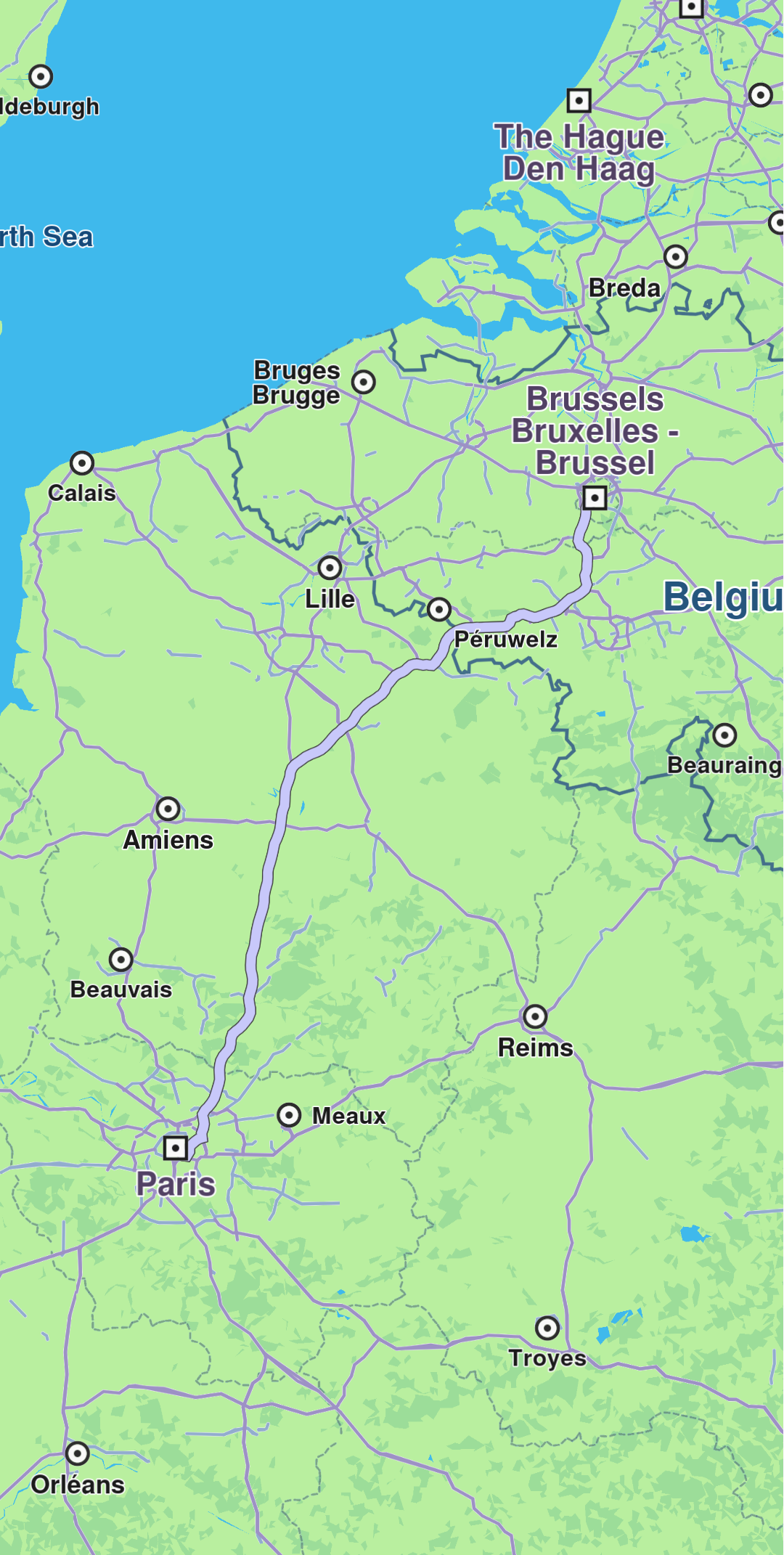
**Path displayed**
## Remove paths[](#remove-paths "Direct link to Remove paths")
Remove all paths from the map using `MapViewPathCollection.clear()`. To remove specific paths, use `MapViewPathCollection.remove(path)` or `MapViewPathCollection.removeAt(index)`.
## Relevant examples demonstrating paths related features[](#relevant-examples-demonstrating-paths-related-features "Direct link to Relevant examples demonstrating paths related features")
* [GPX Thumbnail Image](/docs/flutter/examples/routing-navigation/gpx-thumbnail-image.md)