# Text Search
Last updated:
October 18, 2026
\| 4 minutes read
In this guide you will learn how to do a text search and select a result to be displayed on an interactive map.
## How it works[](#how-it-works "Direct link to How it works")
This example demonstrates the following features:
* Search for landmarks using a text input, with results being displayed on an interactive map.
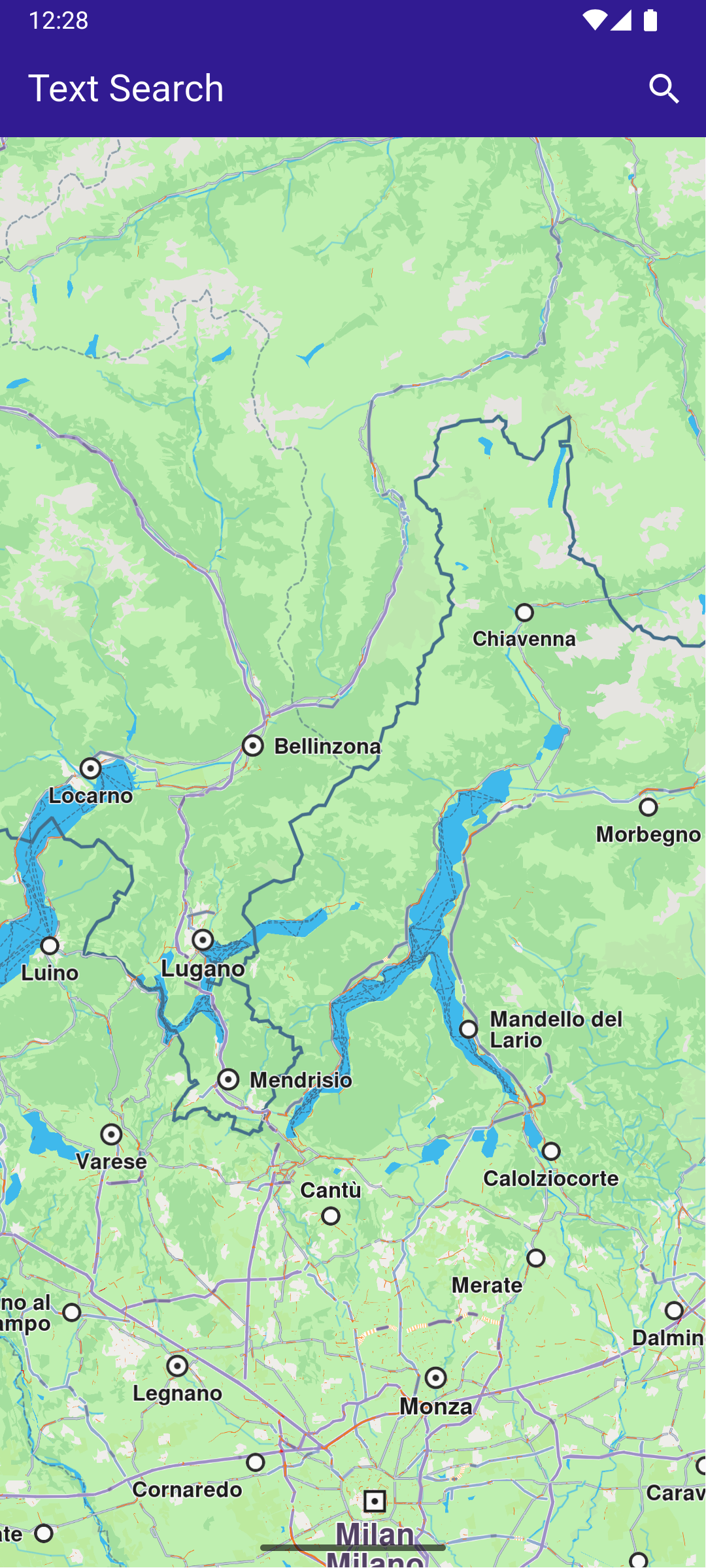
**Initial map view**
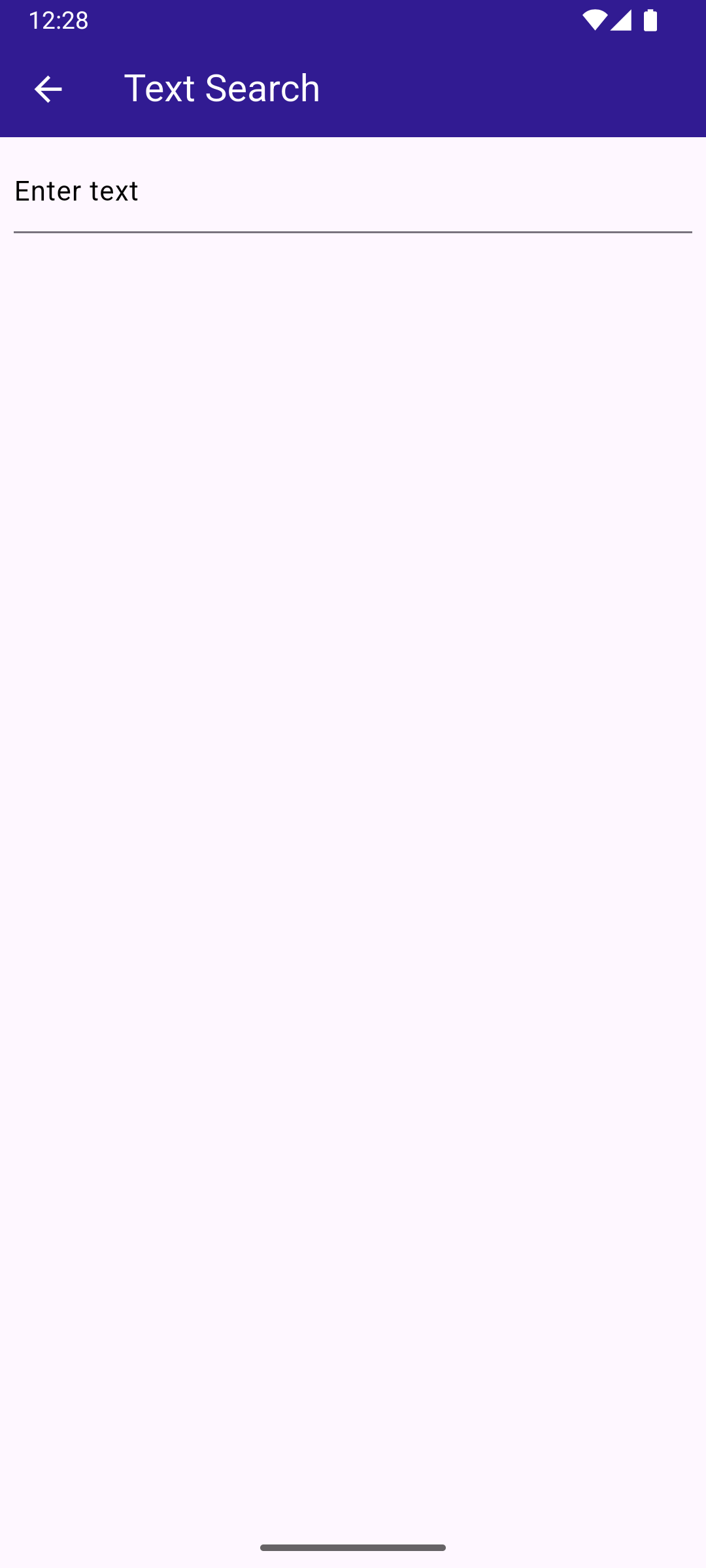
**Text search page**
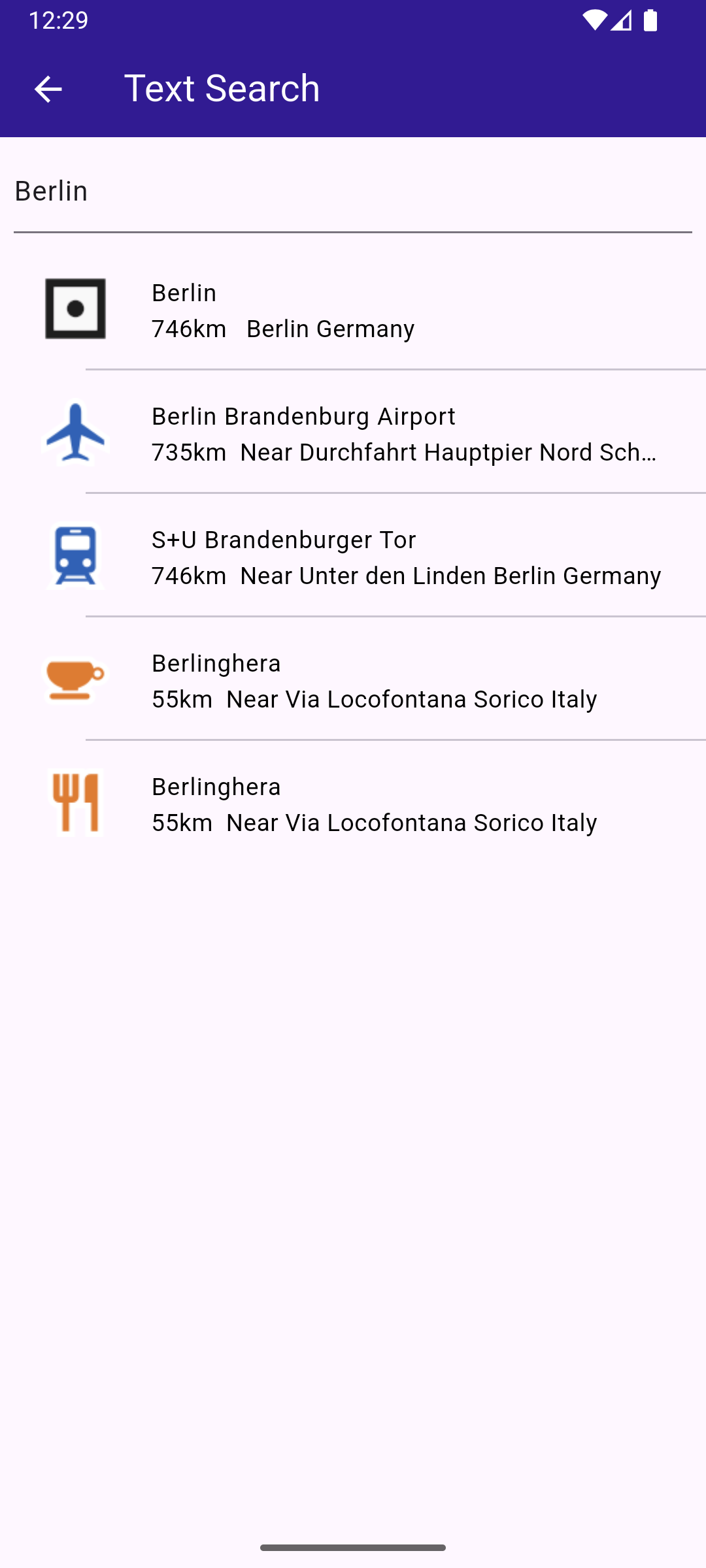
**Text search page with results**
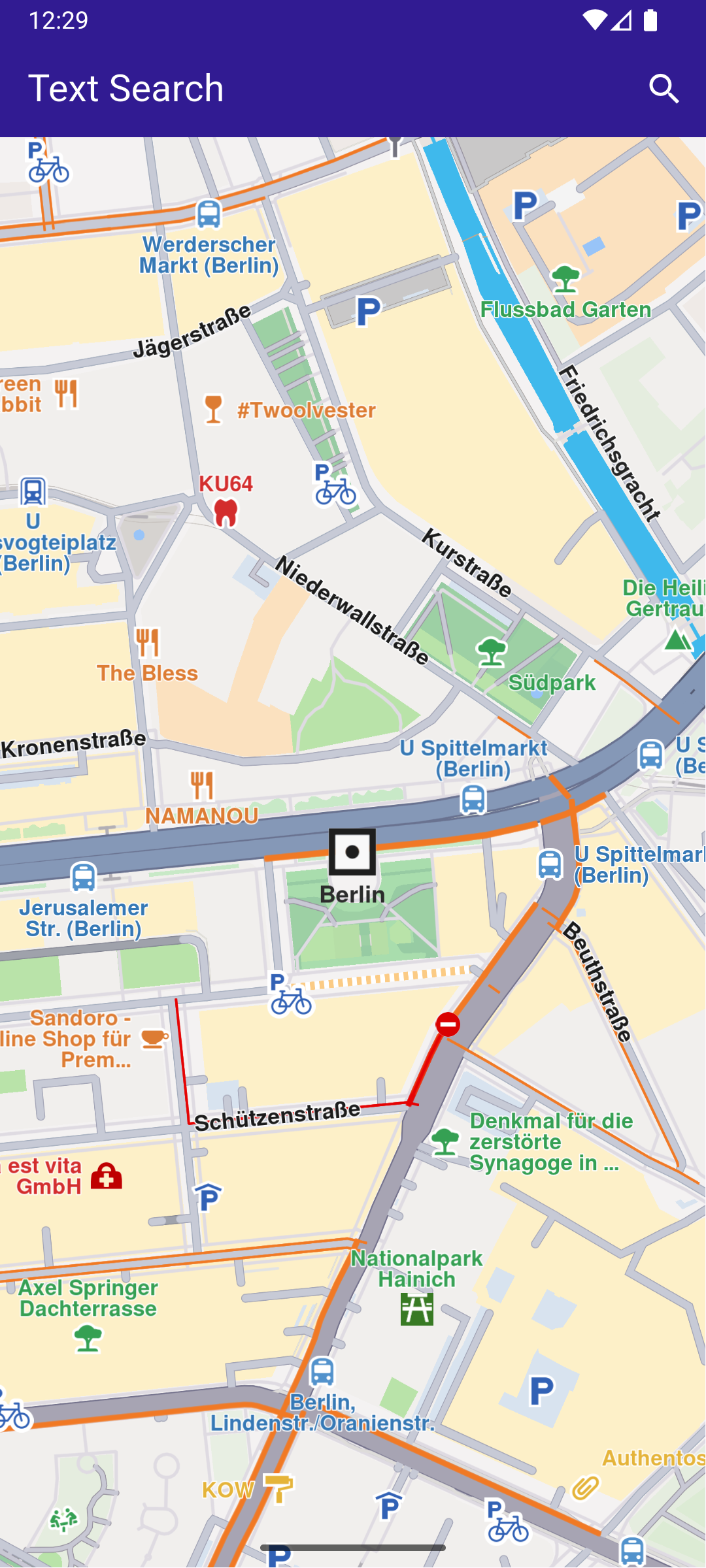
**Camera centered on picked result**
### Handling Search Button tap[](#handling-search-button-tap "Direct link to Handling Search Button tap")
This is the method to navigate to the search screen, defined in the SearchPage() widget, in search\_page.dart
main.dart[View on Github](https://github.com/magiclane/magiclane-maps-sdk-examples-for-flutter/tree/main/text_search/lib/main.dart?ref_type=heads#L74)
```dart
// Custom method for navigating to search screen
void _onSearchButtonPressed(BuildContext context) async {
// Taking the coordinates at the center of the screen as reference coordinates for search.
final x = MediaQuery.of(context).size.width / 2;
final y = MediaQuery.of(context).size.height / 2;
final mapCoords = _mapController.transformScreenToWgs(
Point(x.toInt(), y.toInt()),
);
// Navigating to search screen. The result will be the selected search result(Landmark)
final result = await Navigator.of(context).push(
MaterialPageRoute(
builder: (context) => SearchPage(coordinates: mapCoords),
),
);
if (result is Landmark) {
// Retrieves the LandmarkStore with the given name.
var historyStore = LandmarkStoreService.getLandmarkStoreByName("History");
// If there is no LandmarkStore with this name, then create it.
historyStore ??= LandmarkStoreService.createLandmarkStore("History");
// Add the landmark to the store.
historyStore.addLandmark(result);
// Activating the highlight
_mapController.activateHighlight([
result,
], renderSettings: HighlightRenderSettings());
// Centering the map on the desired coordinates
_mapController.centerOnCoordinates(result.coordinates, zoomLevel: 70);
}
}
```
As text is typed in the text field by the user, the \_onSearchSubmitted() function is called, which creates a preferences instance and then the search() function is called.
The coordinates of the current location displayed on the map widget.coordinates are used for comparison, to compute the distance to the positions of the search results.
search\_page.dart[View on Github](https://github.com/magiclane/magiclane-maps-sdk-examples-for-flutter/tree/main/text_search/lib/search_page.dart?ref_type=heads#L67)
```dart
void _onSearchSubmitted(String text) {
SearchPreferences preferences = SearchPreferences(
maxMatches: 40,
allowFuzzyResults: true,
);
search(text, widget.coordinates, preferences: preferences);
}
```
The search() function calls the SearchService.search() , obtains a list of landmarks in results , which are then displayed as a text list. Tapping on a result causes the map to be centered on the position of that search result.
This is done in the method that calls SearchPage() above.
The result landmark tapped by the user is selected:
main.dart[View on Github](https://github.com/magiclane/magiclane-maps-sdk-examples-for-flutter/tree/main/text_search/lib/main.dart?ref_type=heads#L100)
```dart
// Activating the highlight
_mapController.activateHighlight([
result,
], renderSettings: HighlightRenderSettings());
```
Then the map is centered on the coordinates of that result landmark:
main.dart[View on Github](https://github.com/magiclane/magiclane-maps-sdk-examples-for-flutter/tree/main/text_search/lib/main.dart?ref_type=heads#L105)
```dart
// Centering the map on the desired coordinates
_mapController.centerOnCoordinates(result.coordinates, zoomLevel: 70);
```
search\_page.dart[View on Github](https://github.com/magiclane/magiclane-maps-sdk-examples-for-flutter/tree/main/text_search/lib/search_page.dart?ref_type=heads#L77)
```dart
Future search(
String text,
Coordinates coordinates, {
SearchPreferences? preferences,
}) async {
Completer> completer = Completer>();
// Calling the search method from the sdk.
// (err, results) - is a callback function that calls when the computing is done.
// err is an error code, results is a list of landmarks
SearchService.search(text, coordinates, preferences: preferences, (
err,
results,
) async {
// If there is an error or there aren't any results, the method will return an empty list.
if (err != GemError.success) {
completer.complete([]);
return;
}
if (!completer.isCompleted) completer.complete(results);
});
final result = await completer.future;
setState(() {
landmarks = result;
});
}
```
### Search Result Item[](#search-result-item "Direct link to Search Result Item")
search\_page.dart[View on Github](https://github.com/magiclane/magiclane-maps-sdk-examples-for-flutter/tree/main/text_search/lib/search_page.dart?ref_type=heads#L109)
```dart
class SearchResultItem extends StatefulWidget {
final Landmark landmark;
const SearchResultItem({super.key, required this.landmark});
@override
State createState() => _SearchResultItemState();
}
class _SearchResultItemState extends State {
@override
Widget build(BuildContext context) {
return ListTile(
onTap: () => Navigator.of(context).pop(widget.landmark),
leading: Container(
padding: const EdgeInsets.all(8),
child: widget.landmark.img.isValid
? Image.memory(
widget.landmark.img.getRenderableImageBytes(
size: Size(50, 50),
)!,
)
: SizedBox(),
),
title: Text(
widget.landmark.name,
overflow: TextOverflow.fade,
style: const TextStyle(
color: Colors.black,
fontSize: 14,
fontWeight: FontWeight.w400,
),
maxLines: 2,
),
subtitle: Text(
'${getFormattedDistance(widget.landmark)} ${getAddress(widget.landmark)}',
overflow: TextOverflow.ellipsis,
style: const TextStyle(
color: Colors.black,
fontSize: 14,
fontWeight: FontWeight.w400,
),
),
);
}
}
```