# Location Wikipedia
Last updated:
October 18, 2026
\| 3 minutes read
This example demonstrates how to create a Flutter app that displays a map and retrieves Wikipedia information about selected locations using Maps SDK for Flutter. Users can explore geographic data on a map and search for relevant Wikipedia content.
## How it works[](#how-it-works "Direct link to How it works")
* Main App Setup : The main app initializes GemKit and sets up the primary map screen.
* Wikipedia Integration : The app enables location-based Wikipedia searches, displaying title and content of selected landmarks.
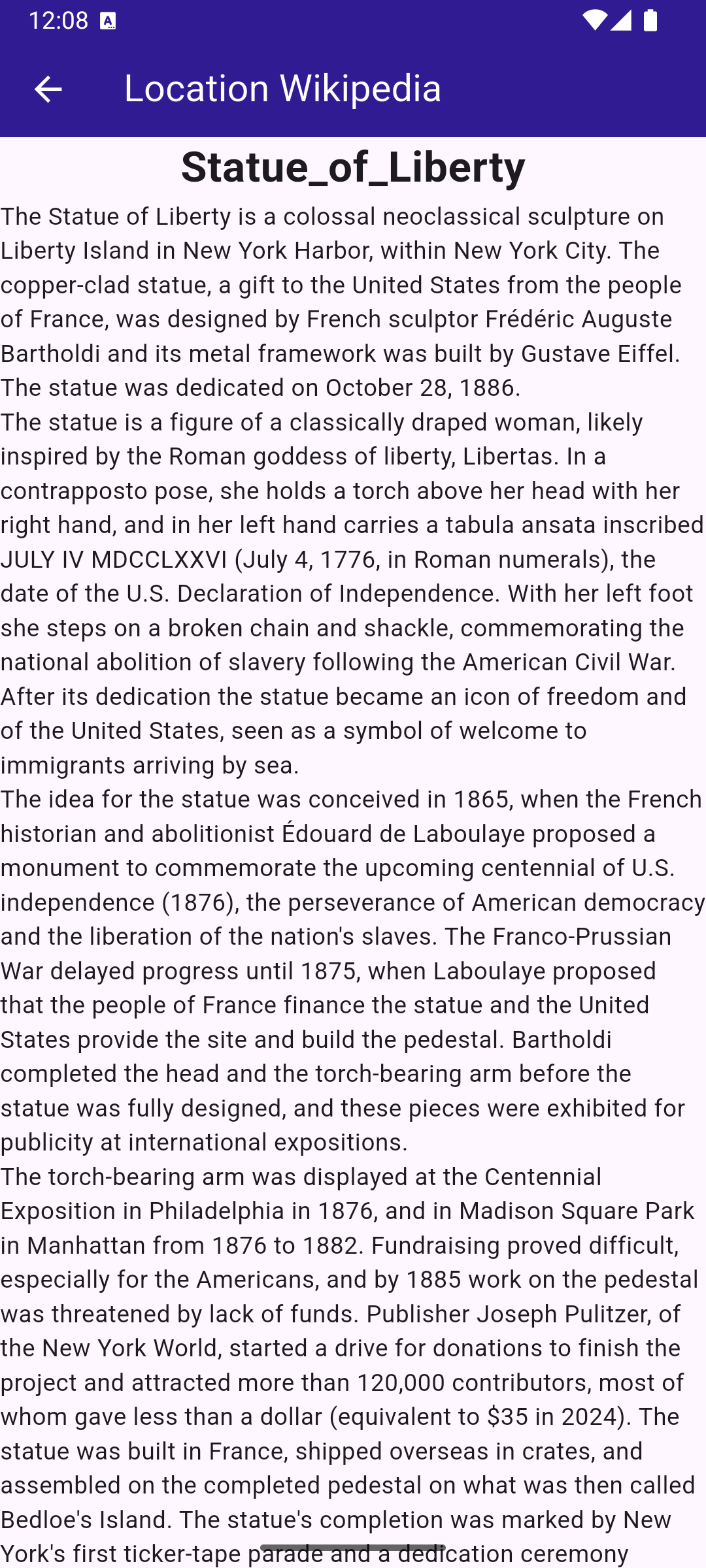
**Wikipedia information retrieved for the Statue of Liberty**
### UI and Map Integration[](#ui-and-map-integration "Direct link to UI and Map Integration")
The following code sets up the main screen with a map and a search button for location-based Wikipedia information.
main.dart[View on Github](https://github.com/magiclane/magiclane-maps-sdk-examples-for-flutter/tree/main/location_wikipedia/lib/main.dart?ref_type=heads#L17)
```dart
class MyApp extends StatelessWidget {
const MyApp({super.key});
@override
Widget build(BuildContext context) {
return const MaterialApp(
debugShowCheckedModeBanner: false,
title: 'Location Wikipedia',
home: MyHomePage(),
);
}
}
class MyHomePage extends StatefulWidget {
const MyHomePage({super.key});
@override
State createState() => _MyHomePageState();
}
class _MyHomePageState extends State {
@override
void dispose() {
GemKit.release();
super.dispose();
}
@override
Widget build(BuildContext context) {
return Scaffold(
appBar: AppBar(
backgroundColor: Colors.deepPurple[900],
title: const Text(
'Location Wikipedia',
style: TextStyle(color: Colors.white),
),
actions: [
IconButton(
onPressed: () => _onLocationWikipediaTap(context),
icon: Icon(Icons.search, color: Colors.white),
),
],
),
body: const GemMap(
key: ValueKey("GemMap"),
appAuthorization: projectApiToken,
),
);
}
void _onLocationWikipediaTap(BuildContext context) {
Navigator.of(context).push(
MaterialPageRoute(
builder: (context) => const LocationWikipediaPage(),
),
);
}
}
```
### Wikipedia Data Display[](#wikipedia-data-display "Direct link to Wikipedia Data Display")
The following code manages the Wikipedia data retrieval and display for the selected location.
location\_wikipedia\_page.dart[View on Github](https://github.com/magiclane/magiclane-maps-sdk-examples-for-flutter/tree/main/location_wikipedia/lib/location_wikipedia_page.dart?ref_type=heads#L6)
```dart
import 'dart:async';
import 'package:flutter/material.dart';
import 'package:magiclane_maps_flutter/core.dart';
import 'package:magiclane_maps_flutter/search.dart';
class LocationWikipediaPage extends StatefulWidget {
const LocationWikipediaPage({super.key});
@override
State createState() => _LocationWikipediaPageState();
}
class _LocationWikipediaPageState extends State {
@override
void initState() {
super.initState();
}
@override
Widget build(BuildContext context) {
return Scaffold(
appBar: AppBar(
automaticallyImplyLeading: true,
foregroundColor: Colors.white,
title: const Text(
"Location Wikipedia",
style: TextStyle(color: Colors.white),
),
backgroundColor: Colors.deepPurple[900],
),
body: FutureBuilder(
future: _getLocationWikipedia(),
builder: (context, snapshot) {
if (!snapshot.hasData || snapshot.data == null) {
return const Center(child: CircularProgressIndicator());
}
return Column(
mainAxisSize: MainAxisSize.max,
children: [
Text(
snapshot.data!.$1,
style: TextStyle(
overflow: TextOverflow.fade,
fontSize: 25.0,
fontWeight: FontWeight.bold,
),
),
Expanded(
child: SingleChildScrollView(child: Text(snapshot.data!.$2)),
),
],
);
},
),
);
}
Future<(String, String)> _getLocationWikipedia() async {
final searchCompleter = Completer>();
SearchService.search(
"Statue of Liberty",
Coordinates(latitude: 40.53859, longitude: -73.91619),
(err, lmks) {
searchCompleter.complete(lmks);
},
);
final lmk = (await searchCompleter.future).first;
if (!ExternalInfoService.hasWikiInfo(lmk)) {
return (
"Wikipedia info not available",
"The landamrk does not have Wikipedia info",
);
}
final completer = Completer();
ExternalInfoService.requestWikiInfo(
lmk,
onComplete: (err, externalInfo) => completer.complete(externalInfo),
);
final externalInfo = await completer.future;
if (externalInfo == null) {
return ("Querry failed", "The request to Wikipedia failed");
}
final title = externalInfo.wikiPageTitle;
final content = externalInfo.wikiPageDescription;
return (title, content);
}
}
```