# Multiview Map
Last updated:
October 18, 2026
\| 2 minutes read
In this guide, you will learn how to display multiple interactive maps in one viewport.
## How it works[](#how-it-works "Direct link to How it works")
This example demonstrates the following features:
* Display multiple map views in a grid layout, each independently interactive with features like panning and zooming.
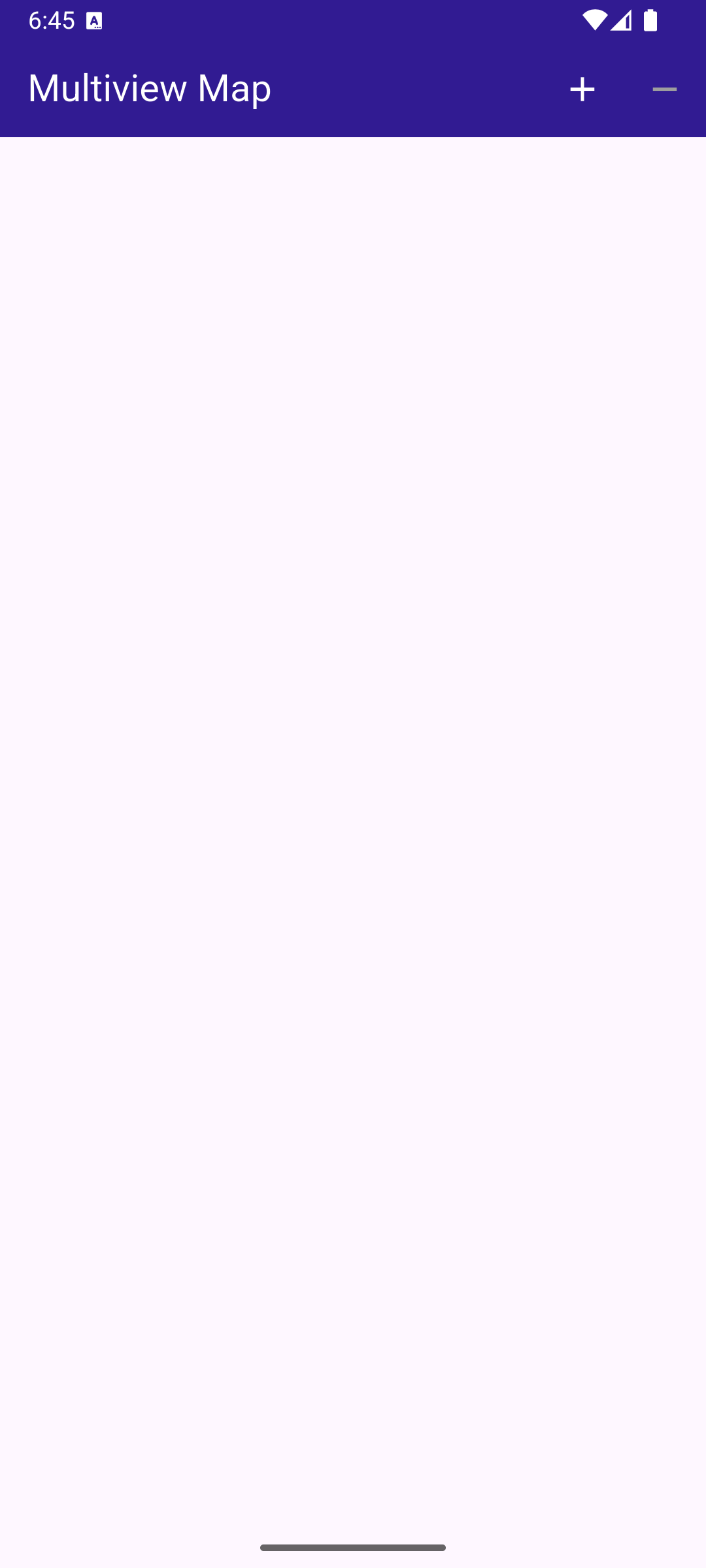
**Initial empty viewport**
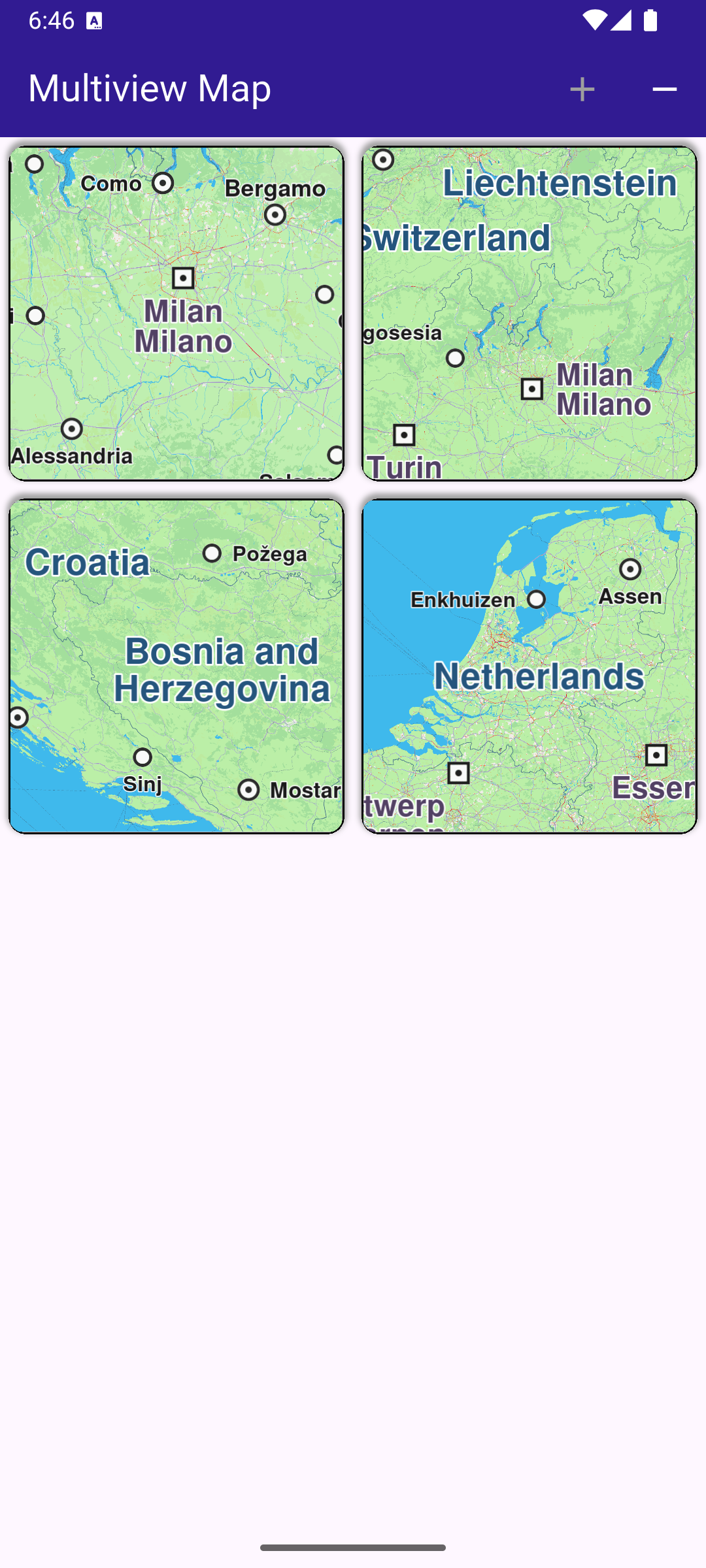
**Four different interactive maps**
### Creating the Grid of Maps[](#creating-the-grid-of-maps "Direct link to Creating the Grid of Maps")
A GridView is used to create a grid with a maximum of 2 map views per row. Each map view is created by GemMap() and enclosed in a Container as a grid element.
main.dart[View on Github](https://github.com/magiclane/magiclane-maps-sdk-examples-for-flutter/tree/main/multiview_map/lib/main.dart?ref_type=heads#L72)
```dart
body: GridView.builder(
physics: const NeverScrollableScrollPhysics(),
gridDelegate: const SliverGridDelegateWithFixedCrossAxisCount(
crossAxisCount: 2,
),
itemCount: _mapViewsCount,
itemBuilder: (context, index) {
return Container(
clipBehavior: Clip.hardEdge,
decoration: BoxDecoration(
border: Border.all(color: Colors.black, width: 1),
borderRadius: BorderRadius.circular(10),
boxShadow: const [
BoxShadow(
color: Colors.grey,
offset: Offset(0, -2),
spreadRadius: 1,
blurRadius: 2,
),
],
),
margin: const EdgeInsets.all(5),
child: const GemMap(
key: ValueKey("GemMap"),
appAuthorization: projectApiToken,
),
);
},
),
```
### Managing the Number of Map Views[](#managing-the-number-of-map-views "Direct link to Managing the Number of Map Views")
The number of interactive map views (initially zero) to display is stored in \_mapViewsCount and can be increased or decreased interactively by the user using the functions shown above.
Each map is a separate view and can be panned/zoomed independently of the others.
main.dart[View on Github](https://github.com/magiclane/magiclane-maps-sdk-examples-for-flutter/tree/main/multiview_map/lib/main.dart?ref_type=heads#L105)
```dart
void _addViewButtonPressed() => setState(() {
if (_mapViewsCount < 4) {
_mapViewsCount += 1;
}
});
void _removeViewButtonPressed() => setState(() {
if (_mapViewsCount > 0) {
_mapViewsCount -= 1;
}
});
```