# Map Perspective
Last updated:
October 18, 2026
\| 3 minutes read
This example demonstrates how to toggle the map view angle between 2D (vertical look-down at the map) and 3D (perspective, tilted map, looking toward the horizon).
## How it works[](#how-it-works "Direct link to How it works")
This example demonstrates the following features:
* Toggle between 2D (vertical) and 3D (perspective) map views.
* Adjust the map tilt angle dynamically based on the selected mode.
* Interact with the map’s settings through GemMapController.
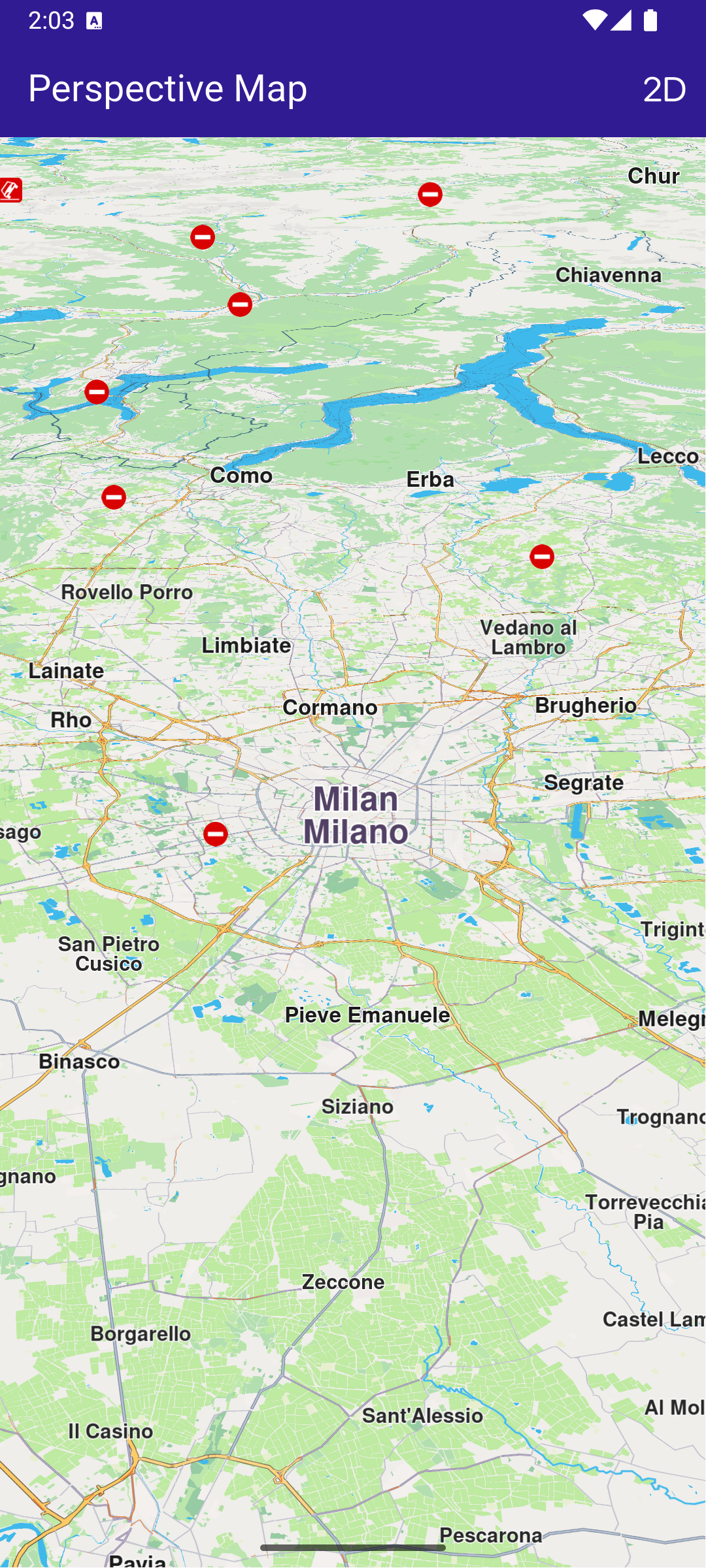
**Displaying a map with a tilt angle of 30 degrees**
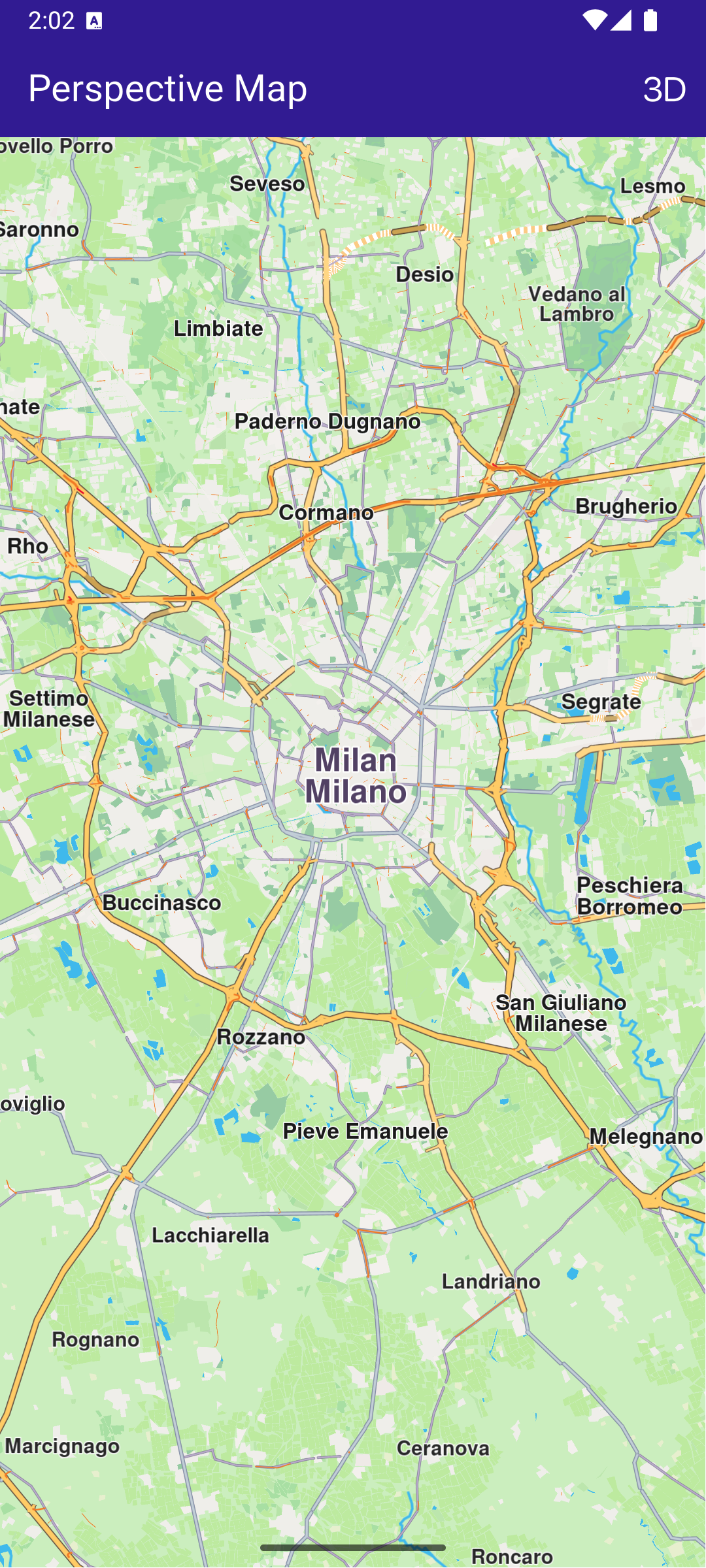
**Displaying a map with a tilt angle of 90 degrees**
### UI and Map Integration[](#ui-and-map-integration "Direct link to UI and Map Integration")
main.dart[View on Github](https://github.com/magiclane/magiclane-maps-sdk-examples-for-flutter/tree/main/map_perspective/lib/main.dart?ref_type=heads#L19)
```dart
class MyApp extends StatelessWidget {
const MyApp({super.key});
@override
Widget build(BuildContext context) {
return const MaterialApp(
debugShowCheckedModeBanner: false,
title: 'Map Perspective',
home: MyHomePage(),
);
}
}
class MyHomePage extends StatefulWidget {
const MyHomePage({super.key});
@override
State createState() => _MyHomePageState();
}
class _MyHomePageState extends State {
// Map preferences are used to change map perspective
late MapViewPreferences _mapPreferences;
late bool _isInPerspectiveView = false;
// Tilt angle for perspective view
final double _3dViewAngle = 30;
// Tilt angle for orthogonal/vertical view
final double _2dViewAngle = 90;
@override
void dispose() {
GemKit.release();
super.dispose();
}
@override
Widget build(BuildContext context) {
return Scaffold(
appBar: AppBar(
backgroundColor: Colors.deepPurple[900],
title: const Text(
'Perspective Map',
style: TextStyle(color: Colors.white),
),
actions: [
IconButton(
onPressed: _onChangePersectiveButtonPressed,
icon: Icon(
_isInPerspectiveView
? CupertinoIcons.view_2d
: CupertinoIcons.view_3d,
color: Colors.white,
),
),
],
),
body: GemMap(
key: ValueKey("GemMap"),
onMapCreated: _onMapCreated,
appAuthorization: projectApiToken,
),
);
}
// The callback for when map is ready to use
void _onMapCreated(GemMapController controller) async {
_mapPreferences = controller.preferences;
}
void _onChangePersectiveButtonPressed() async {
setState(() => _isInPerspectiveView = !_isInPerspectiveView);
// Based on view type, set the view angle
if (_isInPerspectiveView) {
_mapPreferences.buildingsVisibility =
BuildingsVisibility.threeDimensional;
_mapPreferences.tiltAngle = _3dViewAngle;
} else {
_mapPreferences.buildingsVisibility = BuildingsVisibility.twoDimensional;
_mapPreferences.tiltAngle = _2dViewAngle;
}
}
}
```
The map view angle is set using \_mapPreferences.tiltAngle , where the map preferences are obtained from the GemMapController controller that is passed into the \_onMapCreated() callback, which is called when the interactive map is initialized and ready to use.
The map view angle is set to 90 degrees (looking vertically downward at the map) for 2D mode.
The map view angle is set to 30 degrees (looking 30 degrees downward from the horizon) for 3D mode.
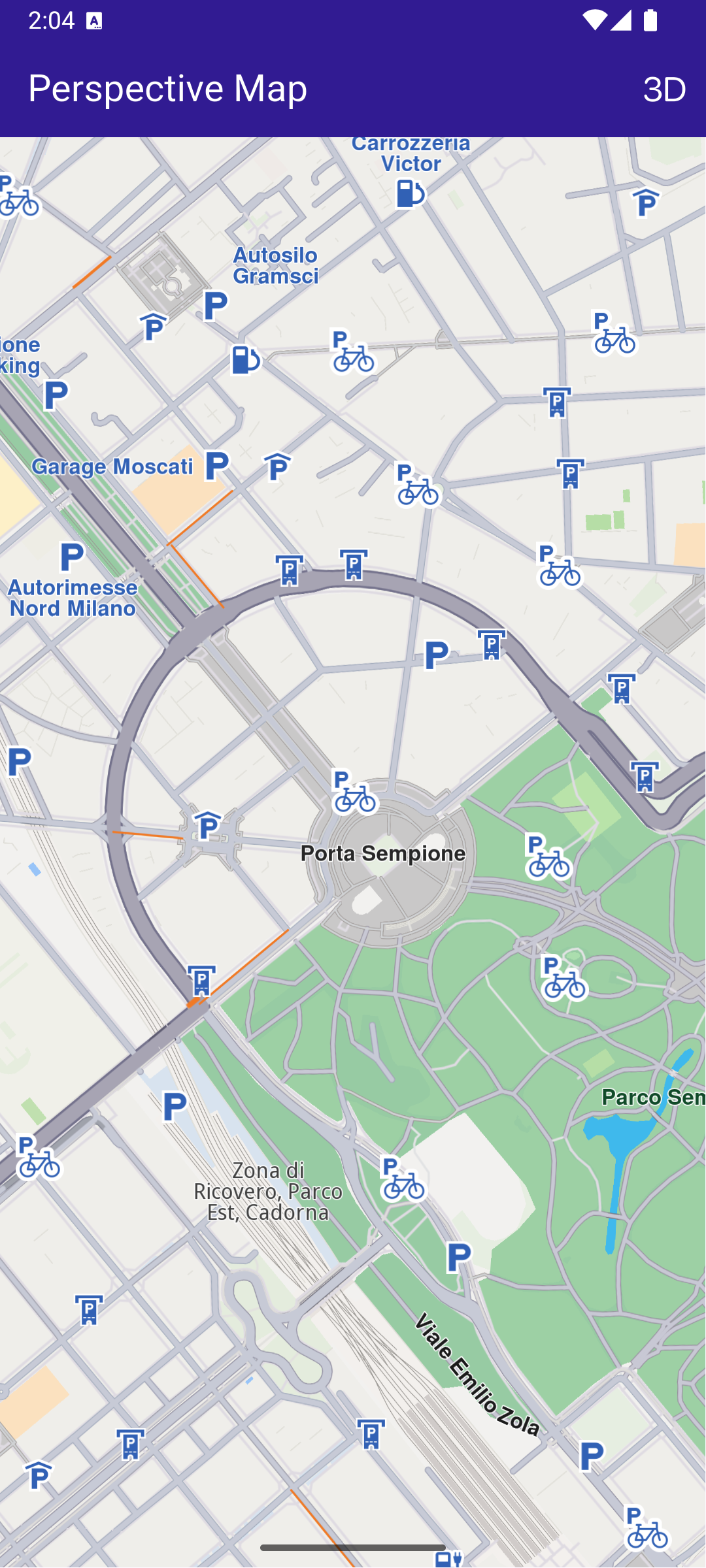
**Displaying a map with a two-dimensional perspective**
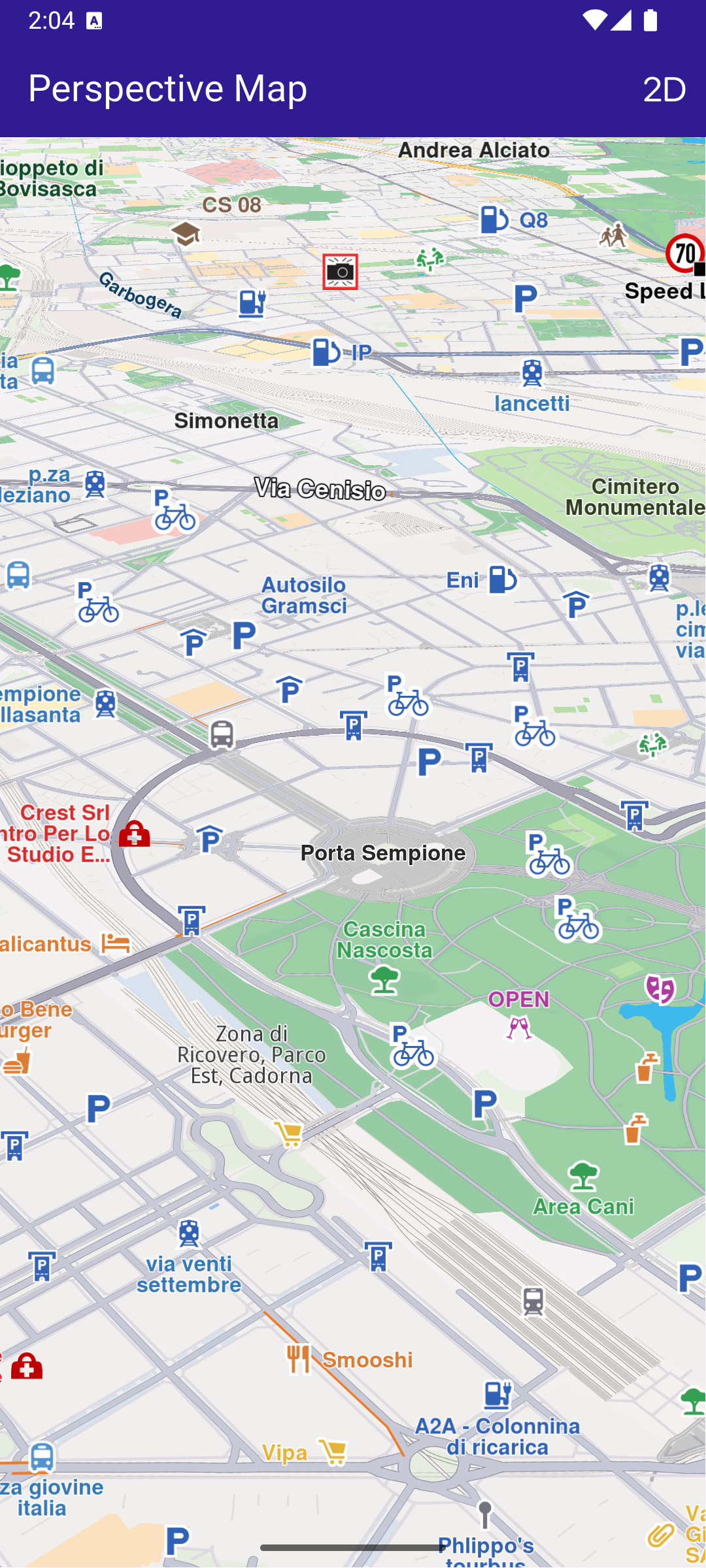
**Displaying a map with a three-dimensional perspective**