# Map Gestures
Last updated:
October 18, 2026
\| 3 minutes read
This example demonstrates how to create a Flutter app that enables map gesture interactions using Maps SDK for Flutter. Users can interact with the map using gestures such as touch, move, angle change, and long press.
## How it works[](#how-it-works "Direct link to How it works")
The example app demonstrates the following features:
* Main App Setup : The main app initializes GemKit and displays a map.
* Map Gesture Handlers : Various gesture callbacks are registered on the map to track user interactions, including touch, movement, angle changes, and long presses.
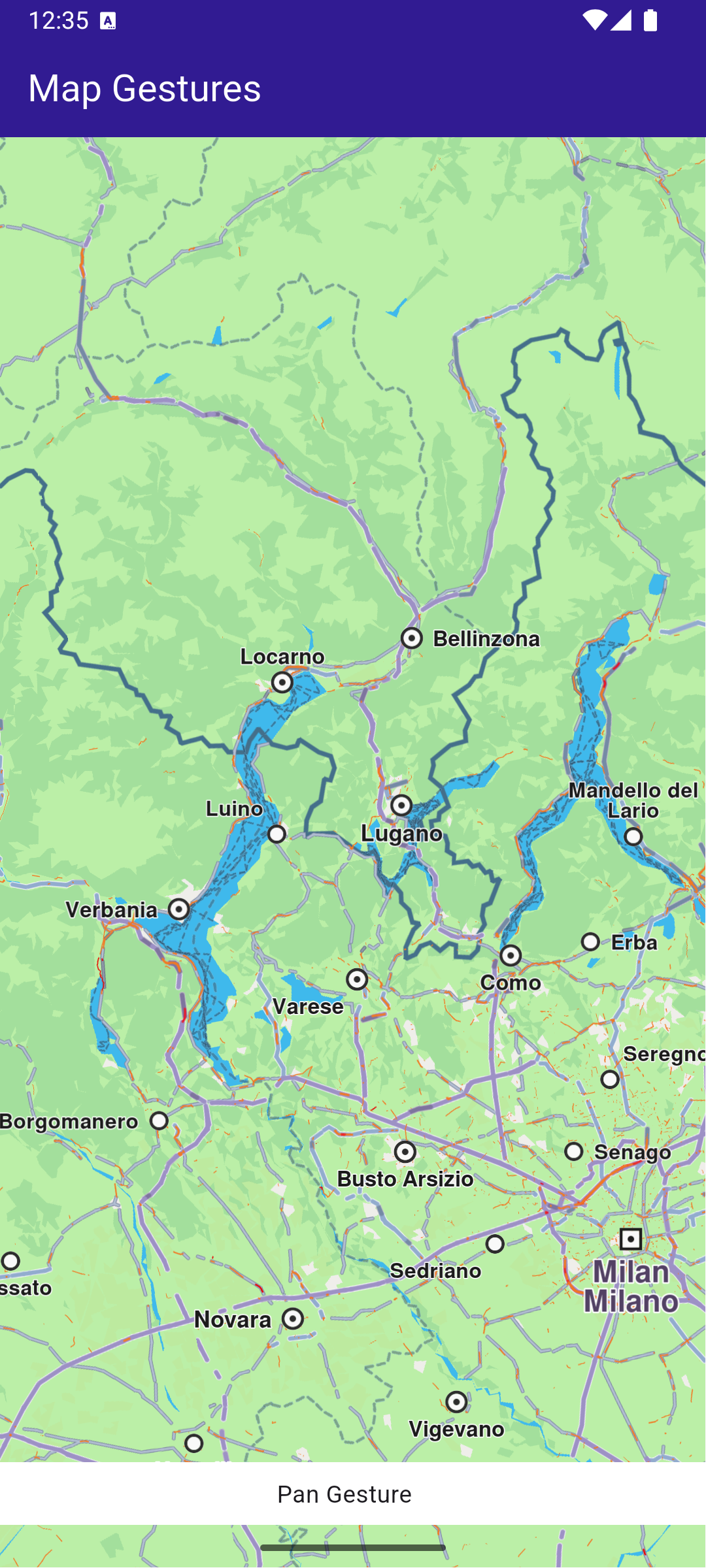
**Pan gesture**
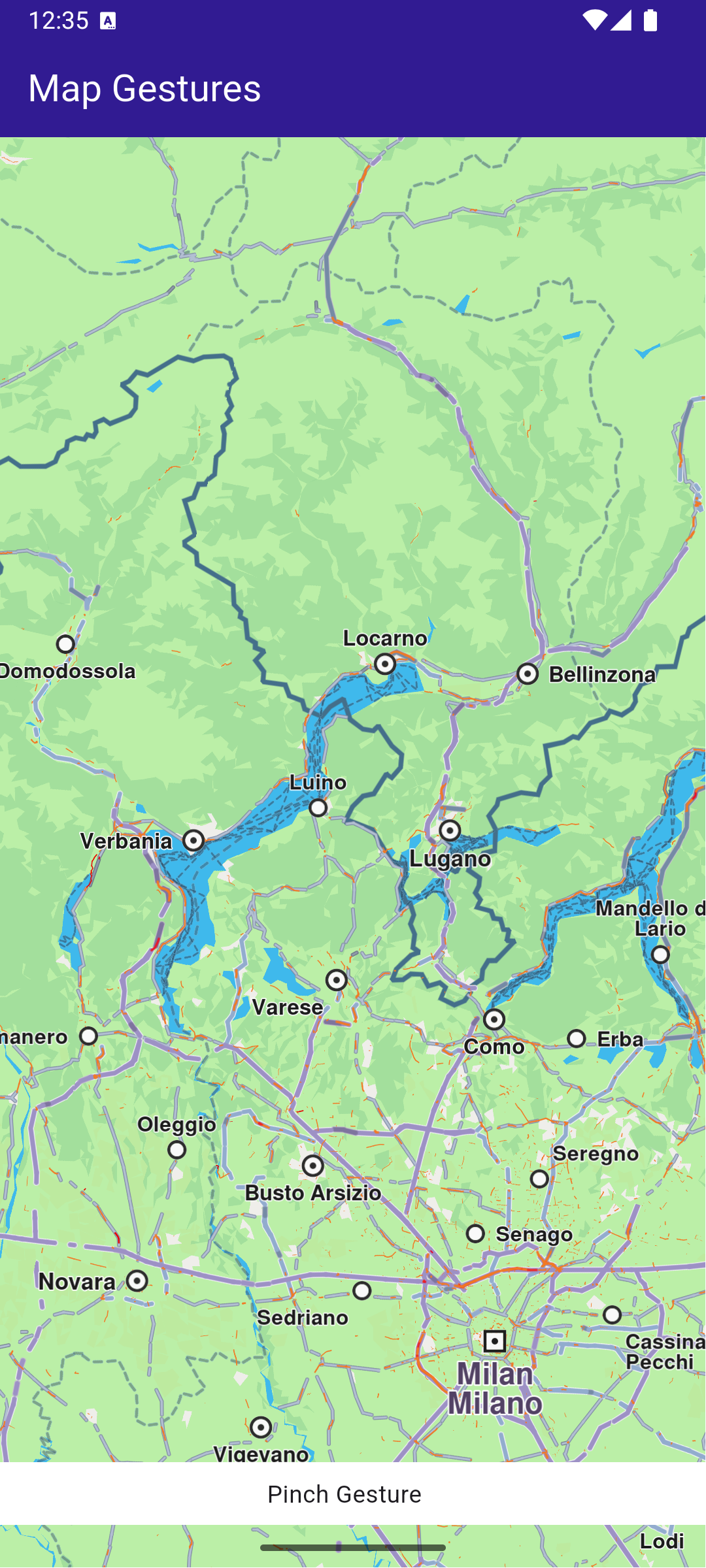
**Pinch gesture**
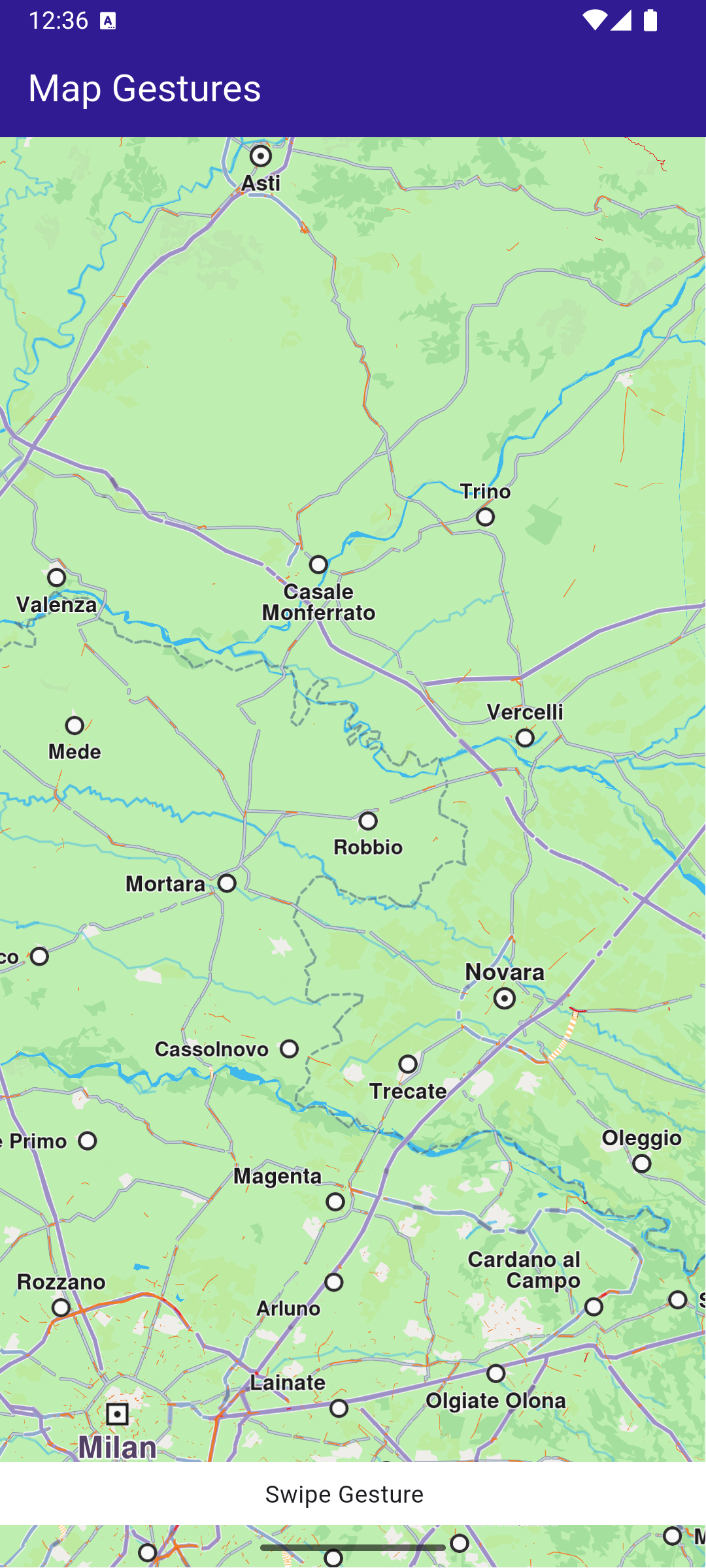
**Swipe gesture**
### UI and Map Integration[](#ui-and-map-integration "Direct link to UI and Map Integration")
main.dart[View on Github](https://github.com/magiclane/magiclane-maps-sdk-examples-for-flutter/tree/main/map_gestures/lib/main.dart?ref_type=heads#L19)
```dart
class MyApp extends StatelessWidget {
const MyApp({super.key});
@override
Widget build(BuildContext context) {
return const MaterialApp(
debugShowCheckedModeBanner: false,
title: 'Map Gestures',
home: MyHomePage(),
);
}
}
class MyHomePage extends StatefulWidget {
const MyHomePage({super.key});
@override
State createState() => _MyHomePageState();
}
```
### Map Gesture interactions[](#map-gesture-interactions "Direct link to Map Gesture interactions")
main.dart[View on Github](https://github.com/magiclane/magiclane-maps-sdk-examples-for-flutter/tree/main/map_gestures/lib/main.dart?ref_type=heads#L39)
```dart
class _MyHomePageState extends State {
// GemMapController object used to interact with the map
late GemMapController _mapController;
String? _mapGesture;
@override
void dispose() {
GemKit.release();
super.dispose();
}
@override
Widget build(BuildContext context) {
return Scaffold(
appBar: AppBar(
backgroundColor: Colors.deepPurple[900],
title: const Text(
'Map Gestures',
style: TextStyle(color: Colors.white),
),
actions: [],
),
body: Stack(
children: [
GemMap(
key: ValueKey("GemMap"),
onMapCreated: _onMapCreated,
appAuthorization: projectApiToken,
),
if (_mapGesture != null)
Positioned(
bottom: MediaQuery.of(context).padding.bottom + 1,
child: GesturePanel(gesture: _mapGesture!),
),
],
),
);
}
void _onMapCreated(GemMapController controller) async {
_mapController = controller;
_mapController.registerOnMapAngleUpdate((angle) {
setState(() {
_mapGesture = 'Rotate gesture';
});
print("Gesture: onMapAngleUpdate $angle");
});
_mapController.registerOnTouch((point) {
setState(() {
_mapGesture = 'Touch Gesture';
});
print("Gesture: onTouch $point");
});
_mapController.registerOnMove((point1, point2) {
setState(() {
_mapGesture = 'Pan Gesture';
});
print(
'Gesture: onMove from (${point1.x} ${point1.y}) to (${point2.x} ${point2.y})',
);
});
_mapController.registerOnLongPress((point) {
setState(() {
_mapGesture = 'Long Press Gesture';
});
print('Gesture: onLongPress $point');
});
_mapController.registerOnDoubleTouch((point) {
setState(() {
_mapGesture = 'Double Touch Gesture';
});
print('Gesture: onDoubleTouch $point');
});
_mapController.registerOnPinch((point1, point2, point3, point4, point5) {
setState(() {
_mapGesture = 'Pinch Gesture';
});
print(
'Gesture: onPinch from (${point1.x} ${point1.y}) to (${point2.x} ${point2.y})',
);
});
_mapController.registerOnShove((degrees, point1, point2, point3) {
setState(() {
_mapGesture = 'Shove Gesture';
});
print(
'Gesture: onShove with $degrees angle from (${point1.x} ${point1.y}) to (${point2.x} ${point2.y})',
);
});
_mapController.registerOnSwipe((distX, distY, speedMMPerSec) {
setState(() {
_mapGesture = 'Swipe Gesture';
});
print(
'Gesture: onSwipe with $distX distance in X and $distY distance in Y at $speedMMPerSec mm/s',
);
});
_mapController.registerOnPinchSwipe((point, zoomSpeed, rotateSpeed) {
setState(() {
_mapGesture = 'Pinch Swipe Gesture';
});
print(
'Gesture: onPinchSwipe with zoom speed $zoomSpeed and rotate speed $rotateSpeed',
);
});
_mapController.registerOnTwoTouches((point) {
setState(() {
_mapGesture = 'Two Touches Gesture';
});
print('Gesture: onTwoTouches $point');
});
_mapController.registerOnTouchPinch((point1, point2, point3, point4) {
setState(() {
_mapGesture = 'Touch Pinch Gesture';
});
print(
'Gesture: onTouchPinch from (${point1.x} ${point1.y}) to (${point2.x} ${point2.y})',
);
});
}
void showSnackbar(String message) {
final snackBar = SnackBar(
content: Text(message),
duration: const Duration(seconds: 3),
);
ScaffoldMessenger.of(context).showSnackBar(snackBar);
}
}
```
This code sets up the main screen with a map and registers gesture handlers to print updates to the console based on user interactions.
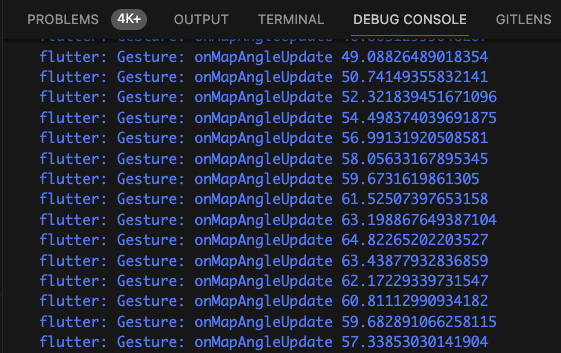
**Updates coming from registered callbacks**