# Hello Map
Last updated:
October 18, 2026
\| 1 minute read
This example demonstrates how to create a Flutter app that displays an interactive map using Maps SDK for Flutter.
## How it works[](#how-it-works "Direct link to How it works")
The example app demonstrates the following feature:
* Display a map.
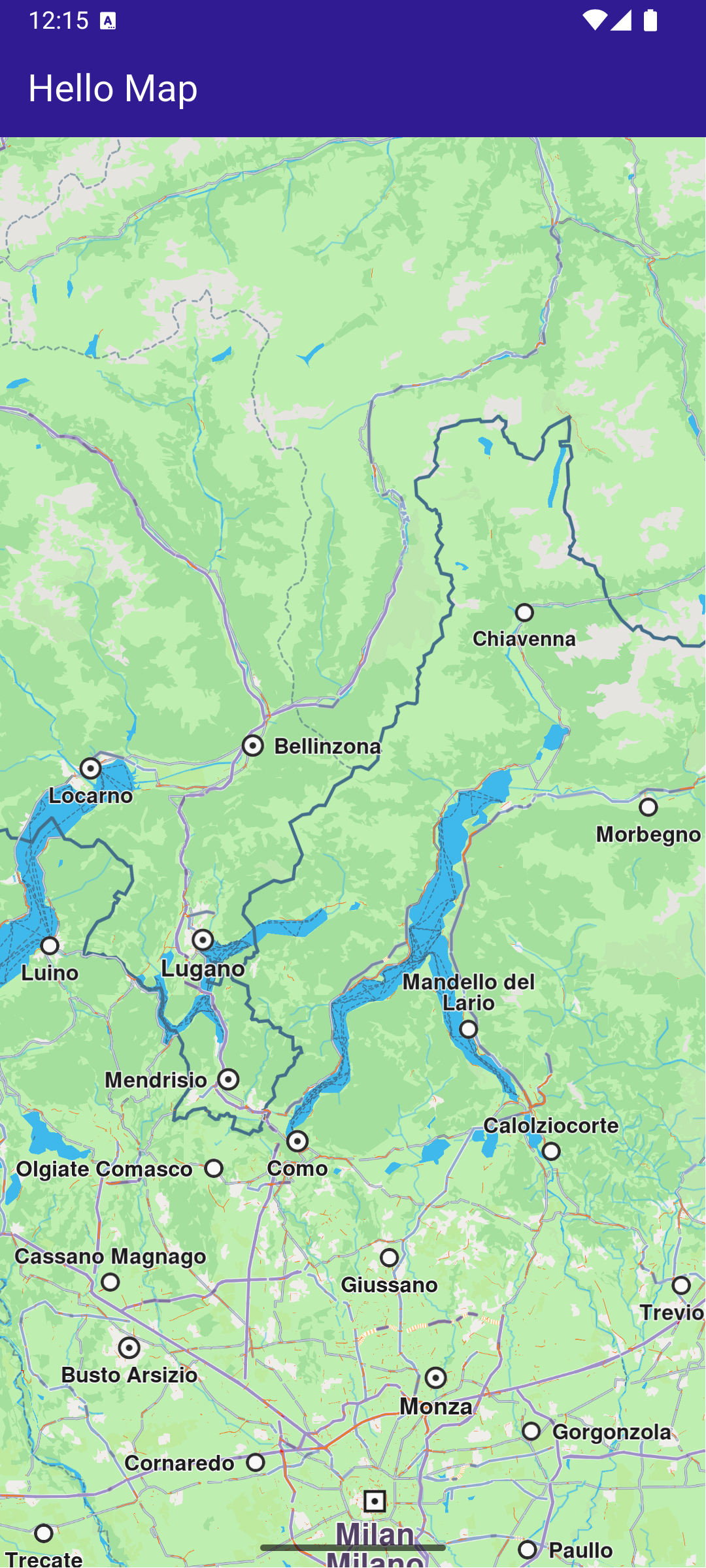
**GemMap widget**
### Map Display and Cleanup[](#map-display-and-cleanup "Direct link to Map Display and Cleanup")
The following code outlines the main page widget, which displays the map and handles resource clean-up:
main.dart[View on Github](https://github.com/magiclane/magiclane-maps-sdk-examples-for-flutter/tree/main/hello_map/lib/main.dart?ref_type=heads#L29)
```dart
class MyHomePage extends StatefulWidget {
const MyHomePage({super.key});
@override
State createState() => _MyHomePageState();
}
class _MyHomePageState extends State {
@override
void dispose() {
GemKit.release();
super.dispose();
}
@override
Widget build(BuildContext context) {
return Scaffold(
appBar: AppBar(
backgroundColor: Colors.deepPurple[900],
title: const Text('Hello Map', style: TextStyle(color: Colors.white)),
),
body: const GemMap(
key: ValueKey("GemMap"),
appAuthorization: projectApiToken,
),
);
}
}
```
### Explanation of key components[](#explanation-of-key-components "Direct link to Explanation of key components")
* The `MyHomePage` widget contains the scaffold that houses the map.
* The `dispose` method ensures that resources are released when the widget is destroyed.
* The `GemMap` widget is used to display the interactive map in the body of the scaffold.