# Center Area
Last updated:
October 18, 2026
\| 2 minutes read
This example showcases how to build a Flutter app featuring an interactive map and how to center the camera on a `RectangleGeographicArea`, using the Maps SDK for Flutter.
## How it works[](#how-it-works "Direct link to How it works")
The example app demonstrates the following features:
* Display an interactive map.
* Center the camera on a geographic area.
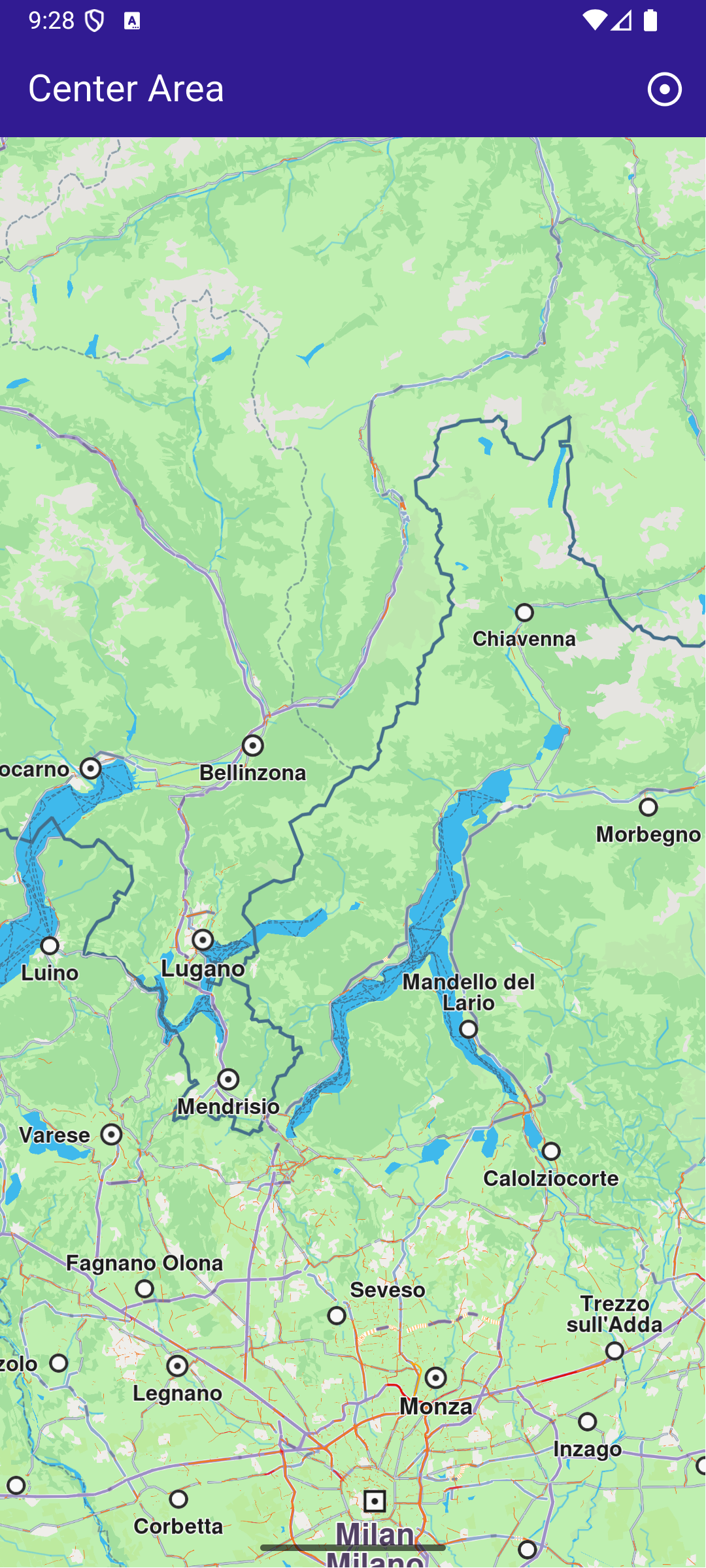
**Initial screen**
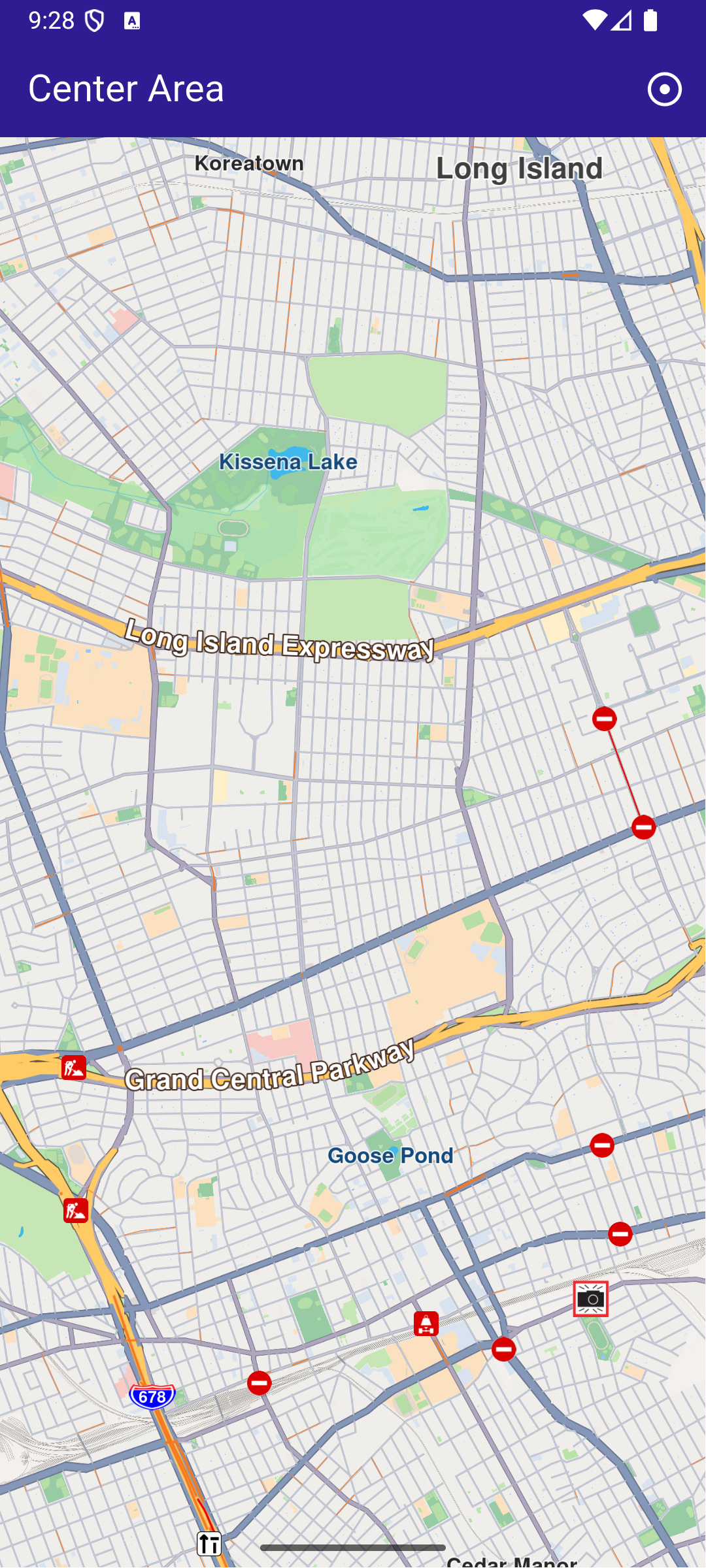
**Map camera centered on Queens, NY**
### UI and Map Integration[](#ui-and-map-integration "Direct link to UI and Map Integration")
The following code builds a UI with an interactive `GemMap` widget and an app bar with a button in order to execute the center operation.
main.dart[View on Github](https://github.com/magiclane/magiclane-maps-sdk-examples-for-flutter/tree/main/center_area/lib/main.dart?ref_type=heads#L10)
```dart
const projectApiToken = String.fromEnvironment('YOUR_API_TOKEN_HERE');
void main() {
runApp(const MyApp());
}
class MyApp extends StatelessWidget {
const MyApp({super.key});
@override
Widget build(BuildContext context) {
return const MaterialApp(
debugShowCheckedModeBanner: false,
title: 'Center Area',
home: MyHomePage(),
);
}
}
class MyHomePage extends StatefulWidget {
const MyHomePage({super.key});
@override
State createState() => _MyHomePageState();
}
class _MyHomePageState extends State {
late GemMapController _mapController;
@override
void dispose() {
GemKit.release();
super.dispose();
}
@override
Widget build(BuildContext context) {
return Scaffold(
appBar: AppBar(
backgroundColor: Colors.deepPurple[900],
title: const Text('Center Area', style: TextStyle(color: Colors.white)),
actions: [
IconButton(
onPressed: _onCenterCoordinatesButtonPressed,
icon: const Icon(Icons.adjust, color: Colors.white),
),
],
),
body: GemMap(
key: ValueKey("GemMap"),
onMapCreated: _onMapCreated,
appAuthorization: projectApiToken,
),
);
}
// The callback for when map is ready to use.
void _onMapCreated(GemMapController controller) async {
// Save controller for further usage.
_mapController = controller;
}
void _onCenterCoordinatesButtonPressed() {
// Predefined area for Queens, New York.
final area = RectangleGeographicArea(
topLeft: Coordinates(
latitude: 40.73254497605159,
longitude: -73.82536953324063,
),
bottomRight: Coordinates(
latitude: 40.723227048410024,
longitude: -73.77693793474619,
),
);
// Create an animation (optional).
final animation = GemAnimation(type: AnimationType.linear);
// Use the map controller to center on coordinates.
_mapController.centerOnArea(area, animation: animation);
}
}
```