Get started with maps
The Maps SDK for C++ delivers powerful mapping capabilities, enabling developers to effortlessly integrate dynamic map views into their applications. Core features include embedding and customizing map views, controlling displayed locations, and fine-tuning map properties. At the center of the mapping API is the MapView, a subclass of Canvas, offering a wide range of configurable options.
Display a map
The following code demonstrates how to show a map view. This is the CenterMap.cpp file.
#include "Environment.h"

#include <API/GEM_MapView.h>

int main( int argc, char** argv )
{
    // Get new project API token from:
    // https://developer.magiclane.com/api/projects
    std::string projectApiToken = "";

#if defined(API_TOKEN)
    projectApiToken = std::string( API_TOKEN );
#else
    auto value = std::getenv( "GEM_TOKEN" );
    if( value != nullptr )
        projectApiToken = value;
#endif

    // Sdk objects can be created & used below this line
    Environment::SdkSession session(projectApiToken, { argc > 1 ? argv[1] : "" }); // SDK API debug logging path

    if (GEM_GET_API_ERROR() != gem::KNoError) // check for errors after session creation
        return GEM_GET_API_ERROR();

    // Create an interactive map view
    CTouchEventListener pTouchEventListener;
    gem::StrongPointer<gem::MapView> mapView = gem::MapView::produce(session.produceOpenGLContext(Environment::WindowFrameworks::Available, "CenterMap", &pTouchEventListener));
    if( !mapView )
    {
        GEM_LOGE( "Error creating gem::MapView: %d", GEM_GET_API_ERROR() );
    }

    mapView->centerOnCoordinates({ 48.86130, 2.33387 }, 72);

    WAIT_UNTIL_WINDOW_CLOSE();
    return 0;
}

#if ( defined(_WIN32) || defined(_WIN64) ) && !defined(__MINGW32__) && !defined(__MINGW64__)

int WINAPI WinMain( HINSTANCE hInstance, // Instance
    HINSTANCE hPrevInstance, // Previous Instance
    LPSTR lpCmdLine, // Command Line Parameters
    int nCmdShow )
{
    main( 0, nullptr );

    return 0;
}

#endif
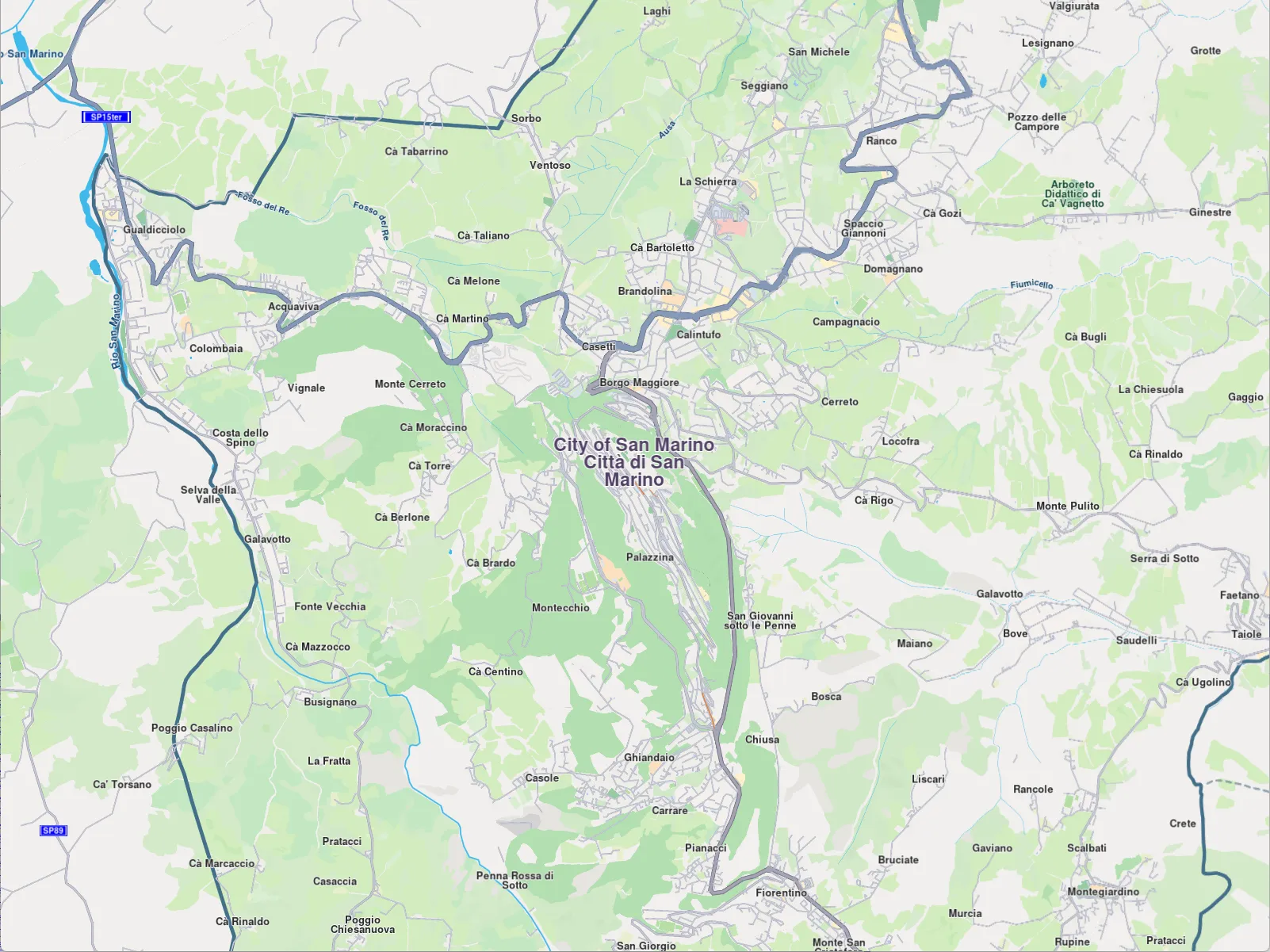
To create a MapView, the only required component is an implementation of an OpenGL context.
static StrongPointer<MapView> produce(OpenGLContext context, MapViewListener listener = MapViewListener())
For better code clarity and reusability, the examples include an Environment class that simplifies the initialization of the Magic Lane SDK and provides several ready-to-use OpenGL context implementations.
Multiple MapView objects can be instantiated within a single application, allowing for the display of different data on each map. Each MapView is independently controlled.
Note that certain settings, such as language, overlay visibility, and position tracking, are shared across all MapView instances within the application.