Display route instructions
Instructions are represented as arrows on the map and can be displayed by using MapView::centerOnRouteInstruction(instruction, zoomLevel). To obtain a route's instructions, see the Get the route segments and instructions section. The following example iterates through all instructions of the first segment of a route and displays each one by centering:
for( auto instruction : route.getSegments().front().getInstructions())
{
    mapView->centerOnRouteInstruction(instruction, 75);
    WAIT_TIME_OUT( 2000 ); // allow some time to pass between centers
}
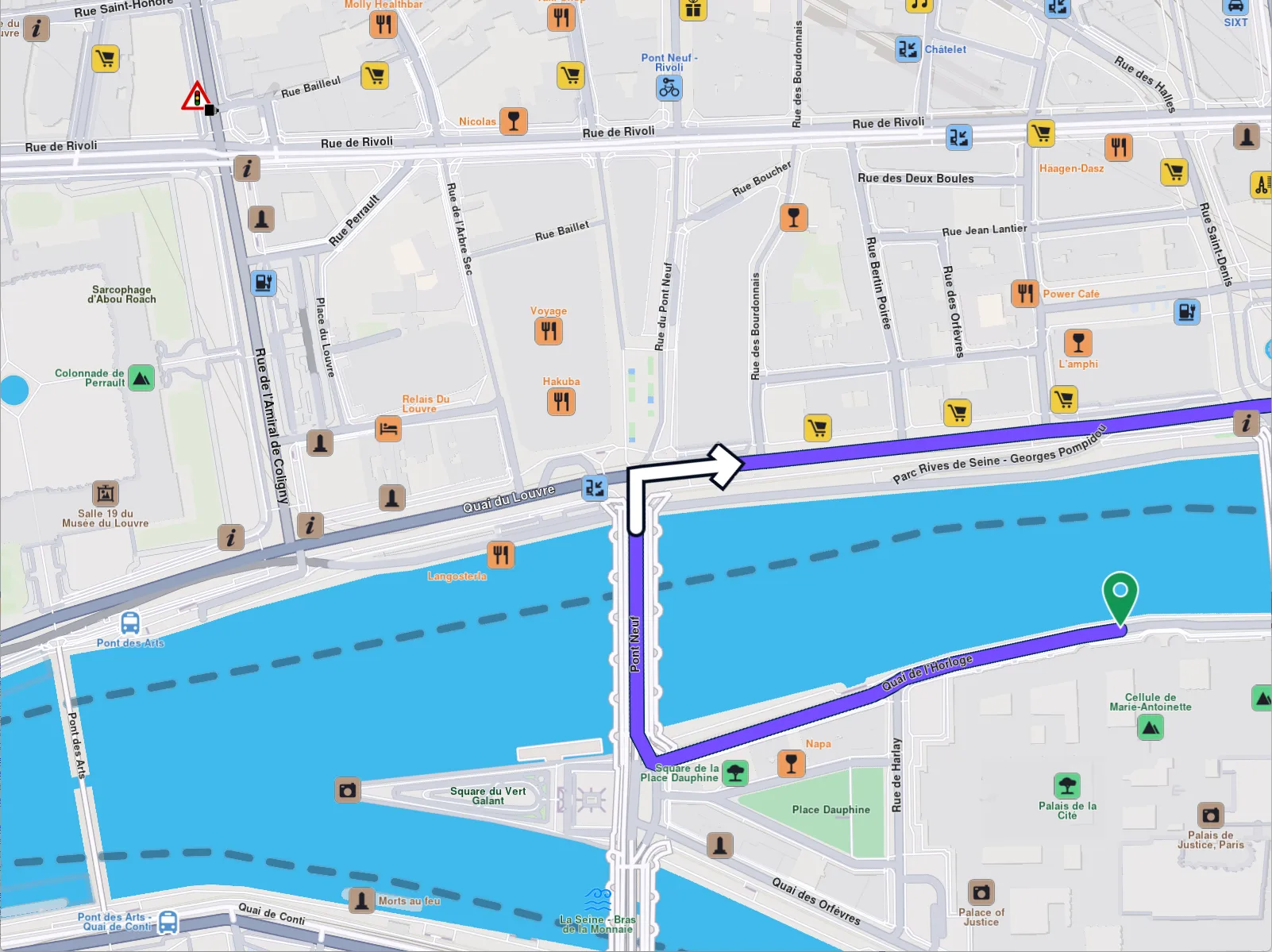
Turn right arrow instruction
warning
Only one instruction can be displayed at a time. To remove it, call centerOnRouteInstruction with an empty (default) RouteInstruction object like so centerOnRouteInstruction(RouteInstruction()).