Create your first app
The guide will walk you through the steps to create a simple C++ application that displays a map using the MagicLane Maps SDK.
For this guide you will need to have an API key - follow our step-by-step guide to sign up for a free account, create a project and generate your API key.
Create a simple C++ app (without map)
Sometimes we don't need to display a map, but still want to access functionalities like search, routing etc.
In such cases we first need to initialize the engine before using SDK functionalities. Also, at the end we need to free the resources (release the SDK).
You can do this using the following the code from Environment::SdkSession class:
// Get new project API token from:
// https://developer.magiclane.com/api/projects

std::string projectApiToken = "YOUR_API_TOKEN";

#if defined(API_TOKEN)
    projectApiToken = std::string( API_TOKEN );
#else
    auto value = std::getenv( "GEM_TOKEN" );
    if( value != nullptr )
        projectApiToken = value;
#endif

// declare an SDKSession which packs the SDK initialization in its constructor
Environment::SdkSession session(projectApiToken, yourLogFilePath);

// declare and interact with objects that don't require a map like gem::RoutingService, gem::SearchService, etc.

// when session goes out of scope, its destructor is called and the SDK is released.
Instantiating an SDK object before the SDK is initialized will return an object that has a null pointer inside it. Meaning, calls on this kind of object without prior checking for null, will lead to a crash.
App authorization token can also be set later (if needed) with SdkSettings().setAppAuthorization(projectApiToken) setter.
Create a C++ app with a map
In order to create an application with a map you can write the following code:
int main( int argc, char **argv )
{
    // Get new project API token from:
    // https://developer.magiclane.com/api/projects
    std::string projectApiToken = "";

#if defined(API_TOKEN)
    projectApiToken = std::string( API_TOKEN );
#else
    auto value = std::getenv( "GEM_TOKEN" );
    if( value != nullptr )
	projectApiToken = value;
#endif

    // Sdk objects can be created & used below this line
    Environment::SdkSession session(projectApiToken, { argc > 1 ? argv[1] : "" }); // SDK API debug logging path

    if (GEM_GET_API_ERROR() != gem::KNoError) // check for errors after session creation
	return GEM_GET_API_ERROR();

    // Create an interactive map view
    CTouchEventListener pTouchEventListener;
    gem::StrongPointer<gem::MapView> mapView = gem::MapView::produce(session.produceOpenGLContext(Environment::WindowFrameworks::Available, "MapView", &pTouchEventListener));

    if ( !mapView )
    {
        GEM_LOGE( "Error creating gem::MapView: %d", GEM_GET_API_ERROR() );
    }

    WAIT_UNTIL_WINDOW_CLOSE();
    return 0;
}
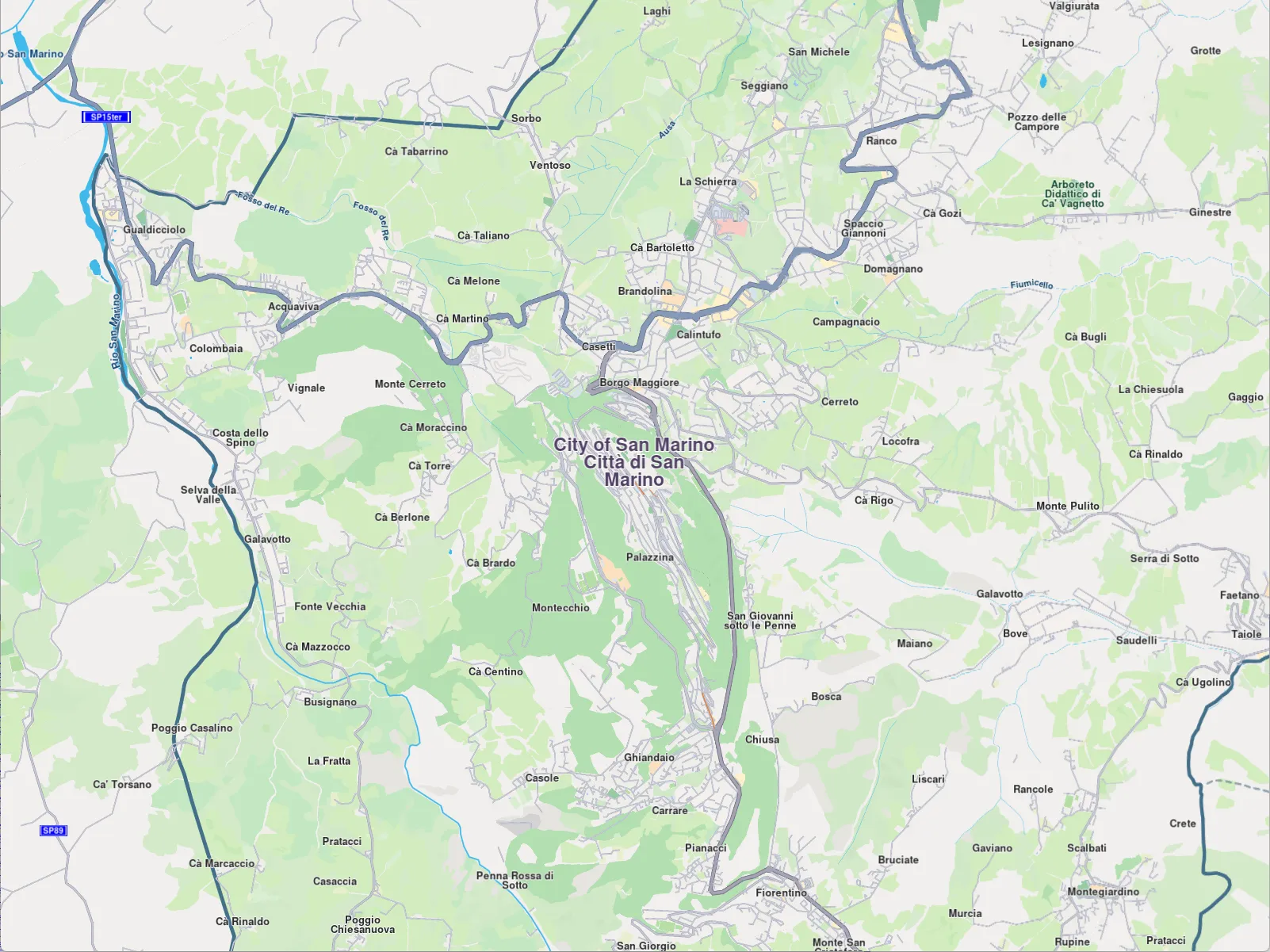
If the API key is not configured, some features will be restricted, and a watermark will appear on the map. Functionality such as map downloads, updates, and other features may be unavailable or may not function as expected. Please ensure the API token is set correctly. Ensure the API key is stored securely and protected against unauthorized access or exposure.
The method verifyAppAuthorization from the SdkSettings class might be used to check if the token is set:
SdkSettings().verifyAppAuthorization(token, yourProgressListenerImpl)

// Status of the token will be delivered on `notifyComplete` callback of your given progress listener.
// It can be:
// gem::KNoError - The token is set and is valid.
// gem::error::KInvalidInput - The token is invalid.
// gem::error::KExpired - The token is expired.
// gem::error::KAccessDenied - The token is blacklisted.