Overlays
An Overlay is an additional map layer, either default or user-defined, with data stored on Magic Lane servers, accessible in online and offline modes, with few exceptions.
In order to define overlay data you can use the Magic Lane Map Studio. It allows uploading data regarding the POIs and their corresponding categories and binary information (via GeoJSON format). An Overlay can have multiple associated categories and subcategories. A single item from an overlay is called an overlay item.
If the corresponding map region has been downloaded locally, overlays will not be available in offline mode, except if they are downloaded too.
See the Downloading overlays guide for more details.
Most overlay features can be used only when a MapView is created and a style containing the overlay is applied.
OverlayInfo
OverlayInfo structure
The class that contains information about an overlay is OverlayInfo. It has the following structure:
| Method | Description | Type |
|---|---|---|
| getUid | Gets the unique ID of the overlay. | int |
| getCategories | Gets the categories of the overlay. | List<OverlayCategory> |
| getCategory | Gets a category by its ID. | OverlayCategory |
| getImage | Gets the image of the overlay. | ImageRef |
| getName | Gets the name of the overlay. | StringRef |
| hasCategories | Checks if the category has subcategories. | bool |
Retrieving overlays
To get all overlays which are available for the current map style, the OverlayService().getAvailableOverlays() method is used in the following way:
auto overlays = OverlaysService().getAvailableOverlays(yourProgressListenerImpl);
The OverlayCollection class contains methods and getters such as:
- size: returns the size of the collection.
- getOverlayAt: returns the
OverlayInfoat a specified index and null if it doesn't exist. - getOverlayByUid: returns an
OverlayInfoby a given id.
The returned OverlayCollection contains all the overlays available for the current map style: alerts (ECommonOverlayId::OID_Safety), speed cameras (ECommonOverlayId::OID_SocialReports), public transit stops (ECommonOverlayId::OID_PublicTransport).
It is possible that information for certain overlays is unavailable and needs to be downloaded when a network connection is accessible. As a result, the method returns a record of type (OverlayCollectionRef, bool), where the boolean value in the second element is false, indicating that the information is currently unavailable. In this case, the given progress listener notifyComplete needs to be awaited.
Usage
The primary function of the OverlayInfo class is to provide the categories within an overlay. It also provides the Uid of the overlay which can be used to filter the results of search and also can be used to toggle the visibility of the overlay on the map. Other fields can be displayed on the UI.
OverlayCategory
The OverlayCategory class represents hierarchical data related to overlay categories.
OverlayCategory structure
The OverlayCategory has the following structure:
| Property / Method | Description | Type |
|---|---|---|
| getUid | The category ID. | int |
| getOverlayUid | The parent overlay ID. Refers to the id of the OverlayInfo object | int |
| getImage | The category icon. | ImageRef |
| getName | The category name. | StringRef |
| getSubcategories | The subcategories of the category. | List<OverlayCategory> |
| hasSubcategories | Checks if the category has subcategories. | bool |
Usage
The OverlayCategory class provides the Uid, which can be utilized in various search functionalities to filter results. Additionally, the Uid can be used to filter and manage overlay items that trigger alerts within the AlarmService.
OverlayItem
The OverlayItem represents a single element from the overlay.
OverlayItem structure
The OverlayItem has the following structure:
| Property / Method | Description | Type |
|---|---|---|
| getCategoryId | Gets the OverlayItem's category ID. May be 0 if the item does not belong to a specfic category. Gives the id of the root category which may not be the direct parent category. | int |
| getCoordinates | Gets the coordinates of the OverlayItem. | Coordinates |
| hasPreviewExtendedData | Checks if the OverlayItem has preview extended data (dynamic data). Available only for overlays predefined. | bool |
| getImage | Gets the image of the OverlayItem. | ImageRef |
| getName | Gets the name of the OverlayItem. | StringRef |
| getUid | Gets the unique ID of the OverlayItem within the overlay. | int |
| getOverlayInfo | Gets the parent OverlayInfo. | OverlayInfoRef |
| getPreviewData | Gets the OverlayItem preview data as a parameters list. | SearchableParameterList |
| getPreviewUrl | Gets the preview URL for the item (if any). | StringRef |
| getOverlayUid | Gets the parent overlay UID. | int |
| getPreviewExtendedData | Asynchronously gets the OverlayItem preview extended data. | int |
| cancelGetPreviewExtendedData | Cancels the asynchronous getPreviewExtendedData operation. | void |
The previewData returned is not available if the parent map tile is disposed.
Please get the preview data before further interactions with the map.
Avoid confusing the Uid of OverlayInfo, OverlayCategory, and OverlayItem, as they each serve distinct purposes.
To check if a OverlayItem belongs to a OverlayInfo, use the getOverlayUid method, or retrieve the whole OverlayInfo object via the getOverlayInfo method.
The getPreviewData method which provides more information structured inside a SearchableParametersList, information which depend on the overlay type.
We can iterate through all the parameters (which are of type Parameter) within a SearchableParameterList in the following way:
SearchableParameterList parameters = overlayItem.getPreviewData();
for (const auto& param : parameters){
  // Unique for every parameter
  auto key = param.getKey();

  // Used for display on UI - might change depending on language
  auto name = param.getName();

  // The type of param.getValue template parameter
  auto valueType = param.getType();

  // The parameter value
  auto value = param.getValue<gem::String>();
}
The getCategoryId getter returns the ID of the root category, which may not necessarily be the direct parent category of the OverlayItem.
To obtain the direct parent category, you can use the following snippet:
int parentCategoryId = overlayItem.getPreviewData.find<int>("icon");
Use the getCategory method from the parent OverlayInfo class to retrieve the OverlayCategory object corresponding to this ID.
Usage
OverlayItems can be selected from the map or be provided by the AlarmService on approach. Other fields and information can be displayed on the UI.
Classification
There are a few types of predefined overlays:
- Safety overlay
- Public transport overlay
- Social reports overlay
The ECommonOverlayId enum contains information about the ids of the predefined overlay categories.
Safety Overlay
These overlays represent speed limit cameras, red light controls and so on.
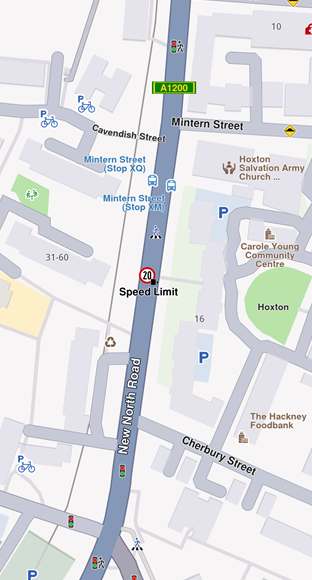
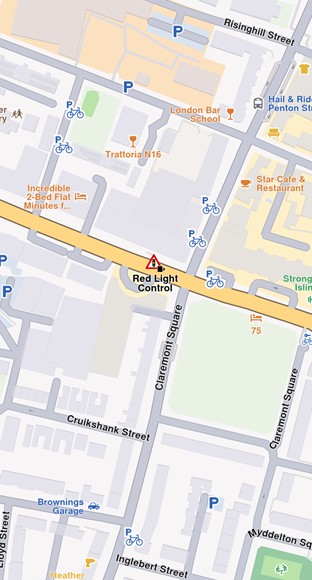
For a speed limit, previewData might include information searchable by keys like:
eStrDrivingDirection: the driving direction on which the overlay item applies as string, eg. "Both Ways"speedValue: value of maximum allowed speed as integer, eg. 50speedUnit: measure unit of speed as string, eg "km/h"Country: country name where the overlay is reported as string, eg "FRA"
Public Transport Overlay
This overlay is responsible for displaying public transport stations.
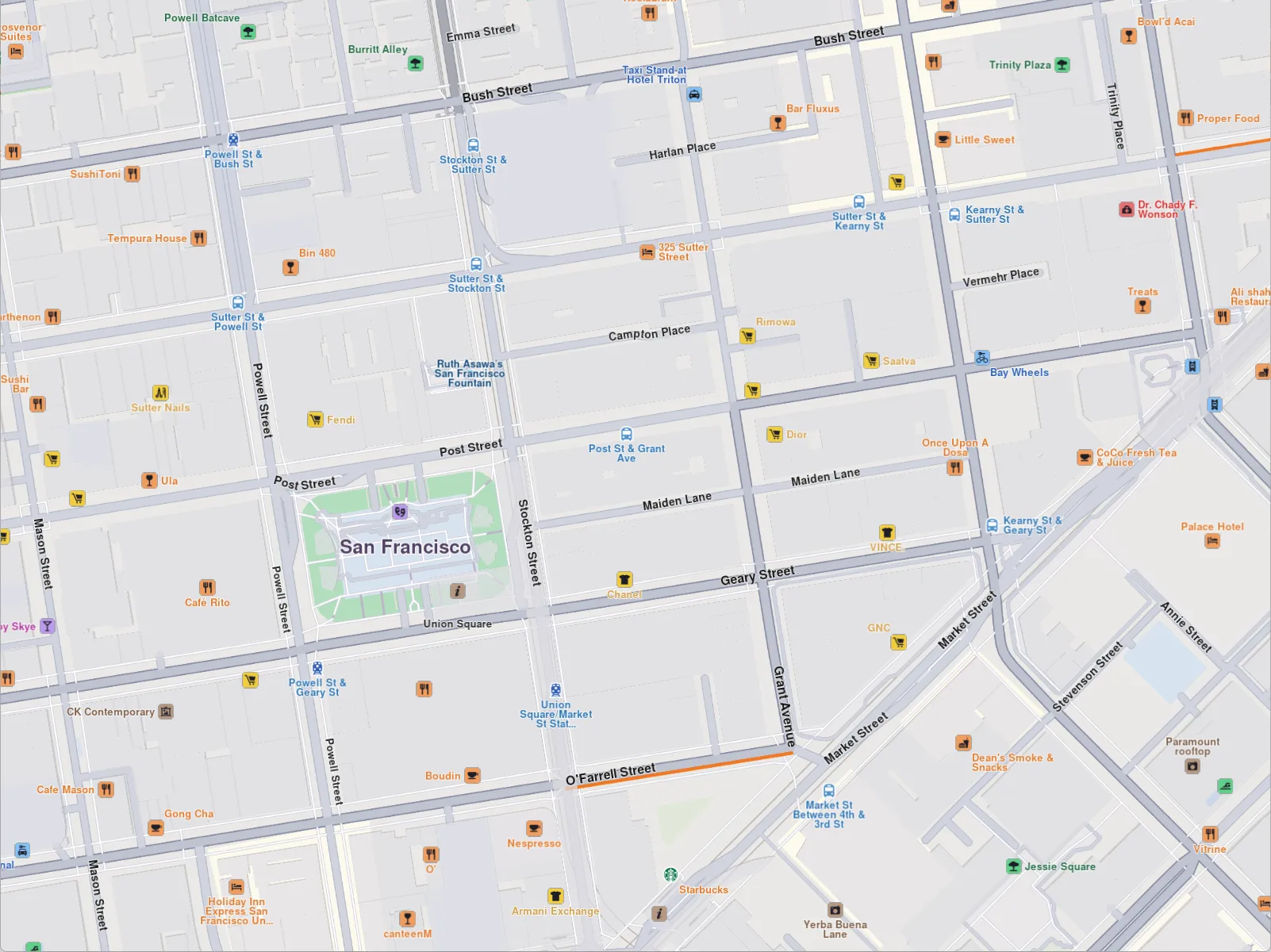
For a bus station, previewData might include information searchable by keys like:
id: unique overlay id as integercreate_stamp_utc: unix epoch time when overlay has been created as integericon: an array of 8-bit integeres representing icon data as Uint8Listname: name of bus station as a string
There are two types of public transport stops available on the map:
- Bus station with schedule information, available on the map as overlay items.
- Bus station without schedule information, available on the map as landmarks.
Social Reports Overlay
This overlay is responsible for displaying fixed cameras, construction sites and more.
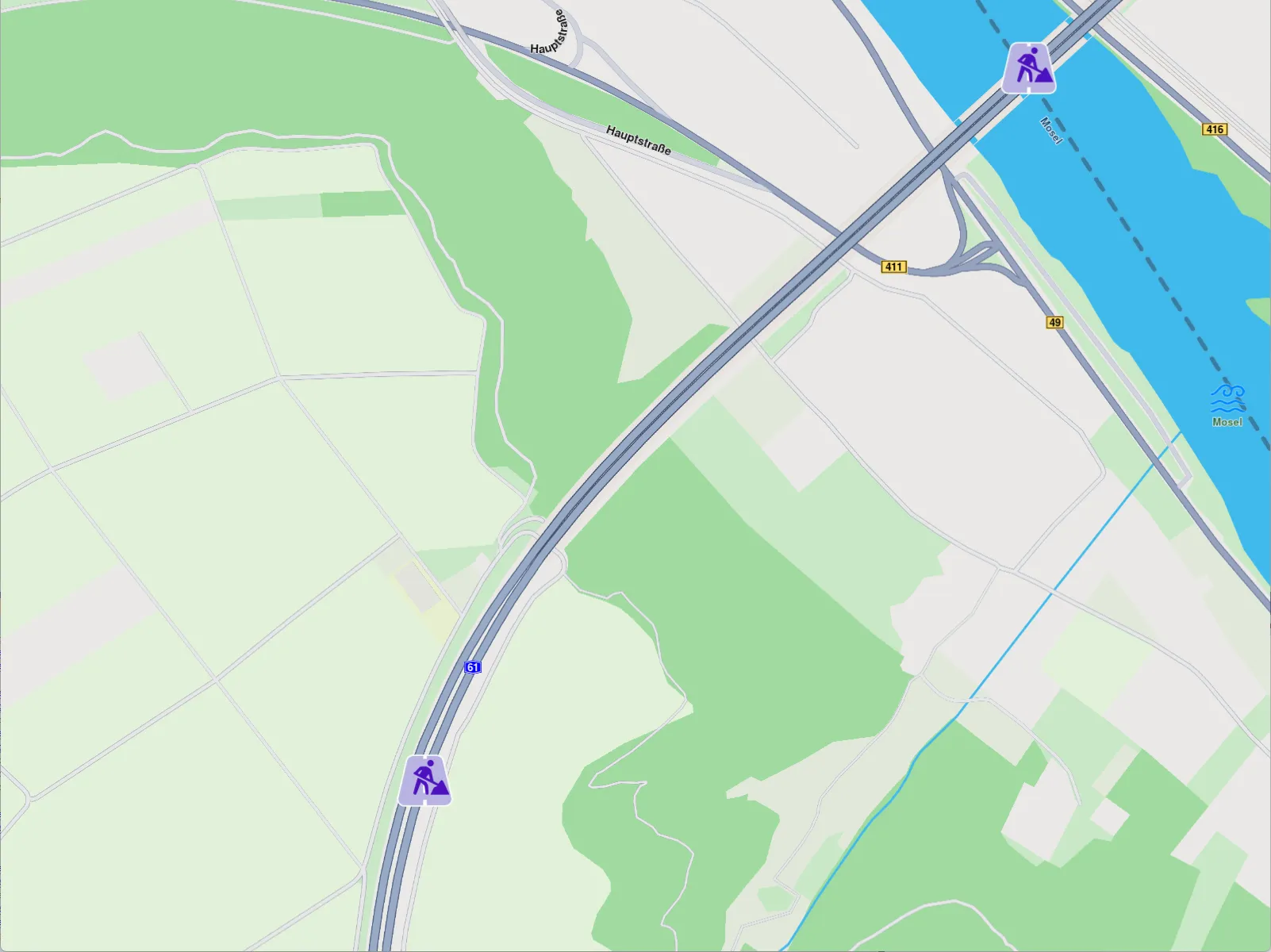
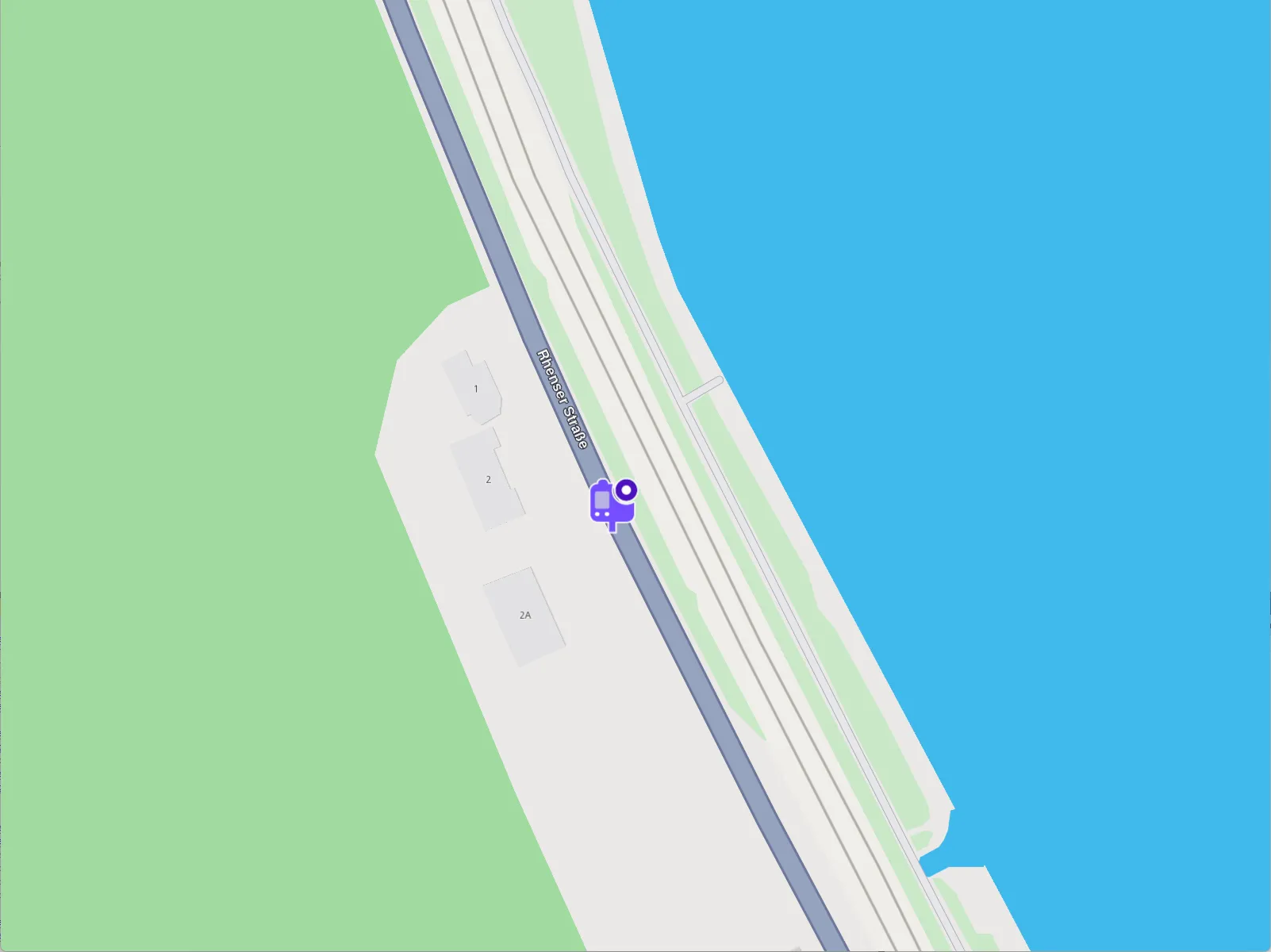
For a construction report, previewData includes information searchable by keys like:
longitude: value for longitude coordinate as doublelatitude: value for latitude coordinates as doubleowner_name: user's name that reported the event as stringscore: likes (confirmations) offered by other userslocation_address: address of reported location as string, it contains street, city and country
The SocialOverlay class is responsible for generating, updating, and deleting social reports. It includes several methods designed to perform these operations efficiently.
Interaction with Overlays
Selecting overlay items
Overlay items are selectable. When user taps or clicks, you can identify specific overlay items programmatically (e.g., through the function cursorSelectionOverlayItems()). Please refer to the Map Selection Functionality guide for more details.
Searching overlay items
Overlays are searchable. This can be done in multiple ways, the most common being to set the right properties in the search preferences when performing a regular search. More details can be found within the Get started with Search guide.
Calculating route with overlay items
Overlay items are not designed for route calculation and navigation.
Create a new landmark using the overlay item's relevant coordinates and a representative name, then utilize this object for routing purposes.
Get notifications when approaching overlay items
Alarms can be configured to notify users when they approach specific overlay items from selected overlays.
Activate highlights
Overlay Items can be highlighted using the activateHighlight method provided by the MapView class.