Route Direction Arrows
In this guide you will learn how to render arrows on the route, indicating the direction of travel, and also set their color. RoutingService is used to compute a route and NavigationService to start a real or simulated navigation on that route, with the route direction arrows layer activated. The Route Direction Arrows layer must be added to the map style used for rendering the map.
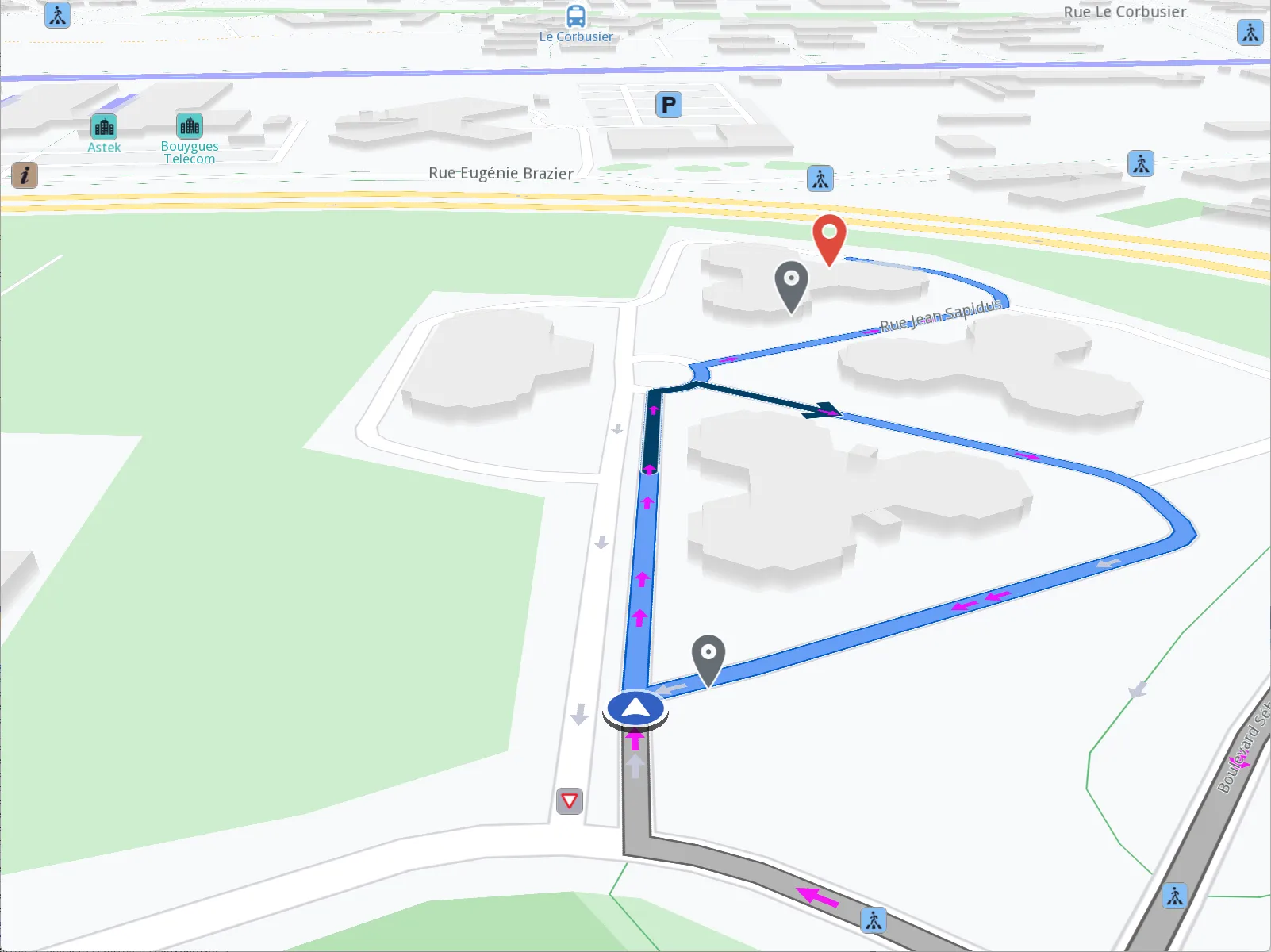
Route Direction Arrows
Route Direction Arrows
Adding the Route Direction Arrows layer to a map style:
- Go to the Styles tab in the Online Studio
- Select your style or create a new one and then under
Available Layersfilter byarrow - Drag the
Route Direction Arrowslayer fromAvailable LayerstoSelected Layersin theRoad arrowssection - Click on it in the list, to set its
Inner ColorandBorder Colorin theStyletab on the right - Name the style in the upper left by clicking on its current name, such as Basic 1, and then typing the new name, such as Route Arrows
- Click on
Settingsin the upper right and in theResolutiondrop-down selectMobilethen clickSave - Click the left arrow in the upper left corner to go back to the list of styles
- Click the 3 dots to the right of your style and select
Download Style