Low-End CPU Navigation
Adjust navigation properties for low-end embedded devices with limited resources.
The following configs are set for low-end CPU and hardware:
auto mapPrefs = mapView.get()->preferences();
mapPrefs.enableCursorRender(false);
auto positionArrow = gem::MapSceneObject::getDefPositionTracker().first;
positionArrow->setVisibility(true);
mapPrefs.setBuildingsVisibility(gem::EBuildingsVisibility::BV_2D);
mapPrefs.setMapDetailsQualityLevel(gem::EMapDetailsQualityLevel::MDQL_Low);
mapPrefs.setDrawFPS(true, gem::Xy(120, 60));
mapPrefs.setViewAngle(0);
mapView.get()->setZoomLevel(60);
mapView.get()->extensions().setNavigationRouteLowRateUpdate(true);
mapView.get()->extensions().setLowEndCPUOptimizations(true);
mapPrefs.setMapLabelsFading(false);
mapPrefs.followPositionPreferences().setPerspective(gem::EMapViewPerspective::MVP_2D);
mapPrefs.followPositionPreferences().setViewAngle(0);
mapPrefs.followPositionPreferences().setTouchHandlerModifyPersistent(true);
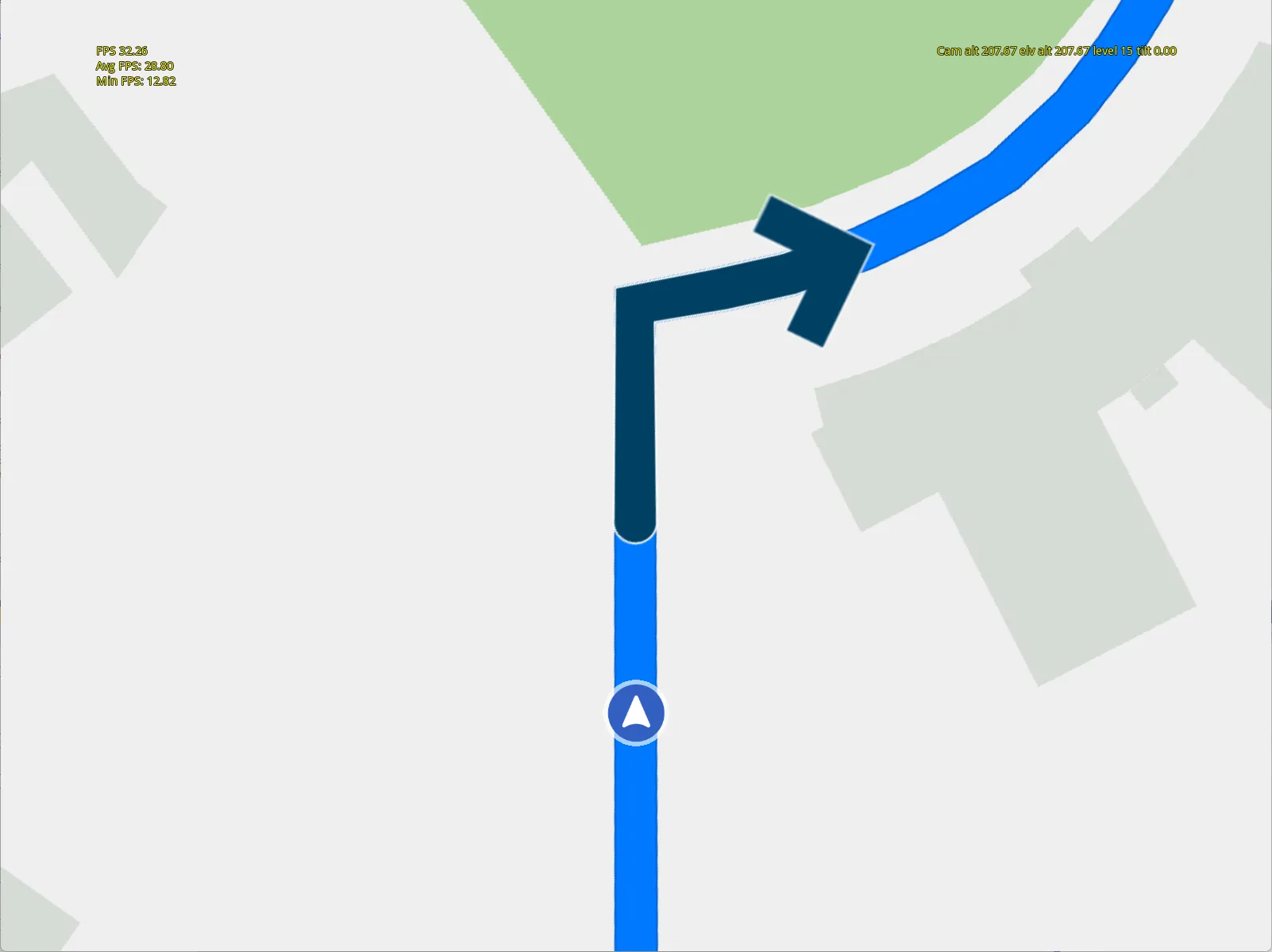
Low-End CPU Navigation